Share
Embed
後で読む系サービスPocketの移行先にShioriを試す
発表: 鹿児島Linux勉強会 2025.06(オンライン開催) https://kagolug.connpass.com/event/358671/
source: https://codeberg.org/matoken/kagolug-2025.06/src/branch/main/slide/slide.adoc
Kenichiro MATOHARA
June 15, 2025
Transcript
26 slides
-
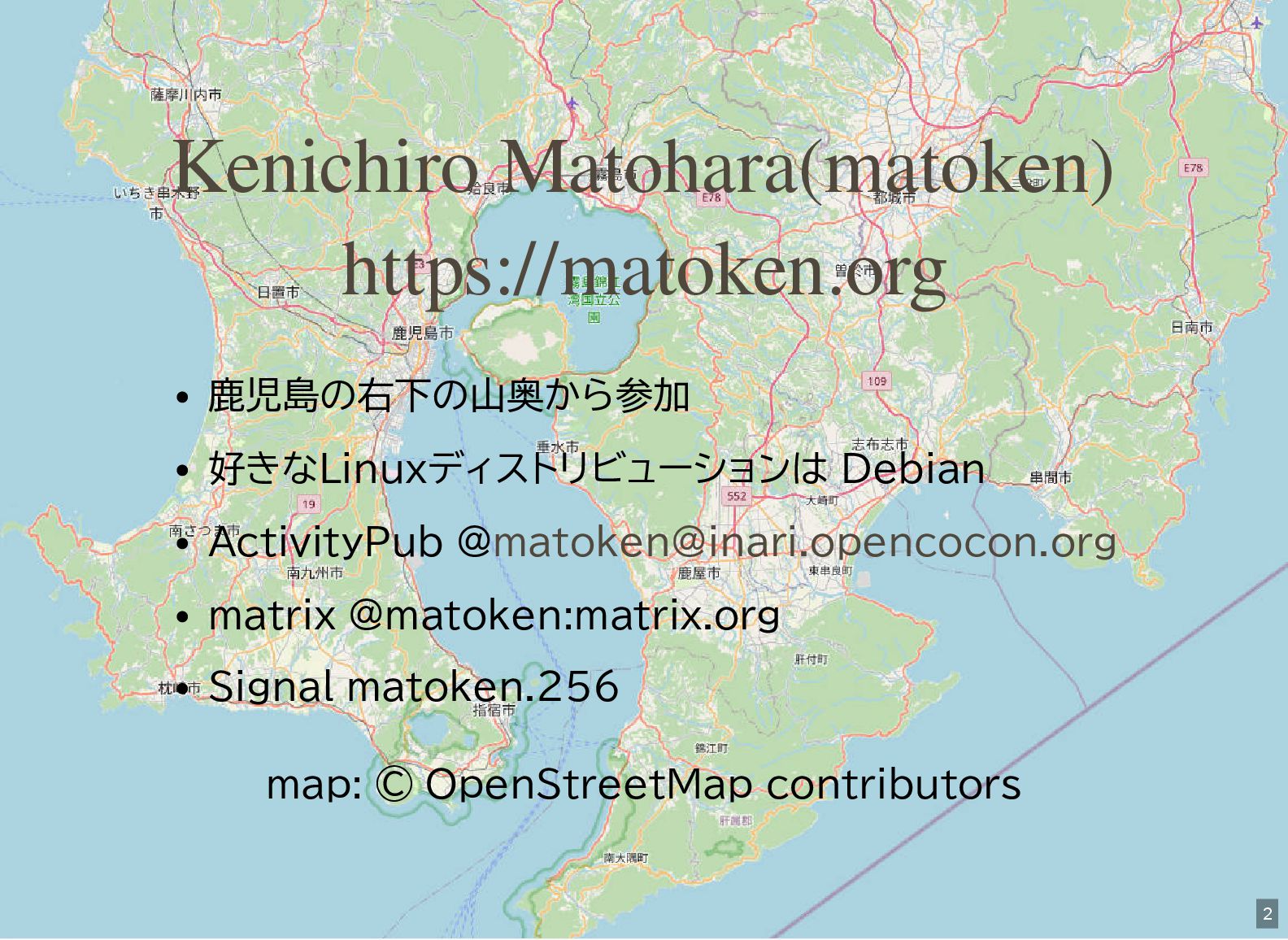
鹿児島の右下の山奥から参加 好きなLinuxディストリビューションは Debian ActivityPub @ matrix @matoken:matrix.org Signal matoken.256 map:
© OpenStreetMap contributors Kenichiro Matohara(matoken) https://matoken.org [email protected] 2 -
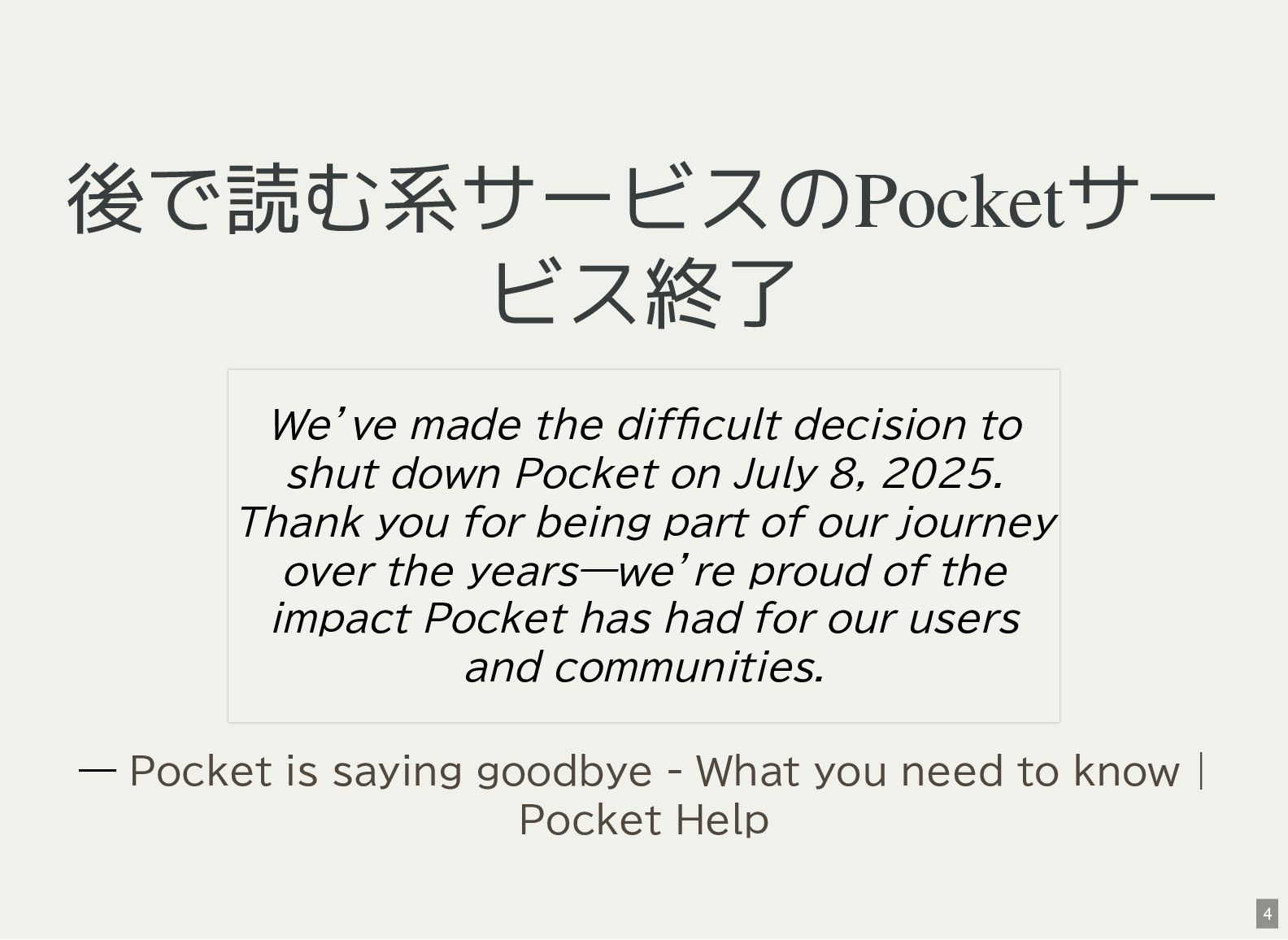
後で読む系サービスのPocketサー ビス終了 — We’ve made the difficult decision to shut
down Pocket on July 8, 2025. Thank you for being part of our journey over the years—we’re proud of the impact Pocket has had for our users and communities. Pocket is saying goodbye - What you need to know | Pocket Help 4 -
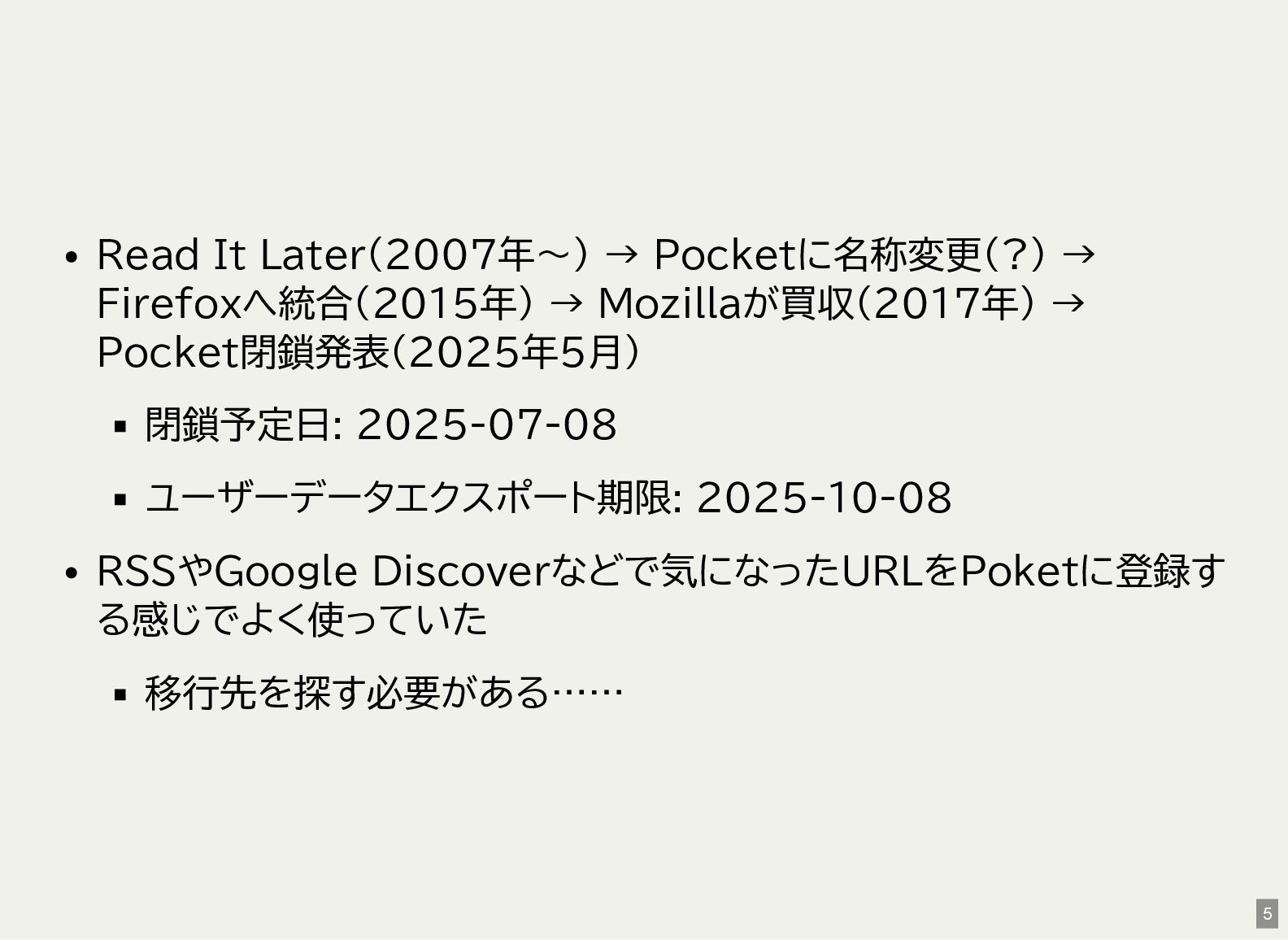
Read It Later(2007年〜) → Pocketに名称変更(?) → Firefoxへ統合(2015年) → Mozillaが買収(2017年) →
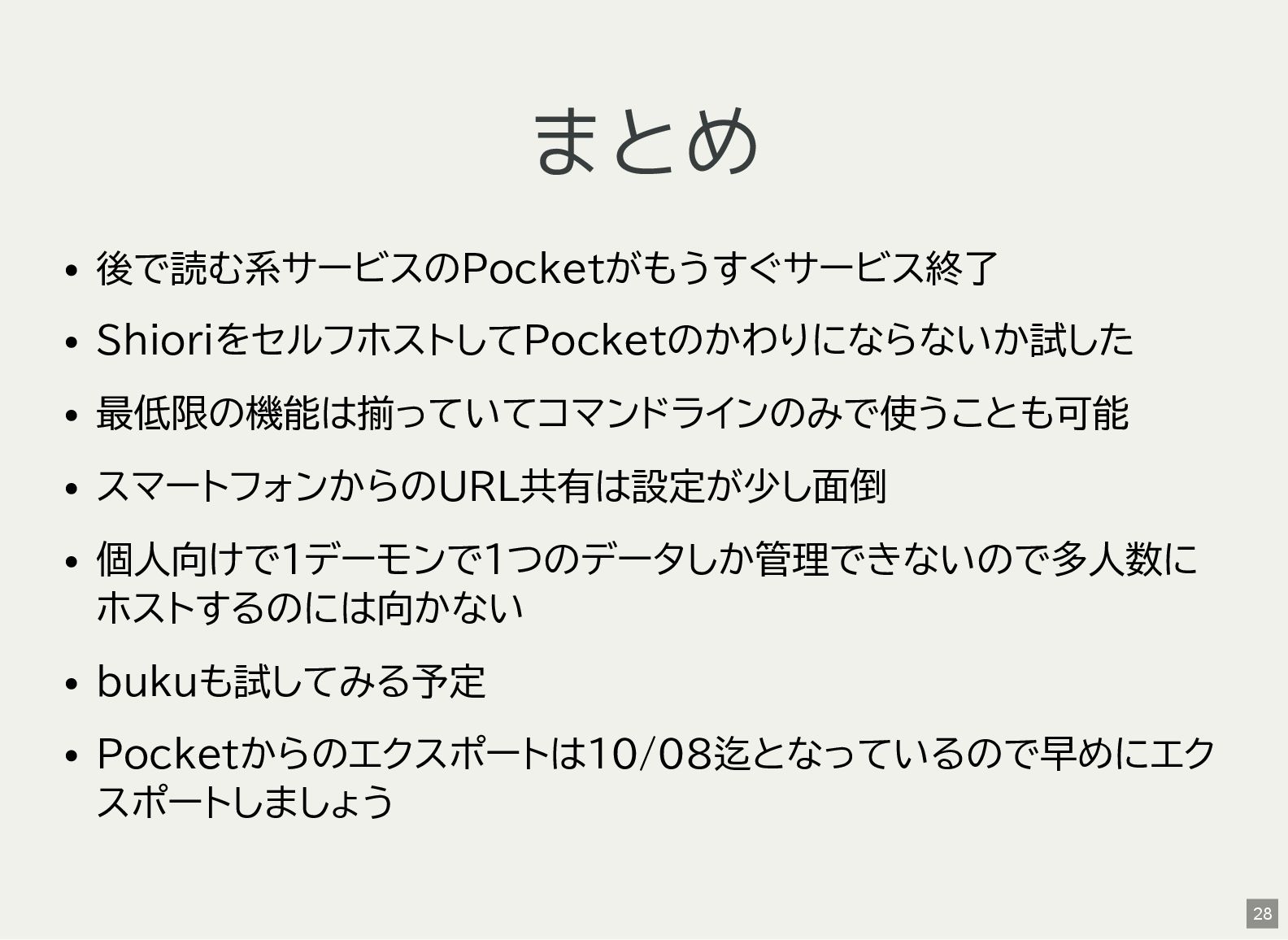
Pocket閉鎖発表(2025年5月) 閉鎖予定日: 2025-07-08 ユーザーデータエクスポート期限: 2025-10-08 RSSやGoogle Discoverなどで気になったURLをPoketに登録す る感じでよく使っていた 移行先を探す必要がある…… 5 -
Pocketからのエクスポート 消える前にエクスポートをしておく にアクセス CSVファイルでエクスポートを要求 登録メールアドレスにダウンロードURLが届くのでそれでzip圧縮さ れたCSVファイルがダウンロードできる 7日以内にメールが届くと表示されるが,現時点は待ち時間なくす ぐにメールが届くよう Login状態でexportに飛ぼうとすると
などに飛んでNot Foundになってしまう https://getpocket.com/export https://getpocket.com/ja/export 7 -
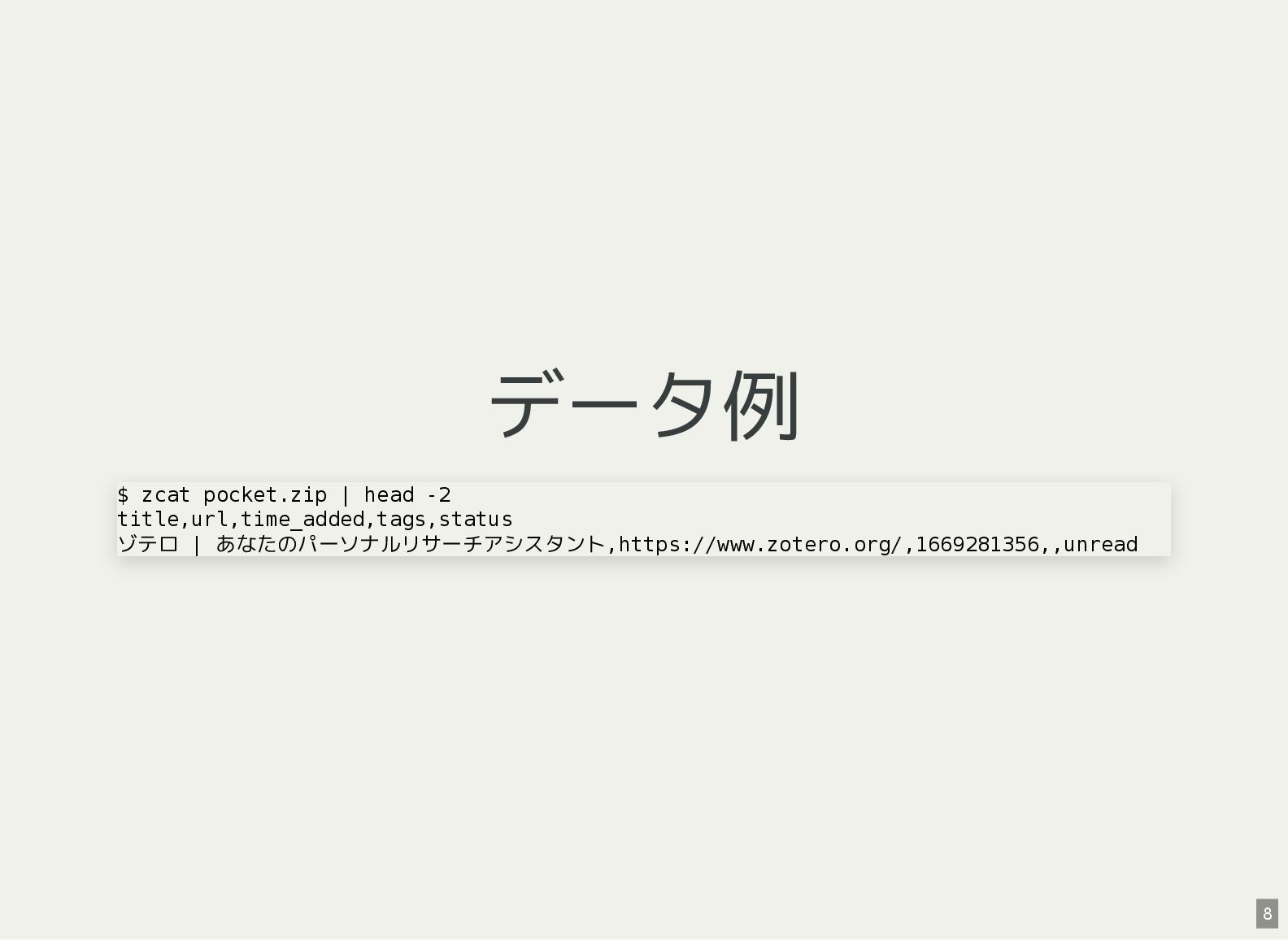
データ例 $ zcat pocket.zip | head -2 title,url,time_added,tags,status ゾテロ |
あなたのパーソナルリサーチアシスタント,https://www.zotero.org/,1669281356,,unread 8 -
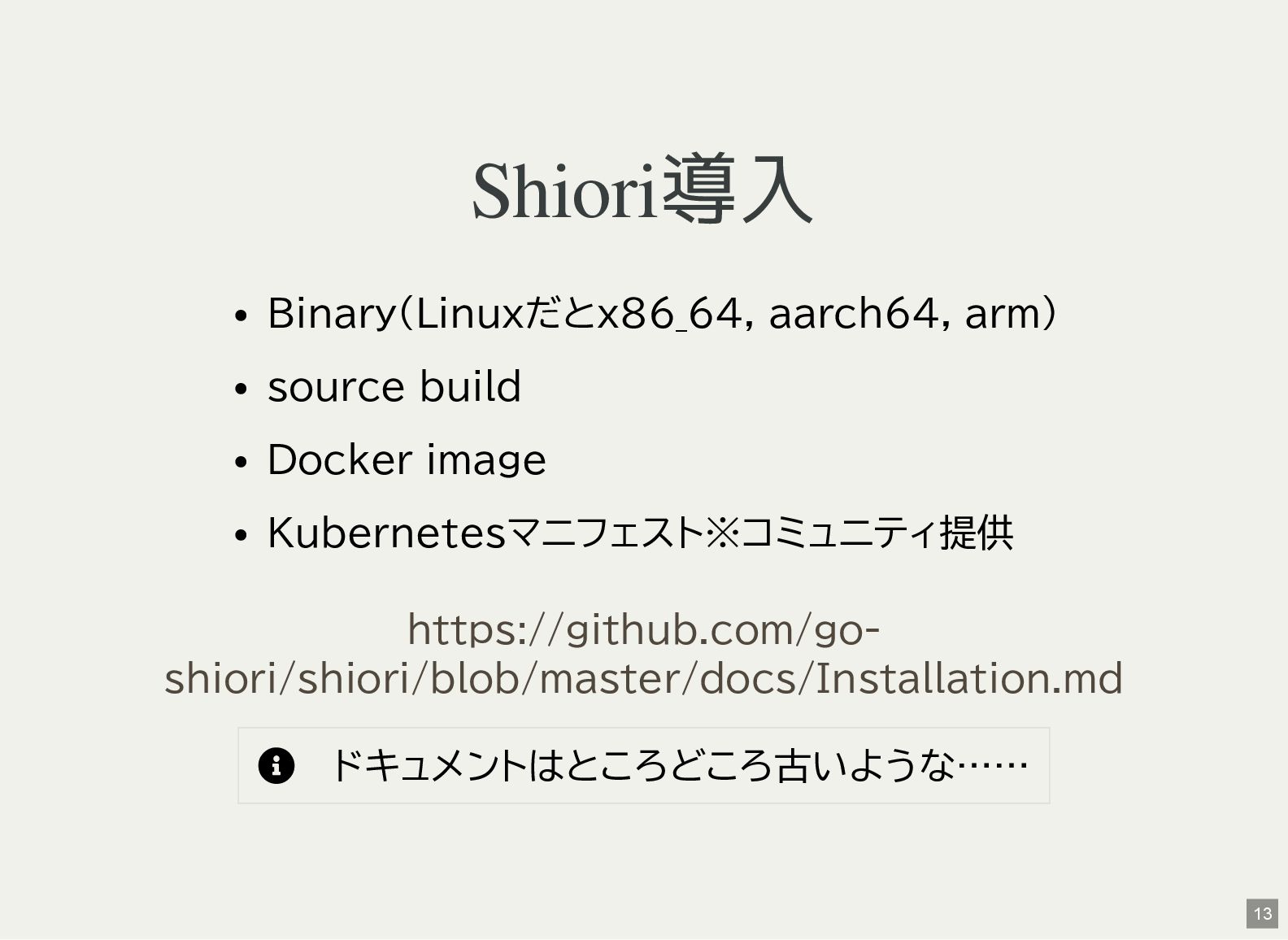
Shiori導入 Binary(Linuxだとx86_64, aarch64, arm) source build Docker image Kubernetesマニフェスト※コミュニティ提供
ドキュメントはところどころ古いような…… https://github.com/go- shiori/shiori/blob/master/docs/Installation.md 13 -
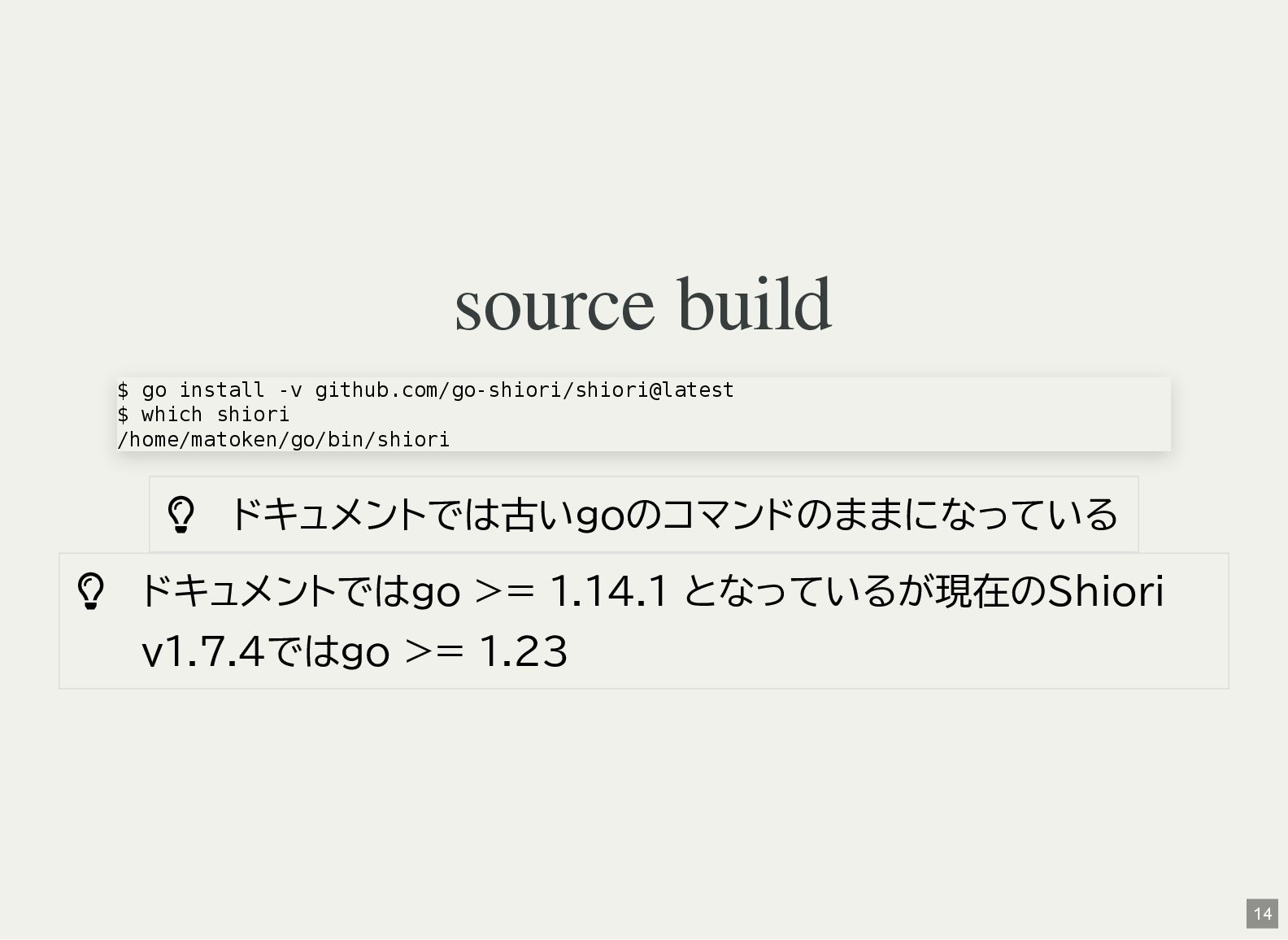
source build ドキュメントでは古いgoのコマンドのままになっている ドキュメントではgo >= 1.14.1 となっているが現在のShiori v1.7.4ではgo
>= 1.23 $ go install -v github.com/go-shiori/shiori@latest $ which shiori /home/matoken/go/bin/shiori 14 -
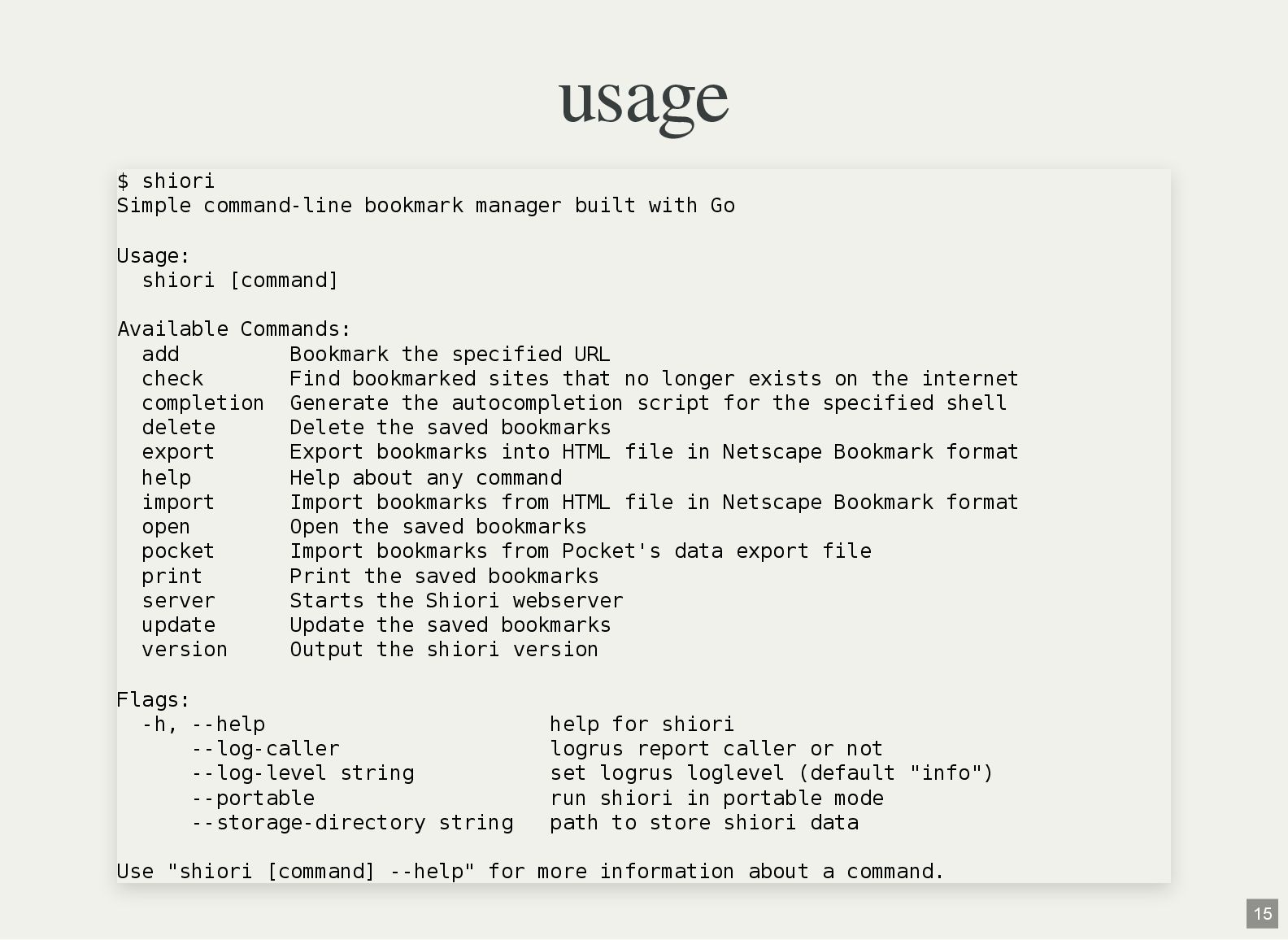
usage $ shiori Simple command-line bookmark manager built with Go
Usage: shiori [command] Available Commands: add Bookmark the specified URL check Find bookmarked sites that no longer exists on the internet completion Generate the autocompletion script for the specified shell delete Delete the saved bookmarks export Export bookmarks into HTML file in Netscape Bookmark format help Help about any command import Import bookmarks from HTML file in Netscape Bookmark format open Open the saved bookmarks pocket Import bookmarks from Pocket's data export file print Print the saved bookmarks server Starts the Shiori webserver update Update the saved bookmarks version Output the shiori version Flags: -h, --help help for shiori --log-caller logrus report caller or not --log-level string set logrus loglevel (default "info") --portable run shiori in portable mode --storage-directory string path to store shiori data Use "shiori [command] --help" for more information about a command. 15 -
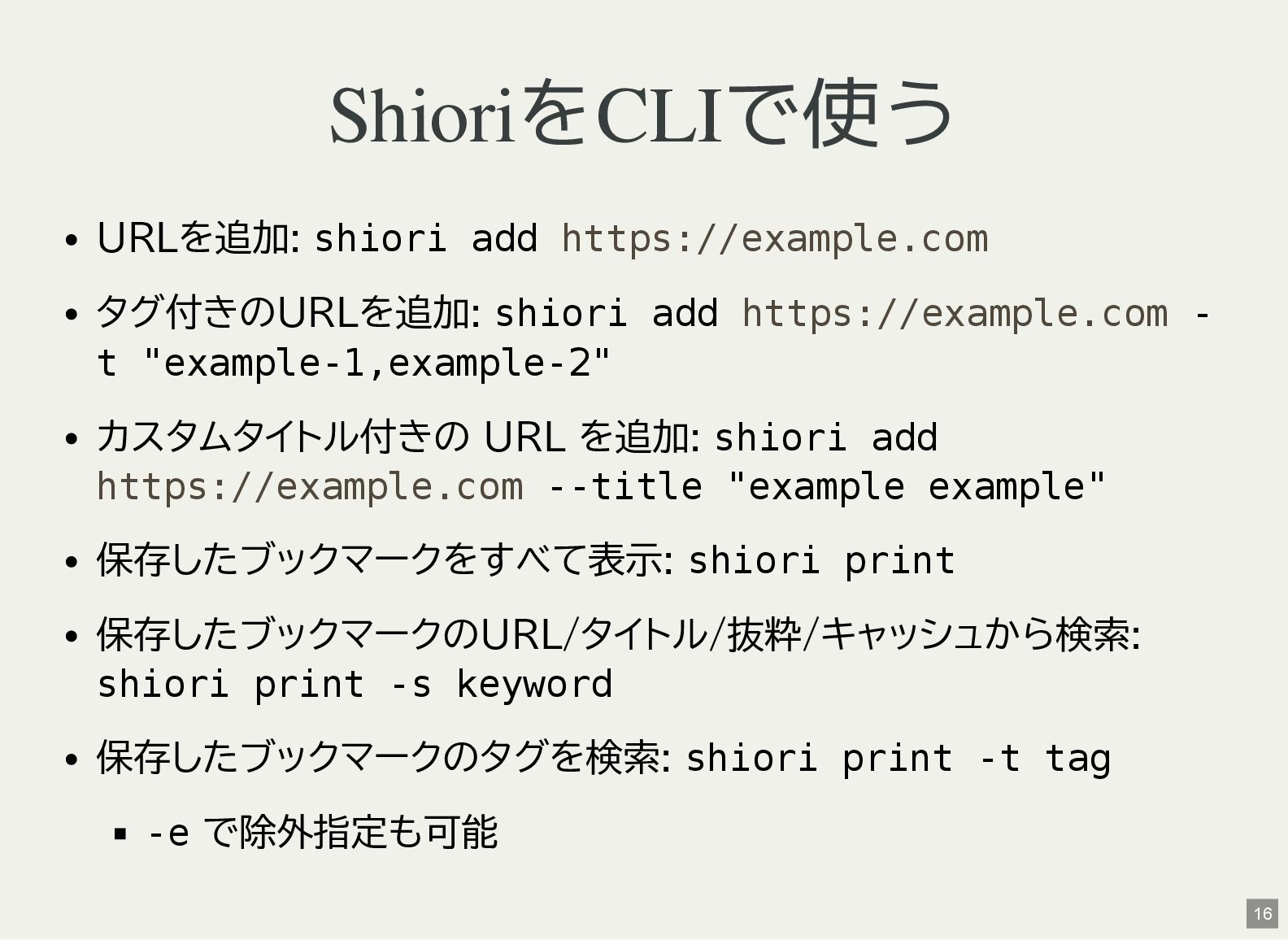
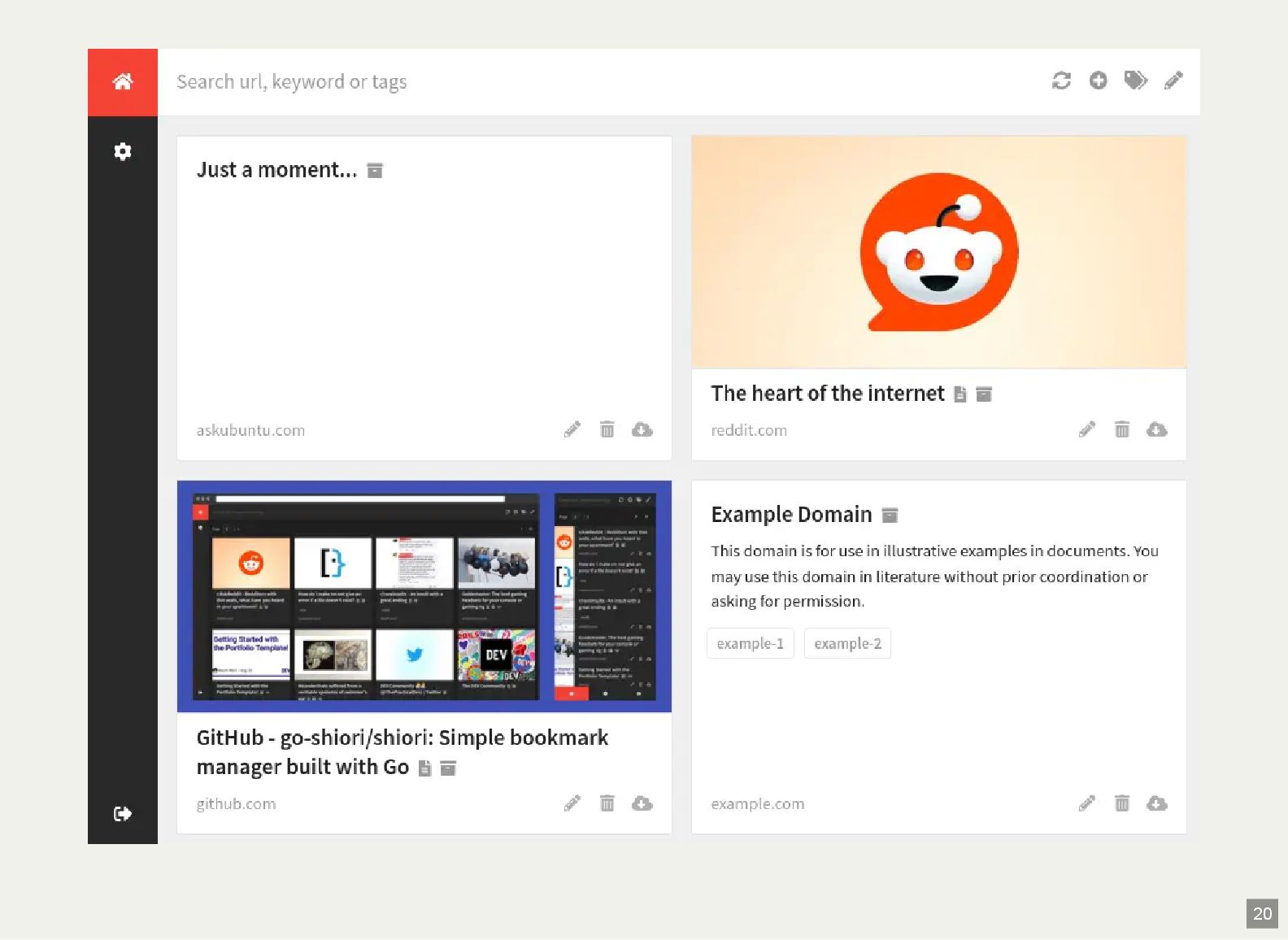
ShioriをCLIで使う URLを追加: shiori add タグ付きのURLを追加: shiori add - t "example-1,example-2"
カスタムタイトル付きの URL を追加: shiori add --title "example example" 保存したブックマークをすべて表示: shiori print 保存したブックマークのURL/タイトル/抜粋/キャッシュから検索: shiori print -s keyword 保存したブックマークのタグを検索: shiori print -t tag -e で除外指定も可能 https://example.com https://example.com https://example.com 16 -
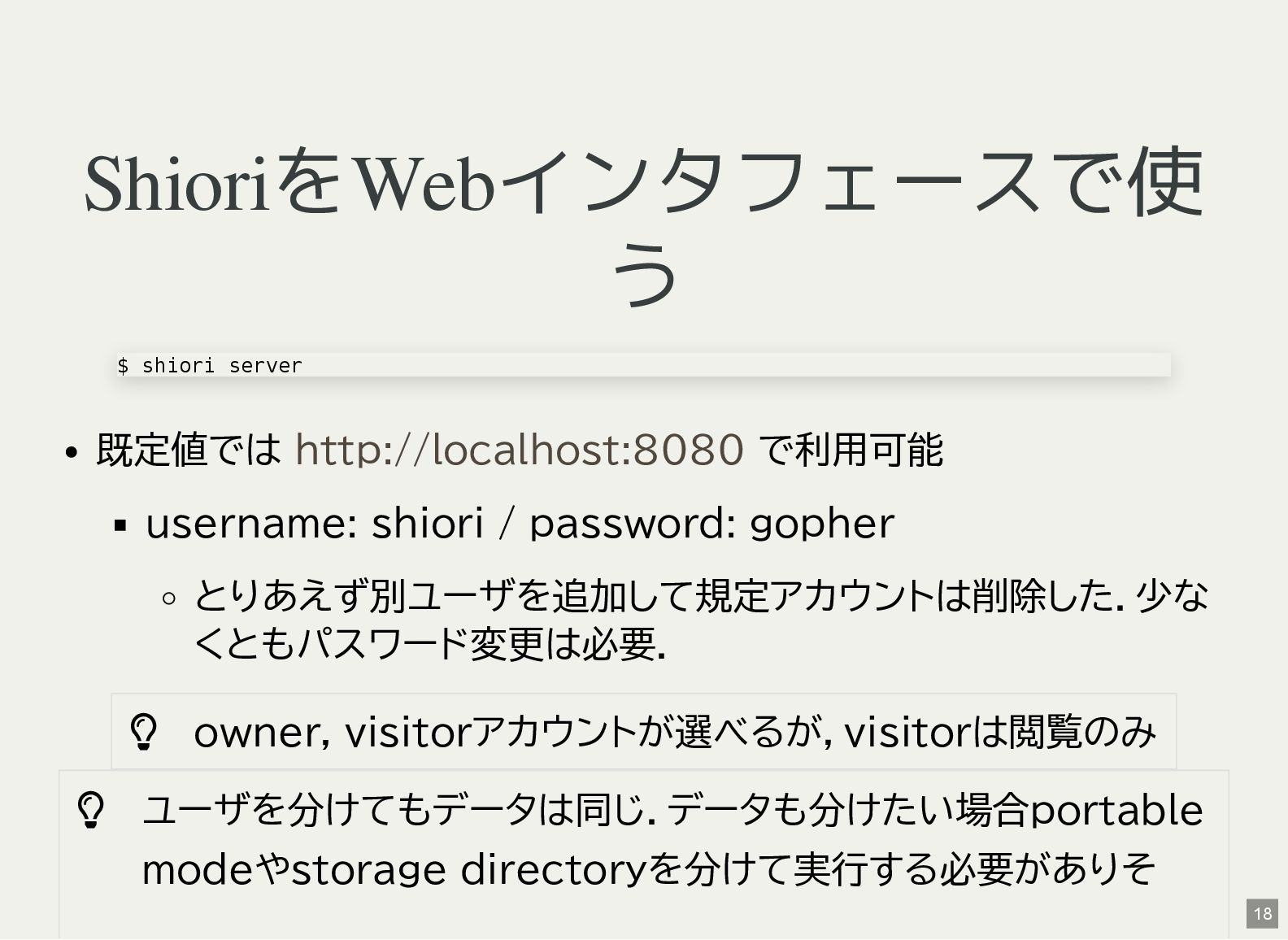
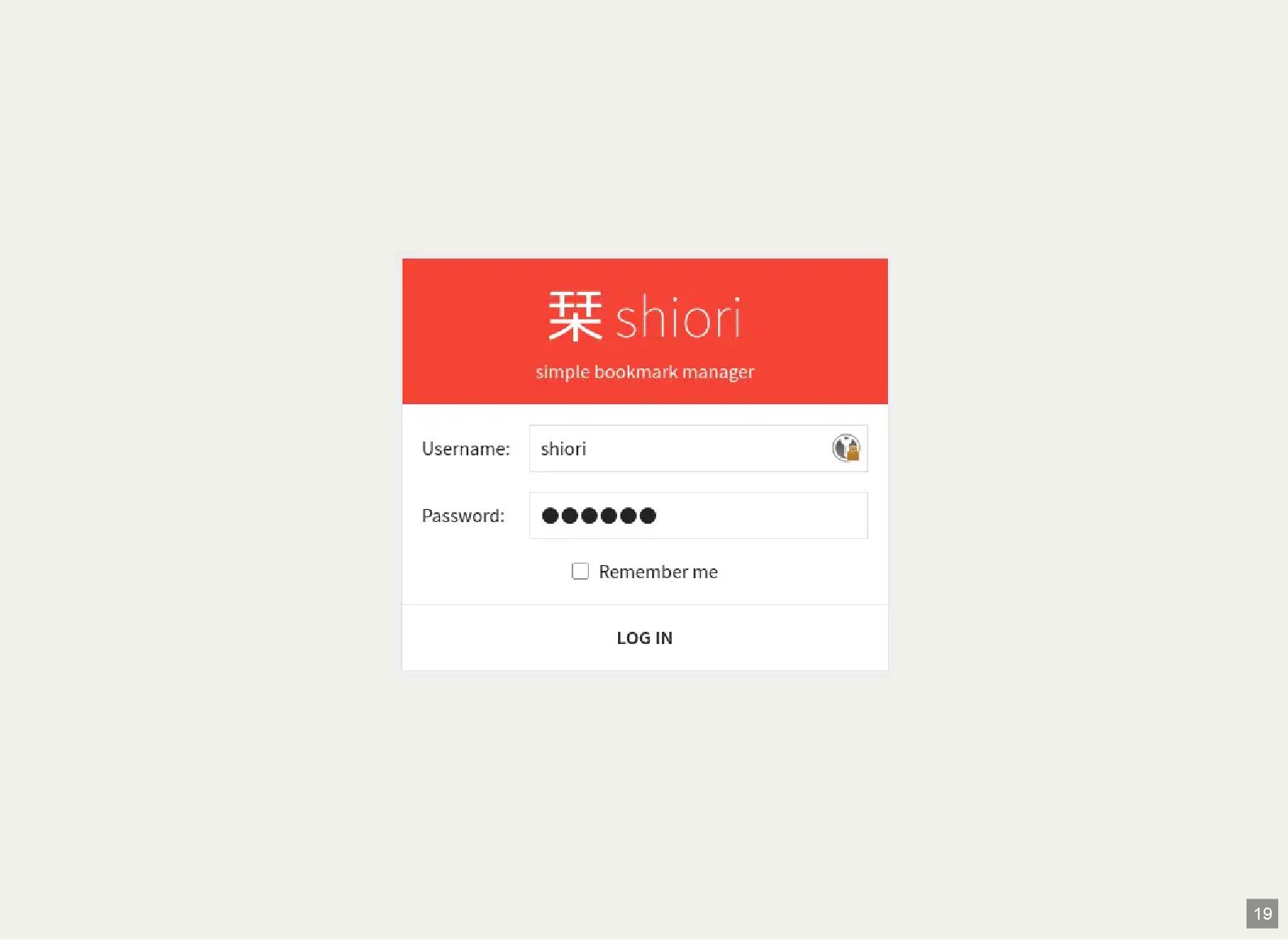
ShioriをWebインタフェースで使 う 既定値では で利用可能 username: shiori / password: gopher とりあえず別ユーザを追加して規定アカウントは削除した.少な
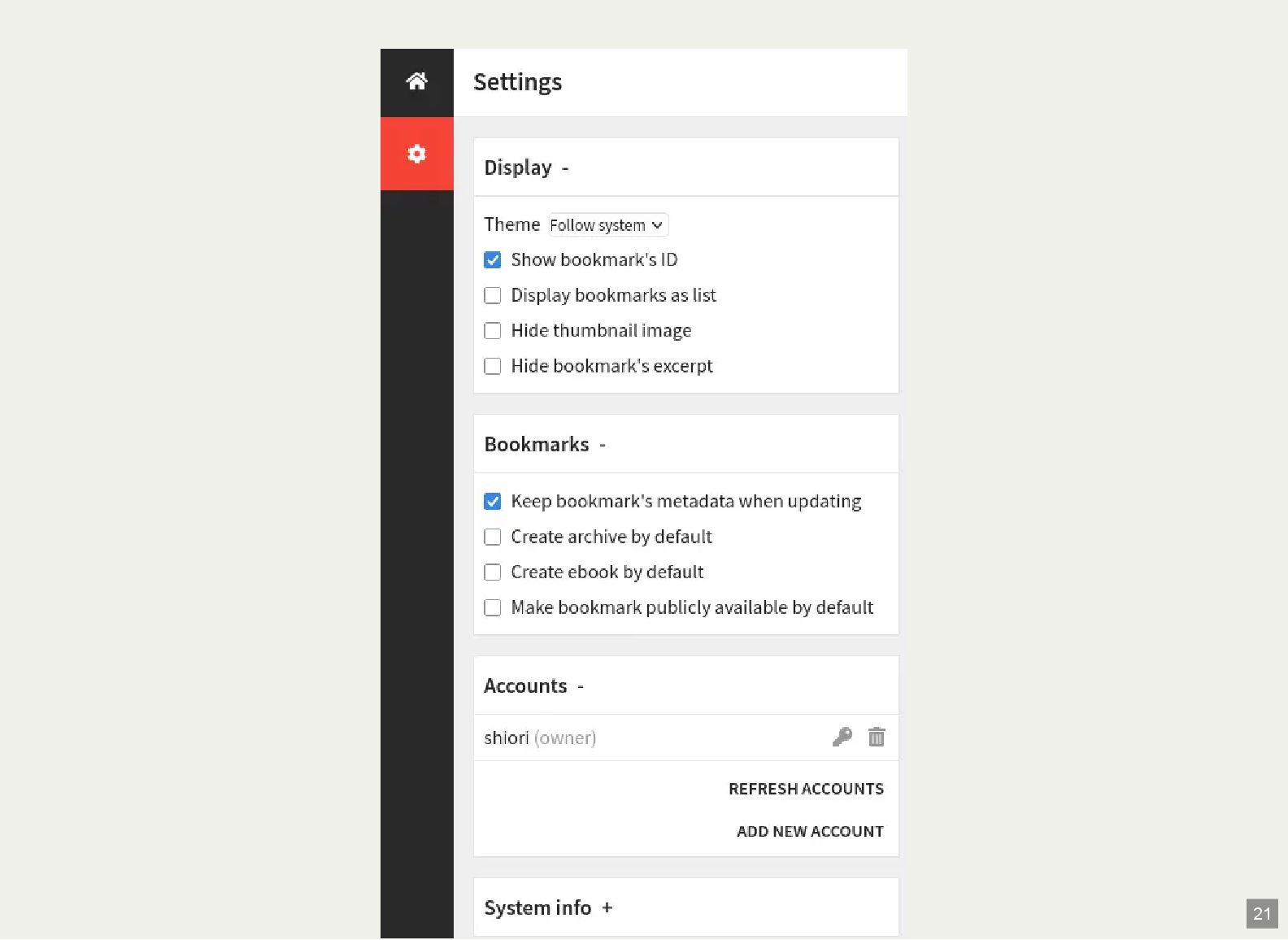
くともパスワード変更は必要. owner, visitorアカウントが選べるが,visitorは閲覧のみ ユーザを分けてもデータは同じ.データも分けたい場合portable modeやstorage directoryを分けて実行する必要がありそ $ shiori server http://localhost:8080 18 -
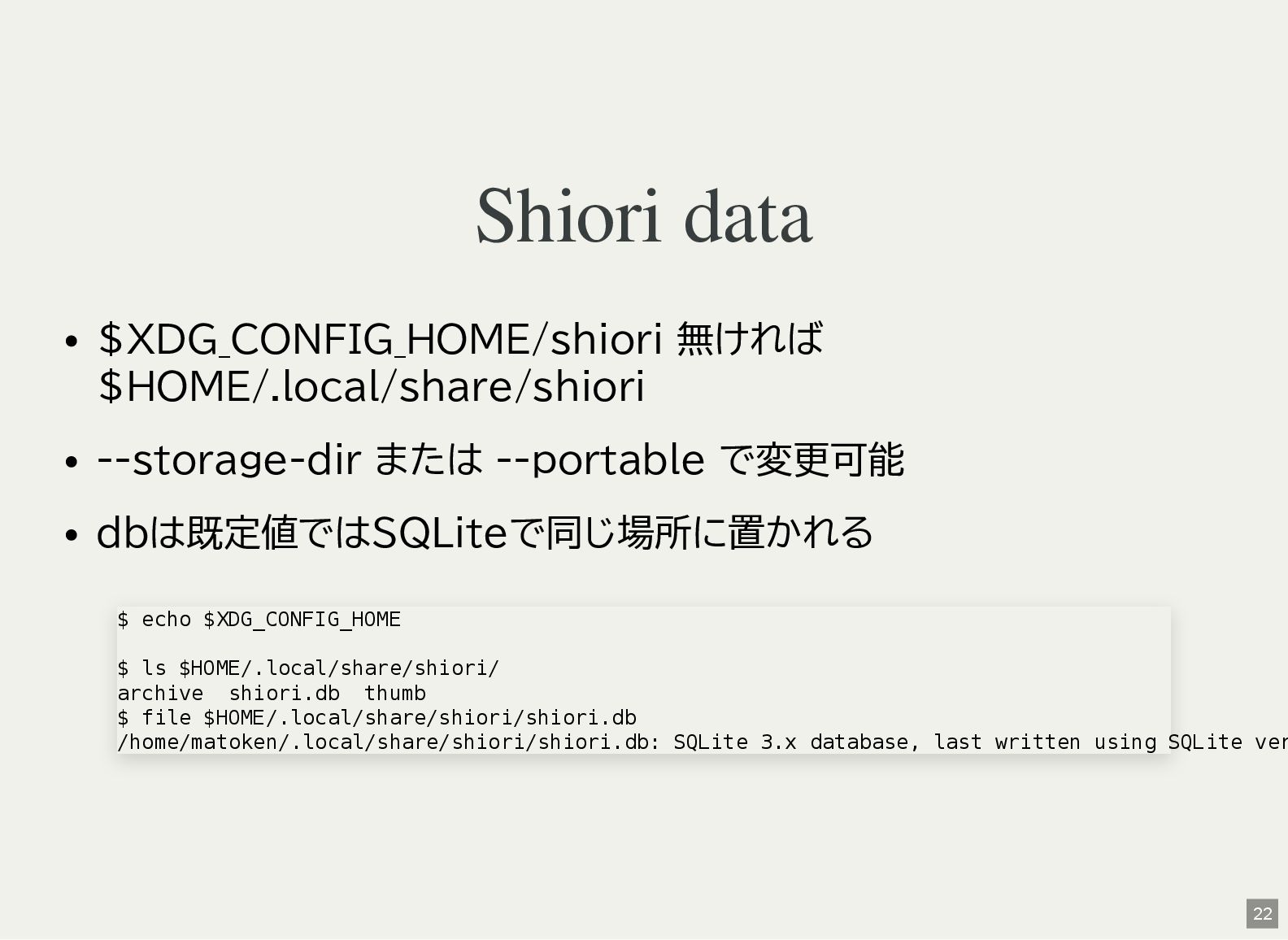
Shiori data $XDG_CONFIG_HOME/shiori 無ければ $HOME/.local/share/shiori --storage-dir または --portable で変更可能 dbは既定値ではSQLiteで同じ場所に置かれる
$ echo $XDG_CONFIG_HOME $ ls $HOME/.local/share/shiori/ archive shiori.db thumb $ file $HOME/.local/share/shiori/shiori.db /home/matoken/.local/share/shiori/shiori.db: SQLite 3.x database, last written using SQLite ver 22 -
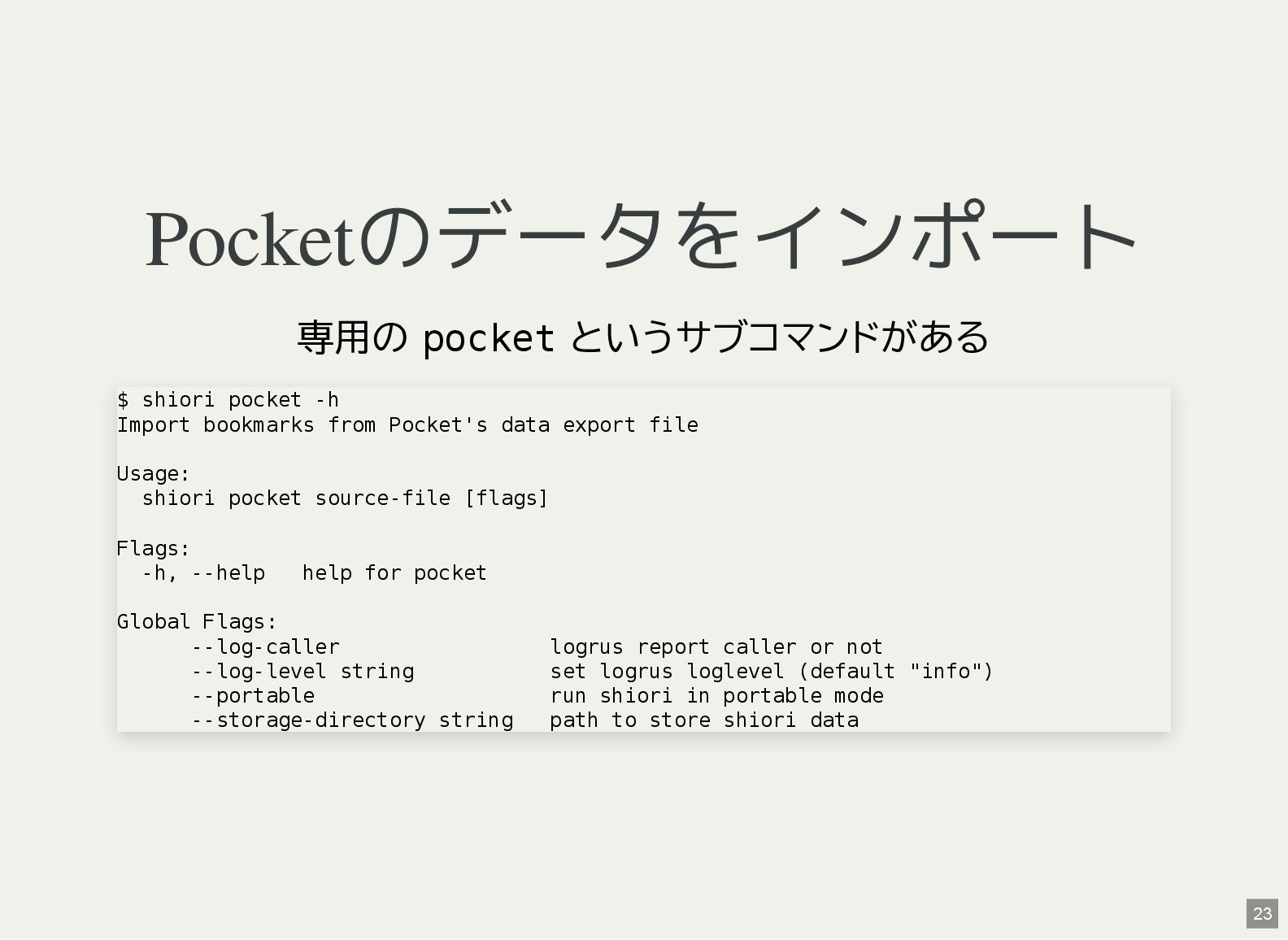
Pocketのデータをインポート 専用の pocket というサブコマンドがある $ shiori pocket -h Import bookmarks
from Pocket's data export file Usage: shiori pocket source-file [flags] Flags: -h, --help help for pocket Global Flags: --log-caller logrus report caller or not --log-level string set logrus loglevel (default "info") --portable run shiori in portable mode --storage-directory string path to store shiori data 23 -
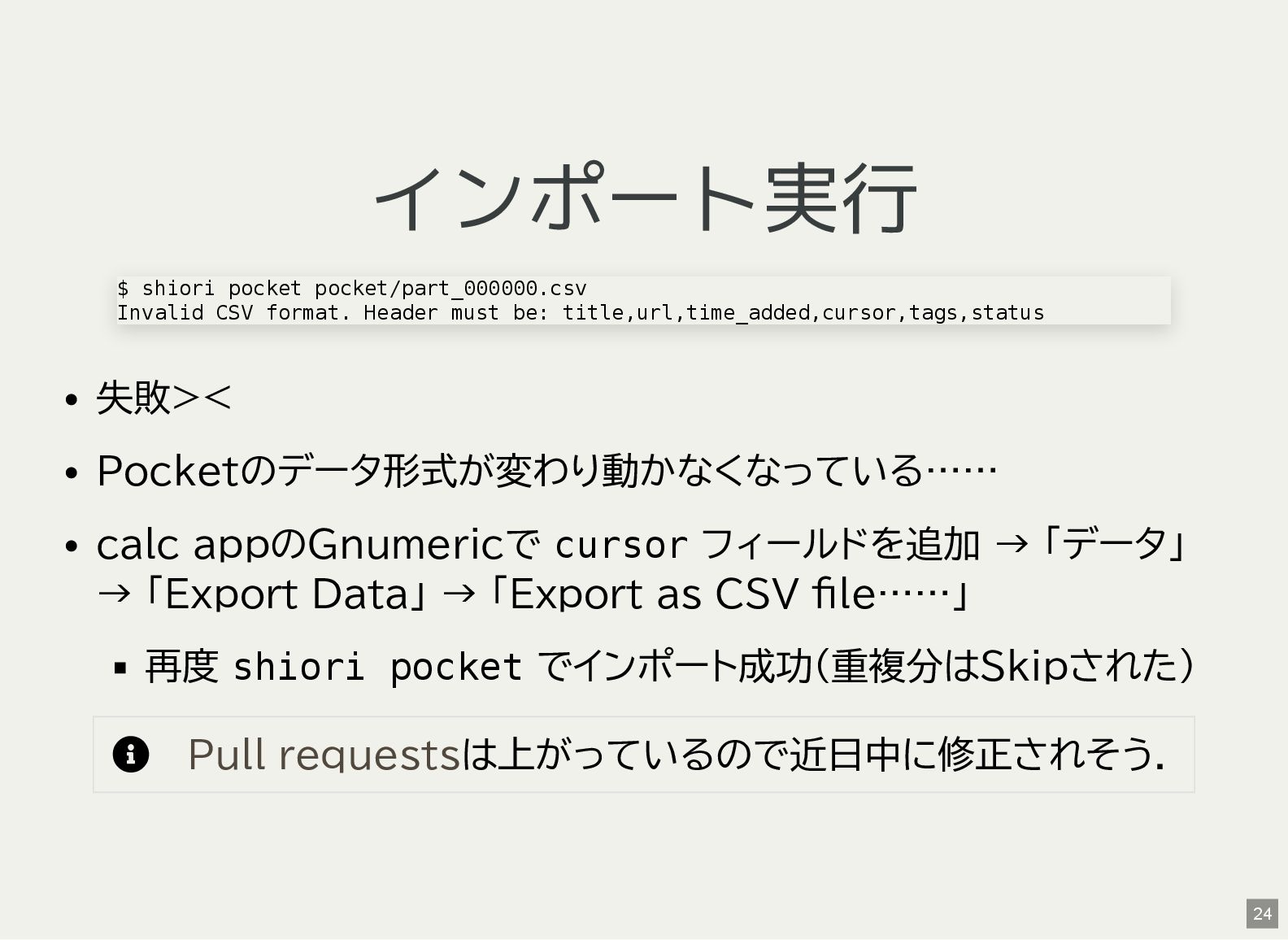
インポート実行 失敗>< Pocketのデータ形式が変わり動かなくなっている…… calc appのGnumericで cursor フィールドを追加 → 「データ」 →
「Export Data」 → 「Export as CSV file……」 再度 shiori pocket でインポート成功(重複分はSkipされた) は上がっているので近日中に修正されそう. $ shiori pocket pocket/part_000000.csv Invalid CSV format. Header must be: title,url,time_added,cursor,tags,status Pull requests 24 -
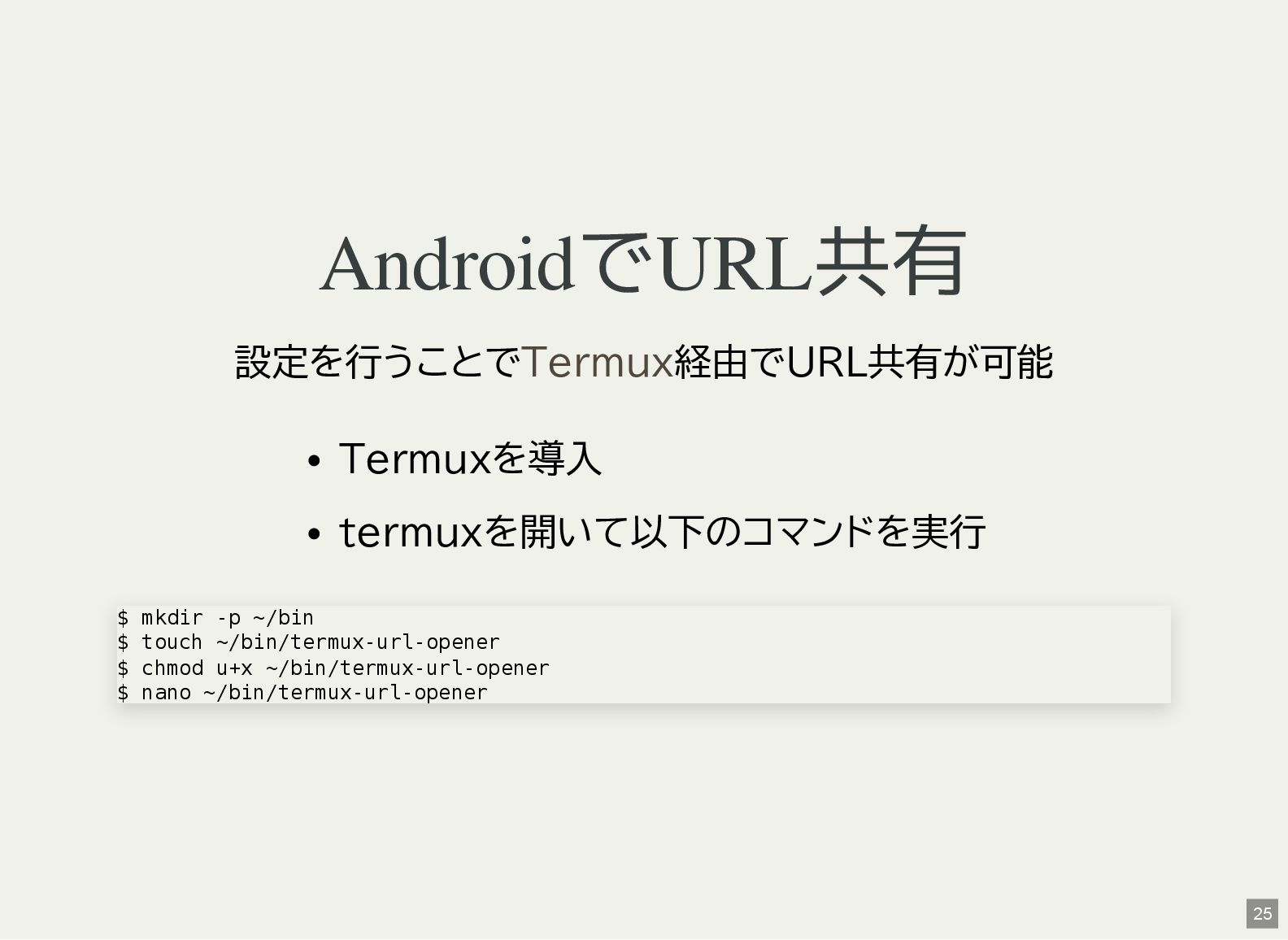
AndroidでURL共有 設定を行うことで 経由でURL共有が可能 Termuxを導入 termuxを開いて以下のコマンドを実行 Termux $ mkdir -p ~/bin
$ touch ~/bin/termux-url-opener $ chmod u+x ~/bin/termux-url-opener $ nano ~/bin/termux-url-opener 25 -
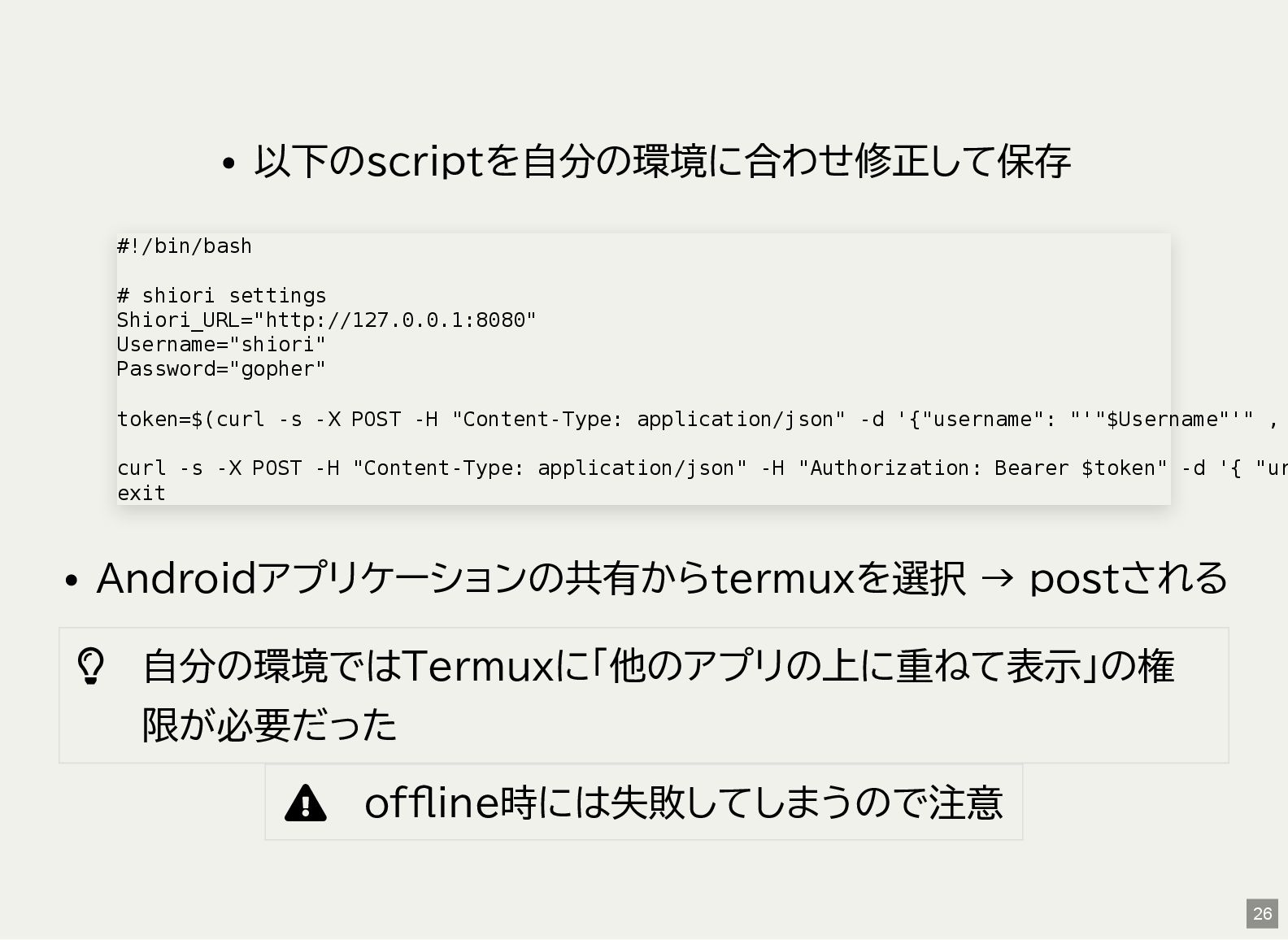
以下のscriptを自分の環境に合わせ修正して保存 Androidアプリケーションの共有からtermuxを選択 → postされる 自分の環境ではTermuxに「他のアプリの上に重ねて表示」の権 限が必要だった offline時には失敗してしまうので注意 #!/bin/bash
# shiori settings Shiori_URL="http://127.0.0.1:8080" Username="shiori" Password="gopher" token=$(curl -s -X POST -H "Content-Type: application/json" -d '{"username": "'"$Username"'" , curl -s -X POST -H "Content-Type: application/json" -H "Authorization: Bearer $token" -d '{ "ur exit 26 -
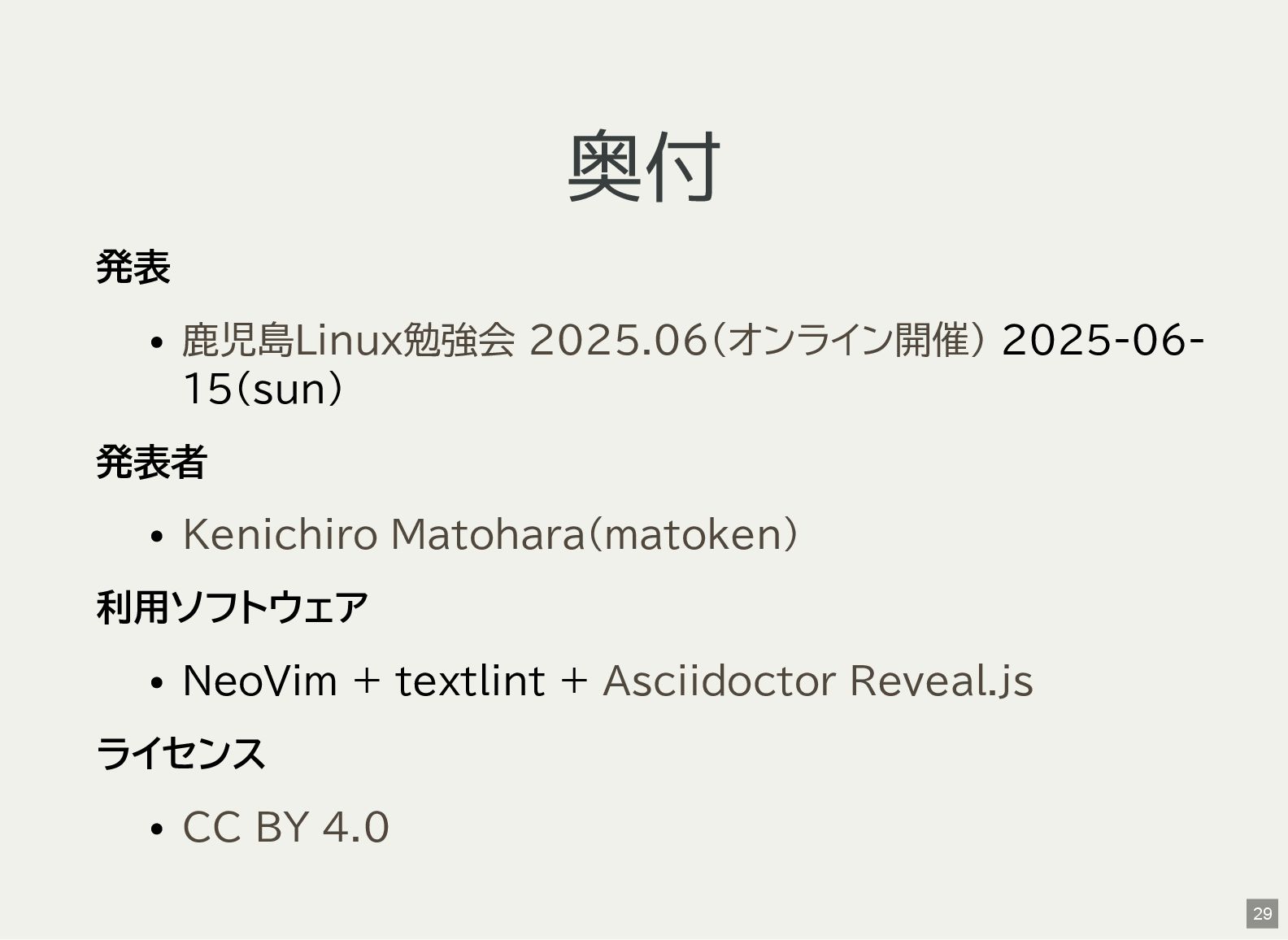
奥付 発表 2025-06- 15(sun) 発表者 利用ソフトウェア NeoVim + textlint +
ライセンス 鹿児島Linux勉強会 2025.06(オンライン開催) Kenichiro Matohara(matoken) Asciidoctor Reveal.js CC BY 4.0 29