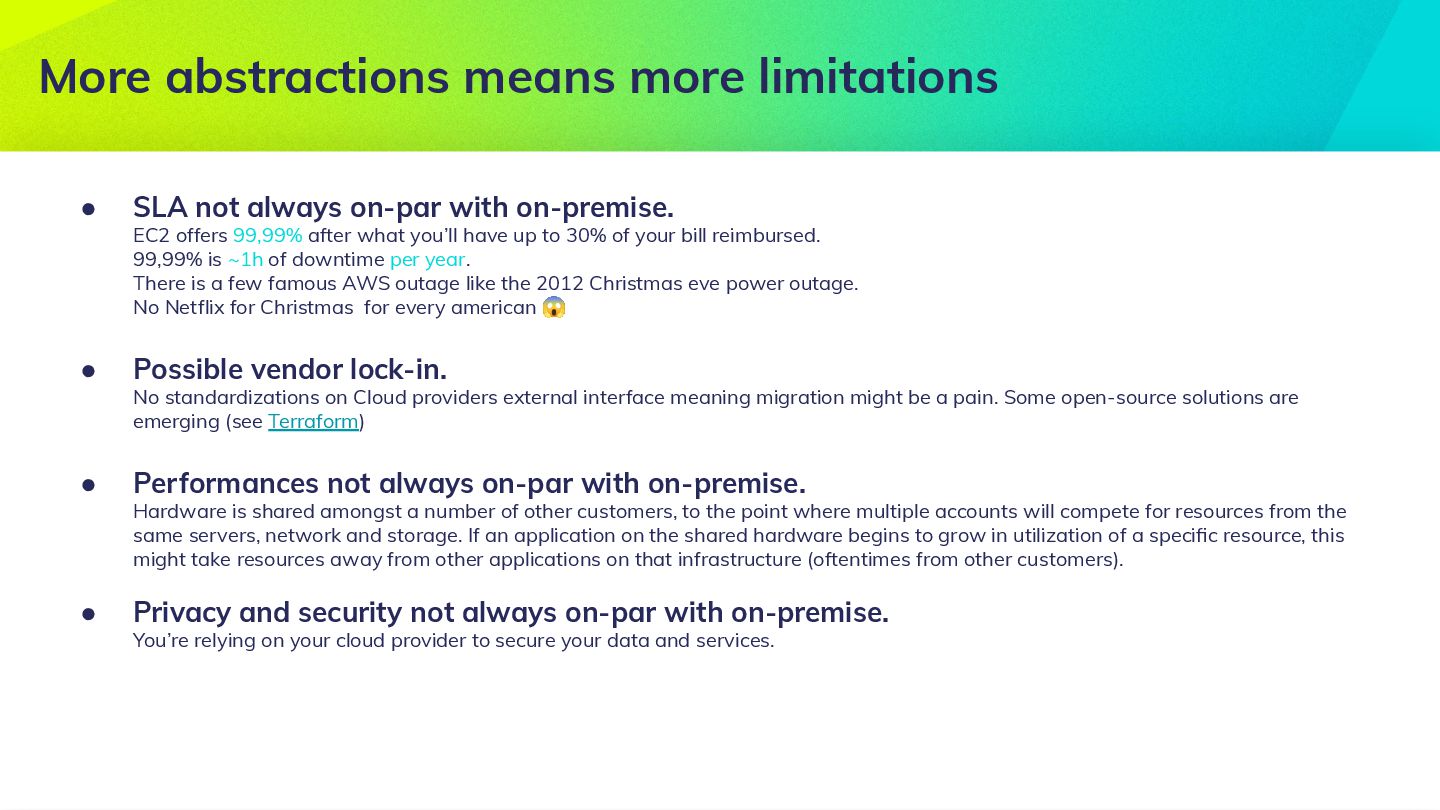
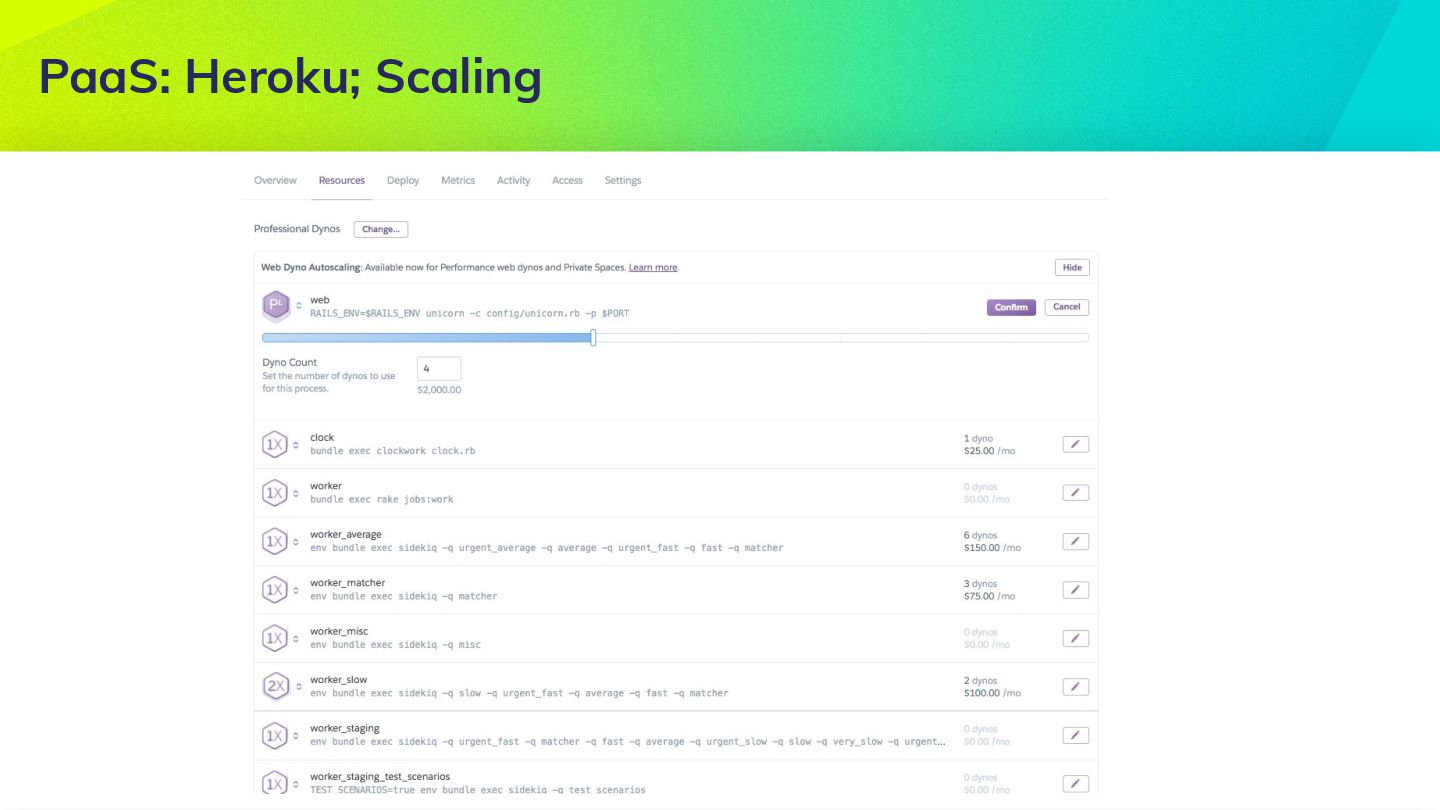
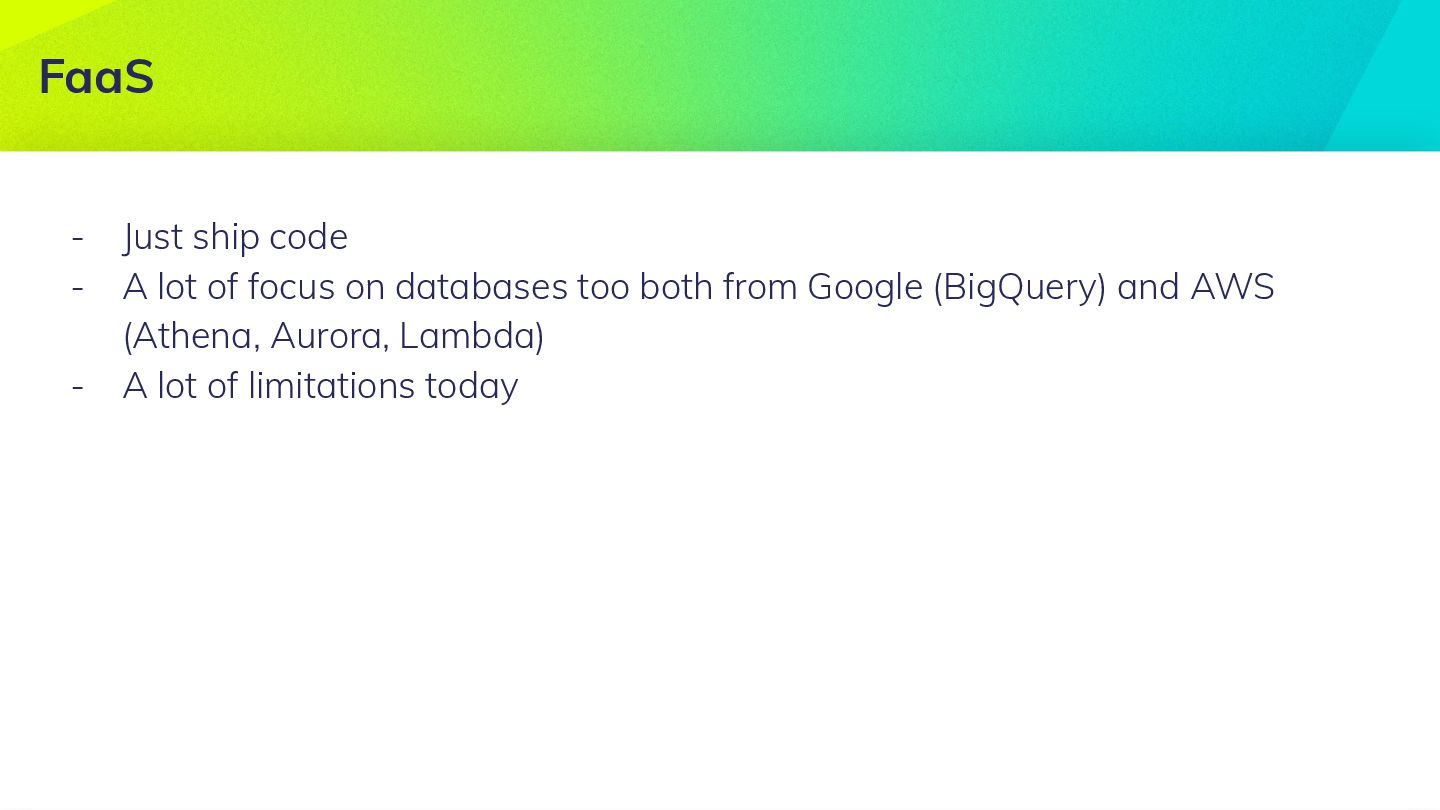
after what you’ll have up to 30% of your bill reimbursed. 99,99% is ~1h of downtime per year. There is a few famous AWS outage like the 2012 Christmas eve power outage. No Netflix for Christmas for every american 😱 • Possible vendor lock-in. No standardizations on Cloud providers external interface meaning migration might be a pain. Some open-source solutions are emerging (see Terraform) • Performances not always on-par with on-premise. Hardware is shared amongst a number of other customers, to the point where multiple accounts will compete for resources from the same servers, network and storage. If an application on the shared hardware begins to grow in utilization of a specific resource, this might take resources away from other applications on that infrastructure (oftentimes from other customers). • Privacy and security not always on-par with on-premise. You’re relying on your cloud provider to secure your data and services. More abstractions means more limitations
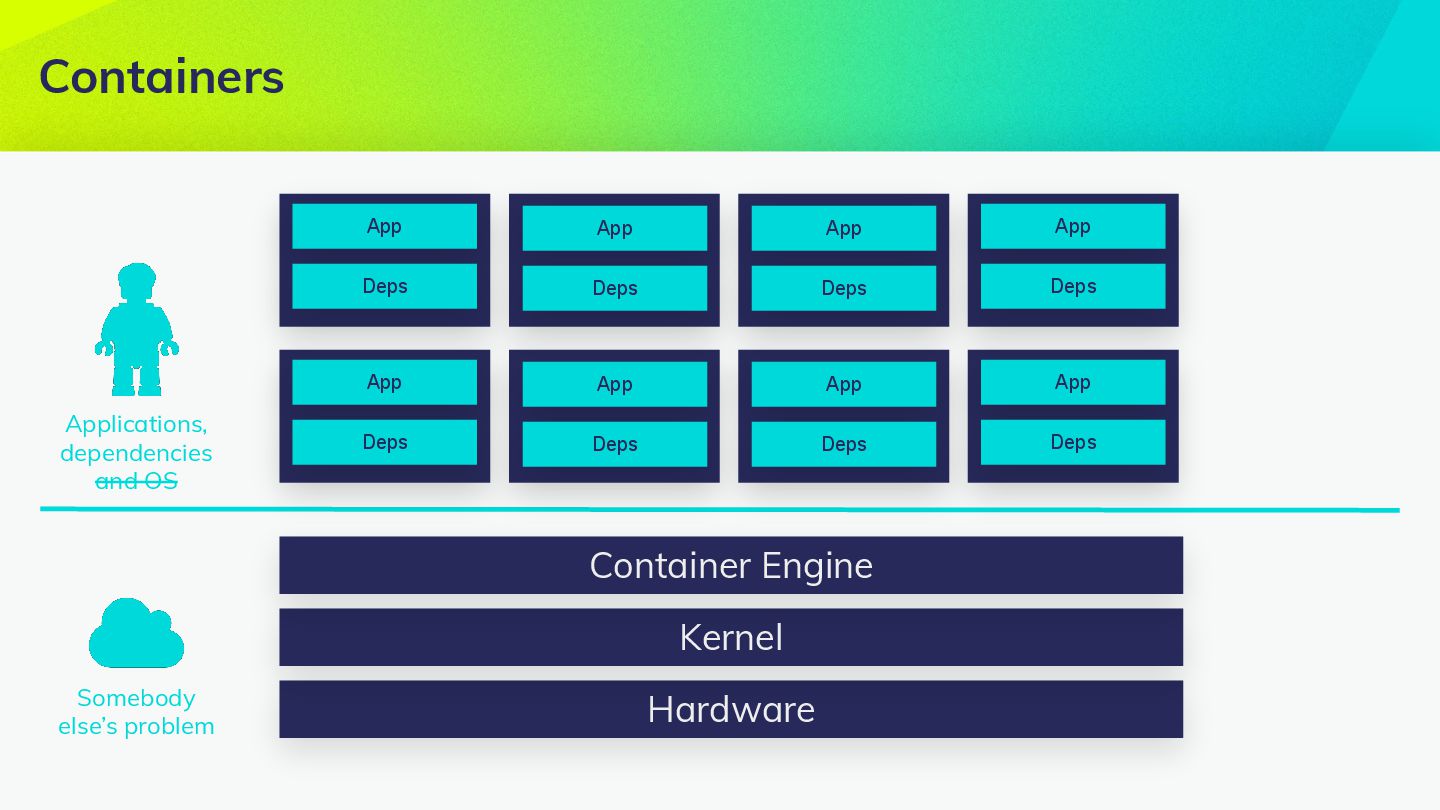
• Performances not always on-par with virtualization. Containers are more performant than VM because there’s no virtual hardware but access to the real one. You could run hundreds of containers on a single host without a blink but there’s less isolation though. • Privacy and security not on-par with virtualization. Again, less isolation • No vendor lock-in. Containers technology is open-source and standardized 🎉 More abstractions means more limitations
250MB for dependencies. 500MB for /tmp • Functions resource allocations needs to be small. Up to 1,5GB Memory, CPU is small • Execution time by function is limited. Up to 300s • Parallelization is limited. Up to 1000 parallel execution of the same function • Cold start. It takes some time for the Lambda function to handle a first request, because Lambda has to start a new instance of the function. One workaround is to send a request periodically to avoid the cold start and to make sure that there is always an active instance, ready to serve requests. • Vendor lock-in. No standardization yet. More abstractions means more limitations
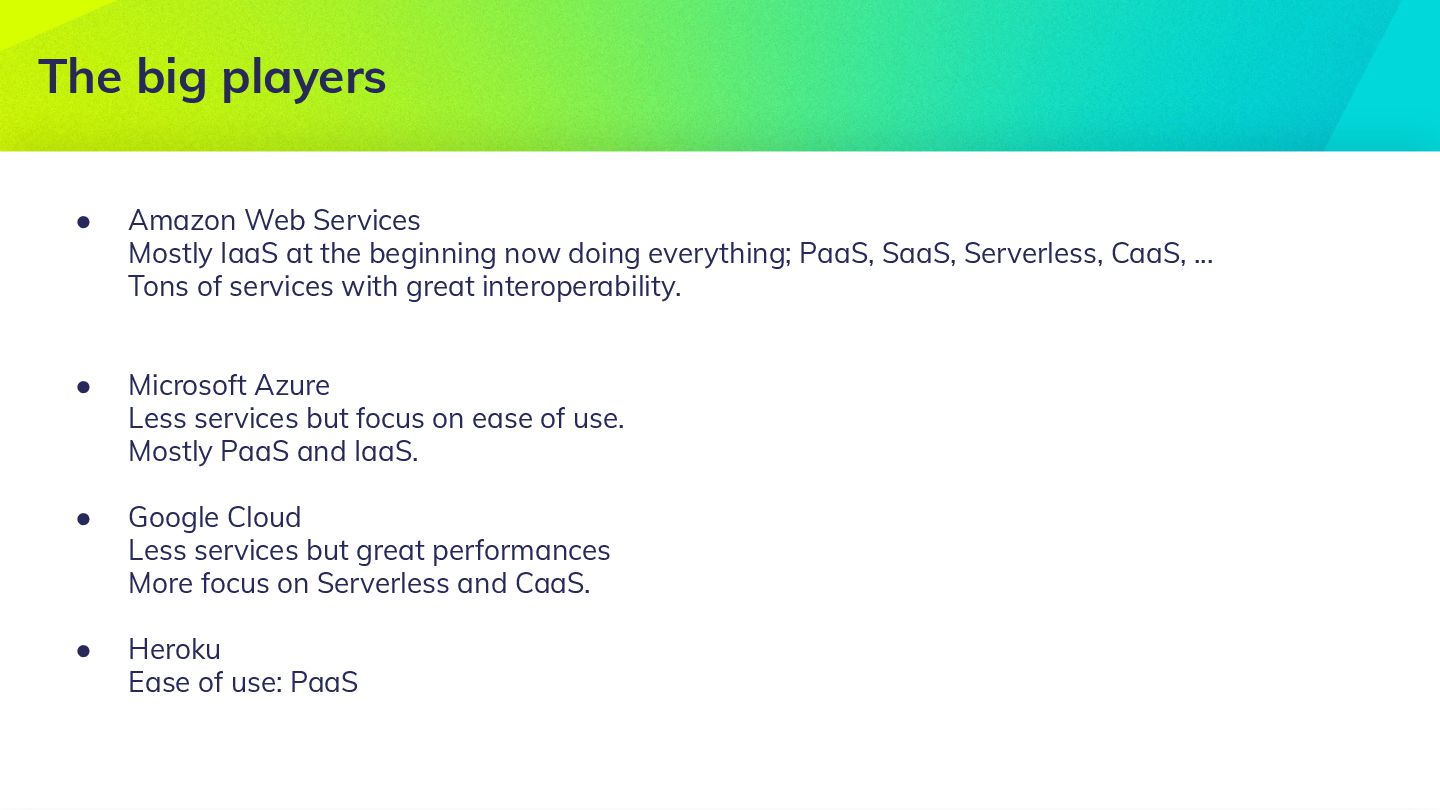
doing everything; PaaS, SaaS, Serverless, CaaS, ... Tons of services with great interoperability. • Microsoft Azure Less services but focus on ease of use. Mostly PaaS and IaaS. • Google Cloud Less services but great performances More focus on Serverless and CaaS. • Heroku Ease of use: PaaS The big players
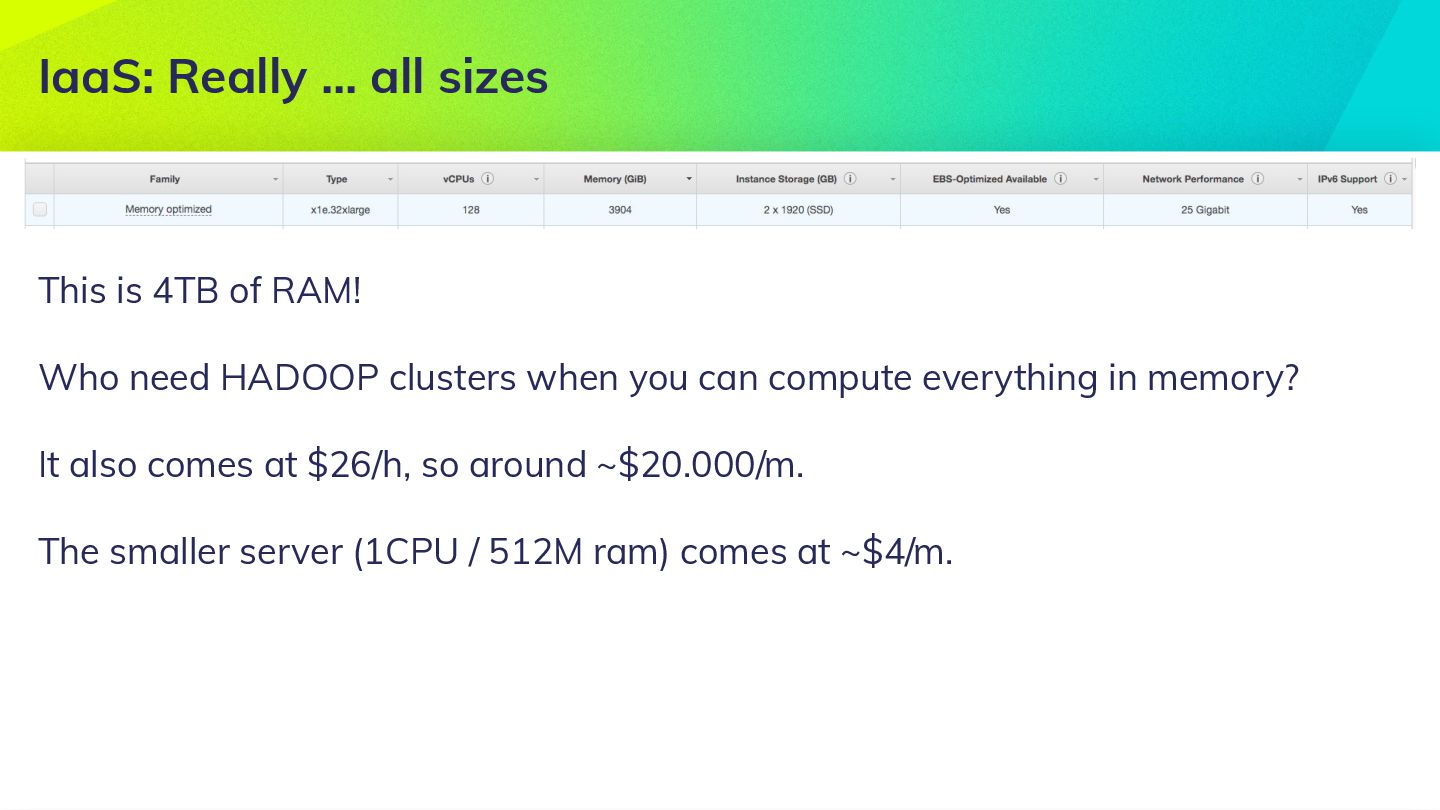
Who need HADOOP clusters when you can compute everything in memory? It also comes at $26/h, so around ~$20.000/m. The smaller server (1CPU / 512M ram) comes at ~$4/m.
volumes with the following properties: • Can be mounted after instance is created on one or multiple instances • Have a guaranteed SLA of 99,99% • Can easily be backed-up • Storage size is elastic and can be resized dynamically • Can be encrypted • Can be replicated or migrated to other regions Very useful for storing important data and are the backbone of a lot of other services offer by Amazon.
load balancers with the following properties: • TCP or HTTP(s) • Auto Scaling of EC2 instances • Monitoring and auditing • Load balancing across AWS and on-premises
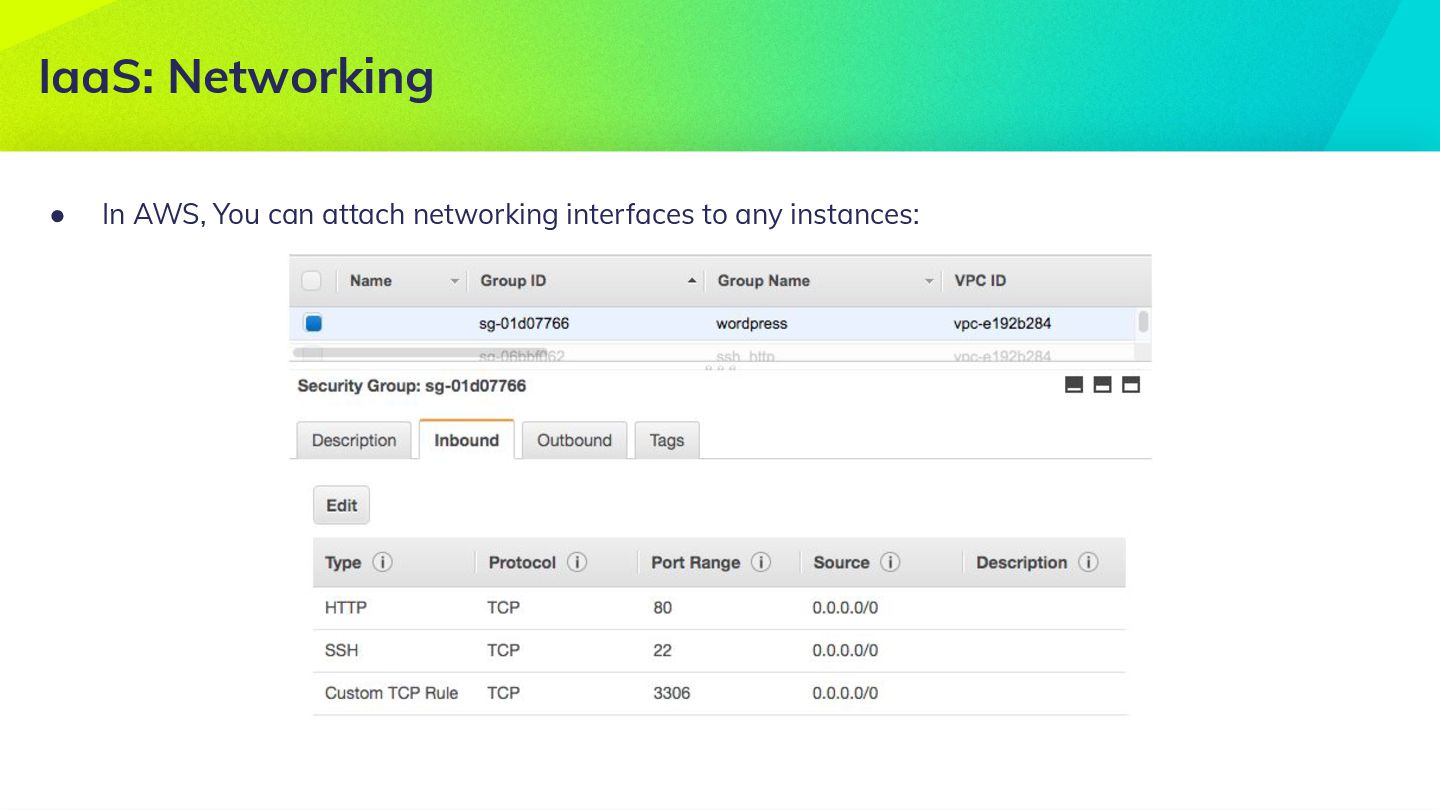
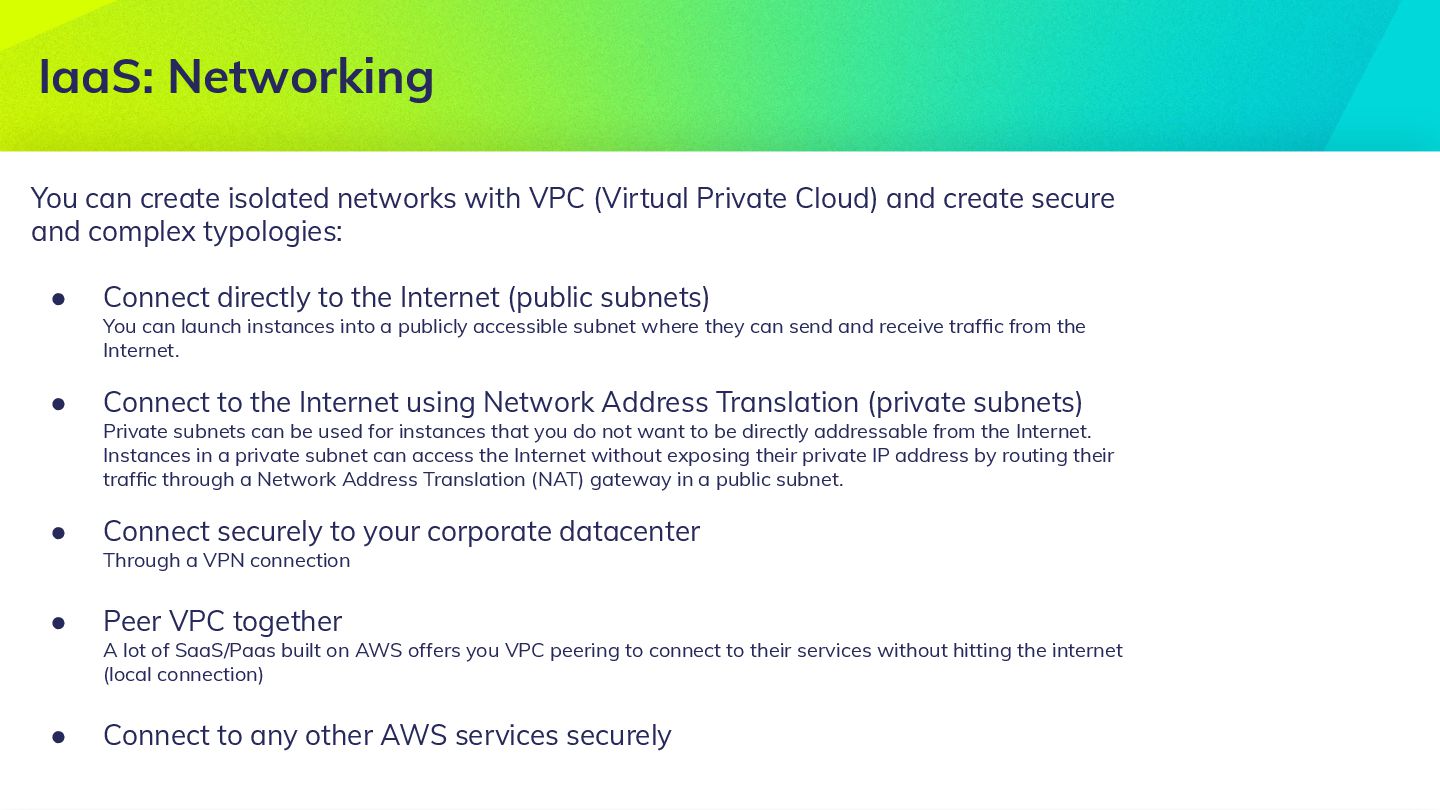
and create secure and complex typologies: • Connect directly to the Internet (public subnets) You can launch instances into a publicly accessible subnet where they can send and receive traffic from the Internet. • Connect to the Internet using Network Address Translation (private subnets) Private subnets can be used for instances that you do not want to be directly addressable from the Internet. Instances in a private subnet can access the Internet without exposing their private IP address by routing their traffic through a Network Address Translation (NAT) gateway in a public subnet. • Connect securely to your corporate datacenter Through a VPN connection • Peer VPC together A lot of SaaS/Paas built on AWS offers you VPC peering to connect to their services without hitting the internet (local connection) • Connect to any other AWS services securely IaaS: Networking
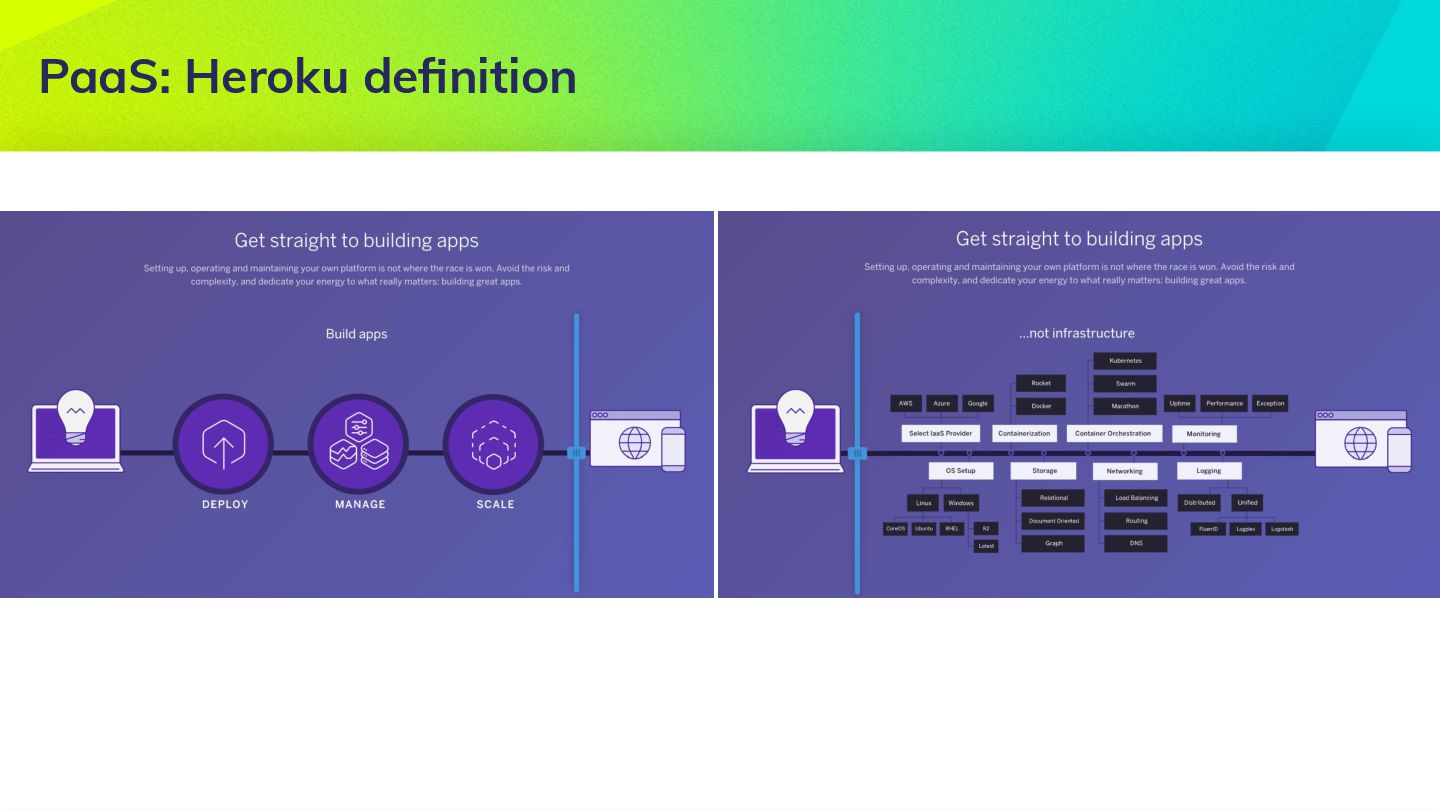
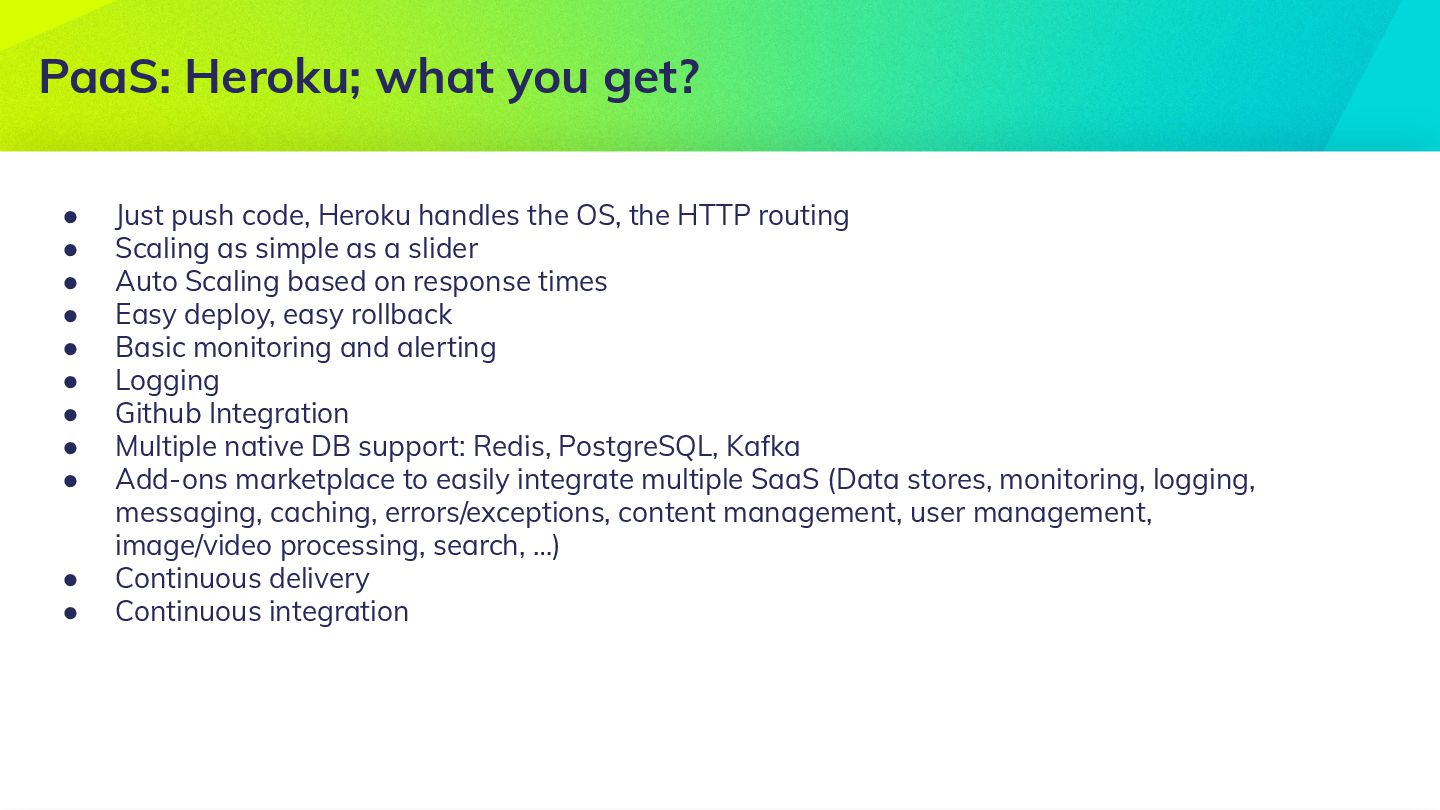
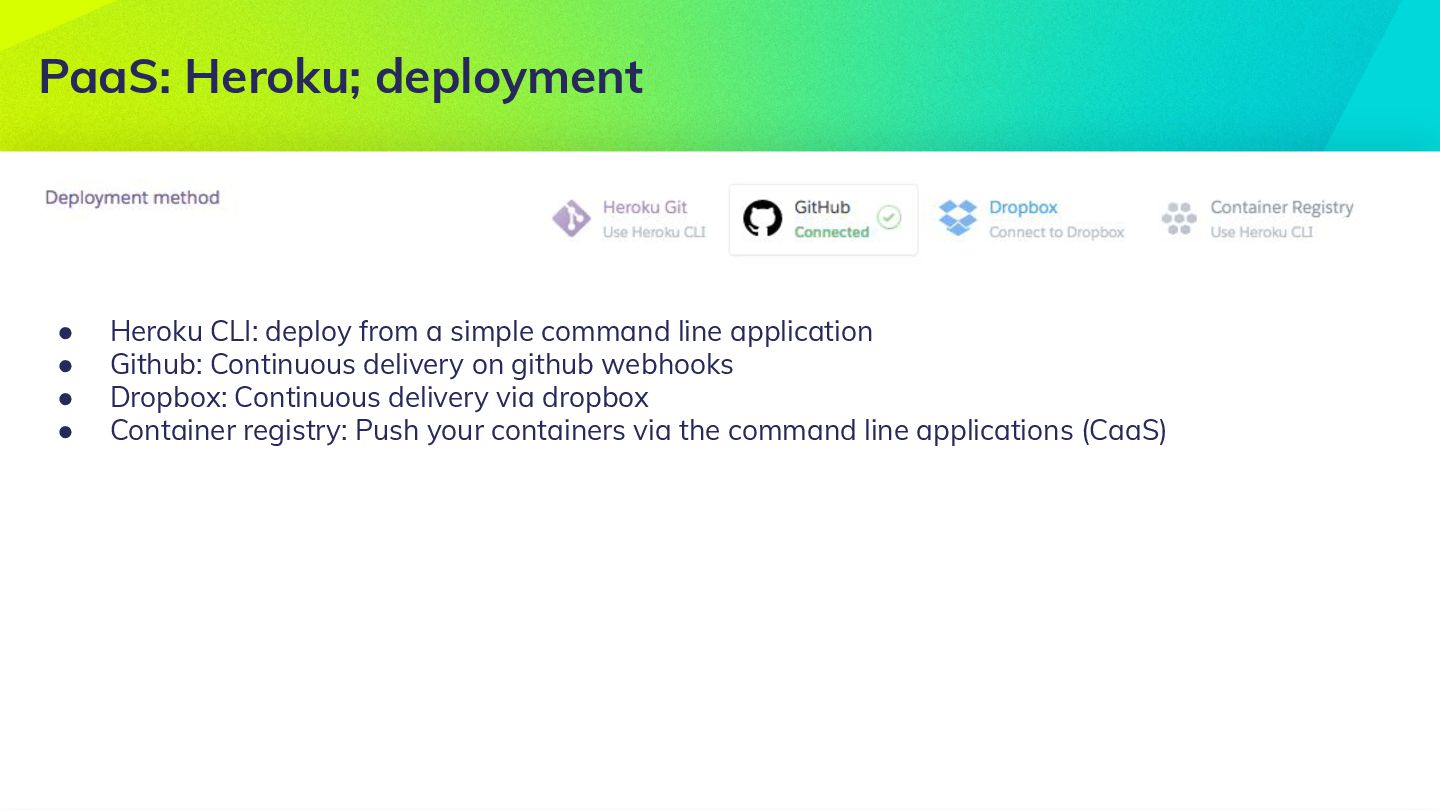
command line application • Github: Continuous delivery on github webhooks • Dropbox: Continuous delivery via dropbox • Container registry: Push your containers via the command line applications (CaaS)
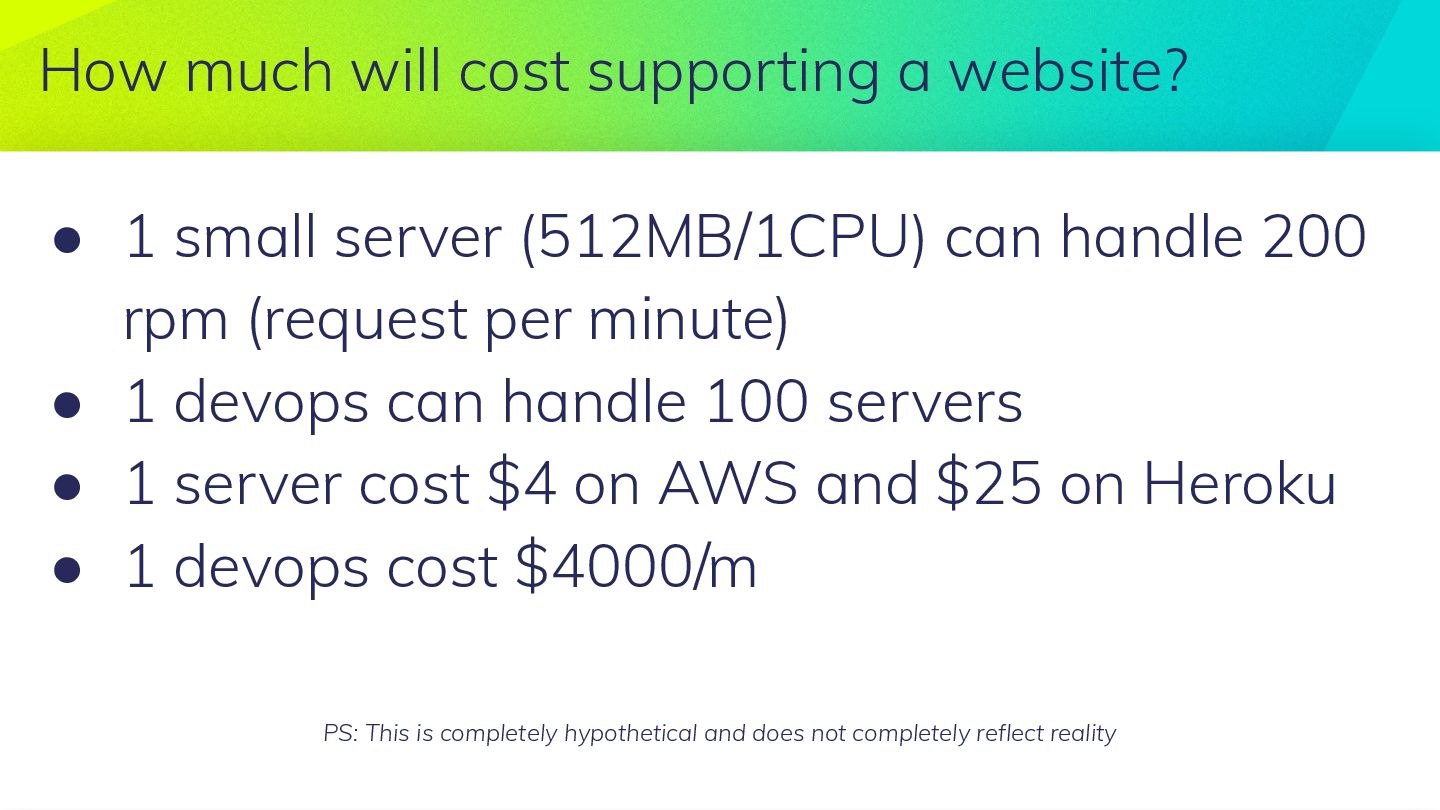
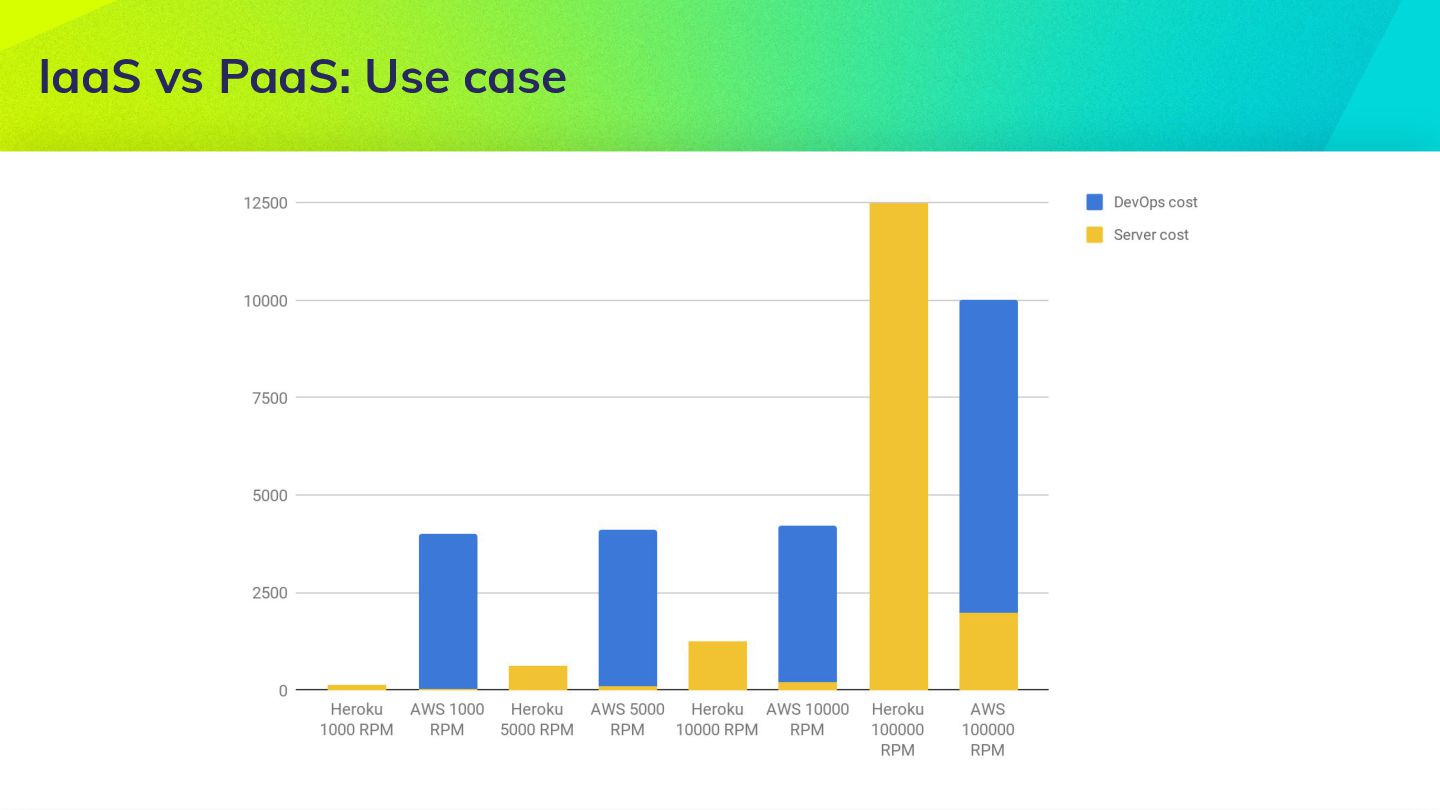
server (512MB/1CPU) can handle 200 rpm (request per minute) • 1 devops can handle 100 servers • 1 server cost $4 on AWS and $25 on Heroku • 1 devops cost $4000/m PS: This is completely hypothetical and does not completely reflect reality
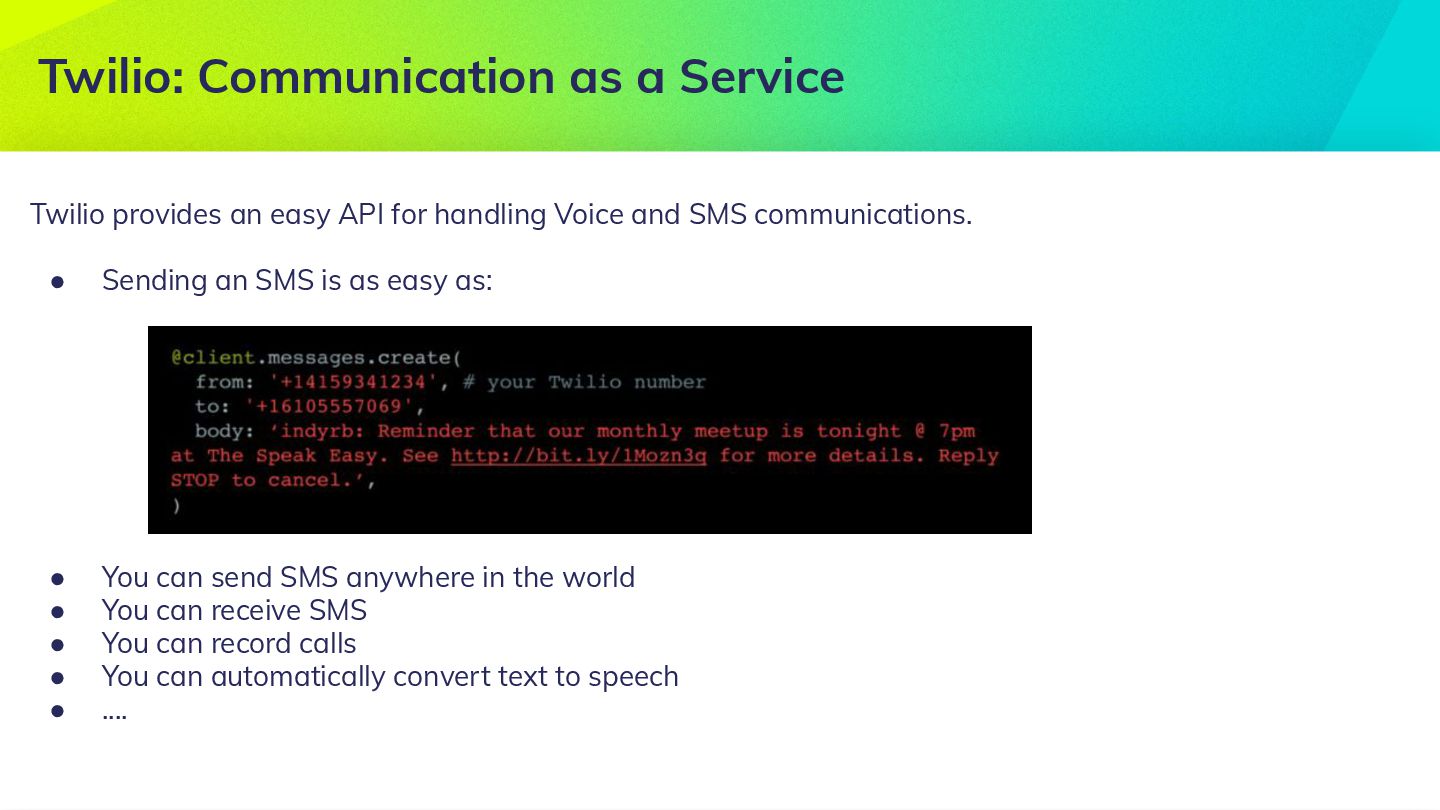
communications. • Sending an SMS is as easy as: • You can send SMS anywhere in the world • You can receive SMS • You can record calls • You can automatically convert text to speech • .... Twilio: Communication as a Service
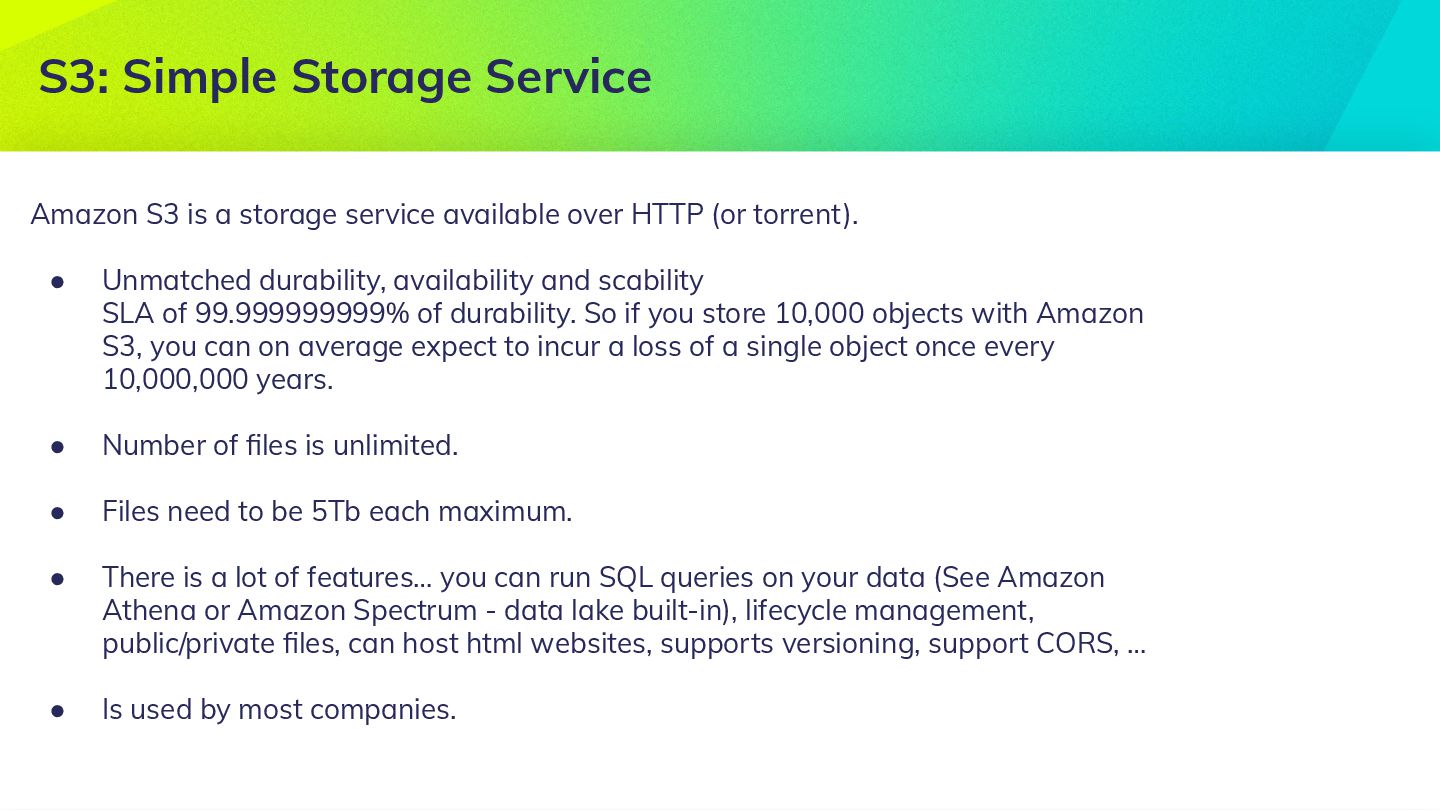
torrent). • Unmatched durability, availability and scability SLA of 99.999999999% of durability. So if you store 10,000 objects with Amazon S3, you can on average expect to incur a loss of a single object once every 10,000,000 years. • Number of files is unlimited. • Files need to be 5Tb each maximum. • There is a lot of features… you can run SQL queries on your data (See Amazon Athena or Amazon Spectrum - data lake built-in), lifecycle management, public/private files, can host html websites, supports versioning, support CORS, … • Is used by most companies. S3: Simple Storage Service


 michaelbensoussan
 signer
 kentaroy47
 ytapples613
 matleenalaakso
 robintux
 yatabe
 frievea
 pawan_pharm
 juanmartin2026
 yasslab
 csswizardry
 matthewcrist
 codingconduct
 marcoroth
 eileencodes
 rasmusluckow
 kevinliebholz
 tessaabrams
 jmmastey
 danielanewman
 chriscoyier
 uxyall

![Michael Bensoussan Head of Engineering Operations @Drivy.com @mickeyben [email protected]](https://files.speakerdeck.com/presentations/9b73b0e7cb674fef98ca83551e1fbb0d/slide_1.jpg)