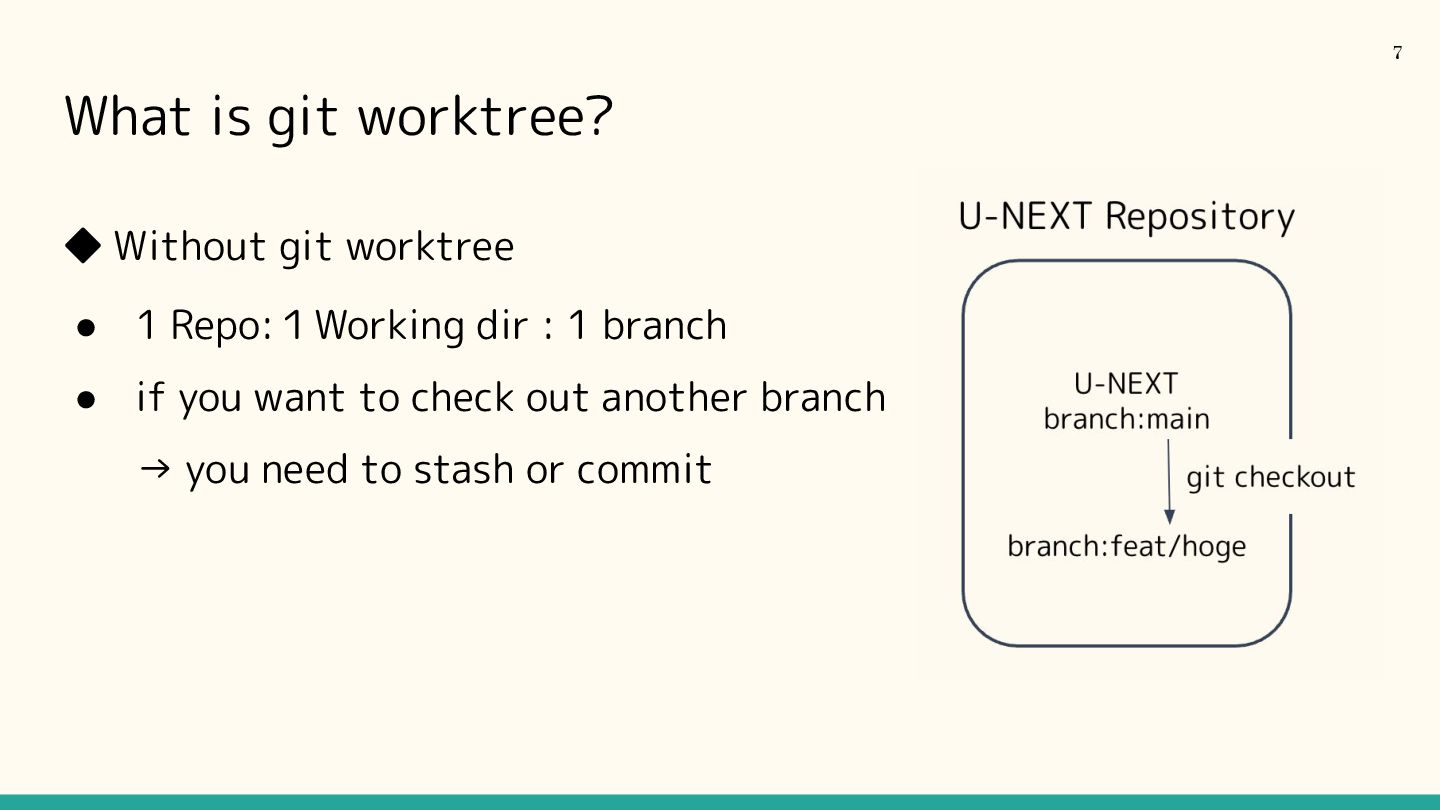
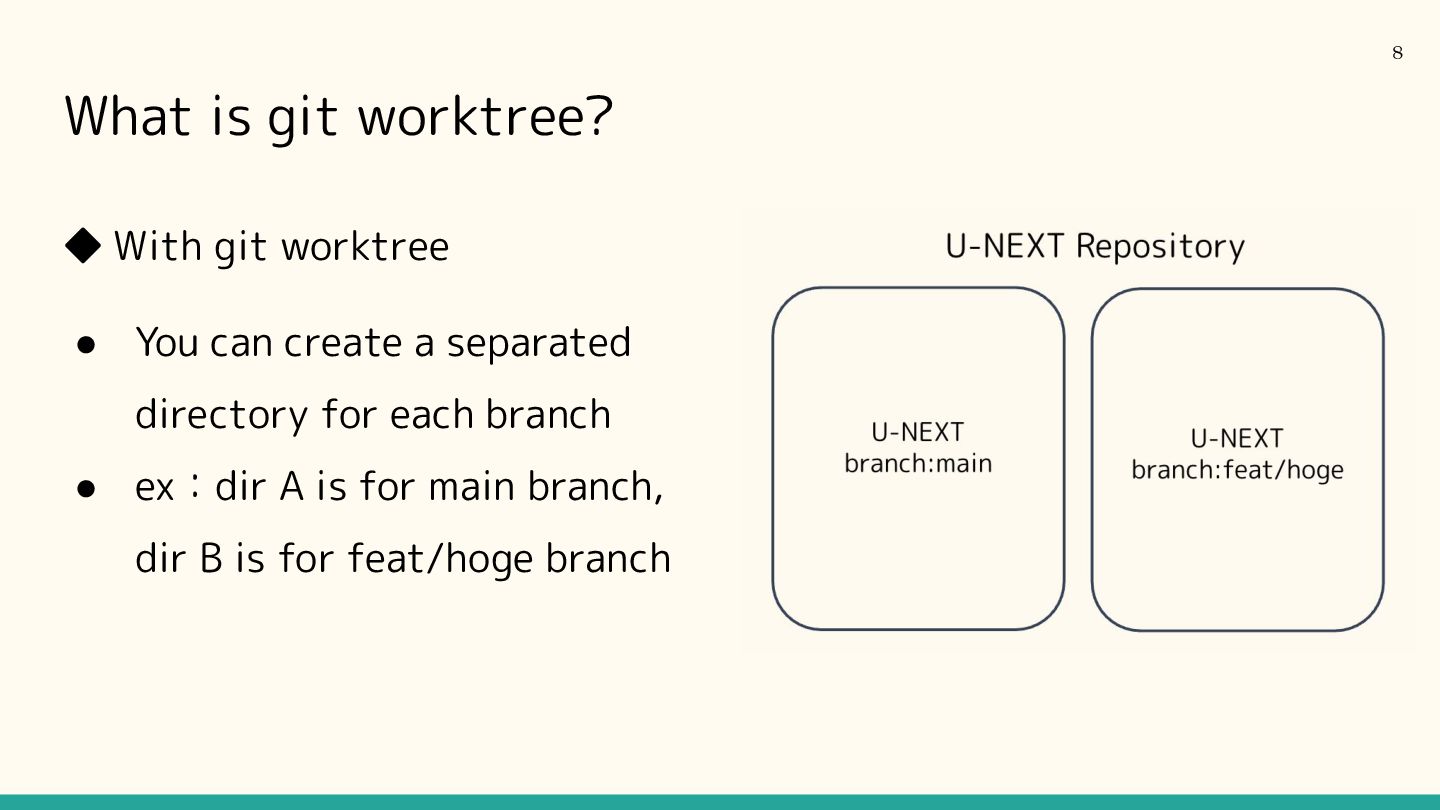
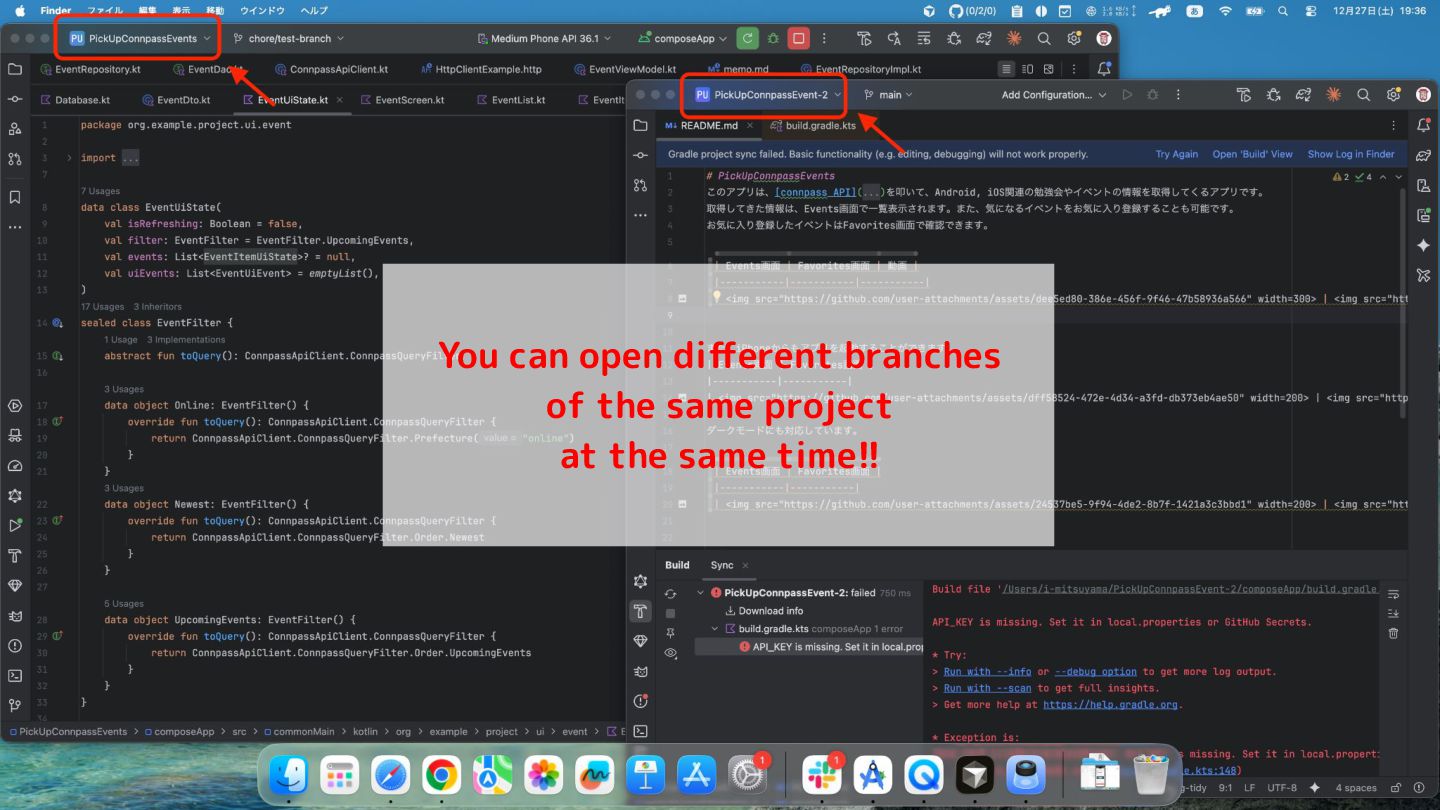
comes in while you're coding. So you want to check it in your IDE, you have to git stash the current changes… You want to fix review comments of the pull-request for Issue A, while working on Issue B at the same time While you focus on your own task, you want AI to work on another task 4
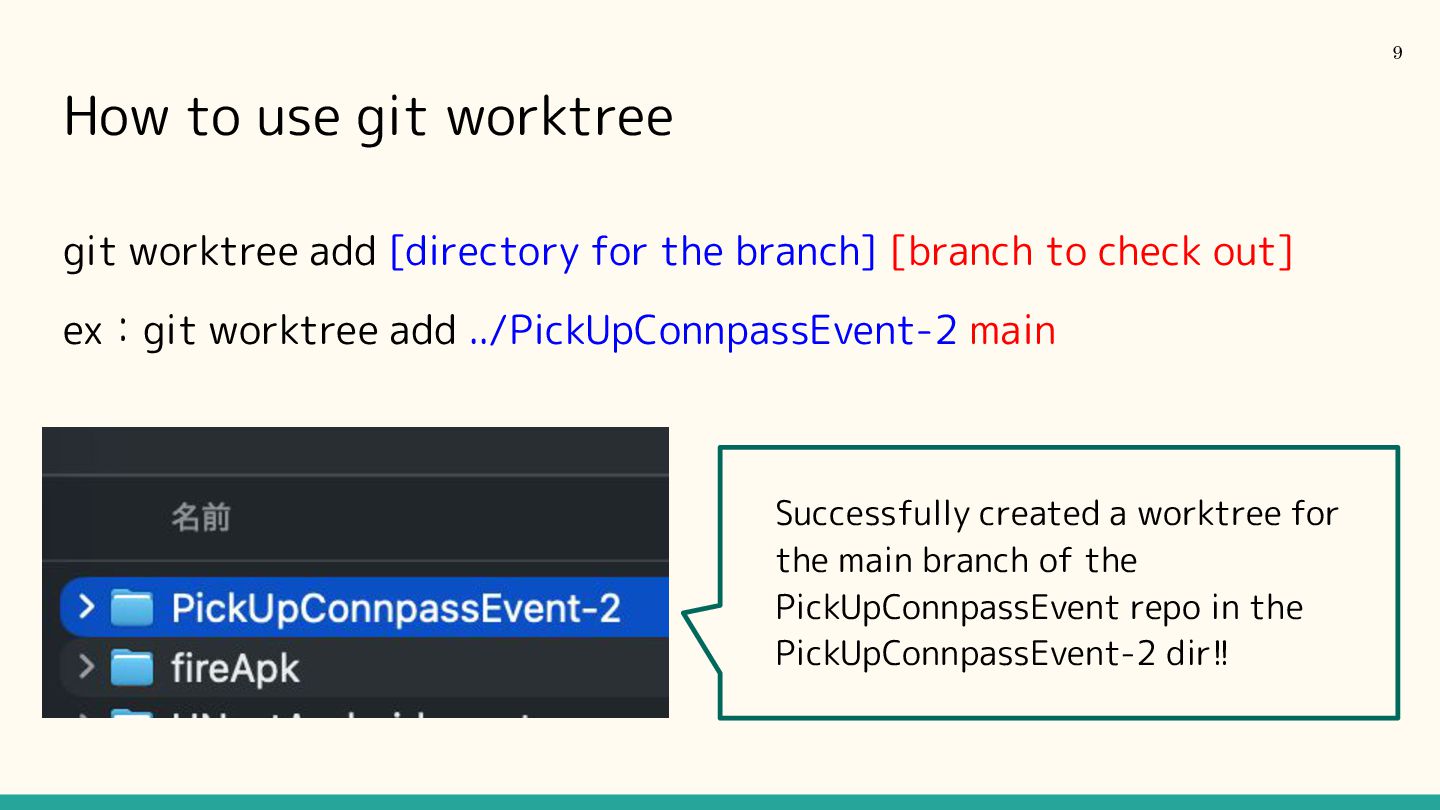
the branch] [branch to check out] ex:git worktree add ../PickUpConnpassEvent-2 main 9 Successfully created a worktree for the main branch of the PickUpConnpassEvent repo in the PickUpConnpassEvent-2 dir!!
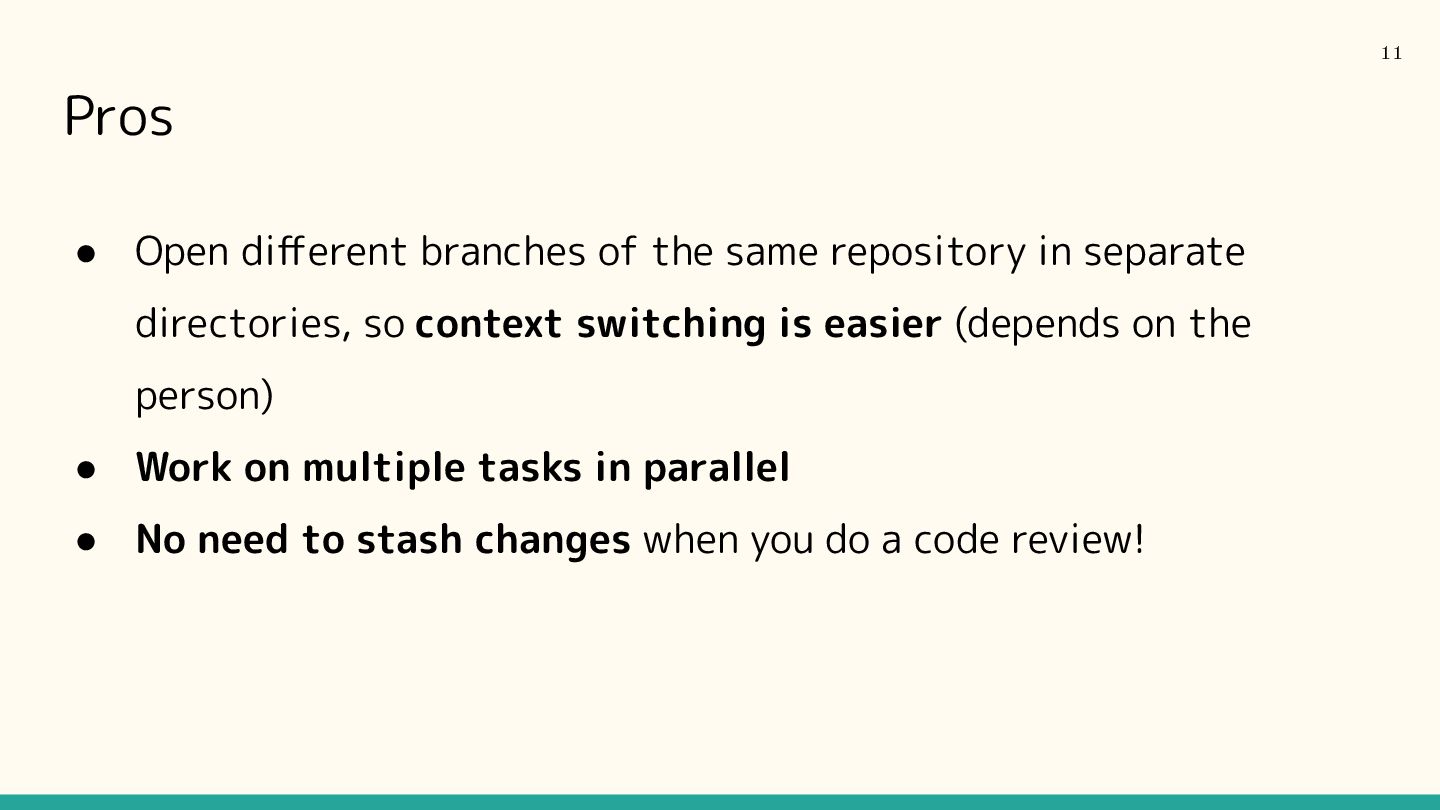
separate directories, so context switching is easier (depends on the person) • Work on multiple tasks in parallel • No need to stash changes when you do a code review! 11
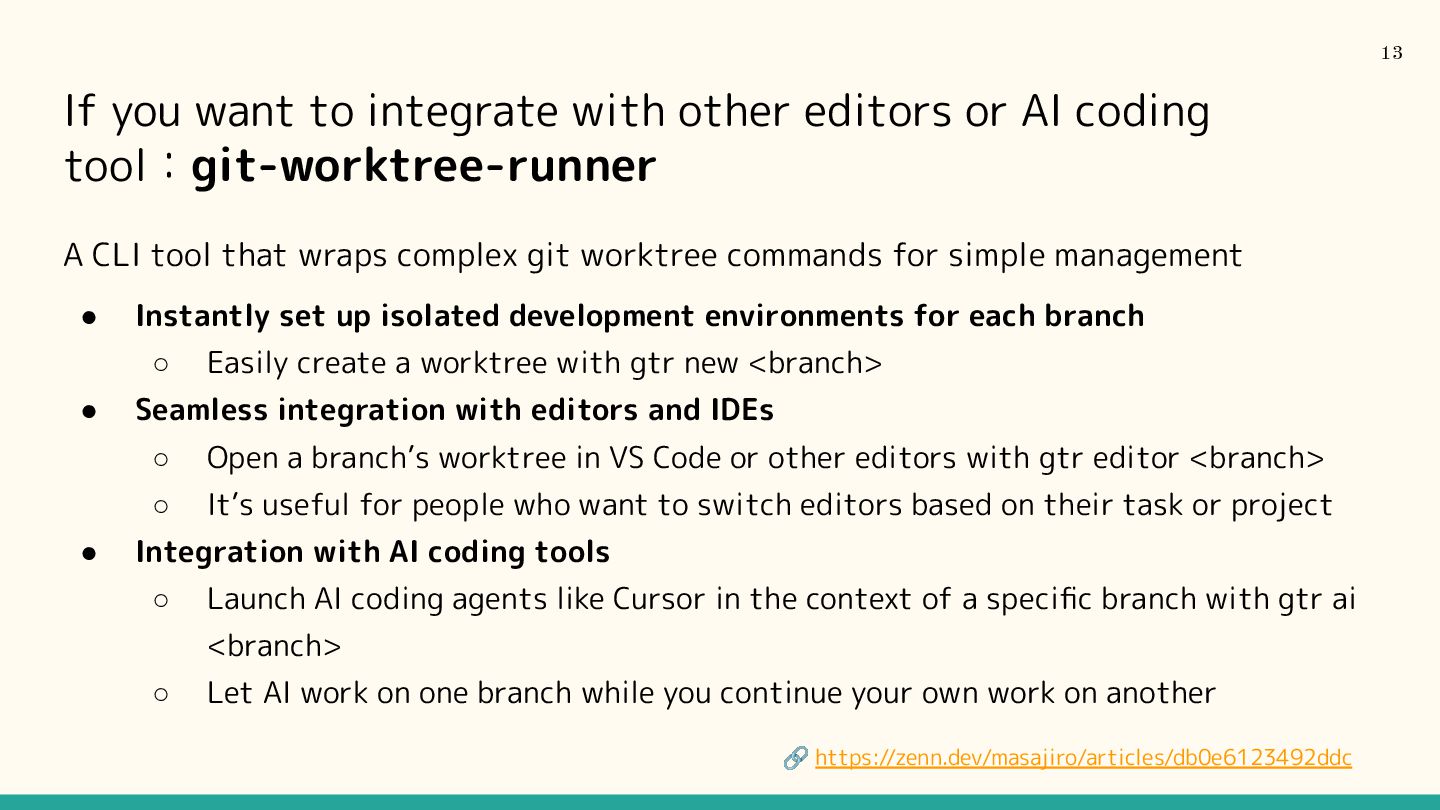
coding tool:git-worktree-runner A CLI tool that wraps complex git worktree commands for simple management • Instantly set up isolated development environments for each branch ◦ Easily create a worktree with gtr new <branch> • Seamless integration with editors and IDEs ◦ Open a branch’s worktree in VS Code or other editors with gtr editor <branch> ◦ It’s useful for people who want to switch editors based on their task or project • Integration with AI coding tools ◦ Launch AI coding agents like Cursor in the context of a specific branch with gtr ai <branch> ◦ Let AI work on one branch while you continue your own work on another 🔗 https://zenn.dev/masajiro/articles/db0e6123492ddc 13


 mitchan
 akashhashmi
 mfonobong
 aleyda
 productmarketing
 tmiket
 jlugia
 ipullrank
 destraynor
 twada
twada
 lara
lara
 cassininazir
 mayatellez