Upgrade to Pro — share decks privately, control downloads, hide ads and more …

Composer

Sponsored · Your Podcast. Everywhere. Effortlessly. Share. Educate. Inspire. Entertain. You do you. We'll handle the rest.

 Composer

Avatar for Federico Lozada Mosto

Federico Lozada Mosto

June 15, 2015
Tweet

More Decks by Federico Lozada Mosto

Other Decks in Programming

Transcript

  1. Composer is a tool for dependency management in PHP. It

    allows you to declare the dependent libraries your project needs and it will install them in your project for you
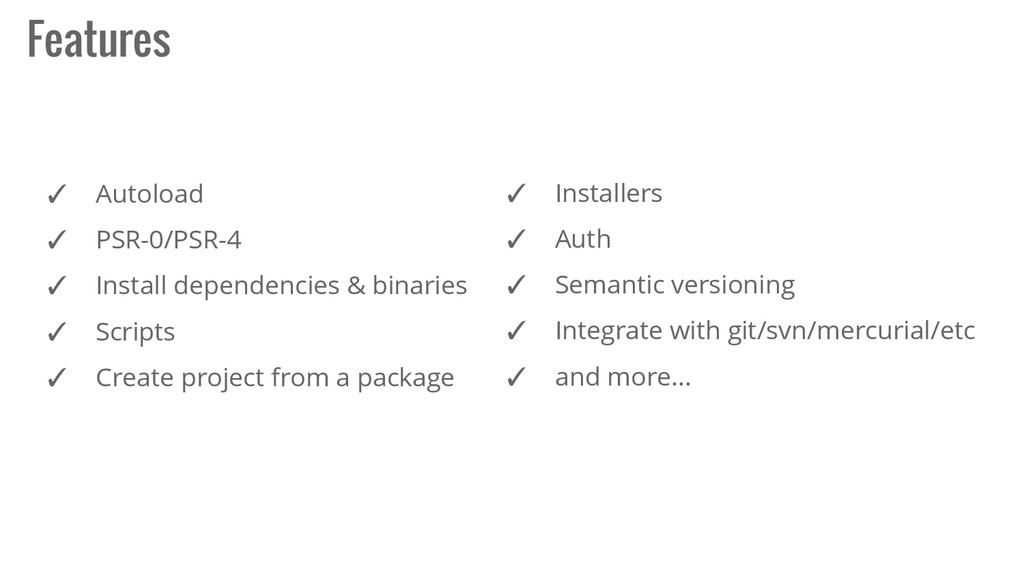
  2. ✓ Autoload ✓ PSR-0/PSR-4 ✓ Install dependencies & binaries ✓

    Scripts ✓ Create project from a package Features ✓ Installers ✓ Auth ✓ Semantic versioning ✓ Integrate with git/svn/mercurial/etc ✓ and more...
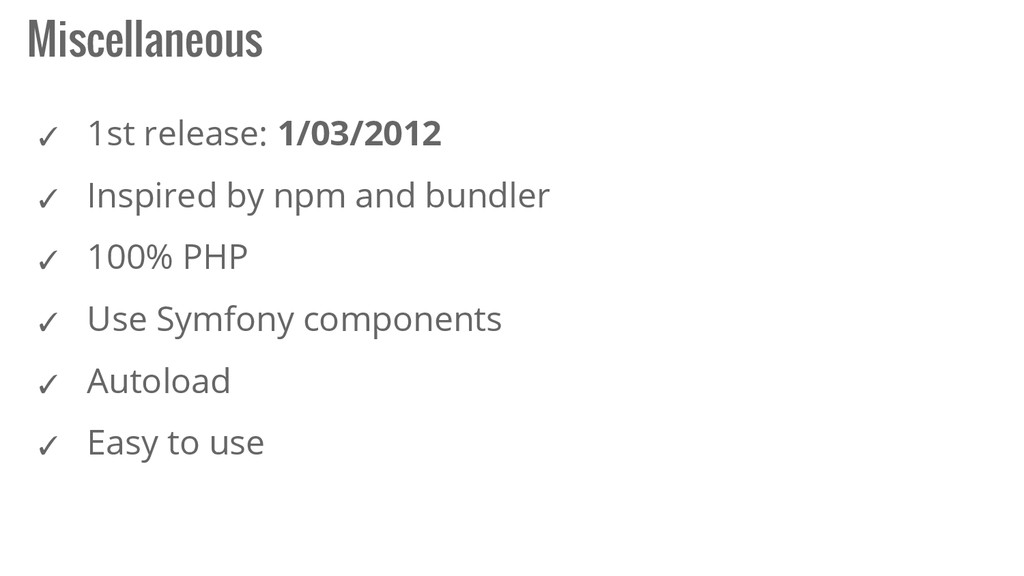
  3. ✓ 1st release: 1/03/2012 ✓ Inspired by npm and bundler

    ✓ 100% PHP ✓ Use Symfony components ✓ Autoload ✓ Easy to use Miscellaneous
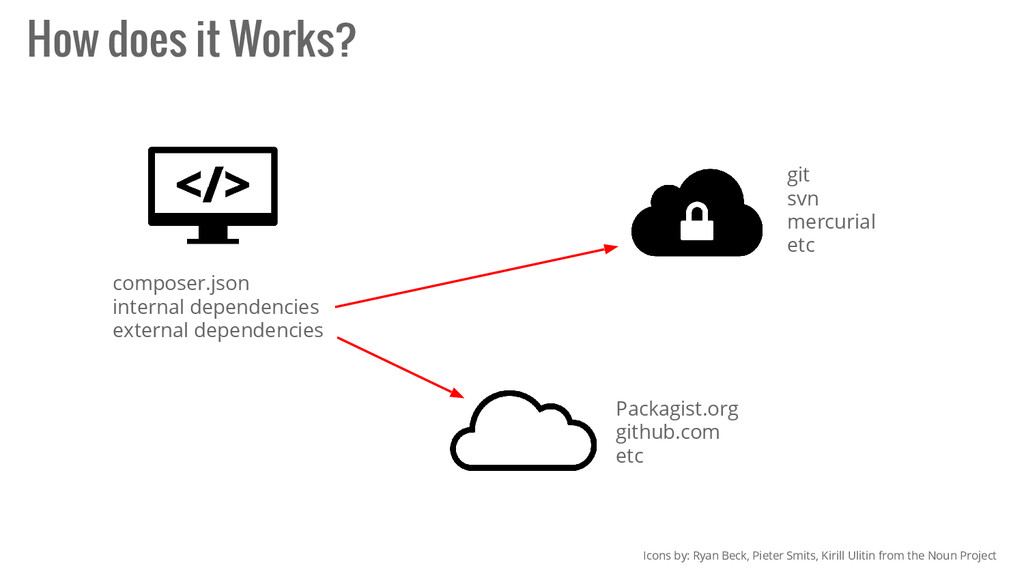
  4. How does it Works? Icons by: Ryan Beck, Pieter Smits,

    Kirill Ulitin from the Noun Project composer.json internal dependencies external dependencies git svn mercurial etc Packagist.org github.com etc
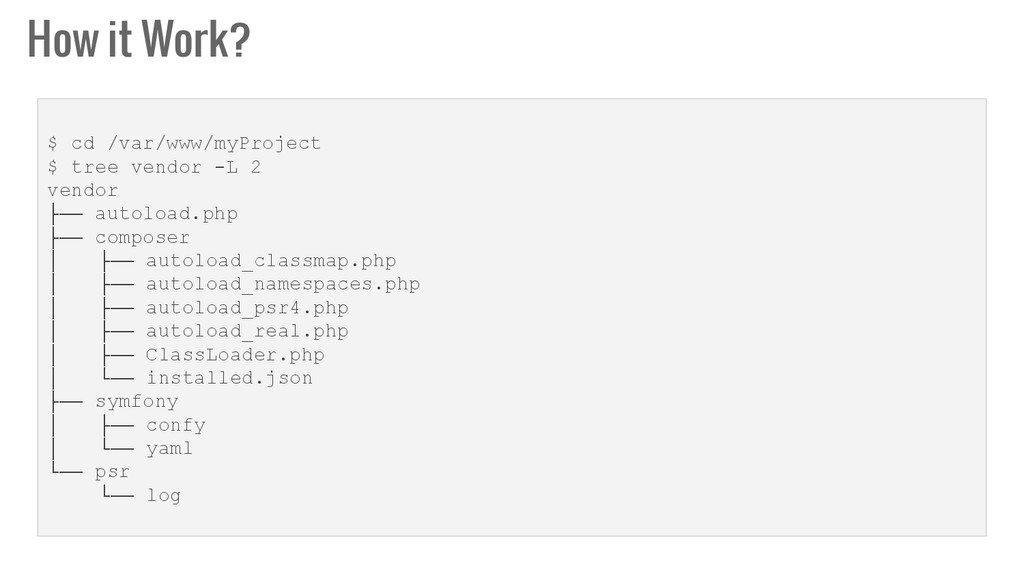
  5. How it Work? $ cd /var/www/myProject $ tree vendor -L

    2 vendor ├── autoload.php ├── composer │ ├── autoload_classmap.php │ ├── autoload_namespaces.php │ ├── autoload_psr4.php │ ├── autoload_real.php │ ├── ClassLoader.php │ └── installed.json ├── symfony │ ├── confy │ └── yaml └── psr └── log
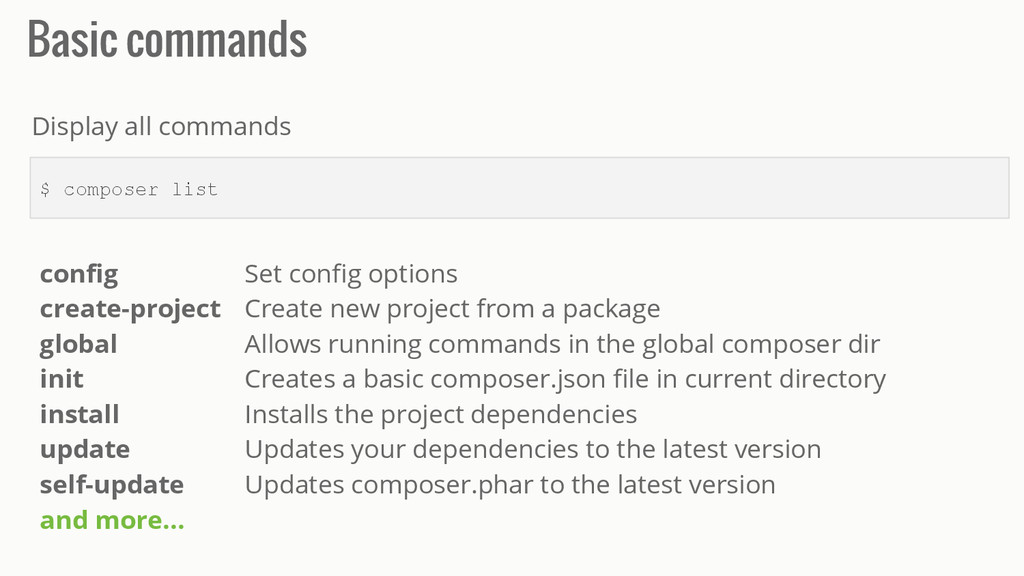
  6. Basic commands $ composer list Display all commands config Set

    config options create-project Create new project from a package global Allows running commands in the global composer dir init Creates a basic composer.json file in current directory install Installs the project dependencies update Updates your dependencies to the latest version self-update Updates composer.phar to the latest version and more...
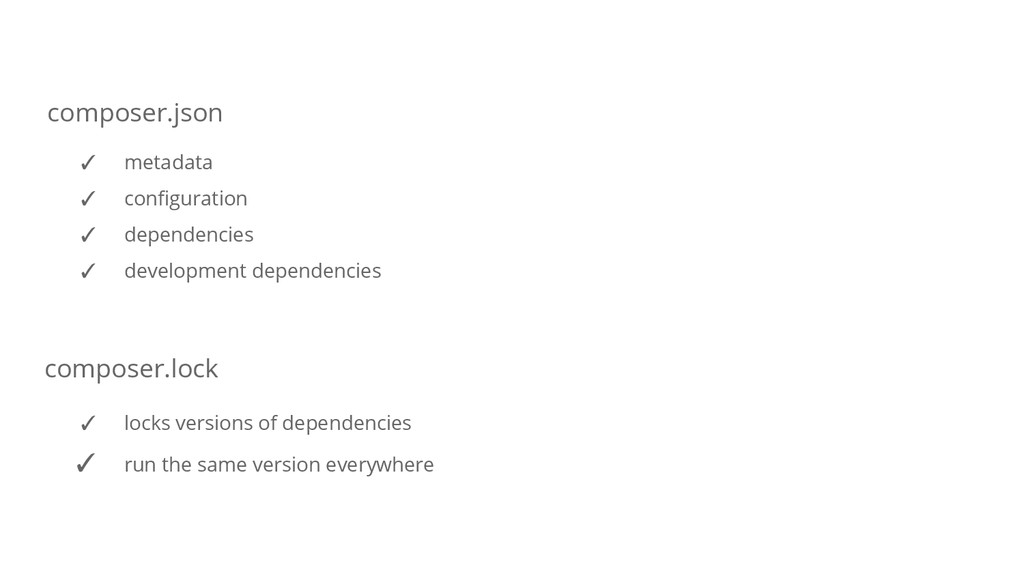
  7. composer.json composer.lock ✓ metadata ✓ configuration ✓ dependencies ✓ development

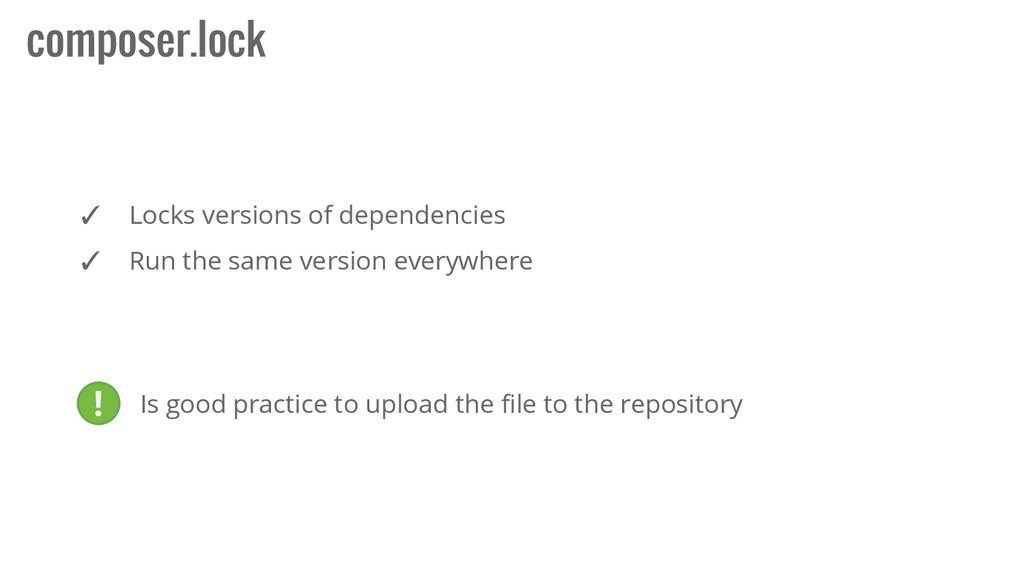
    dependencies ✓ locks versions of dependencies ✓ run the same version everywhere
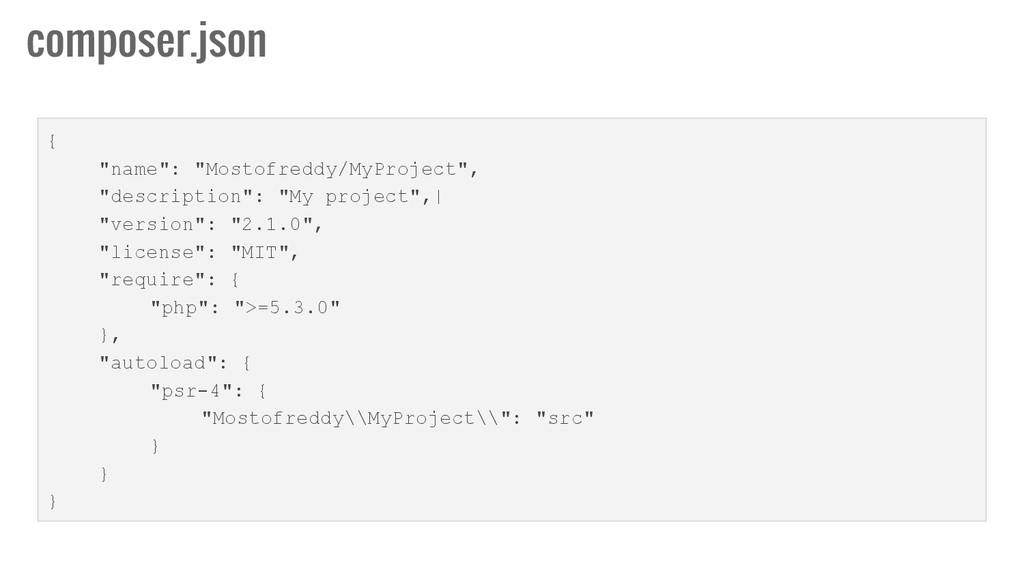
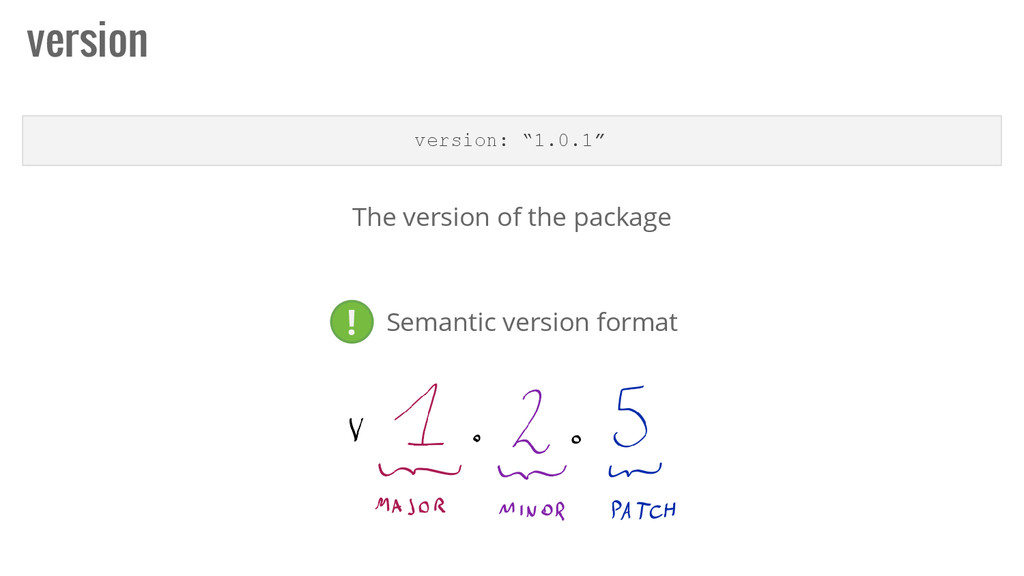
  8. { "name": "Mostofreddy/MyProject", "description": "My project",| "version": "2.1.0", "license": "MIT",

    "require": { "php": ">=5.3.0" }, "autoload": { "psr-4": { "Mostofreddy\\MyProject\\": "src" } } } composer.json
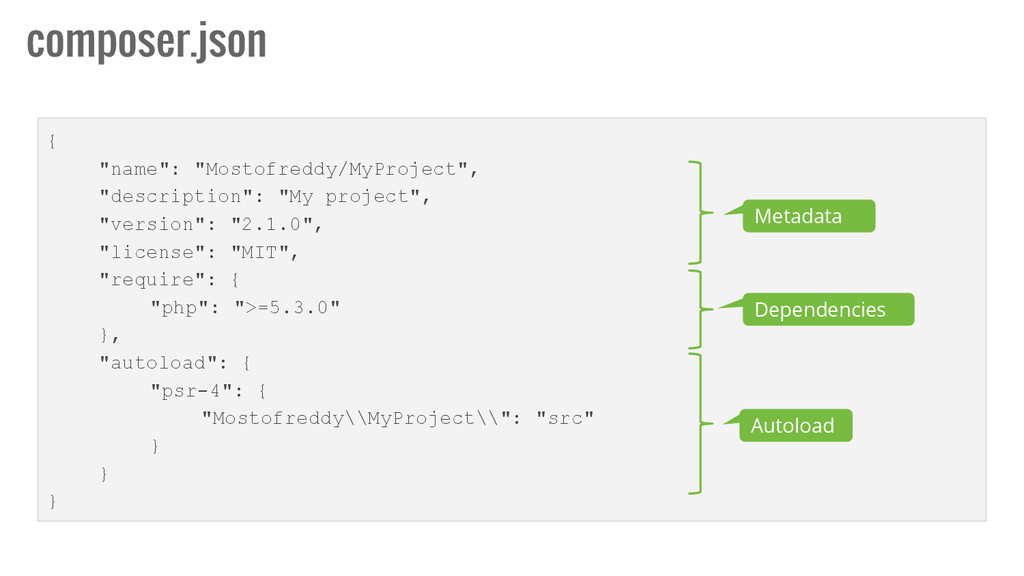
  9. { "name": "Mostofreddy/MyProject", "description": "My project", "version": "2.1.0", "license": "MIT",

    "require": { "php": ">=5.3.0" }, "autoload": { "psr-4": { "Mostofreddy\\MyProject\\": "src" } } } composer.json Metadata Dependencies Autoload
  10. composer.json $ composer validate ./composer.json is valid, but with a

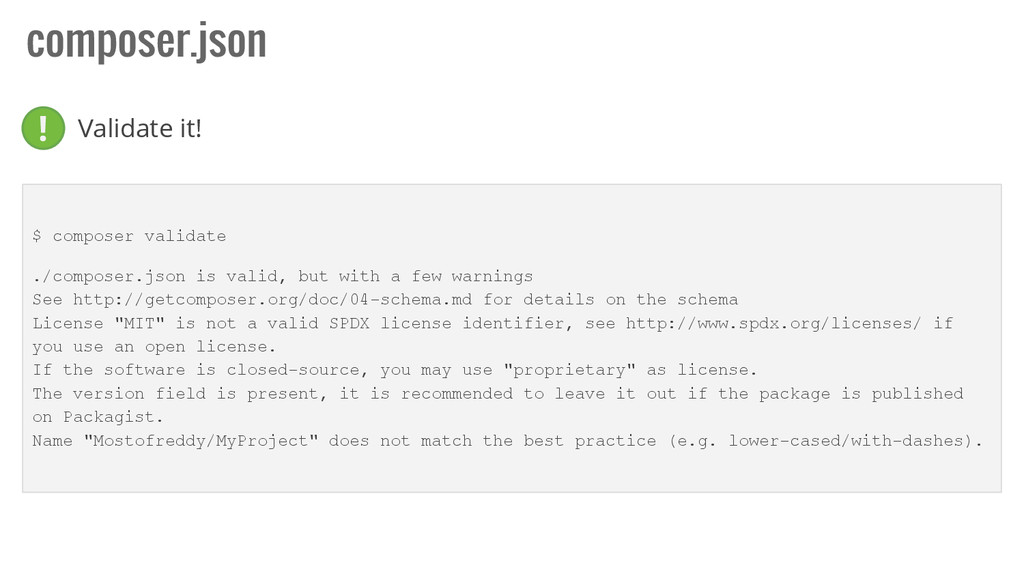
    few warnings See http://getcomposer.org/doc/04-schema.md for details on the schema License "MIT" is not a valid SPDX license identifier, see http://www.spdx.org/licenses/ if you use an open license. If the software is closed-source, you may use "proprietary" as license. The version field is present, it is recommended to leave it out if the package is published on Packagist. Name "Mostofreddy/MyProject" does not match the best practice (e.g. lower-cased/with-dashes). Validate it! !
  11. composer.lock ✓ Locks versions of dependencies ✓ Run the same

    version everywhere ! Is good practice to upload the file to the repository
  12. name name: “Mostofreddy/MyProject” The name of the package. It consists

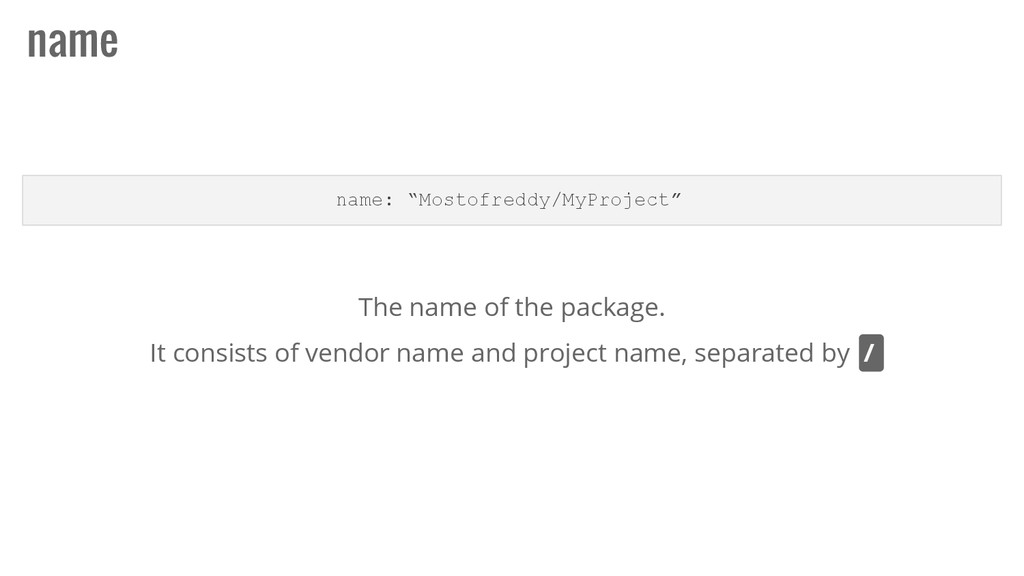
    of vendor name and project name, separated by /
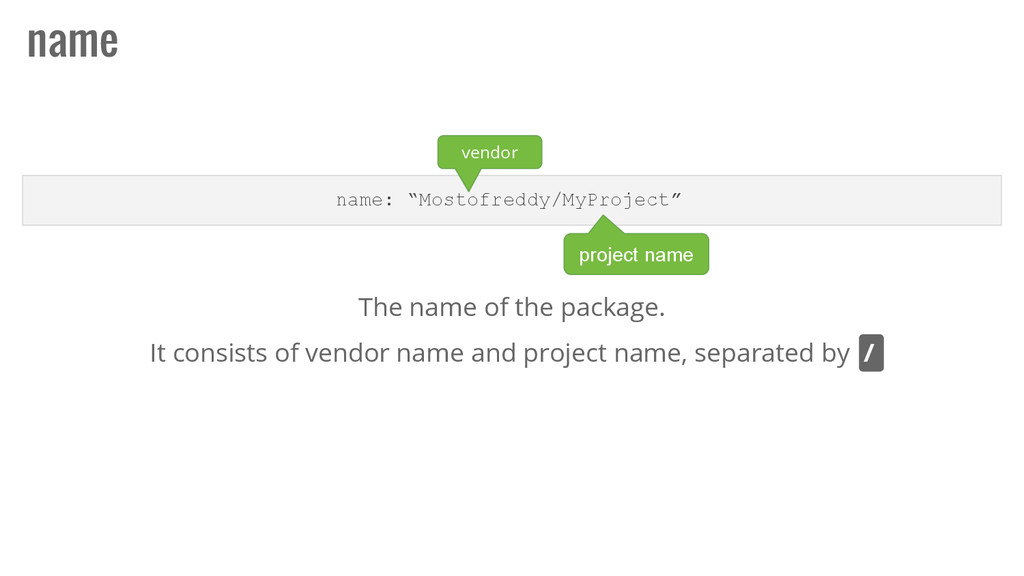
  13. name name: “Mostofreddy/MyProject” The name of the package. It consists

    of vendor name and project name, separated by / vendor project name
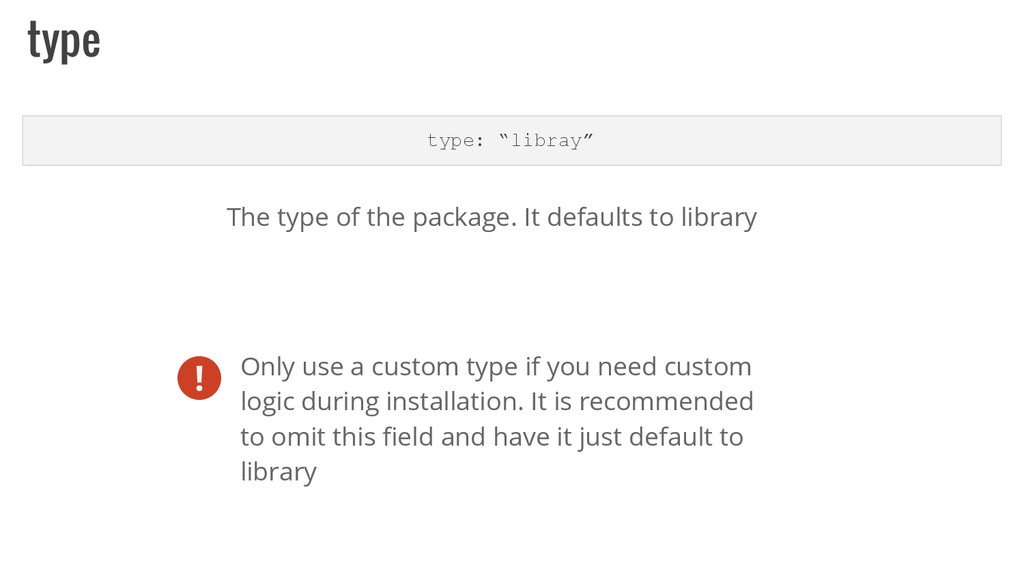
  14. type type: “libray” The type of the package. It defaults

    to library ! Only use a custom type if you need custom logic during installation. It is recommended to omit this field and have it just default to library
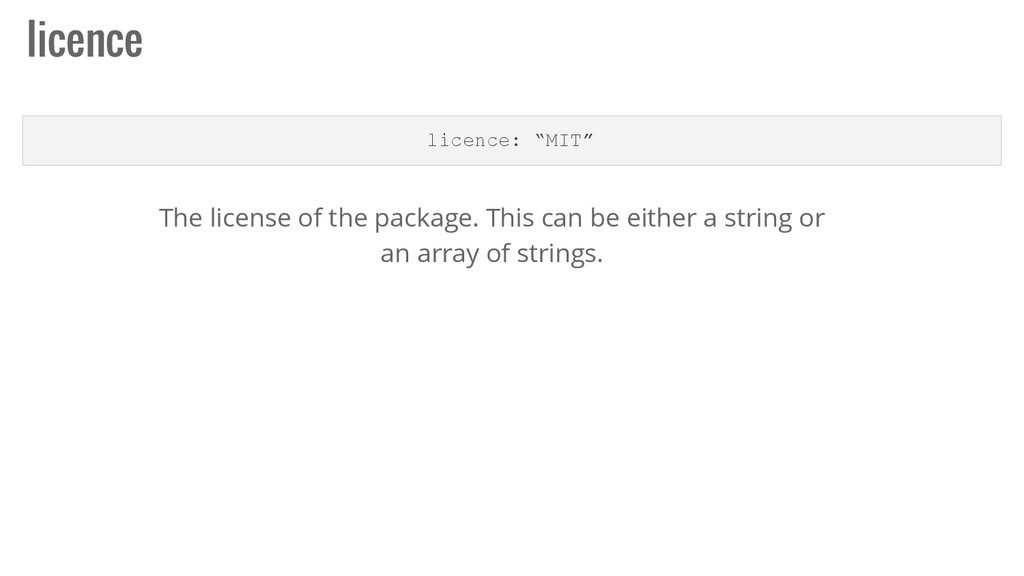
  15. licence licence: “MIT” The license of the package. This can

    be either a string or an array of strings.
  16. author authors: [{...}] The authors of the package. This is

    an array of objects. ✓ name: The author's name. Usually his real name. ✓ email: The author's email address. ✓ homepage: An URL to the author's website. ✓ role: The authors' role in the project (e.g. developer or translator) { "authors": [ { "name": "Federico Mosto", "email": "[email protected]", "homepage": "http://mostofreddy.com.ar", "role": "Developer" }, { … } ] }
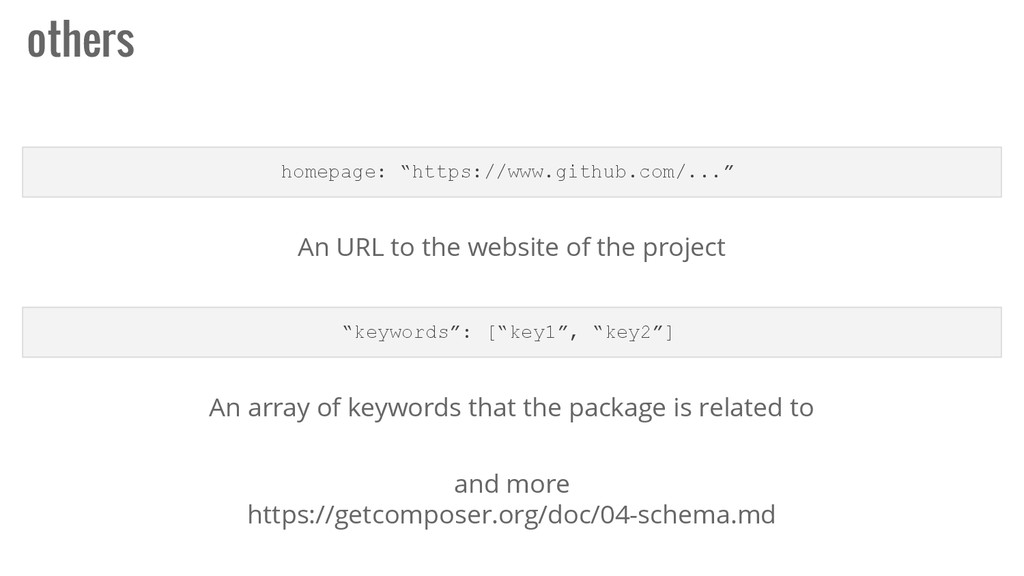
  17. others homepage: “https://www.github.com/...” An URL to the website of the

    project “keywords”: [“key1”, “key2”] An array of keywords that the package is related to and more https://getcomposer.org/doc/04-schema.md
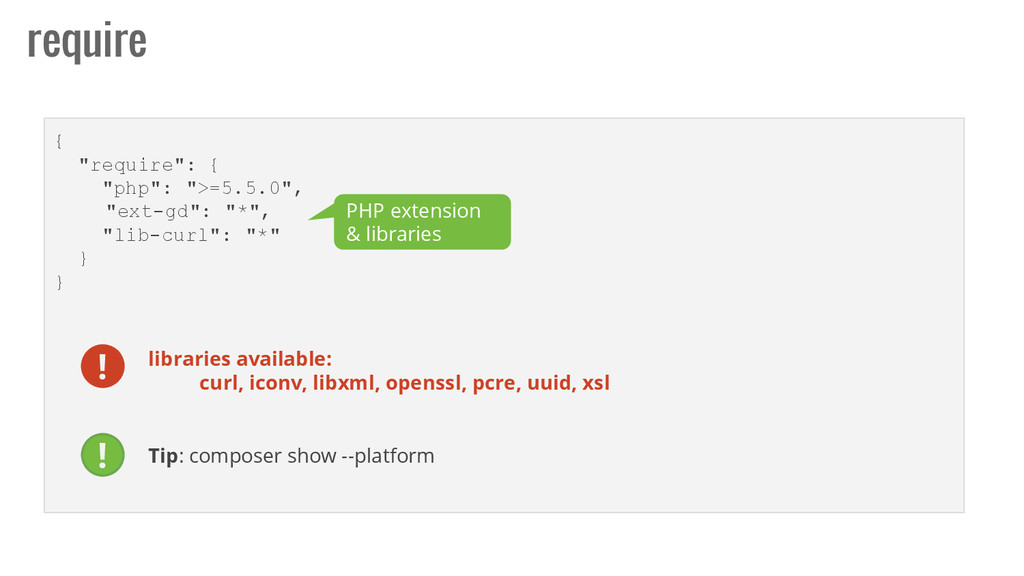
  18. { "require": { "php": ">=5.5.0", "ext-gd": "*", "lib-curl": "*" }

    } require PHP extension & libraries libraries available: curl, iconv, libxml, openssl, pcre, uuid, xsl Tip: composer show --platform ! !
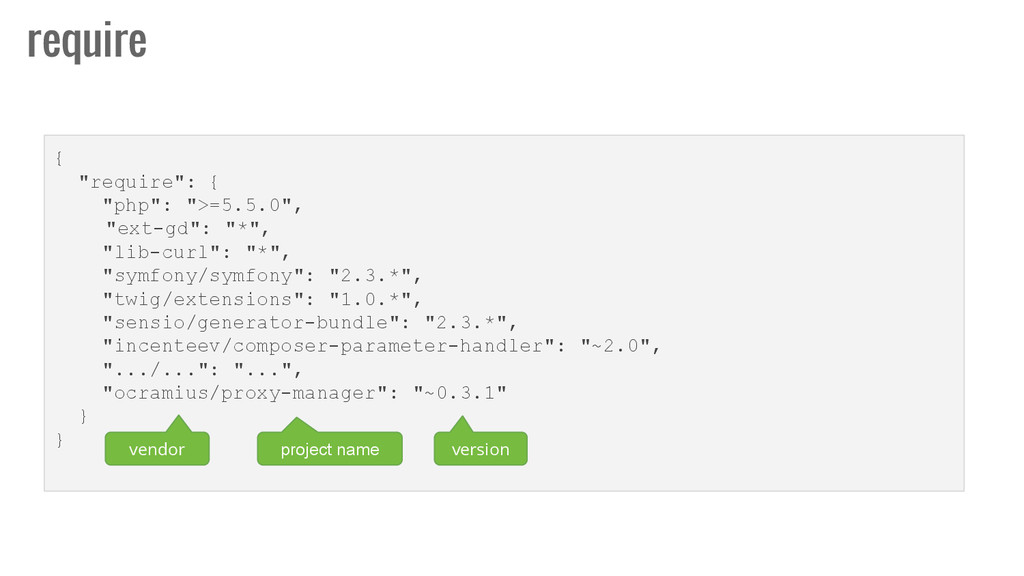
  19. { "require": { "php": ">=5.5.0", "ext-gd": "*", "lib-curl": "*", "symfony/symfony":

    "2.3.*", "twig/extensions": "1.0.*", "sensio/generator-bundle": "2.3.*", "incenteev/composer-parameter-handler": "~2.0", ".../...": "...", "ocramius/proxy-manager": "~0.3.1" } } require vendor project name version
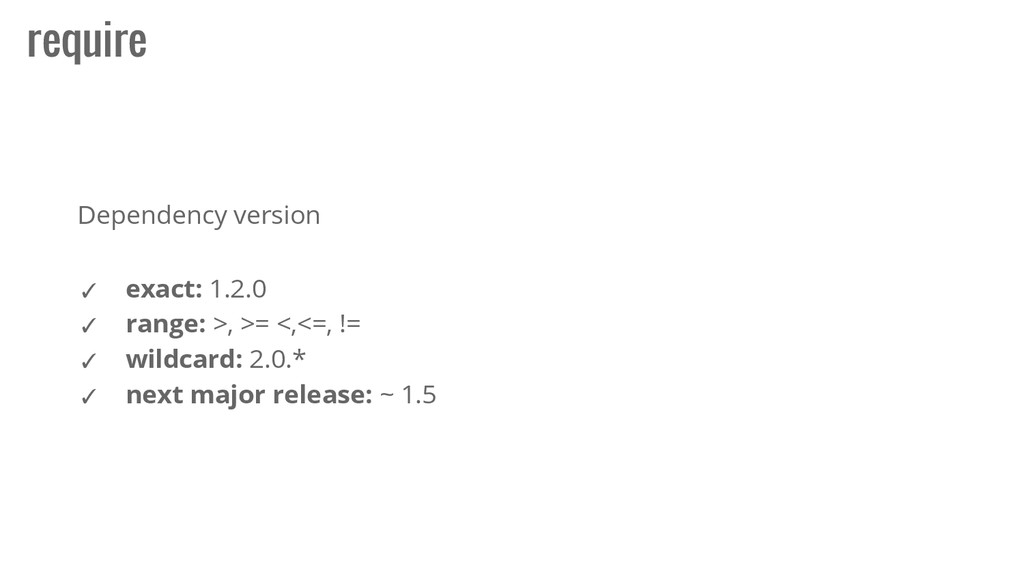
  20. require ✓ exact: 1.2.0 ✓ range: >, >= <,<=, !=

    ✓ wildcard: 2.0.* ✓ next major release: ~ 1.5 Dependency version
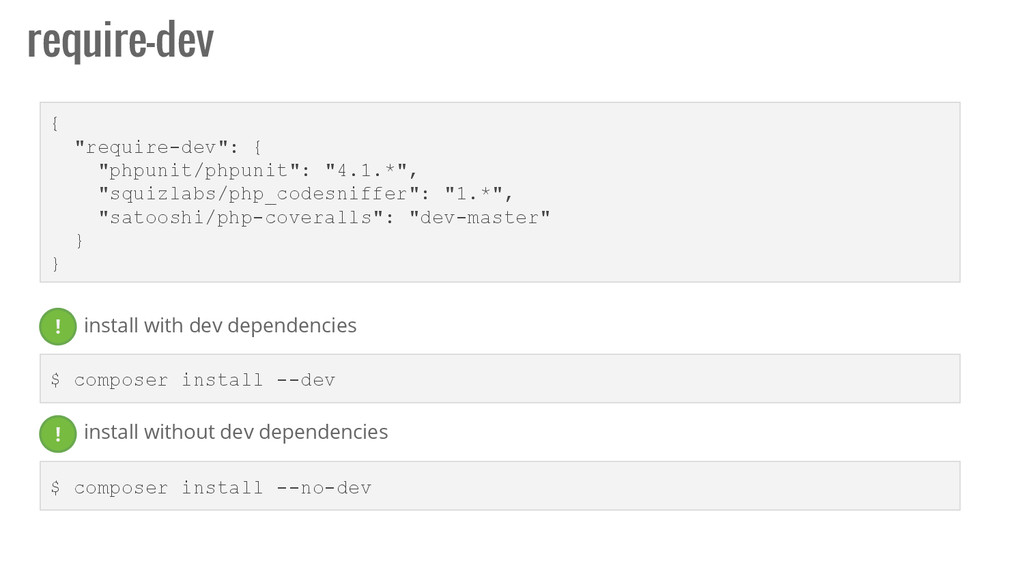
  21. require-dev { "require-dev": { "phpunit/phpunit": "4.1.*", "squizlabs/php_codesniffer": "1.*", "satooshi/php-coveralls": "dev-master"

    } } $ composer install --dev $ composer install --no-dev install without dev dependencies ! ! install with dev dependencies
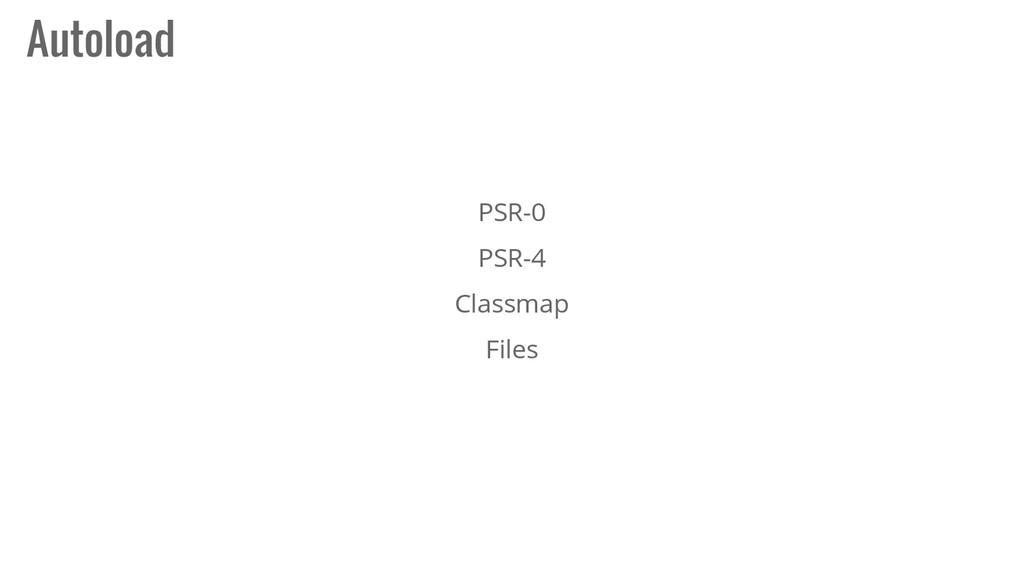
  22. PSR-0 { "autoload": { "psr-0": { "MyNamespace\\": ["src/"] } }

    } . └── src └── MyNamespace └── Entity └── Person.php Filesystem require_once ROOT_PATH."vendor/autoload. php"; $person = new MyNamespace\Entity\Person(); How to use PSR-0 definition: http://www.php-fig.org/psr/psr-0/
  23. PSR-4 { "autoload": { "psr-4": { "MyNamespace\\": ["src/"] } }

    } . └── src └── Entity └── Person.php Filesystem require_once ROOT_PATH."vendor/autoload. php"; $person = new MyNamespace\Entity\Person(); How to use PSR-4 definition: http://www.php-fig.org/psr/psr-4/
  24. Classmap { "autoload": { "classmap": [ "src/", "lib/", "DB.php" ]

    } } . └── src └── lib └── DB.php Filesystem require_once ROOT_PATH."vendor/autoload. php"; $person = new DB(); How to use
  25. Files { "autoload": { "files": ["classes/class.DB.php"] } } . └──

    classes └── class.DB.php Filesystem require_once ROOT_PATH."vendor/autoload. php"; $person = new DB(); How to use
  26. Scripts A script, in Composer's terms, can either be a

    PHP callback (defined as a static method) or any command- line executable command. Scripts are useful for executing a package's custom code or package-specific commands during the Composer execution process
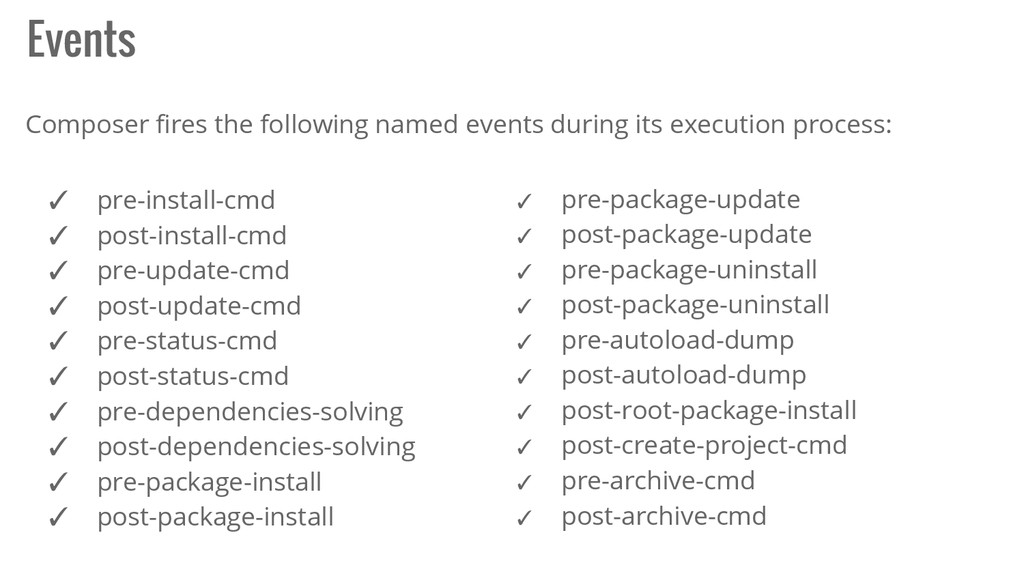
  27. Events Composer fires the following named events during its execution

    process: ✓ pre-install-cmd ✓ post-install-cmd ✓ pre-update-cmd ✓ post-update-cmd ✓ pre-status-cmd ✓ post-status-cmd ✓ pre-dependencies-solving ✓ post-dependencies-solving ✓ pre-package-install ✓ post-package-install ✓ pre-package-update ✓ post-package-update ✓ pre-package-uninstall ✓ post-package-uninstall ✓ pre-autoload-dump ✓ post-autoload-dump ✓ post-root-package-install ✓ post-create-project-cmd ✓ pre-archive-cmd ✓ post-archive-cmd
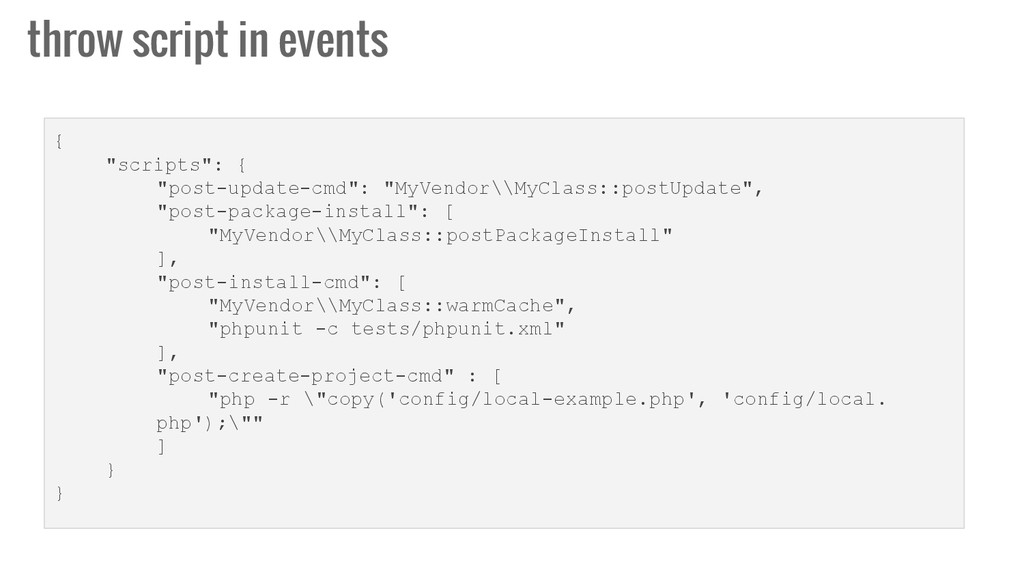
  28. throw script in events { "scripts": { "post-update-cmd": "MyVendor\\MyClass::postUpdate", "post-package-install":

    [ "MyVendor\\MyClass::postPackageInstall" ], "post-install-cmd": [ "MyVendor\\MyClass::warmCache", "phpunit -c tests/phpunit.xml" ], "post-create-project-cmd" : [ "php -r \"copy('config/local-example.php', 'config/local. php');\"" ] } }
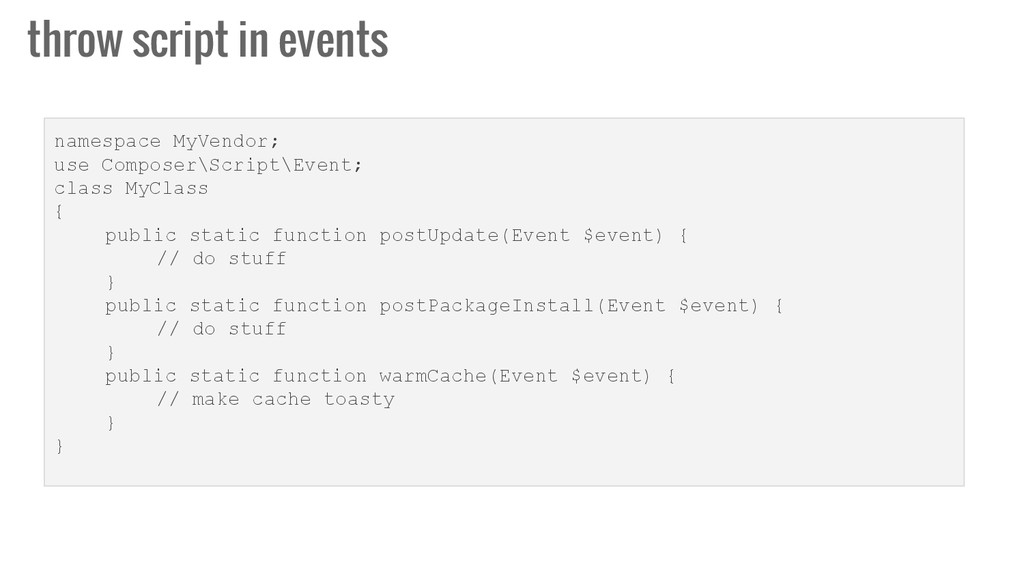
  29. throw script in events namespace MyVendor; use Composer\Script\Event; class MyClass

    { public static function postUpdate(Event $event) { // do stuff } public static function postPackageInstall(Event $event) { // do stuff } public static function warmCache(Event $event) { // make cache toasty } }
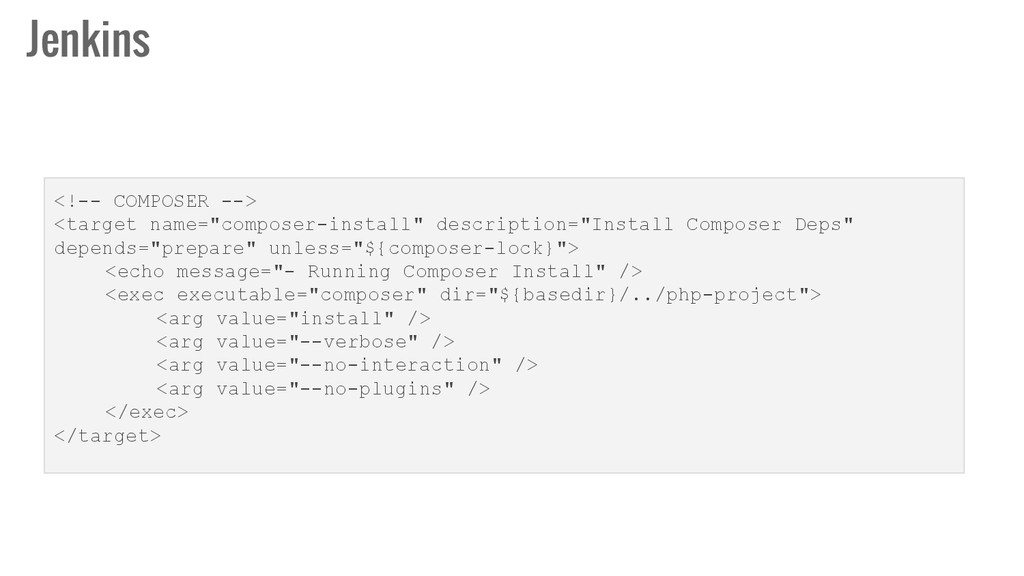
  30. Jenkins <!-- COMPOSER --> <target name="composer-install" description="Install Composer Deps" depends="prepare"

    unless="${composer-lock}"> <echo message="- Running Composer Install" /> <exec executable="composer" dir="${basedir}/../php-project"> <arg value="install" /> <arg value="--verbose" /> <arg value="--no-interaction" /> <arg value="--no-plugins" /> </exec> </target>
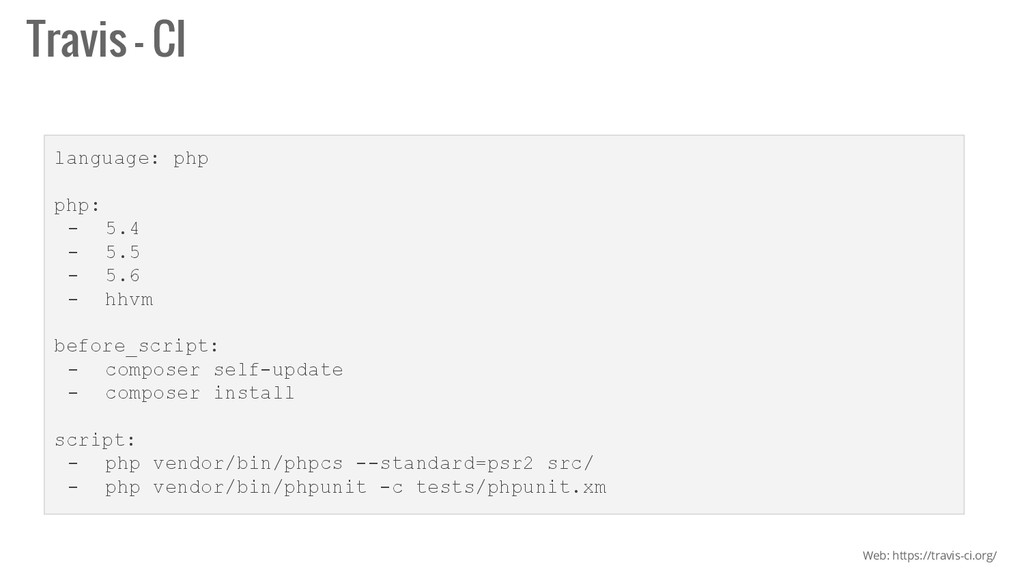
  31. Travis - CI language: php php: - 5.4 - 5.5

    - 5.6 - hhvm before_script: - composer self-update - composer install script: - php vendor/bin/phpcs --standard=psr2 src/ - php vendor/bin/phpunit -c tests/phpunit.xm Web: https://travis-ci.org/
  32. Thanks! FEDERICO LOZADA MOSTO TW: @mostofreddy Web: mostofreddy.com.ar FB: mostofreddy

    In: ar.linkedin.com/in/federicolozadamosto Git: mostofreddy