Upgrade to Pro — share decks privately, control downloads, hide ads and more …

WHAT SOFTWARE WILL I LEARN IN A VIDEO EDITING ...

Sponsored · Your Podcast. Everywhere. Effortlessly. Share. Educate. Inspire. Entertain. You do you. We'll handle the rest. →
Avatar for Jay Jay
September 04, 2025

WHAT SOFTWARE WILL I LEARN IN A VIDEO EDITING COURSE?

In a video editing course you will learn a set of tools for cutting footage, fixing sound, adding effects, and finishing videos for web or broadcast. Below is a clear list of the common programs, what each is used for, and a simple order to learn them.

Avatar for Jay

Jay

September 04, 2025

Other Decks in Education

Transcript

  1. WHAT SOFTWARE WILL I LEARN IN A VIDEO EDITING COURSE?

    (Subtitle: Tools to edit, enhance, and create professional videos)
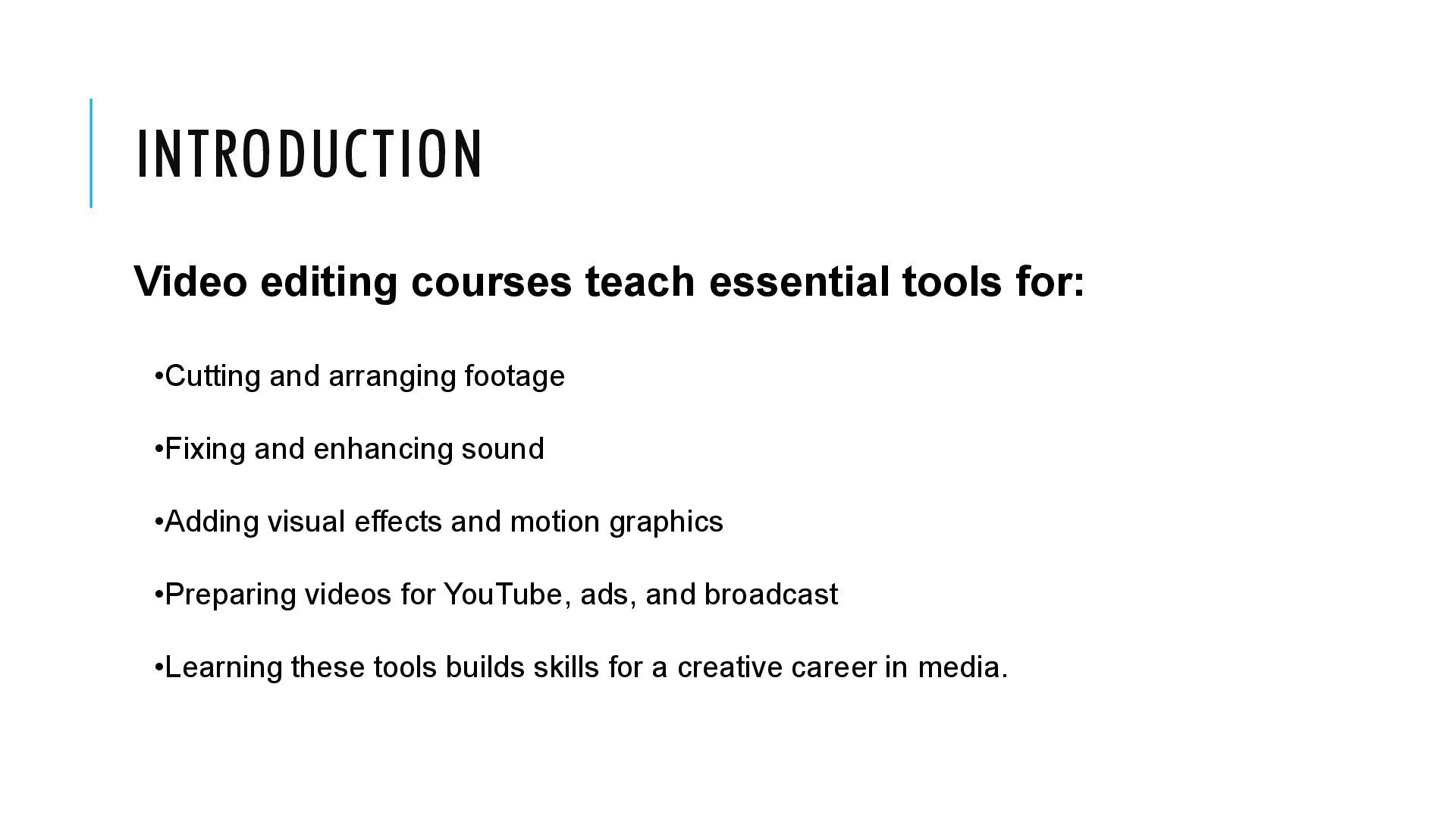
  2. INTRODUCTION Video editing courses teach essential tools for: •Cutting and

    arranging footage •Fixing and enhancing sound •Adding visual effects and motion graphics •Preparing videos for YouTube, ads, and broadcast •Learning these tools builds skills for a creative career in media.
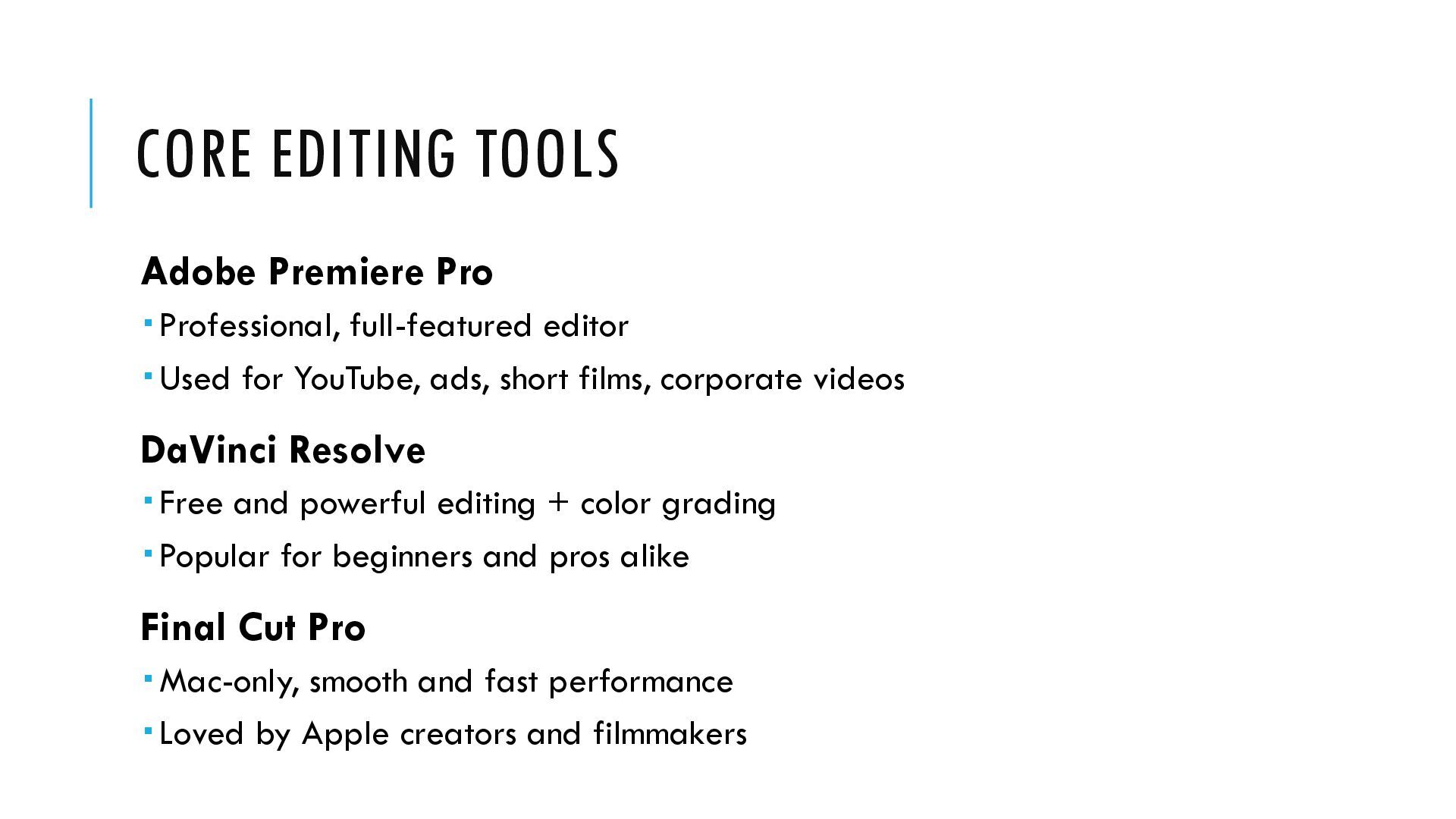
  3. CORE EDITING TOOLS Adobe Premiere Pro  Professional, full-featured editor

     Used for YouTube, ads, short films, corporate videos DaVinci Resolve  Free and powerful editing + color grading  Popular for beginners and pros alike Final Cut Pro  Mac-only, smooth and fast performance  Loved by Apple creators and filmmakers
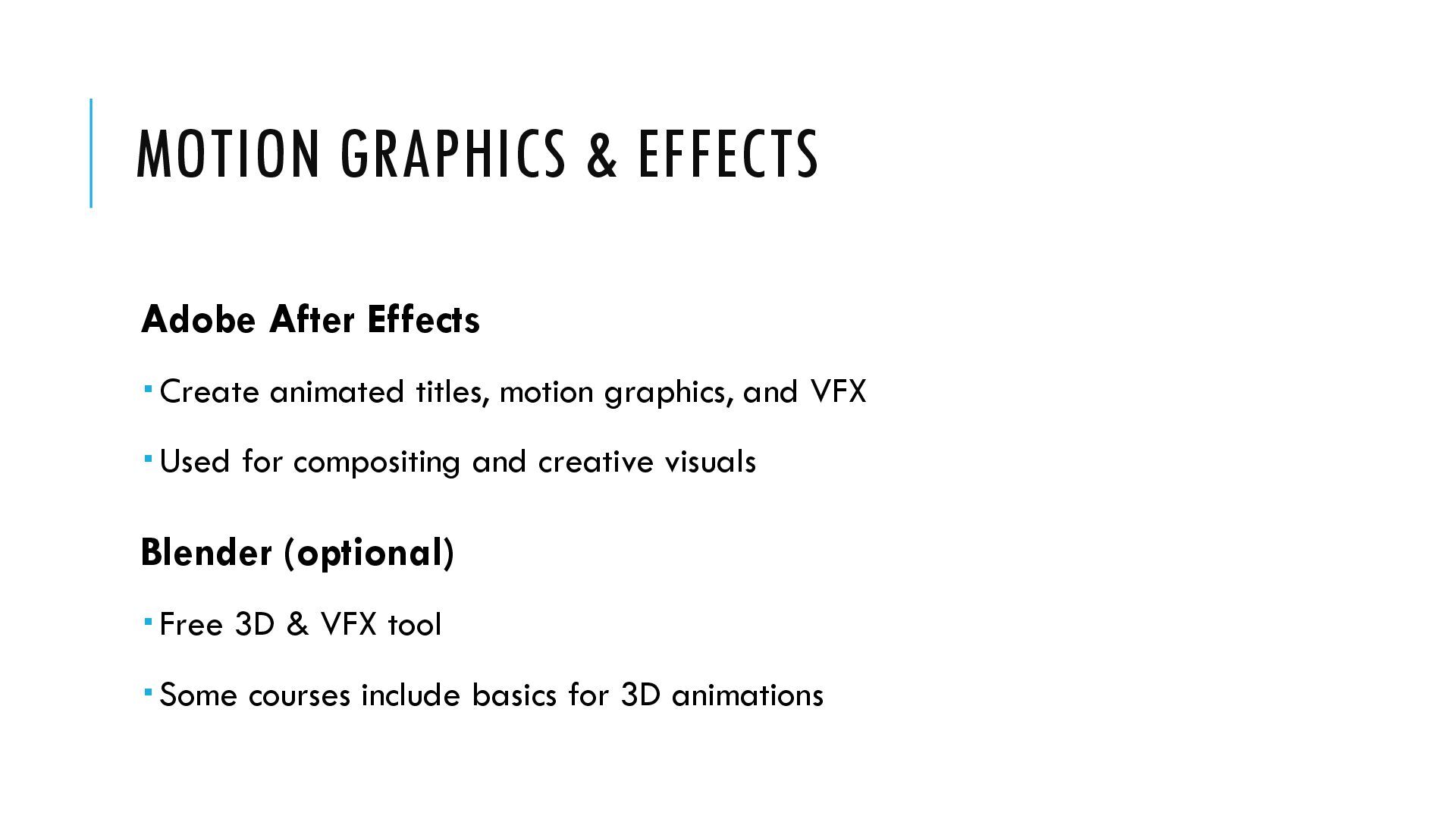
  4. MOTION GRAPHICS & EFFECTS Adobe After Effects  Create animated

    titles, motion graphics, and VFX  Used for compositing and creative visuals Blender (optional)  Free 3D & VFX tool  Some courses include basics for 3D animations
  5. COLOR & FINISHING DaVinci Resolve (Color)  Industry standard for

    color correction and grading  Adds cinematic look and polish to videos  Many editors edit in one program, then finish in Resolve
  6. AUDIO & SOUND TOOLS Adobe Audition Audio cleanup, mixing, and

    mastering Great for podcasts and professional sound design Audacity Free and simple audio tool Perfect for quick fixes on a budget
  7. GRAPHICS & THUMBNAILS Adobe Photoshop  Create thumbnails, posters, and

    promotional stills Canva (optional)  Easy, web-based tool for quick graphics and social posts
  8. LEARNING ORDER – WHERE TO START 1. Pick one main

    editor: Premiere Pro or DaVinci Resolve 2. Learn basic audio editing and color correction 3. Add After Effects for motion graphics and animations 4. Use Photoshop/Canva for thumbnails and promotional designs
  9. HANDS-ON TRAINING •Many academies (like Dot Colours) teach these tools

    •Practical, project-based learning builds confidence •Students work on: •Short films •Ads and promos •Social media videos
  10. QUICK TIP FOR BEGINNERS •Start low-cost with: •DaVinci Resolve (editing

    & color) •Audacity (sound) •Canva (thumbnails & posters) •Upgrade to Adobe tools as you grow
  11. CONCLUSION •Video editing courses give you industry-standard tools •Skills cover

    editing, sound, graphics, and finishing •With practice, you can create content for YouTube, ads, films, and mor •A strong toolkit = a strong career path