Upgrade to Pro — share decks privately, control downloads, hide ads and more …

Evolution of Claude Code & How to use features

Sponsored · Ship Features Fearlessly Turn features on and off without deploys. Used by thousands of Ruby developers.
Avatar for Oikon Oikon
March 06, 2026

Evolution of Claude Code & How to use features

Avatar for Oikon

Oikon

March 06, 2026
Tweet

More Decks by Oikon

Other Decks in Technology

Transcript

  1. Evolution of Claude Code & How to use features Speaker:

    Oikon (Mar. 6, 2026) Organized by: Findy
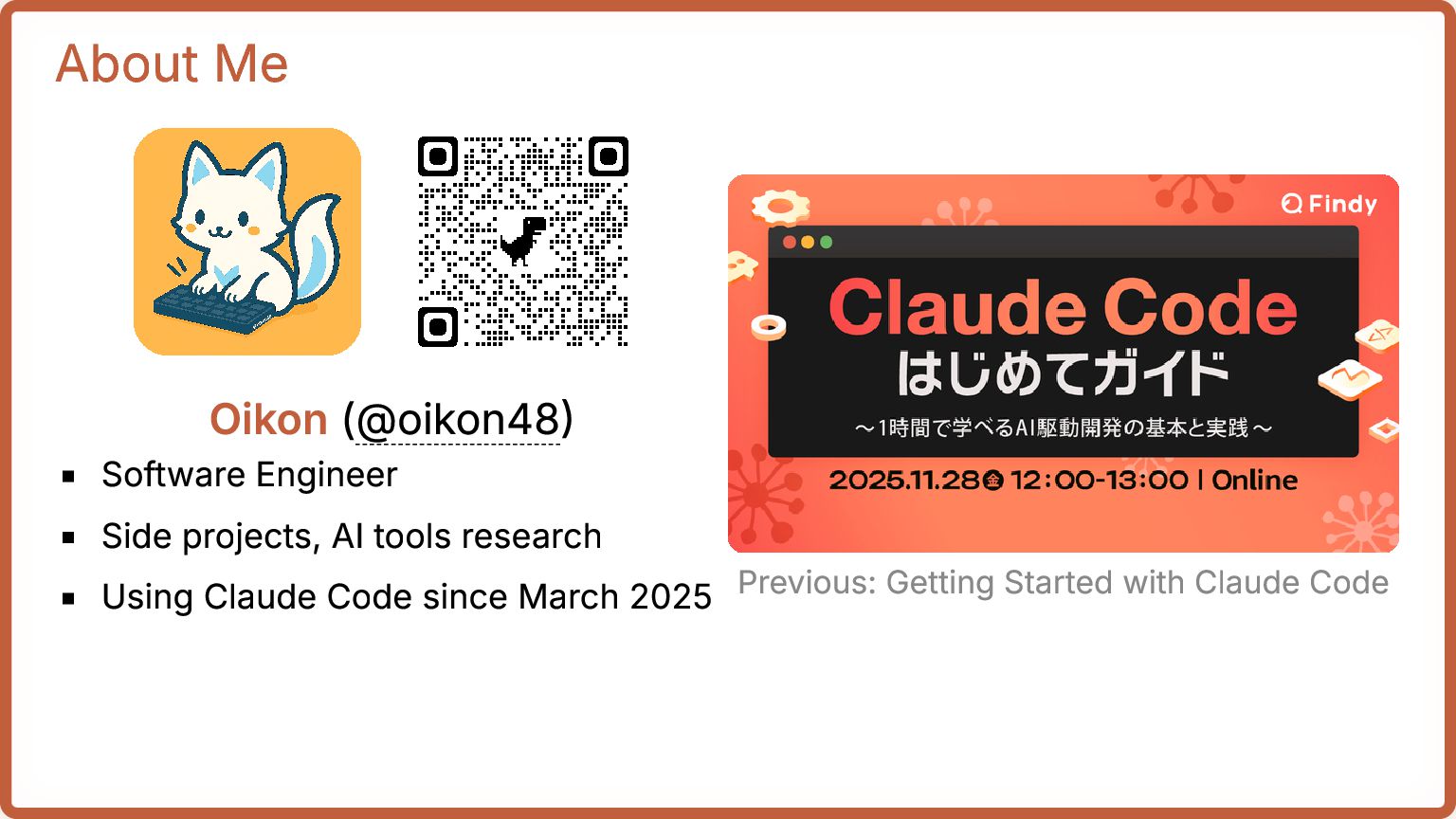
  2. About Me Oikon (@oikon48) Software Engineer Side projects, AI tools

    research Using Claude Code since March 2025 Previous: Getting Started with Claude Code
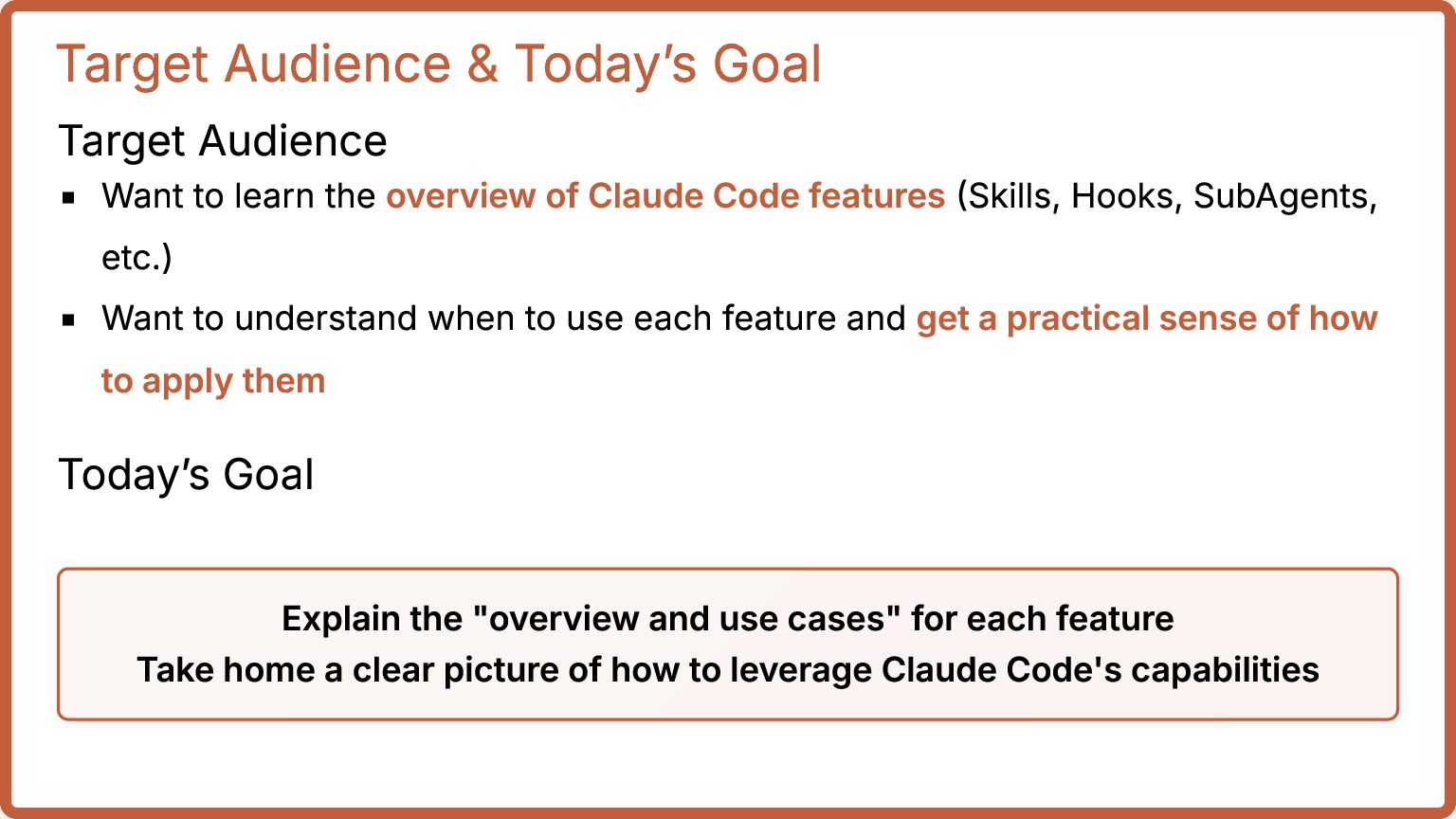
  3. Target Audience & Today’s Goal Target Audience Want to learn

    the overview of Claude Code features (Skills, Hooks, SubAgents, etc.) Want to understand when to use each feature and get a practical sense of how to apply them Today’s Goal Explain the "overview and use cases" for each feature Take home a clear picture of how to leverage Claude Code's capabilities
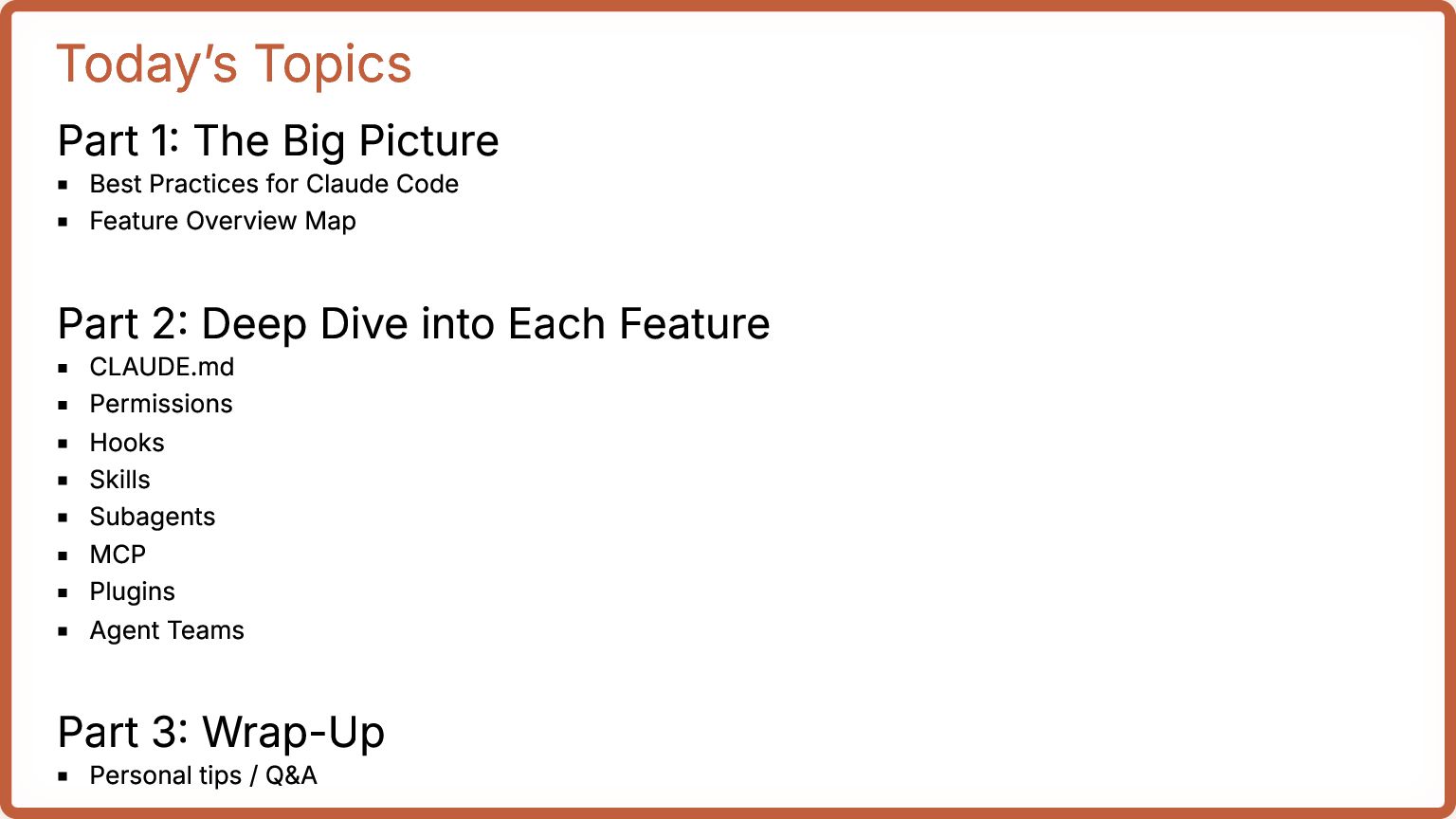
  4. Today’s Topics Part 1: The Big Picture Best Practices for

    Claude Code Feature Overview Map Part 2: Deep Dive into Each Feature CLAUDE.md Permissions Hooks Skills Subagents MCP Plugins Agent Teams Part 3: Wrap-Up Personal tips / Q&A
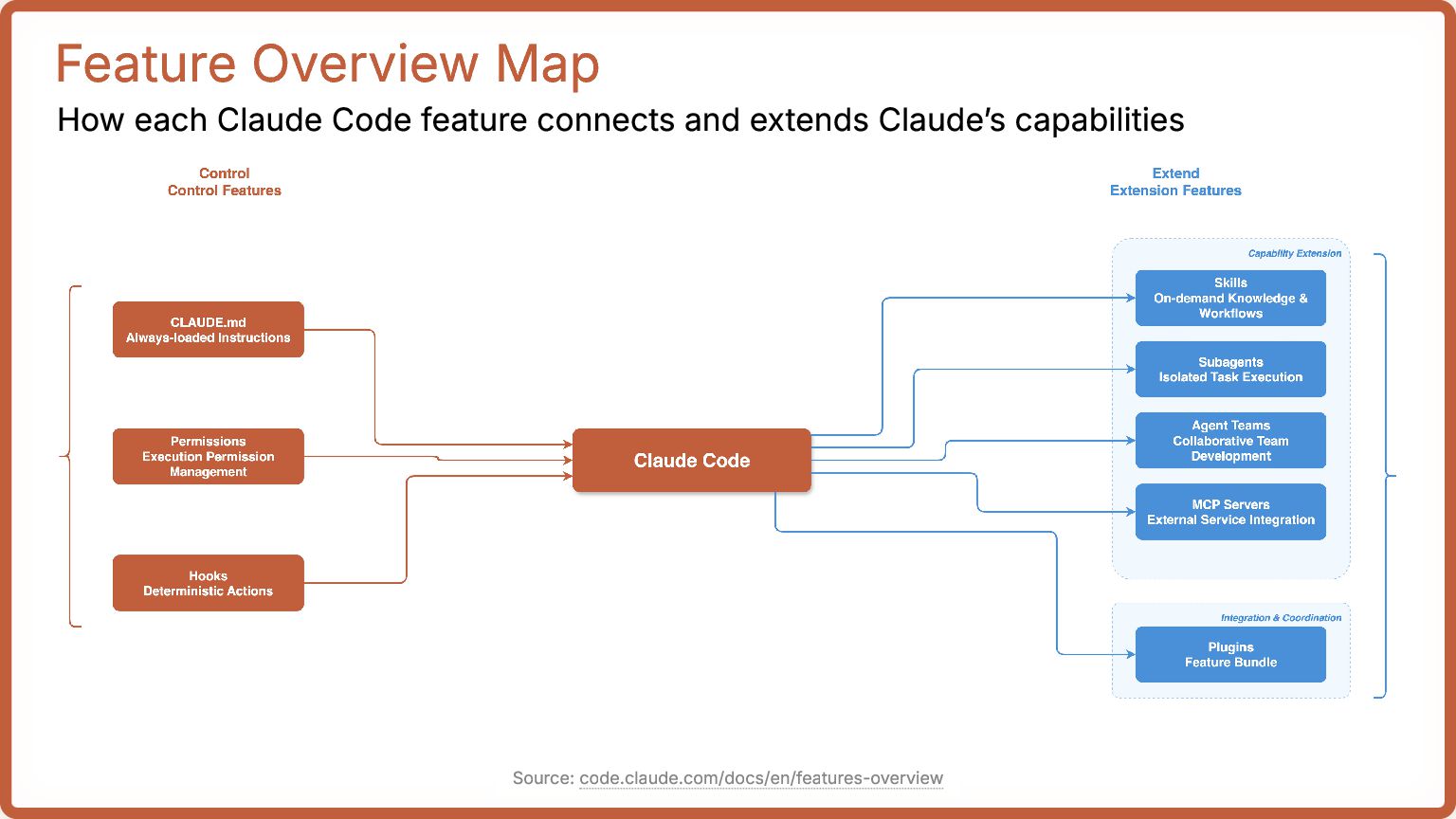
  5. Feature Overview Map How each Claude Code feature connects and

    extends Claude’s capabilities Source: code.claude.com/docs/en/features-overview
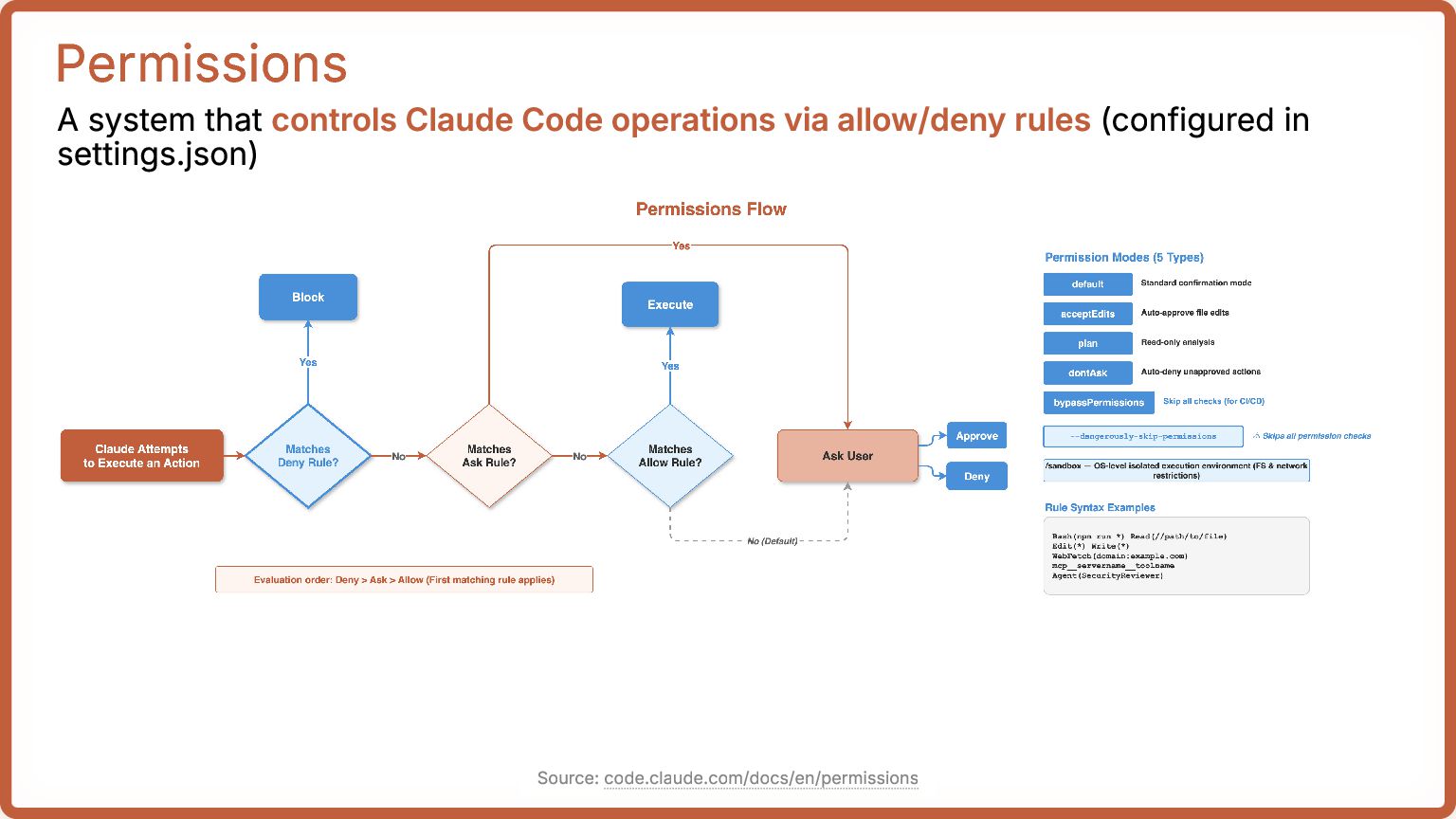
  6. Permissions A system that controls Claude Code operations via allow/deny

    rules (configured in settings.json) Source: code.claude.com/docs/en/permissions
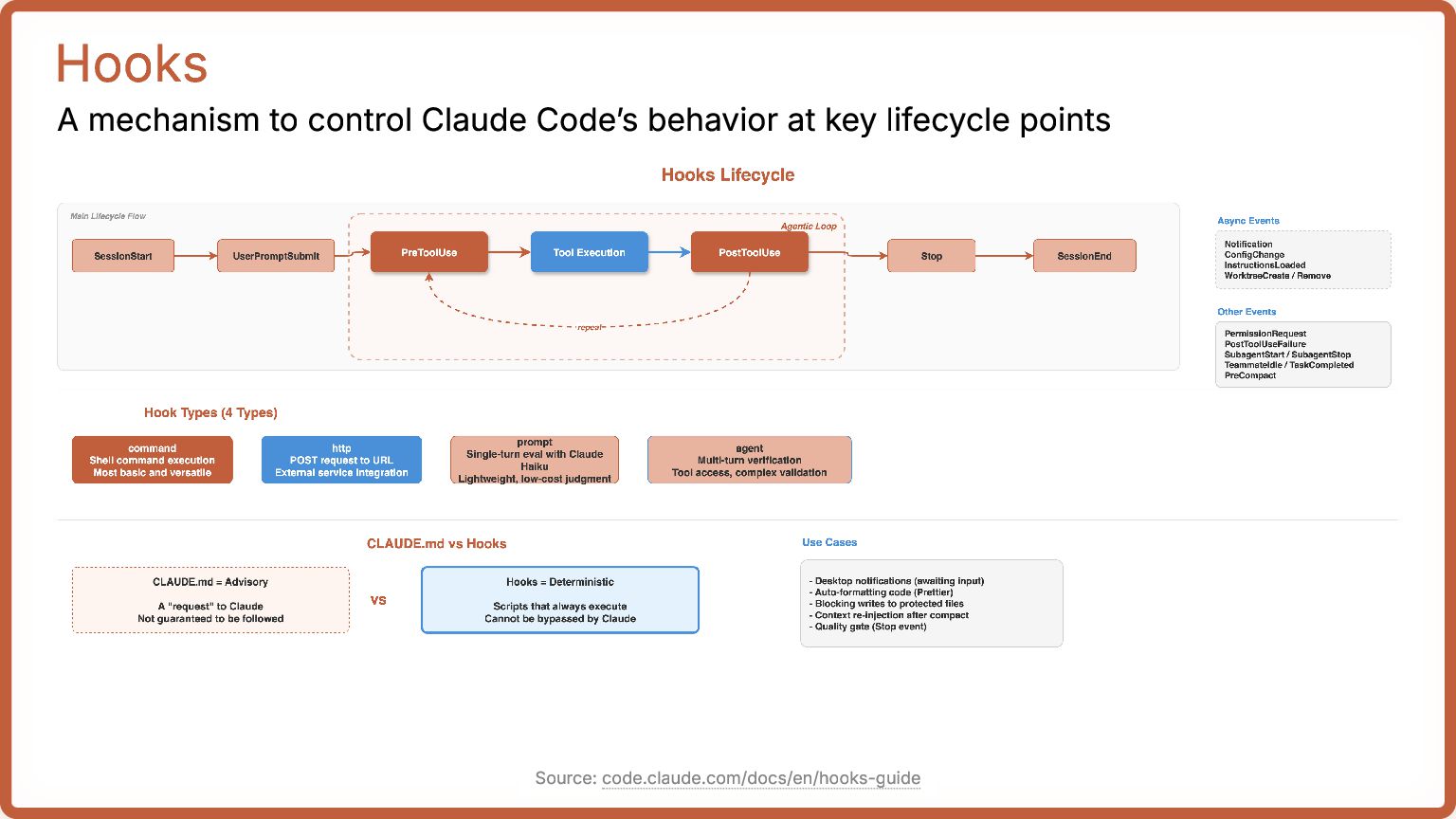
  7. Hooks A mechanism to control Claude Code’s behavior at key

    lifecycle points Source: code.claude.com/docs/en/hooks-guide
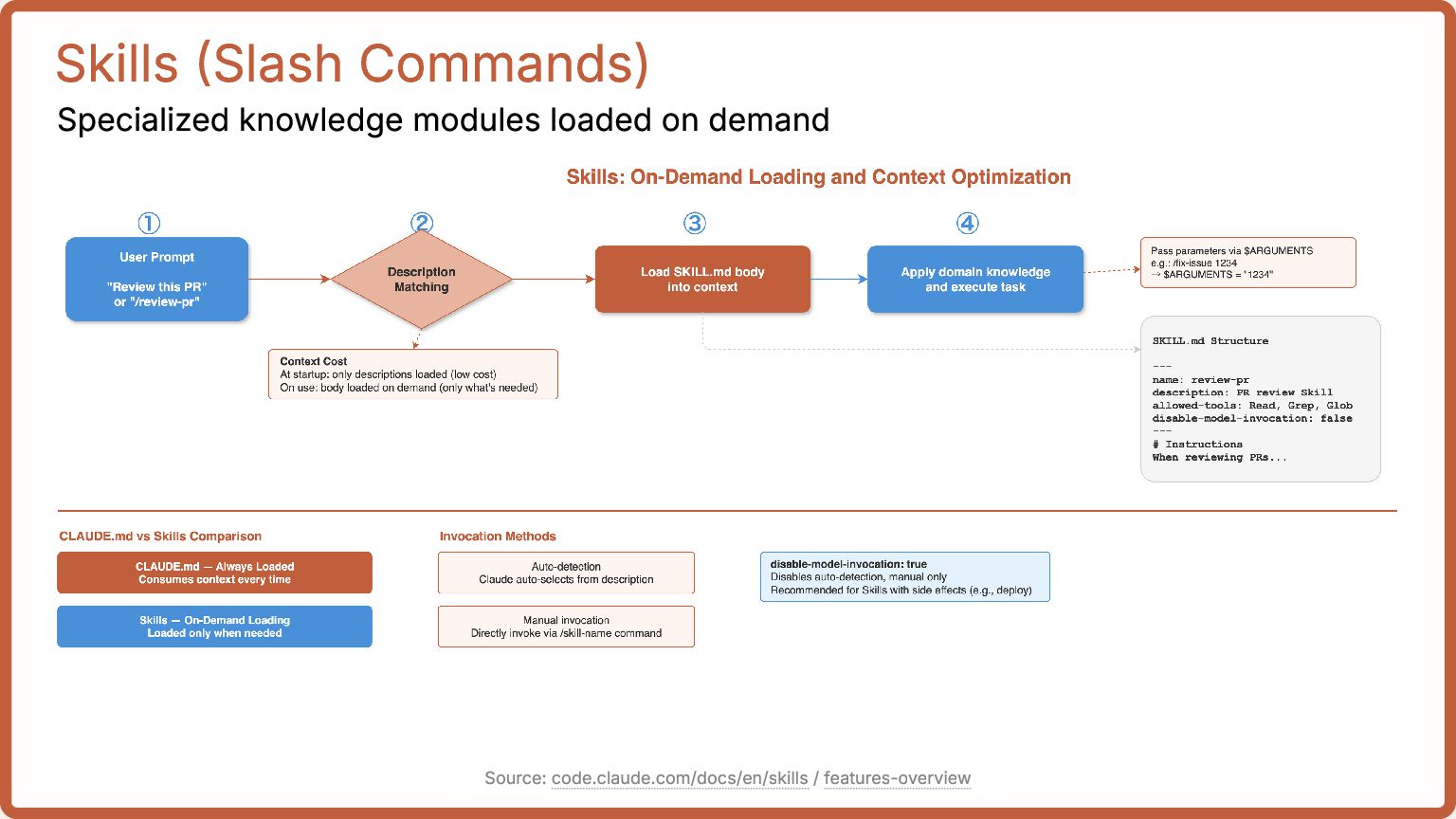
  8. Skills (Slash Commands) Specialized knowledge modules loaded on demand Source:

    code.claude.com/docs/en/skills / features-overview
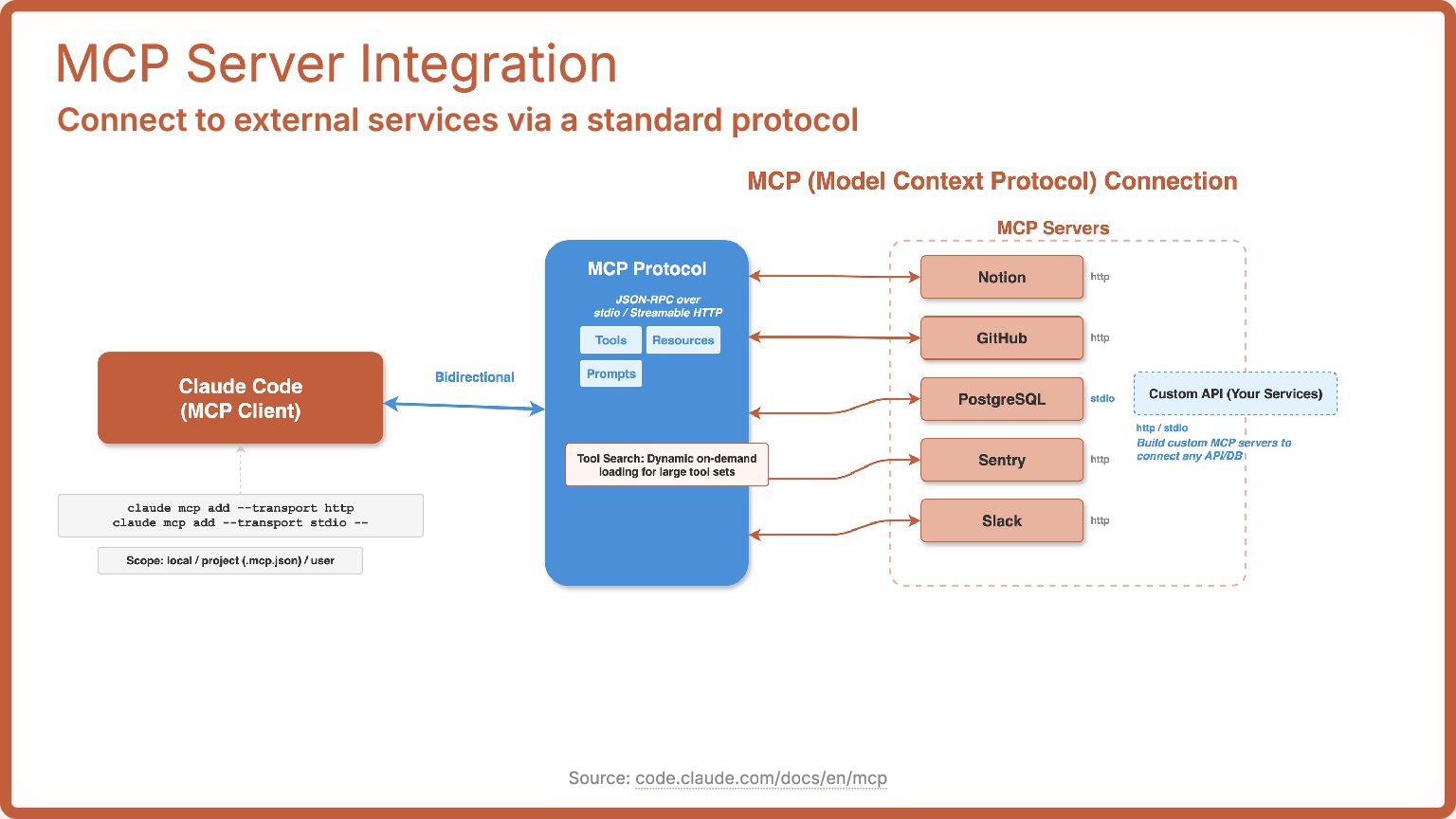
  9. MCP Server Integration Connect to external services via a standard

    protocol Source: code.claude.com/docs/en/mcp
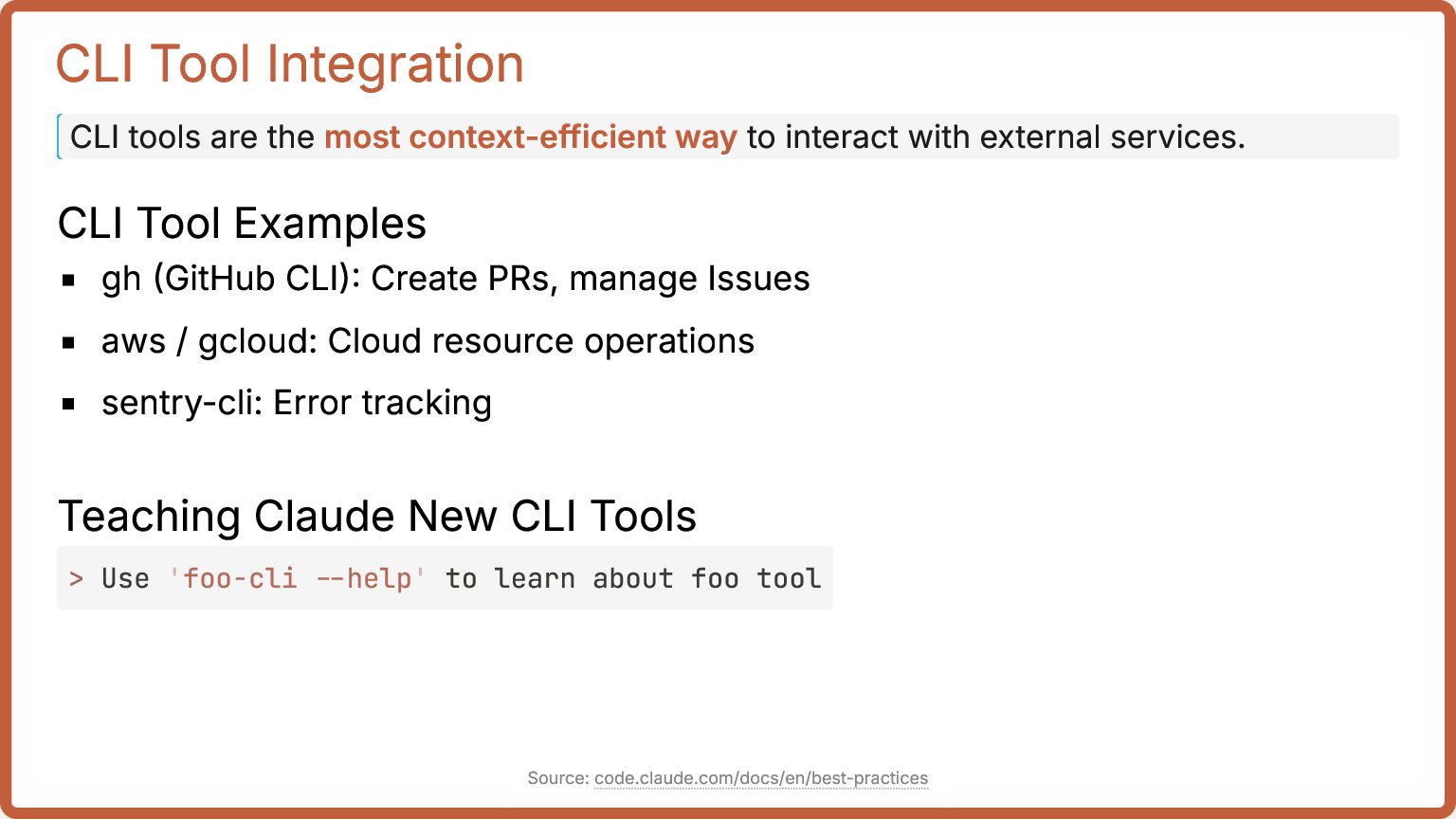
  10. CLI Tool Integration CLI tools are the most context-efficient way

    to interact with external services. CLI Tool Examples gh (GitHub CLI): Create PRs, manage Issues aws / gcloud: Cloud resource operations sentry-cli: Error tracking Teaching Claude New CLI Tools > Use 'foo-cli --help' to learn about foo tool Source: code.claude.com/docs/en/best-practices
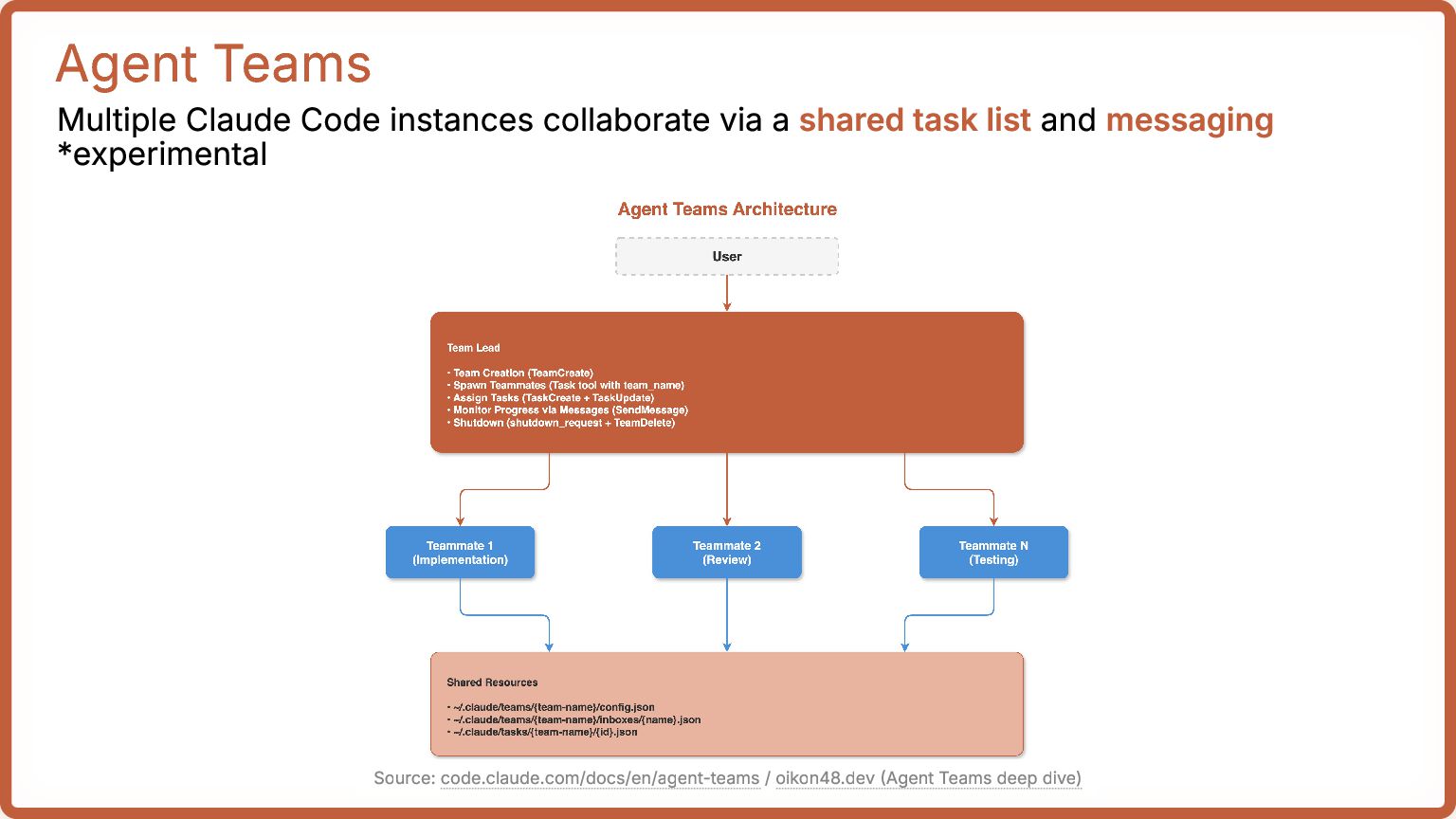
  11. Agent Teams Multiple Claude Code instances collaborate via a shared

    task list and messaging *experimental Source: code.claude.com/docs/en/agent-teams / oikon48.dev (Agent Teams deep dive)
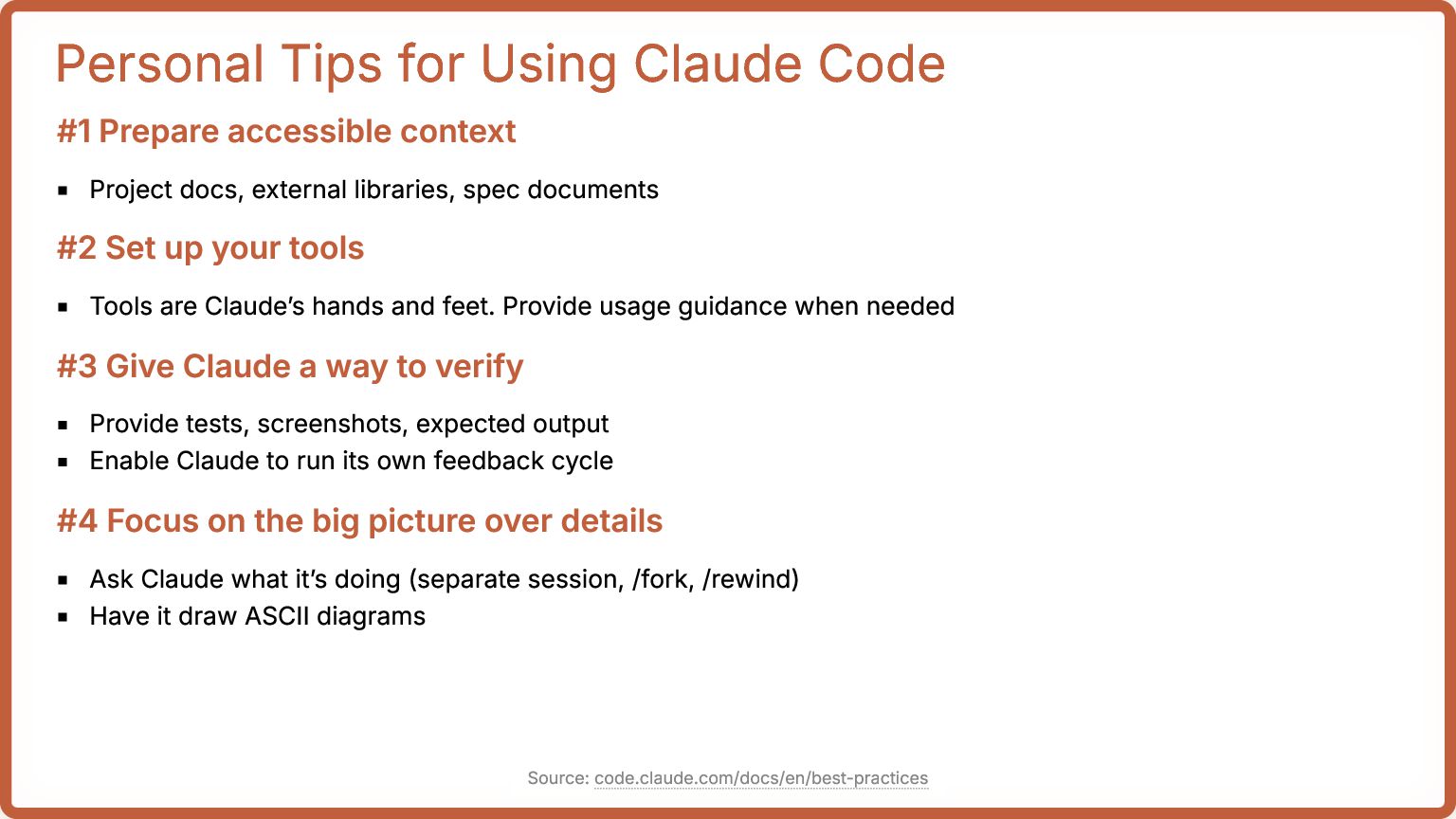
  12. Personal Tips for Using Claude Code #1 Prepare accessible context

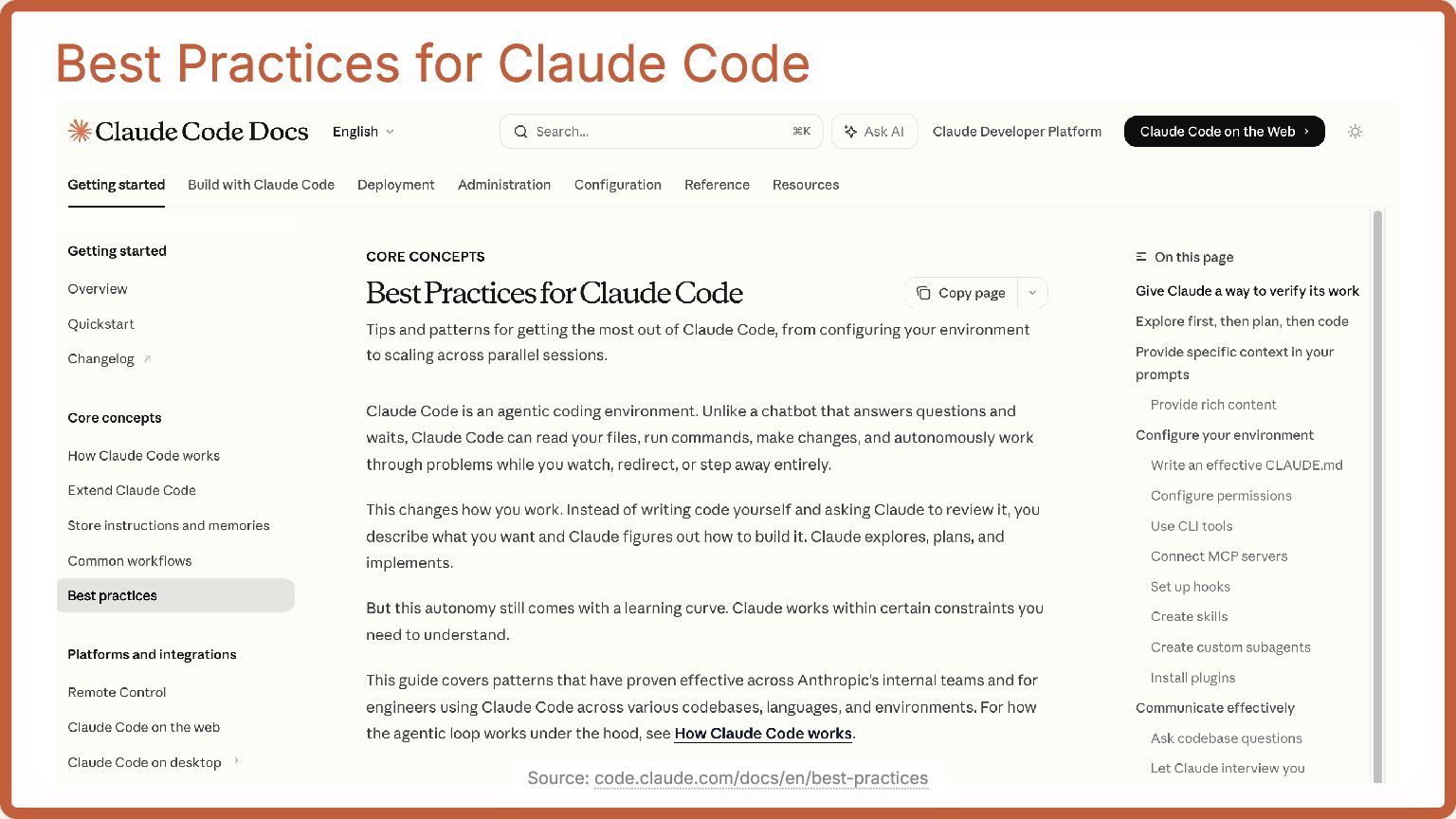
    Project docs, external libraries, spec documents #2 Set up your tools Tools are Claude’s hands and feet. Provide usage guidance when needed #3 Give Claude a way to verify Provide tests, screenshots, expected output Enable Claude to run its own feedback cycle #4 Focus on the big picture over details Ask Claude what it’s doing (separate session, /fork, /rewind) Have it draw ASCII diagrams Source: code.claude.com/docs/en/best-practices
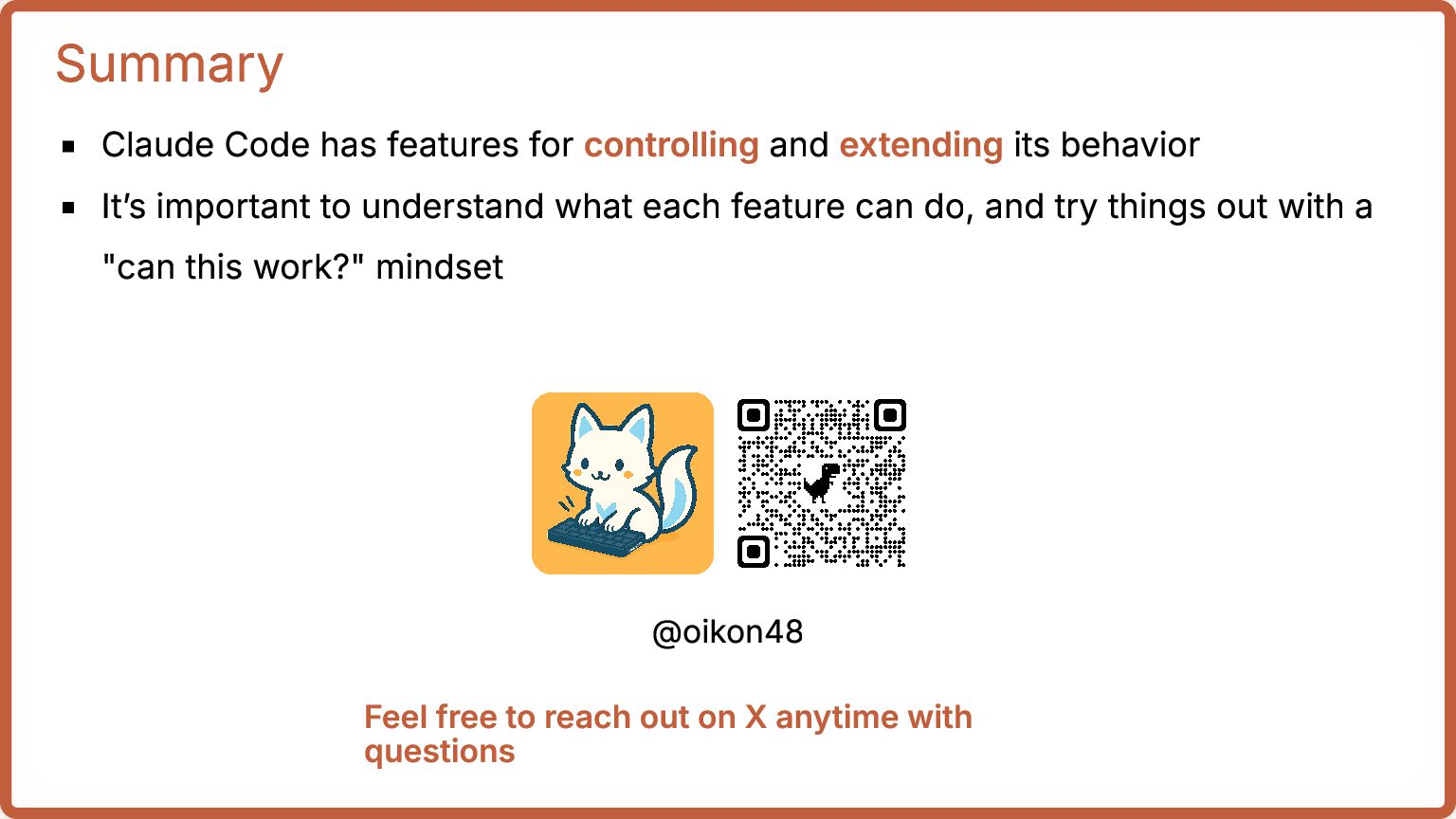
  13. Summary Claude Code has features for controlling and extending its

    behavior It’s important to understand what each feature can do, and try things out with a "can this work?" mindset @oikon48 Feel free to reach out on X anytime with questions