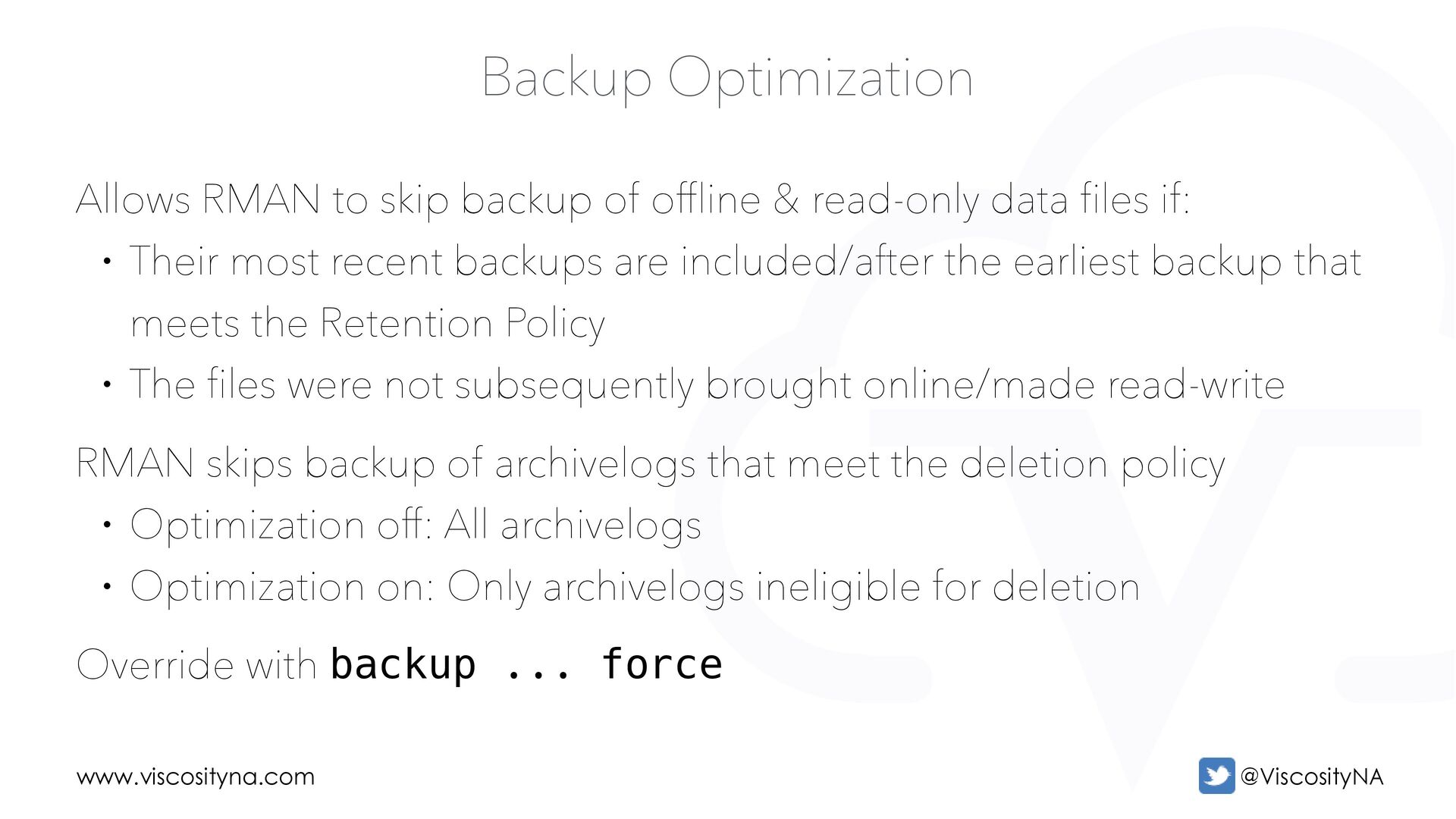
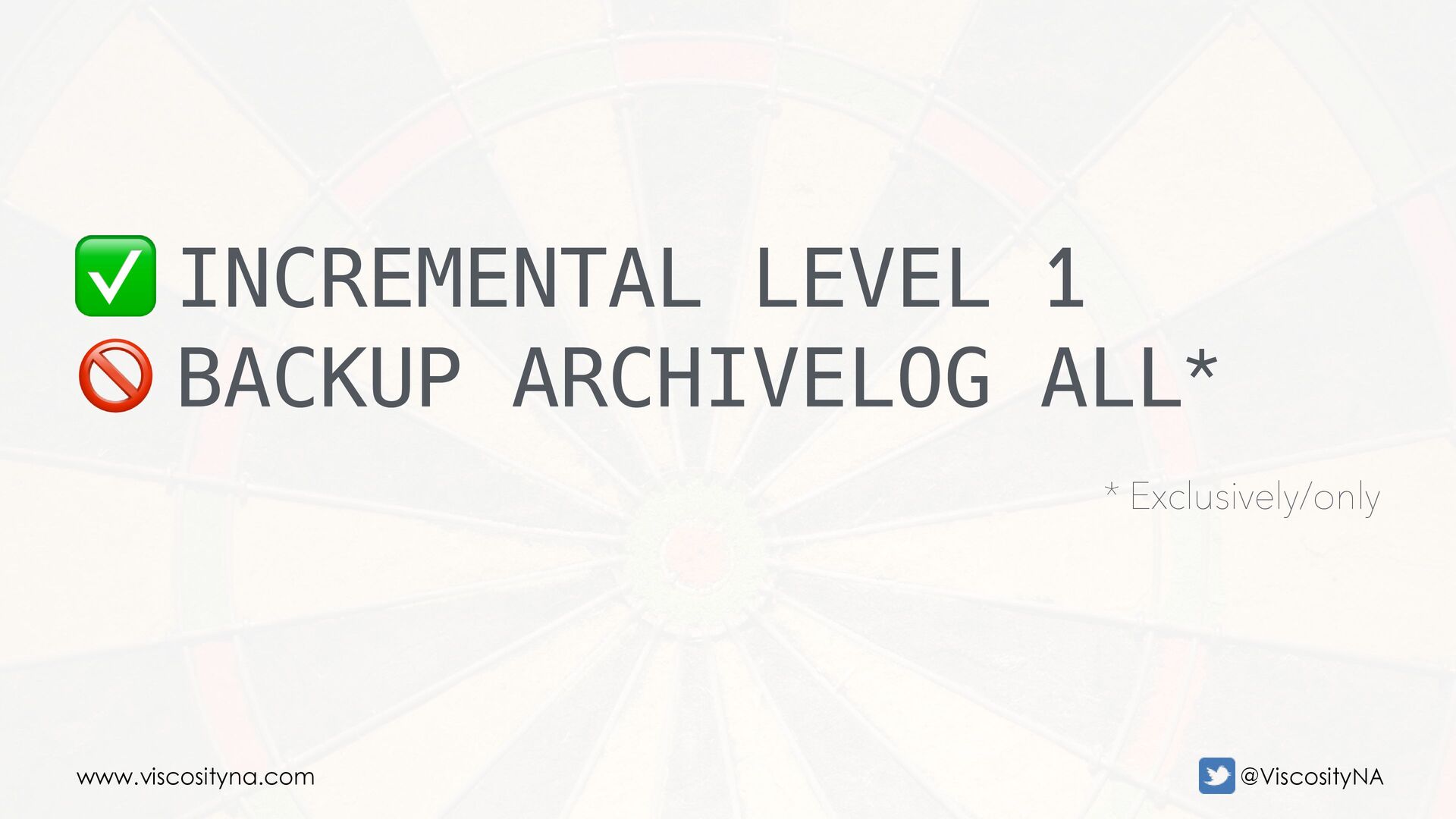
offline & read-only data files if: • Their most recent backups are included/after the earliest backup that meets the Retention Policy • The files were not subsequently brought online/made read-write RMAN skips backup of archivelogs that meet the deletion policy • Optimization off: All archivelogs • Optimization on: Only archivelogs ineligible for deletion Override with backup ... force
Change Tracking file records block changes in a bitmap • Bitmaps are updated with each backup • The bitmap covers the eight most recent backups* Requires Enterprise Edition license • Use for backup on standby requires an Active Data Guard license
full file and sets the bitmap Redo activity records block changes to bitmaps in the BCT file Subsequent incremental backups only scan updated blocks Consider the 8-backup limit when developing a backup strategy • Level 0 + 7 incremental backups exhausts the bitmap • Any subsequent incremental backups won't be optimized When BCT is enabled, VALIDATE only scans changed blocks
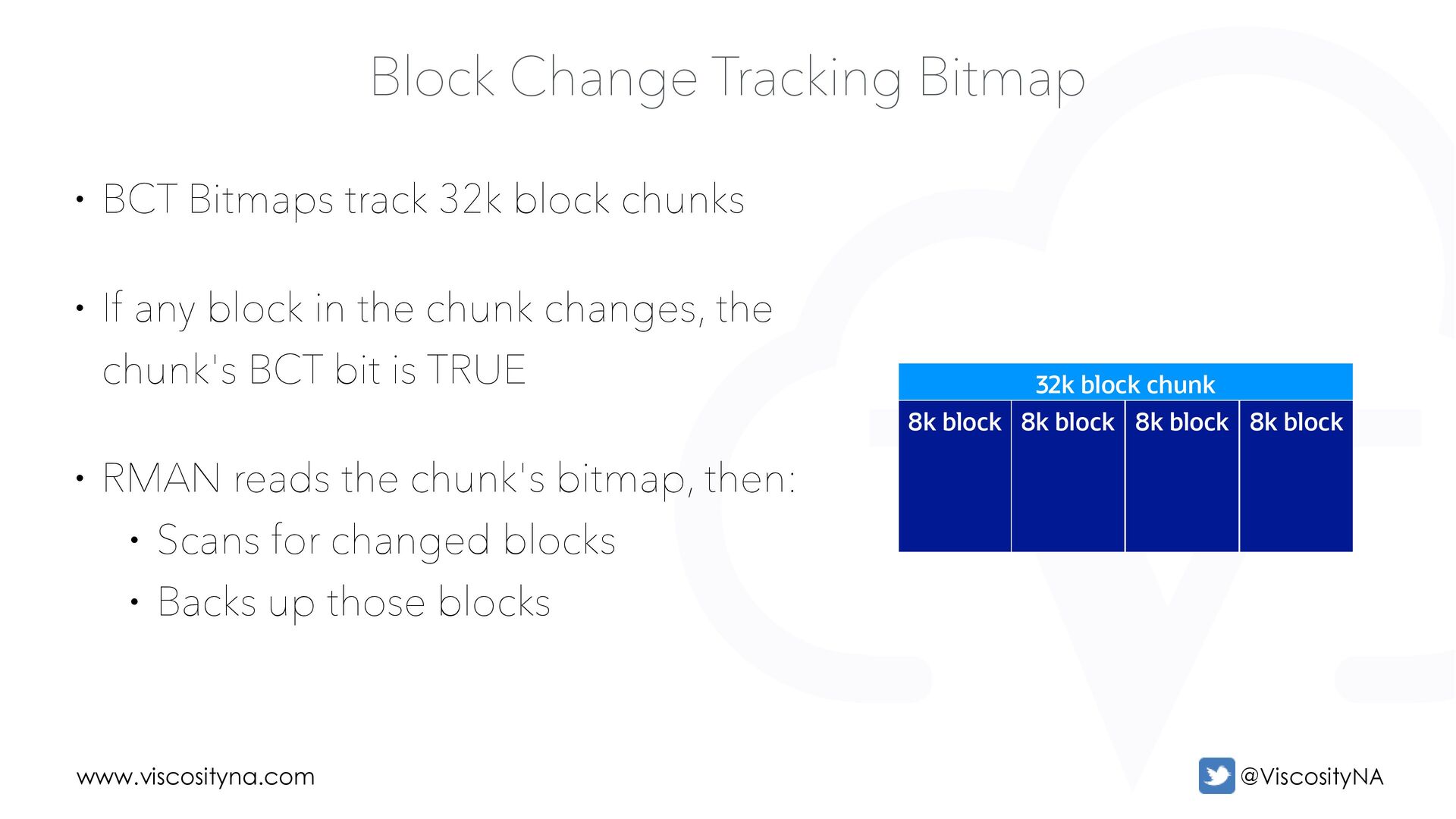
block 8k block Block Change Tracking Bitmap • BCT Bitmaps track 32k block chunks • If any block in the chunk changes, the chunk's BCT bit is TRUE • RMAN reads the chunk's bitmap, then: • Scans for changed blocks • Backs up those blocks
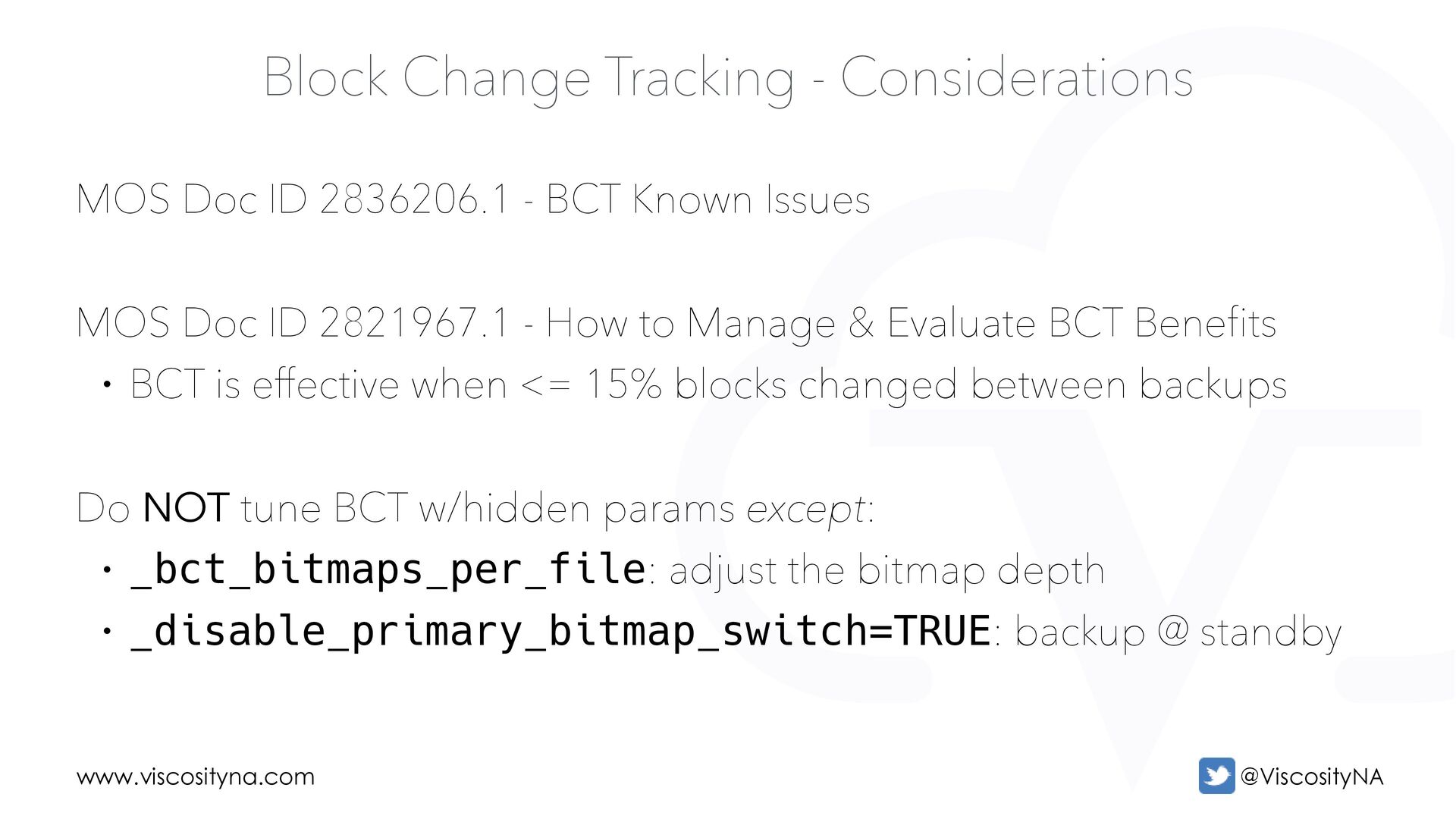
2836206.1 - BCT Known Issues MOS Doc ID 2821967.1 - How to Manage & Evaluate BCT Benefits • BCT is effective when <= 15% blocks changed between backups Do NOT tune BCT w/hidden params except: • _bct_bitmaps_per_file: adjust the bitmap depth • _disable_primary_bitmap_switch=TRUE: backup @ standby
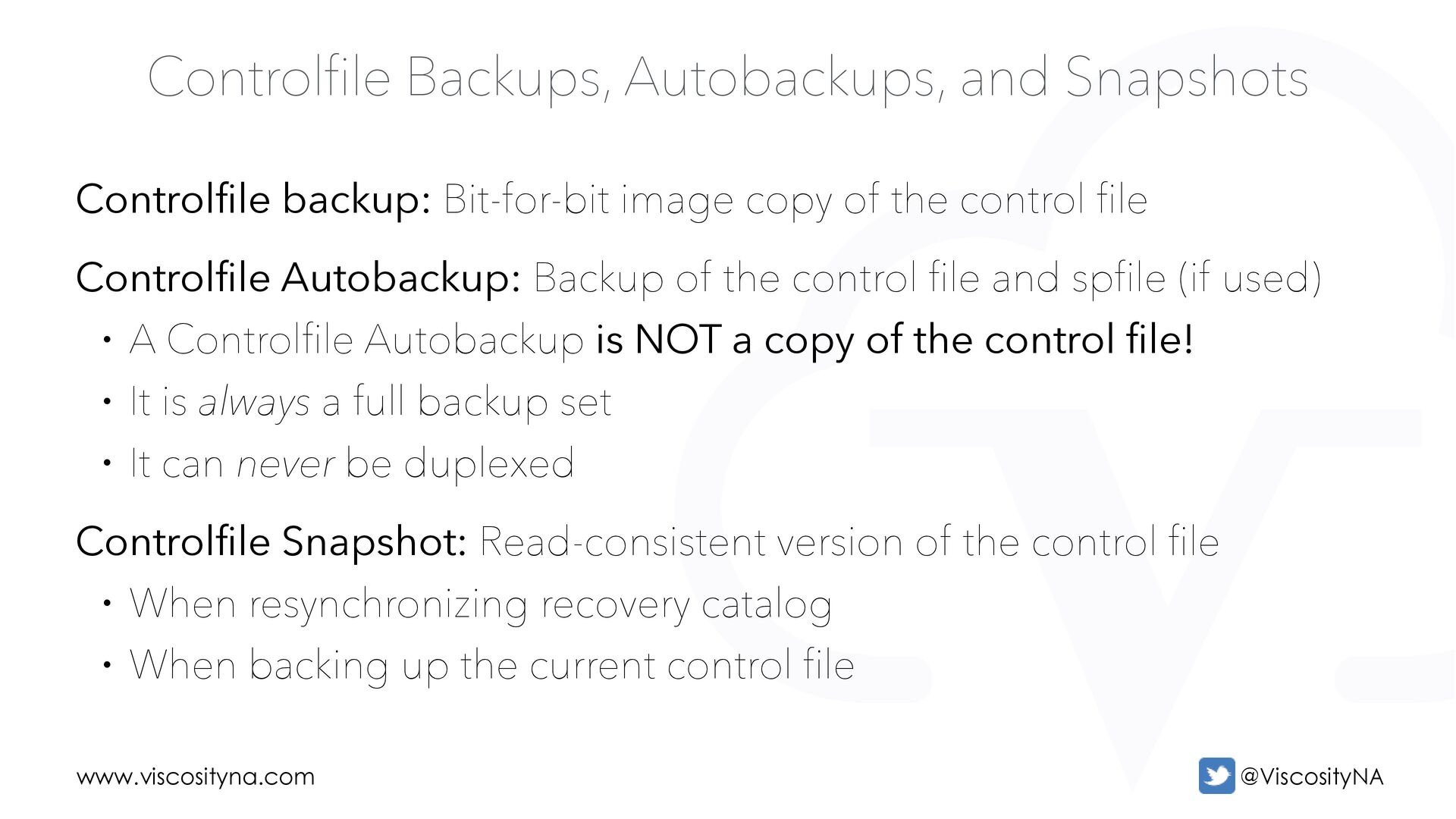
image copy of the control file Controlfile Autobackup: Backup of the control file and spfile (if used) • A Controlfile Autobackup is NOT a copy of the control file! • It is always a full backup set • It can never be duplexed Controlfile Snapshot: Read-consistent version of the control file • When resynchronizing recovery catalog • When backing up the current control file
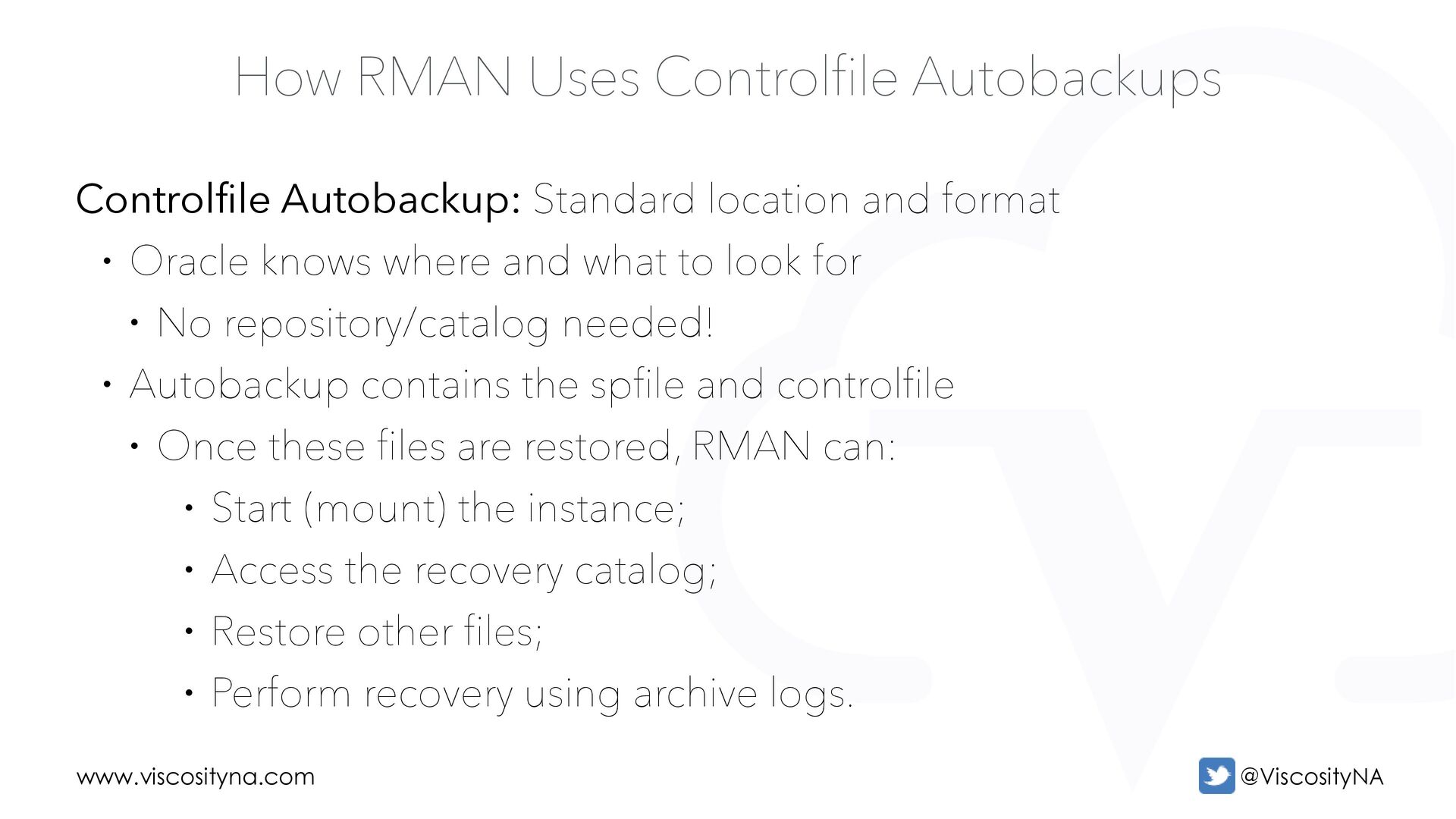
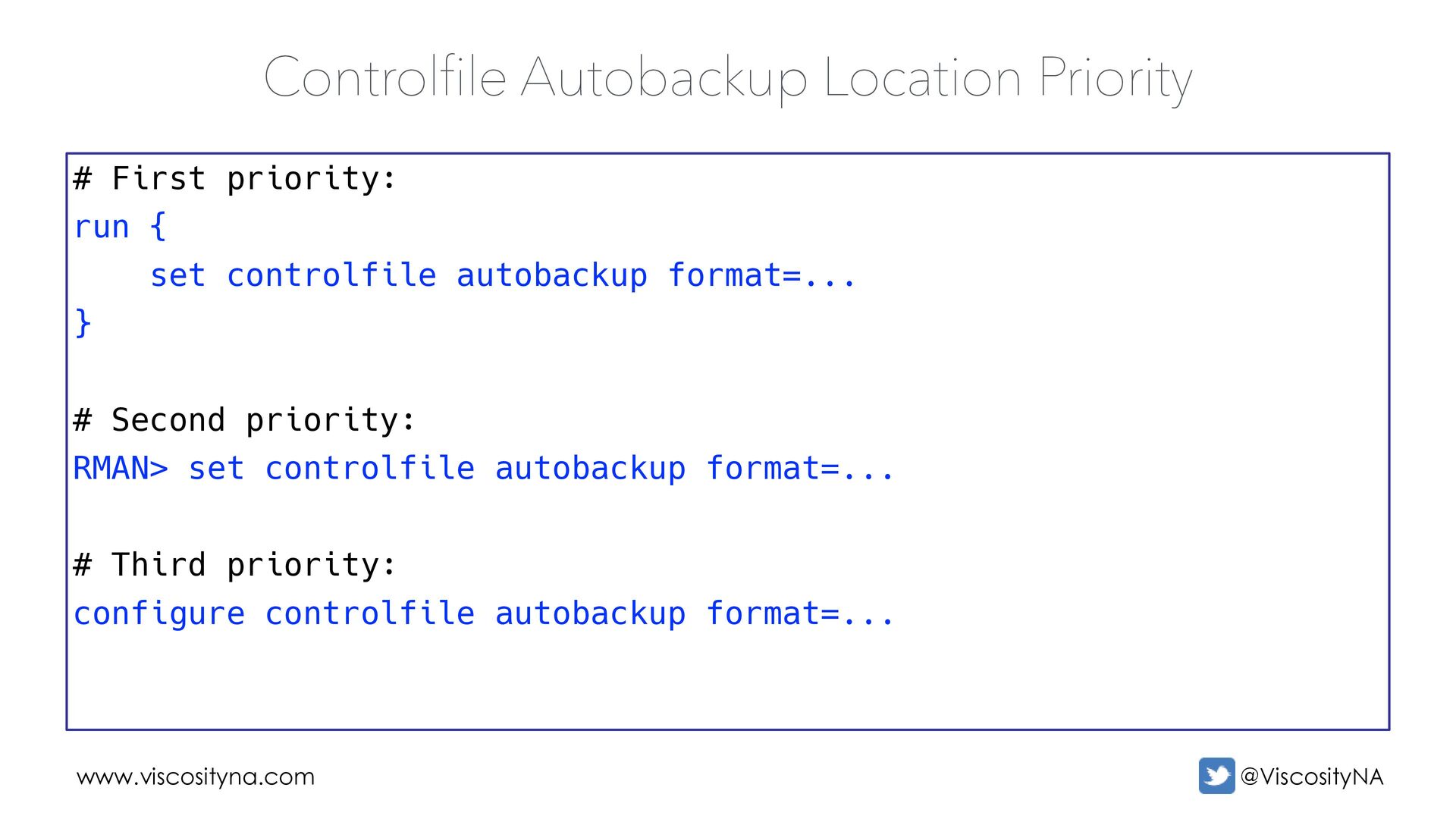
location and format • Oracle knows where and what to look for • No repository/catalog needed! • Autobackup contains the spfile and controlfile • Once these files are restored, RMAN can: • Start (mount) the instance; • Access the recovery catalog; • Restore other files; • Perform recovery using archive logs.
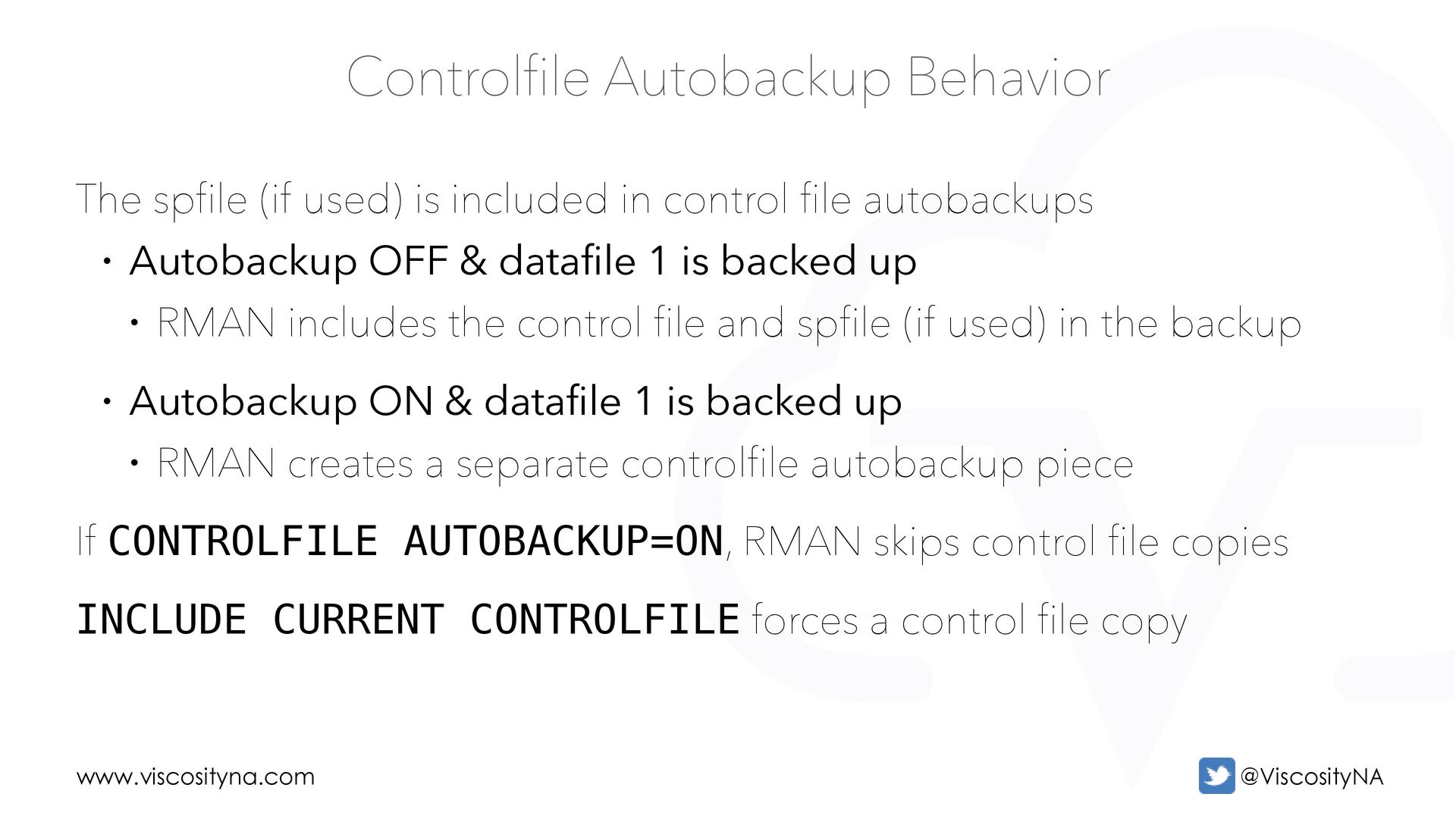
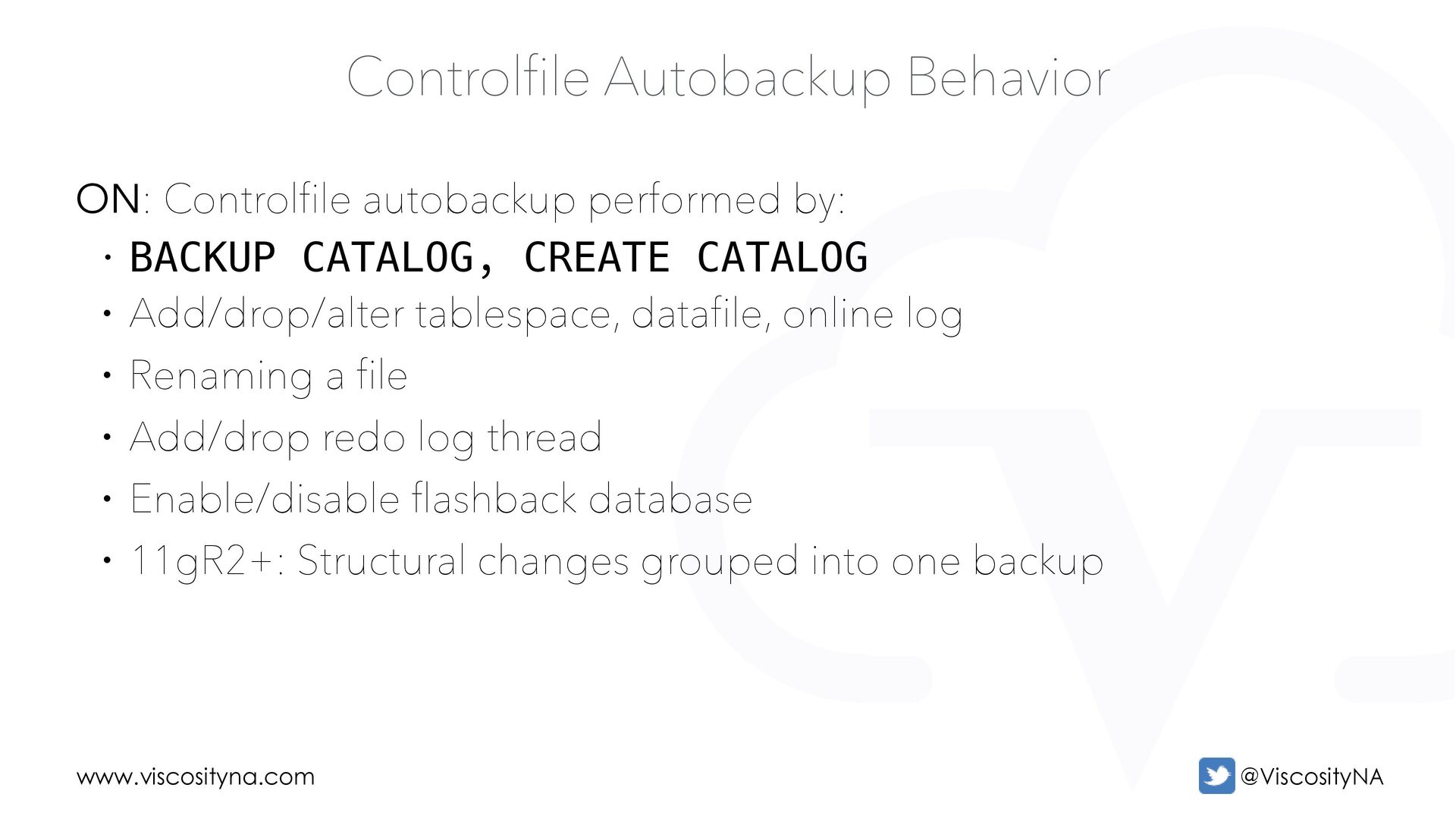
included in control file autobackups • Autobackup OFF & datafile 1 is backed up • RMAN includes the control file and spfile (if used) in the backup • Autobackup ON & datafile 1 is backed up • RMAN creates a separate controlfile autobackup piece If CONTROLFILE AUTOBACKUP=ON, RMAN skips control file copies INCLUDE CURRENT CONTROLFILE forces a control file copy
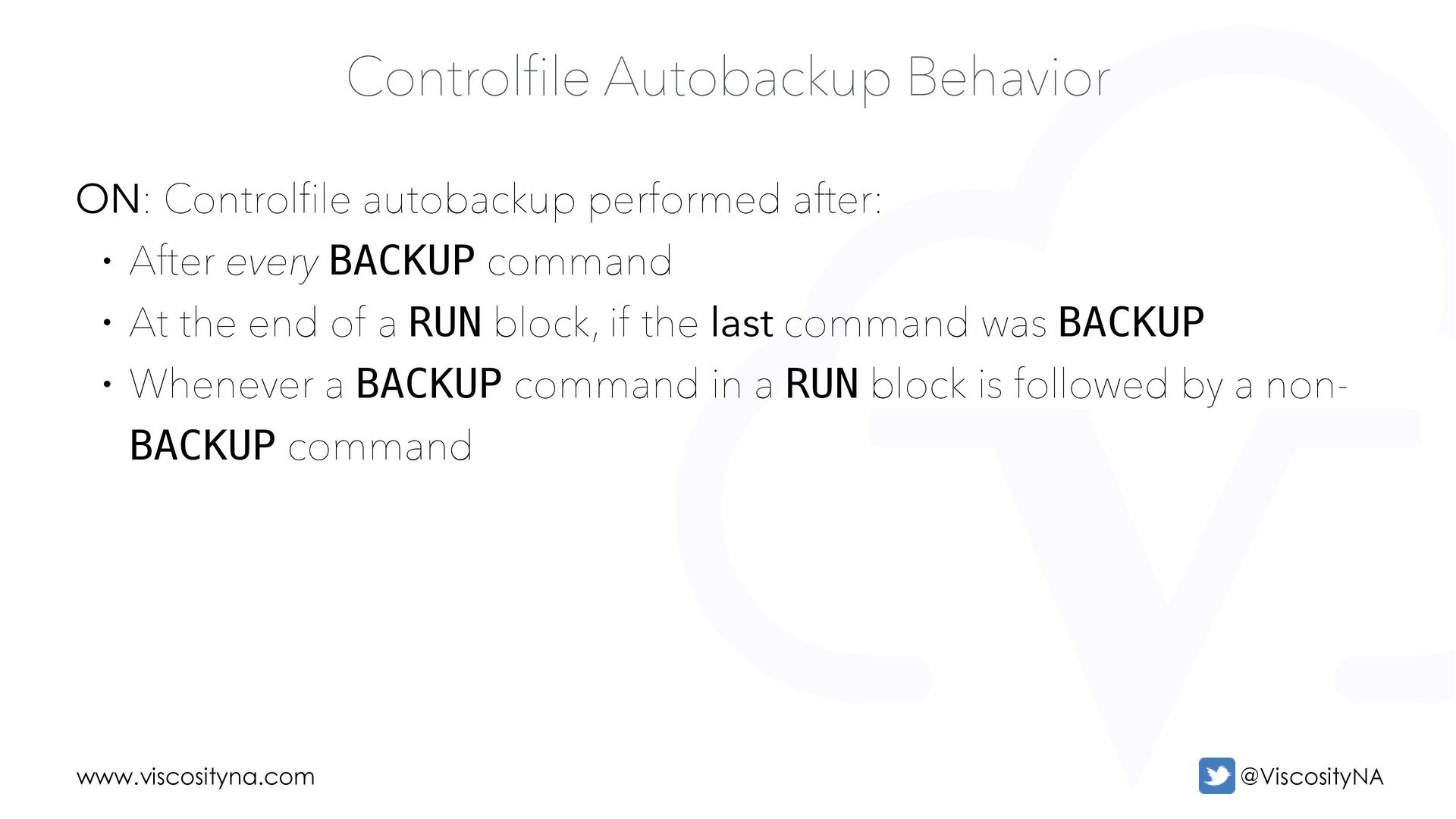
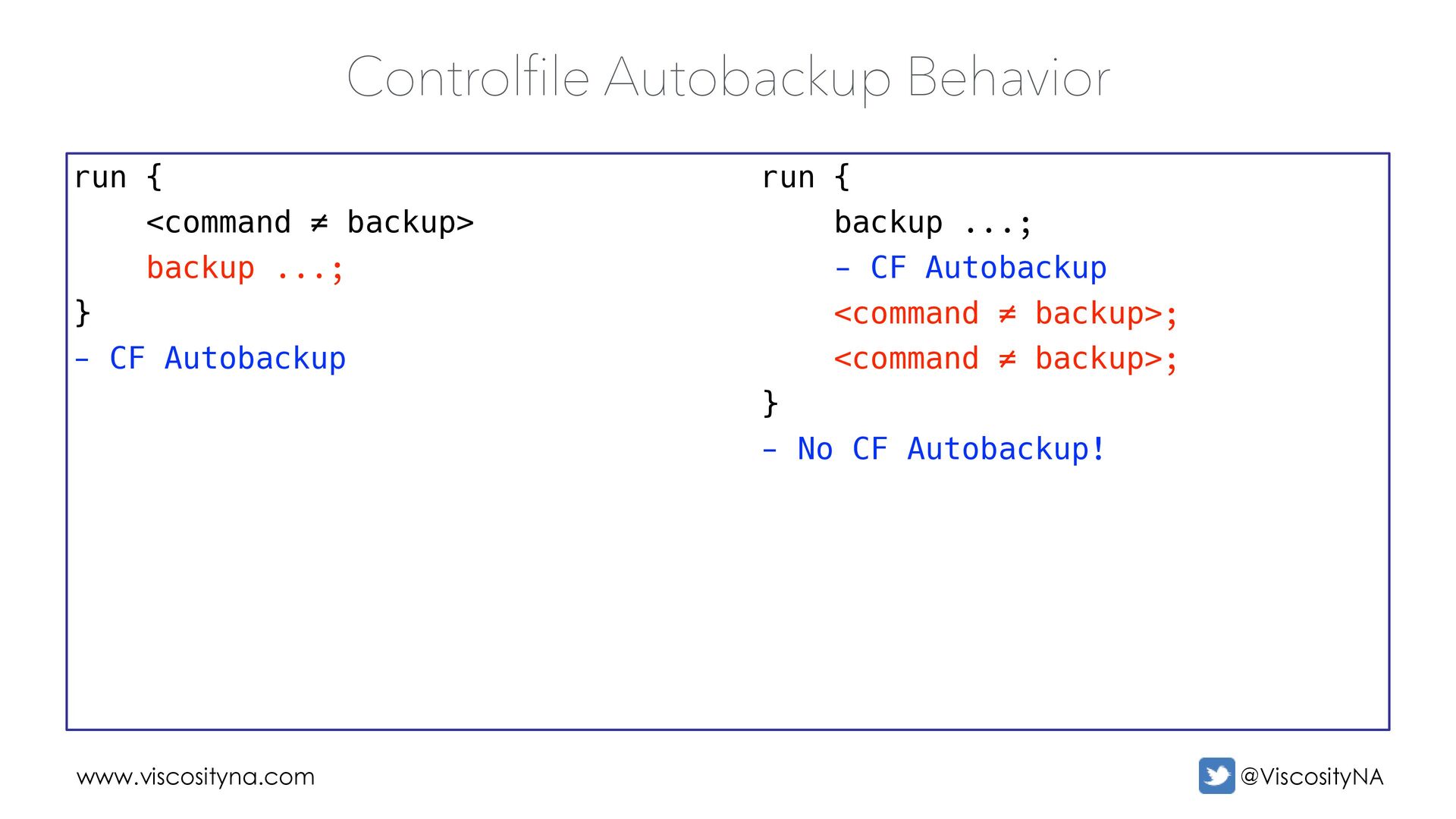
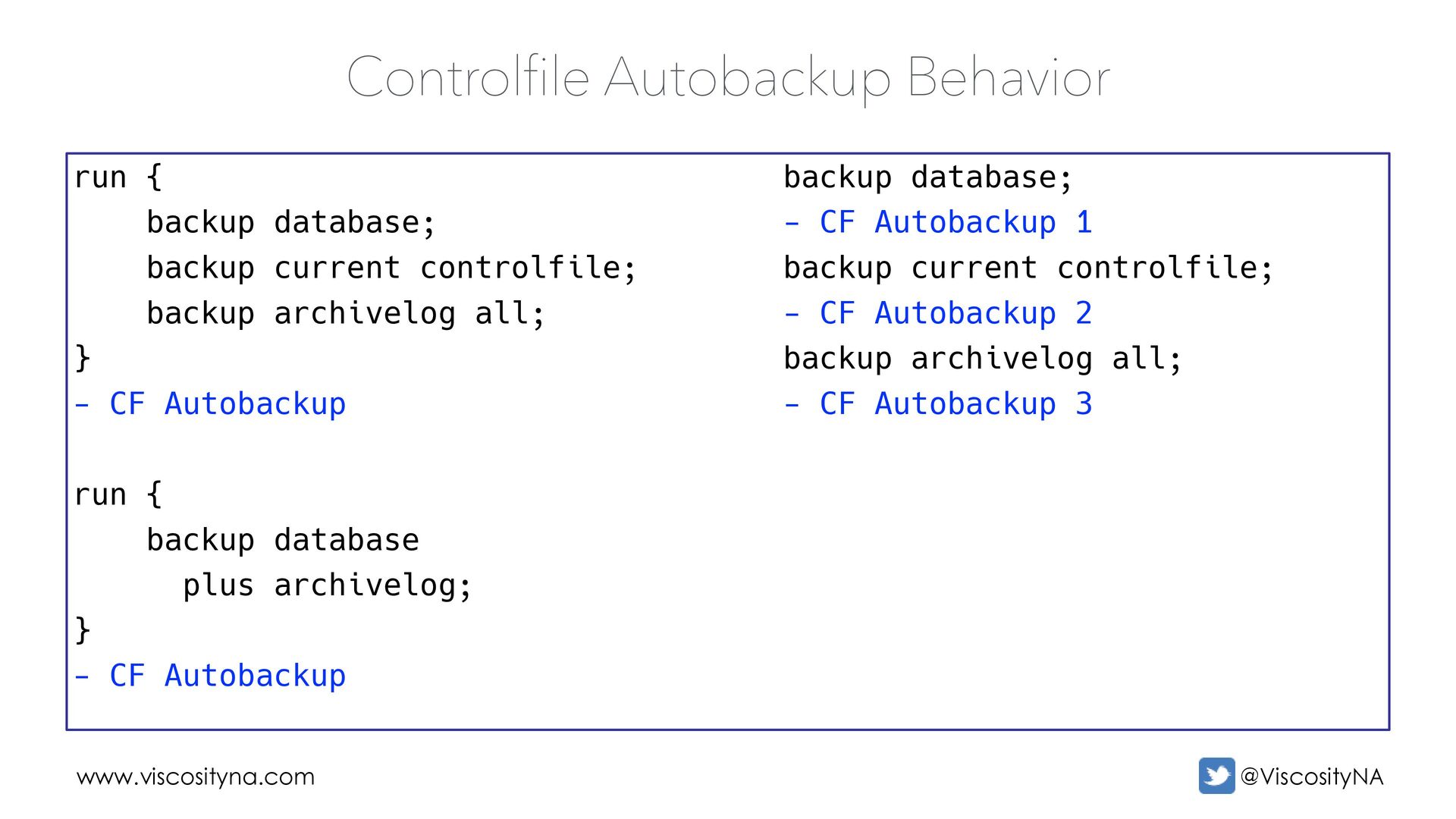
• After every BACKUP command • At the end of a RUN block, if the last command was BACKUP • Whenever a BACKUP command in a RUN block is followed by a non- BACKUP command
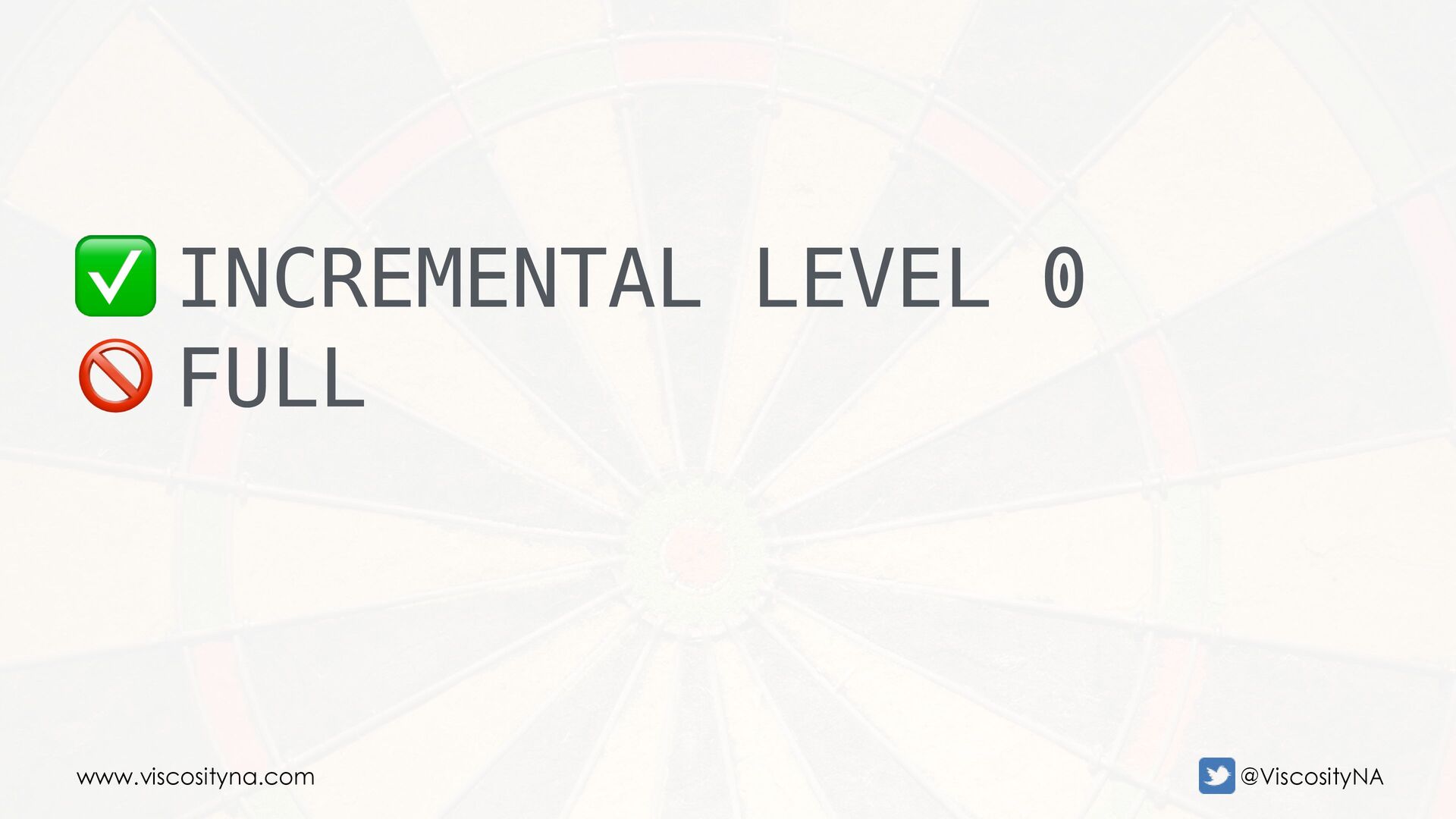
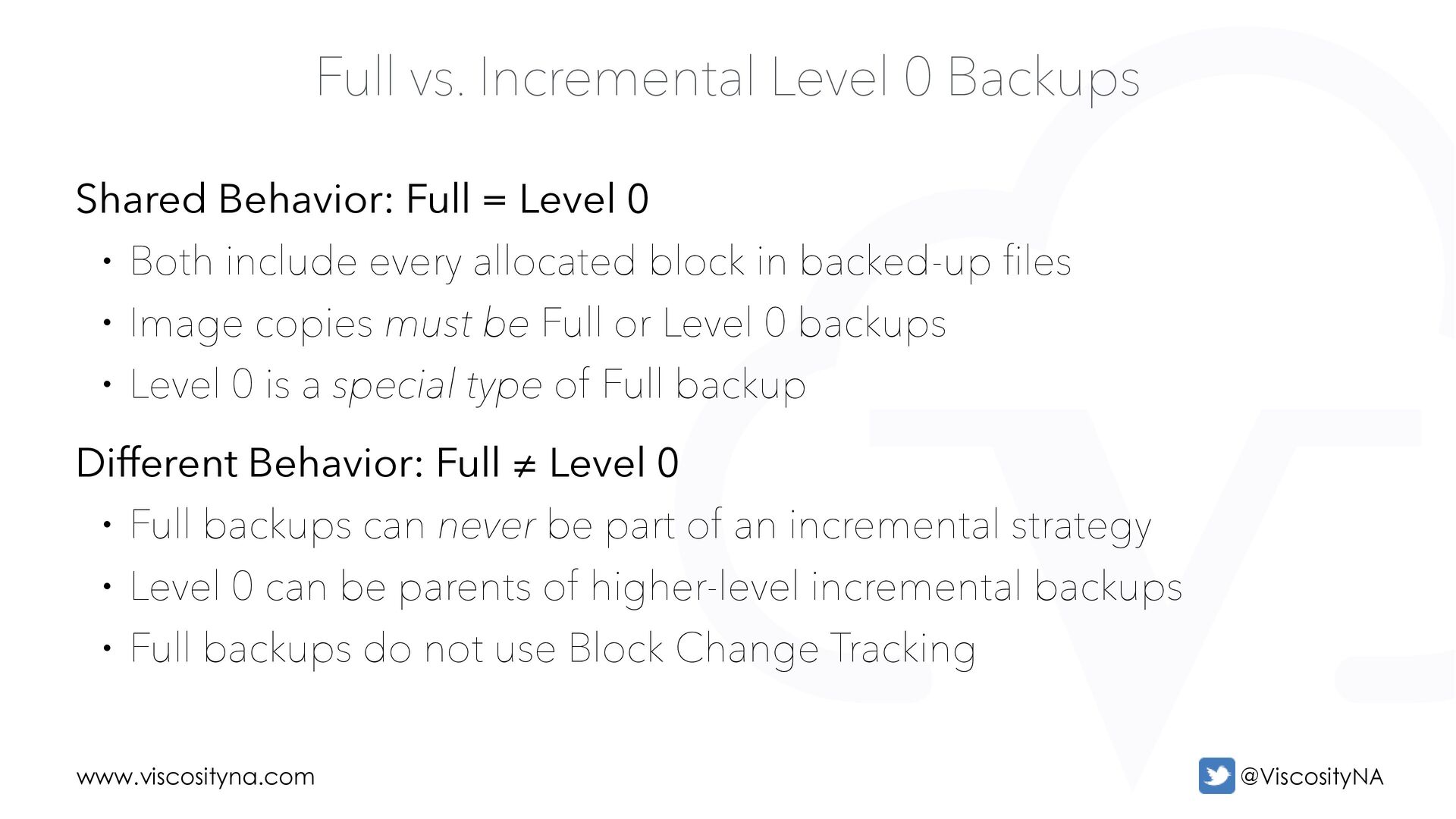
Full = Level 0 • Both include every allocated block in backed-up files • Image copies must be Full or Level 0 backups • Level 0 is a special type of Full backup Different Behavior: Full ≠ Level 0 • Full backups can never be part of an incremental strategy • Level 0 can be parents of higher-level incremental backups • Full backups do not use Block Change Tracking
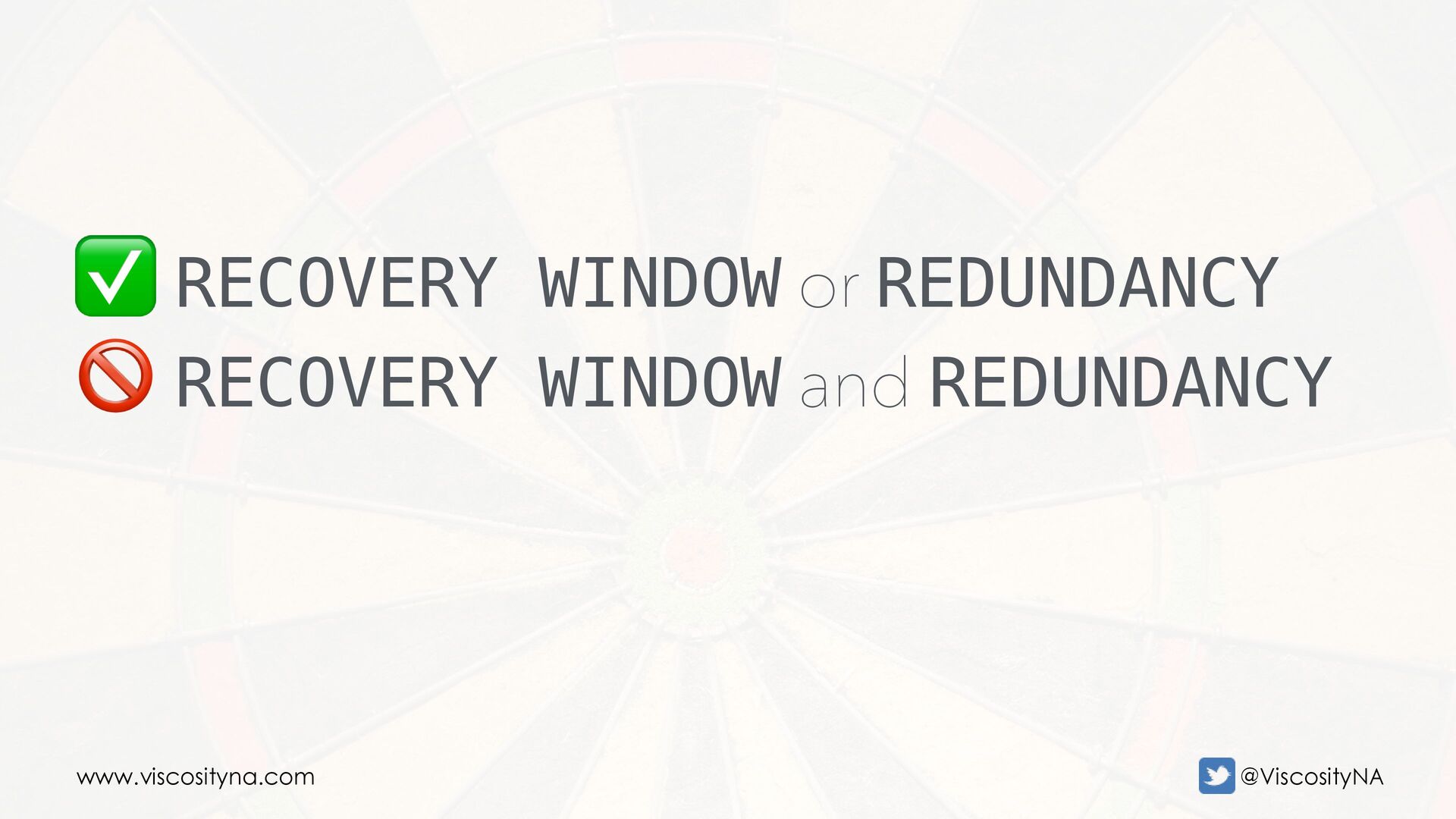
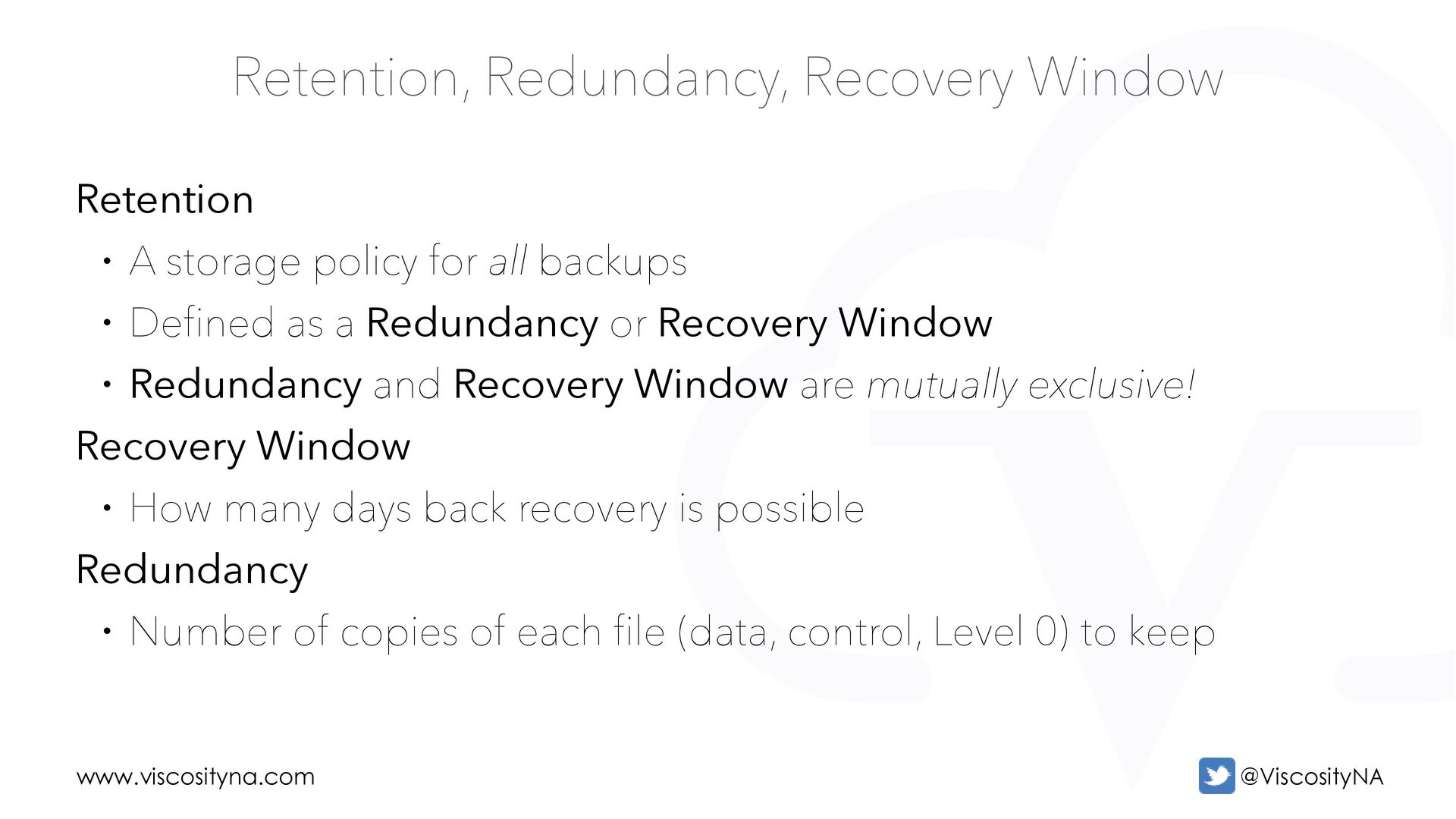
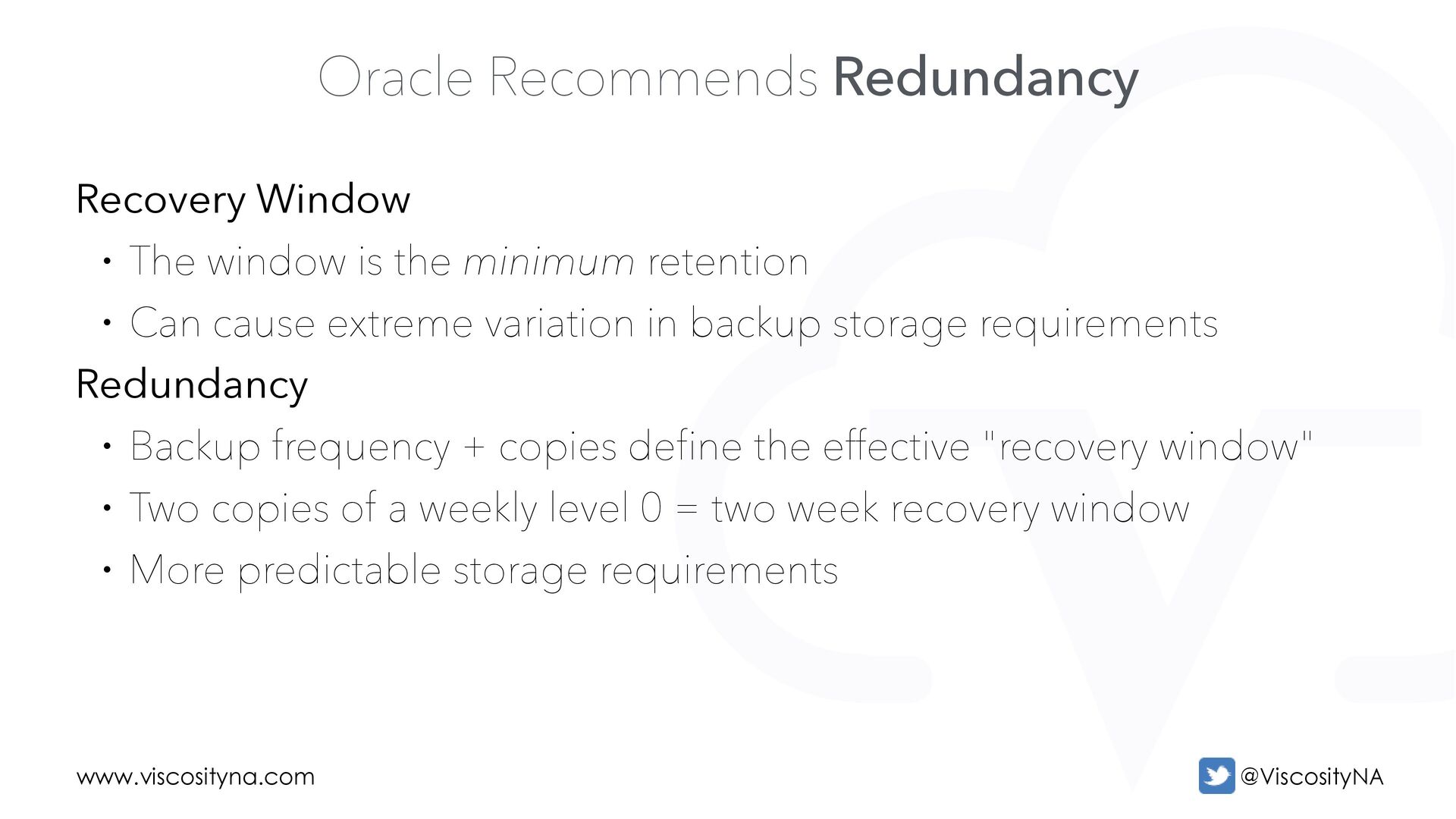
policy for all backups • Defined as a Redundancy or Recovery Window • Redundancy and Recovery Window are mutually exclusive! Recovery Window • How many days back recovery is possible Redundancy • Number of copies of each file (data, control, Level 0) to keep
is the minimum retention • Can cause extreme variation in backup storage requirements Redundancy • Backup frequency + copies define the effective "recovery window" • Two copies of a weekly level 0 = two week recovery window • More predictable storage requirements
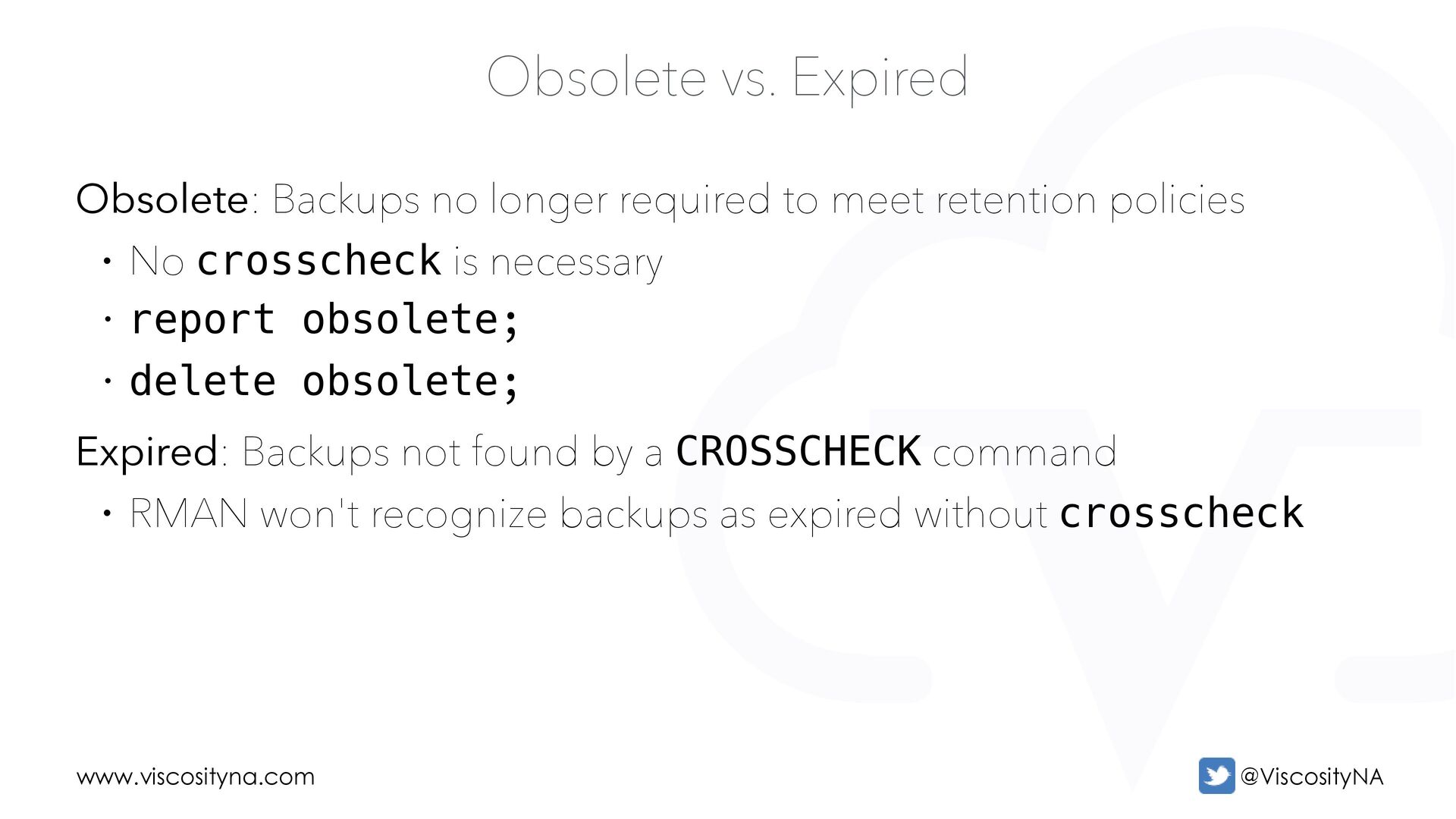
to meet retention policies • No crosscheck is necessary • report obsolete; • delete obsolete; Expired: Backups not found by a CROSSCHECK command • RMAN won't recognize backups as expired without crosscheck
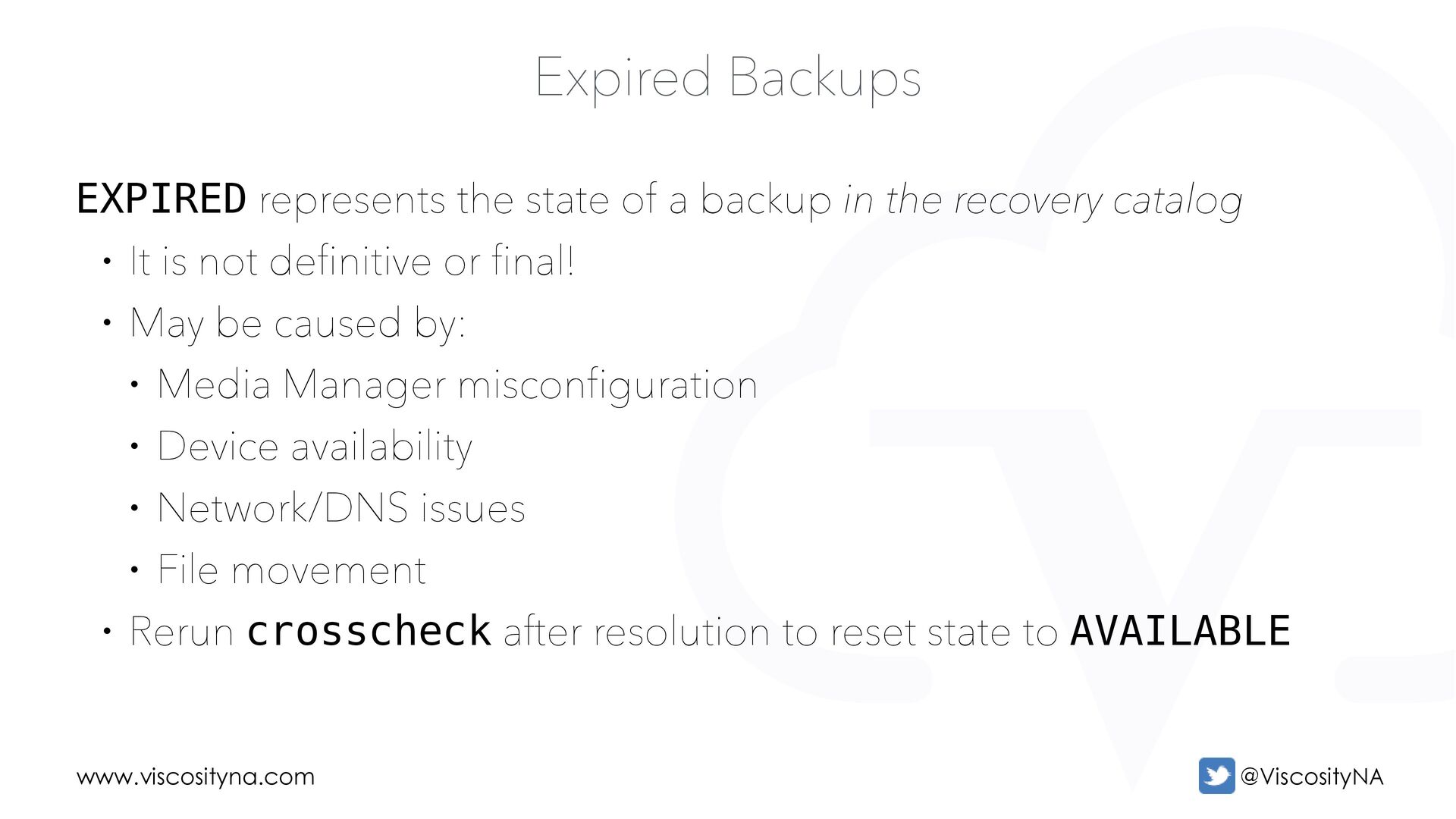
backup in the recovery catalog • It is not definitive or final! • May be caused by: • Media Manager misconfiguration • Device availability • Network/DNS issues • File movement • Rerun crosscheck after resolution to reset state to AVAILABLE
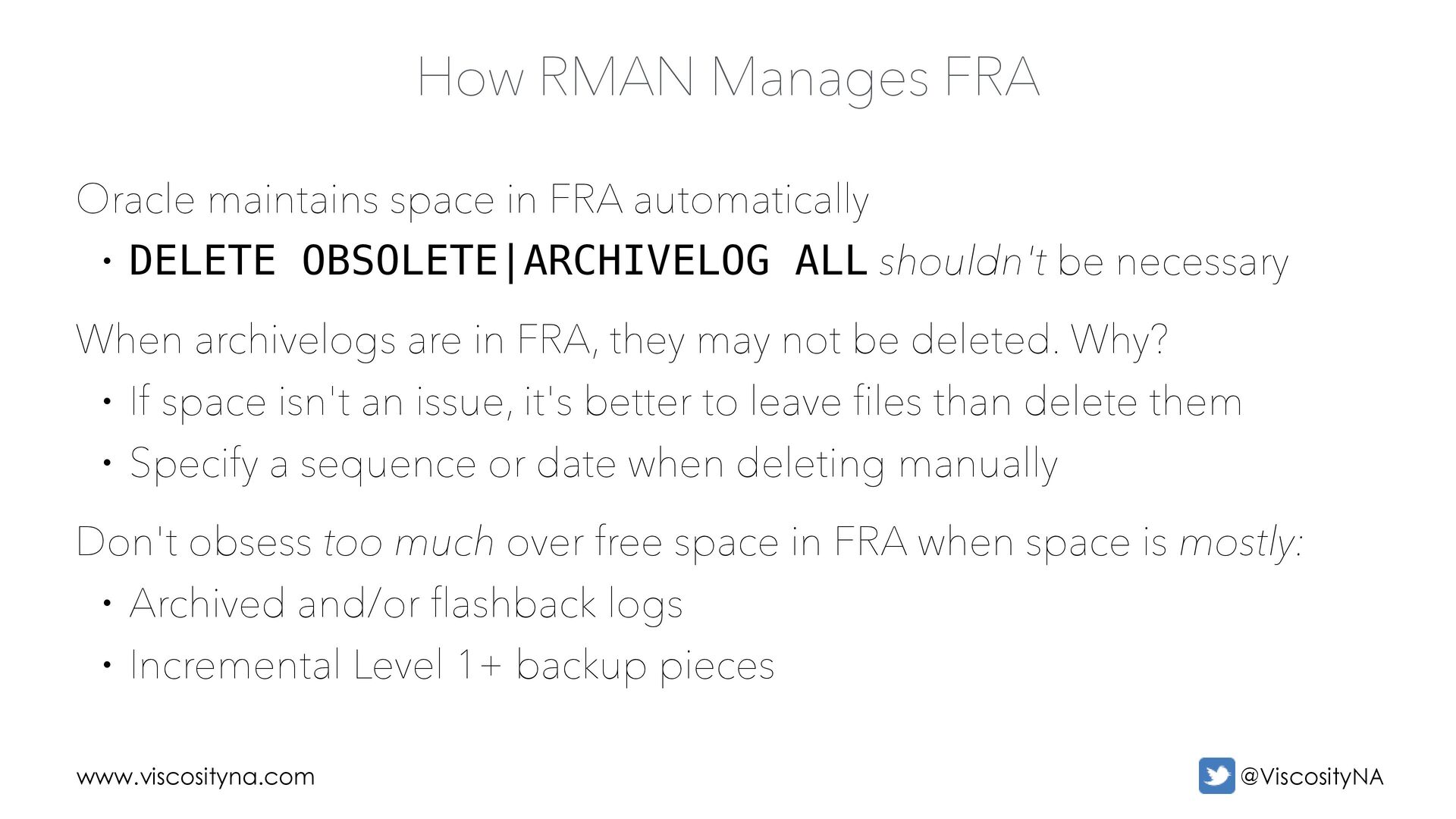
FRA automatically • DELETE OBSOLETE|ARCHIVELOG ALL shouldn't be necessary When archivelogs are in FRA, they may not be deleted. Why? • If space isn't an issue, it's better to leave files than delete them • Specify a sequence or date when deleting manually Don't obsess too much over free space in FRA when space is mostly: • Archived and/or flashback logs • Incremental Level 1+ backup pieces
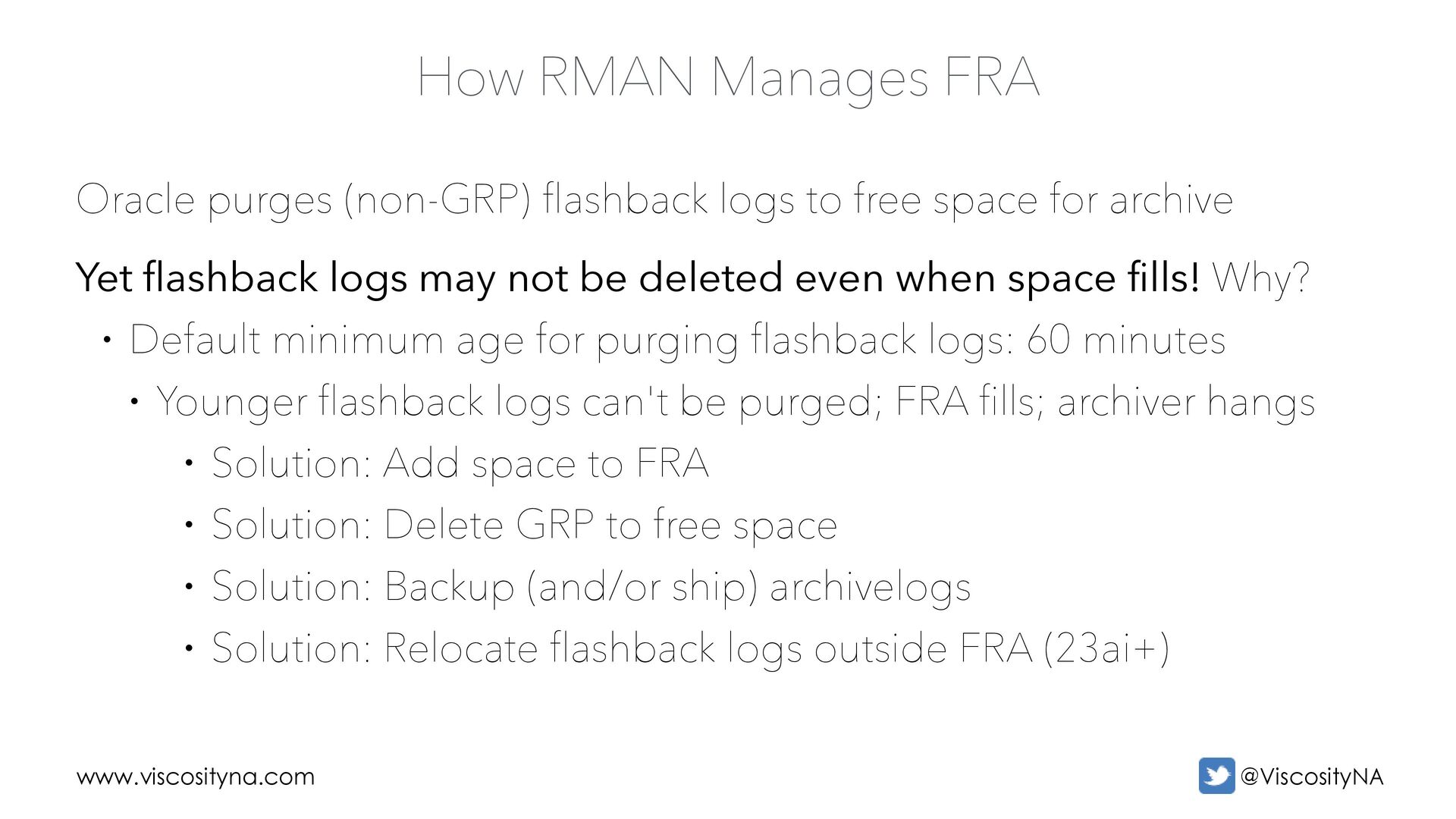
logs to free space for archive Yet flashback logs may not be deleted even when space fills! Why? • Default minimum age for purging flashback logs: 60 minutes • Younger flashback logs can't be purged; FRA fills; archiver hangs • Solution: Add space to FRA • Solution: Delete GRP to free space • Solution: Backup (and/or ship) archivelogs • Solution: Relocate flashback logs outside FRA (23ai+)
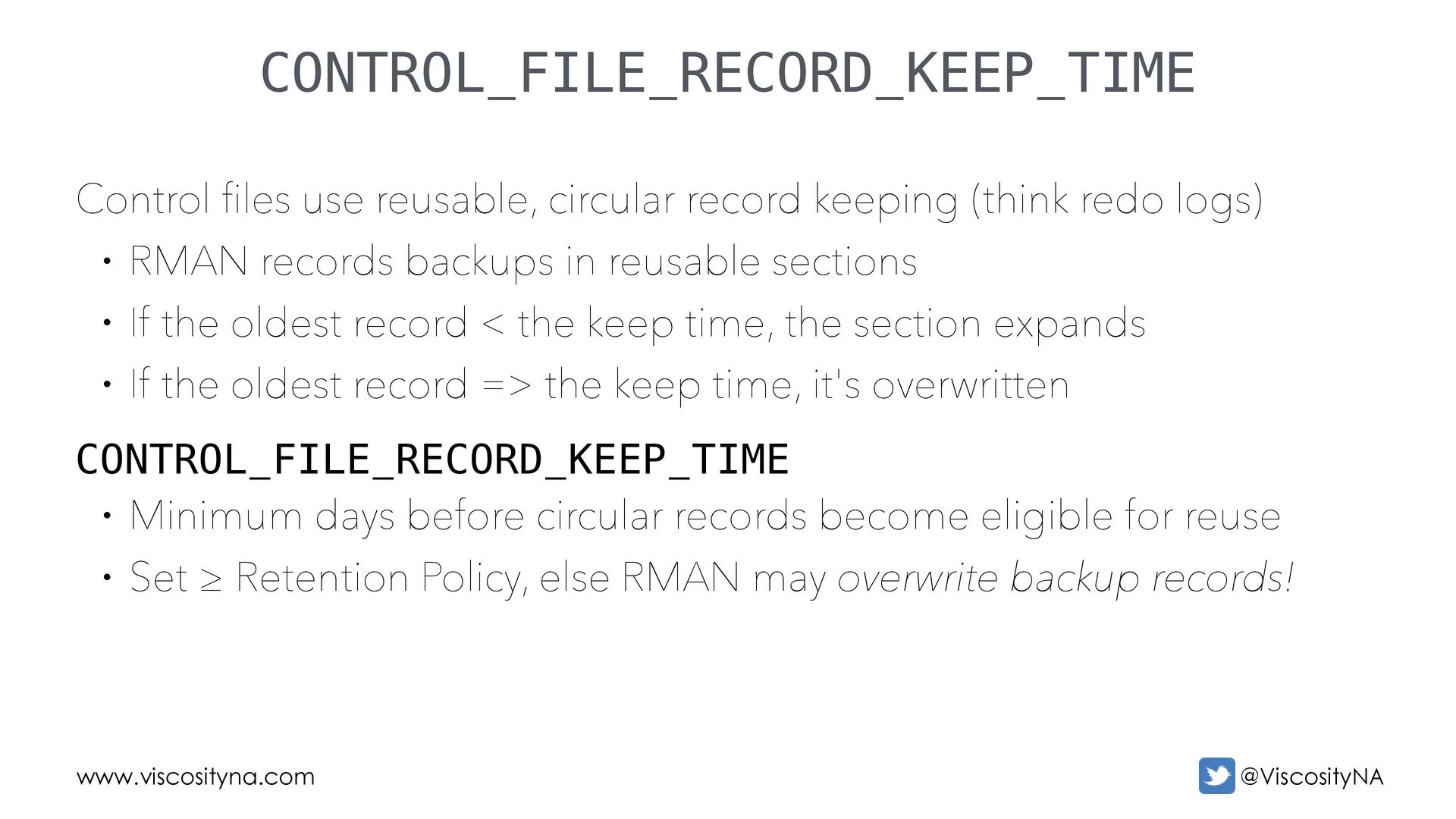
(think redo logs) • RMAN records backups in reusable sections • If the oldest record < the keep time, the section expands • If the oldest record => the keep time, it's overwritten CONTROL_FILE_RECORD_KEEP_TIME • Minimum days before circular records become eligible for reuse • Set ≥ Retention Policy, else RMAN may overwrite backup records!
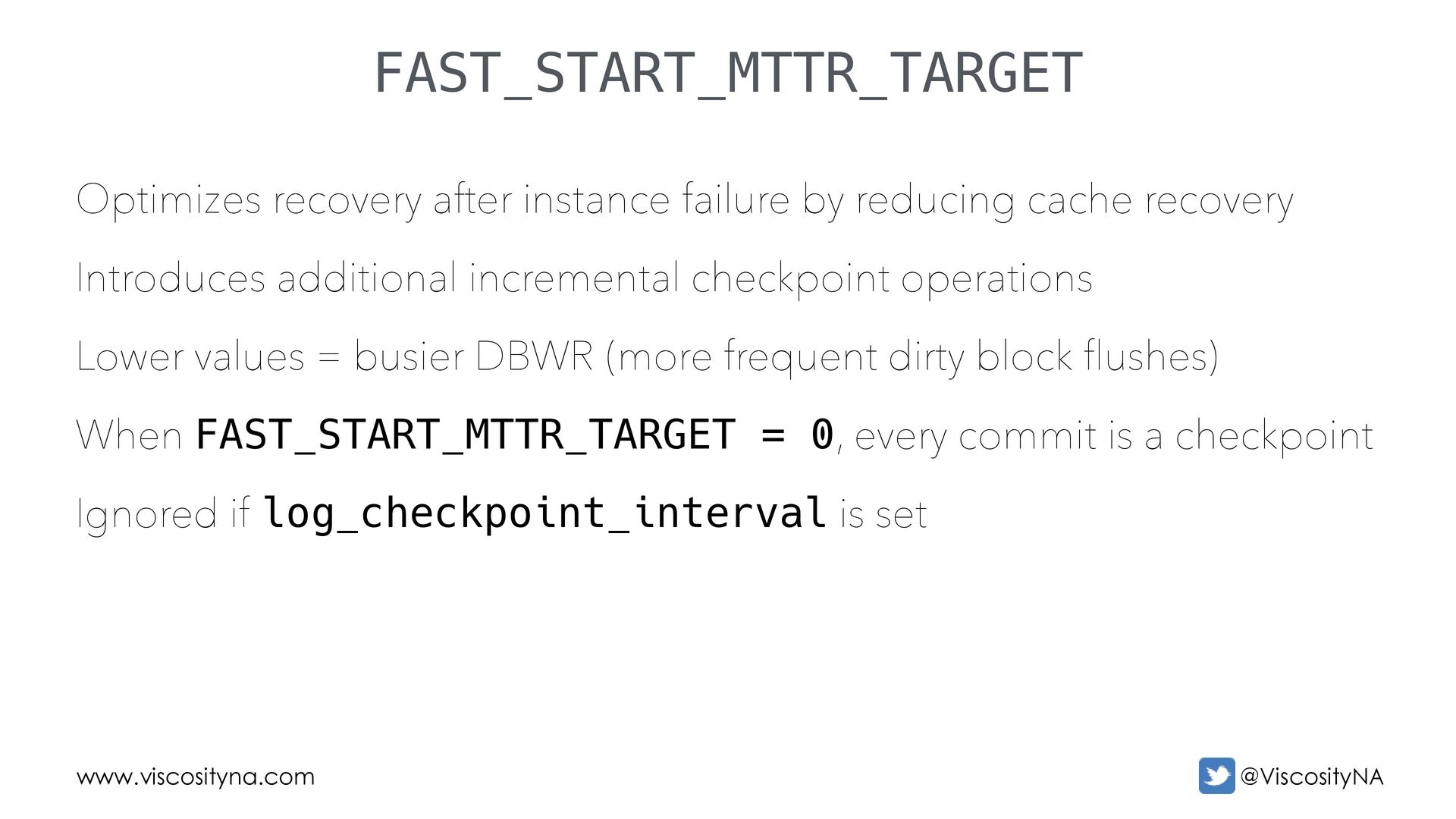
recovery Introduces additional incremental checkpoint operations Lower values = busier DBWR (more frequent dirty block flushes) When FAST_START_MTTR_TARGET = 0, every commit is a checkpoint Ignored if log_checkpoint_interval is set FAST_START_MTTR_TARGET
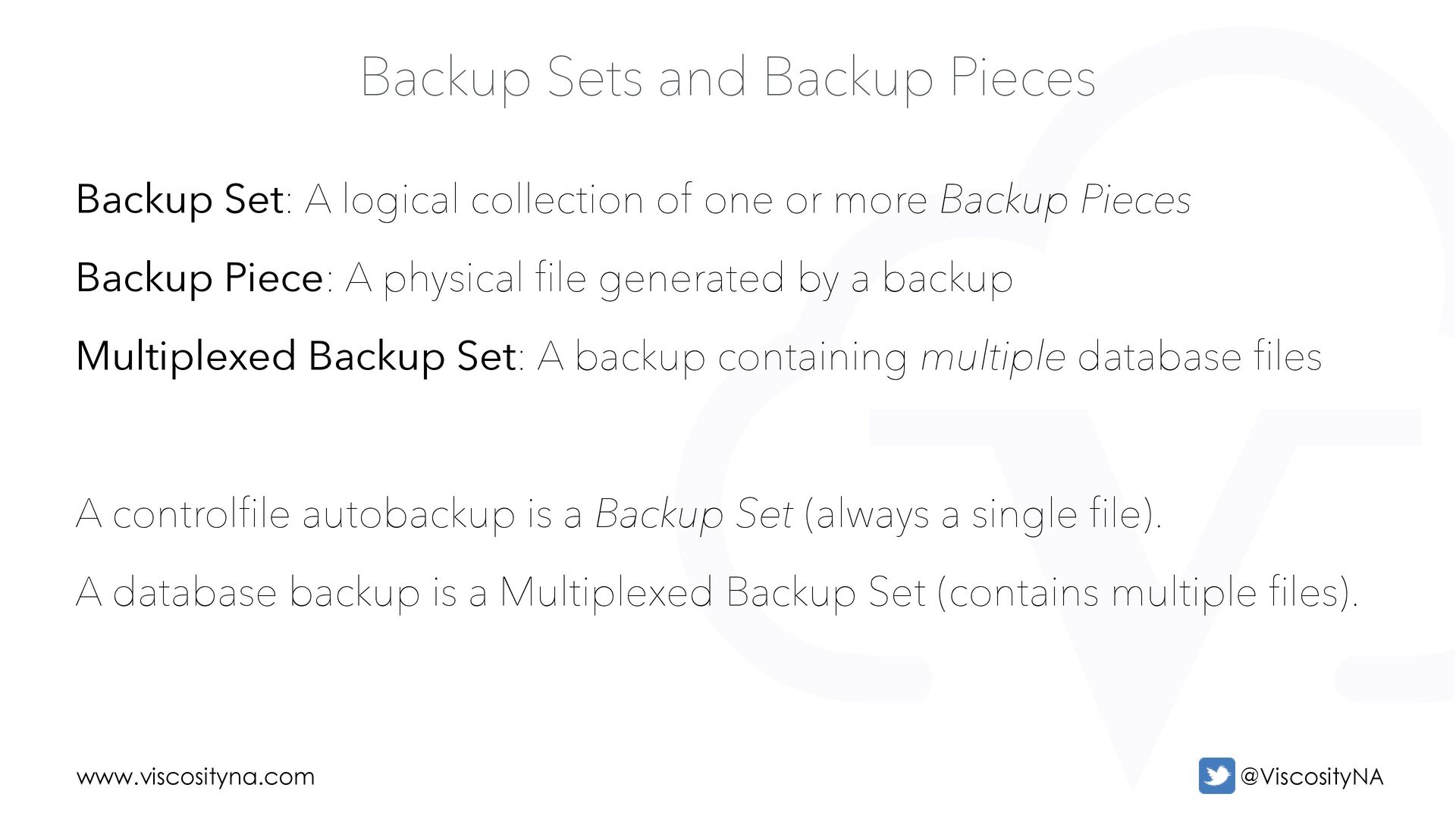
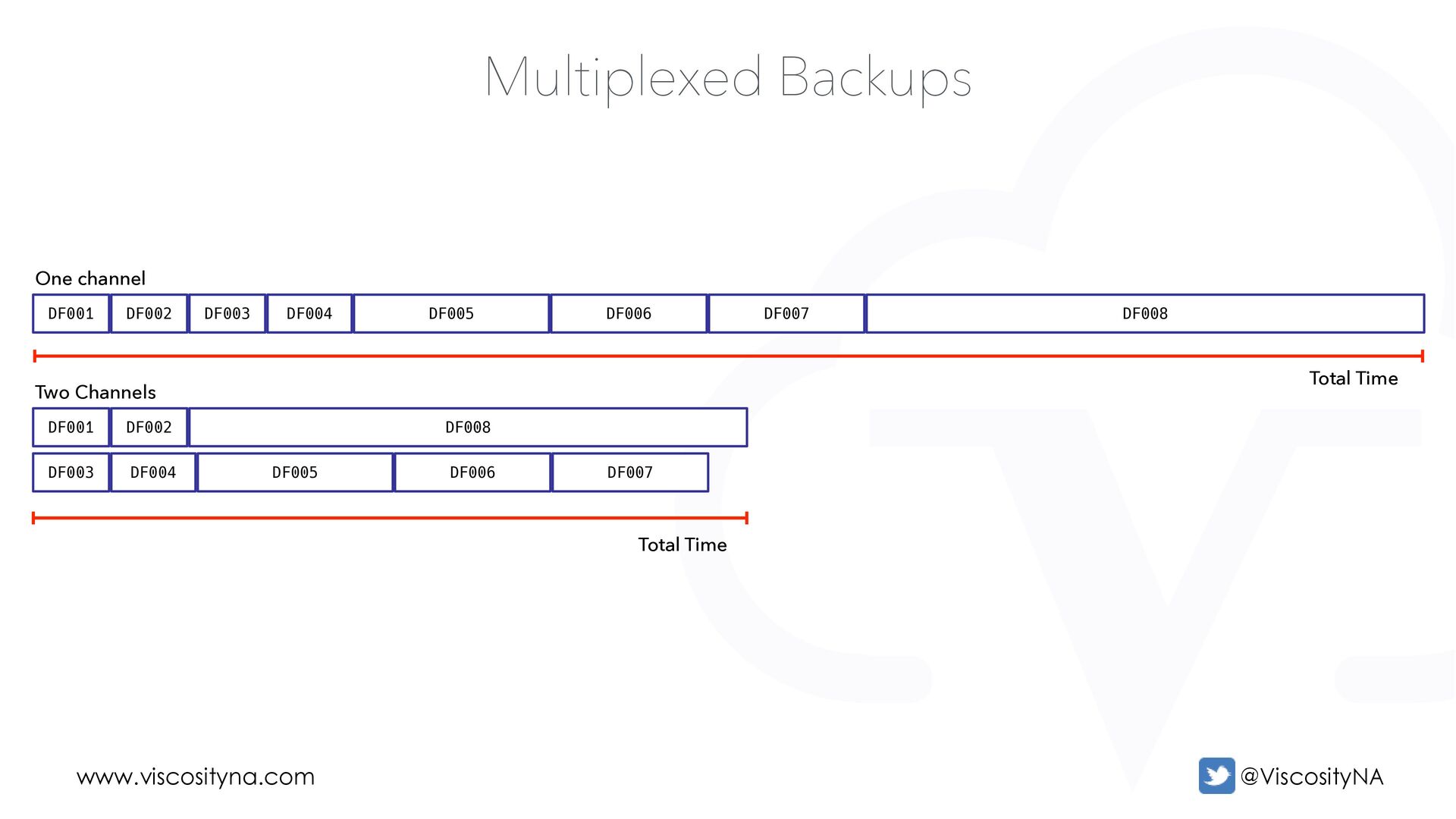
logical collection of one or more Backup Pieces Backup Piece: A physical file generated by a backup Multiplexed Backup Set: A backup containing multiple database files A controlfile autobackup is a Backup Set (always a single file). A database backup is a Multiplexed Backup Set (contains multiple files).
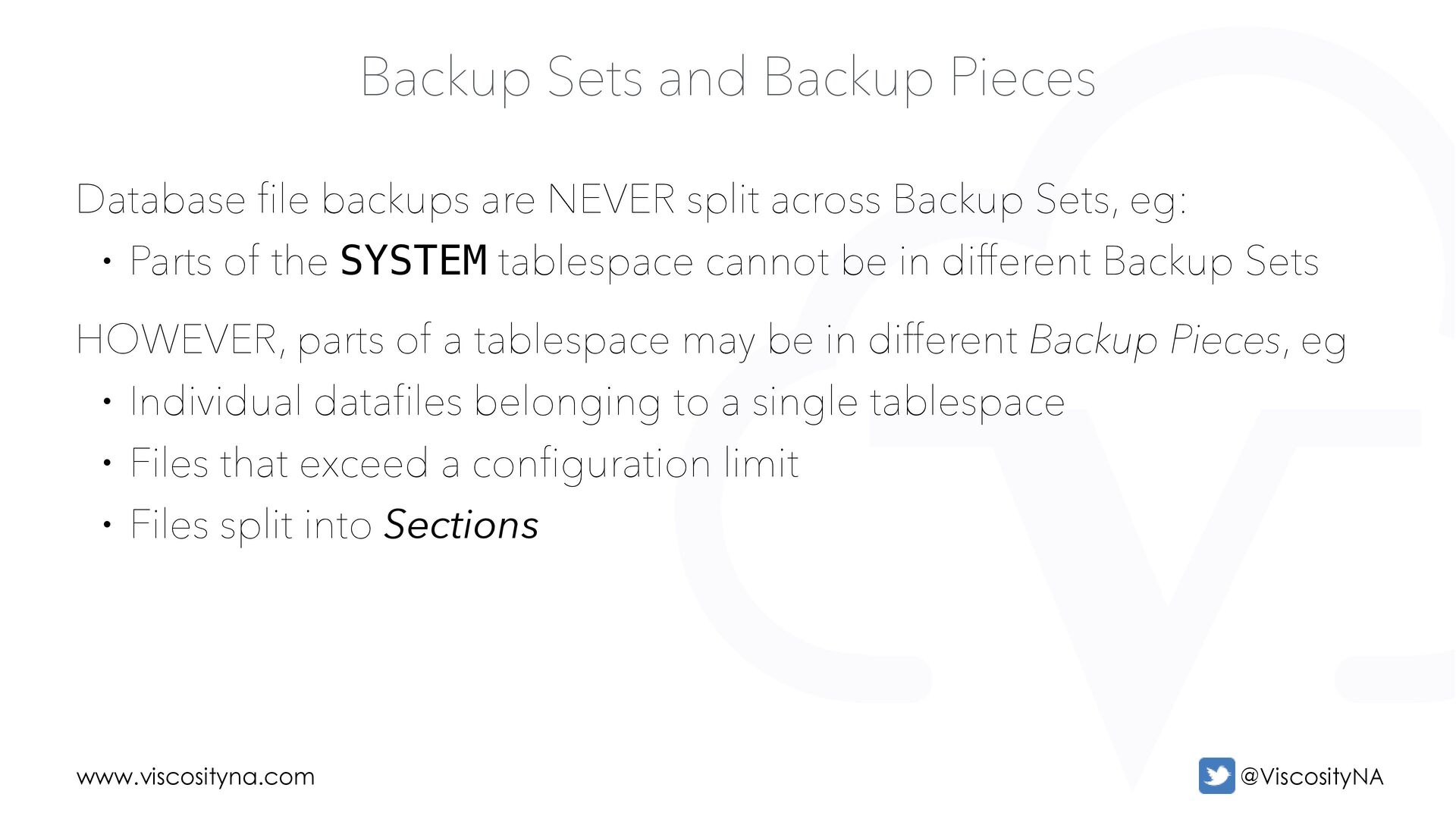
are NEVER split across Backup Sets, eg: • Parts of the SYSTEM tablespace cannot be in different Backup Sets HOWEVER, parts of a tablespace may be in different Backup Pieces, eg • Individual datafiles belonging to a single tablespace • Files that exceed a configuration limit • Files split into Sections
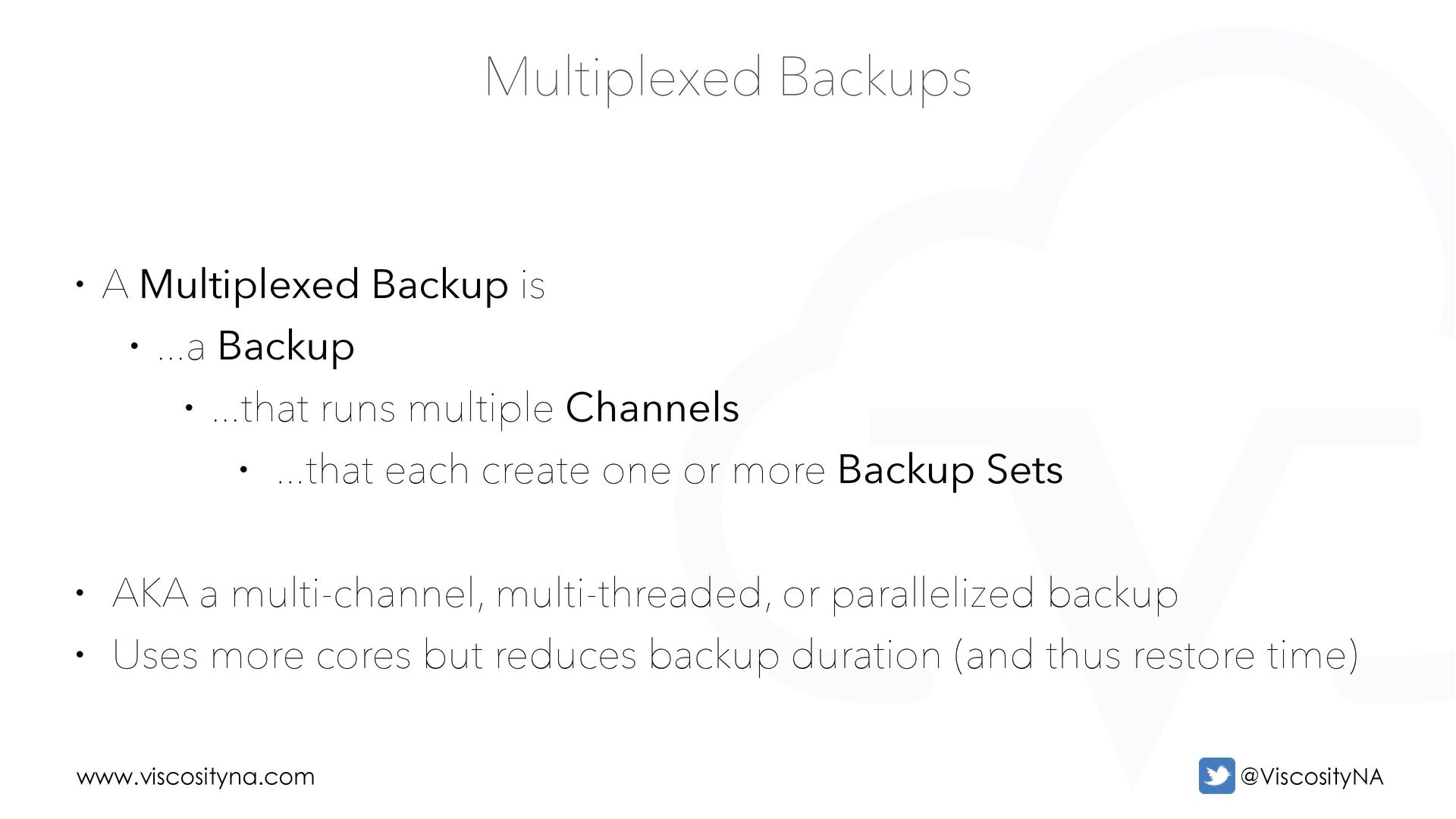
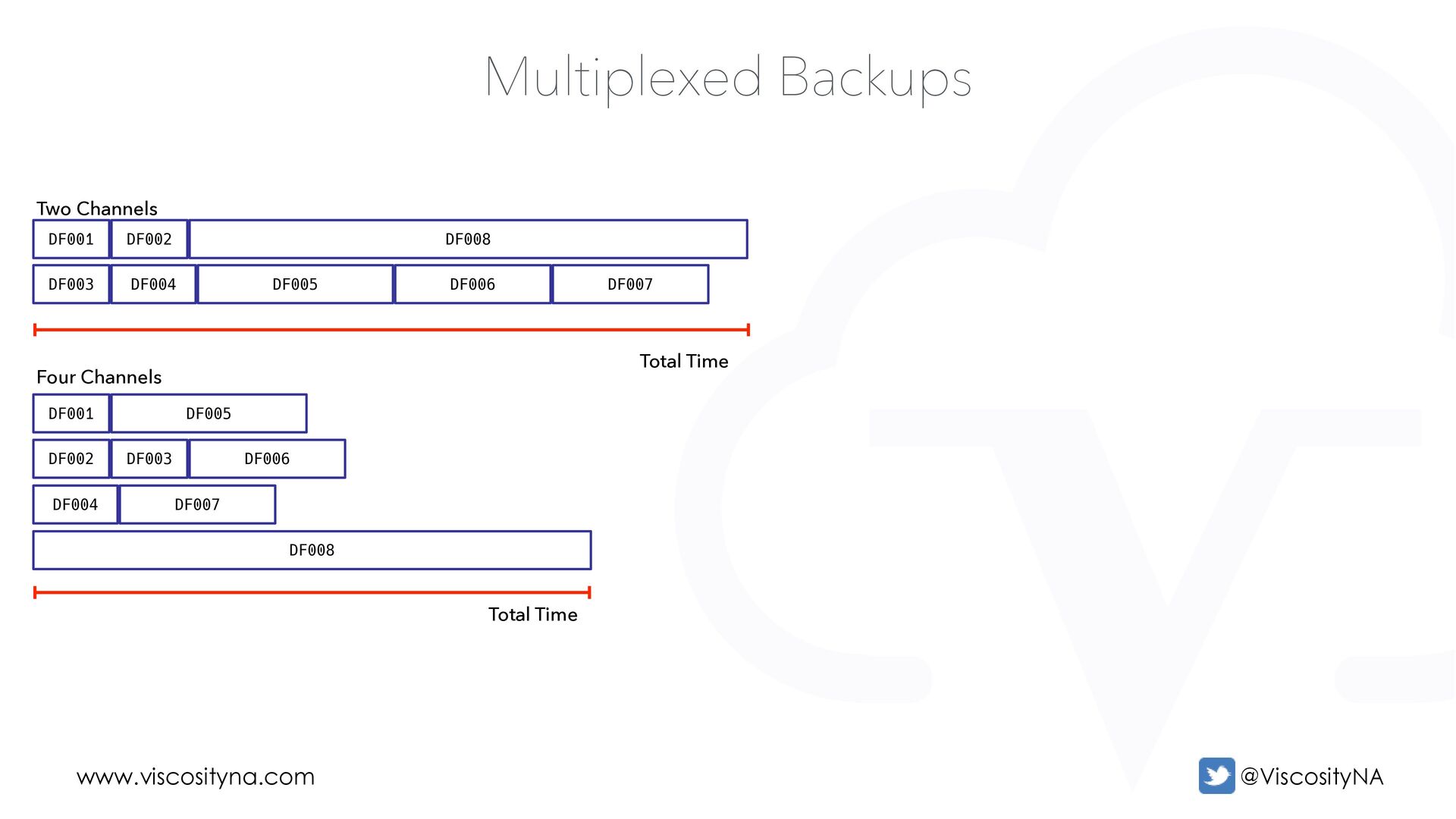
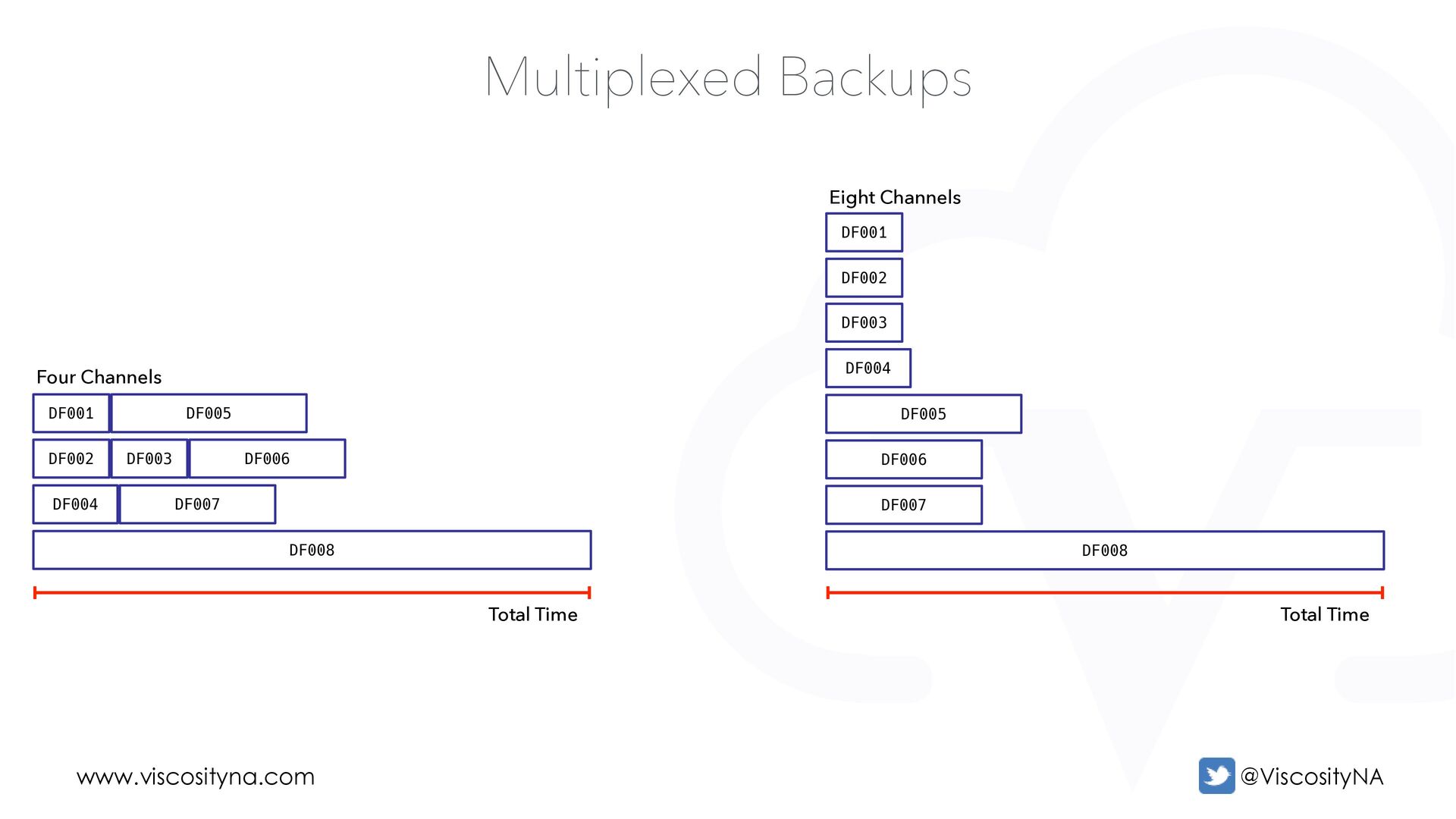
...a Backup • ...that runs multiple Channels • ...that each create one or more Backup Sets • AKA a multi-channel, multi-threaded, or parallelized backup • Uses more cores but reduces backup duration (and thus restore time)
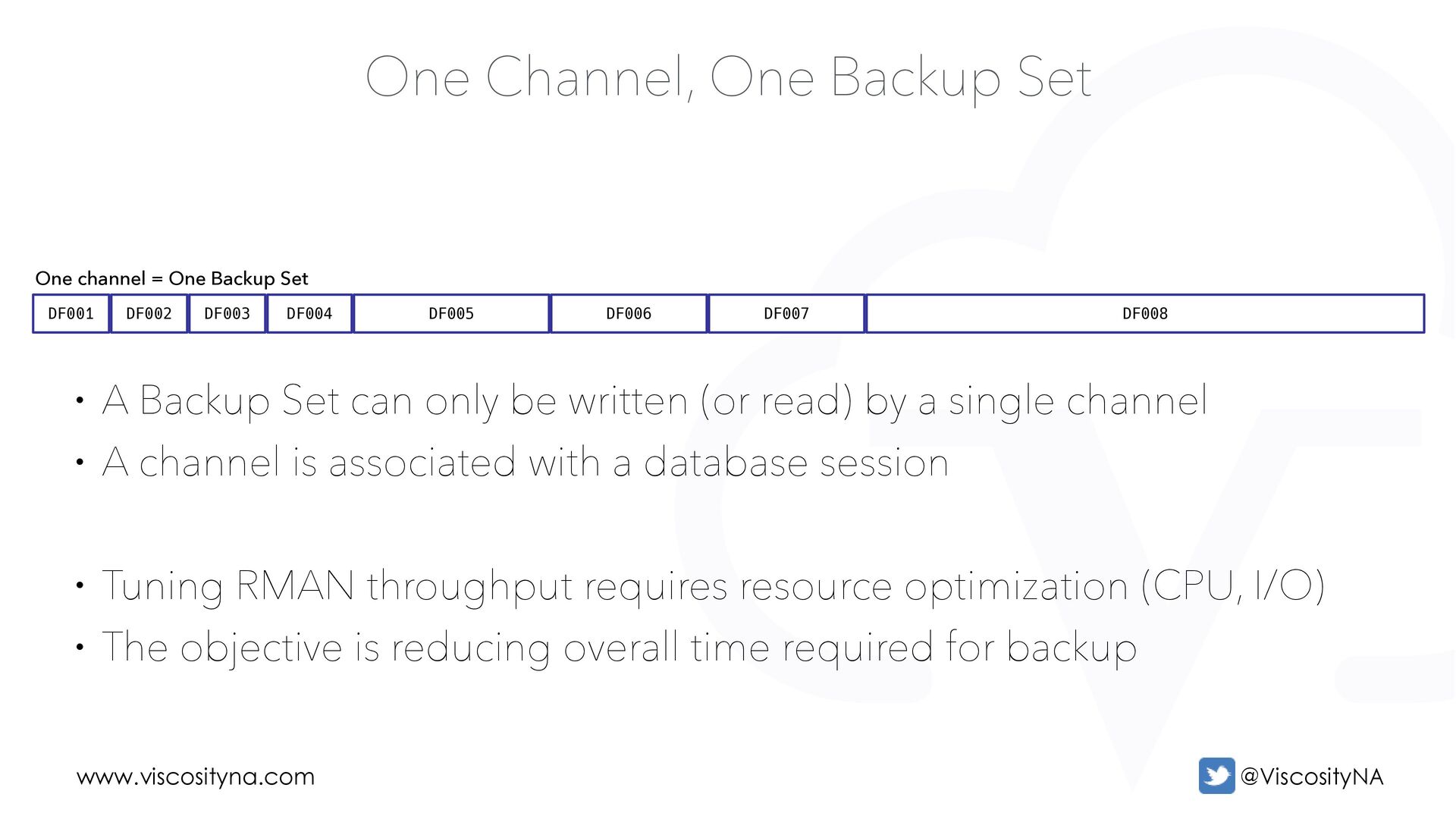
One Channel, One Backup Set One channel = One Backup Set • A Backup Set can only be written (or read) by a single channel • A channel is associated with a database session • Tuning RMAN throughput requires resource optimization (CPU, I/O) • The objective is reducing overall time required for backup
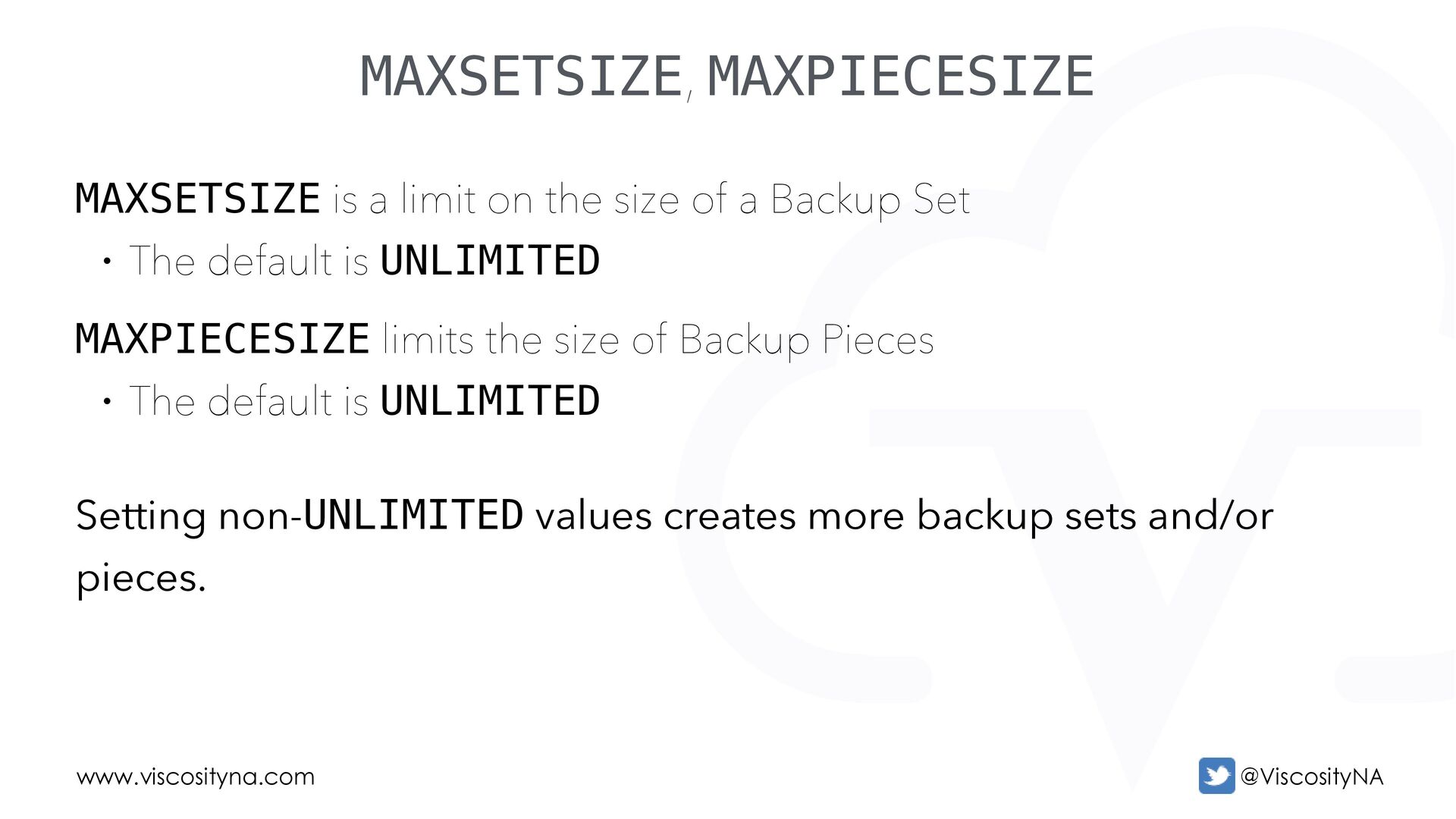
size of a Backup Set • The default is UNLIMITED MAXPIECESIZE limits the size of Backup Pieces • The default is UNLIMITED Setting non-UNLIMITED values creates more backup sets and/or pieces.
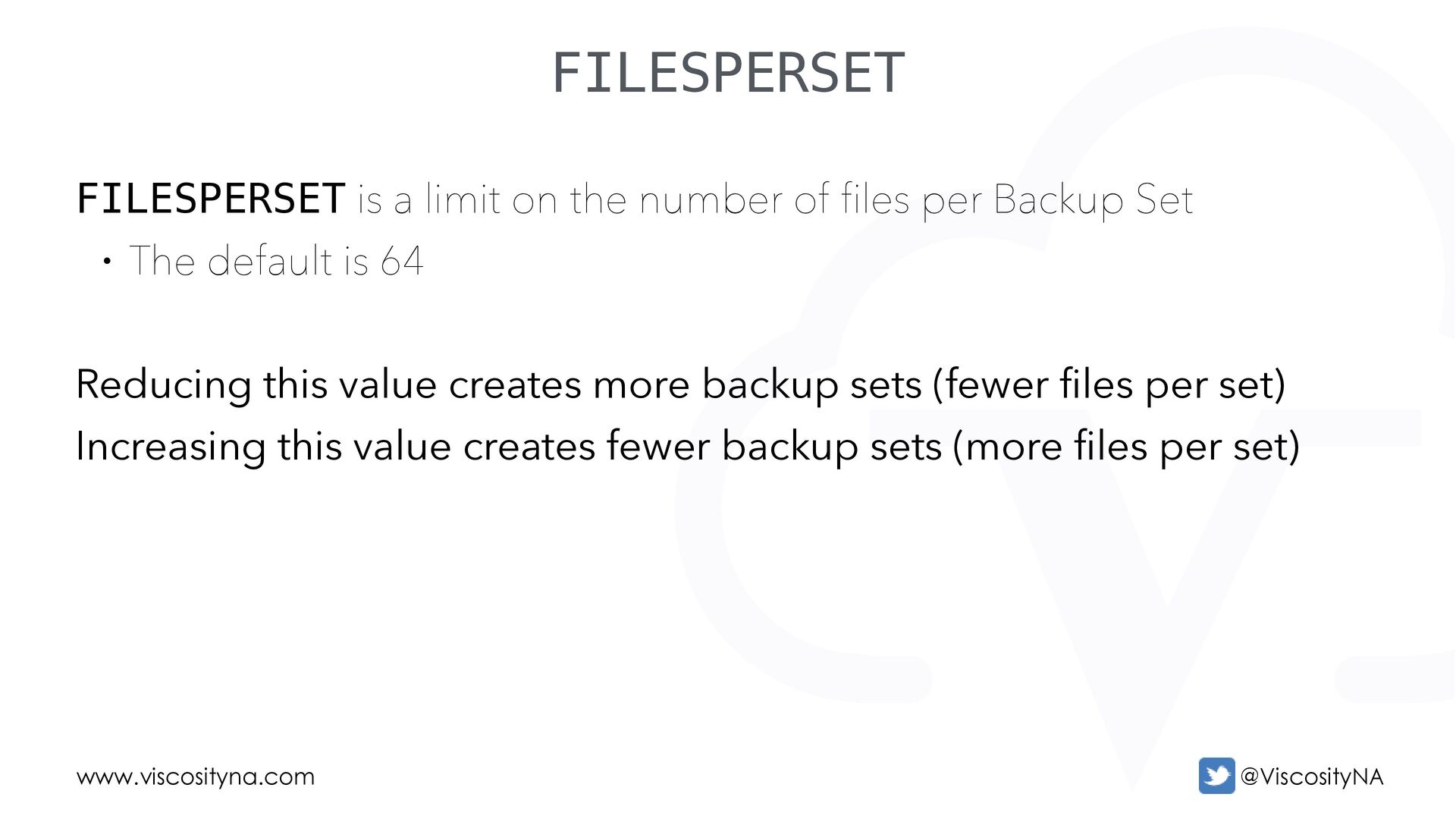
of files per Backup Set • The default is 64 Reducing this value creates more backup sets (fewer files per set) Increasing this value creates fewer backup sets (more files per set)
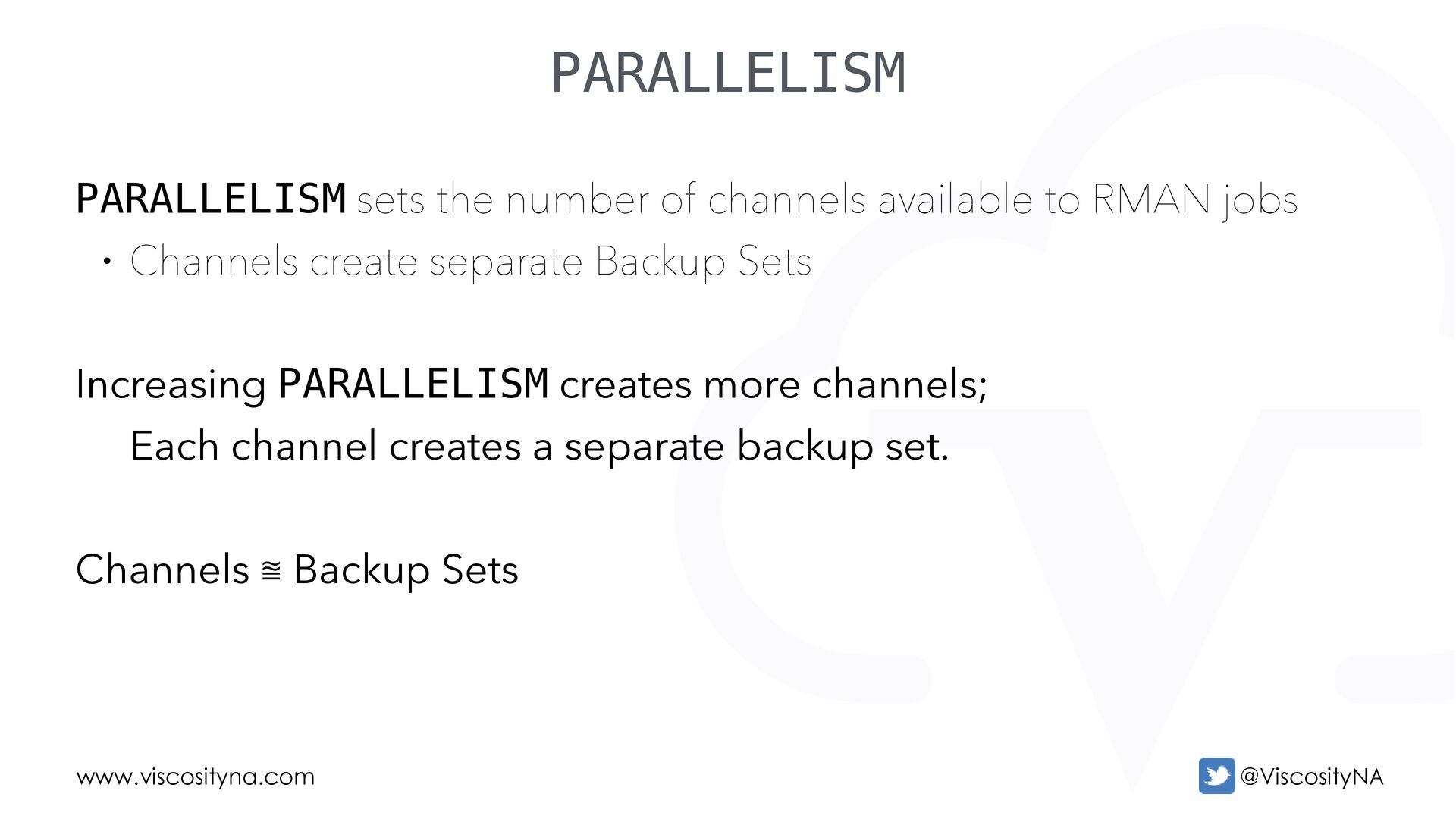
to RMAN jobs • Channels create separate Backup Sets Increasing PARALLELISM creates more channels; Each channel creates a separate backup set. Channels ⩰ Backup Sets
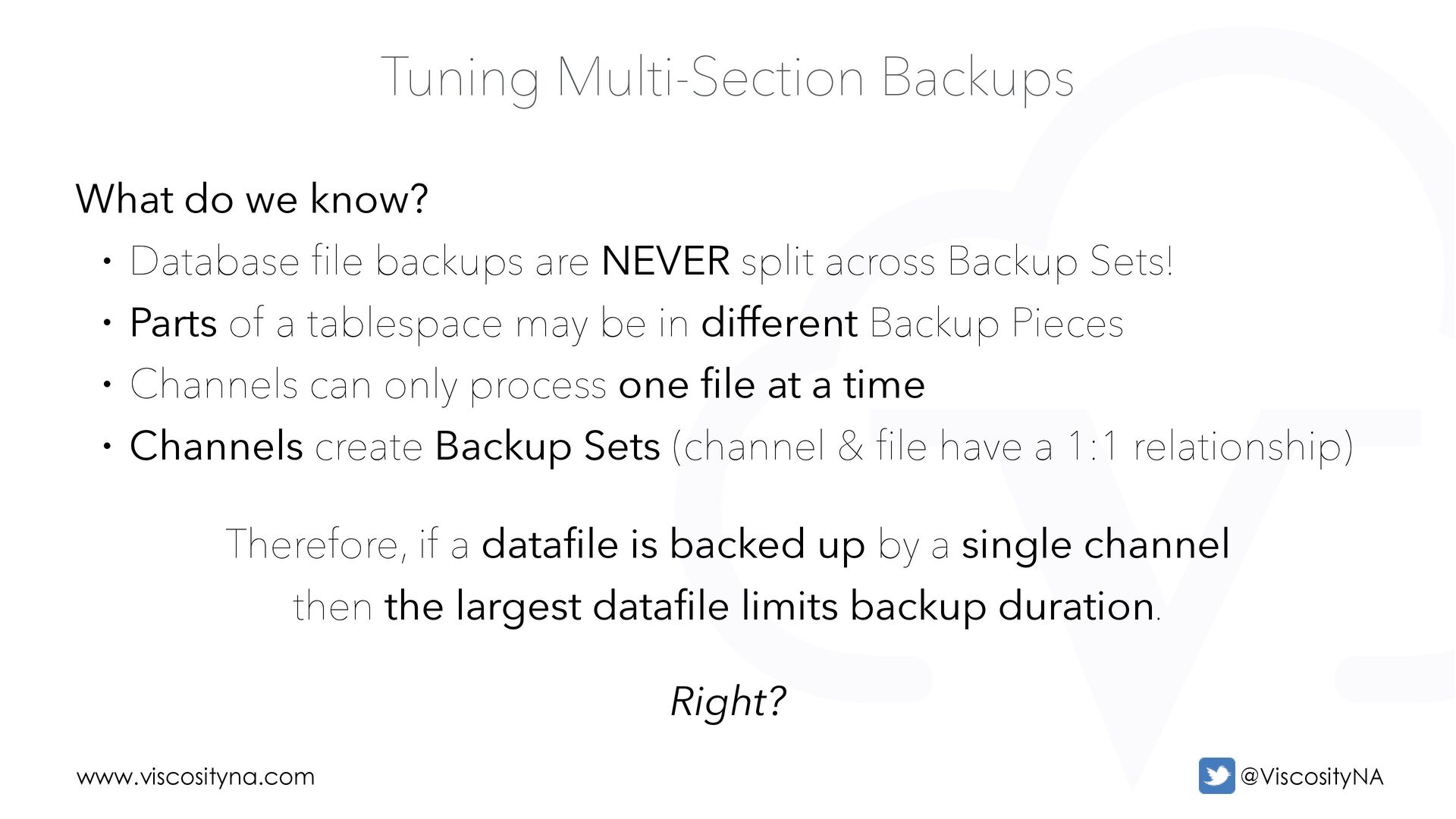
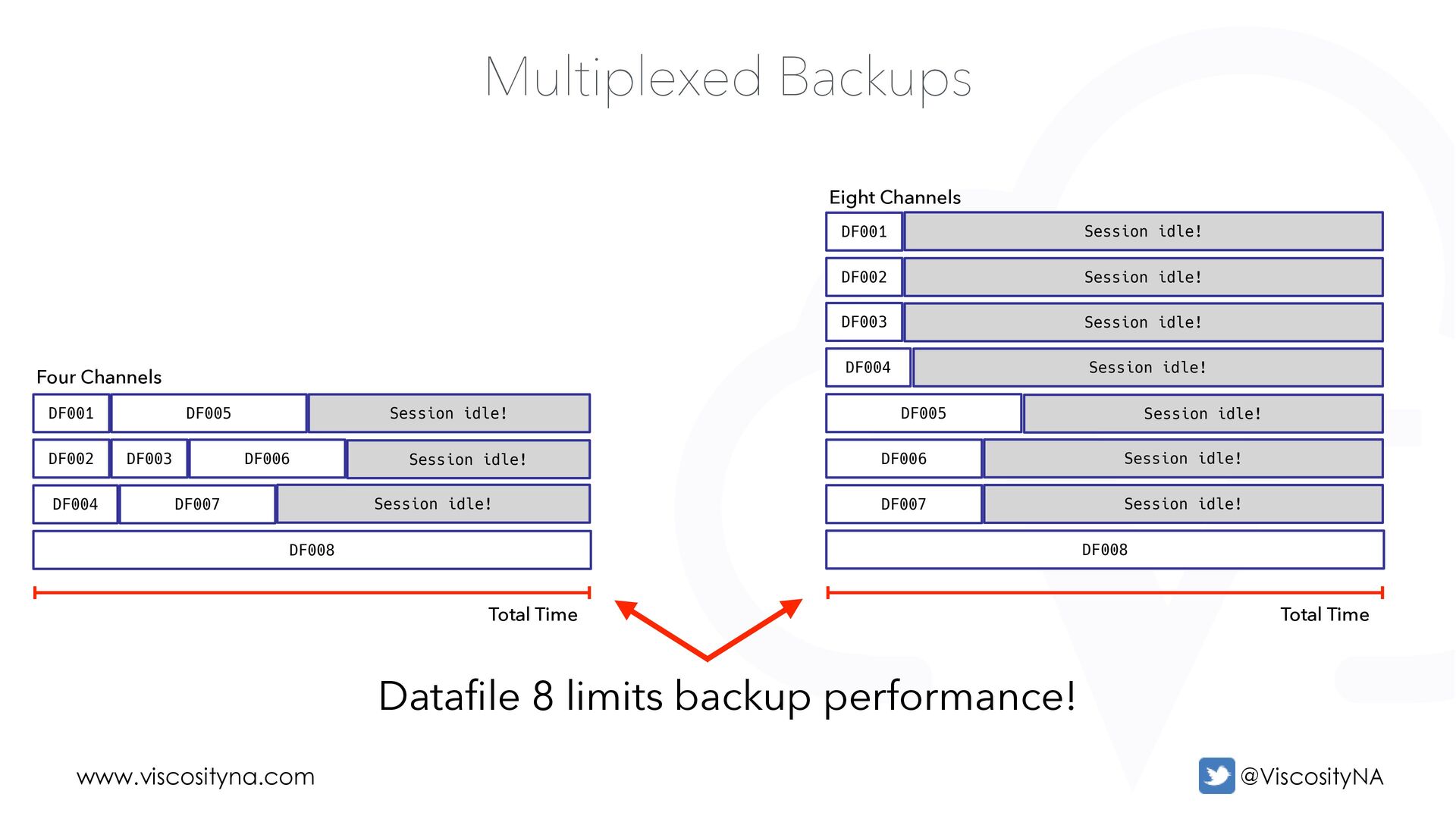
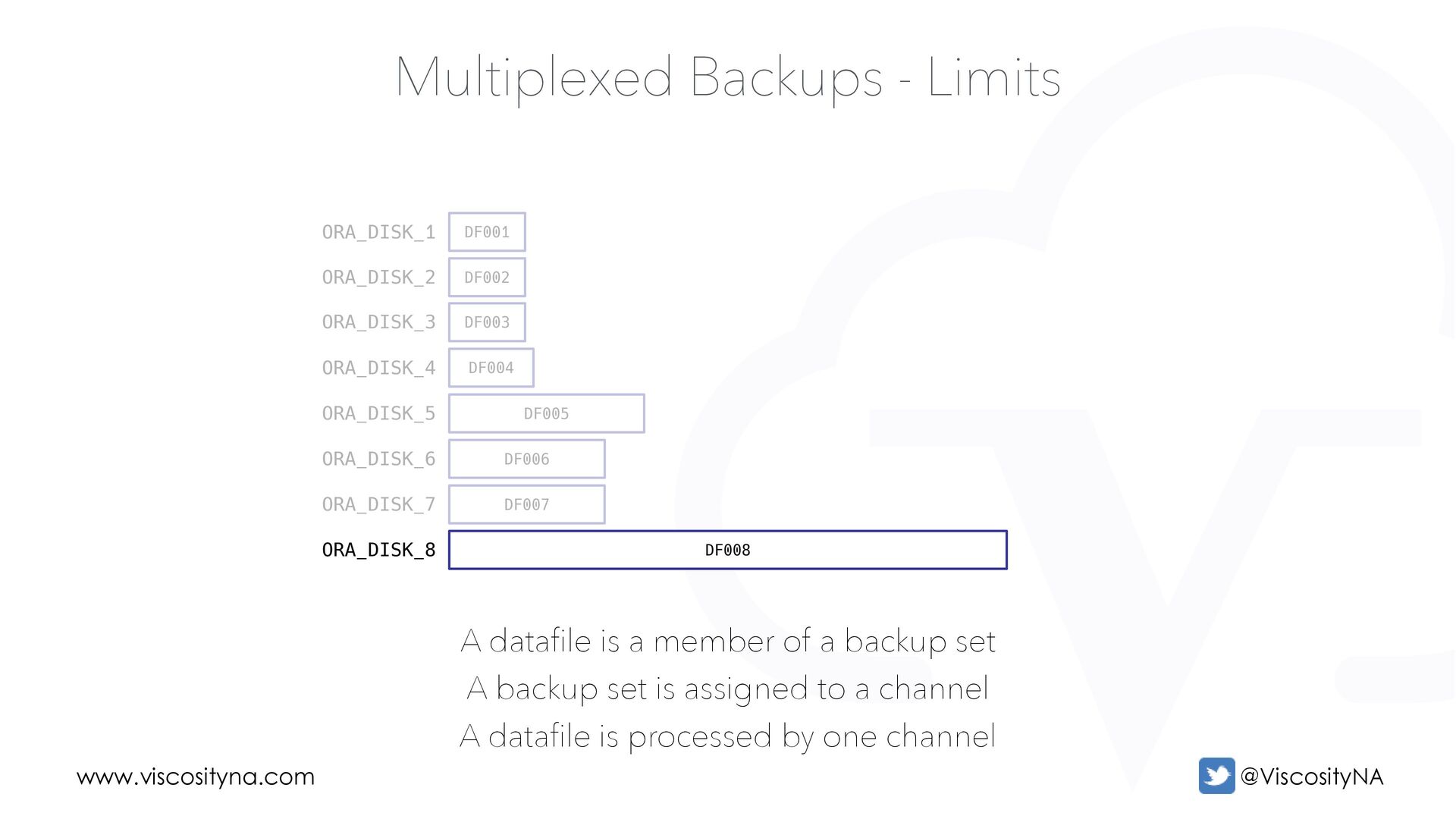
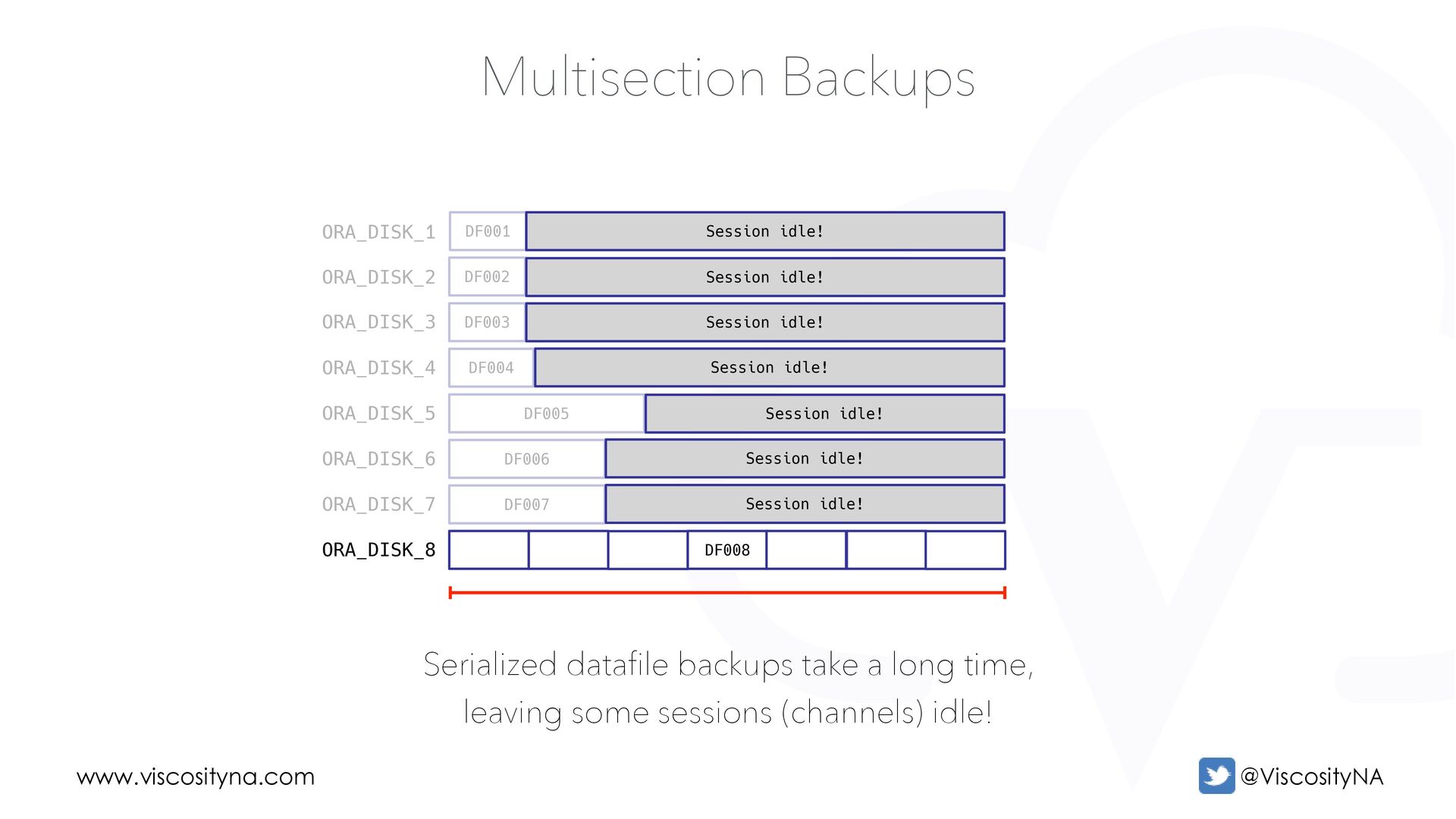
Database file backups are NEVER split across Backup Sets! • Parts of a tablespace may be in different Backup Pieces • Channels can only process one file at a time • Channels create Backup Sets (channel & file have a 1:1 relationship) Therefore, if a datafile is backed up by a single channel then the largest datafile limits backup duration. Right?
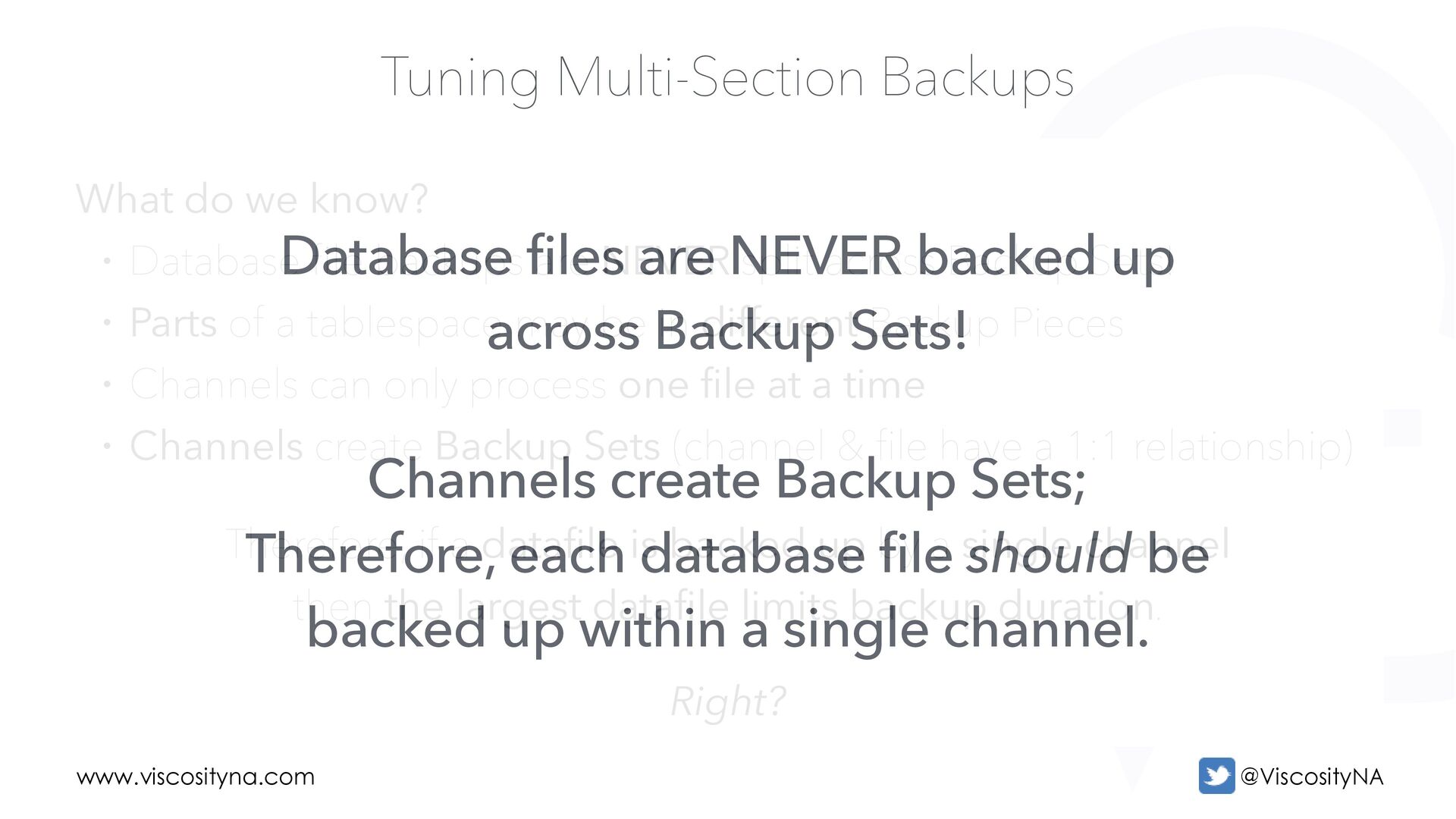
Database file backups are NEVER split across Backup Sets! • Parts of a tablespace may be in different Backup Pieces • Channels can only process one file at a time • Channels create Backup Sets (channel & file have a 1:1 relationship) Therefore, if a datafile is backed up by a single channel then the largest datafile limits backup duration. Right? Database files are NEVER backed up across Backup Sets! Channels create Backup Sets; Therefore, each database file should be backed up within a single channel.
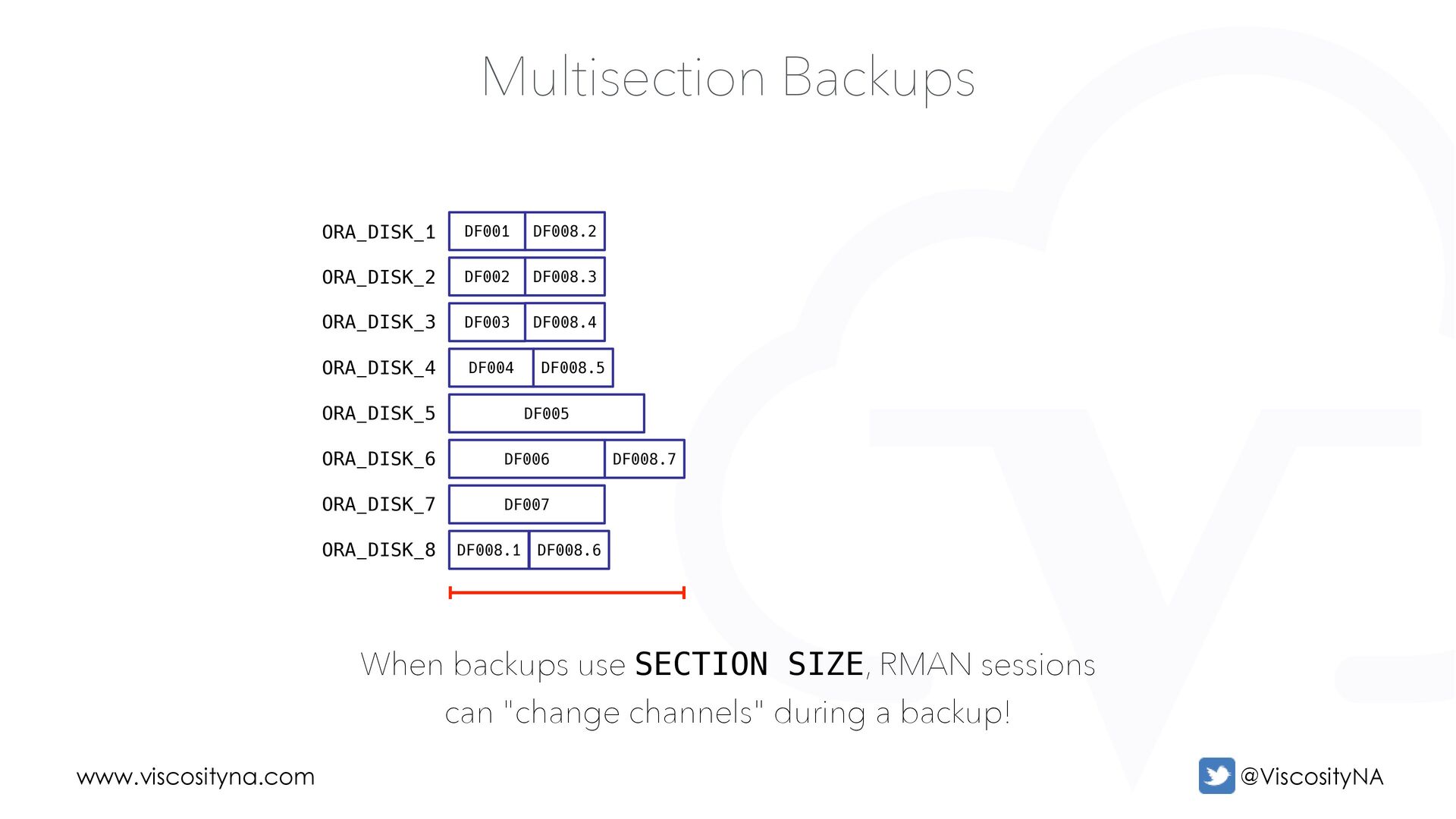
Multiplexed Backups - Limits A datafile is a member of a backup set A backup set is assigned to a channel A datafile is processed by one channel ORA_DISK_1 ORA_DISK_2 ORA_DISK_3 ORA_DISK_4 ORA_DISK_5 ORA_DISK_6 ORA_DISK_7 ORA_DISK_8
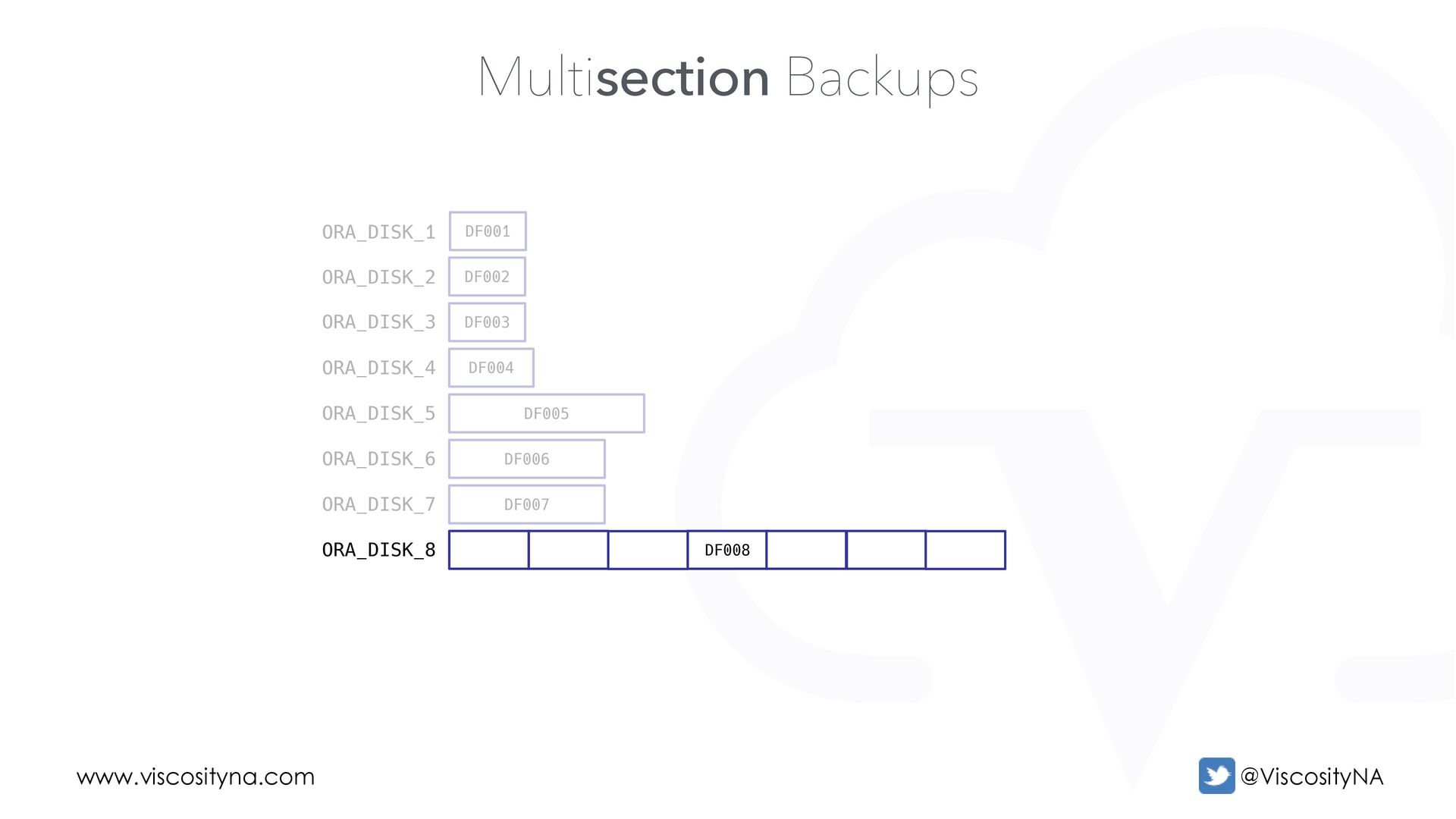
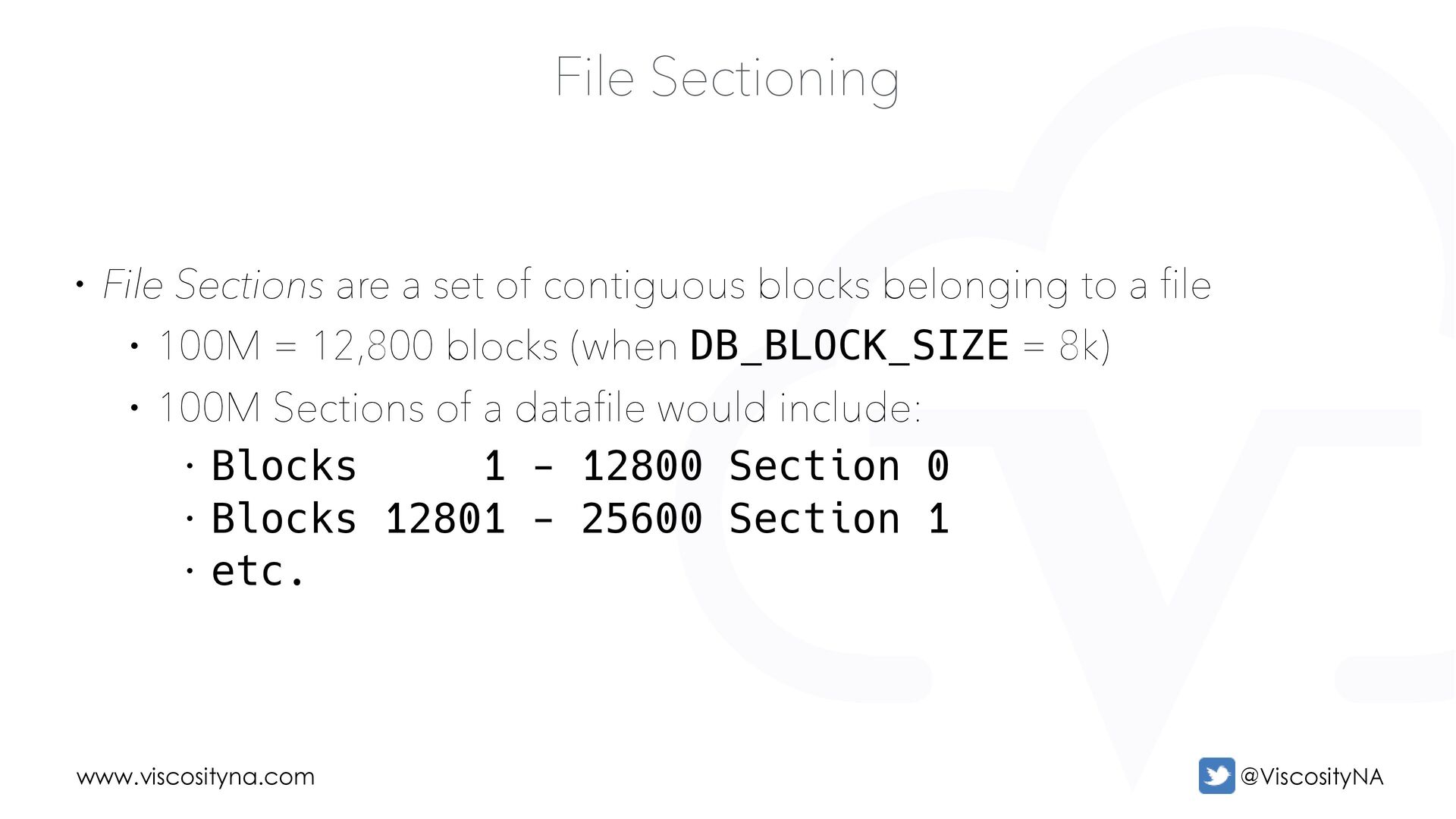
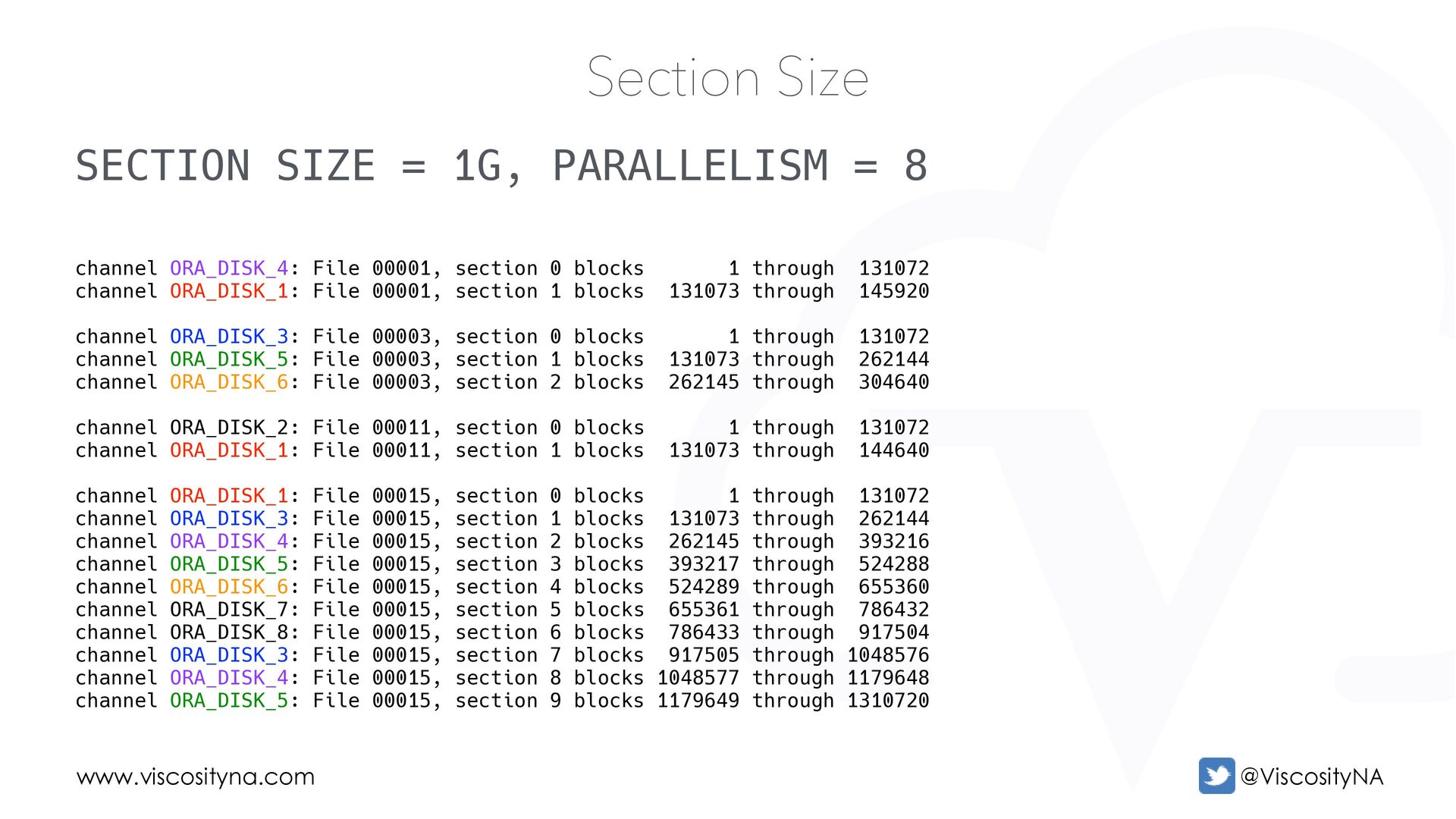
of contiguous blocks belonging to a file • 100M = 12,800 blocks (when DB_BLOCK_SIZE = 8k) • 100M Sections of a datafile would include: • Blocks 1 - 12800 Section 0 • Blocks 12801 - 25600 Section 1 • etc.
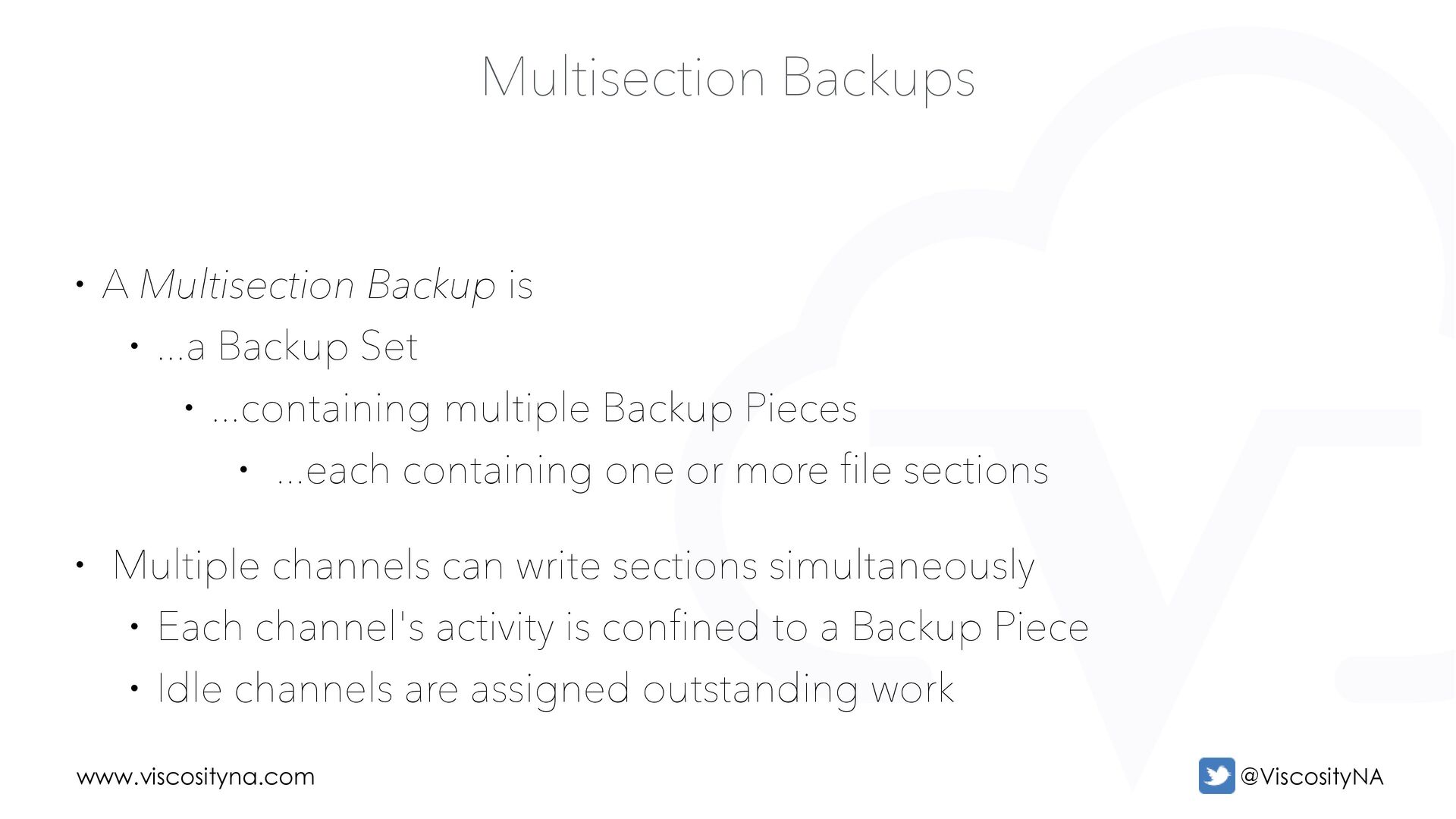
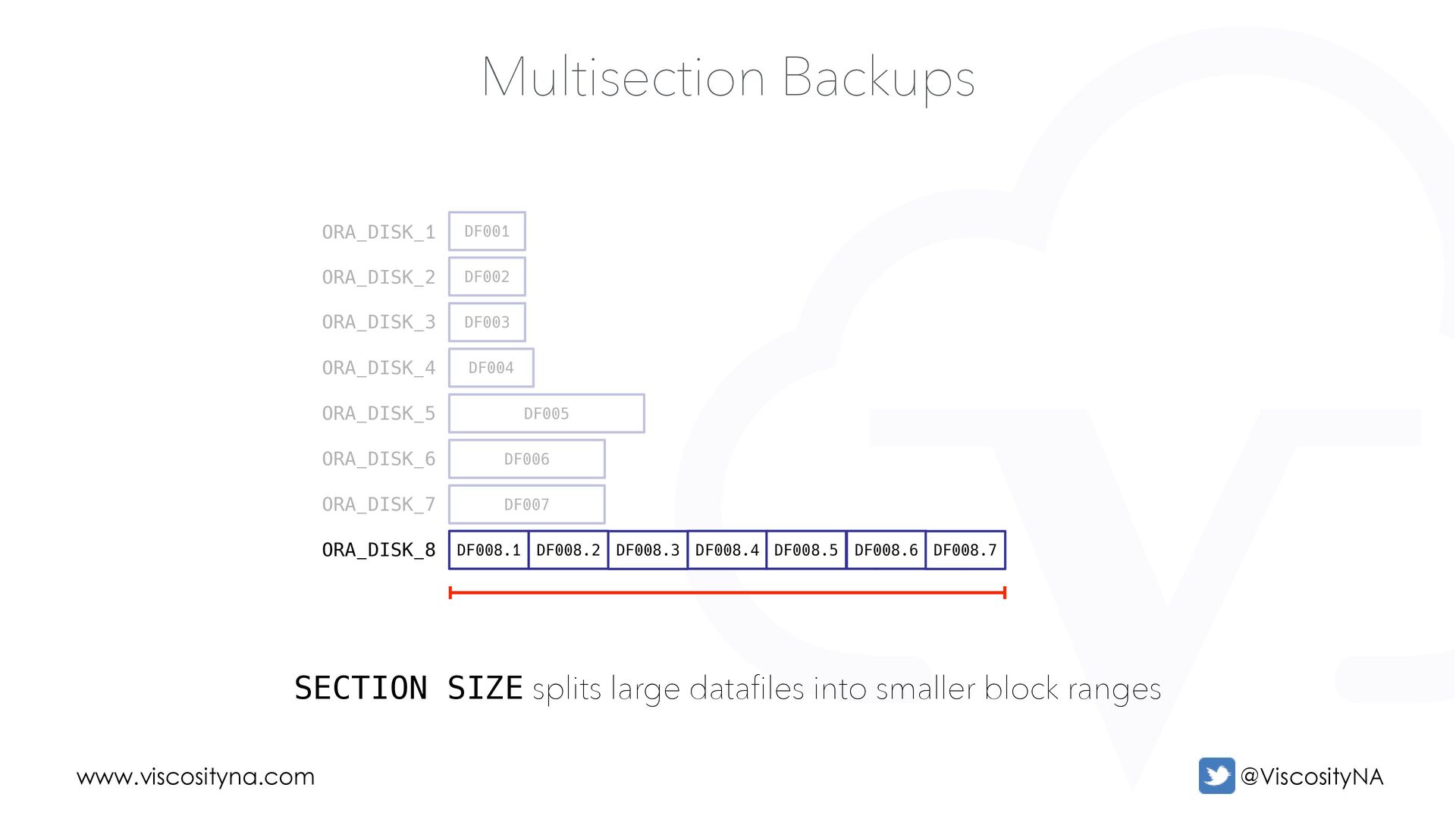
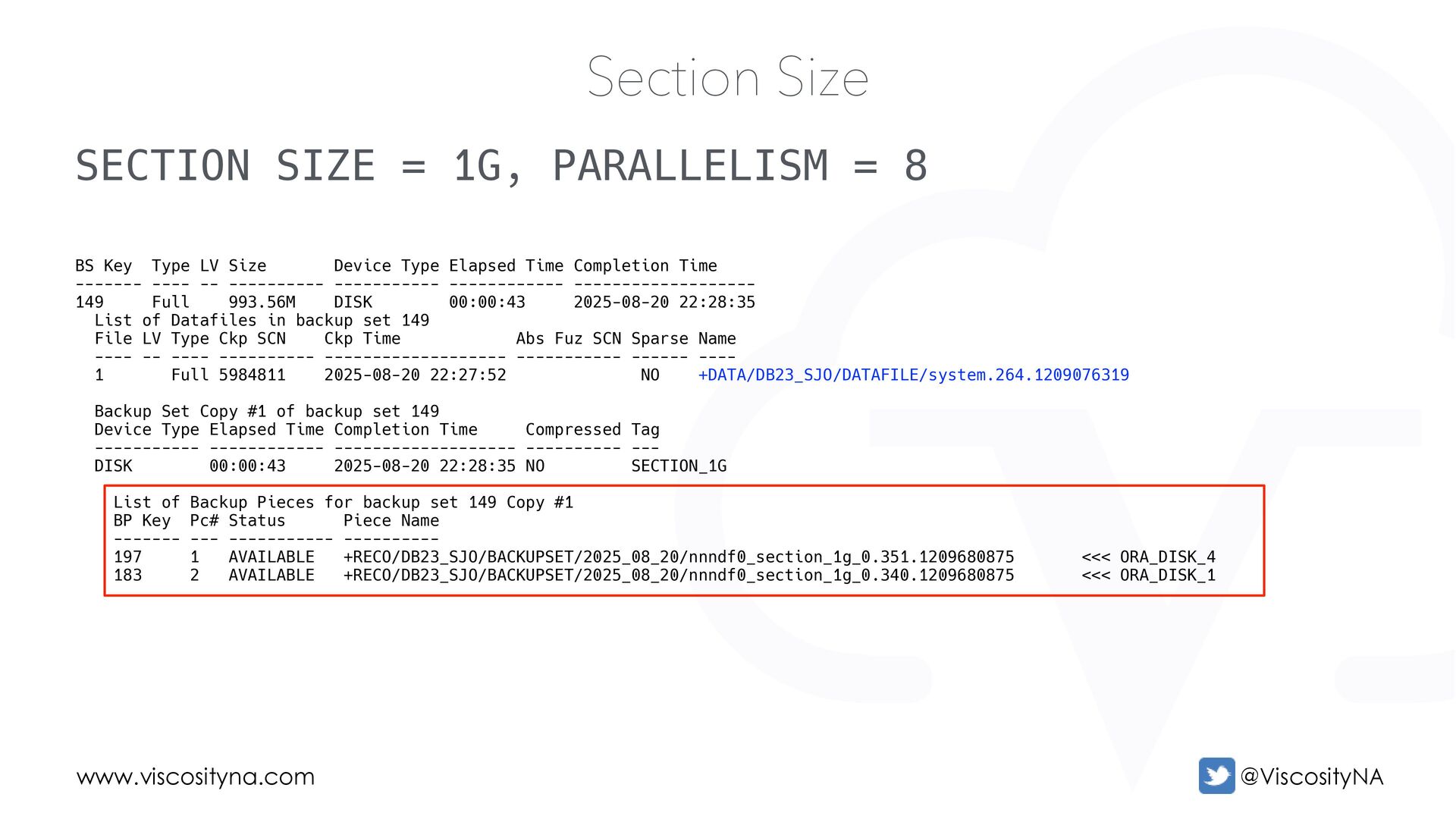
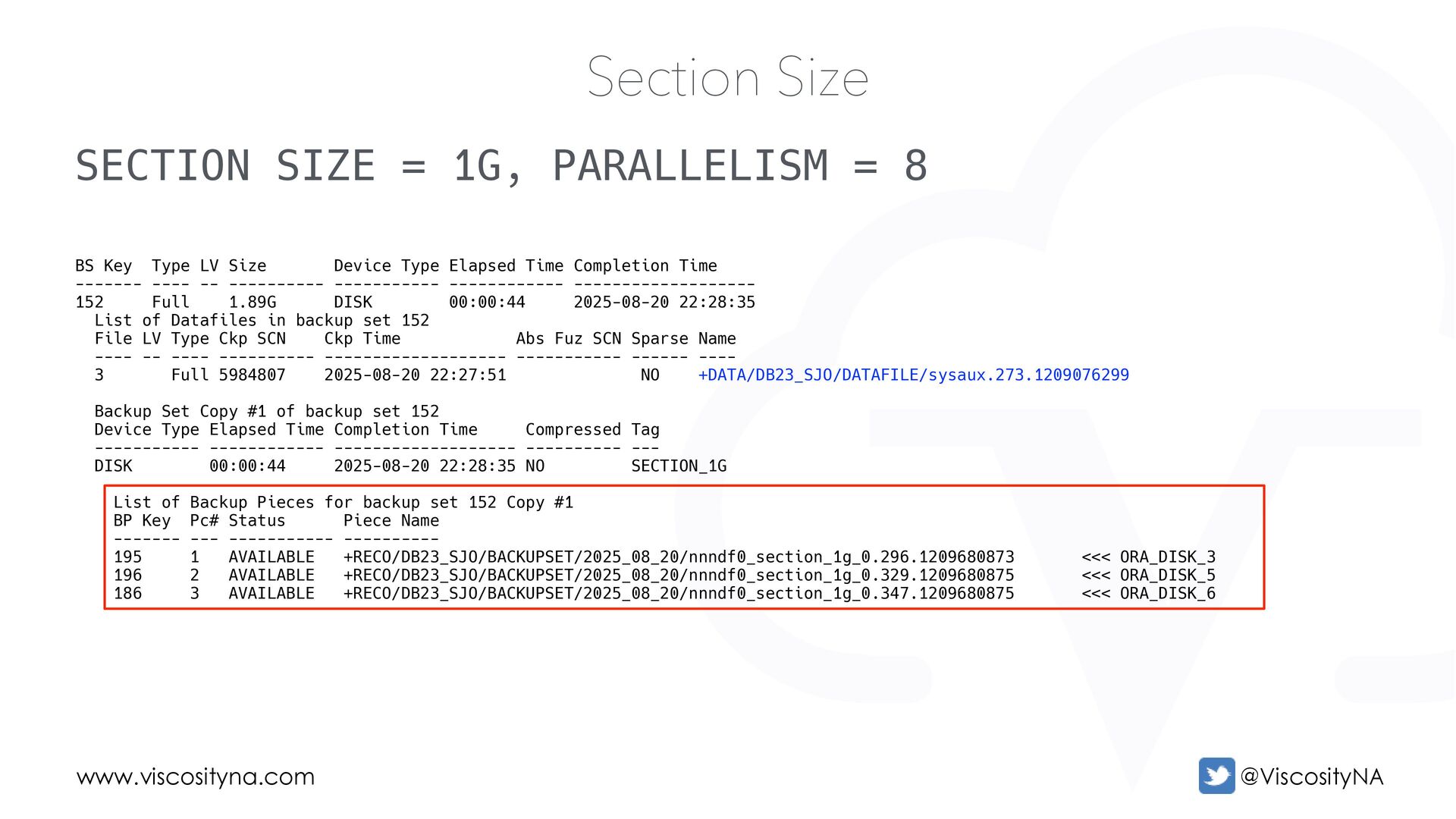
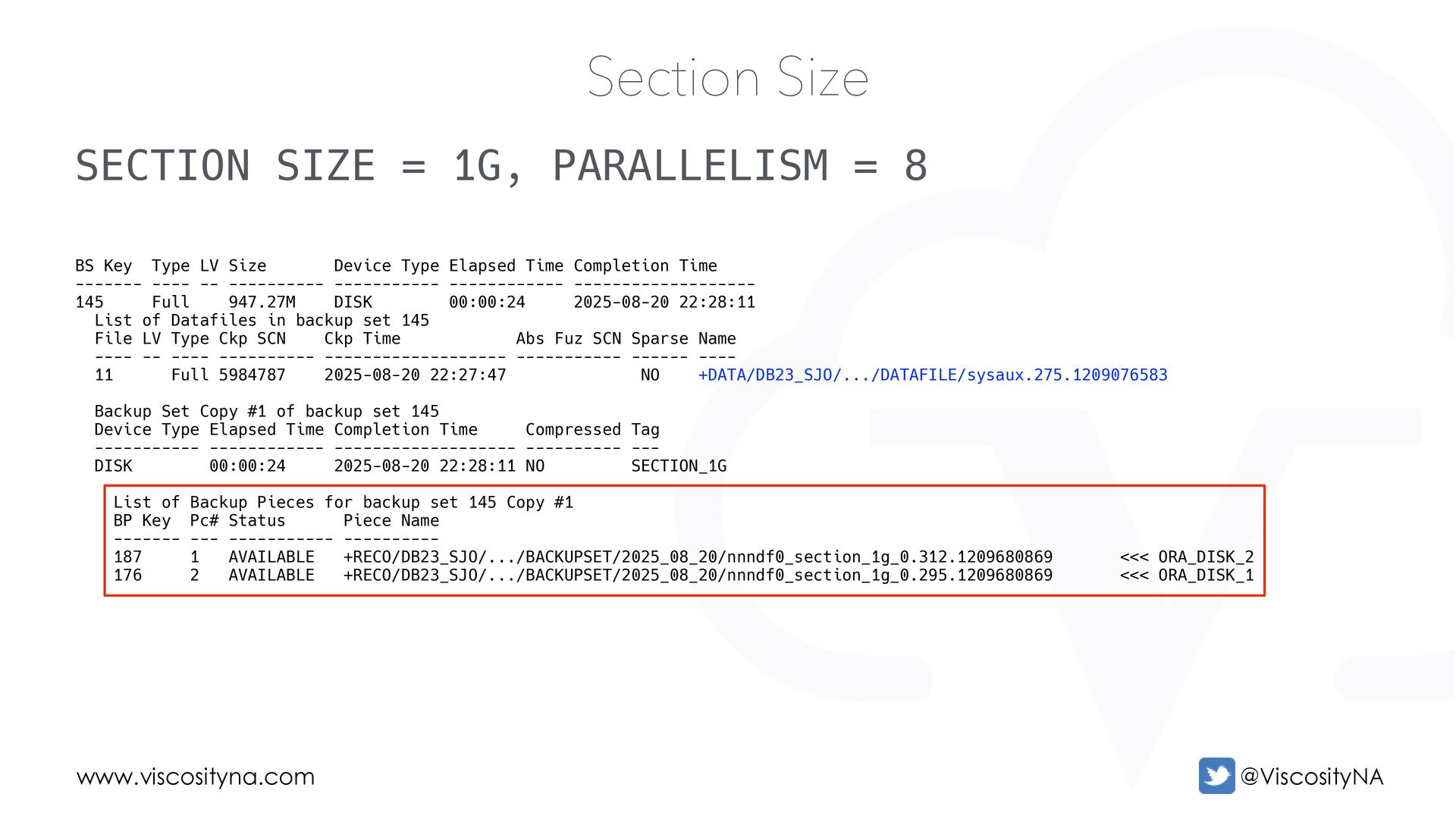
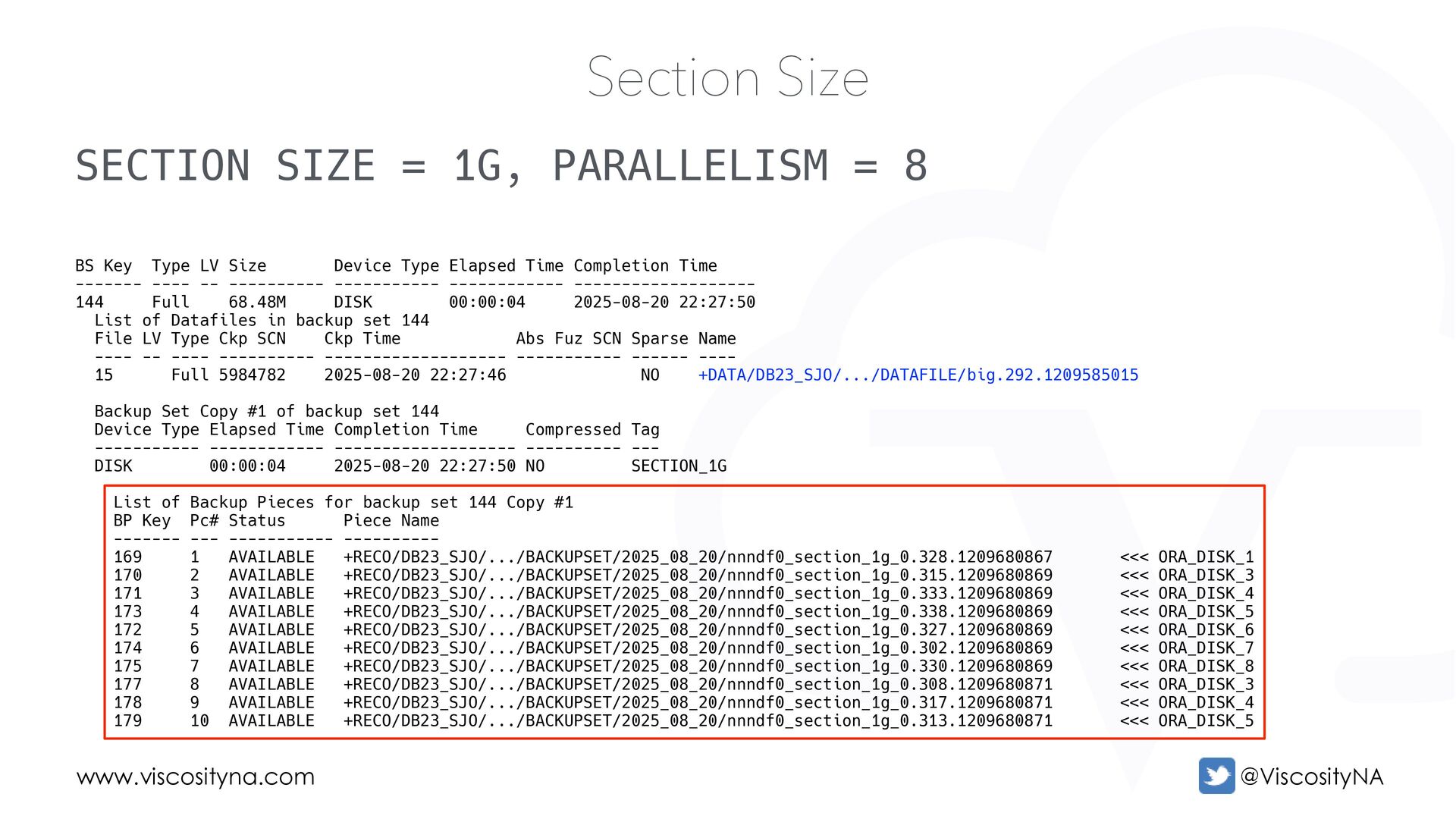
...a Backup Set • ...containing multiple Backup Pieces • ...each containing one or more file sections • Multiple channels can write sections simultaneously • Each channel's activity is confined to a Backup Piece • Idle channels are assigned outstanding work
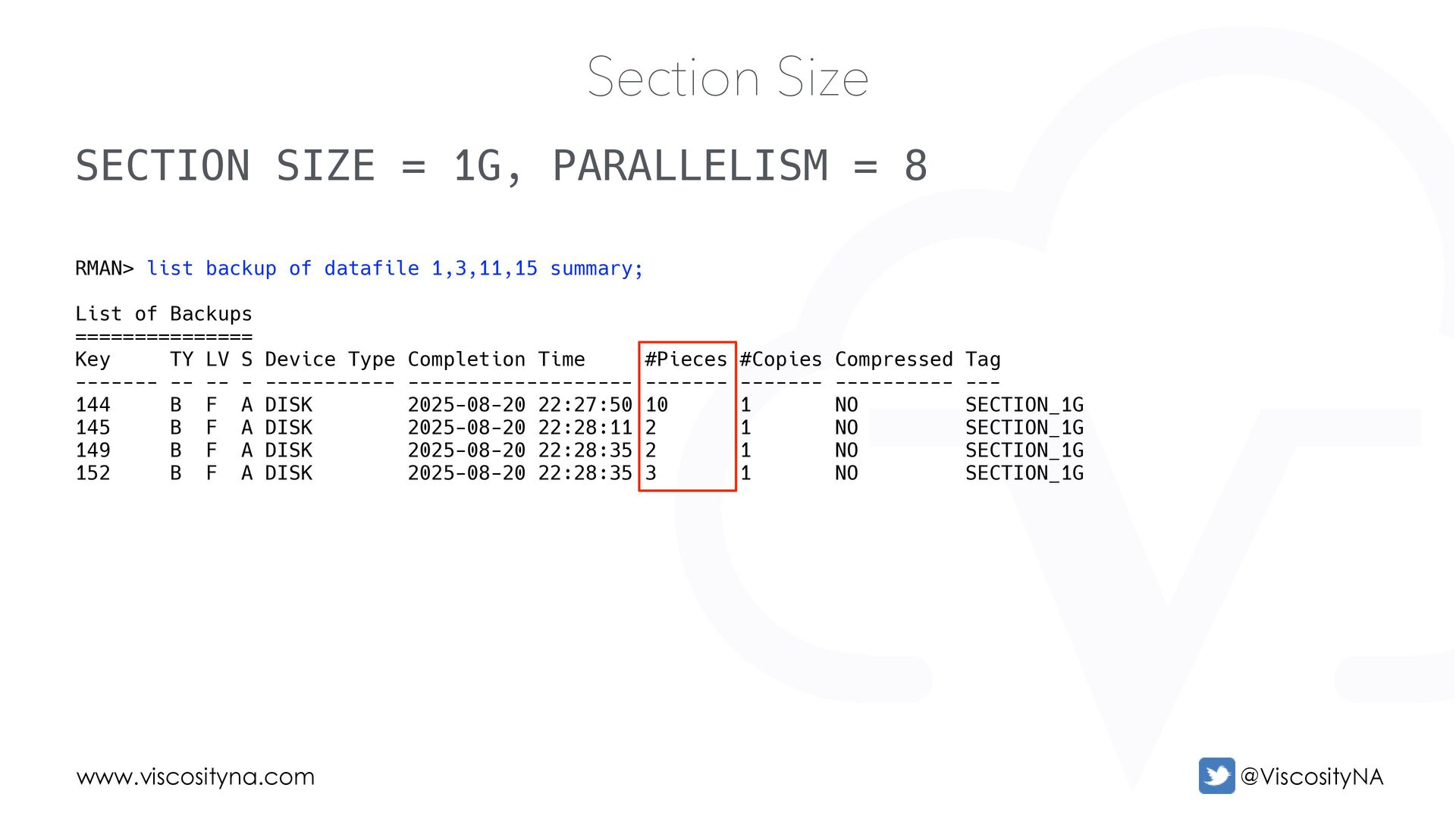
Size RMAN> list backup of datafile 1,3,11,15 summary; List of Backups =============== Key TY LV S Device Type Completion Time #Pieces #Copies Compressed Tag ------- -- -- - ----------- ------------------- ------- ------- ---------- --- 144 B F A DISK 2025-08-20 22:27:50 10 1 NO SECTION_1G 145 B F A DISK 2025-08-20 22:28:11 2 1 NO SECTION_1G 149 B F A DISK 2025-08-20 22:28:35 2 1 NO SECTION_1G 152 B F A DISK 2025-08-20 22:28:35 3 1 NO SECTION_1G
Size BS Key Type LV Size Device Type Elapsed Time Completion Time ------- ---- -- ---------- ----------- ------------ ------------------- 149 Full 993.56M DISK 00:00:43 2025-08-20 22:28:35 List of Datafiles in backup set 149 File LV Type Ckp SCN Ckp Time Abs Fuz SCN Sparse Name ---- -- ---- ---------- ------------------- ----------- ------ ---- 1 Full 5984811 2025-08-20 22:27:52 NO +DATA/DB23_SJO/DATAFILE/system.264.1209076319 Backup Set Copy #1 of backup set 149 Device Type Elapsed Time Completion Time Compressed Tag ----------- ------------ ------------------- ---------- --- DISK 00:00:43 2025-08-20 22:28:35 NO SECTION_1G List of Backup Pieces for backup set 149 Copy #1 BP Key Pc# Status Piece Name ------- --- ----------- ---------- 197 1 AVAILABLE +RECO/DB23_SJO/BACKUPSET/2025_08_20/nnndf0_section_1g_0.351.1209680875 <<< ORA_DISK_4 183 2 AVAILABLE +RECO/DB23_SJO/BACKUPSET/2025_08_20/nnndf0_section_1g_0.340.1209680875 <<< ORA_DISK_1
Size BS Key Type LV Size Device Type Elapsed Time Completion Time ------- ---- -- ---------- ----------- ------------ ------------------- 152 Full 1.89G DISK 00:00:44 2025-08-20 22:28:35 List of Datafiles in backup set 152 File LV Type Ckp SCN Ckp Time Abs Fuz SCN Sparse Name ---- -- ---- ---------- ------------------- ----------- ------ ---- 3 Full 5984807 2025-08-20 22:27:51 NO +DATA/DB23_SJO/DATAFILE/sysaux.273.1209076299 Backup Set Copy #1 of backup set 152 Device Type Elapsed Time Completion Time Compressed Tag ----------- ------------ ------------------- ---------- --- DISK 00:00:44 2025-08-20 22:28:35 NO SECTION_1G List of Backup Pieces for backup set 152 Copy #1 BP Key Pc# Status Piece Name ------- --- ----------- ---------- 195 1 AVAILABLE +RECO/DB23_SJO/BACKUPSET/2025_08_20/nnndf0_section_1g_0.296.1209680873 <<< ORA_DISK_3 196 2 AVAILABLE +RECO/DB23_SJO/BACKUPSET/2025_08_20/nnndf0_section_1g_0.329.1209680875 <<< ORA_DISK_5 186 3 AVAILABLE +RECO/DB23_SJO/BACKUPSET/2025_08_20/nnndf0_section_1g_0.347.1209680875 <<< ORA_DISK_6
Size BS Key Type LV Size Device Type Elapsed Time Completion Time ------- ---- -- ---------- ----------- ------------ ------------------- 145 Full 947.27M DISK 00:00:24 2025-08-20 22:28:11 List of Datafiles in backup set 145 File LV Type Ckp SCN Ckp Time Abs Fuz SCN Sparse Name ---- -- ---- ---------- ------------------- ----------- ------ ---- 11 Full 5984787 2025-08-20 22:27:47 NO +DATA/DB23_SJO/.../DATAFILE/sysaux.275.1209076583 Backup Set Copy #1 of backup set 145 Device Type Elapsed Time Completion Time Compressed Tag ----------- ------------ ------------------- ---------- --- DISK 00:00:24 2025-08-20 22:28:11 NO SECTION_1G List of Backup Pieces for backup set 145 Copy #1 BP Key Pc# Status Piece Name ------- --- ----------- ---------- 187 1 AVAILABLE +RECO/DB23_SJO/.../BACKUPSET/2025_08_20/nnndf0_section_1g_0.312.1209680869 <<< ORA_DISK_2 176 2 AVAILABLE +RECO/DB23_SJO/.../BACKUPSET/2025_08_20/nnndf0_section_1g_0.295.1209680869 <<< ORA_DISK_1
Size BS Key Type LV Size Device Type Elapsed Time Completion Time ------- ---- -- ---------- ----------- ------------ ------------------- 144 Full 68.48M DISK 00:00:04 2025-08-20 22:27:50 List of Datafiles in backup set 144 File LV Type Ckp SCN Ckp Time Abs Fuz SCN Sparse Name ---- -- ---- ---------- ------------------- ----------- ------ ---- 15 Full 5984782 2025-08-20 22:27:46 NO +DATA/DB23_SJO/.../DATAFILE/big.292.1209585015 Backup Set Copy #1 of backup set 144 Device Type Elapsed Time Completion Time Compressed Tag ----------- ------------ ------------------- ---------- --- DISK 00:00:04 2025-08-20 22:27:50 NO SECTION_1G List of Backup Pieces for backup set 144 Copy #1 BP Key Pc# Status Piece Name ------- --- ----------- ---------- 169 1 AVAILABLE +RECO/DB23_SJO/.../BACKUPSET/2025_08_20/nnndf0_section_1g_0.328.1209680867 <<< ORA_DISK_1 170 2 AVAILABLE +RECO/DB23_SJO/.../BACKUPSET/2025_08_20/nnndf0_section_1g_0.315.1209680869 <<< ORA_DISK_3 171 3 AVAILABLE +RECO/DB23_SJO/.../BACKUPSET/2025_08_20/nnndf0_section_1g_0.333.1209680869 <<< ORA_DISK_4 173 4 AVAILABLE +RECO/DB23_SJO/.../BACKUPSET/2025_08_20/nnndf0_section_1g_0.338.1209680869 <<< ORA_DISK_5 172 5 AVAILABLE +RECO/DB23_SJO/.../BACKUPSET/2025_08_20/nnndf0_section_1g_0.327.1209680869 <<< ORA_DISK_6 174 6 AVAILABLE +RECO/DB23_SJO/.../BACKUPSET/2025_08_20/nnndf0_section_1g_0.302.1209680869 <<< ORA_DISK_7 175 7 AVAILABLE +RECO/DB23_SJO/.../BACKUPSET/2025_08_20/nnndf0_section_1g_0.330.1209680869 <<< ORA_DISK_8 177 8 AVAILABLE +RECO/DB23_SJO/.../BACKUPSET/2025_08_20/nnndf0_section_1g_0.308.1209680871 <<< ORA_DISK_3 178 9 AVAILABLE +RECO/DB23_SJO/.../BACKUPSET/2025_08_20/nnndf0_section_1g_0.317.1209680871 <<< ORA_DISK_4 179 10 AVAILABLE +RECO/DB23_SJO/.../BACKUPSET/2025_08_20/nnndf0_section_1g_0.313.1209680871 <<< ORA_DISK_5
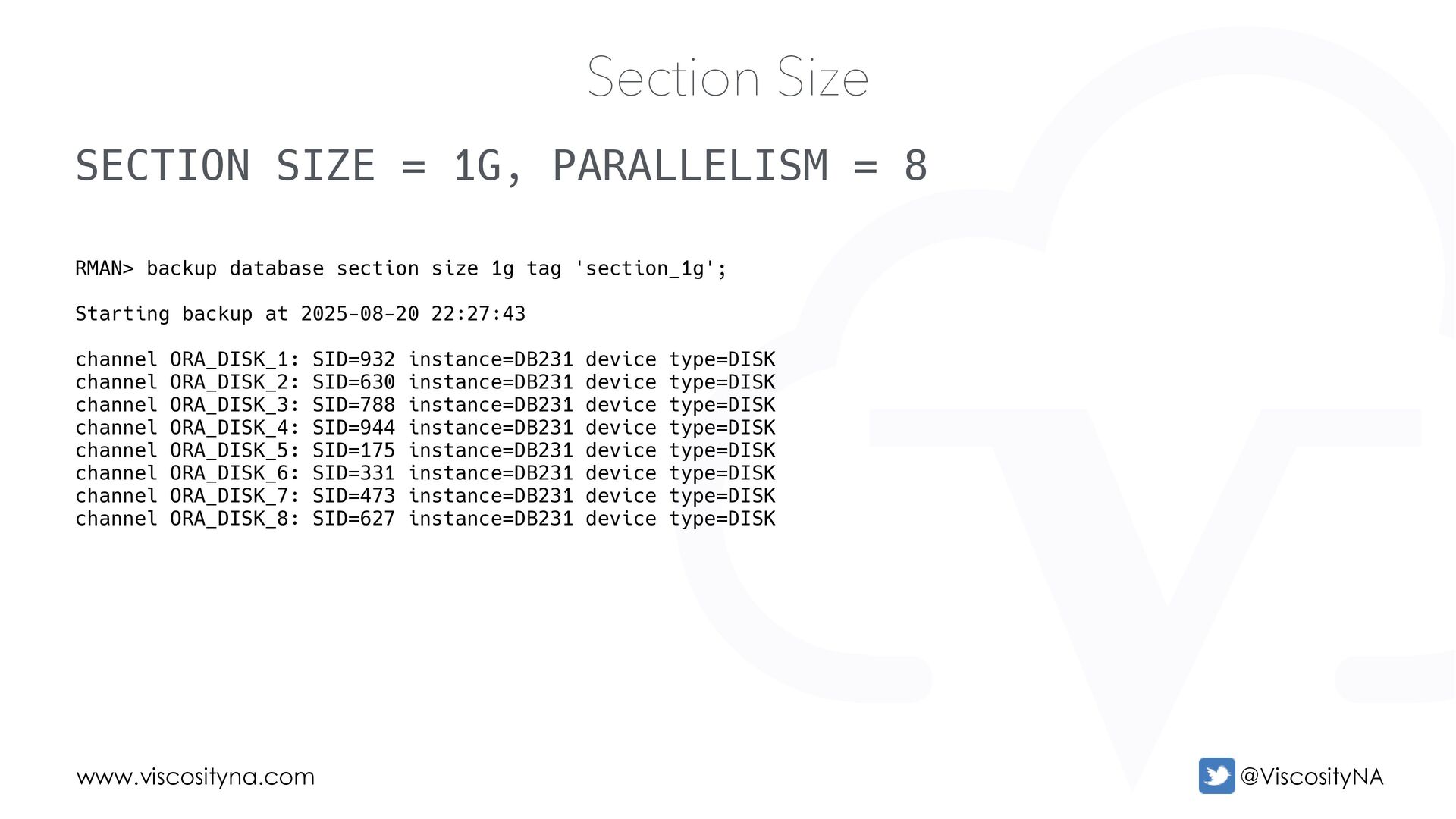
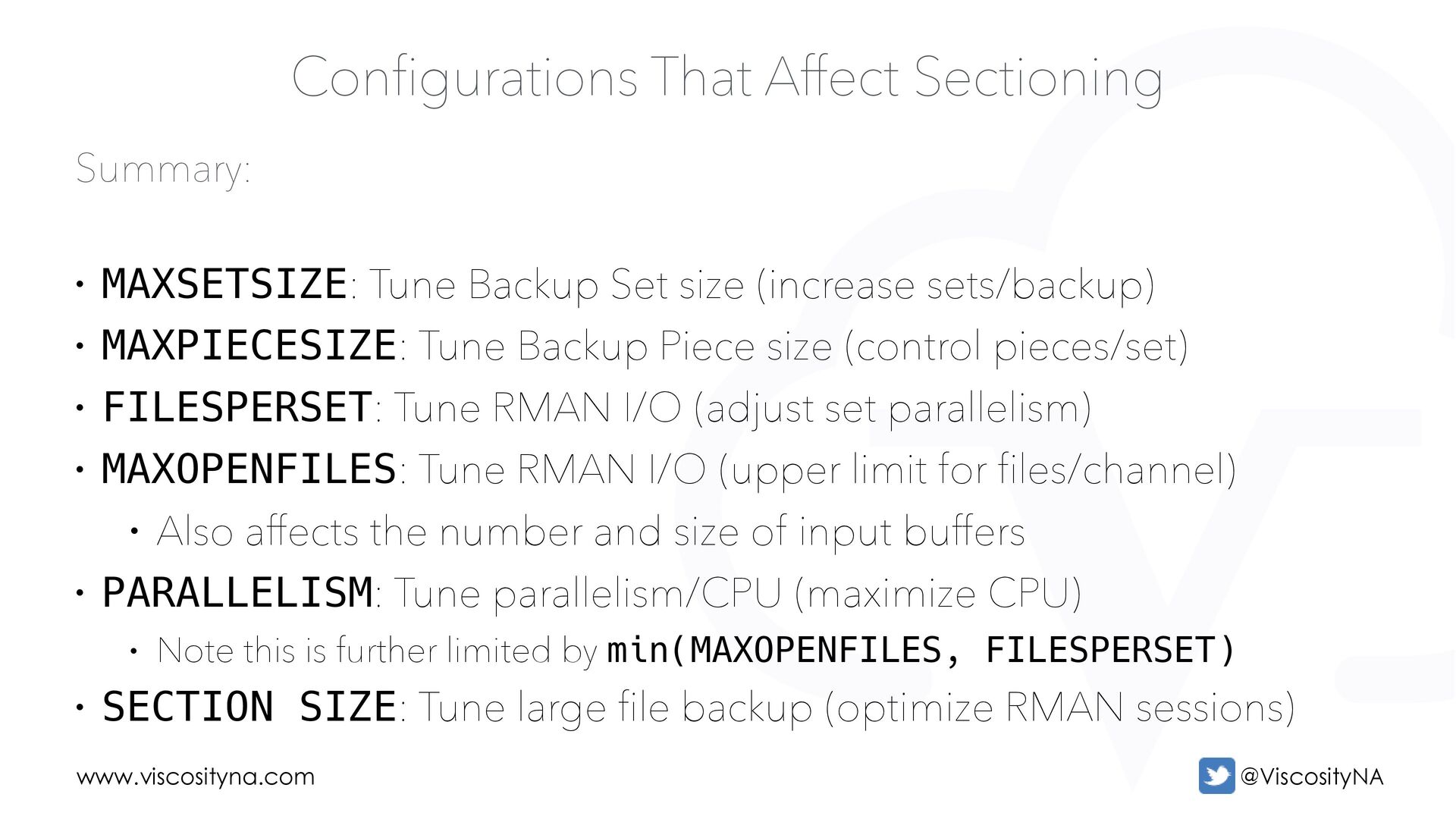
Backup Set size (increase sets/backup) • MAXPIECESIZE: Tune Backup Piece size (control pieces/set) • FILESPERSET: Tune RMAN I/O (adjust set parallelism) • MAXOPENFILES: Tune RMAN I/O (upper limit for files/channel) • Also affects the number and size of input buffers • PARALLELISM: Tune parallelism/CPU (maximize CPU) • Note this is further limited by min(MAXOPENFILES, FILESPERSET) • SECTION SIZE: Tune large file backup (optimize RMAN sessions)


 oraclesean
 ykanoh
 greenmidori
 nttcom
 daidaidai
 gogutan
 yuuuuuuu168
 sh_fk2
 masakiokuda
 ivry_presentationmaterials
 4o1sobblue
 grimoh
 pfn
pfn
 hatefulcrawdad
 lindahogenes
 jonoalderson
 mza
mza
 smashingmag
 rabernat
 matthewcrist
 rkaga
rkaga
 tapps
tapps
 addyosmani
 livdayseo
 tessaabrams
















![Questions? Contact Me! [email protected] https://linktr.ee/oraclesean www.viscosityna.com](https://files.speakerdeck.com/presentations/c3384d1f956e41849ad358b03c4e71c9/slide_89.jpg)