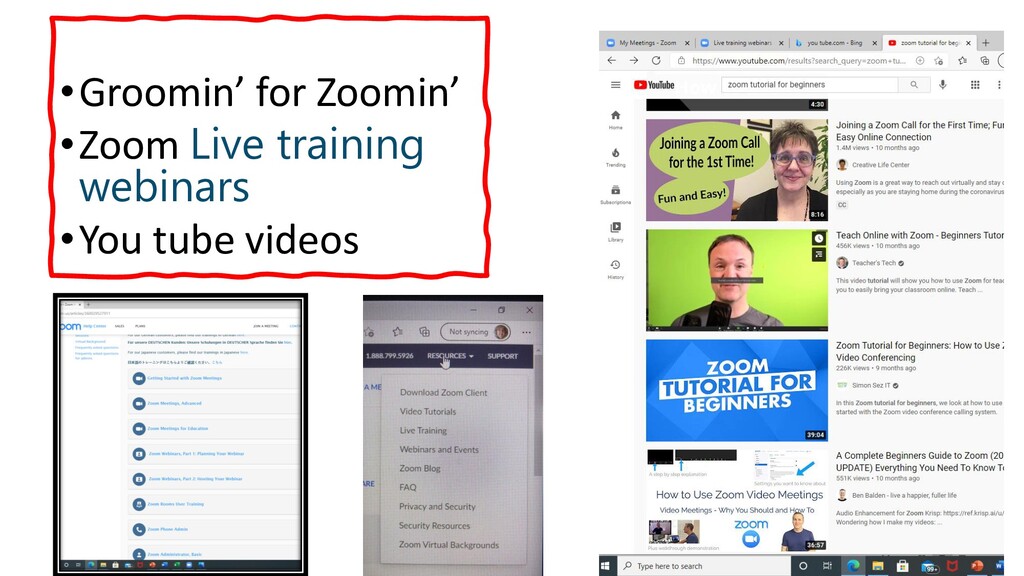
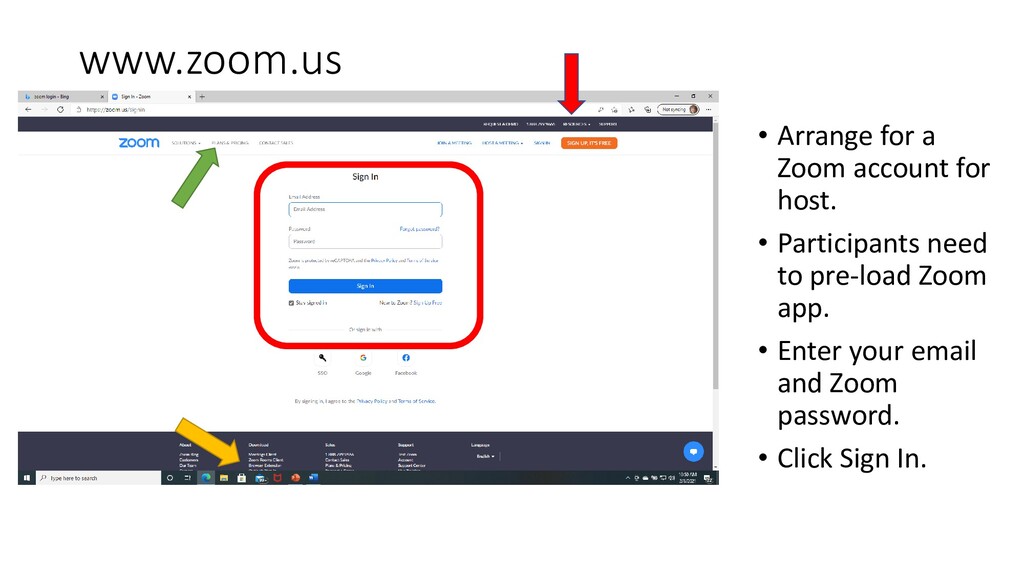
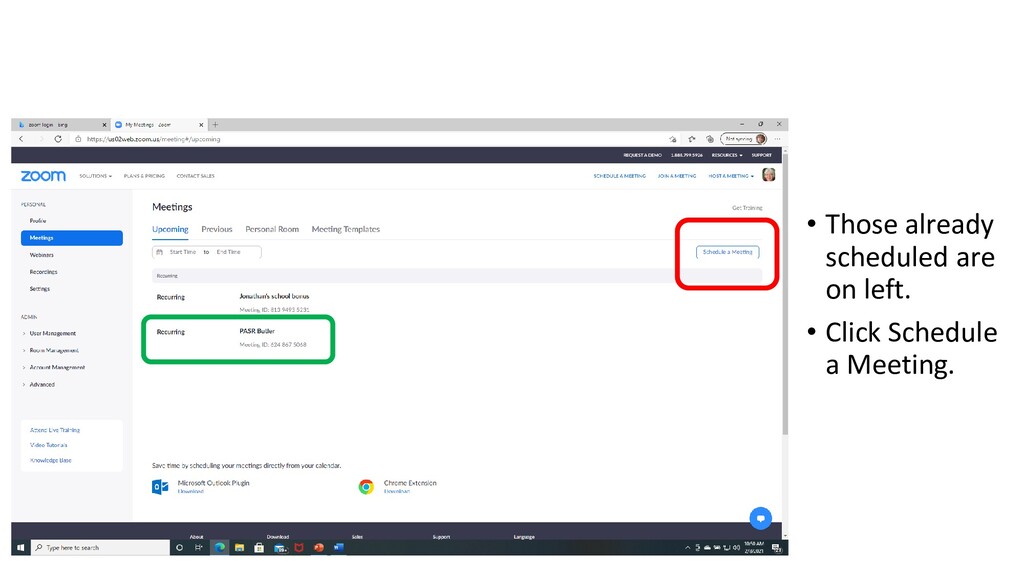
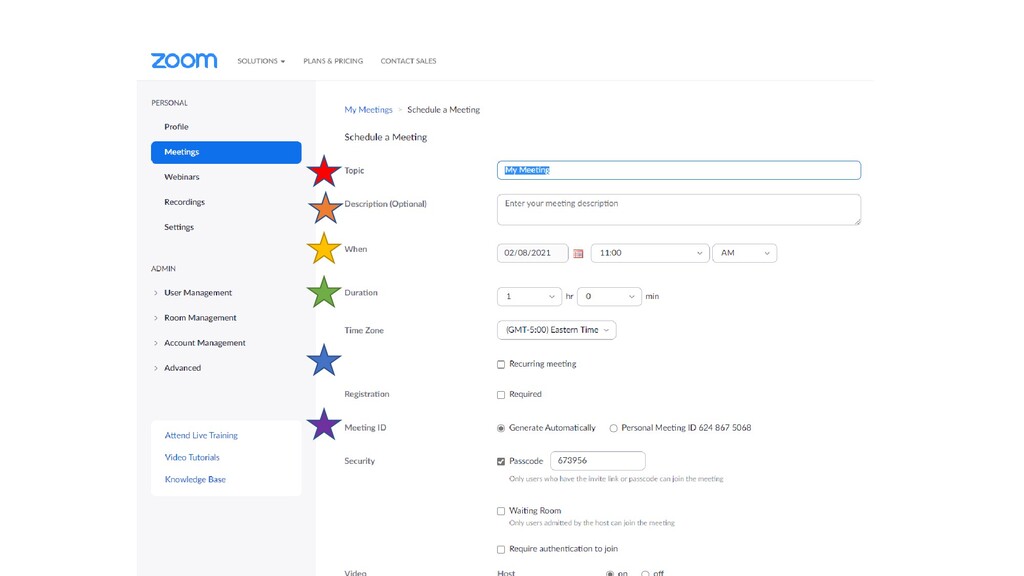
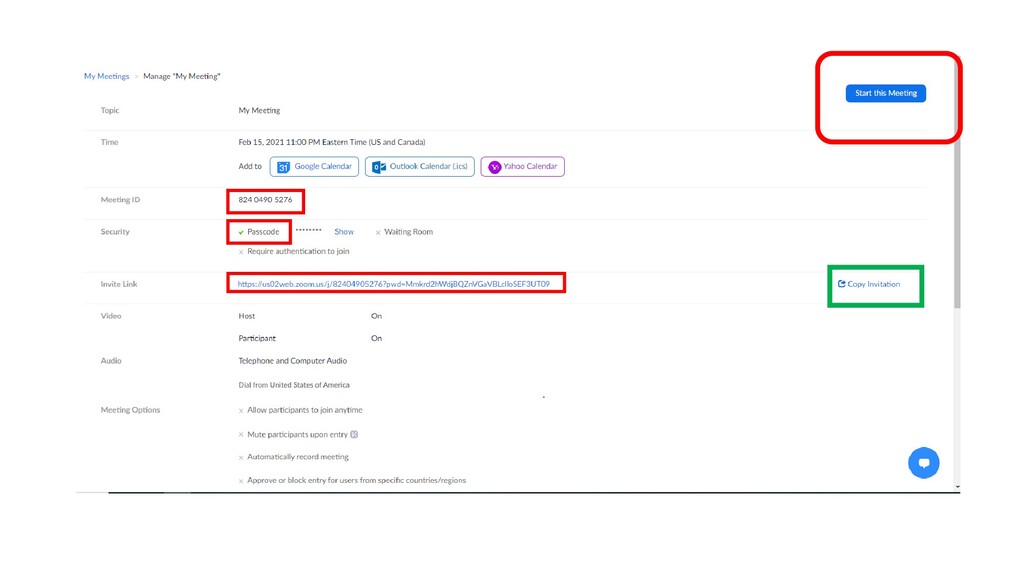
8, Butler Chapter This power point is part of PASR’s Groomin’for Zoomin’ to give PASR chapters and districts some tools and encouragement to try Zoom meetings.
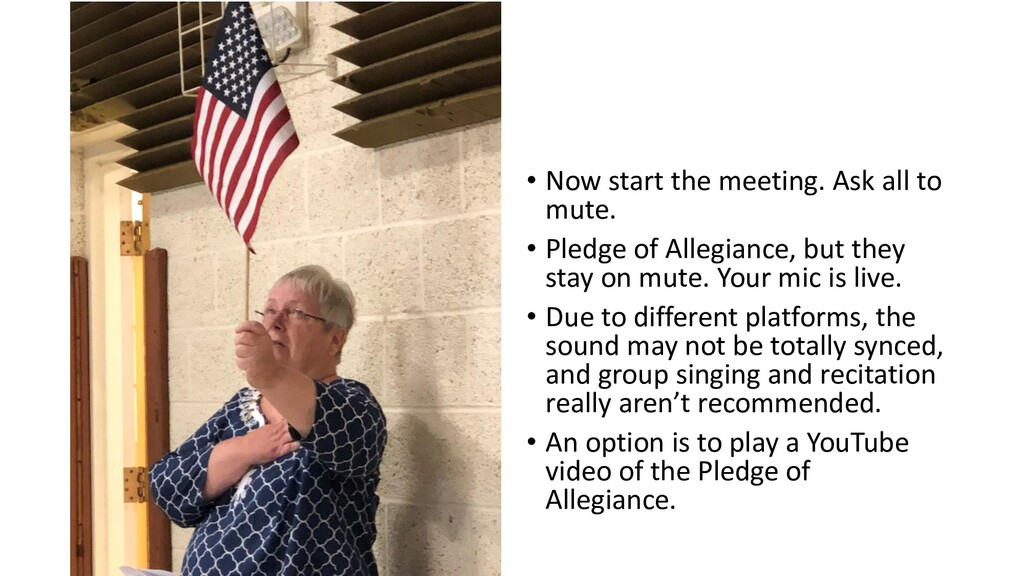
Pledge of Allegiance, but they stay on mute. Your mic is live. • Due to different platforms, the sound may not be totally synced, and group singing and recitation really aren’t recommended. • An option is to play a YouTube video of the Pledge of Allegiance.
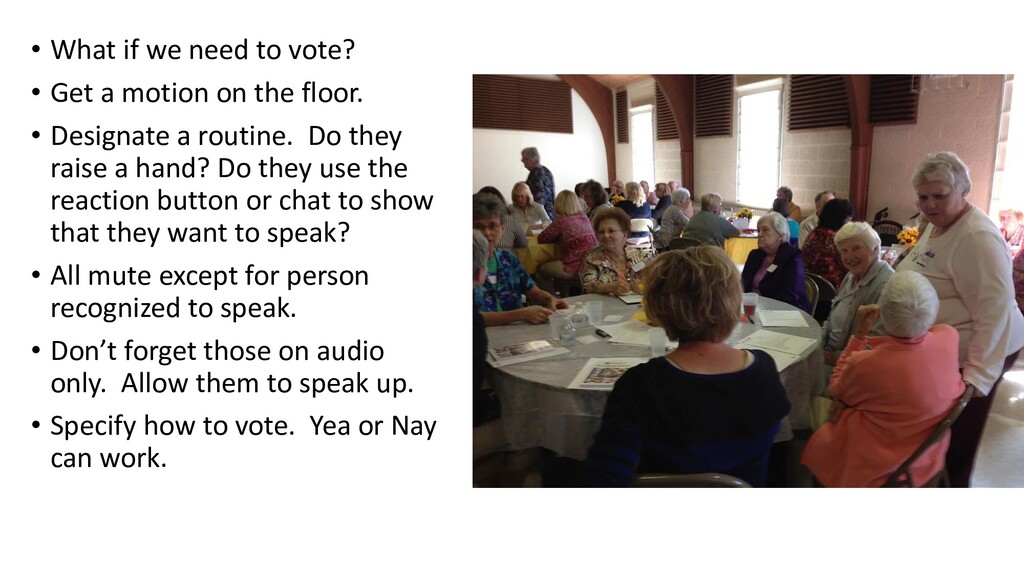
motion on the floor. • Designate a routine. Do they raise a hand? Do they use the reaction button or chat to show that they want to speak? • All mute except for person recognized to speak. • Don’t forget those on audio only. Allow them to speak up. • Specify how to vote. Yea or Nay can work.


 pasr
pasr
 yoshimura_datam
 frievea
 matleenalaakso
 terasawat
 cbtlibrary
 eller86
 pawan_pharm
 akiraasano
 kekekenta
 doratex
 khoart
 mongodb
 bkeepers
 sarafernandez
 frankvandijk
 lindahogenes
 cassininazir
 tonyrice
 tammyeverts
.png) helenjbeal
helenjbeal
 csswizardry