Share
Embed

Transcript
31 slides
-
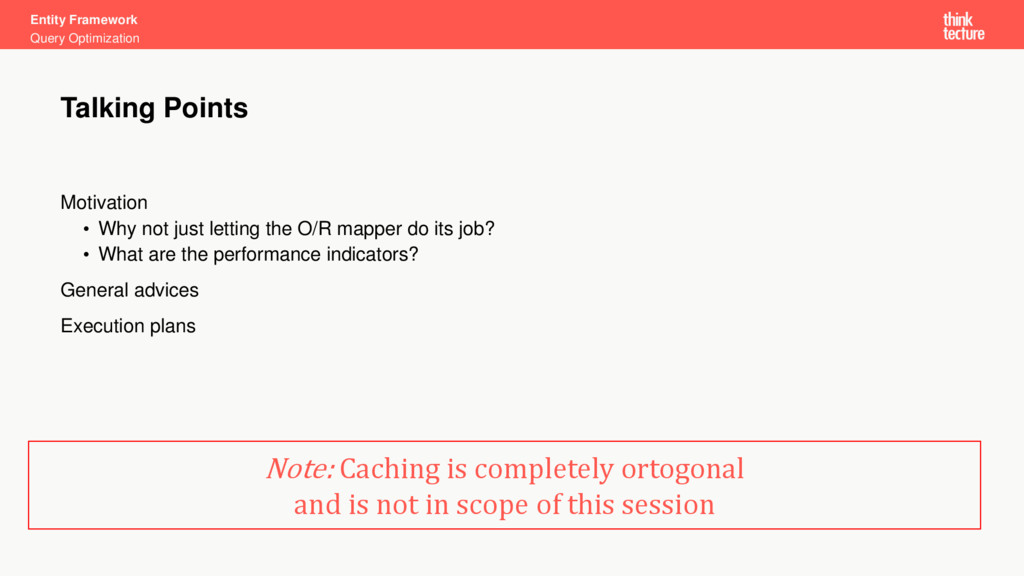
Entity Framework Query Optimization Motivation • Why not just letting
the O/R mapper do its job? • What are the performance indicators? General advices Execution plans Talking Points Note: Caching is completely ortogonal and is not in scope of this session -
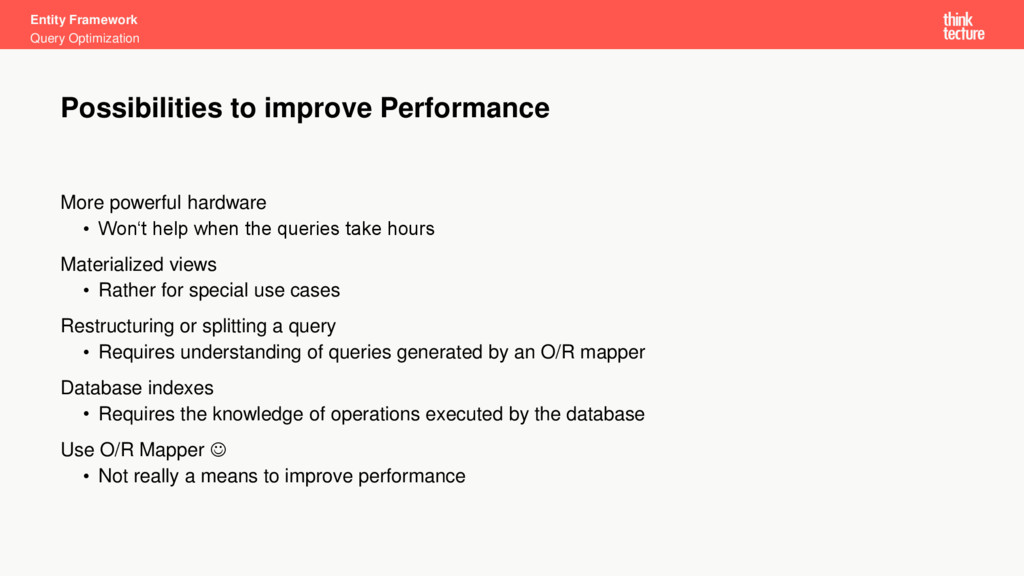
Entity Framework Query Optimization More powerful hardware • Won‘t help
when the queries take hours Materialized views • Rather for special use cases Restructuring or splitting a query • Requires understanding of queries generated by an O/R mapper Database indexes • Requires the knowledge of operations executed by the database Use O/R Mapper • Not really a means to improve performance Possibilities to improve Performance -
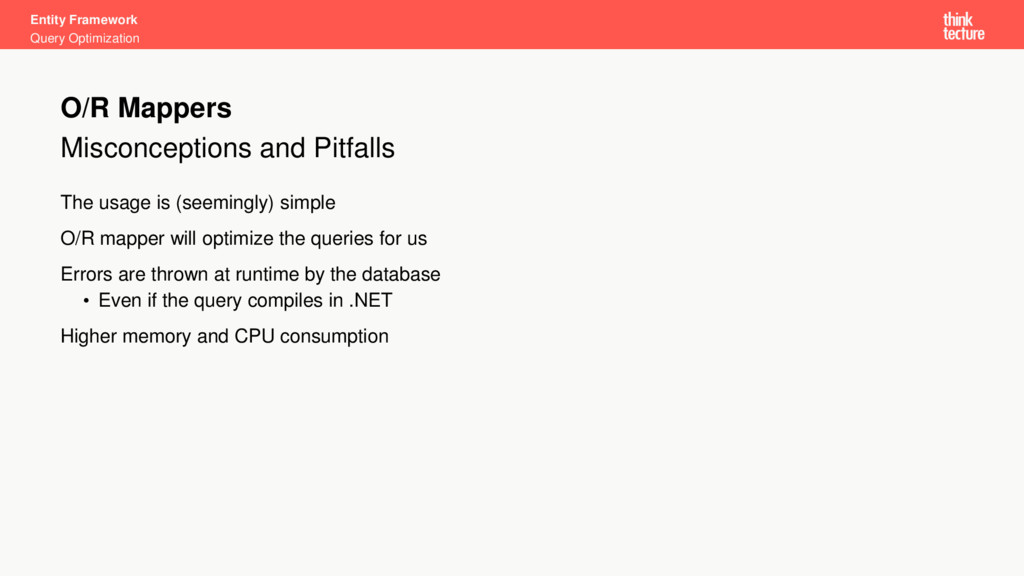
Entity Framework Query Optimization Misconceptions and Pitfalls The usage is
(seemingly) simple O/R mapper will optimize the queries for us Errors are thrown at runtime by the database • Even if the query compiles in .NET Higher memory and CPU consumption O/R Mappers -
Entity Framework Query Optimization Actual query execution time Look
at SQL statements generated by the O/R mapper Analysis of the execution plans Performance Indicators -
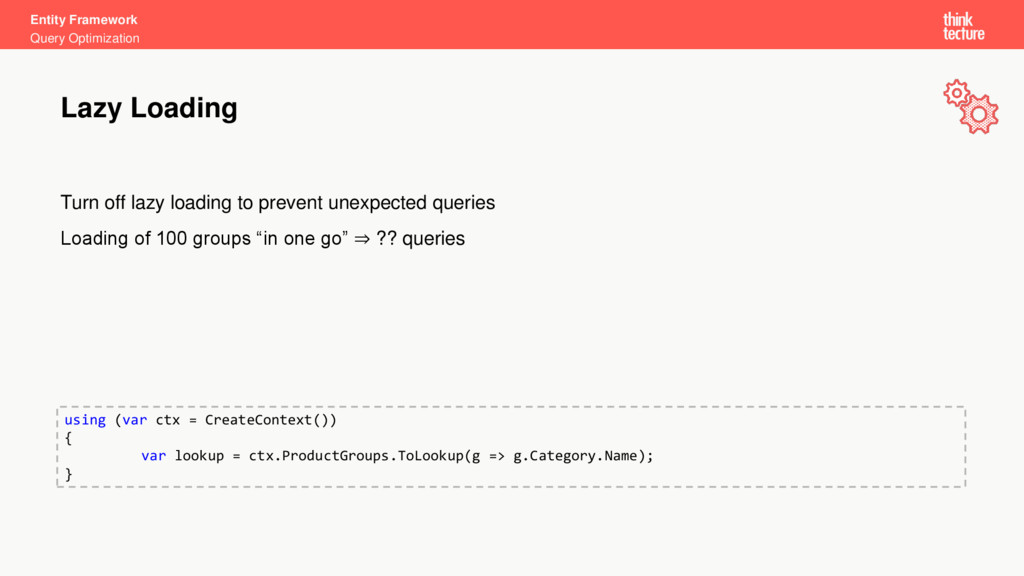
Entity Framework Query Optimization Turn off lazy loading to prevent
unexpected queries Loading of 100 groups “in one go” ⇒ ?? queries Lazy Loading using (var ctx = CreateContext()) { var lookup = ctx.ProductGroups.ToLookup(g => g.Category.Name); } -
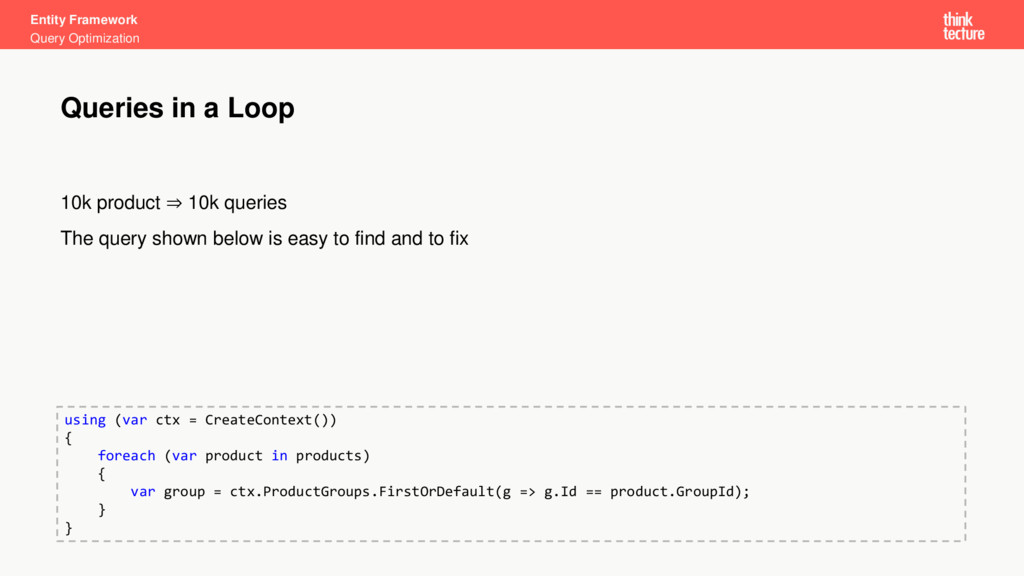
Entity Framework Query Optimization 10k product ⇒ 10k queries The
query shown below is easy to find and to fix Queries in a Loop using (var ctx = CreateContext()) { foreach (var product in products) { var group = ctx.ProductGroups.FirstOrDefault(g => g.Id == product.GroupId); } } -
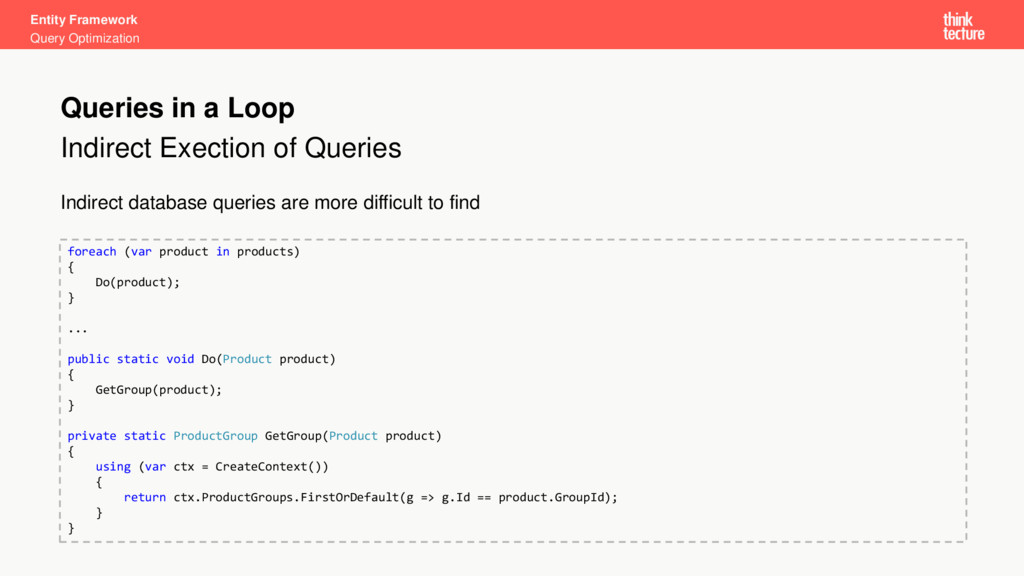
Entity Framework Query Optimization Indirect Exection of Queries Indirect database
queries are more difficult to find Queries in a Loop foreach (var product in products) { Do(product); } ... public static void Do(Product product) { GetGroup(product); } private static ProductGroup GetGroup(Product product) { using (var ctx = CreateContext()) { return ctx.ProductGroups.FirstOrDefault(g => g.Id == product.GroupId); } } -
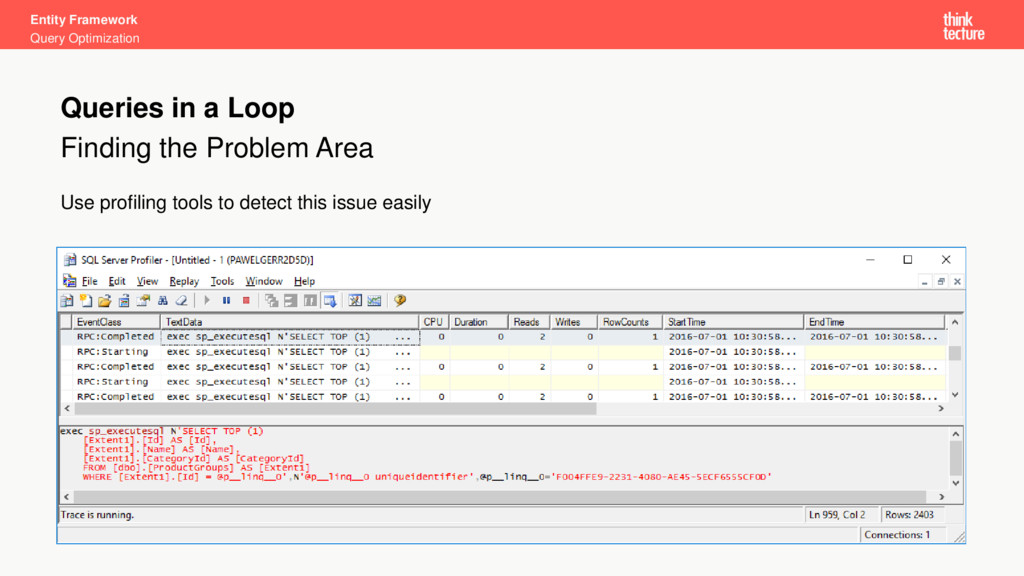
Entity Framework Query Optimization Finding the Problem Area Use profiling
tools to detect this issue easily Queries in a Loop -
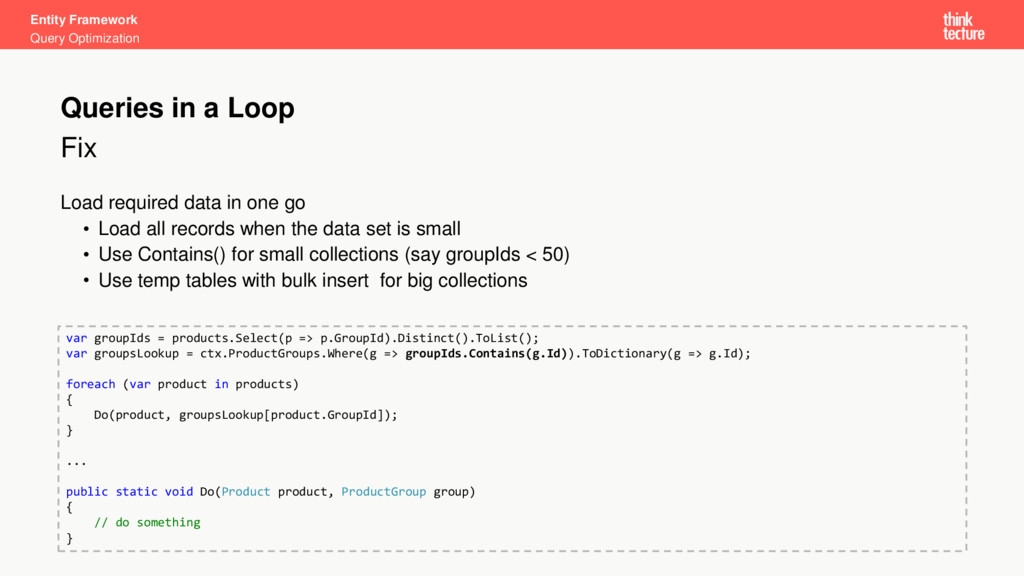
Entity Framework Query Optimization Fix Load required data in one
go • Load all records when the data set is small • Use Contains() for small collections (say groupIds < 50) • Use temp tables with bulk insert for big collections Queries in a Loop var groupIds = products.Select(p => p.GroupId).Distinct().ToList(); var groupsLookup = ctx.ProductGroups.Where(g => groupIds.Contains(g.Id)).ToDictionary(g => g.Id); foreach (var product in products) { Do(product, groupsLookup[product.GroupId]); } ... public static void Do(Product product, ProductGroup group) { // do something } -
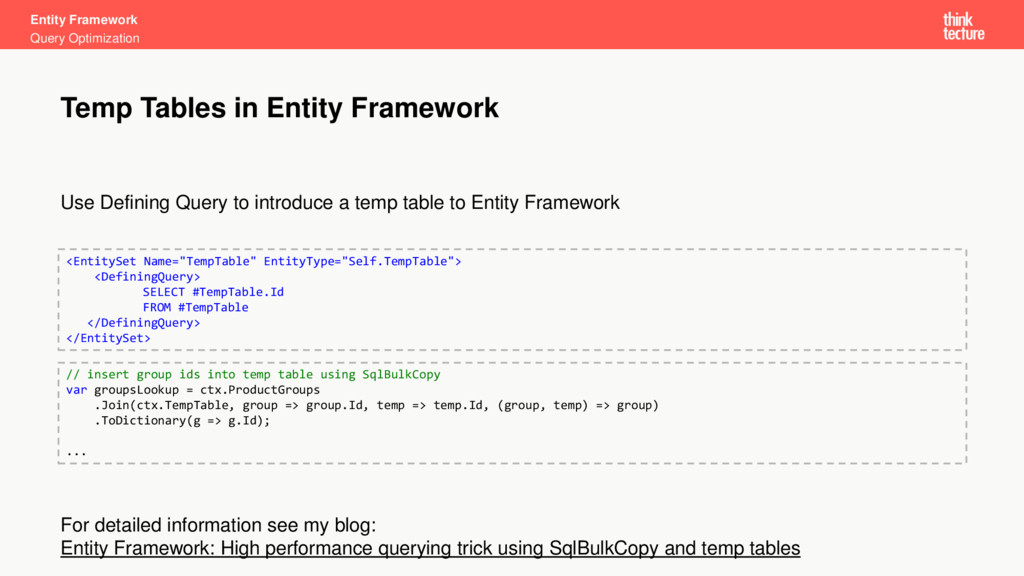
Entity Framework Query Optimization Use Defining Query to introduce a
temp table to Entity Framework For detailed information see my blog: Entity Framework: High performance querying trick using SqlBulkCopy and temp tables Temp Tables in Entity Framework <EntitySet Name="TempTable" EntityType="Self.TempTable"> <DefiningQuery> SELECT #TempTable.Id FROM #TempTable </DefiningQuery> </EntitySet> // insert group ids into temp table using SqlBulkCopy var groupsLookup = ctx.ProductGroups .Join(ctx.TempTable, group => group.Id, temp => temp.Id, (group, temp) => group) .ToDictionary(g => g.Id); ... -
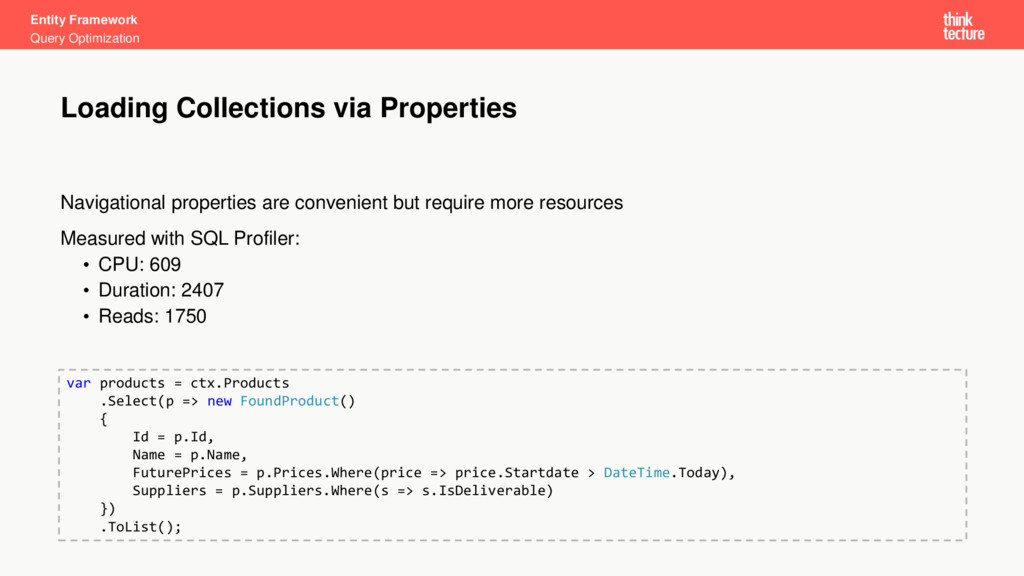
Entity Framework Query Optimization Navigational properties are convenient but require
more resources Measured with SQL Profiler: • CPU: 609 • Duration: 2407 • Reads: 1750 Loading Collections via Properties var products = ctx.Products .Select(p => new FoundProduct() { Id = p.Id, Name = p.Name, FuturePrices = p.Prices.Where(price => price.Startdate > DateTime.Today), Suppliers = p.Suppliers.Where(s => s.IsDeliverable) }) .ToList(); -
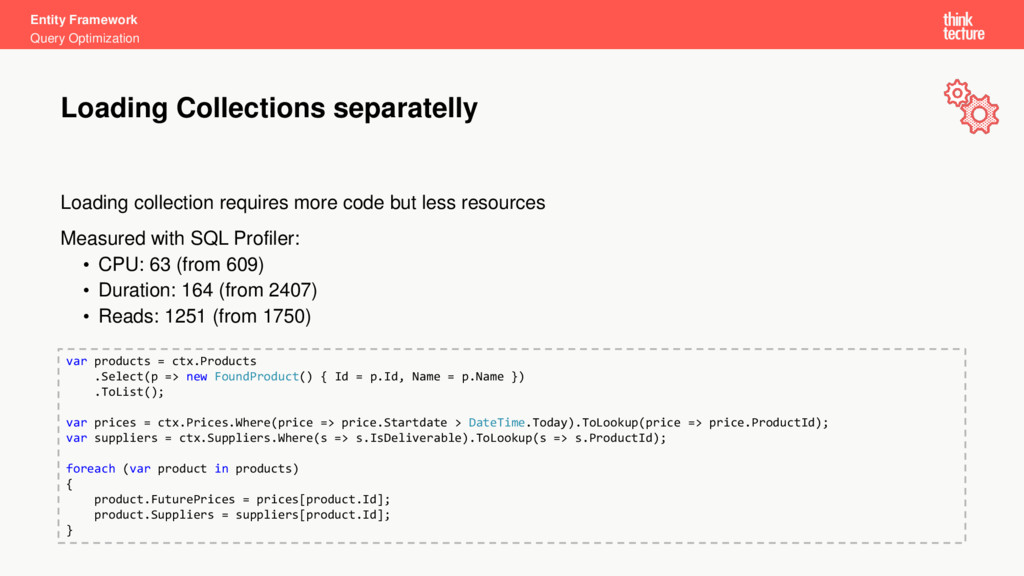
Entity Framework Query Optimization Loading collection requires more code but
less resources Measured with SQL Profiler: • CPU: 63 (from 609) • Duration: 164 (from 2407) • Reads: 1251 (from 1750) Loading Collections separatelly var products = ctx.Products .Select(p => new FoundProduct() { Id = p.Id, Name = p.Name }) .ToList(); var prices = ctx.Prices.Where(price => price.Startdate > DateTime.Today).ToLookup(price => price.ProductId); var suppliers = ctx.Suppliers.Where(s => s.IsDeliverable).ToLookup(s => s.ProductId); foreach (var product in products) { product.FuturePrices = prices[product.Id]; product.Suppliers = suppliers[product.Id]; } -
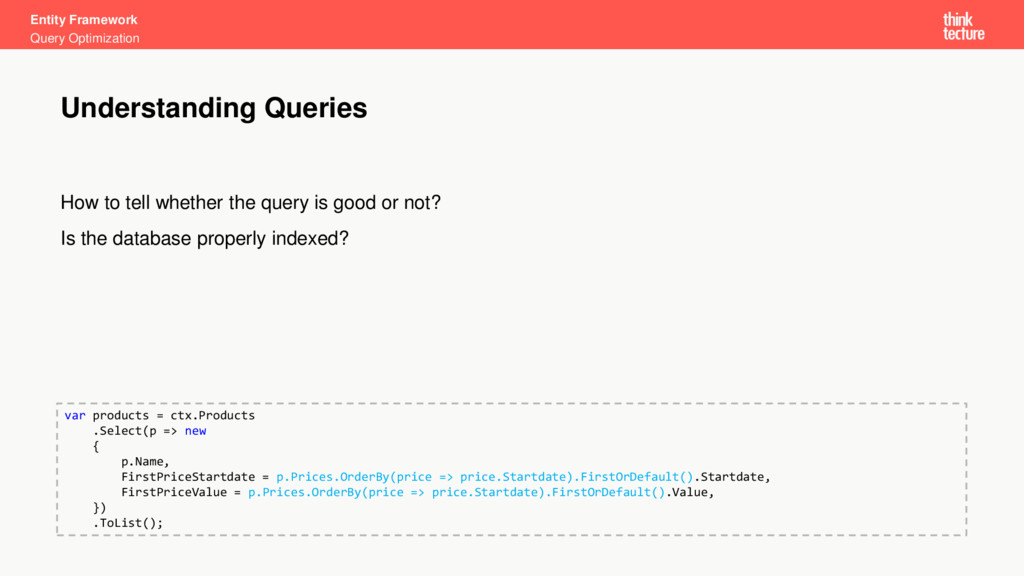
Entity Framework Query Optimization How to tell whether the query
is good or not? Is the database properly indexed? Understanding Queries var products = ctx.Products .Select(p => new { p.Name, FirstPriceStartdate = p.Prices.OrderBy(price => price.Startdate).FirstOrDefault().Startdate, FirstPriceValue = p.Prices.OrderBy(price => price.Startdate).FirstOrDefault().Value, }) .ToList(); -
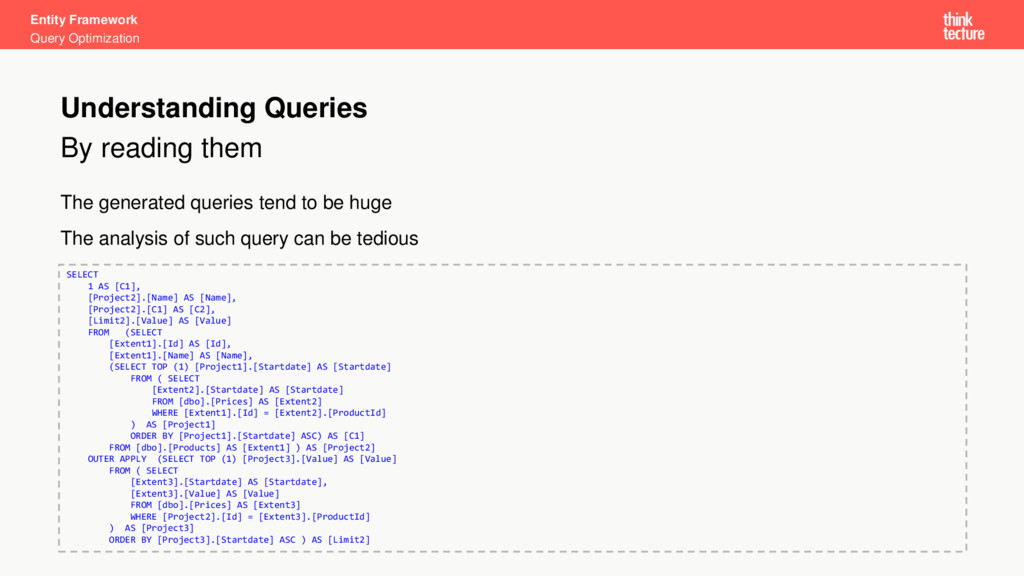
Entity Framework Query Optimization By reading them The generated queries
tend to be huge The analysis of such query can be tedious Understanding Queries SELECT 1 AS [C1], [Project2].[Name] AS [Name], [Project2].[C1] AS [C2], [Limit2].[Value] AS [Value] FROM (SELECT [Extent1].[Id] AS [Id], [Extent1].[Name] AS [Name], (SELECT TOP (1) [Project1].[Startdate] AS [Startdate] FROM ( SELECT [Extent2].[Startdate] AS [Startdate] FROM [dbo].[Prices] AS [Extent2] WHERE [Extent1].[Id] = [Extent2].[ProductId] ) AS [Project1] ORDER BY [Project1].[Startdate] ASC) AS [C1] FROM [dbo].[Products] AS [Extent1] ) AS [Project2] OUTER APPLY (SELECT TOP (1) [Project3].[Value] AS [Value] FROM ( SELECT [Extent3].[Startdate] AS [Startdate], [Extent3].[Value] AS [Value] FROM [dbo].[Prices] AS [Extent3] WHERE [Project2].[Id] = [Extent3].[ProductId] ) AS [Project3] ORDER BY [Project3].[Startdate] ASC ) AS [Limit2] -
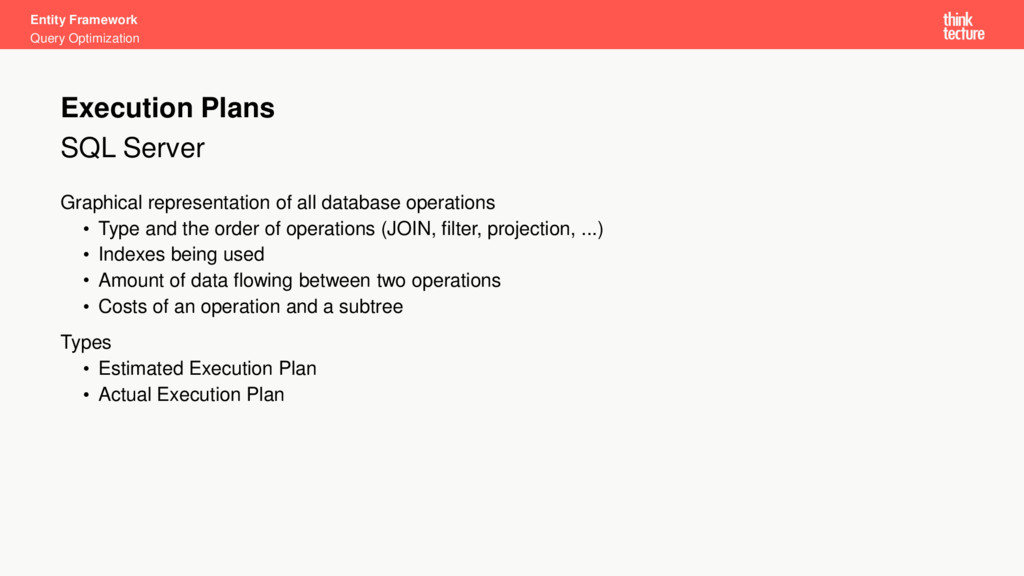
Entity Framework Query Optimization SQL Server Graphical representation of all
database operations • Type and the order of operations (JOIN, filter, projection, ...) • Indexes being used • Amount of data flowing between two operations • Costs of an operation and a subtree Types • Estimated Execution Plan • Actual Execution Plan Execution Plans -
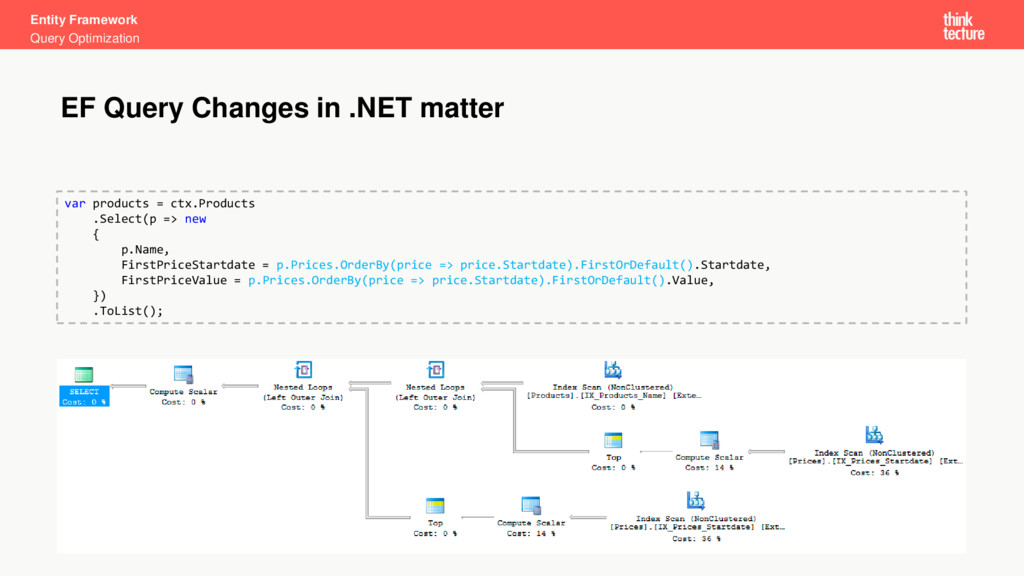
Entity Framework Query Optimization EF Query Changes in .NET matter
var products = ctx.Products .Select(p => new { p.Name, FirstPriceStartdate = p.Prices.OrderBy(price => price.Startdate).FirstOrDefault().Startdate, FirstPriceValue = p.Prices.OrderBy(price => price.Startdate).FirstOrDefault().Value, }) .ToList(); -
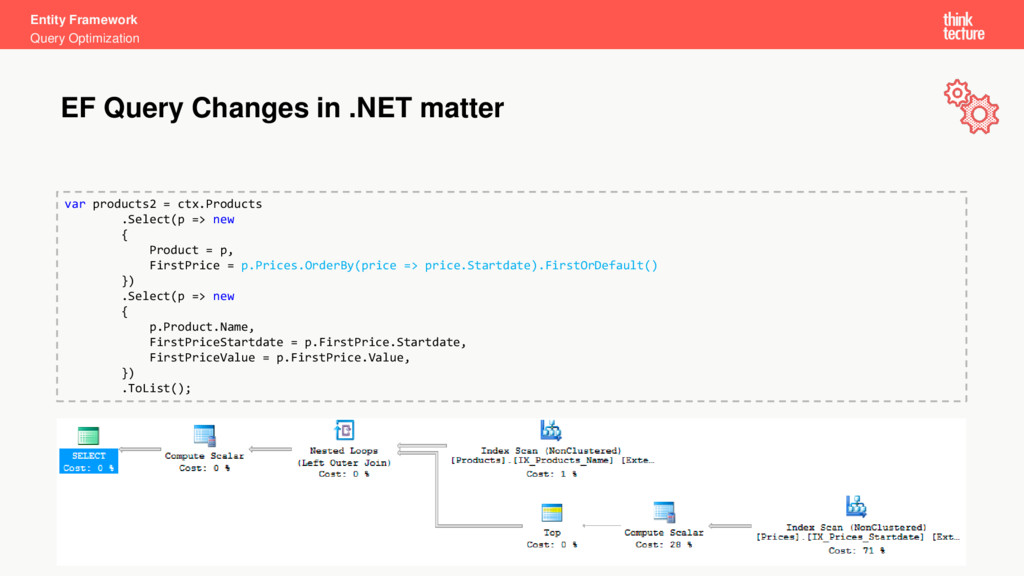
Entity Framework Query Optimization EF Query Changes in .NET matter
var products2 = ctx.Products .Select(p => new { Product = p, FirstPrice = p.Prices.OrderBy(price => price.Startdate).FirstOrDefault() }) .Select(p => new { p.Product.Name, FirstPriceStartdate = p.FirstPrice.Startdate, FirstPriceValue = p.FirstPrice.Value, }) .ToList(); -
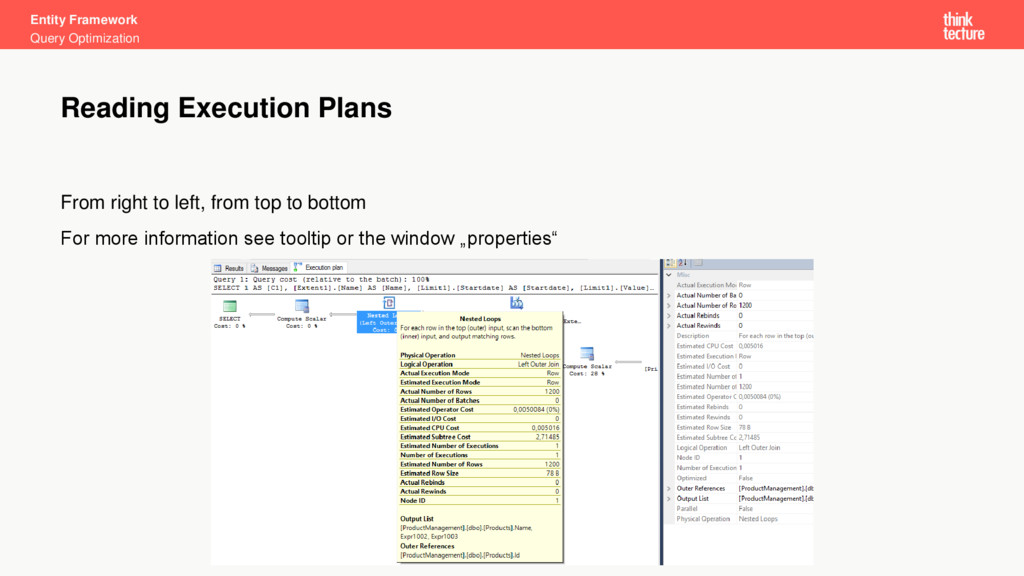
Entity Framework Query Optimization From right to left, from top
to bottom For more information see tooltip or the window „properties“ Reading Execution Plans -
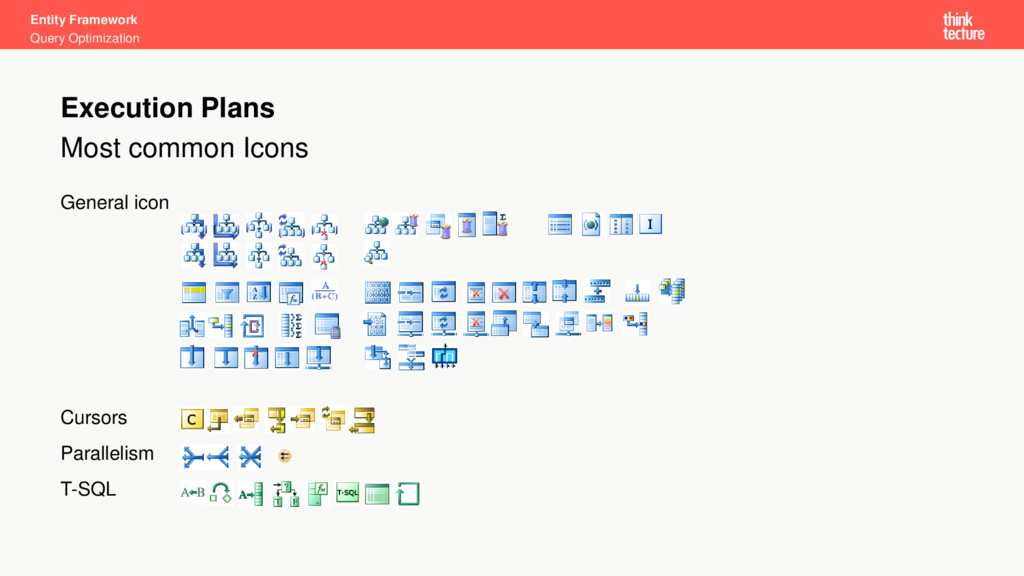
Entity Framework Query Optimization Most common Icons General icon Cursors
Parallelism T-SQL Execution Plans -
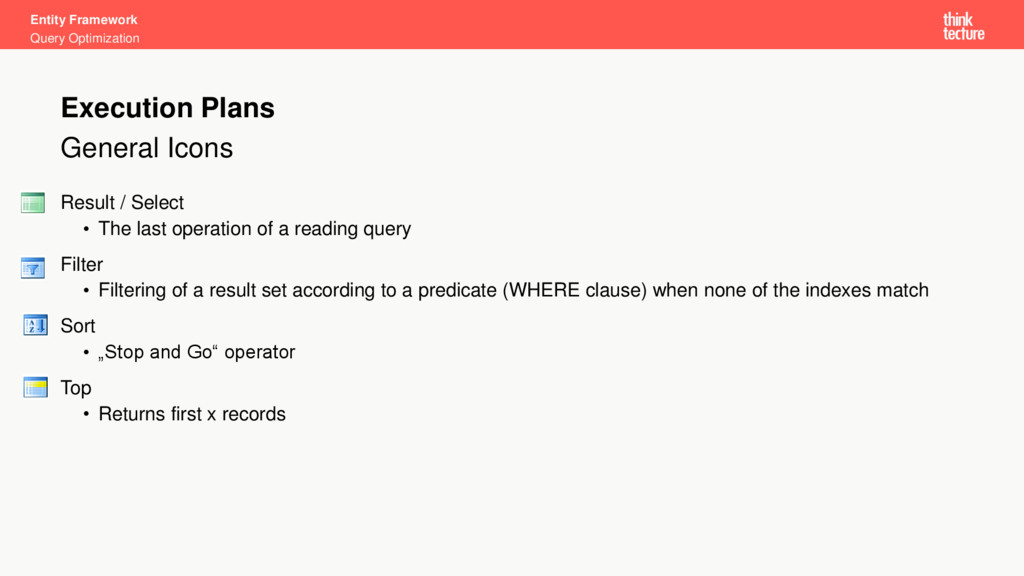
Entity Framework Query Optimization General Icons Result / Select •
The last operation of a reading query Filter • Filtering of a result set according to a predicate (WHERE clause) when none of the indexes match Sort • „Stop and Go“ operator Top • Returns first x records Execution Plans -
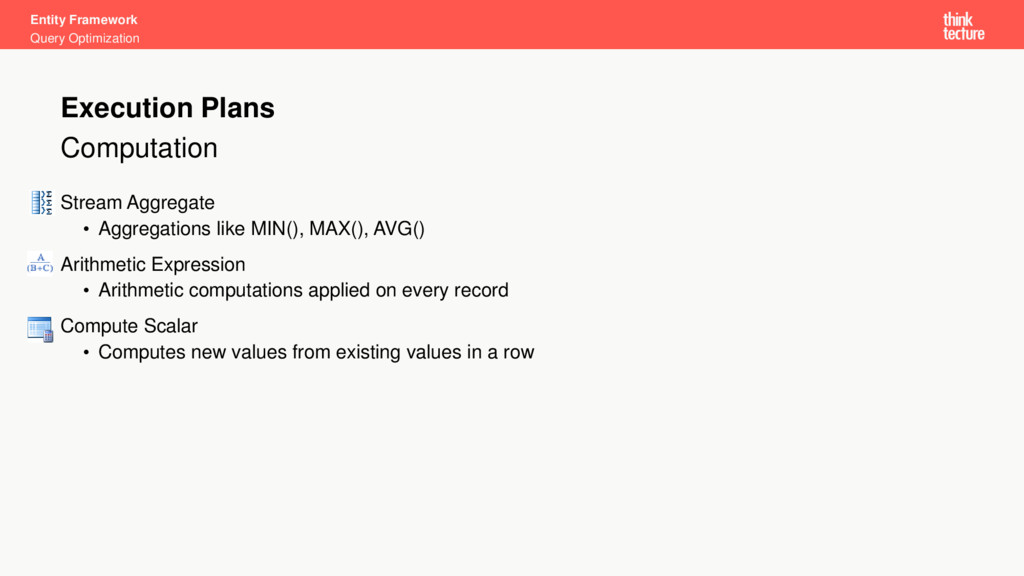
Entity Framework Query Optimization Computation Stream Aggregate • Aggregations like
MIN(), MAX(), AVG() Arithmetic Expression • Arithmetic computations applied on every record Compute Scalar • Computes new values from existing values in a row Execution Plans -
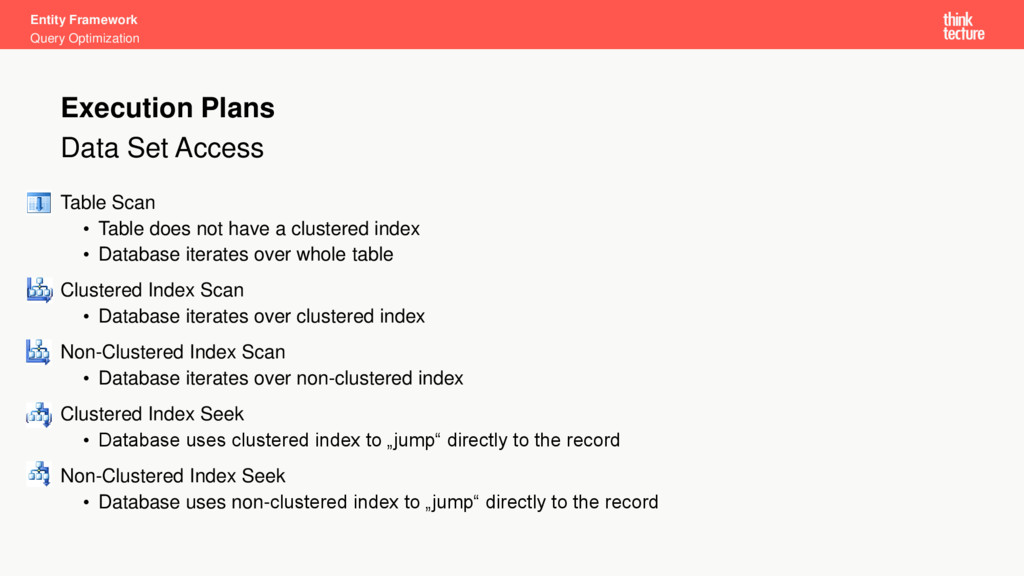
Entity Framework Query Optimization Data Set Access Table Scan •
Table does not have a clustered index • Database iterates over whole table Clustered Index Scan • Database iterates over clustered index Non-Clustered Index Scan • Database iterates over non-clustered index Clustered Index Seek • Database uses clustered index to „jump“ directly to the record Non-Clustered Index Seek • Database uses non-clustered index to „jump“ directly to the record Execution Plans -
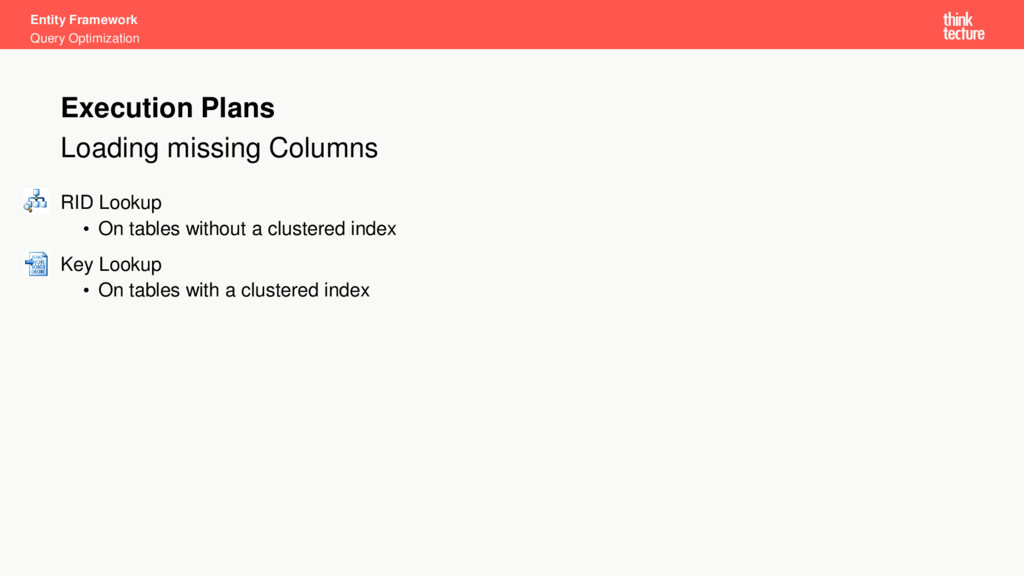
Entity Framework Query Optimization Loading missing Columns RID Lookup •
On tables without a clustered index Key Lookup • On tables with a clustered index Execution Plans -
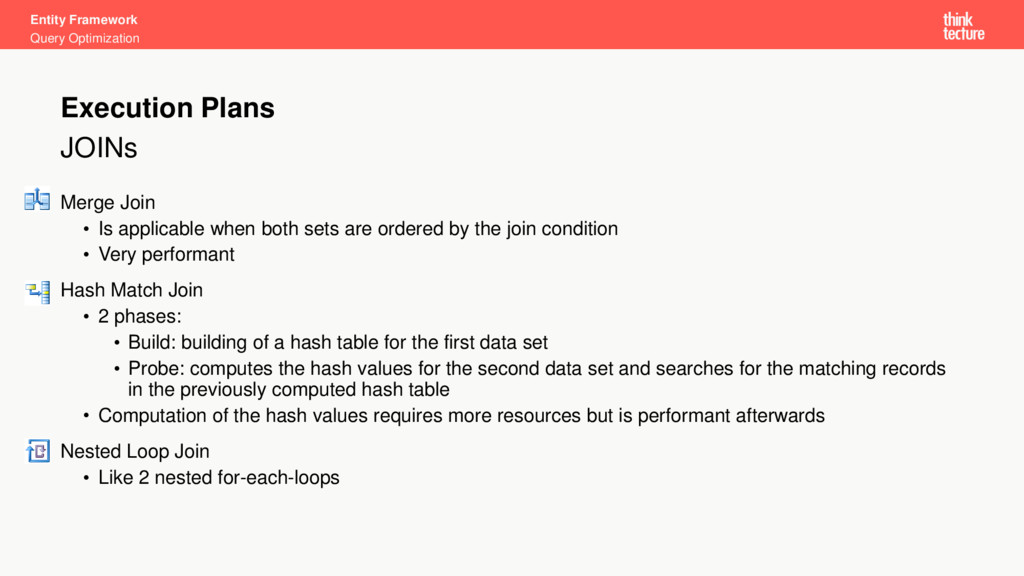
Entity Framework Query Optimization JOINs Merge Join • Is applicable
when both sets are ordered by the join condition • Very performant Hash Match Join • 2 phases: • Build: building of a hash table for the first data set • Probe: computes the hash values for the second data set and searches for the matching records in the previously computed hash table • Computation of the hash values requires more resources but is performant afterwards Nested Loop Join • Like 2 nested for-each-loops Execution Plans -
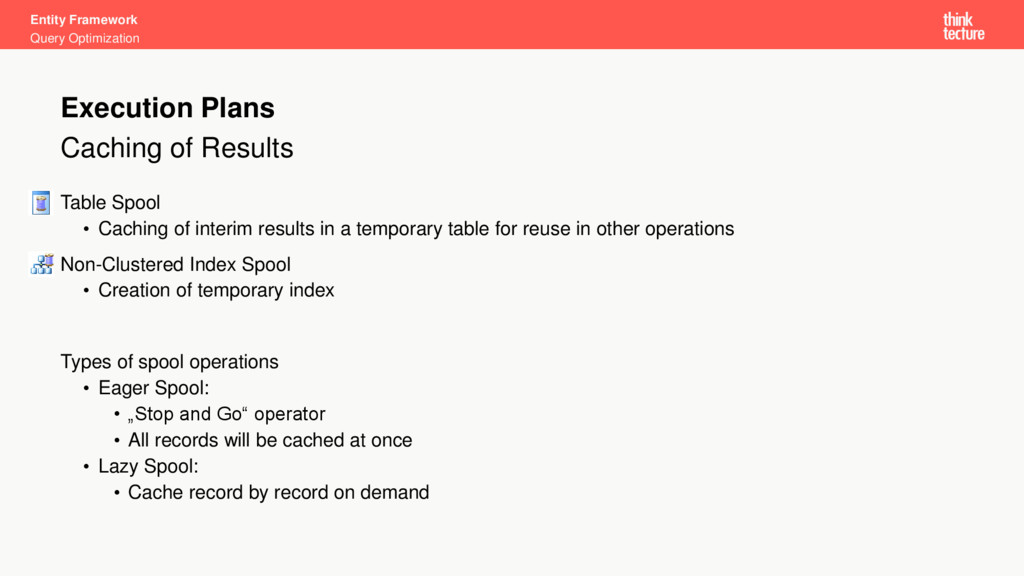
Entity Framework Query Optimization Caching of Results Table Spool •
Caching of interim results in a temporary table for reuse in other operations Non-Clustered Index Spool • Creation of temporary index Types of spool operations • Eager Spool: • „Stop and Go“ operator • All records will be cached at once • Lazy Spool: • Cache record by record on demand Execution Plans -
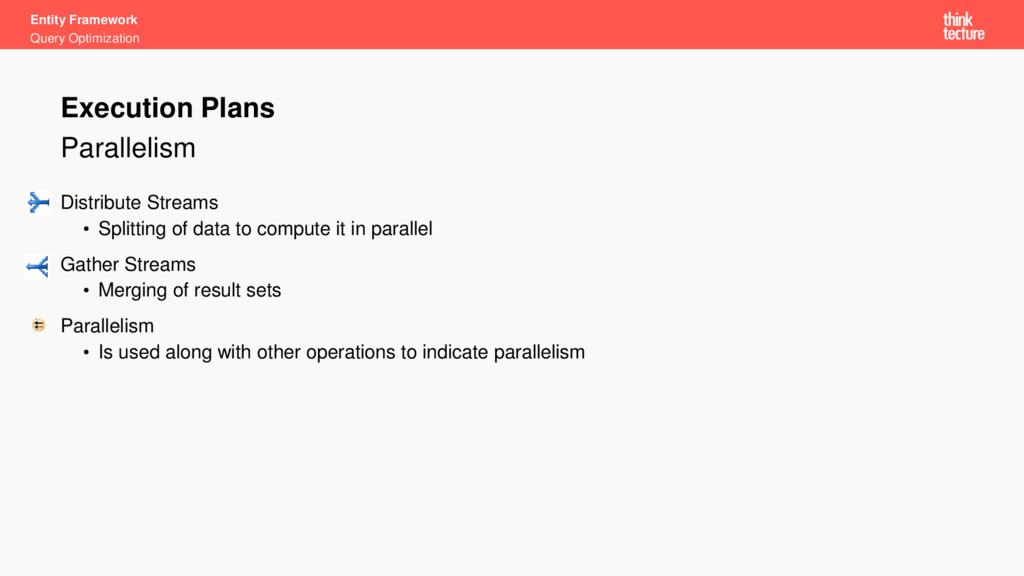
Entity Framework Query Optimization Parallelism Distribute Streams • Splitting of
data to compute it in parallel Gather Streams • Merging of result sets Parallelism • Is used along with other operations to indicate parallelism Execution Plans -
Entity Framework Query Optimization • Optimization of queries can lower
the execution time of specific tasks from hours to milliseconds • Rewriting a query in .NET has effekt on the SQL statement generated by Entity Framework • Use profiling tools to detect unnecessary queries like queries in loops • Use execution plans to optimize a query Summary -
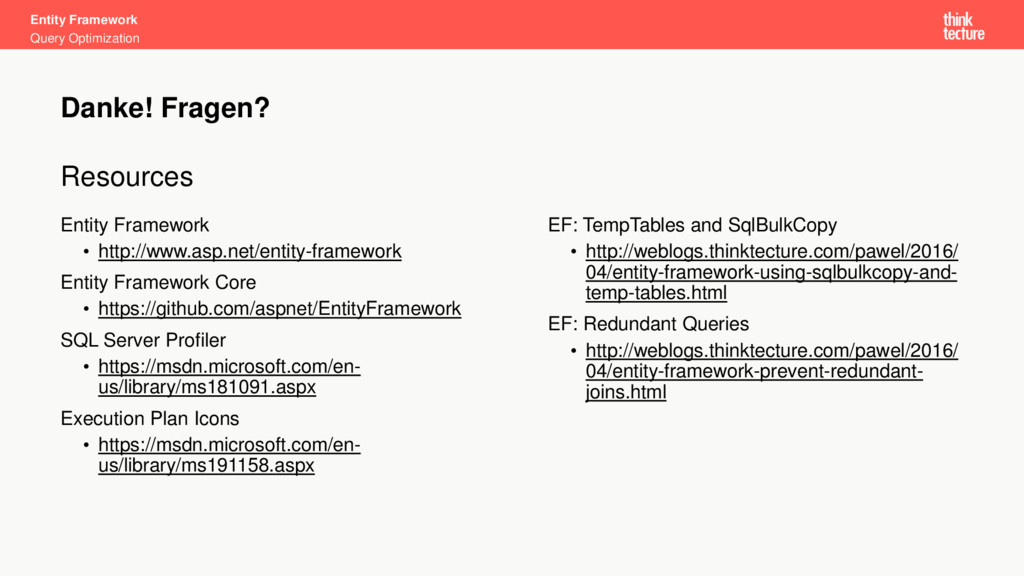
Entity Framework Query Optimization Resources Entity Framework • http://www.asp.net/entity-framework Entity
Framework Core • https://github.com/aspnet/EntityFramework SQL Server Profiler • https://msdn.microsoft.com/en- us/library/ms181091.aspx Execution Plan Icons • https://msdn.microsoft.com/en- us/library/ms191158.aspx EF: TempTables and SqlBulkCopy • http://weblogs.thinktecture.com/pawel/2016/ 04/entity-framework-using-sqlbulkcopy-and- temp-tables.html EF: Redundant Queries • http://weblogs.thinktecture.com/pawel/2016/ 04/entity-framework-prevent-redundant- joins.html Danke! Fragen?
 pawelgerr
 ivargrimstad
 yahir0
 hasutosasaki
 dalinaum
 vivion
 kitano_yuichi
 akihisaikeda
 allegrogiken
 fornewid
 aoshi
 shoheimitani
 katarinadahlin
 scottboms
 kimpetersen
 mayatellez
 aki_iinuma
 konakalab
 cassininazir
 moore
 lcolladotor
 chrisshort
 malarkey
 ryanjones