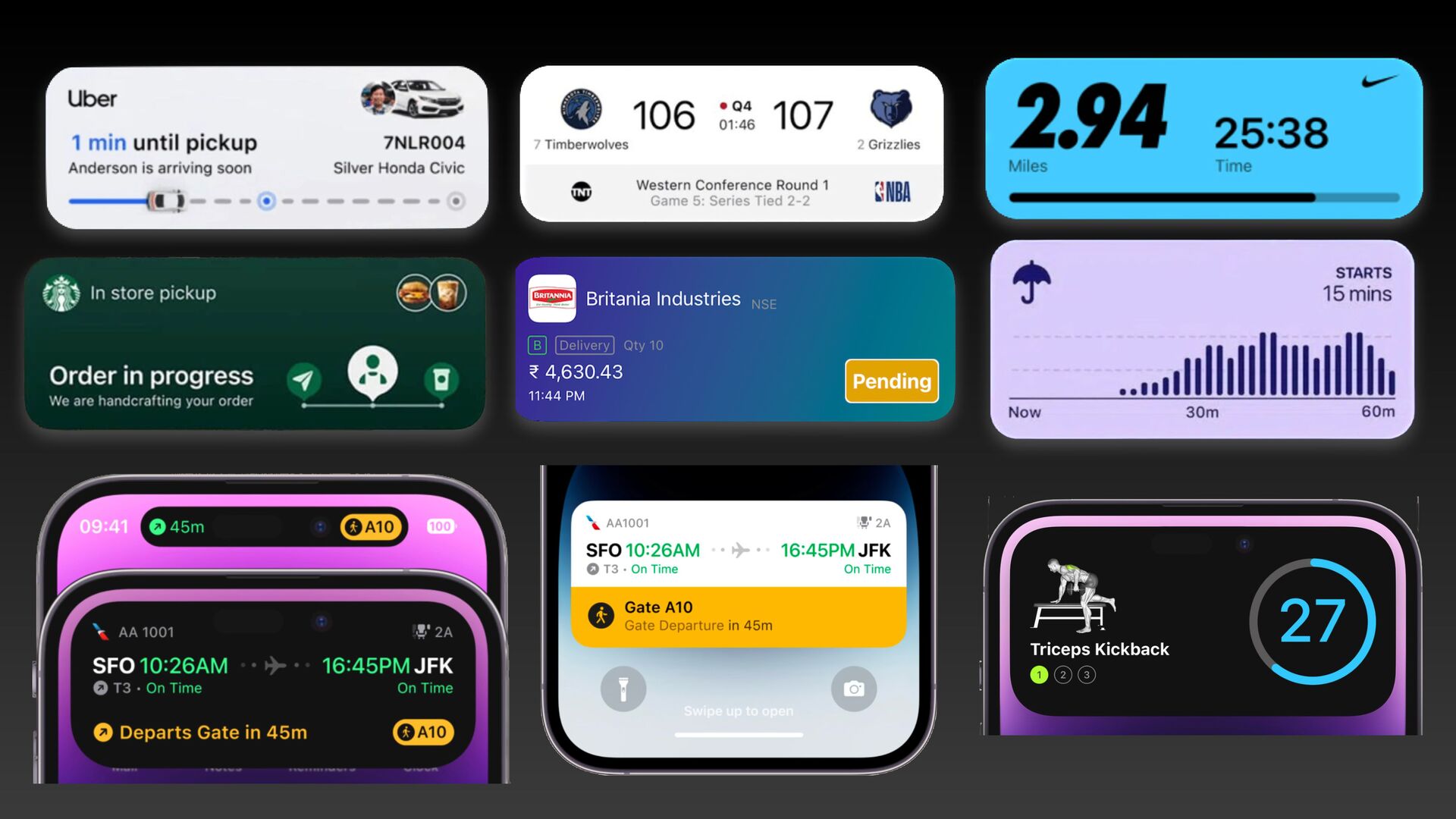
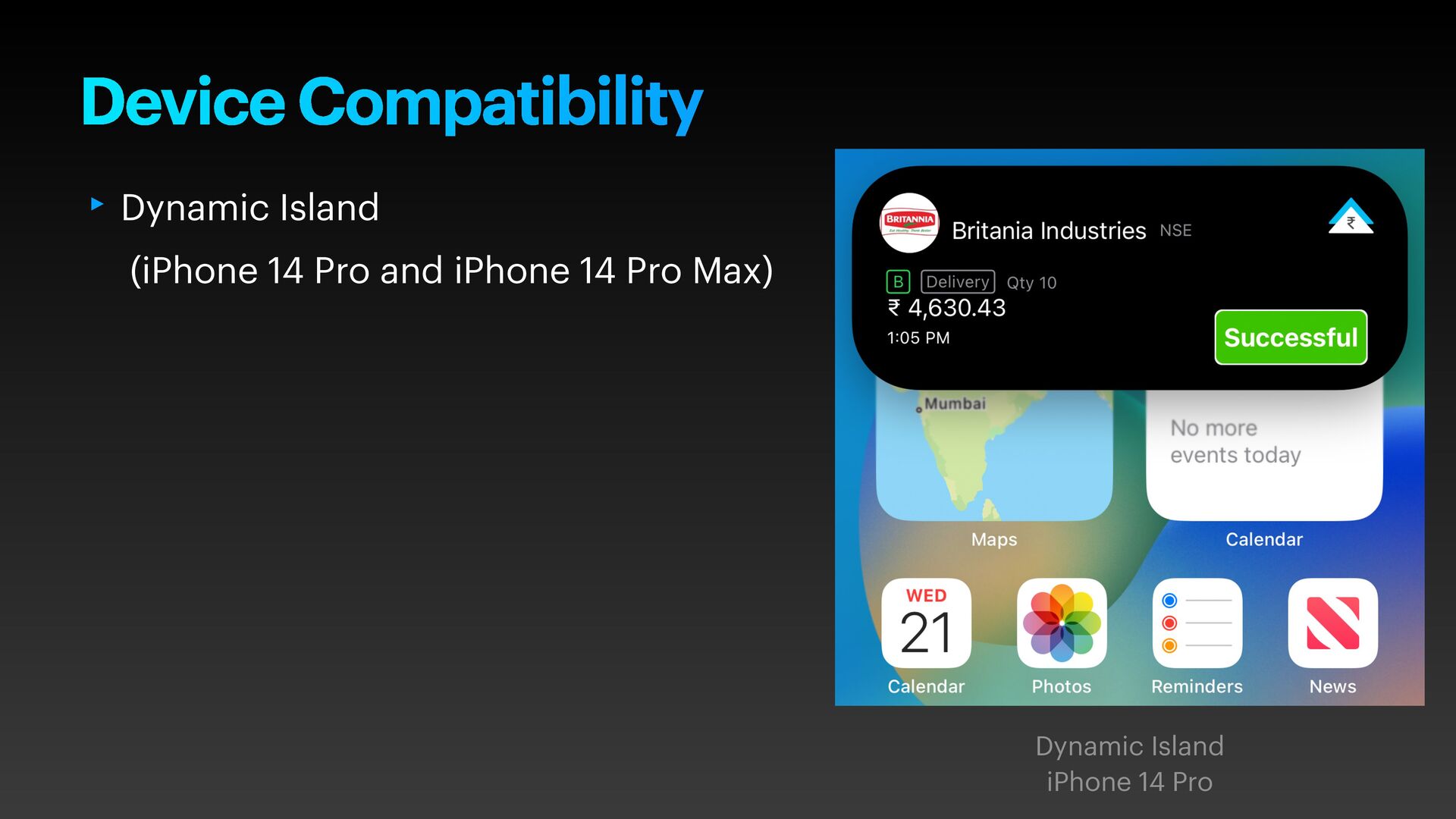
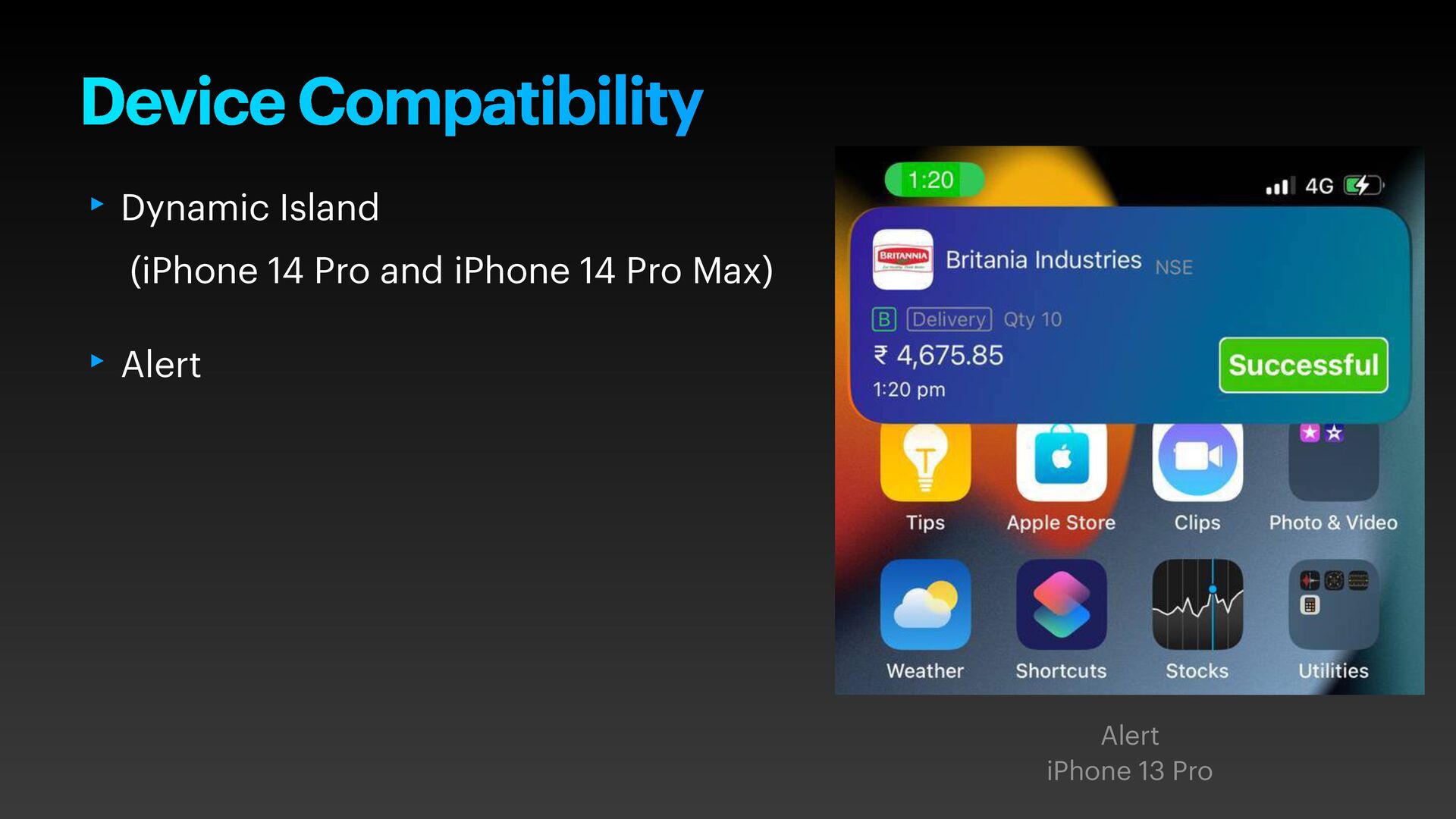
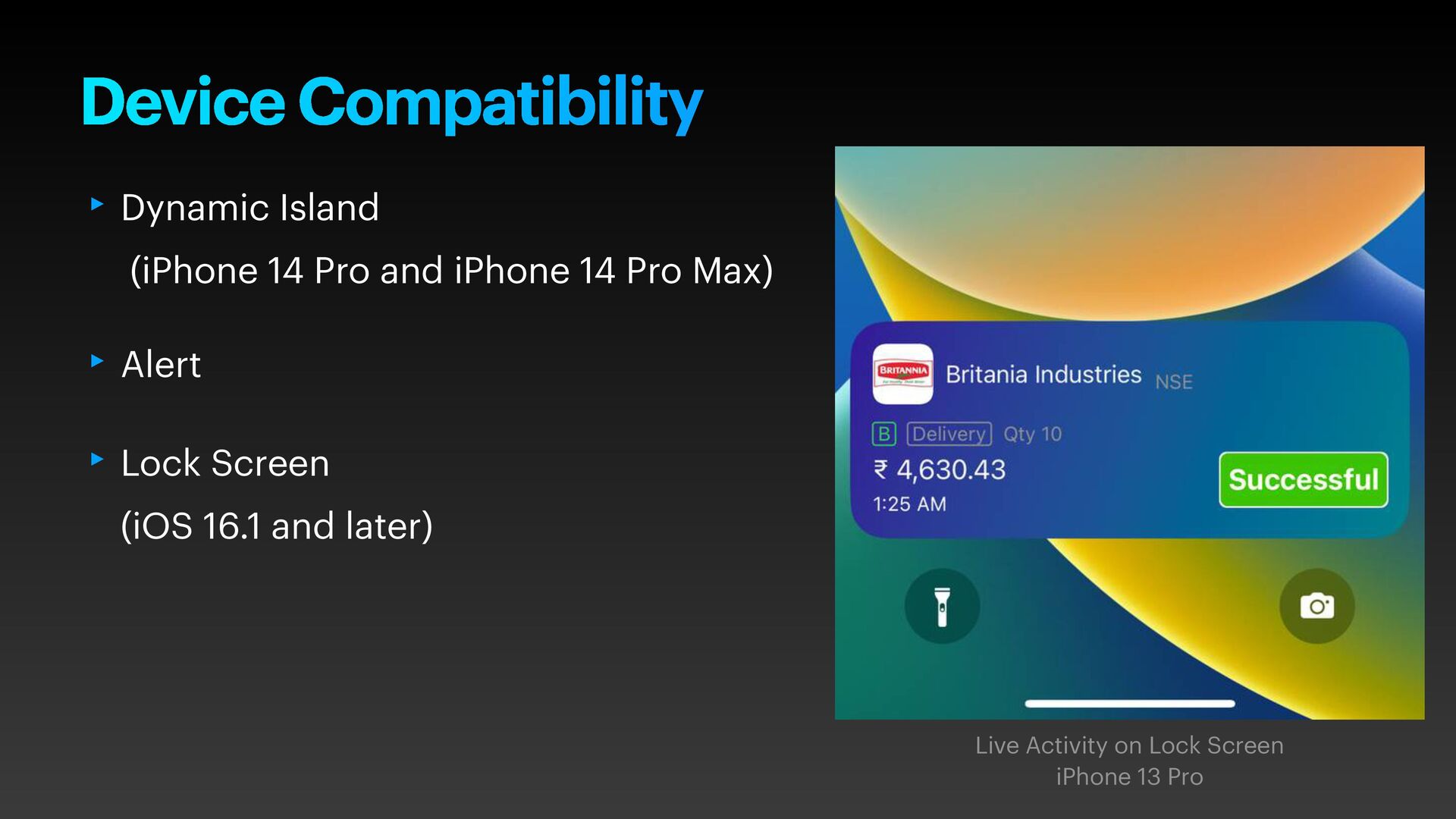
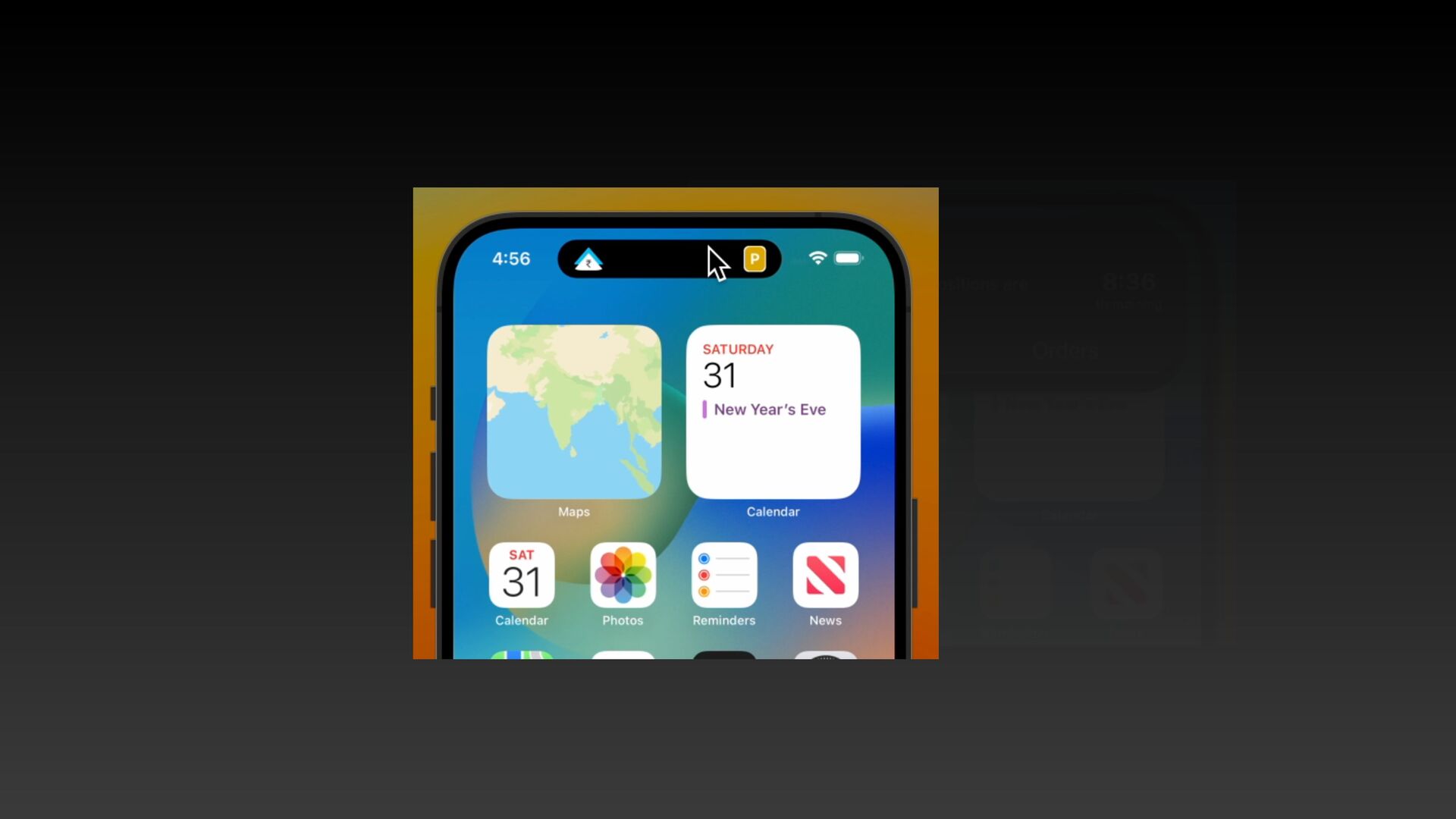
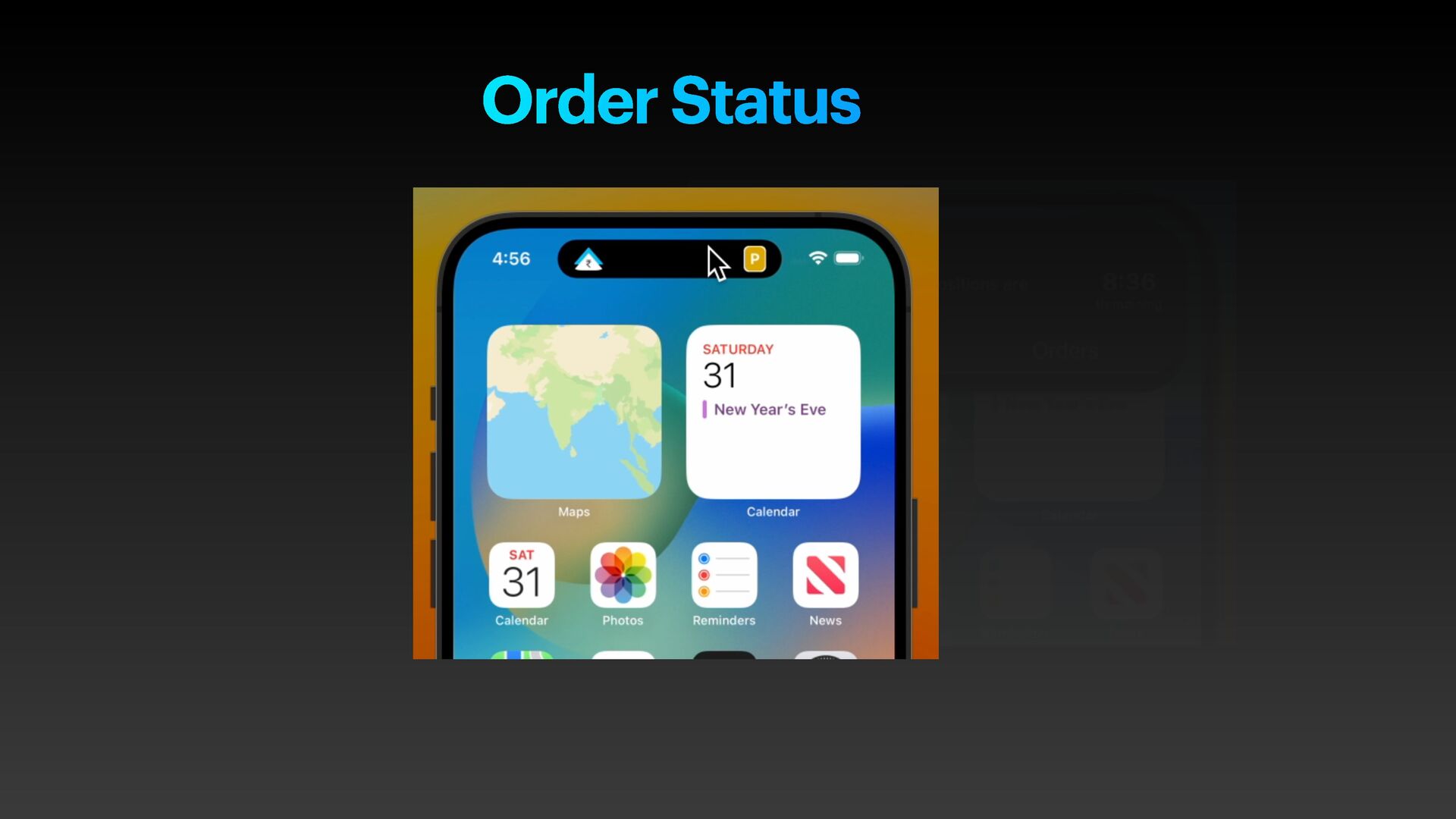
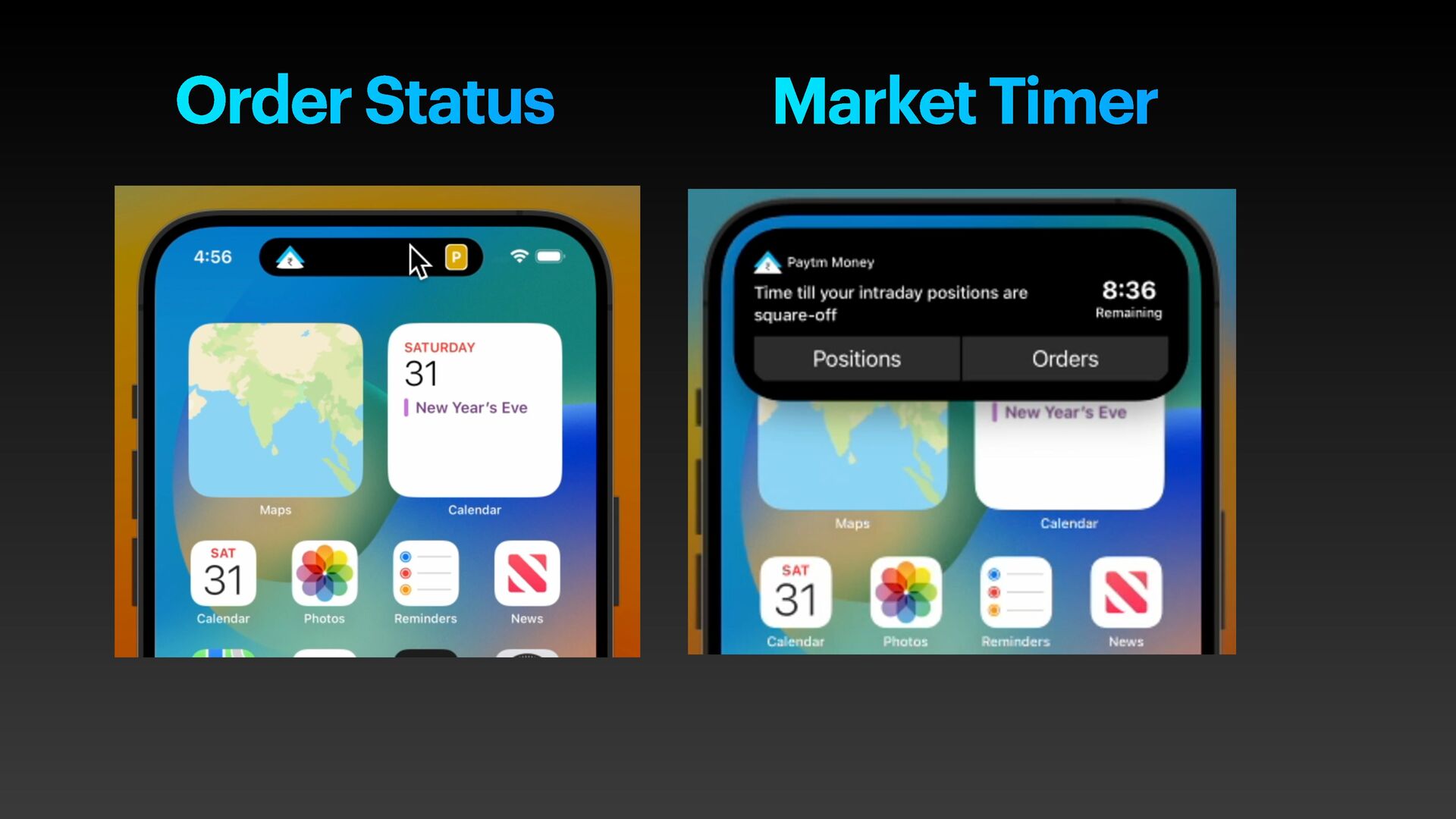
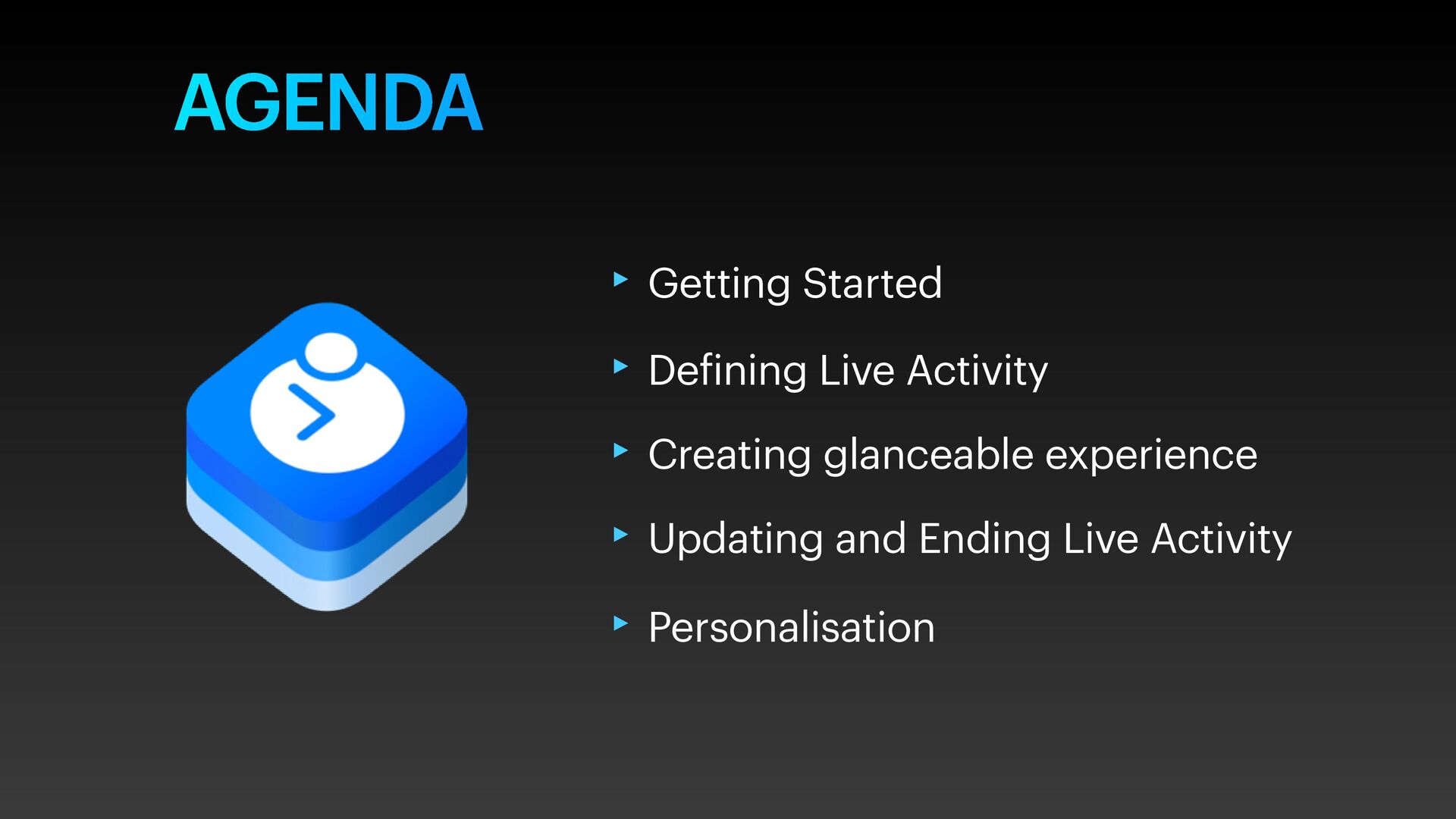
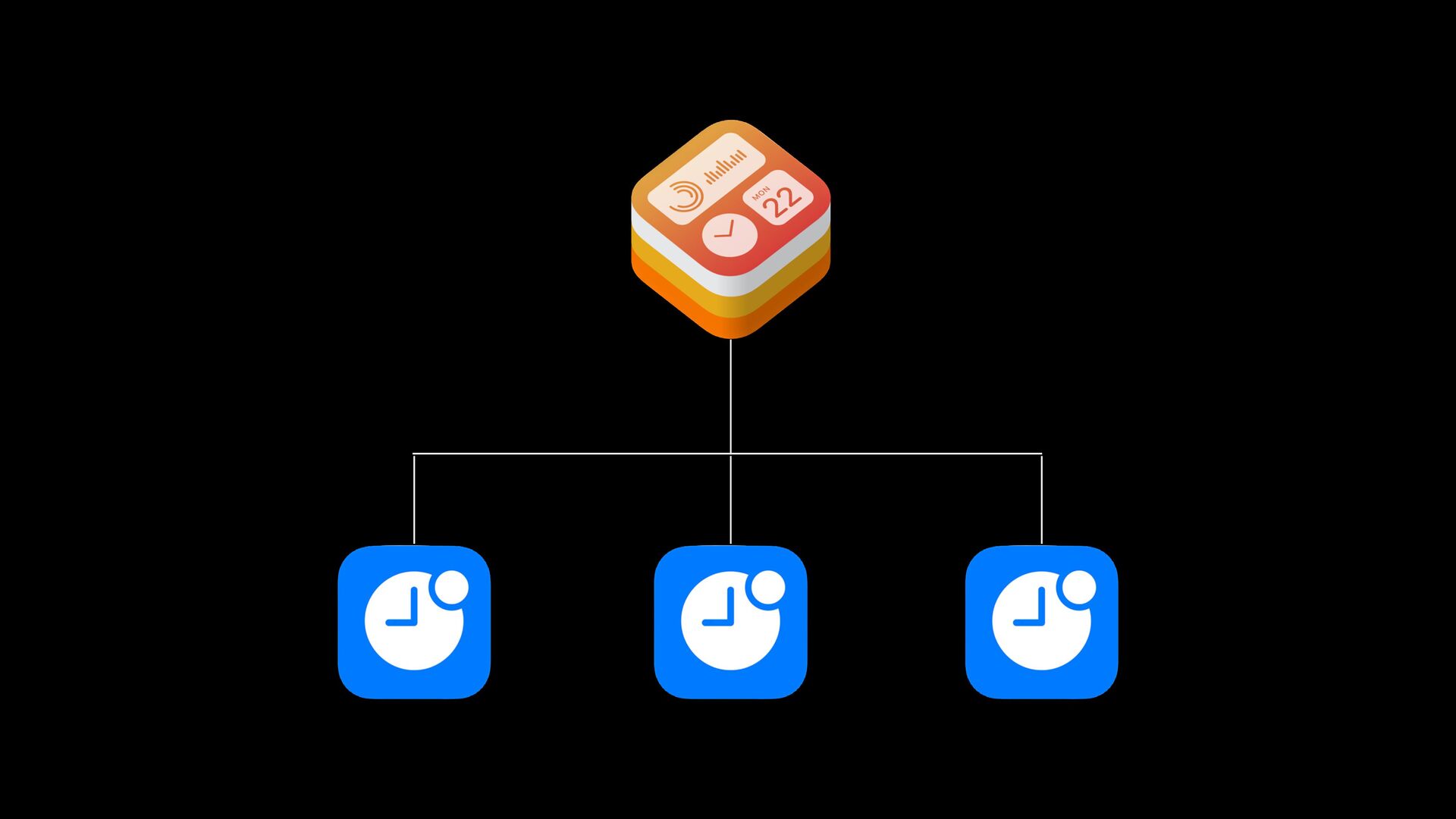
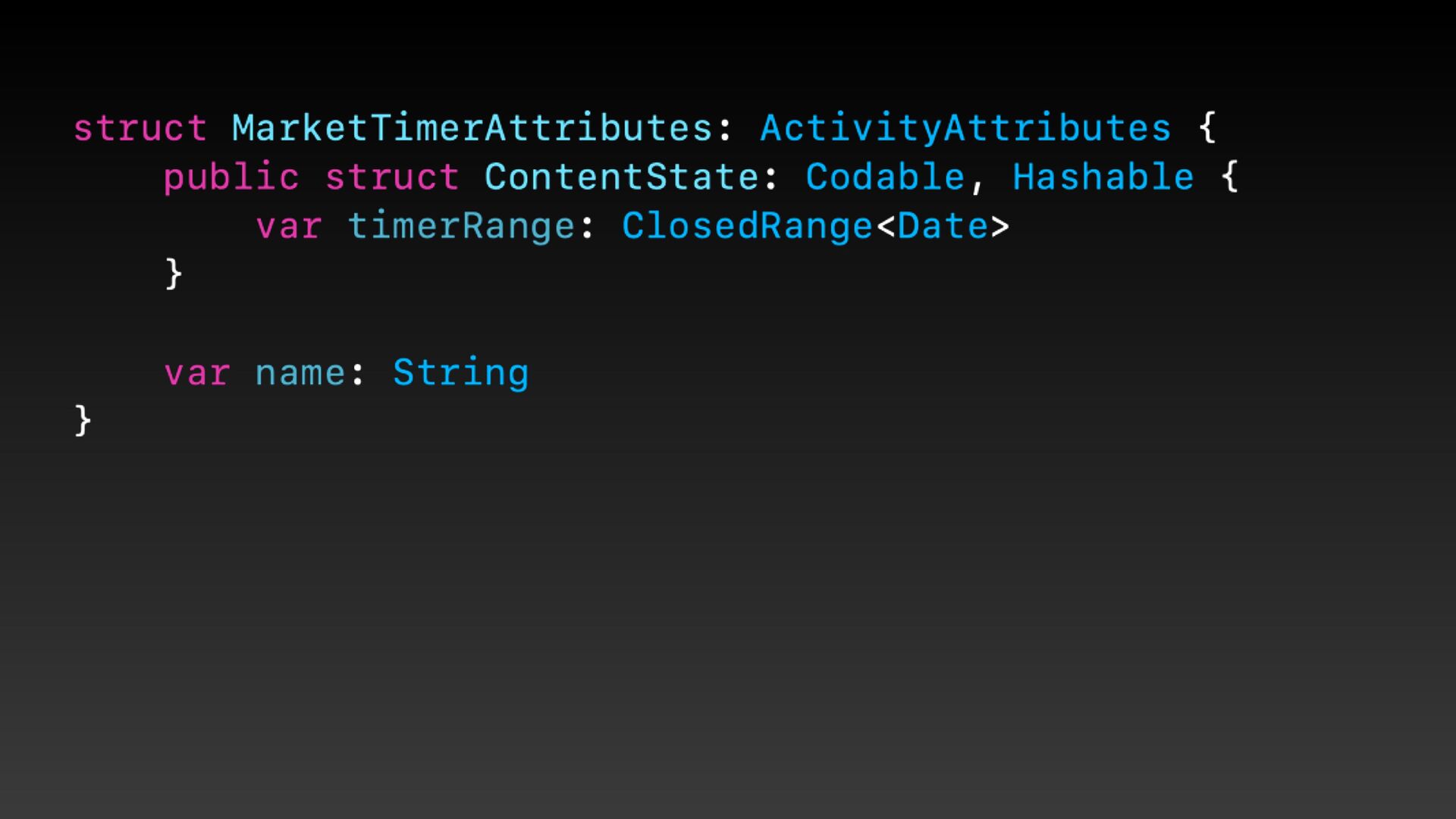
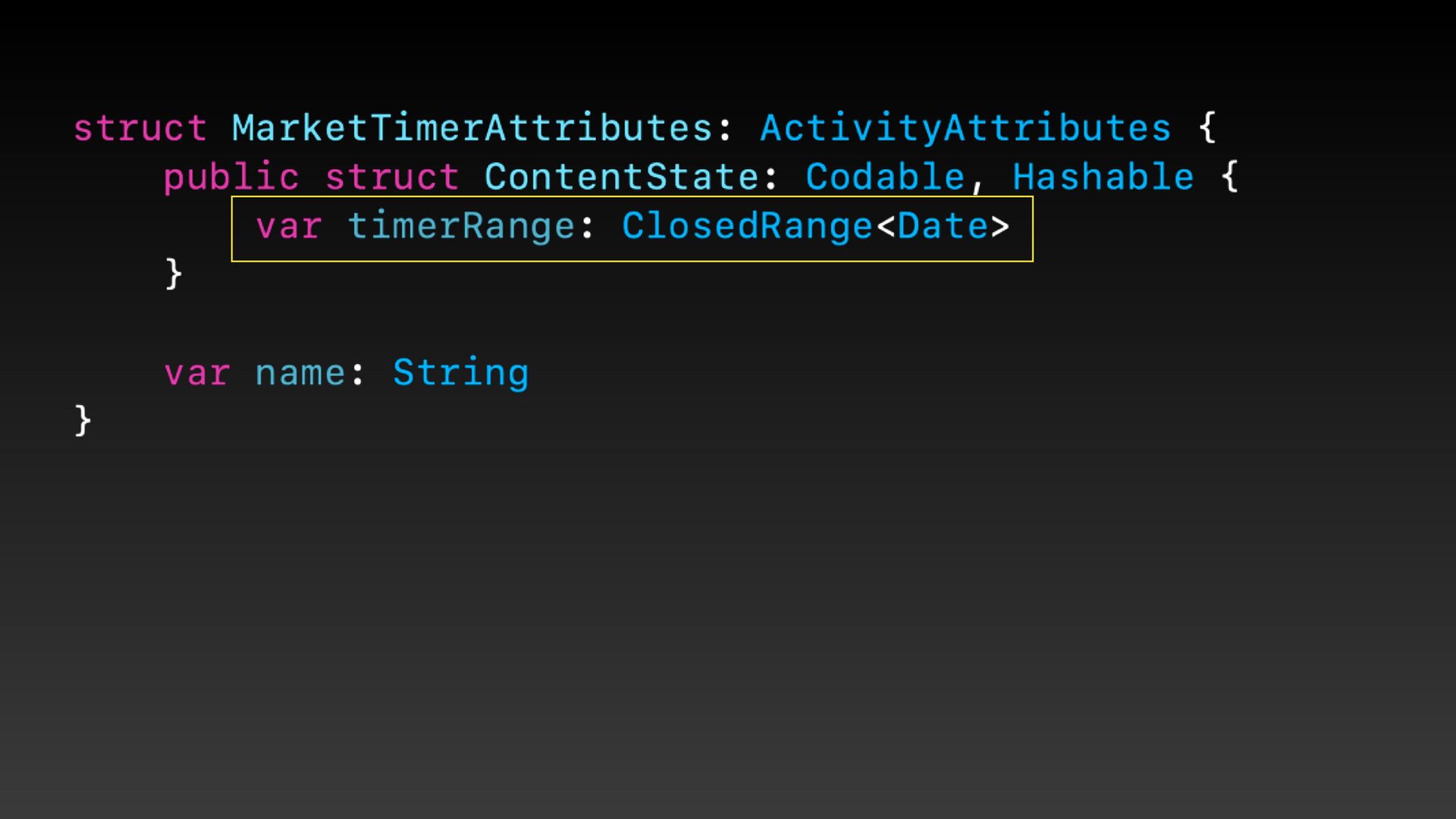
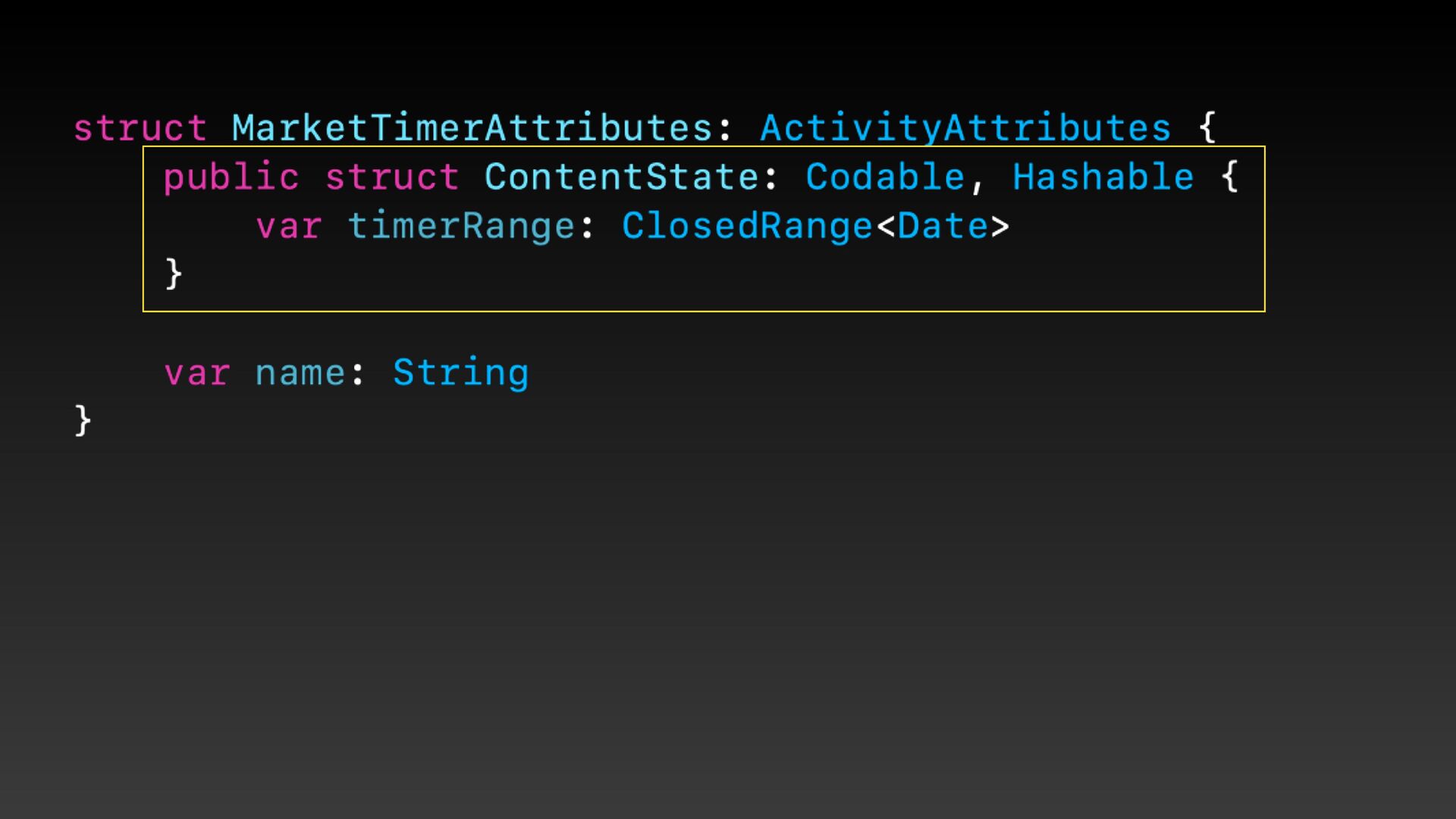
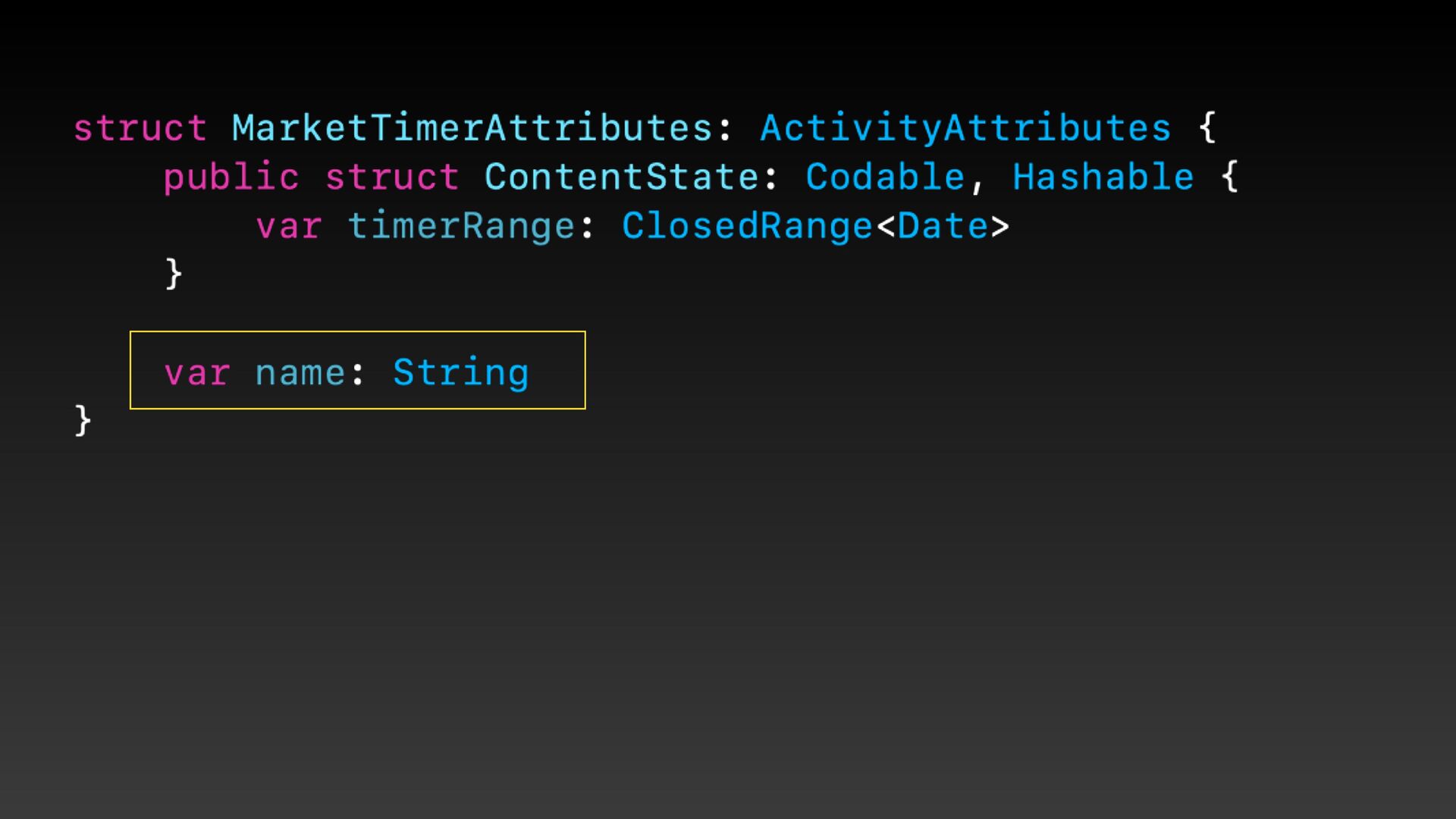
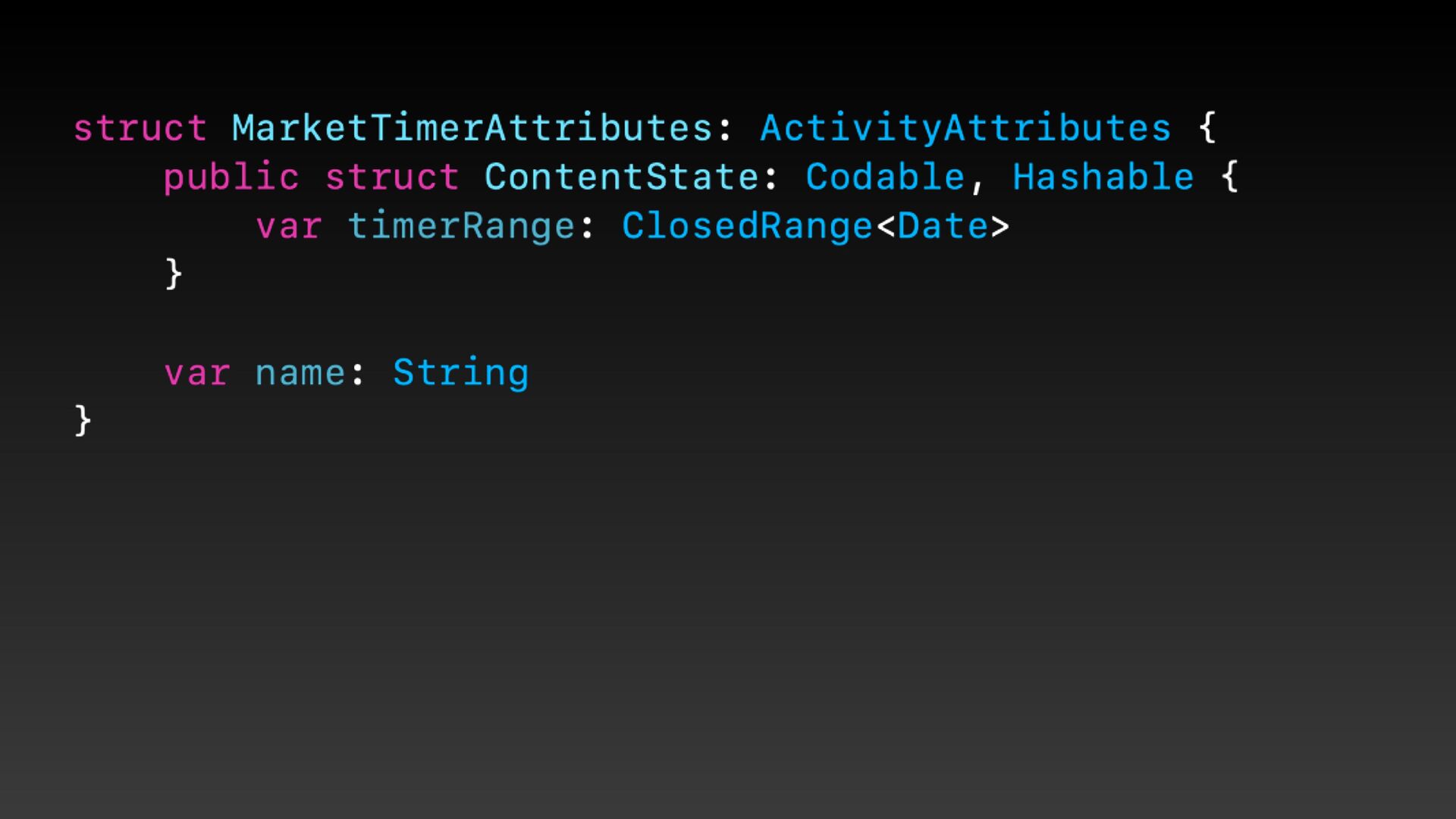
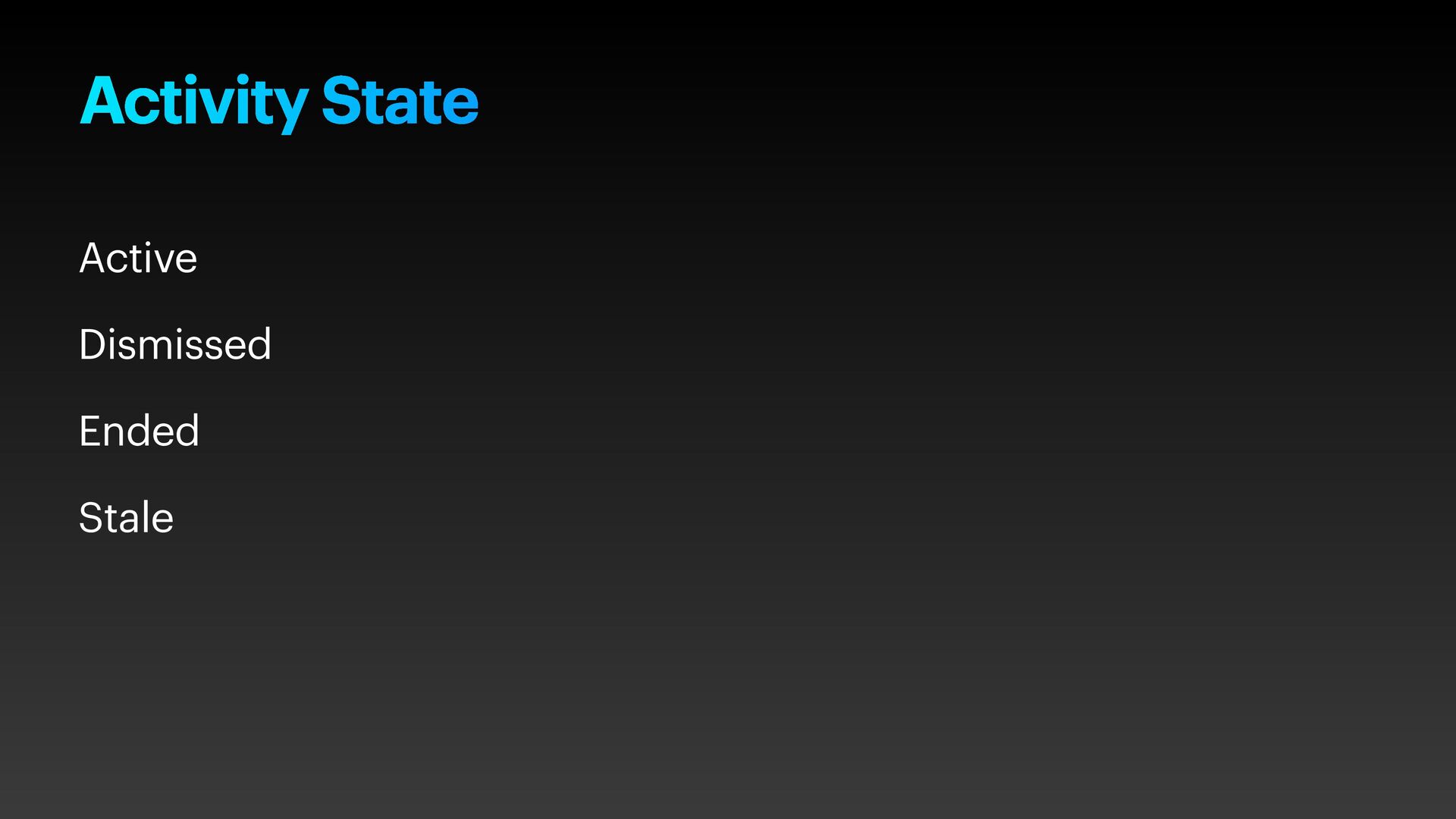
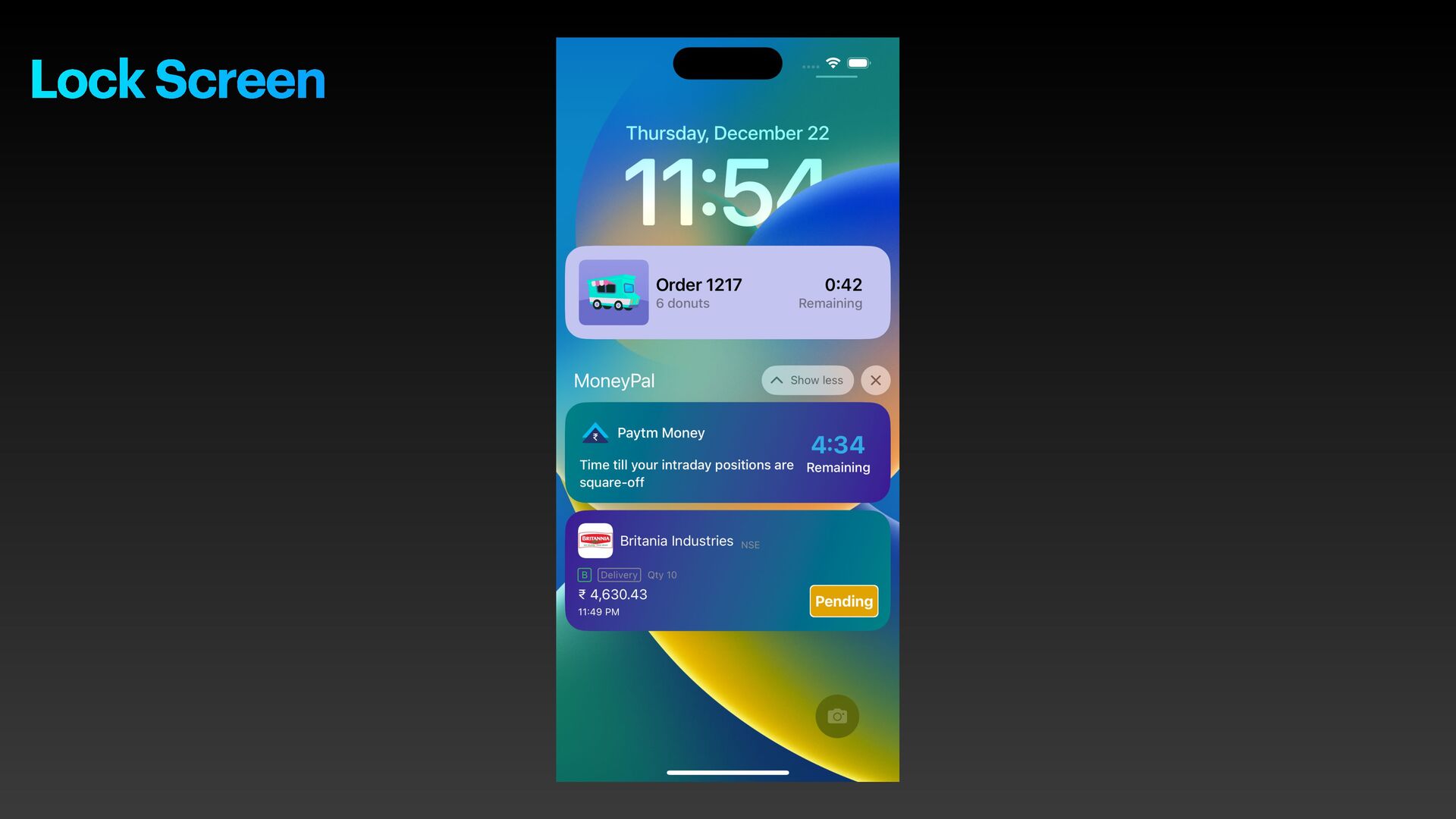
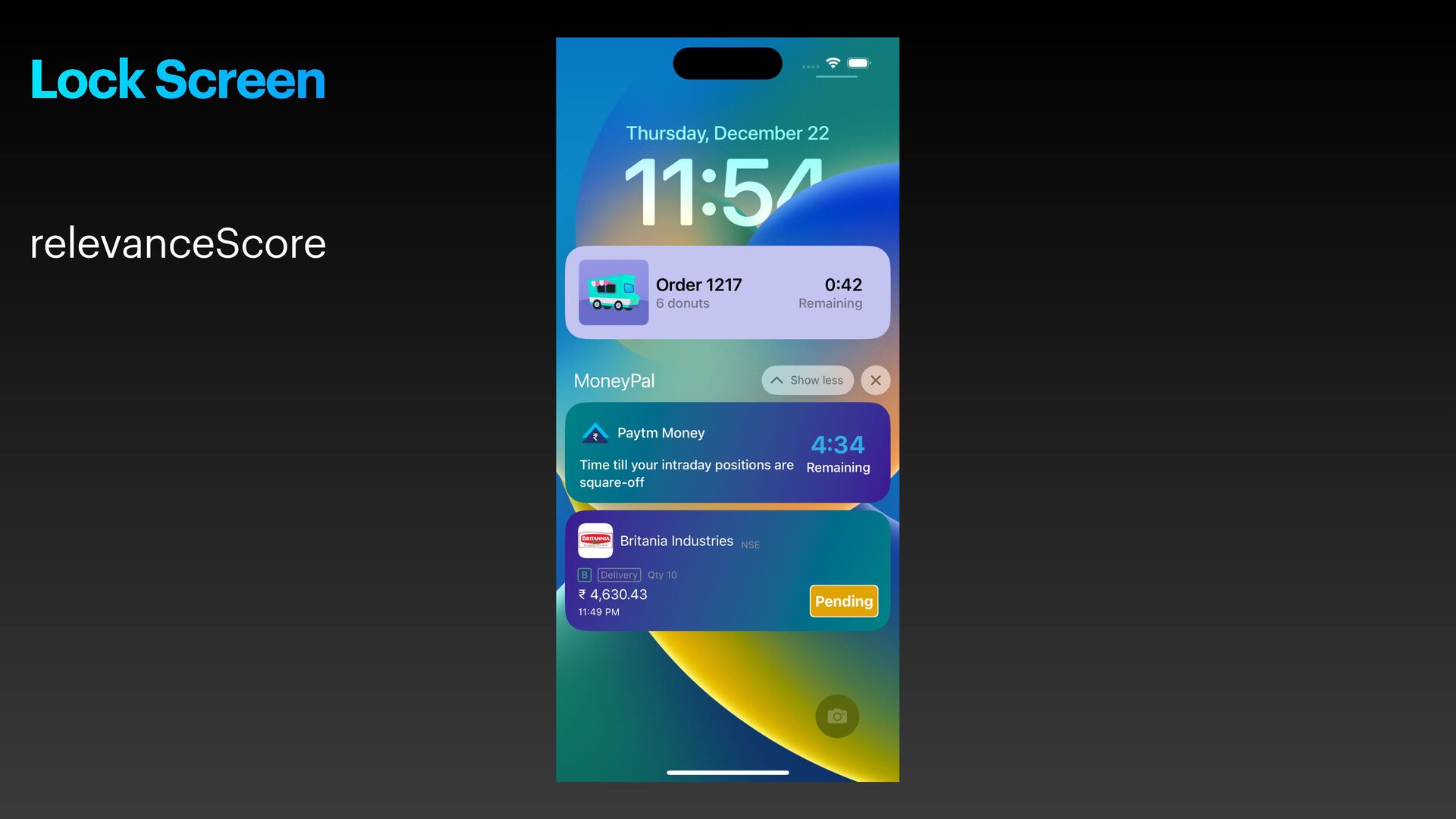
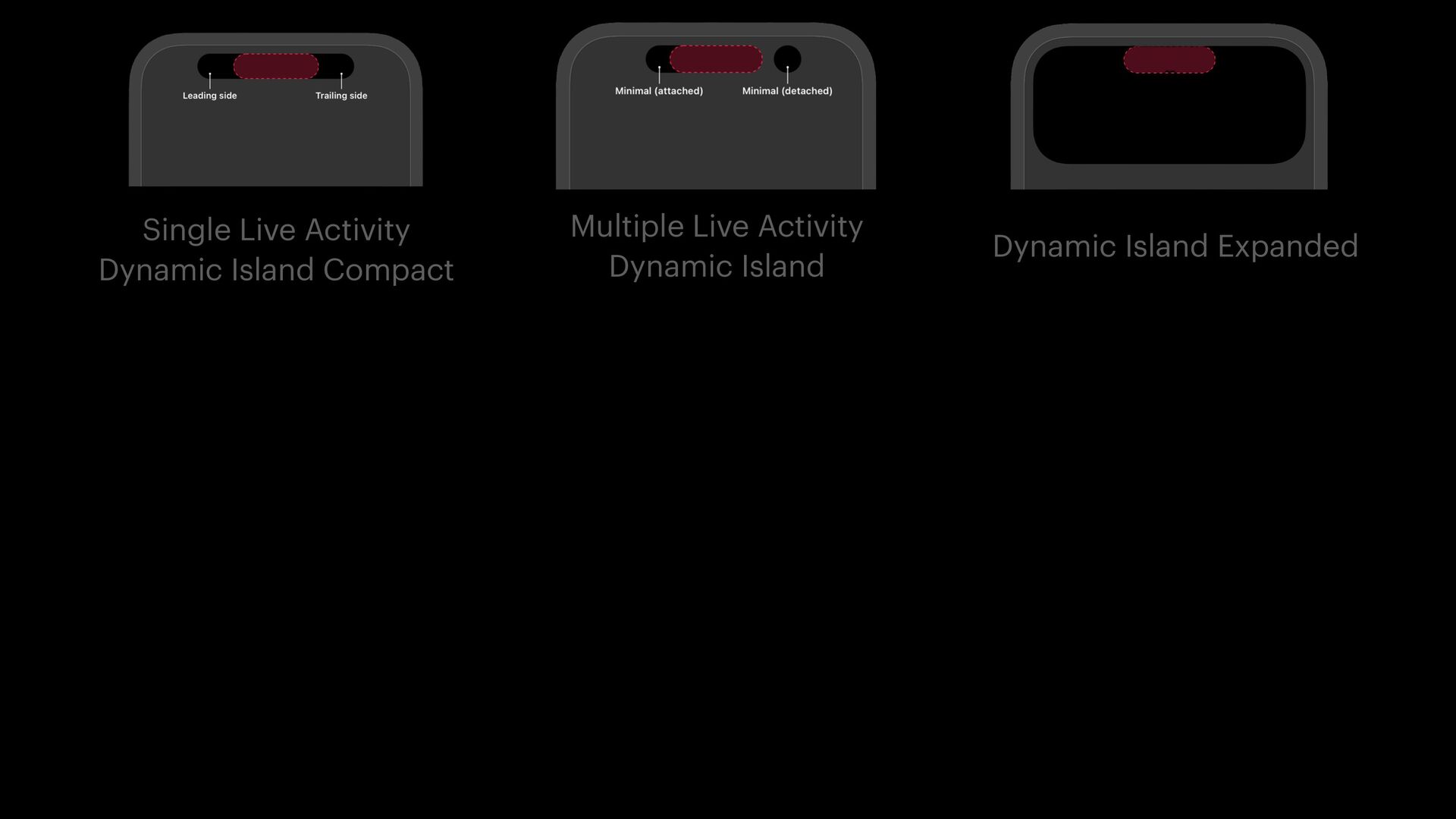
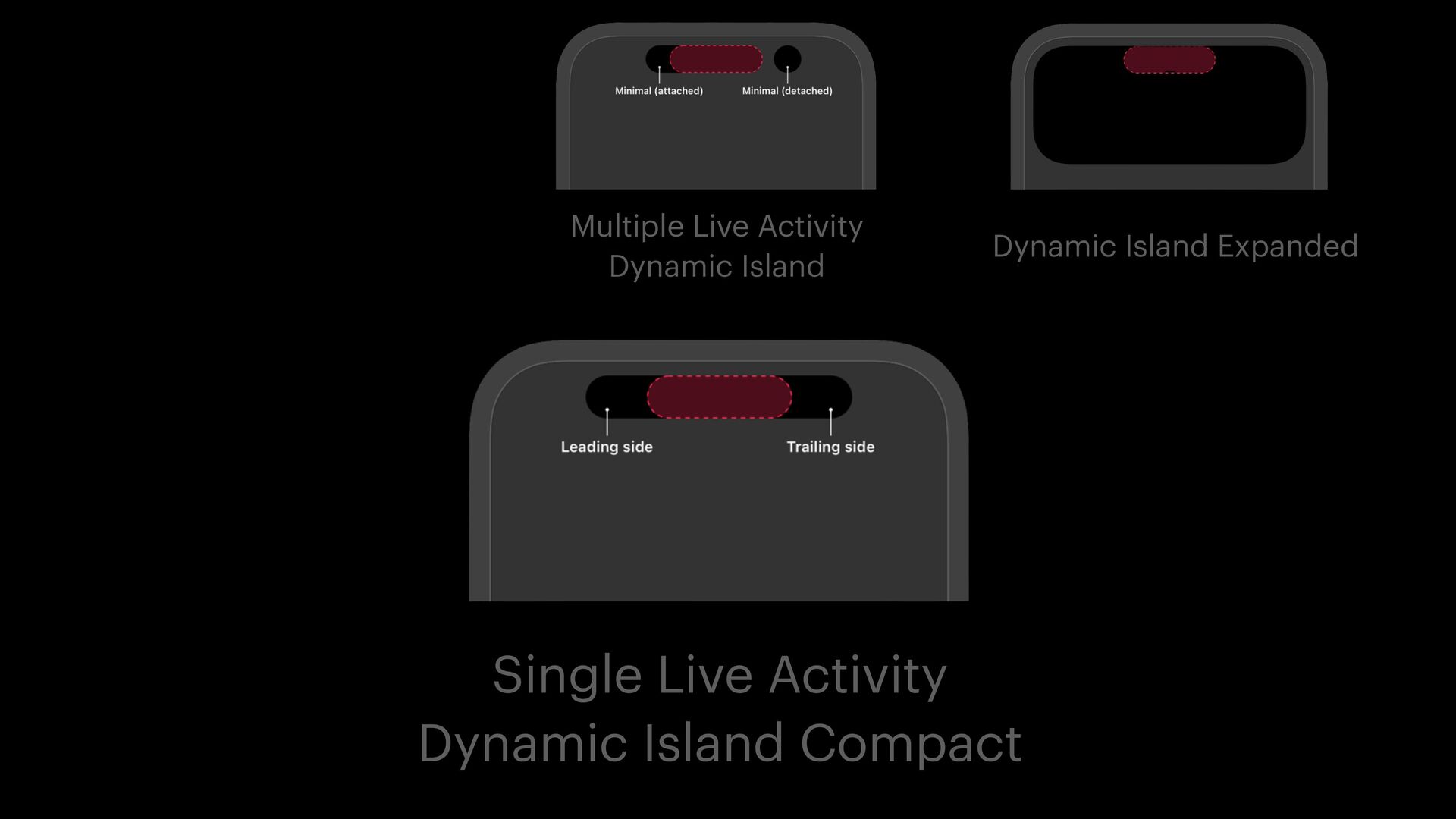
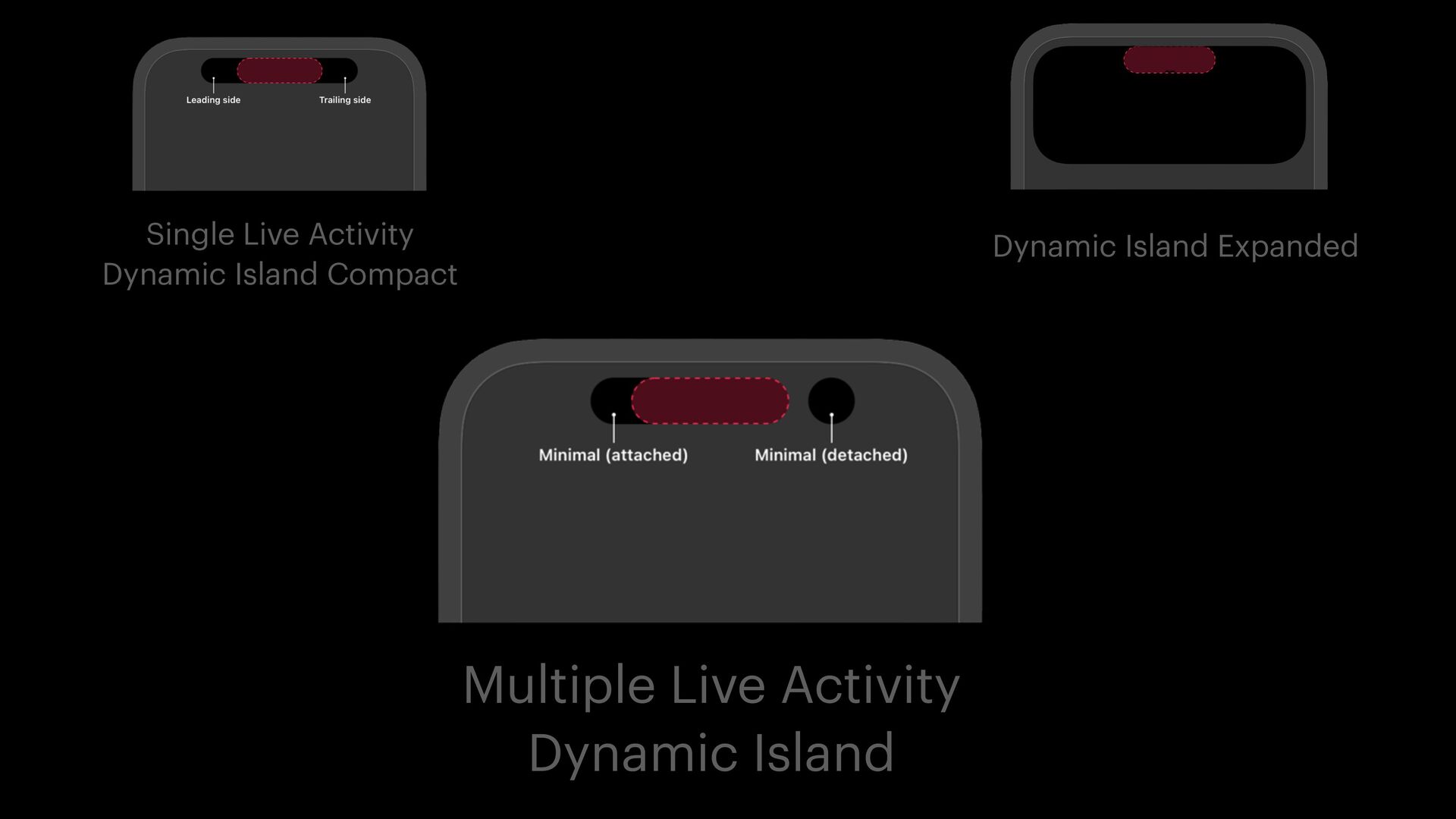
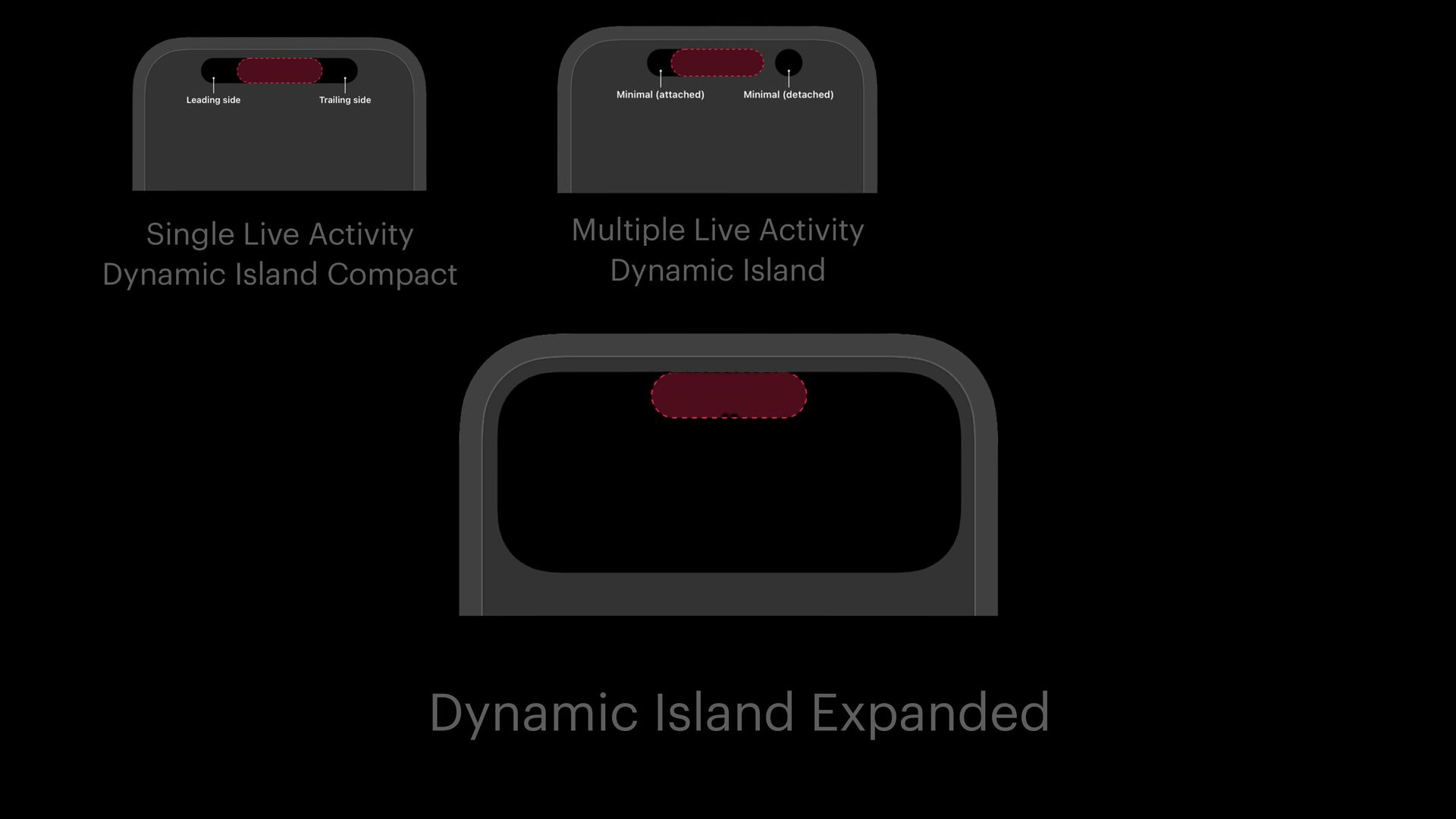
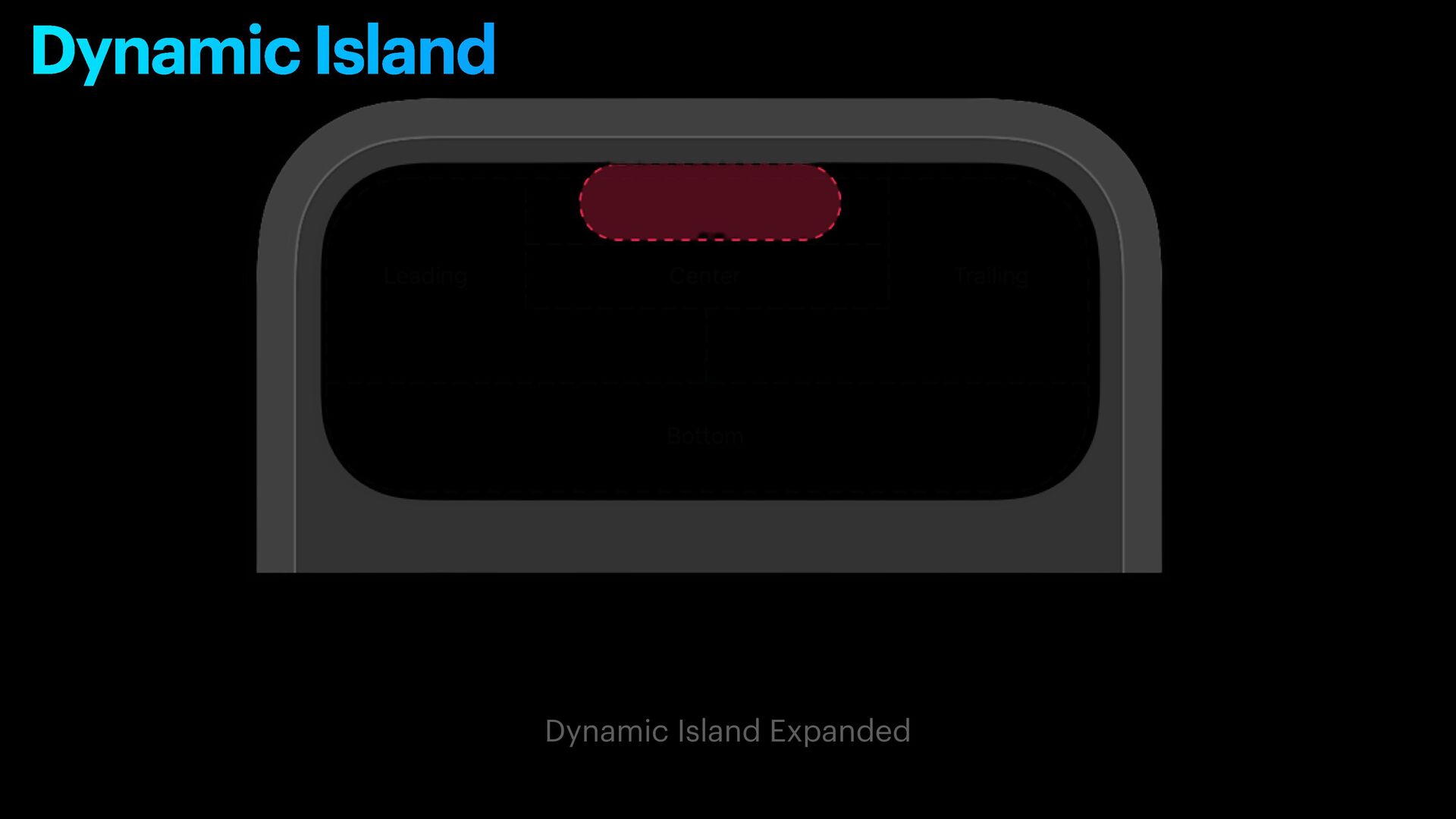
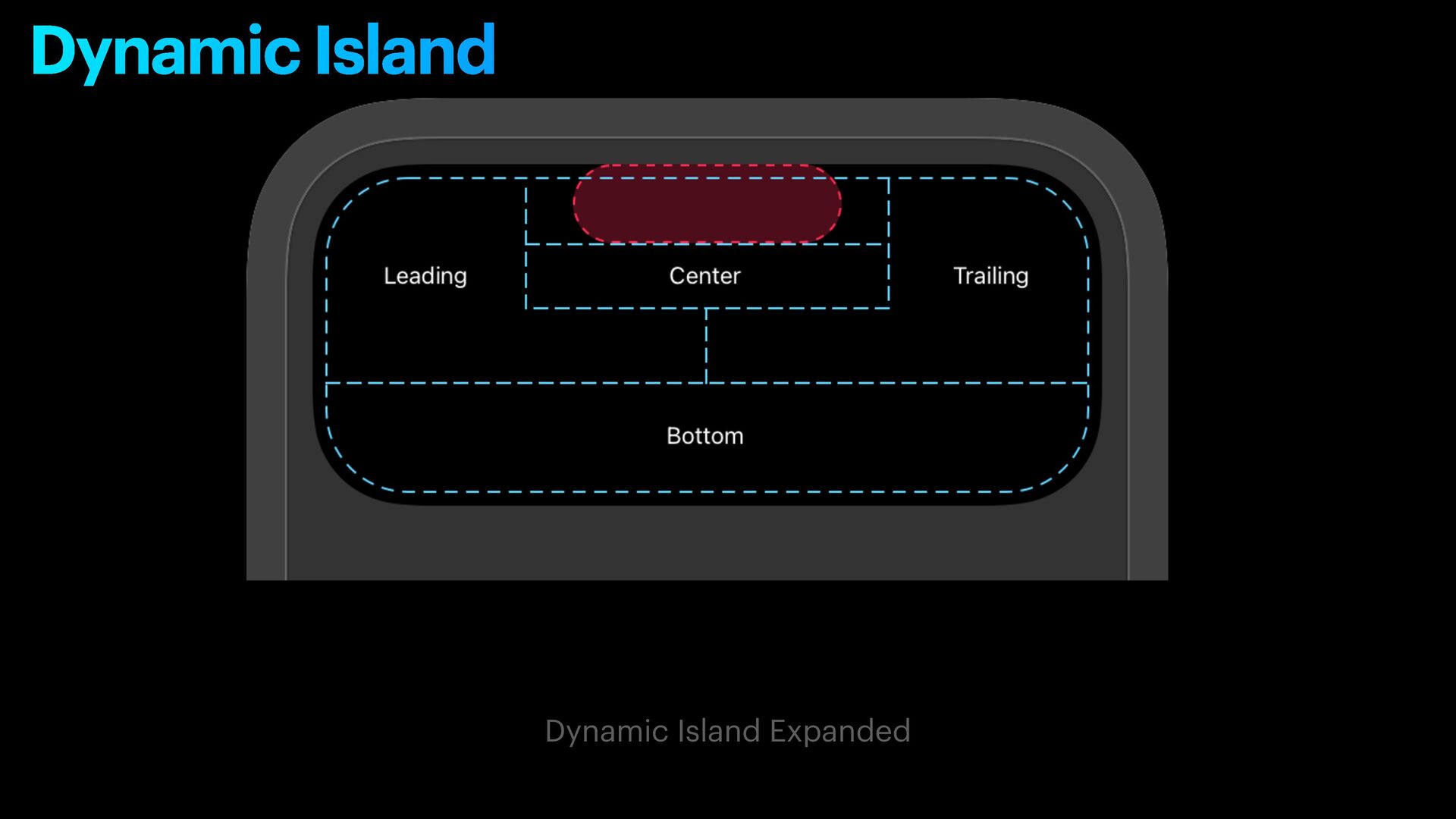
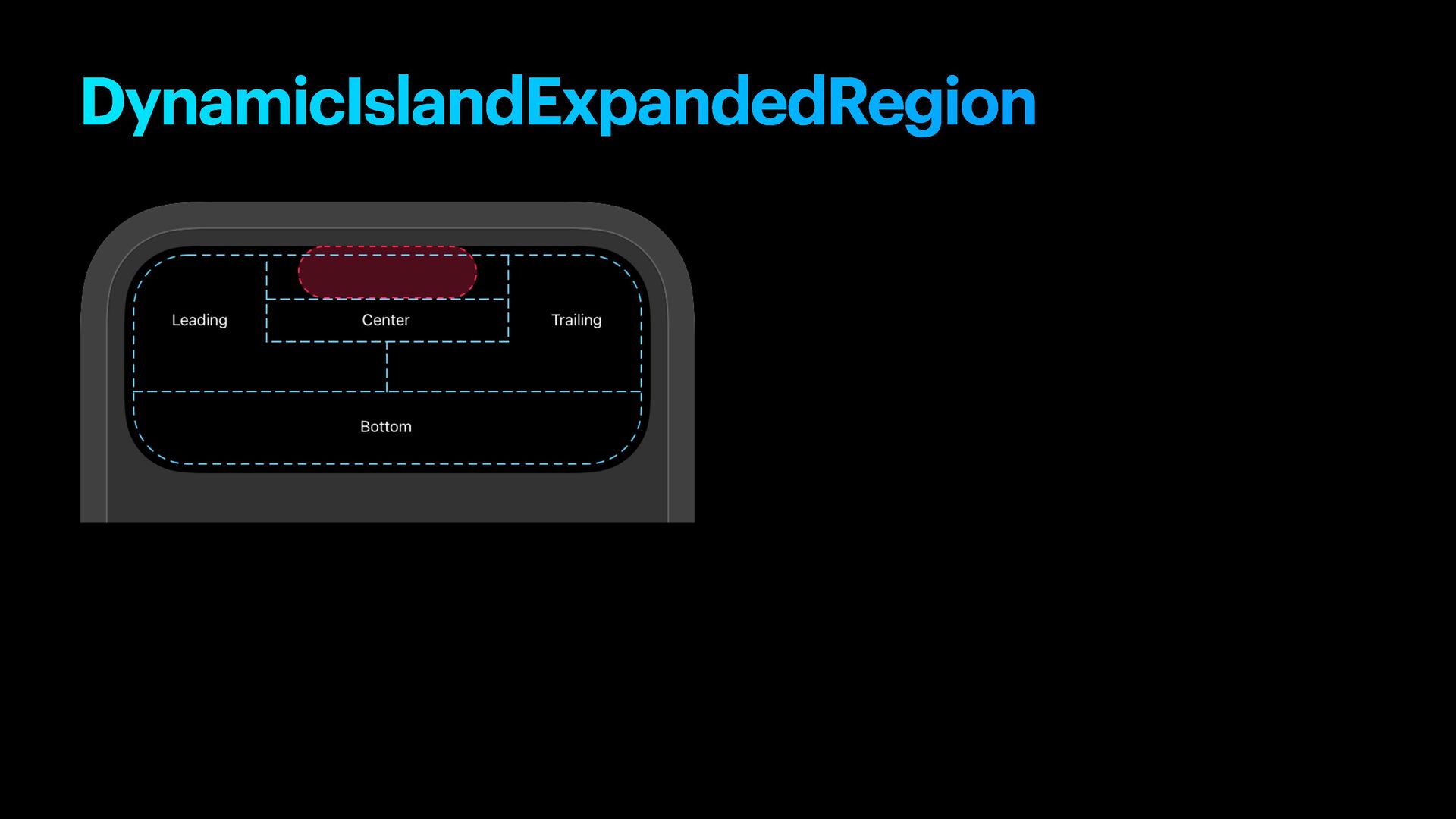
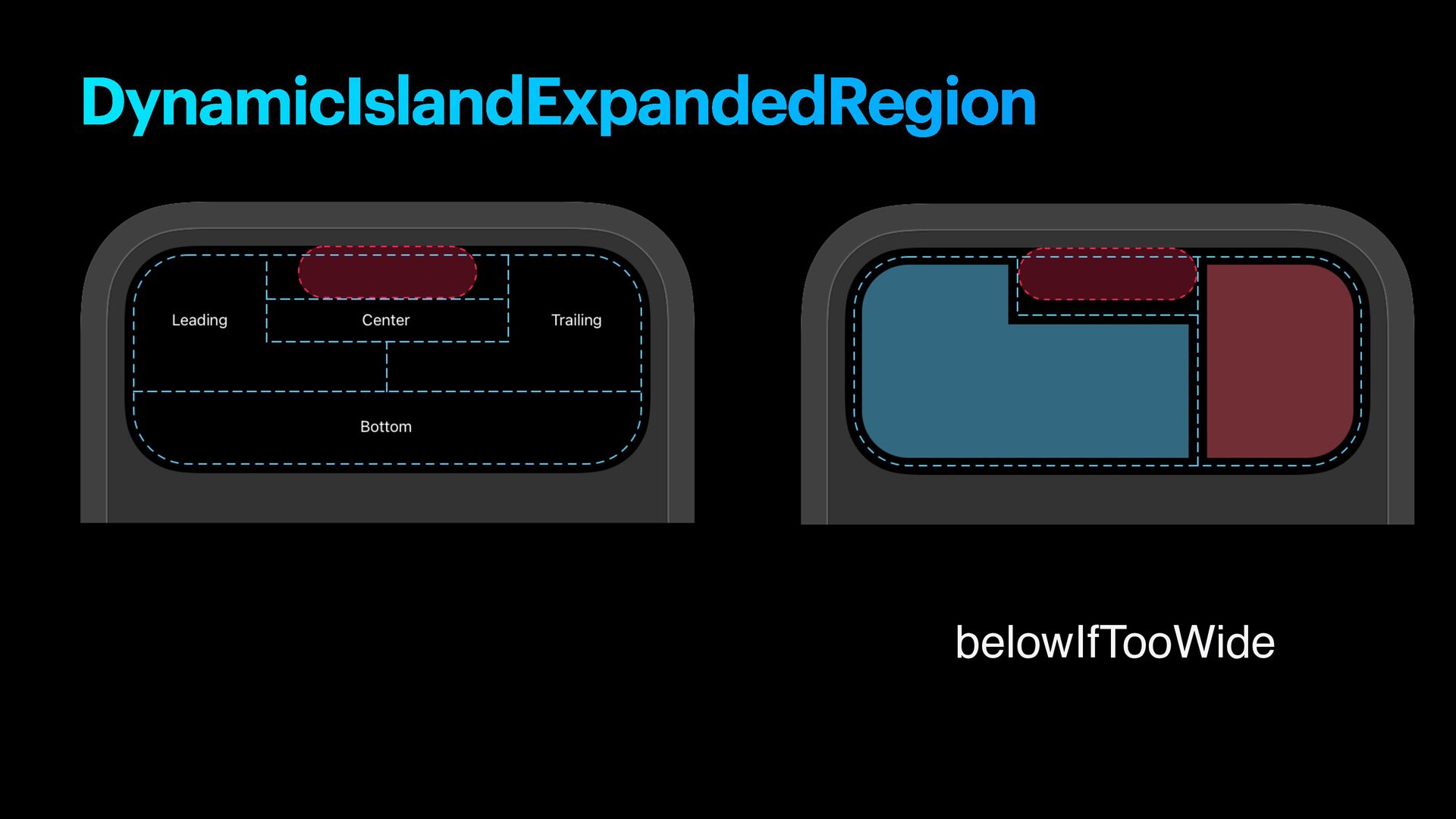
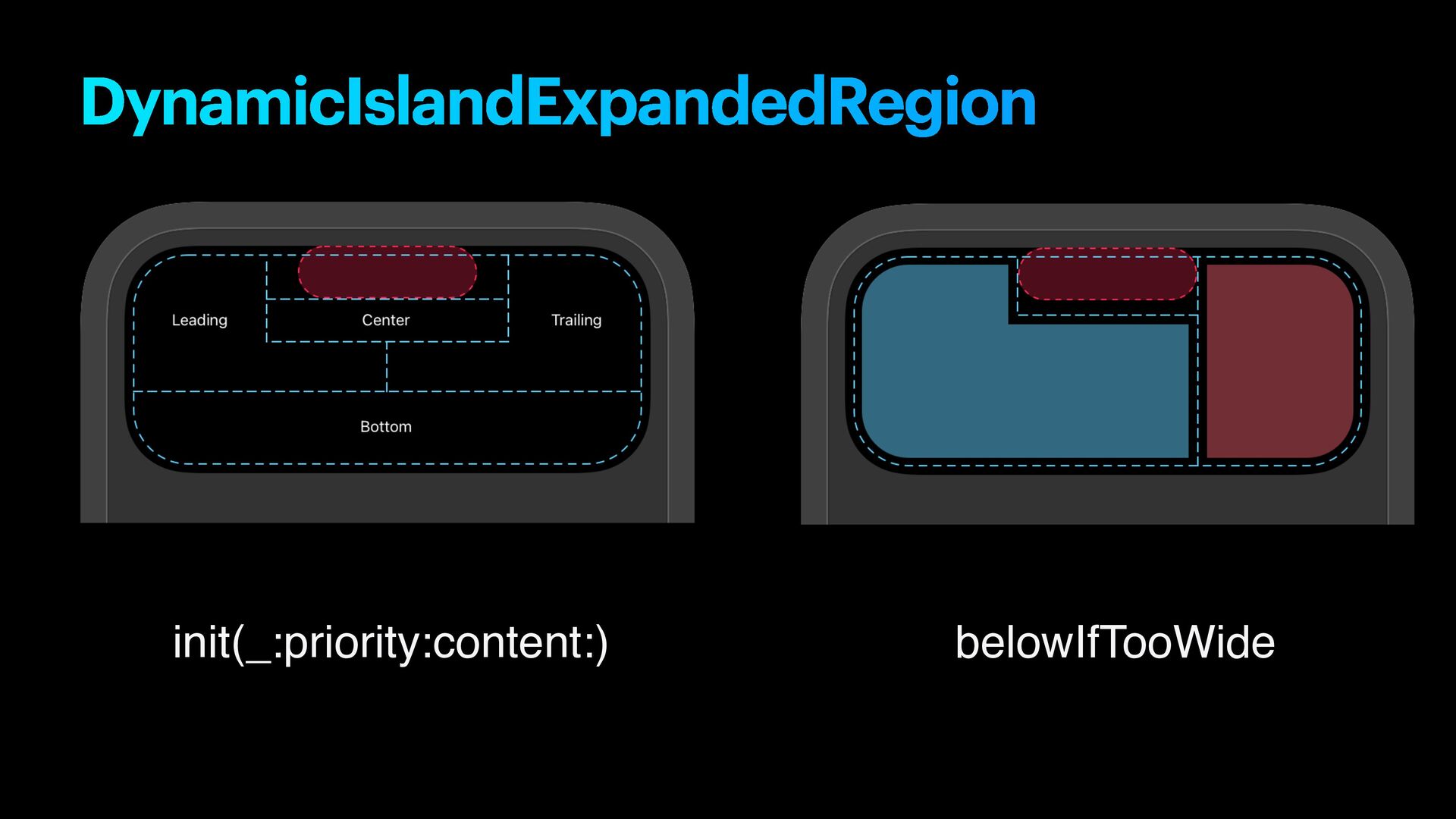
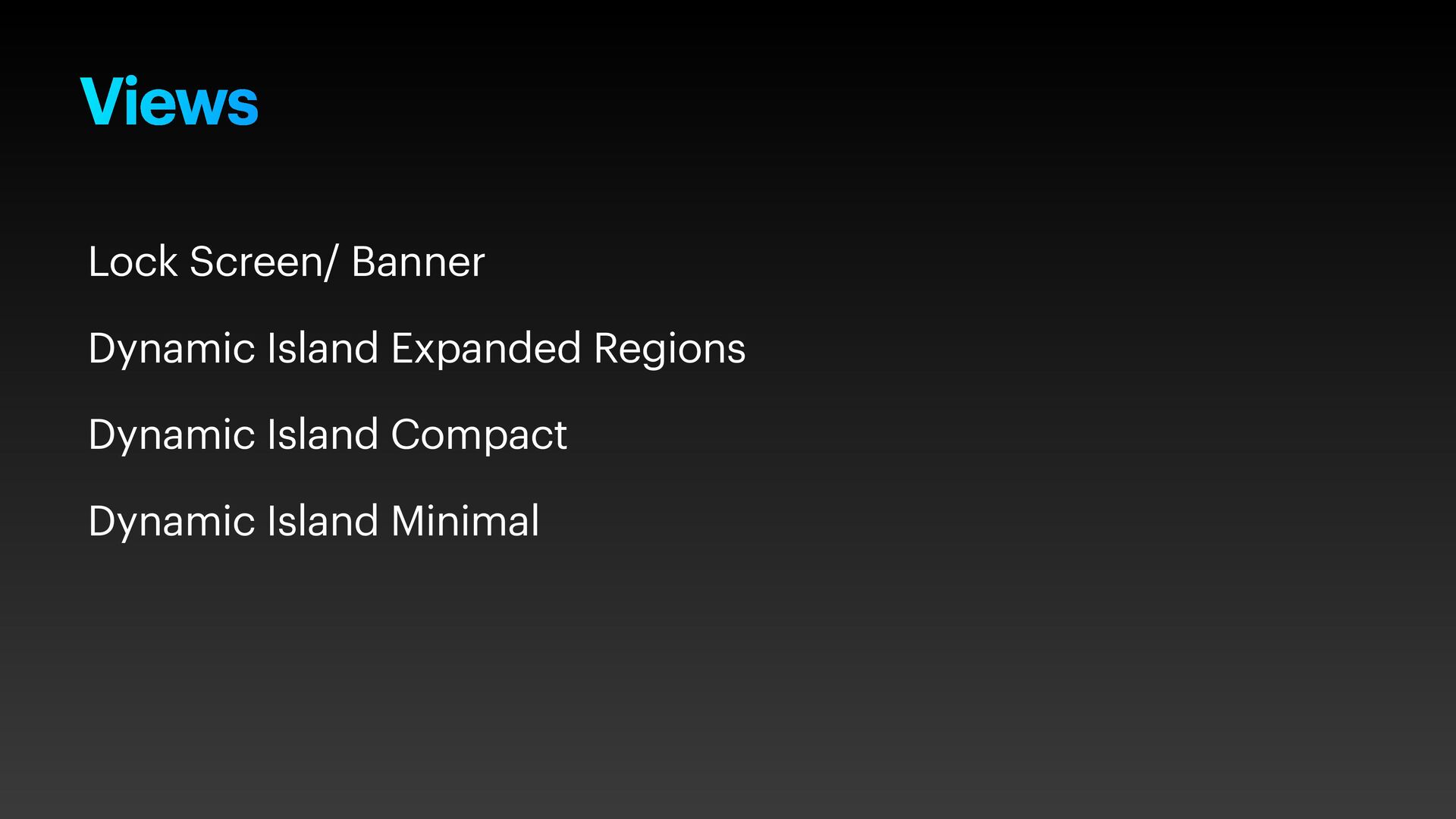
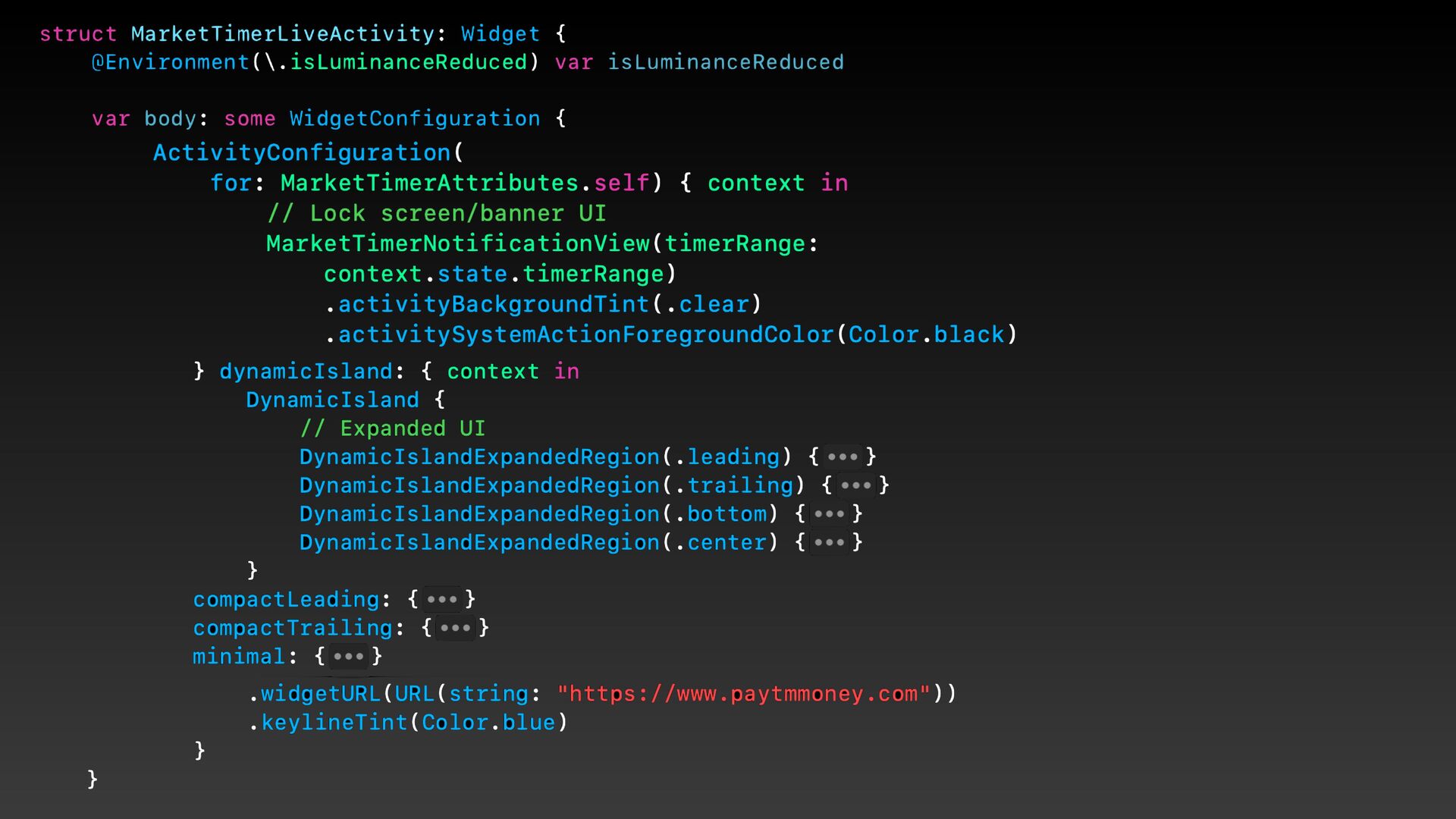
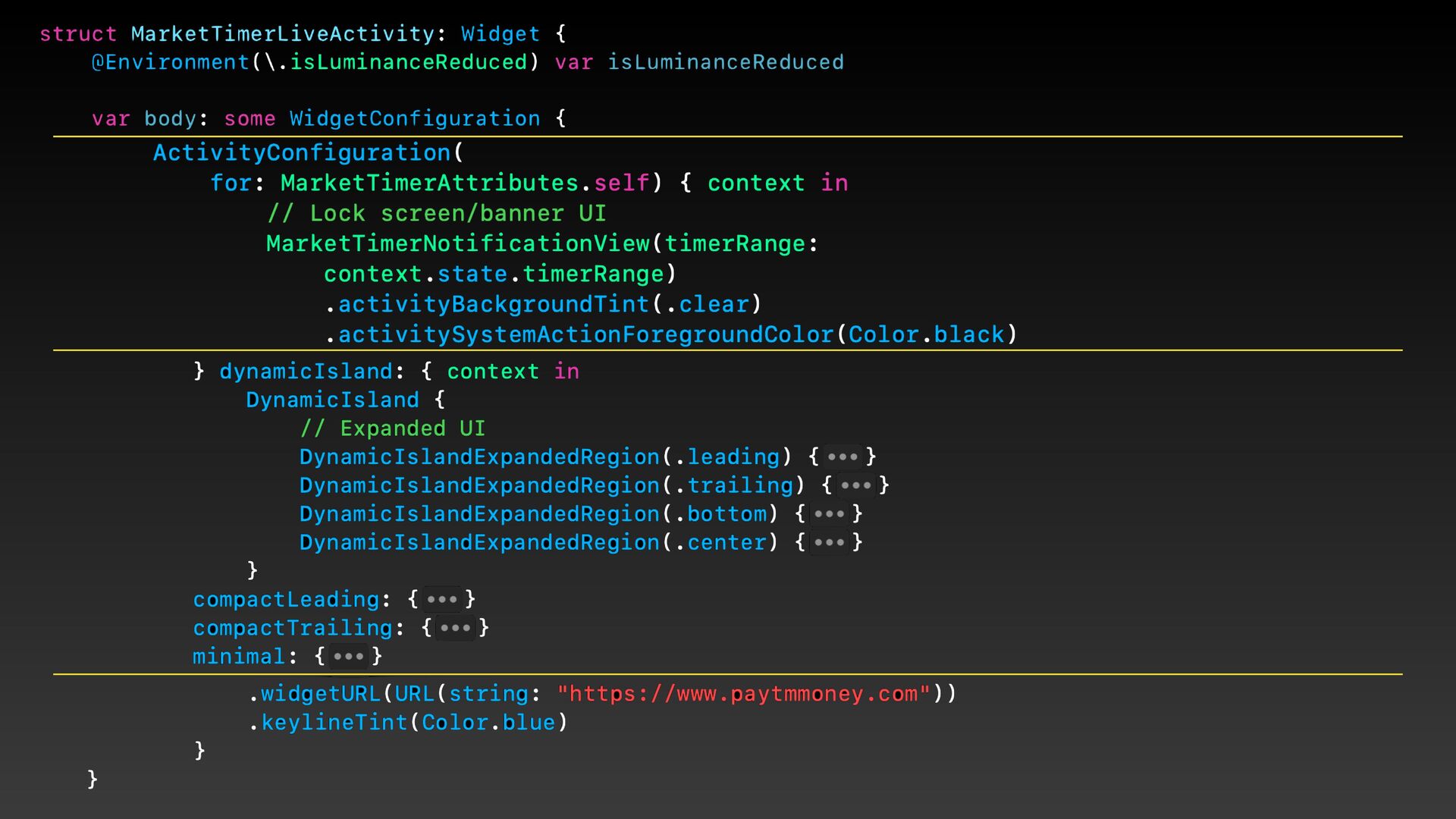
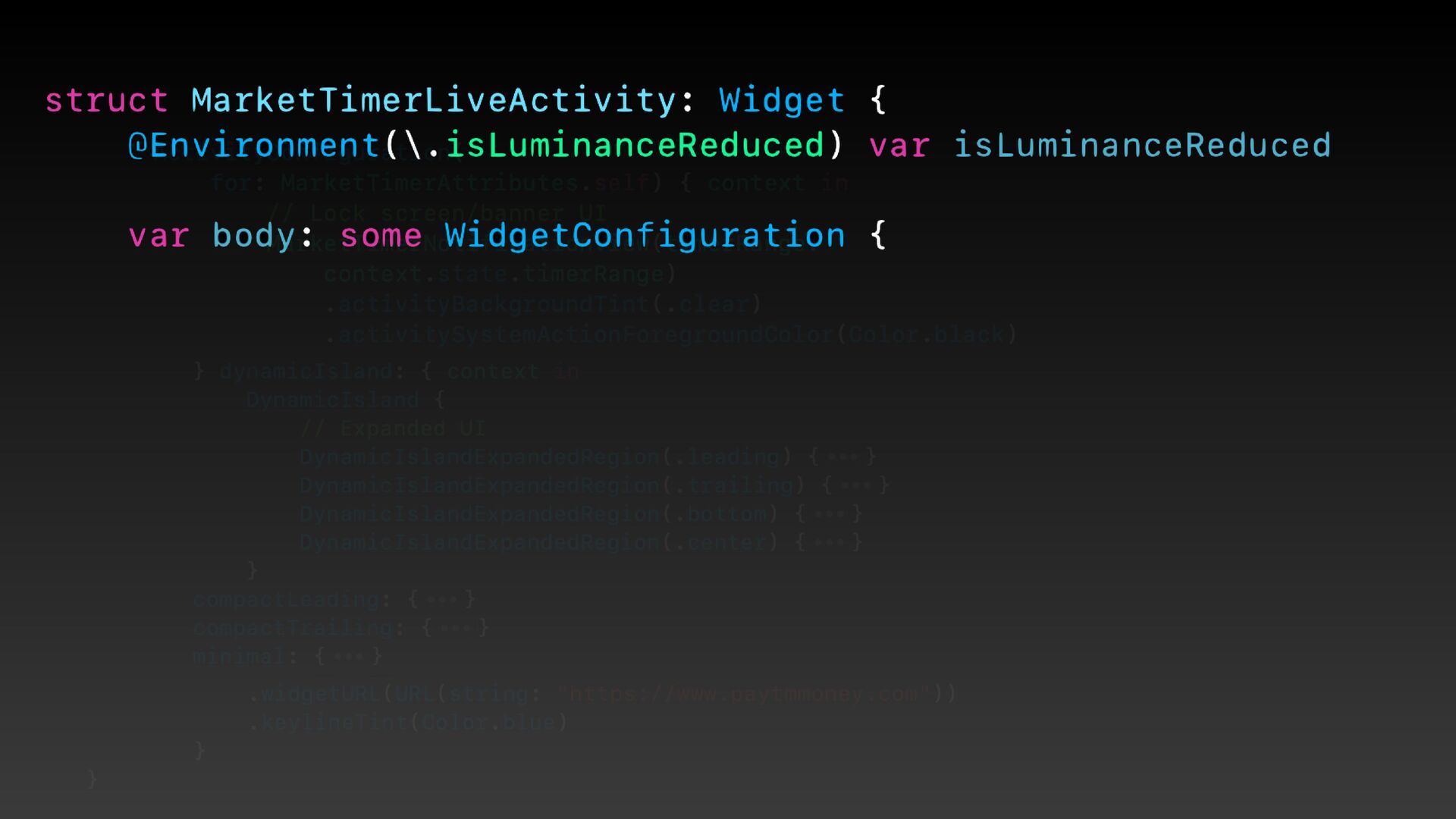
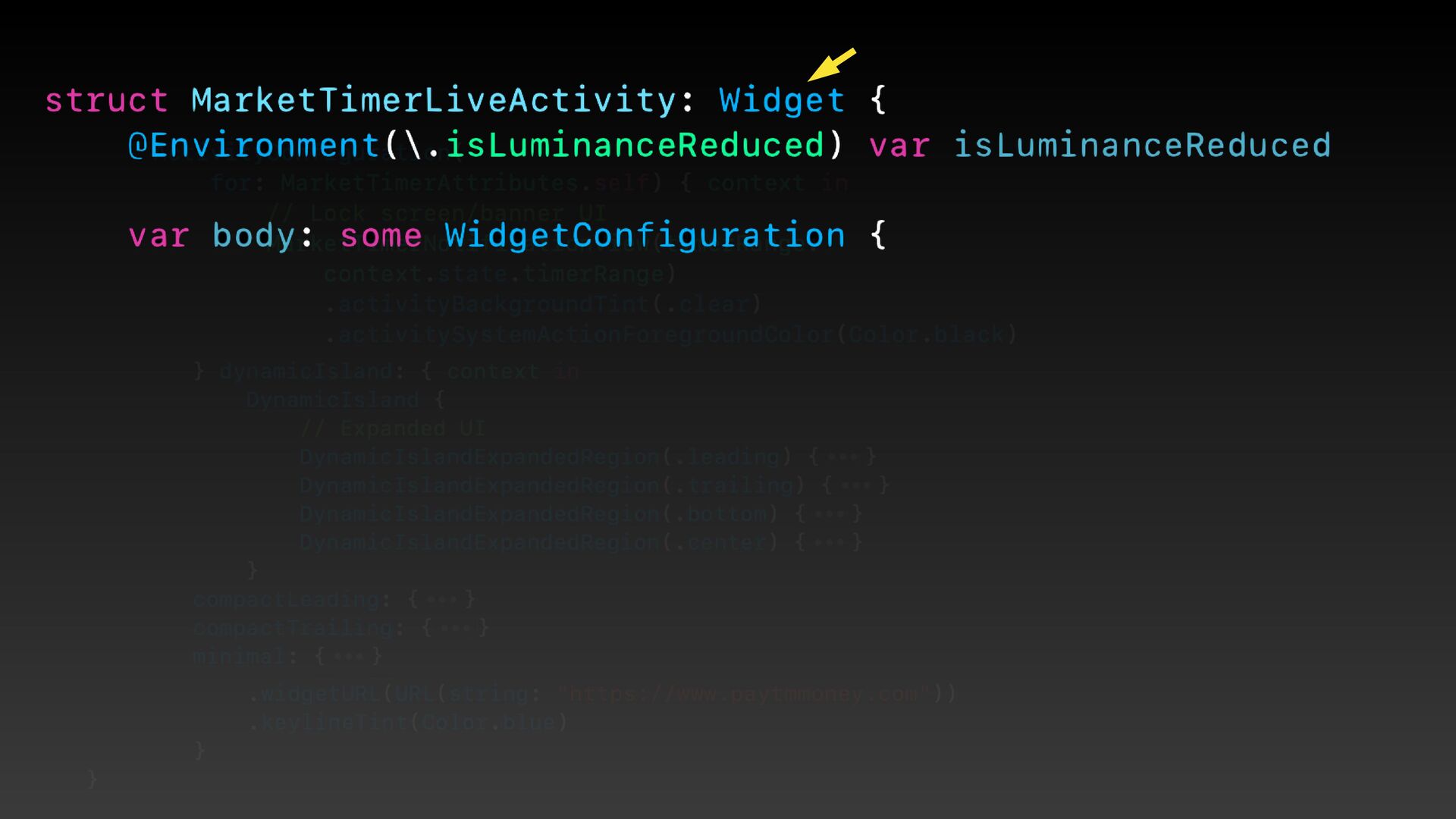
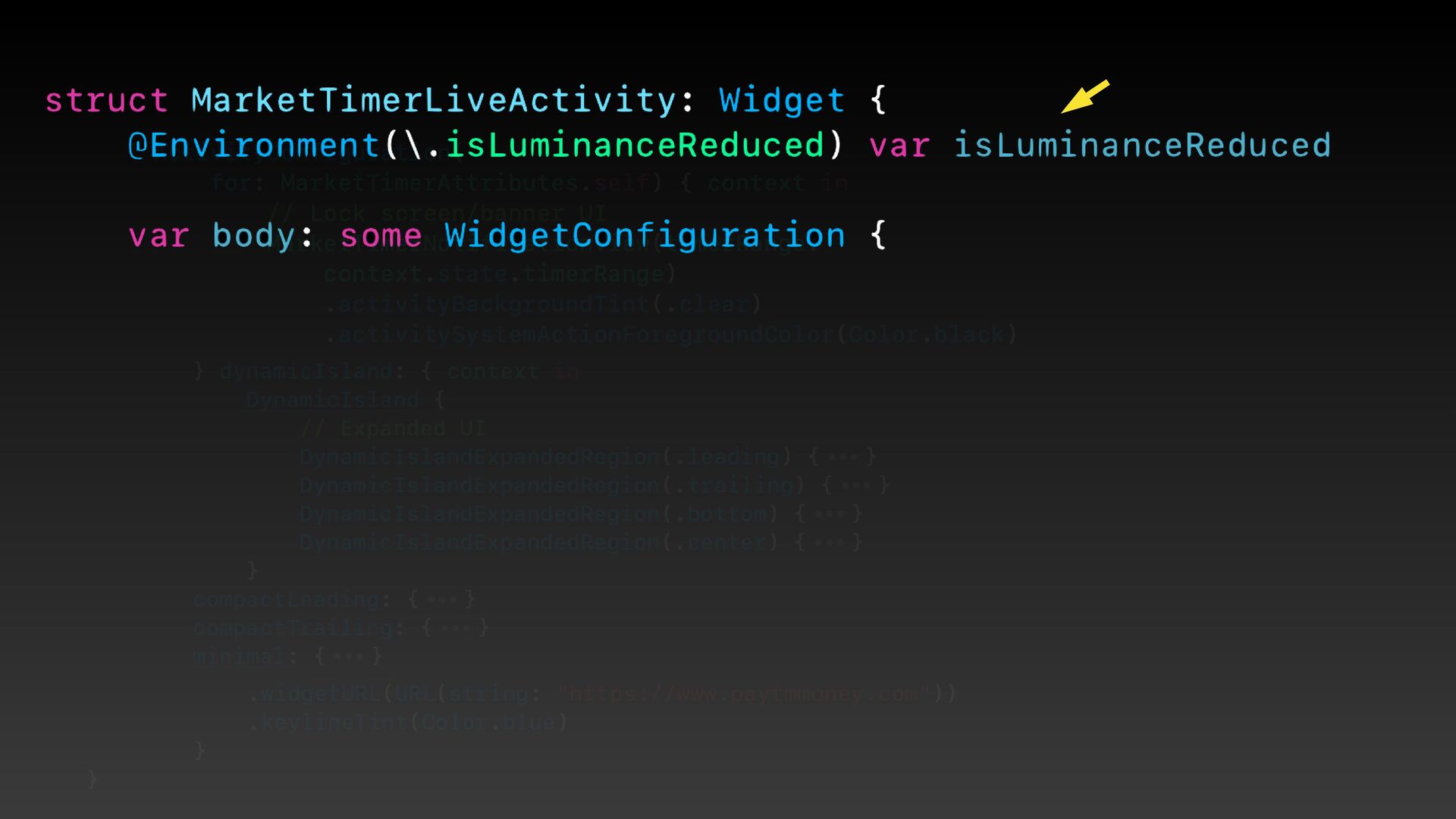
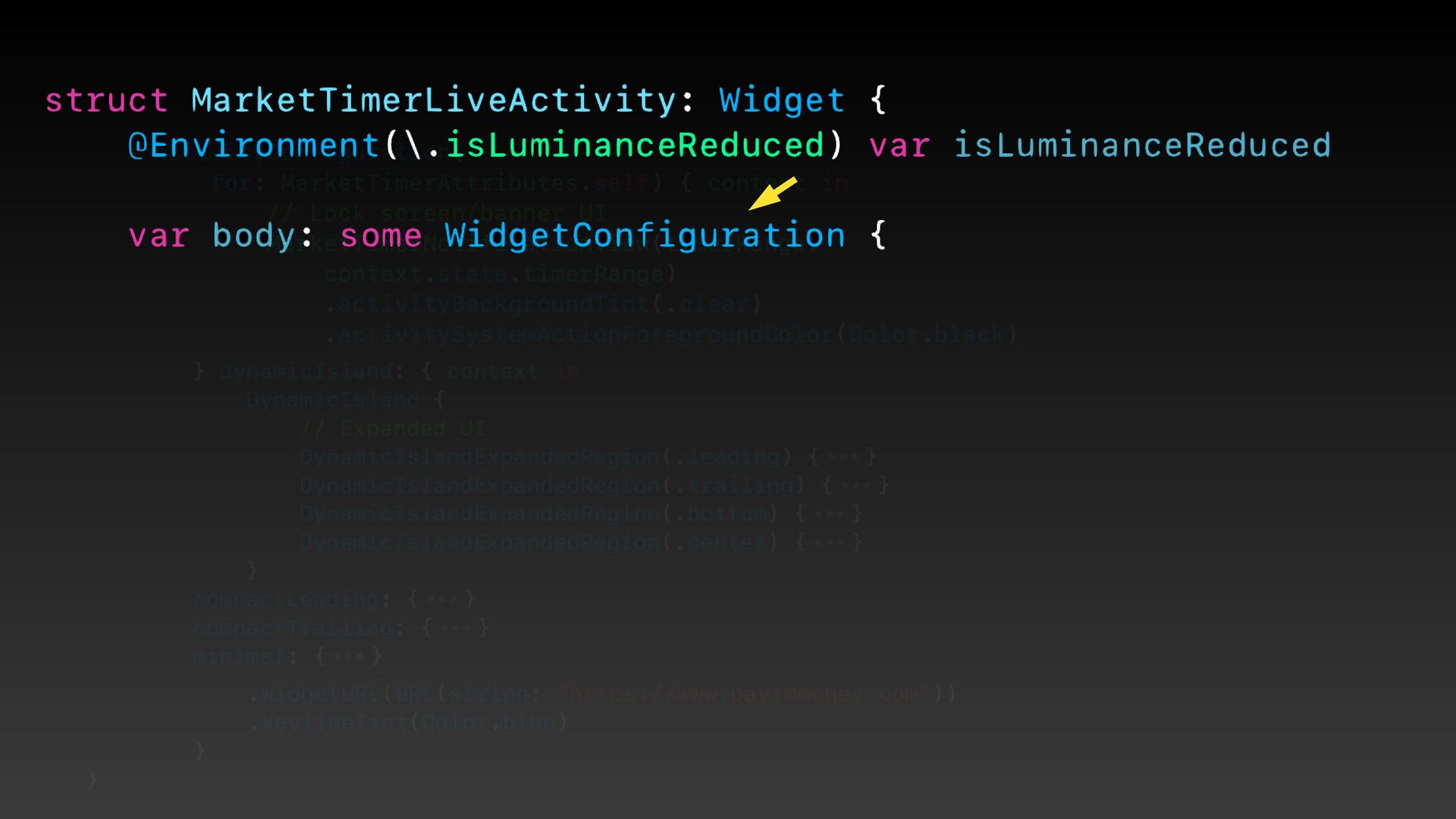
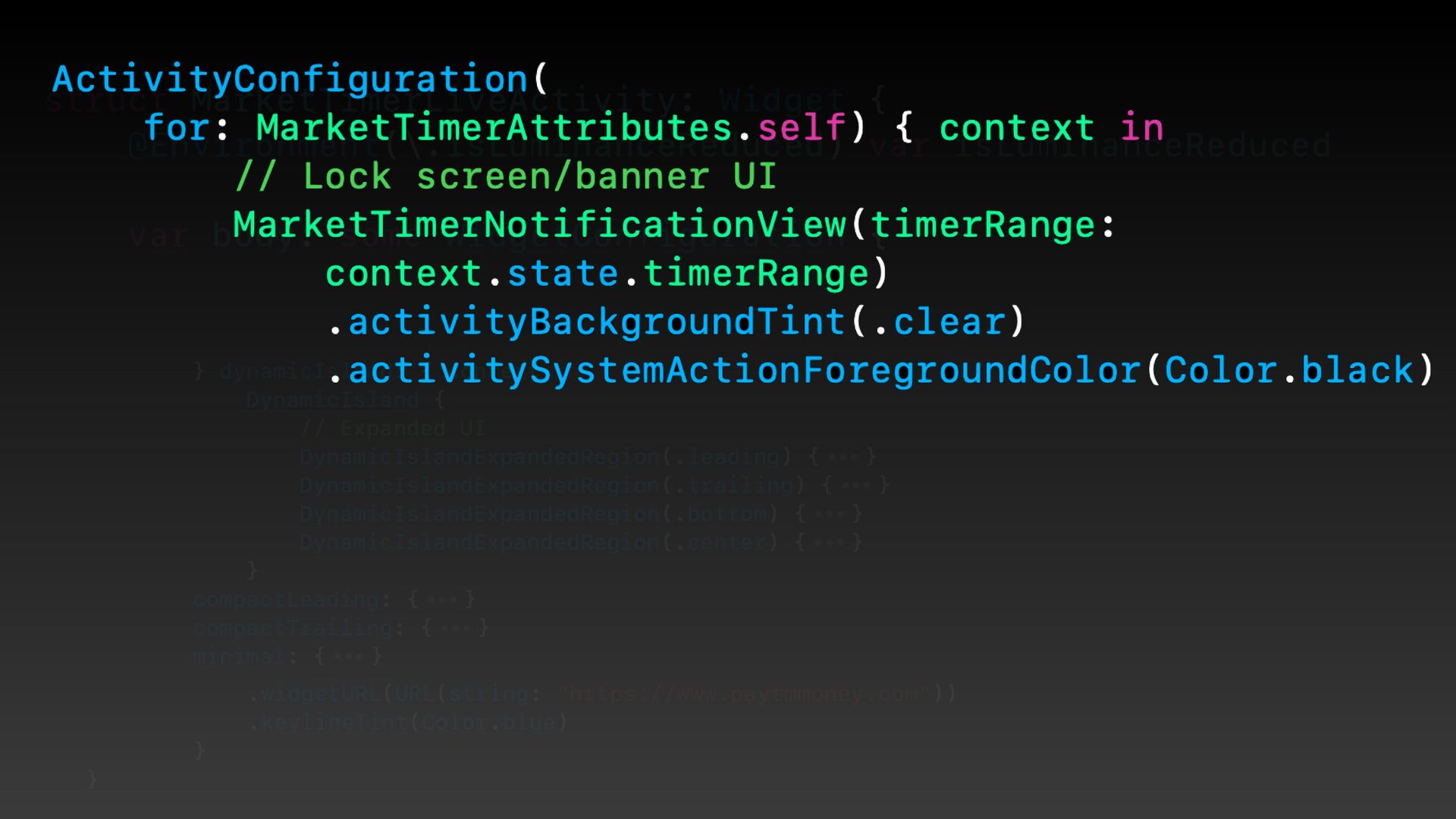
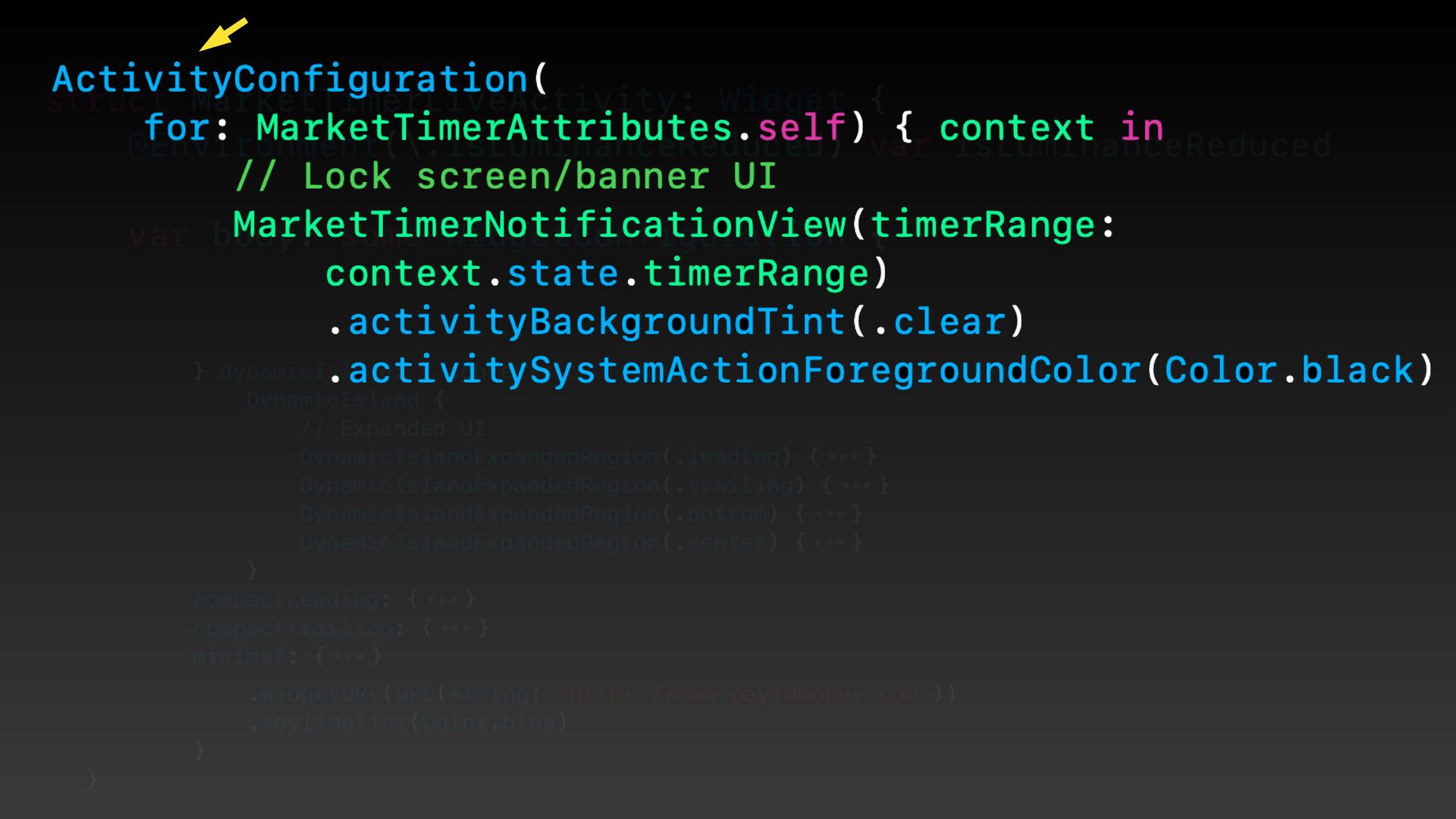
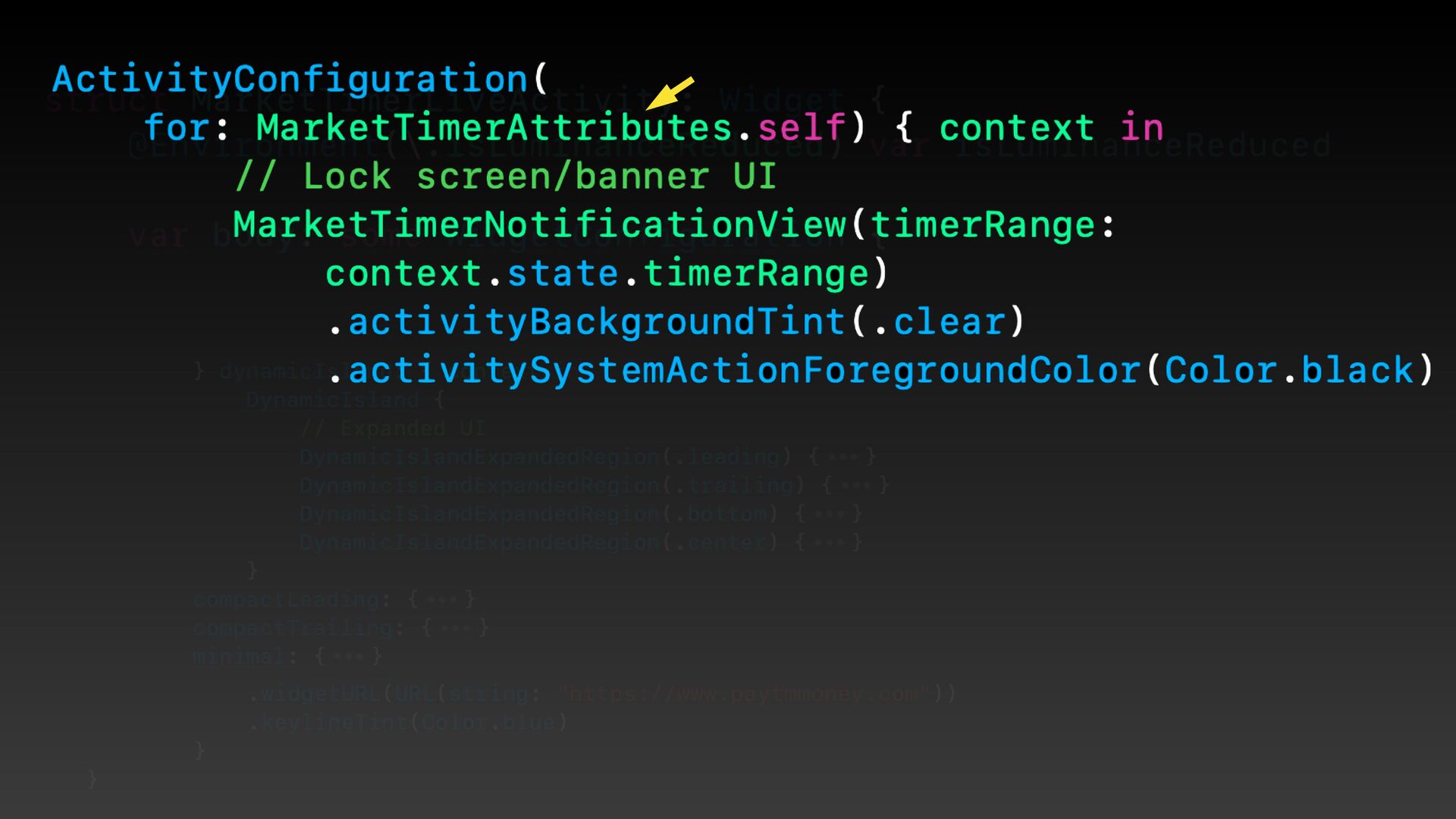
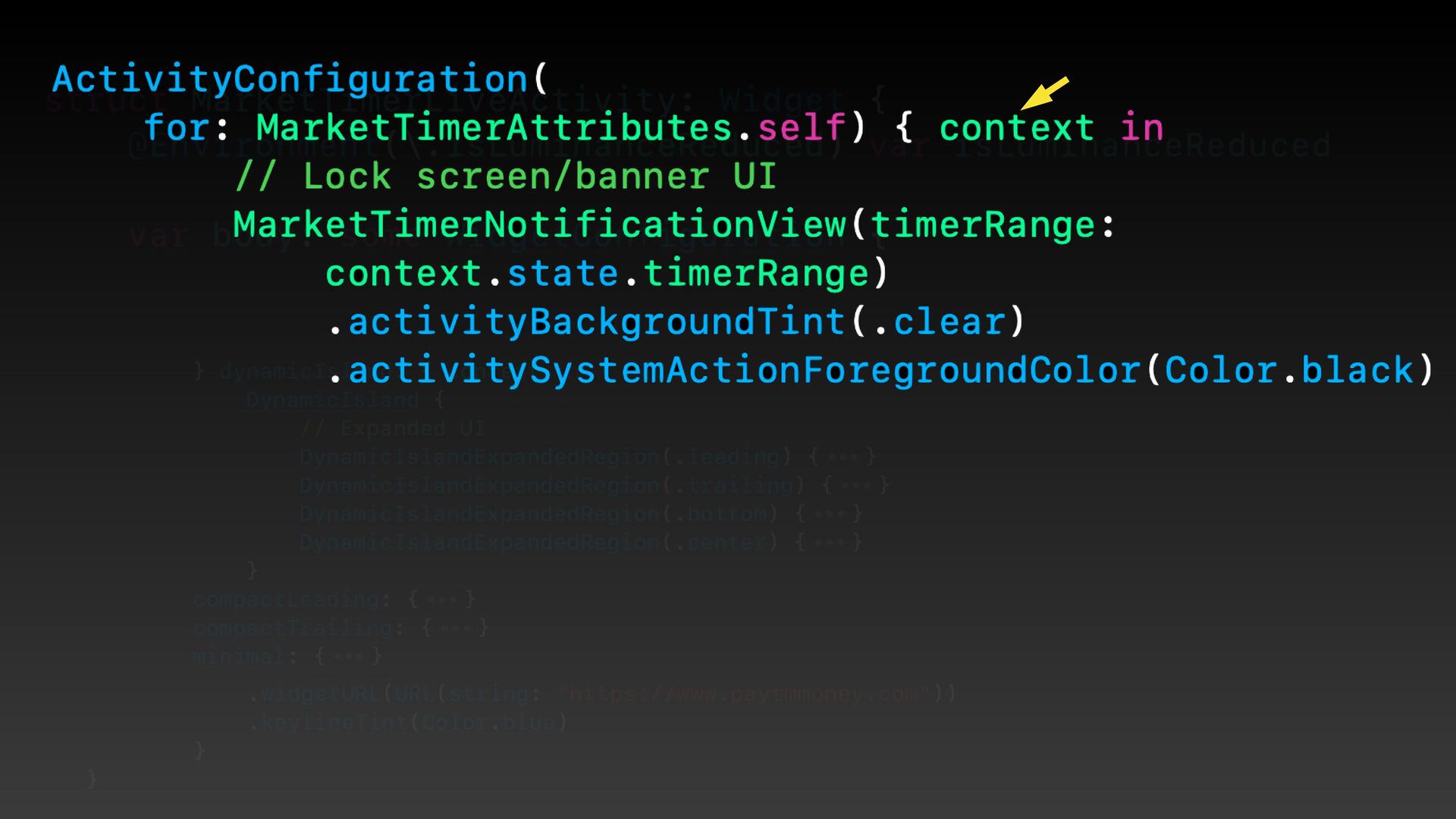
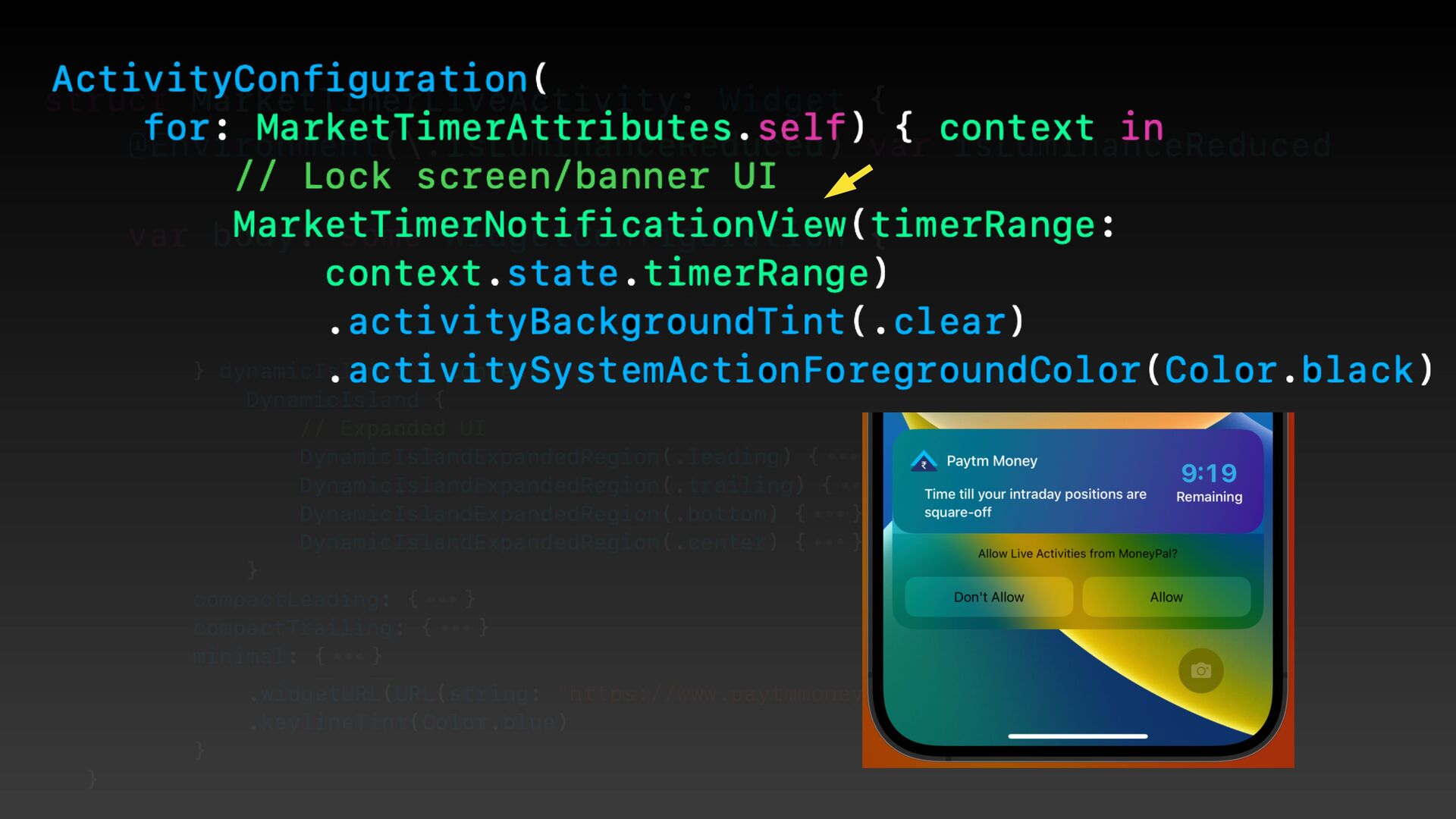
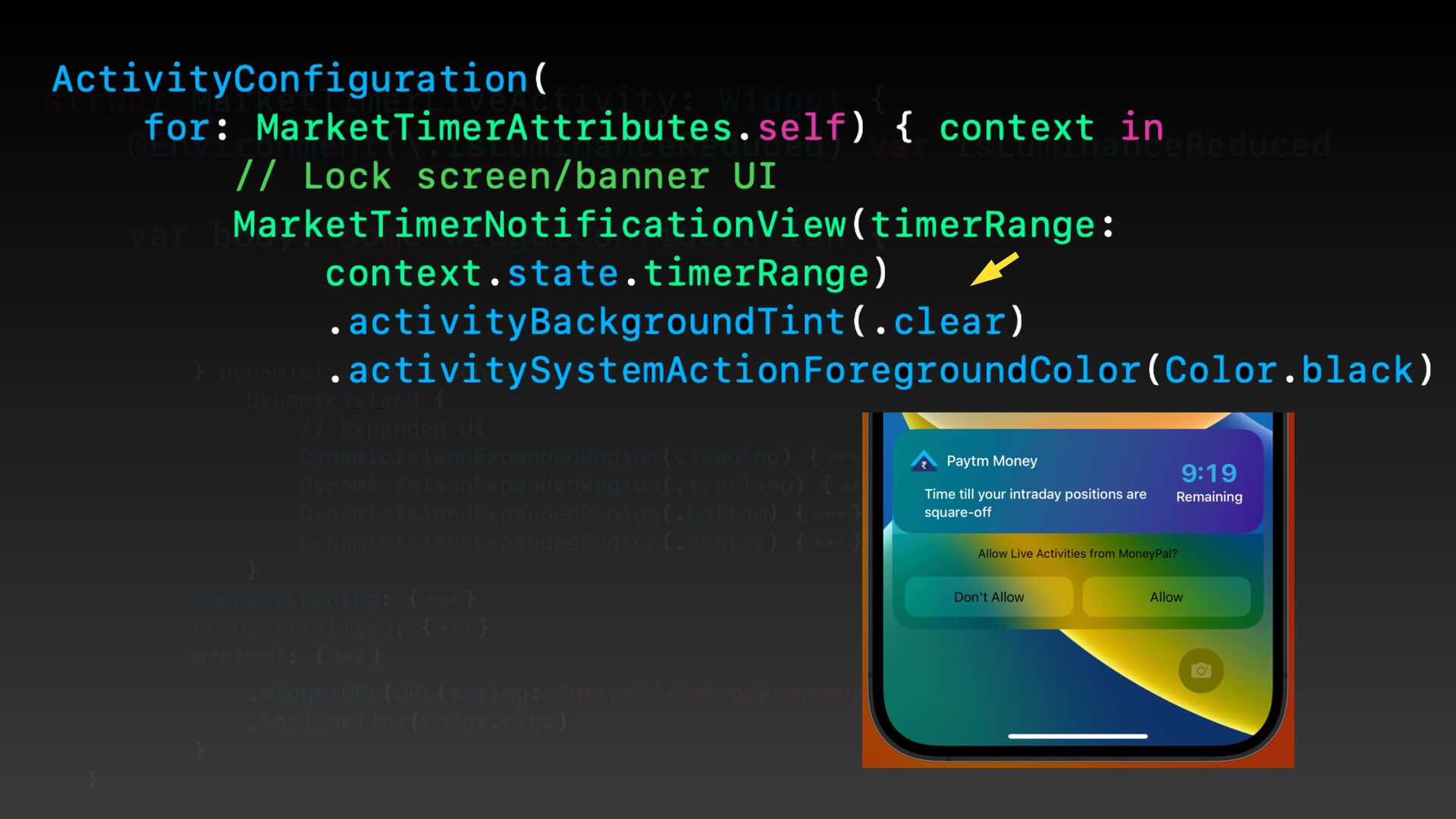
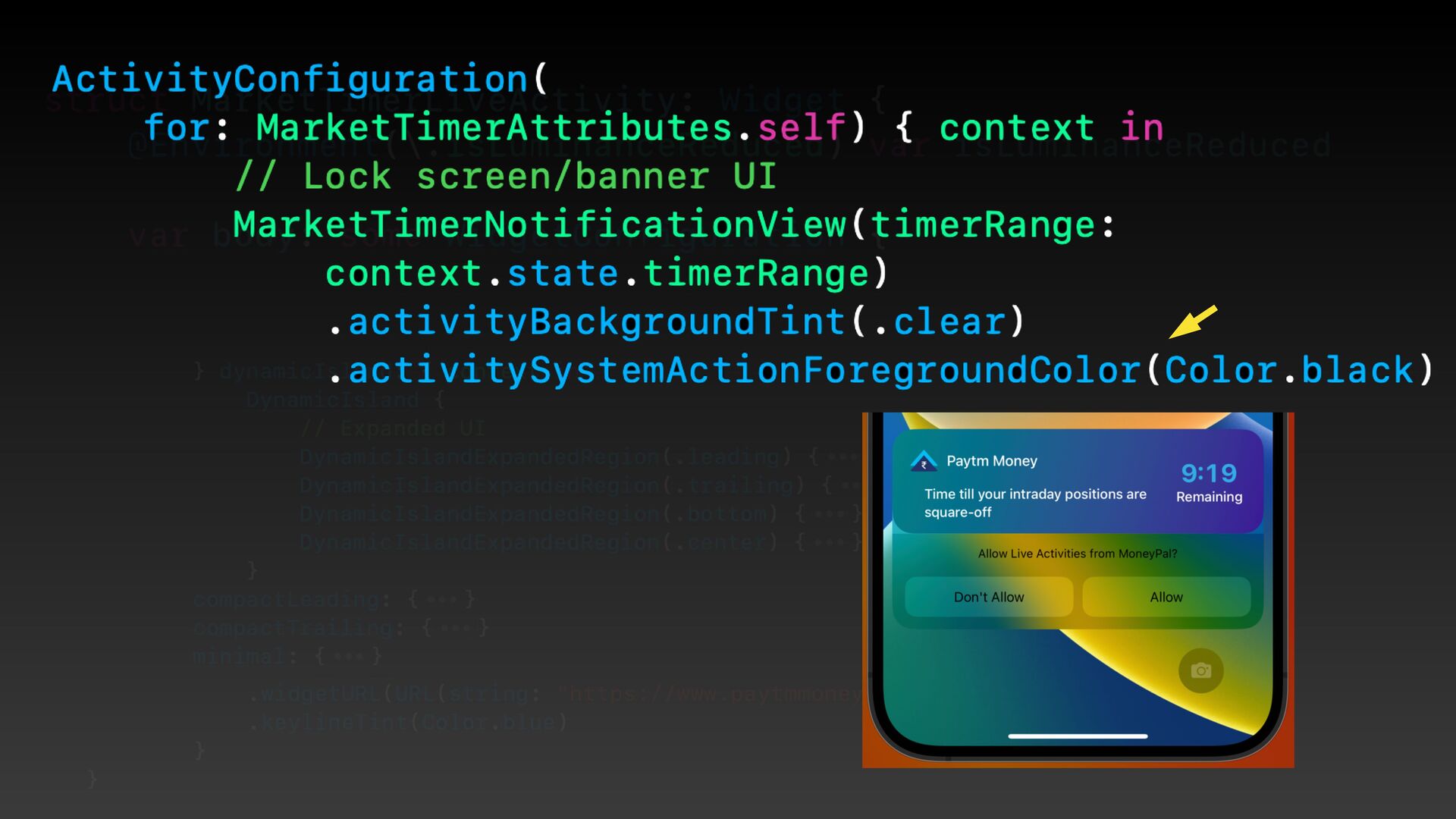
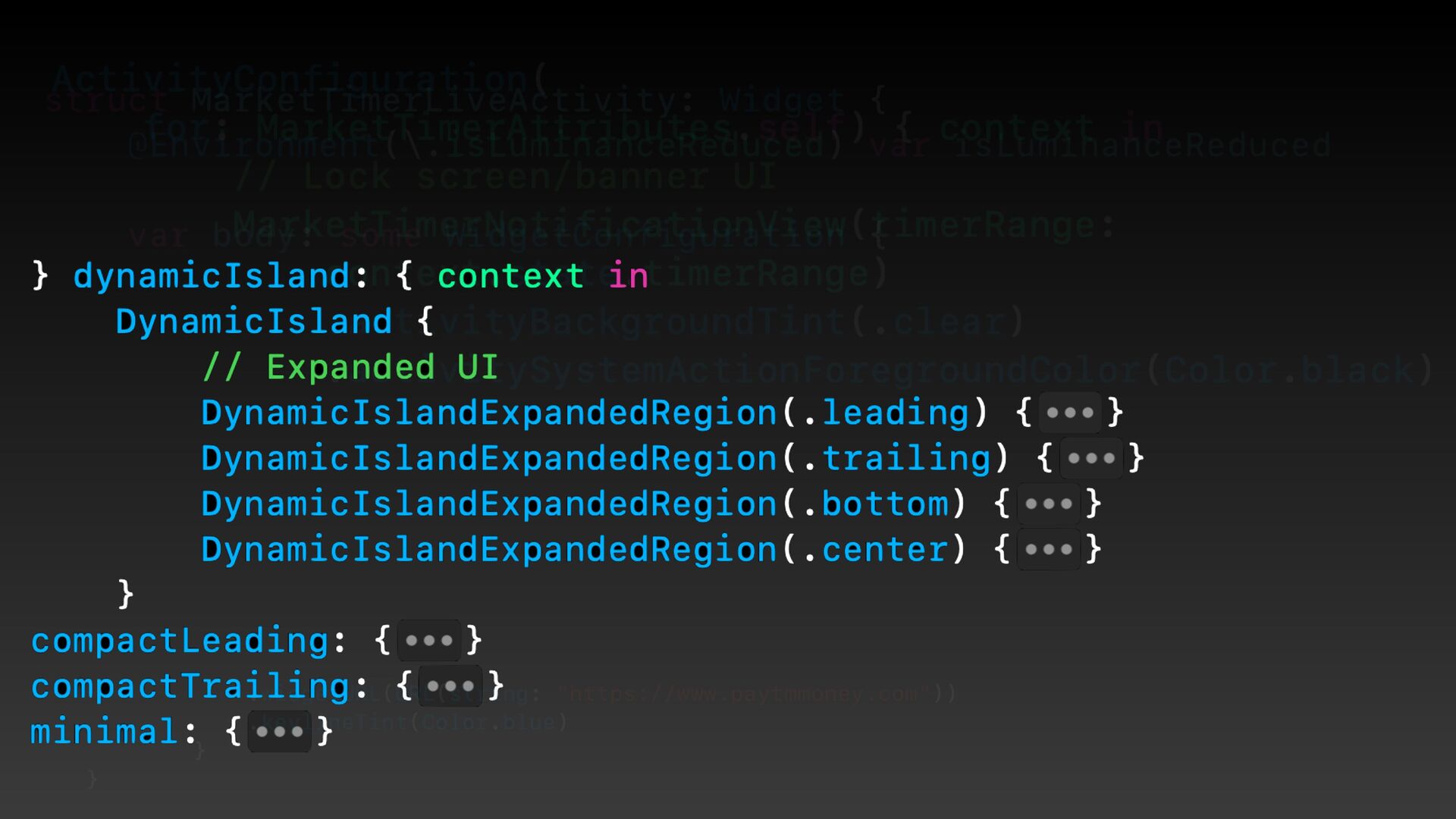
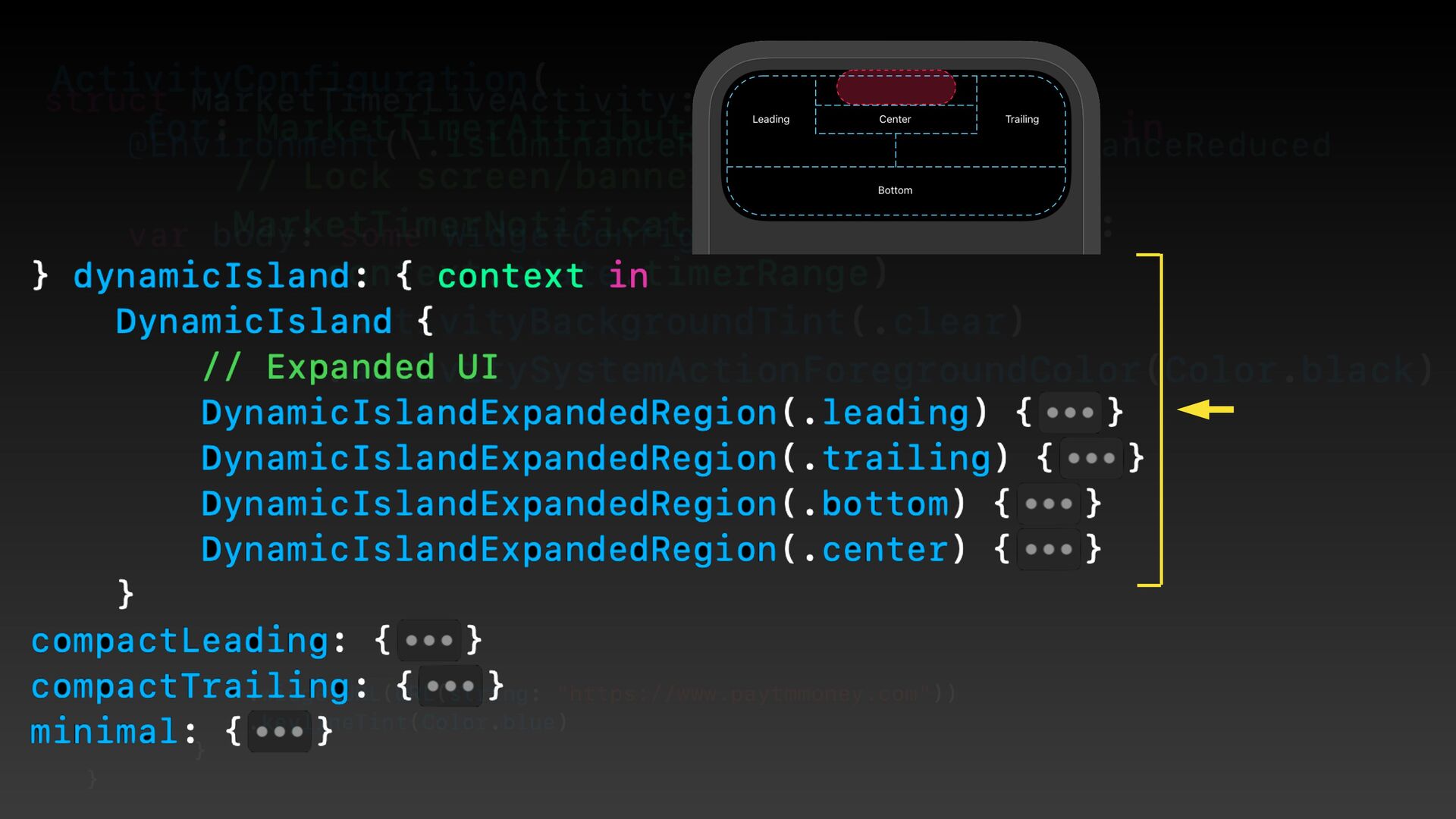
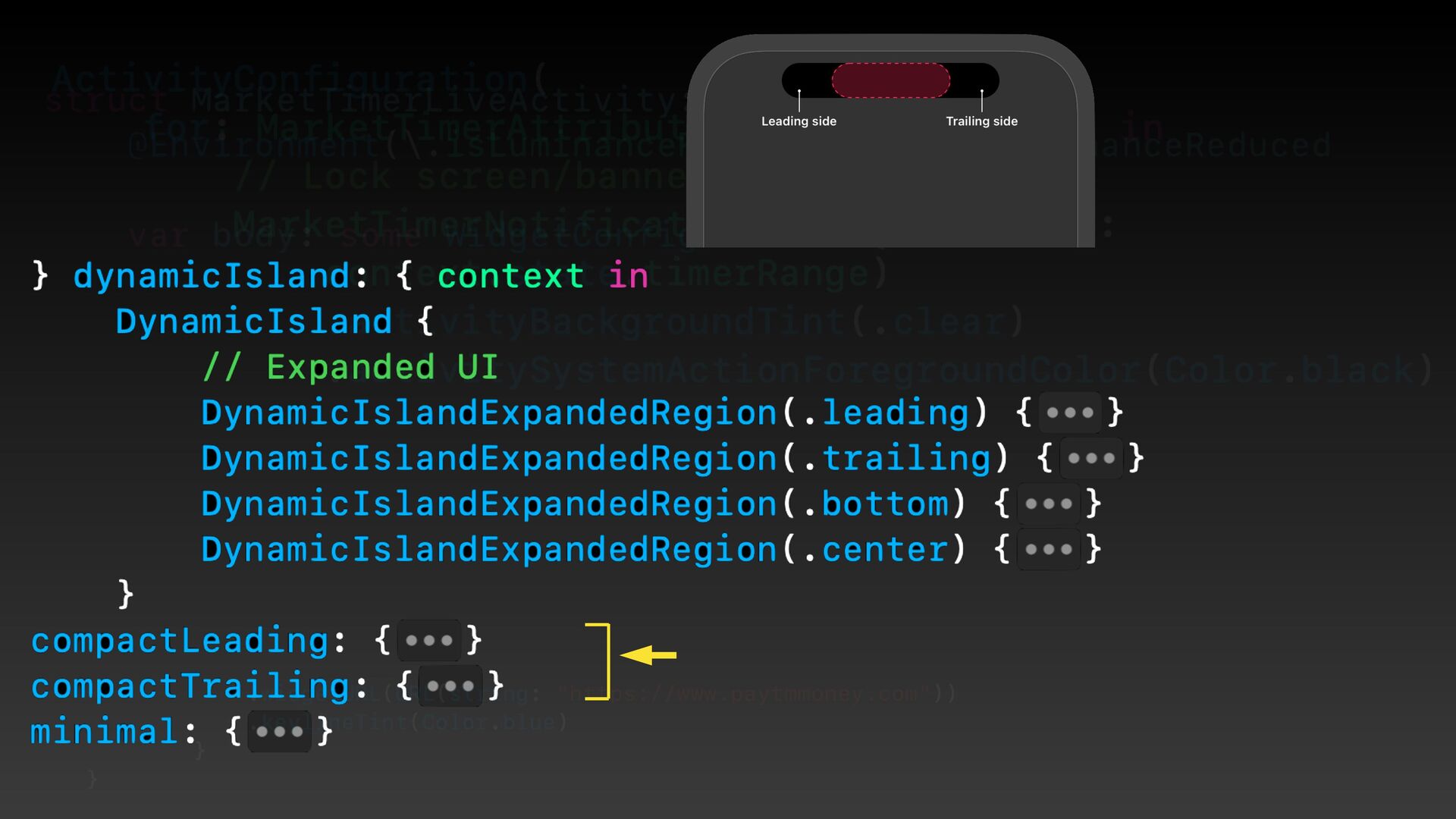
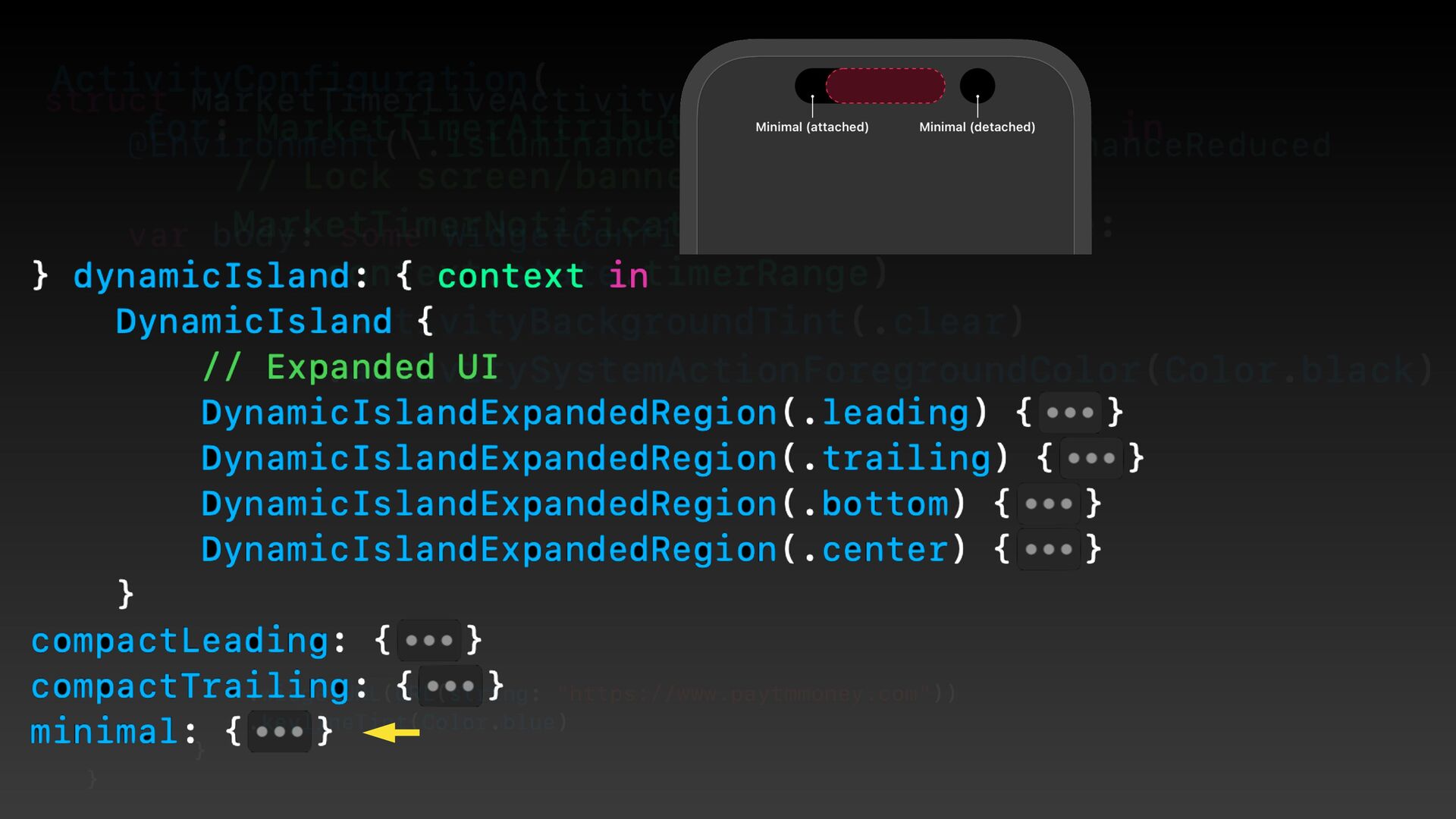
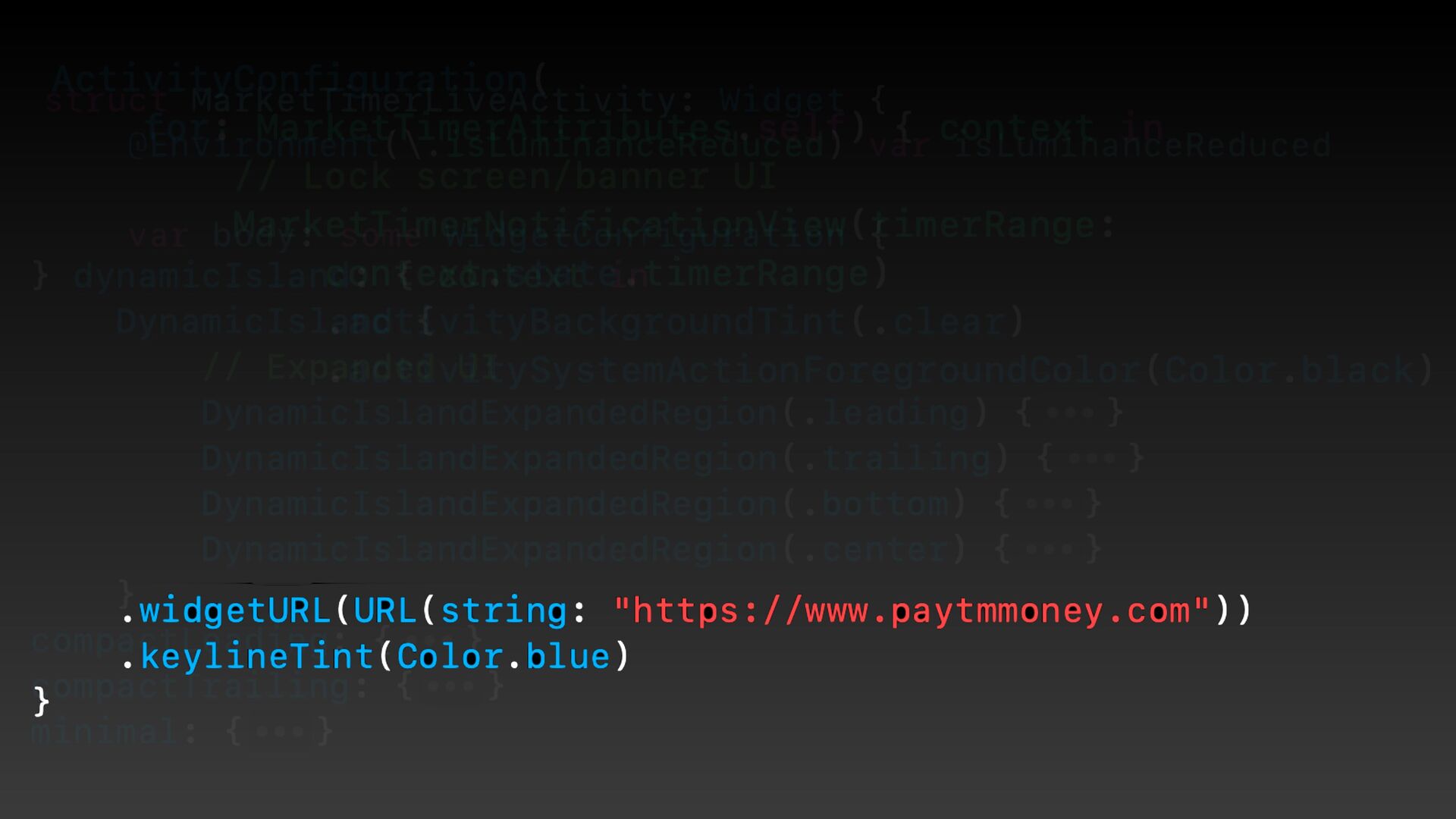
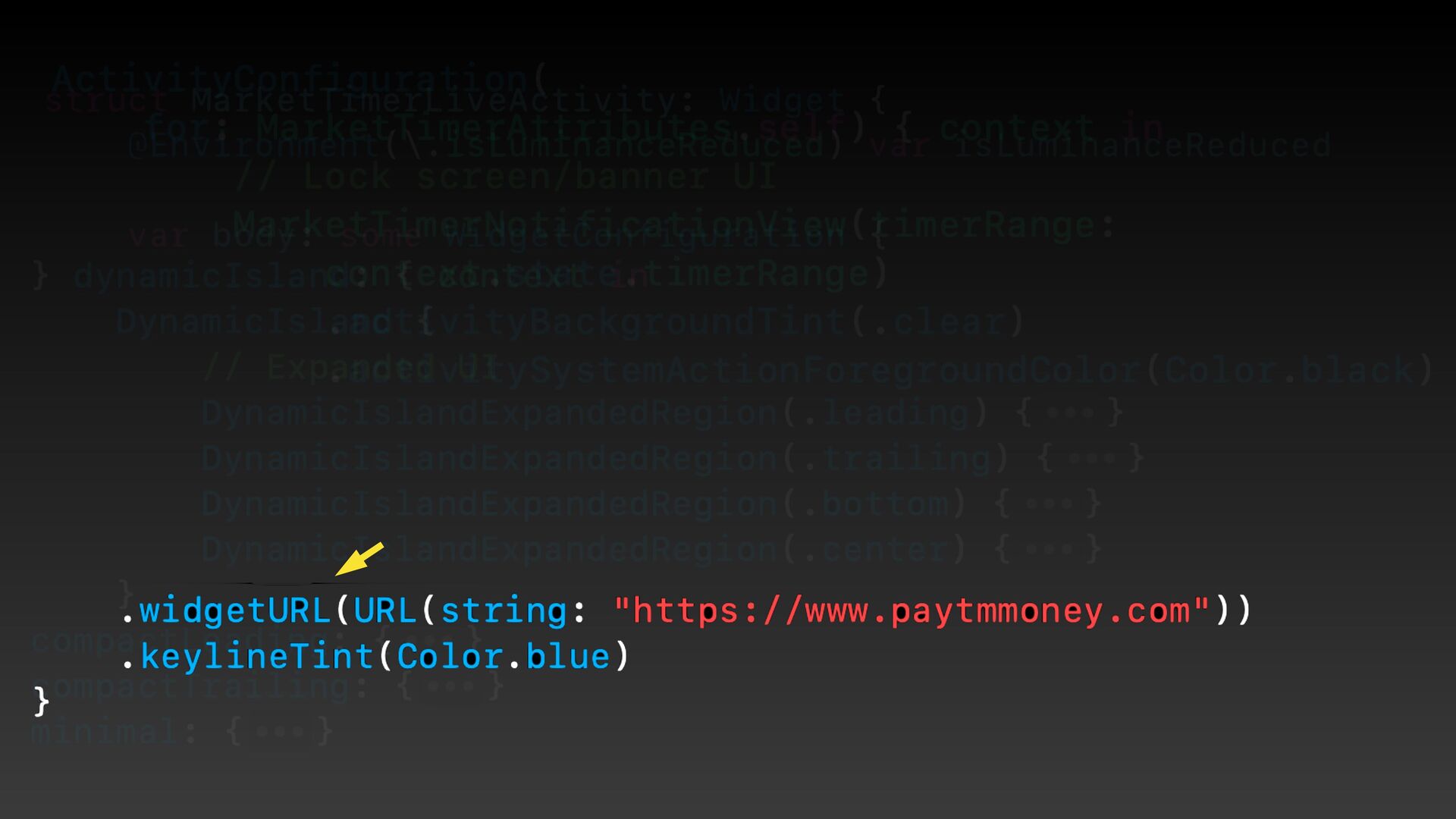
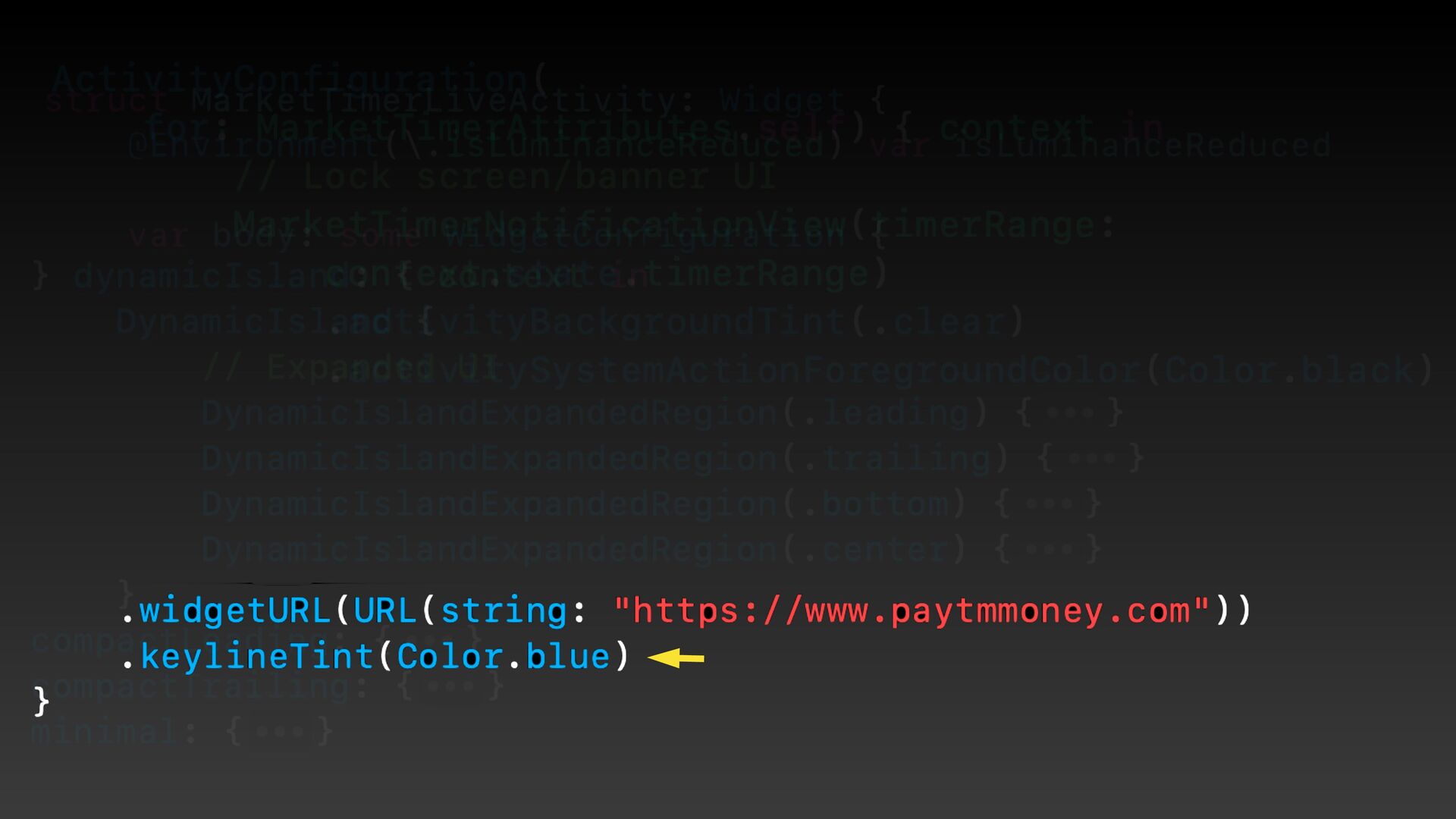
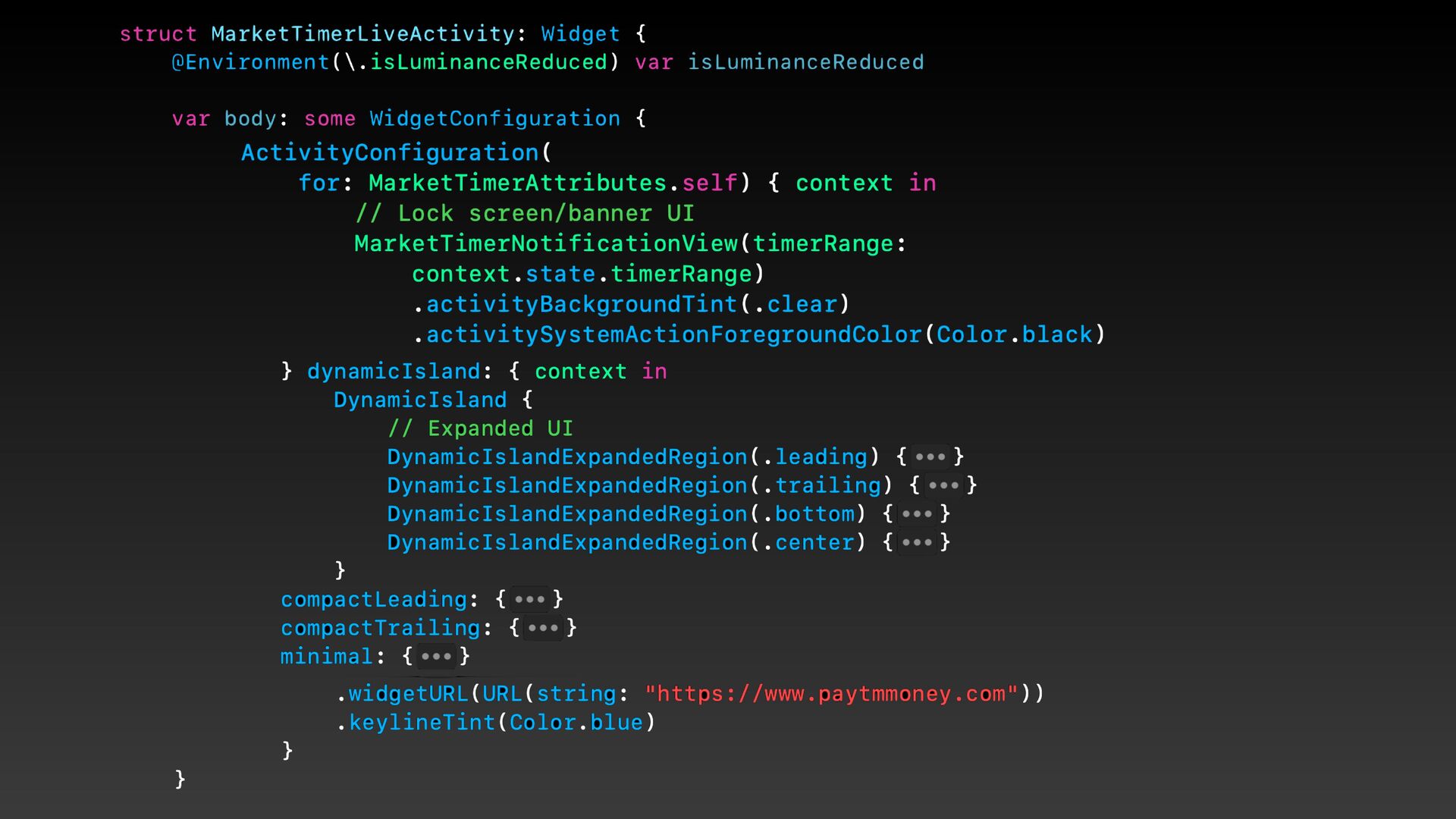
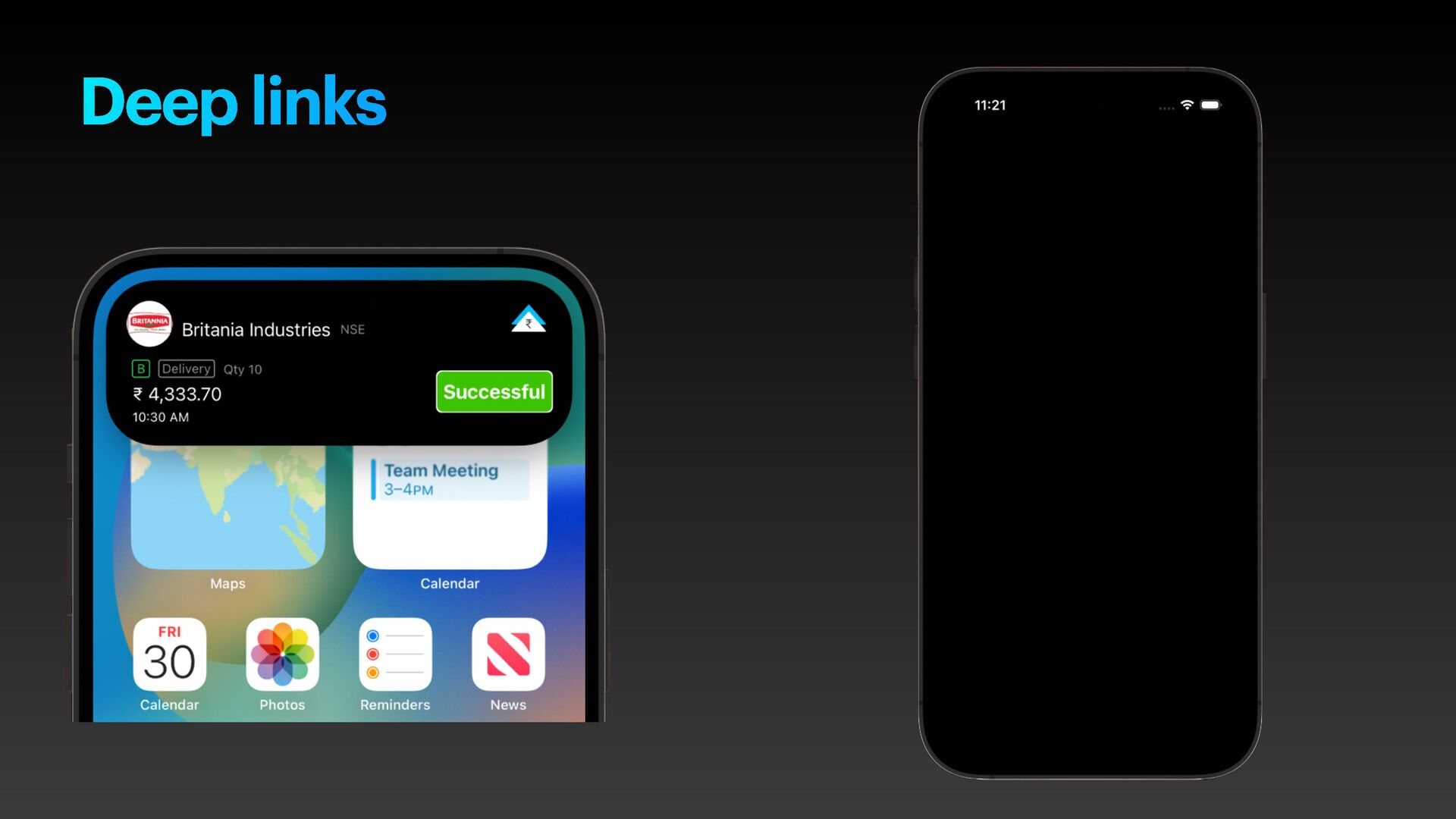
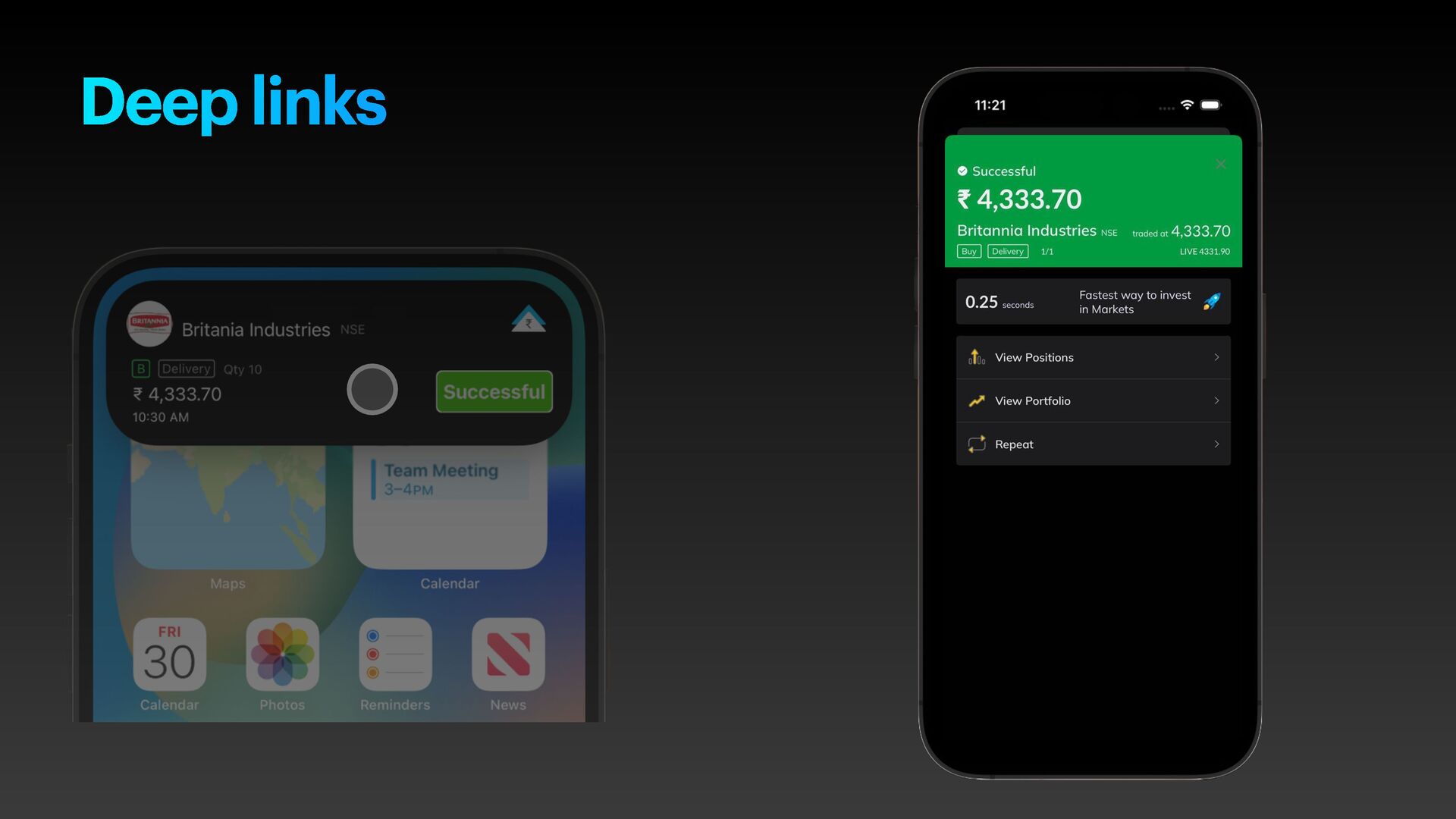
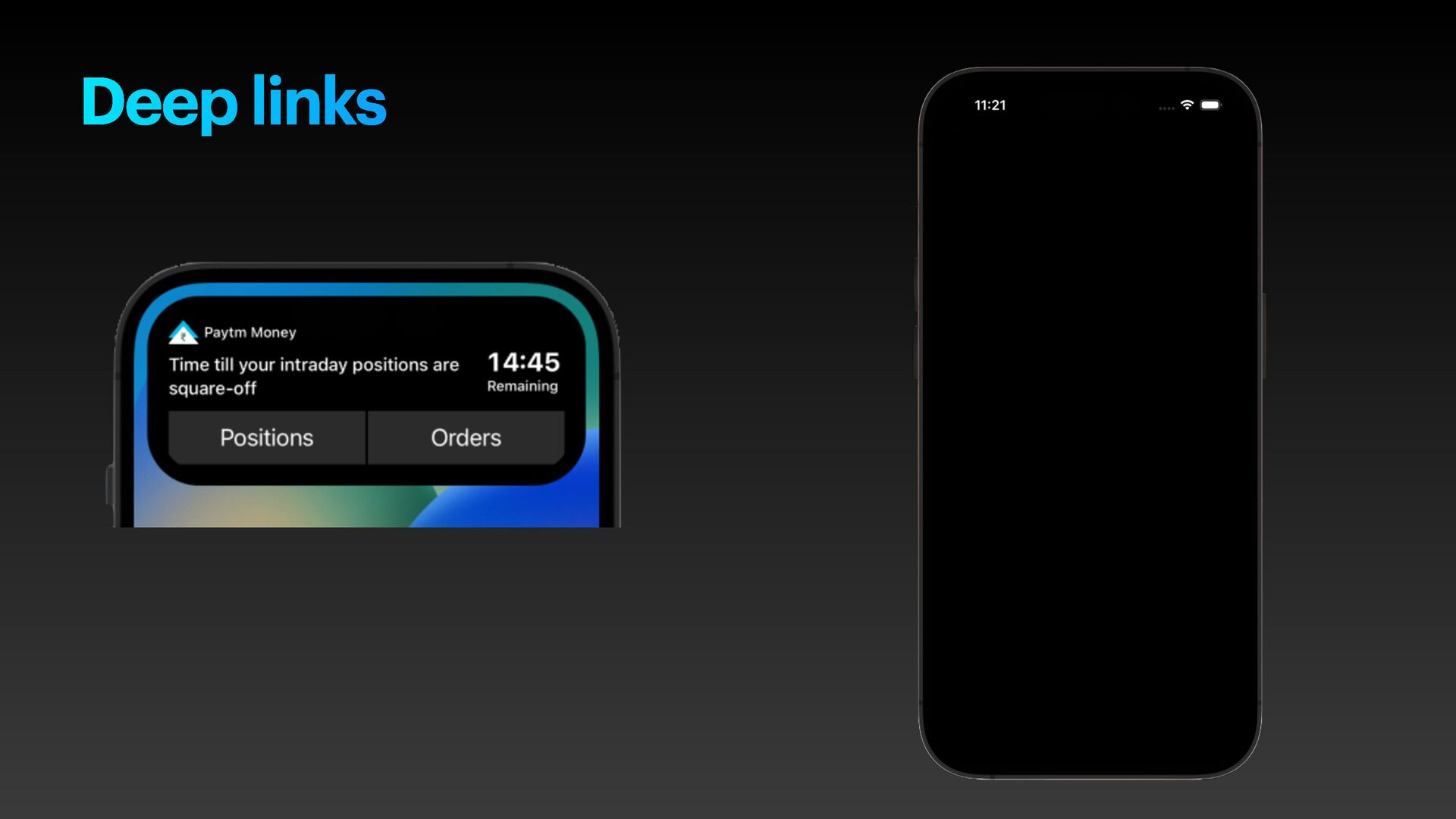
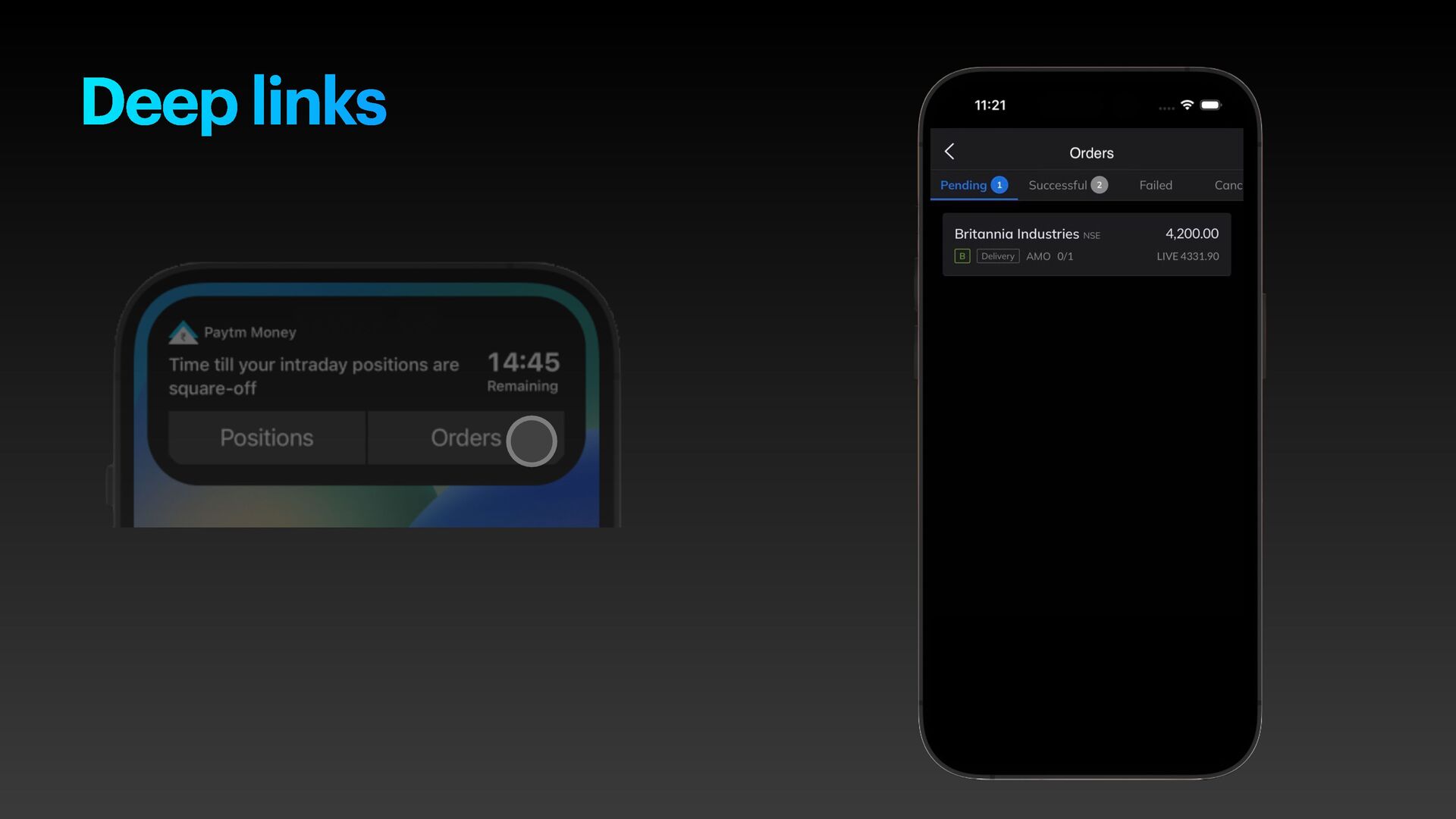
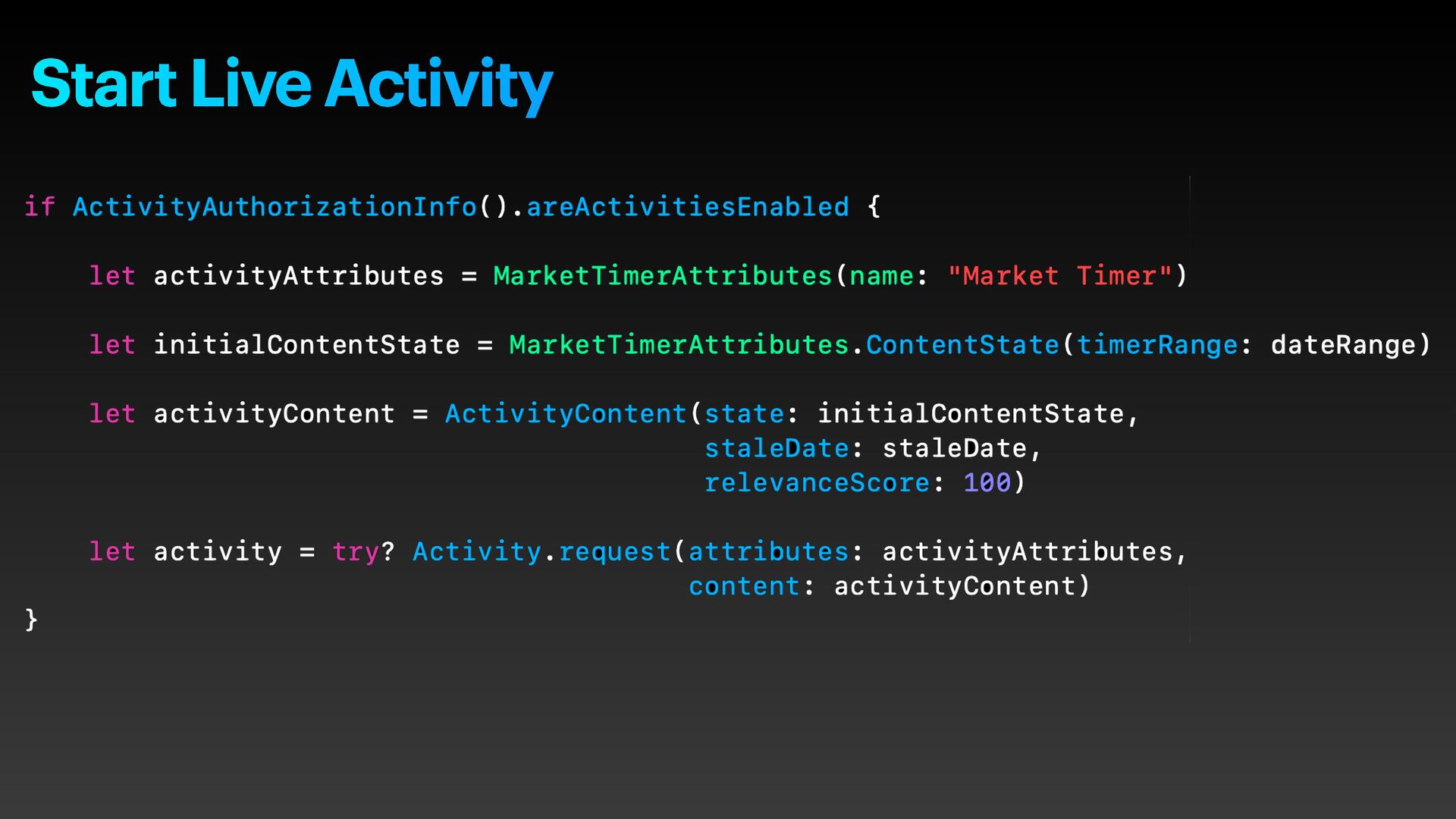
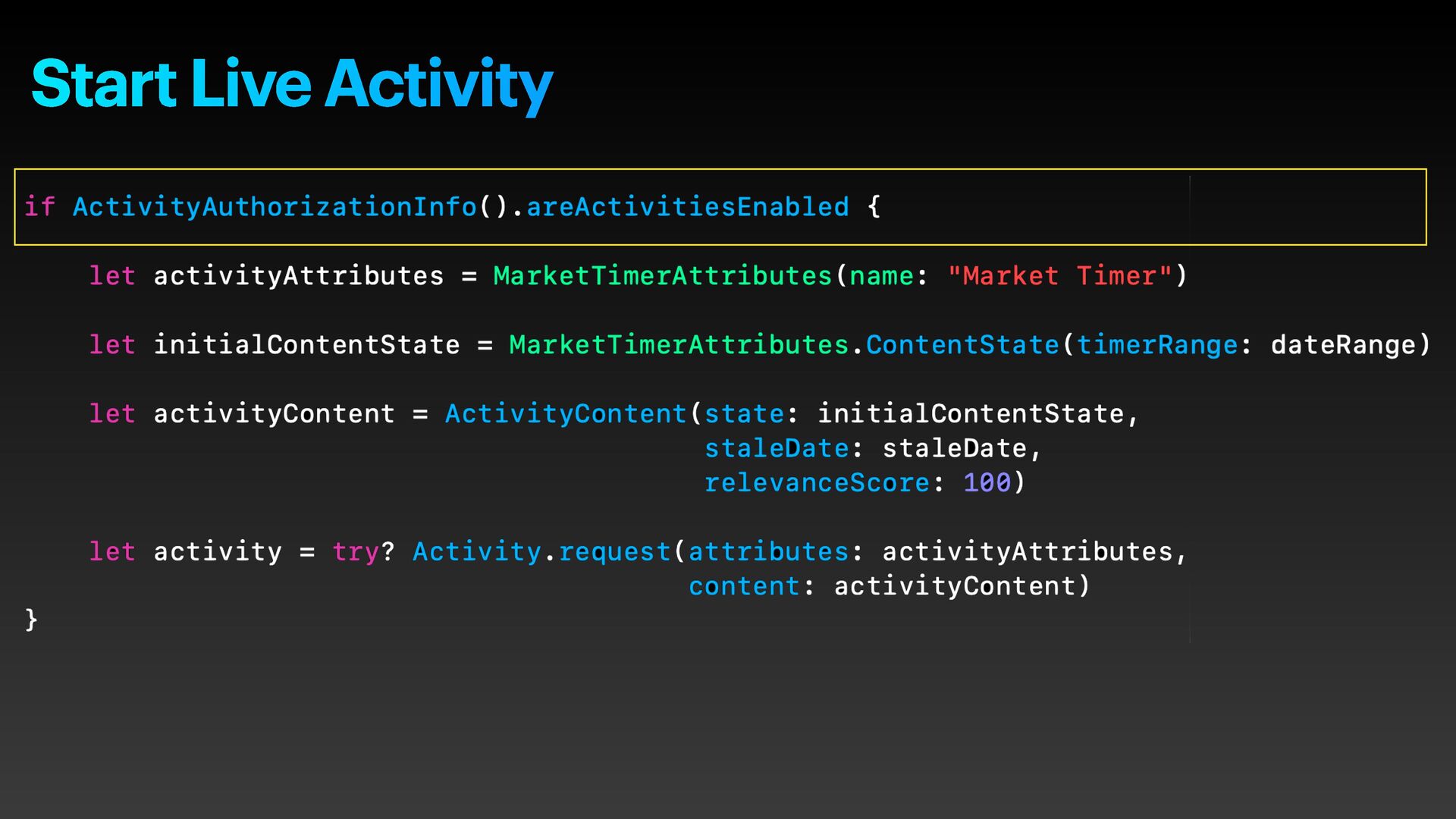
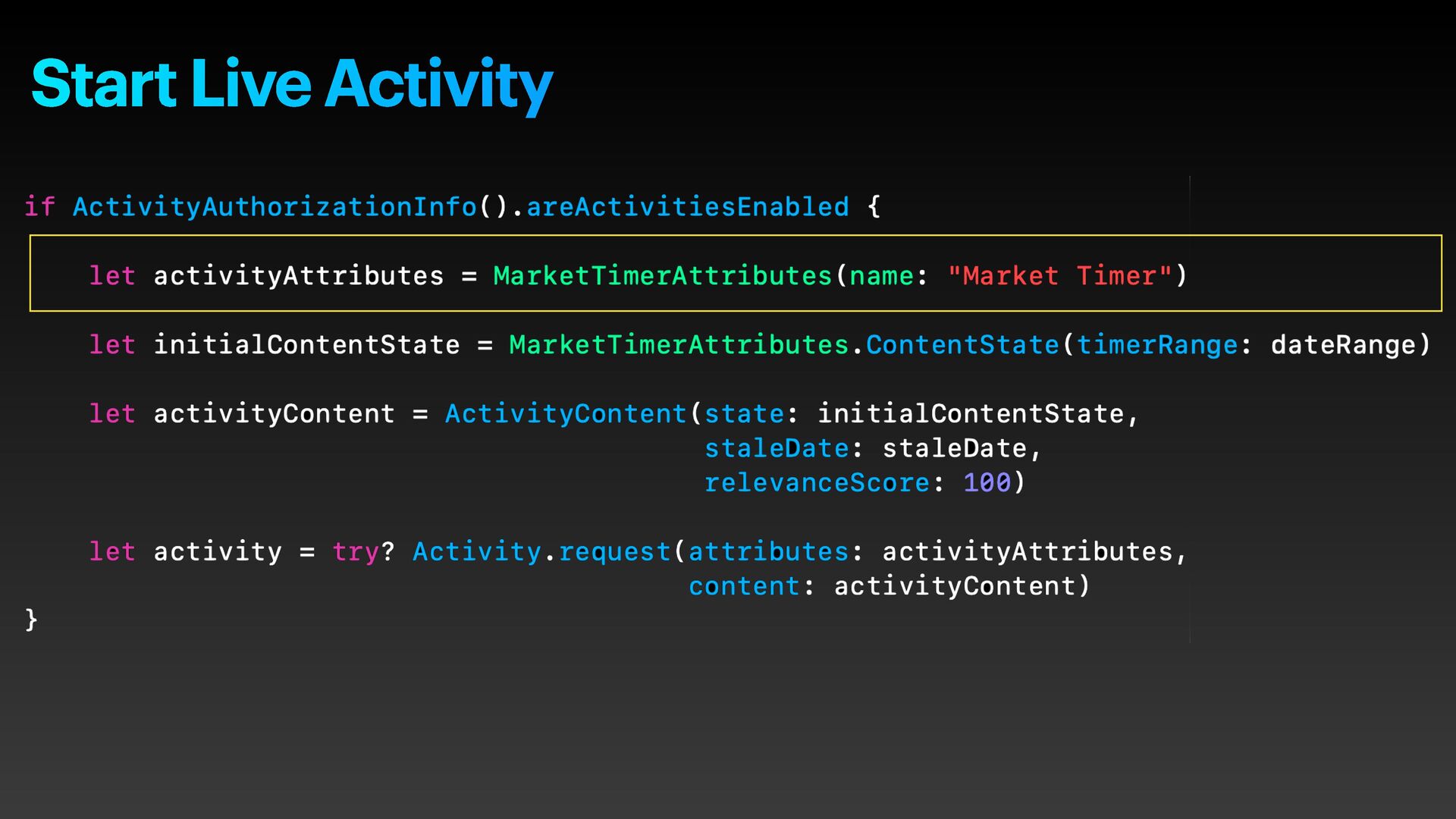
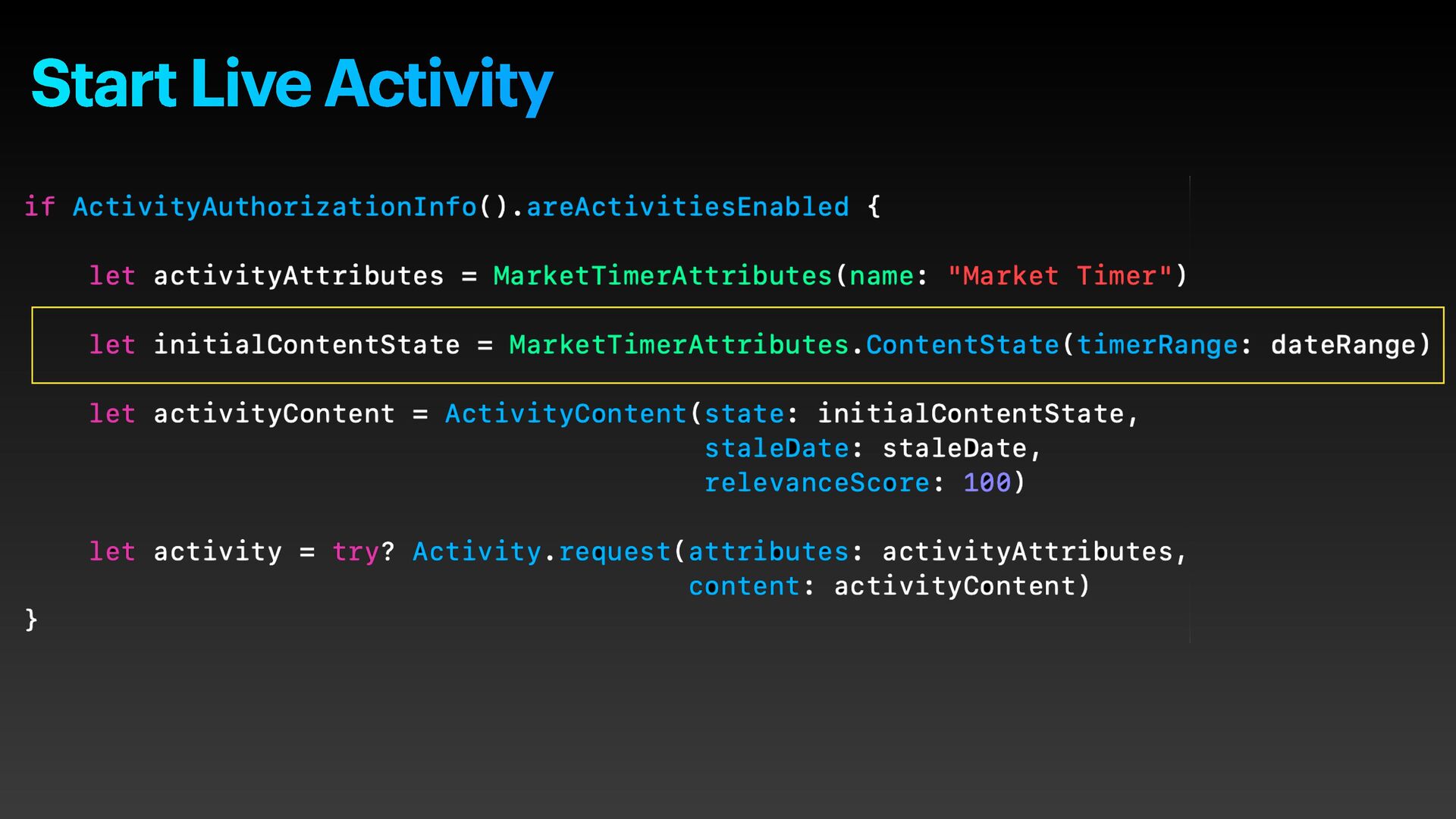
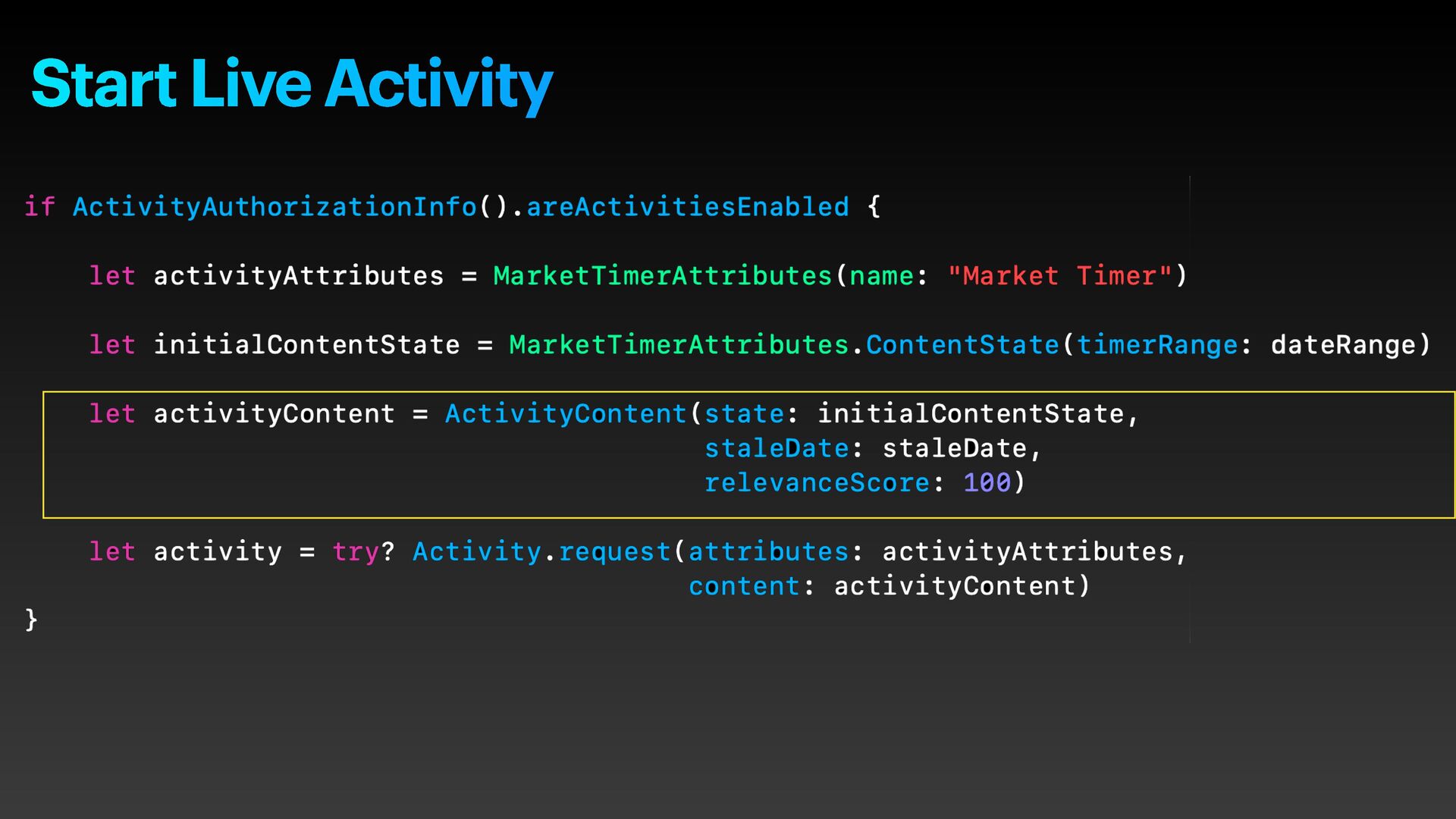
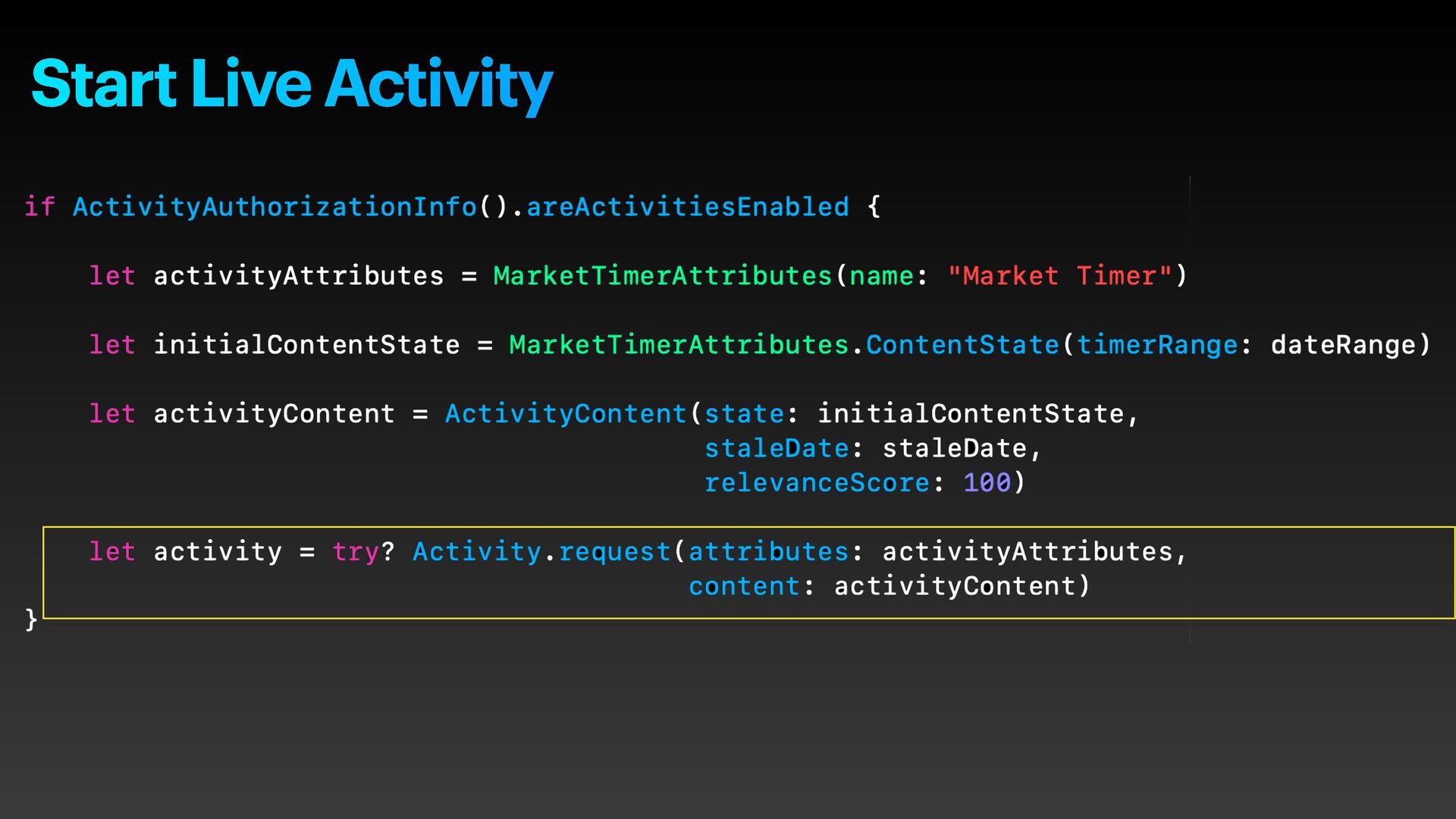
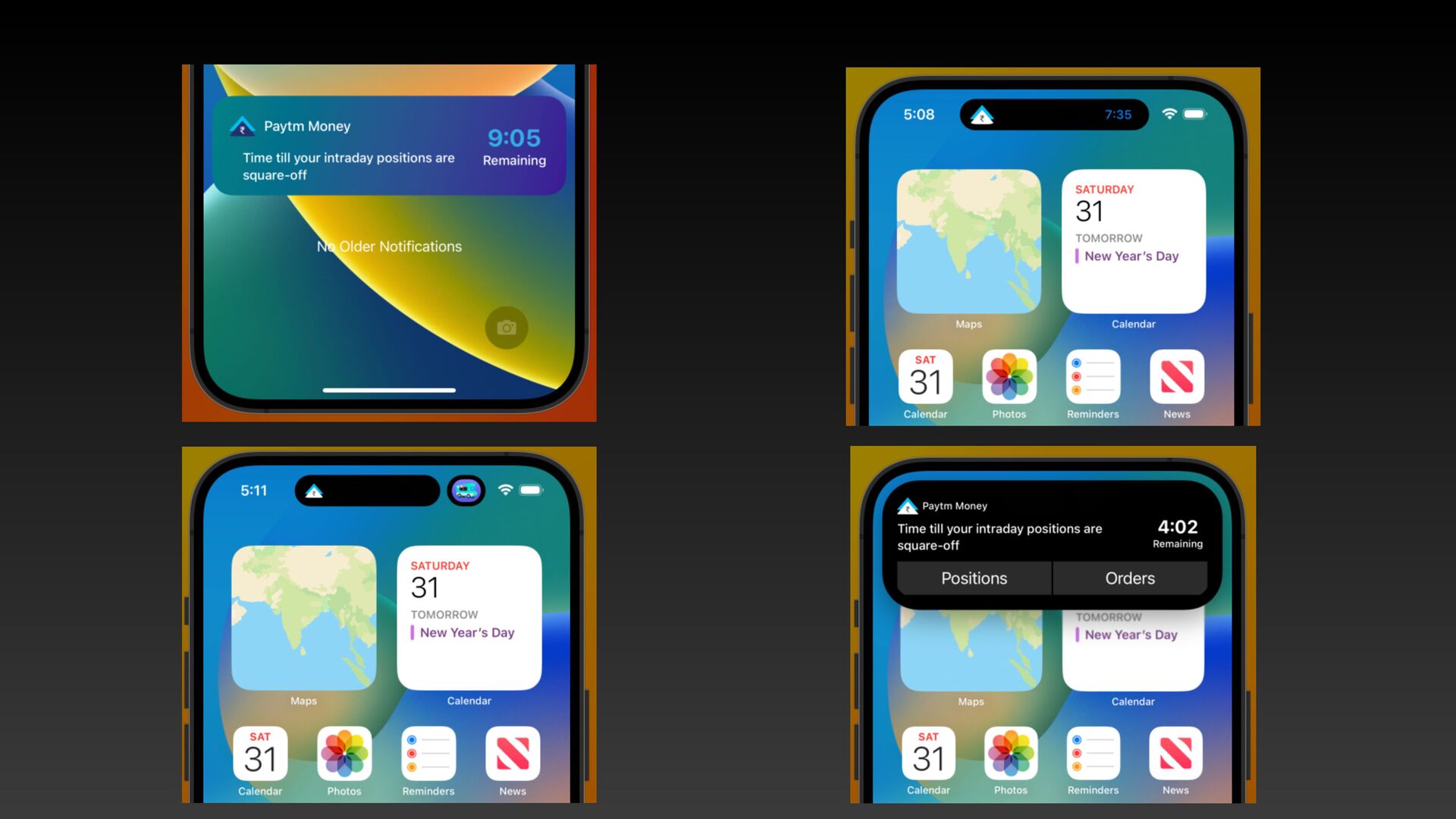
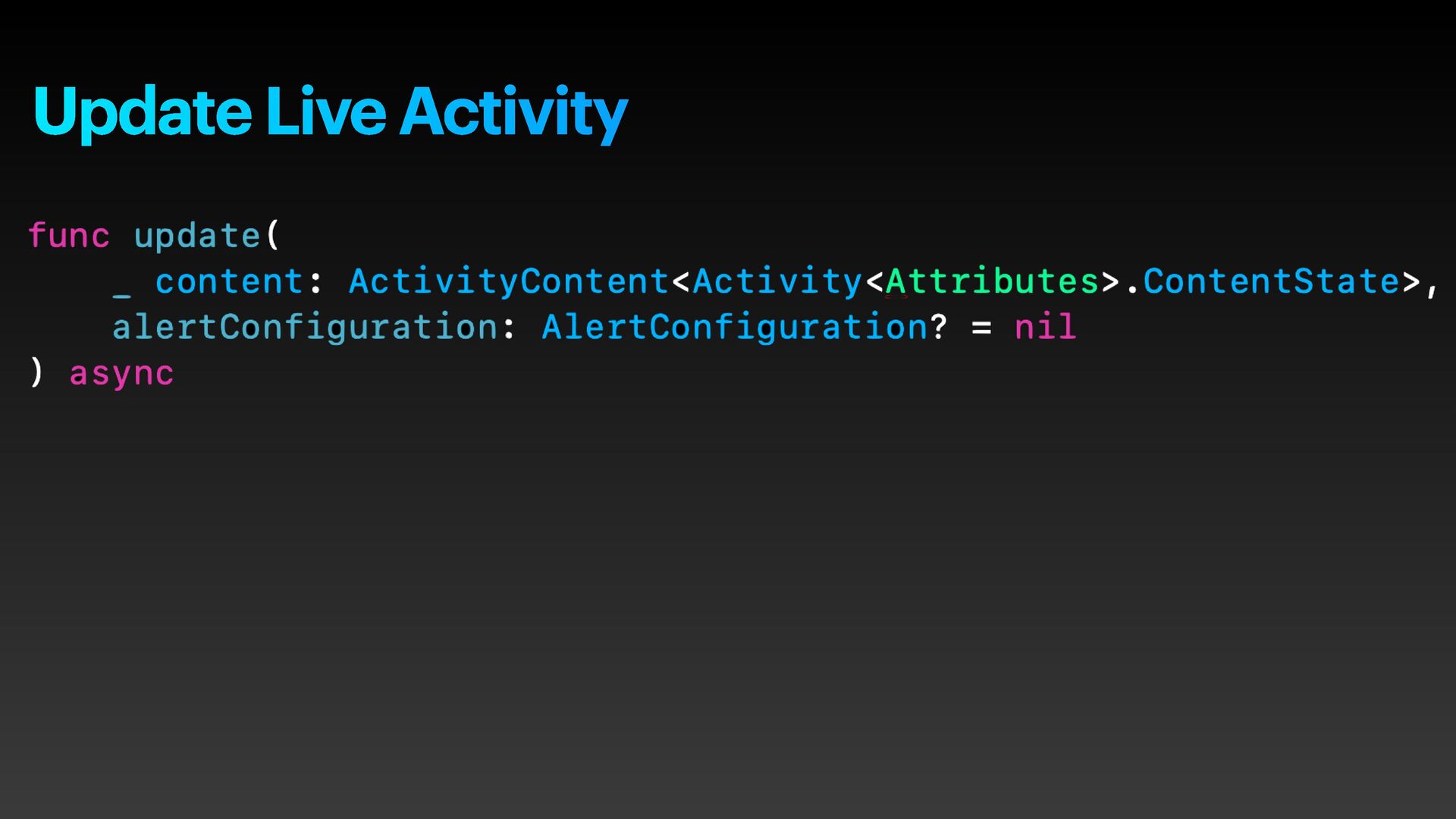
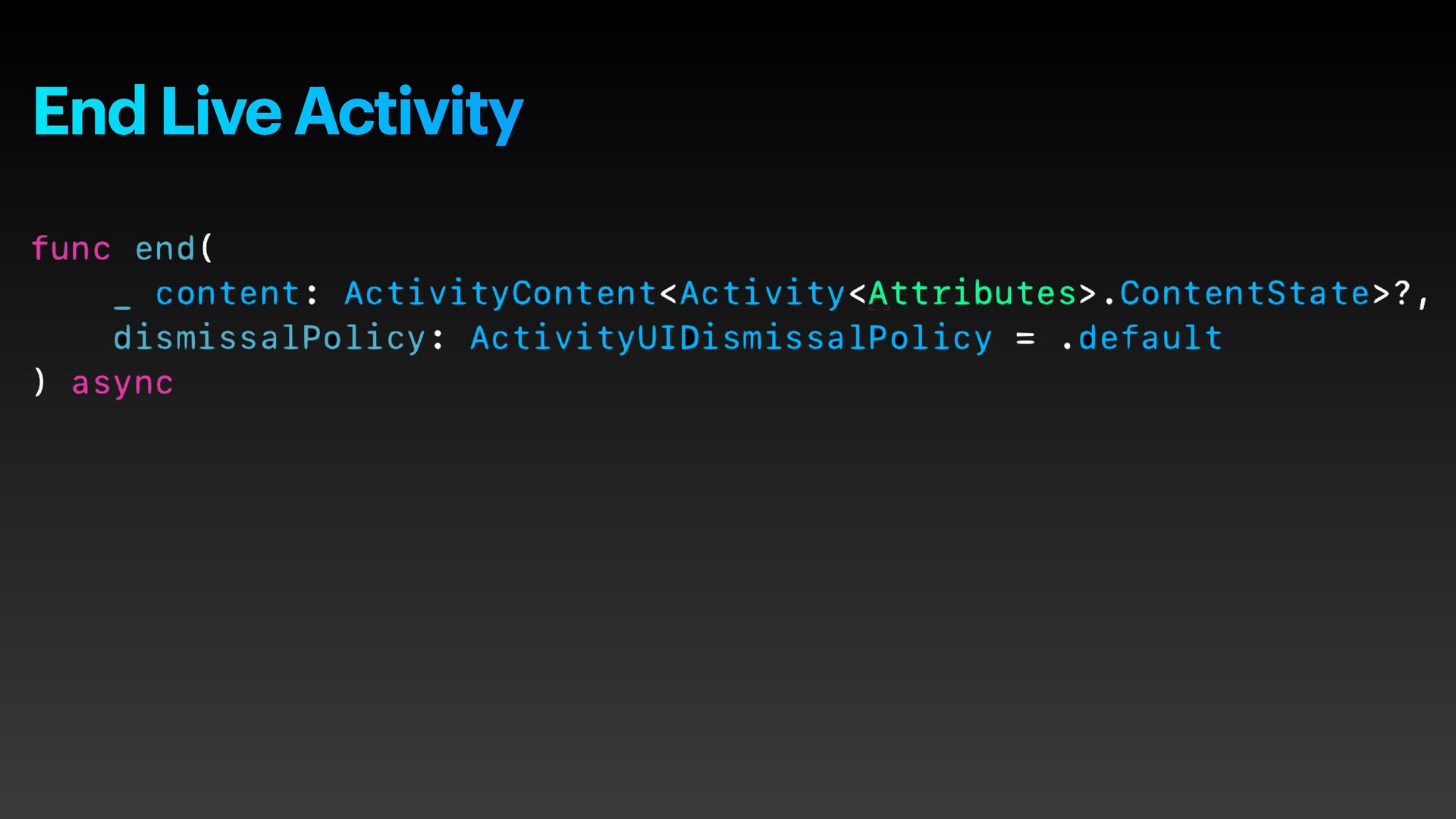
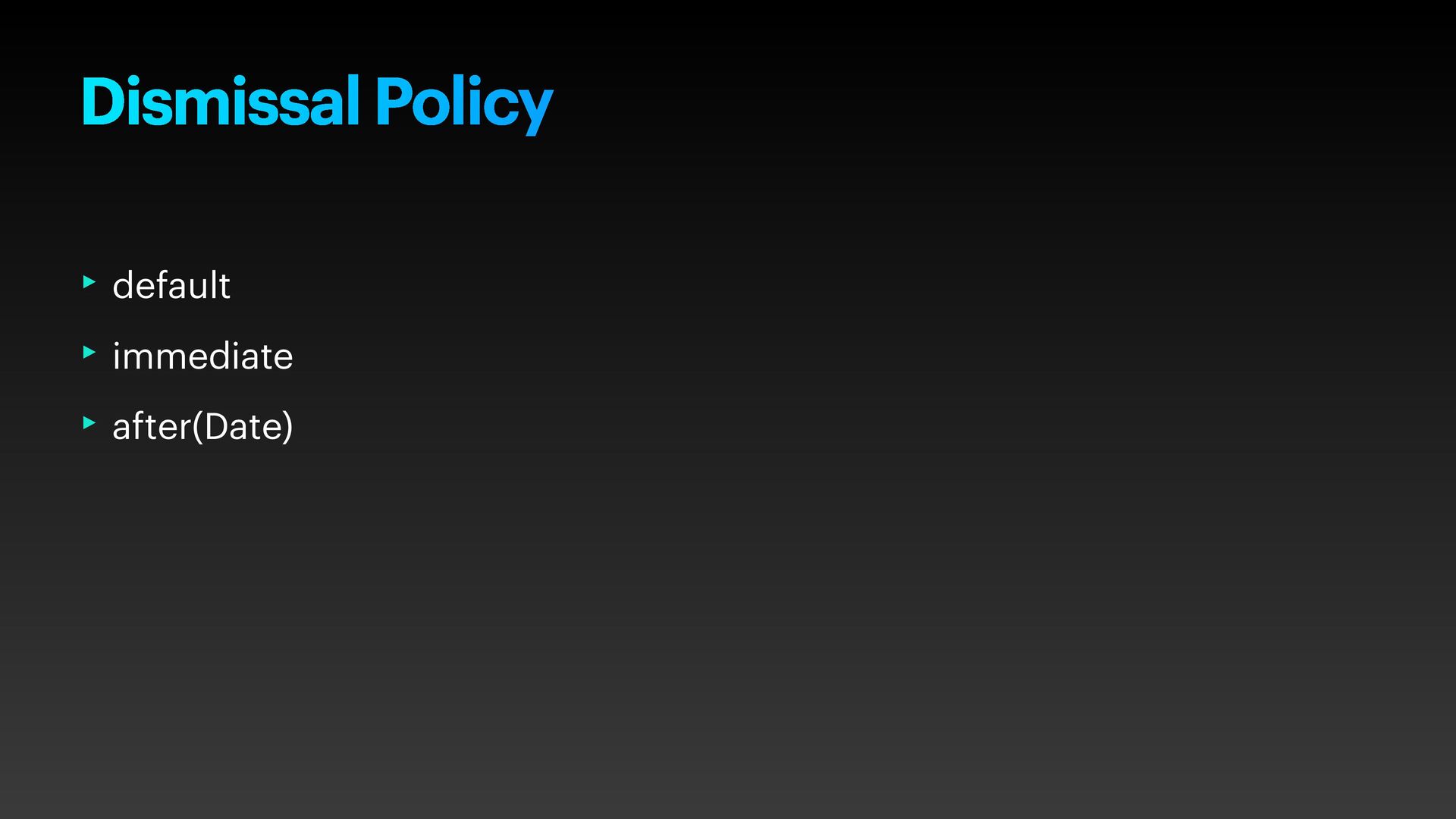
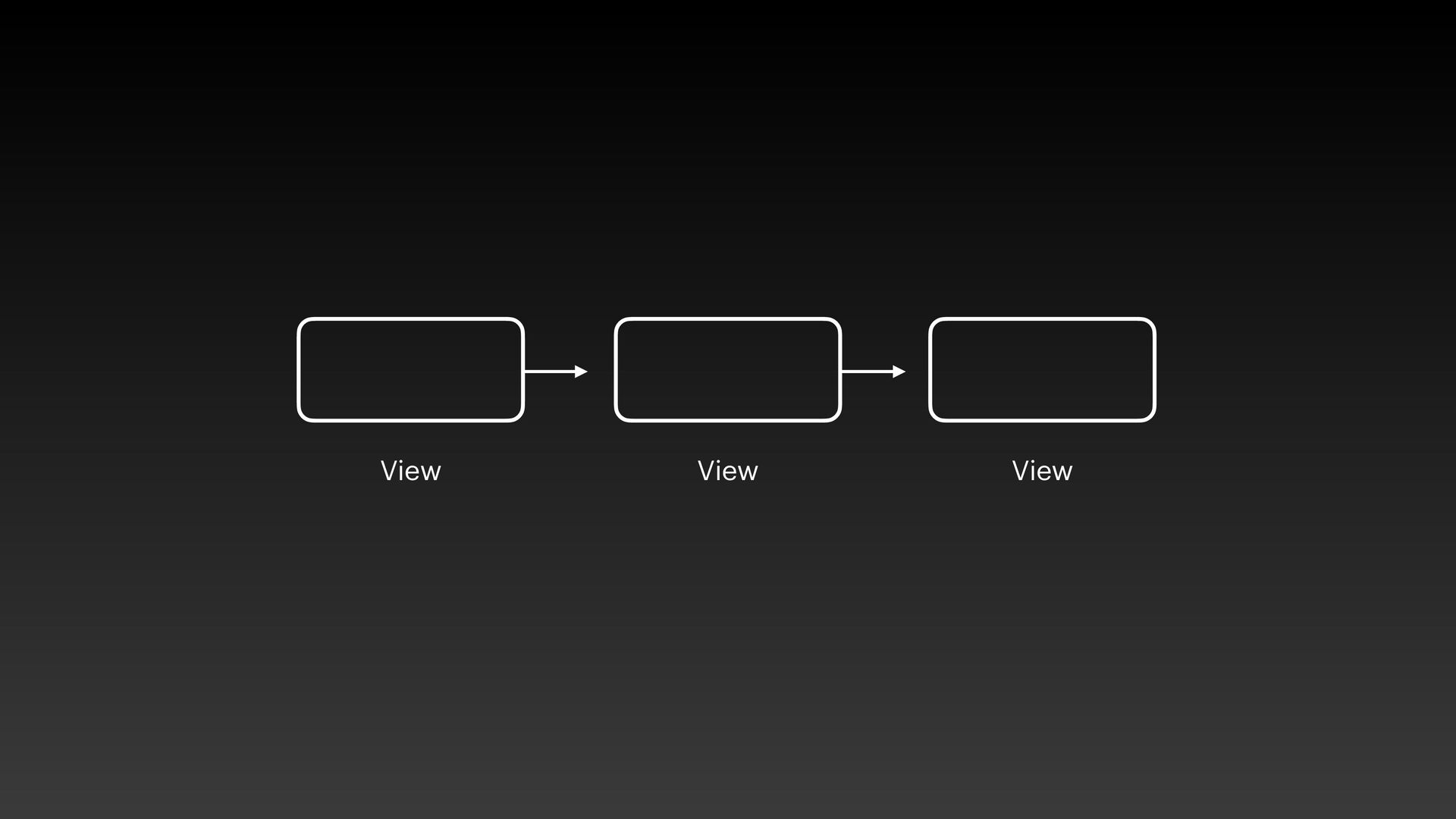
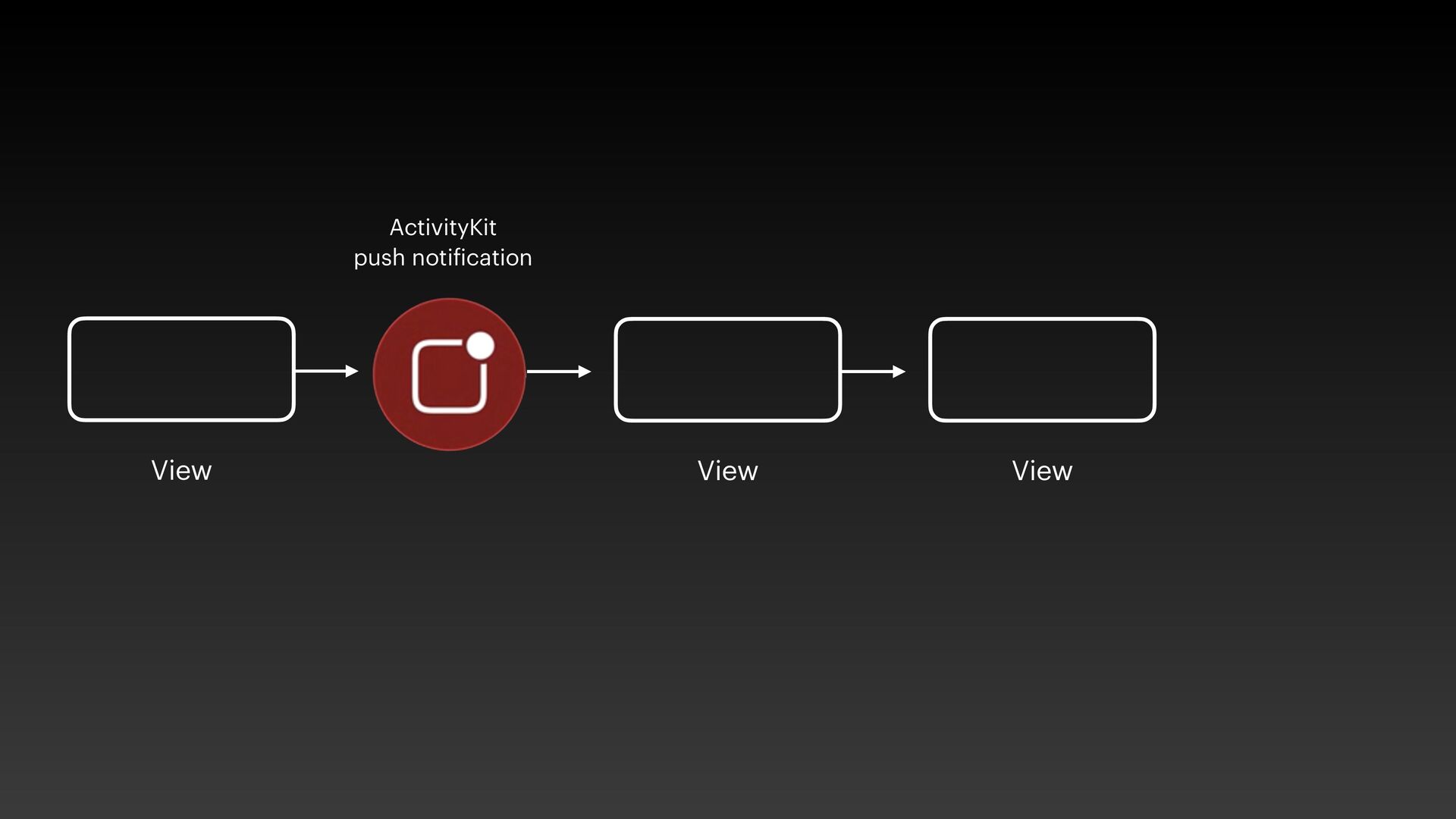
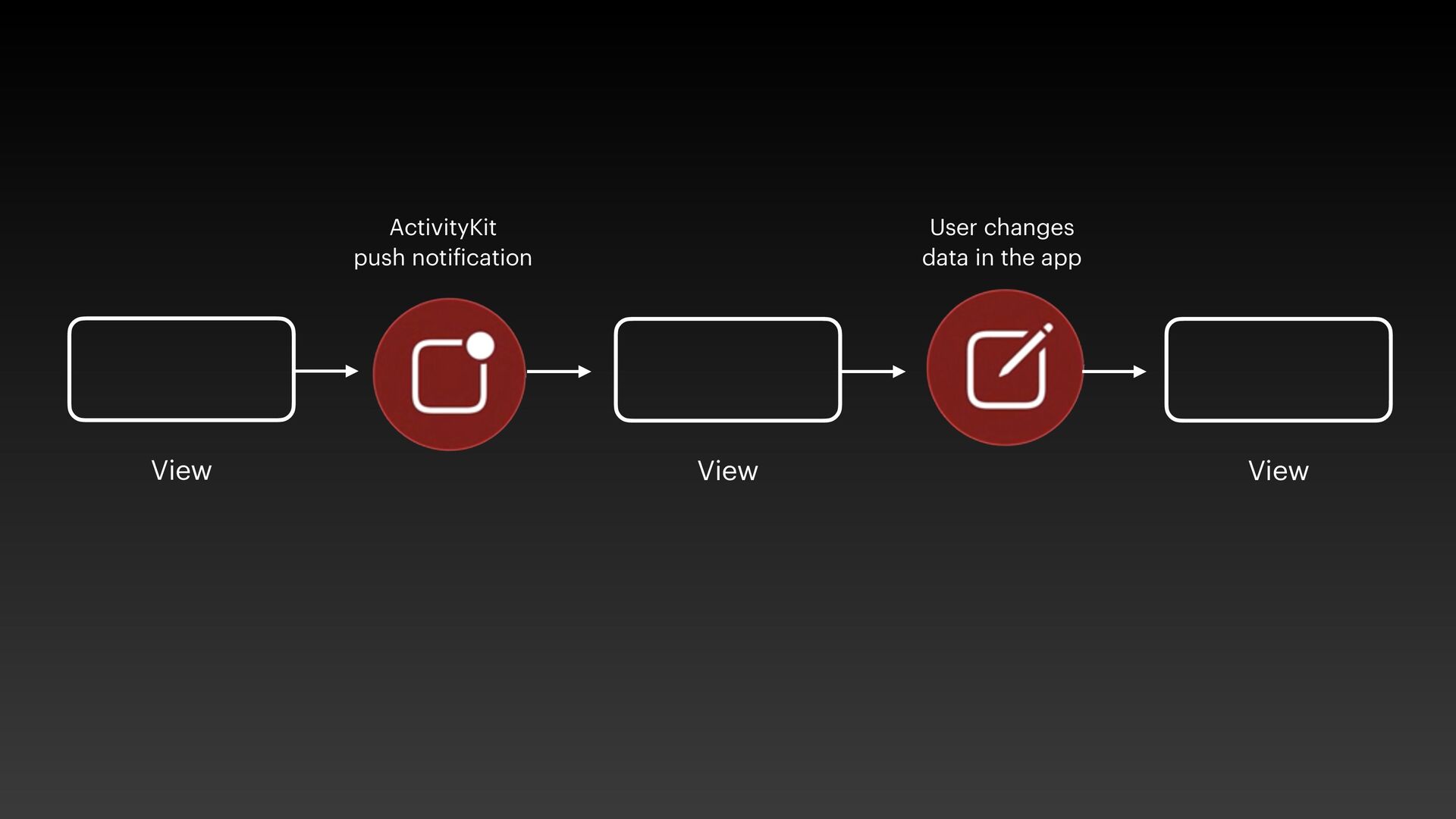
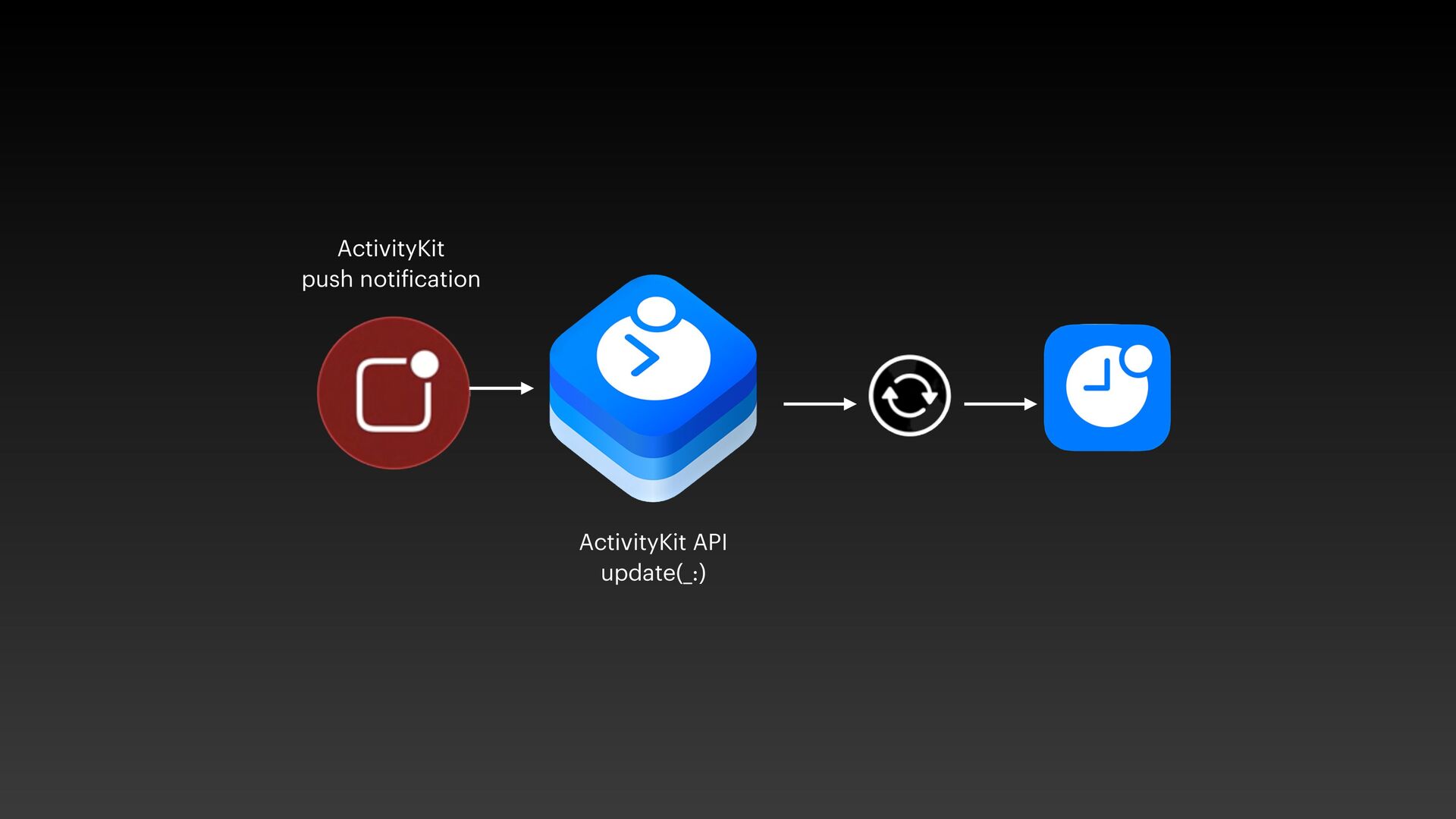
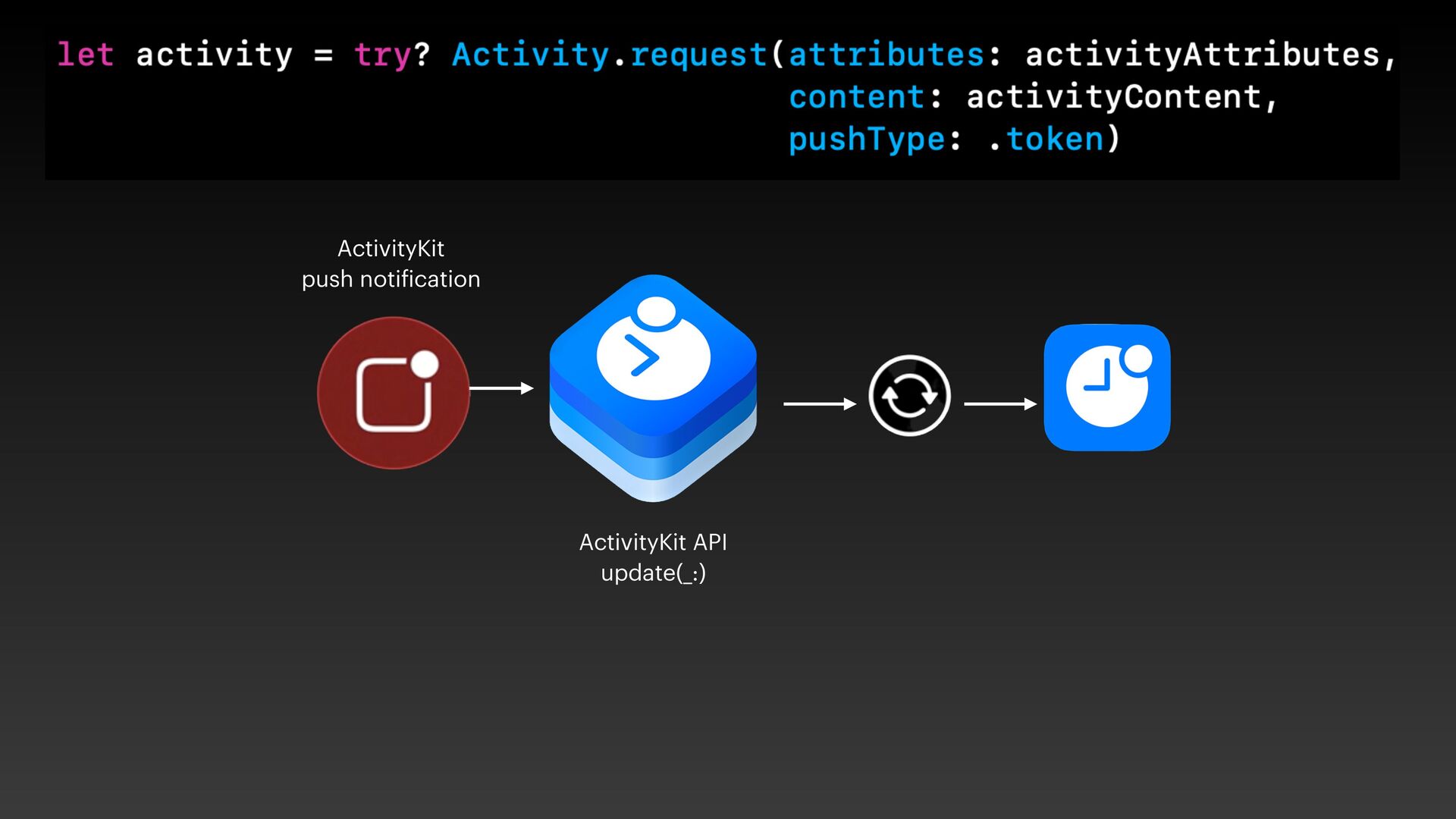
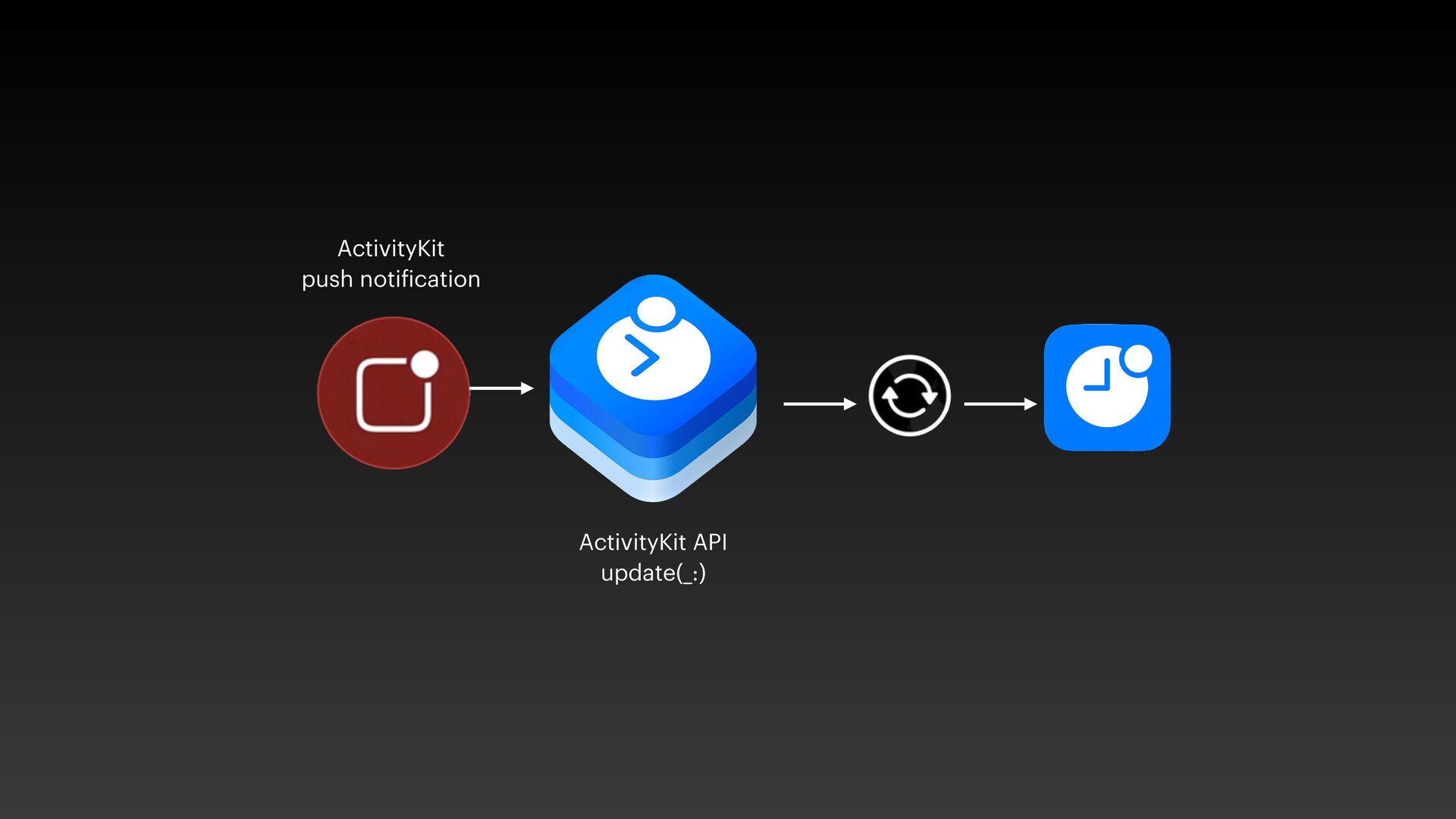
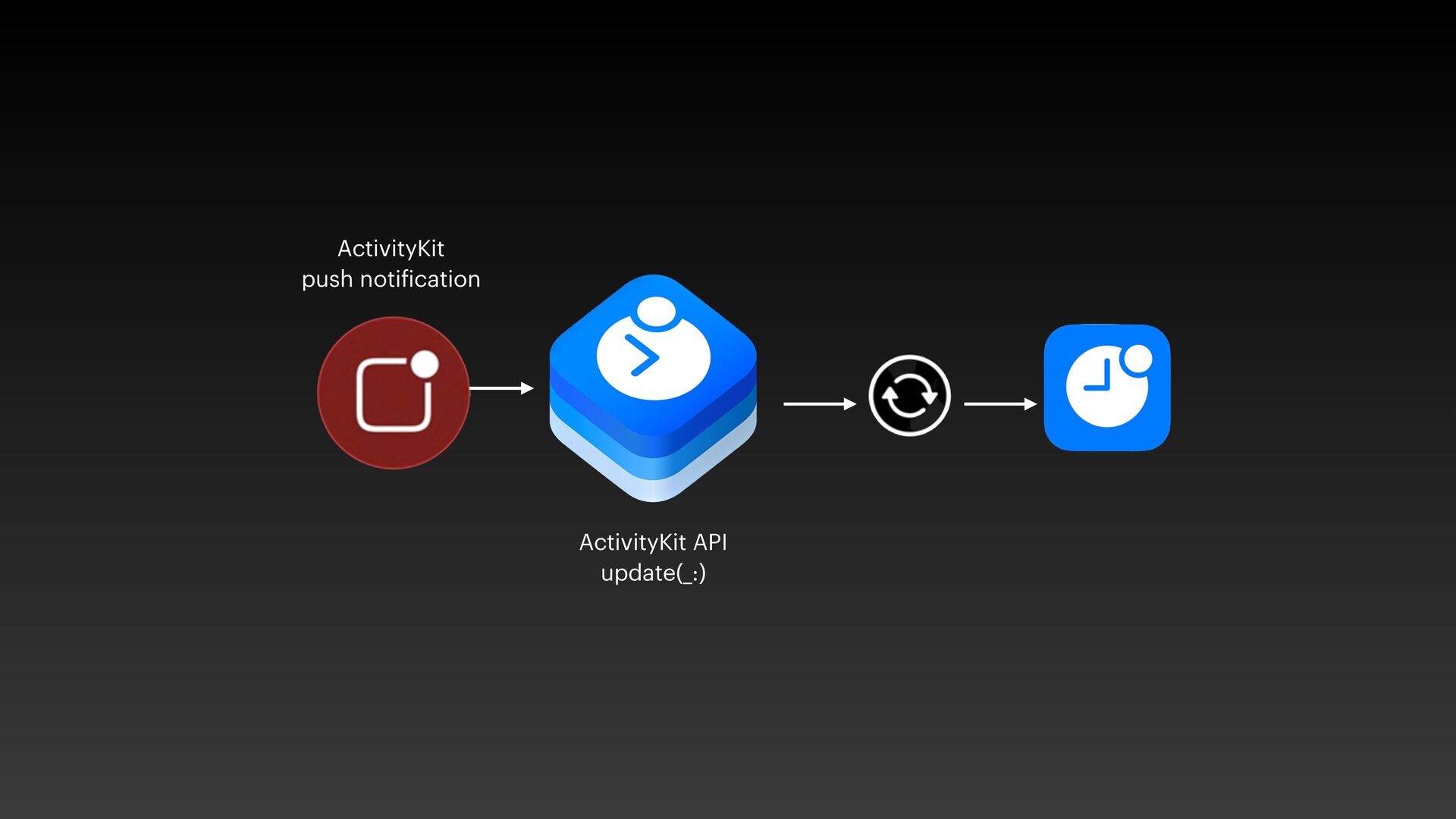
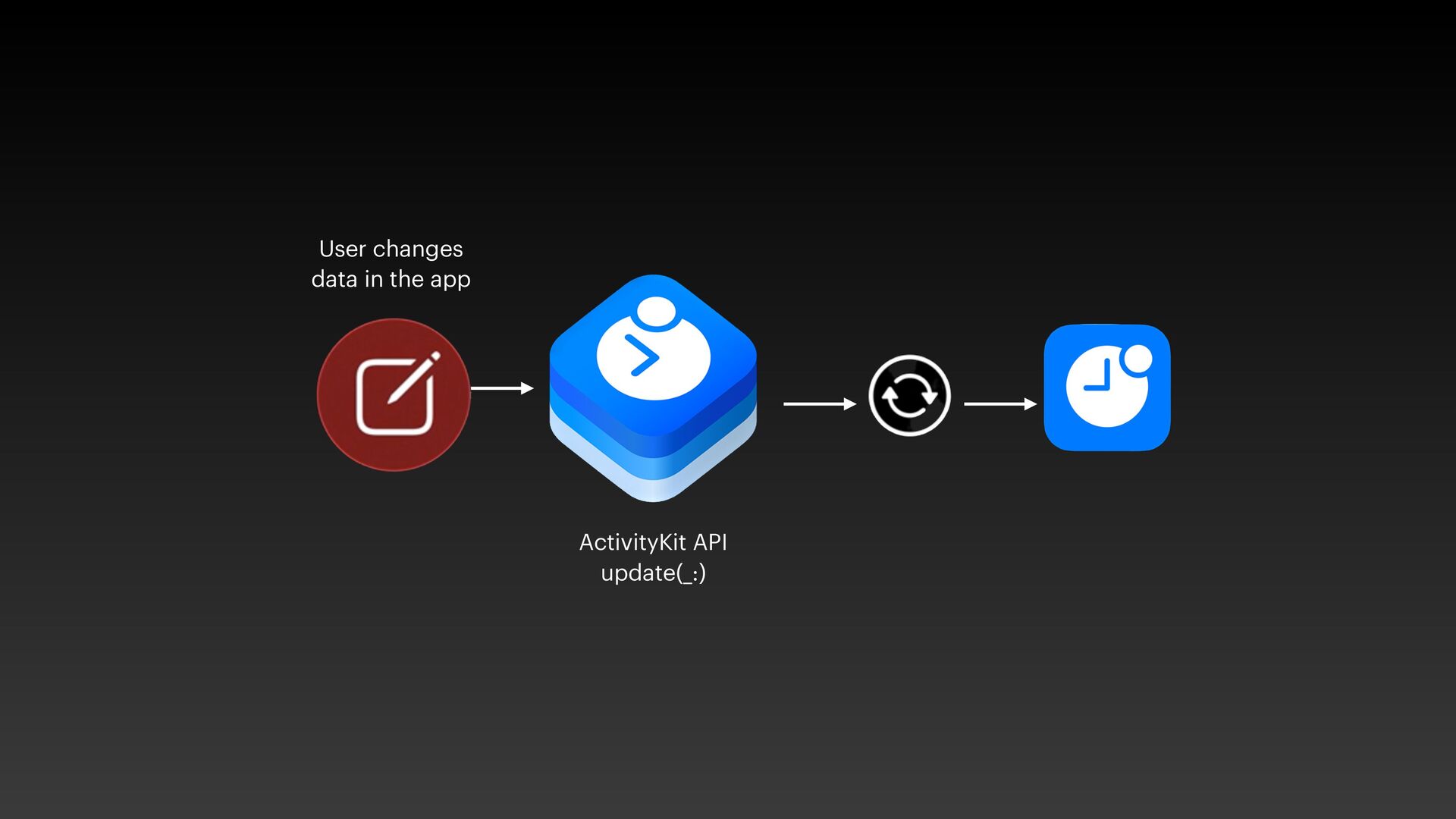
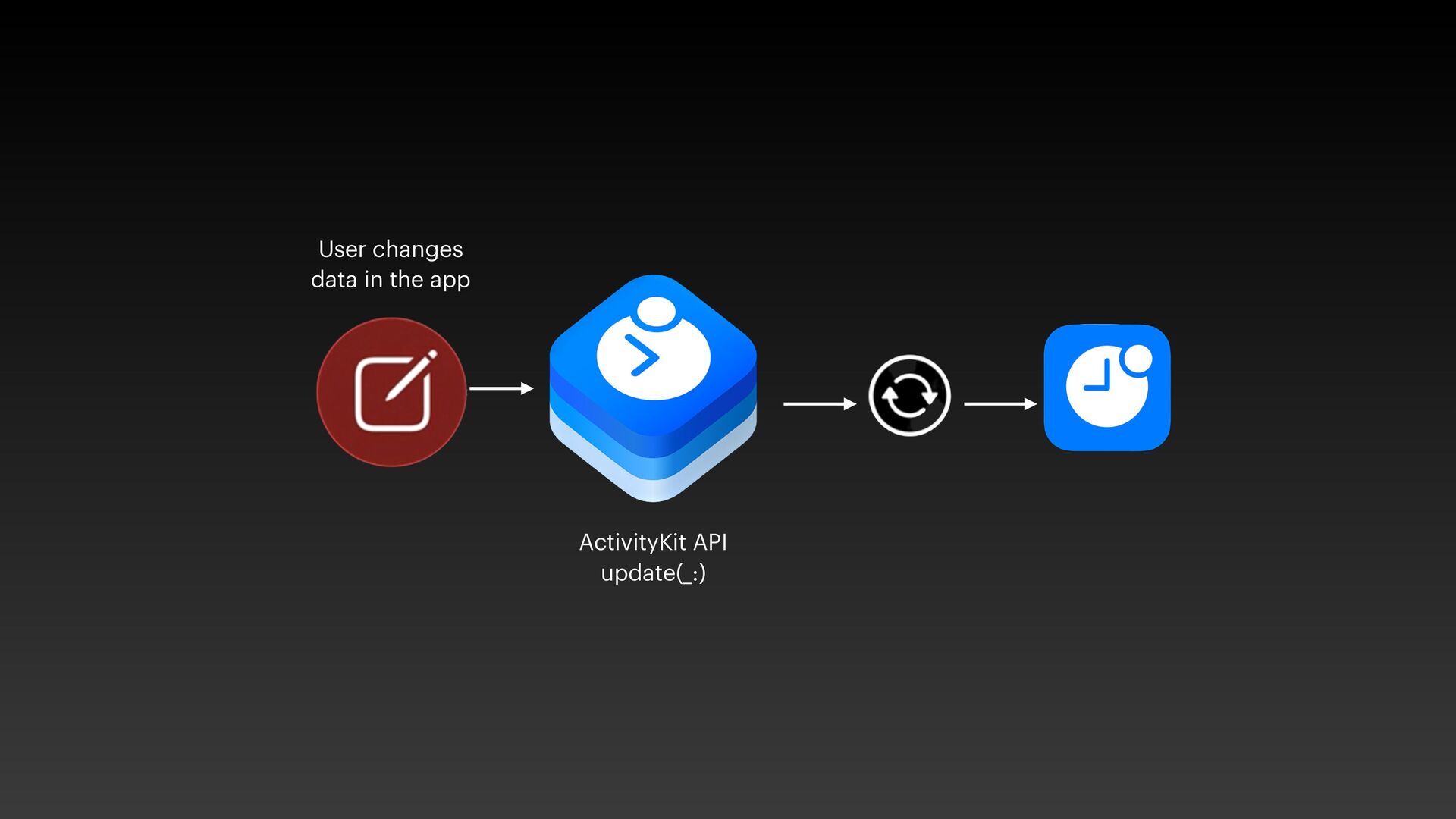
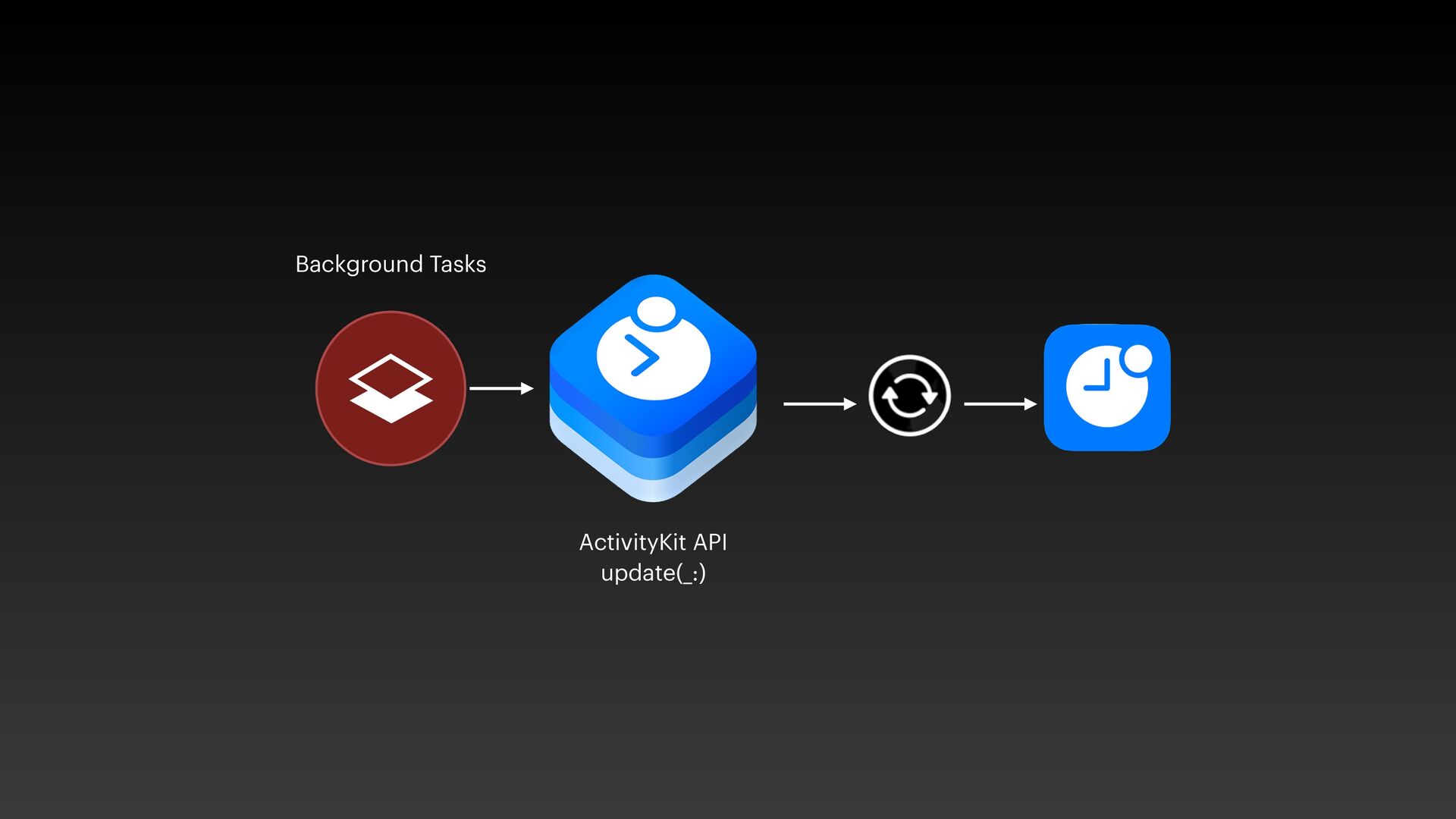
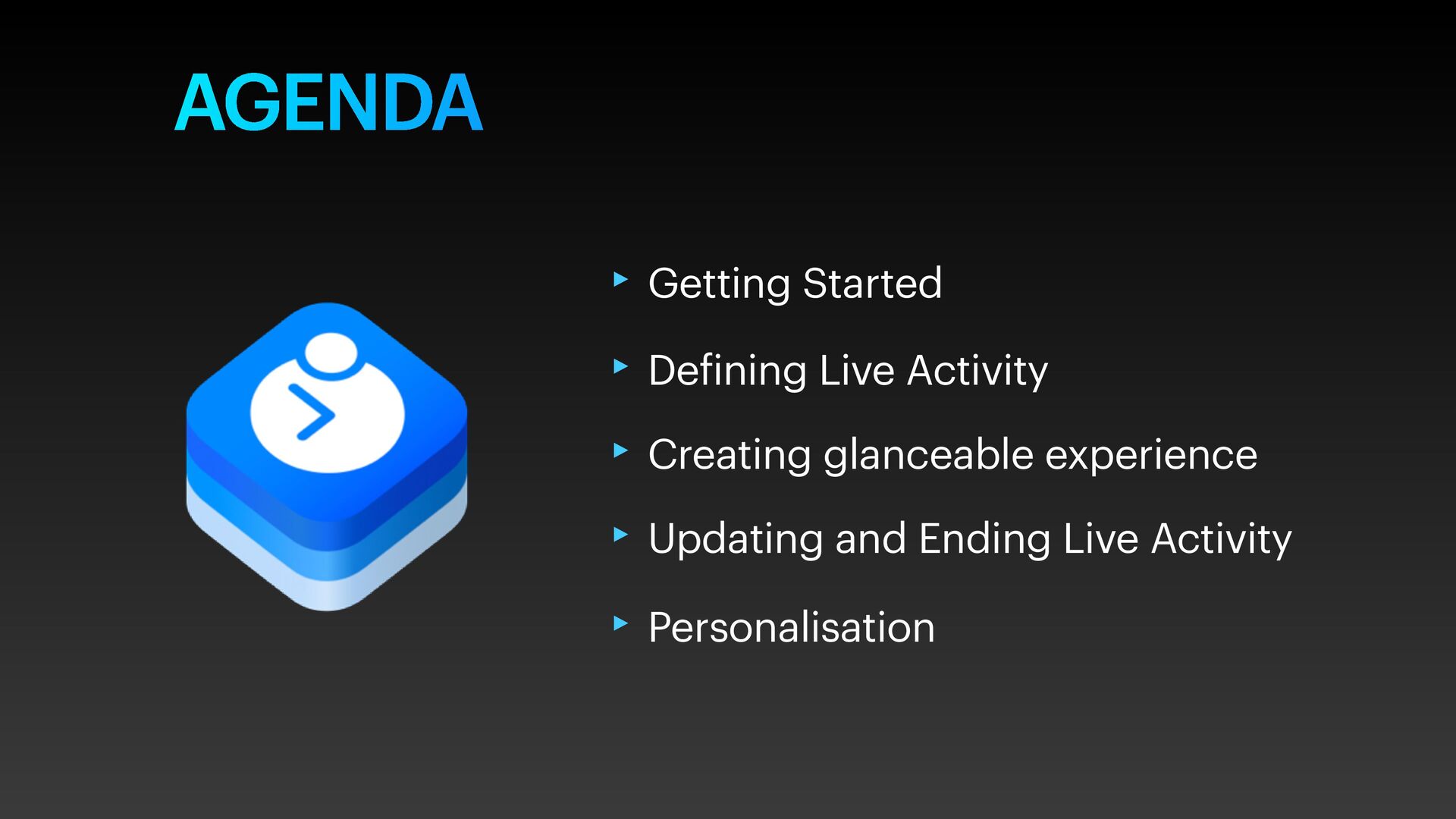
iOS16 has a dramatic new lock screen experience which is dynamic and focused, to share live updates using Live Activities. In this talk, we'll talk about adding Live Activity, in Lock Screen and Dynamic Island.
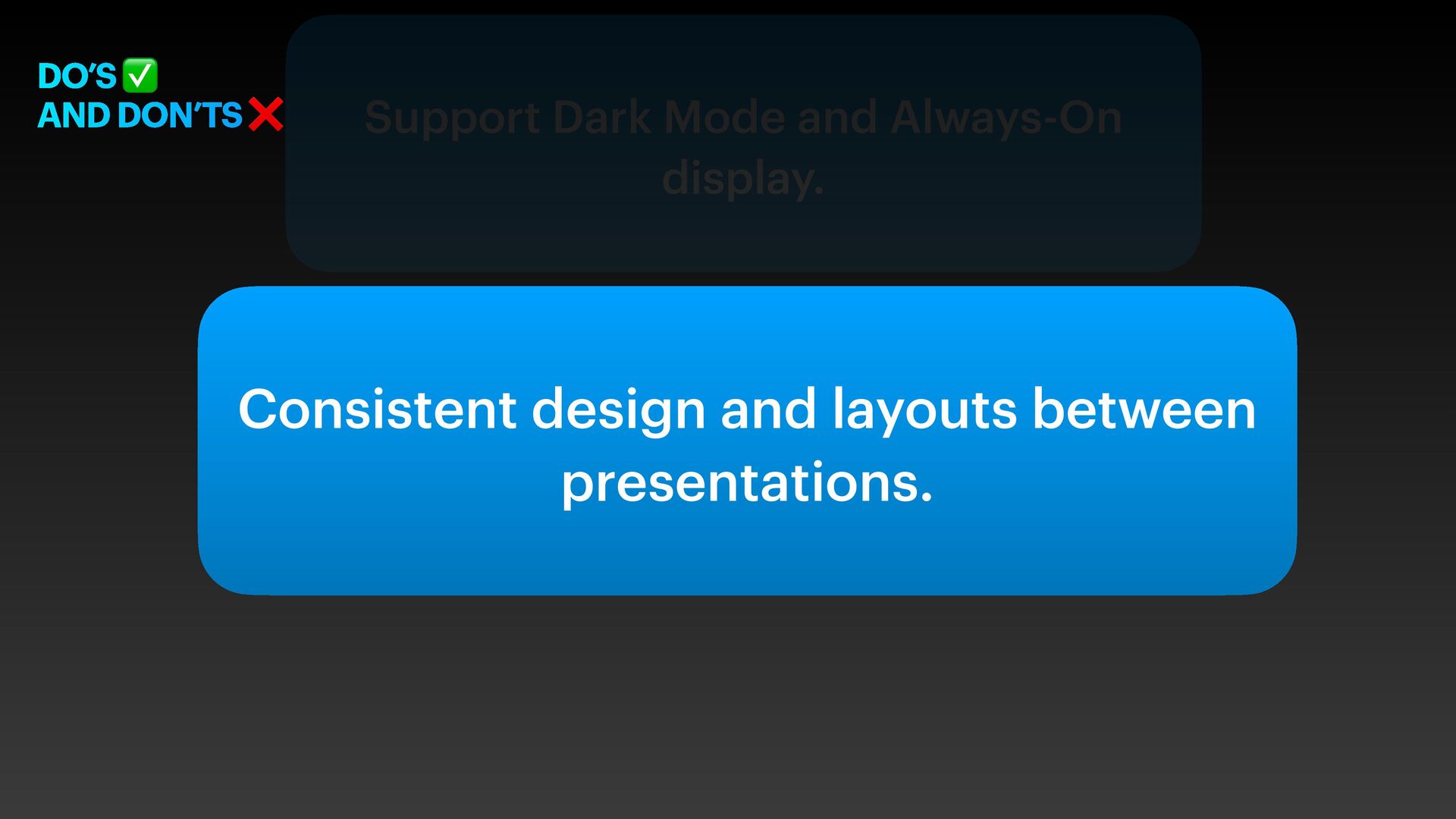
between presentations. Support Dark Mode and Always-On display. Give people control over beginning and ending Live Activities. Make sure tapping your Live Activity opens your app at the right location. Present only the most essential content
between presentations. Support Dark Mode and Always-On display. Give people control over beginning and ending Live Activities. Make sure tapping your Live Activity opens your app at the right location. Present only the most essential content
between presentations. Support Dark Mode and Always-On display. Give people control over beginning and ending Live Activities. Make sure tapping your Live Activity opens your app at the right location. Present only the most essential content
between presentations. Support Dark Mode and Always-On display. Give people control over beginning and ending Live Activities. Make sure tapping your Live Activity opens your app at the right location. Present only the most essential content
between presentations. Support Dark Mode and Always-On display. Give people control over beginning and ending Live Activities. Make sure tapping your Live Activity opens your app at the right location. Present only the most essential content


 kaminashi
 odashi
 occhi
occhi
 tsukina_7mochi
 makocchi
 y0hgi
y0hgi
 yamanoku
 masakiokuda
 codmoninc
 shumei_ito
 syuchimu
 ykanoh
 jonoalderson
 inesmontani
 bkeepers
 katarinadahlin
 aleyda
 tmiket
 stephenakadiri
 stuffmc
 konakalab
 brettharned
 rasmusluckow