Upgrade to Pro — share decks privately, control downloads, hide ads and more …

Launching a library(API client) in total darkness by Ronald Maravanyika

Pycon ZA
October 10, 2019

Launching a library(API client) in total darkness by Ronald Maravanyika

This talk will detail how one can create a python API client with limited resources.It's based on my personal experience of having to create an API client to be used by over a thousand users. The talk accommodates all levels of developers, final year students may also find this talk interesting.

We will cover the basics from what is an API client, why we need it, then we will look at common methods of using APIs then l will quickly show you how to create the API client and then we will look at challenges that l faced in terms of shortage of resources as well as the solutions. We will lastly look at how to document the library while writing code.

This talk isn't about the specific details of developing a client for a particular API, but a more general talk about the tools and techniques l used in developing an API client with limited resources.

Pycon ZA

October 10, 2019
Tweet

More Decks by Pycon ZA

Other Decks in Programming

Transcript

  1. LAUNCHING A LIBRARY(API CLIENT) IN TOTAL DARKNESS With Ronald Maravanyika

  2. ABOUT ME • Software Engineer at NTT Limited • Technical

    Director at Zimbopy • Managing member PSF • DSF member • Djangogirls Organiser
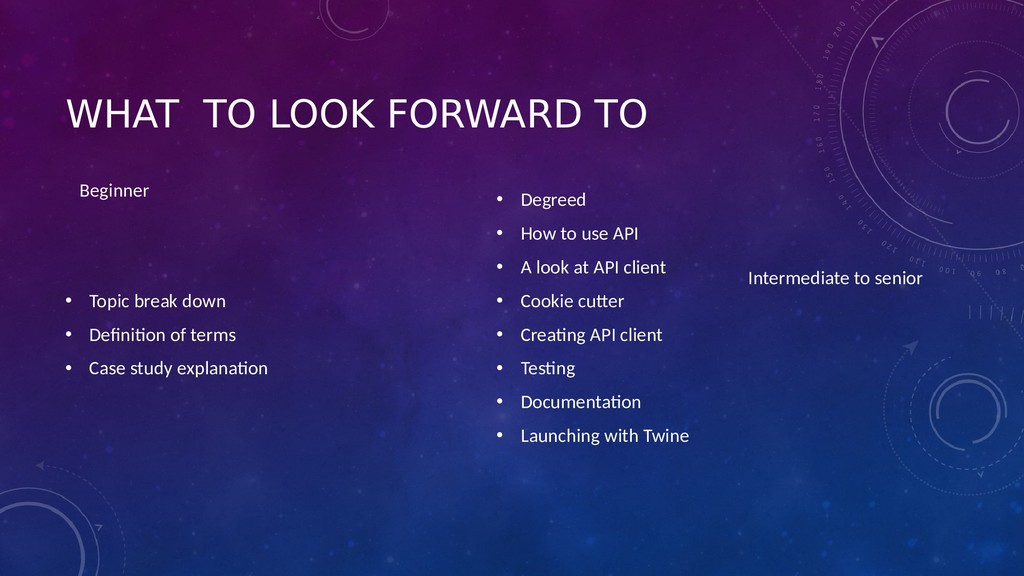
  3. WHAT TO LOOK FORWARD TO • Topic break down •

    Definition of terms • Case study explanation • Degreed • How to use API • A look at API client • Cookie cutter • Creating API client • Testing • Documentation • Launching with Twine Beginner Intermediate to senior
  4. Launching a library in total darkness

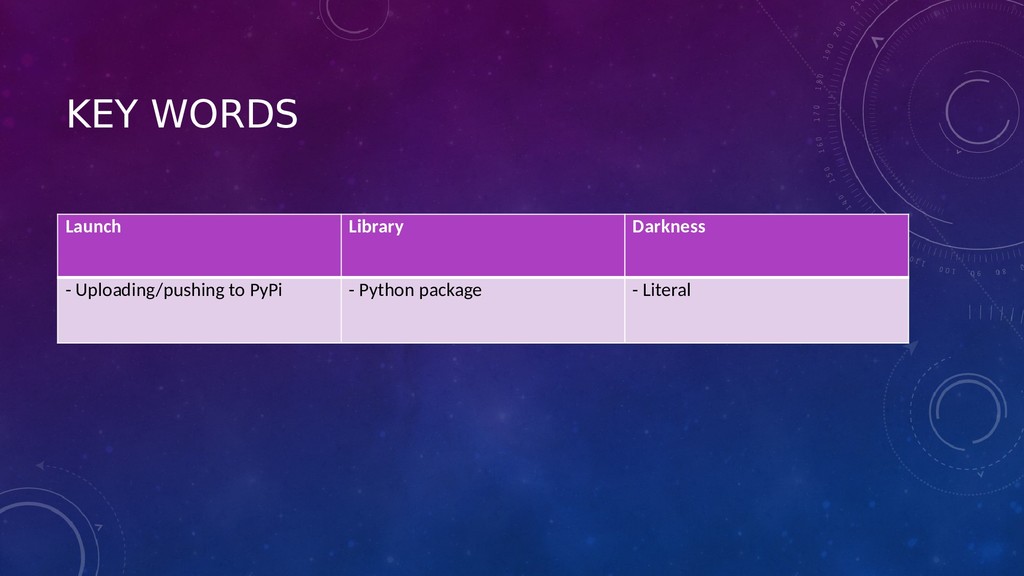
  5. KEY WORDS Launch Library Darkness - Uploading/pushing to PyPi -

    Python package - Literal
  6. TOTAL DARKNESS?

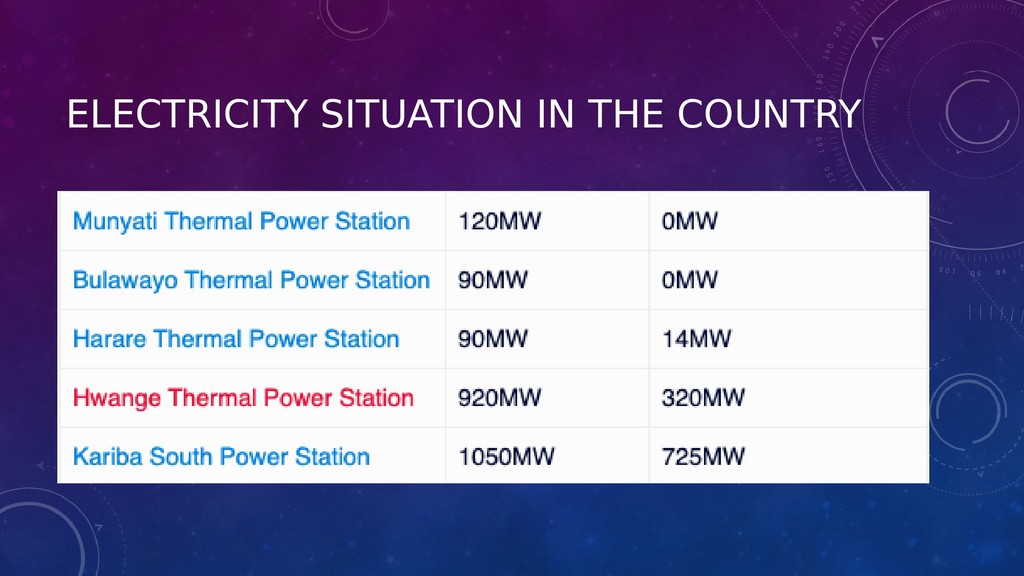
  7. ELECTRICITY SITUATION IN THE COUNTRY

  8. LIBRARY • Python library is a collection of functions and

    methods that allows you to perform many actions without writing your code
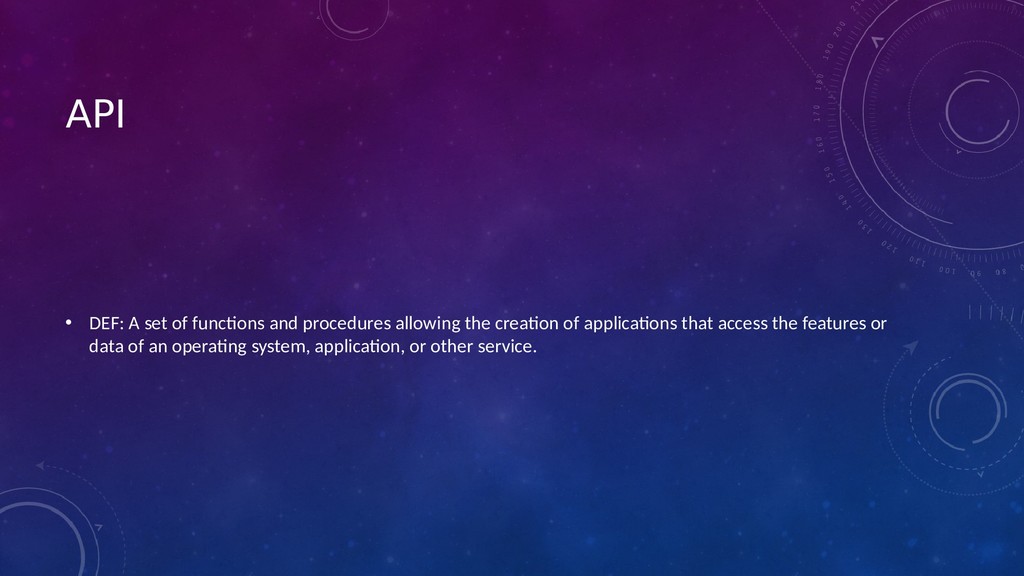
  9. API • DEF: A set of functions and procedures allowing

    the creation of applications that access the features or data of an operating system, application, or other service.
  10. LET’S GET INTO DETAILS INTERMEDIATE LEVEL

  11. None
  12. None
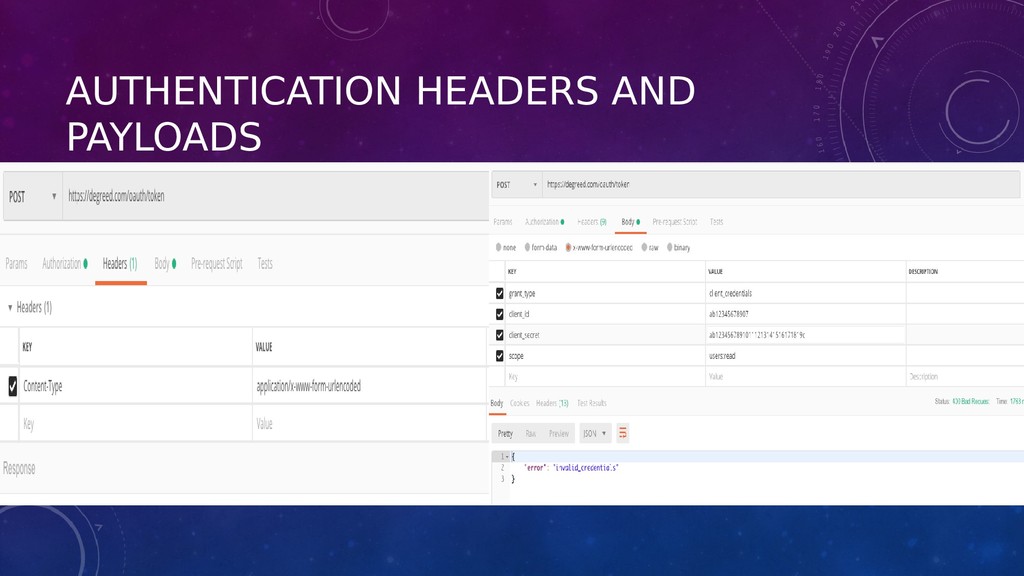
  13. USING POSTMAN • API authentications(Basic HTTP(base 64 username/password), Oauth, API

    keys) • Our API authentications method uses: OAuth 2.0 protocol’s Client CredentialsFlow for authentication and authorization
  14. AUTHENTICATION HEADERS AND PAYLOADS

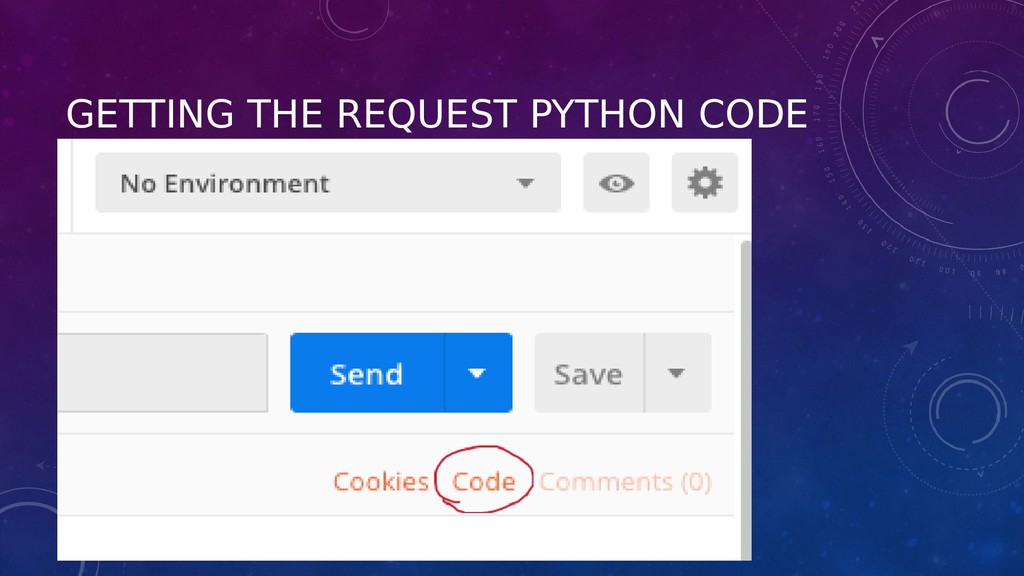
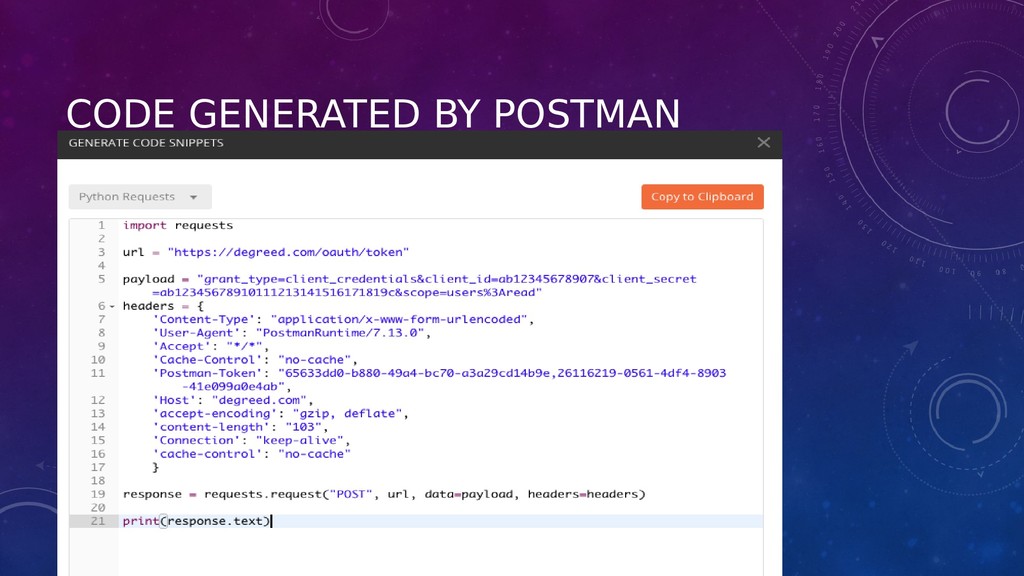
  15. GETTING THE REQUEST PYTHON CODE

  16. CODE GENERATED BY POSTMAN

  17. LET’S DISCUSS REQUEST LIBRARY We are getting deeper

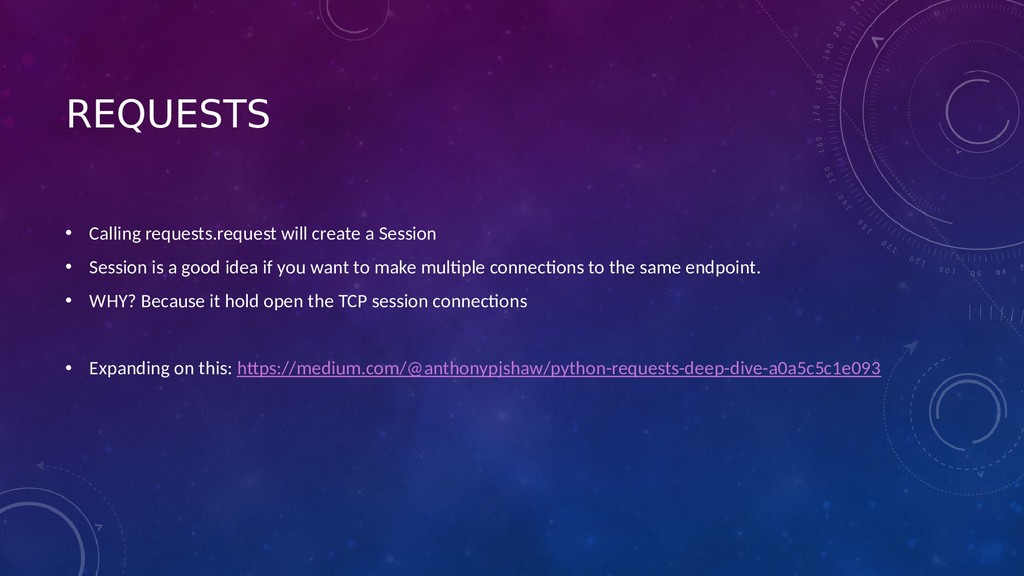
  18. REQUESTS • Calling requests.request will create a Session • Session

    is a good idea if you want to make multiple connections to the same endpoint. • WHY? Because it hold open the TCP session connections • Expanding on this: https://medium.com/@anthonypjshaw/python-requests-deep-dive-a0a5c5c1e093
  19. LIBRARY keyword

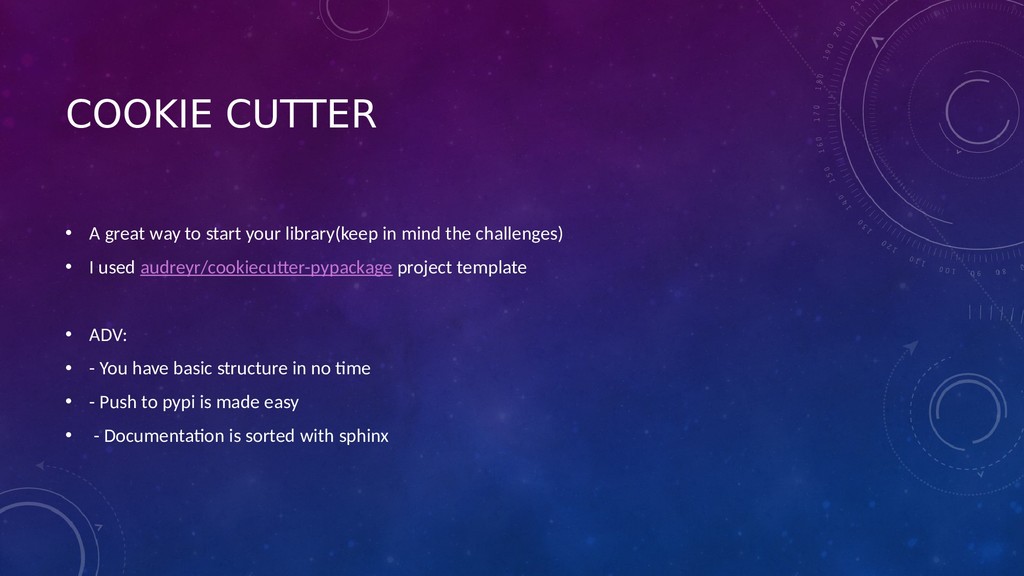
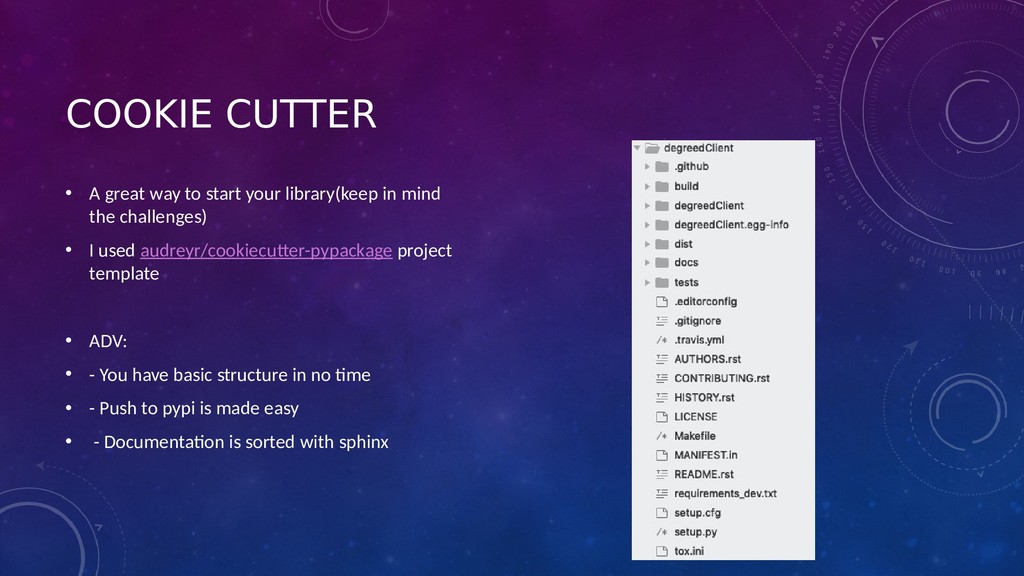
  20. COOKIE CUTTER • A great way to start your library(keep

    in mind the challenges) • I used audreyr/cookiecutter-pypackage project template • ADV: • - You have basic structure in no time • - Push to pypi is made easy • - Documentation is sorted with sphinx
  21. COOKIE CUTTER • A great way to start your library(keep

    in mind the challenges) • I used audreyr/cookiecutter-pypackage project template • ADV: • - You have basic structure in no time • - Push to pypi is made easy • - Documentation is sorted with sphinx
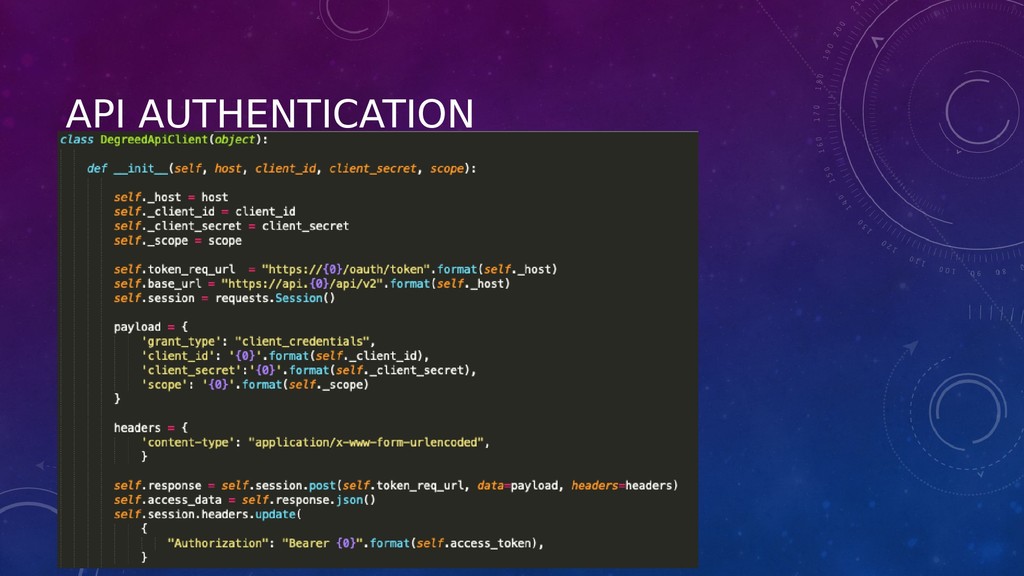
  22. API AUTHENTICATION

  23. END POINT CONSTRUCTION

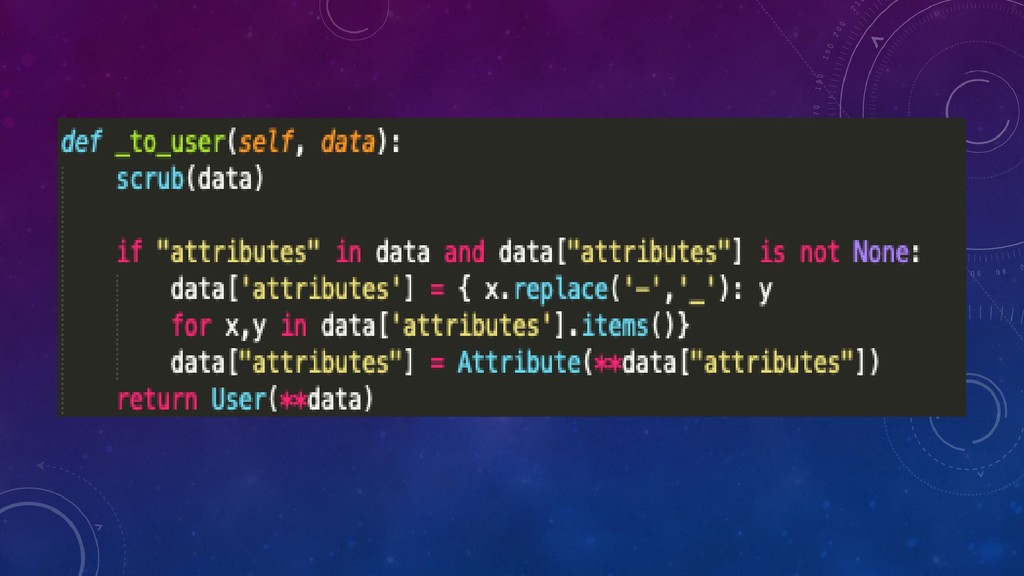
  24. None
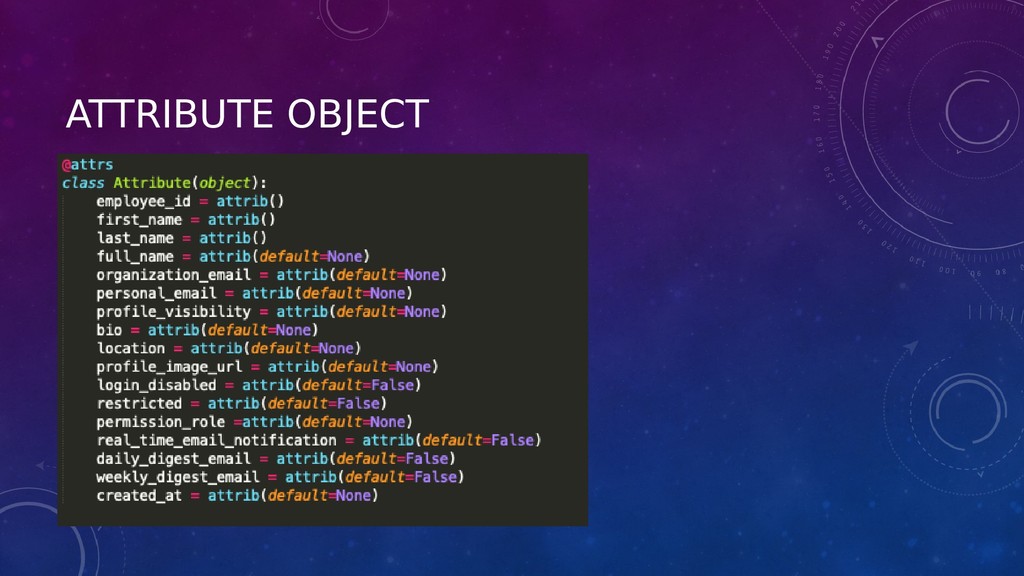
  25. ATTRIBUTE OBJECT

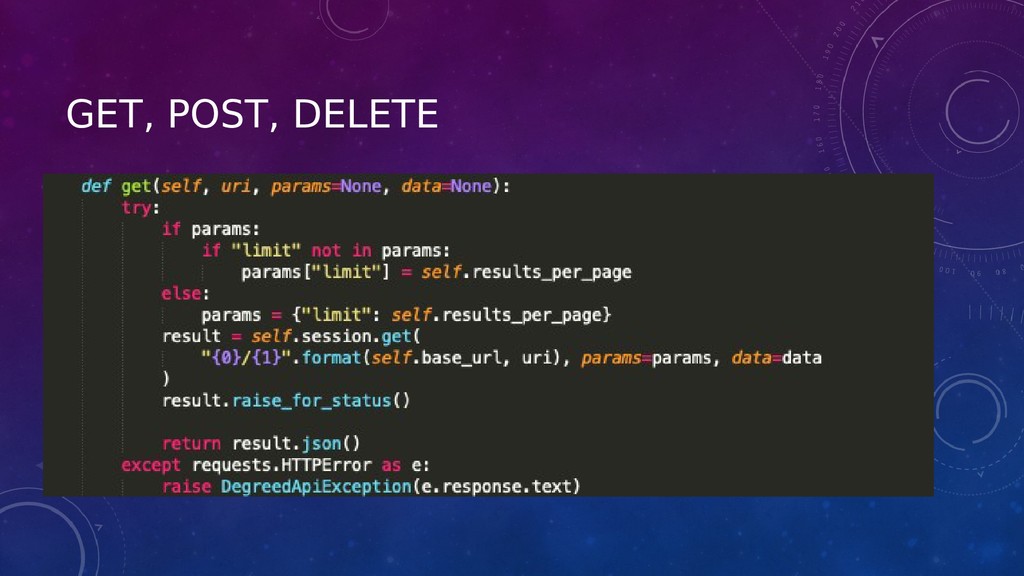
  26. GET, POST, DELETE

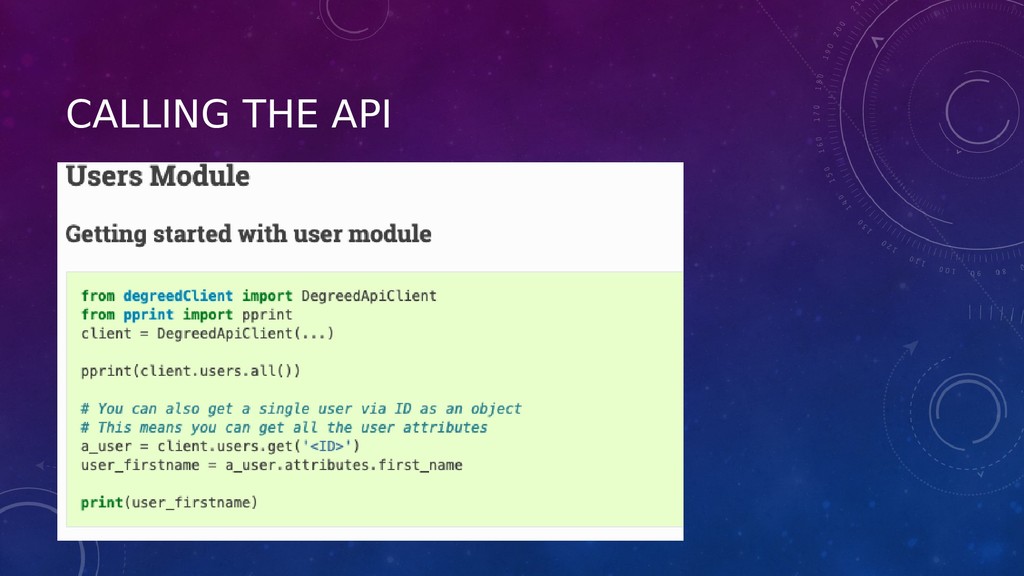
  27. CALLING THE API

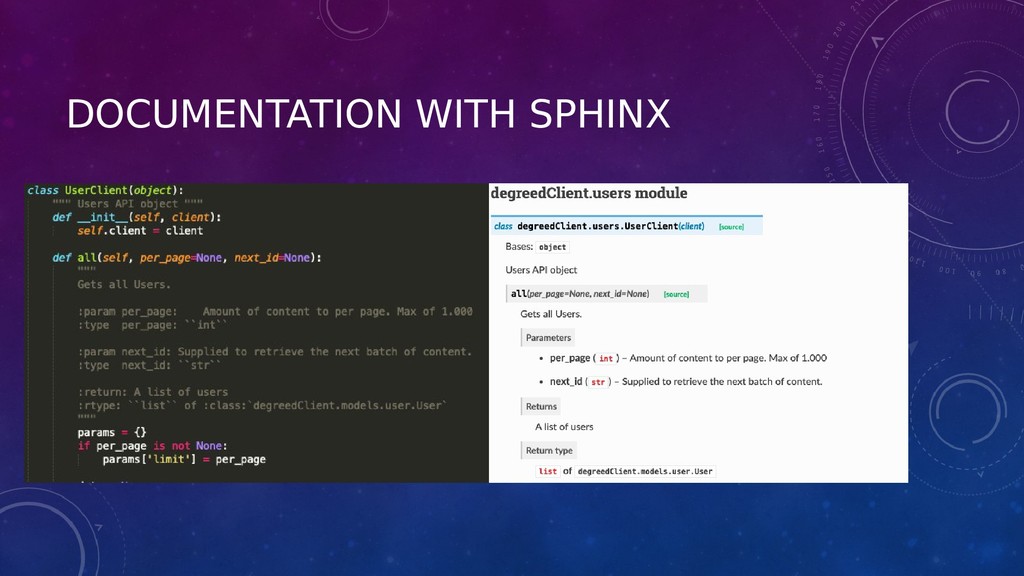
  28. DOCUMENTATION WITH SPHINX

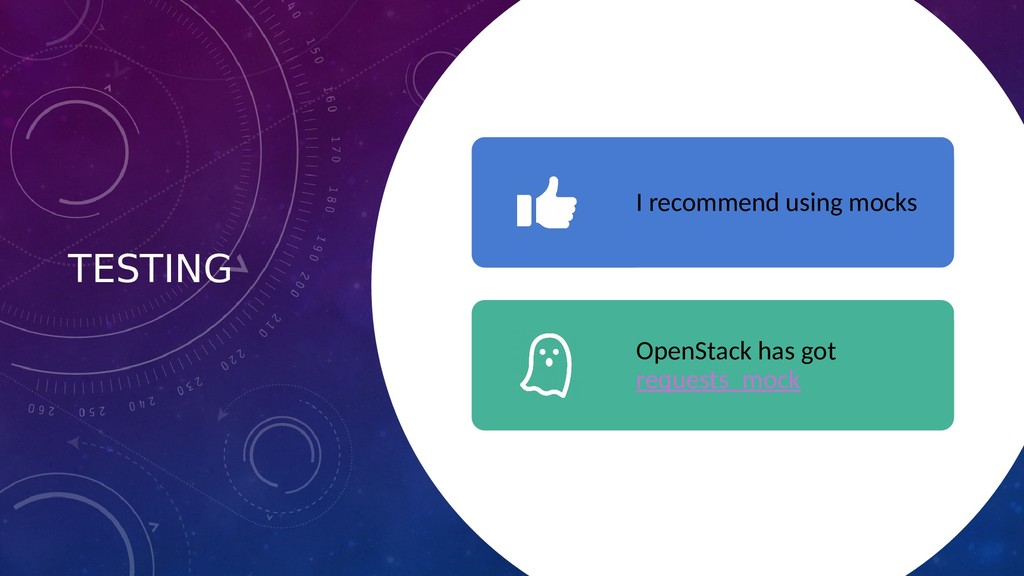
  29. TESTING I recommend using mocks OpenStack has got requests_mock

  30. LAUNCHING keyword

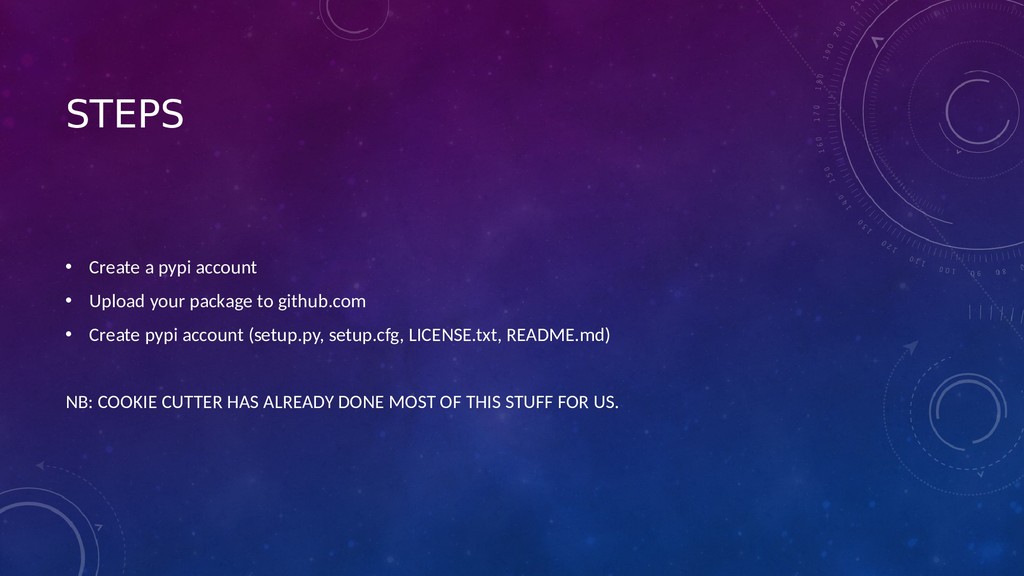
  31. STEPS • Create a pypi account • Upload your package

    to github.com • Create pypi account (setup.py, setup.cfg, LICENSE.txt, README.md) NB: COOKIE CUTTER HAS ALREADY DONE MOST OF THIS STUFF FOR US.
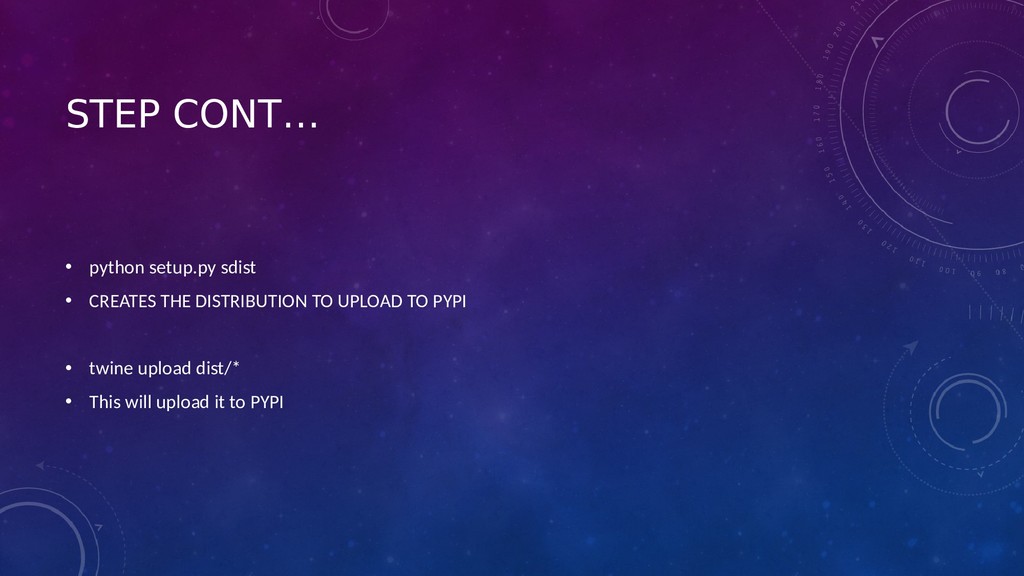
  32. STEP CONT… • python setup.py sdist • CREATES THE DISTRIBUTION

    TO UPLOAD TO PYPI • twine upload dist/* • This will upload it to PYPI
  33. THANK YOU • Twitter: @ronn_zw • Github: https://github.com/Rmaravanyika

  34. QUESTIONS