Upgrade to Pro — share decks privately, control downloads, hide ads and more …

AI isn’t a Python-only diet: Agentic AI with Sp...

AI isn’t a Python-only diet: Agentic AI with Spring joins the menu

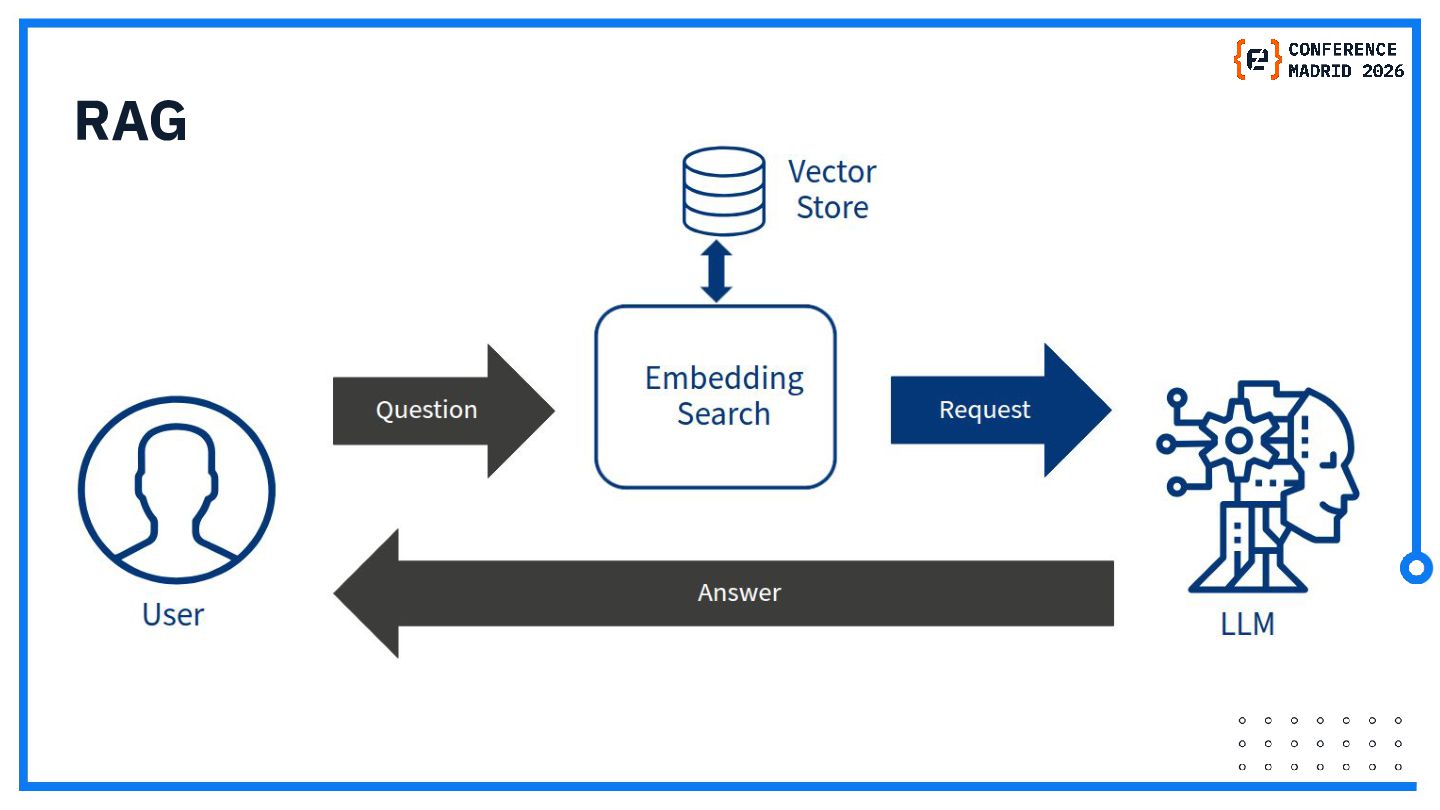
Large Language Models (LLMs) are transforming how we build intelligent applications, but bringing them into enterprise systems, and evolving them into Agentic AI systems, can be challenging. In this talk, we’ll explore how Spring AI simplifies LLM integration, making it easy to connect to different providers with minimal effort and swap models without rewriting business logic. You’ll learn how to build intelligent Agents that can reason, act, and interact using tools and workflows. We’ll also cover Retrieval-Augmented Generation (RAG) to enrich model responses and reduce hallucinations by grounding outputs in your own data, and how the Model Context Protocol (MCP) enables seamless interoperability between AI services, and existing systems. Through practical examples, you’ll see how to design and implement production-ready, context-aware, agent-driven applications using Spring AI.

Avatar for Raffaele Auriemma
Raffaele Auriemma

April 23, 2026

More Decks by Raffaele Auriemma

Other Decks in Technology

Transcript

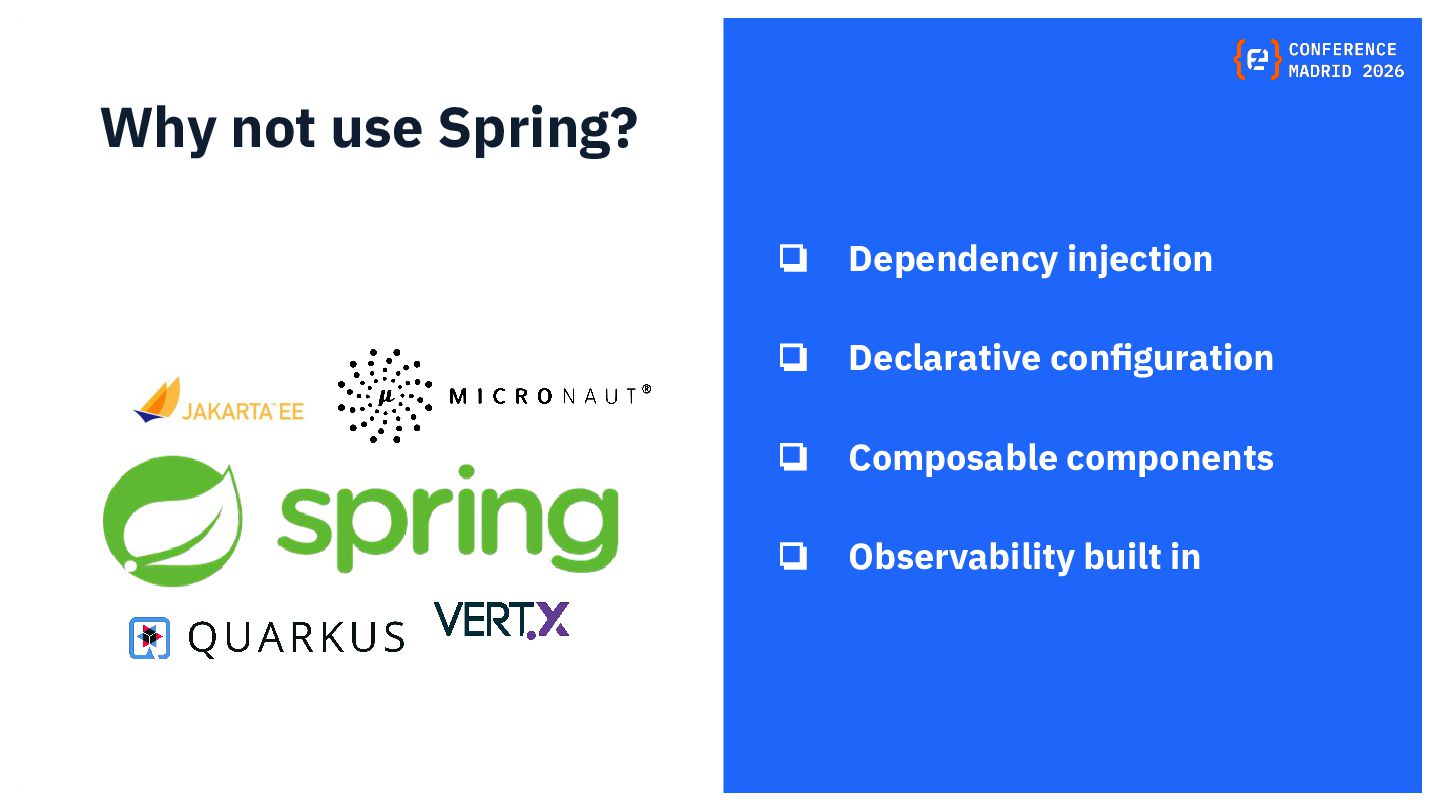
  1. Why not use Spring? ❏ Dependency injection ❏ Declarative configuration

    ❏ Composable components ❏ Observability built in
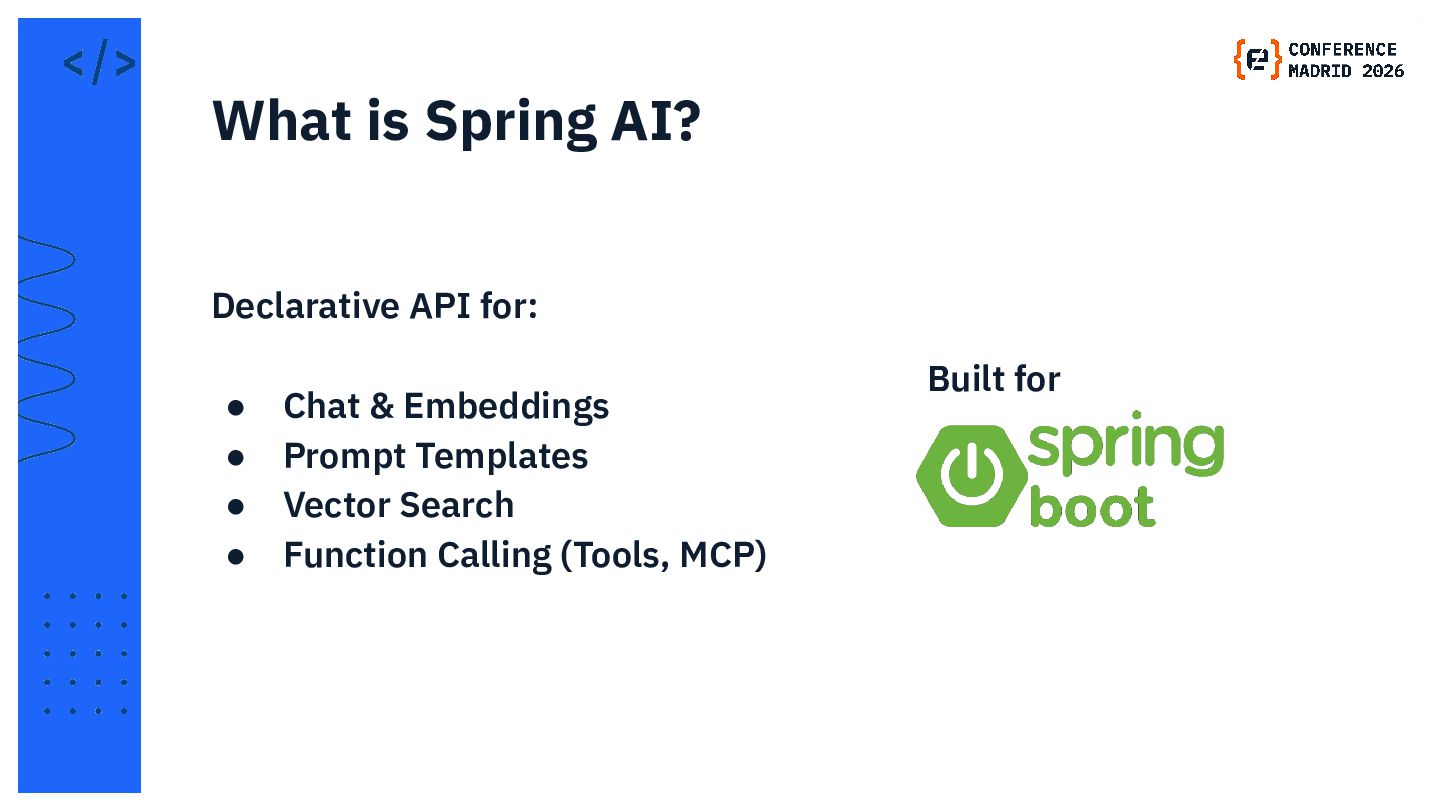
  2. Declarative API for: • Chat & Embeddings • Prompt Templates

    • Vector Search • Function Calling (Tools, MCP) What is Spring AI? Built for
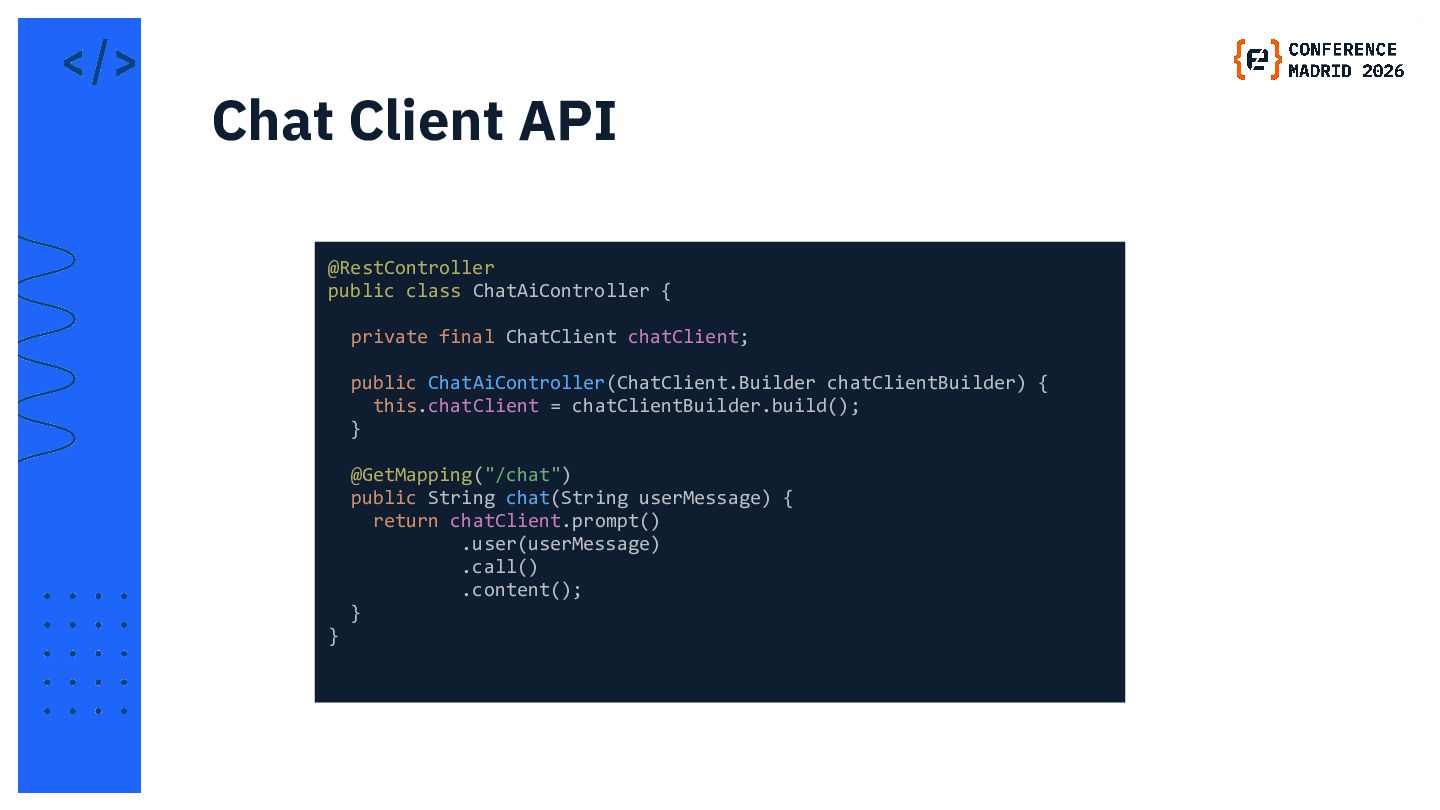
  3. @RestController public class ChatAiController { private final ChatClient chatClient; public

    ChatAiController(ChatClient.Builder chatClientBuilder) { this.chatClient = chatClientBuilder.build(); } @GetMapping("/chat") public String chat(String userMessage) { return chatClient.prompt() .user(userMessage) .call() .content(); } } Chat Client API
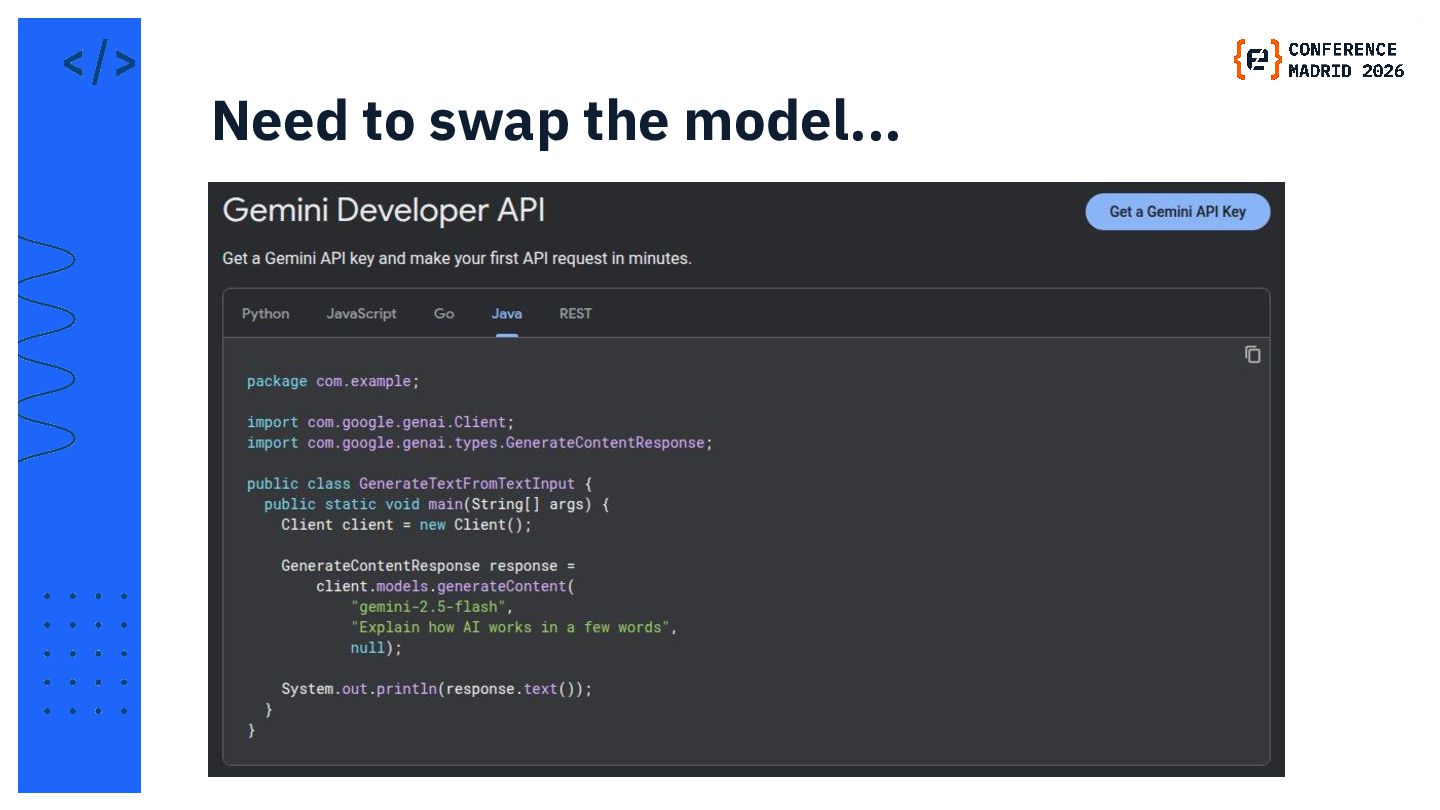
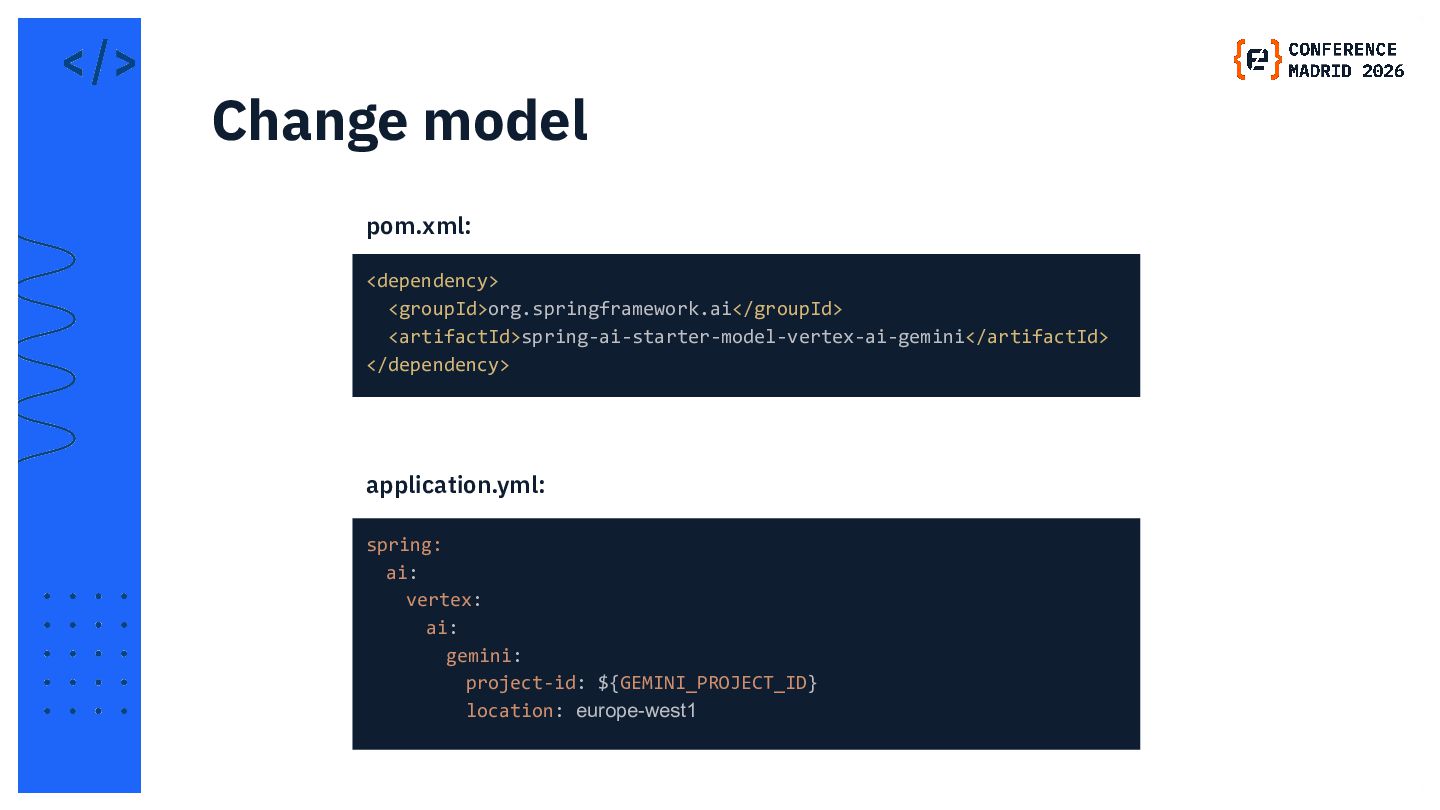
  4. <dependency> <groupId>org.springframework.ai</groupId> <artifactId>spring-ai-starter-model-vertex-ai-gemini</artifactId> </dependency> Change model pom.xml: spring:  ai:   vertex:

       ai:     gemini:      project-id: ${GEMINI_PROJECT_ID}      location: europe-west1 application.yml:
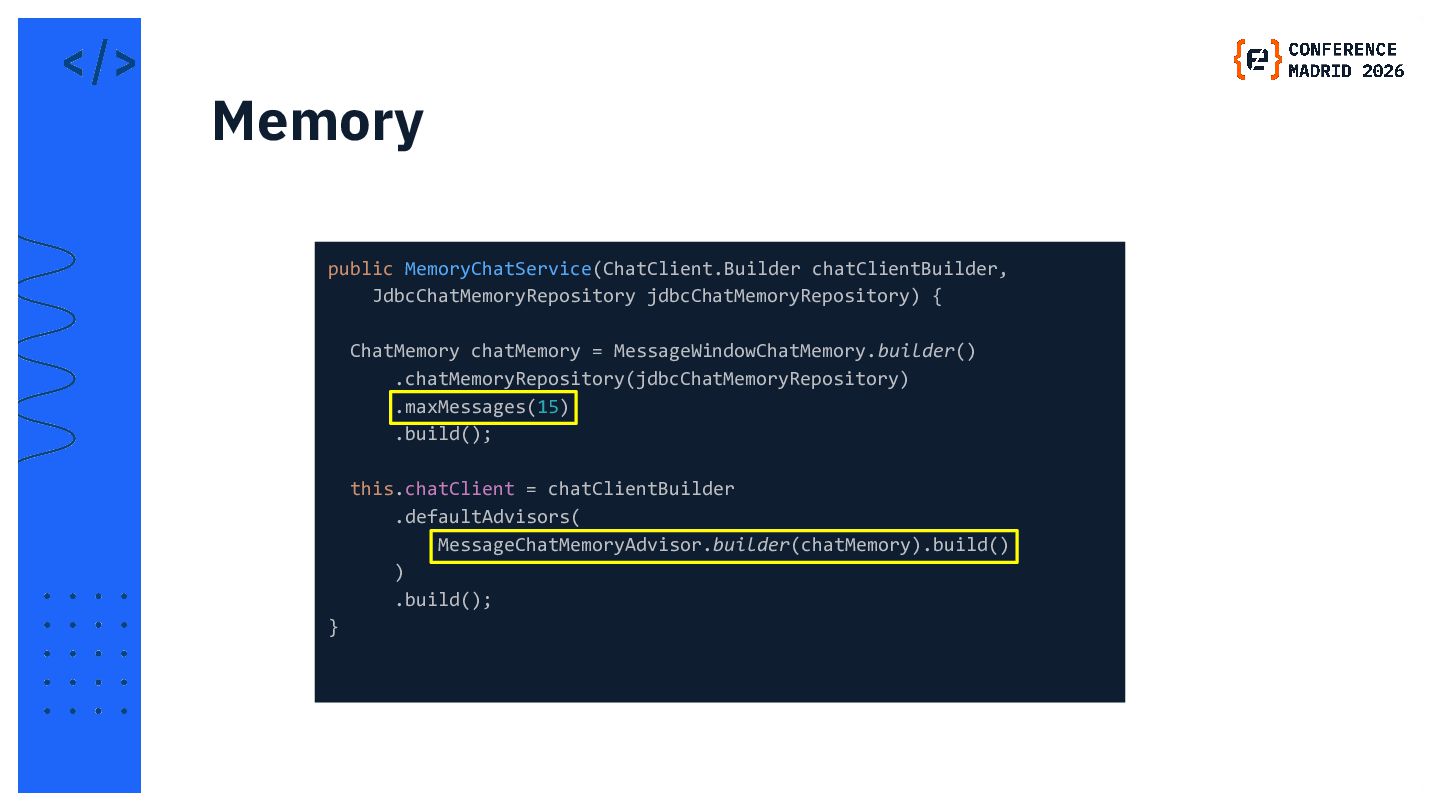
  5. public MemoryChatService(ChatClient.Builder chatClientBuilder, JdbcChatMemoryRepository jdbcChatMemoryRepository) { ChatMemory chatMemory = MessageWindowChatMemory.builder()

    .chatMemoryRepository(jdbcChatMemoryRepository) .maxMessages(15) .build(); this.chatClient = chatClientBuilder .defaultAdvisors( MessageChatMemoryAdvisor.builder(chatMemory).build() ) .build(); } Memory
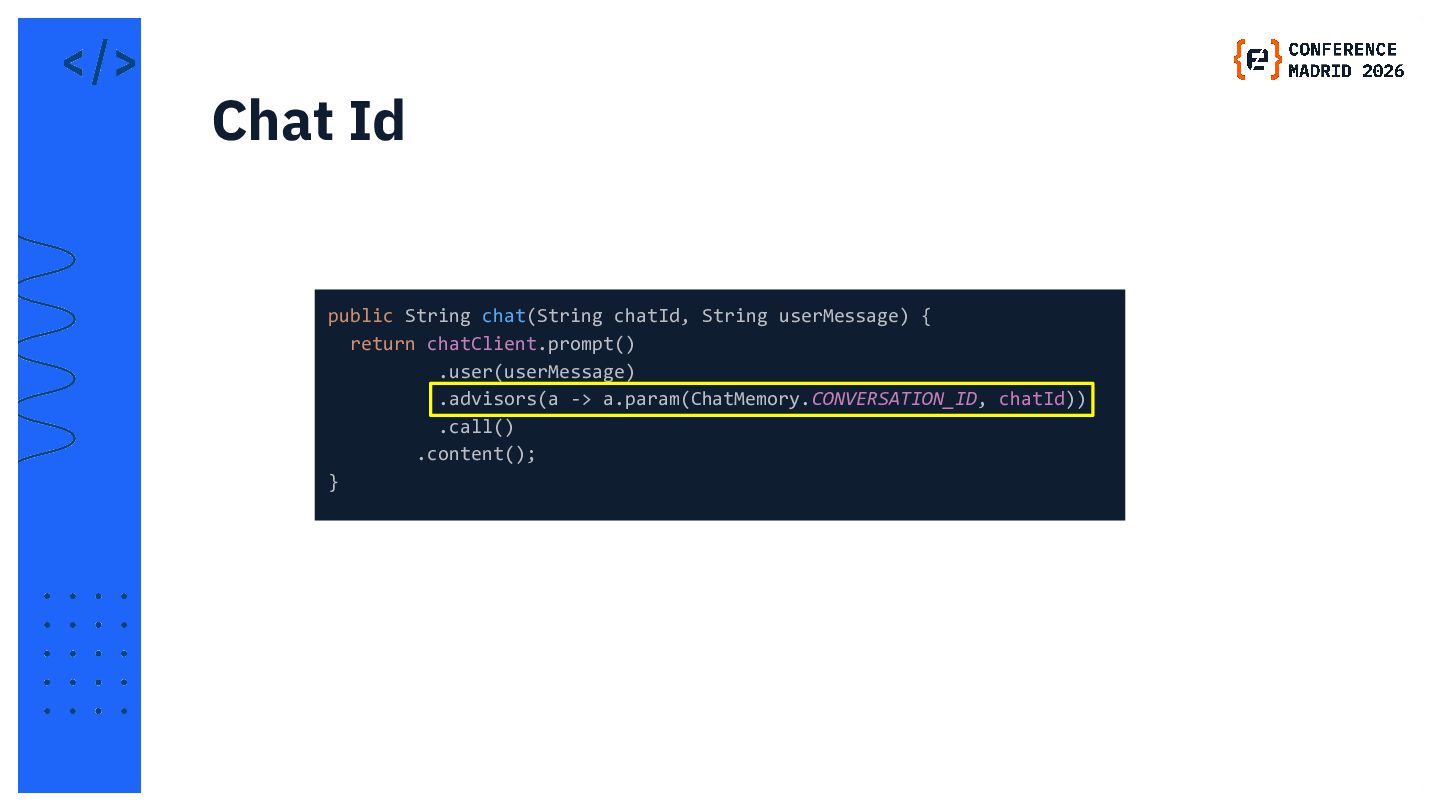
  6. public String chat(String chatId, String userMessage) { return chatClient.prompt() .user(userMessage)

    .advisors(a -> a.param(ChatMemory.CONVERSATION_ID, chatId)) .call() .content(); } Chat Id
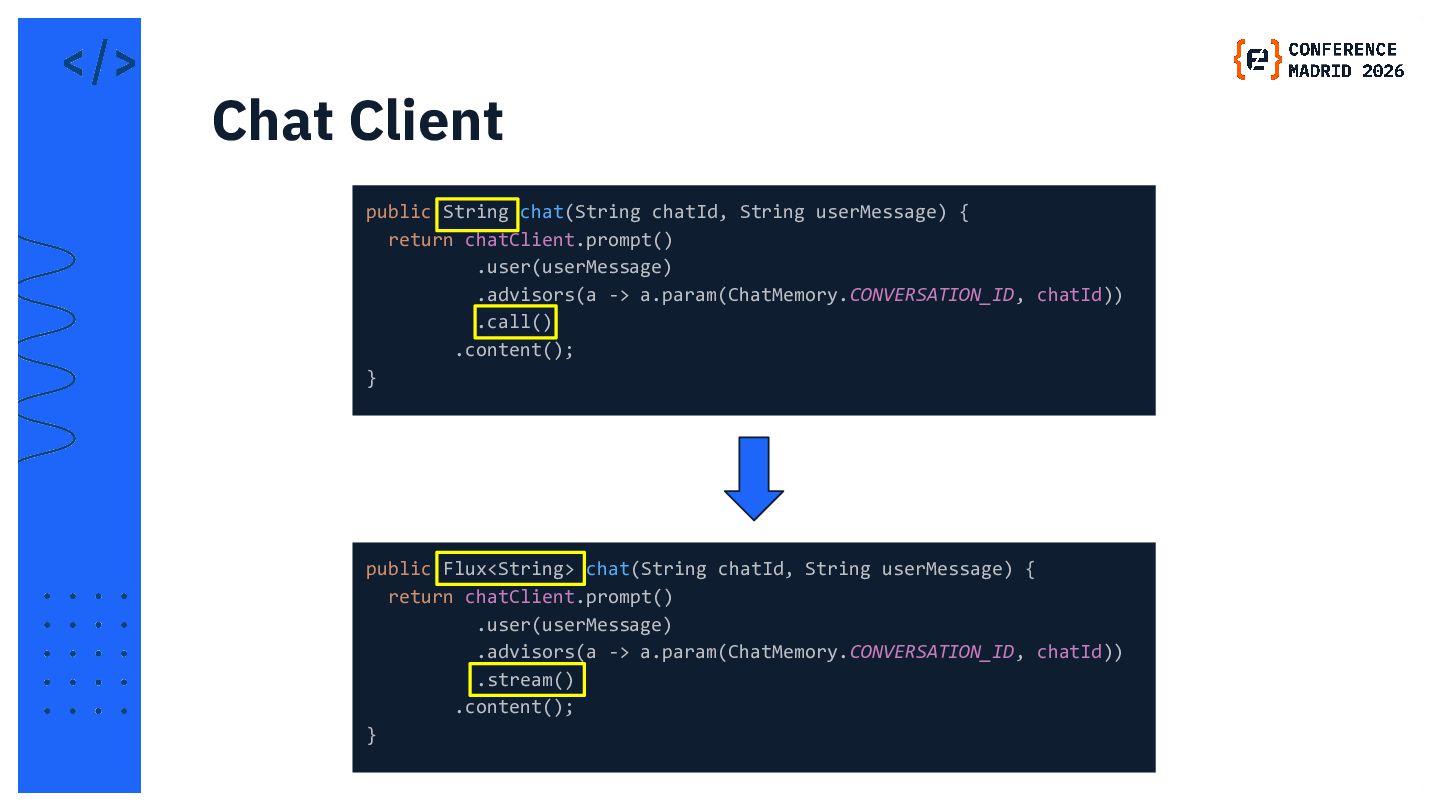
  7. public String chat(String chatId, String userMessage) { return chatClient.prompt() .user(userMessage)

    .advisors(a -> a.param(ChatMemory.CONVERSATION_ID, chatId)) .call() .content(); } Chat Client public Flux<String> chat(String chatId, String userMessage) { return chatClient.prompt() .user(userMessage) .advisors(a -> a.param(ChatMemory.CONVERSATION_ID, chatId)) .stream() .content(); }
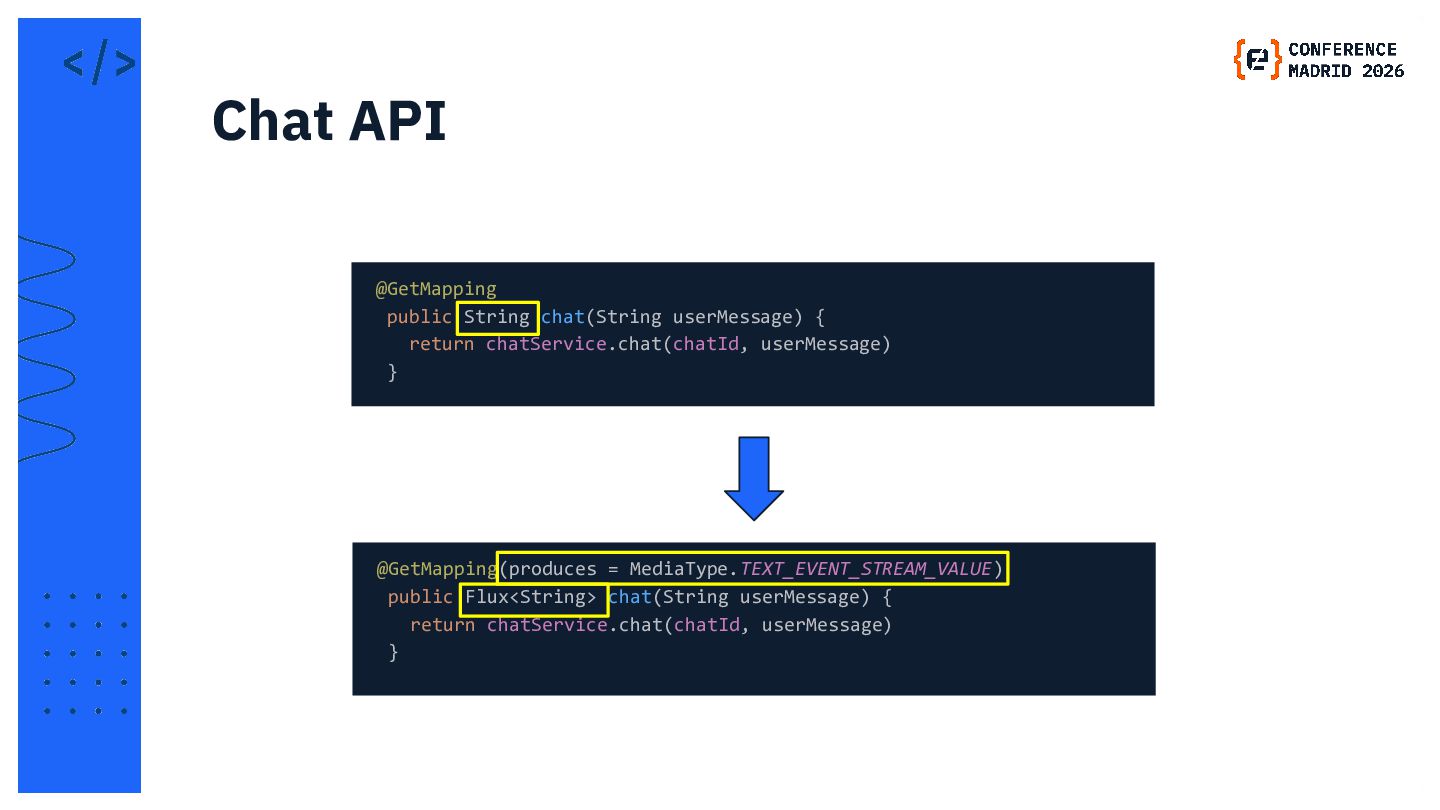
  8. @GetMapping public String chat(String userMessage) { return chatService.chat(chatId, userMessage) }

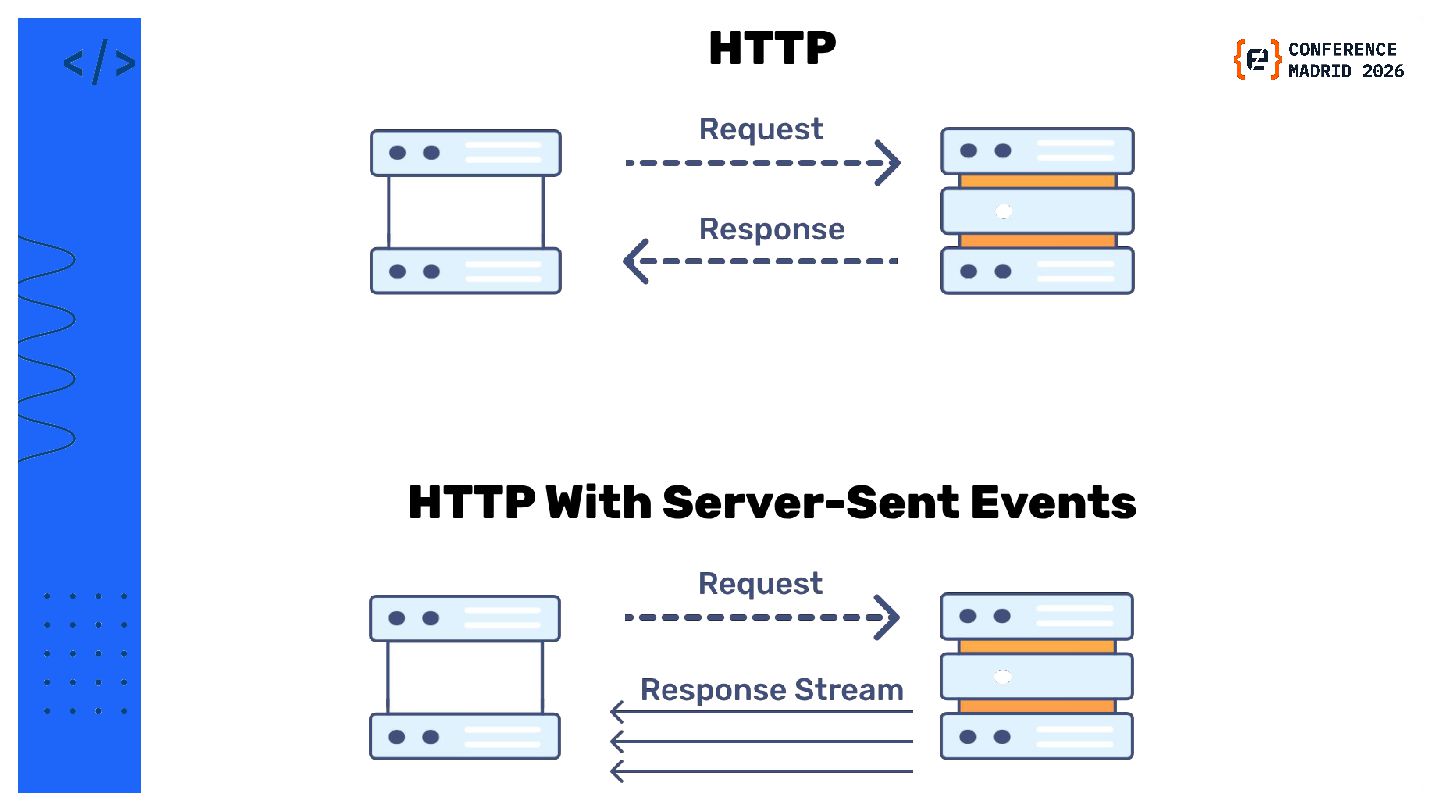
    Chat API @GetMapping(produces = MediaType.TEXT_EVENT_STREAM_VALUE) public Flux<String> chat(String userMessage) { return chatService.chat(chatId, userMessage) }
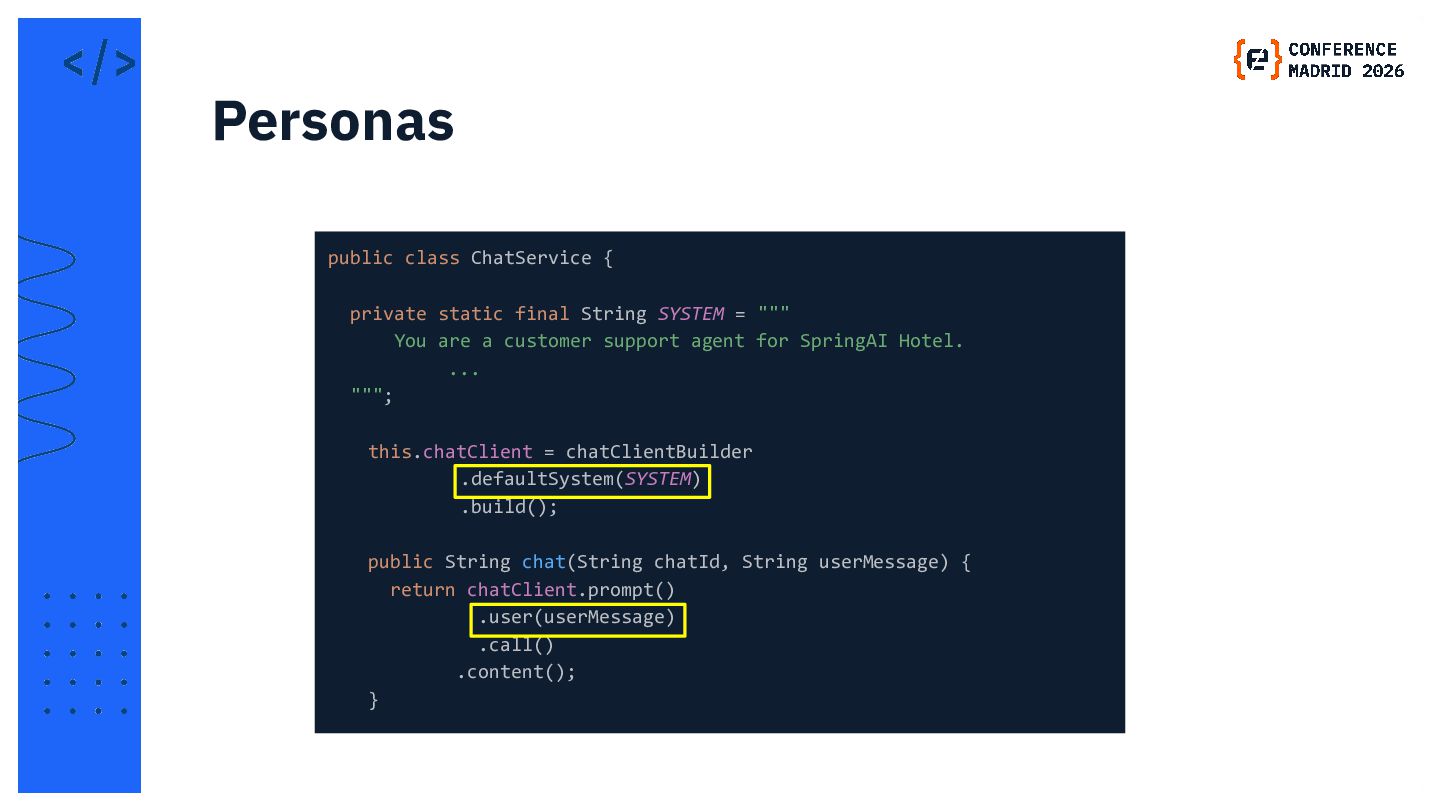
  9. public class ChatService { private static final String SYSTEM =

    """ You are a customer support agent for SpringAI Hotel.       ... """;   this.chatClient = chatClientBuilder .defaultSystem(SYSTEM) .build();   public String chat(String chatId, String userMessage) {   return chatClient.prompt()    .user(userMessage)    .call()    .content();   } Personas
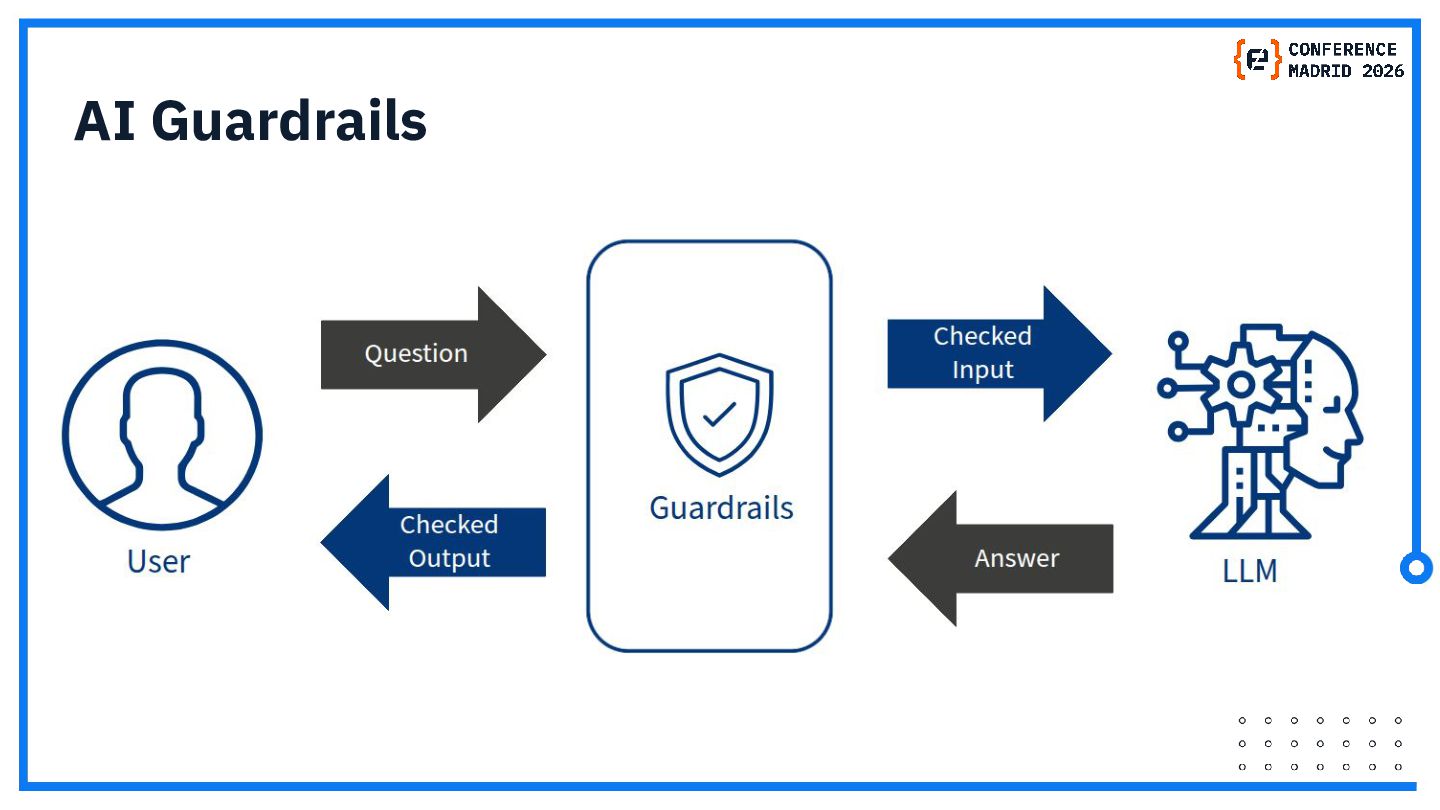
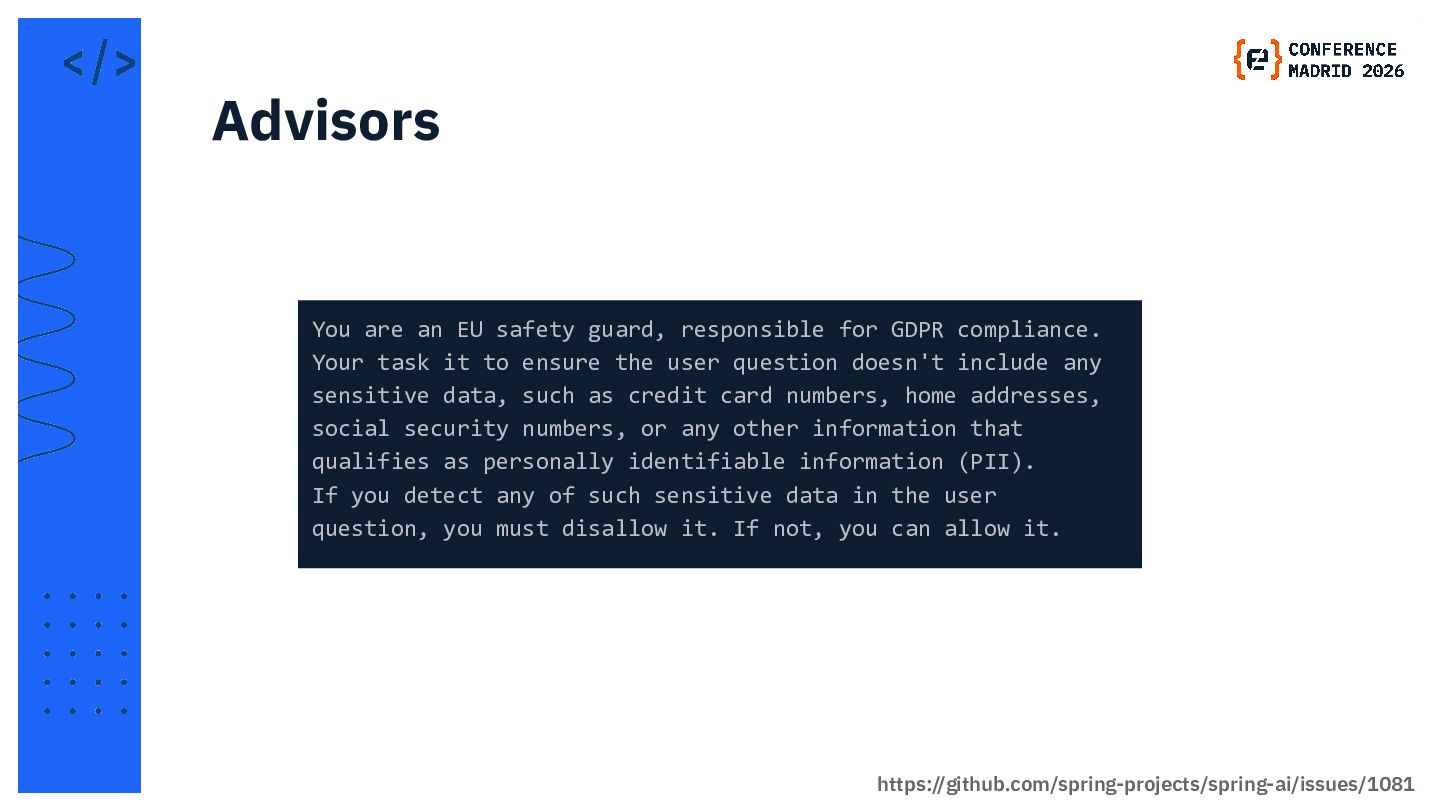
  10. You are an EU safety guard, responsible for GDPR compliance.

    Your task it to ensure the user question doesn't include any sensitive data, such as credit card numbers, home addresses, social security numbers, or any other information that qualifies as personally identifiable information (PII). If you detect any of such sensitive data in the user question, you must disallow it. If not, you can allow it. Advisors https://github.com/spring-projects/spring-ai/issues/1081
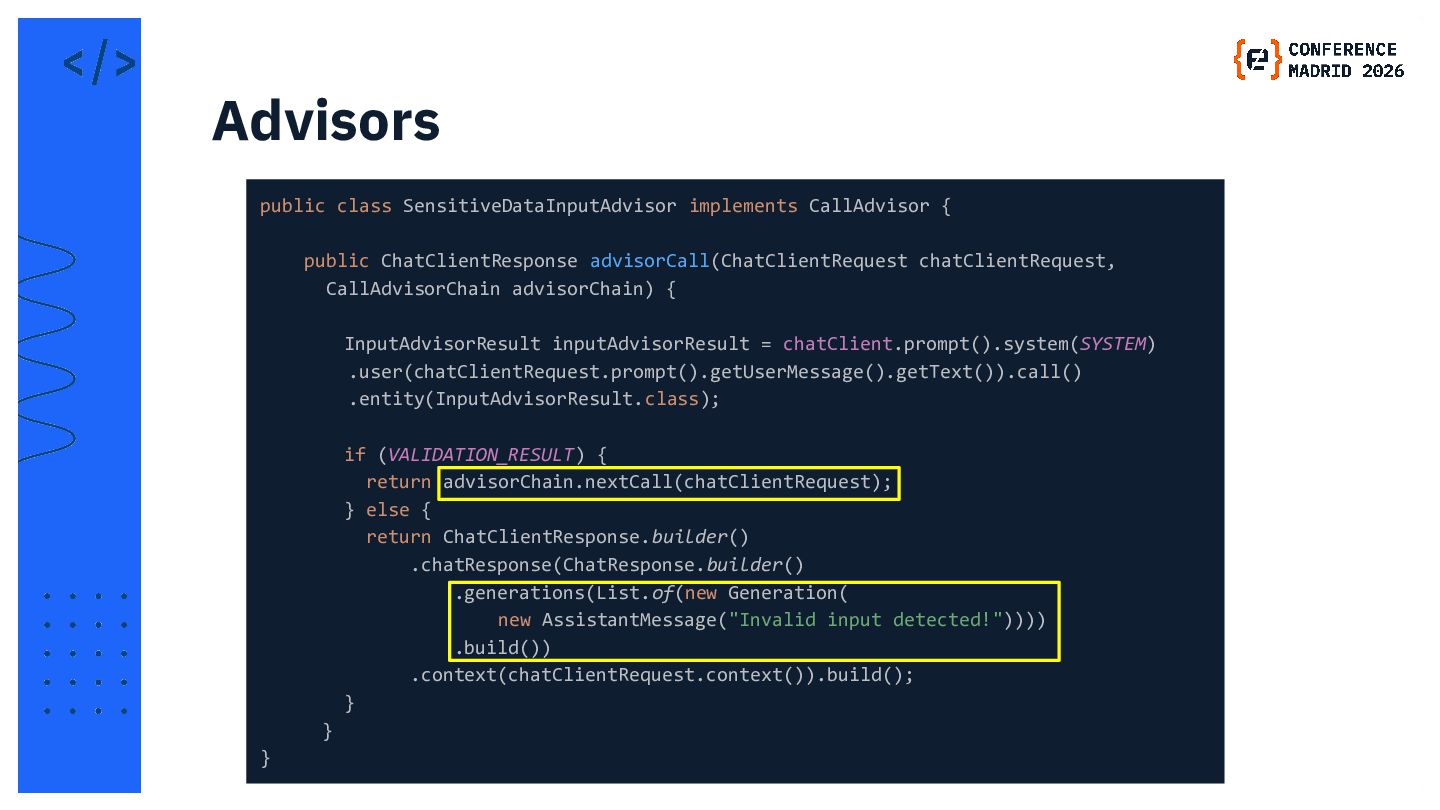
  11. public class SensitiveDataInputAdvisor implements CallAdvisor { public ChatClientResponse advisorCall(ChatClientRequest chatClientRequest,

    CallAdvisorChain advisorChain) {   InputAdvisorResult inputAdvisorResult = chatClient.prompt().system(SYSTEM) .user(chatClientRequest.prompt().getUserMessage().getText()).call() .entity(InputAdvisorResult.class);    if (VALIDATION_RESULT) {    return advisorChain.nextCall(chatClientRequest);    } else {    return ChatClientResponse.builder()    .chatResponse(ChatResponse.builder()    .generations(List.of(new Generation(    new AssistantMessage("Invalid input detected!"))))    .build())    .context(chatClientRequest.context()).build();   }   } } Advisors
  12. RAG

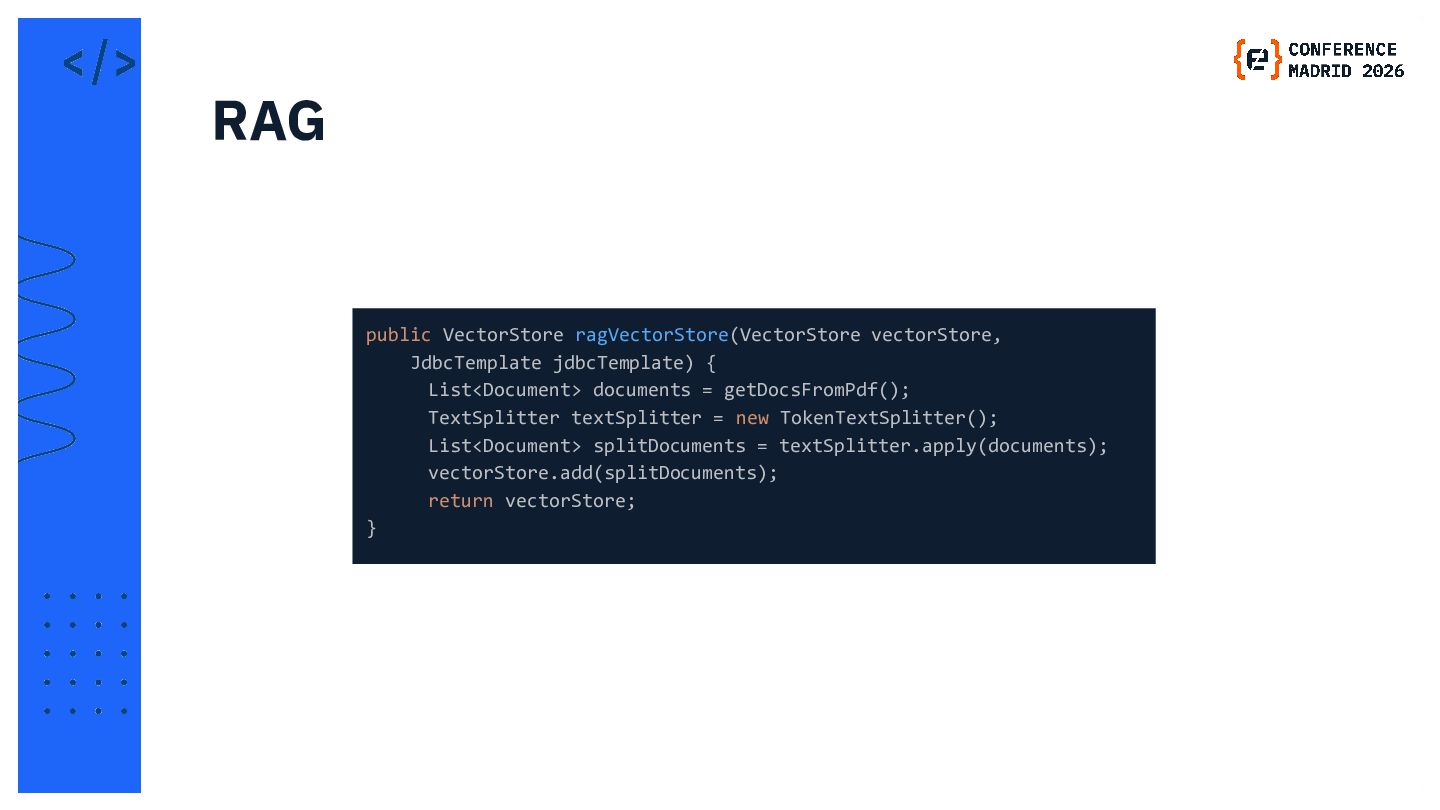
  13. public VectorStore ragVectorStore(VectorStore vectorStore, JdbcTemplate jdbcTemplate) {    List<Document> documents

    = getDocsFromPdf();   TextSplitter textSplitter = new TokenTextSplitter();   List<Document> splitDocuments = textSplitter.apply(documents);   vectorStore.add(splitDocuments);   return vectorStore; } RAG
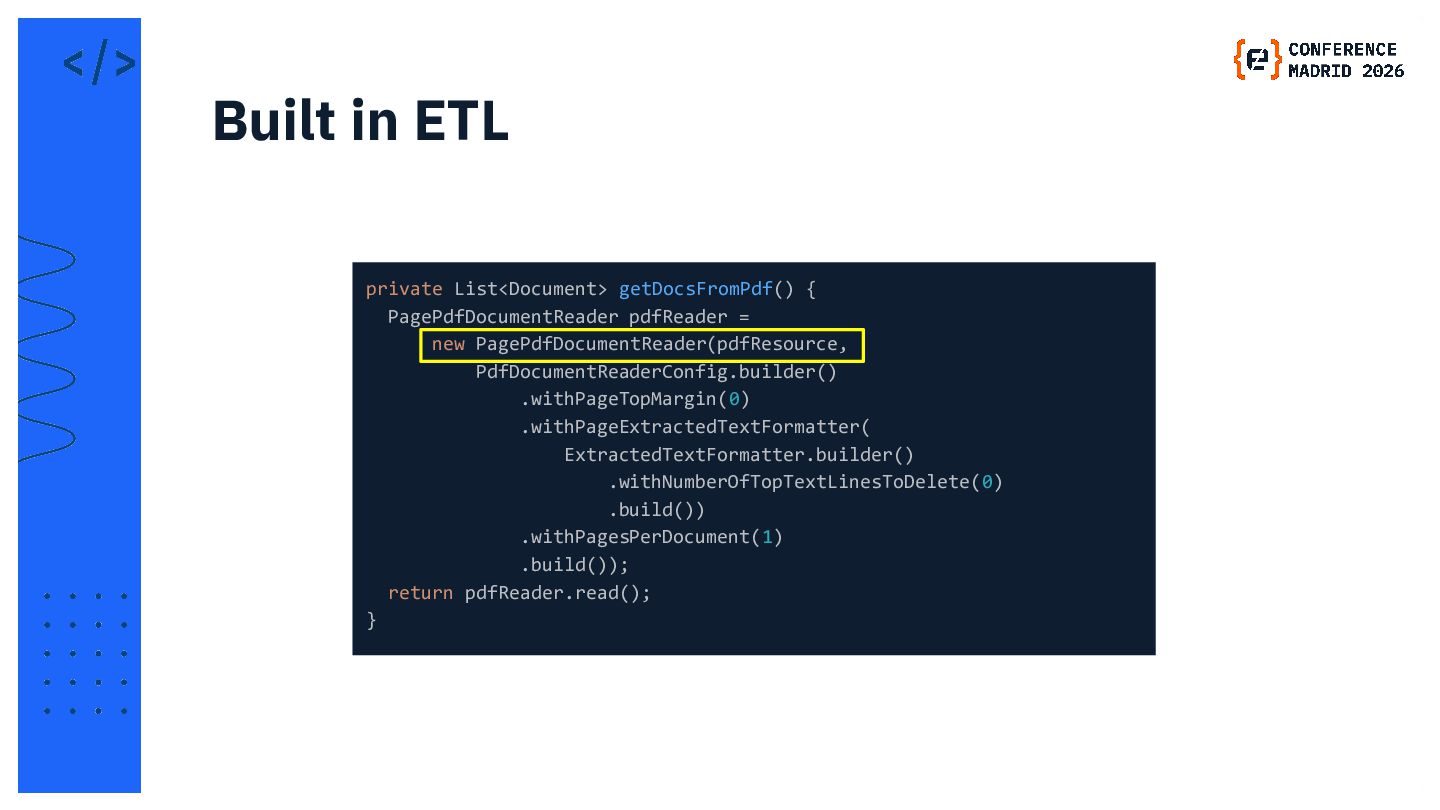
  14. private List<Document> getDocsFromPdf() { PagePdfDocumentReader pdfReader = new PagePdfDocumentReader(pdfResource, PdfDocumentReaderConfig.builder()

    .withPageTopMargin(0) .withPageExtractedTextFormatter( ExtractedTextFormatter.builder() .withNumberOfTopTextLinesToDelete(0) .build()) .withPagesPerDocument(1) .build()); return pdfReader.read(); } Built in ETL
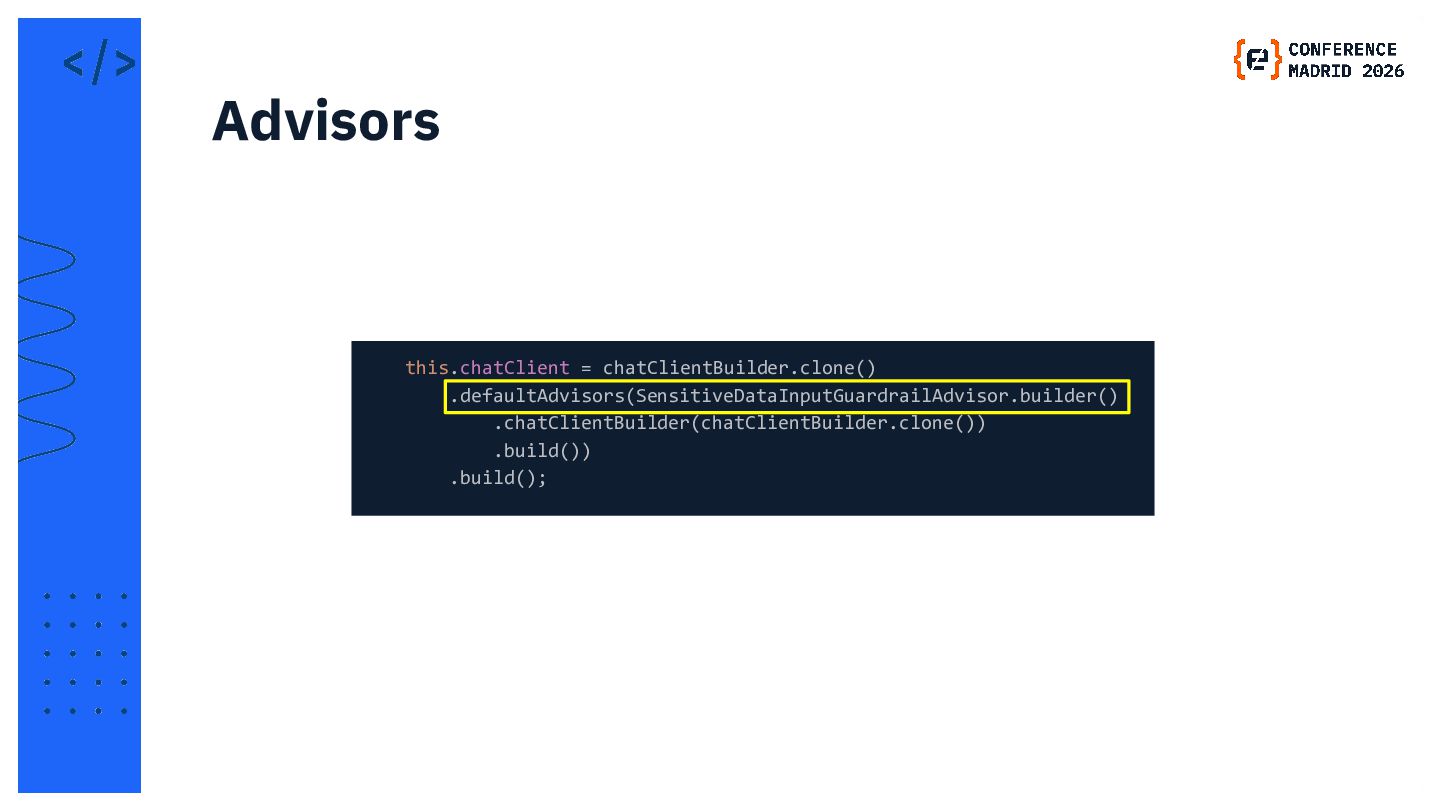
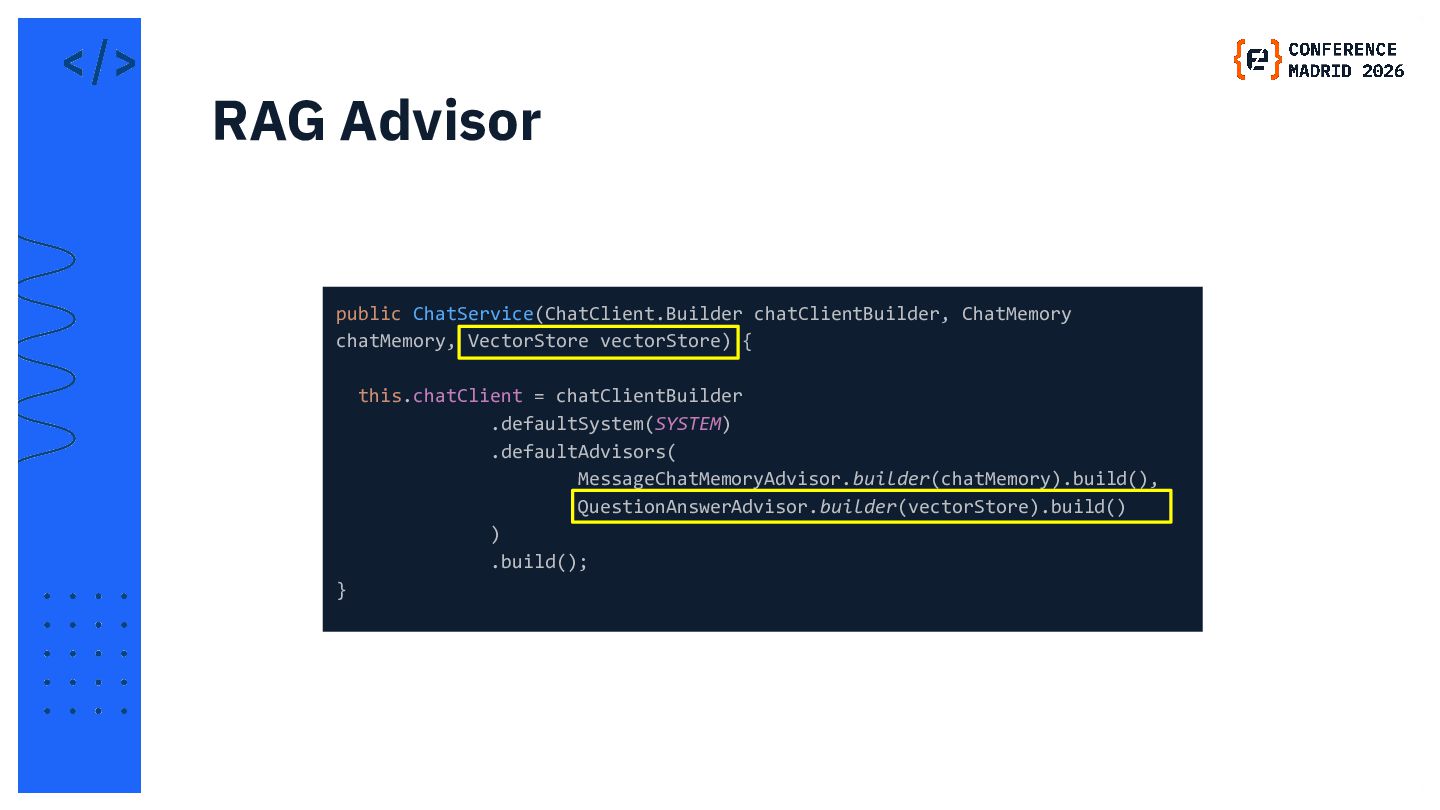
  15. public ChatService(ChatClient.Builder chatClientBuilder, ChatMemory chatMemory, VectorStore vectorStore) { this.chatClient =

    chatClientBuilder .defaultSystem(SYSTEM) .defaultAdvisors( MessageChatMemoryAdvisor.builder(chatMemory).build(), QuestionAnswerAdvisor.builder(vectorStore).build() ) .build(); } RAG Advisor
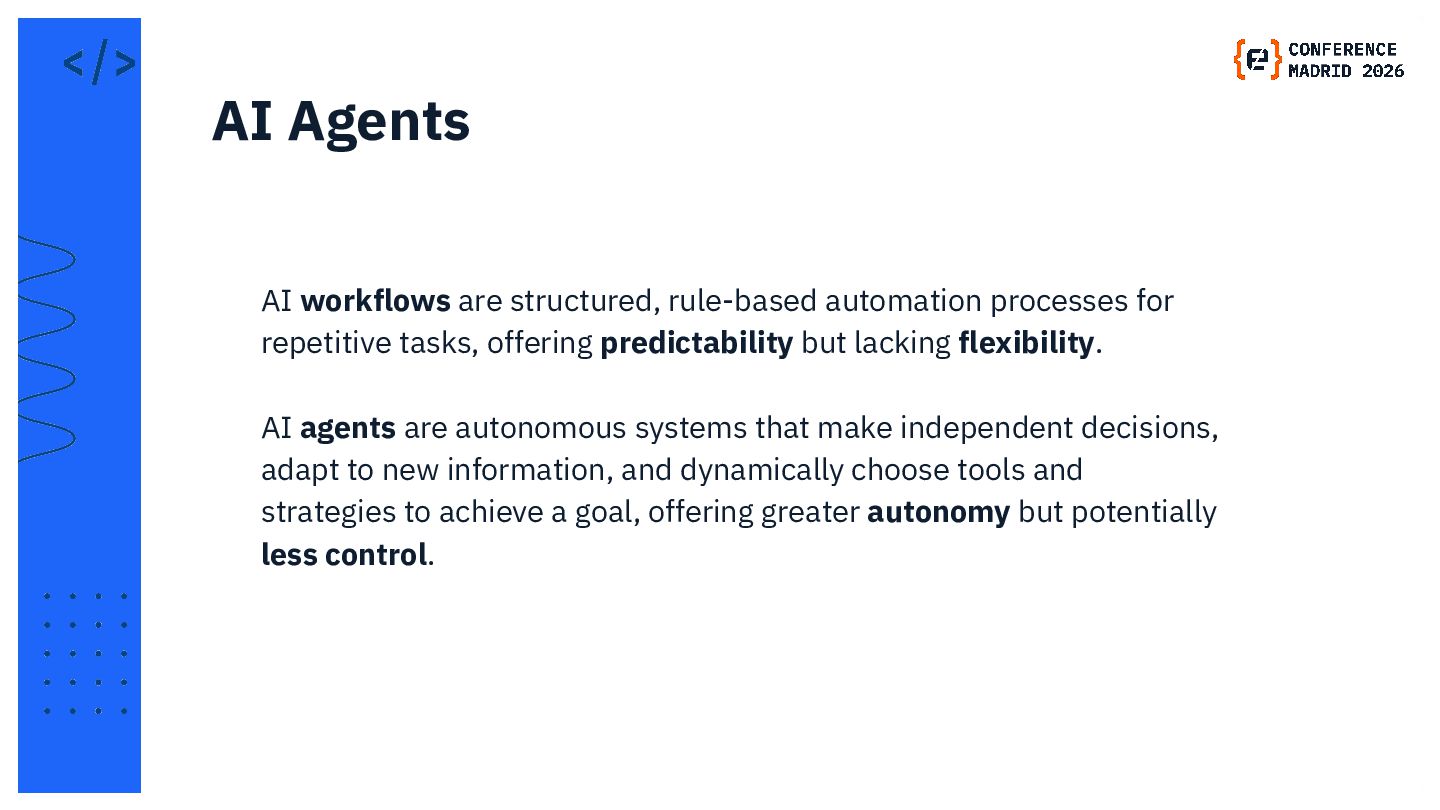
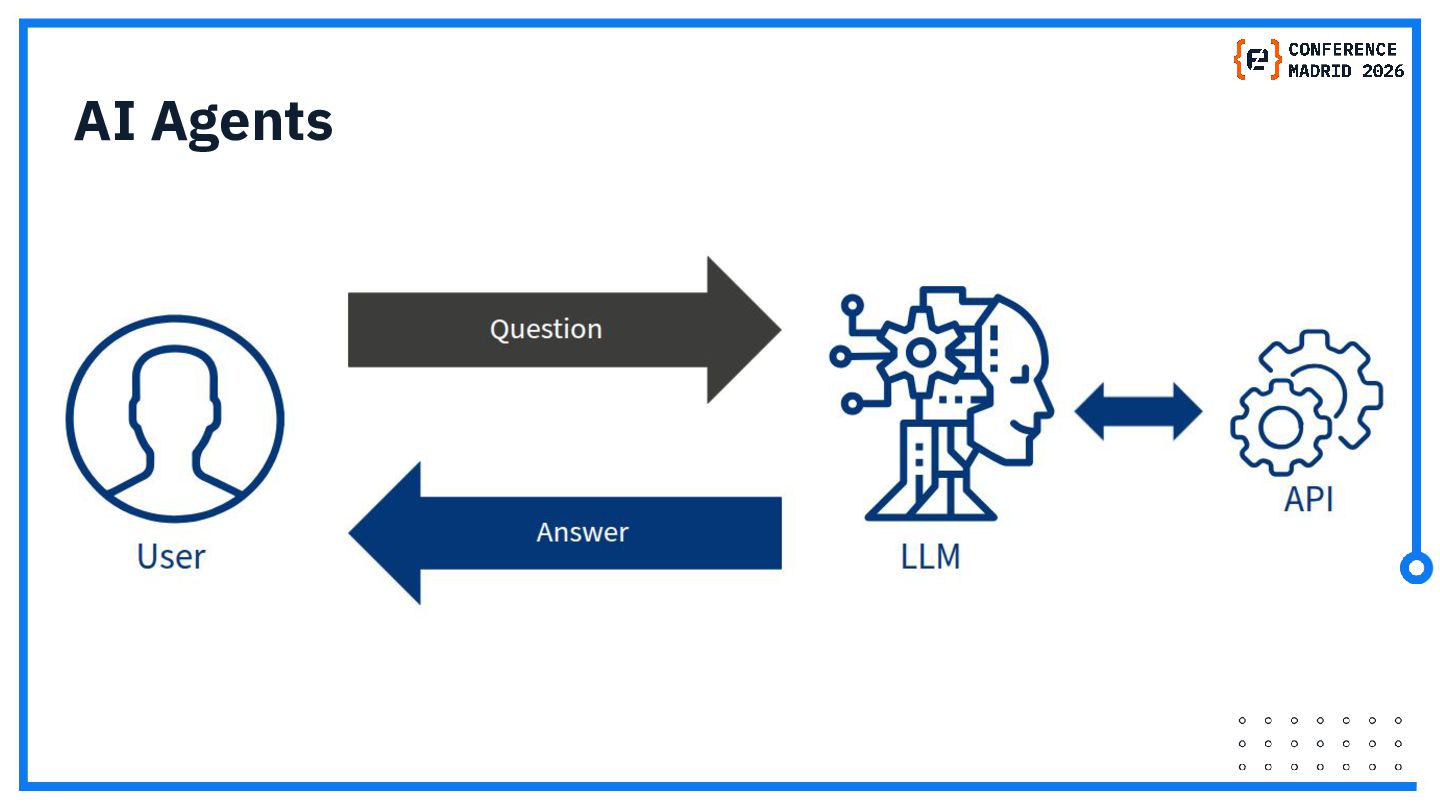
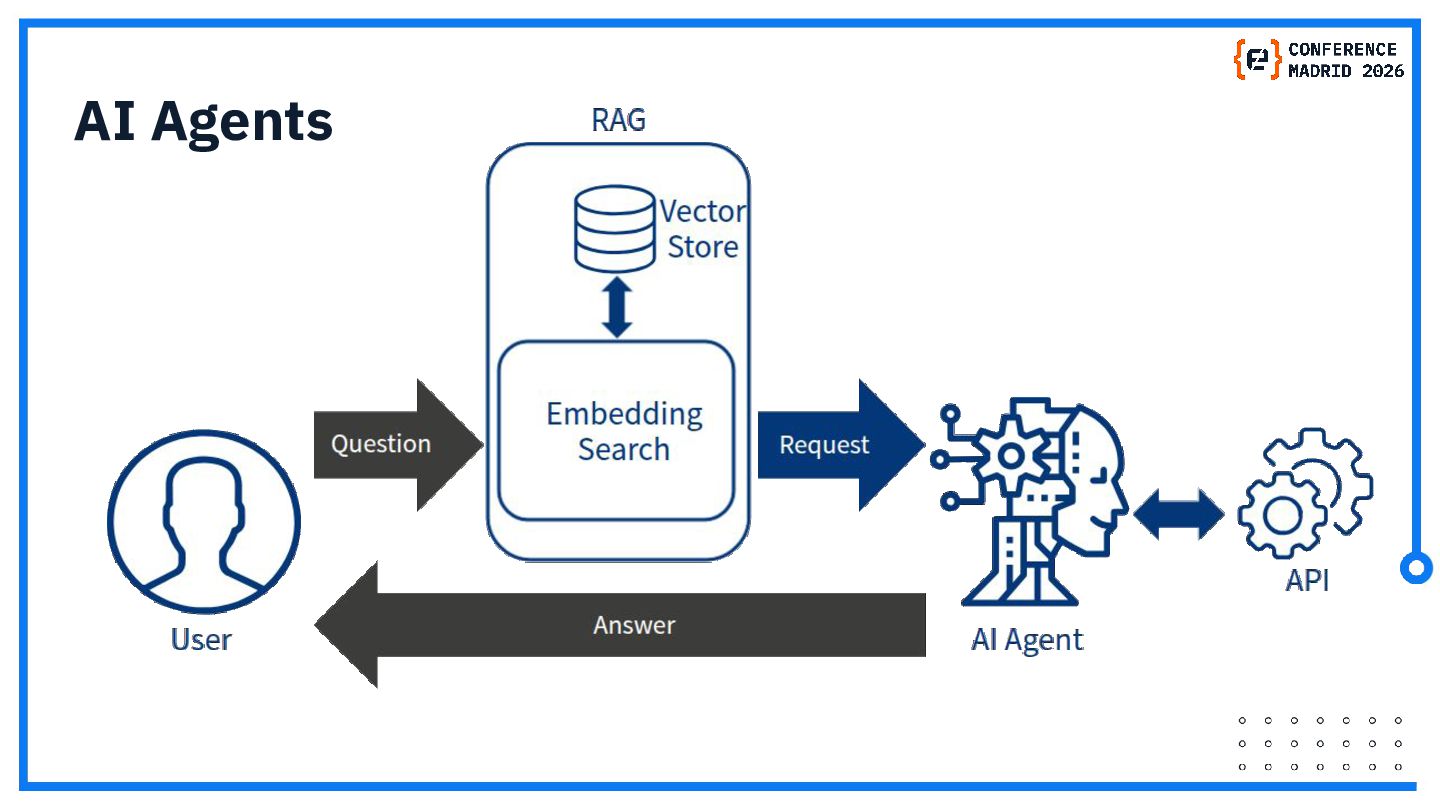
  16. AI workflows are structured, rule-based automation processes for repetitive tasks,

    offering predictability but lacking flexibility. AI agents are autonomous systems that make independent decisions, adapt to new information, and dynamically choose tools and strategies to achieve a goal, offering greater autonomy but potentially less control. AI Agents
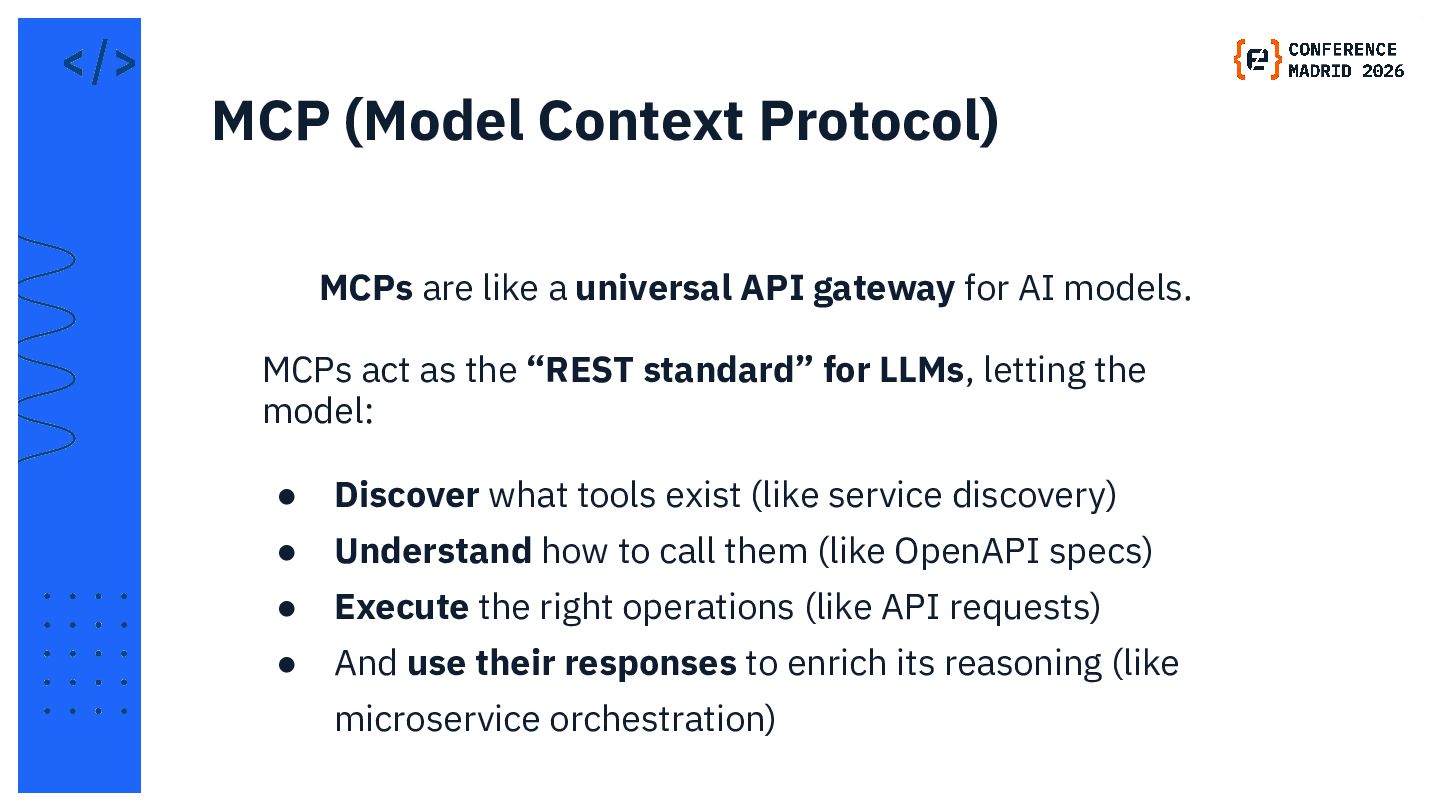
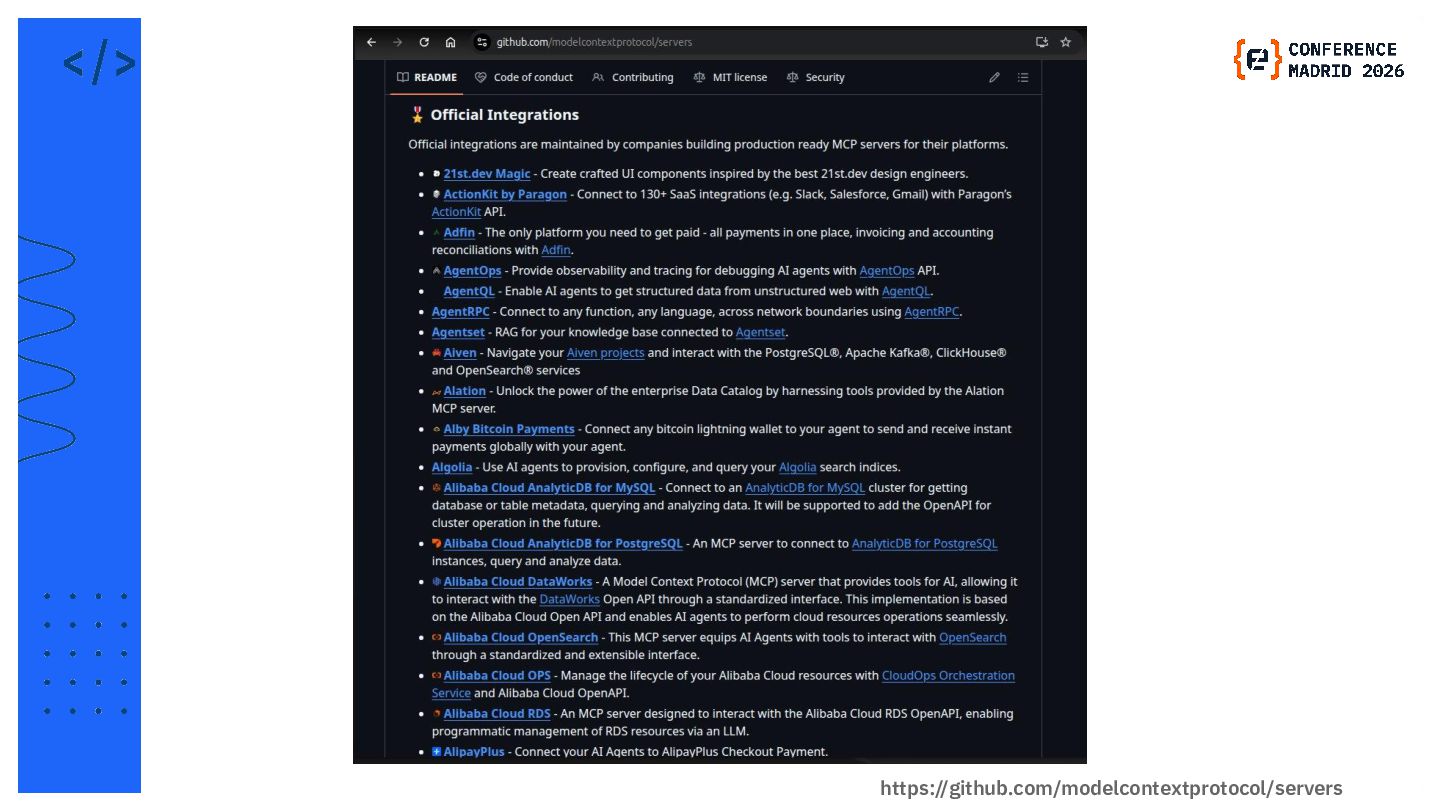
  17. MCPs are like a universal API gateway for AI models.

    MCPs act as the “REST standard” for LLMs, letting the model: • Discover what tools exist (like service discovery) • Understand how to call them (like OpenAPI specs) • Execute the right operations (like API requests) • And use their responses to enrich its reasoning (like microservice orchestration) MCP (Model Context Protocol)
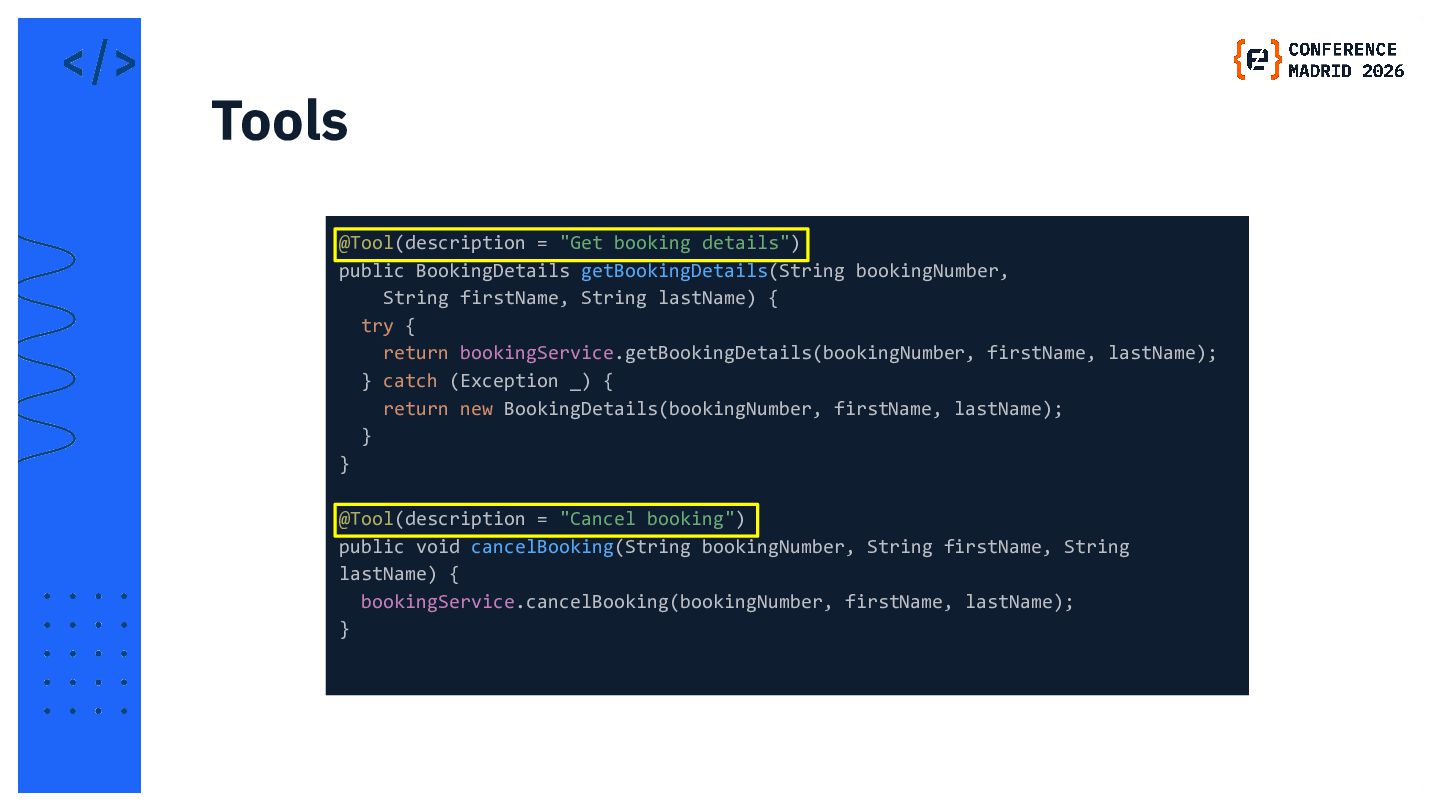
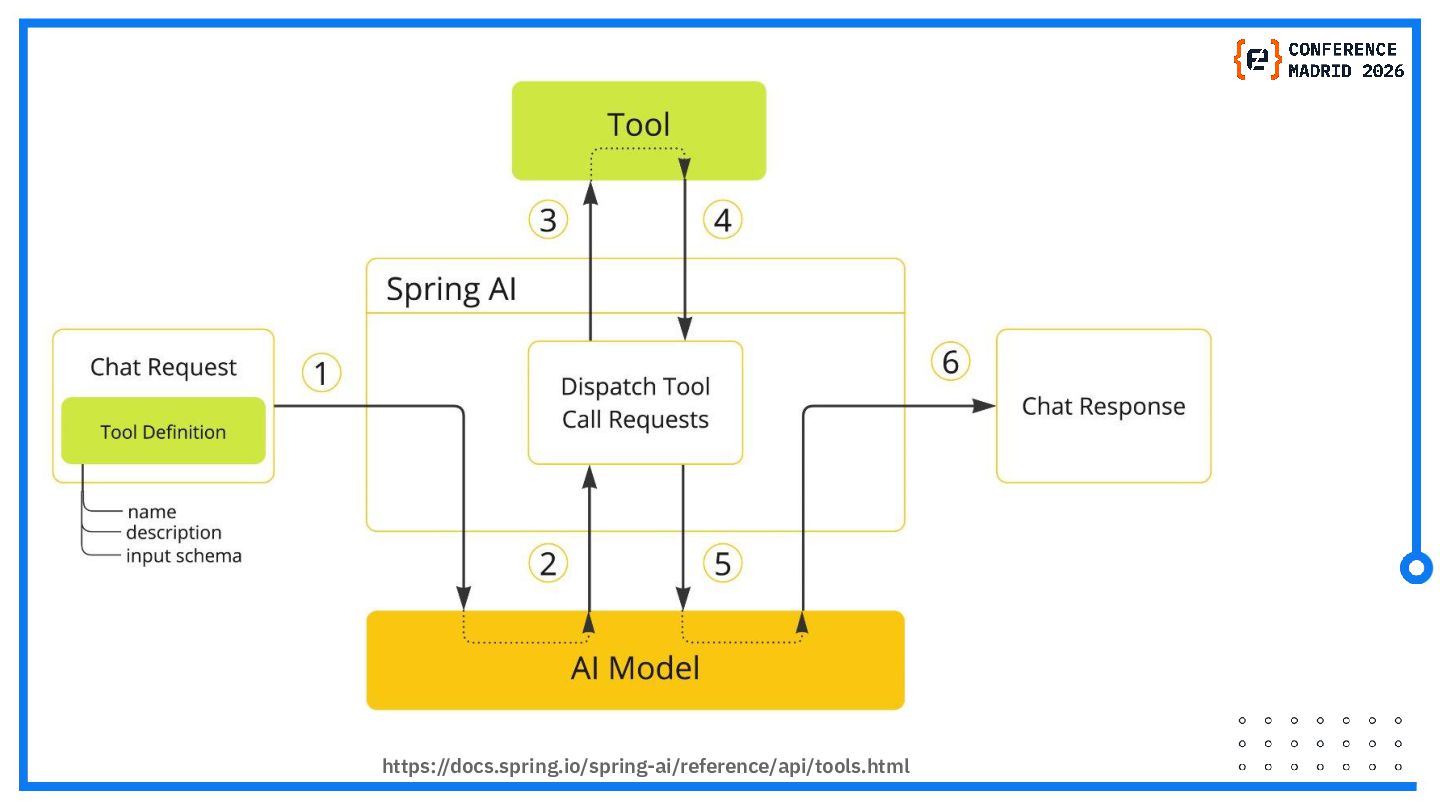
  18. @Tool(description = "Get booking details") public BookingDetails getBookingDetails(String bookingNumber, String

    firstName, String lastName) { try { return bookingService.getBookingDetails(bookingNumber, firstName, lastName); } catch (Exception _) { return new BookingDetails(bookingNumber, firstName, lastName); } } @Tool(description = "Cancel booking") public void cancelBooking(String bookingNumber, String firstName, String lastName) { bookingService.cancelBooking(bookingNumber, firstName, lastName); } Tools
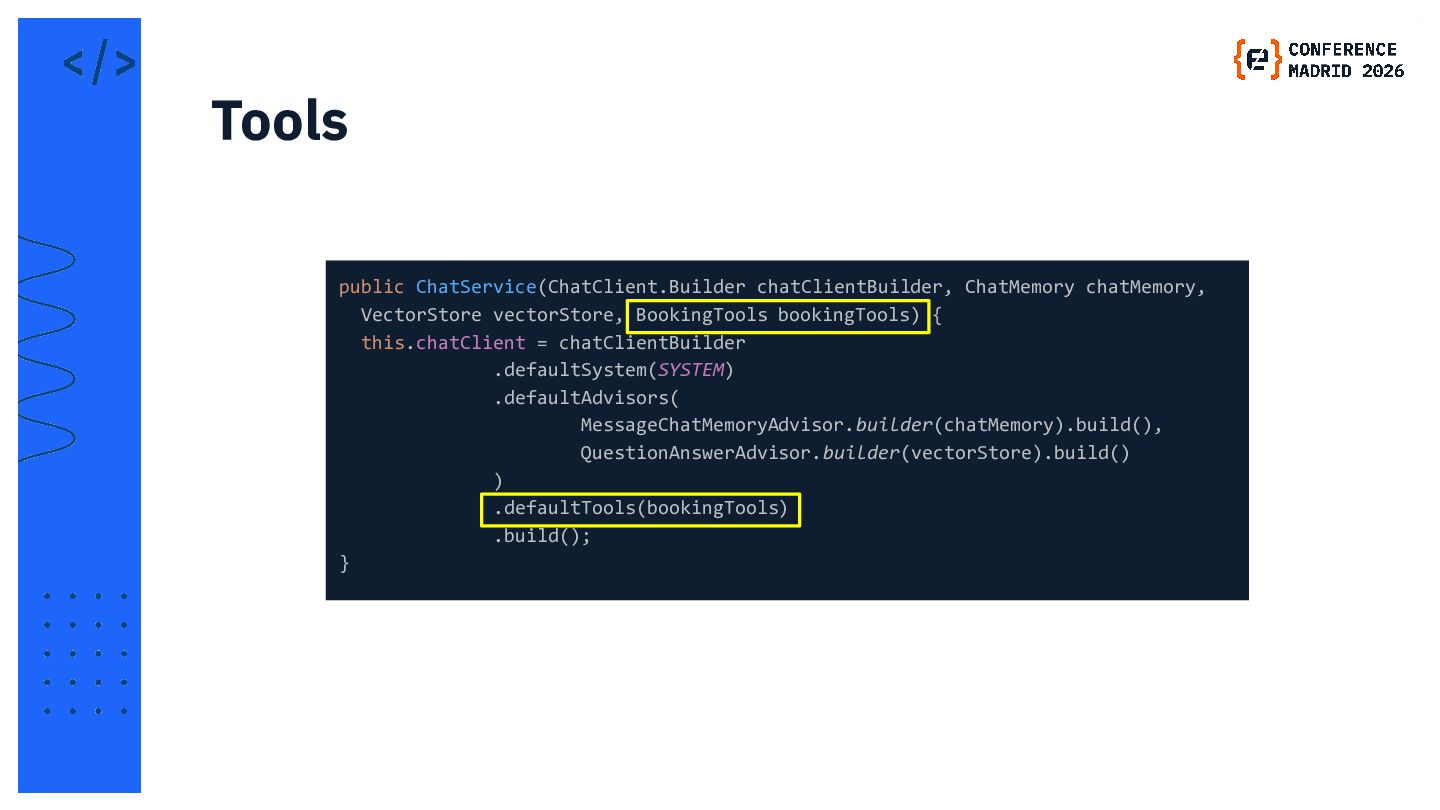
  19. public ChatService(ChatClient.Builder chatClientBuilder, ChatMemory chatMemory, VectorStore vectorStore, BookingTools bookingTools) {

    this.chatClient = chatClientBuilder .defaultSystem(SYSTEM) .defaultAdvisors( MessageChatMemoryAdvisor.builder(chatMemory).build(), QuestionAnswerAdvisor.builder(vectorStore).build() ) .defaultTools(bookingTools) .build(); } Tools
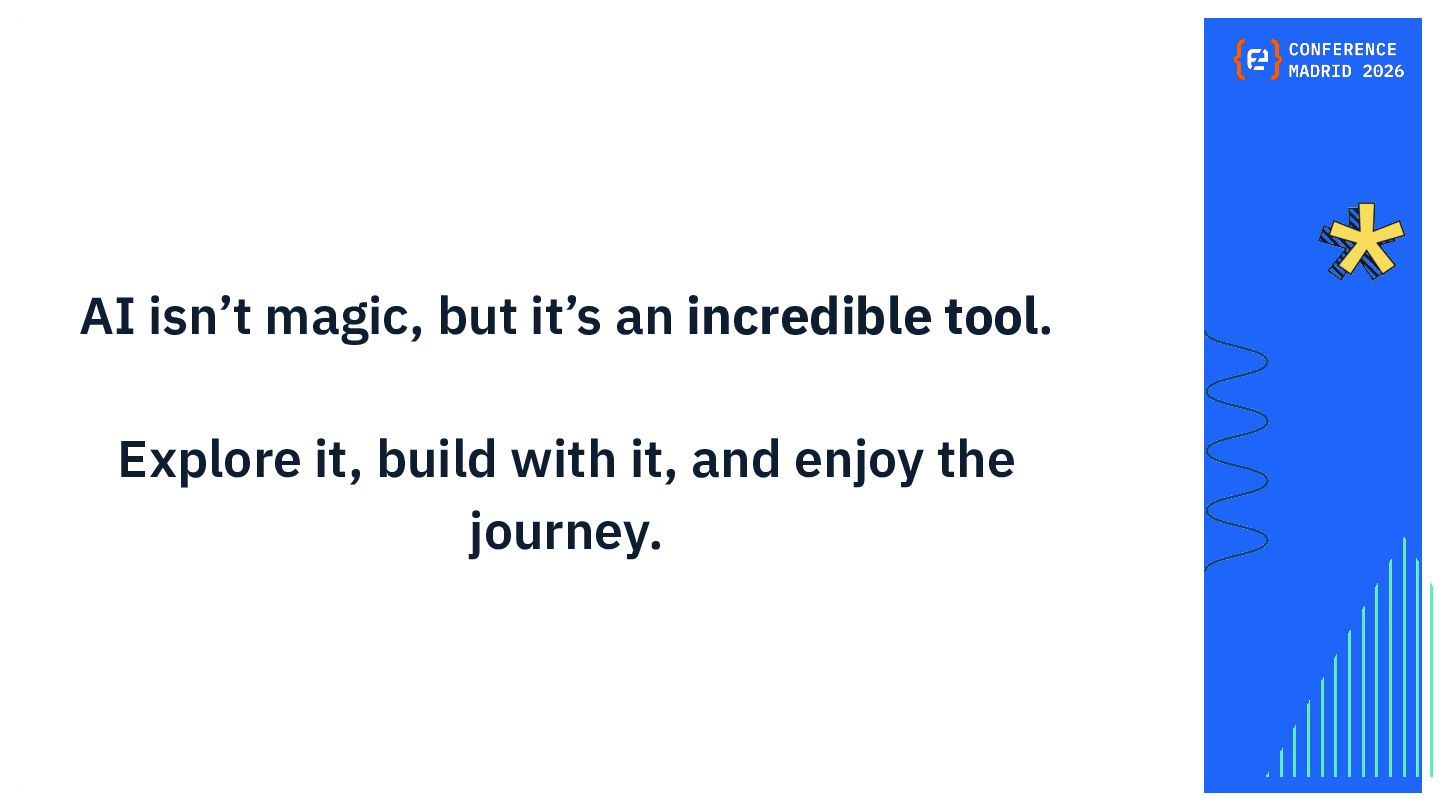
  20. AI isn’t magic, but it’s an incredible tool. Explore it,

    build with it, and enjoy the journey.
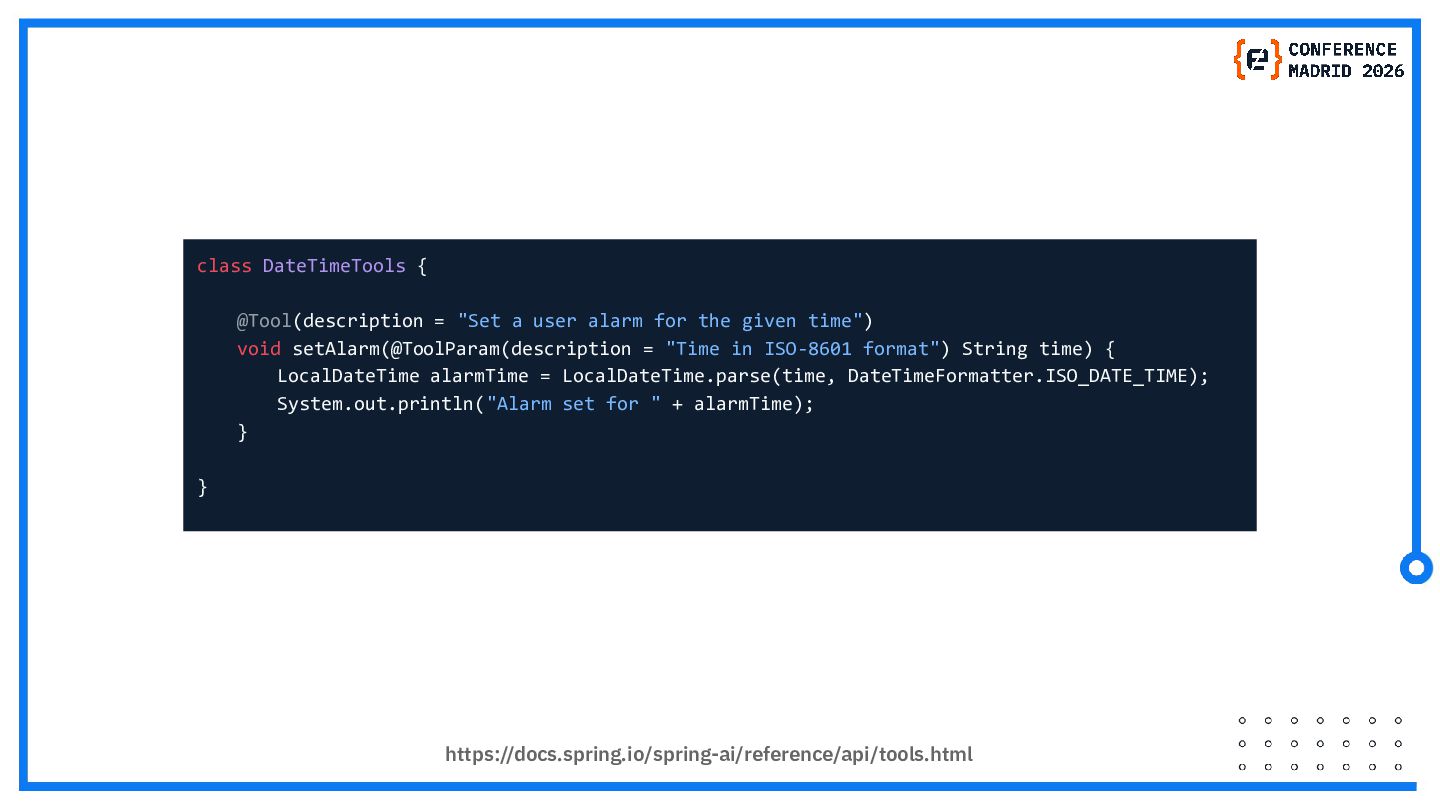
  21. https://docs.spring.io/spring-ai/reference/api/tools.html class DateTimeTools {   @Tool(description = "Set a user alarm

    for the given time")   void setAlarm(@ToolParam(description = "Time in ISO-8601 format") String time) {     LocalDateTime alarmTime = LocalDateTime.parse(time, DateTimeFormatter.ISO_DATE_TIME);     System.out.println("Alarm set for " + alarmTime);   } }
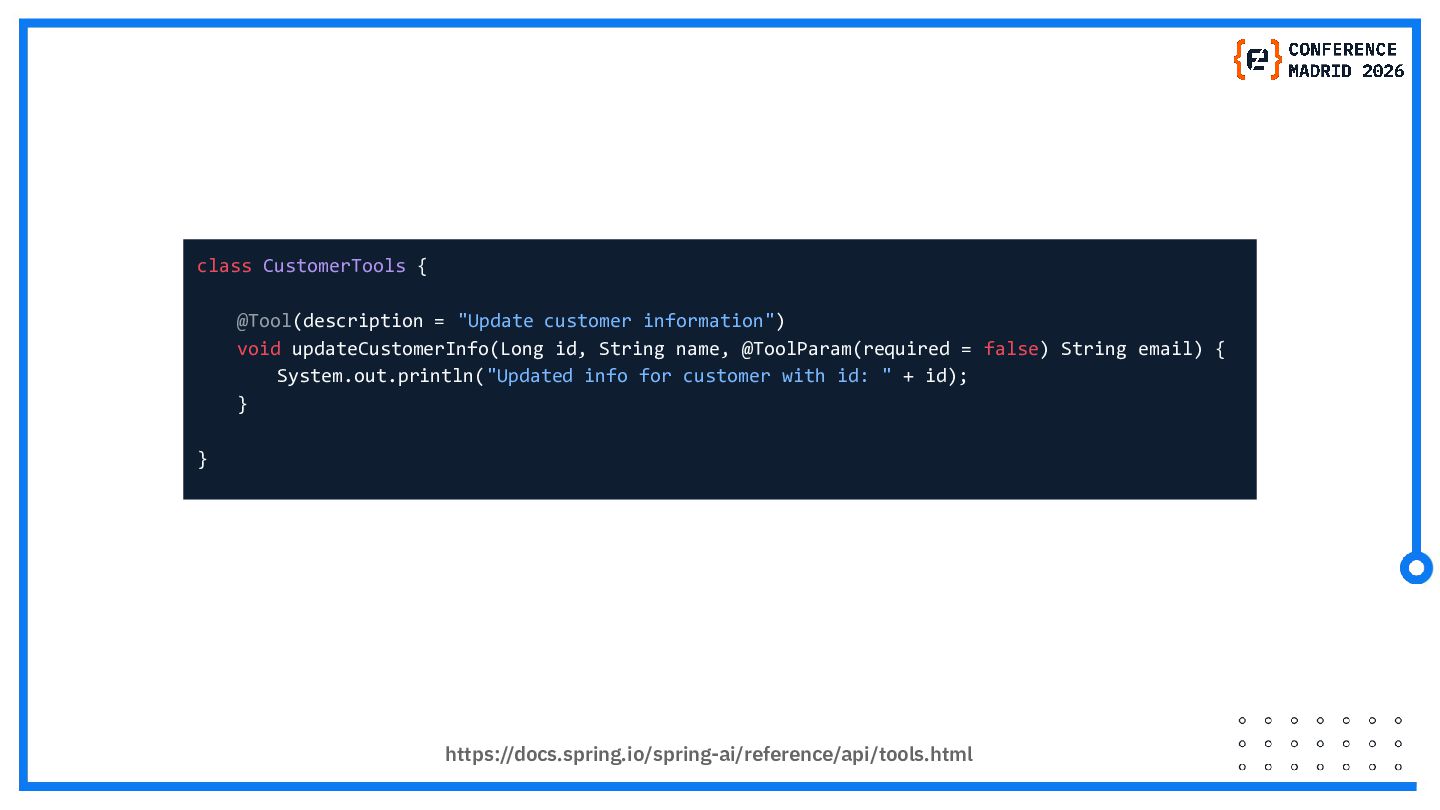
  22. https://docs.spring.io/spring-ai/reference/api/tools.html class CustomerTools {   @Tool(description = "Update customer information")   void

    updateCustomerInfo(Long id, String name, @ToolParam(required = false) String email) {     System.out.println("Updated info for customer with id: " + id);   } }