This presentation is brief on modern day container technology and related terminology.
It has notes about container runtime, ecosystem and details about Docker and Docker objects.
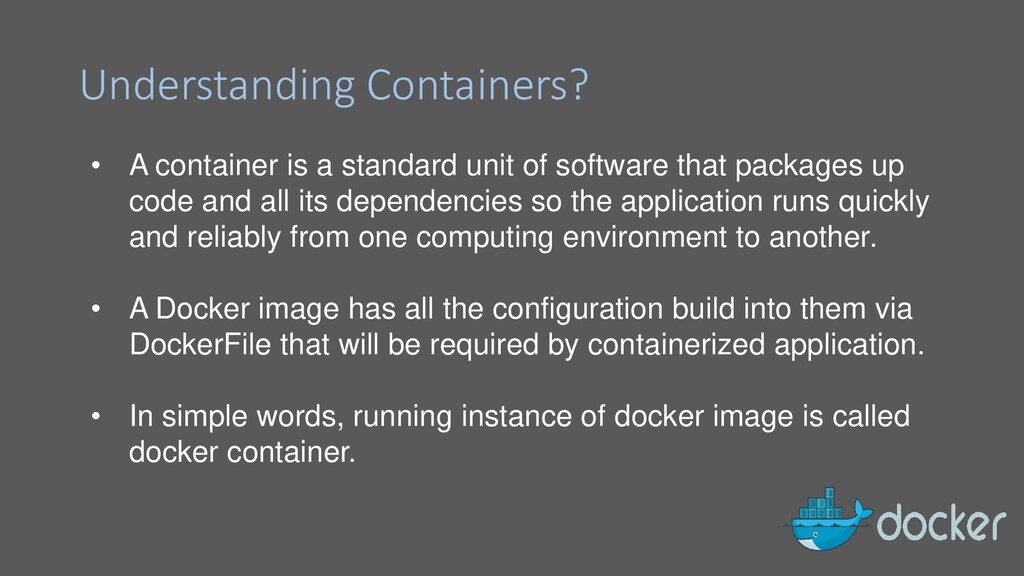
software that packages up code and all its dependencies so the application runs quickly and reliably from one computing environment to another. • A Docker image has all the configuration build into them via DockerFile that will be required by containerized application. • In simple words, running instance of docker image is called docker container.
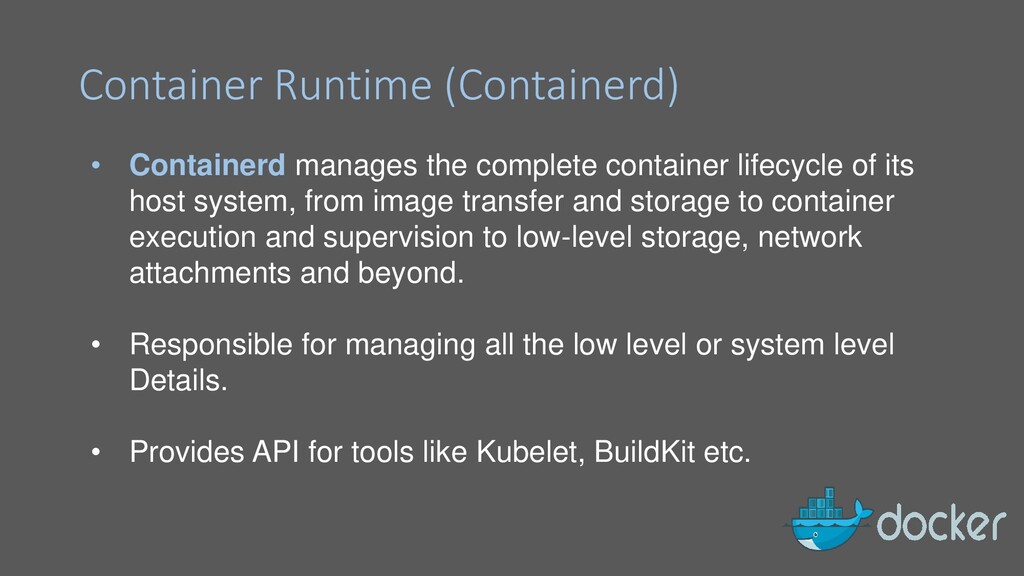
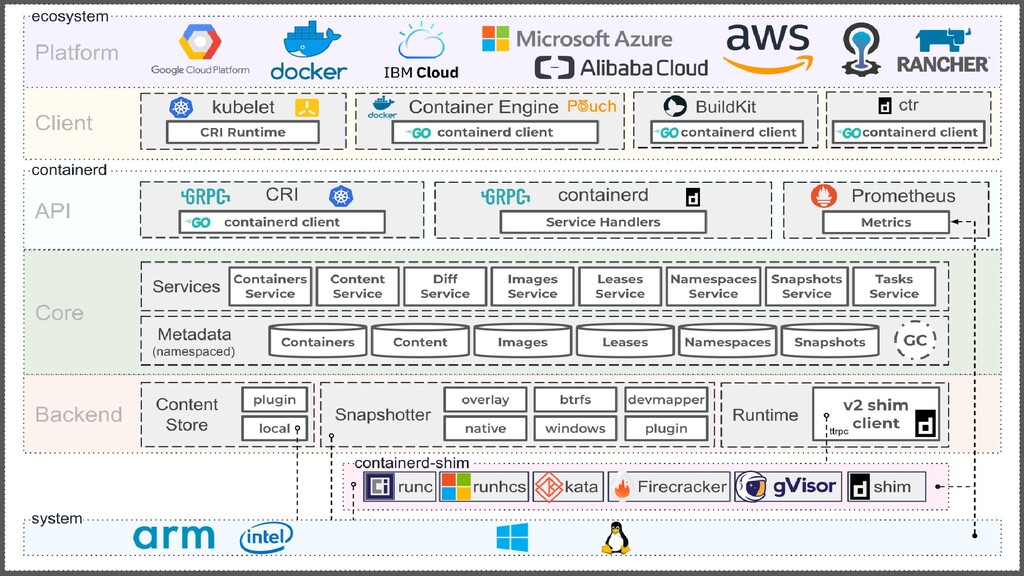
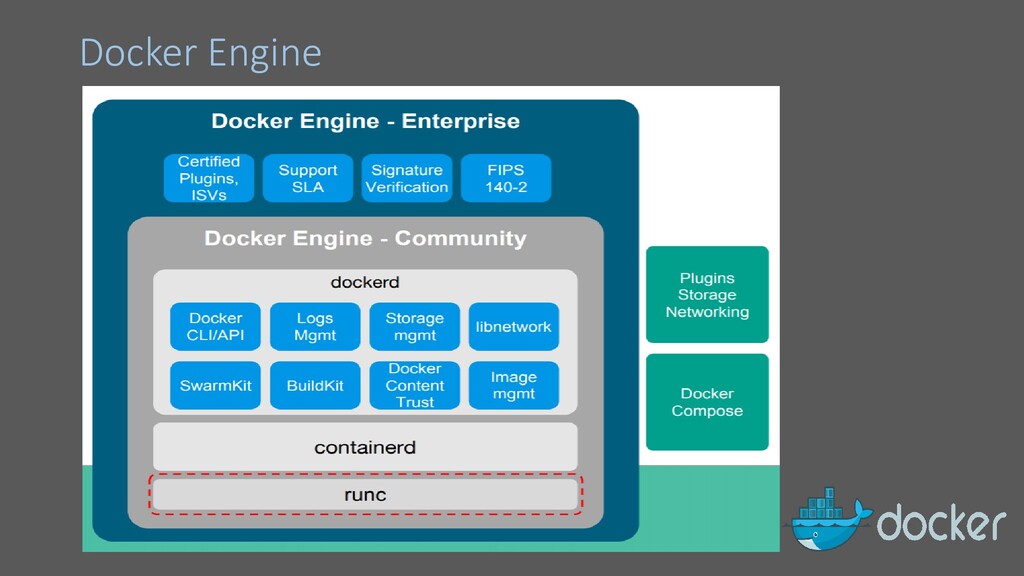
of its host system, from image transfer and storage to container execution and supervision to low-level storage, network attachments and beyond. • Responsible for managing all the low level or system level Details. • Provides API for tools like Kubelet, BuildKit etc.
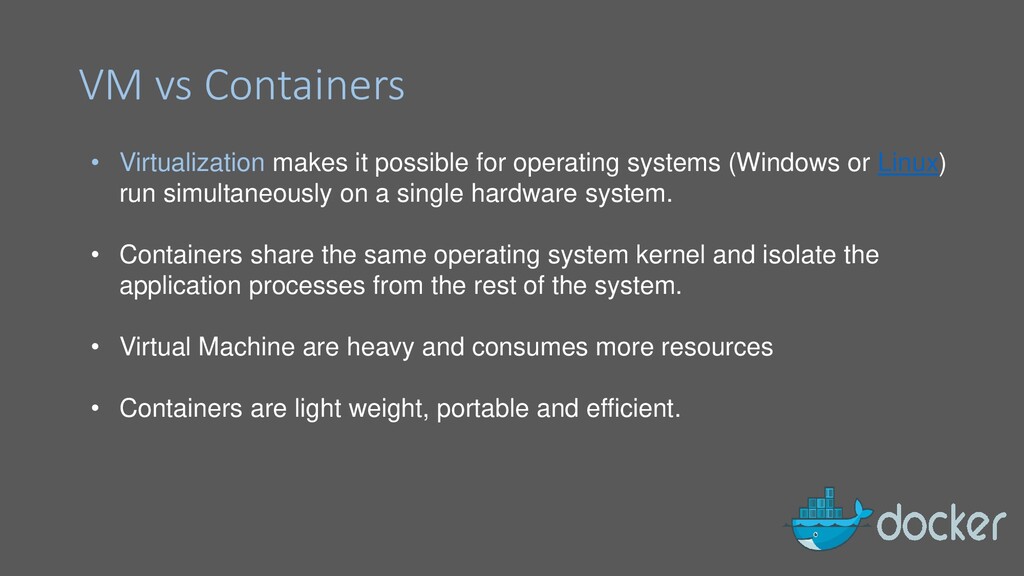
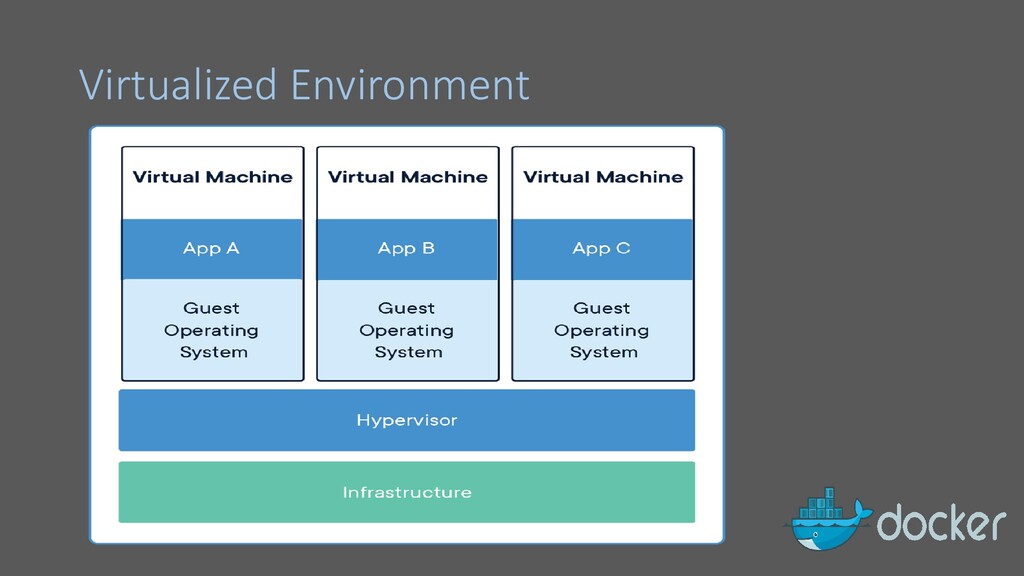
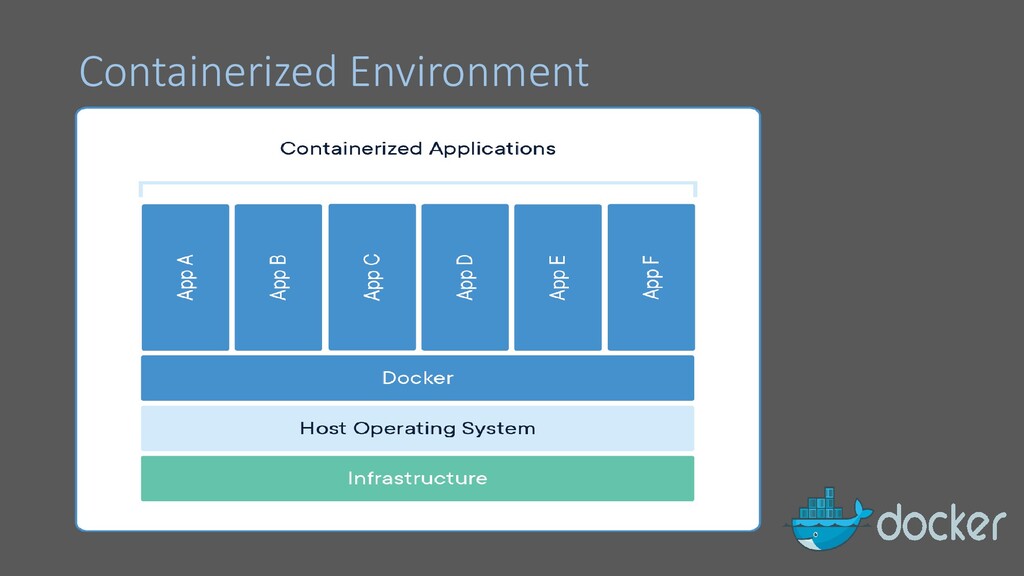
systems (Windows or Linux) run simultaneously on a single hardware system. • Containers share the same operating system kernel and isolate the application processes from the rest of the system. • Virtual Machine are heavy and consumes more resources • Containers are light weight, portable and efficient.
work the same. • Containers build on two windows/Linux can not interchangeably run on both platforms seamlessly • Docker for windows runs Linux containers via Hyper-V • Likewise Windows containers run on Linux host via VM
developing, shipping, and running applications. • Docker allows you to package an application with all of its dependencies into a standardized unit for software development. • Technology behind Docker uses Linux namespaces, cgroups and file system.
on the host machine. • Server It is the docker daemon called dockerd. It can create and manage docker images. Containers, networks, etc. • Rest API It is used to instruct docker daemon what to do. • Command Line Interface (CLI) It is a client which is used to enter docker commands.
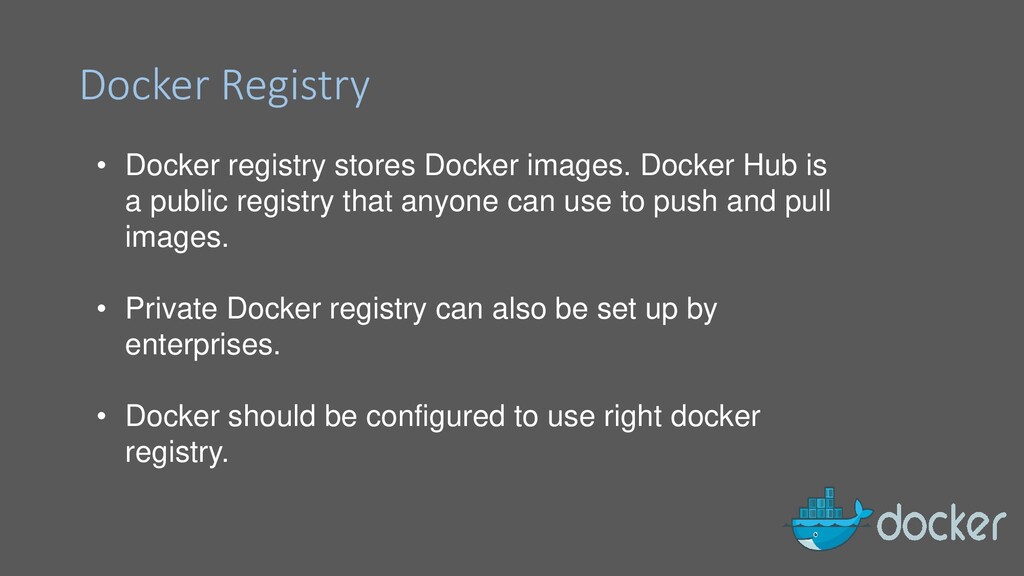
is a public registry that anyone can use to push and pull images. • Private Docker registry can also be set up by enterprises. • Docker should be configured to use right docker registry.
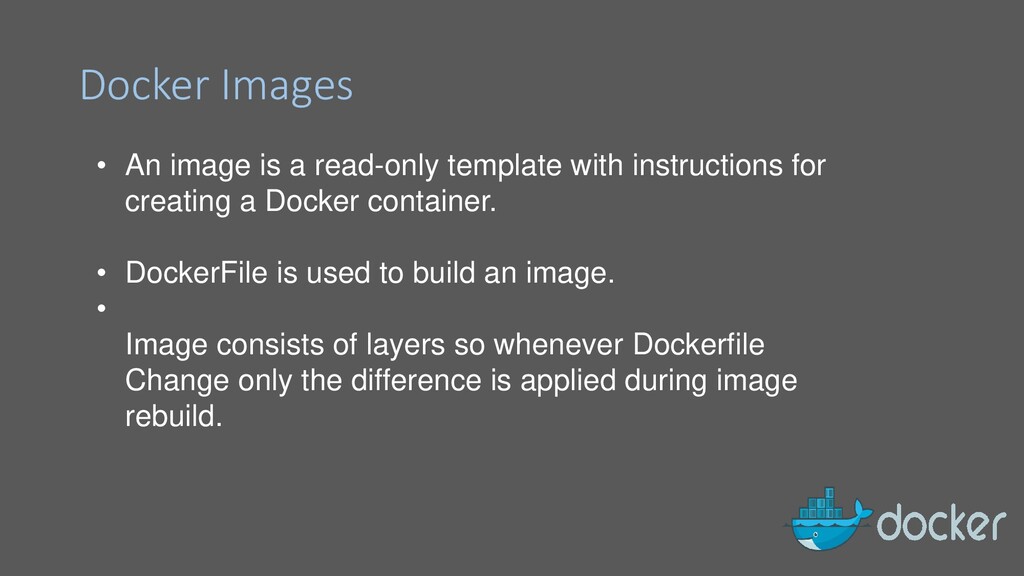
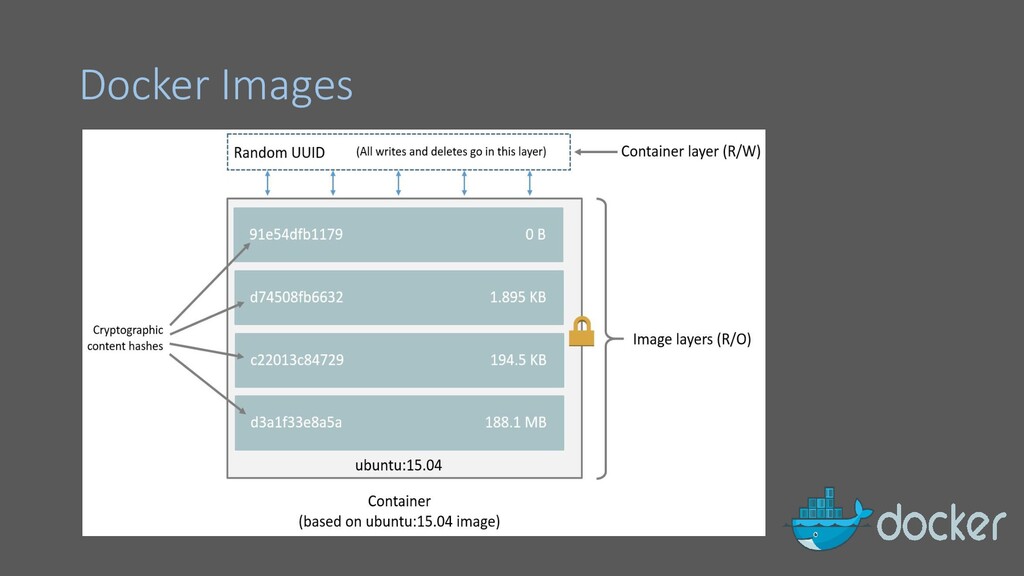
instructions for creating a Docker container. • DockerFile is used to build an image. • Image consists of layers so whenever Dockerfile Change only the difference is applied during image rebuild.
when working with containers. Volumes are stored on the Host machine. • Bind Mounts is also another way of storing data. • Volumes exist out side of the container it self, hence they do not affect a container’s perforamce.
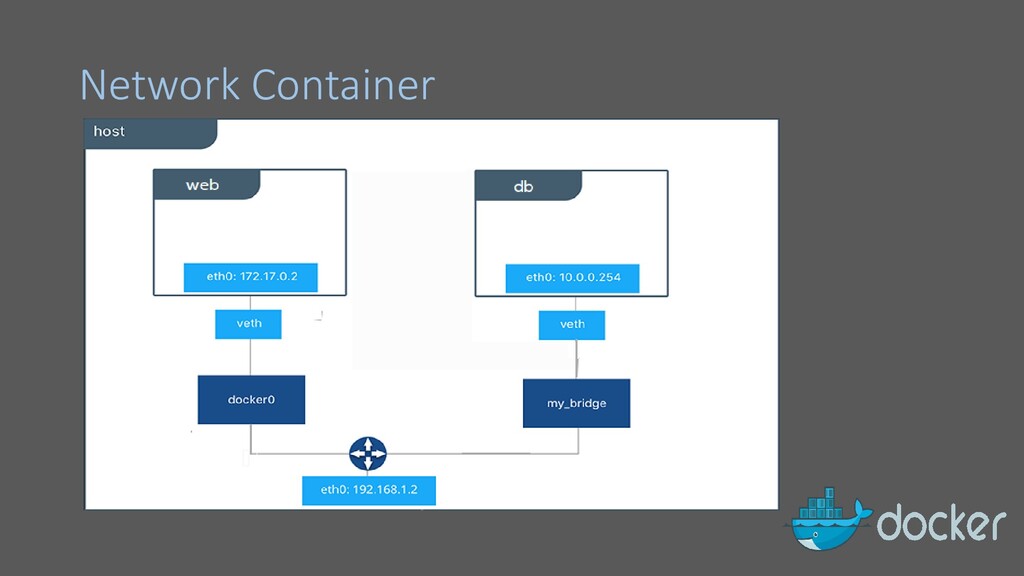
use of network drivers. By default, Docker provides two network drivers for bridge and overlay. • By default the container is launched inside bridge network. • Custom Bridge Networks can be setup.


 camiha
 kizawa2020
 teamlab
 ezaki
ezaki
 jozono
 kaminashi
 takanorip
 riyaamemiya
 taketakekaho
 y0hgi
y0hgi
 greenmidori
 kakehashi
 leimatthew05
 aemeredith
 samanthasiow
 chriscoyier
 cassininazir
 aleyda
 kimpetersen
 tmiket
 skoyamalab
 badams
 danielanewman
 michaelherold