virtual machines vagrant init - requires a Vagrantfile vagrant up vagrant ssh vagrant destroy Wrapper around existing mature technology e.g. VirtualBox VAGRANT: THE BAD Spinning up one, two, three or four machines inside your computer is expensive
to files. What if we could restrict access to computer resources such as processes or memory? FreeBSD had BSD Jail Solaris launched Solaris Zones in 2004 Linux created LXC in 2008 with Parallels, Google and IBM among others Windows integrated a Linux layer 2016
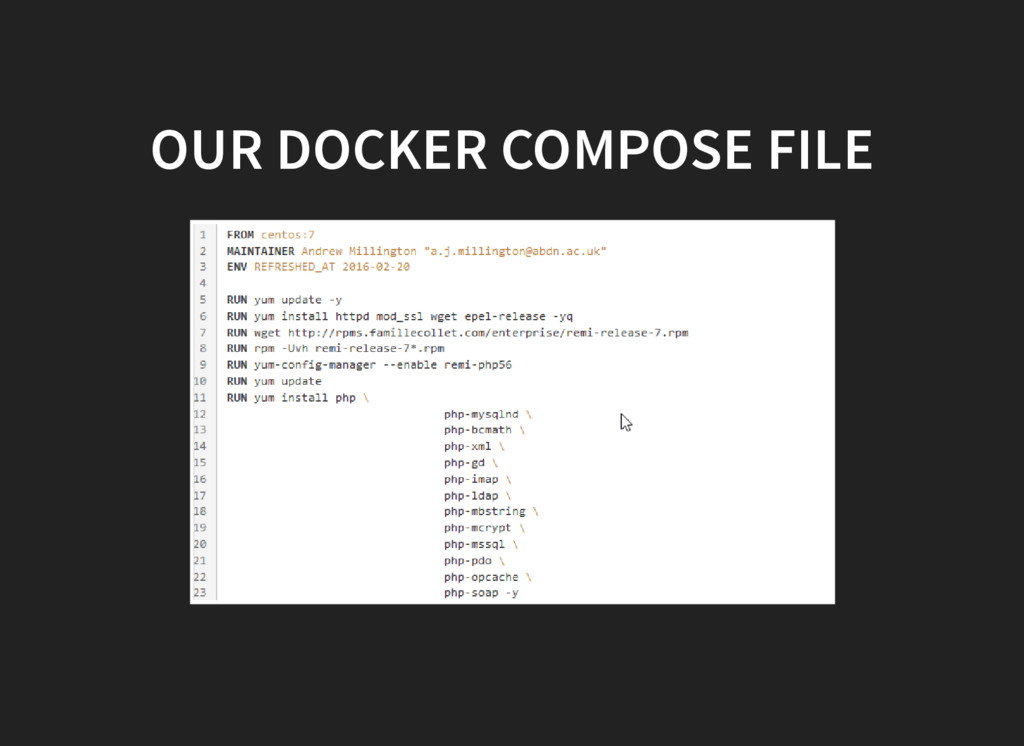
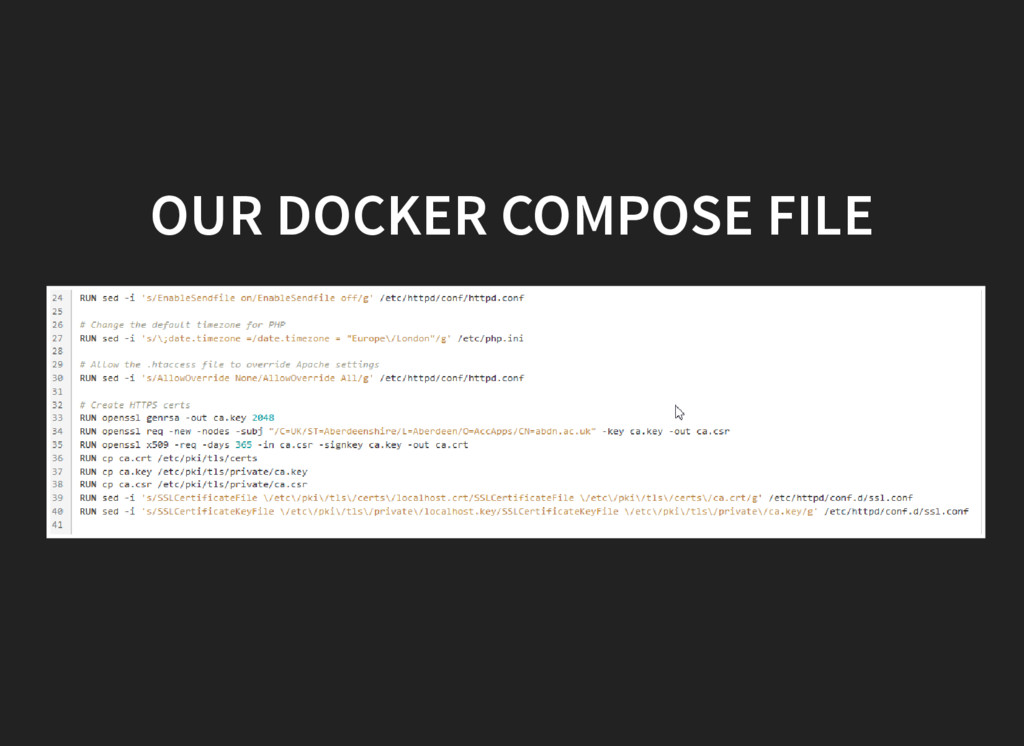
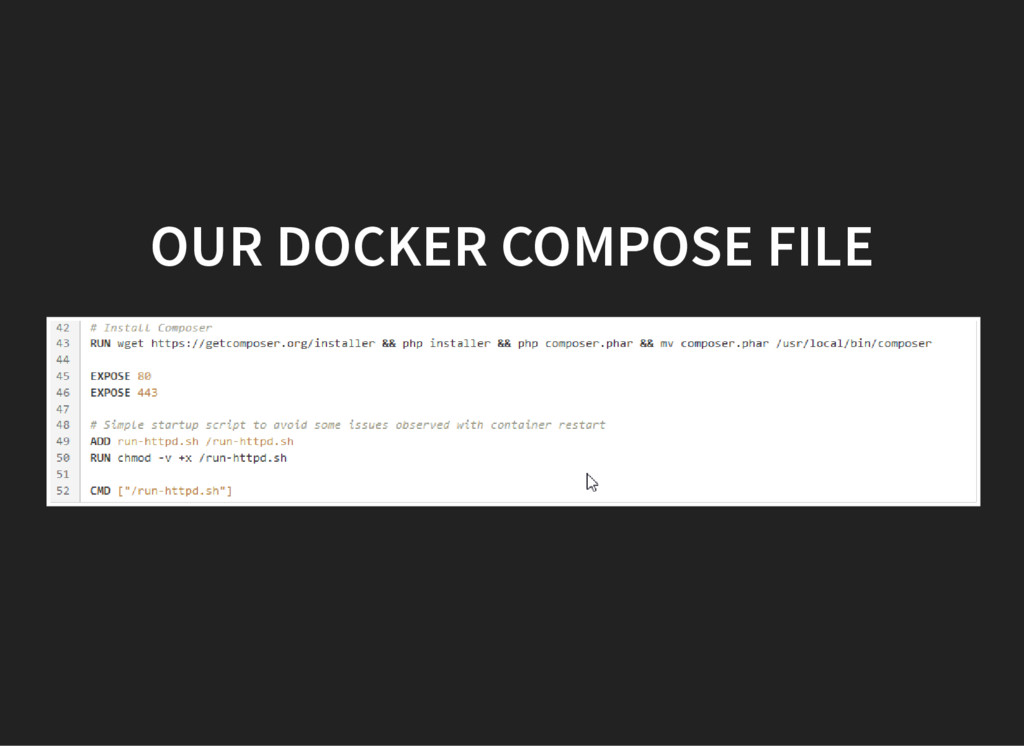
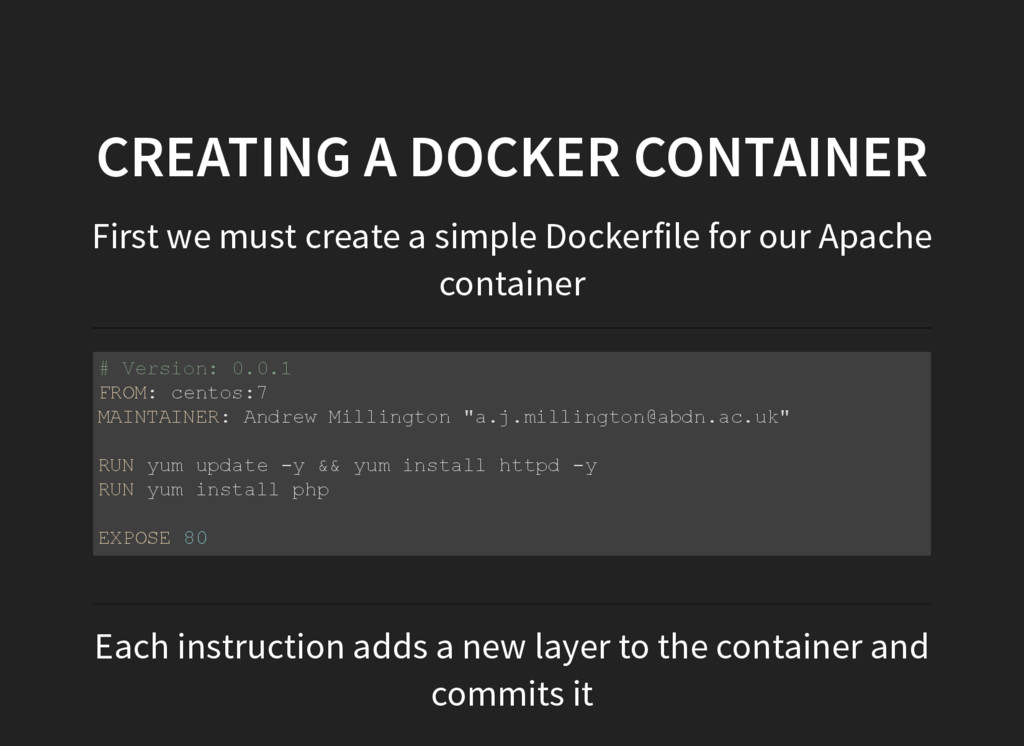
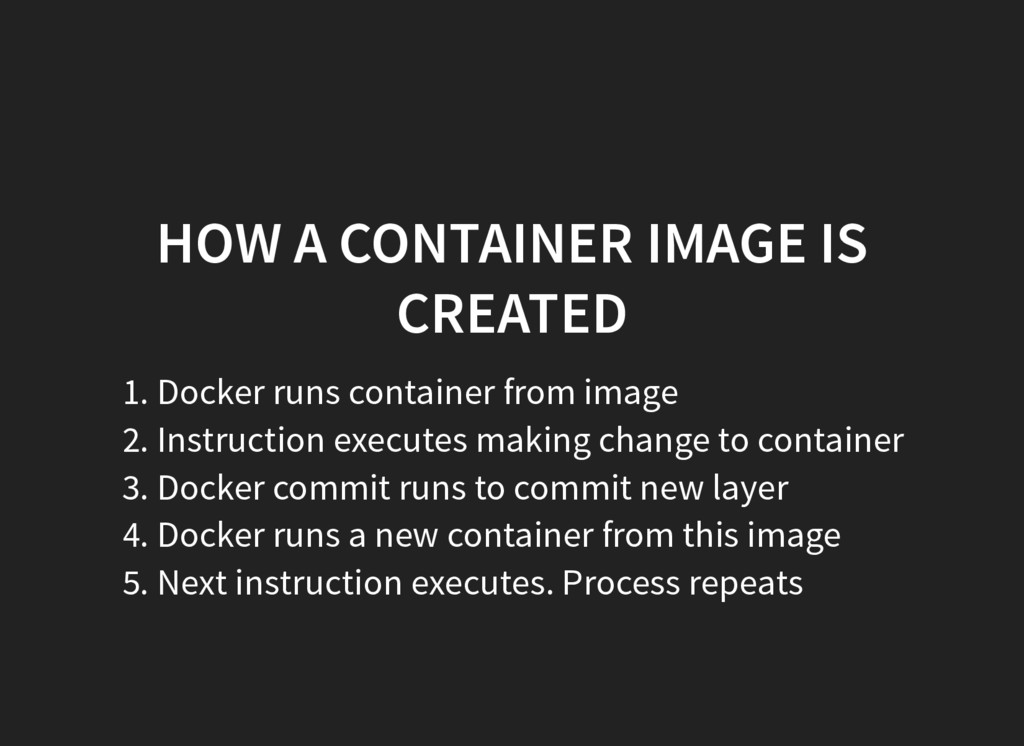
Dockerfile for our Apache container # Version: 0.0.1 FROM: centos:7 MAINTAINER: Andrew Millington "[email protected]" RUN yum update y && yum install httpd y RUN yum install php EXPOSE 80 Each instruction adds a new layer to the container and commits it
from image 2. Instruction executes making change to container 3. Docker commit runs to commit new layer 4. Docker runs a new container from this image 5. Next instruction executes. Process repeats
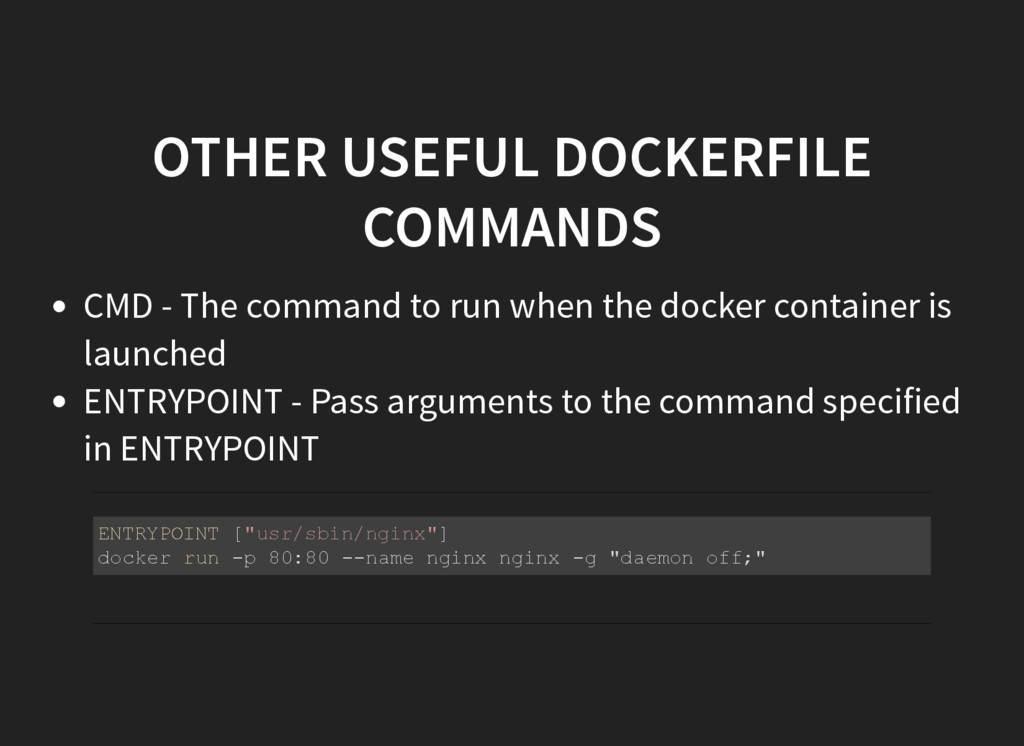
when the docker container is launched ENTRYPOINT - Pass arguments to the command specified in ENTRYPOINT ENTRYPOINT ["usr/sbin/nginx"] docker run p 80:80 name nginx nginx g "daemon off;"
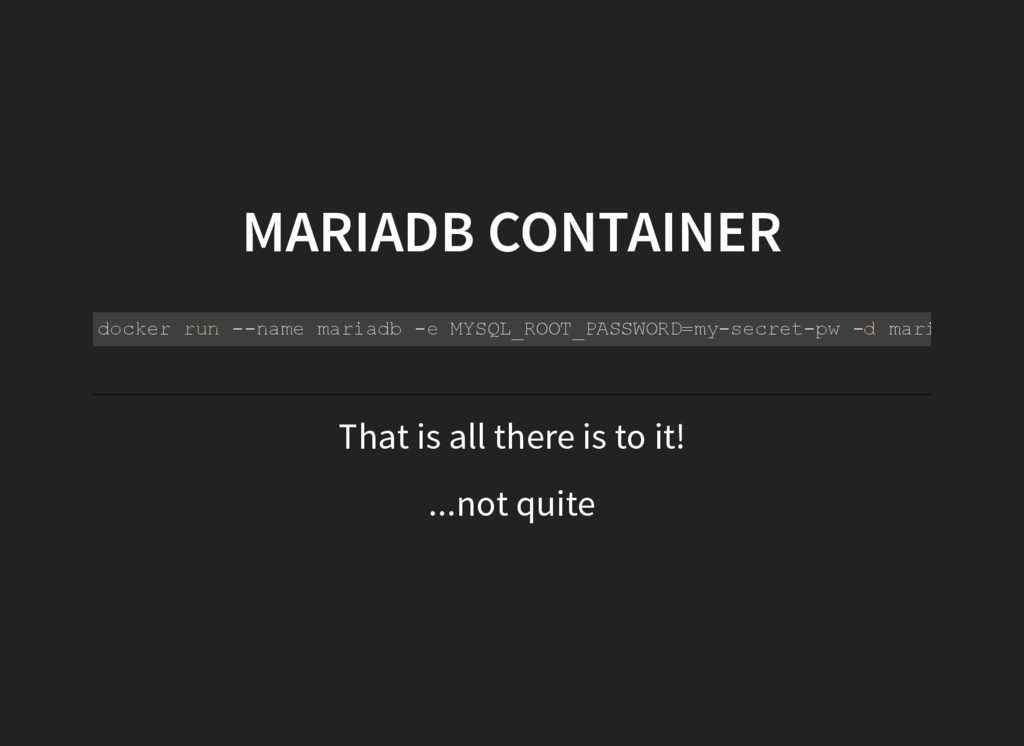
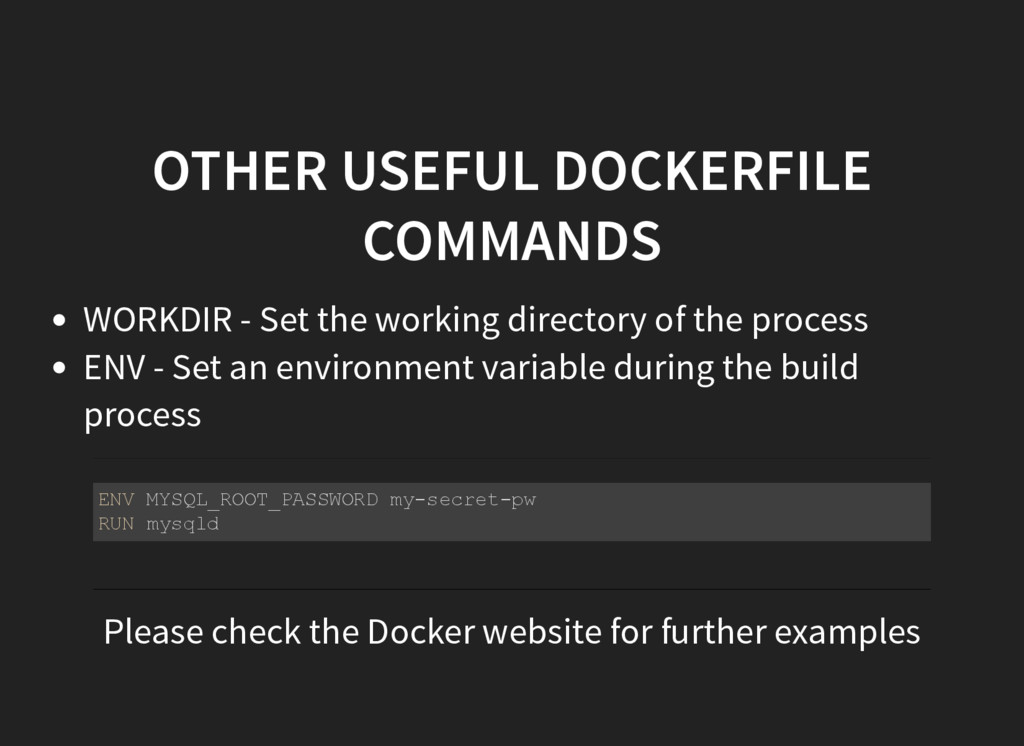
of the process ENV - Set an environment variable during the build process ENV MYSQL_ROOT_PASSWORD mysecretpw RUN mysqld Please check the Docker website for further examples
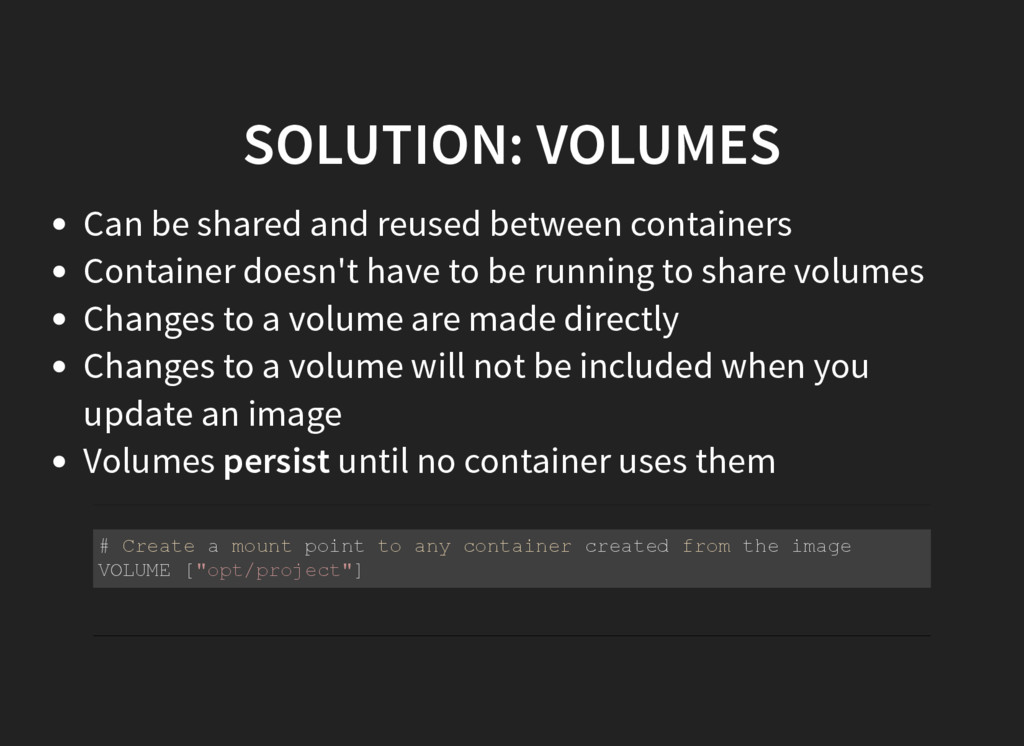
doesn't have to be running to share volumes Changes to a volume are made directly Changes to a volume will not be included when you update an image Volumes persist until no container uses them # Create a mount point to any container created from the image VOLUME ["opt/project"]
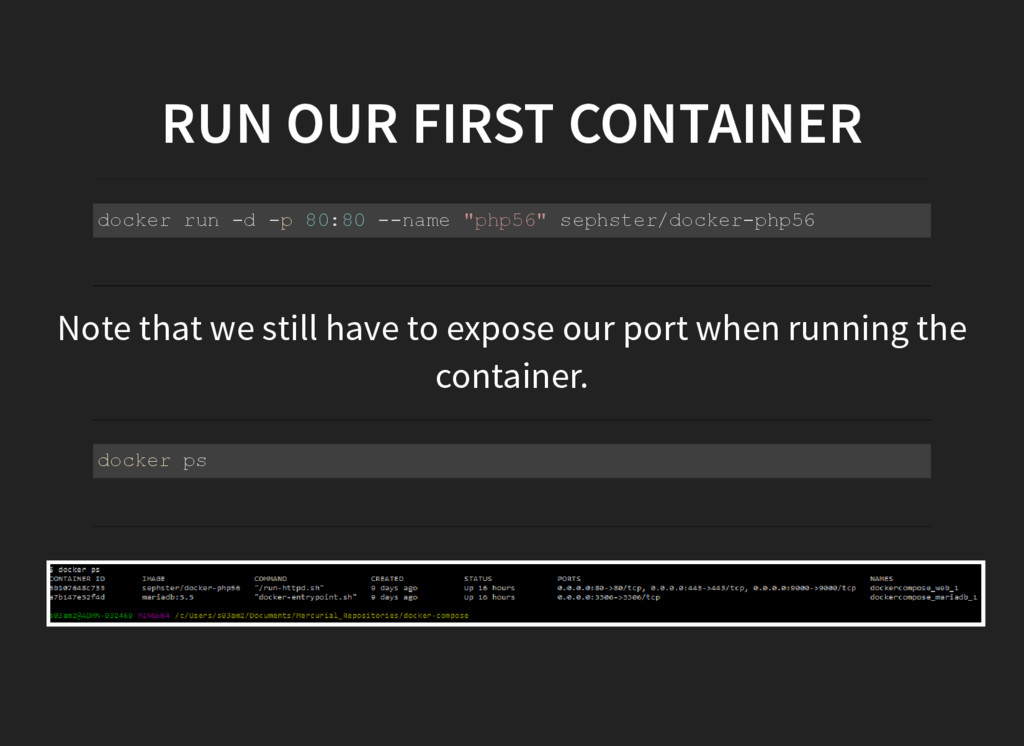
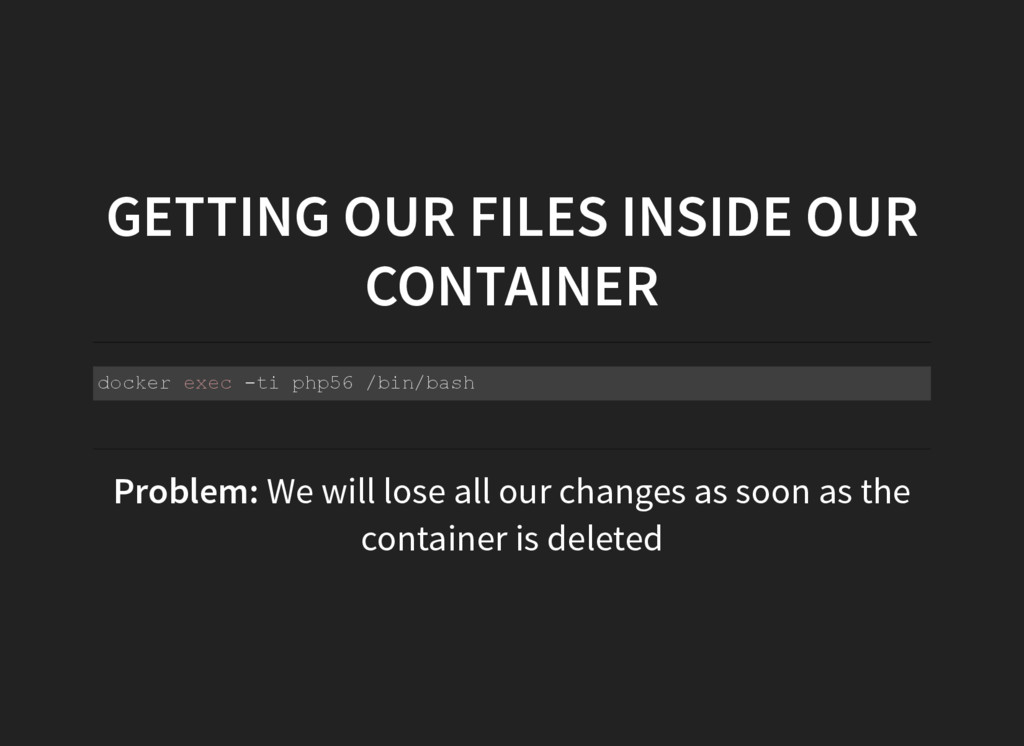
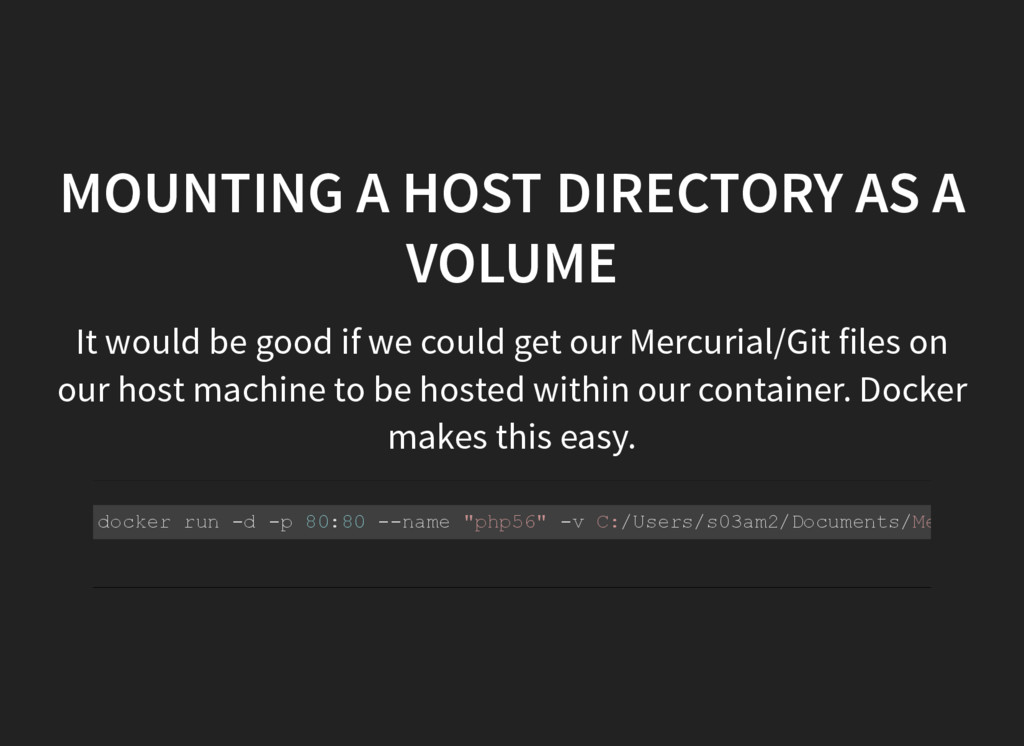
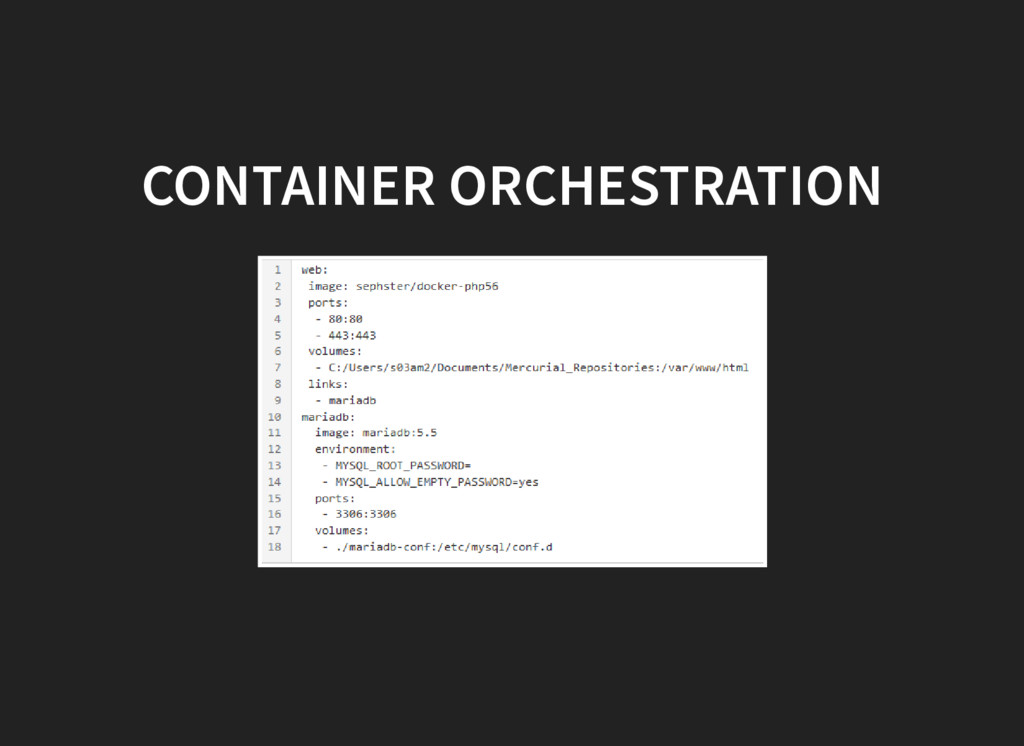
good if we could get our Mercurial/Git files on our host machine to be hosted within our container. Docker makes this easy. docker run d p 80:80 name "php56" v C:/Users/s03am2/Documents/Mercurial_


 sephster
 iwiwi
iwiwi
 mofurune
 ryu1013
 deka_morita
 nabondance
 seike460
 eed3si9n
 skydoves
 colorful12
 findyinc
 sorah
sorah
 kawashimo0
 eitanlees
 aarron
 mayatellez
 szymonslowik
 trishagee
 bryan
bryan
 mojombo
 mkilby
 sachag
 sabderemane
 jnunemaker
 427marketing
![DOCKER: AN INTRODUCTION Andrew Millington / [email protected]](https://files.speakerdeck.com/presentations/2cb3feae5f2f40b494efe8fdd0f9bb50/slide_0.jpg)


![USEFUL DOCKER-COMPOSE COMMANDS docker-compose up Builds, [re]creates, starts and attaches](https://files.speakerdeck.com/presentations/2cb3feae5f2f40b494efe8fdd0f9bb50/slide_33.jpg)