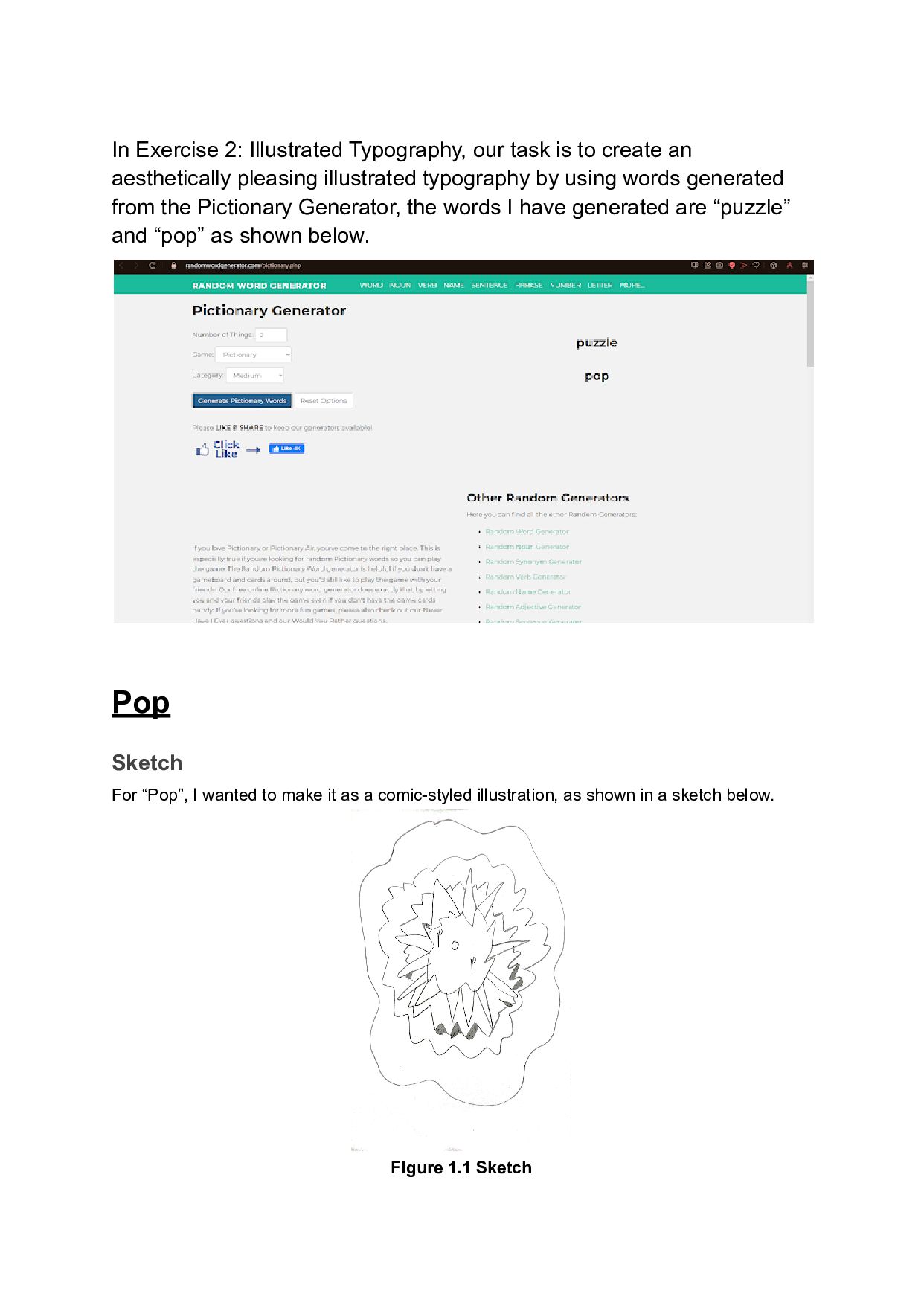
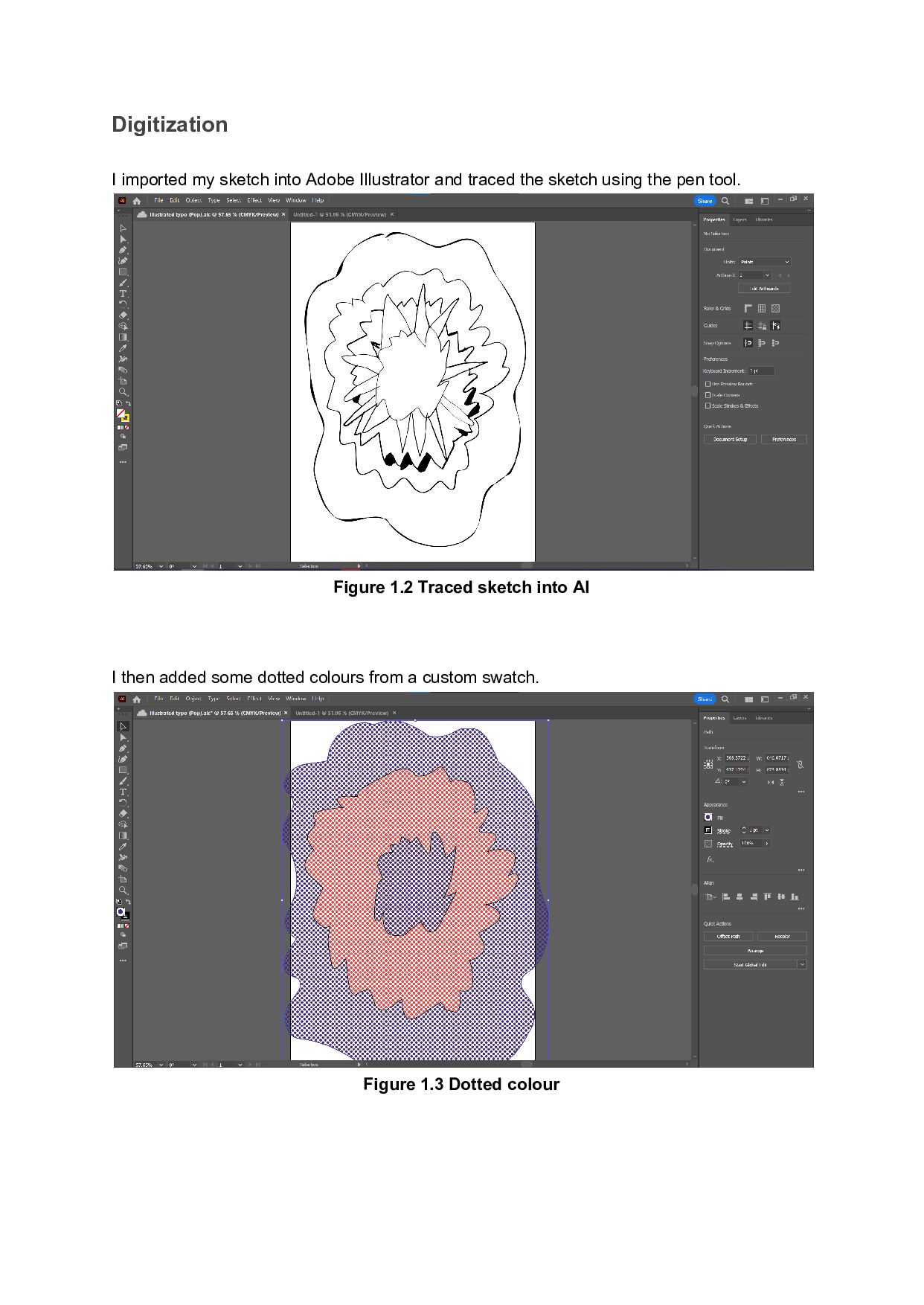
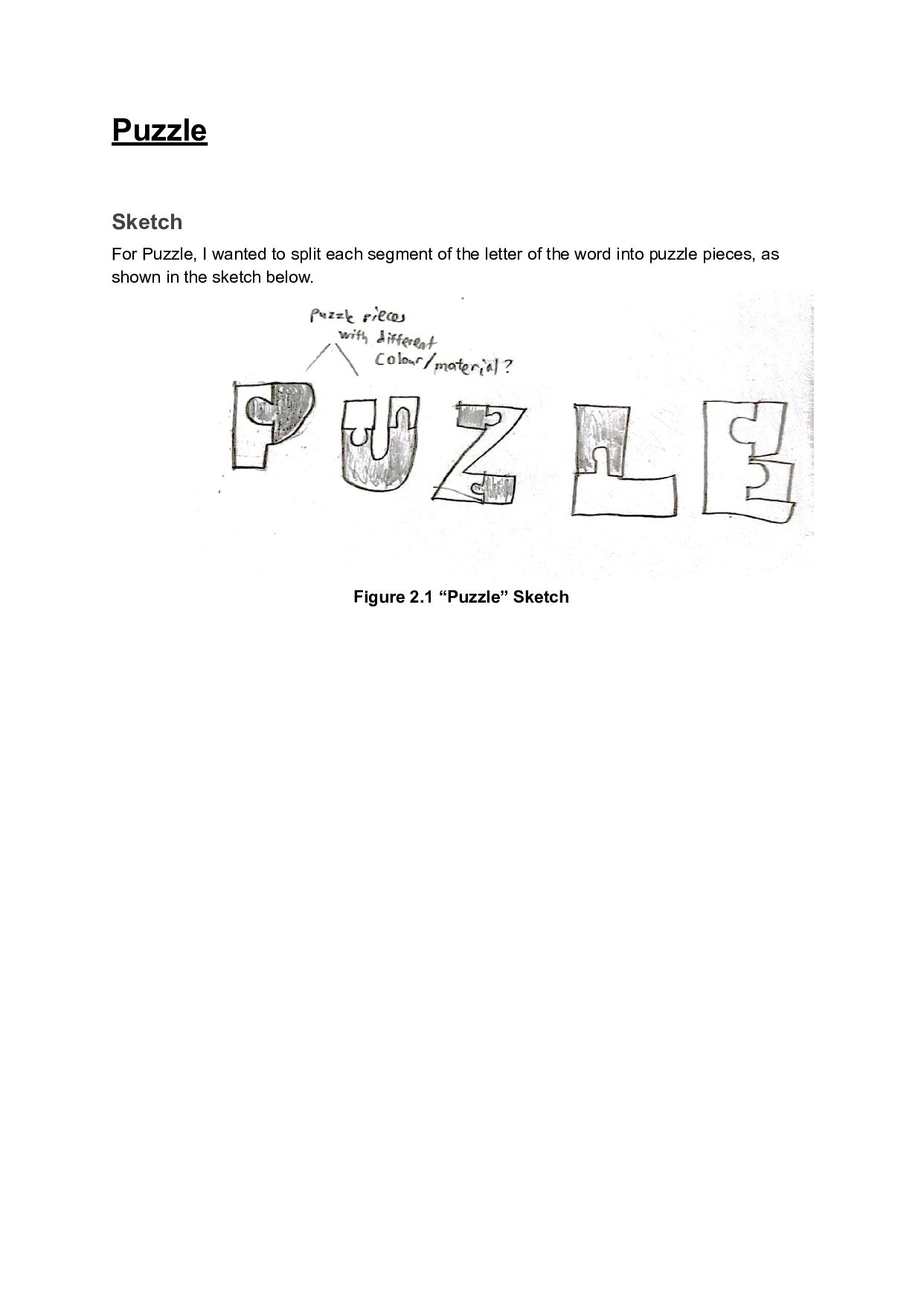
an aesthetically pleasing illustrated typography by using words generated from the Pictionary Generator, the words I have generated are “puzzle” and “pop” as shown below. Pop Sketch For “Pop”, I wanted to make it as a comic-styled illustration, as shown in a sketch below. Figure 1.1 Sketch
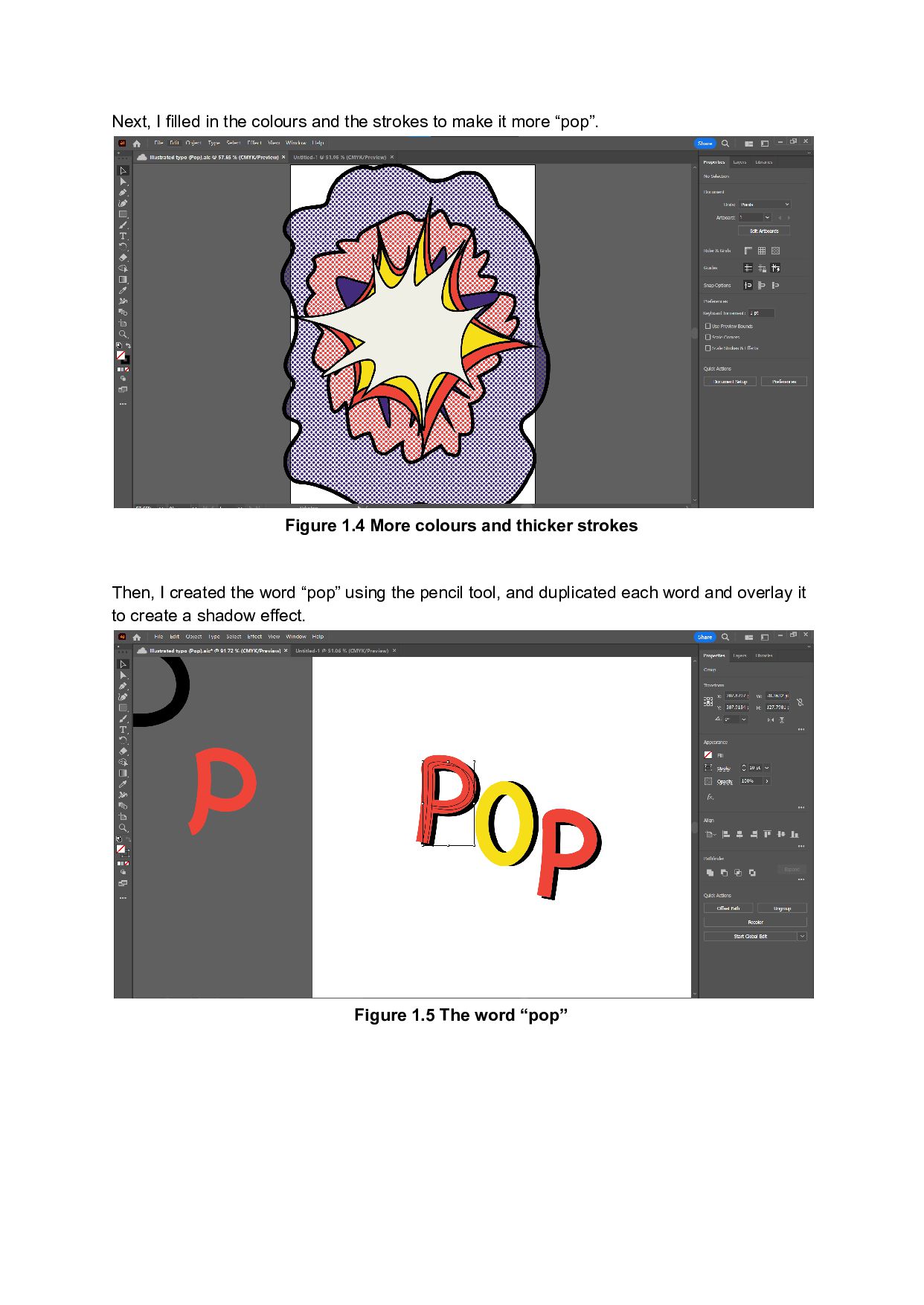
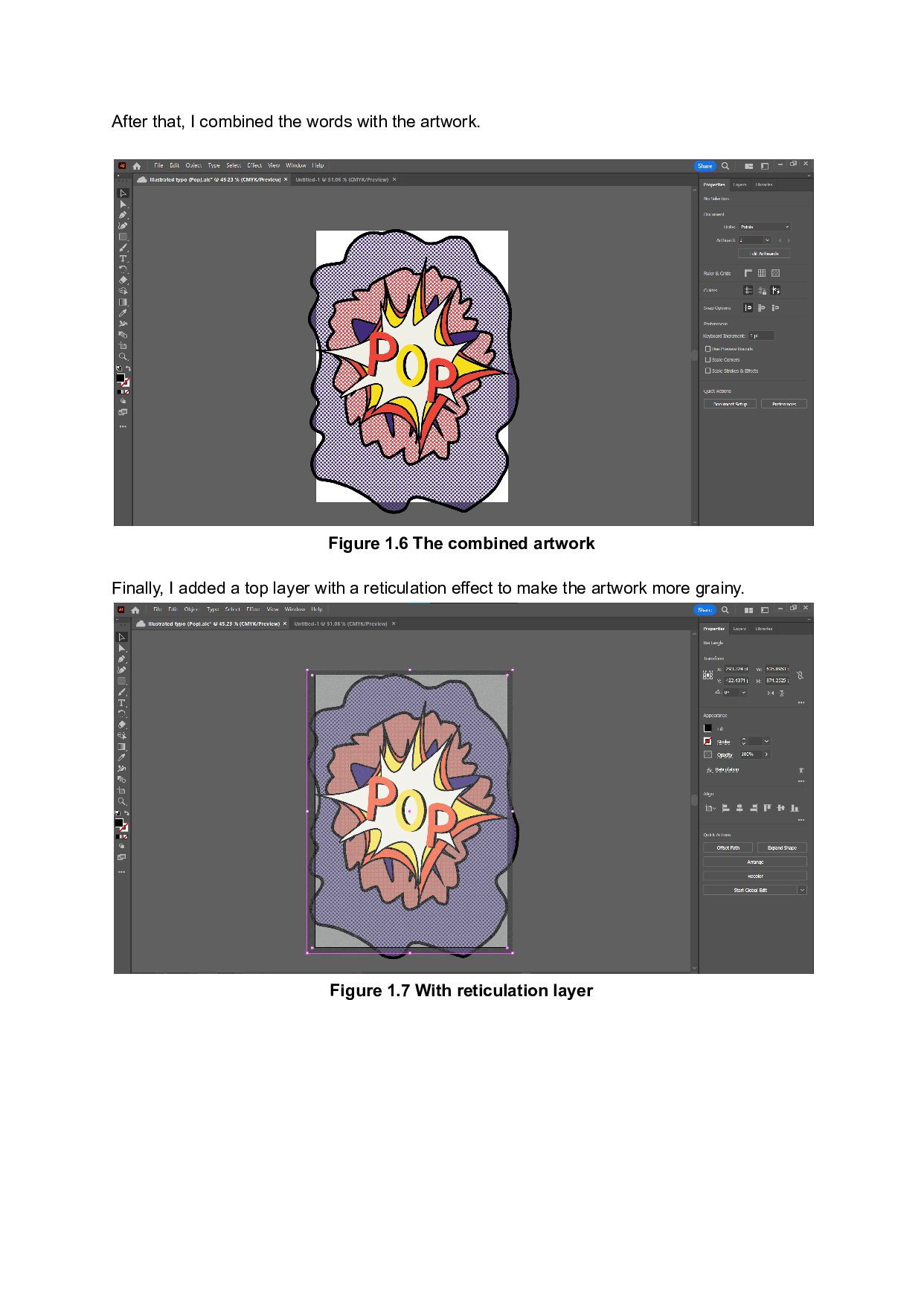
make it more “pop”. Figure 1.4 More colours and thicker strokes Then, I created the word “pop” using the pencil tool, and duplicated each word and overlay it to create a shadow effect. Figure 1.5 The word “pop”
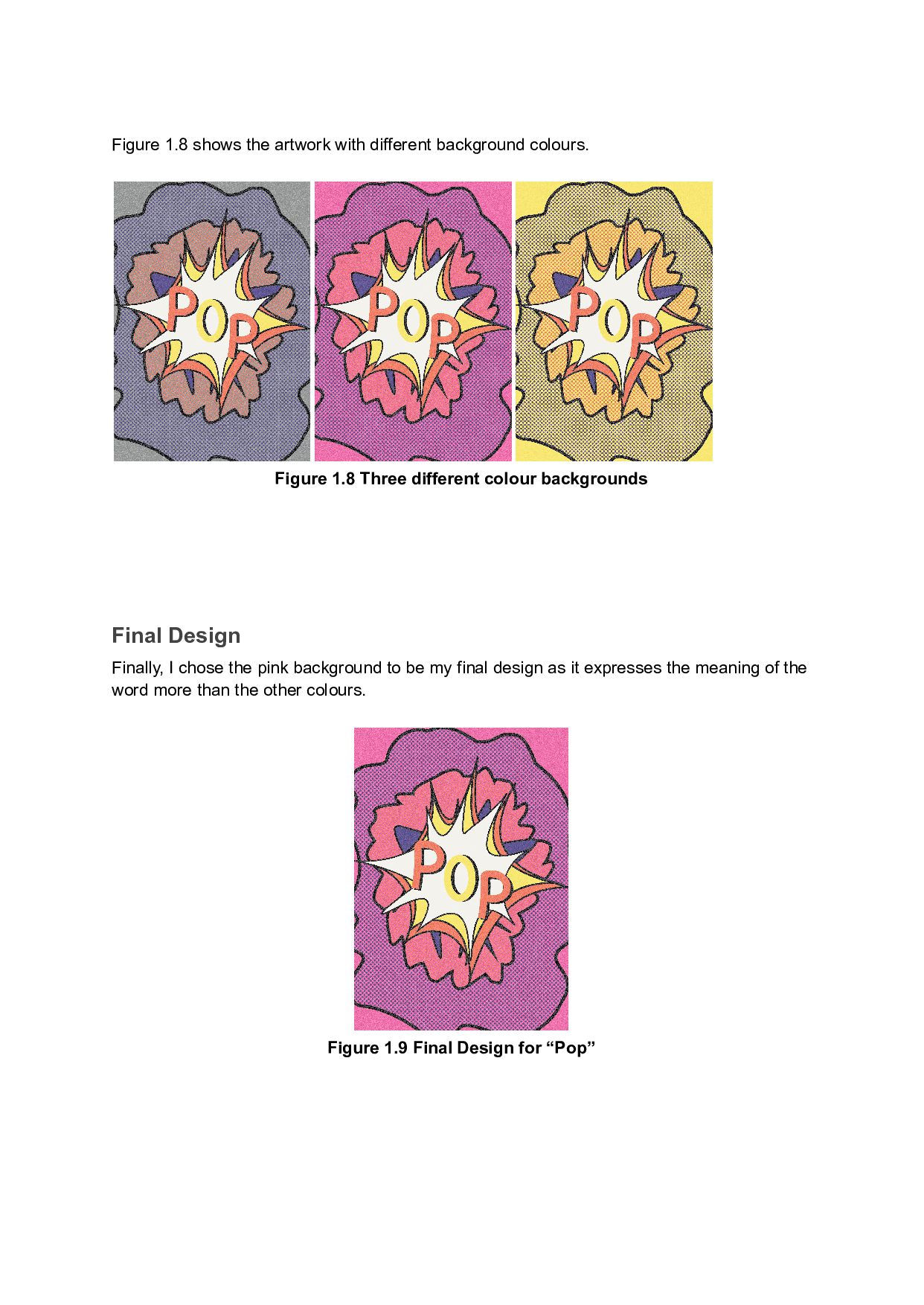
1.8 Three different colour backgrounds Final Design Finally, I chose the pink background to be my final design as it expresses the meaning of the word more than the other colours. Figure 1.9 Final Design for “Pop”


 fatsushi
 cygames
 abokadotyann
 h0sa
h0sa
 quoitworks999
 goetter
 terencebasart
 nishame
 ajstarks
 sugi2000
 kgsi
kgsi
 edmontonriver
 nikkihalliwell
 joshbly
 letsgokoyo
 palkan
 soudai
 axbom
axbom
 deanohume
 eileencodes
 lcolladotor
 speakerdeck
 chriscoyier
 portentint