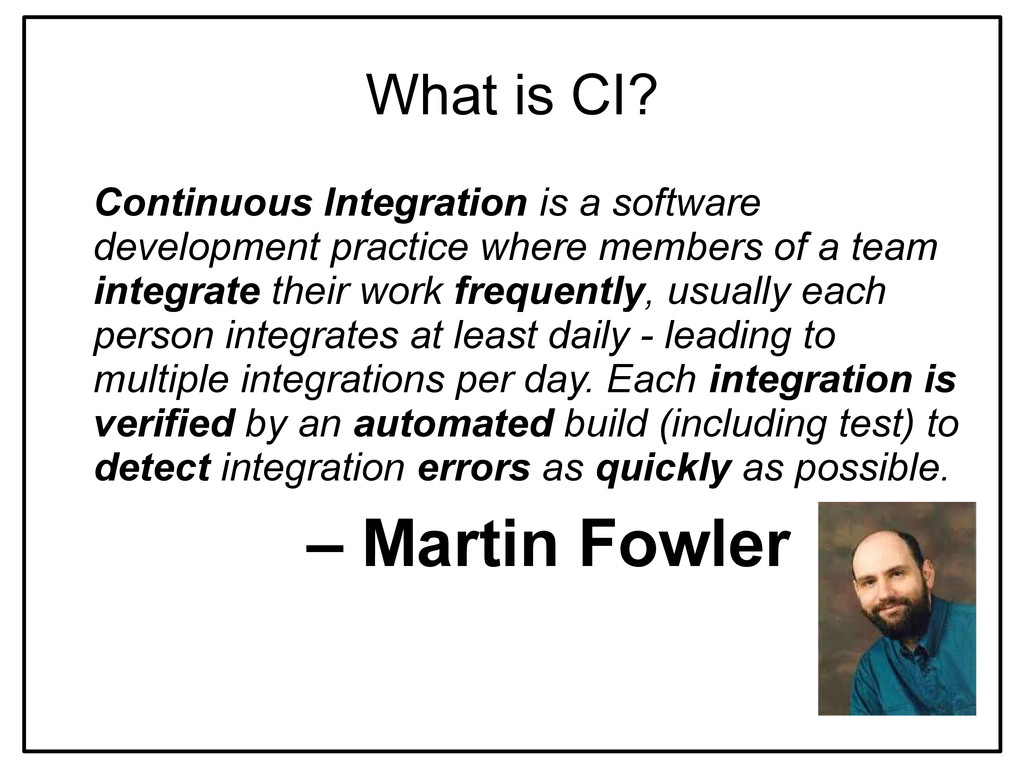
where members of a team integrate their work frequently, usually each person integrates at least daily - leading to multiple integrations per day. Each integration is verified by an automated build (including test) to detect integration errors as quickly as possible. – Martin Fowler
will know about in 5 minutes • Code delivery is easier and faster • Automation of annoying tasks • No need to invent a wheel, you already have a platform • The biggest community among other CI products
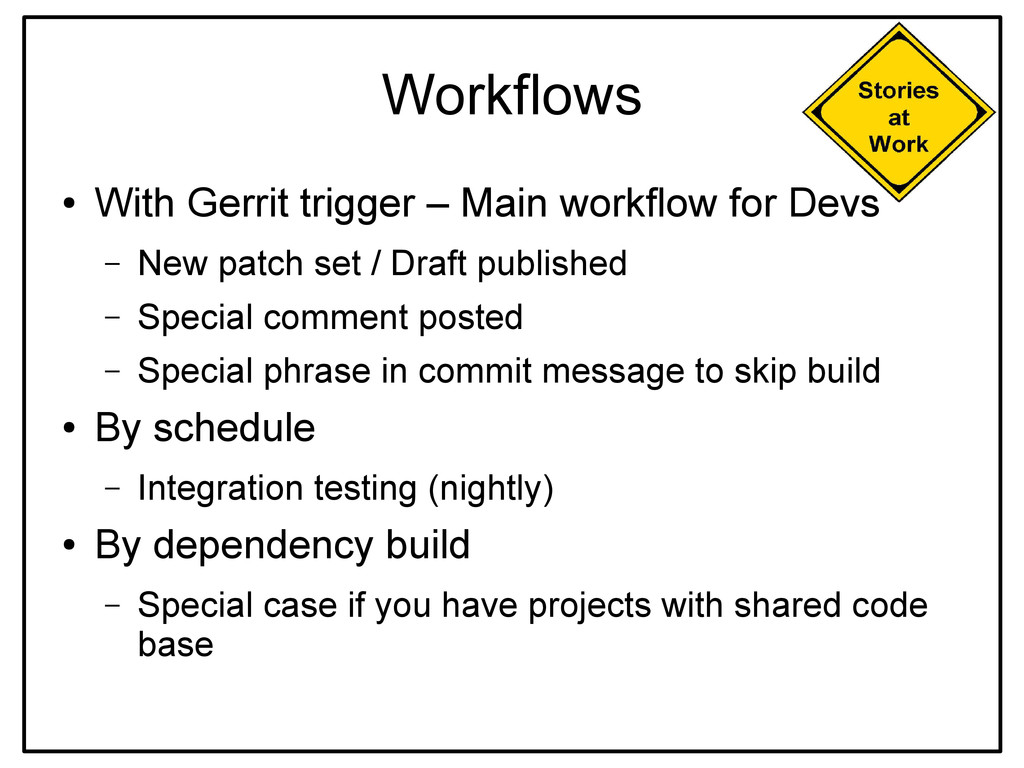
– New patch set / Draft published – Special comment posted – Special phrase in commit message to skip build • By schedule – Integration testing (nightly) • By dependency build – Special case if you have projects with shared code base


 iwiwi
iwiwi
 clockmaker
 neuecc
 jame2408
 palkan
 artoy
artoy
 kenjiyoneyama
 satoshi256kbyte
 sorah
sorah
 skydoves
 nokomoro3
 nabondance
 axbom
axbom
 inesmontani
 lara
lara
.png) helenjbeal
helenjbeal
 jnunemaker
 apolaine
 morganepeng
 keithpitt
 maltzj
 signer
 mfonobong
 andyhume