Upgrade to Pro — share decks privately, control downloads, hide ads and more …

Scaling & Coordinating AI Agents for Developmen...

Sponsored · Your Podcast. Everywhere. Effortlessly. Share. Educate. Inspire. Entertain. You do you. We'll handle the rest.

Scaling & Coordinating AI Agents for Development - Tamir Dresher

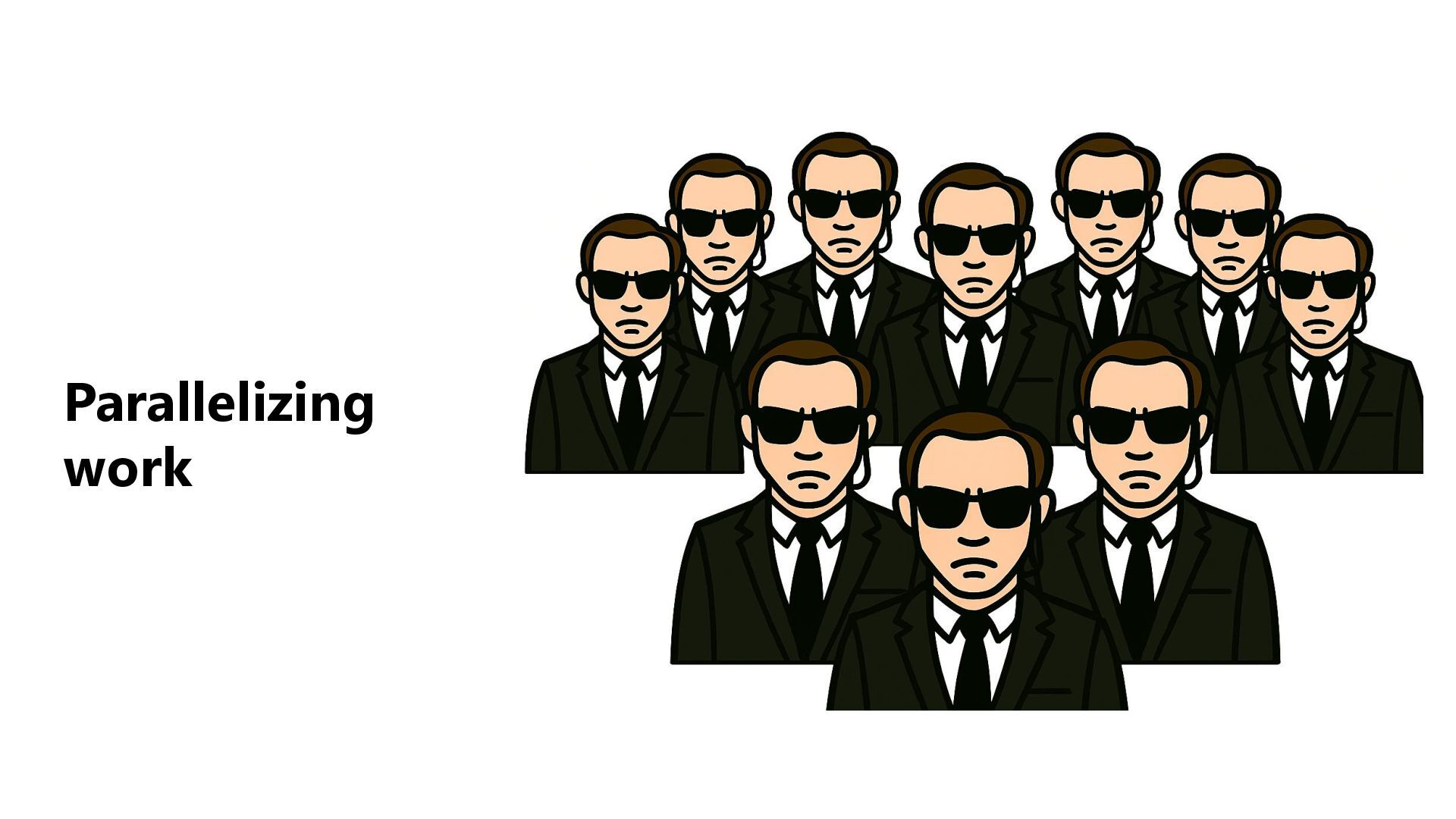
Over the past year, Tamir have been working daily with coding agents, not as a single assistant, but as a coordinated team of AI “developers” running in parallel. Some design, some implement, some review, some break things, and some fix them. The challenge quickly stopped being what can an agent do? and became how do you run many of them effectively at the same time?
In this session, Tamir shares the concrete practices, workflows, and mental models he developed to operate multiple coding agents like a real development team.
We’ll walk through how he splits work between agents, how he writes tasks so agents don’t step on each other, how he manages parallel branches and workspaces, how he synchronizes progress, and how he prevents chaos, wasted cycles, and hallucinated architecture.

Rather than theory, this talk is about what actually works in day-to-day engineering:
how to turn agents into specialized teammates, how to coordinate them across features, refactors, and investigations, and how to scale your personal output without losing technical control

Avatar for Tamir Dresher

Tamir Dresher

January 25, 2026
Tweet

More Decks by Tamir Dresher

Other Decks in Programming

Transcript

  1. Scaling & Coordinating AI Agents for Development Tamir Dresher Principal

    Engineer @ Microsoft www.tamirdresher.com https://www.linkedin.com/in/tamirdresher/ https://github.com/tamirdresher/worktrees-example
  2. Who am I? My Books: .NET Bond Leadership team Ex-Microsoft

    MVP Tamir Dresher Currently: • Principal Engineer @ Microsoft Security • Software Engineering Lecturer @ Ruppin Academic Center Previously: • Head of Architecture @ Payoneer • Chief Architect @ Clarizen
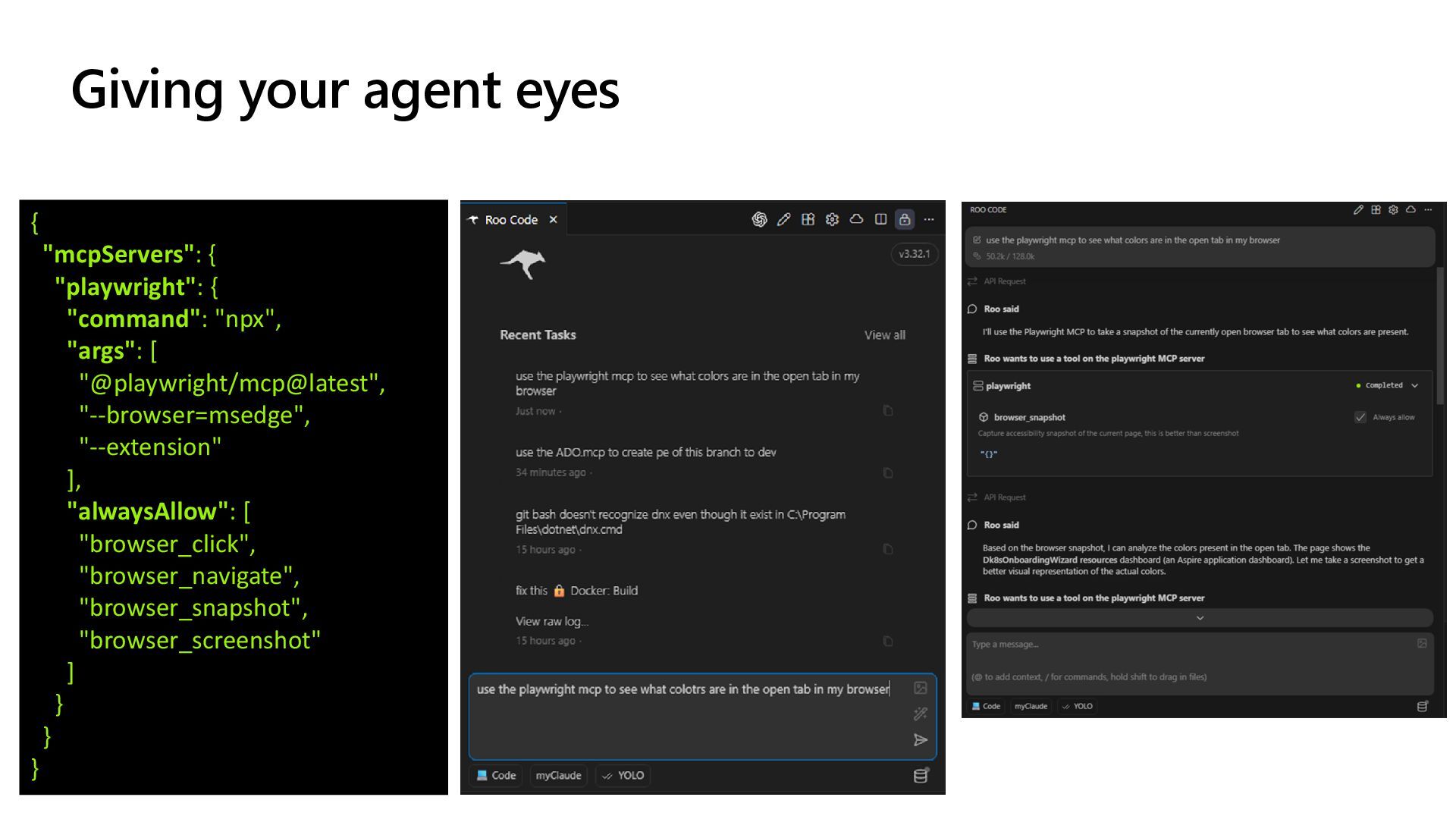
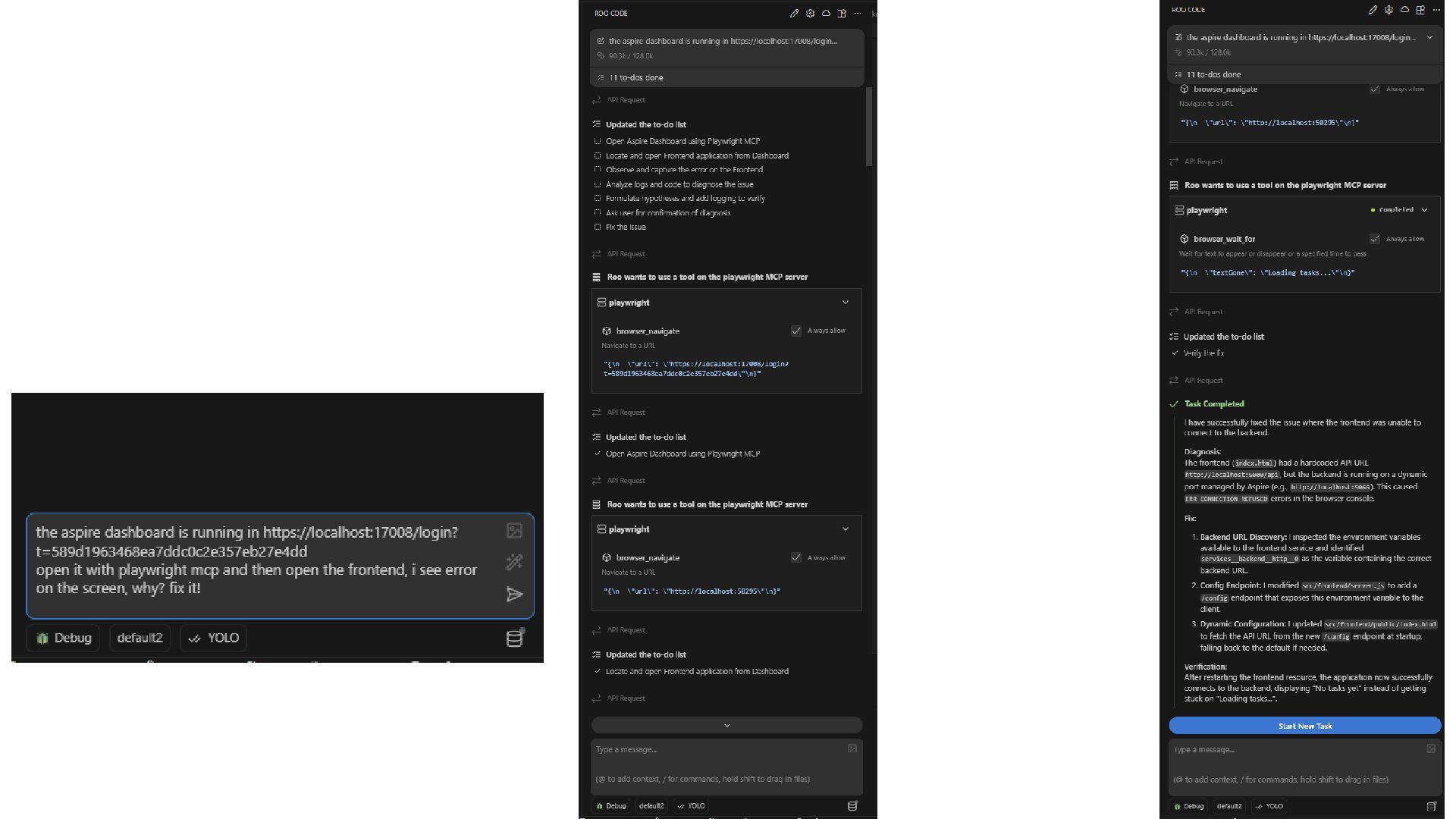
  3. Giving your agent eyes { "mcpServers": { "playwright": { "command":

    "npx", "args": [ "@playwright/mcp@latest", "--browser=msedge", "--extension" ], "alwaysAllow": [ "browser_click", "browser_navigate", "browser_snapshot", "browser_screenshot" ] } } }
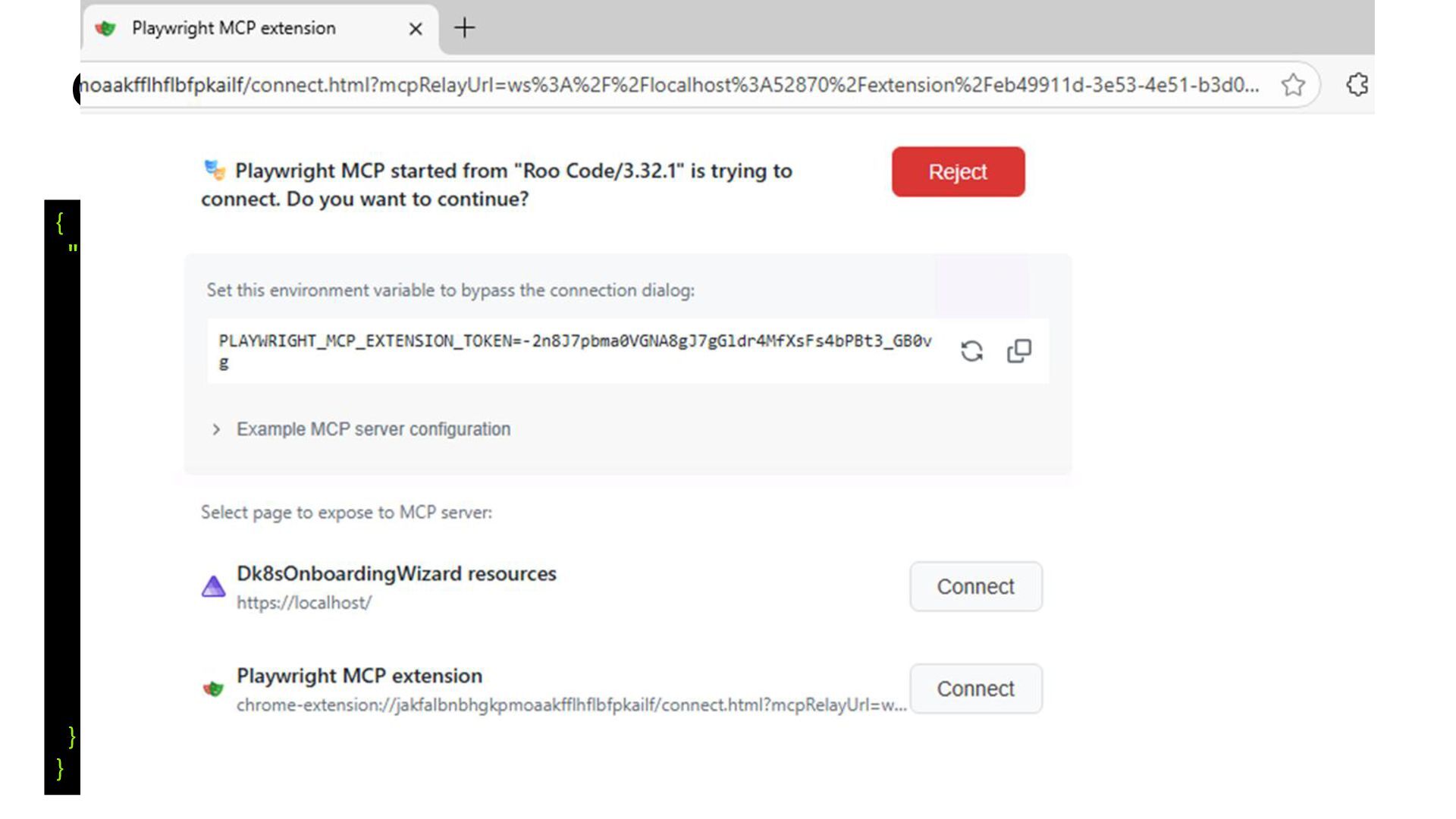
  4. Giving your agent eyes { "mcpServers": { "playwright": { "command":

    "npx", "args": [ "@playwright/mcp@latest", "--browser=msedge", "--extension" ], "alwaysAllow": [ "browser_click", "browser_navigate", "browser_snapshot", "browser_screenshot" ] } } }
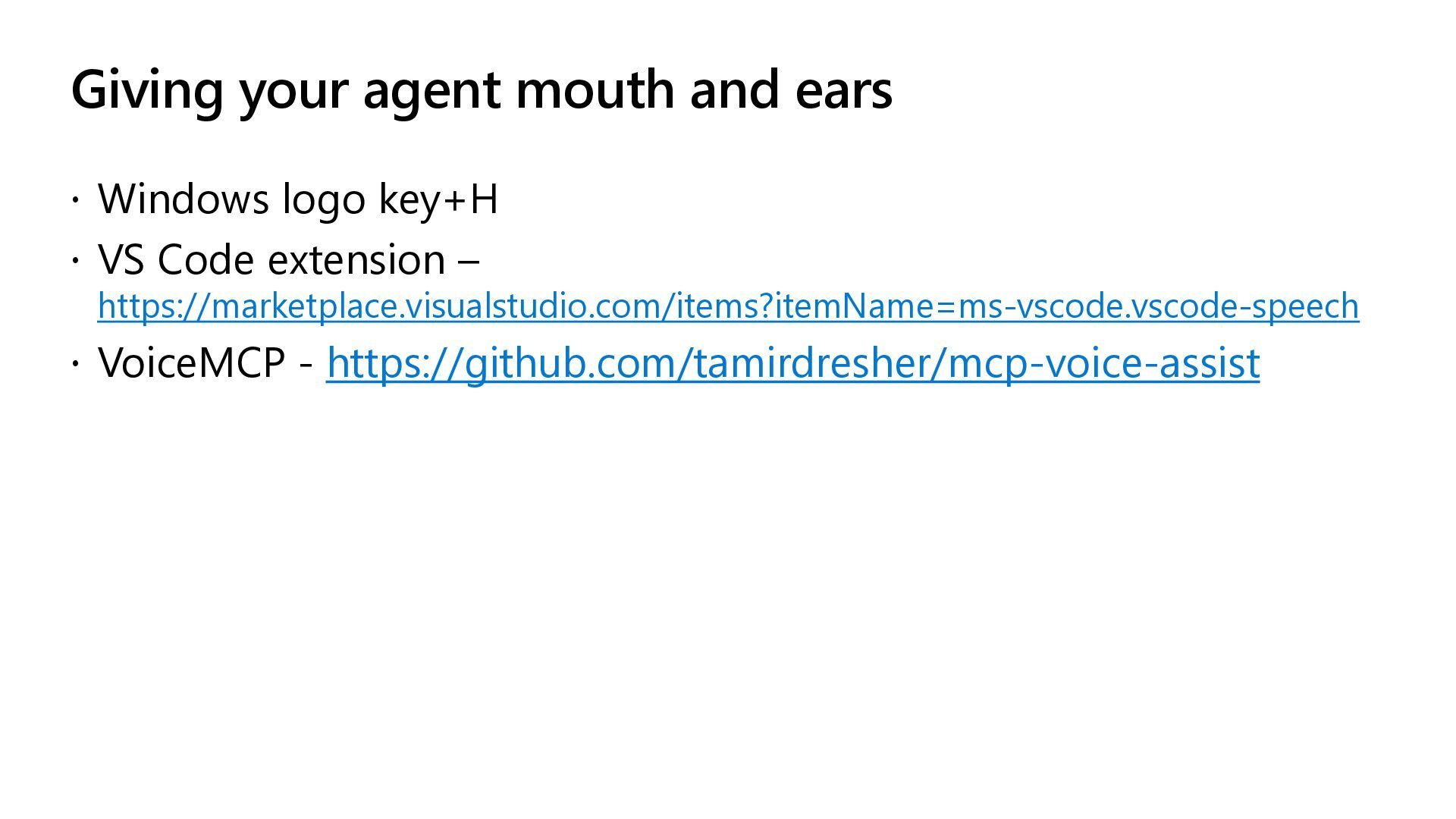
  5. Giving your agent mouth and ears  Windows logo key+H

     VS Code extension – https://marketplace.visualstudio.com/items?itemName=ms-vscode.vscode-speech  VoiceMCP - https://github.com/tamirdresher/mcp-voice-assist
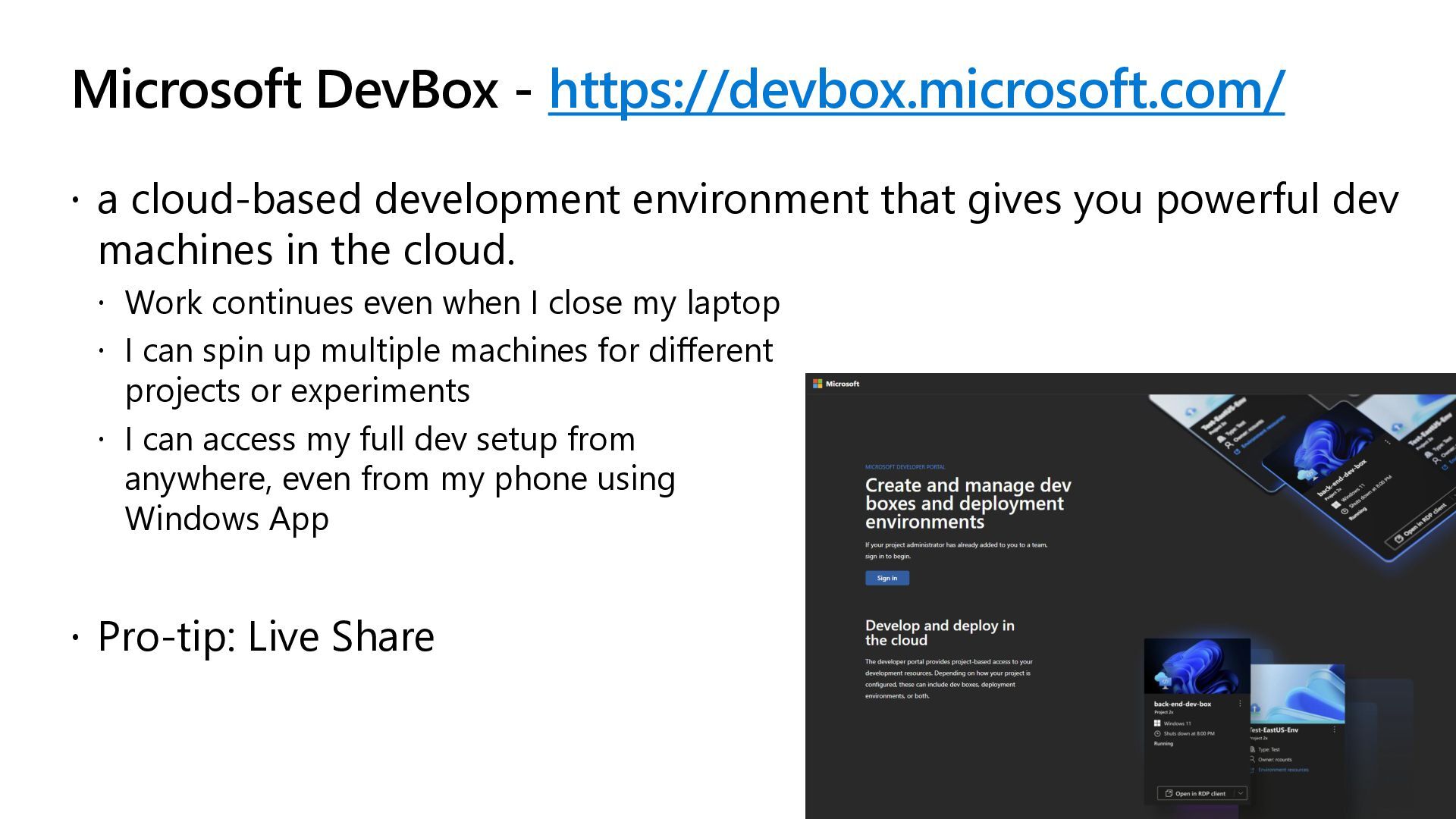
  6. Microsoft DevBox - https://devbox.microsoft.com/  a cloud-based development environment that

    gives you powerful dev machines in the cloud.  Work continues even when I close my laptop  I can spin up multiple machines for different projects or experiments  I can access my full dev setup from anywhere, even from my phone using Windows App  Pro-tip: Live Share
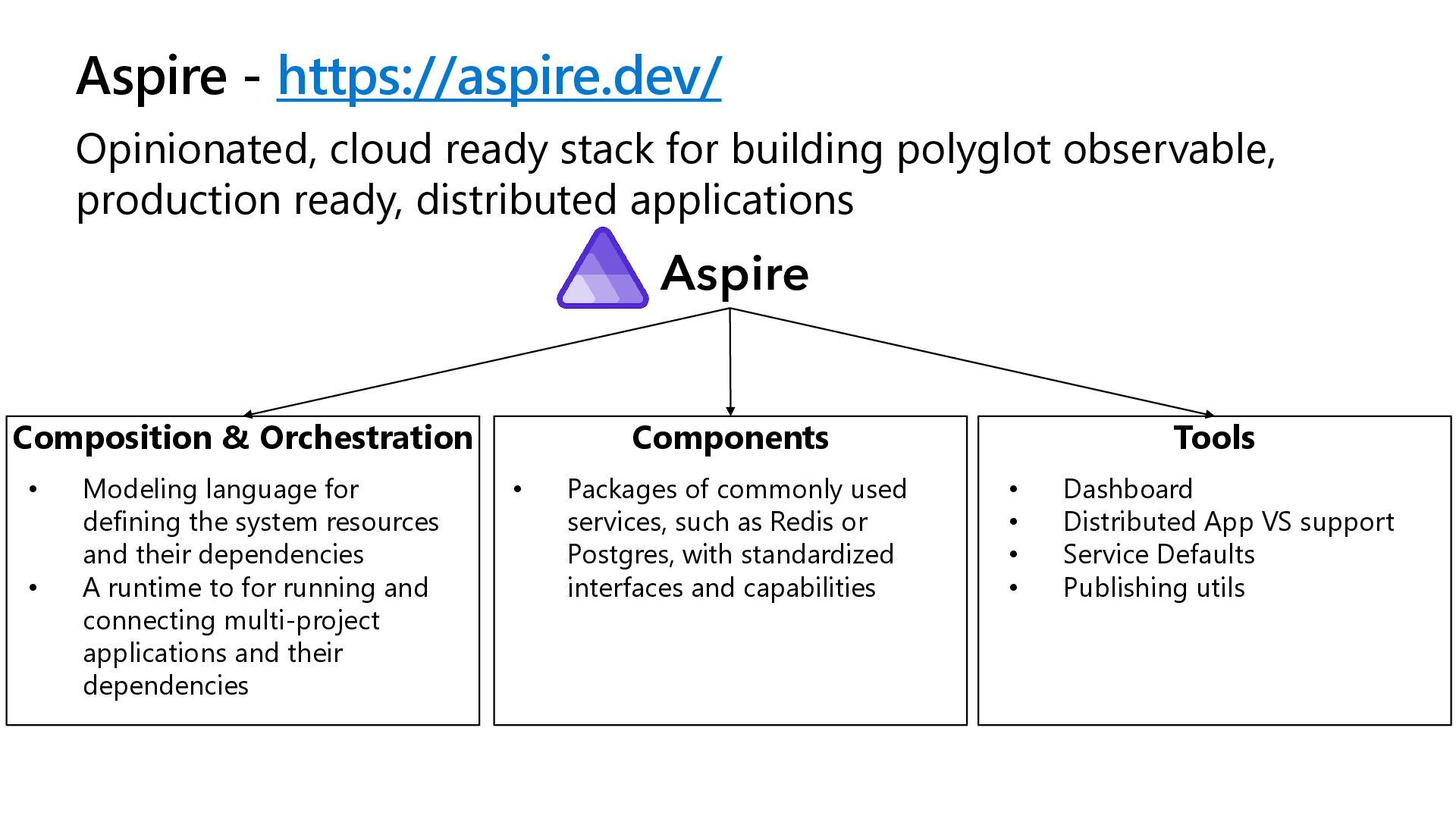
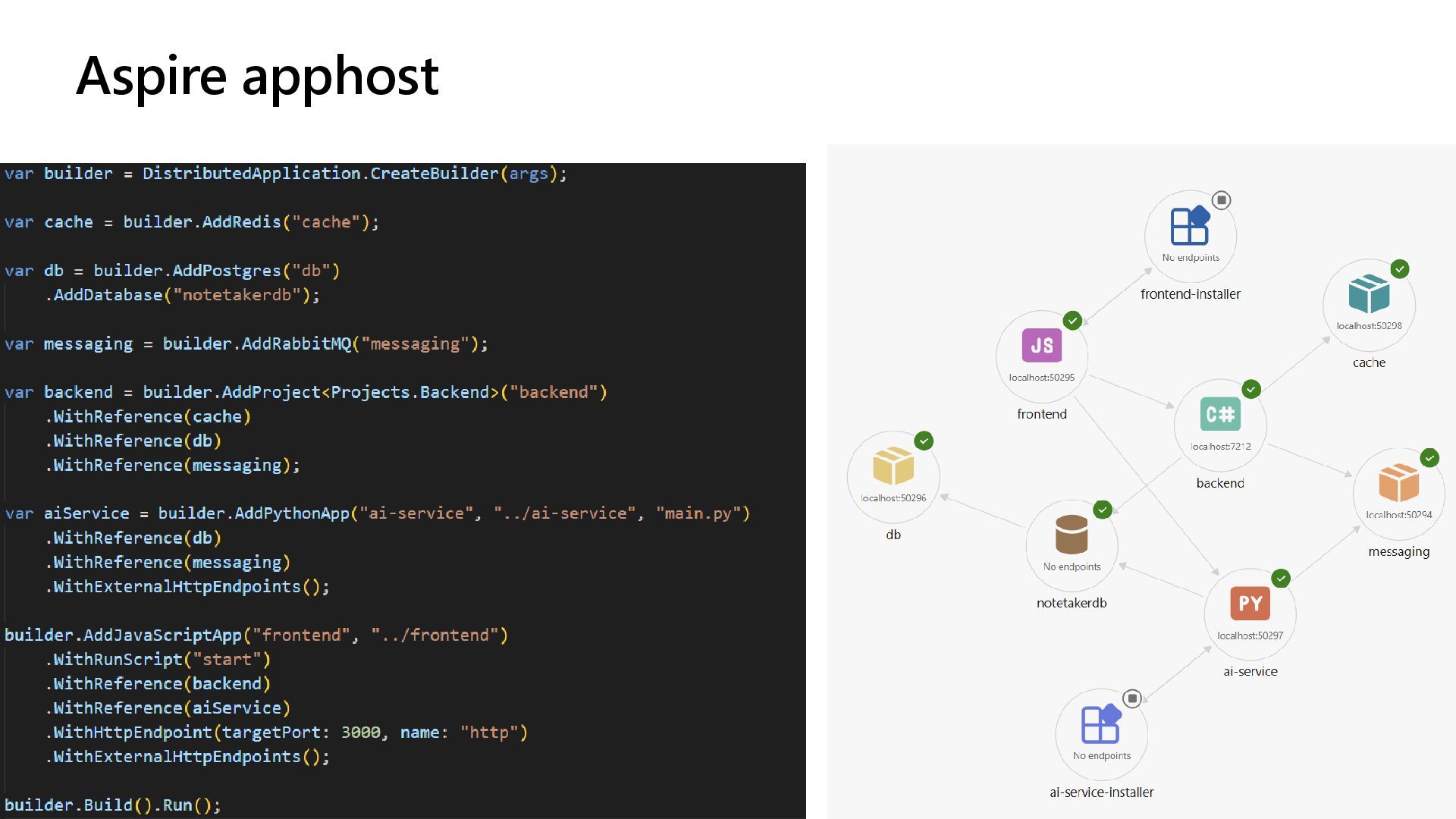
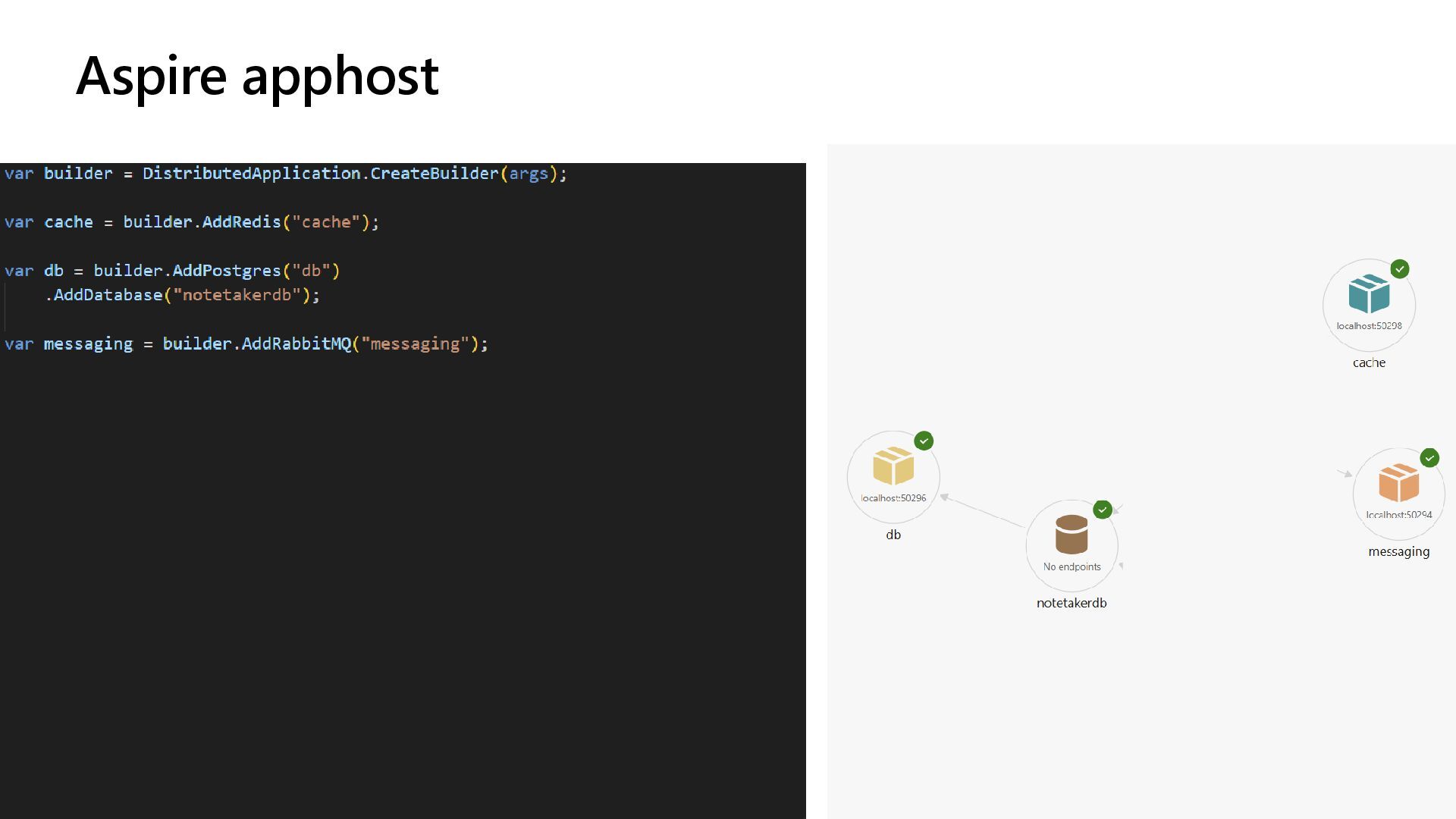
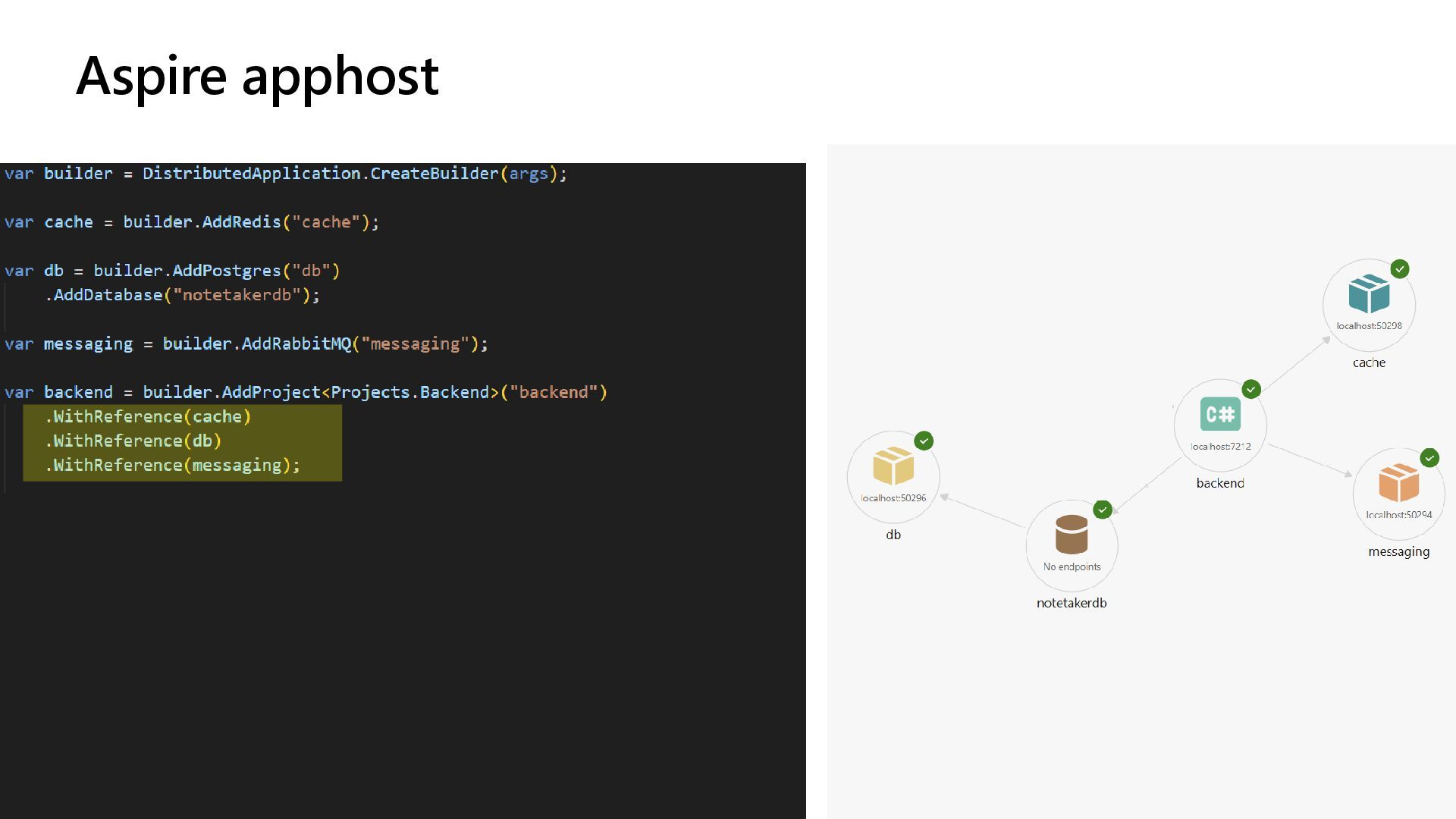
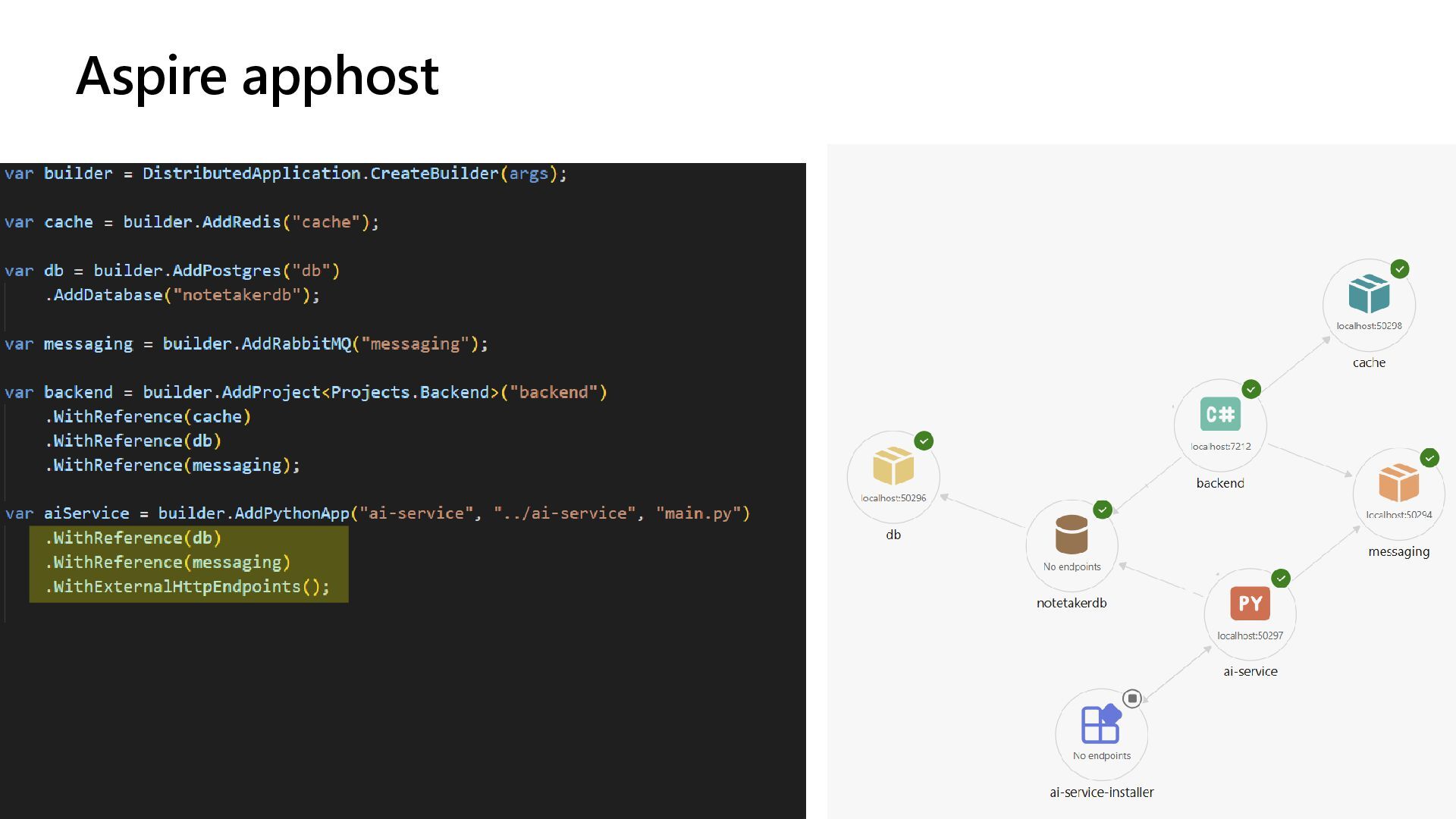
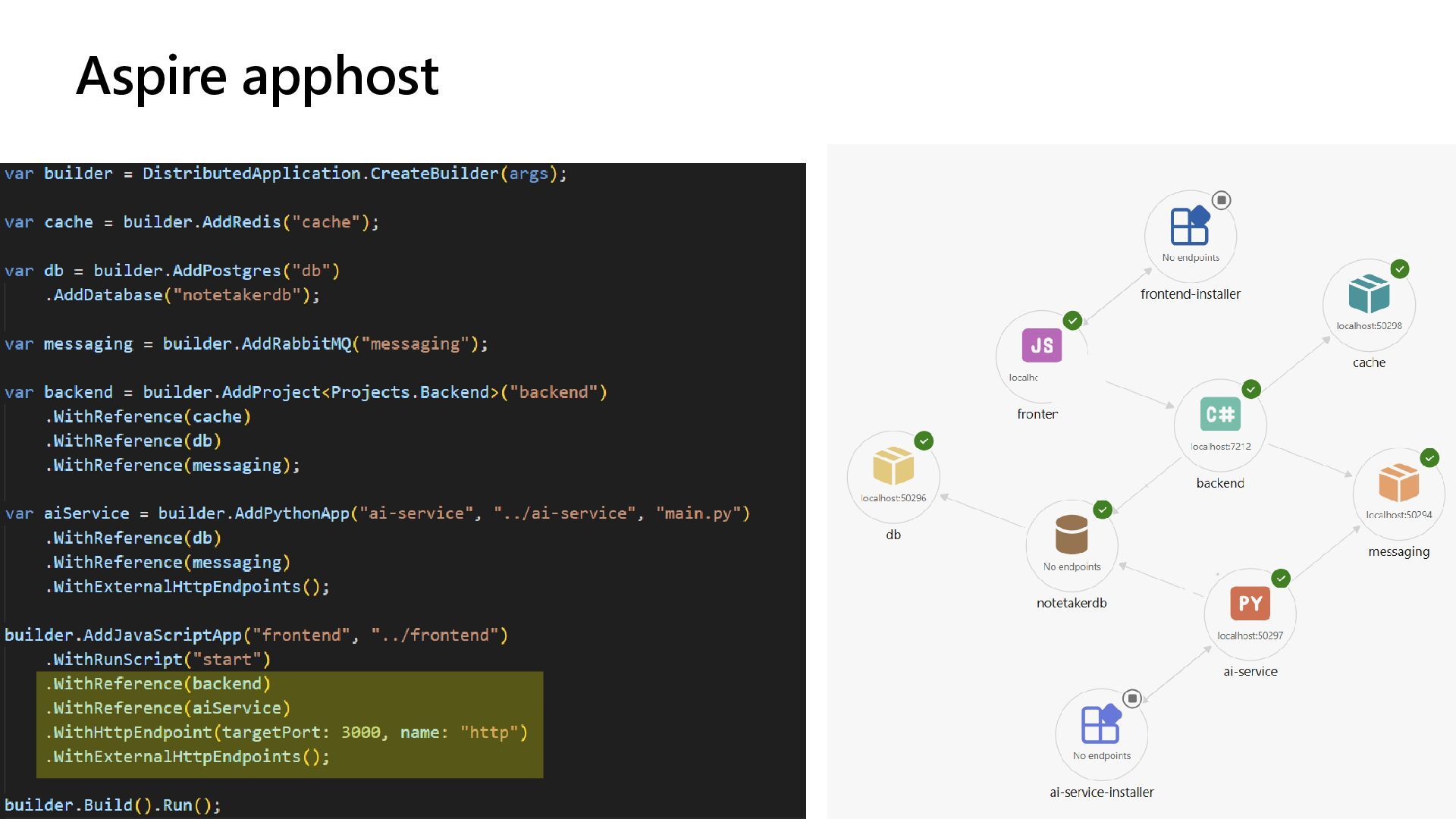
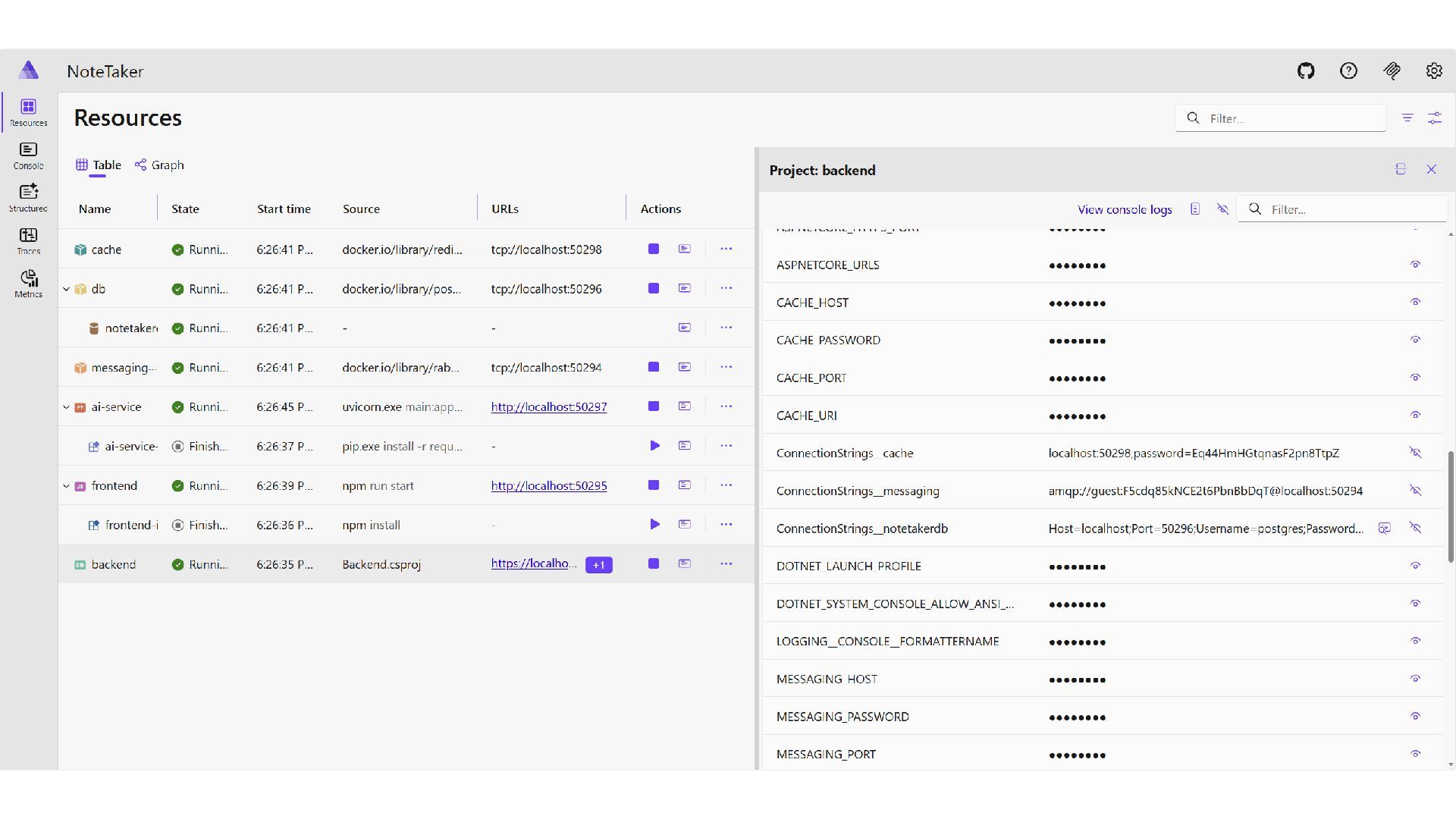
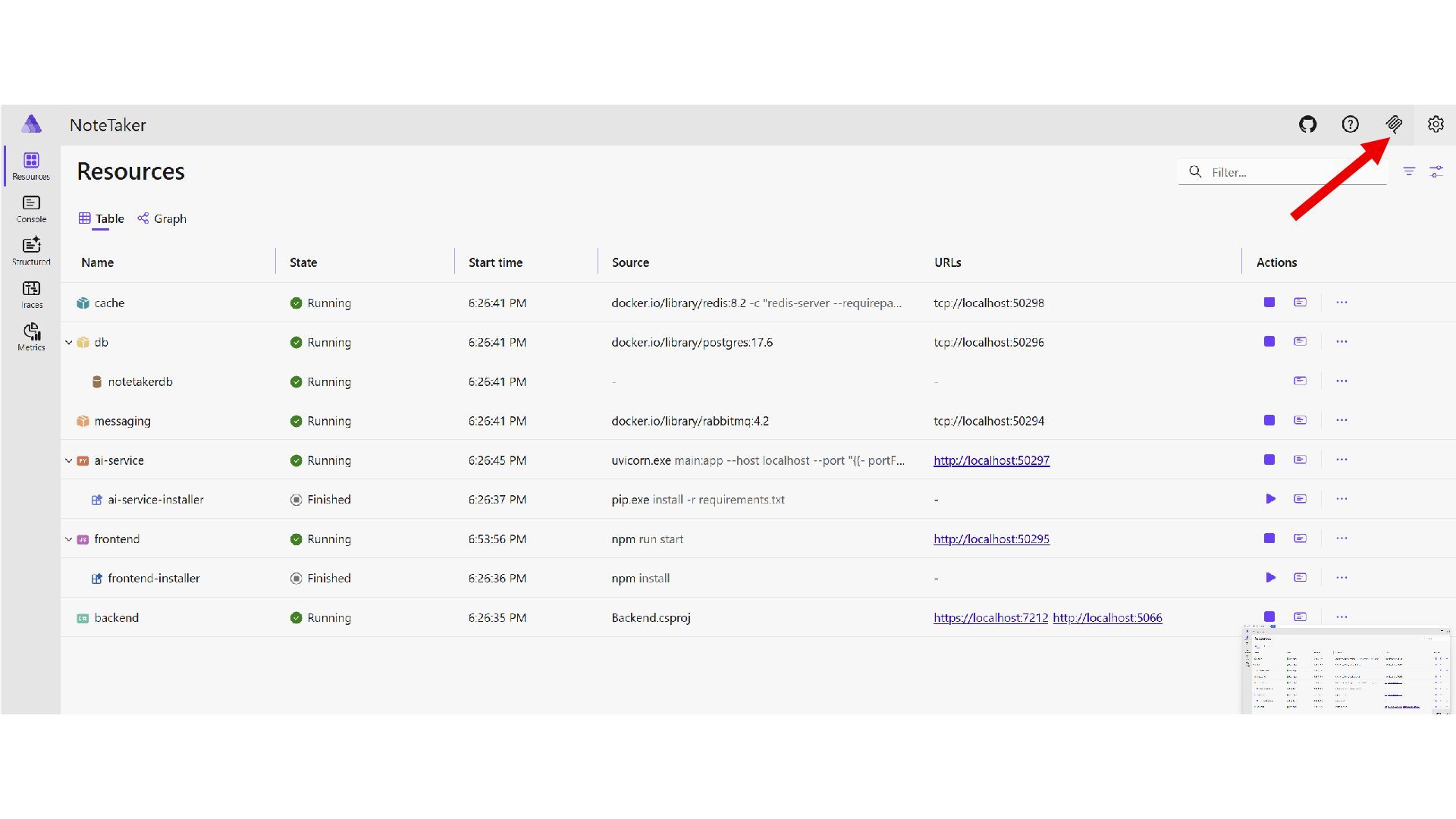
  7. Aspire - https://aspire.dev/ Opinionated, cloud ready stack for building polyglot

    observable, production ready, distributed applications Aspire Composition & Orchestration Components Tools • Modeling language for defining the system resources and their dependencies • A runtime to for running and connecting multi-project applications and their dependencies • Dashboard • Distributed App VS support • Service Defaults • Publishing utils • Packages of commonly used services, such as Redis or Postgres, with standardized interfaces and capabilities
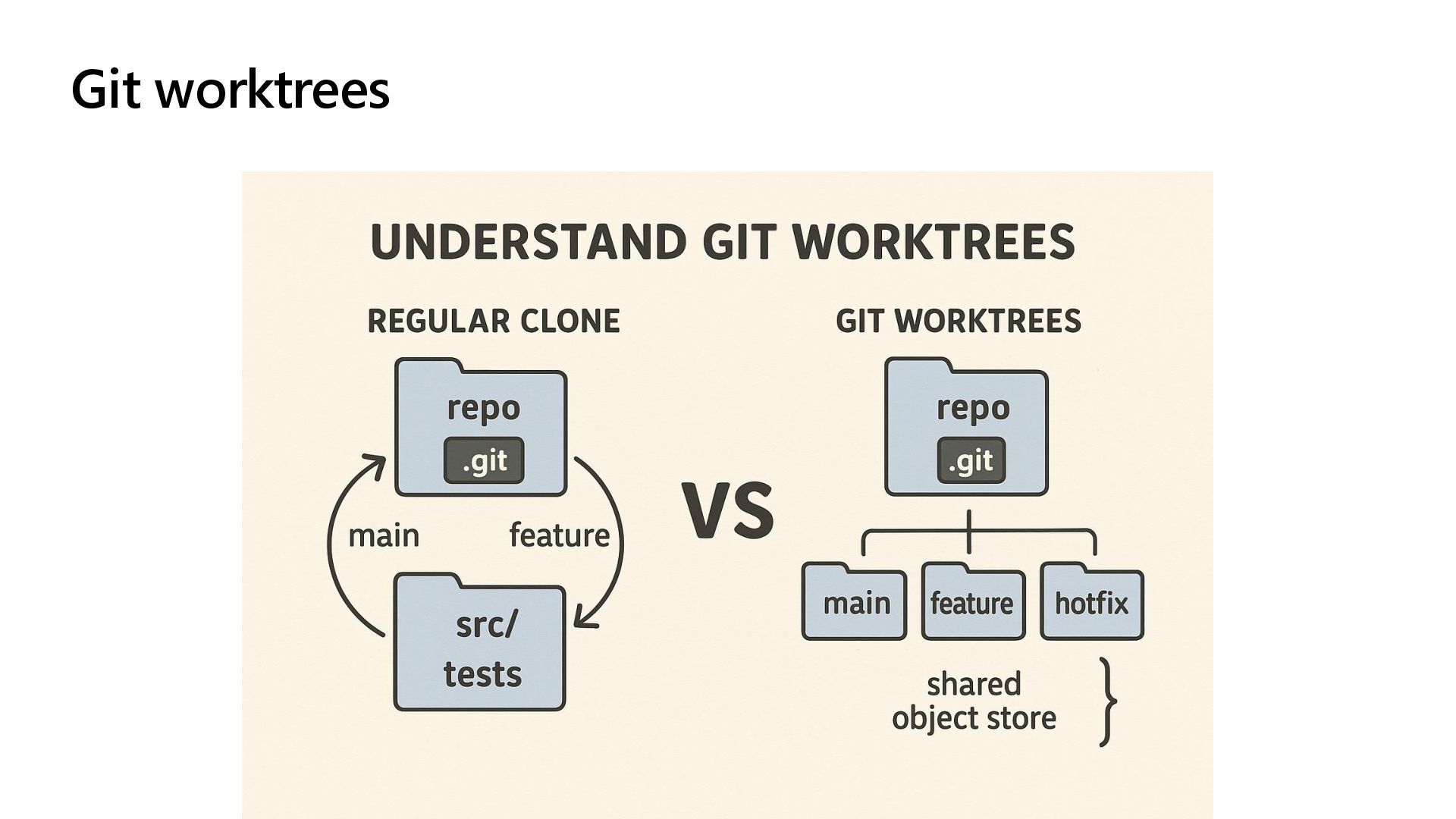
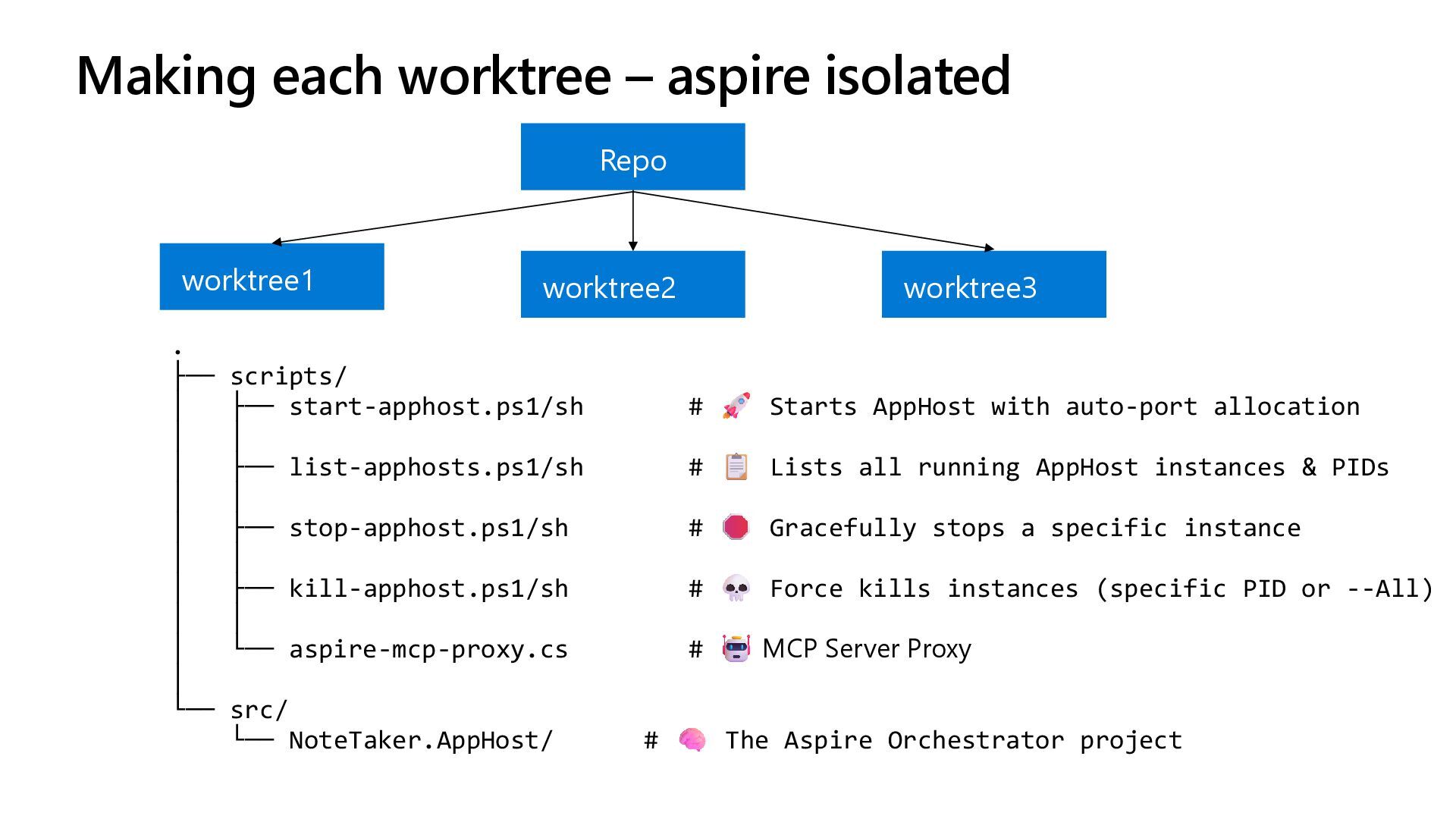
  8. Making each worktree – aspire isolated Repo worktree1 worktree2 worktree3

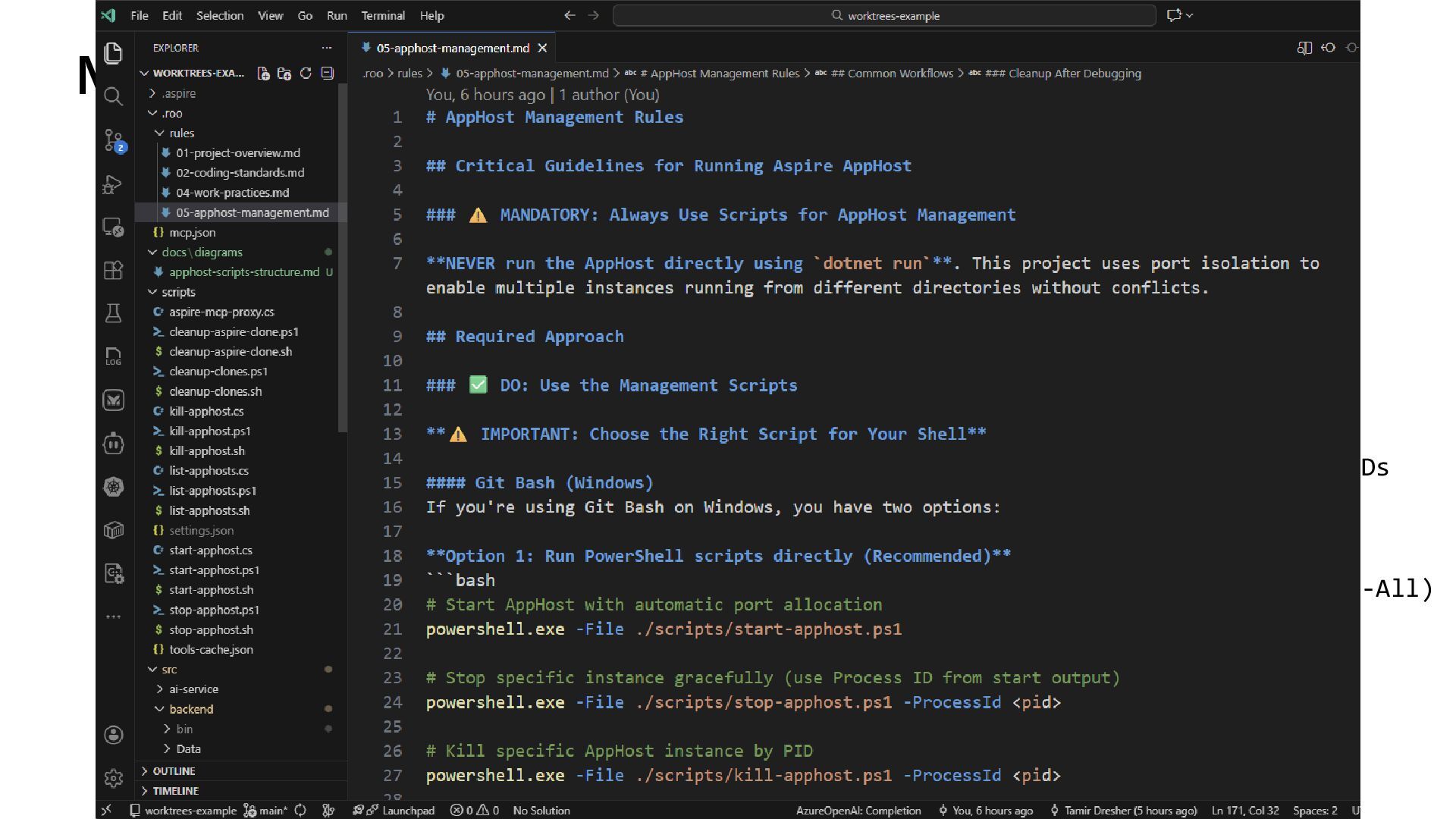
    . ├── scripts/ │ ├── start-apphost.ps1/sh # Starts AppHost with auto-port allocation │ │ │ ├── list-apphosts.ps1/sh # Lists all running AppHost instances & PIDs │ │ │ ├── stop-apphost.ps1/sh # Gracefully stops a specific instance │ │ │ ├── kill-apphost.ps1/sh # Force kills instances (specific PID or --All) │ │ │ └── aspire-mcp-proxy.cs # MCP Server Proxy │ └── src/ └── NoteTaker.AppHost/ # The Aspire Orchestrator project
  9. Making each worktree – aspire isolated Repo worktree1 worktree2 worktree3

    . ├── scripts/ │ ├── start-apphost.ps1/sh # Starts AppHost with auto-port allocation │ │ │ ├── list-apphosts.ps1/sh # Lists all running AppHost instances & PIDs │ │ │ ├── stop-apphost.ps1/sh # Gracefully stops a specific instance │ │ │ ├── kill-apphost.ps1/sh # Force kills instances (specific PID or --All) │ │ │ └── aspire-mcp-proxy.cs # MCP Server Proxy │ └── src/ └── NoteTaker.AppHost/ # The Aspire Orchestrator project
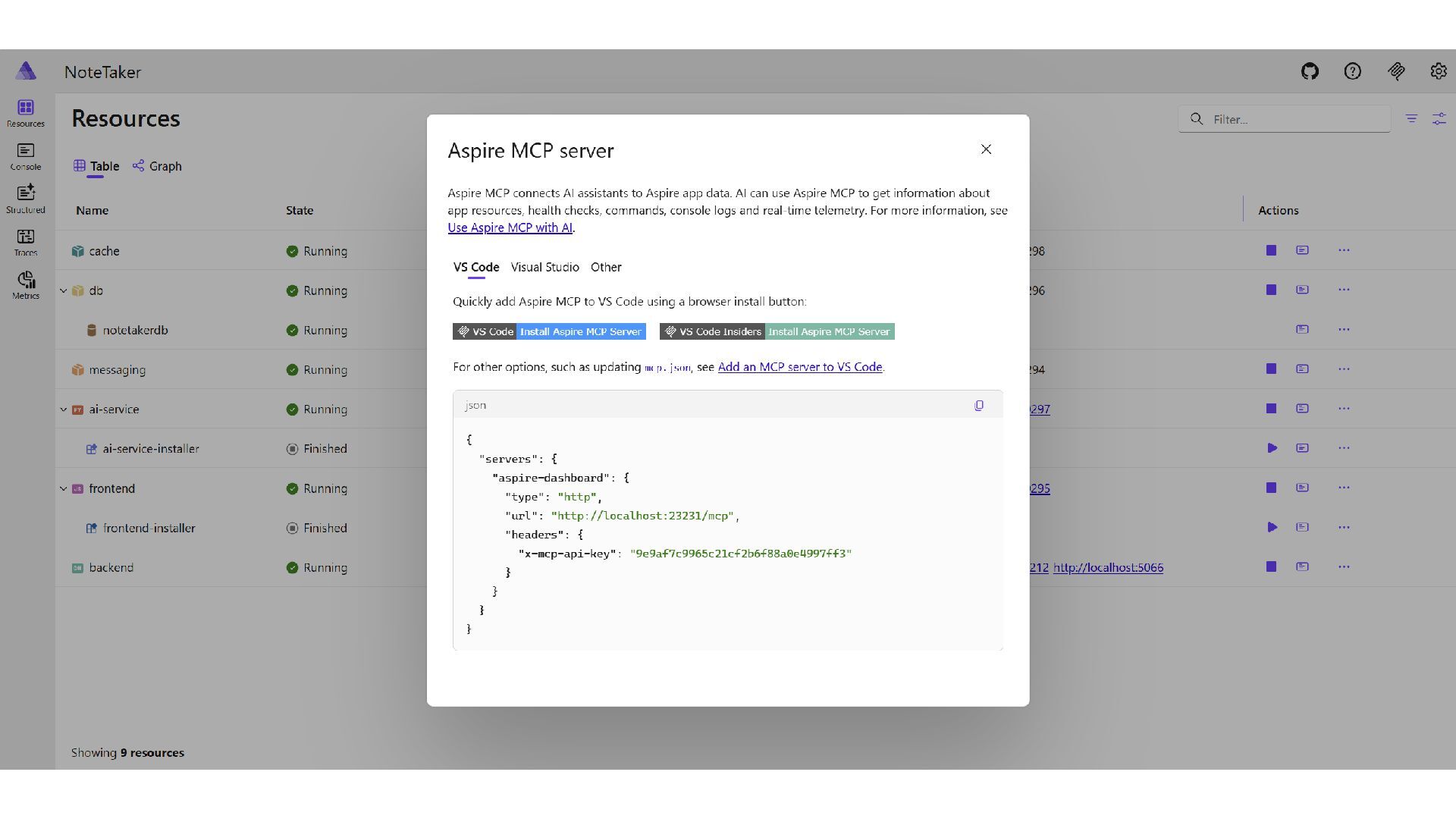
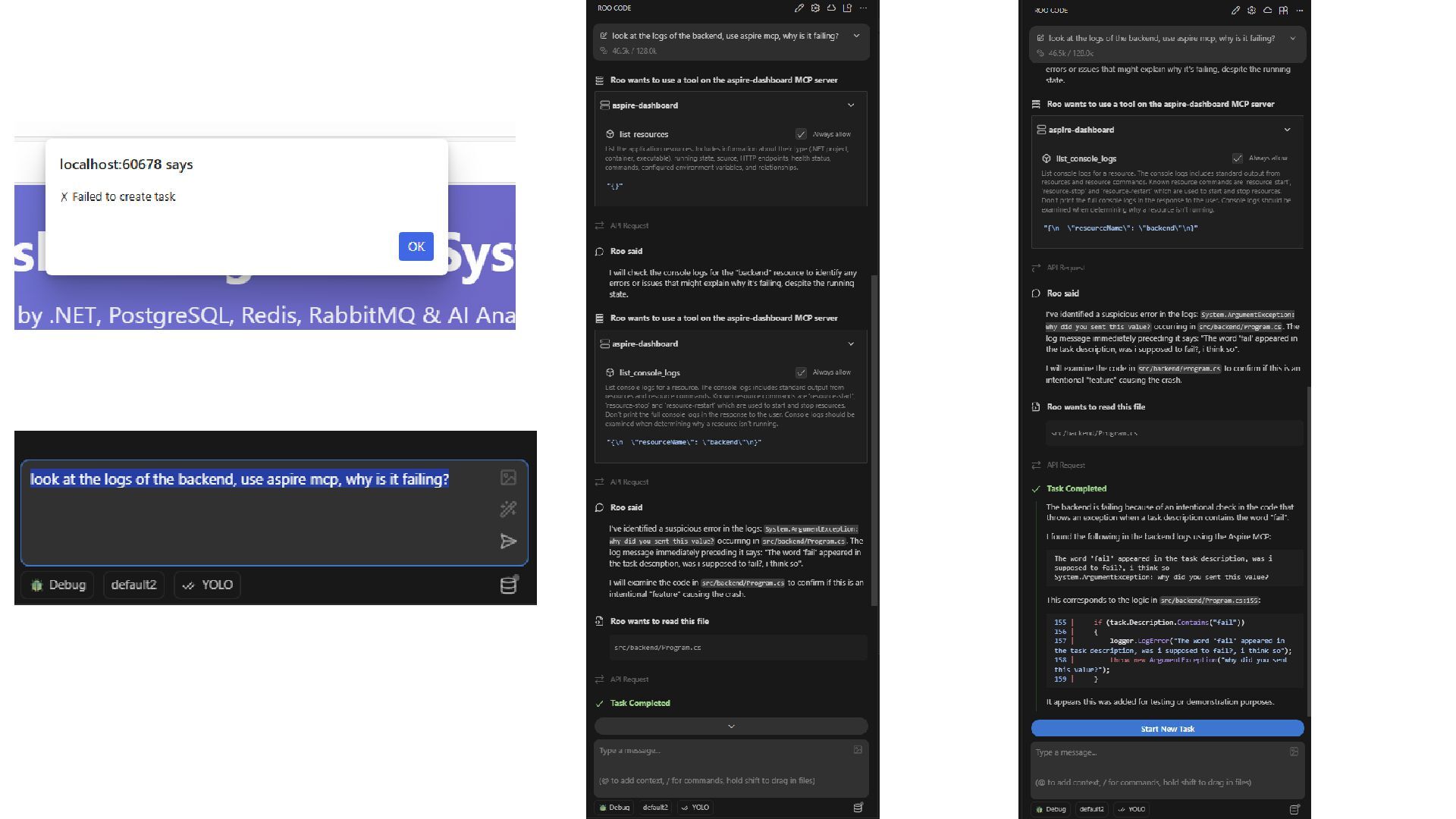
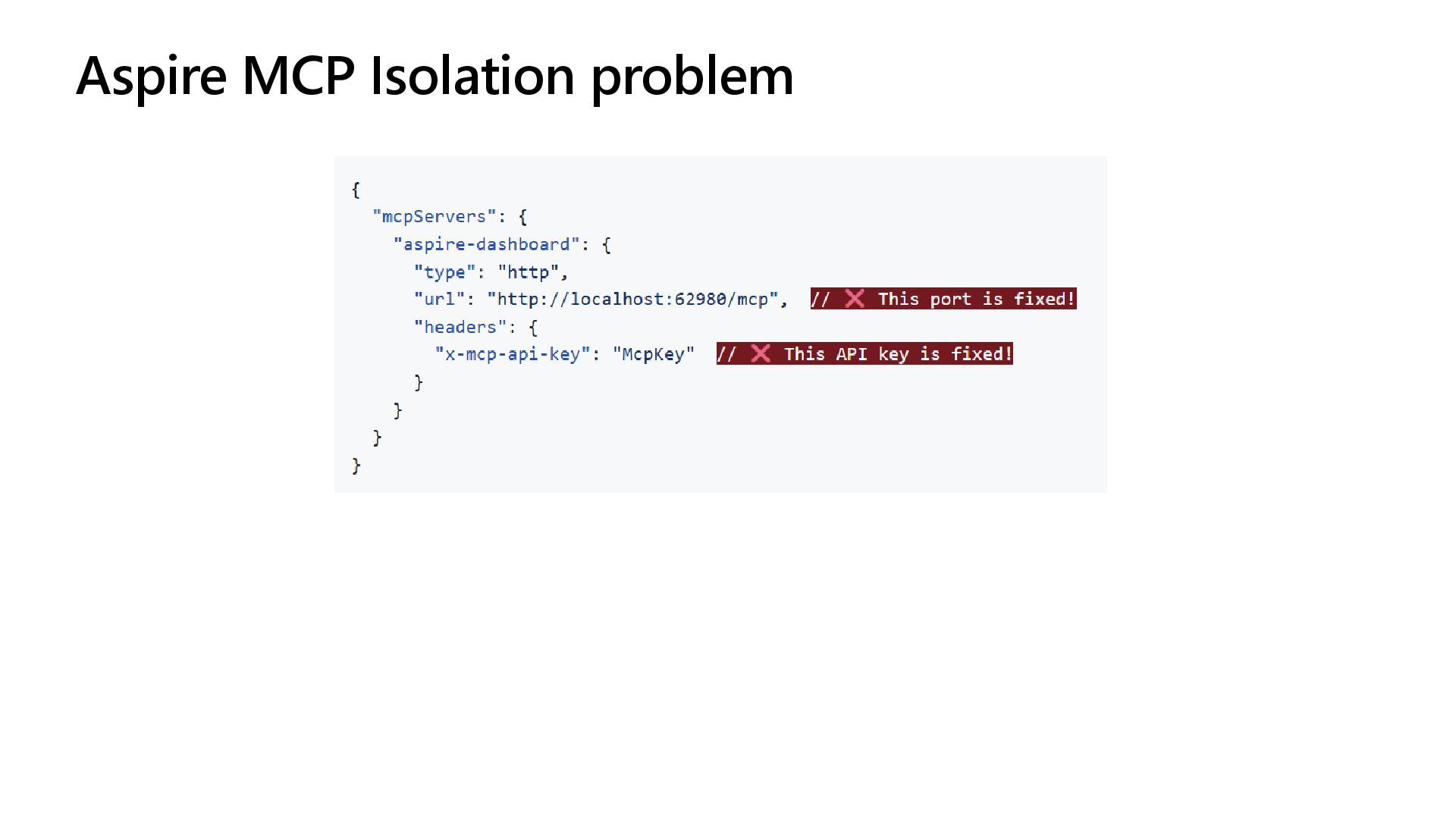
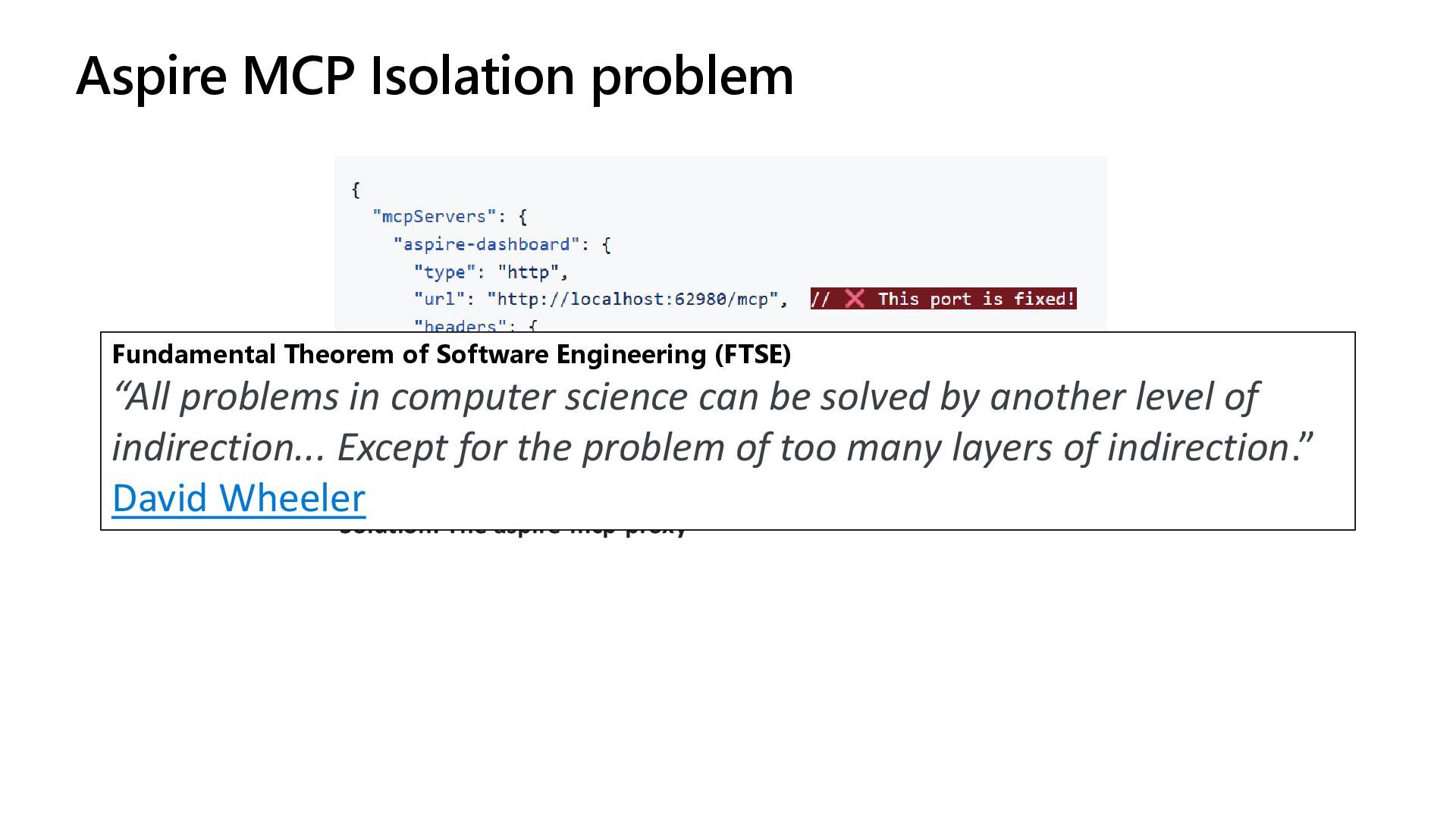
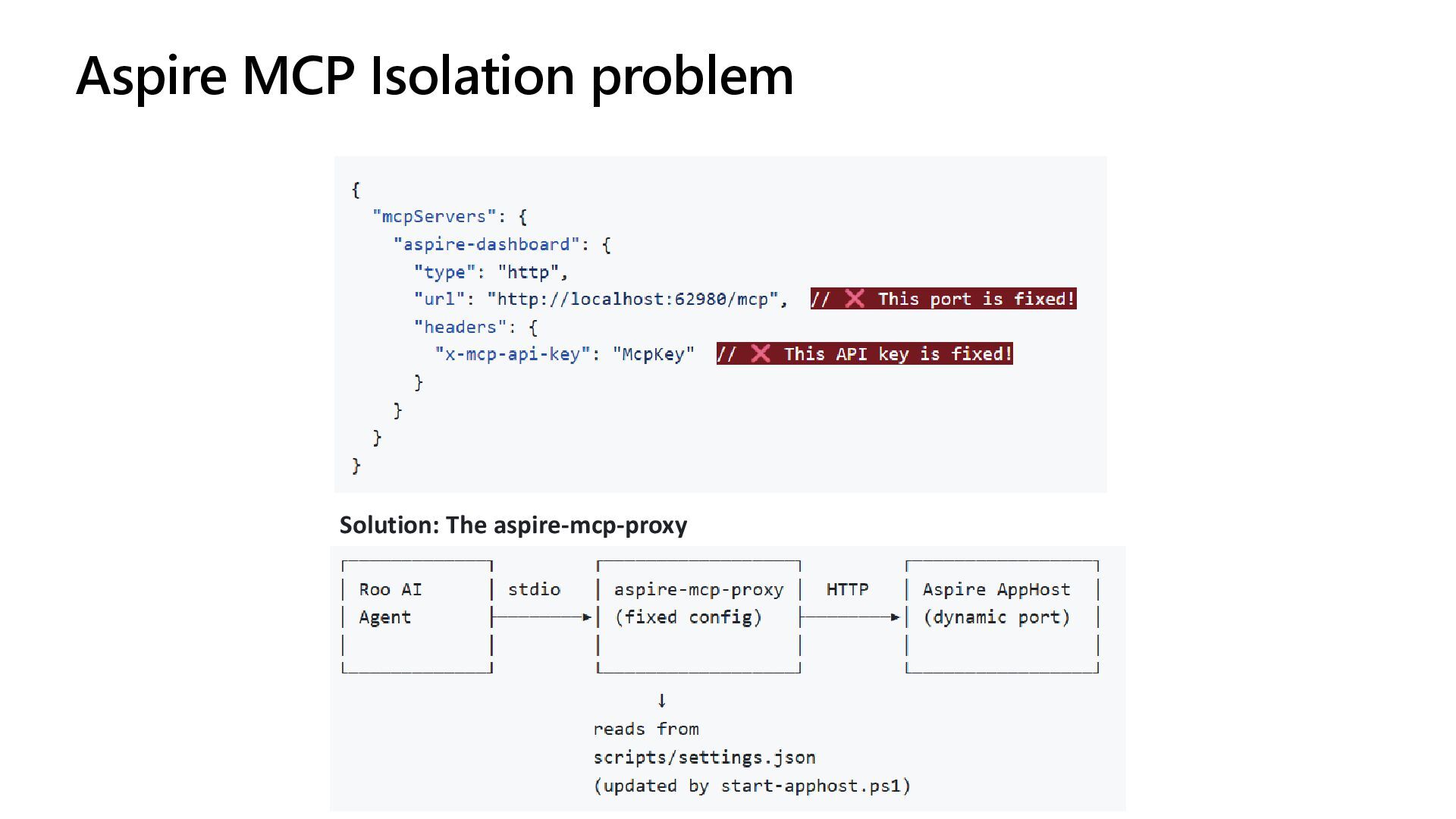
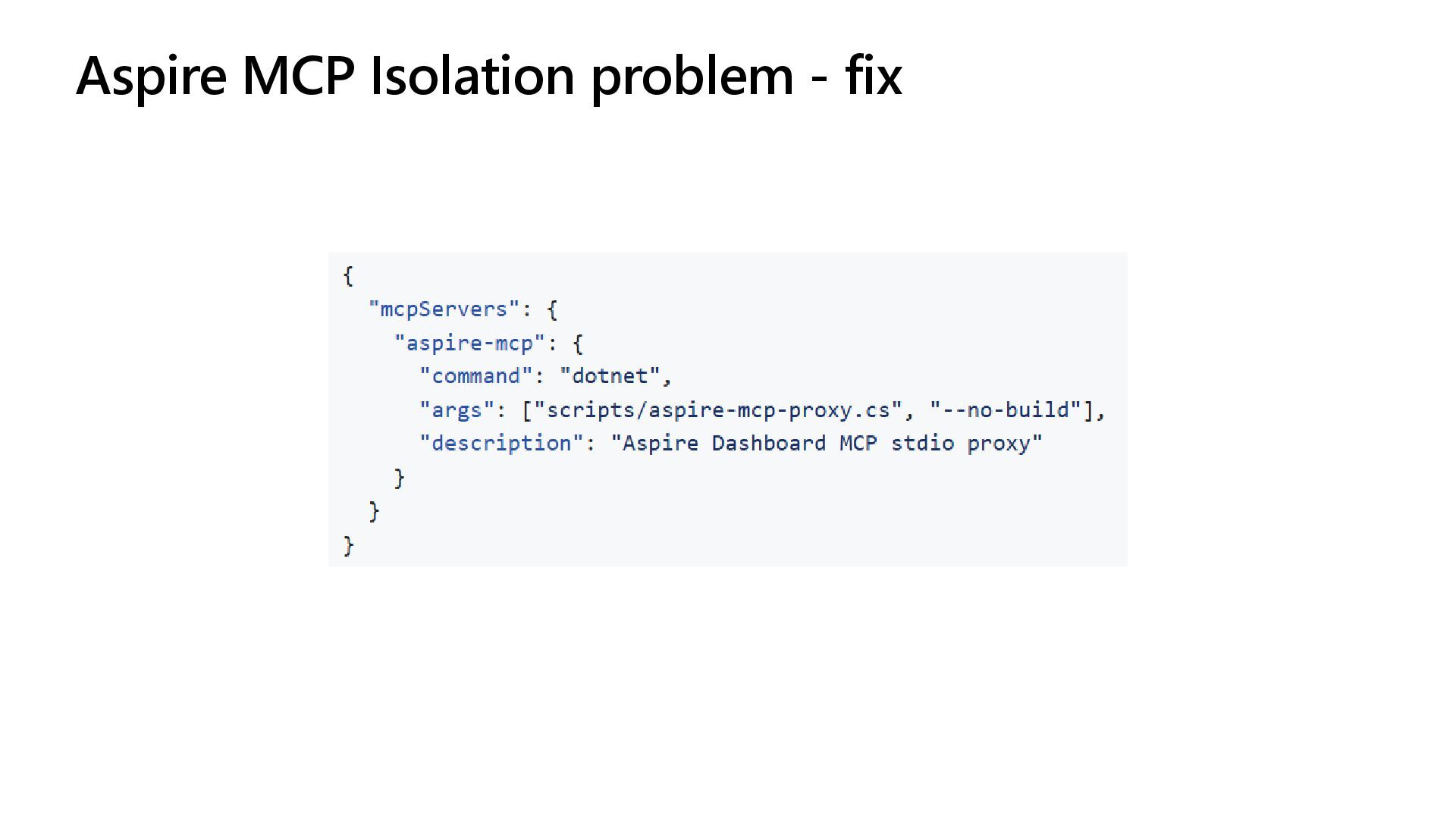
  10. Aspire MCP Isolation problem Solution: The aspire-mcp-proxy Fundamental Theorem of

    Software Engineering (FTSE) “All problems in computer science can be solved by another level of indirection... Except for the problem of too many layers of indirection.” David Wheeler
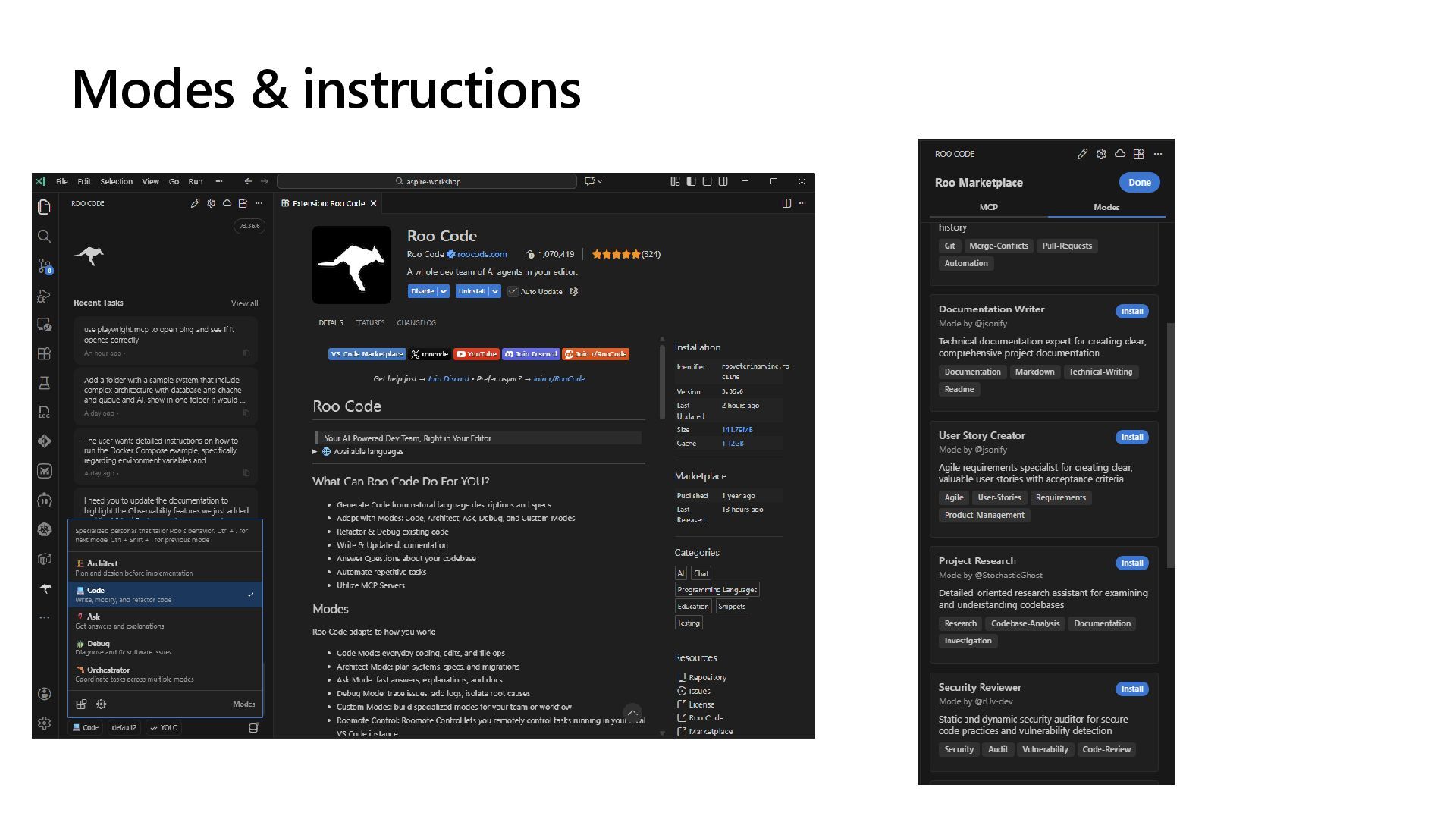
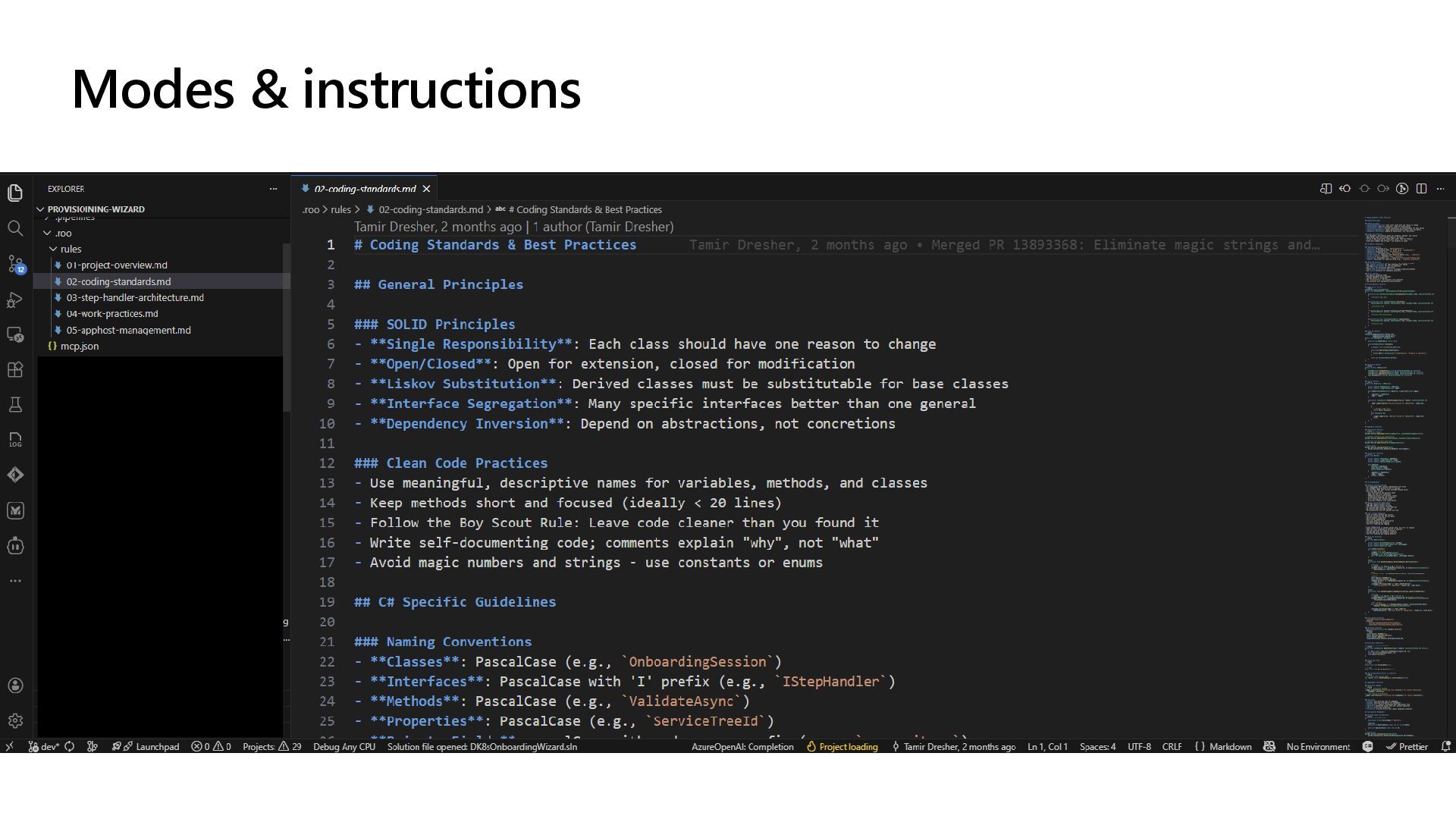
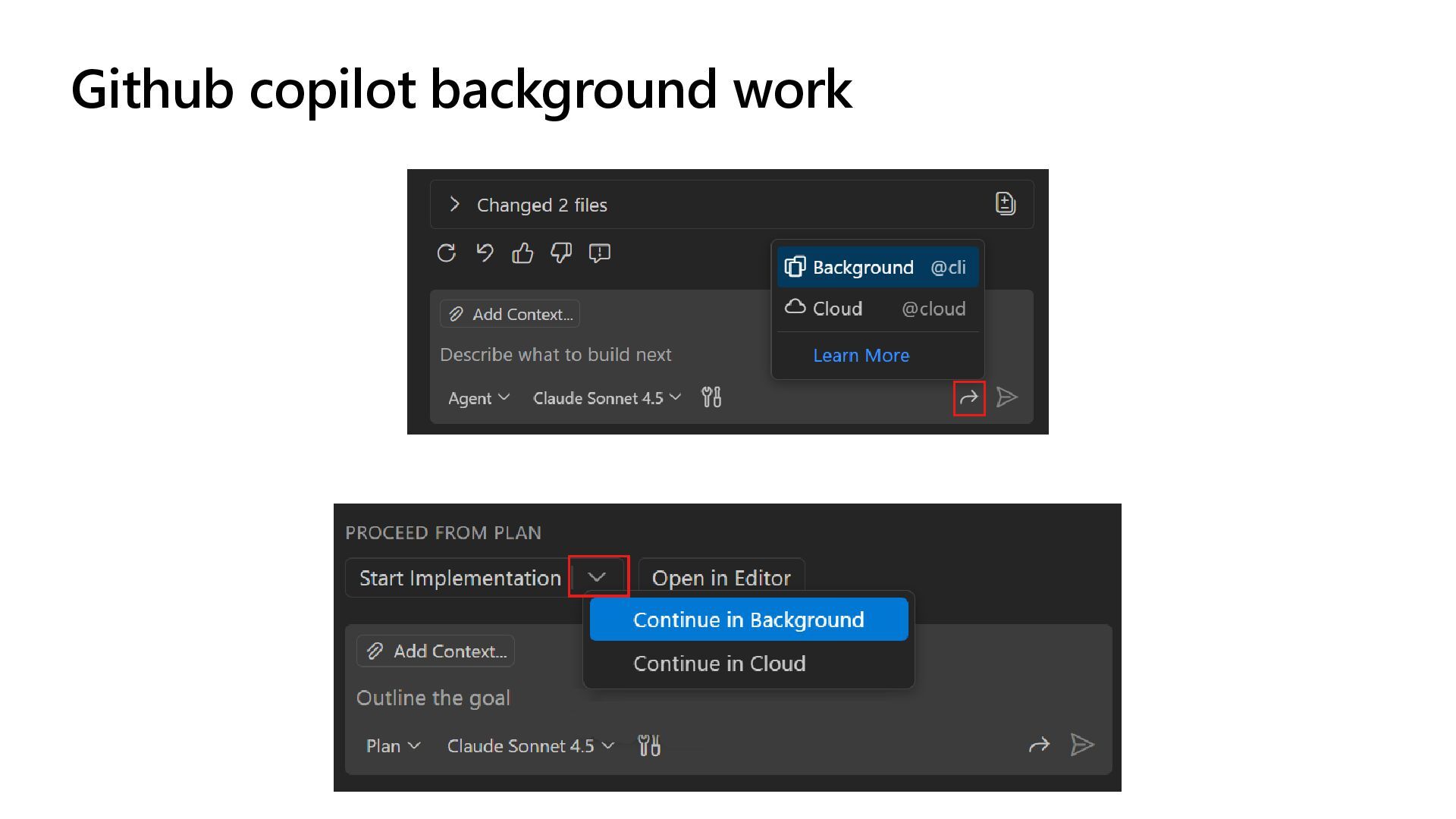
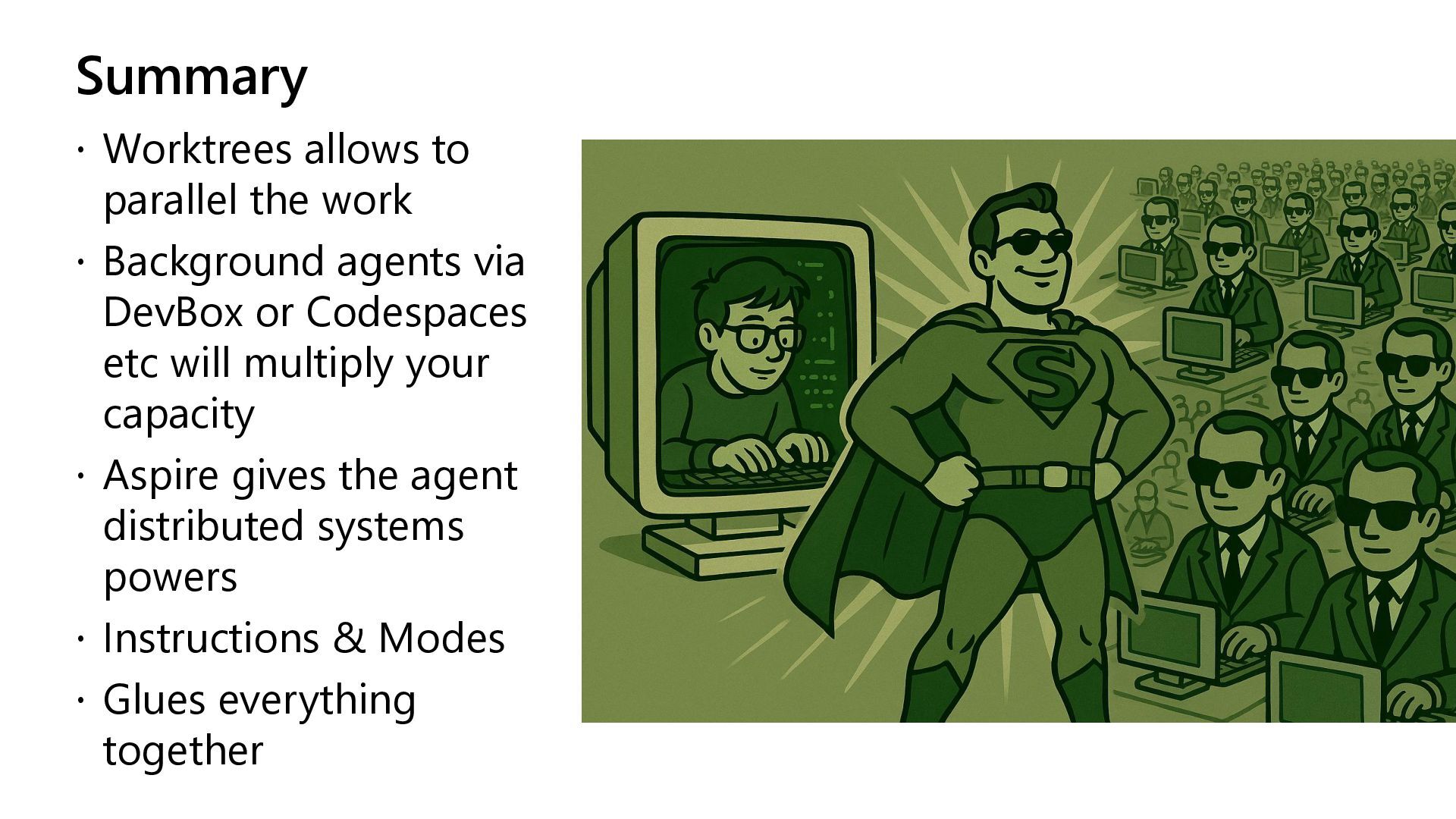
  11. Summary  Worktrees allows to parallel the work  Background

    agents via DevBox or Codespaces etc will multiply your capacity  Aspire gives the agent distributed systems powers  Instructions & Modes  Glues everything together