Upgrade to Pro — share decks privately, control downloads, hide ads and more …

Quality Assurance of Mobile Apps

Quality Assurance of Mobile Apps

An overview of the building blocks of Mobile QA on iOS and Android - from software architecture, over unit / integration tests, UI Automation tests, to manual crowd testing and crash reporting.

Talk at the Mobile Quality Crew in Munich.

Avatar for Thomas Blätte

Thomas Blätte

January 27, 2016

Other Decks in Programming

Transcript

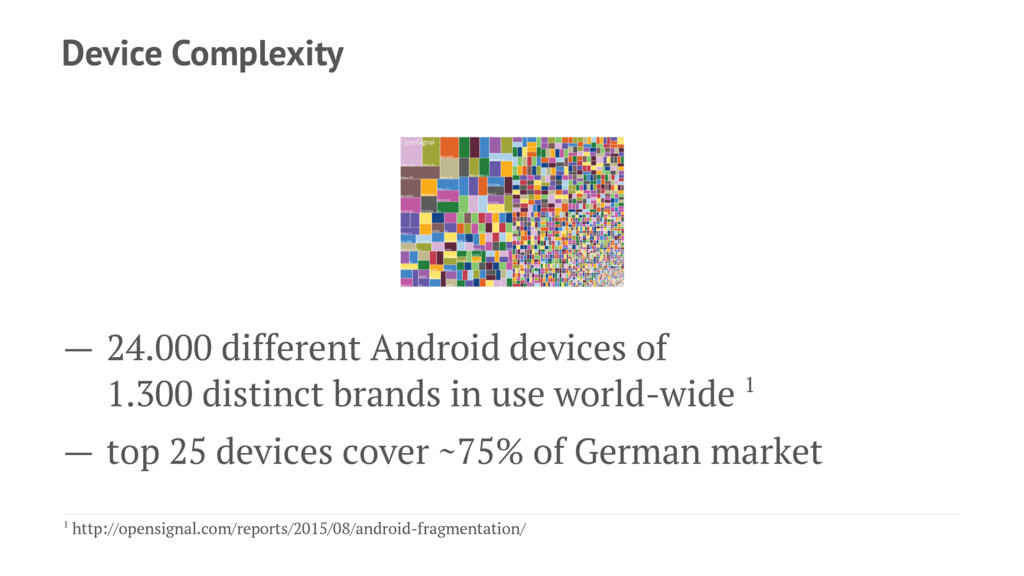
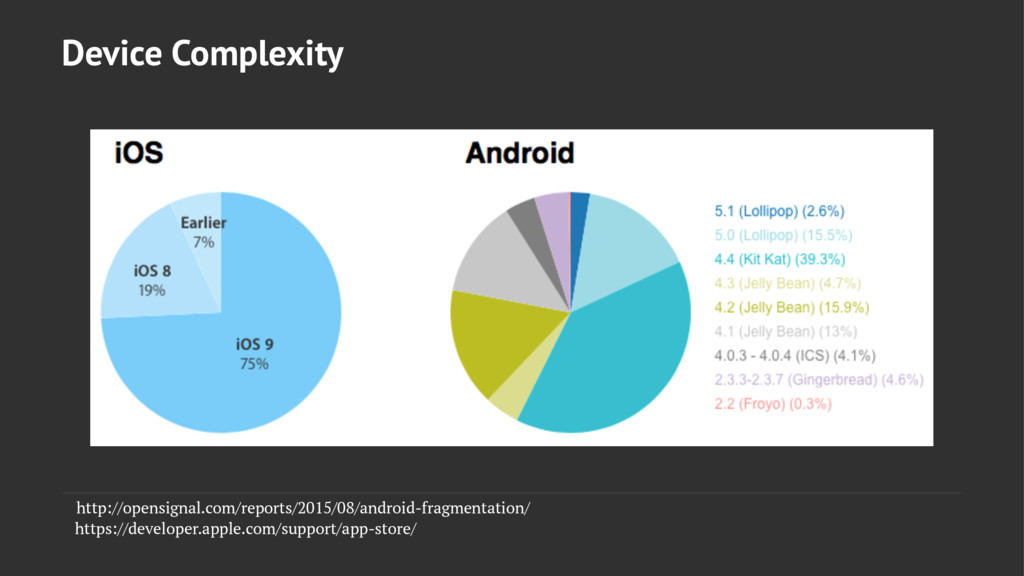
  1. Device Complexity — 24.000 different Android devices of 1.300 distinct

    brands in use world-wide 1 — top 25 devices cover ~75% of German market 1 http://opensignal.com/reports/2015/08/android-fragmentation/
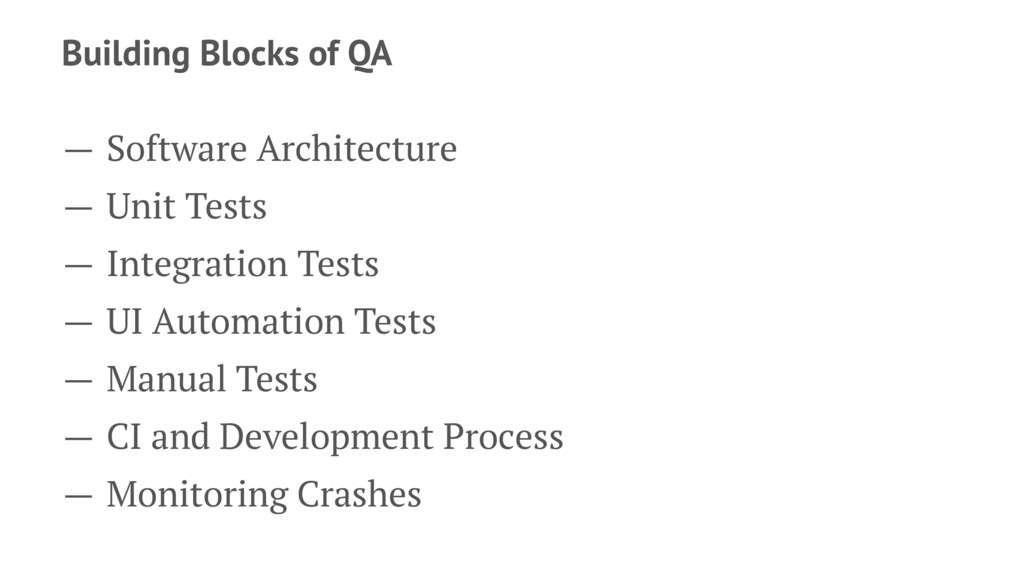
  2. Building Blocks of QA — Software Architecture — Unit Tests

    — Integration Tests — UI Automation Tests — Manual Tests — CI and Development Process — Monitoring Crashes
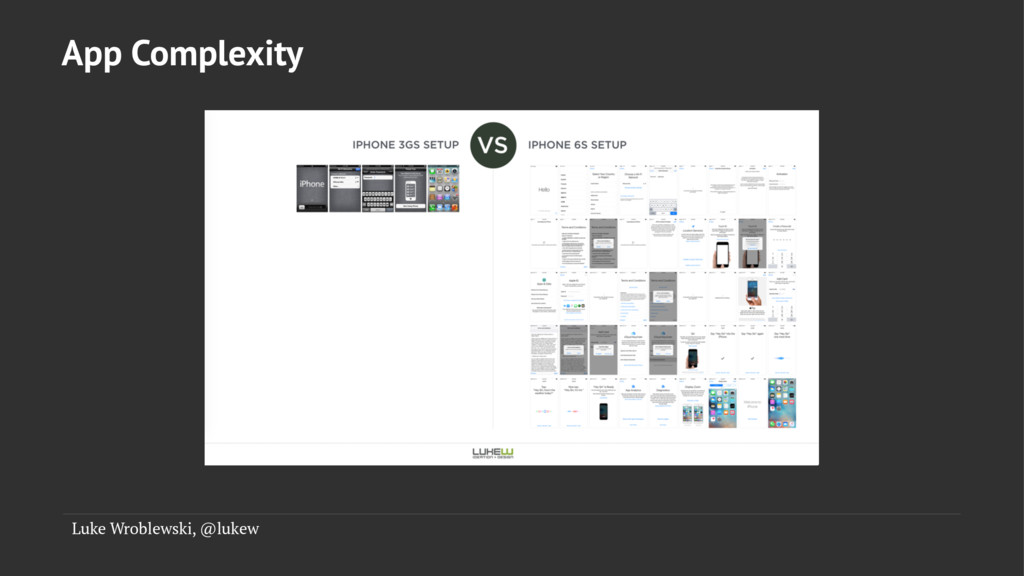
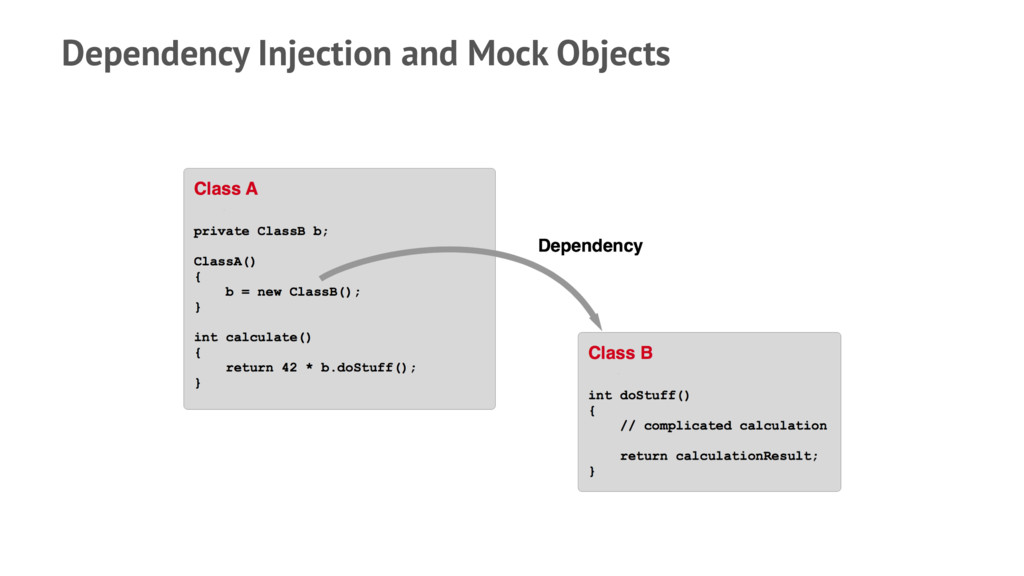
  3. Tackle App Complexity Classes that are - small - reusable

    - testable Code that is - modular - flexible - extensible
  4. Basic Clean Code Principles — DRY - Don't Repeat Yourself

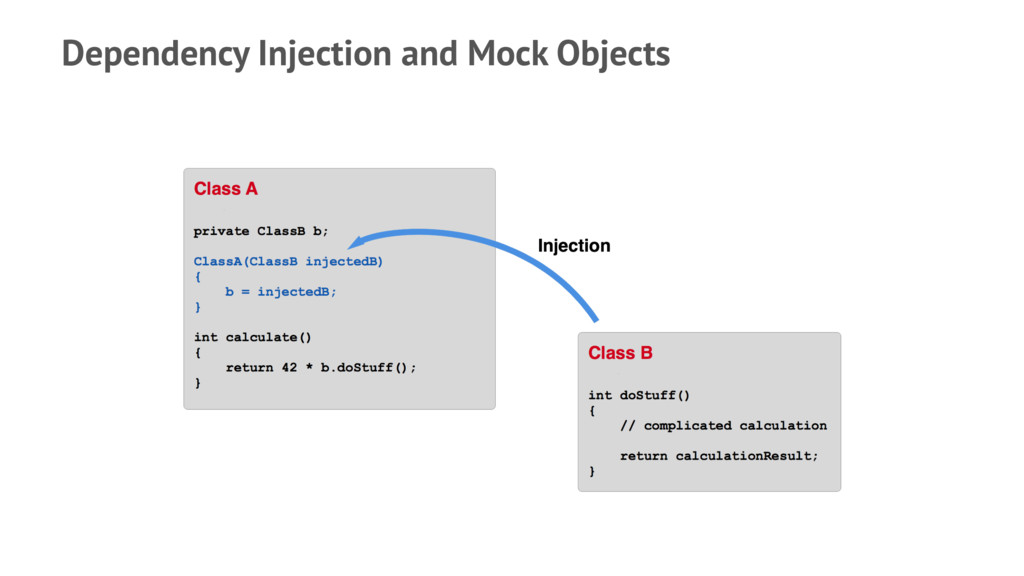
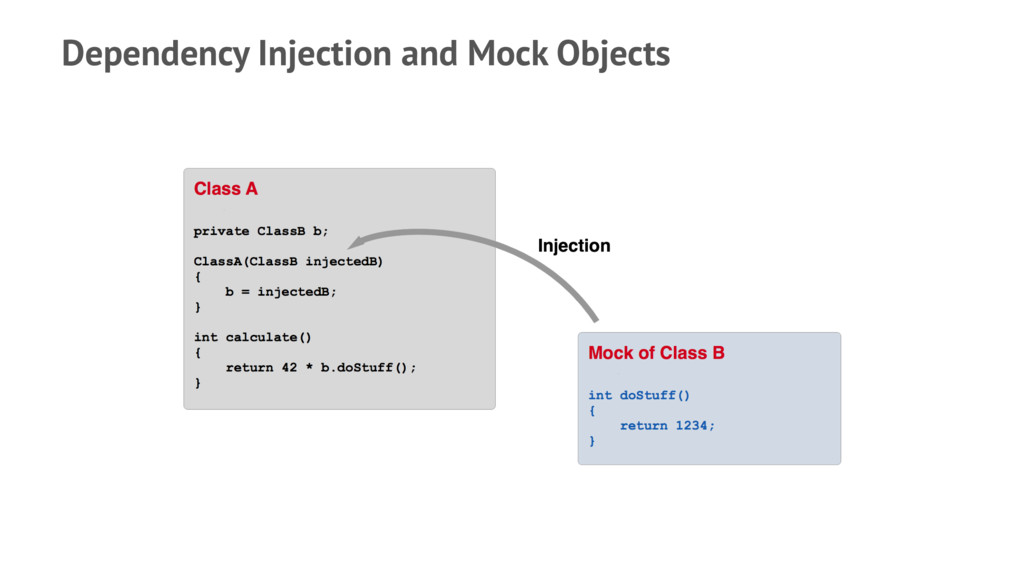
    — Favor Composition over Inheritance — Single Responsibility Principle — Dependency Inversion Principle — Dependency Injection Pattern
  5. Popular architecture patterns: — Flux - facebook.github.io/flux — MVVM -

    https://www.objc.io/issues/13-architecture/ mvvm/ — VIPER - https://www.objc.io/issues/13-architecture/ viper/ Take the best of every pattern and create your own!
  6. Unit Tests — In Unit Testing, individual units of source

    code are tested to determine whether they behave as expected. — A unit is the smallest testable part of an application, i.e. in most cases a single class. — Therefore classes have to be written in a way that allows to test them independently from each other.
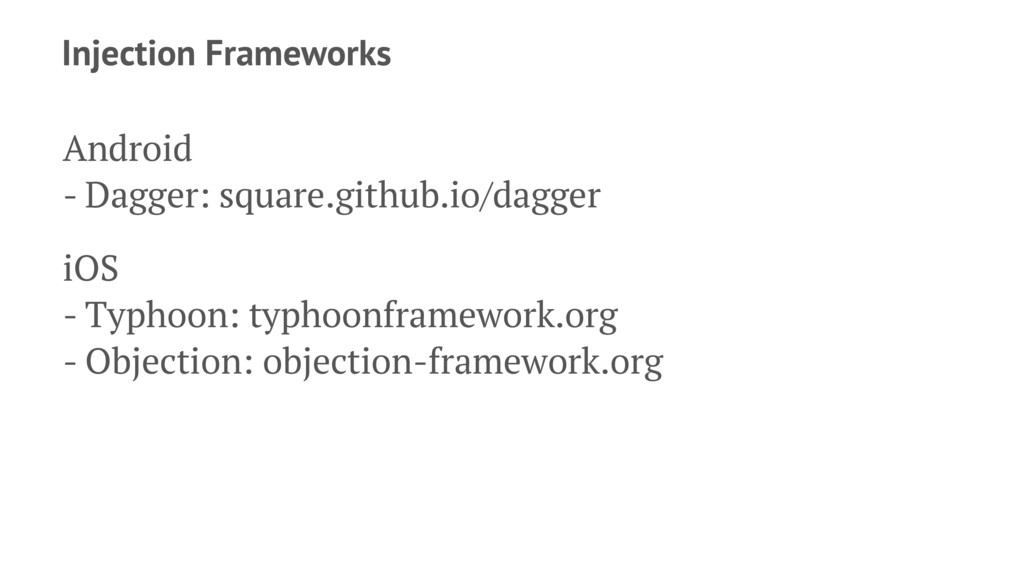
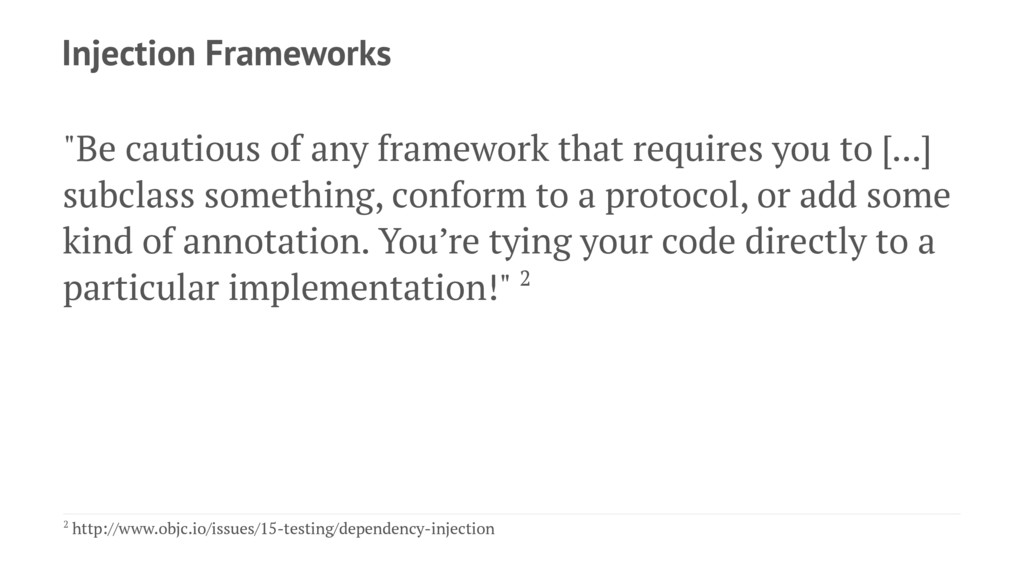
  7. Injection Frameworks "Be cautious of any framework that requires you

    to [...] subclass something, conform to a protocol, or add some kind of annotation. You’re tying your code directly to a particular implementation!" 2 2 http://www.objc.io/issues/15-testing/dependency-injection
  8. What About Server Calls? Mock them whenever possible iOS -

    https://github.com/AliSoftware/OHHTTPStubs Android - Mock networking class or use a proxy
  9. Benefits — Tests are getting written! — Improved architecture —

    Improved maintainability and extensibility — Better Productivity
  10. Crowd Testing German vendors: Applause, TestBirds, Test.IO, ... — test

    of an app by real people — explorative testing — testing according to test cases — possible to select user demographic, device types — review results on vendor's platform or own JIRA
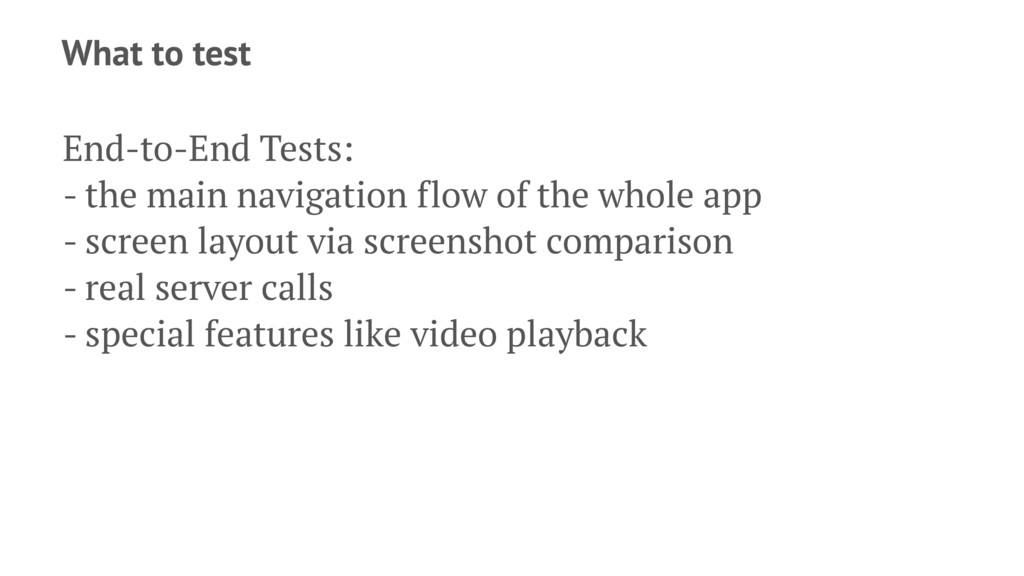
  11. What to test End-to-End Tests: - the main navigation flow

    of the whole app - screen layout via screenshot comparison - real server calls - special features like video playback
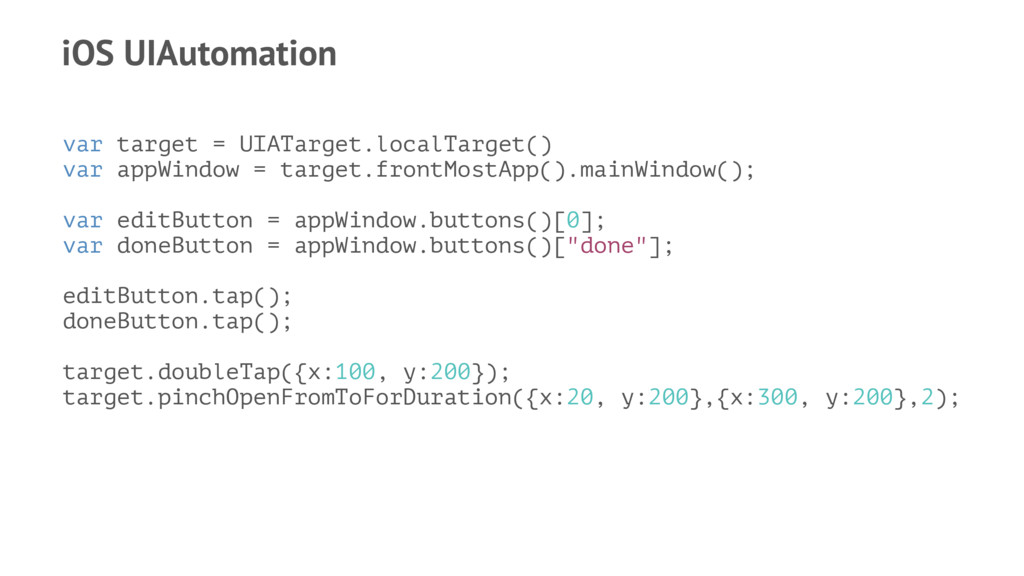
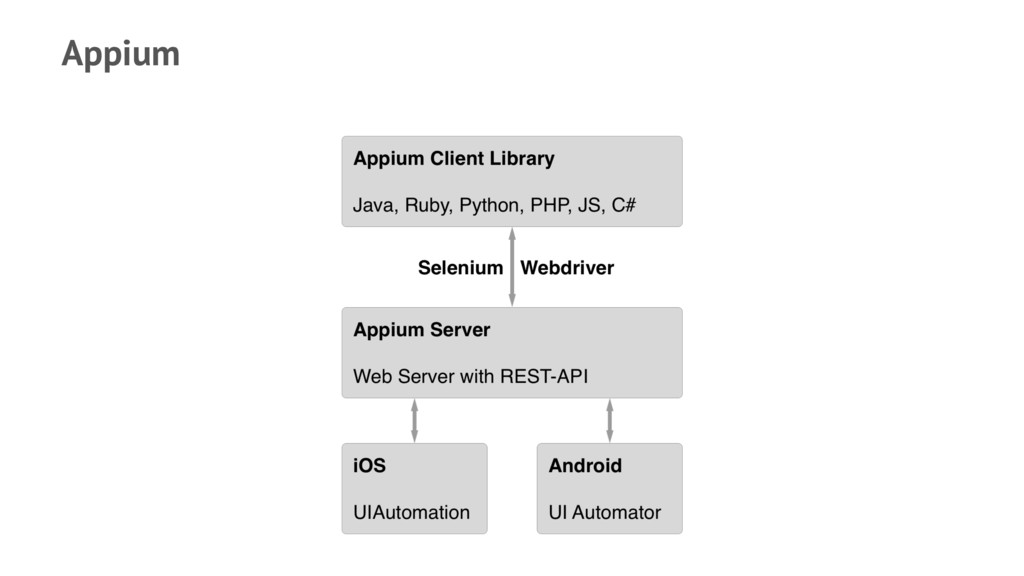
  12. iOS UIAutomation var target = UIATarget.localTarget() var appWindow = target.frontMostApp().mainWindow();

    var editButton = appWindow.buttons()[0]; var doneButton = appWindow.buttons()["done"]; editButton.tap(); doneButton.tap(); target.doubleTap({x:100, y:200}); target.pinchOpenFromToForDuration({x:20, y:200},{x:300, y:200},2);
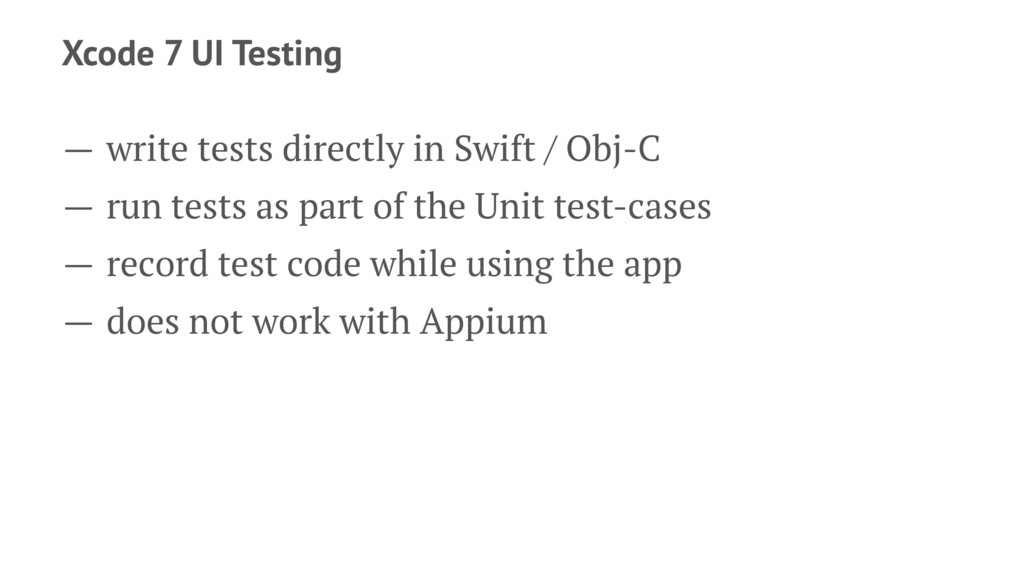
  13. Xcode 7 UI Testing — write tests directly in Swift

    / Obj-C — run tests as part of the Unit test-cases — record test code while using the app — does not work with Appium
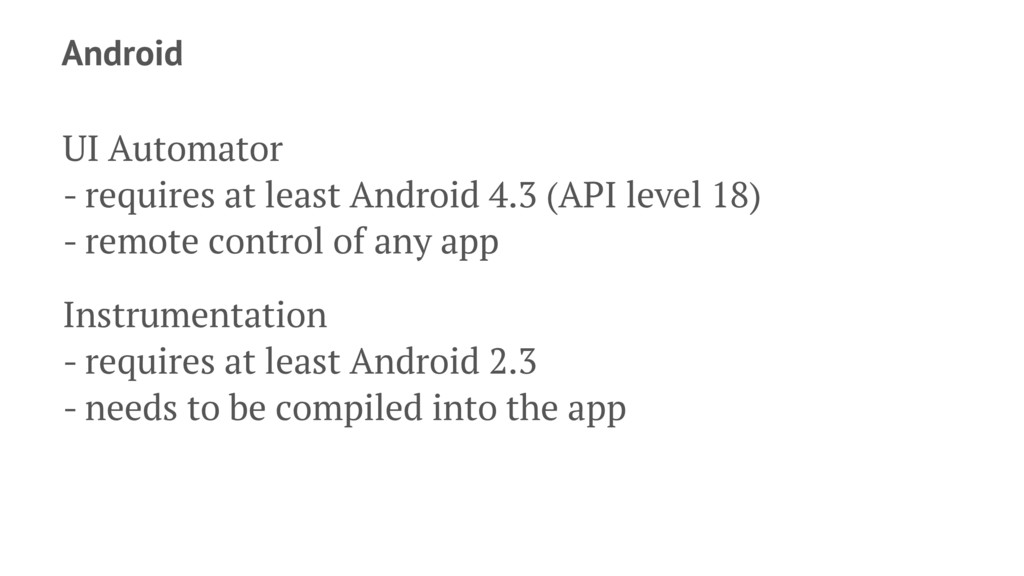
  14. Android UI Automator - requires at least Android 4.3 (API

    level 18) - remote control of any app Instrumentation - requires at least Android 2.3 - needs to be compiled into the app
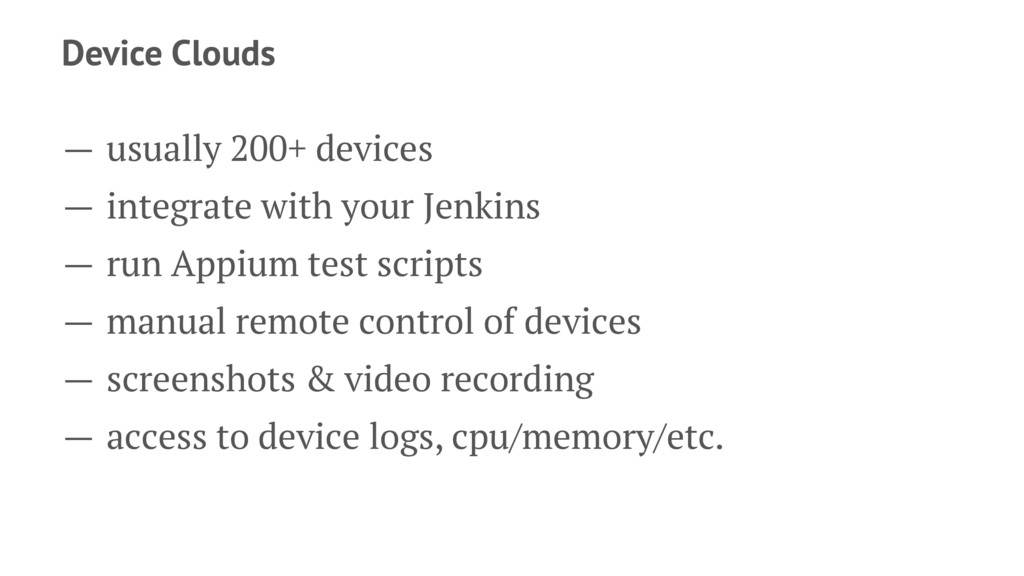
  15. Device Clouds — usually 200+ devices — integrate with your

    Jenkins — run Appium test scripts — manual remote control of devices — screenshots & video recording — access to device logs, cpu/memory/etc.
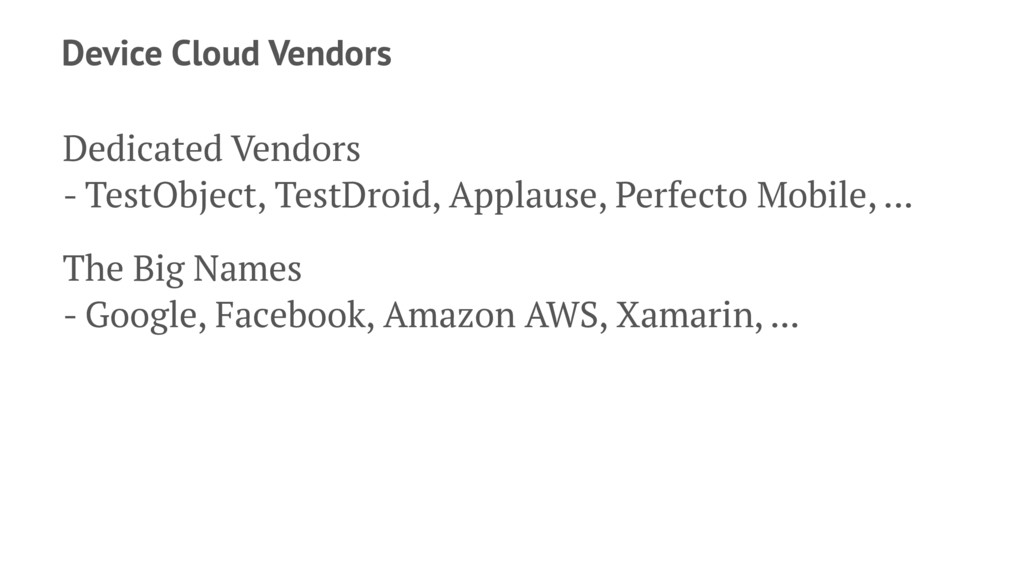
  16. Device Cloud Vendors Dedicated Vendors - TestObject, TestDroid, Applause, Perfecto

    Mobile, ... The Big Names - Google, Facebook, Amazon AWS, Xamarin, ...
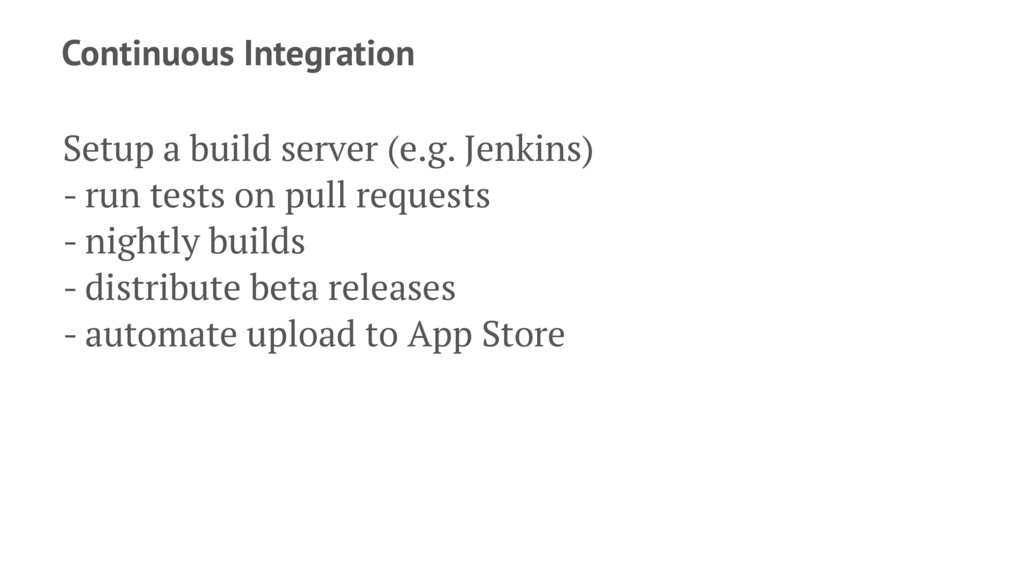
  17. Continuous Integration Setup a build server (e.g. Jenkins) - run

    tests on pull requests - nightly builds - distribute beta releases - automate upload to App Store
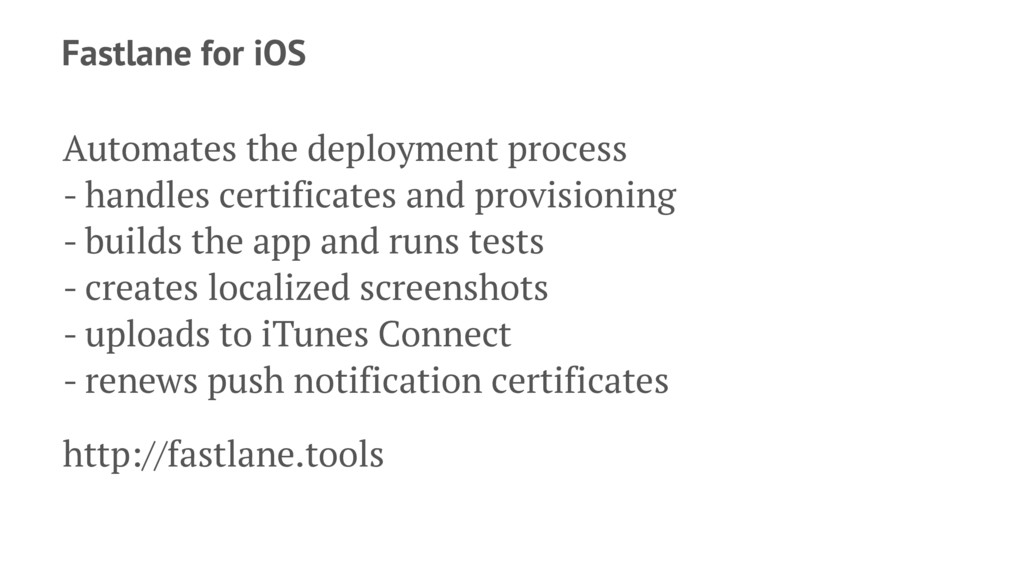
  18. Fastlane for iOS Automates the deployment process - handles certificates

    and provisioning - builds the app and runs tests - creates localized screenshots - uploads to iTunes Connect - renews push notification certificates http://fastlane.tools
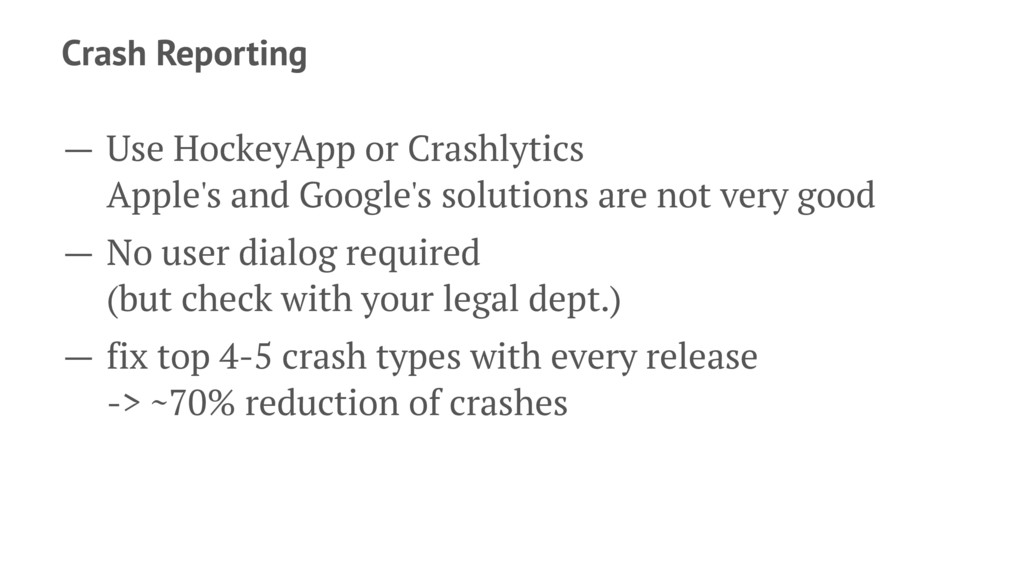
  19. Crash Reporting — Use HockeyApp or Crashlytics Apple's and Google's

    solutions are not very good — No user dialog required (but check with your legal dept.) — fix top 4-5 crash types with every release -> ~70% reduction of crashes
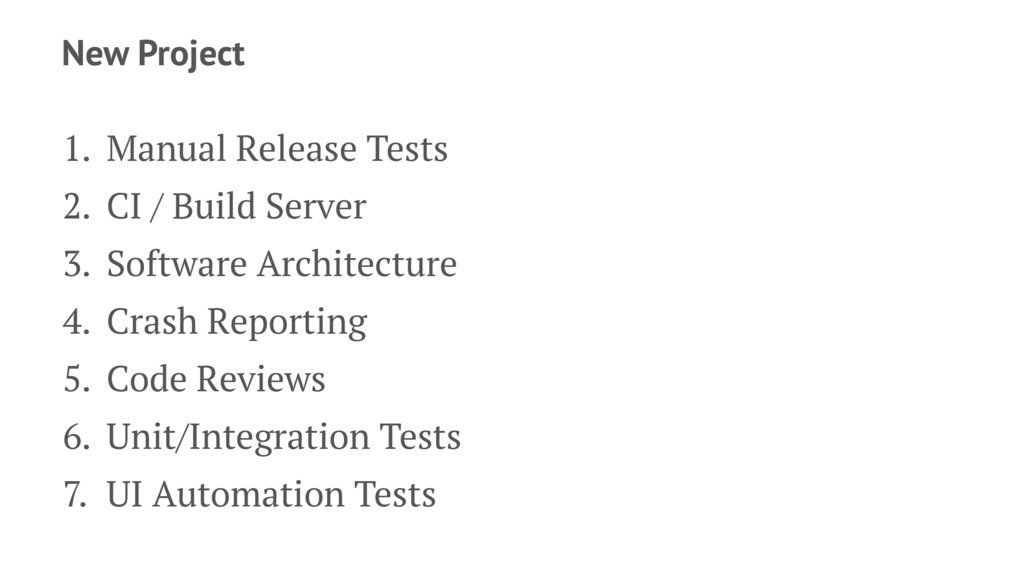
  20. New Project 1. Manual Release Tests 2. CI / Build

    Server 3. Software Architecture 4. Crash Reporting 5. Code Reviews 6. Unit/Integration Tests 7. UI Automation Tests
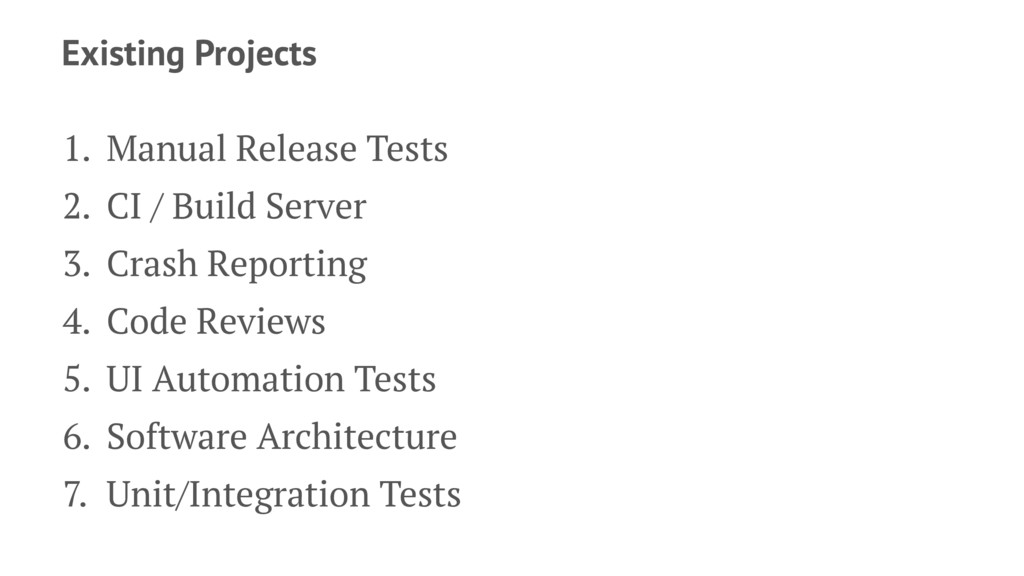
  21. Existing Projects 1. Manual Release Tests 2. CI / Build

    Server 3. Crash Reporting 4. Code Reviews 5. UI Automation Tests 6. Software Architecture 7. Unit/Integration Tests