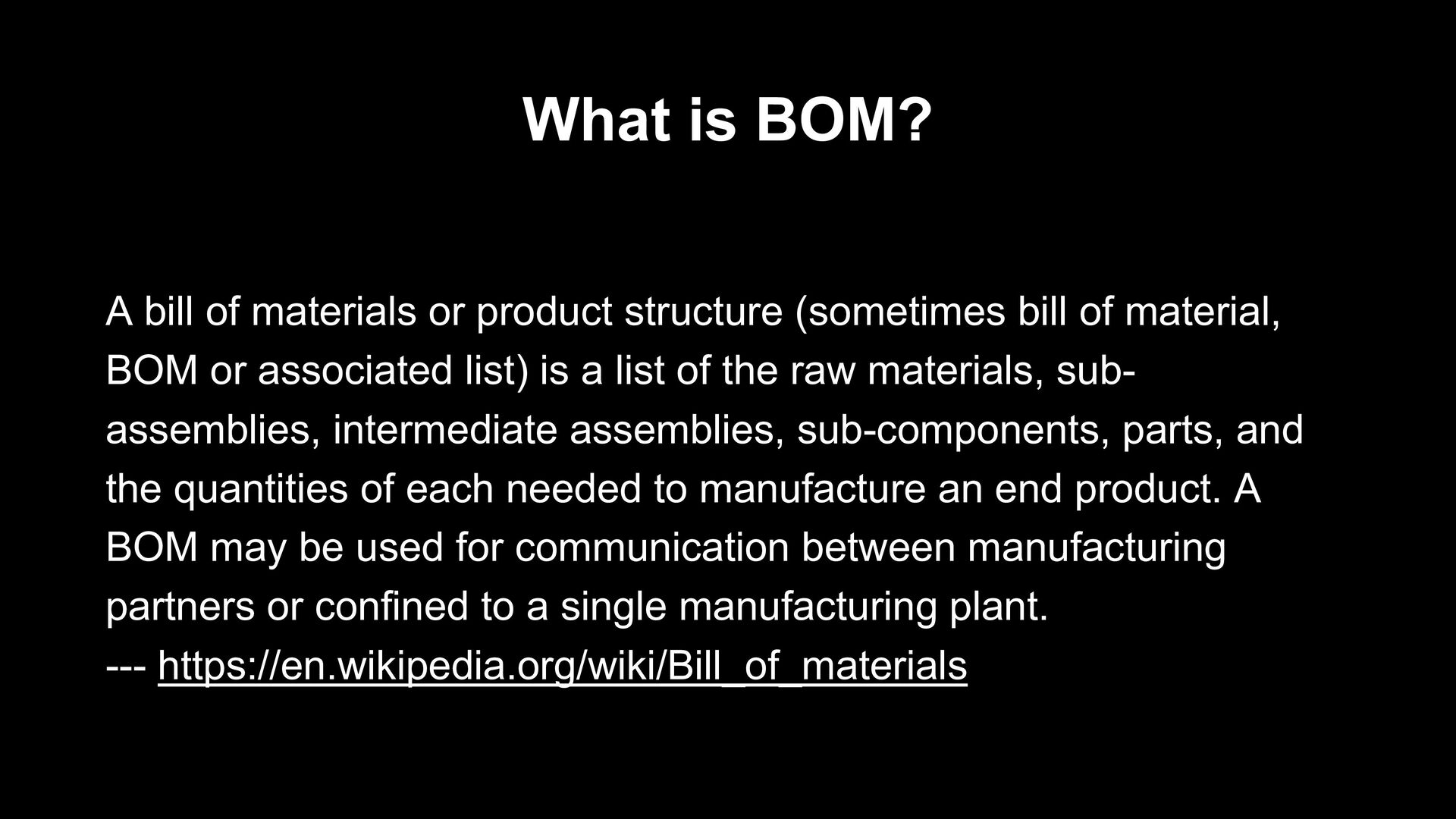
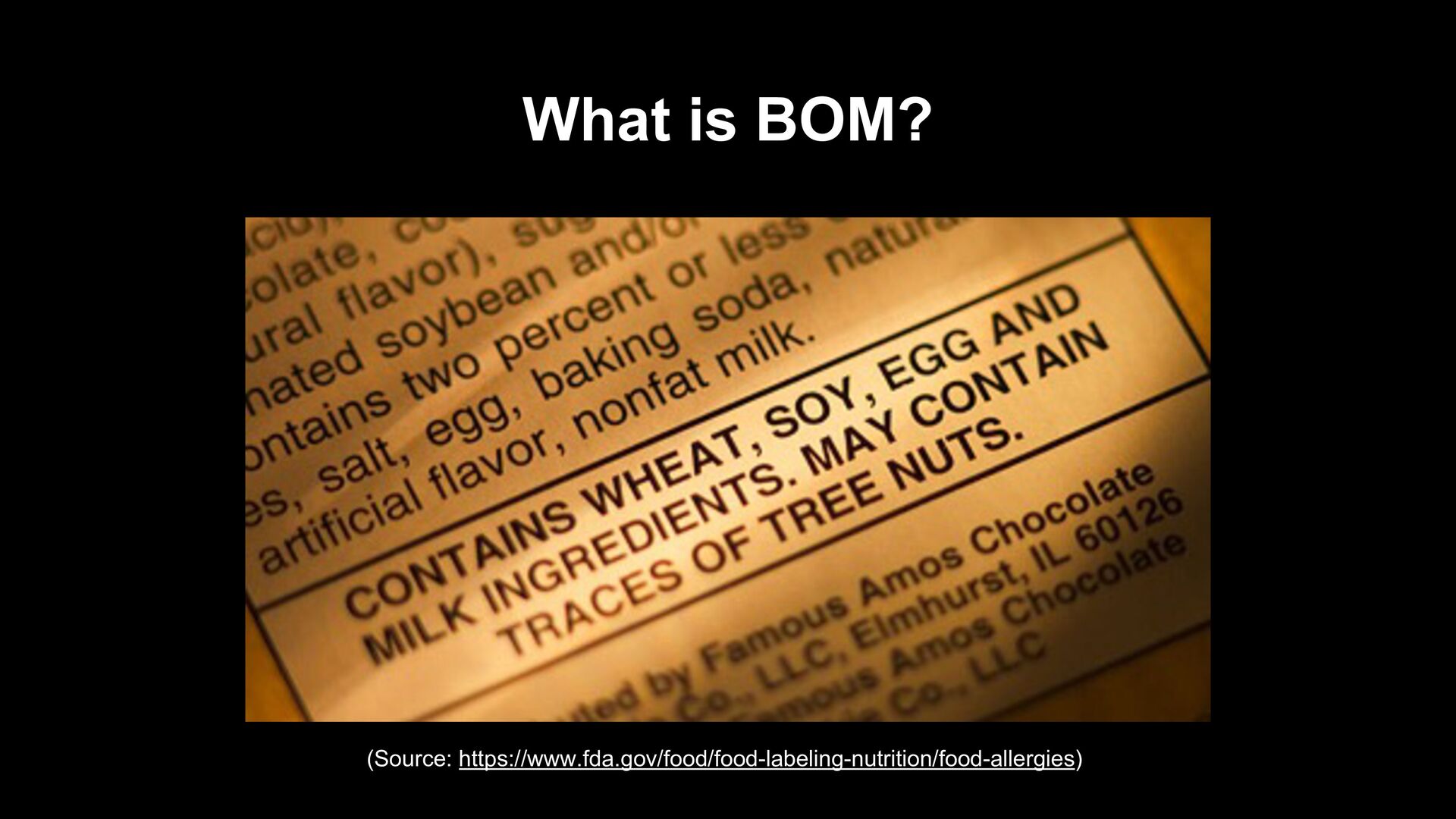
(sometimes bill of material, BOM or associated list) is a list of the raw materials, sub- assemblies, intermediate assemblies, sub-components, parts, and the quantities of each needed to manufacture an end product. A BOM may be used for communication between manufacturing partners or confined to a single manufacturing plant. --- https://en.wikipedia.org/wiki/Bill_of_materials
emerged as a key building block in software security and software supply chain risk management. A SBOM is a nested inventory, a list of ingredients that make up software components. --- https://www.cisa.gov/sbom
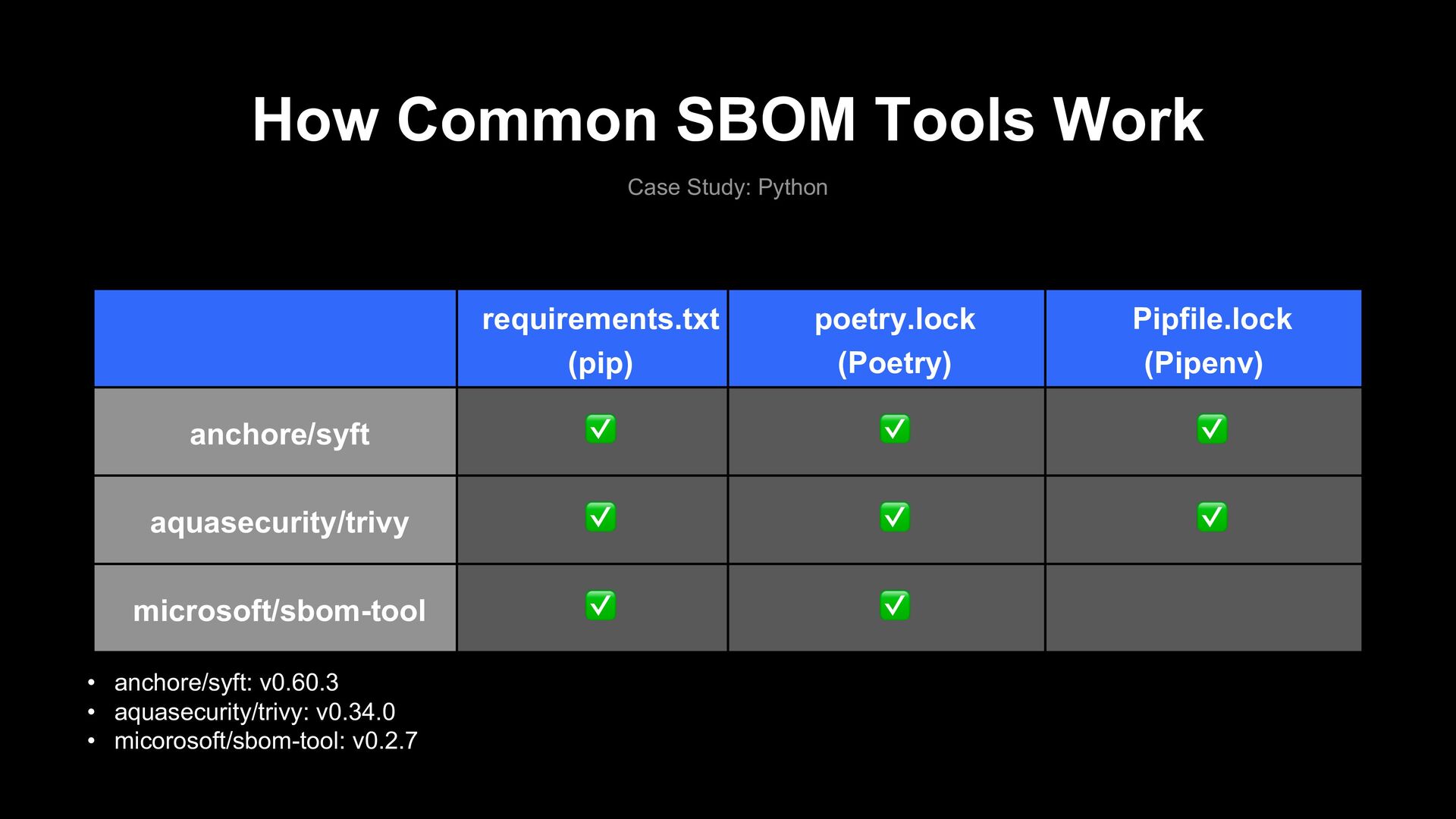
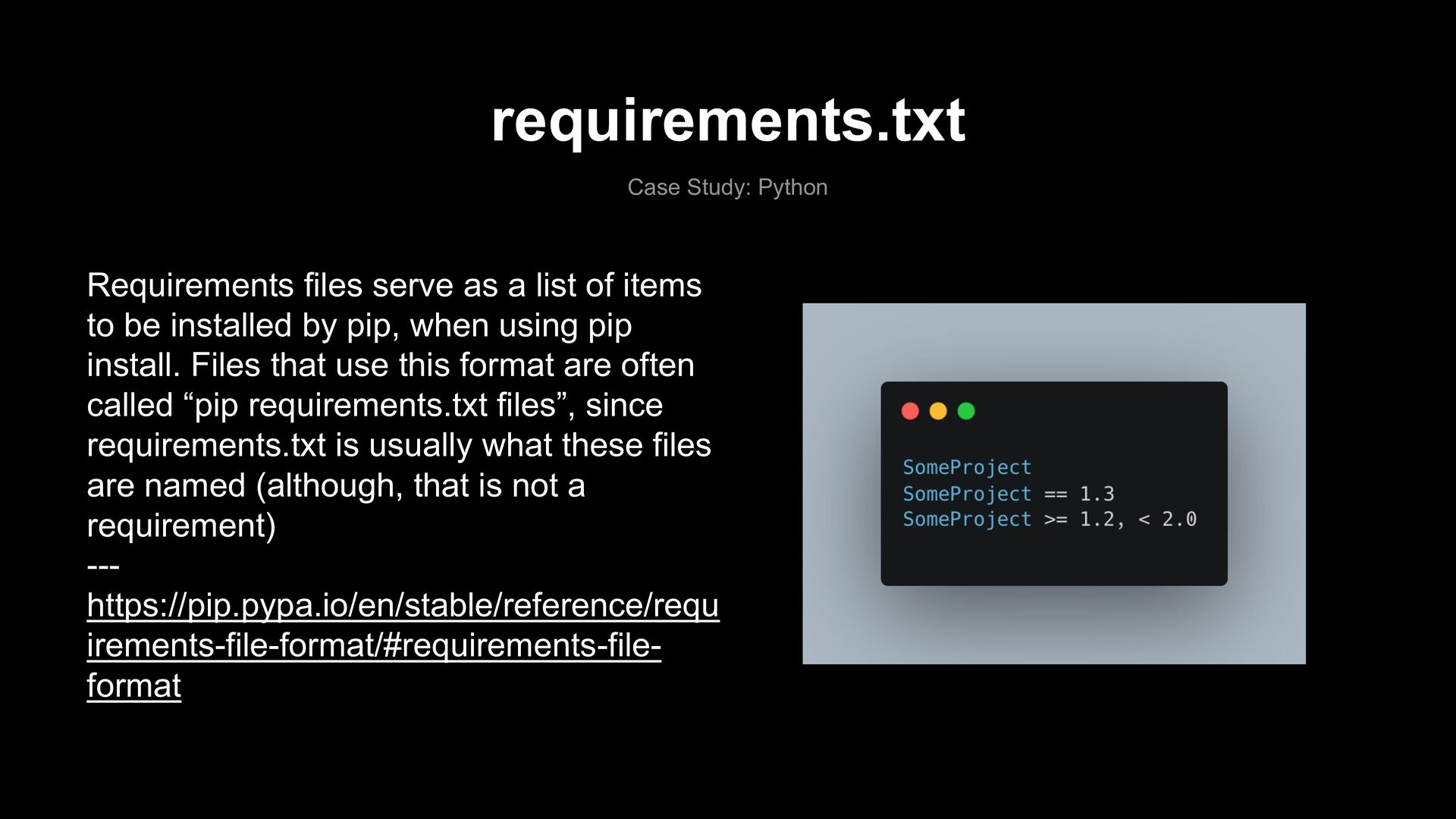
of items to be installed by pip, when using pip install. Files that use this format are often called “pip requirements.txt files”, since requirements.txt is usually what these files are named (although, that is not a requirement) --- https://pip.pypa.io/en/stable/reference/requ irements-file-format/#requirements-file- format
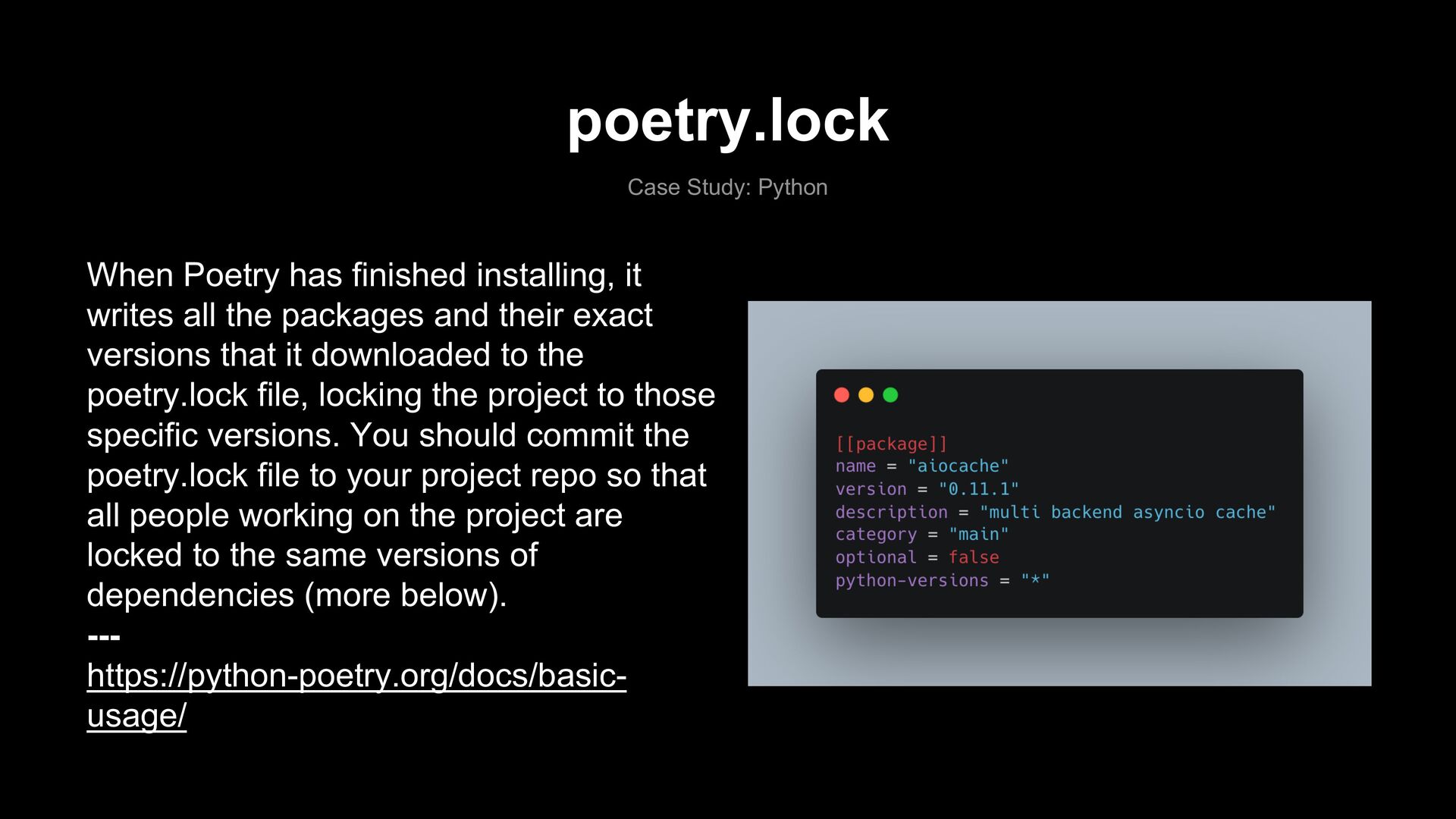
writes all the packages and their exact versions that it downloaded to the poetry.lock file, locking the project to those specific versions. You should commit the poetry.lock file to your project repo so that all people working on the project are locked to the same versions of dependencies (more below). --- https://python-poetry.org/docs/basic- usage/
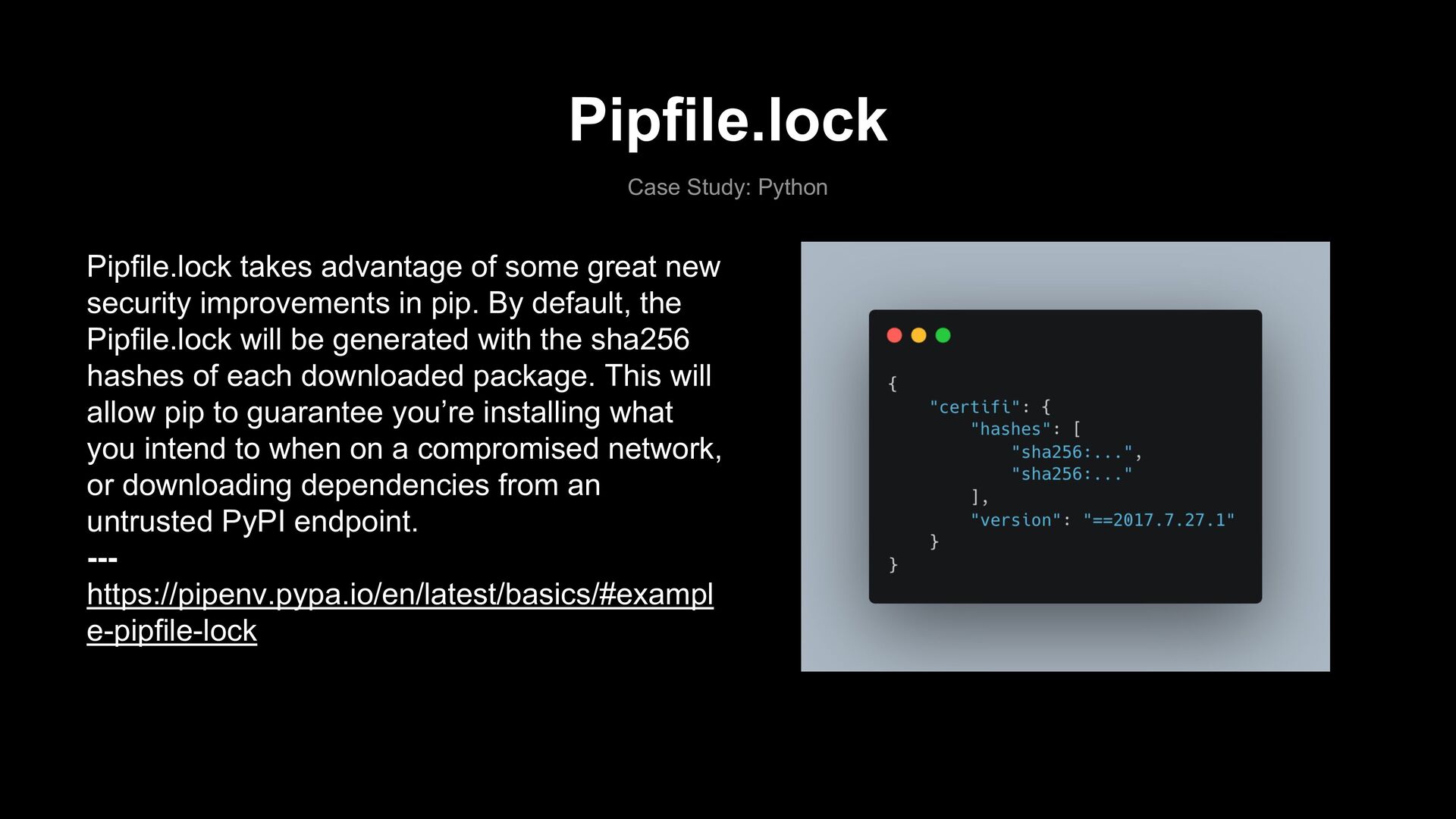
new security improvements in pip. By default, the Pipfile.lock will be generated with the sha256 hashes of each downloaded package. This will allow pip to guarantee you’re installing what you intend to when on a compromised network, or downloading dependencies from an untrusted PyPI endpoint. --- https://pipenv.pypa.io/en/latest/basics/#exampl e-pipfile-lock
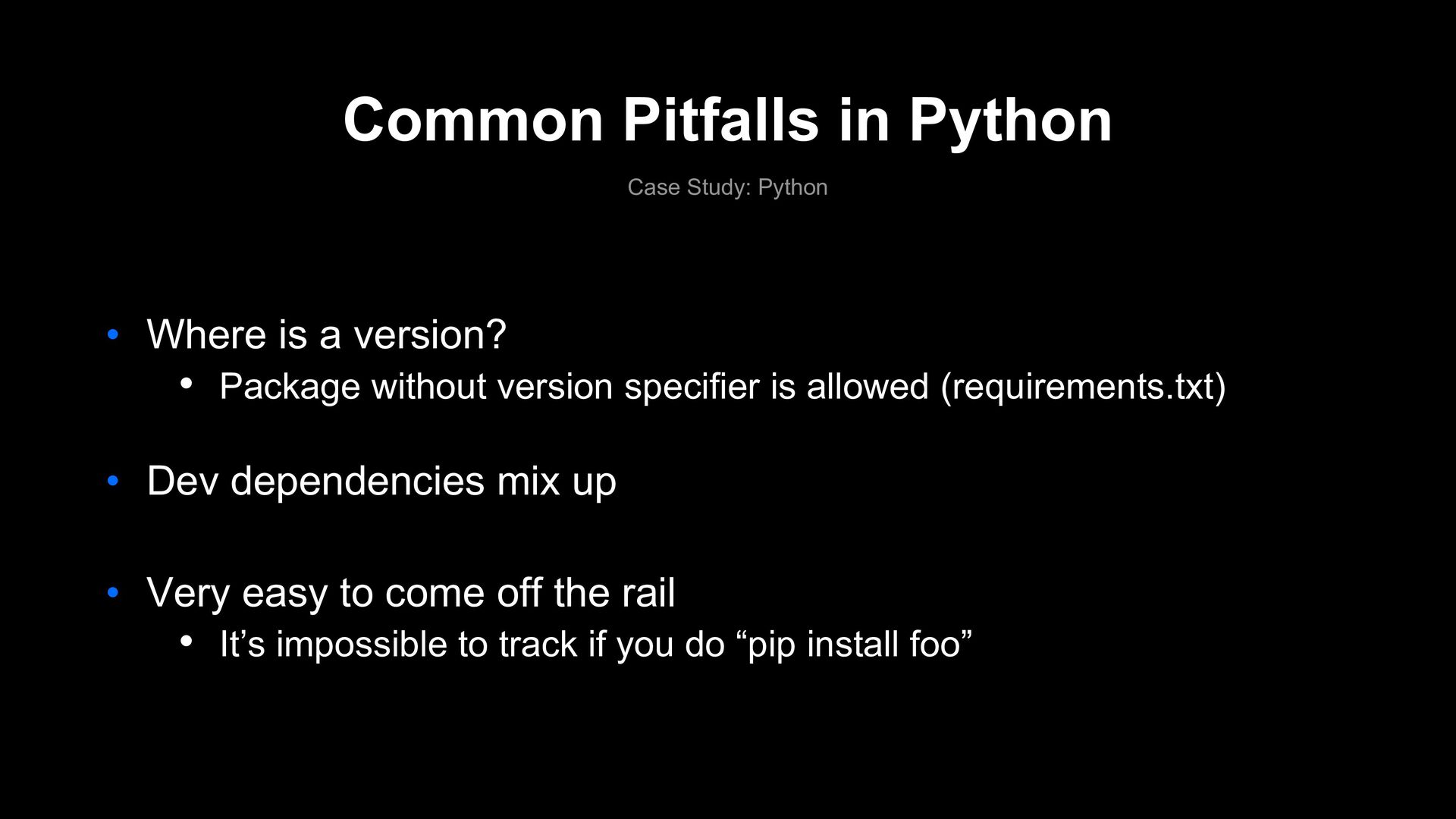
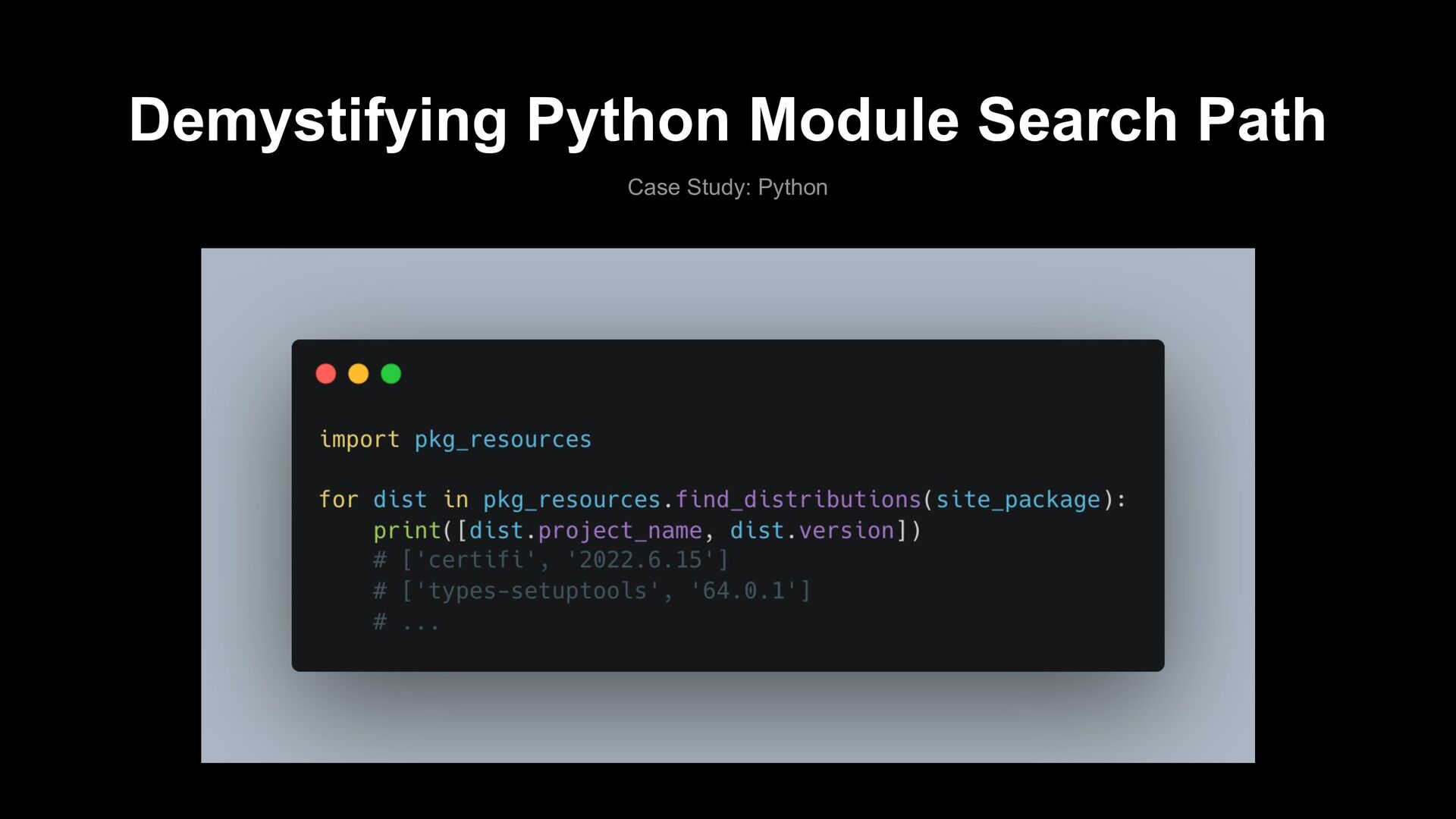
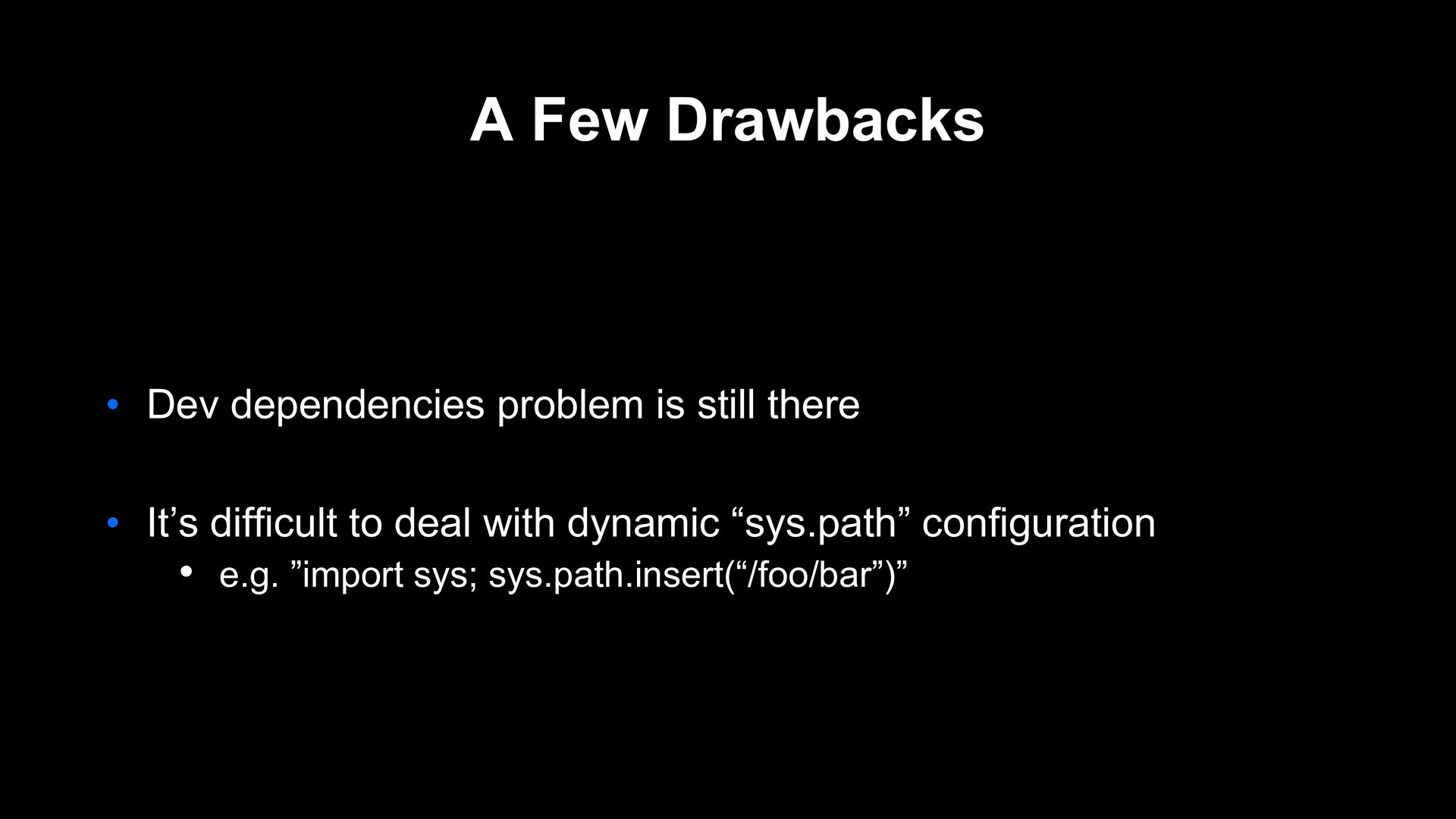
a version? • Package without version specifier is allowed (requirements.txt) • Dev dependencies mix up • Very easy to come off the rail • It’s impossible to track if you do “pip install foo”
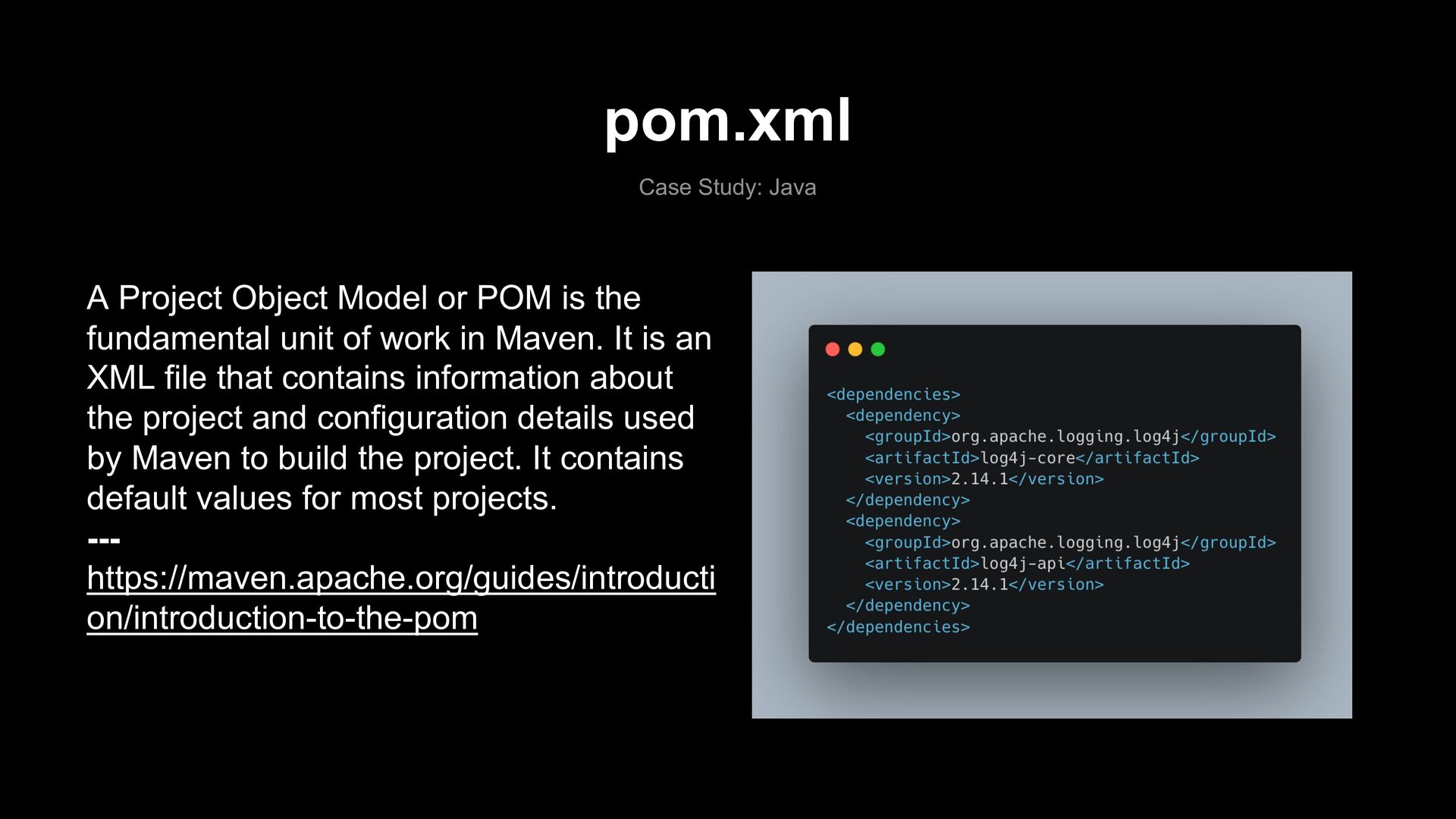
is the fundamental unit of work in Maven. It is an XML file that contains information about the project and configuration details used by Maven to build the project. It contains default values for most projects. --- https://maven.apache.org/guides/introducti on/introduction-to-the-pom
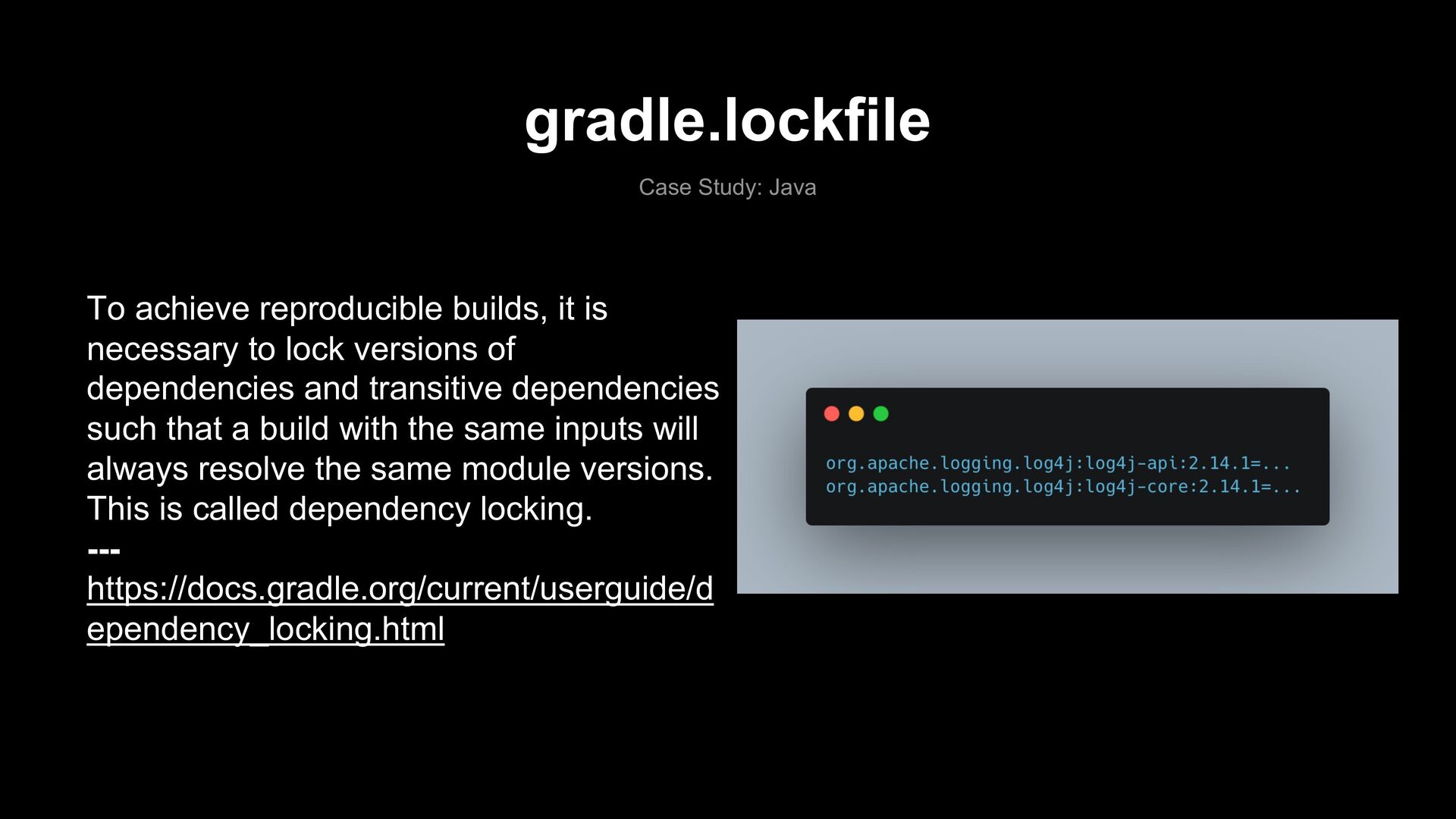
necessary to lock versions of dependencies and transitive dependencies such that a build with the same inputs will always resolve the same module versions. This is called dependency locking. --- https://docs.gradle.org/current/userguide/d ependency_locking.html
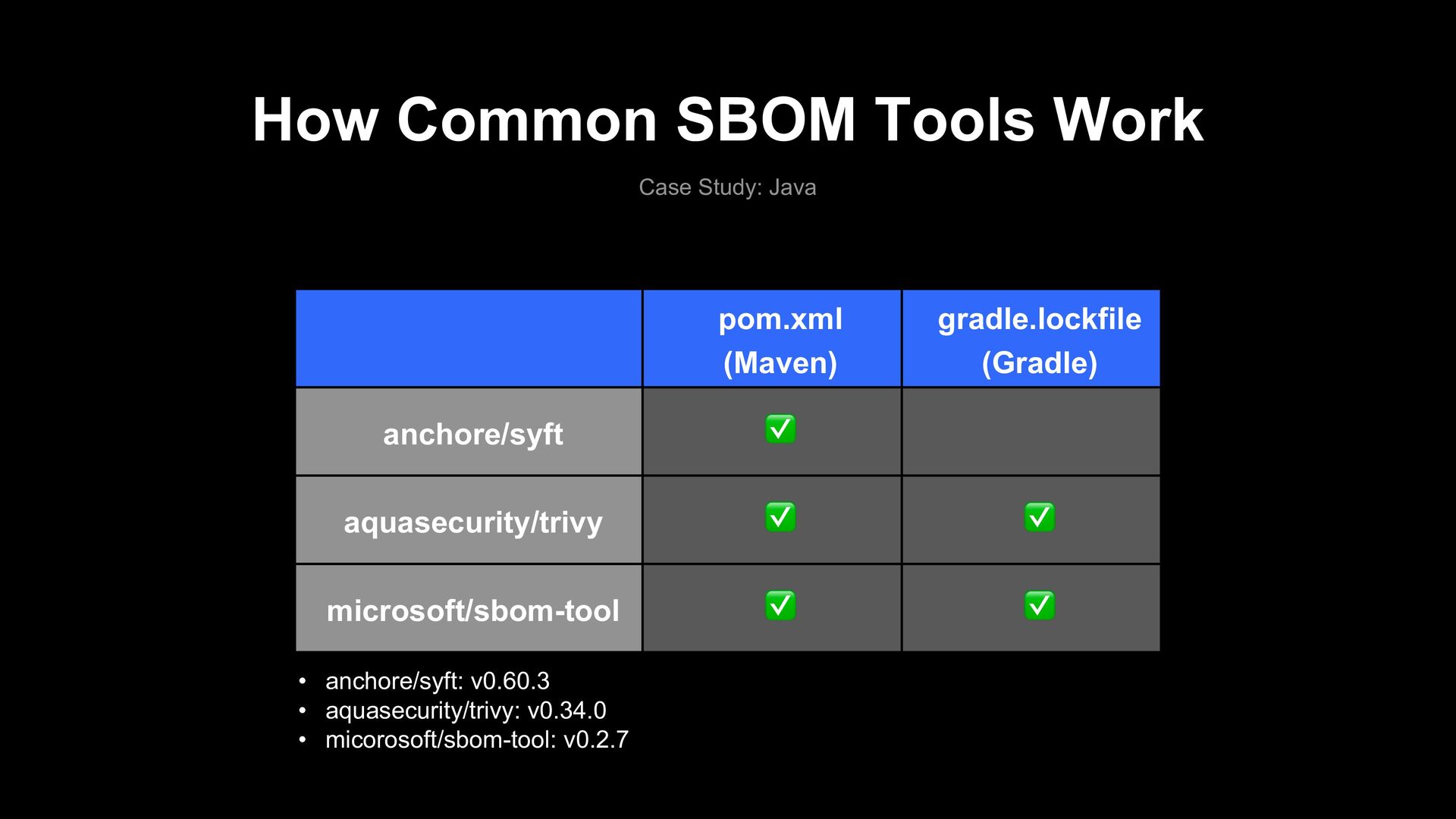
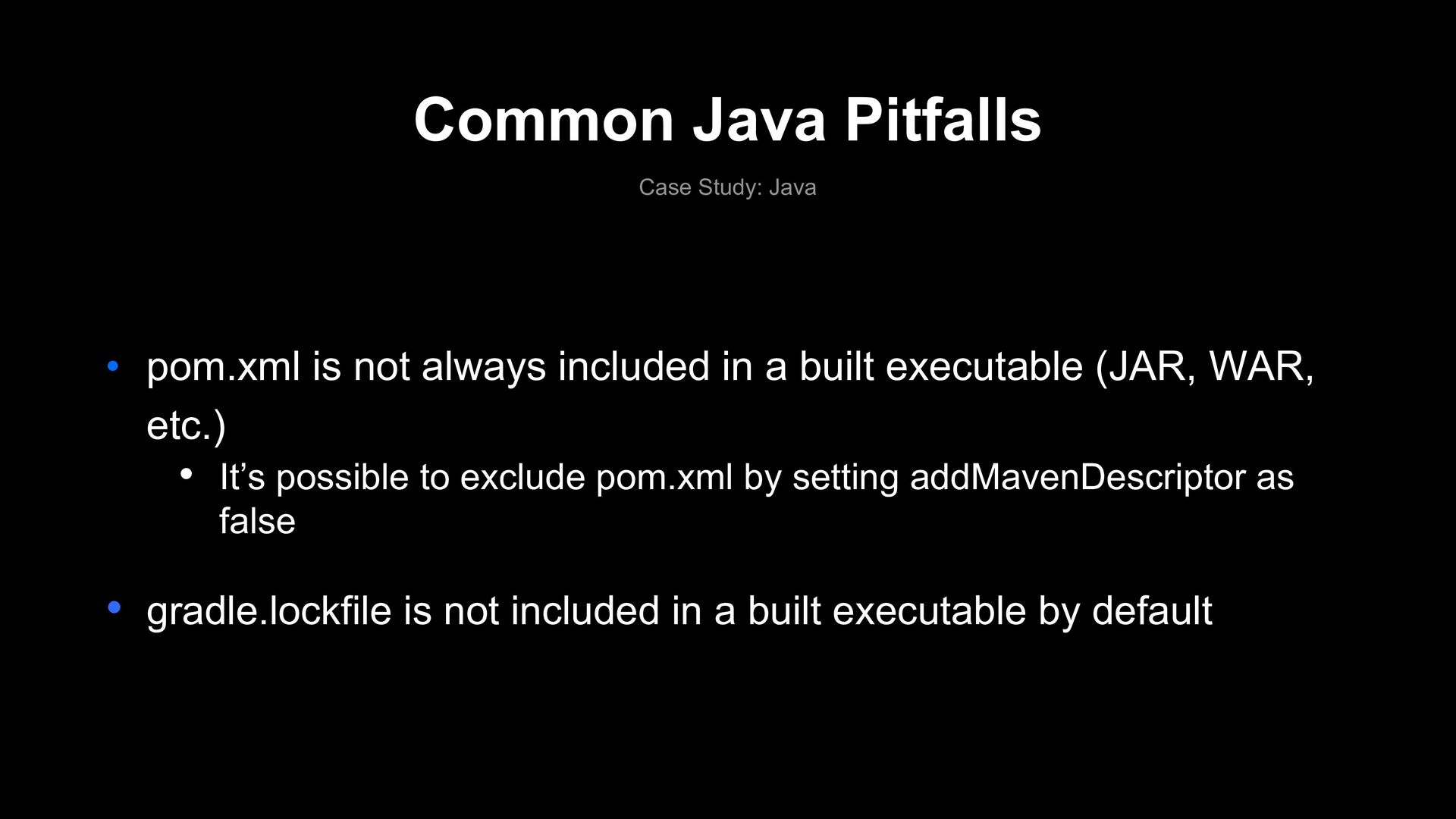
always included in a built executable (JAR, WAR, etc.) • It’s possible to exclude pom.xml by setting addMavenDescriptor as false • gradle.lockfile is not included in a built executable by default
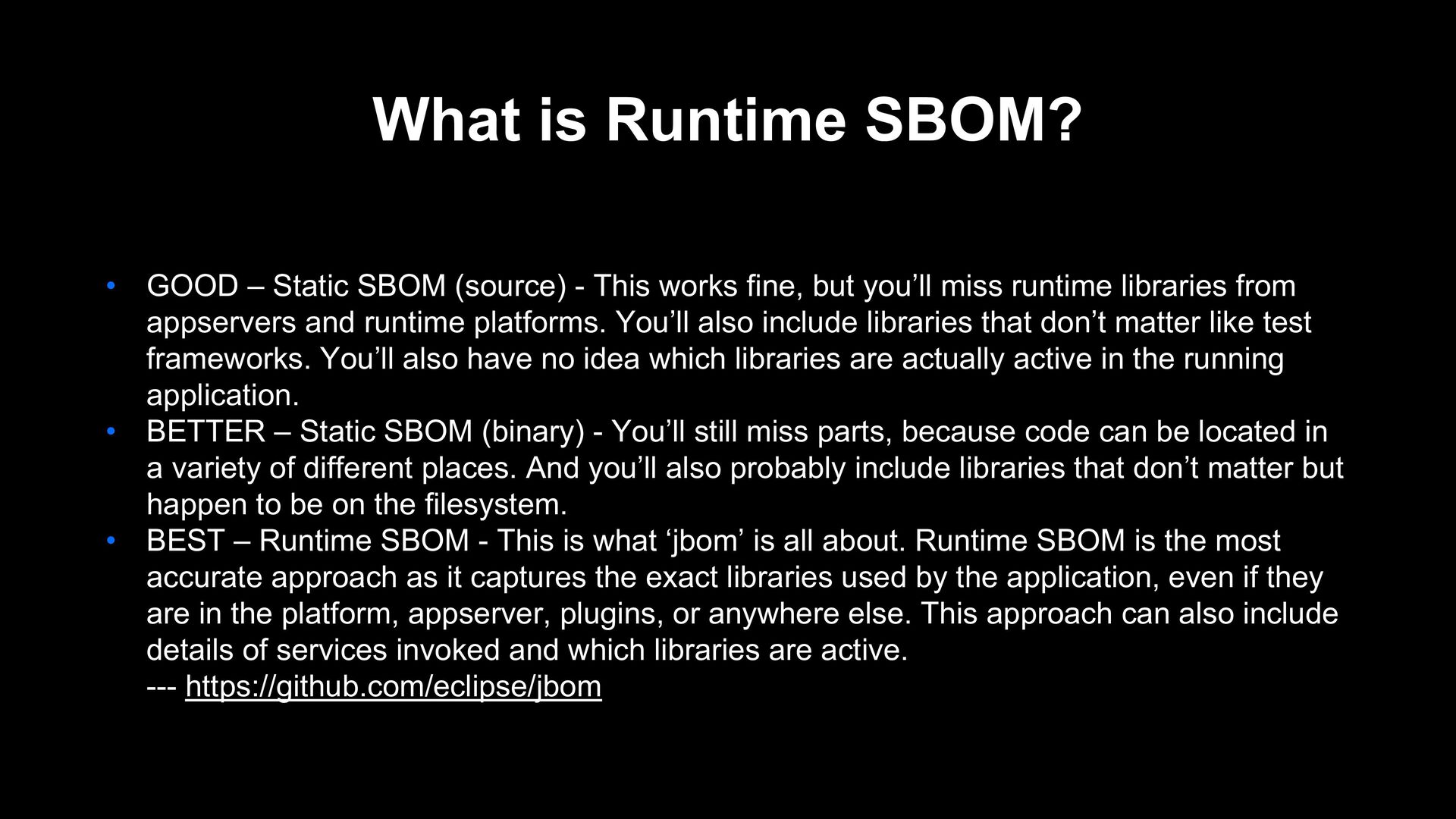
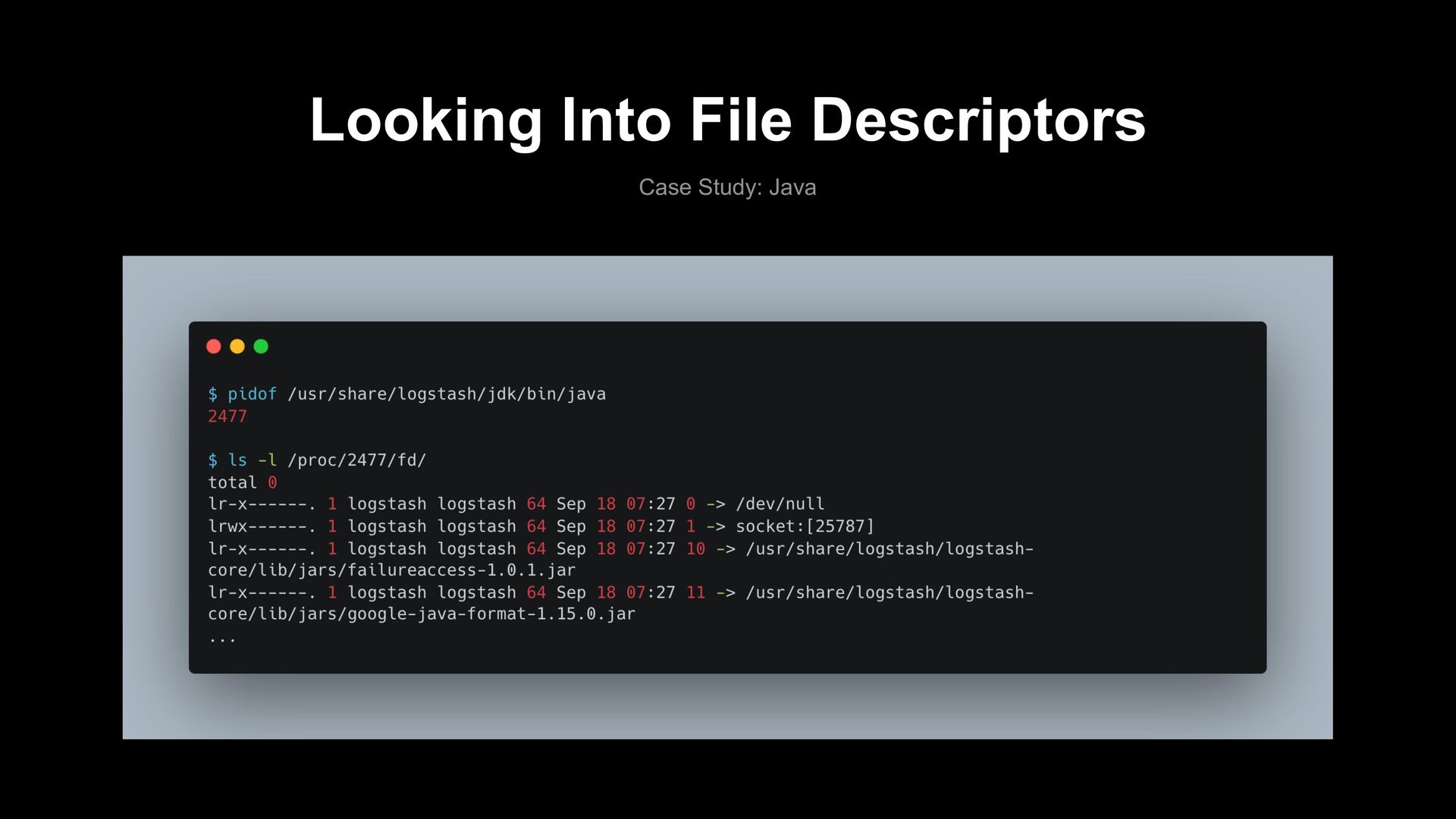
- This works fine, but you’ll miss runtime libraries from appservers and runtime platforms. You’ll also include libraries that don’t matter like test frameworks. You’ll also have no idea which libraries are actually active in the running application. • BETTER – Static SBOM (binary) - You’ll still miss parts, because code can be located in a variety of different places. And you’ll also probably include libraries that don’t matter but happen to be on the filesystem. • BEST – Runtime SBOM - This is what ‘jbom’ is all about. Runtime SBOM is the most accurate approach as it captures the exact libraries used by the application, even if they are in the platform, appserver, plugins, or anywhere else. This approach can also include details of services invoked and which libraries are active. --- https://github.com/eclipse/jbom
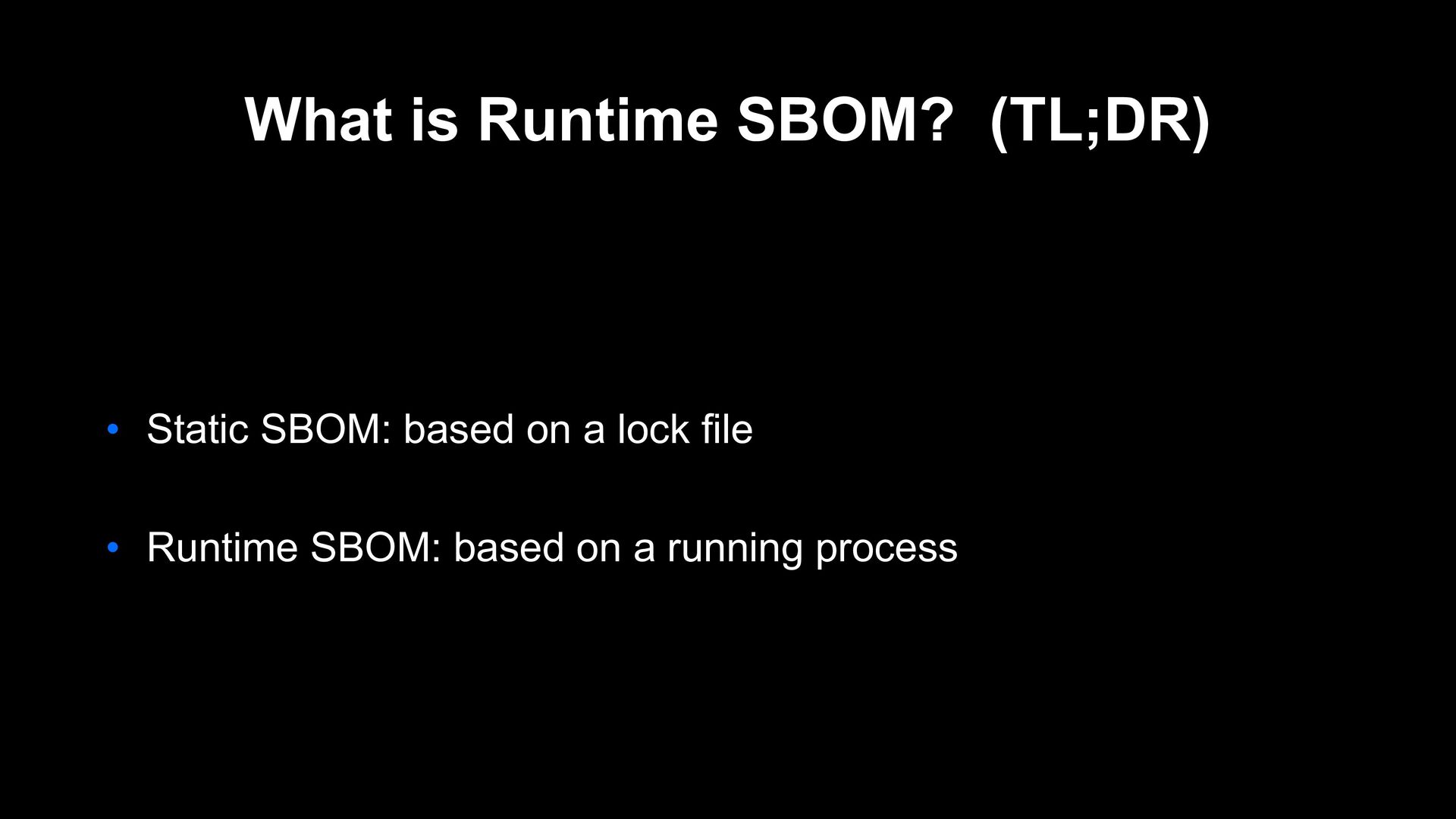
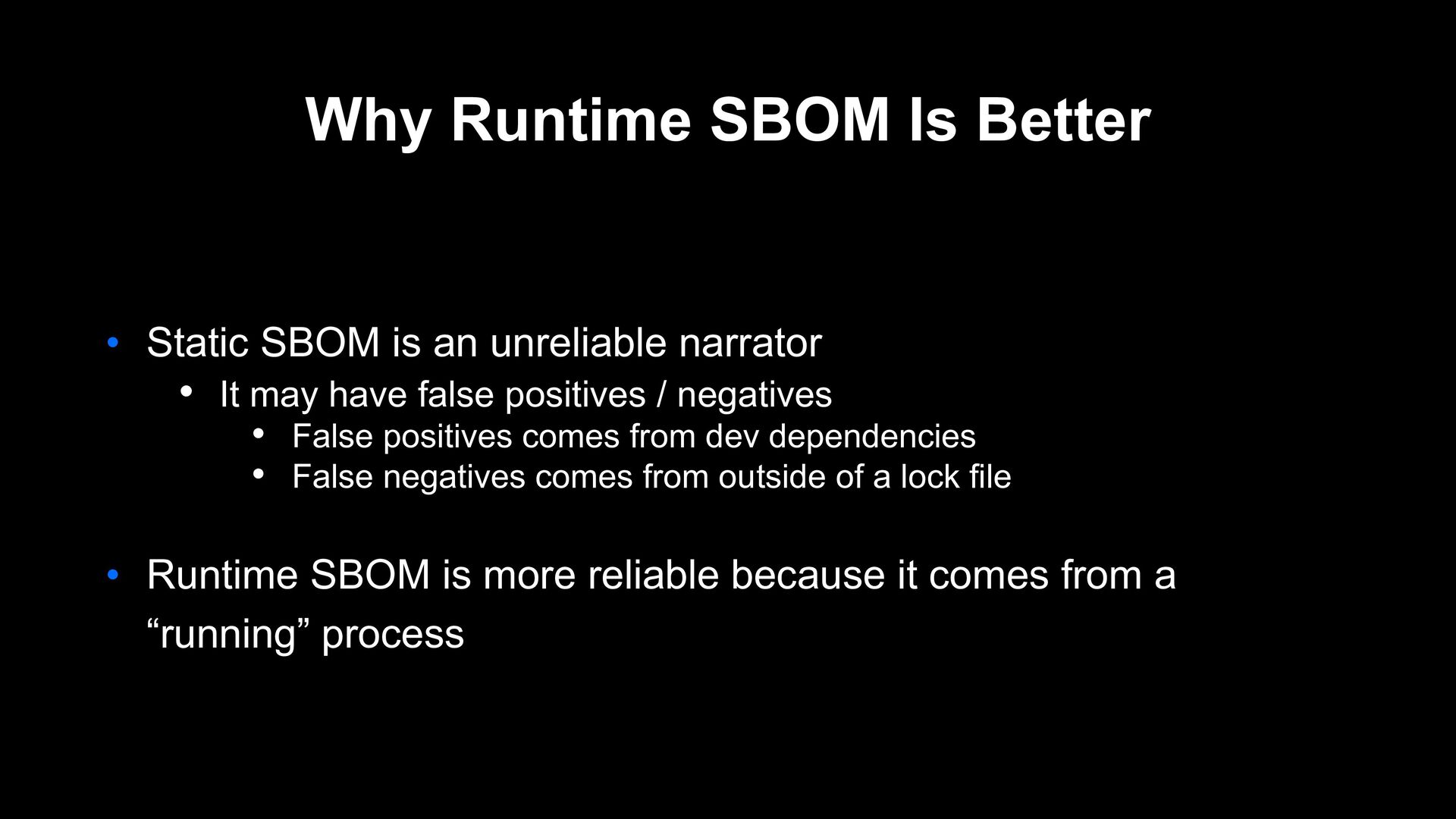
unreliable narrator • It may have false positives / negatives • False positives comes from dev dependencies • False negatives comes from outside of a lock file • Runtime SBOM is more reliable because it comes from a “running” process
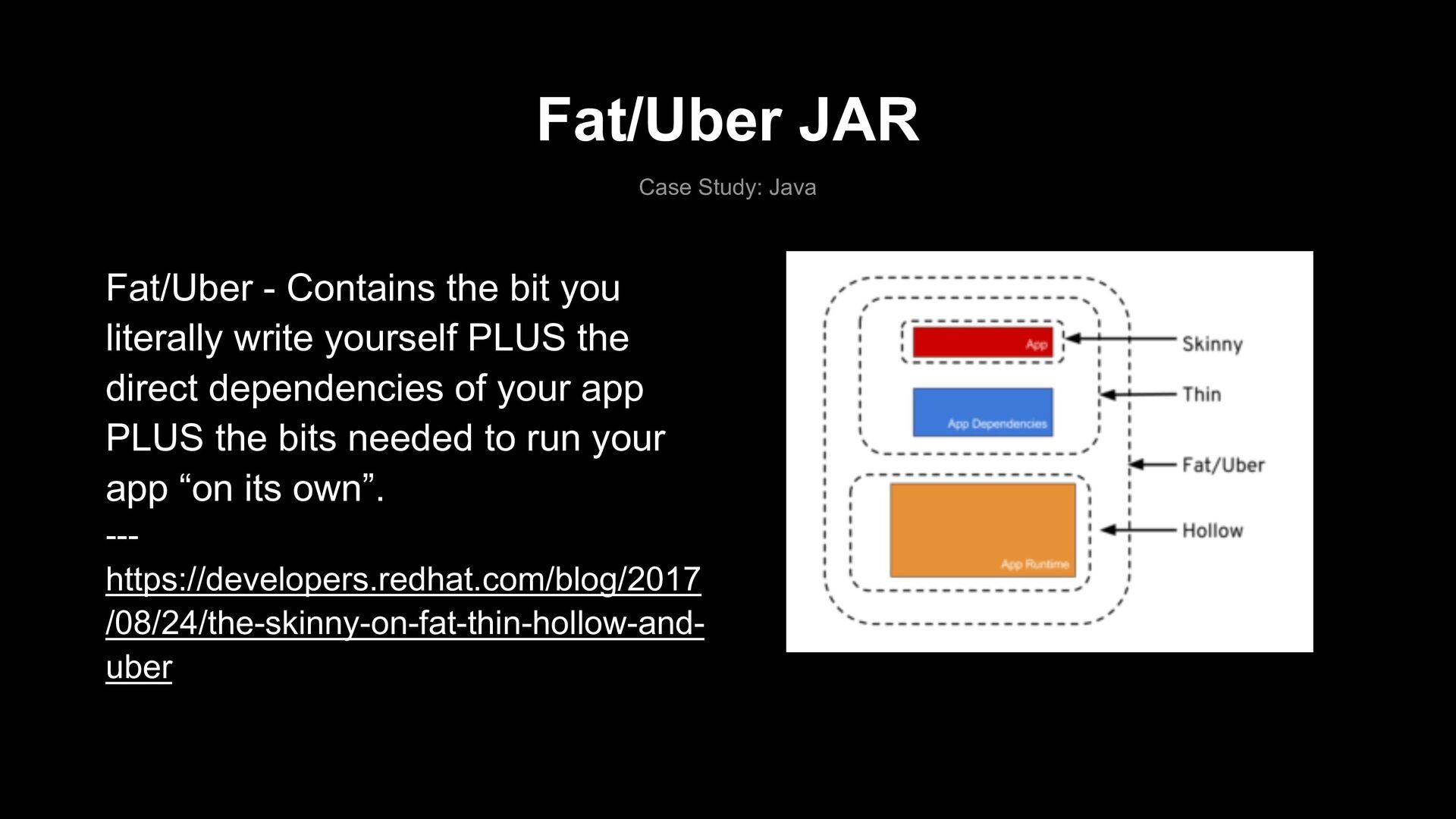
you literally write yourself PLUS the direct dependencies of your app PLUS the bits needed to run your app “on its own”. --- https://developers.redhat.com/blog/2017 /08/24/the-skinny-on-fat-thin-hollow-and- uber
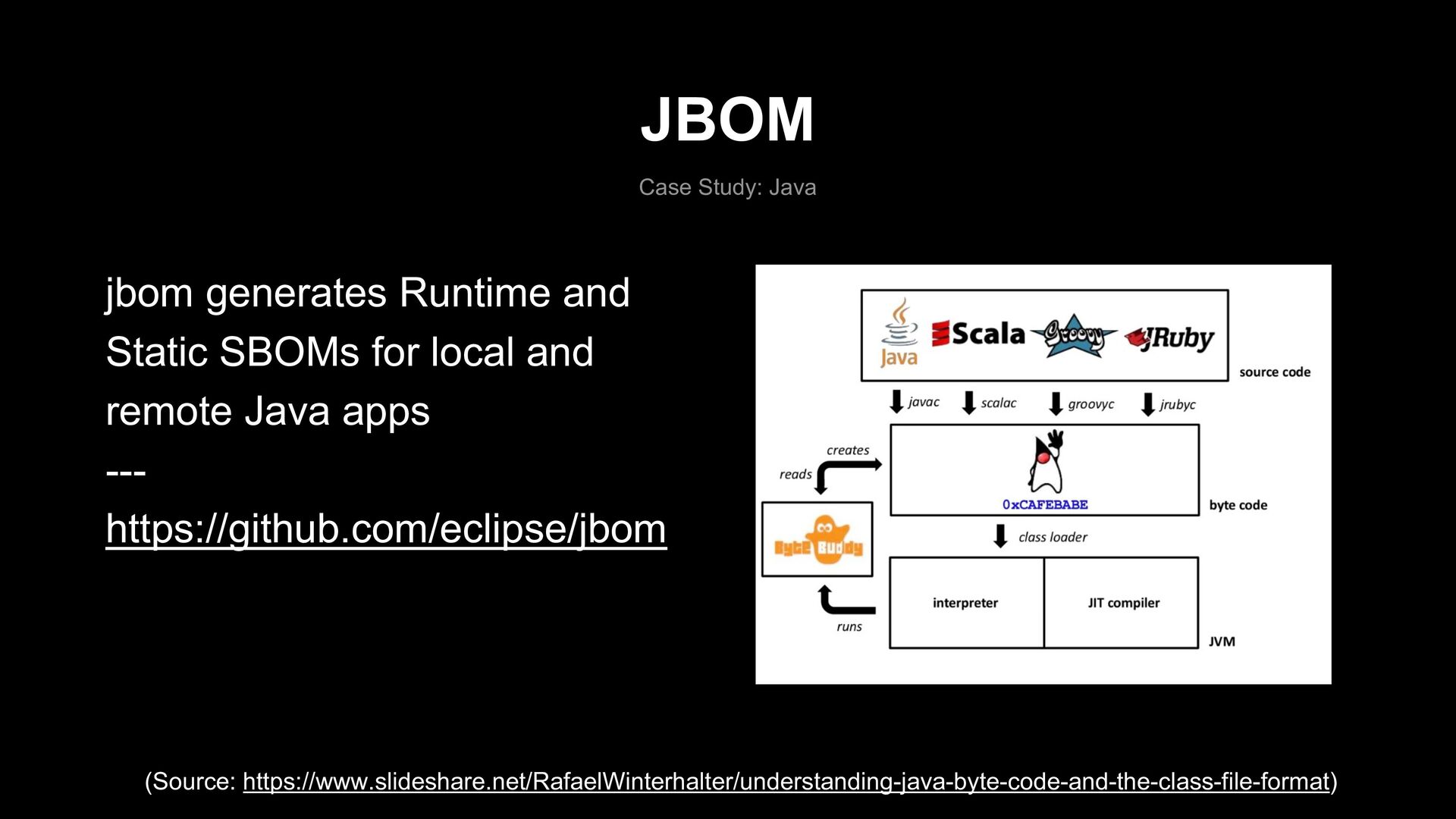
for local and remote Java apps --- https://github.com/eclipse/jbom (Source: https://www.slideshare.net/RafaelWinterhalter/understanding-java-byte-code-and-the-class-file-format)
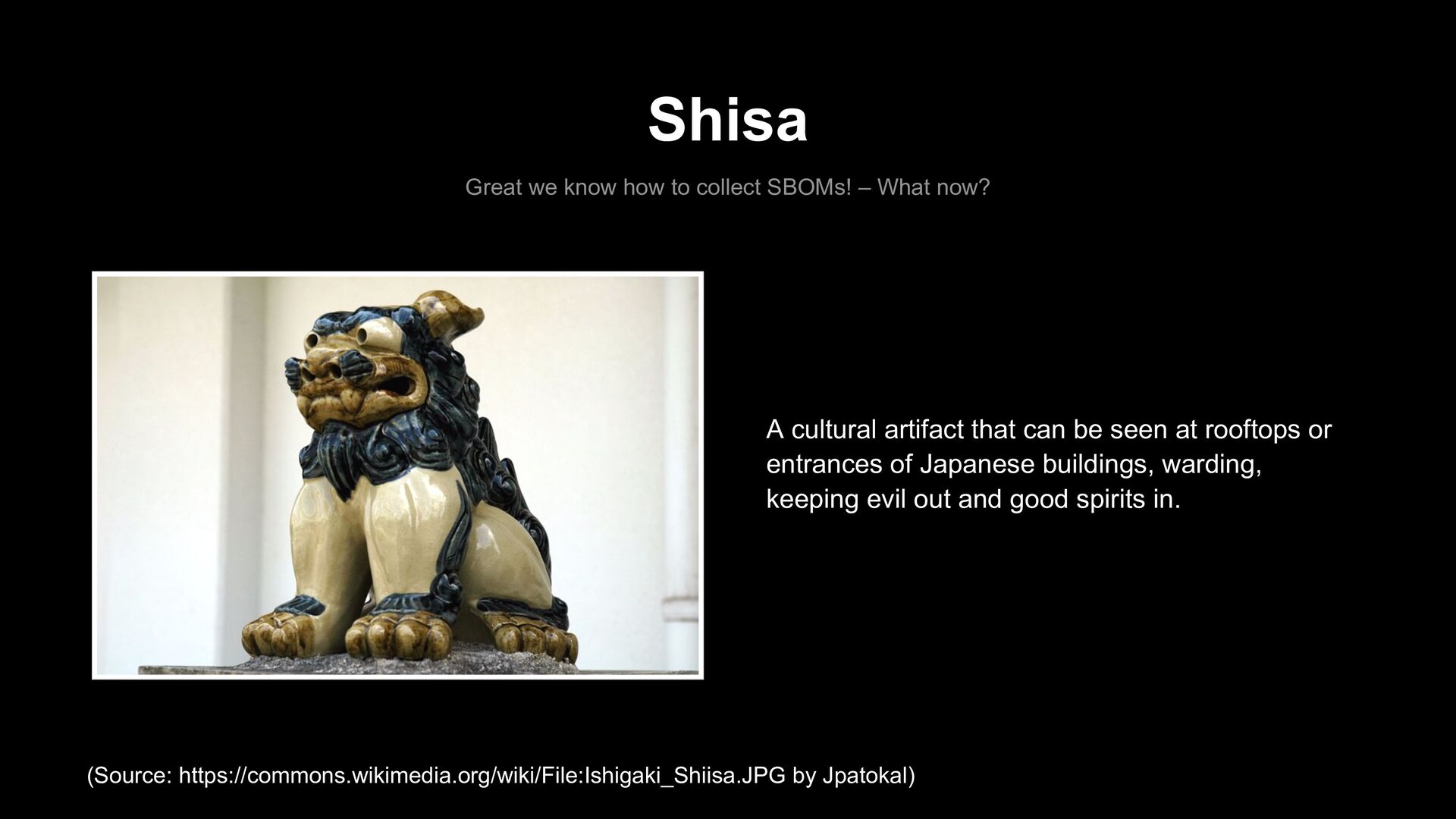
now? A cultural artifact that can be seen at rooftops or entrances of Japanese buildings, warding, keeping evil out and good spirits in. (Source: https://commons.wikimedia.org/wiki/File:Ishigaki_Shiisa.JPG by Jpatokal)
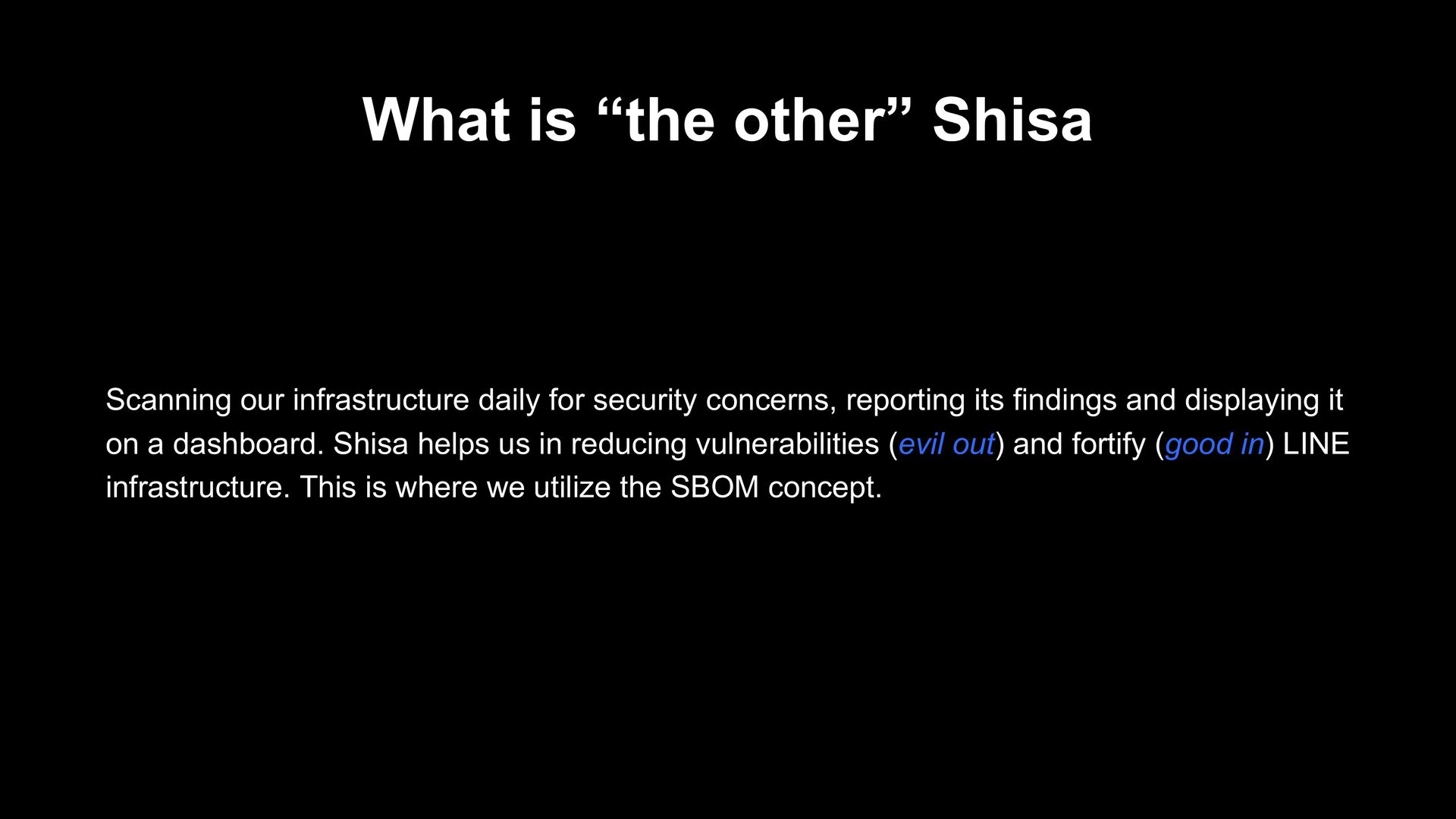
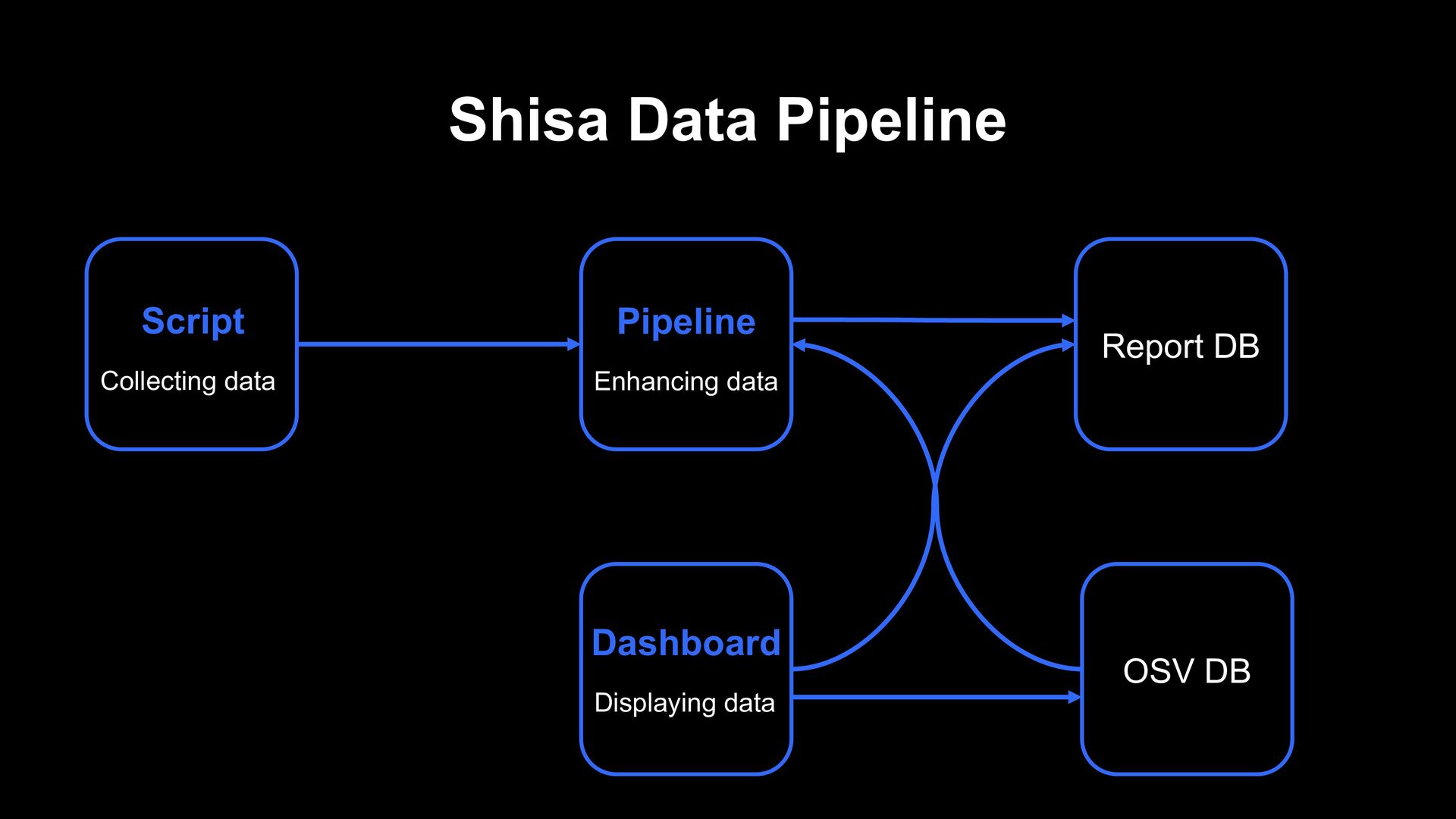
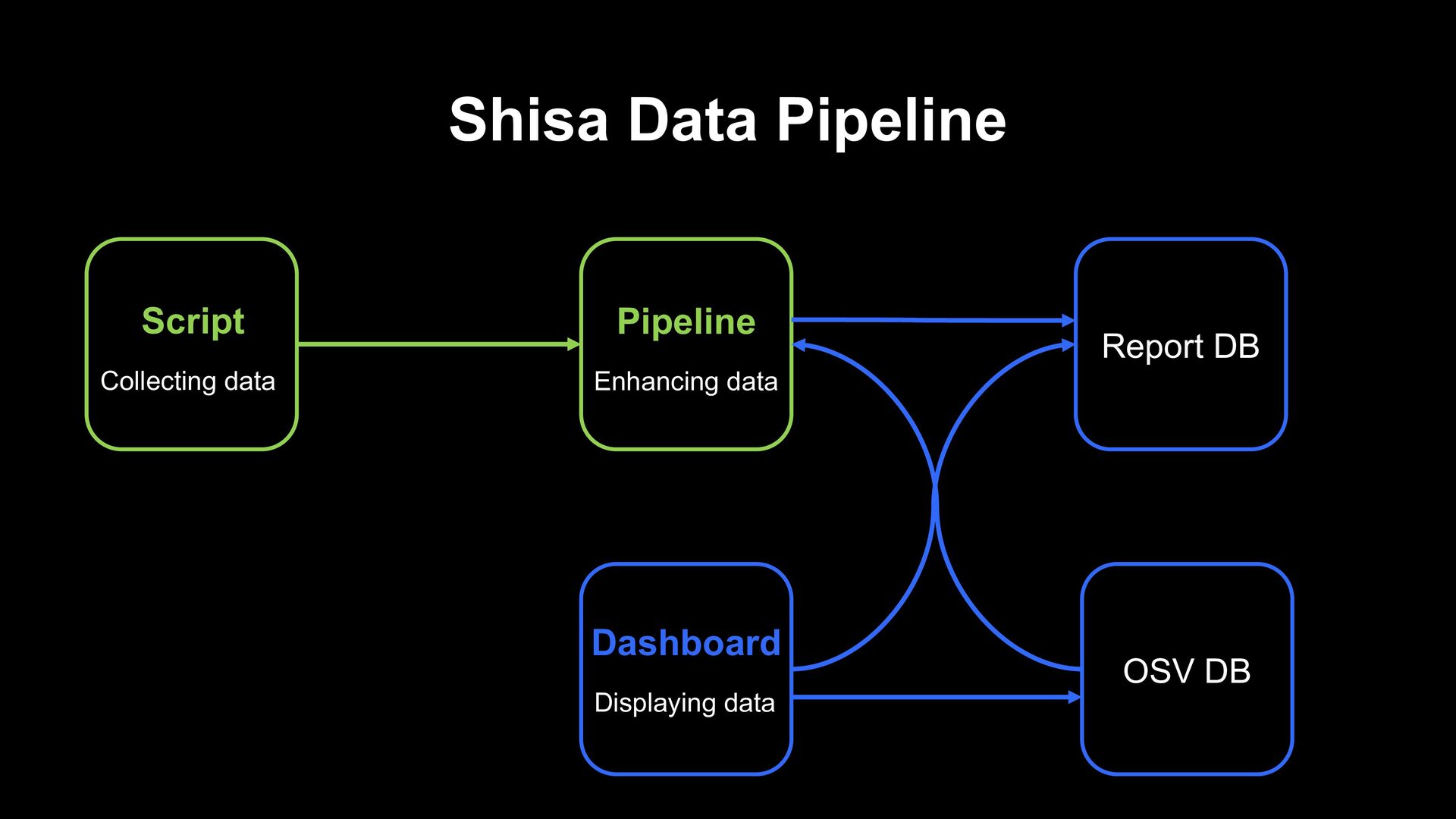
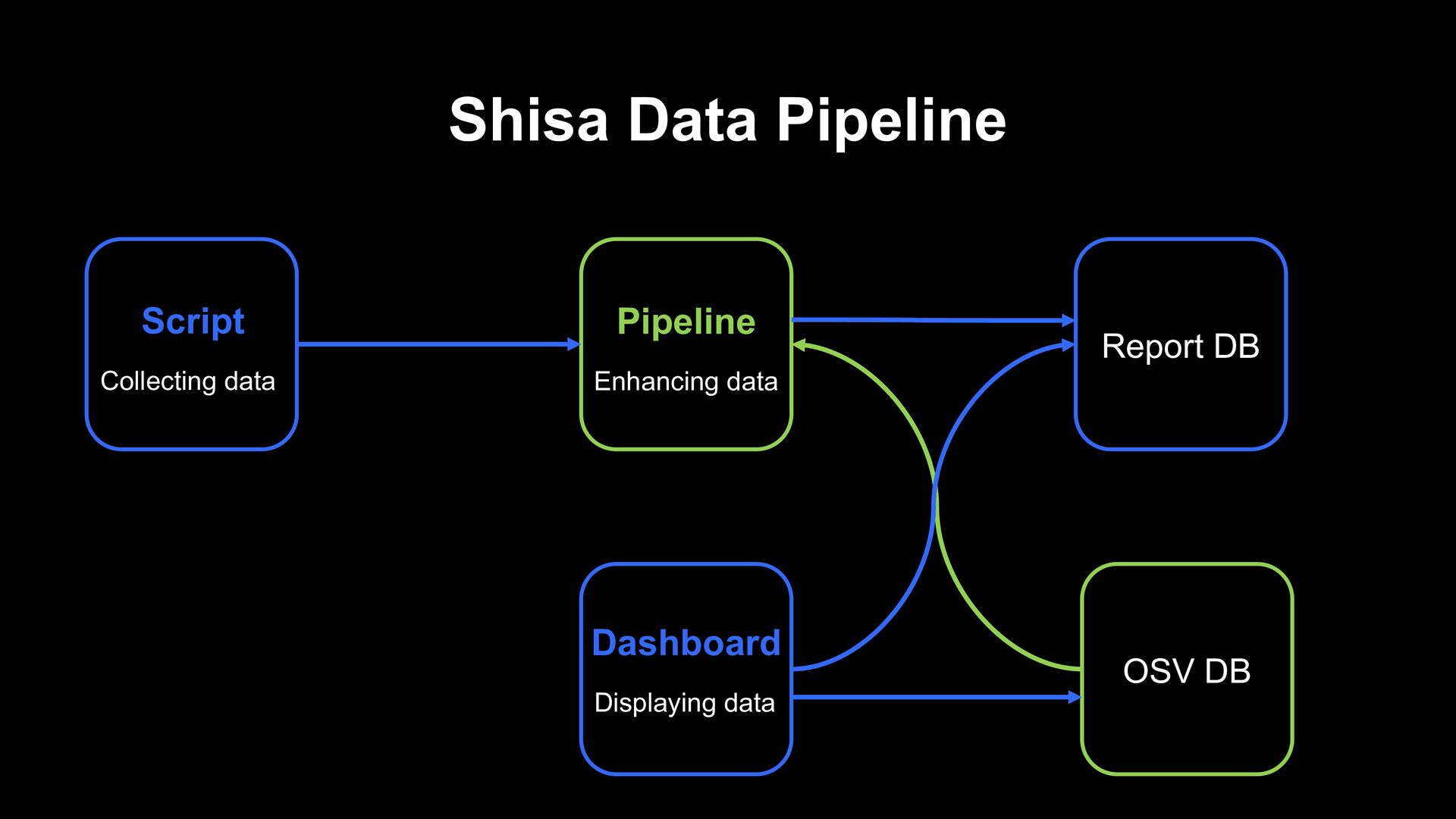
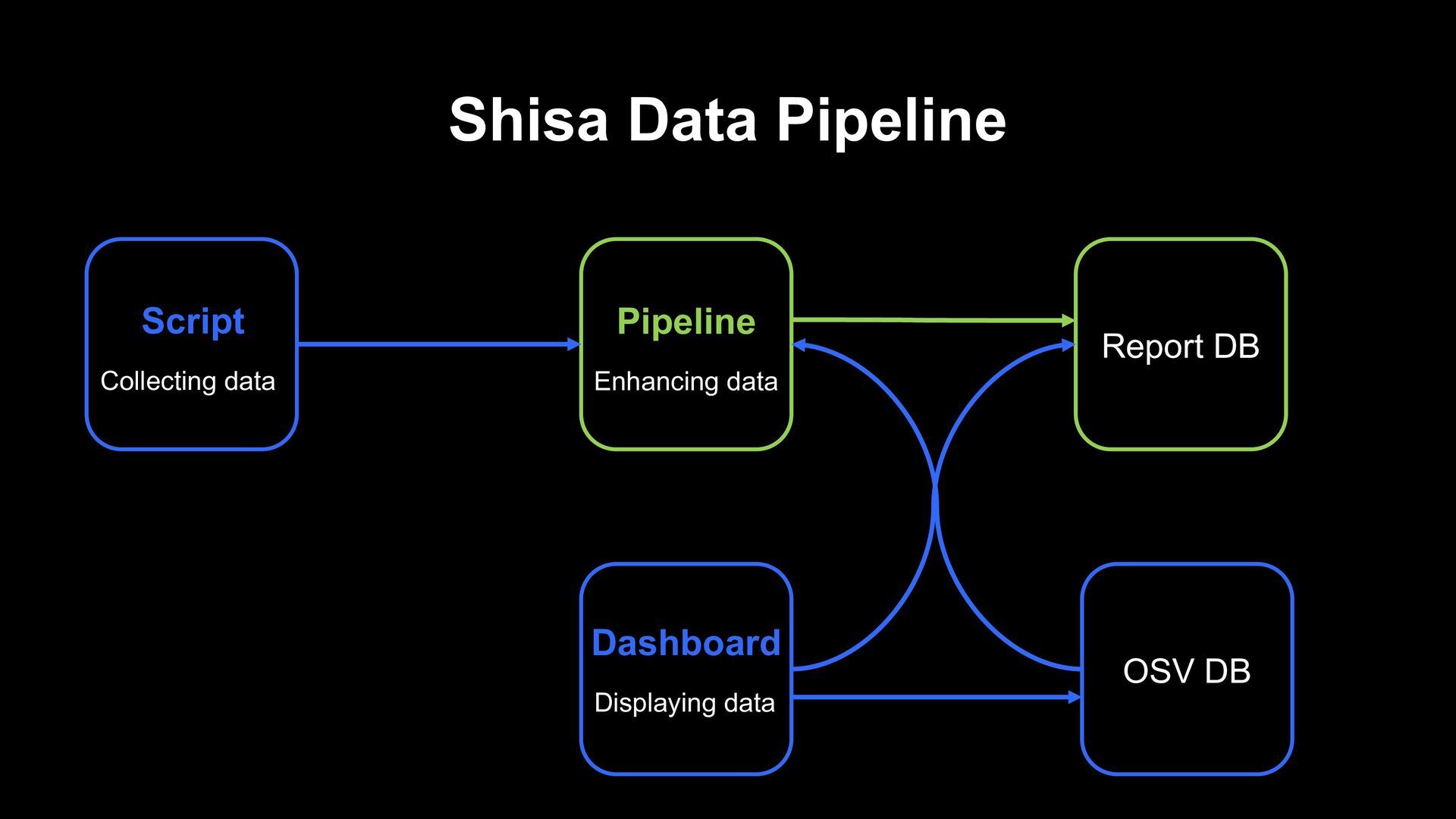
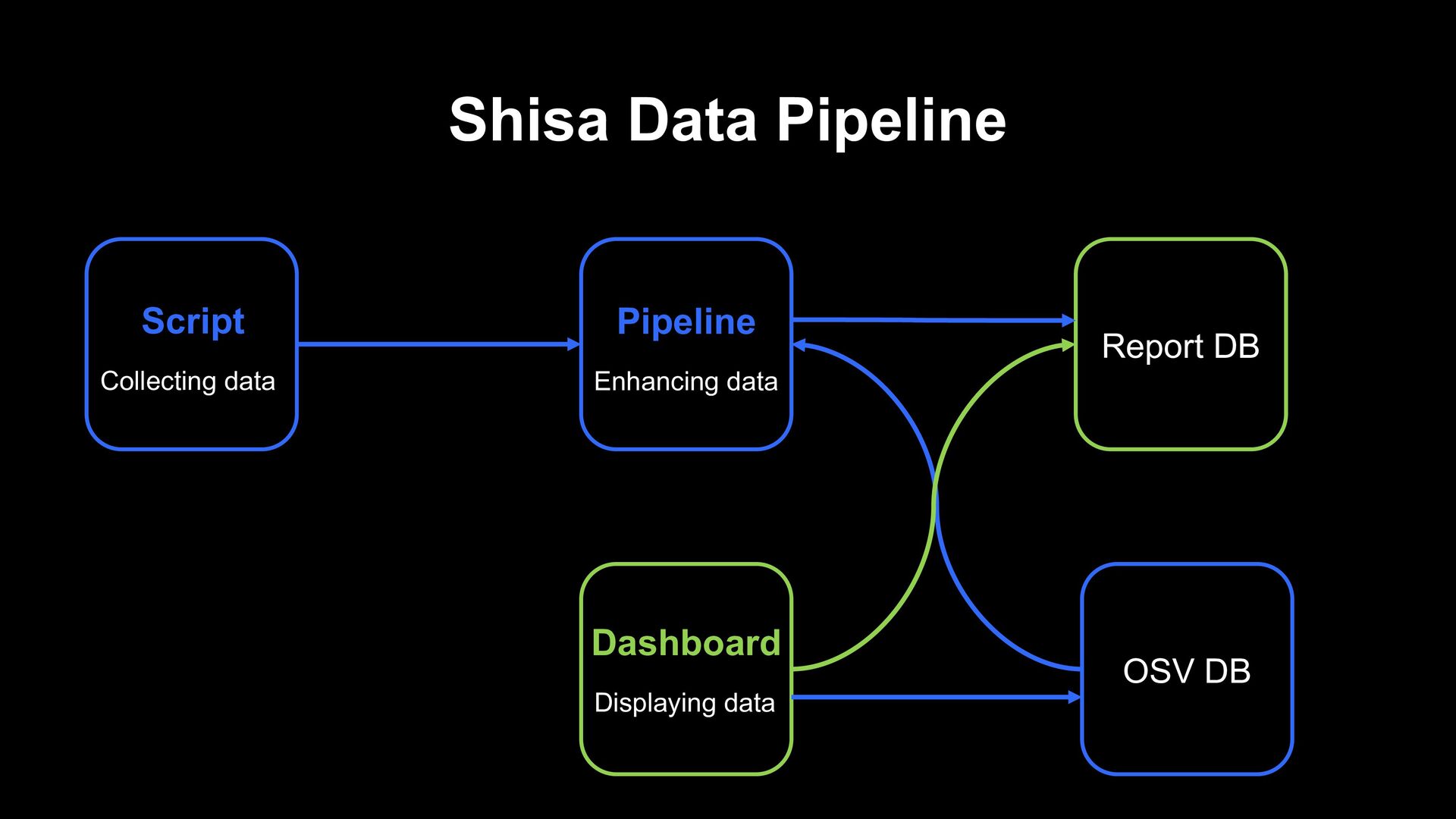
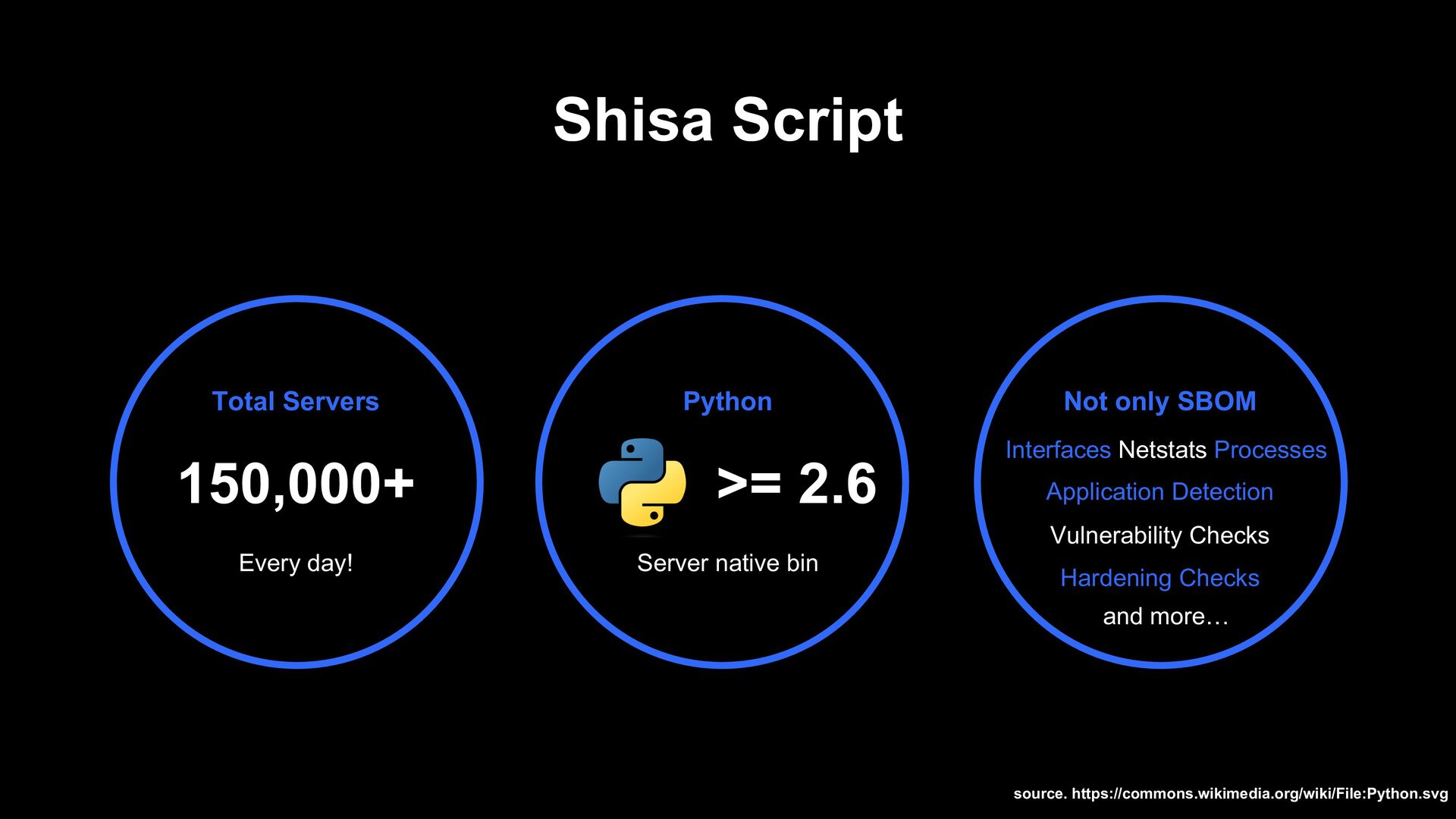
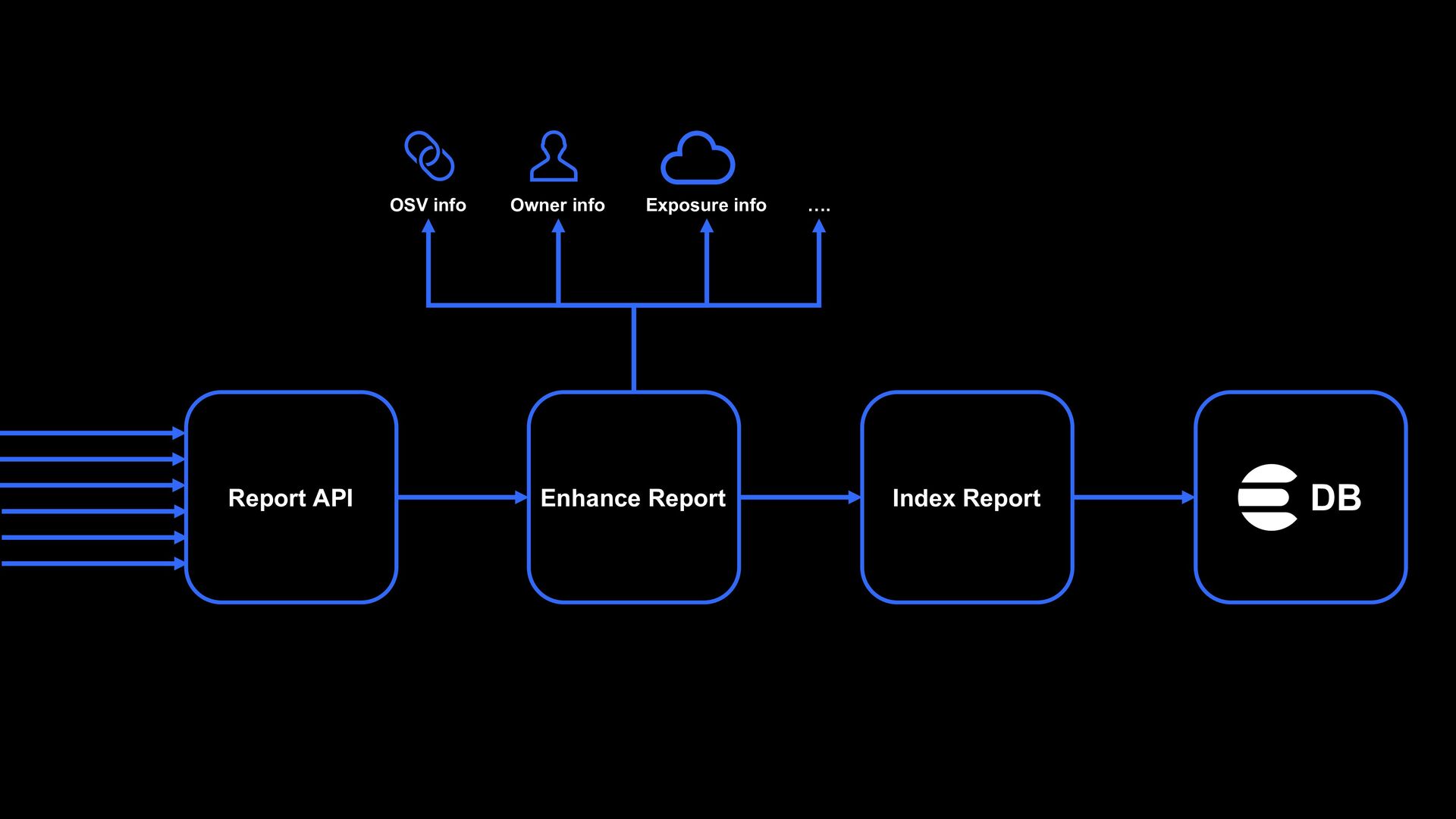
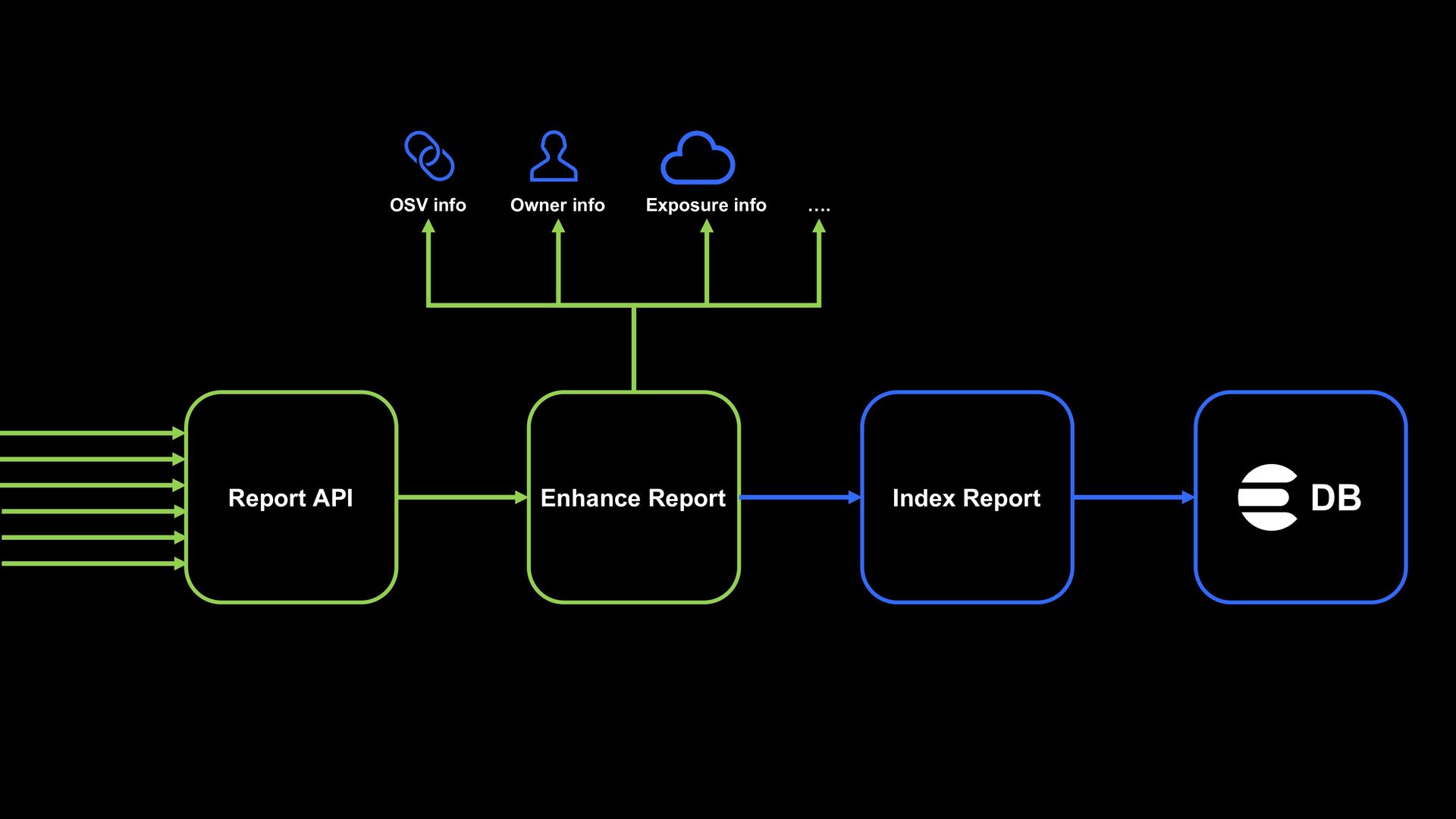
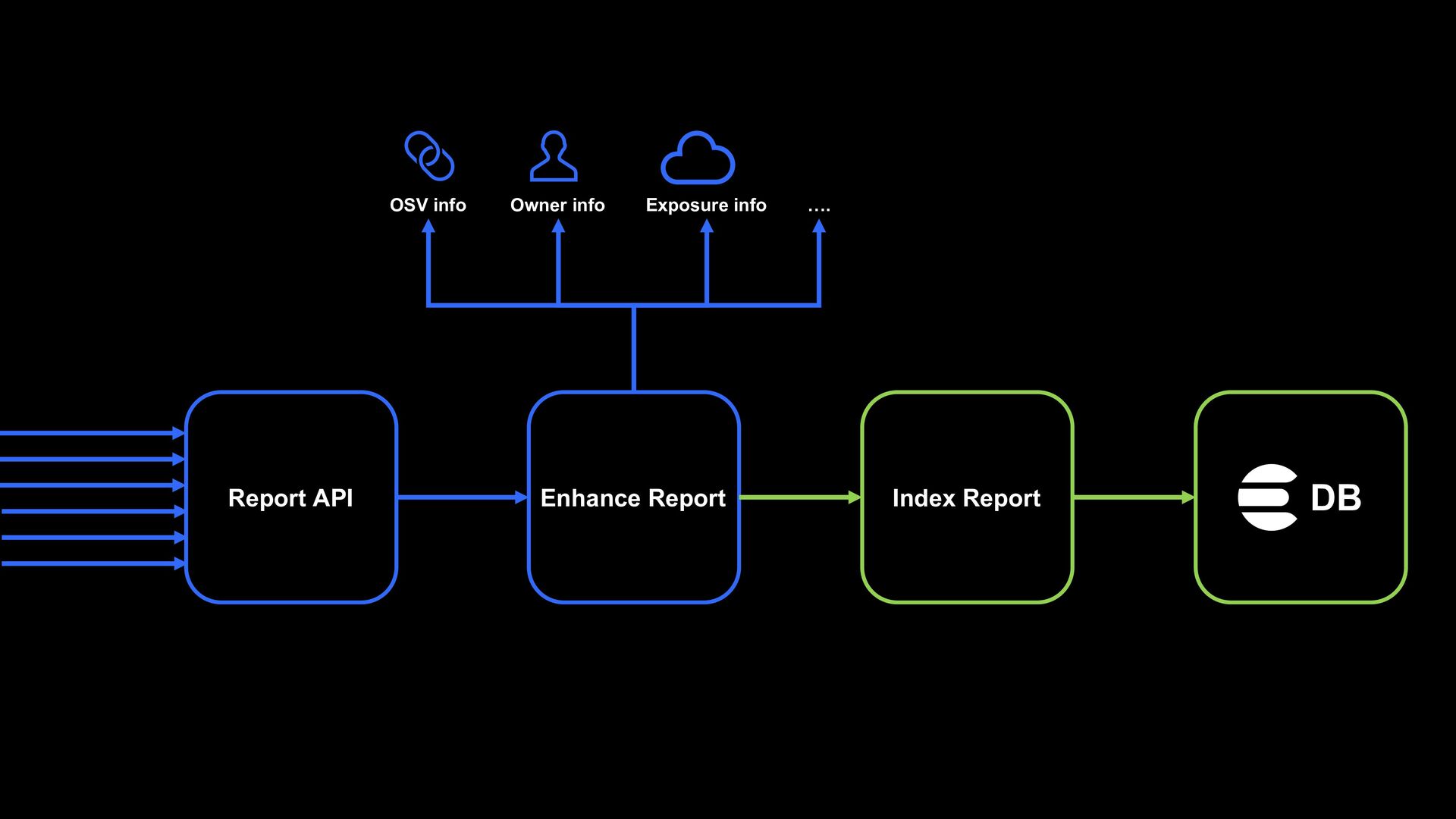
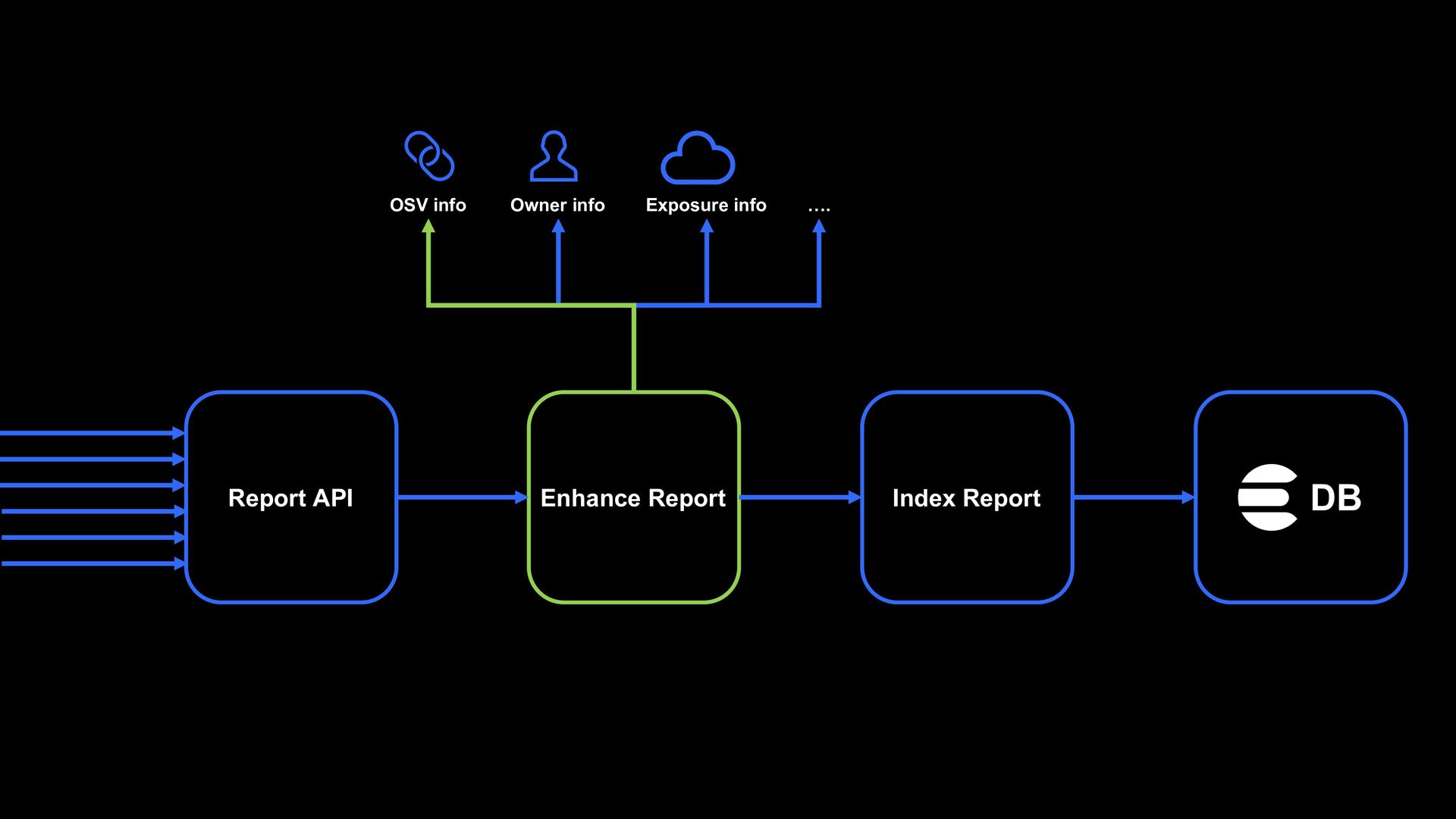
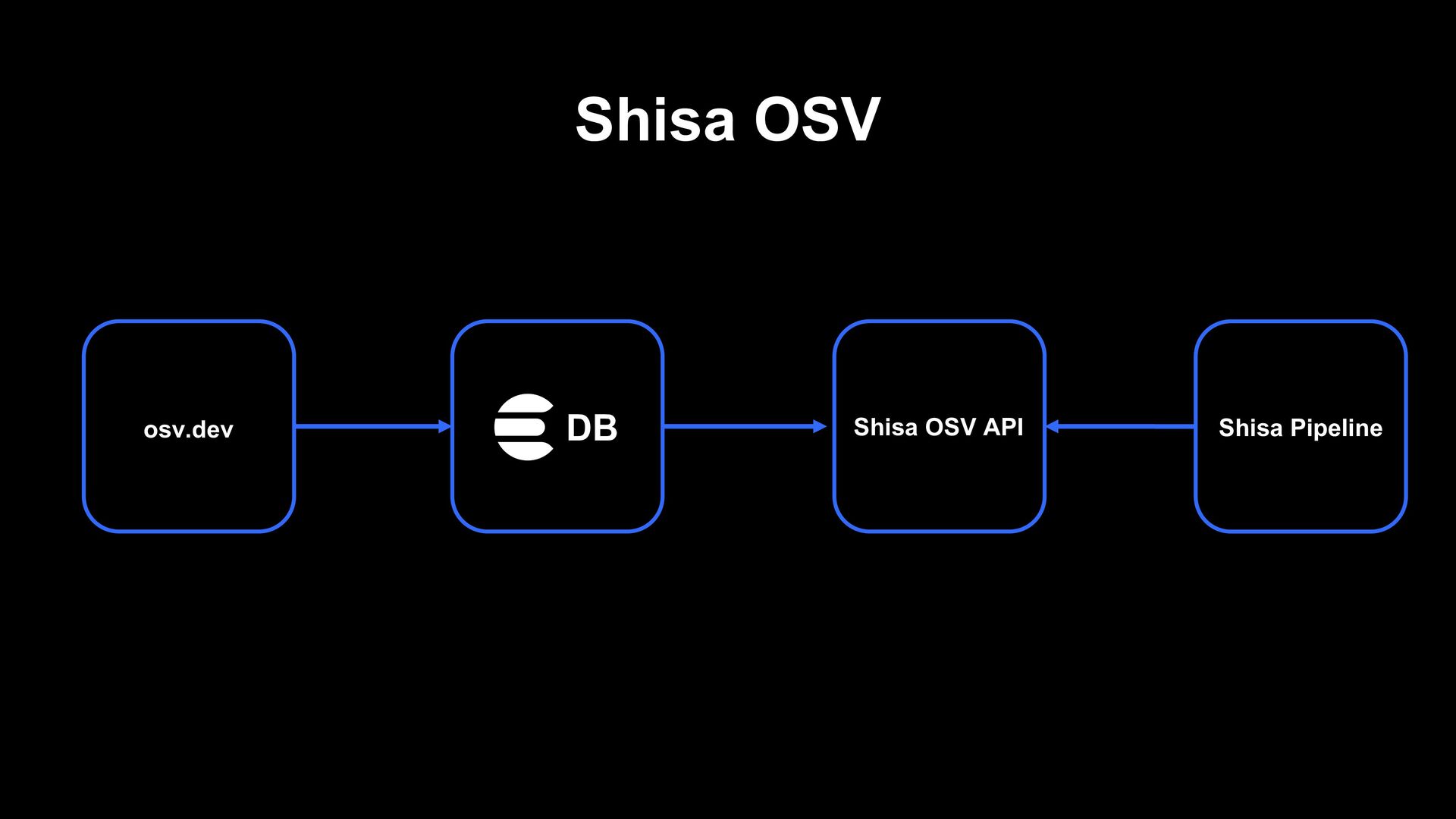
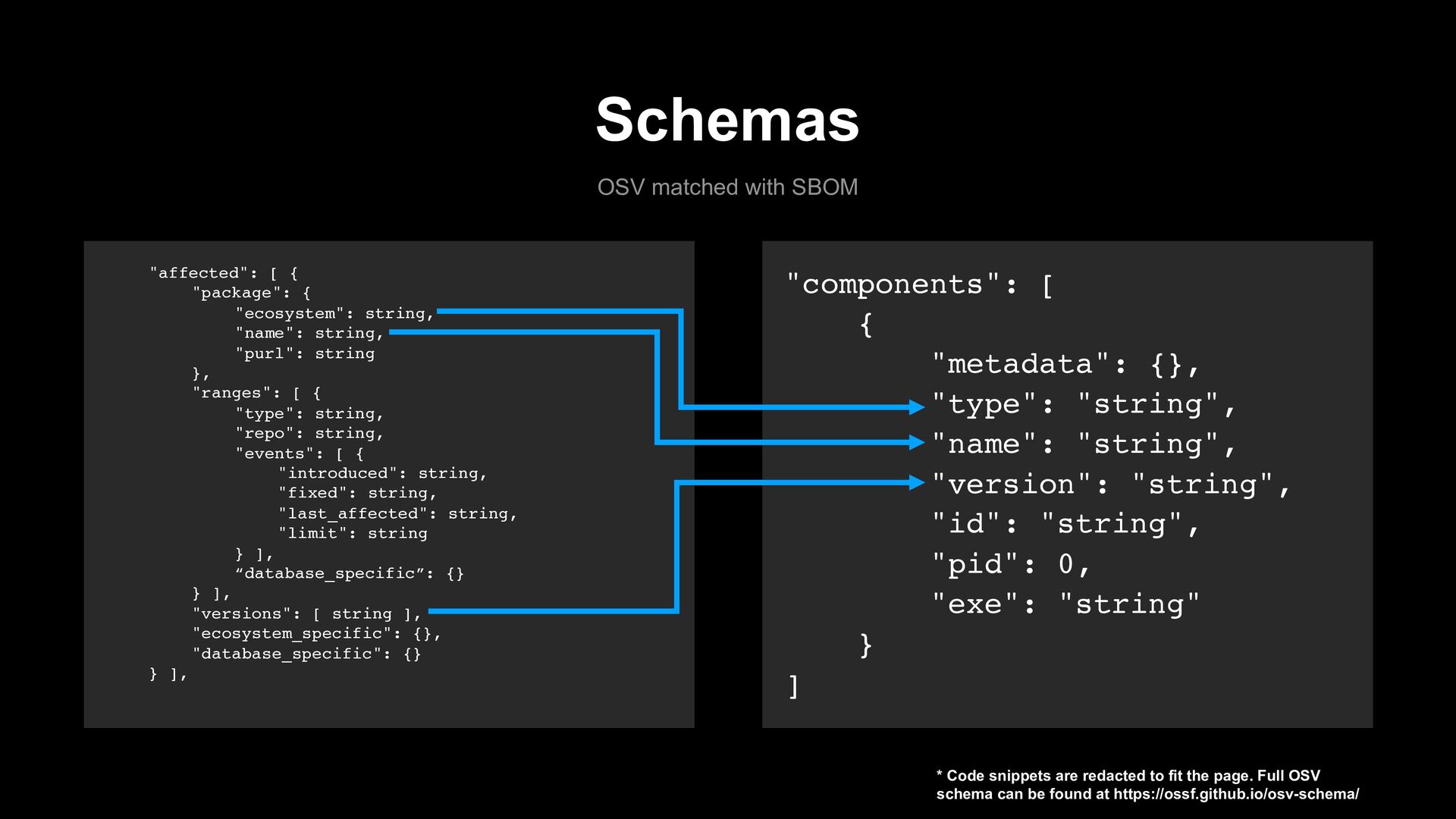
security concerns, reporting its findings and displaying it on a dashboard. Shisa helps us in reducing vulnerabilities (evil out) and fortify (good in) LINE infrastructure. This is where we utilize the SBOM concept.
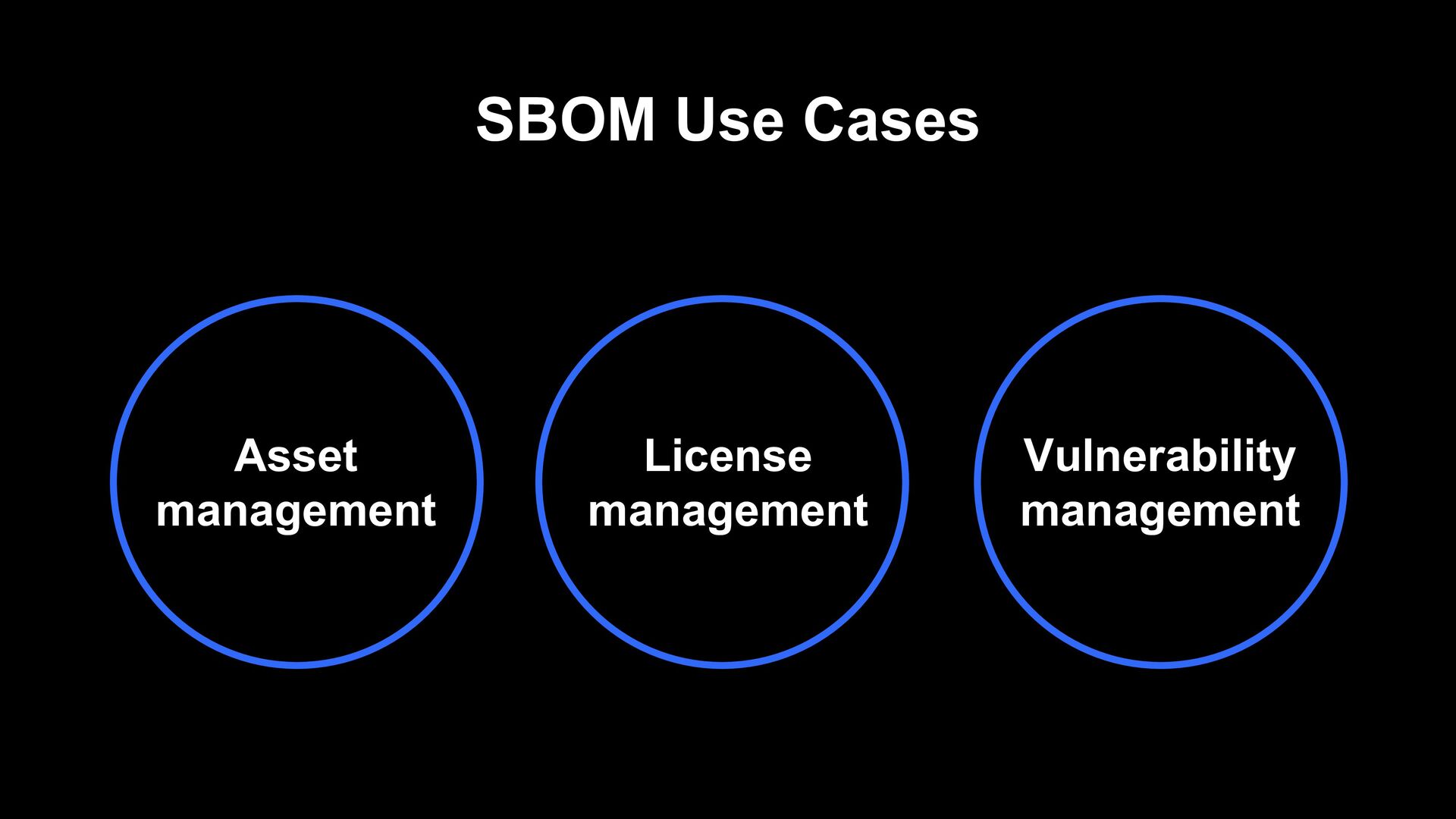
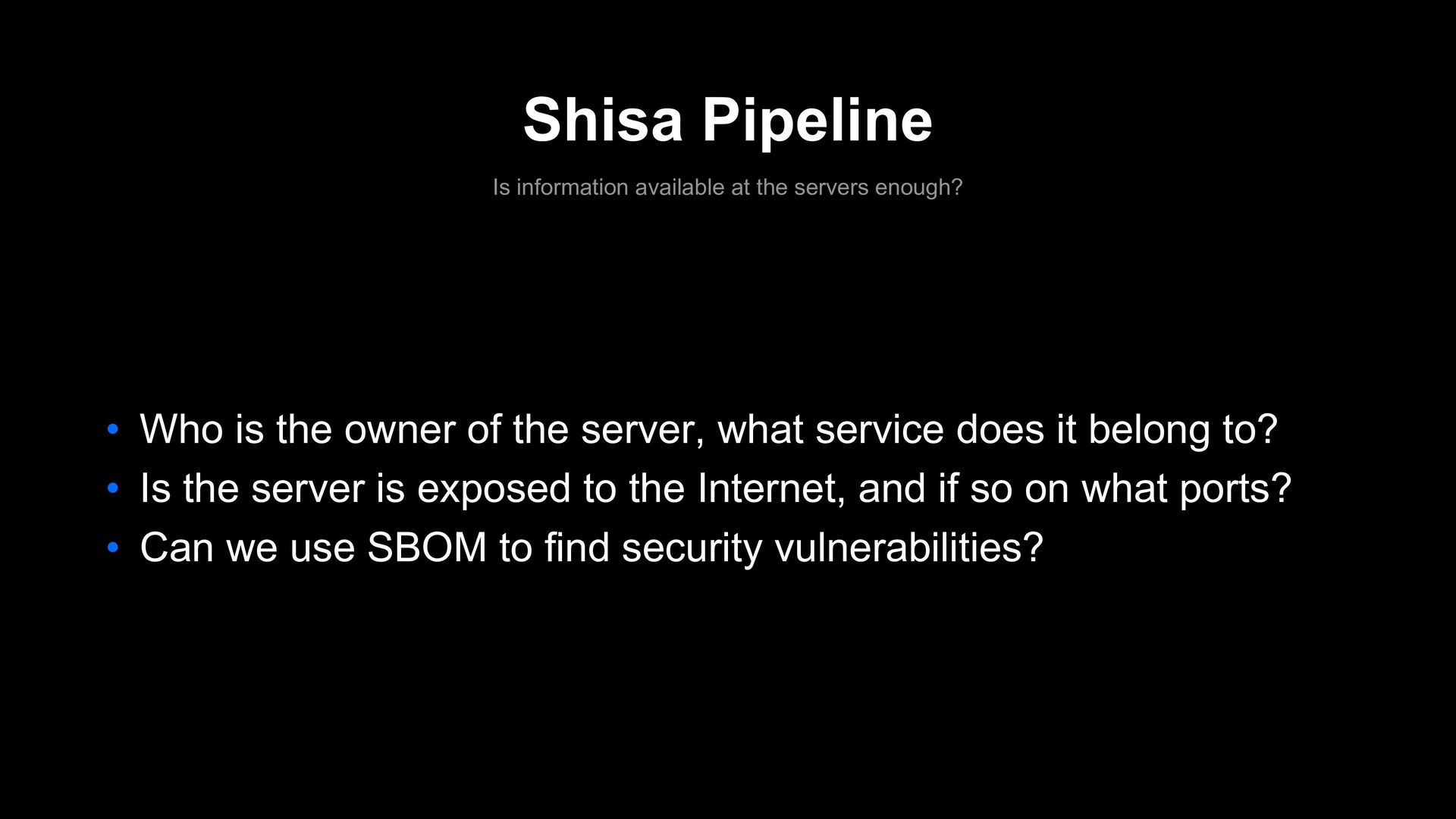
Who is the owner of the server, what service does it belong to? • Is the server is exposed to the Internet, and if so on what ports? • Can we use SBOM to find security vulnerabilities?
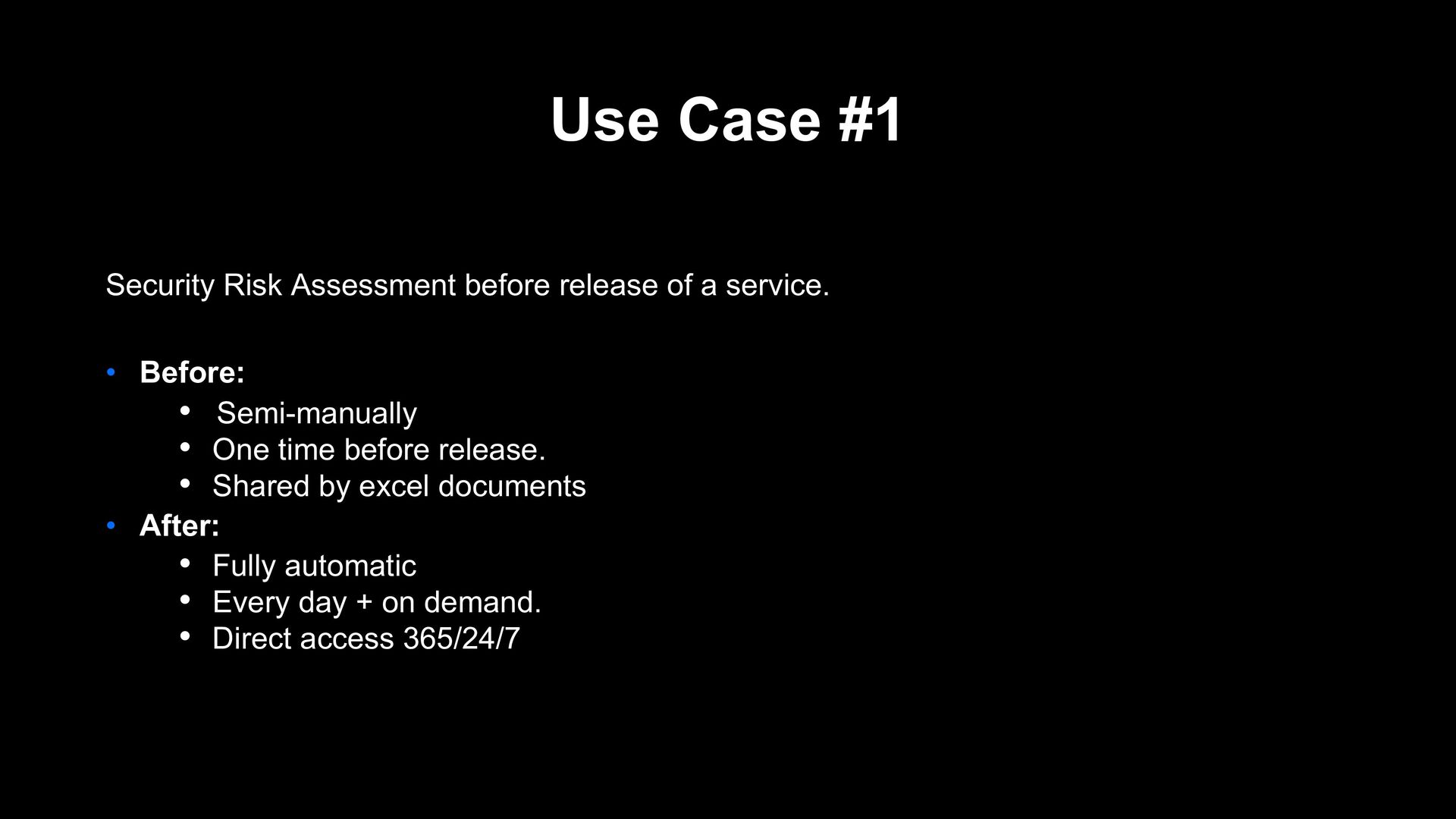
service. • Before: • Semi-manually • One time before release. • Shared by excel documents • After: • Fully automatic • Every day + on demand. • Direct access 365/24/7
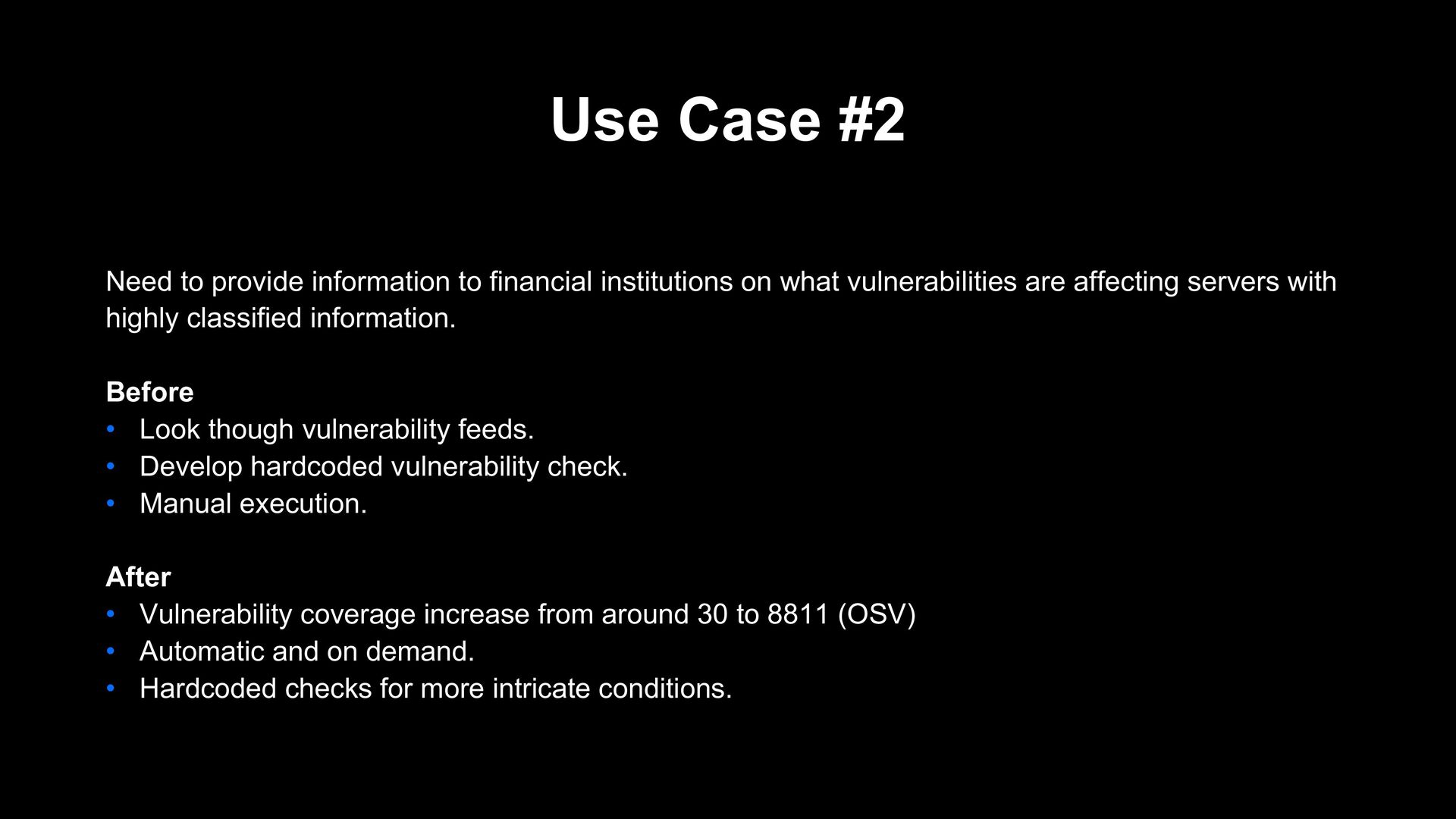
on what vulnerabilities are affecting servers with highly classified information. Before • Look though vulnerability feeds. • Develop hardcoded vulnerability check. • Manual execution. After • Vulnerability coverage increase from around 30 to 8811 (OSV) • Automatic and on demand. • Hardcoded checks for more intricate conditions.
a software or process contains, but it have pitfalls. • Lock files without versions. • Components installed outside of lock files. • Lock files not mandatory • Runtime SBOM - Mitigate lock file issue, getting SBOM from process


 techverse_2022
 sudoakiy
 camiha
 ivry_presentationmaterials
 kairim0
 puhitaku
 kentapapa
 mohab1
 shuta13
 hiracky16
 ishikawa_satoru
 gionn
gionn
 techtekt
 denniskardys
 aarron
 badams
 geshan
 holman
 nikkihalliwell
 jonoalderson
 eileencodes
 marcduiker
 cassininazir
 dugsong
 jcasabona