Lock in $30 Savings on PRO—Offer Ends Soon! ⏳

Coding with AI - What works (and what doesn't) ...

Avatar for Kai Koenig Kai Koenig
December 06, 2025

Coding with AI - What works (and what doesn't) in CFML

AI-powered coding tools are changing the way we write software, but how well do they actually work for CFML and CFscript, the languages we usually use in ColdFusion?

In this session, we’ll take a hands-on and very practical/tutorial-style look at tools like GitHub Copilot, ChatGPT, Claude, Cursor, AMP, Codex and potentially some others (given the speed this ecosystem evolves with). What do they get right, where do they do a bad job, and how you can make the most of their abilities in your workflow.

We’ll also have a look at comparing the quality of the output and its usefulness to other tech stacks like Javascript and Typescript. We’ll also have a look at the rise of AI agents during 2025: tools designed to go beyond smart autocomplete and actually carry out complete coding tasks for you. Can they refactor your code? Write full features? Fix bugs? Write tests for you?

There is a lot of hype and it needs to be somewhat separated from reality. In this talk I’ll discuss how (and when) to use these AI-driven assistants effectively and responsibly. You’ll walk away from this session with a clearer picture of what’s possible, what’s coming next, and how to potentially code much smarter and faster with the help of AI.

Avatar for Kai Koenig

Kai Koenig

December 06, 2025
Tweet

More Decks by Kai Koenig

Other Decks in Technology

Transcript

  1. CODING WITH AI What works (and what doesn’t) in CFML

    [December 2025 edition] KAI KOENIG
  2. HELLO HELLO, MY NAME IS KAI ▸ Software Architect in

    the back end and mobile app space ▸ Maths and Computer Science by education, 25+ yrs of industry experience ▸ Work interests: ▸ CFML, JVM tech, Python, Ruby and managing *nix infrastructure platforms ▸ Android, Kotlin & Kotlin MP, Flutter and building SDKs ▸ Data Science and AI
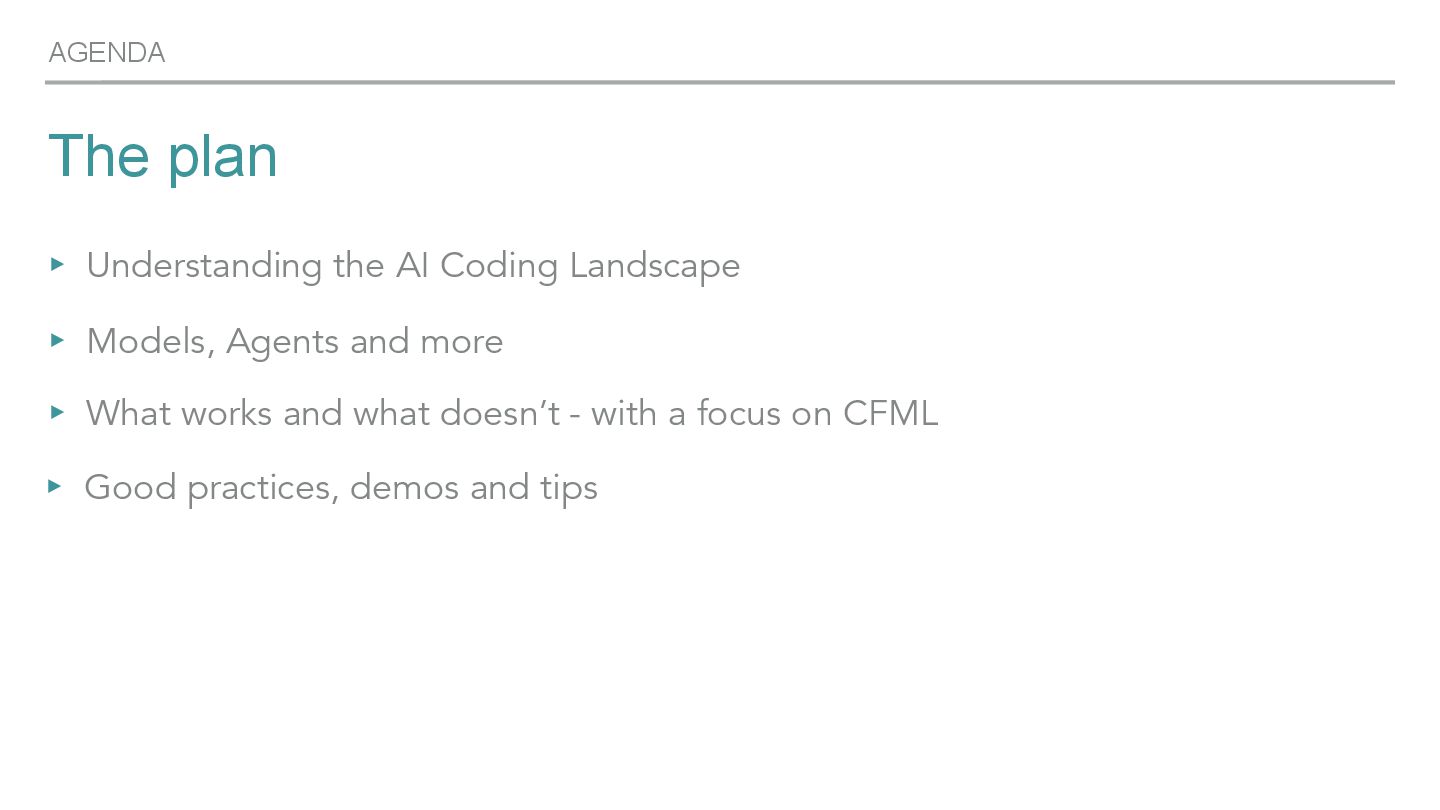
  3. AGENDA The plan ▸ Understanding the AI Coding Landscape ▸

    Models, Agents and more ▸ What works and what doesn’t - with a focus on CFML ▸ Good practices, demos and tips
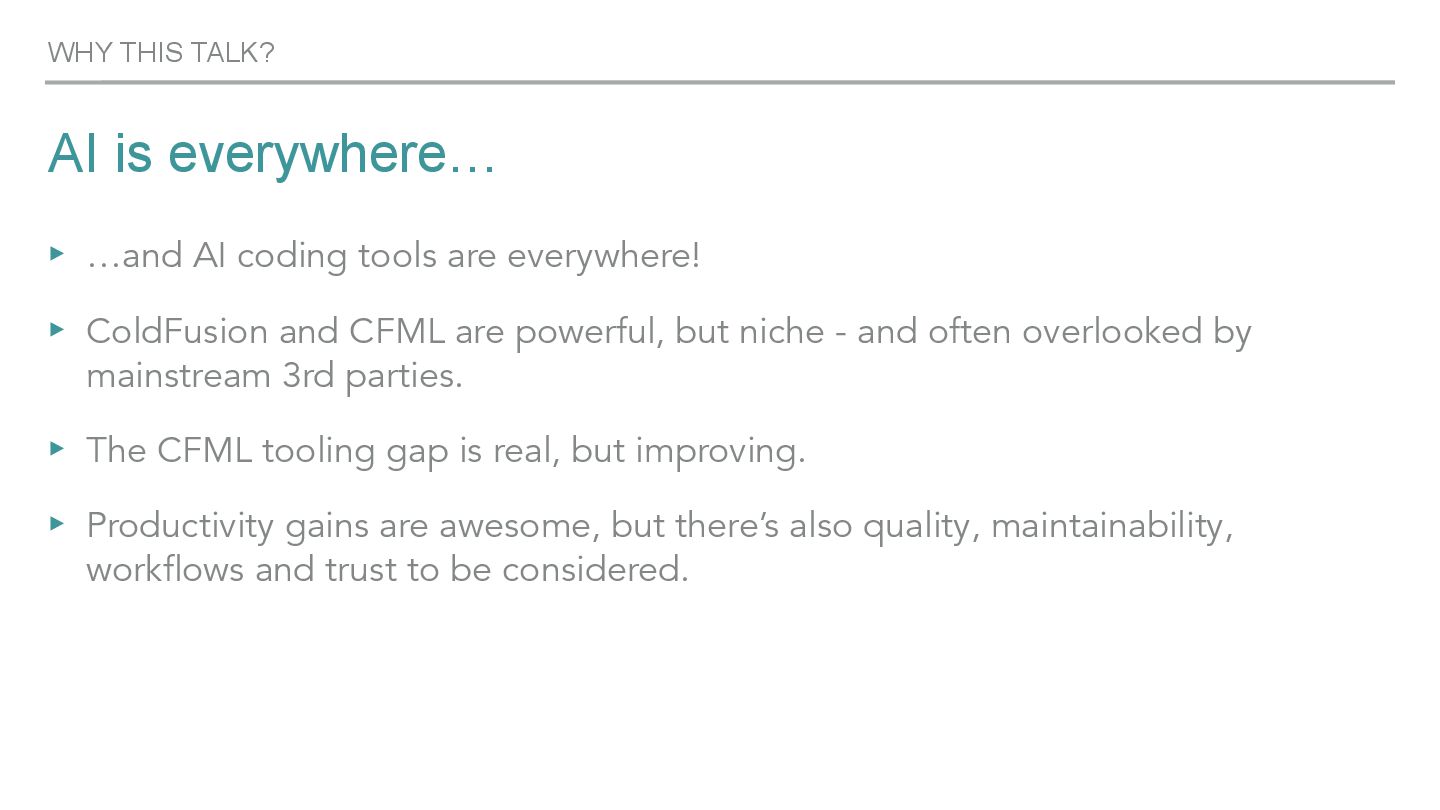
  4. AI is everywhere… ▸ …and AI coding tools are everywhere!

    ▸ ColdFusion and CFML are powerful, but niche - and often overlooked by mainstream 3rd parties. ▸ The CFML tooling gap is real, but improving. ▸ Productivity gains are awesome, but there’s also quality, maintainability, workflows and trust to be considered. WHY THIS TALK?
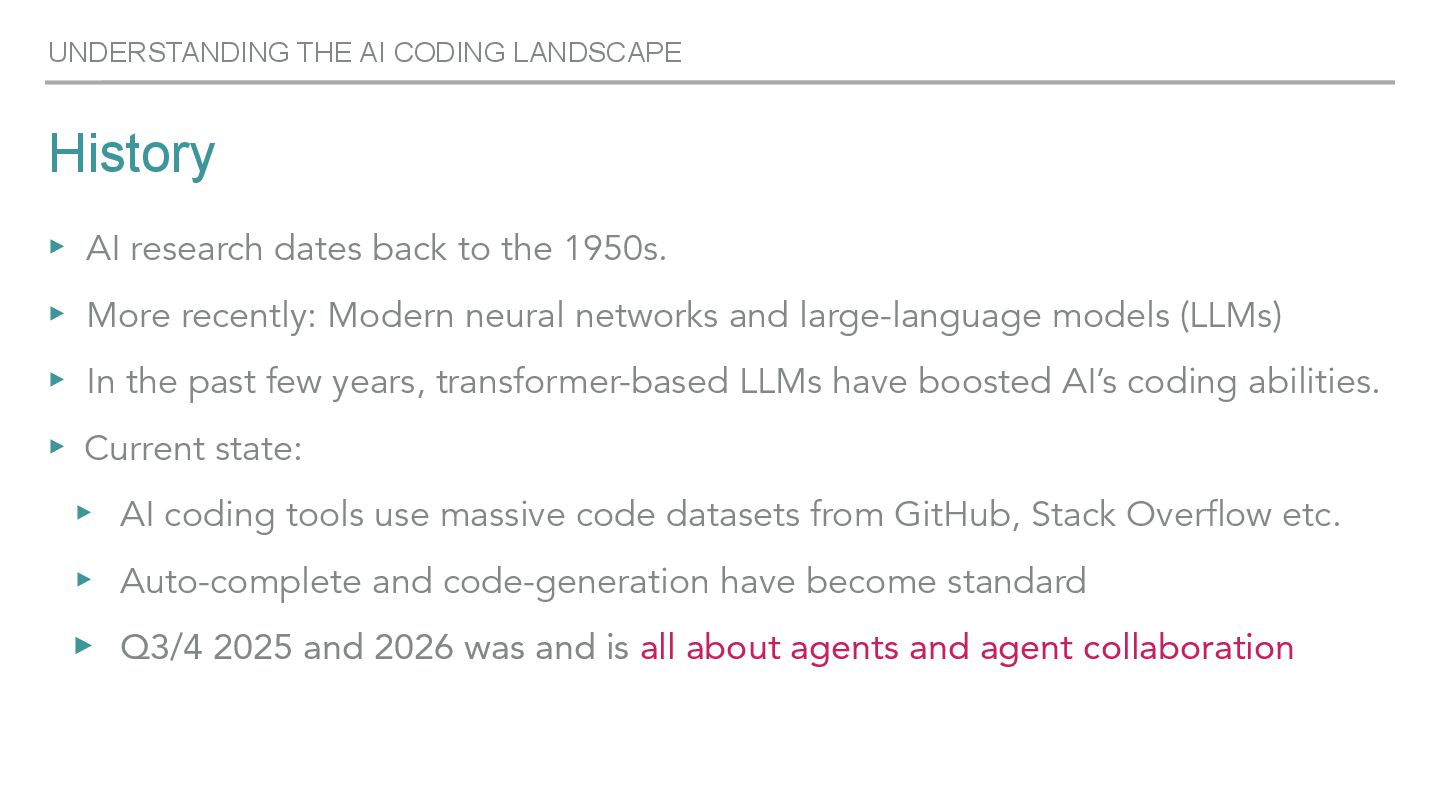
  5. History UNDERSTANDING THE AI CODING LANDSCAPE ▸ AI research dates

    back to the 1950s. ▸ More recently: Modern neural networks and large-language models (LLMs) ▸ In the past few years, transformer-based LLMs have boosted AI’s coding abilities. ▸ Current state: ▸ AI coding tools use massive code datasets from GitHub, Stack Overflow etc. ▸ Auto-complete and code-generation have become standard ▸ Q3/4 2025 and 2026 was and is all about agents and agent collaboration
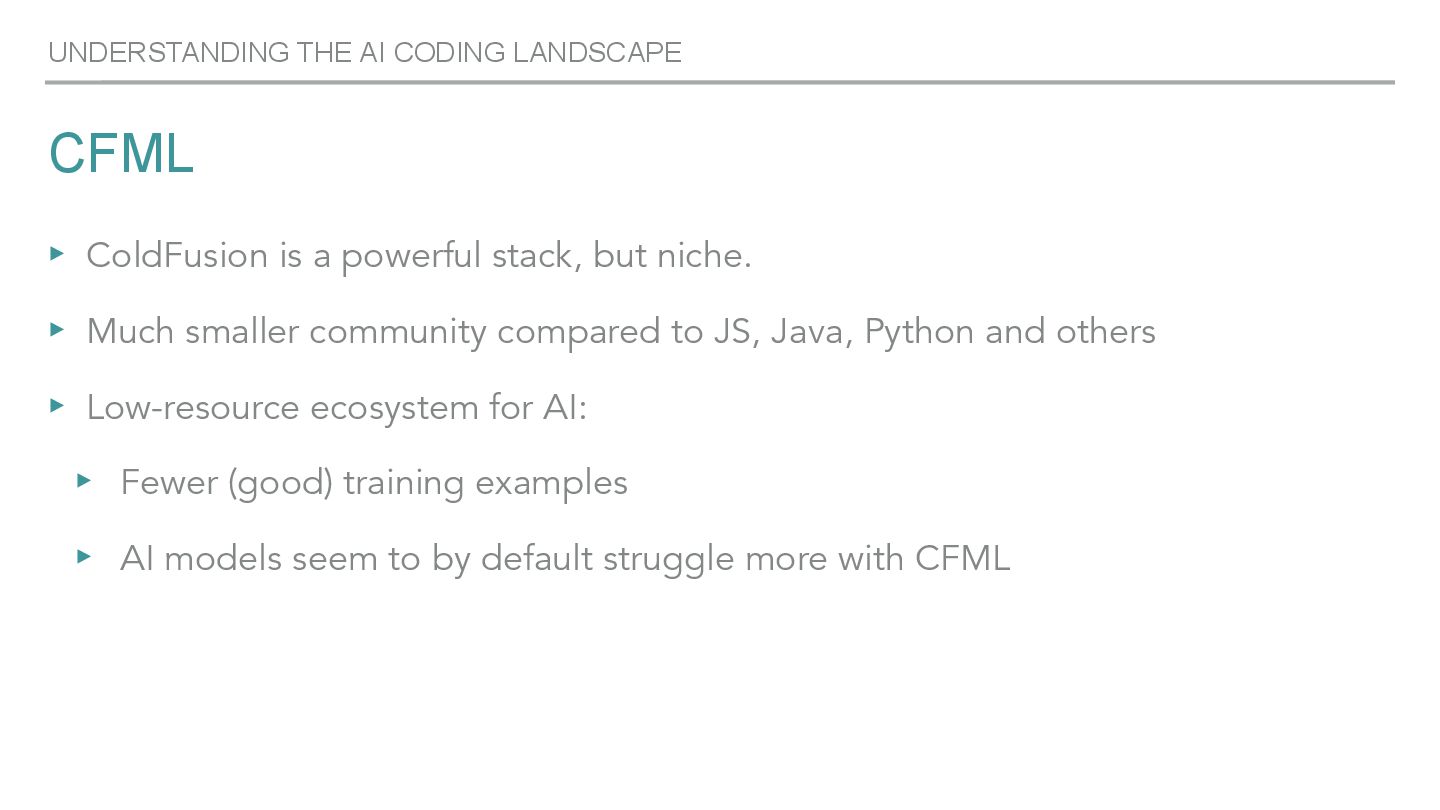
  6. CFML ▸ ColdFusion is a powerful stack, but niche. ▸

    Much smaller community compared to JS, Java, Python and others ▸ Low-resource ecosystem for AI: ▸ Fewer (good) training examples ▸ AI models seem to by default struggle more with CFML UNDERSTANDING THE AI CODING LANDSCAPE
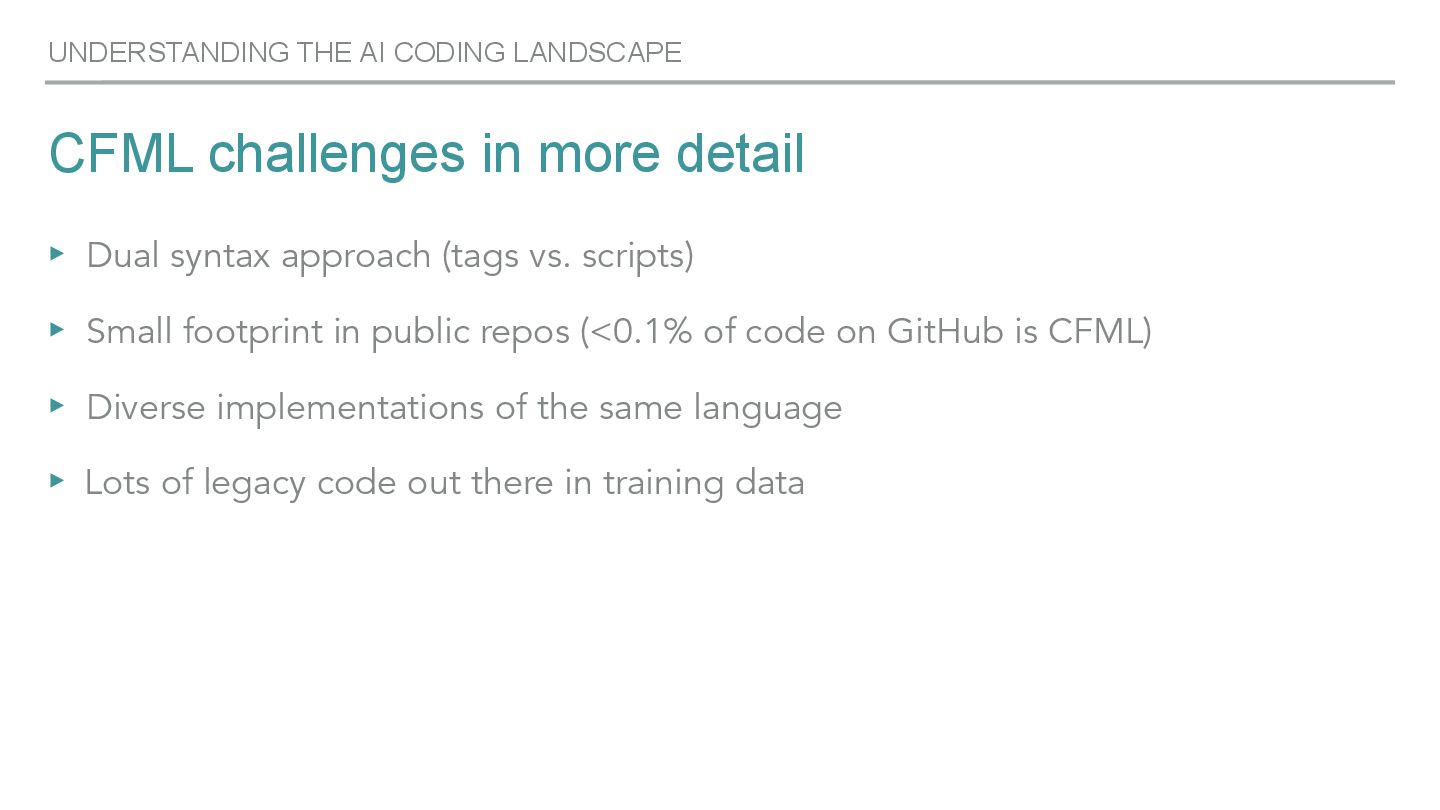
  7. CFML challenges in more detail ▸ Dual syntax approach (tags

    vs. scripts) ▸ Small footprint in public repos (<0.1% of code on GitHub is CFML) ▸ Diverse implementations of the same language ▸ Lots of legacy code out there in training data UNDERSTANDING THE AI CODING LANDSCAPE
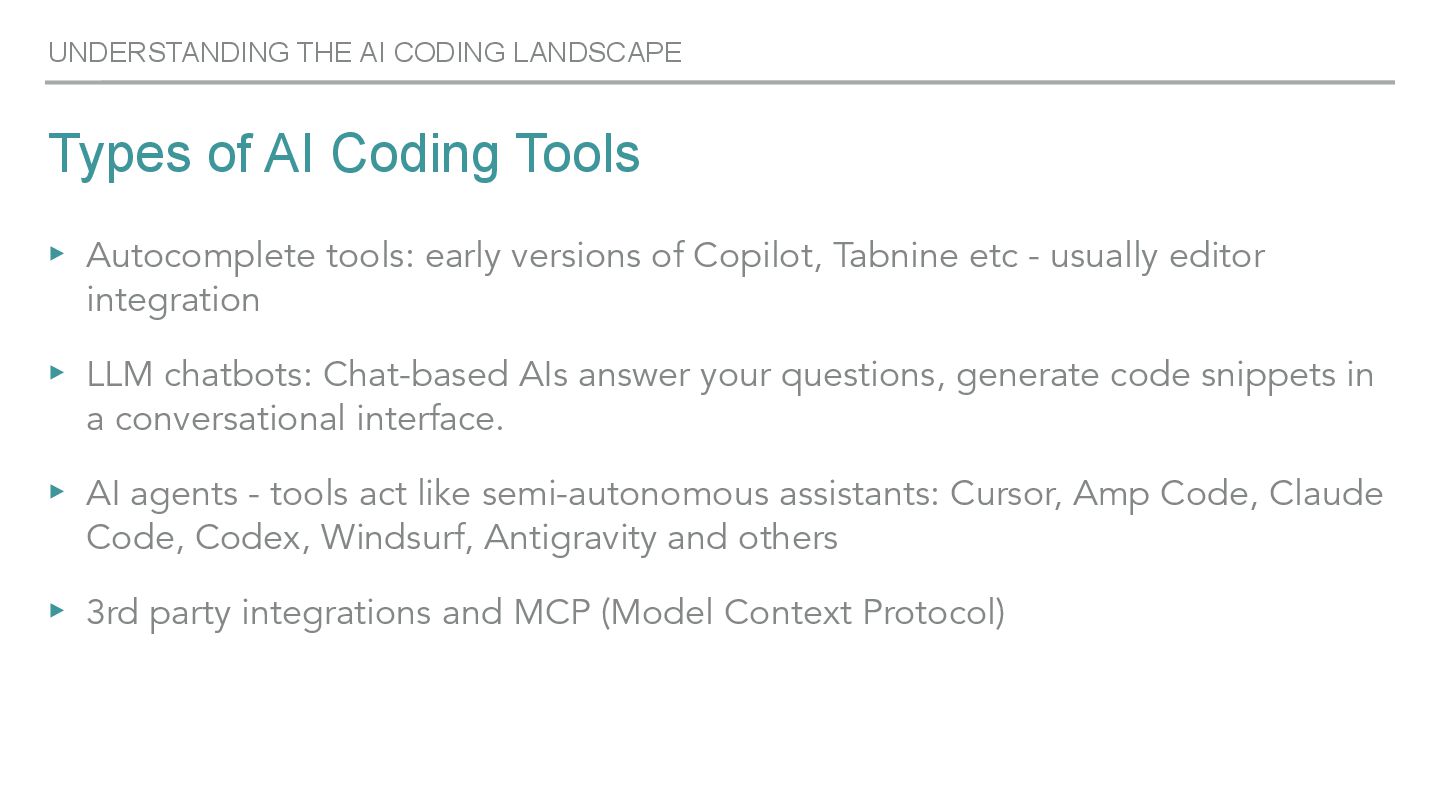
  8. UNDERSTANDING THE AI CODING LANDSCAPE Types of AI Coding Tools

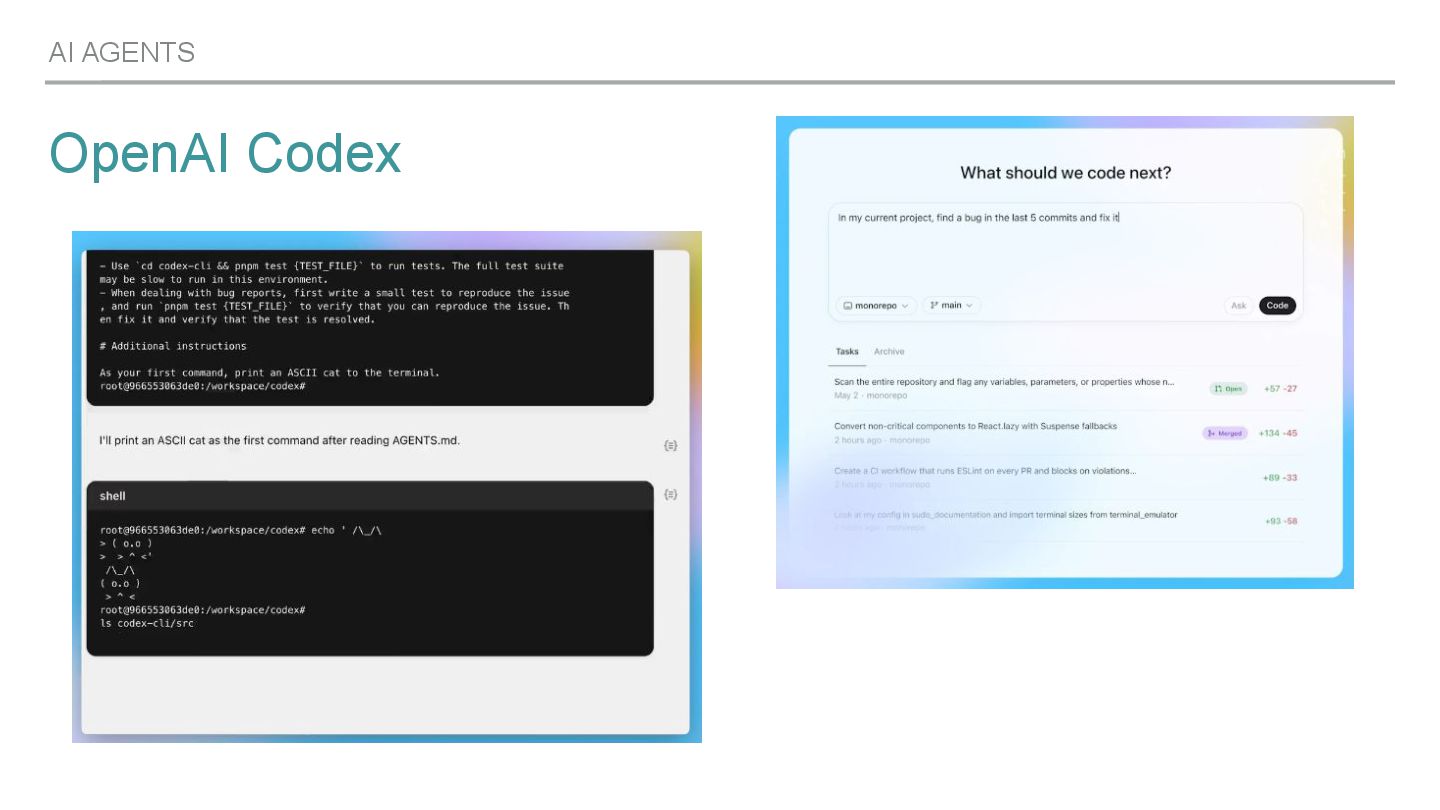
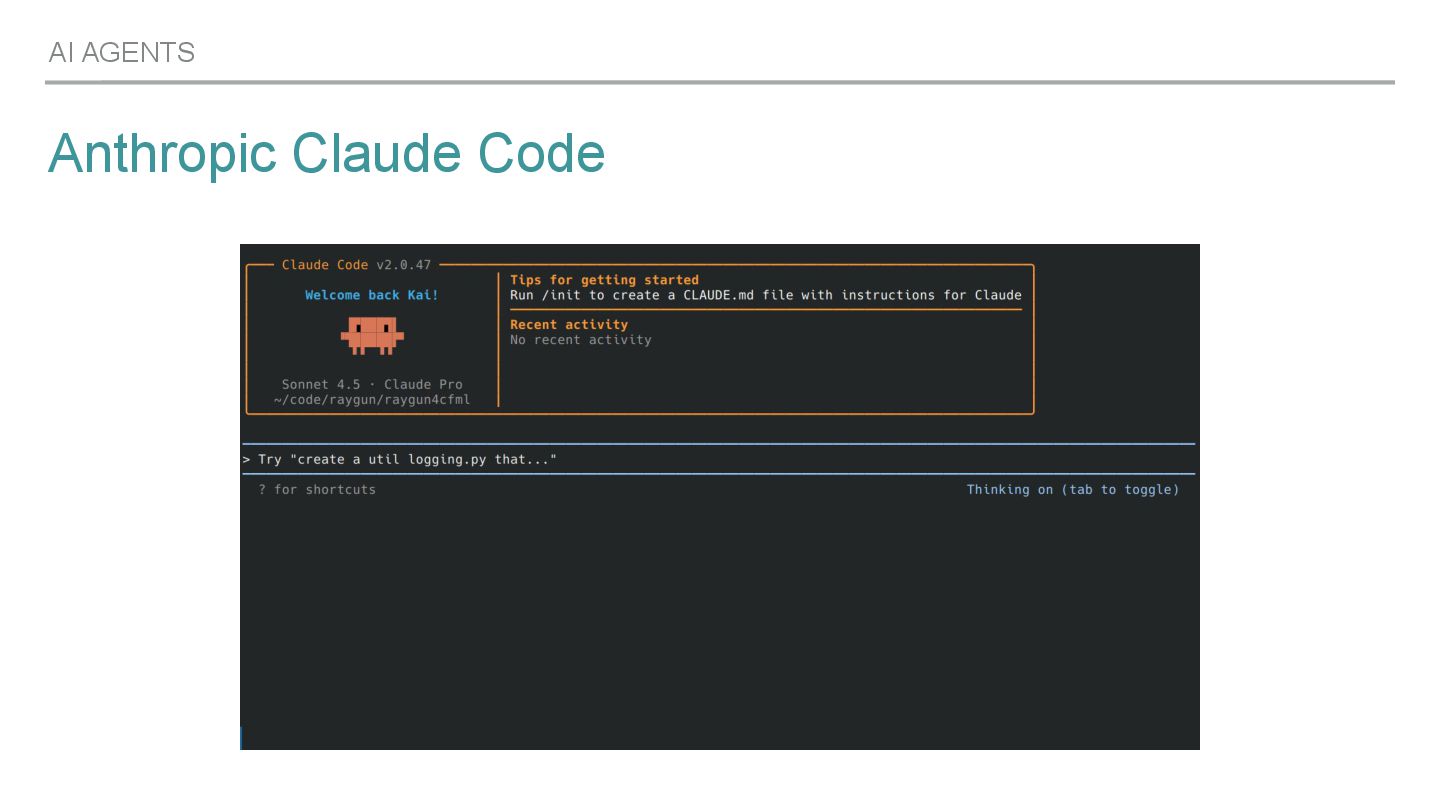
    ▸ Autocomplete tools: early versions of Copilot, Tabnine etc - usually editor integration ▸ LLM chatbots: Chat-based AIs answer your questions, generate code snippets in a conversational interface. ▸ AI agents - tools act like semi-autonomous assistants: Cursor, Amp Code, Claude Code, Codex, Windsurf, Antigravity and others ▸ 3rd party integrations and MCP (Model Context Protocol)
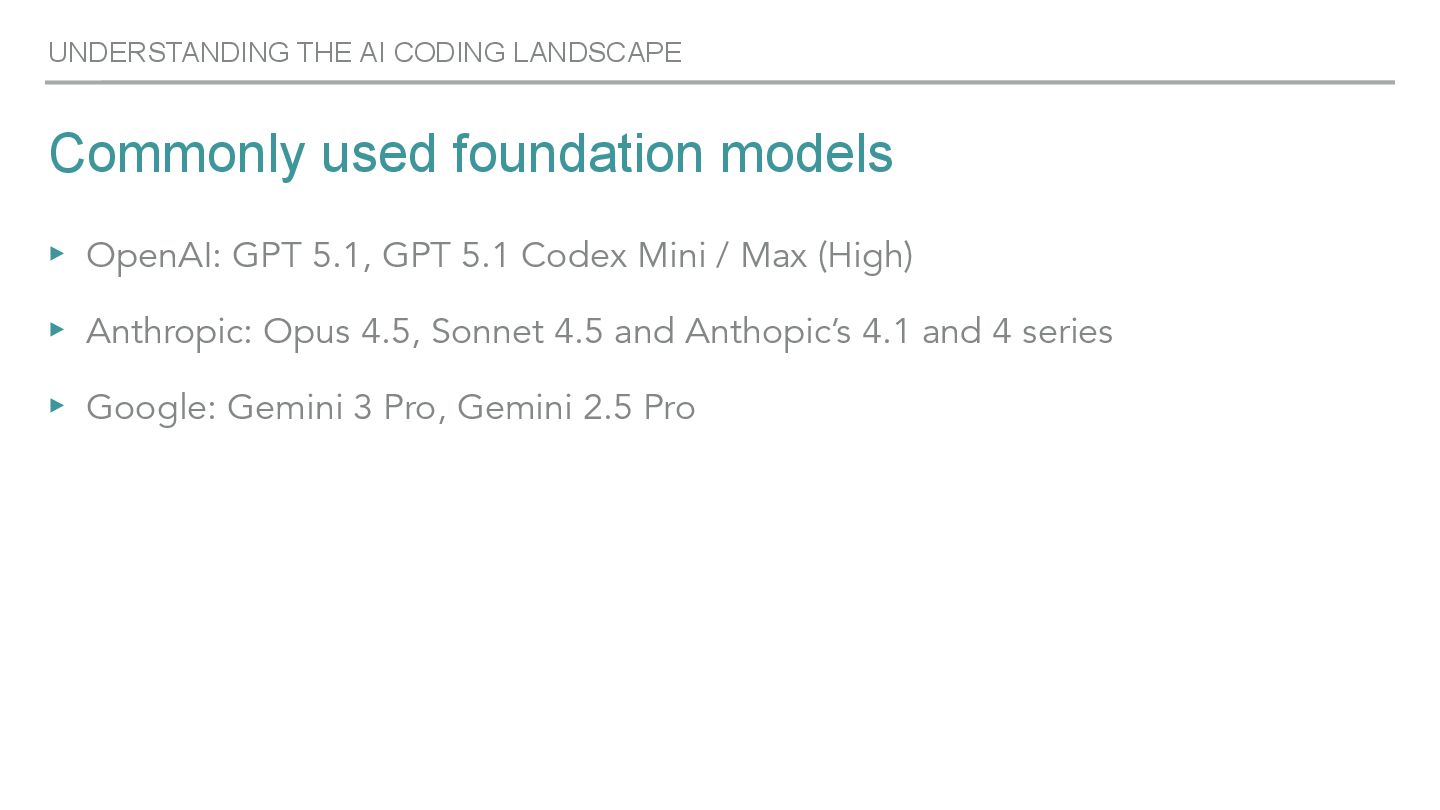
  9. Commonly used foundation models ▸ OpenAI: GPT 5.1, GPT 5.1

    Codex Mini / Max (High) ▸ Anthropic: Opus 4.5, Sonnet 4.5 and Anthopic’s 4.1 and 4 series ▸ Google: Gemini 3 Pro, Gemini 2.5 Pro UNDERSTANDING THE AI CODING LANDSCAPE
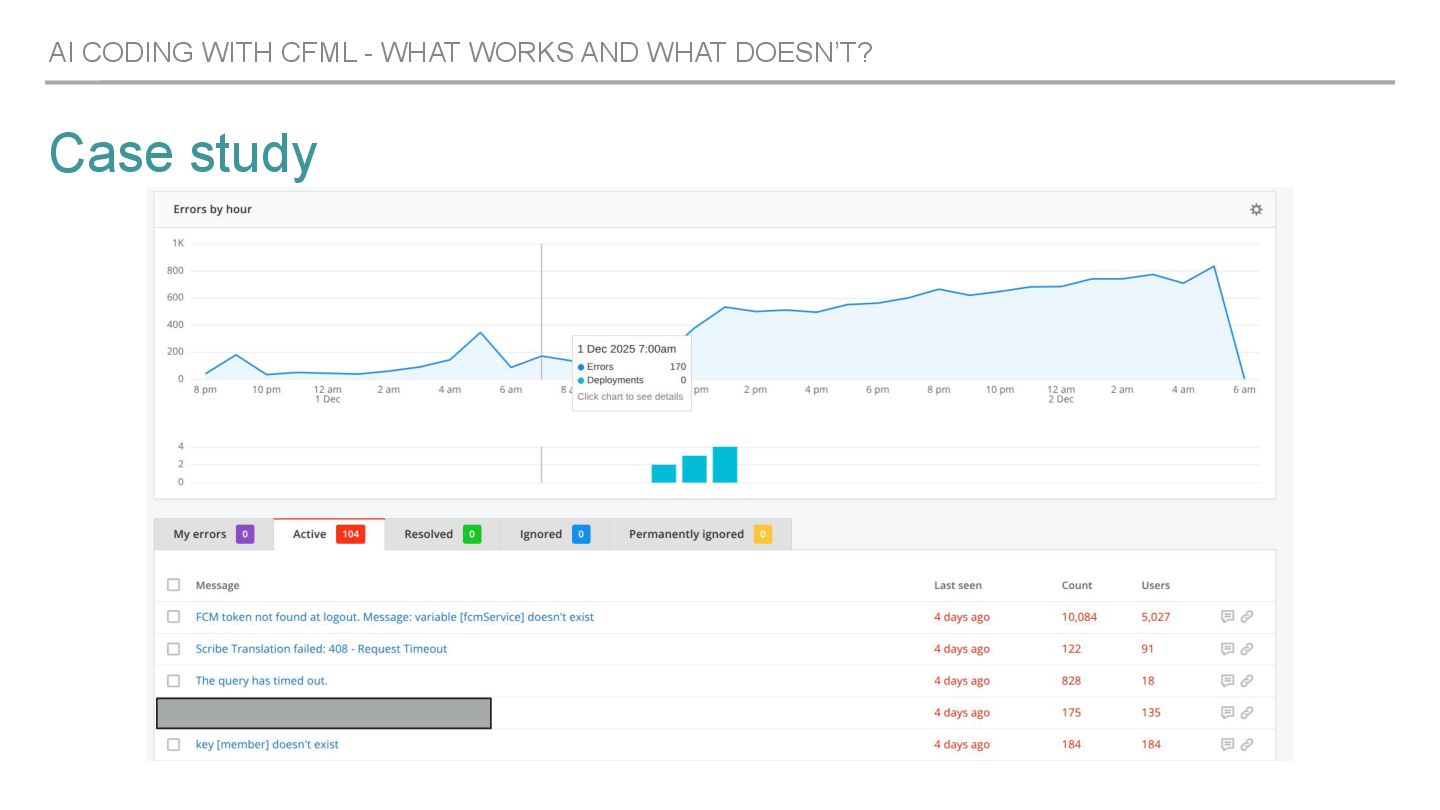
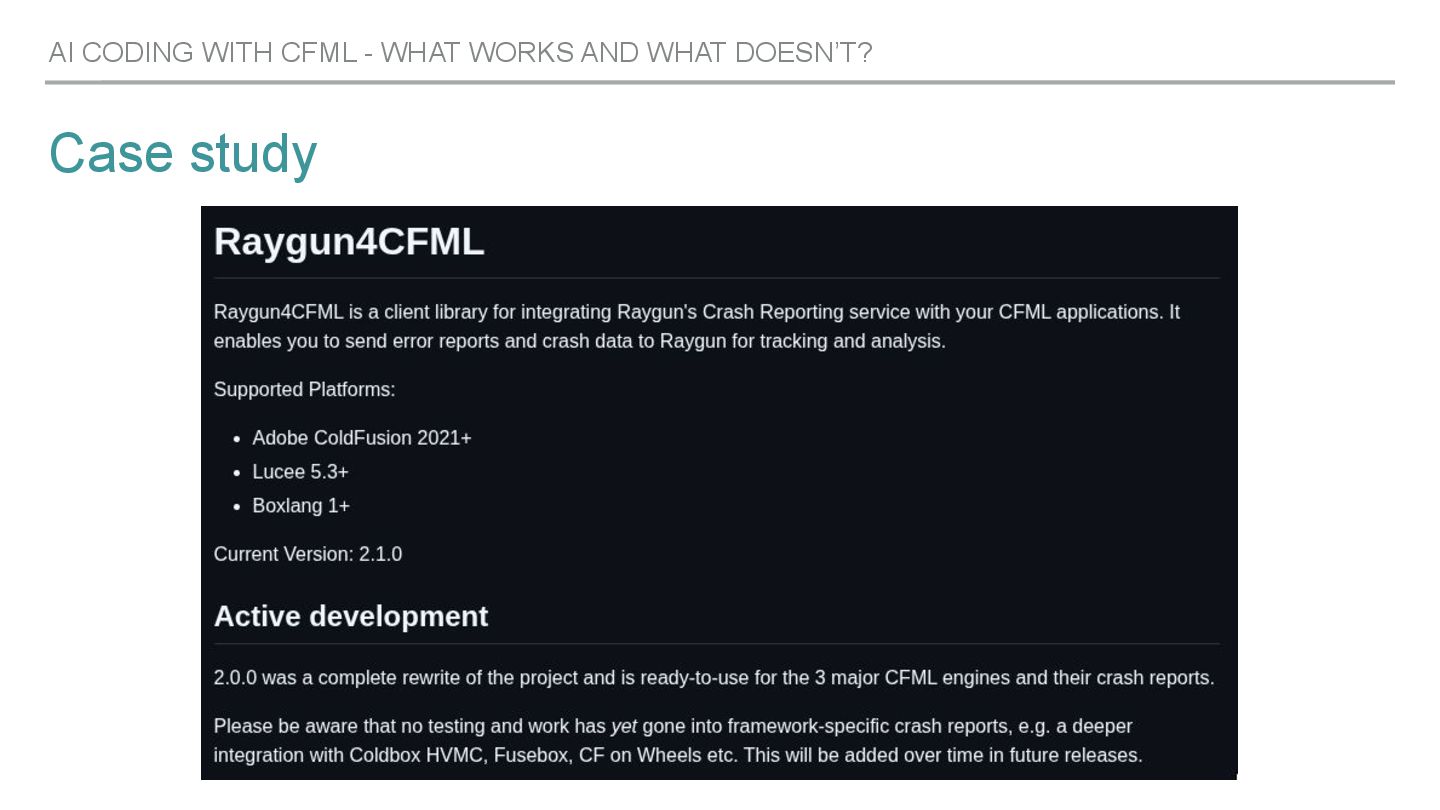
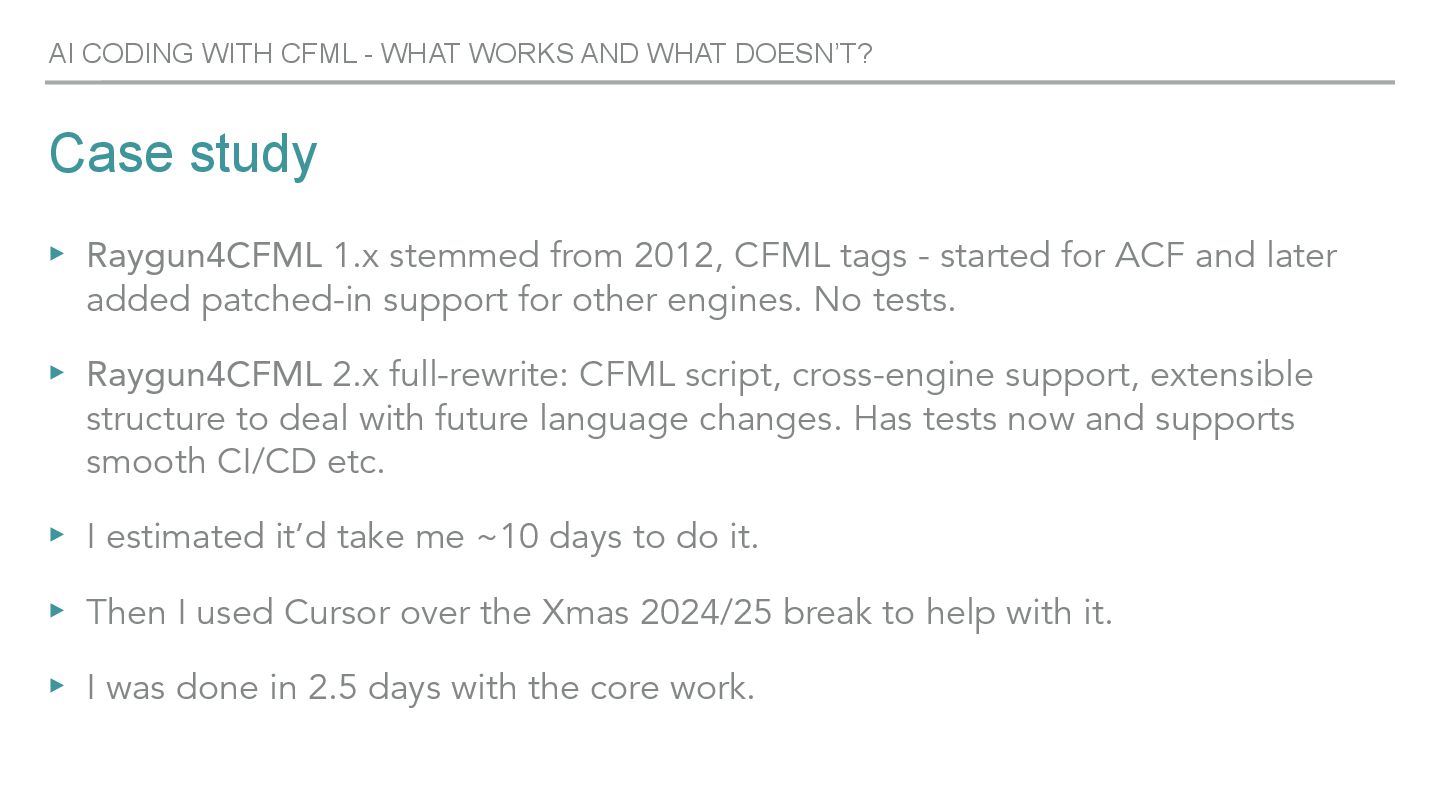
  10. Case study ▸ Raygun4CFML 1.x stemmed from 2012, CFML tags

    - started for ACF and later added patched-in support for other engines. No tests. ▸ Raygun4CFML 2.x full-rewrite: CFML script, cross-engine support, extensible structure to deal with future language changes. Has tests now and supports smooth CI/CD etc. ▸ I estimated it’d take me ~10 days to do it. ▸ Then I used Cursor over the Xmas 2024/25 break to help with it. ▸ I was done in 2.5 days with the core work. AI CODING WITH CFML - WHAT WORKS AND WHAT DOESN’T?
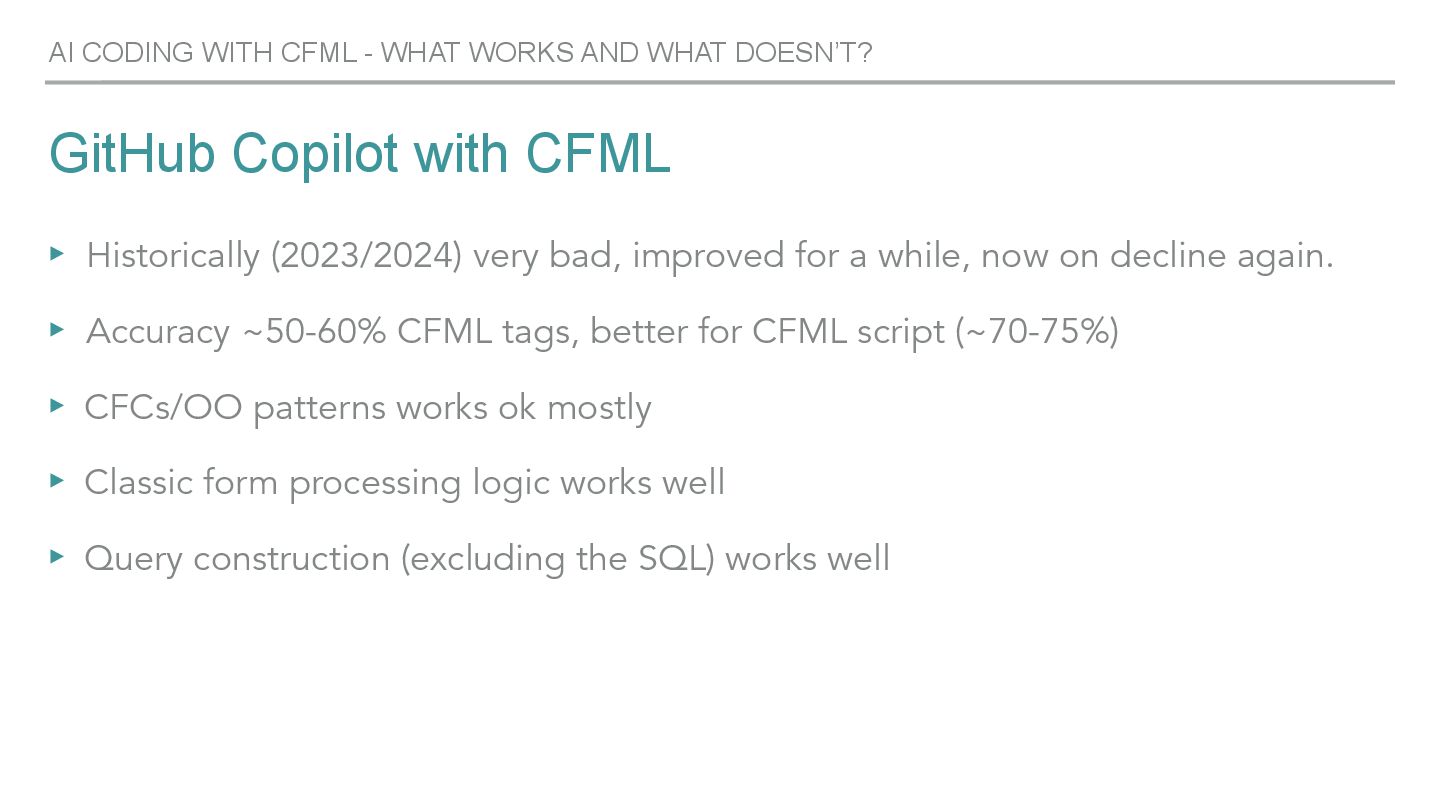
  11. GitHub Copilot with CFML ▸ Historically (2023/2024) very bad, improved

    for a while, now on decline again. ▸ Accuracy ~50-60% CFML tags, better for CFML script (~70-75%) ▸ CFCs/OO patterns works ok mostly ▸ Classic form processing logic works well ▸ Query construction (excluding the SQL) works well AI CODING WITH CFML - WHAT WORKS AND WHAT DOESN’T?
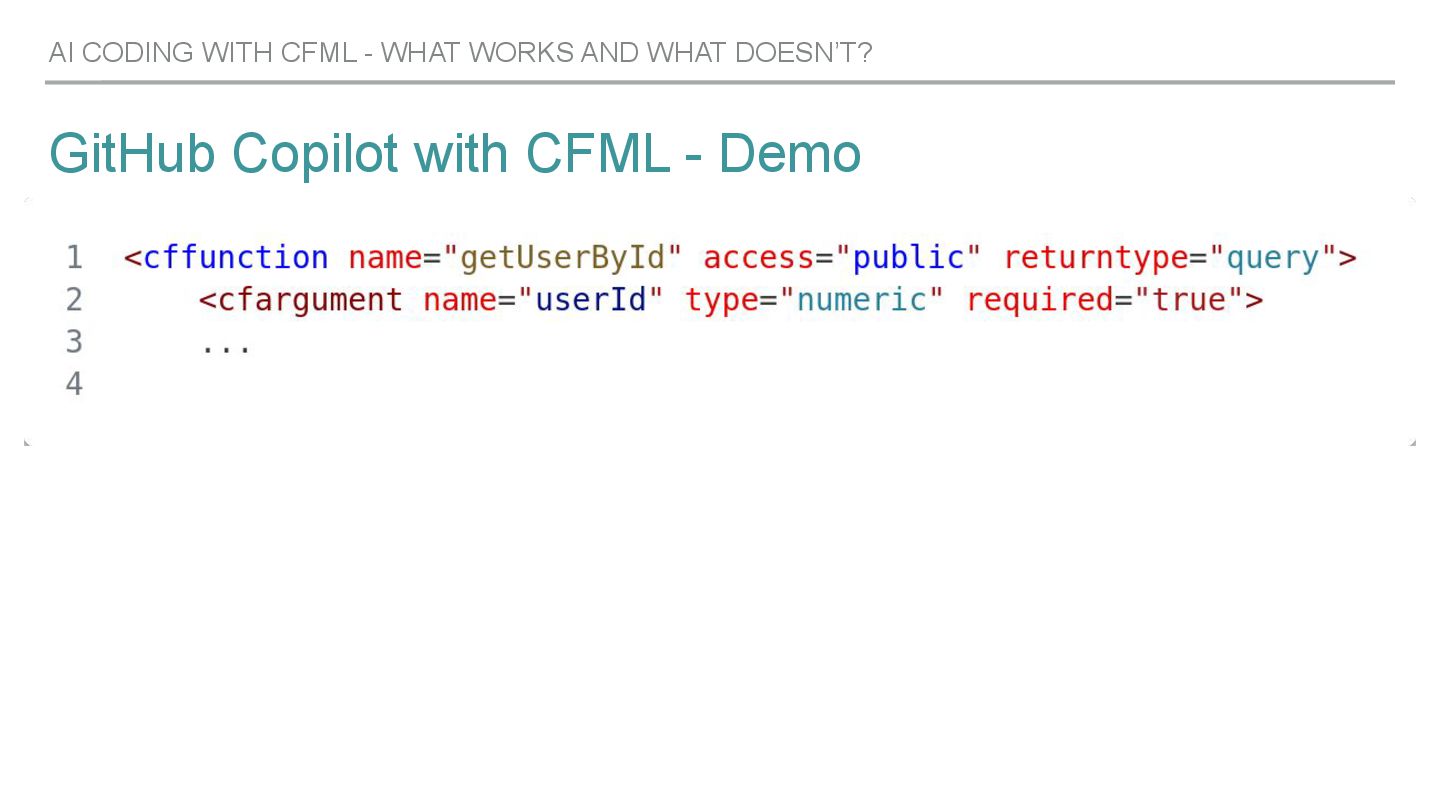
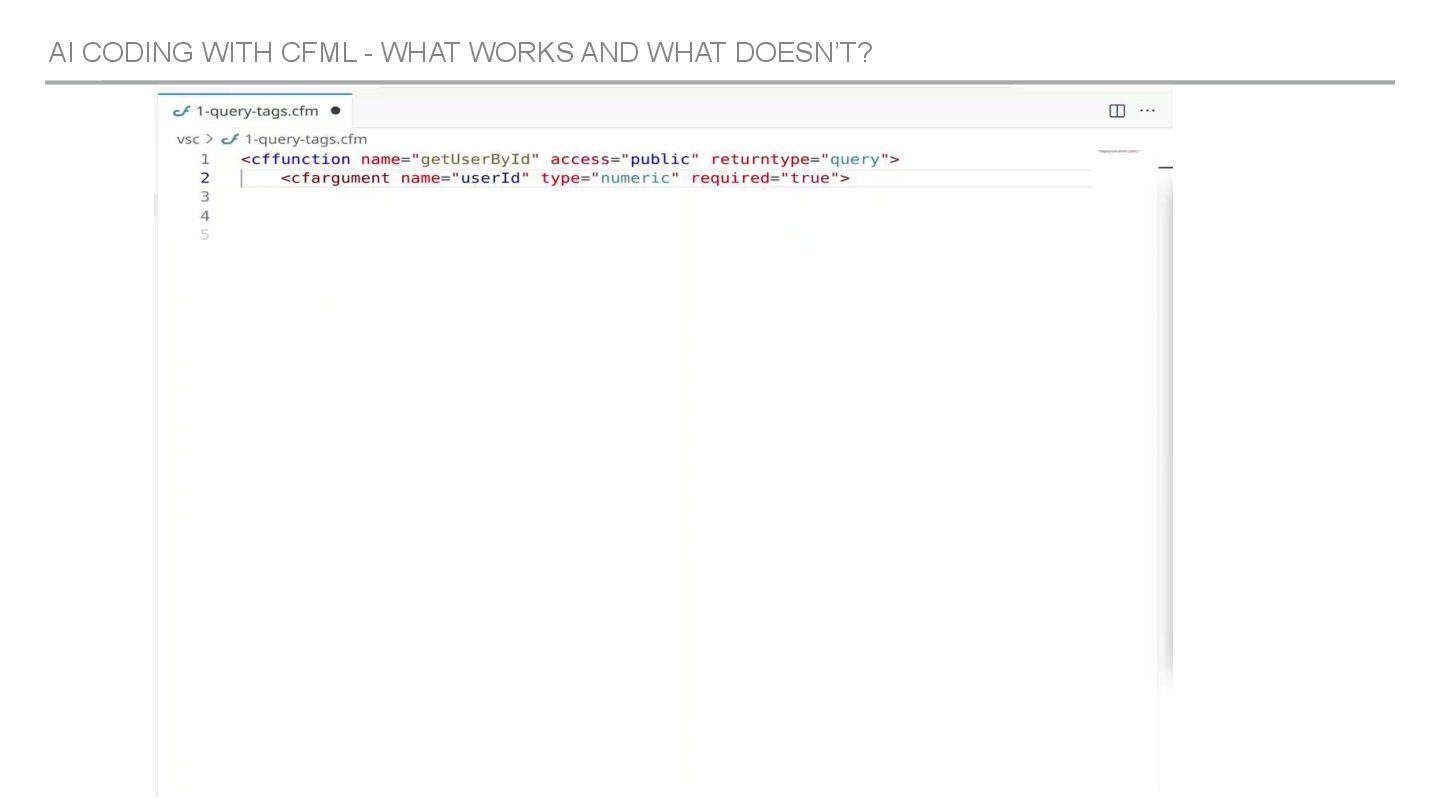
  12. GitHub Copilot with CFML - Demo AI CODING WITH CFML

    - WHAT WORKS AND WHAT DOESN’T?
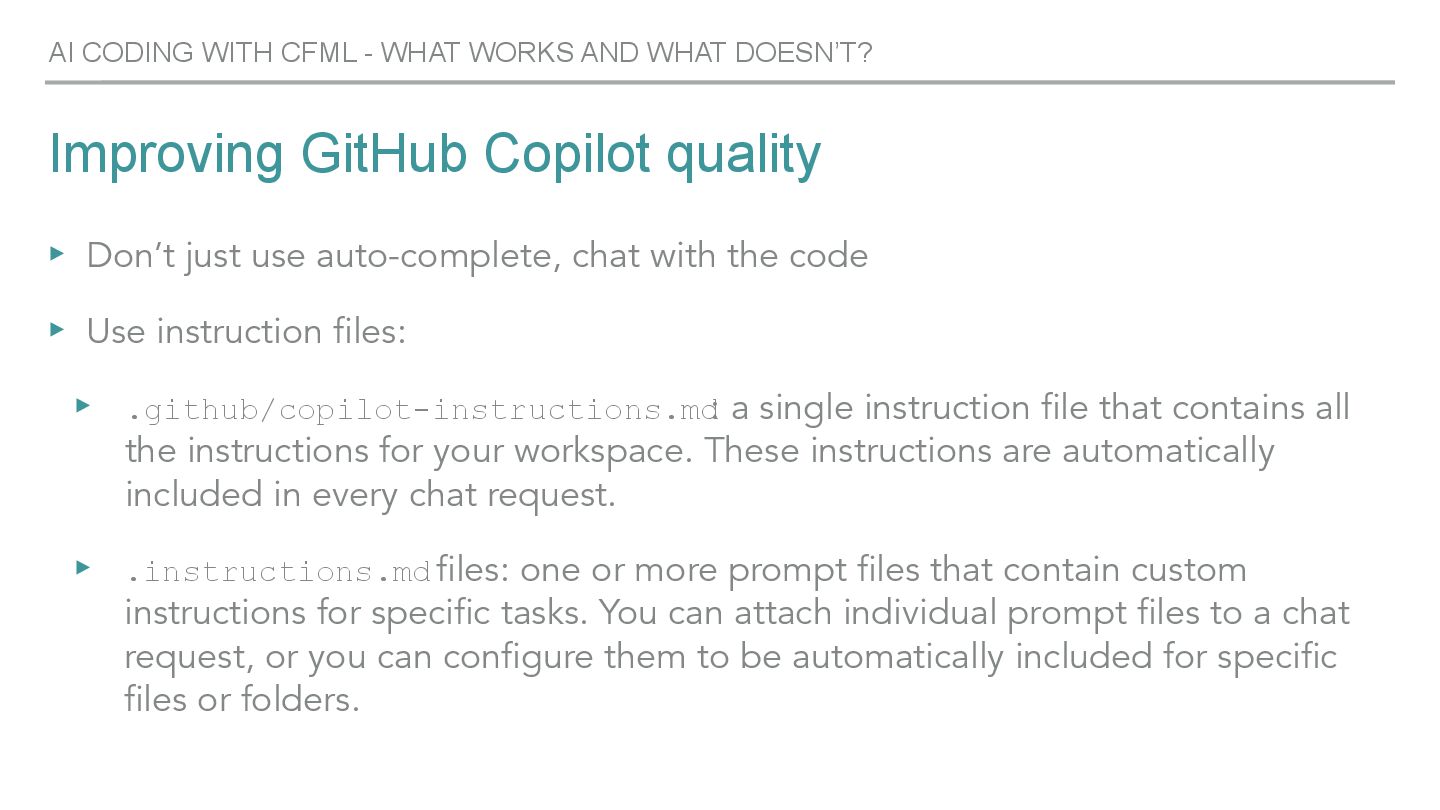
  13. Improving GitHub Copilot quality ▸ Don’t just use auto-complete, chat

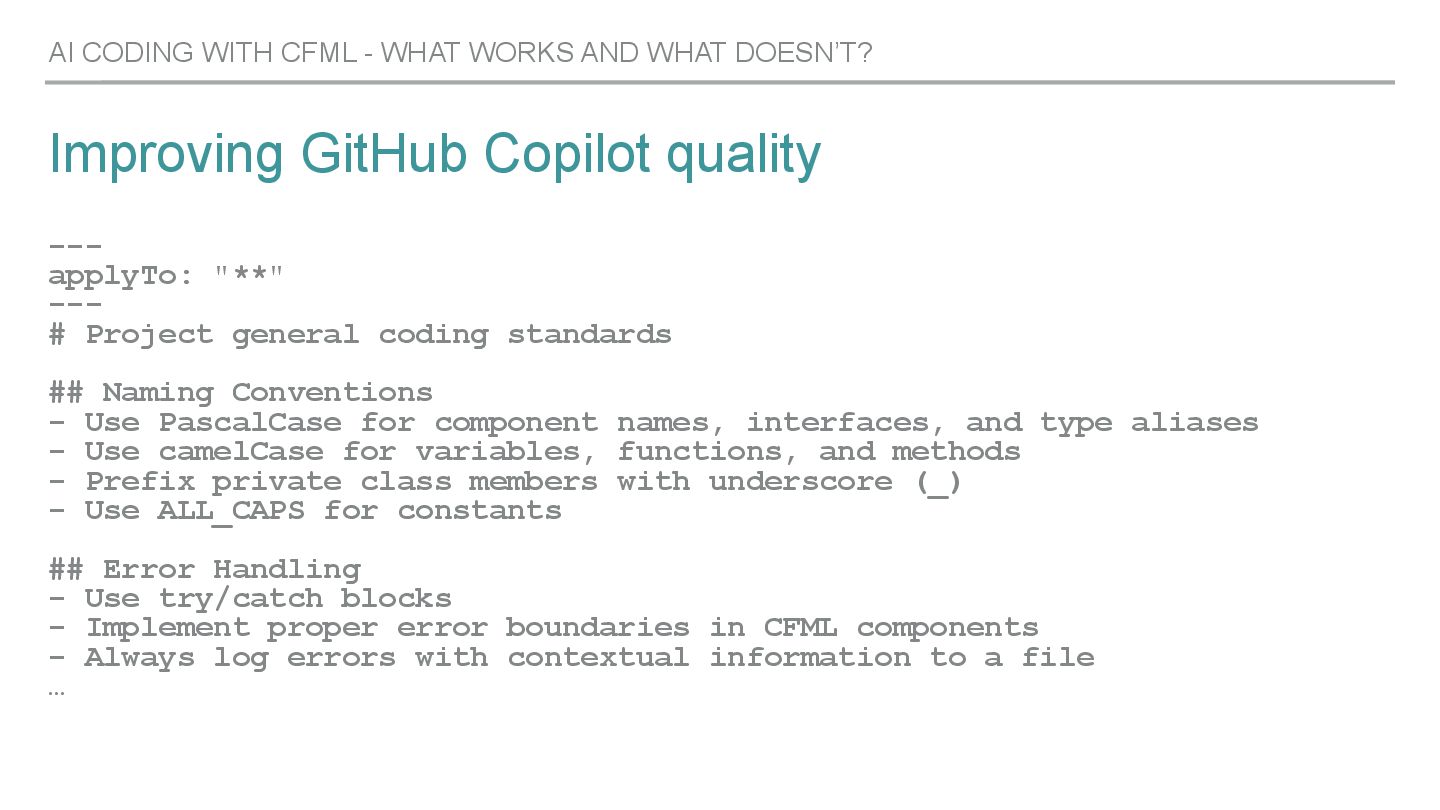
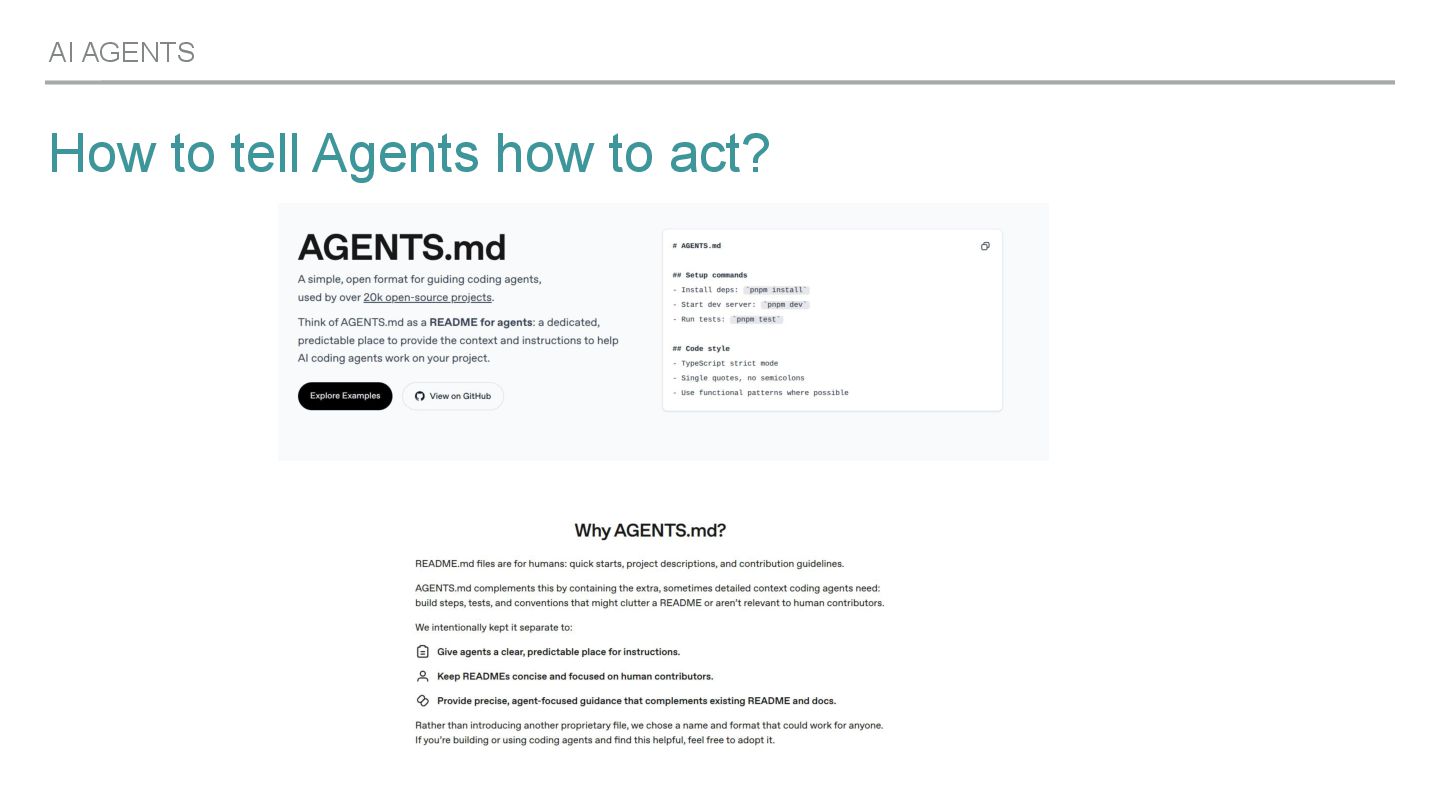
    with the code ▸ Use instruction files: ▸ .github/copilot-instructions.md : a single instruction file that contains all the instructions for your workspace. These instructions are automatically included in every chat request. ▸ .instructions.md files: one or more prompt files that contain custom instructions for specific tasks. You can attach individual prompt files to a chat request, or you can configure them to be automatically included for specific files or folders. AI CODING WITH CFML - WHAT WORKS AND WHAT DOESN’T?
  14. Improving GitHub Copilot quality --- applyTo: "**" --- # Project

    general coding standards ## Naming Conventions - Use PascalCase for component names, interfaces, and type aliases - Use camelCase for variables, functions, and methods - Prefix private class members with underscore (_) - Use ALL_CAPS for constants ## Error Handling - Use try/catch blocks - Implement proper error boundaries in CFML components - Always log errors with contextual information to a file … AI CODING WITH CFML - WHAT WORKS AND WHAT DOESN’T?
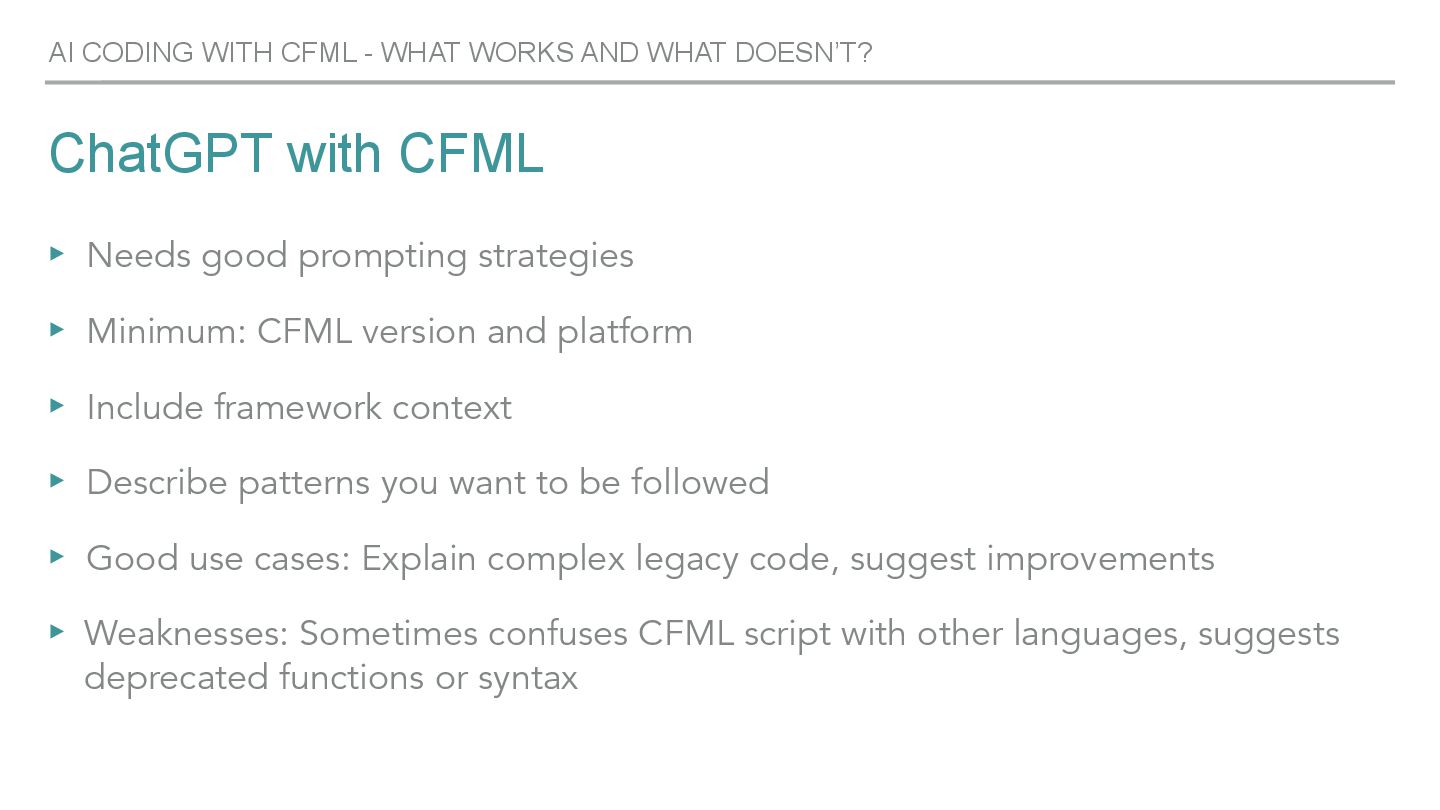
  15. ChatGPT with CFML ▸ Needs good prompting strategies ▸ Minimum:

    CFML version and platform ▸ Include framework context ▸ Describe patterns you want to be followed ▸ Good use cases: Explain complex legacy code, suggest improvements ▸ Weaknesses: Sometimes confuses CFML script with other languages, suggests deprecated functions or syntax AI CODING WITH CFML - WHAT WORKS AND WHAT DOESN’T?
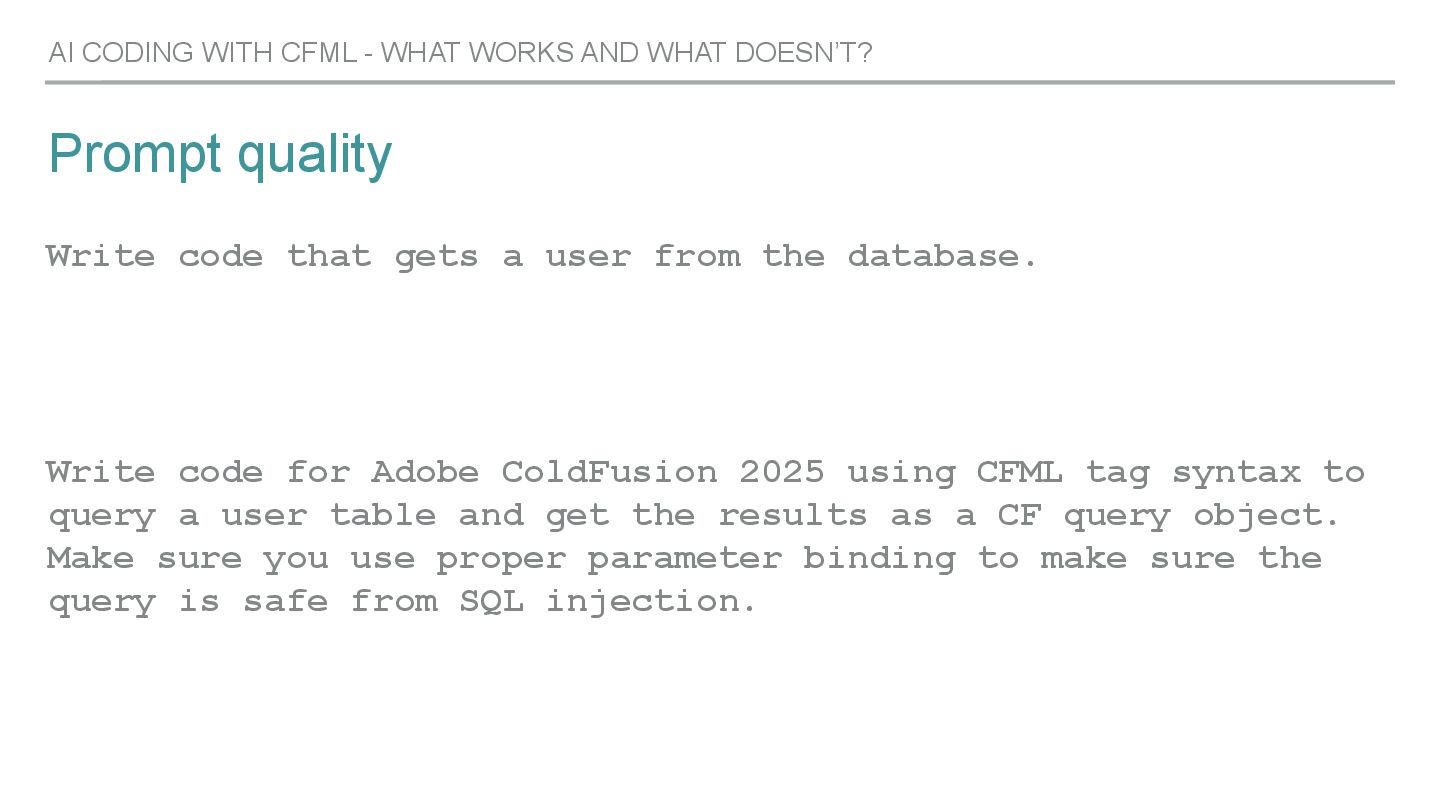
  16. Prompt quality Write code that gets a user from the

    database. Write code for Adobe ColdFusion 2025 using CFML tag syntax to query a user table and get the results as a CF query object. Make sure you use proper parameter binding to make sure the query is safe from SQL injection. AI CODING WITH CFML - WHAT WORKS AND WHAT DOESN’T?
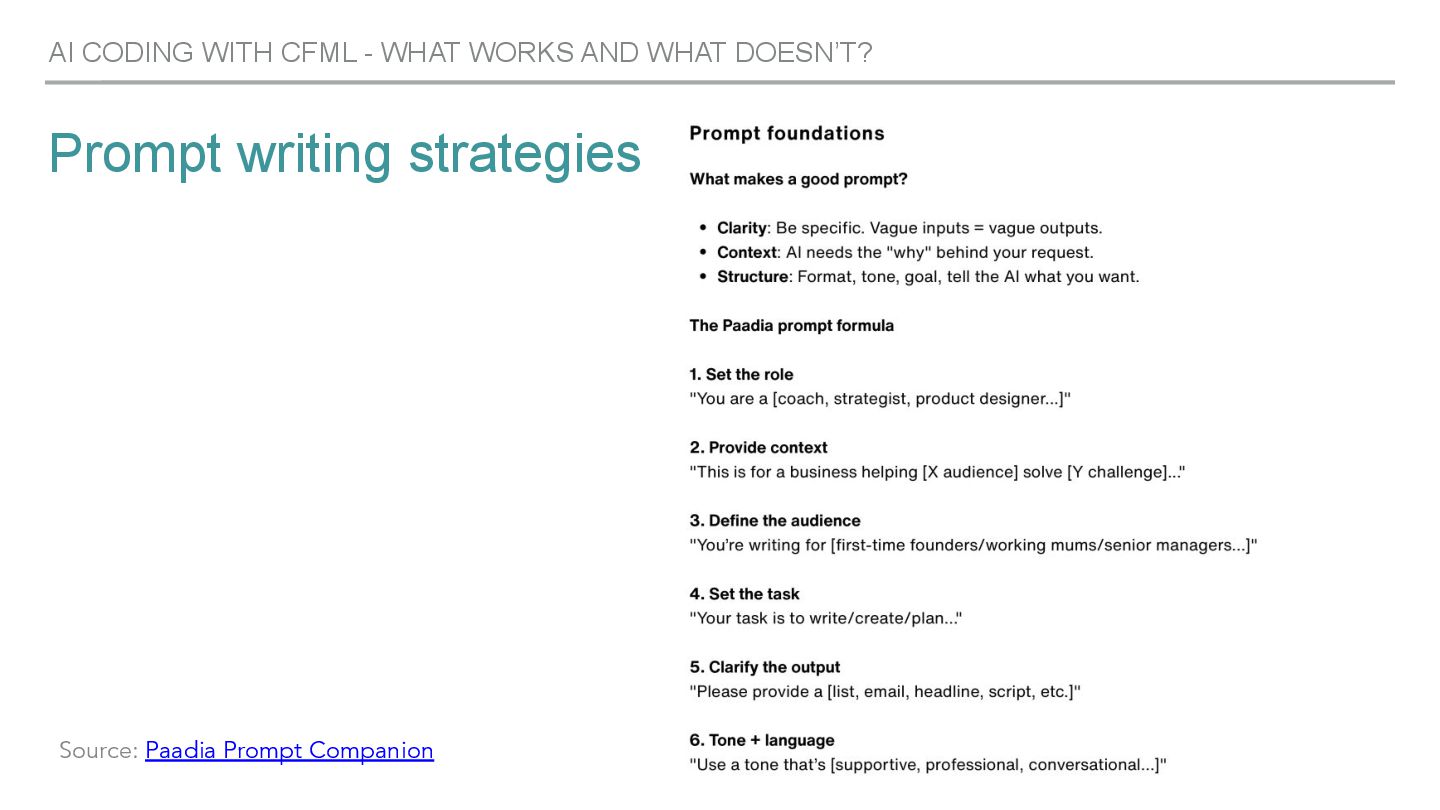
  17. Prompt writing strategies AI CODING WITH CFML - WHAT WORKS

    AND WHAT DOESN’T? Source: Paadia Prompt Companion
  18. Claude with CFML ▸ Understand complex CFML architectures well and

    can improve them. ▸ Strong reasoning, can explain large components, frameworks quite well. ▸ Understands OO patterns in CFML ▸ Describe patterns you want to be followed ▸ Good use cases: Refactoring, Framework internals AI CODING WITH CFML - WHAT WORKS AND WHAT DOESN’T?
  19. Cursor with CFML ▸ Currently the most well-established AI coding

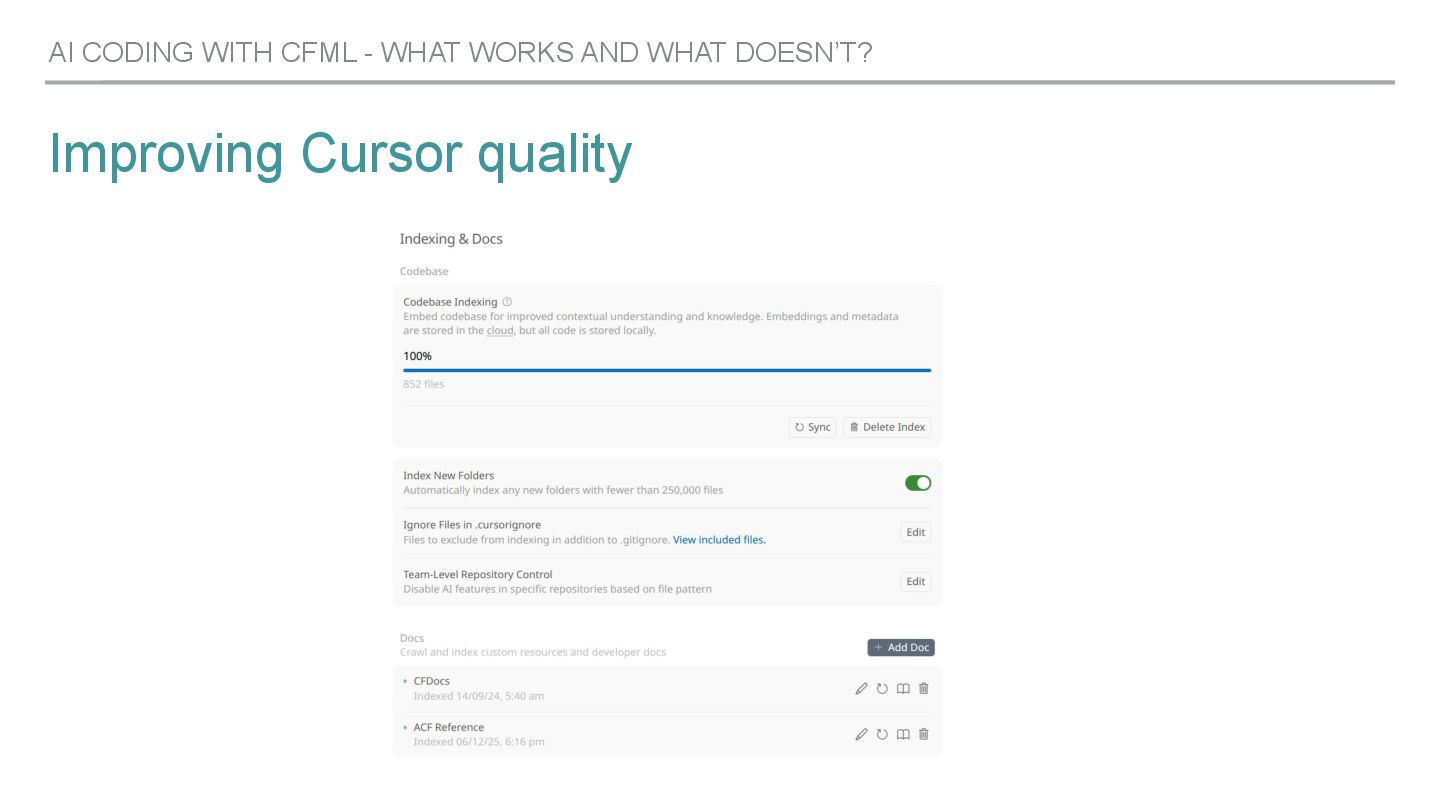
    IDE. ▸ Have elegant and productive discussions with Cursor about your code ▸ Custom context definitions ▸ Integrates external documentation (CFDocs, ACF docs etc) ▸ On an AI coding “mainstream” level, the easiest tool to get started with AI CODING WITH CFML - WHAT WORKS AND WHAT DOESN’T?
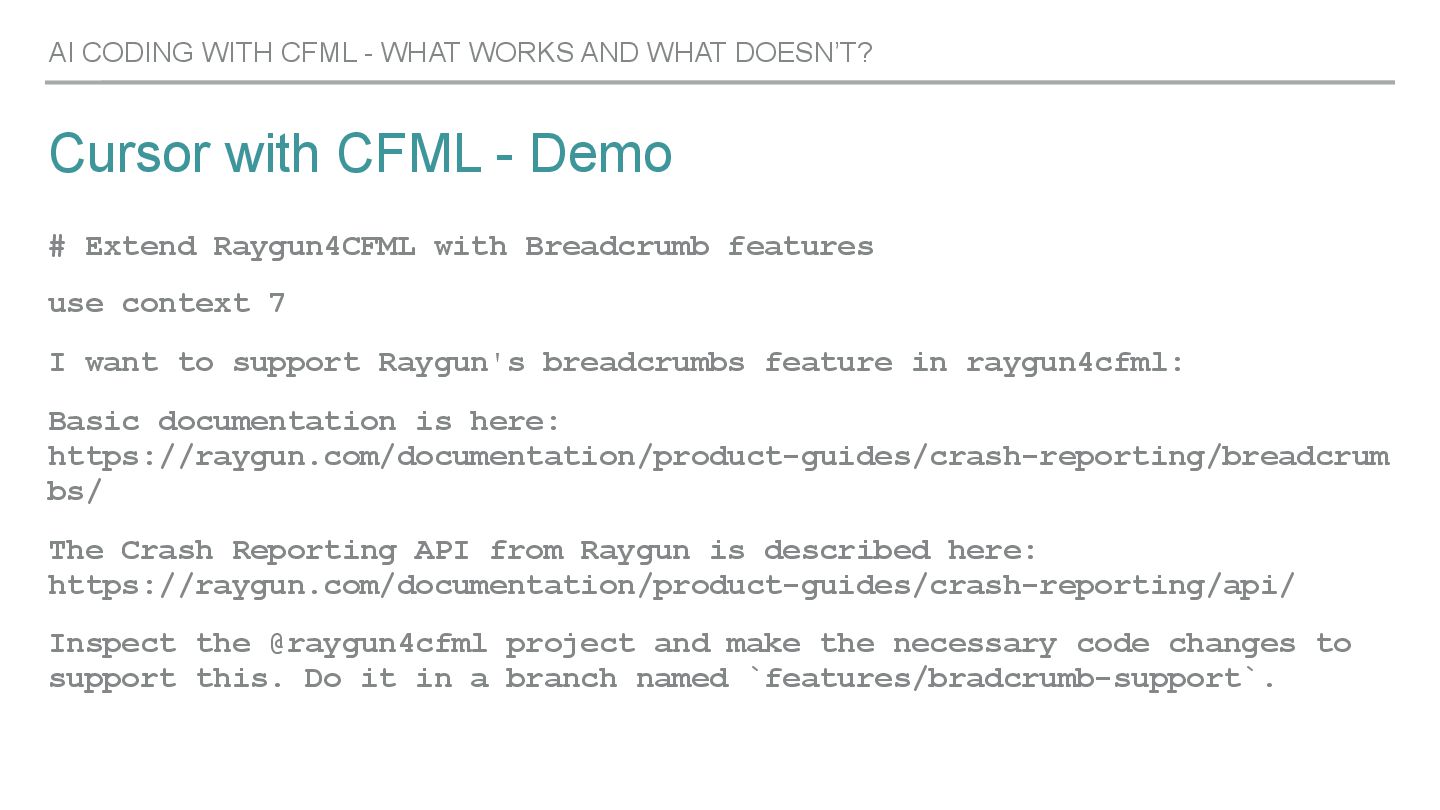
  20. Cursor with CFML - Demo AI CODING WITH CFML -

    WHAT WORKS AND WHAT DOESN’T? # Extend Raygun4CFML with Breadcrumb features use context 7 I want to support Raygun's breadcrumbs feature in raygun4cfml: Basic documentation is here: https://raygun.com/documentation/product-guides/crash-reporting/breadcrum bs/ The Crash Reporting API from Raygun is described here: https://raygun.com/documentation/product-guides/crash-reporting/api/ Inspect the @raygun4cfml project and make the necessary code changes to support this. Do it in a branch named `features/bradcrumb-support`.
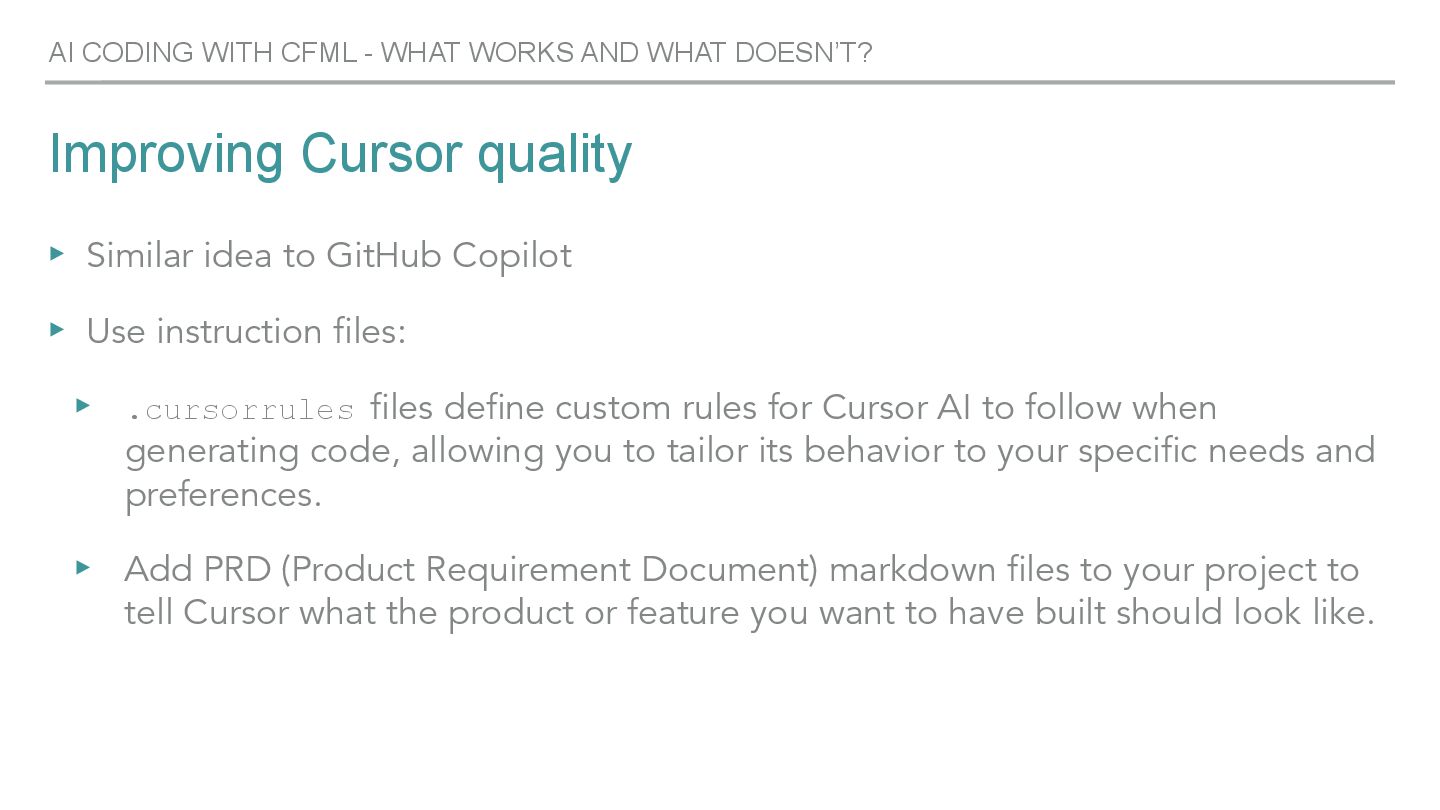
  21. Improving Cursor quality ▸ Similar idea to GitHub Copilot ▸

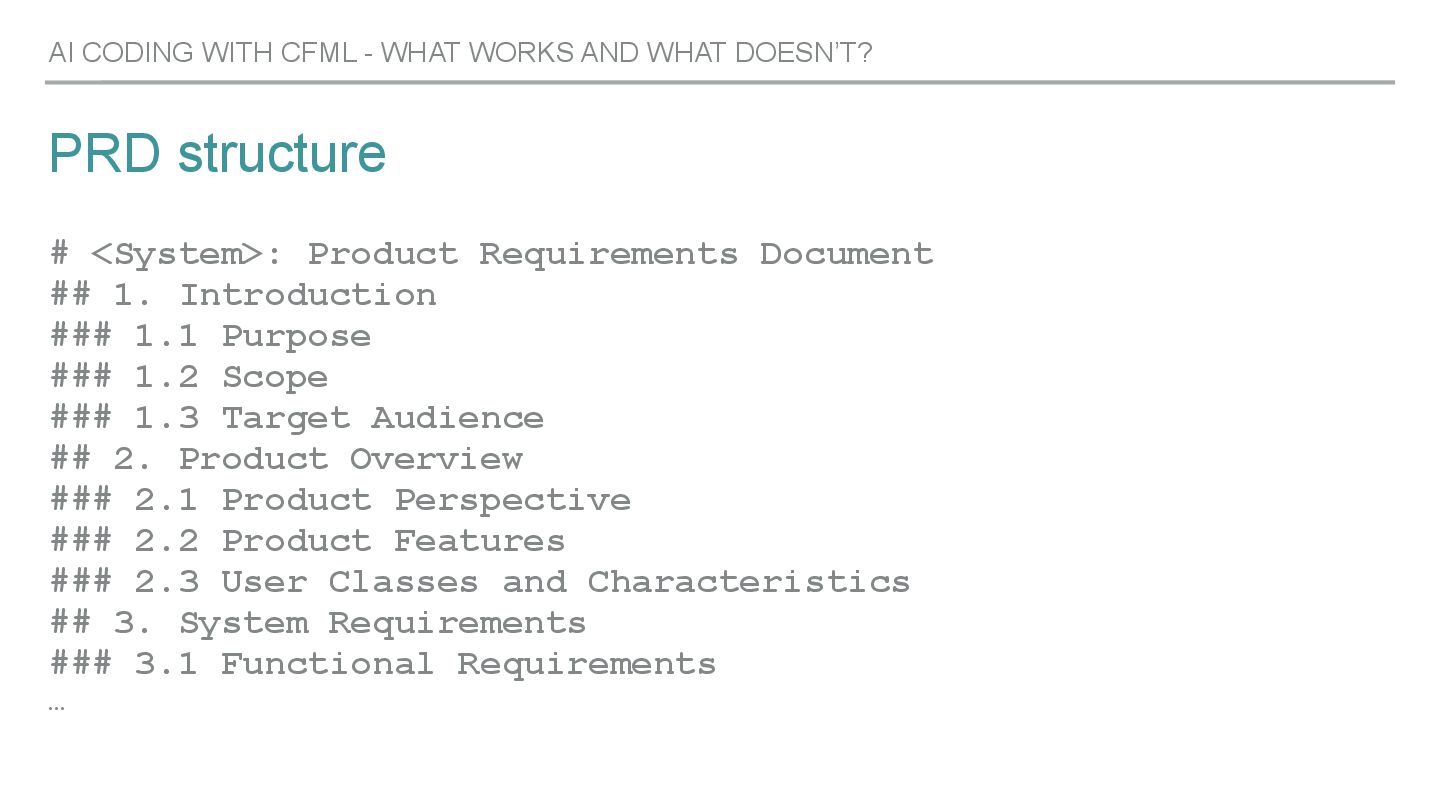
    Use instruction files: ▸ .cursorrules files define custom rules for Cursor AI to follow when generating code, allowing you to tailor its behavior to your specific needs and preferences. ▸ Add PRD (Product Requirement Document) markdown files to your project to tell Cursor what the product or feature you want to have built should look like. AI CODING WITH CFML - WHAT WORKS AND WHAT DOESN’T?
  22. PRD structure # <System>: Product Requirements Document ## 1. Introduction

    ### 1.1 Purpose ### 1.2 Scope ### 1.3 Target Audience ## 2. Product Overview ### 2.1 Product Perspective ### 2.2 Product Features ### 2.3 User Classes and Characteristics ## 3. System Requirements ### 3.1 Functional Requirements … AI CODING WITH CFML - WHAT WORKS AND WHAT DOESN’T?
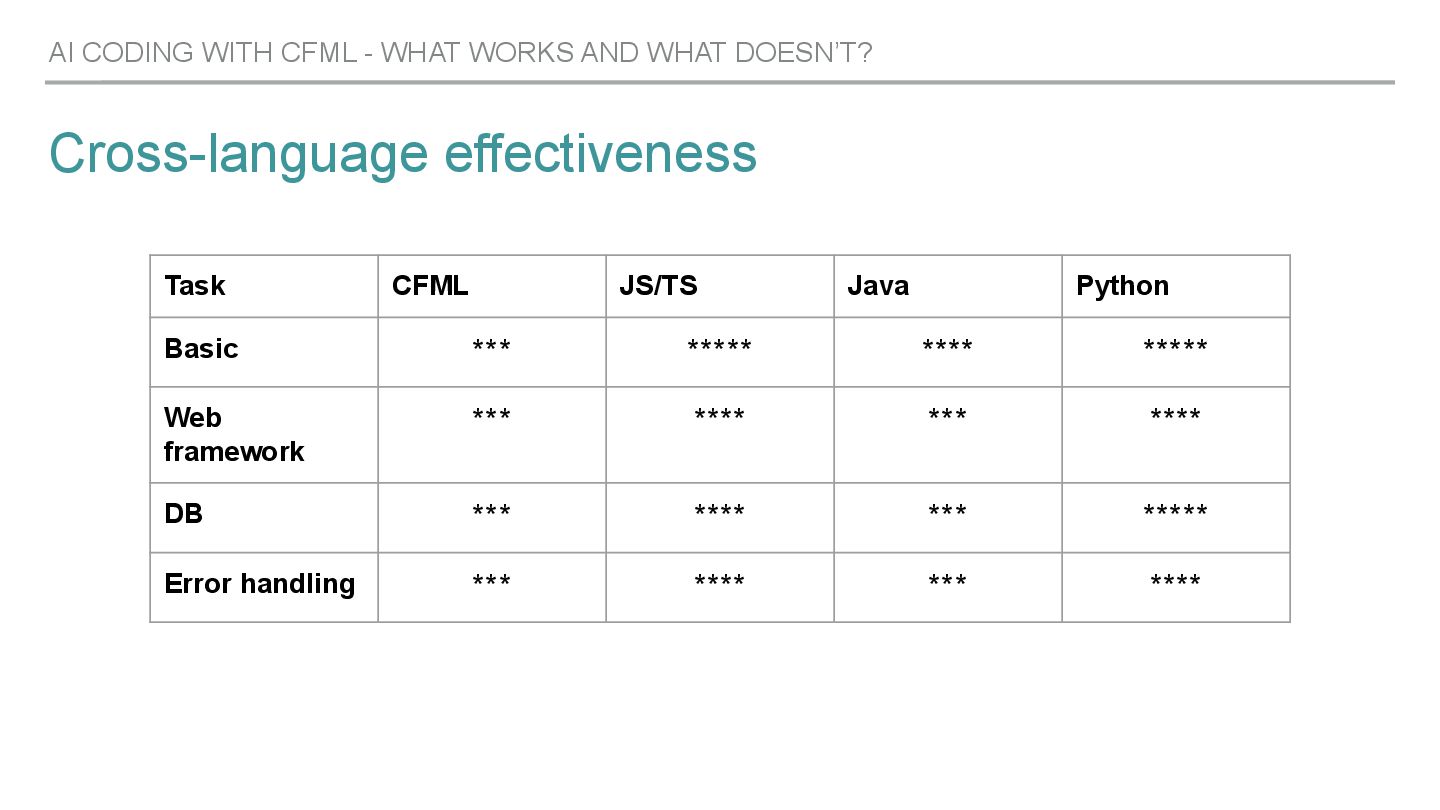
  23. Cross-language effectiveness AI CODING WITH CFML - WHAT WORKS AND

    WHAT DOESN’T? Task CFML JS/TS Java Python Basic *** ***** **** ***** Web framework *** **** *** **** DB *** **** *** ***** Error handling *** **** *** ****
  24. Evolution ▸ Single-line suggestions -> complete functions or systems ▸

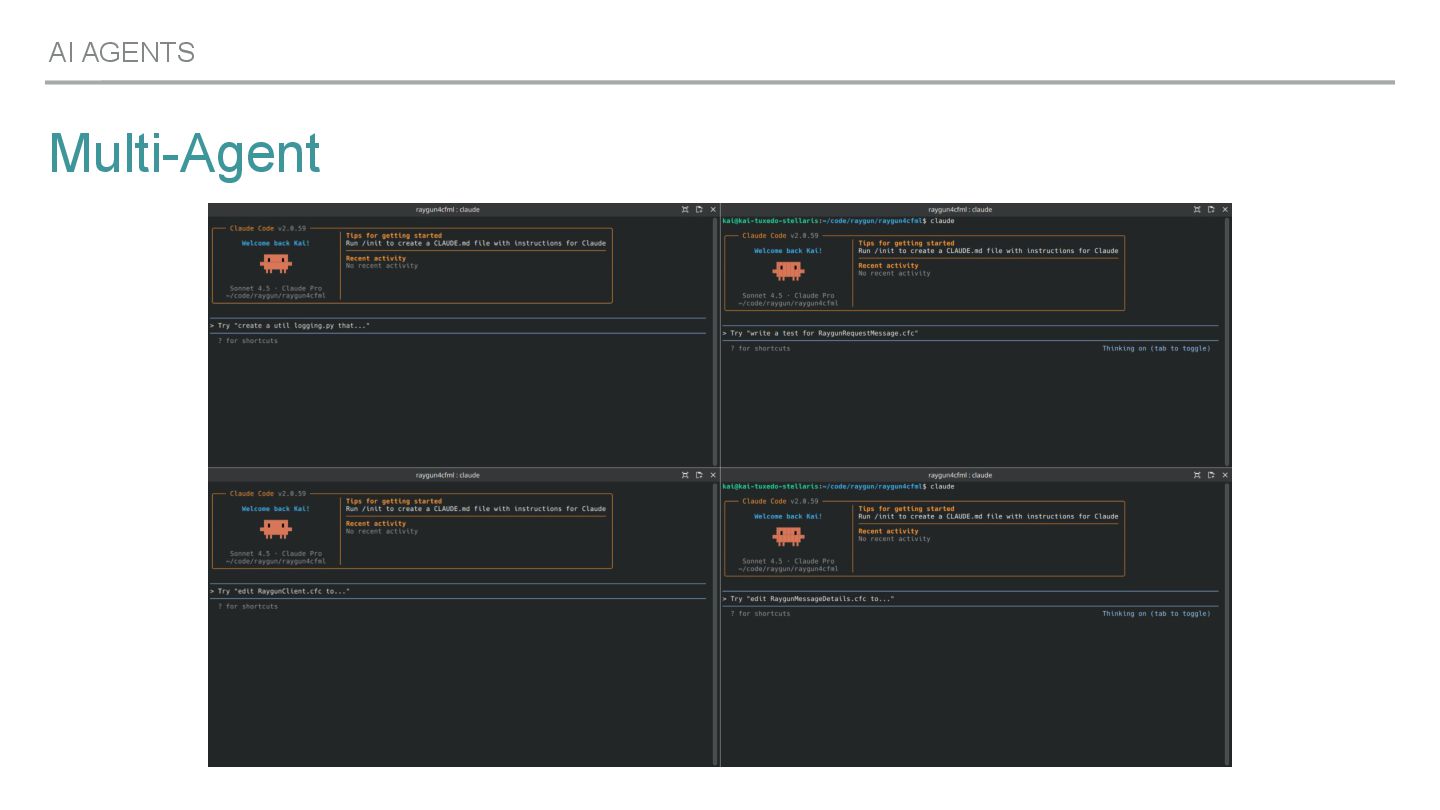
    Collaboration partners (“A junior dev on your shoulder”) ▸ Code completion -> Code understanding ▸ Give an agent a task, step in where needed with corrective action AI AGENTS
  25. Use cases ▸ Code refactoring ▸ Feature implementations ▸ Bug

    fixing ▸ Testing ▸ Documentation AI AGENTS
  26. Refactoring ▸ Tag-based code -> script-based code ▸ Removing legacy

    patterns ▸ Cleanup code in general ~75-80% there! AI AGENTS
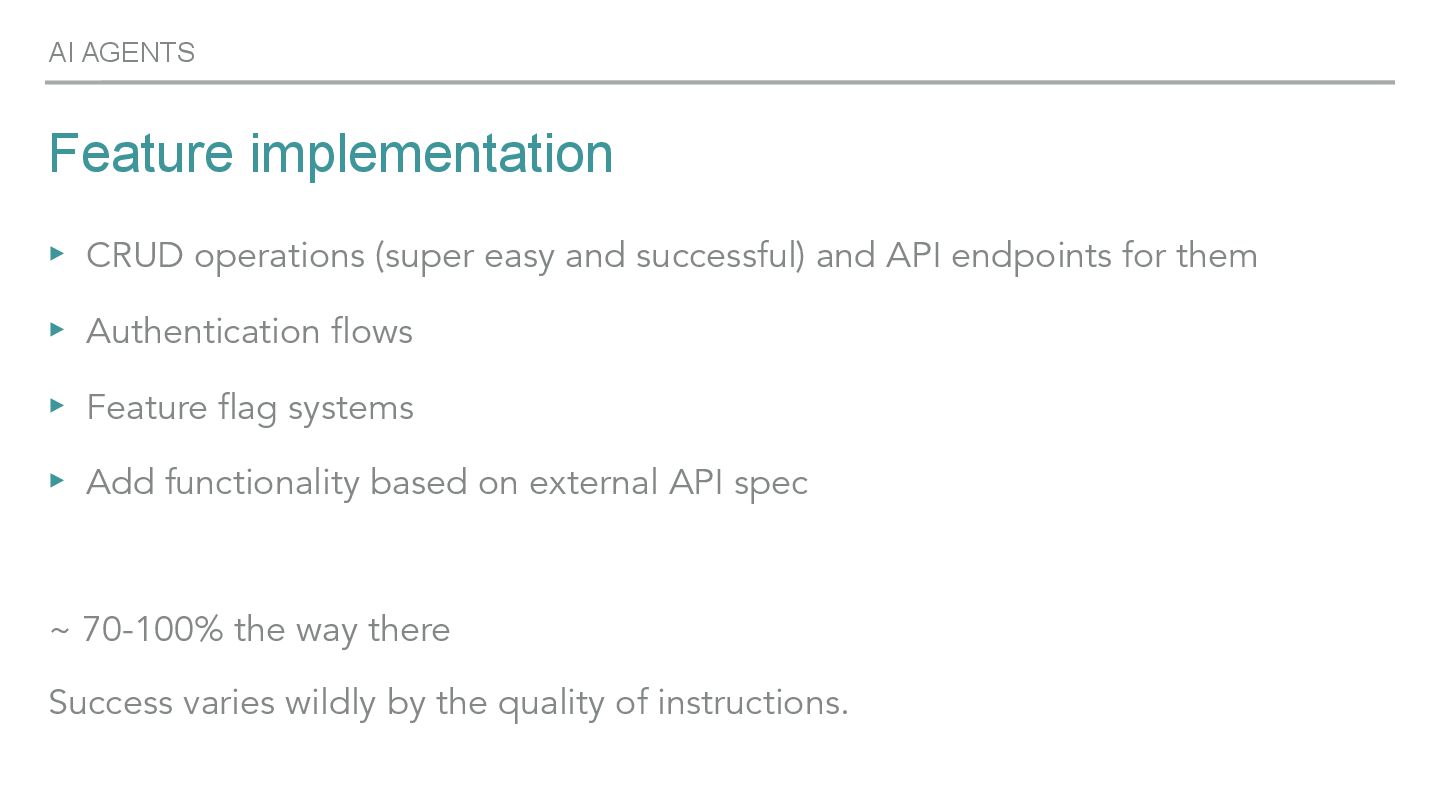
  27. Feature implementation ▸ CRUD operations (super easy and successful) and

    API endpoints for them ▸ Authentication flows ▸ Feature flag systems ▸ Add functionality based on external API spec ~ 70-100% the way there Success varies wildly by the quality of instructions. AI AGENTS
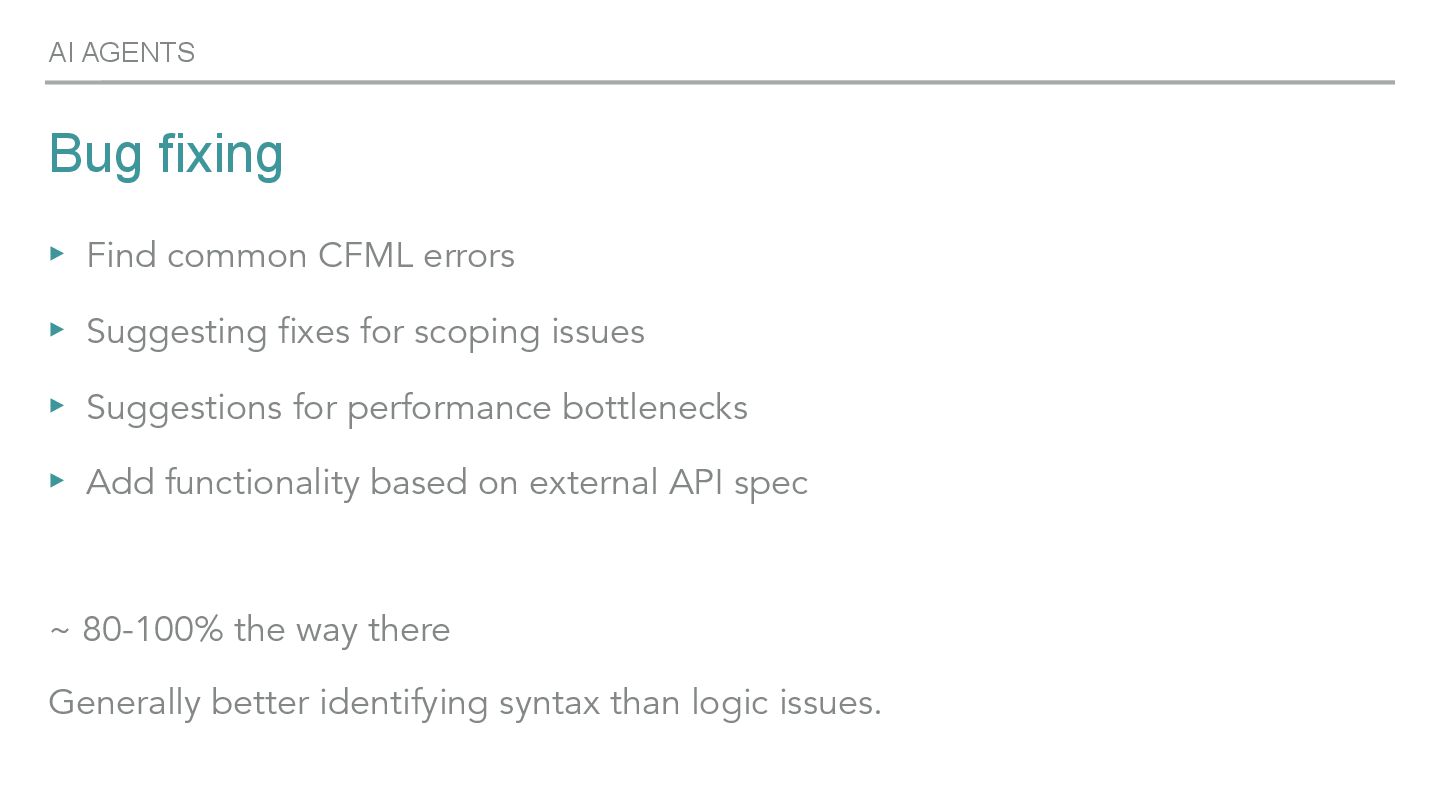
  28. Bug fixing ▸ Find common CFML errors ▸ Suggesting fixes

    for scoping issues ▸ Suggestions for performance bottlenecks ▸ Add functionality based on external API spec ~ 80-100% the way there Generally better identifying syntax than logic issues. AI AGENTS
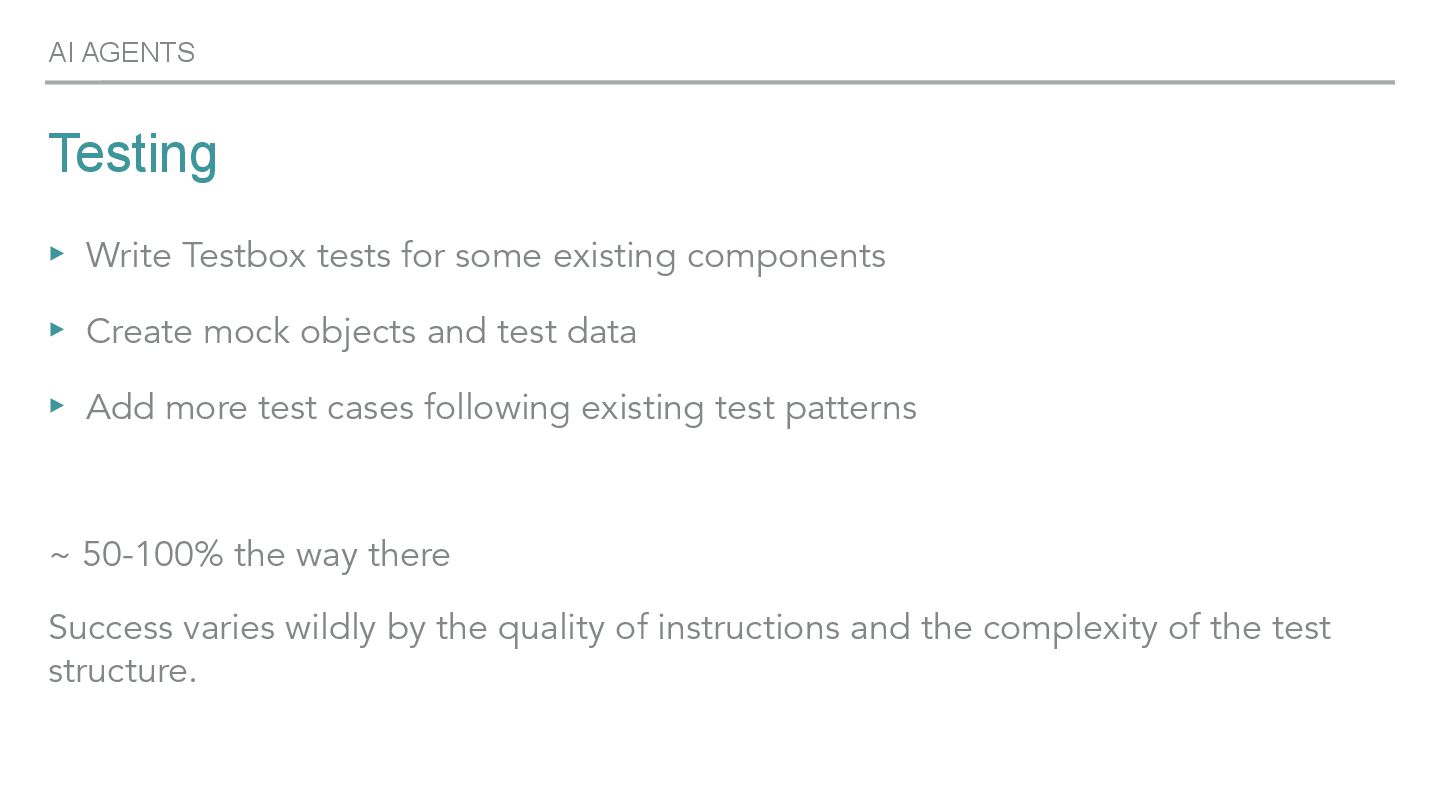
  29. Testing ▸ Write Testbox tests for some existing components ▸

    Create mock objects and test data ▸ Add more test cases following existing test patterns ~ 50-100% the way there Success varies wildly by the quality of instructions and the complexity of the test structure. AI AGENTS
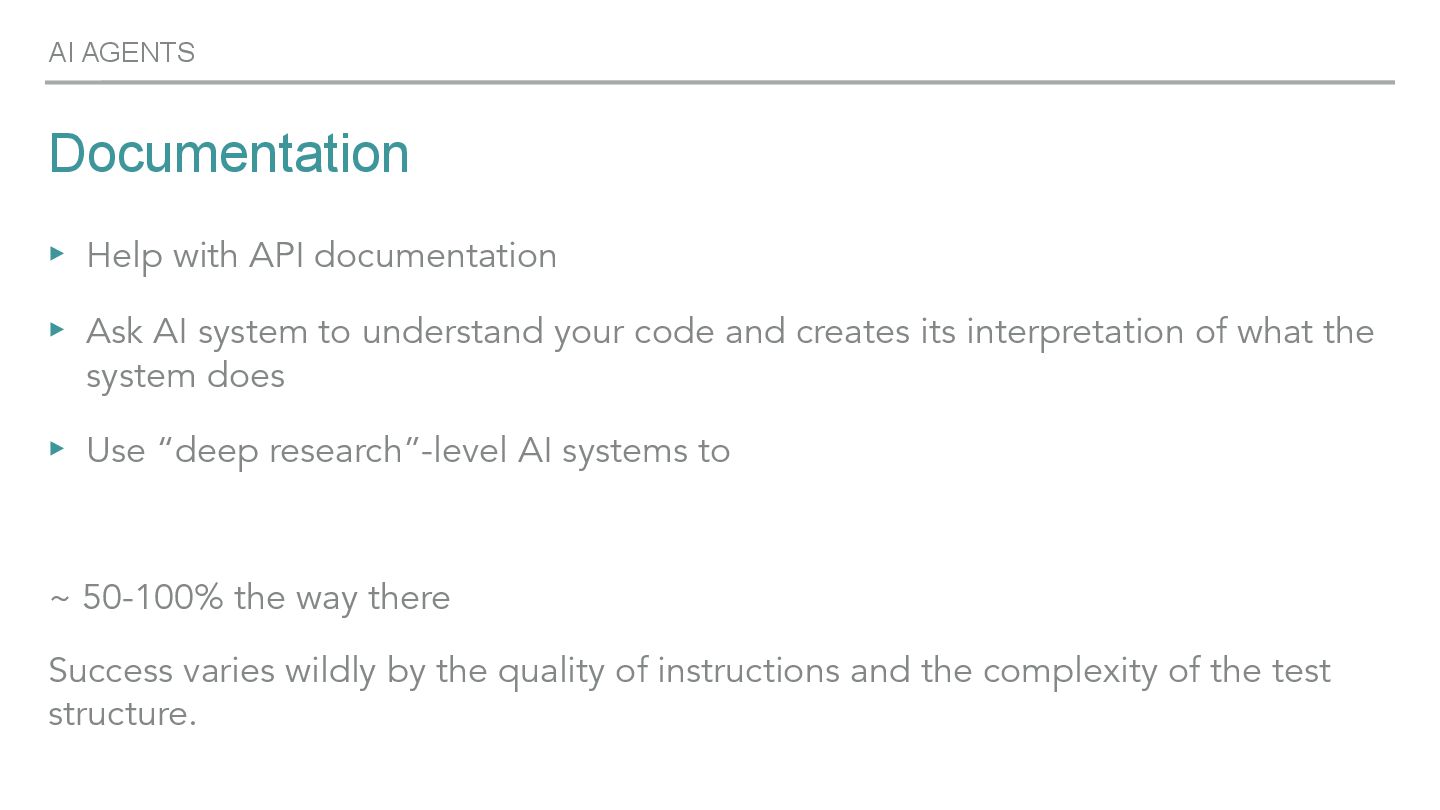
  30. Documentation ▸ Help with API documentation ▸ Ask AI system

    to understand your code and creates its interpretation of what the system does ▸ Use “deep research”-level AI systems to ~ 50-100% the way there Success varies wildly by the quality of instructions and the complexity of the test structure. AI AGENTS
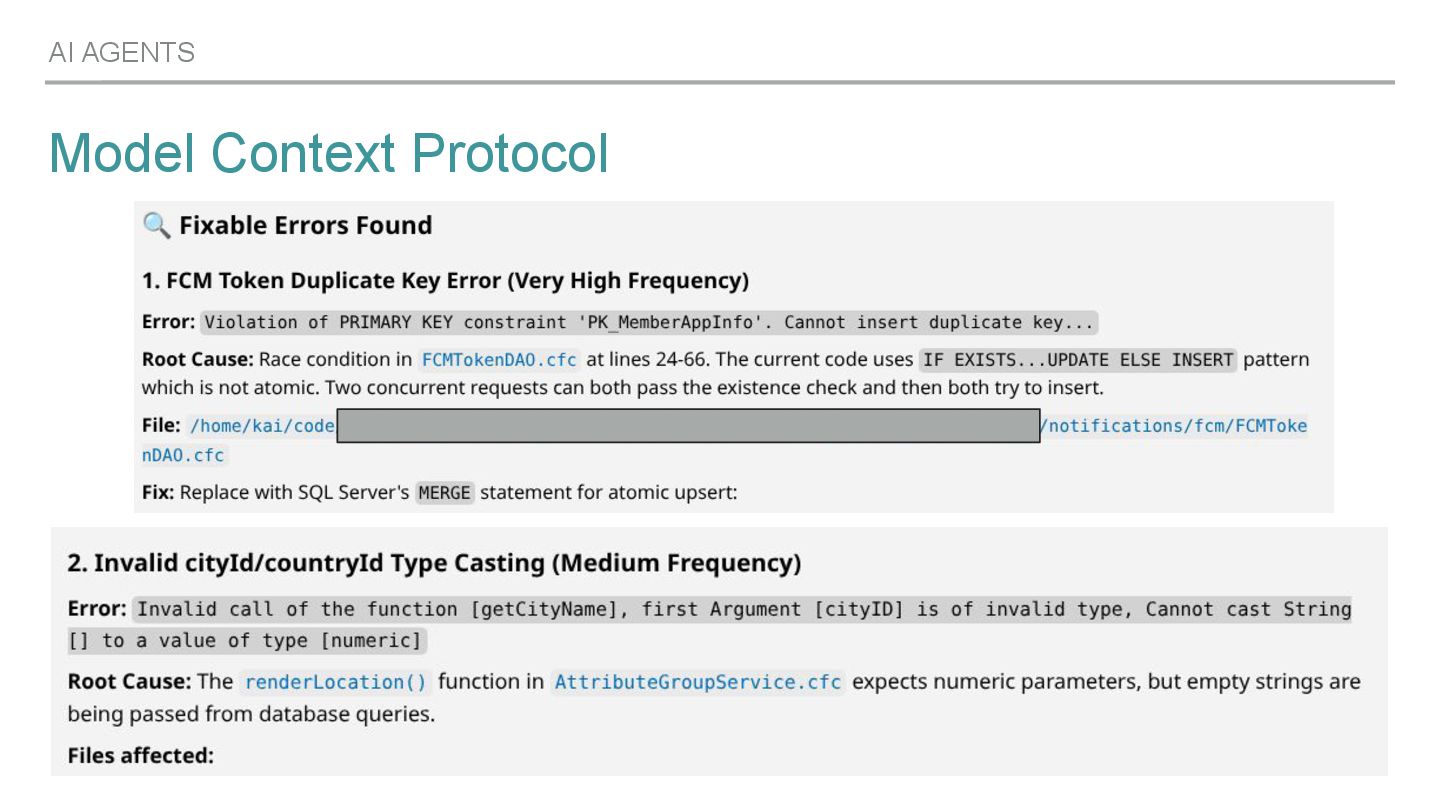
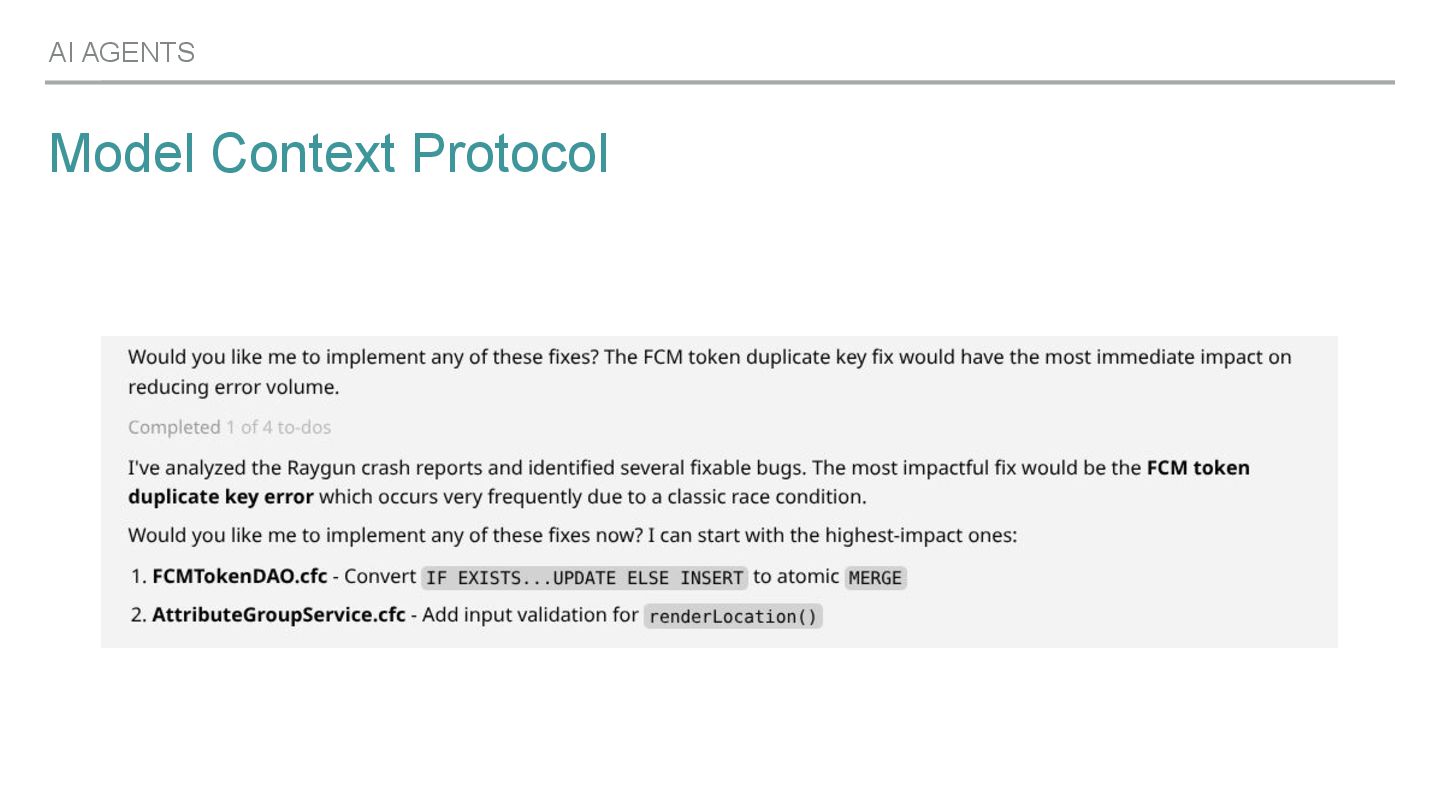
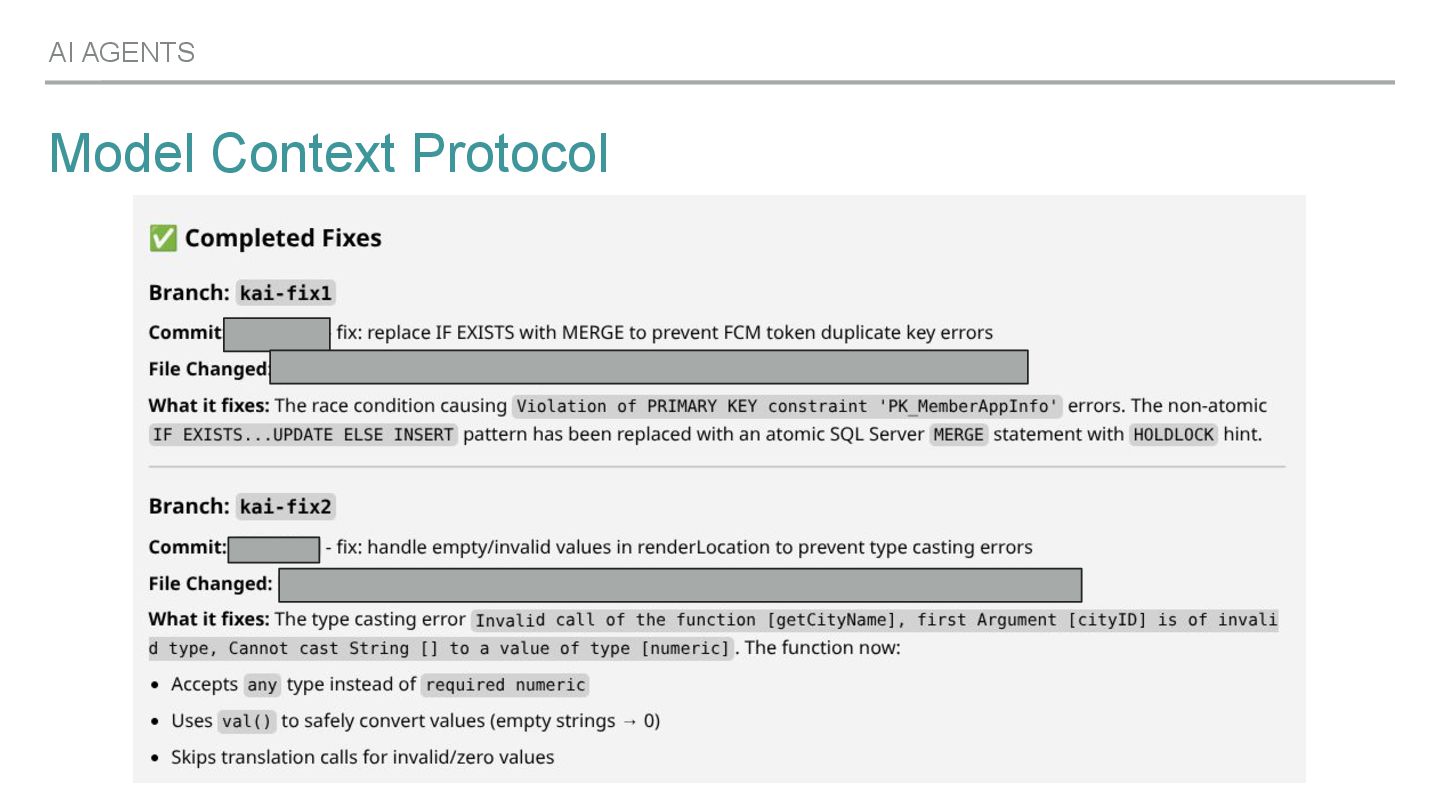
  31. Model Context Protocol AI AGENTS ▸ Simple protocol to let

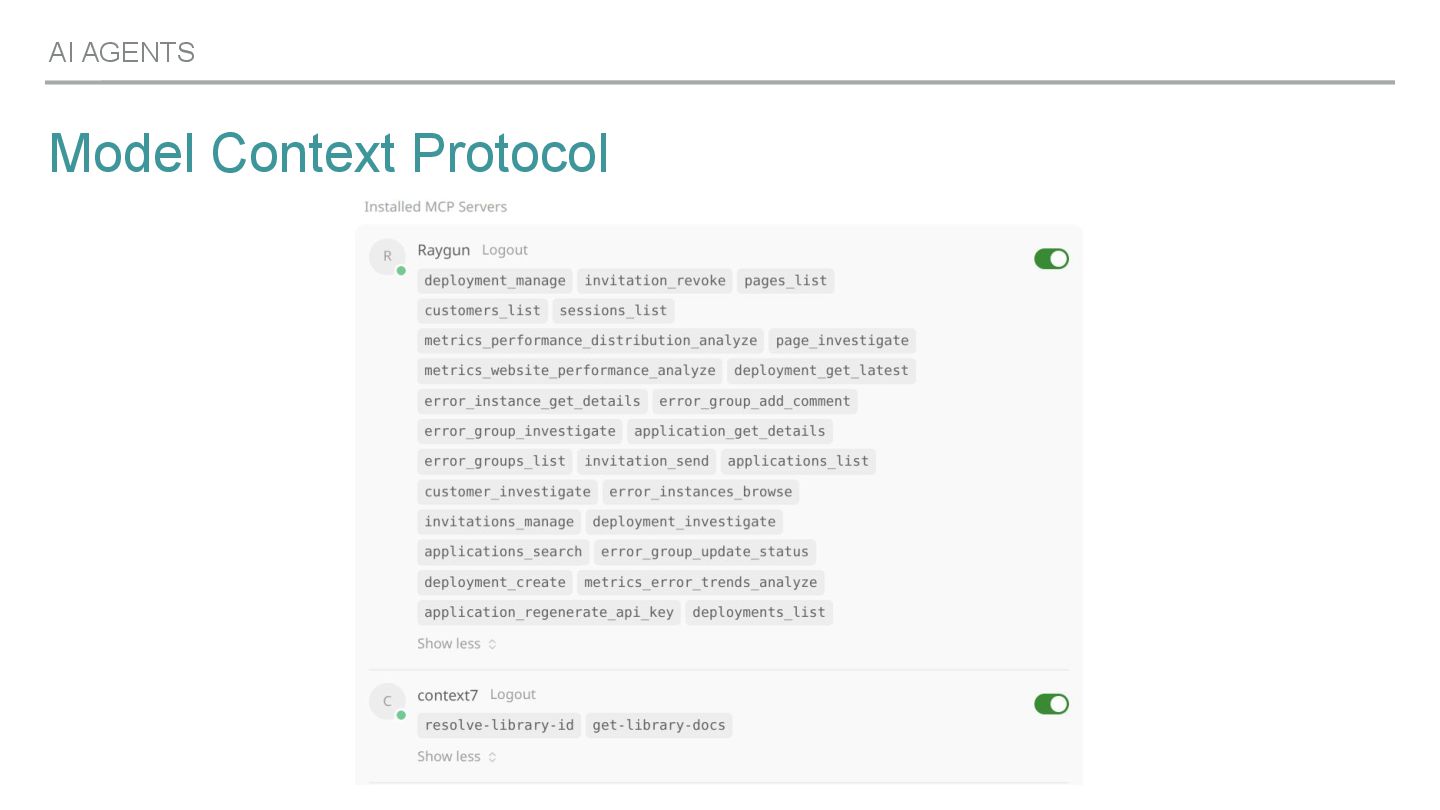
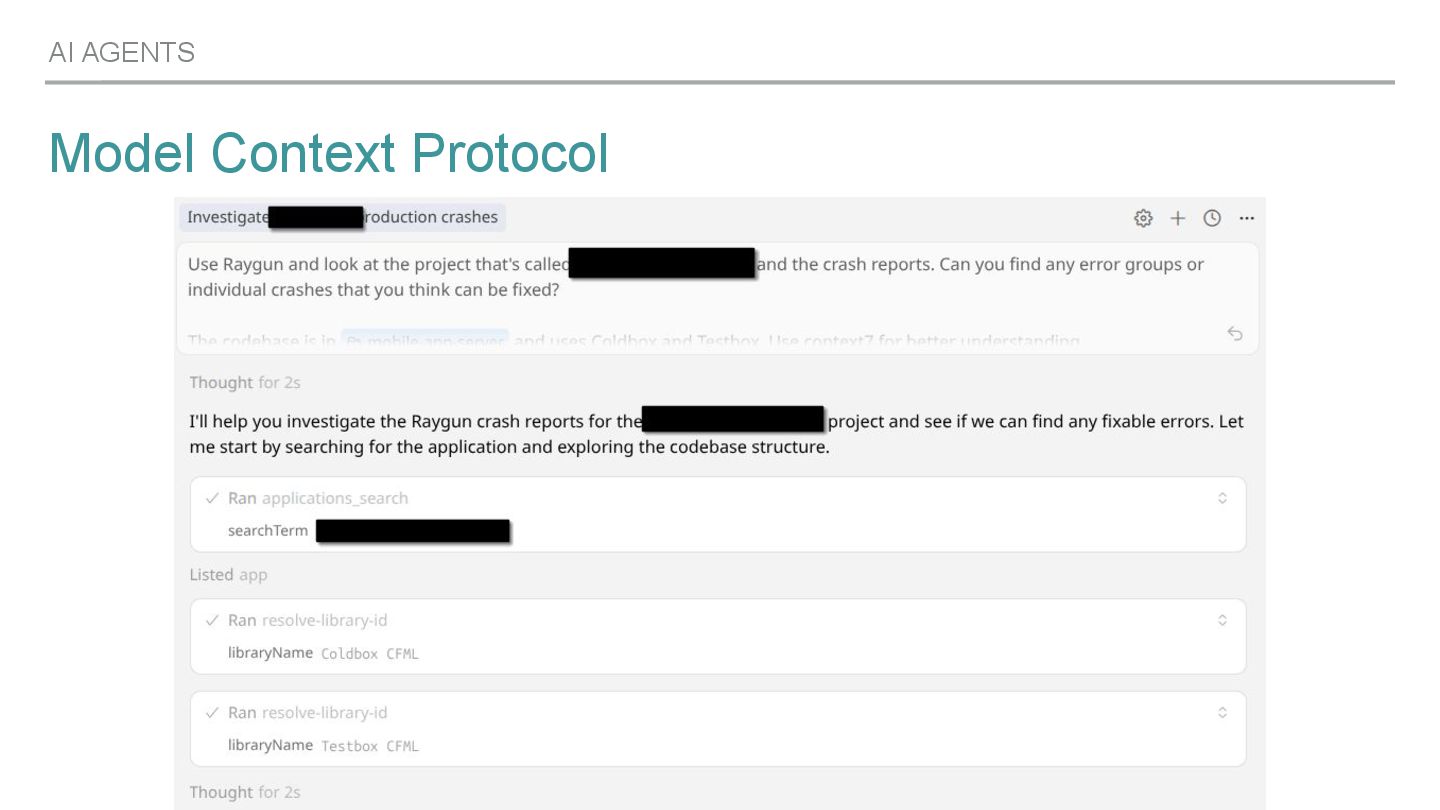
    LLMs know their surrounding world ▸ Self-hosted MCP servers or provided by 3rd parties ▸ Integrate with IDE- or CLI-tooling Two platforms I like - and use via their MCP servers - a lot: Raygun (my Crash Reporting solution of choice) Context 7 (documentation for languages and libraries)
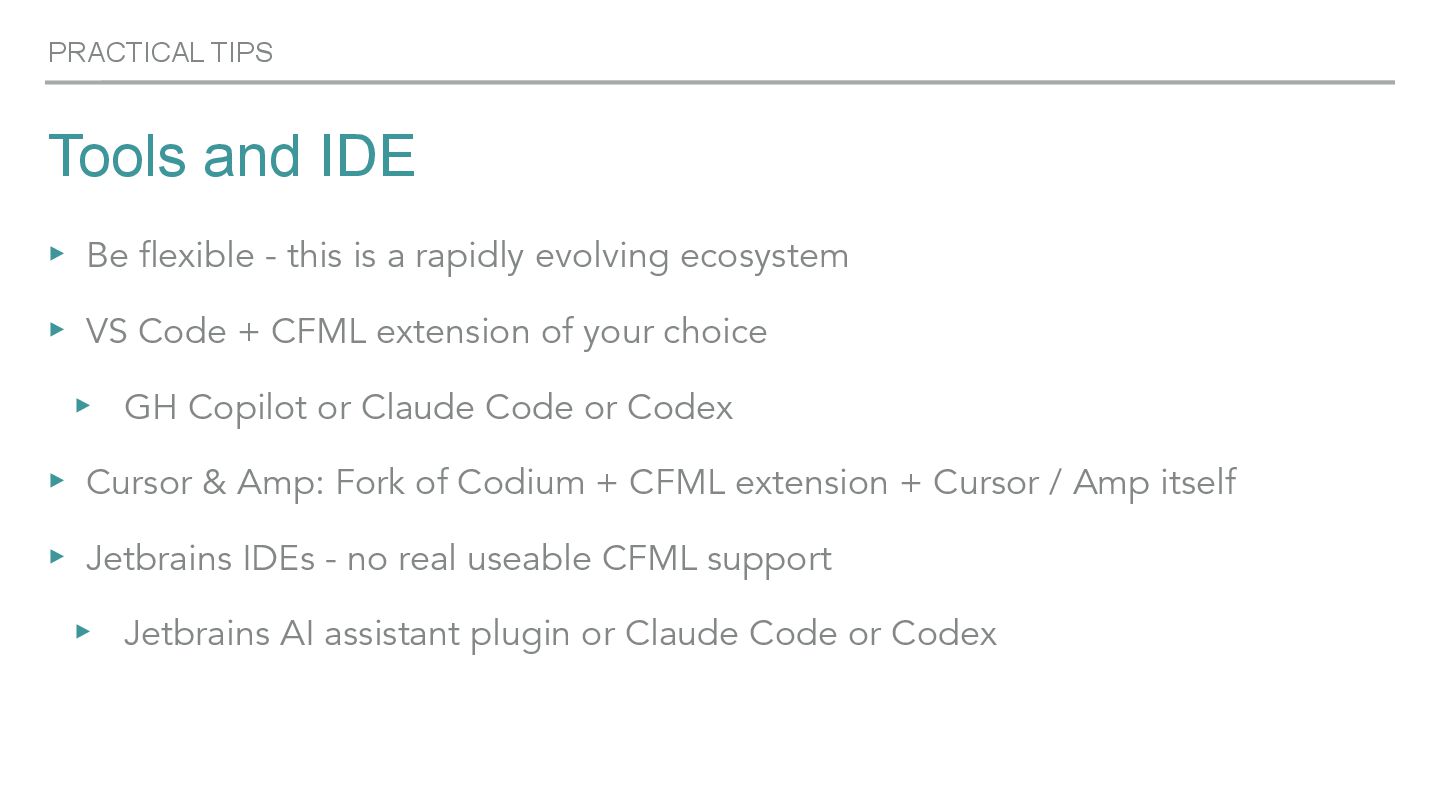
  32. PRACTICAL TIPS Tools and IDE ▸ Be flexible - this

    is a rapidly evolving ecosystem ▸ VS Code + CFML extension of your choice ▸ GH Copilot or Claude Code or Codex ▸ Cursor & Amp: Fork of Codium + CFML extension + Cursor / Amp itself ▸ Jetbrains IDEs - no real useable CFML support ▸ Jetbrains AI assistant plugin or Claude Code or Codex
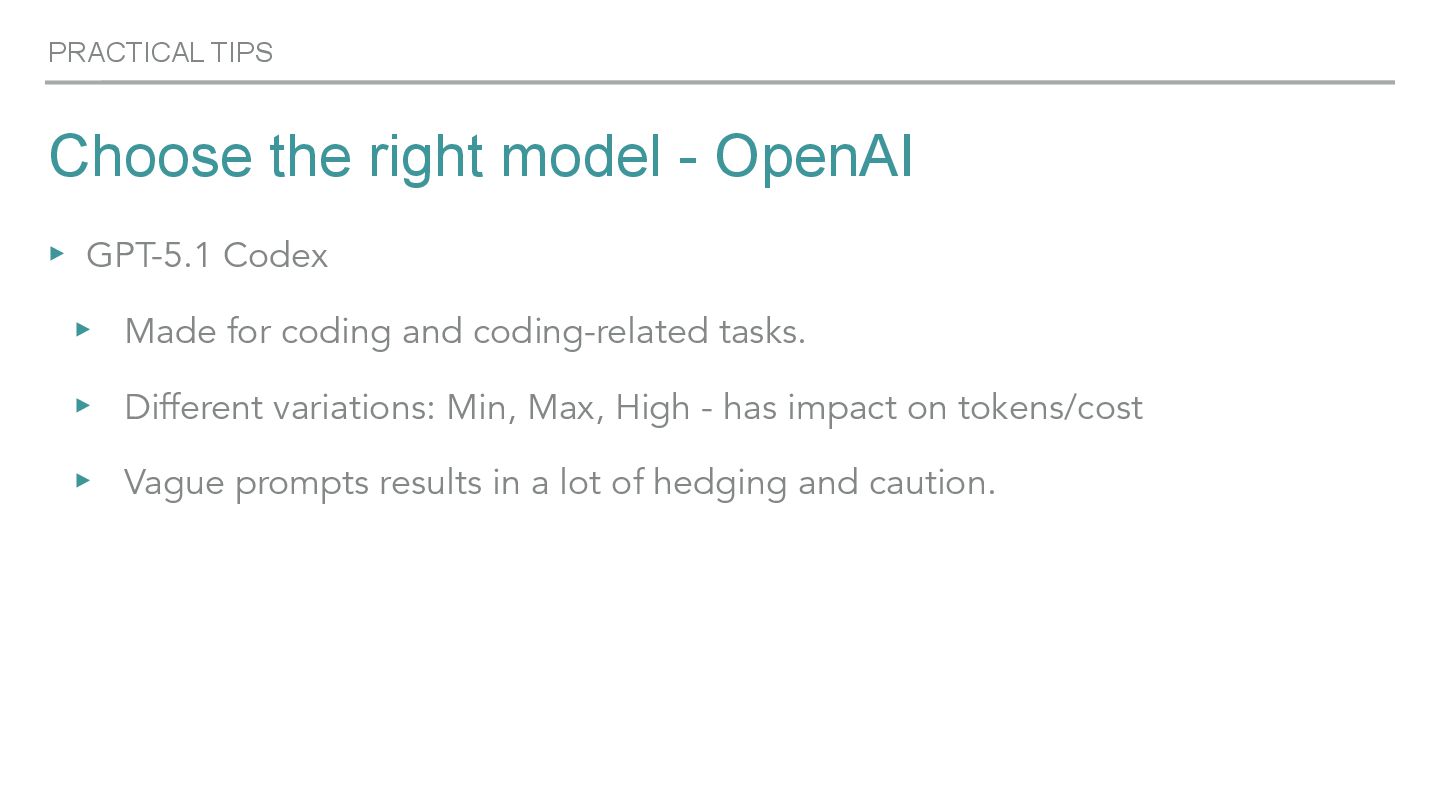
  33. PRACTICAL TIPS Choose the right model - OpenAI ▸ GPT-5.1

    Codex ▸ Made for coding and coding-related tasks. ▸ Different variations: Min, Max, High - has impact on tokens/cost ▸ Vague prompts results in a lot of hedging and caution.
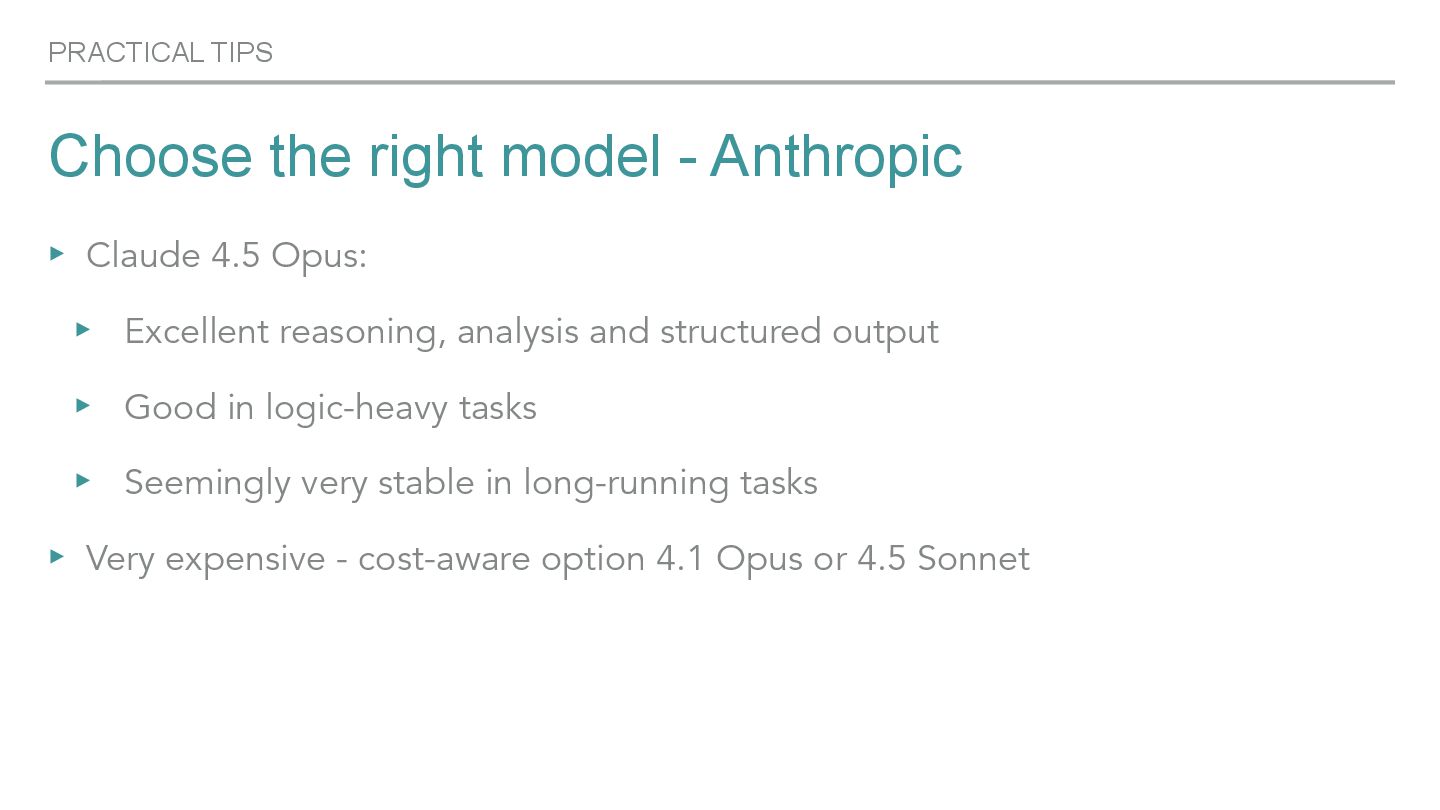
  34. PRACTICAL TIPS Choose the right model - Anthropic ▸ Claude

    4.5 Opus: ▸ Excellent reasoning, analysis and structured output ▸ Good in logic-heavy tasks ▸ Seemingly very stable in long-running tasks ▸ Very expensive - cost-aware option 4.1 Opus or 4.5 Sonnet
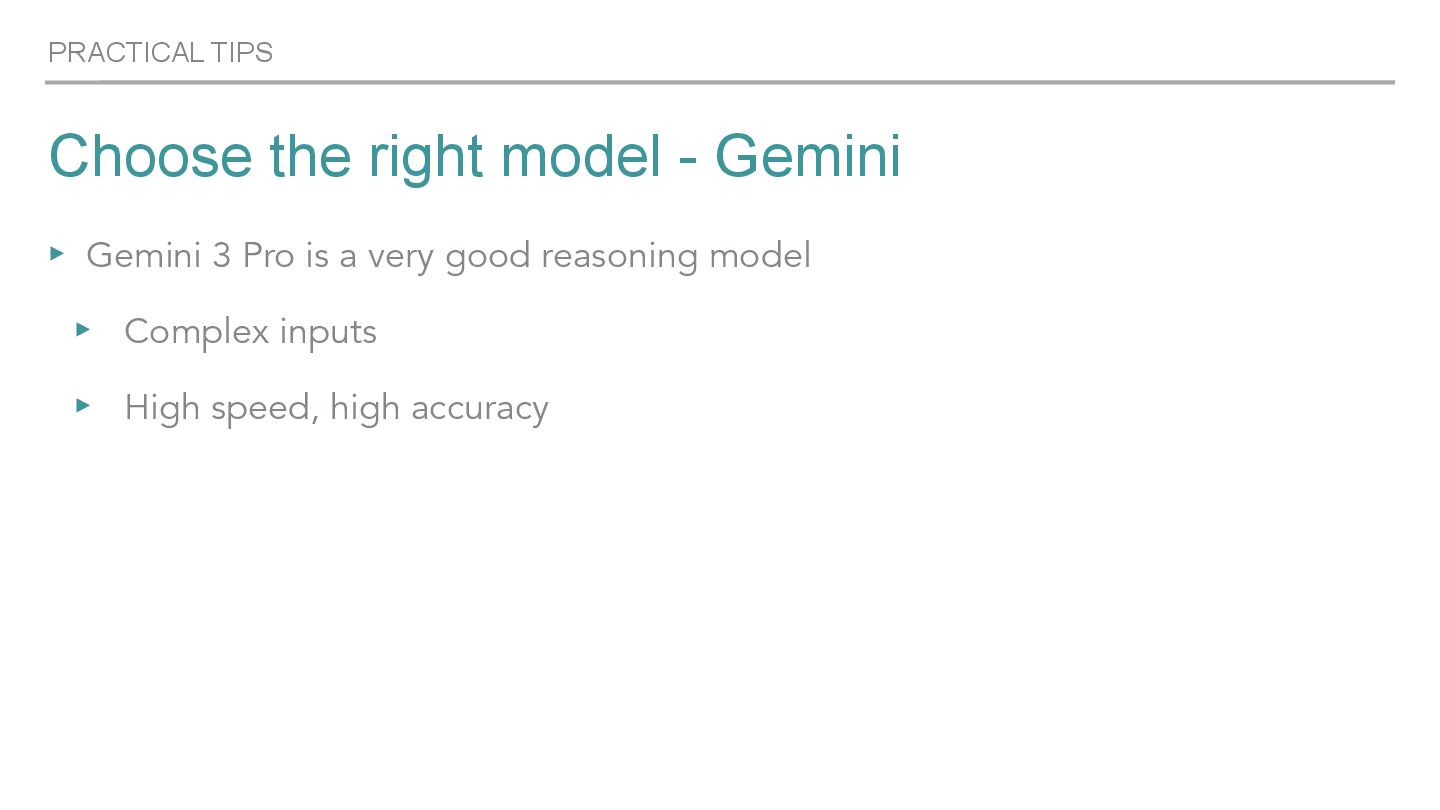
  35. PRACTICAL TIPS Choose the right model - Gemini ▸ Gemini

    3 Pro is a very good reasoning model ▸ Complex inputs ▸ High speed, high accuracy
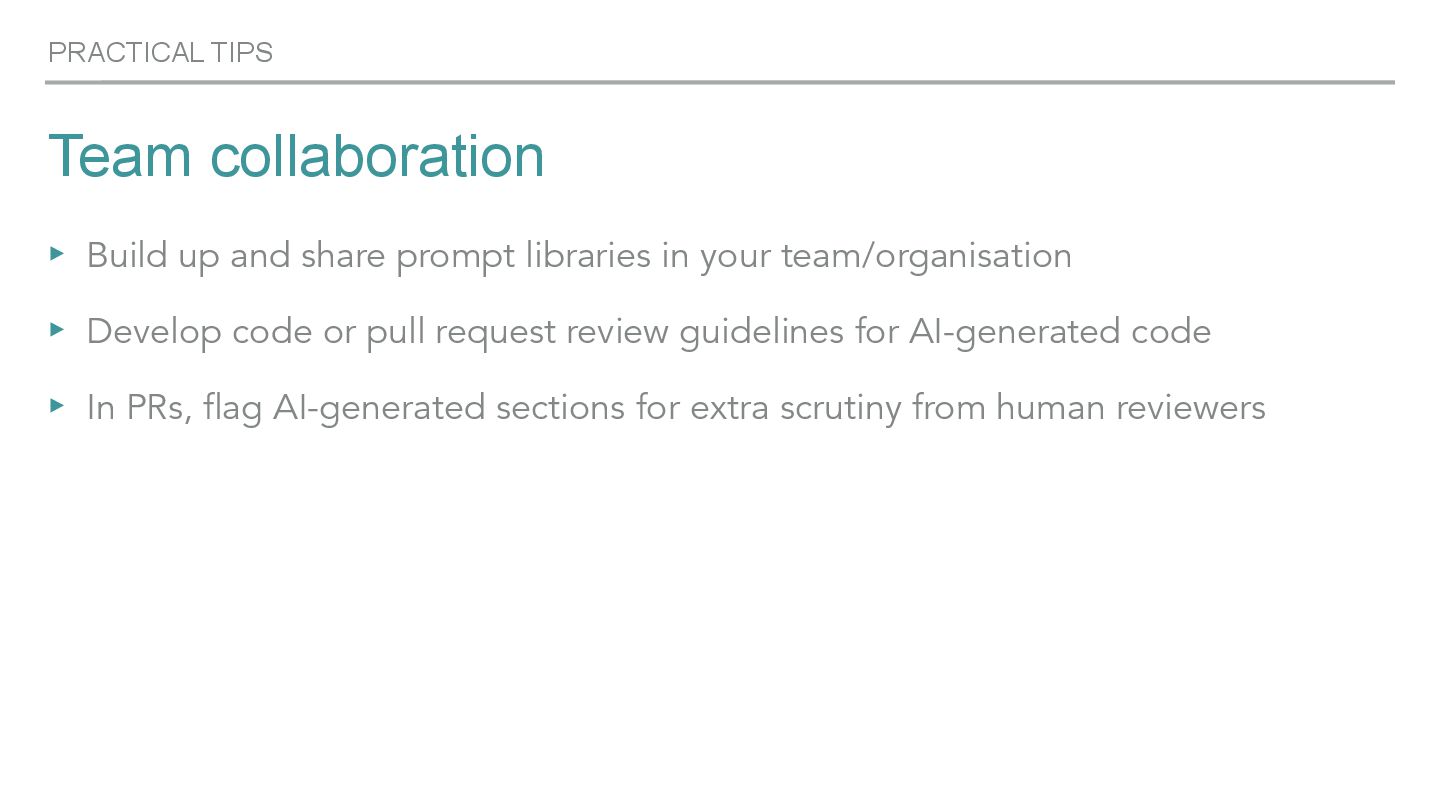
  36. PRACTICAL TIPS Team collaboration ▸ Build up and share prompt

    libraries in your team/organisation ▸ Develop code or pull request review guidelines for AI-generated code ▸ In PRs, flag AI-generated sections for extra scrutiny from human reviewers
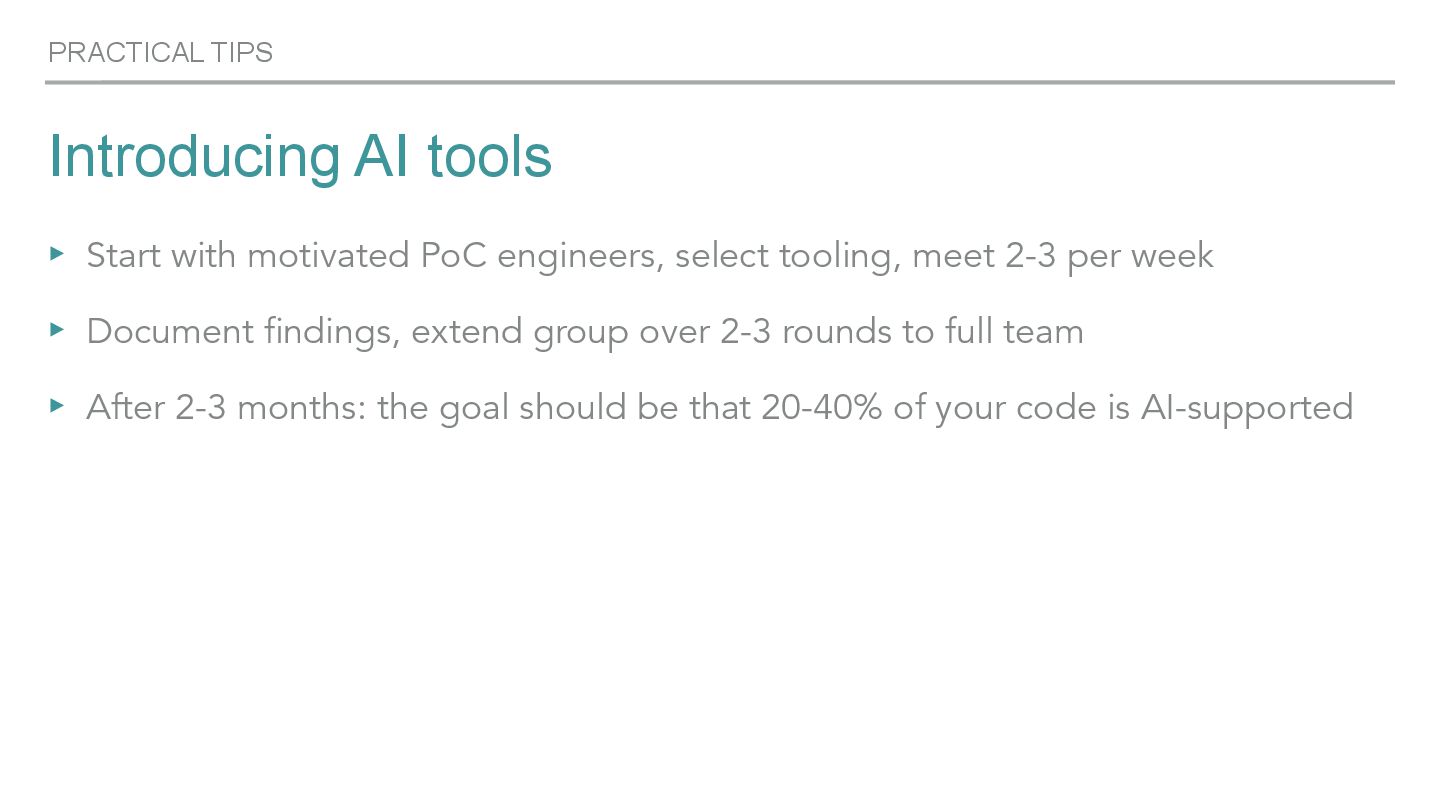
  37. PRACTICAL TIPS Introducing AI tools ▸ Start with motivated PoC

    engineers, select tooling, meet 2-3 per week ▸ Document findings, extend group over 2-3 rounds to full team ▸ After 2-3 months: the goal should be that 20-40% of your code is AI-supported
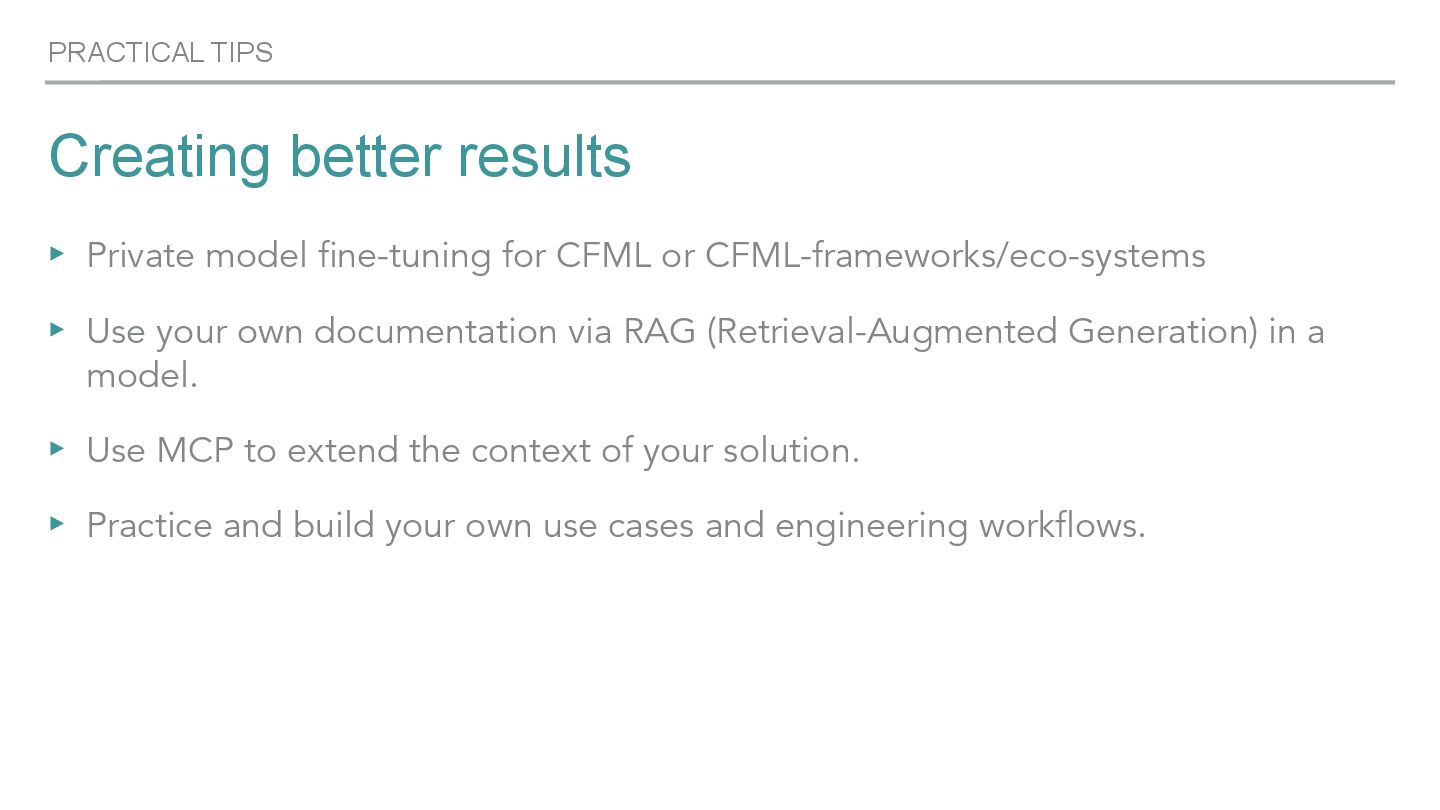
  38. PRACTICAL TIPS Creating better results ▸ Private model fine-tuning for

    CFML or CFML-frameworks/eco-systems ▸ Use your own documentation via RAG (Retrieval-Augmented Generation) in a model. ▸ Use MCP to extend the context of your solution. ▸ Practice and build your own use cases and engineering workflows.
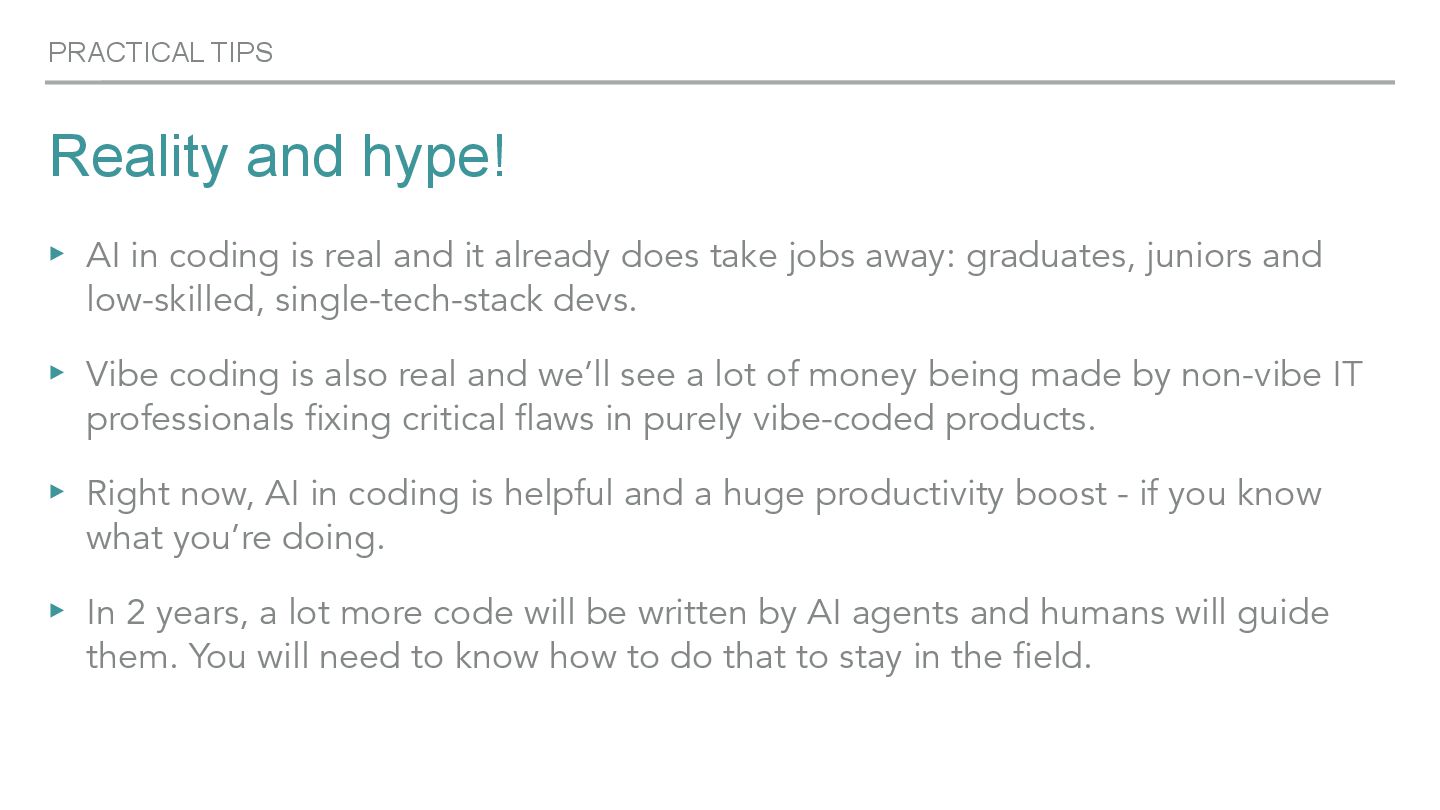
  39. PRACTICAL TIPS Reality and hype! ▸ AI in coding is

    real and it already does take jobs away: graduates, juniors and low-skilled, single-tech-stack devs. ▸ Vibe coding is also real and we’ll see a lot of money being made by non-vibe IT professionals fixing critical flaws in purely vibe-coded products. ▸ Right now, AI in coding is helpful and a huge productivity boost - if you know what you’re doing. ▸ In 2 years, a lot more code will be written by AI agents and humans will guide them. You will need to know how to do that to stay in the field.
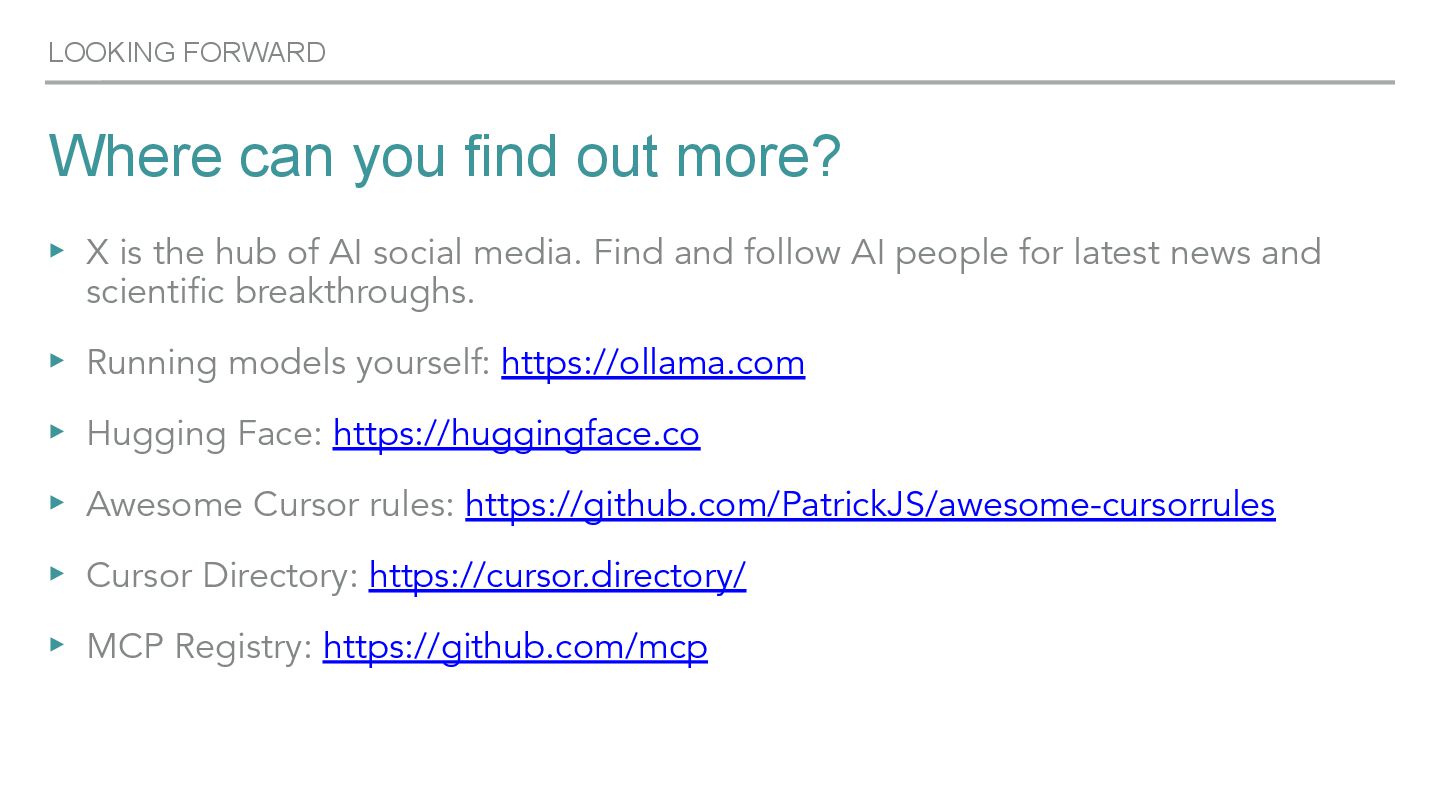
  40. LOOKING FORWARD Where can you find out more? ▸ X

    is the hub of AI social media. Find and follow AI people for latest news and scientific breakthroughs. ▸ Running models yourself: https://ollama.com ▸ Hugging Face: https://huggingface.co ▸ Awesome Cursor rules: https://github.com/PatrickJS/awesome-cursorrules ▸ Cursor Directory: https://cursor.directory/ ▸ MCP Registry: https://github.com/mcp
  41. OTHER THINGS Get in touch Kai Koenig Email: [email protected] CFML

    Slack: @agentk Boxteam Slack: @Kai Koenig LinkedIn: https://www.linkedin.com/in/kaikoenig/ Slides: https://speakerdeck.com/therealagentk