Share
Embed
Injecting Dependencies with Dagger 2
Talk given at GDG DevFest Nord Italia 2016 in MIlan
Roberto Orgiu
November 12, 2016
Transcript
73 slides
-
INJECTING DEPENDENCIES WITH DAGGER 2 WHO’S SPEAKING? ▸ Android Developer
@ Ennova, Italy ▸ Kotlin lover @ the same place @_tiwiz tiwiz -
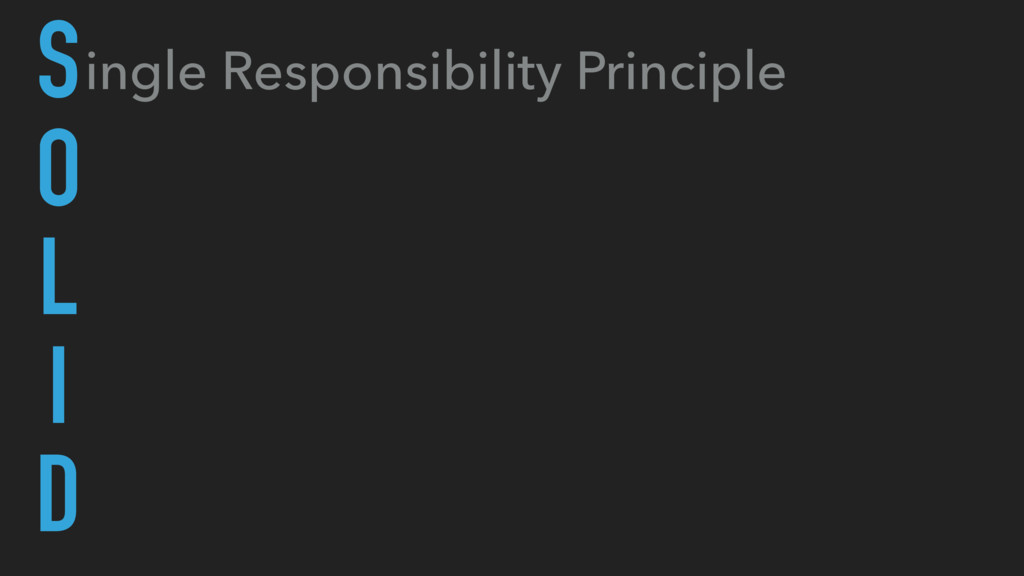
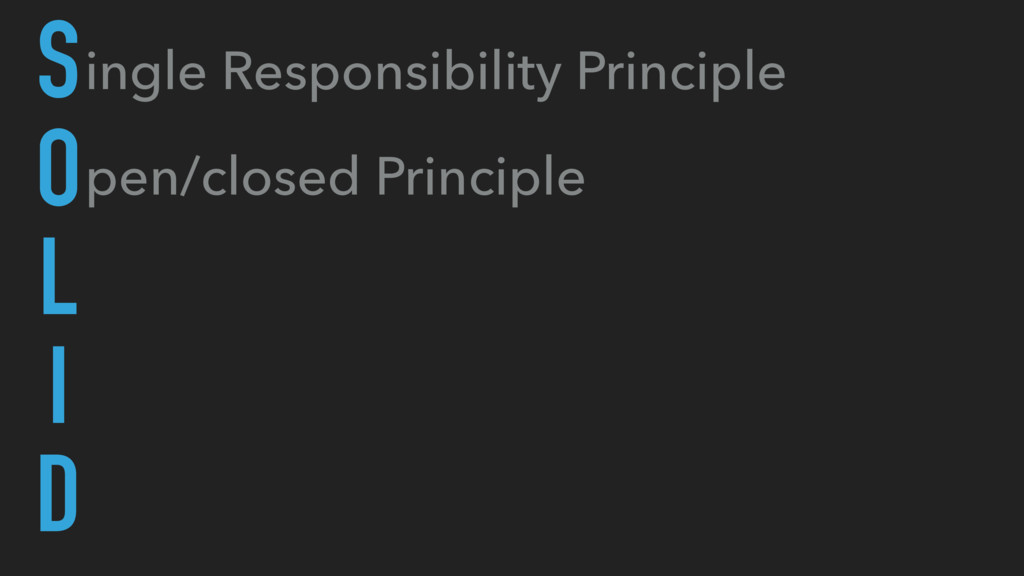
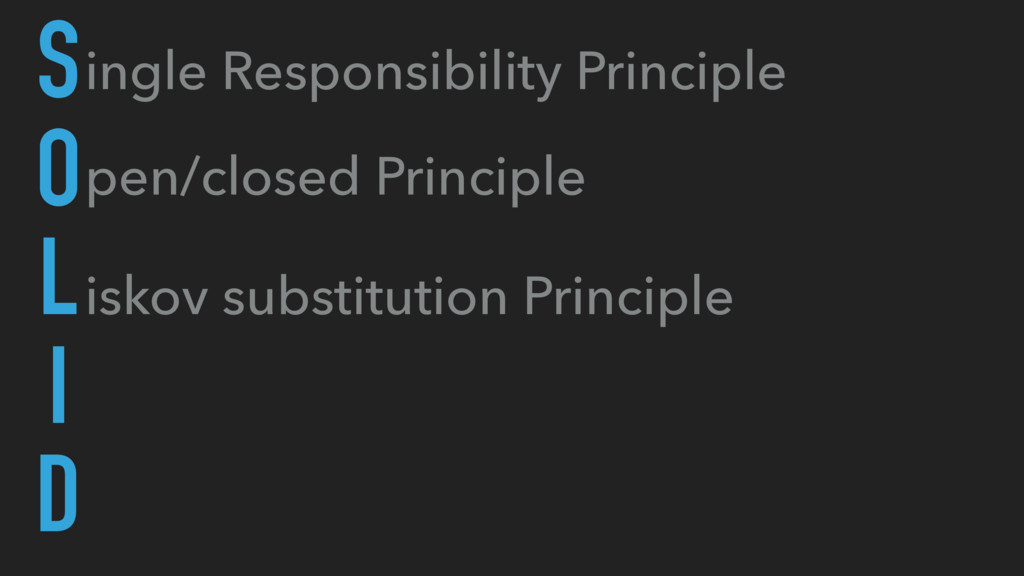
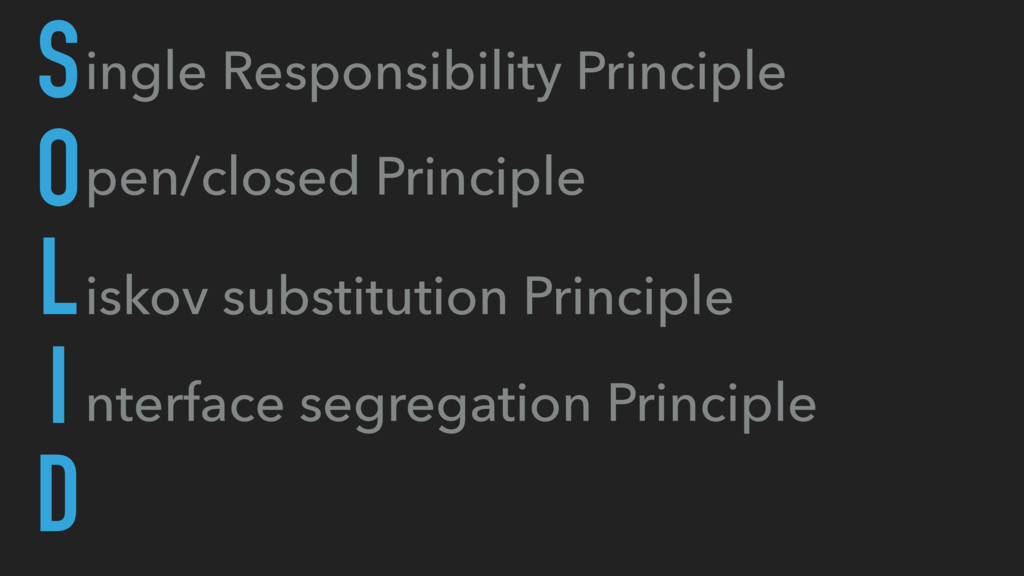
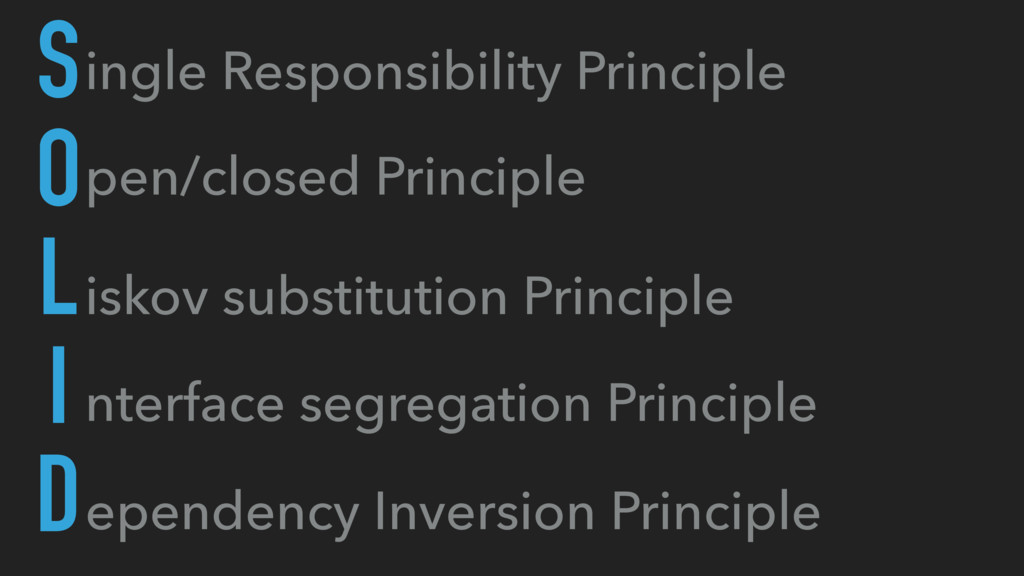
ingle Responsibility Principle pen/closed Principle iskov substitution Principle nterface segregation
Principle ependency Inversion Principle S O L I D -
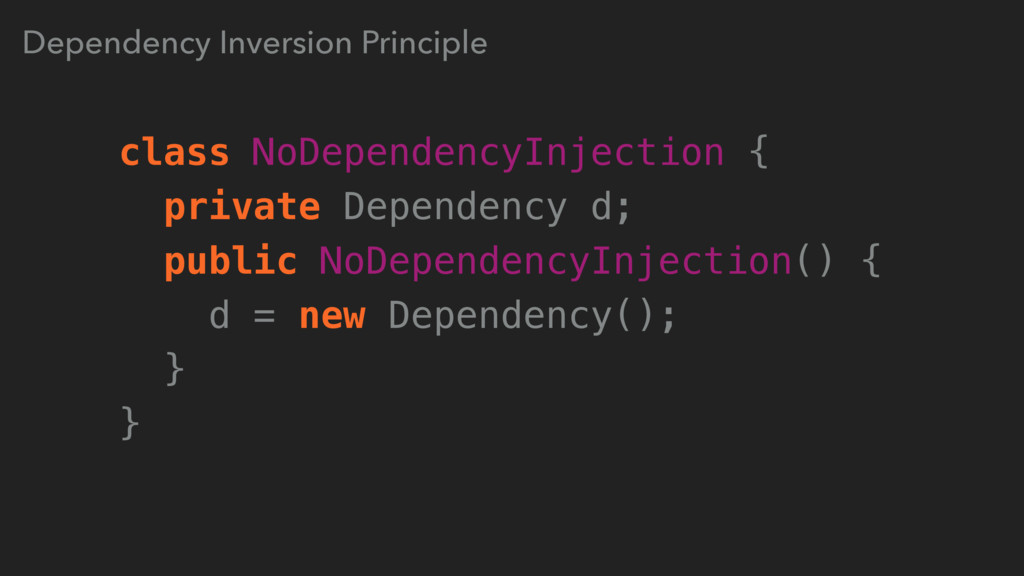
Dependency Inversion Principle class NoDependencyInjection { private Dependency d; public
NoDependencyInjection() { d = new Dependency(); } } -
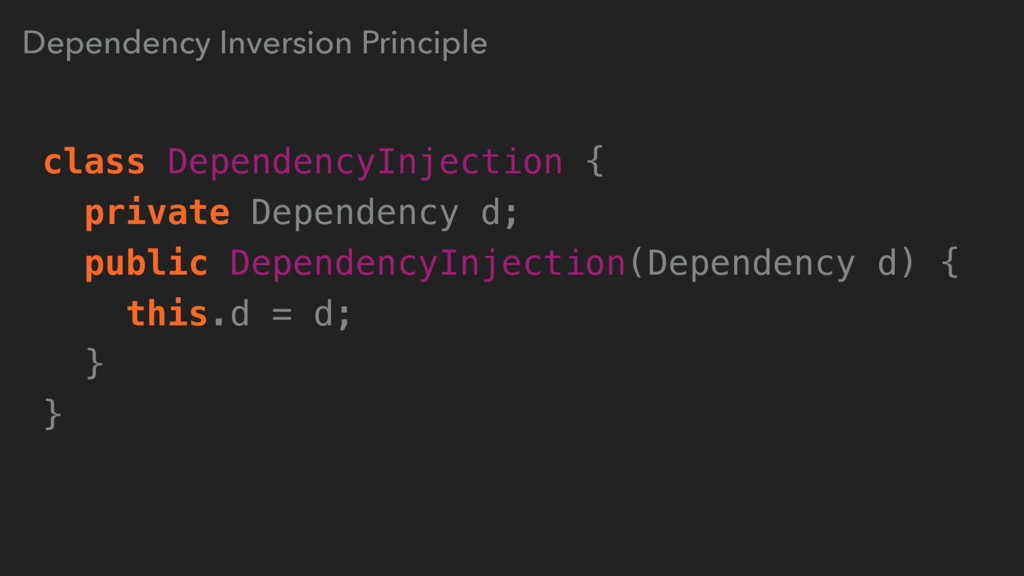
Dependency Inversion Principle class DependencyInjection { private Dependency d; public
DependencyInjection(Dependency d) { this.d = d; } } -
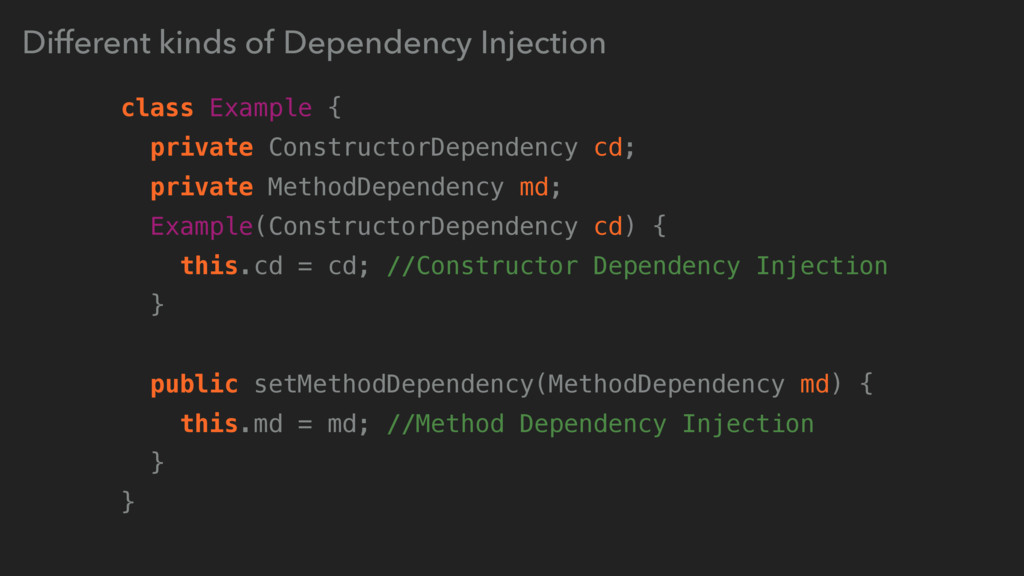
Different kinds of Dependency Injection class Example { private ConstructorDependency
cd; private MethodDependency md; Example(ConstructorDependency cd) { this.cd = cd; //Constructor Dependency Injection } public setMethodDependency(MethodDependency md) { this.md = md; //Method Dependency Injection } } -
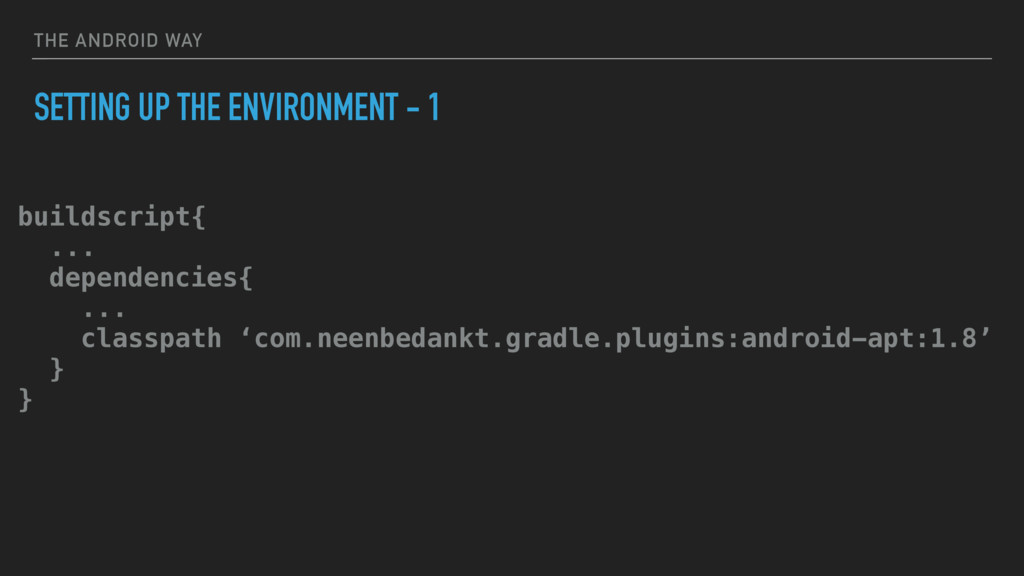
THE ANDROID WAY SETTING UP THE ENVIRONMENT - 1 buildscript{
... dependencies{ ... classpath ‘com.neenbedankt.gradle.plugins:android-apt:1.8’ } } -
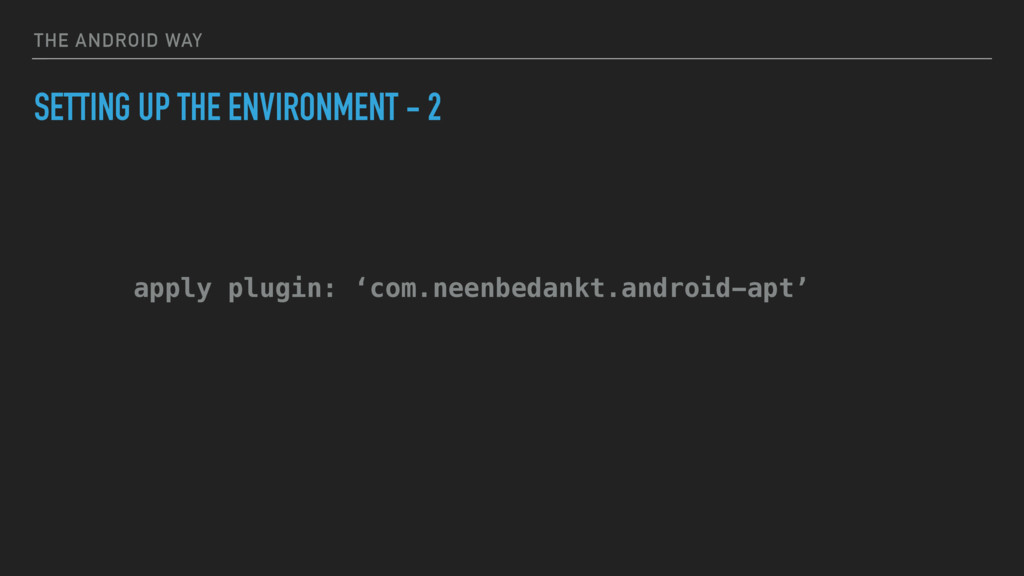
THE ANDROID WAY SETTING UP THE ENVIRONMENT - 2 apply
plugin: ‘com.neenbedankt.android-apt’ -
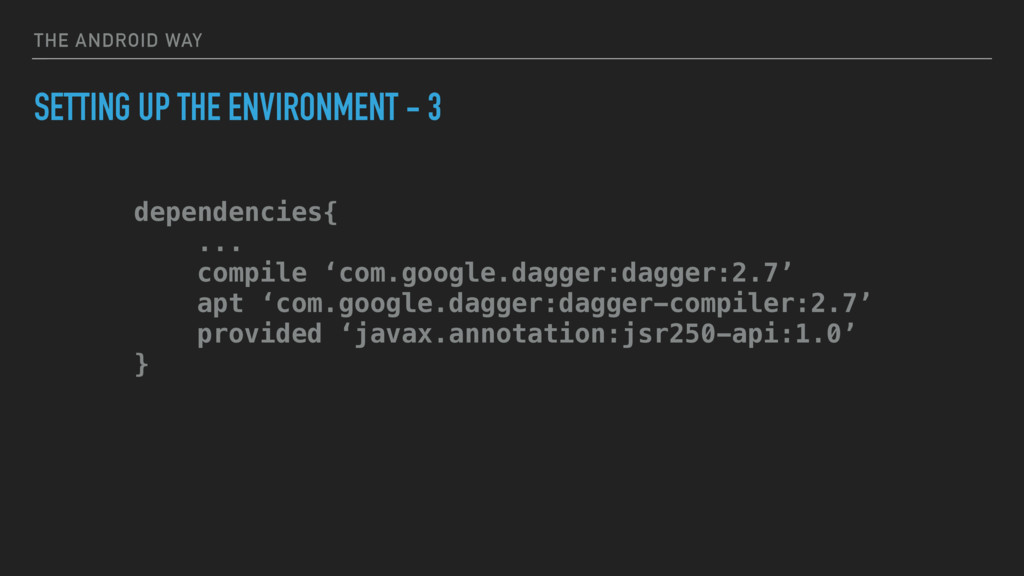
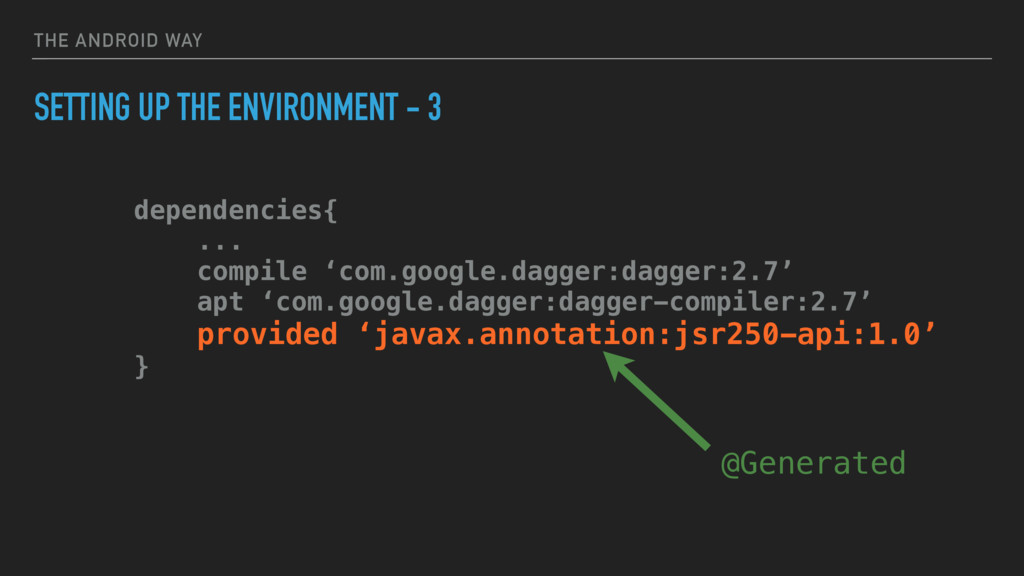
THE ANDROID WAY SETTING UP THE ENVIRONMENT - 3 dependencies{
... compile ‘com.google.dagger:dagger:2.7’ apt ‘com.google.dagger:dagger-compiler:2.7’ provided ‘javax.annotation:jsr250-api:1.0’ } -
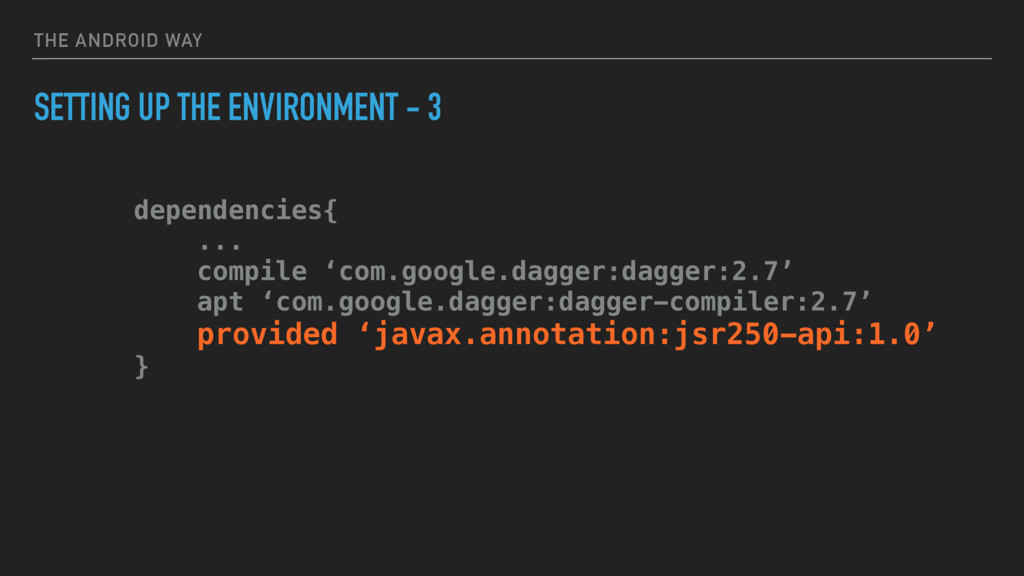
THE ANDROID WAY SETTING UP THE ENVIRONMENT - 3 dependencies{
... compile ‘com.google.dagger:dagger:2.7’ apt ‘com.google.dagger:dagger-compiler:2.7’ provided ‘javax.annotation:jsr250-api:1.0’ } -
THE ANDROID WAY SETTING UP THE ENVIRONMENT - 3 dependencies{
... compile ‘com.google.dagger:dagger:2.7’ apt ‘com.google.dagger:dagger-compiler:2.7’ provided ‘javax.annotation:jsr250-api:1.0’ } @Generated -
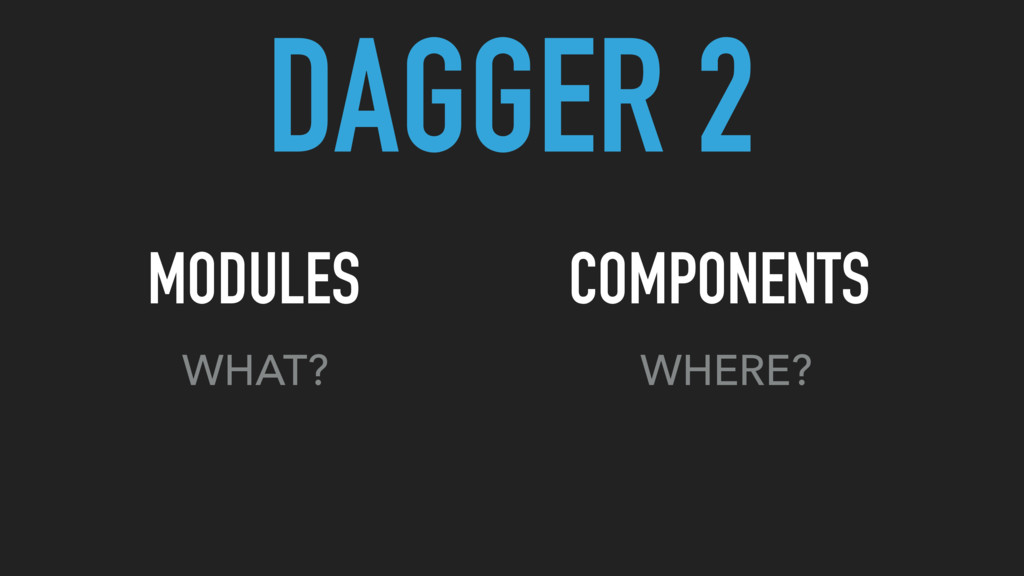
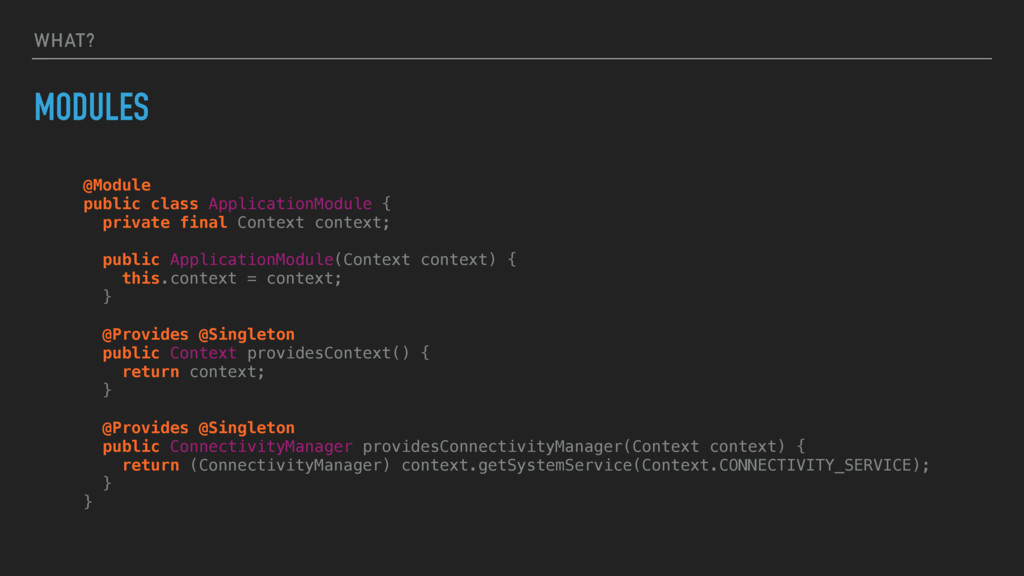
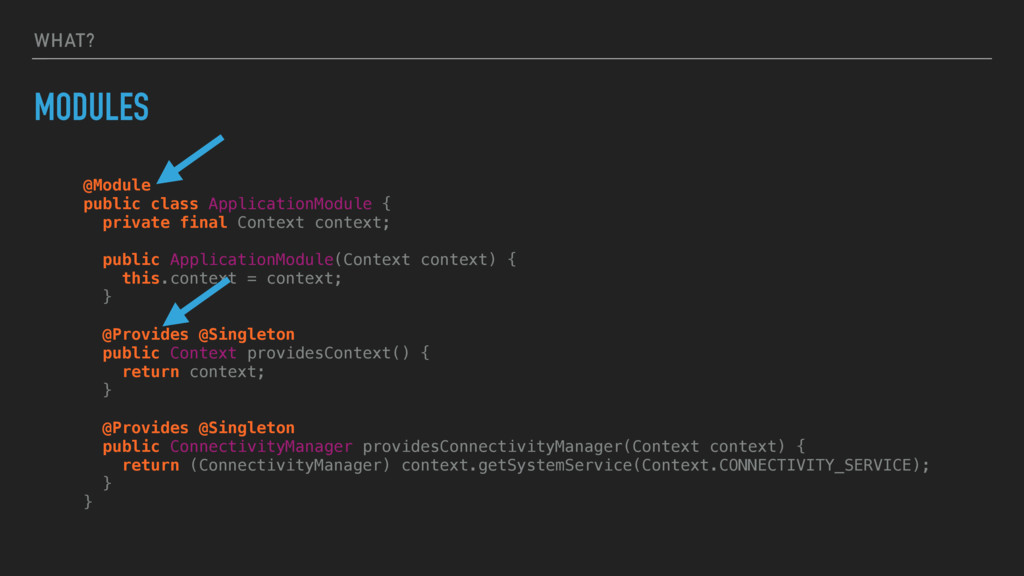
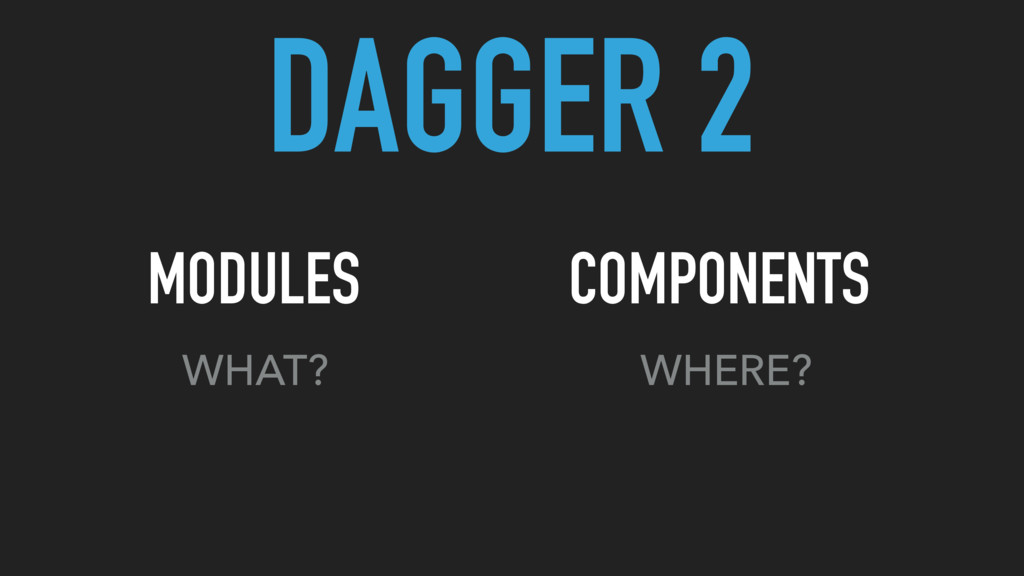
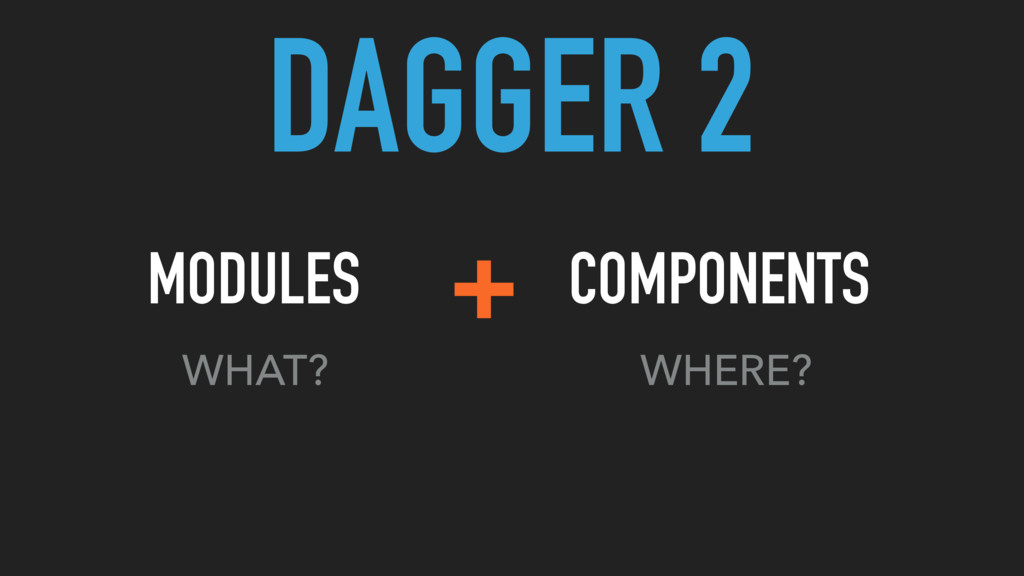
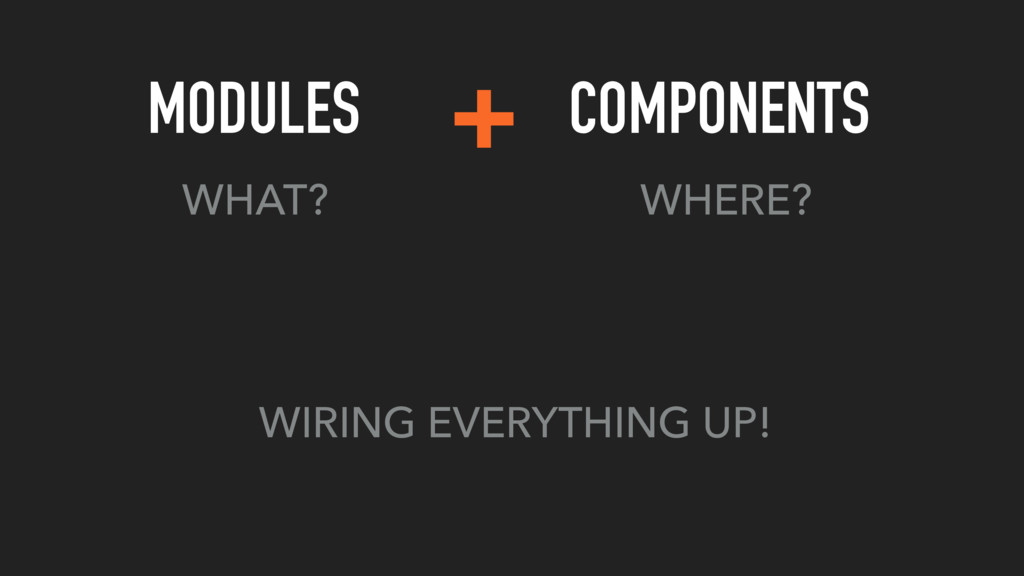
WHAT? MODULES @Module public class ApplicationModule { private final Context
context; public ApplicationModule(Context context) { this.context = context; } @Provides @Singleton public Context providesContext() { return context; } @Provides @Singleton public ConnectivityManager providesConnectivityManager(Context context) { return (ConnectivityManager) context.getSystemService(Context.CONNECTIVITY_SERVICE); } } -
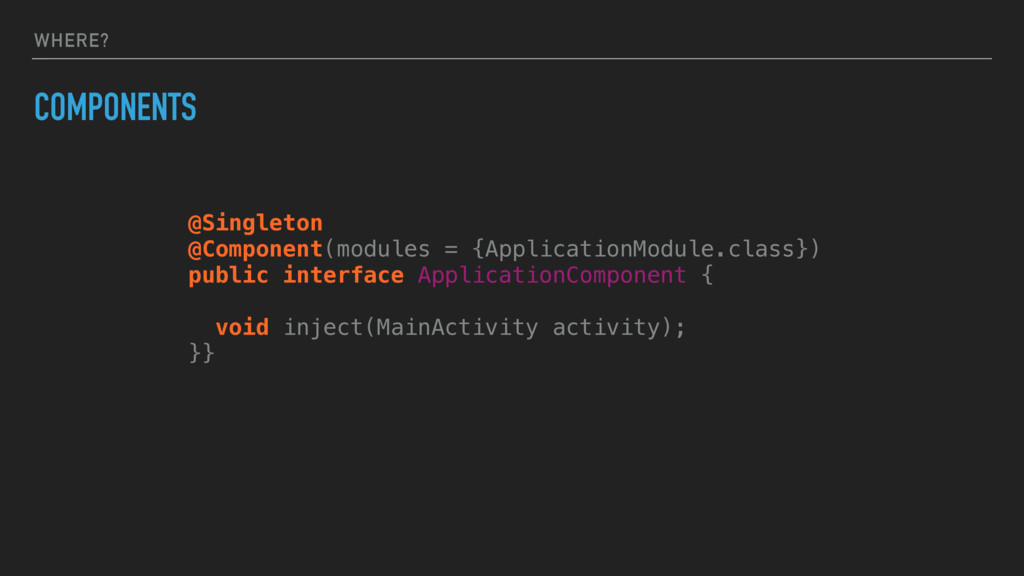
WHERE? COMPONENTS @Singleton @Component(modules = {ApplicationModule.class}) public interface ApplicationComponent {
void inject(MainActivity activity); }} -
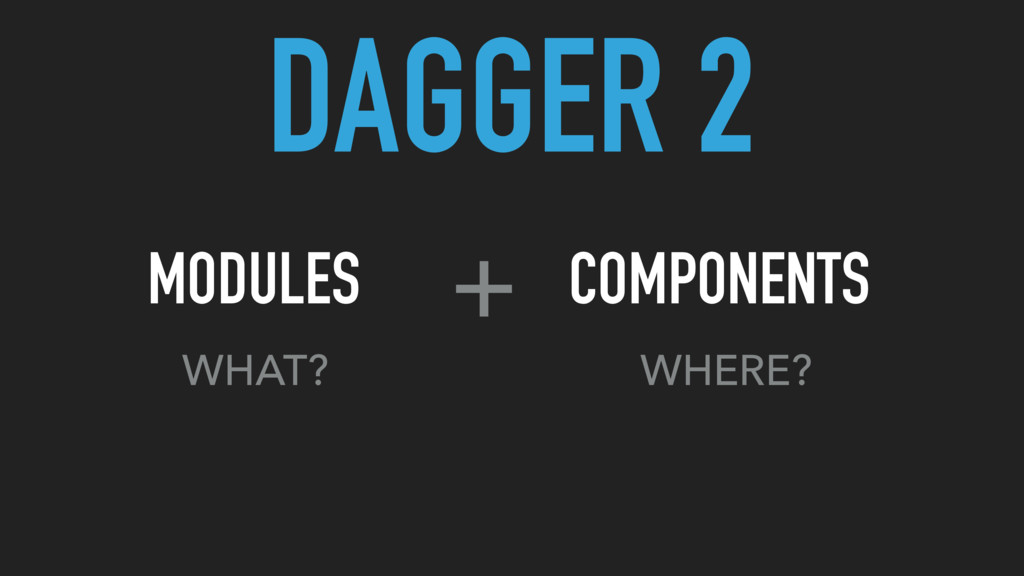
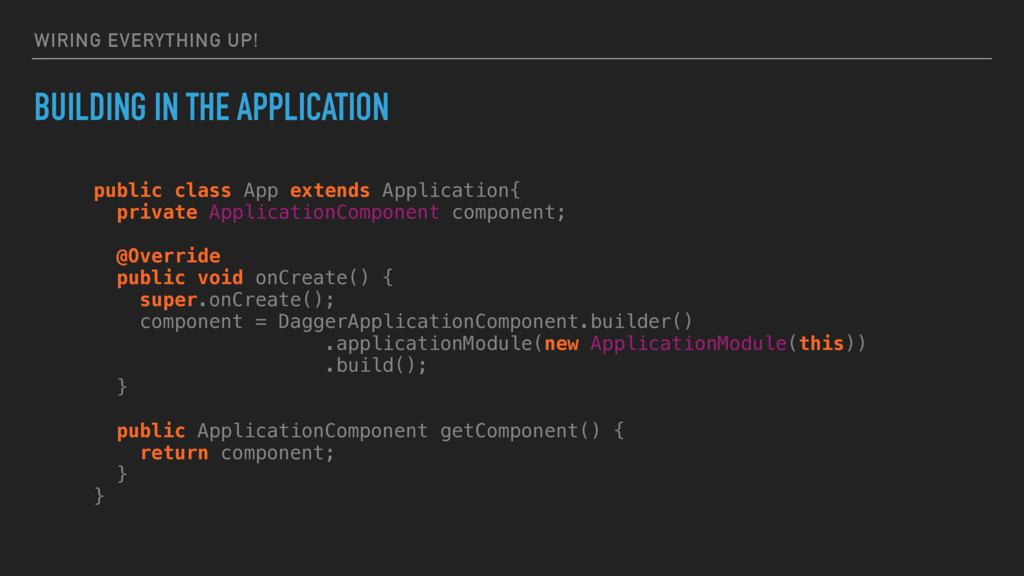
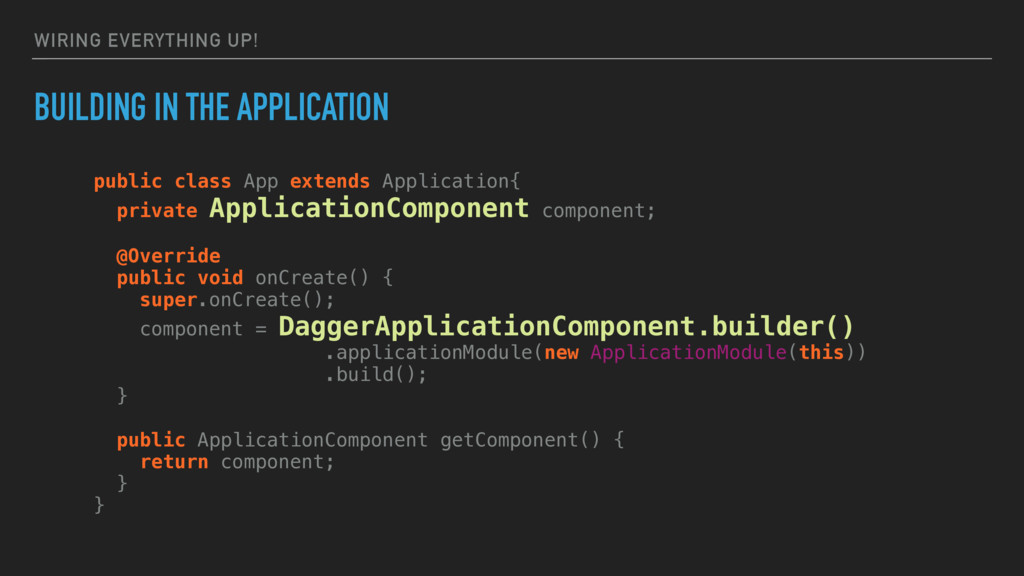
WIRING EVERYTHING UP! BUILDING IN THE APPLICATION public class App
extends Application{ private ApplicationComponent component; @Override public void onCreate() { super.onCreate(); component = DaggerApplicationComponent.builder() .applicationModule(new ApplicationModule(this)) .build(); } public ApplicationComponent getComponent() { return component; } } -
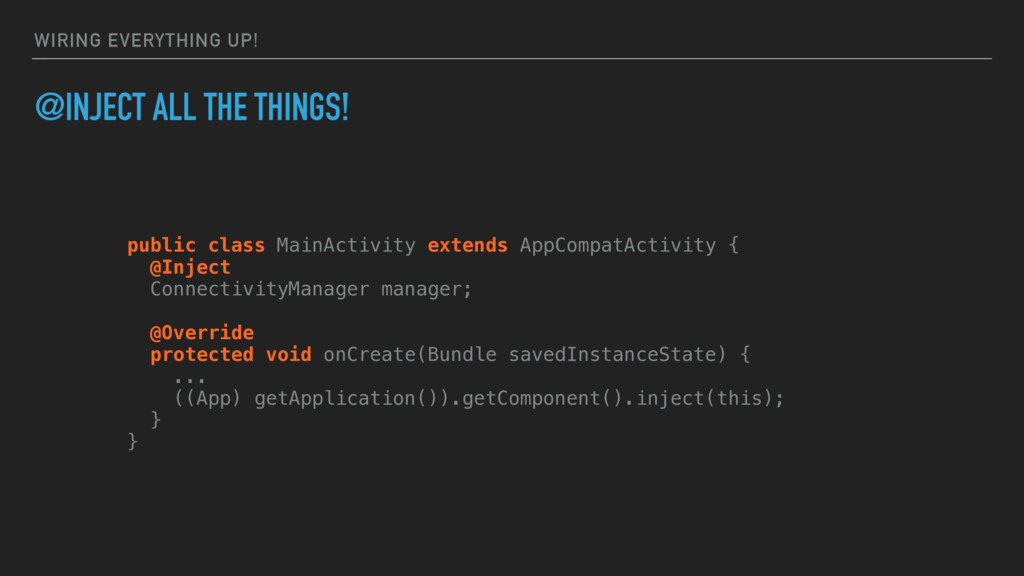
WIRING EVERYTHING UP! @INJECT ALL THE THINGS! public class MainActivity
extends AppCompatActivity { @Inject ConnectivityManager manager; @Override protected void onCreate(Bundle savedInstanceState) { ... ((App) getApplication()).getComponent().inject(this); } } -
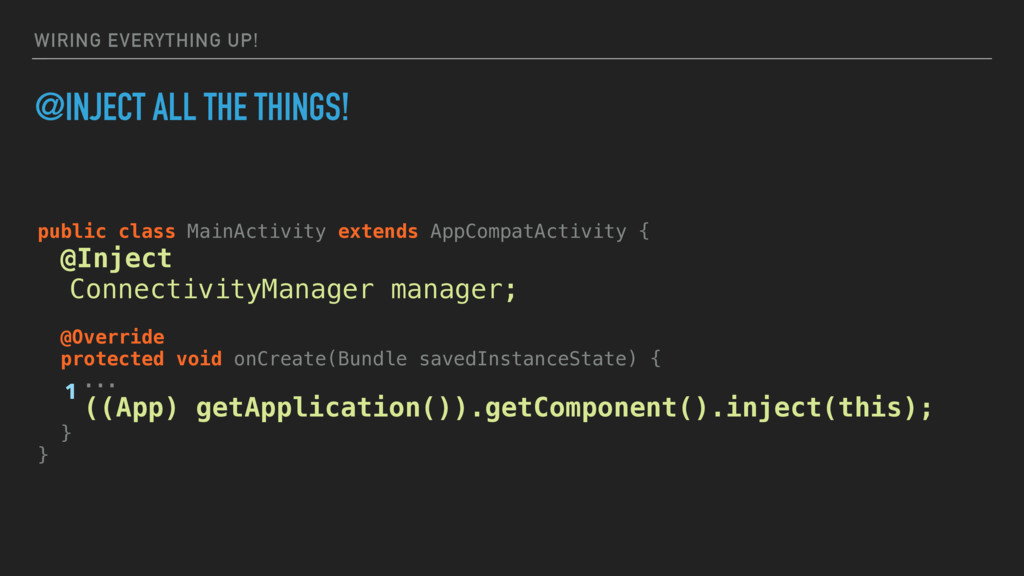
WIRING EVERYTHING UP! @INJECT ALL THE THINGS! public class MainActivity
extends AppCompatActivity { @Inject ConnectivityManager manager; @Override protected void onCreate(Bundle savedInstanceState) { ... ((App) getApplication()).getComponent().inject(this); } } 1 -
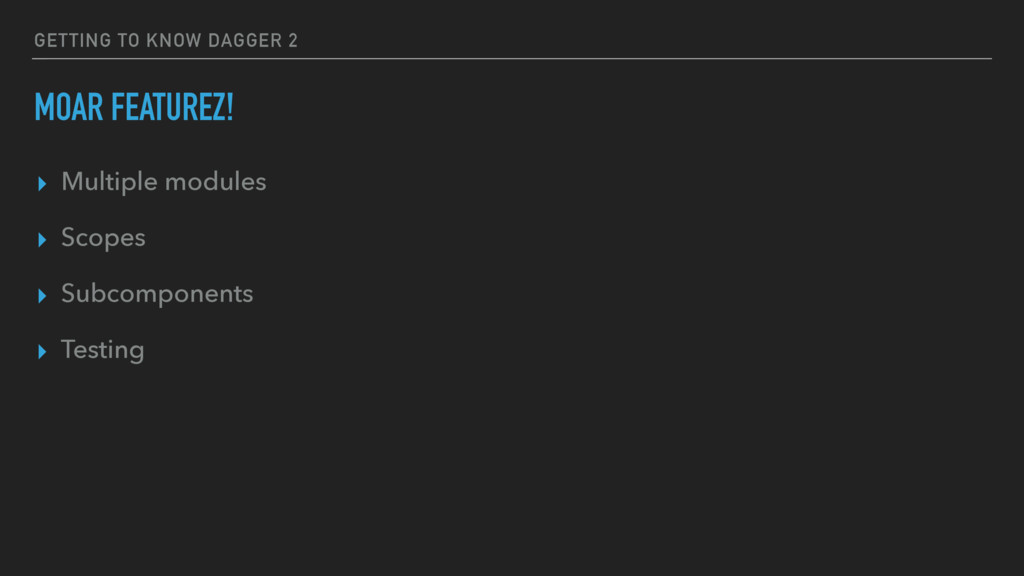
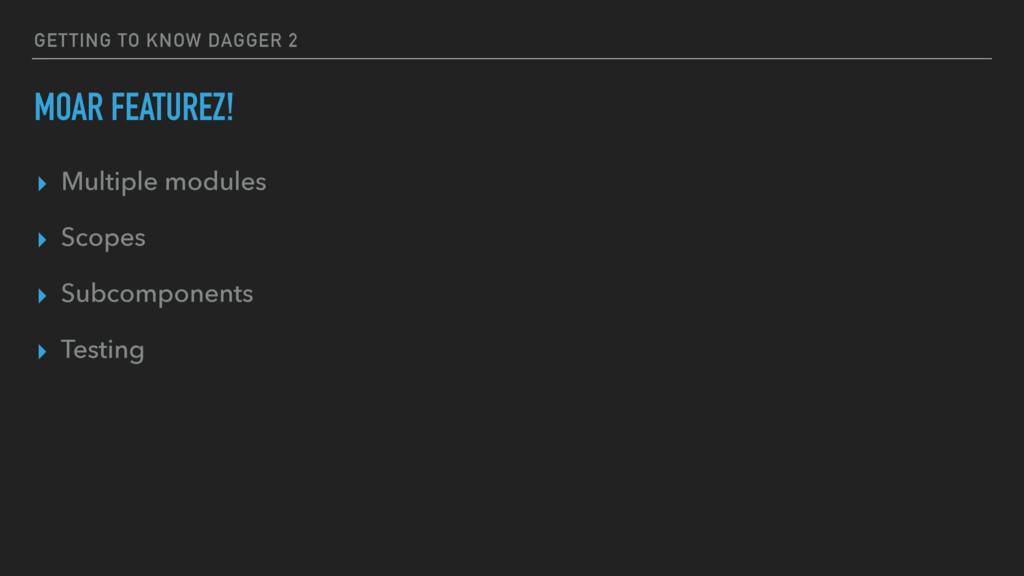
GETTING TO KNOW DAGGER 2 MOAR FEATUREZ! ▸ Multiple modules
▸ Scopes ▸ Subcomponents ▸ Testing -
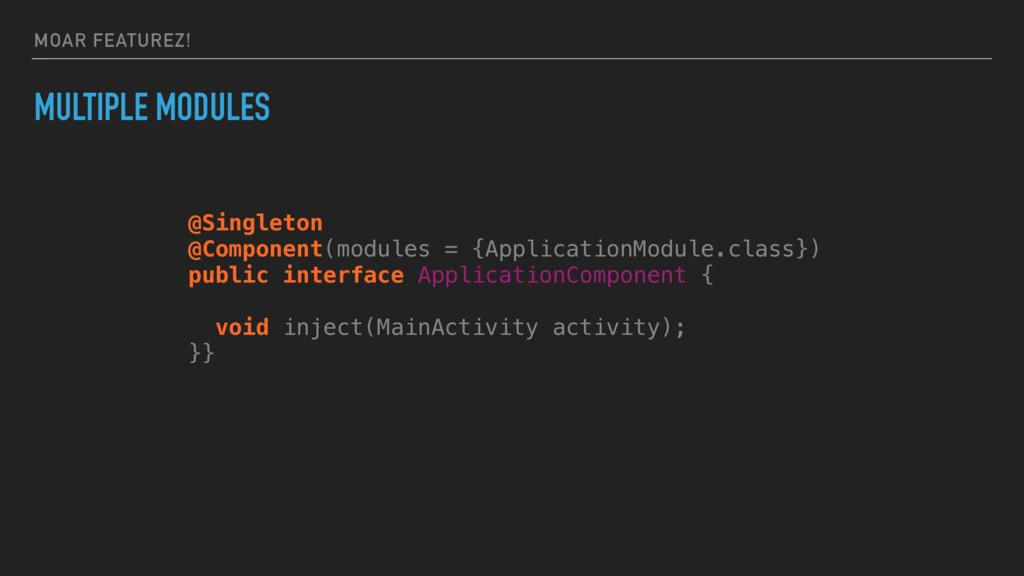
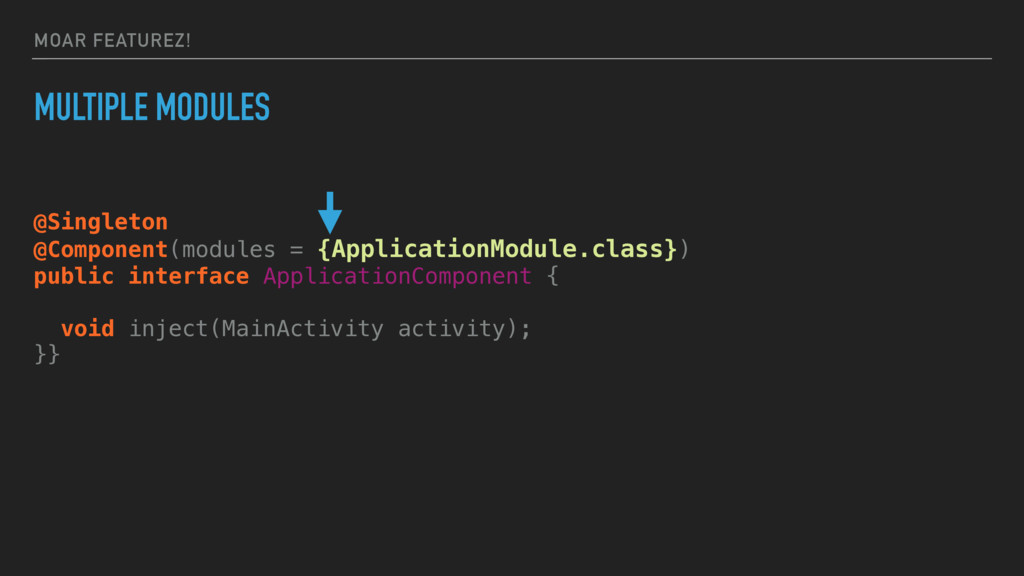
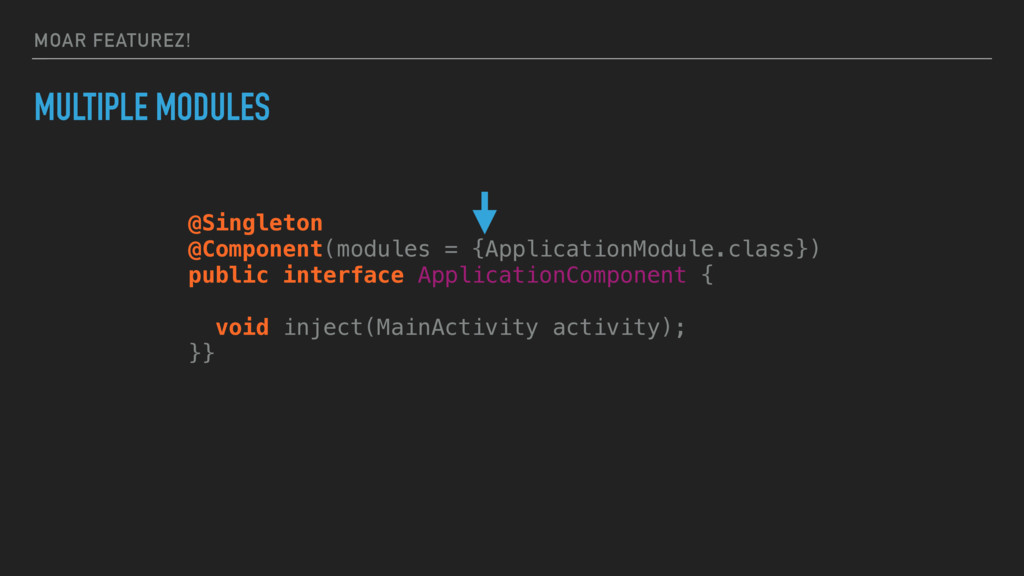
MOAR FEATUREZ! MULTIPLE MODULES @Singleton @Component(modules = {ApplicationModule.class}) public interface
ApplicationComponent { void inject(MainActivity activity); }} -
MOAR FEATUREZ! MULTIPLE MODULES @Singleton @Component(modules = {ApplicationModule.class}) public interface
ApplicationComponent { void inject(MainActivity activity); }} -
MOAR FEATUREZ! MULTIPLE MODULES @Singleton @Component(modules = {ApplicationModule.class}) public interface
ApplicationComponent { void inject(MainActivity activity); }} -
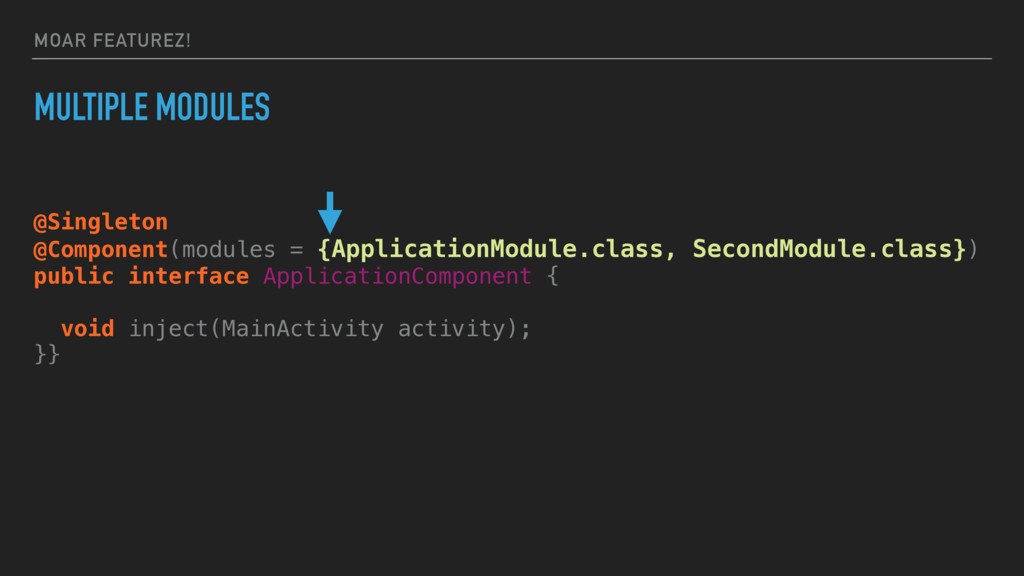
MOAR FEATUREZ! MULTIPLE MODULES @Singleton @Component(modules = {ApplicationModule.class, SecondModule.class}) public
interface ApplicationComponent { void inject(MainActivity activity); }} -
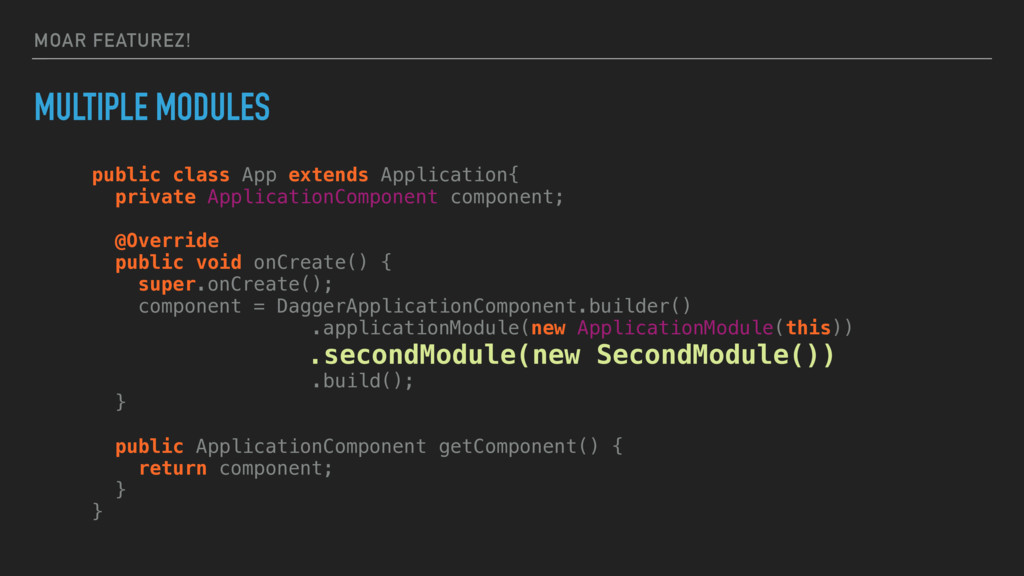
MOAR FEATUREZ! MULTIPLE MODULES public class App extends Application{ private
ApplicationComponent component; @Override public void onCreate() { super.onCreate(); component = DaggerApplicationComponent.builder() .applicationModule(new ApplicationModule(this)) .secondModule(new SecondModule()) .build(); } public ApplicationComponent getComponent() { return component; } } -
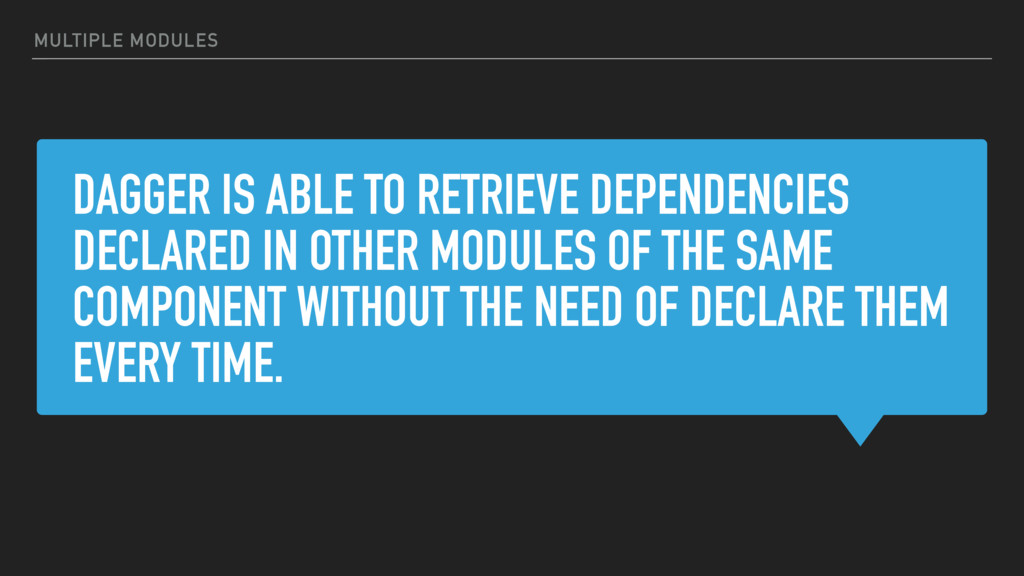
DAGGER IS ABLE TO RETRIEVE DEPENDENCIES DECLARED IN OTHER MODULES
OF THE SAME COMPONENT WITHOUT THE NEED OF DECLARE THEM EVERY TIME. MULTIPLE MODULES -
WHAT IF WE WANTED MORE AND DIFFERENT OBJECTS OF THE
SAME TYPE? The curious Android Developer in the last line, on the left MULTIPLE MODULES -
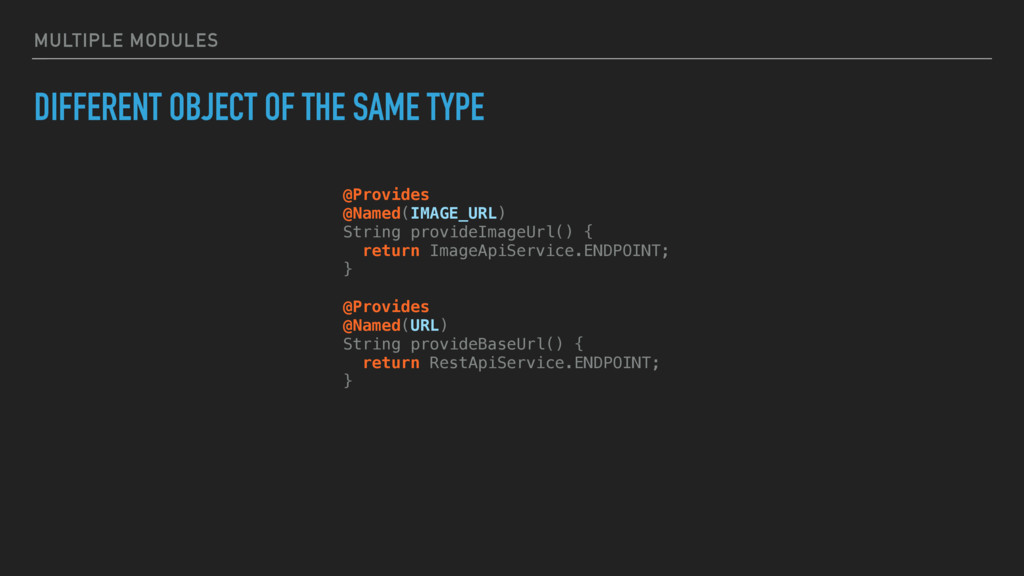
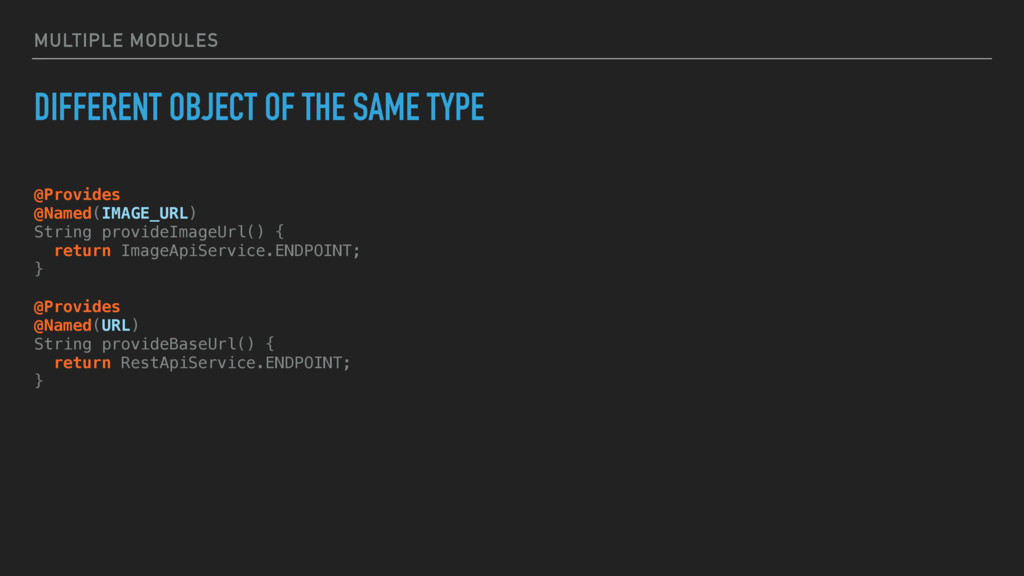
MULTIPLE MODULES DIFFERENT OBJECT OF THE SAME TYPE @Provides @Named(IMAGE_URL)
String provideImageUrl() { return ImageApiService.ENDPOINT; } @Provides @Named(URL) String provideBaseUrl() { return RestApiService.ENDPOINT; } -
MULTIPLE MODULES DIFFERENT OBJECT OF THE SAME TYPE @Provides @Named(IMAGE_URL)
String provideImageUrl() { return ImageApiService.ENDPOINT; } @Provides @Named(URL) String provideBaseUrl() { return RestApiService.ENDPOINT; } -
MULTIPLE MODULES DIFFERENT OBJECT OF THE SAME TYPE @Provides @Named(IMAGE_URL)
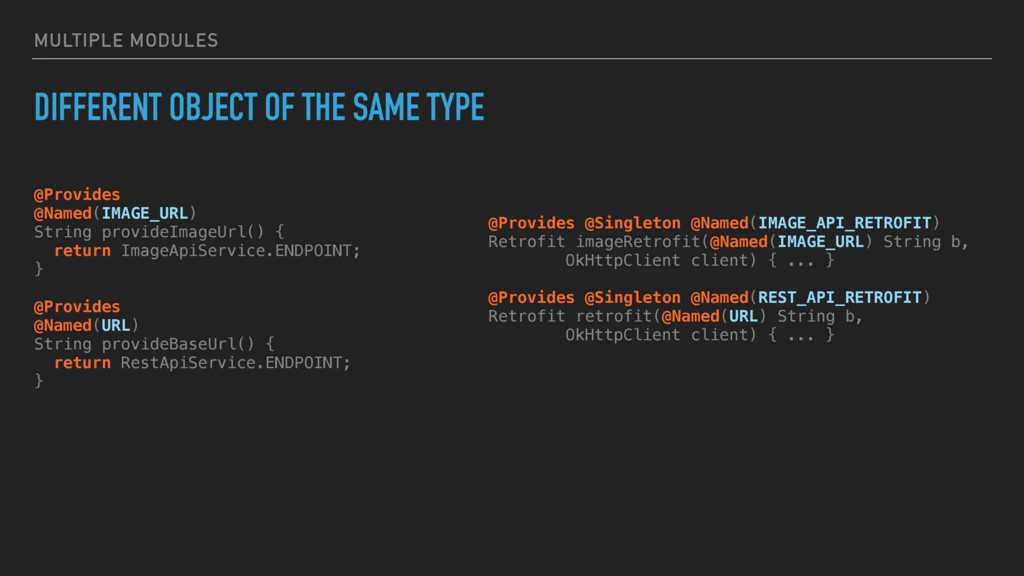
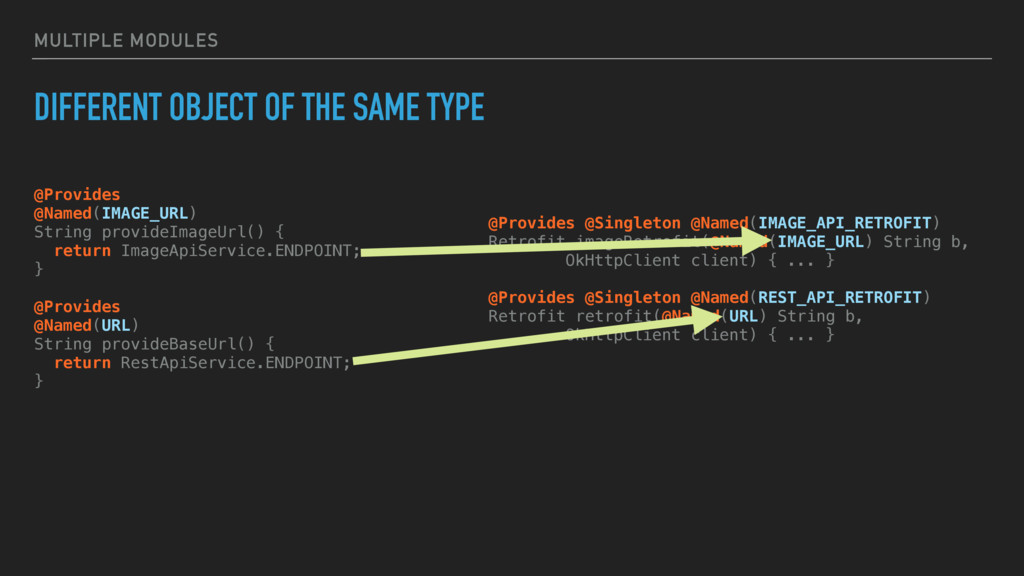
String provideImageUrl() { return ImageApiService.ENDPOINT; } @Provides @Named(URL) String provideBaseUrl() { return RestApiService.ENDPOINT; } @Provides @Singleton @Named(IMAGE_API_RETROFIT) Retrofit imageRetrofit(@Named(IMAGE_URL) String b, OkHttpClient client) { ... } @Provides @Singleton @Named(REST_API_RETROFIT) Retrofit retrofit(@Named(URL) String b, OkHttpClient client) { ... } -
GETTING TO KNOW DAGGER 2 MOAR FEATUREZ! ▸ Multiple modules
▸ Scopes ▸ Subcomponents ▸ Testing -
SCOPES DEFINES THE AVAILABILITY OF A CERTAIN DEPENDENCY LIMITING IT
TO THE OBJECT TO WHICH IS RELATED. SCOPES -
ALL THE ANNOTATIONS WORKS IN A WAY THAT THEY KEEP
A SINGLE INSTANCE OF THE ANNOTATION ITSELF ALIVE AS LONG AS THE COMPONENT THEY ARE LINKED TO IS ALIVE SCOPES -
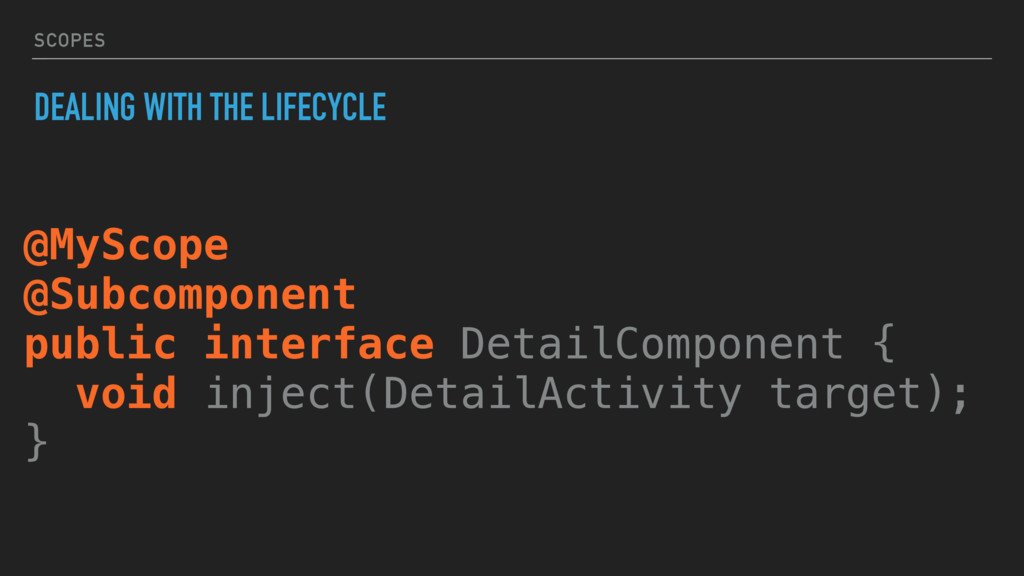
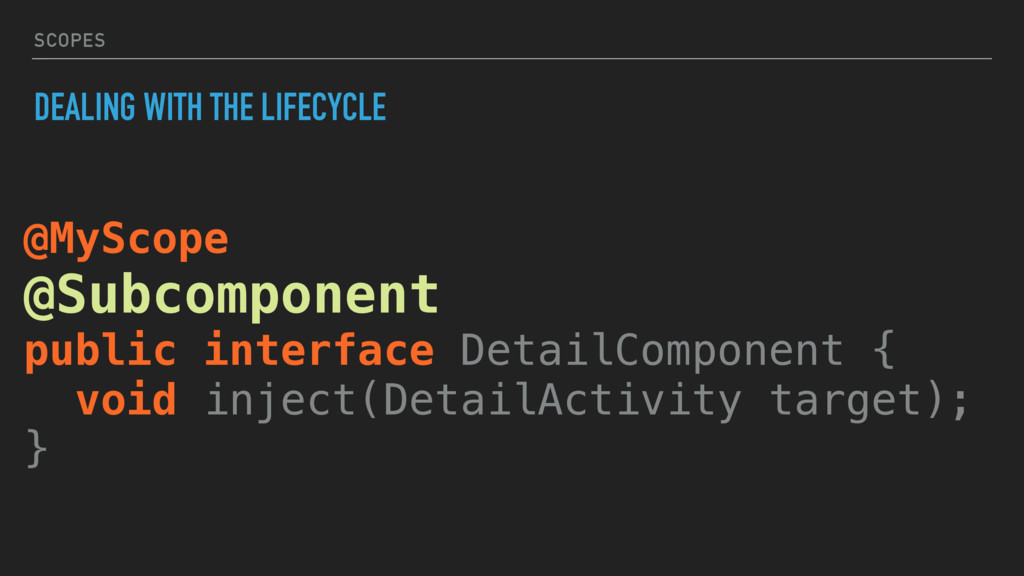
SCOPES DEALING WITH THE LIFECYCLE @MyScope @Subcomponent public interface DetailComponent
{ void inject(DetailActivity target); } -
SCOPES DEALING WITH THE LIFECYCLE @MyScope @Subcomponent public interface DetailComponent
{ void inject(DetailActivity target); } -
GETTING TO KNOW DAGGER 2 MOAR FEATUREZ! ▸ Multiple modules
▸ Scopes ▸ Subcomponents ▸ Testing -
GETTING TO KNOW DAGGER 2 MOAR FEATUREZ! ▸ Multiple modules
▸ Scopes ▸ Subcomponents ▸ Testing -
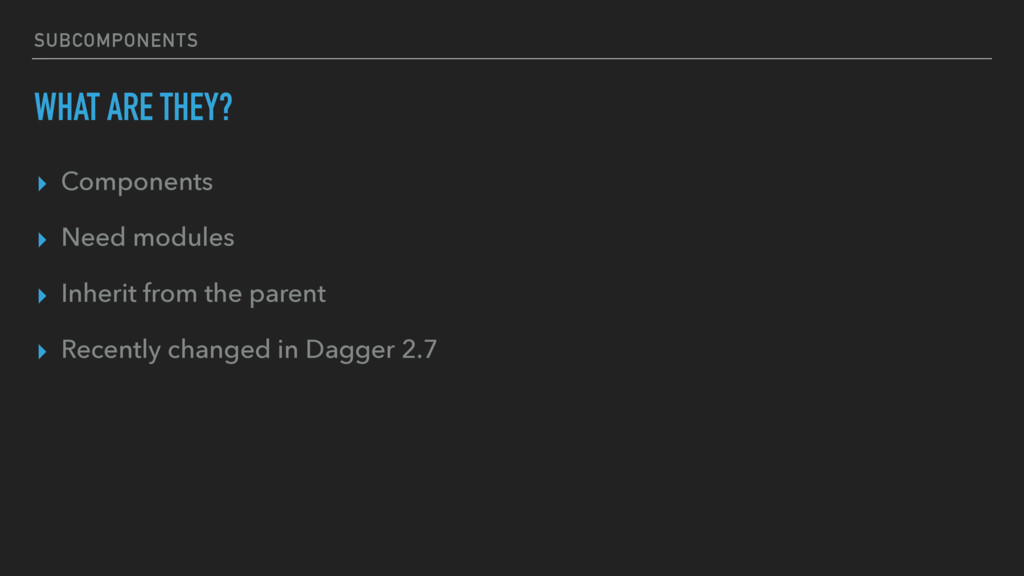
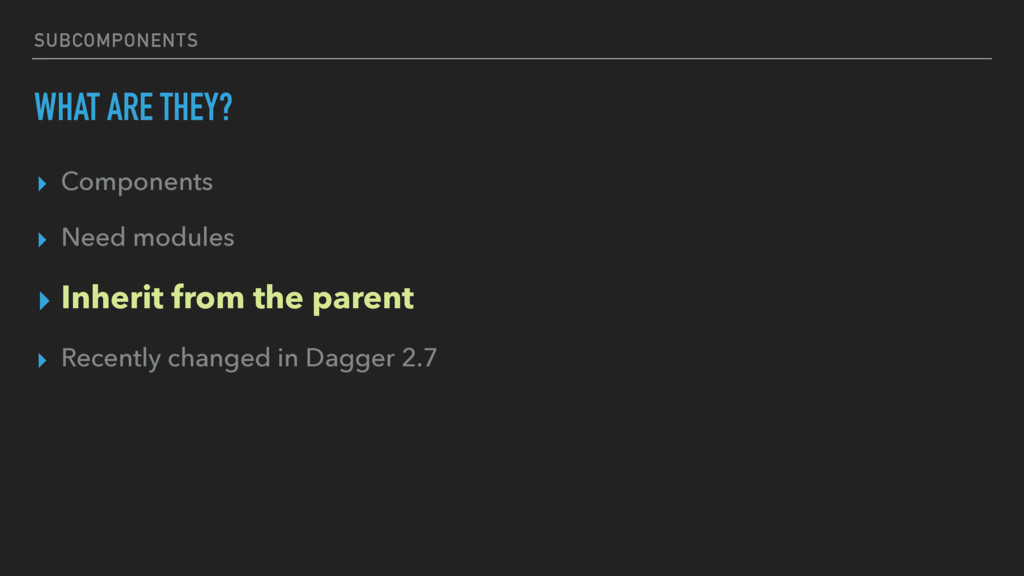
SUBCOMPONENTS WHAT ARE THEY? ▸ Components ▸ Need modules ▸
Inherit from the parent ▸ Recently changed in Dagger 2.7 -
SUBCOMPONENTS WHAT ARE THEY? ▸ Components ▸ Need modules ▸
Inherit from the parent ▸ Recently changed in Dagger 2.7 -
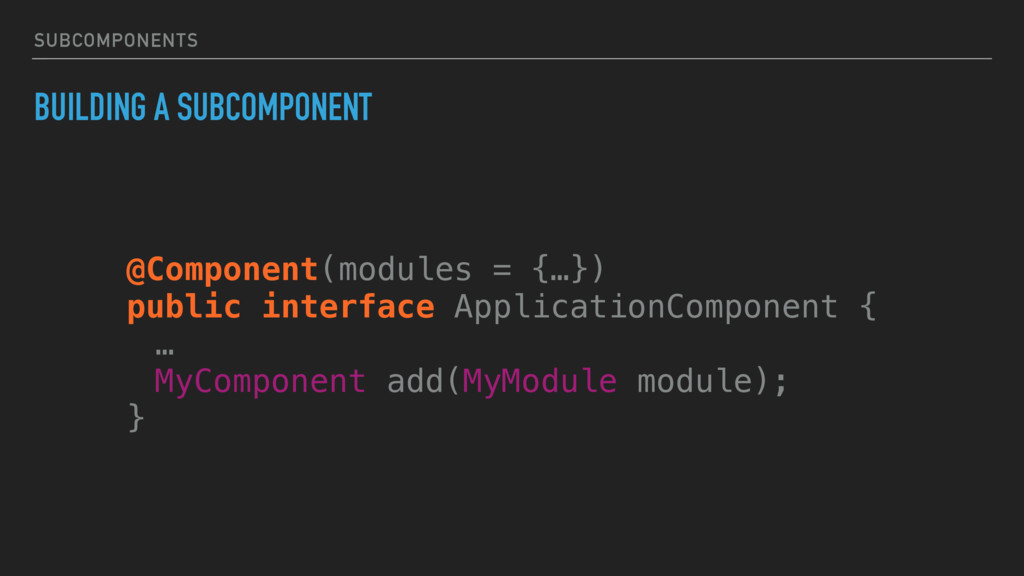
SUBCOMPONENTS BUILDING A SUBCOMPONENT @Component(modules = {…}) public interface ApplicationComponent
{ … MyComponent add(MyModule module); } -
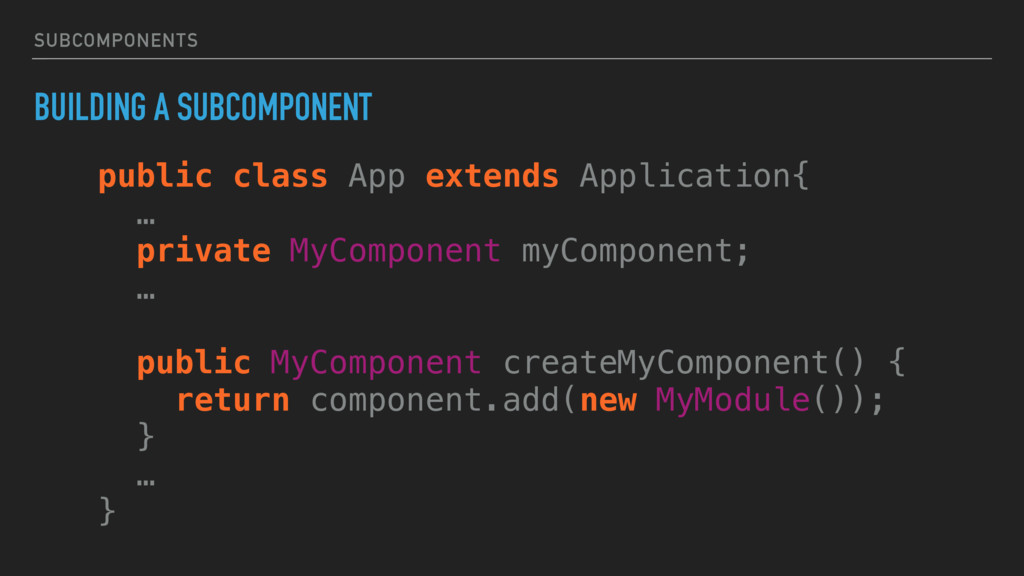
SUBCOMPONENTS BUILDING A SUBCOMPONENT public class App extends Application{ …
private MyComponent myComponent; … public MyComponent createMyComponent() { return component.add(new MyModule()); } … } -
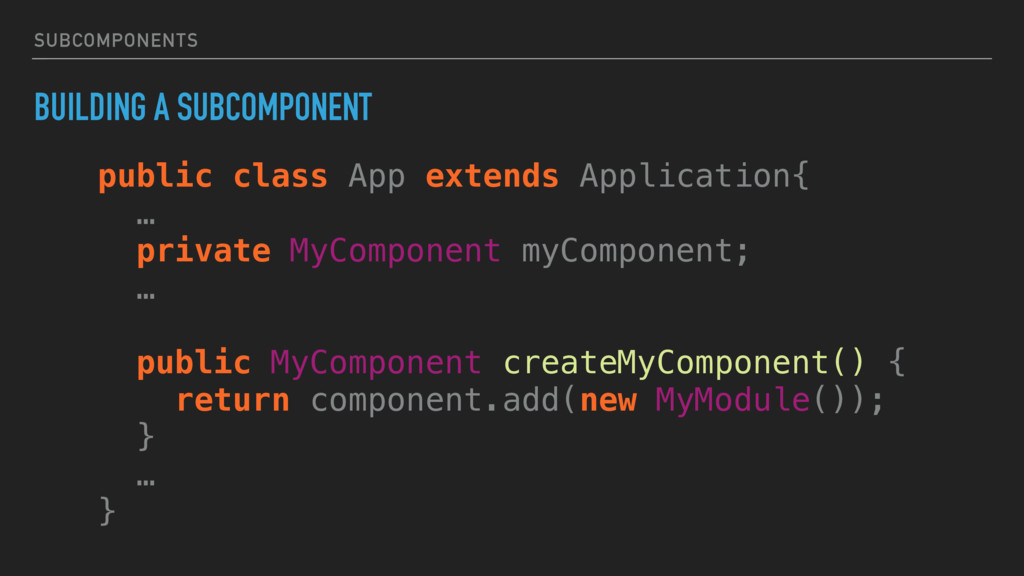
SUBCOMPONENTS BUILDING A SUBCOMPONENT public class App extends Application{ …
private MyComponent myComponent; … public MyComponent createMyComponent() { return component.add(new MyModule()); } … } -
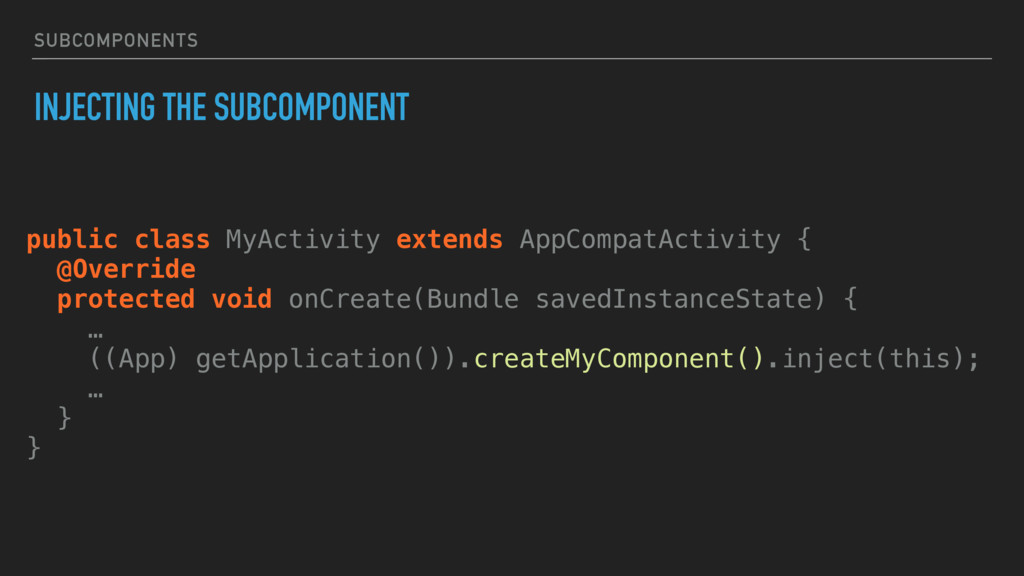
SUBCOMPONENTS INJECTING THE SUBCOMPONENT public class MyActivity extends AppCompatActivity {
@Override protected void onCreate(Bundle savedInstanceState) { … ((App) getApplication()).createMyComponent().inject(this); … } } -
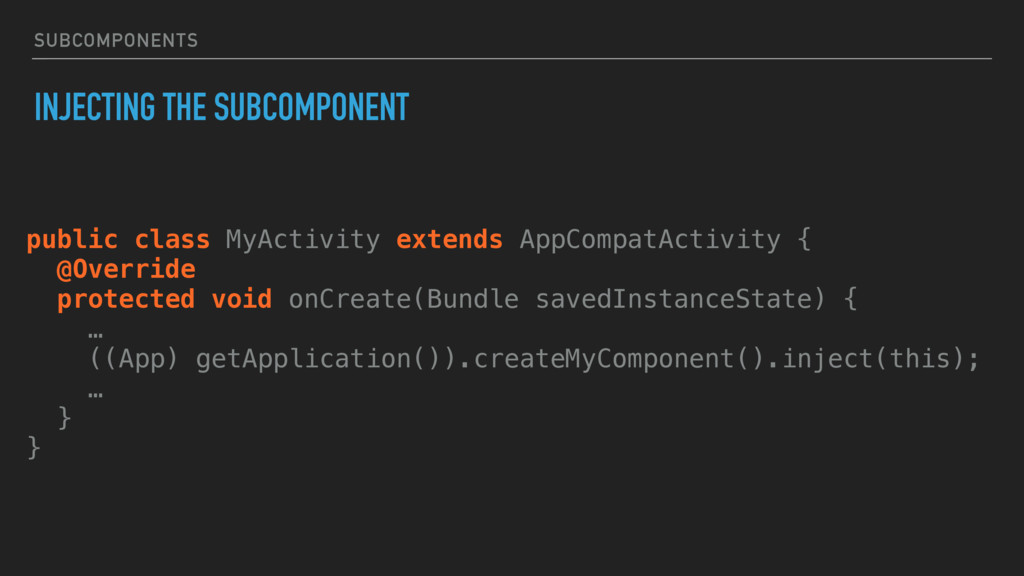
SUBCOMPONENTS INJECTING THE SUBCOMPONENT public class MyActivity extends AppCompatActivity {
@Override protected void onCreate(Bundle savedInstanceState) { … ((App) getApplication()).createMyComponent().inject(this); … } } -
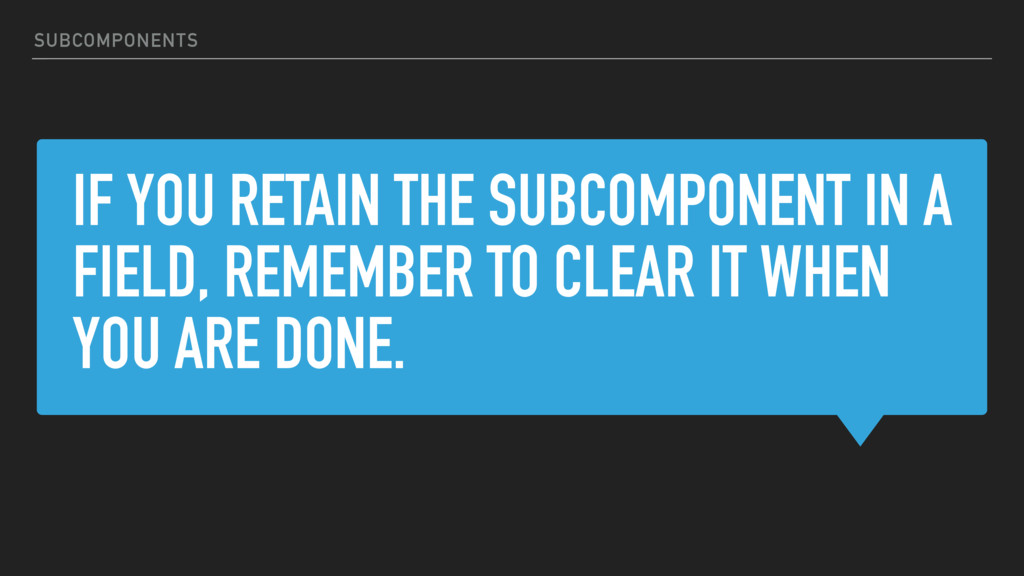
IF YOU RETAIN THE SUBCOMPONENT IN A FIELD, REMEMBER TO
CLEAR IT WHEN YOU ARE DONE. SUBCOMPONENTS -
GETTING TO KNOW DAGGER 2 MOAR FEATUREZ! ▸ Multiple modules
▸ Scopes ▸ Subcomponents ▸ Testing -
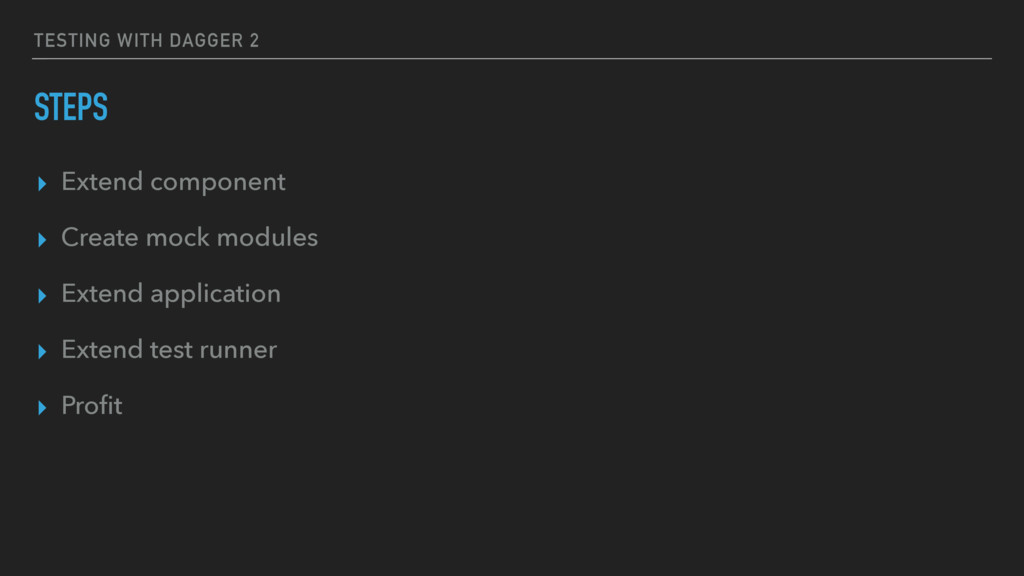
TESTING WITH DAGGER 2 STEPS ▸ Extend component ▸ Create
mock modules ▸ Extend application ▸ Extend test runner ▸ Profit -
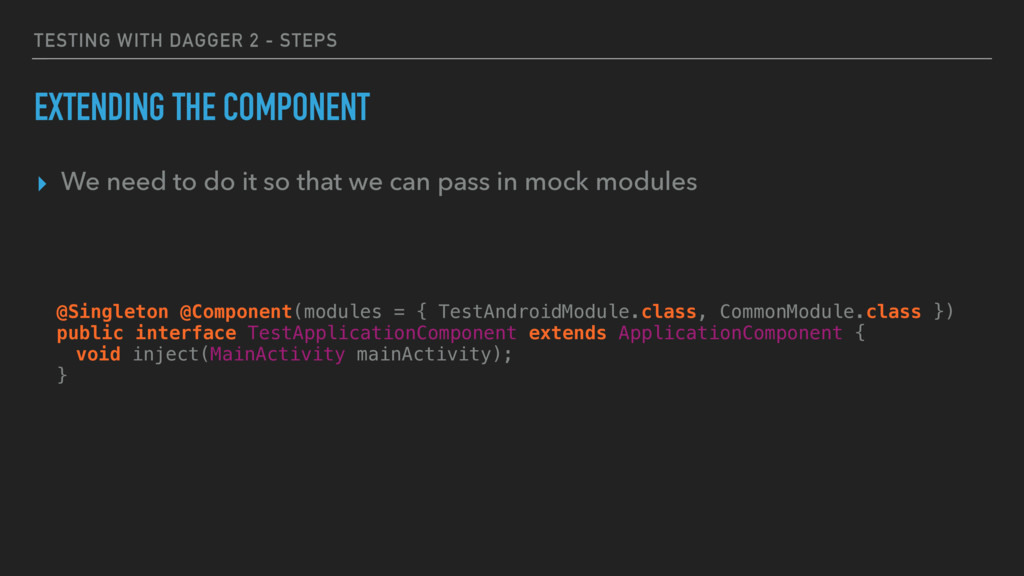
TESTING WITH DAGGER 2 - STEPS EXTENDING THE COMPONENT ▸
We need to do it so that we can pass in mock modules @Singleton @Component(modules = { TestAndroidModule.class, CommonModule.class }) public interface TestApplicationComponent extends ApplicationComponent { void inject(MainActivity mainActivity); } -
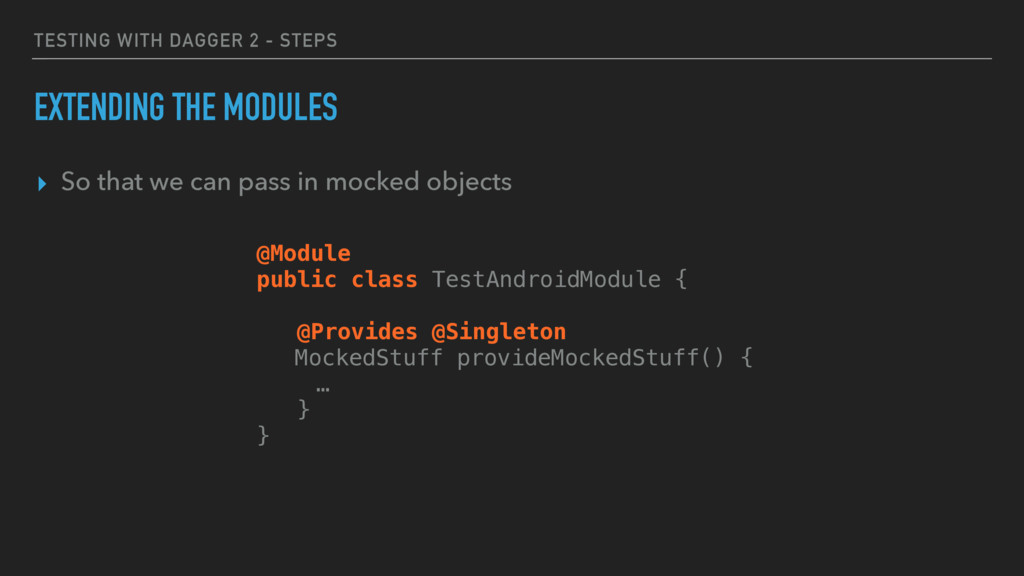
TESTING WITH DAGGER 2 - STEPS EXTENDING THE MODULES ▸
So that we can pass in mocked objects @Module public class TestAndroidModule { @Provides @Singleton MockedStuff provideMockedStuff() { … } } -
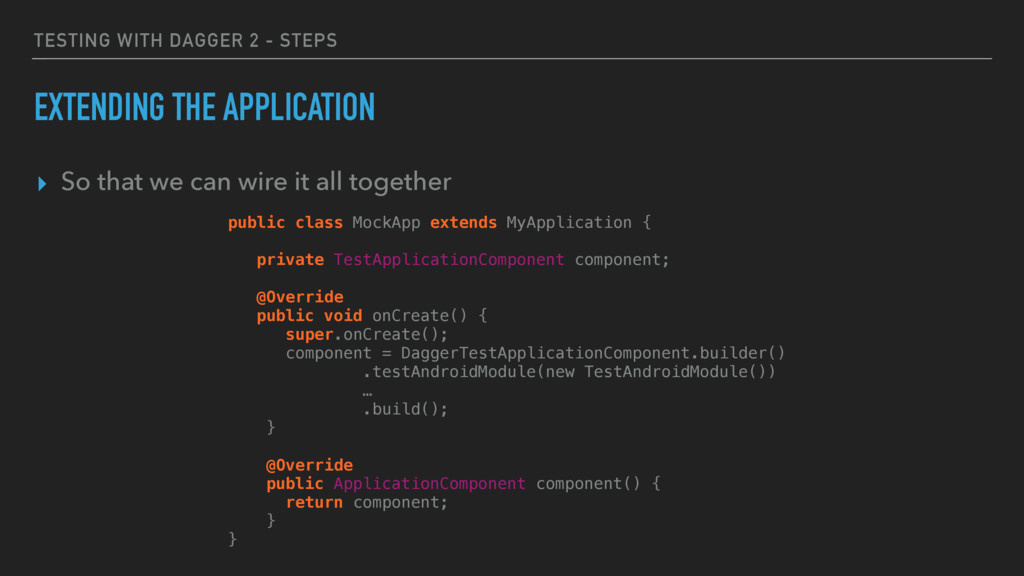
TESTING WITH DAGGER 2 - STEPS EXTENDING THE APPLICATION ▸
So that we can wire it all together public class MockApp extends MyApplication { private TestApplicationComponent component; @Override public void onCreate() { super.onCreate(); component = DaggerTestApplicationComponent.builder() .testAndroidModule(new TestAndroidModule()) … .build(); } @Override public ApplicationComponent component() { return component; } } -
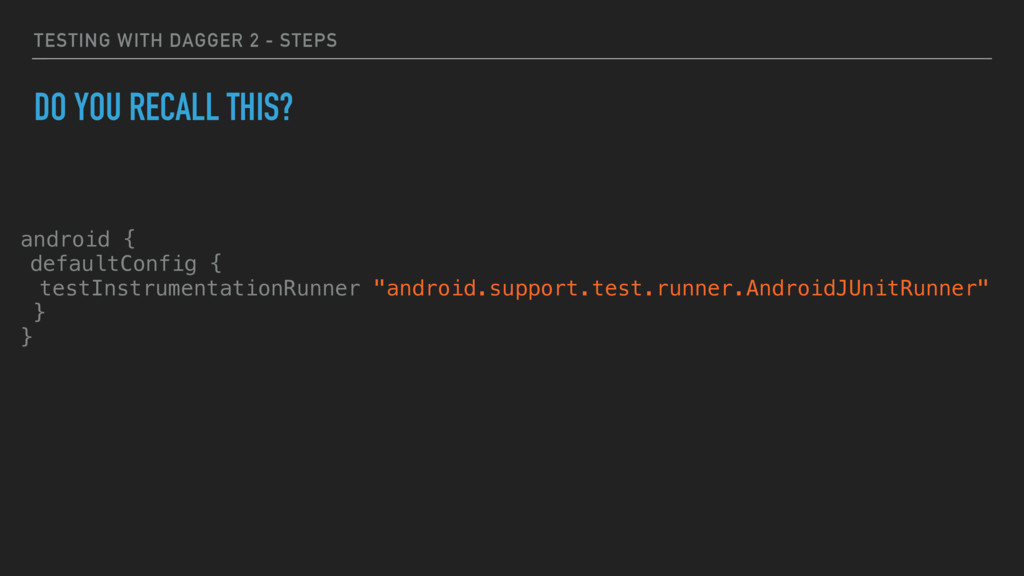
TESTING WITH DAGGER 2 - STEPS DO YOU RECALL THIS?
android { defaultConfig { testInstrumentationRunner "android.support.test.runner.AndroidJUnitRunner" } } -
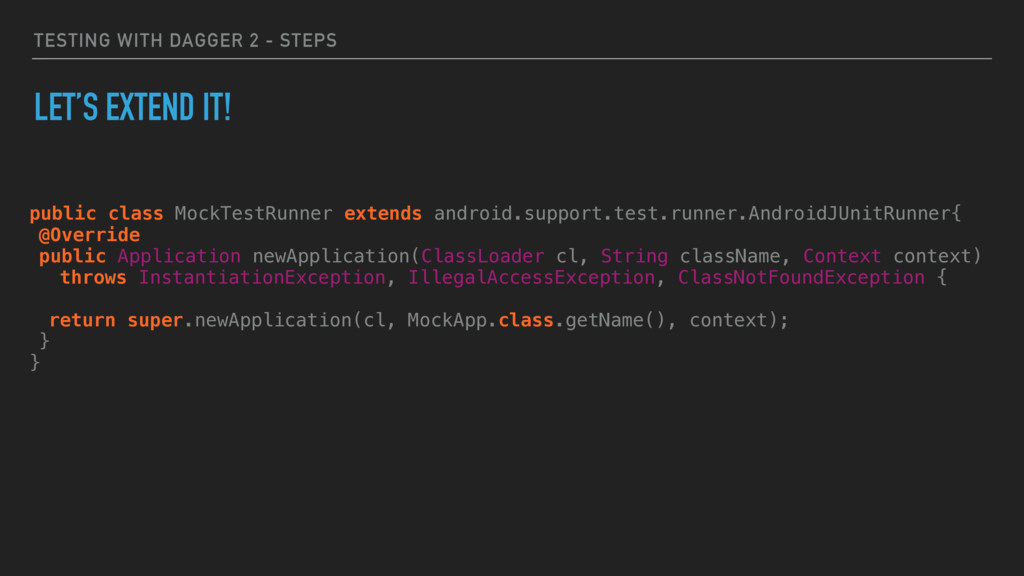
TESTING WITH DAGGER 2 - STEPS LET’S EXTEND IT! public
class MockTestRunner extends android.support.test.runner.AndroidJUnitRunner{ @Override public Application newApplication(ClassLoader cl, String className, Context context) throws InstantiationException, IllegalAccessException, ClassNotFoundException { return super.newApplication(cl, MockApp.class.getName(), context); } }