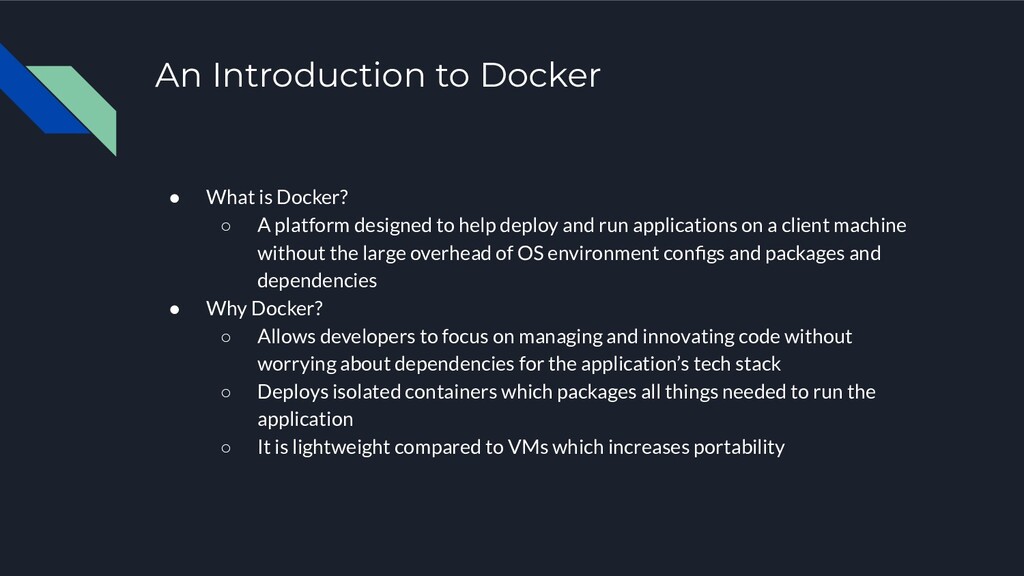
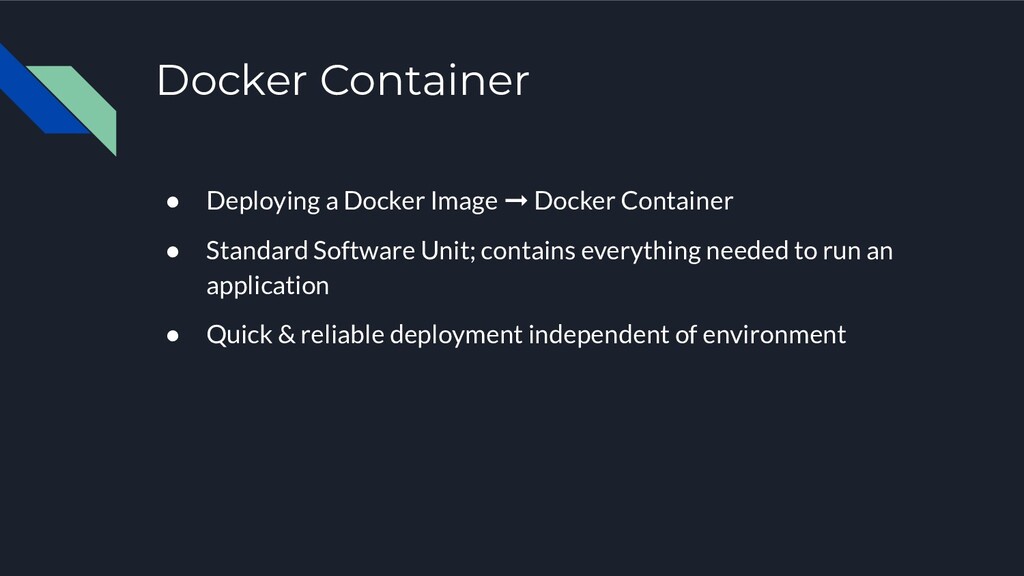
platform designed to help deploy and run applications on a client machine without the large overhead of OS environment configs and packages and dependencies • Why Docker? ◦ Allows developers to focus on managing and innovating code without worrying about dependencies for the application’s tech stack ◦ Deploys isolated containers which packages all things needed to run the application ◦ It is lightweight compared to VMs which increases portability
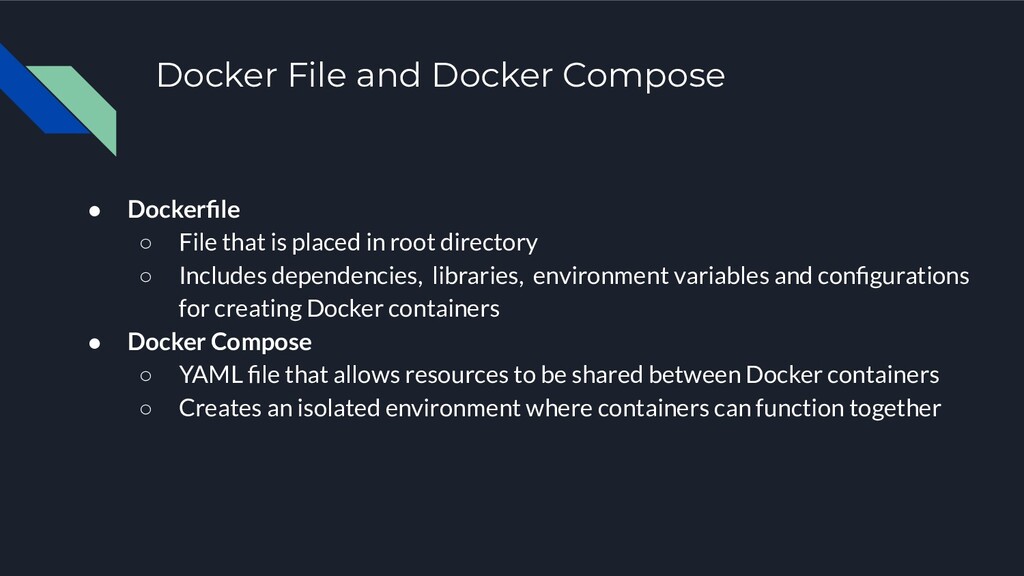
is placed in root directory ◦ Includes dependencies, libraries, environment variables and configurations for creating Docker containers • Docker Compose ◦ YAML file that allows resources to be shared between Docker containers ◦ Creates an isolated environment where containers can function together
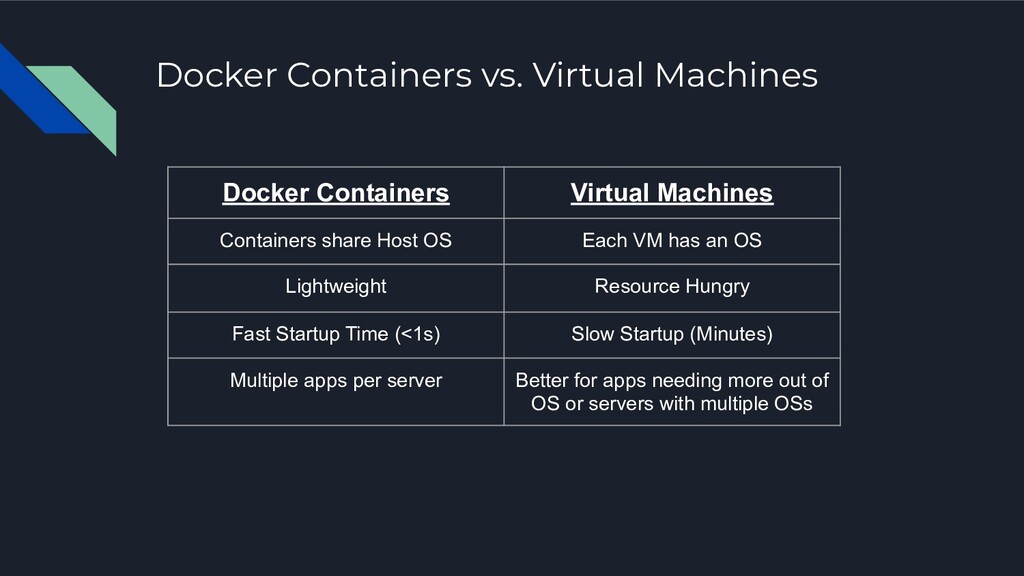
share Host OS Each VM has an OS Lightweight Resource Hungry Fast Startup Time (<1s) Slow Startup (Minutes) Multiple apps per server Better for apps needing more out of OS or servers with multiple OSs


 tonyn
tonyn
 endonanana
 mhrtech
 persolserverworks
 nealle
 yu23ki14
 hiracky16
 camiha
 makocchi
 glaforge
 ezaki
ezaki
 yamanoku
 maimyyym
 katarinadahlin
 reverentgeek
 notwaldorf
 soysaucechin
 samlambert
 tmiket
 maggiecrowley
 dougneiner
 codingconduct
 aleyda
 baasie
 livdayseo