Lock in $30 Savings on PRO—Offer Ends Soon! ⏳

Offline-first Approach to Android Architecture ...

Offline-first Approach to Android Architecture (TriDroid Meetup June 2017)

Google is making efforts to reach the next billion smartphone users in the developing world, some of which are in disconnected environments. So, what are you doing to ensure your app is ready for them? In this talk, we’ll discuss a less familiar approach to architecting Android applications, using design patterns and libraries that help you build an offline-ready application with minimal effort.

https://www.meetup.com/TriDroid/events/240535174

Video: coming soon

Avatar for Tyler McCraw

Tyler McCraw

June 15, 2017
Tweet

Other Decks in Technology

Transcript

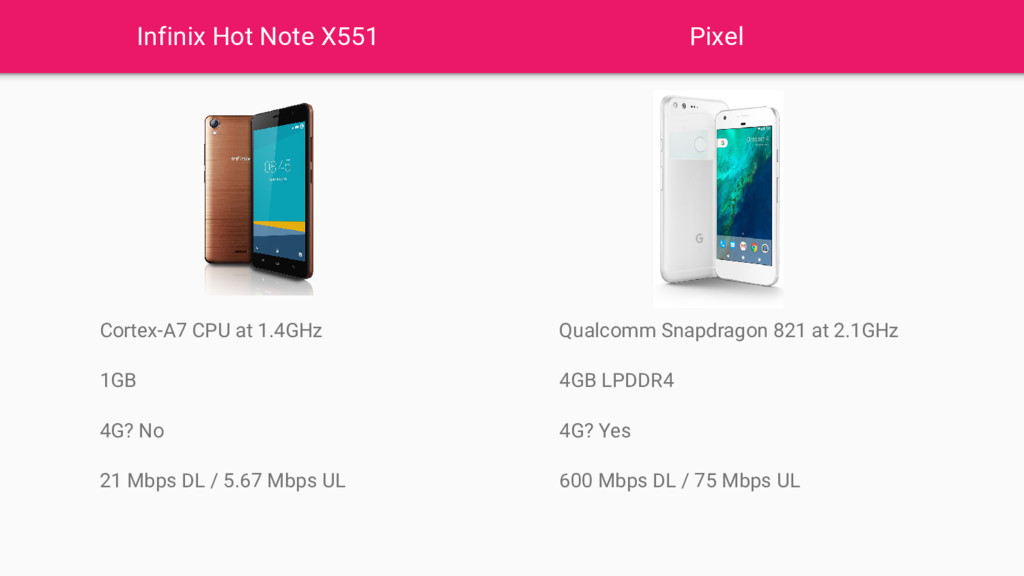
  1. Infinix Hot Note X551 Pixel Cortex-A7 CPU at 1.4GHz 1GB

    4G? No 21 Mbps DL / 5.67 Mbps UL Qualcomm Snapdragon 821 at 2.1GHz 4GB LPDDR4 4G? Yes 600 Mbps DL / 75 Mbps UL
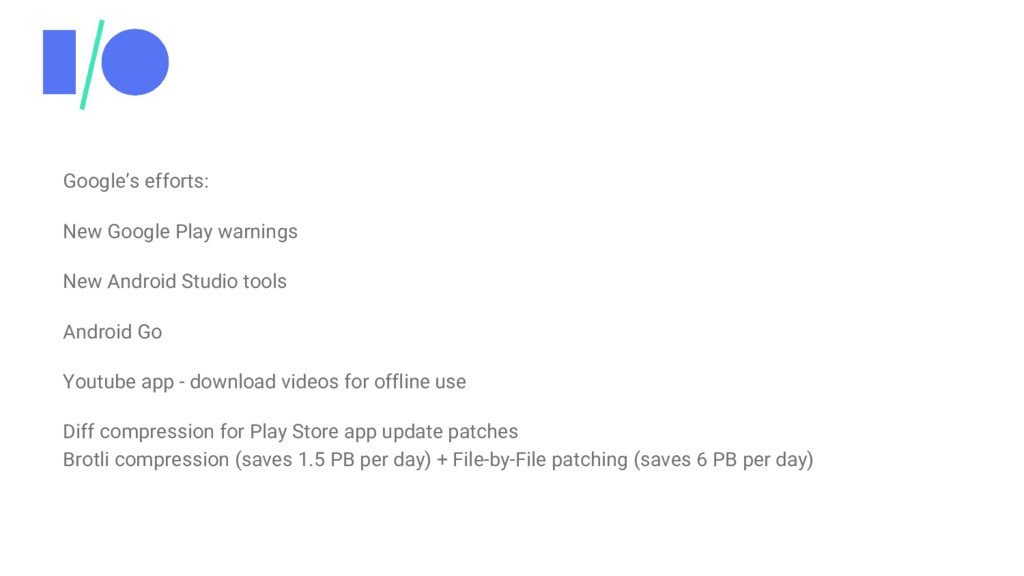
  2. Google’s efforts: New Google Play warnings New Android Studio tools

    Android Go Youtube app - download videos for offline use Diff compression for Play Store app update patches Brotli compression (saves 1.5 PB per day) + File-by-File patching (saves 6 PB per day)
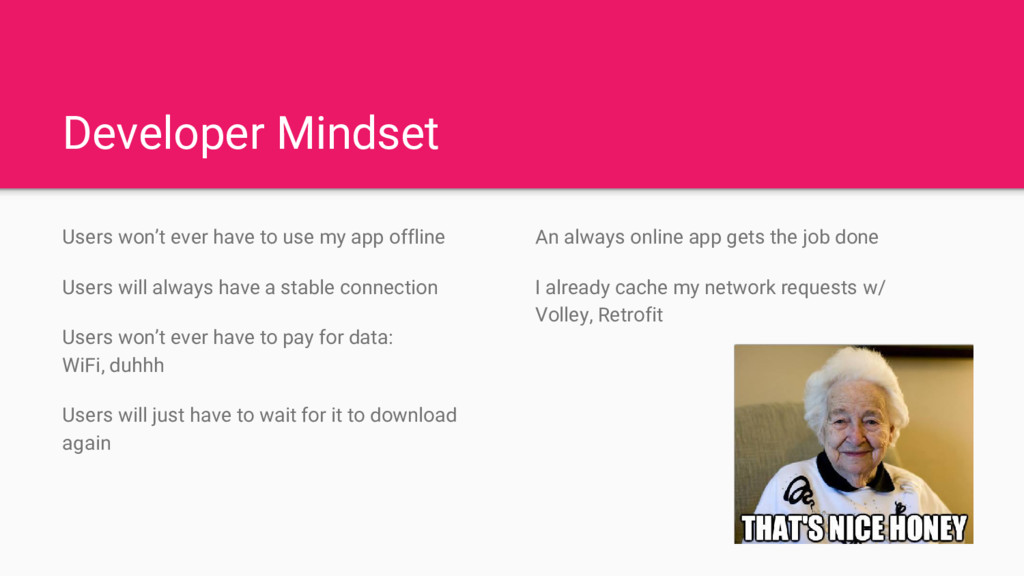
  3. Developer Mindset Users won’t ever have to use my app

    offline Users will always have a stable connection Users won’t ever have to pay for data: WiFi, duhhh Users will just have to wait for it to download again An always online app gets the job done I already cache my network requests w/ Volley, Retrofit
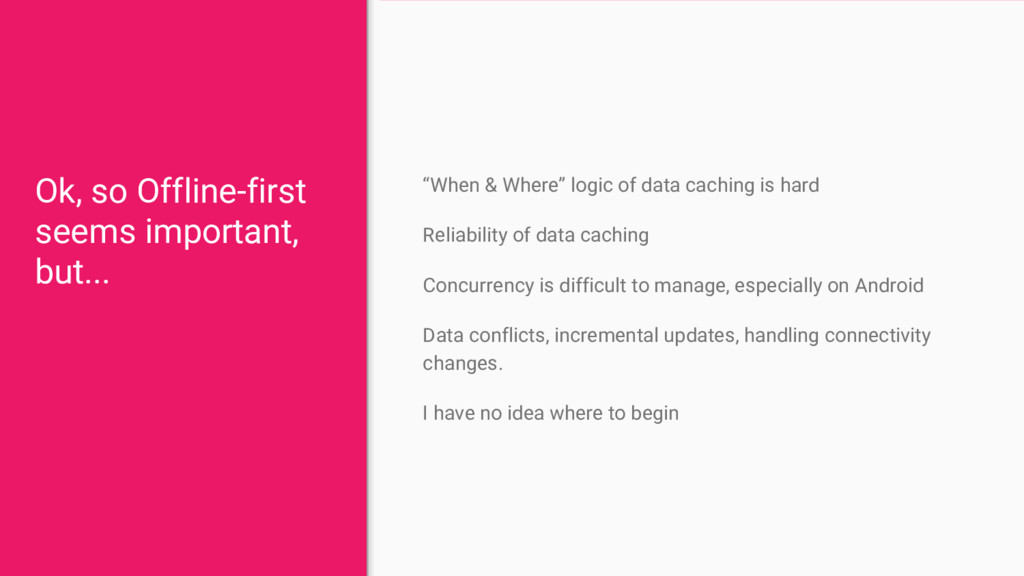
  4. Ok, so Offline-first seems important, but... “When & Where” logic

    of data caching is hard Reliability of data caching Concurrency is difficult to manage, especially on Android Data conflicts, incremental updates, handling connectivity changes. I have no idea where to begin
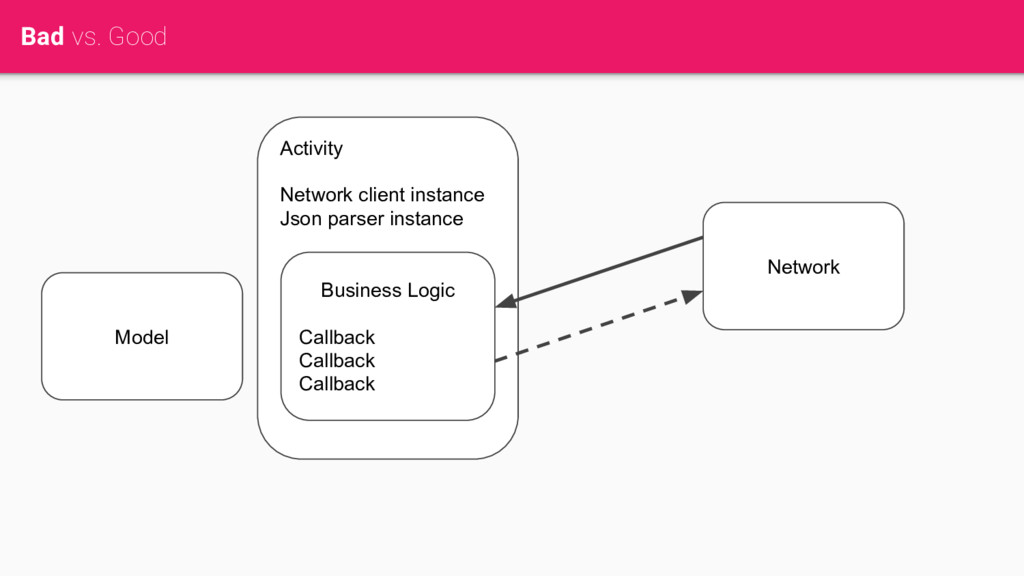
  5. Bad vs. Good Activity Network client instance Json parser instance
    Business Logic Callback Callback Callback Network Model
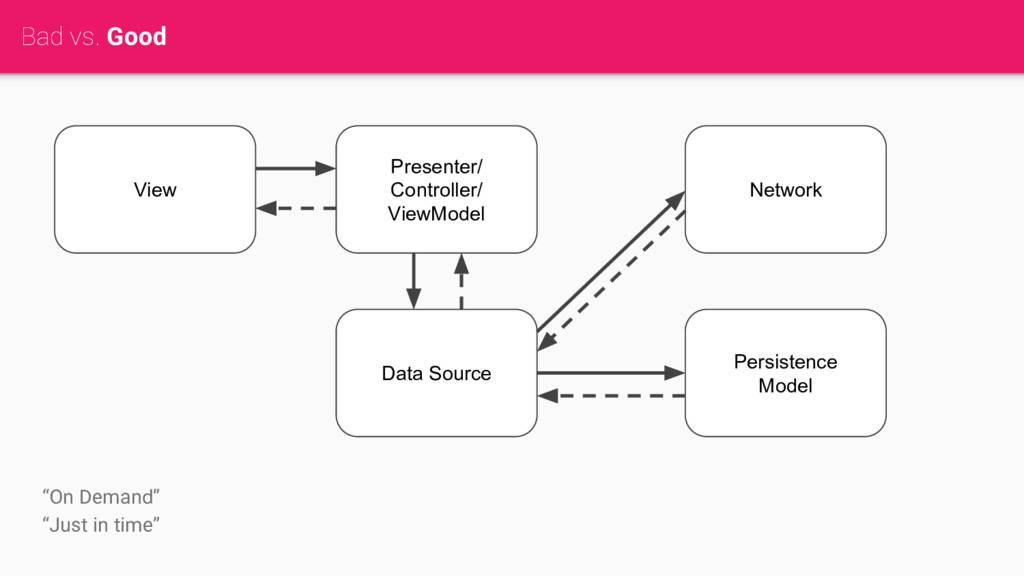
  6. Bad vs. Good Presenter/ Controller/ ViewModel View Data Source Network

    Persistence Model “On Demand” “Just in time”
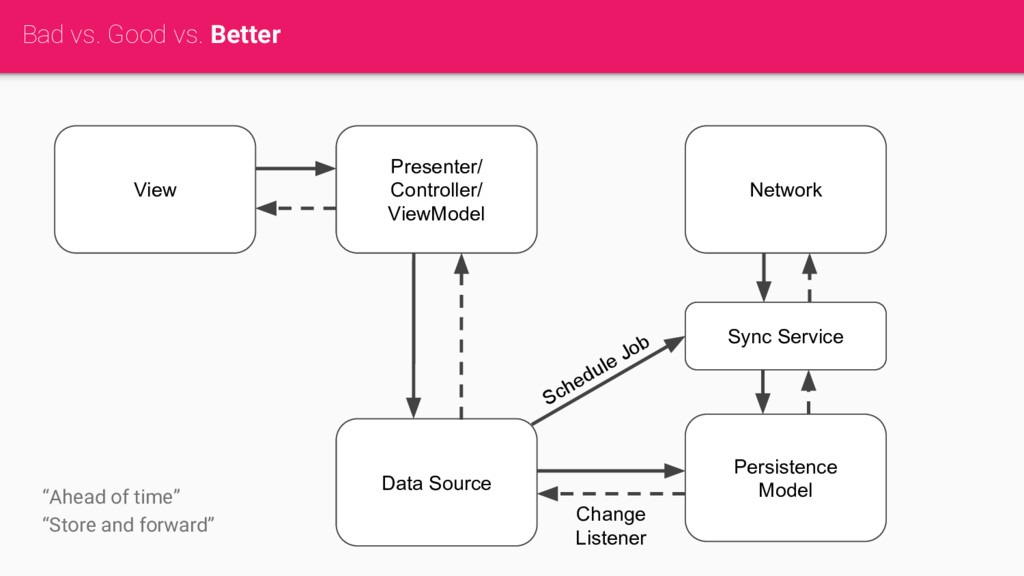
  7. Bad vs. Good vs. Better Presenter/ Controller/ ViewModel View Data

    Source Network Persistence Model Sync Service Schedule Job Change Listener “Ahead of time” “Store and forward”
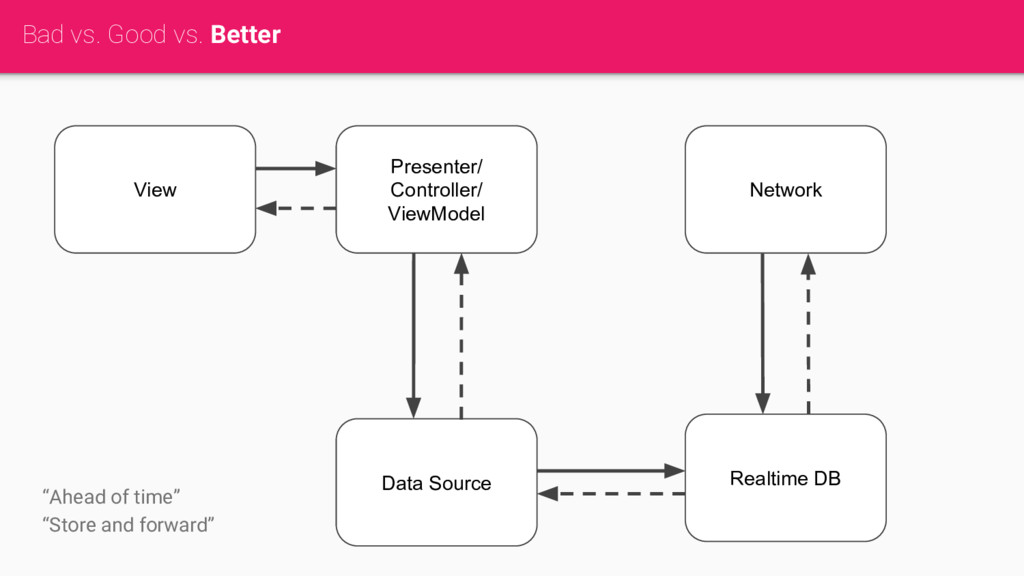
  8. Bad vs. Good vs. Better Presenter/ Controller/ ViewModel View Data

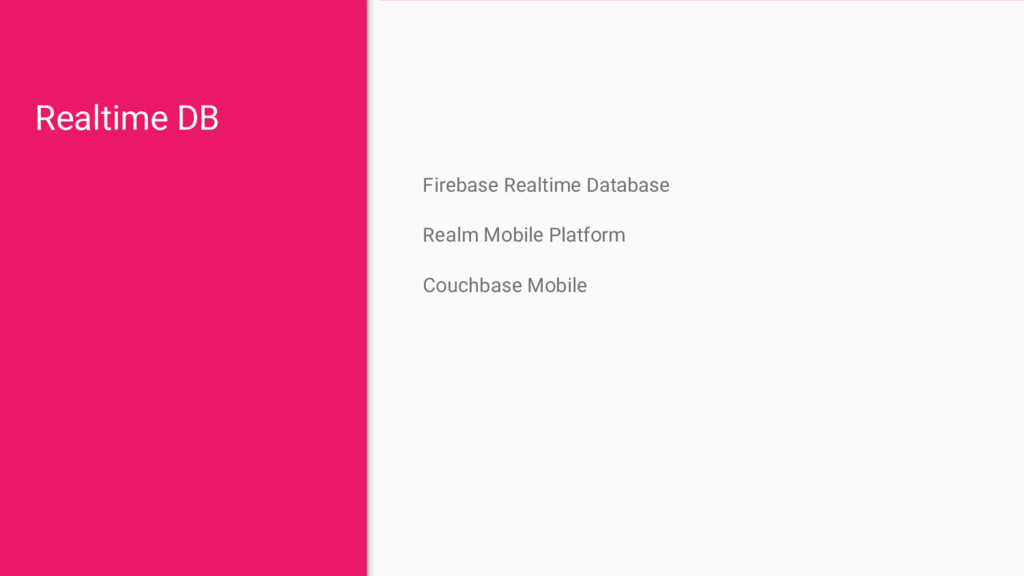
    Source Network Realtime DB “Ahead of time” “Store and forward”
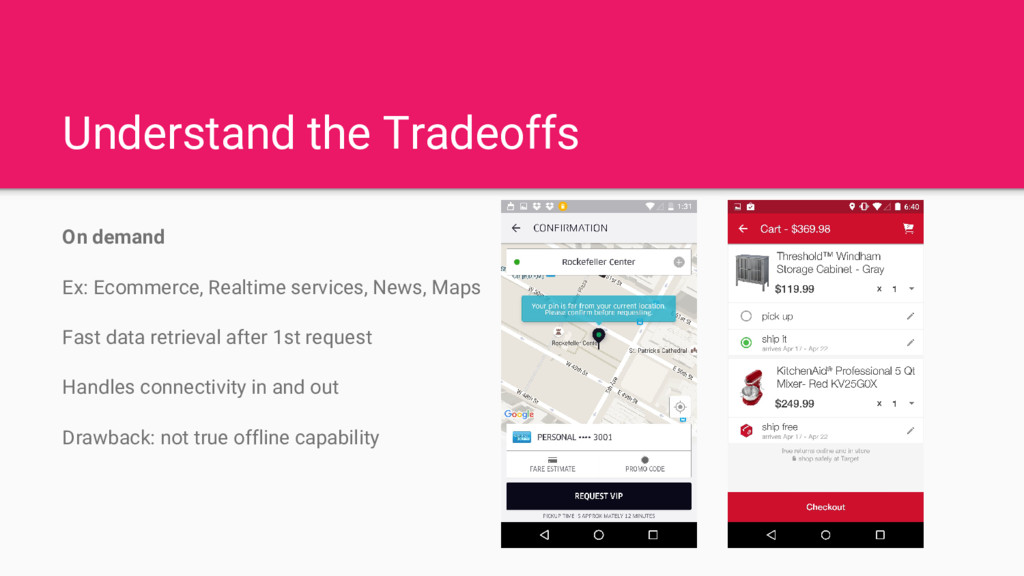
  9. Understand the Tradeoffs On demand Ex: Ecommerce, Realtime services, News,

    Maps Fast data retrieval after 1st request Handles connectivity in and out Drawback: not true offline capability
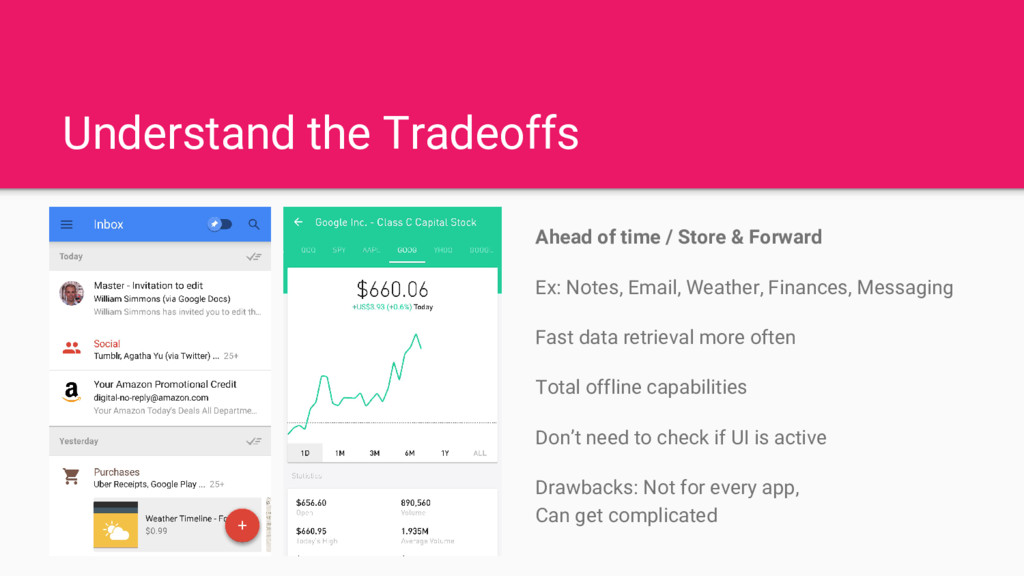
  10. Understand the Tradeoffs Ahead of time / Store & Forward

    Ex: Notes, Email, Weather, Finances, Messaging Fast data retrieval more often Total offline capabilities Don’t need to check if UI is active Drawbacks: Not for every app, Can get complicated
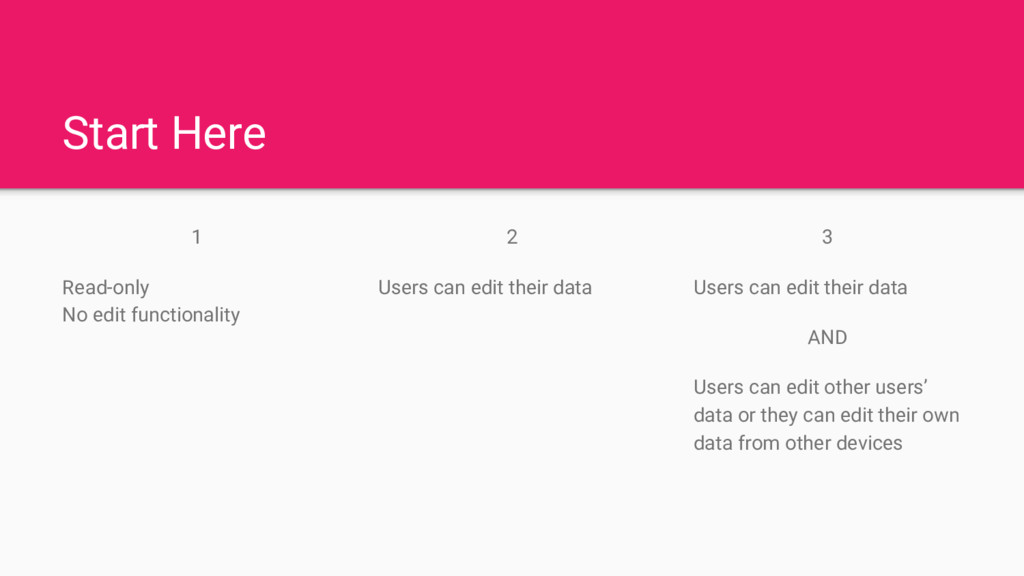
  11. Start Here 1 Read-only No edit functionality 2 Users can

    edit their data 3 Users can edit their data AND Users can edit other users’ data or they can edit their own data from other devices
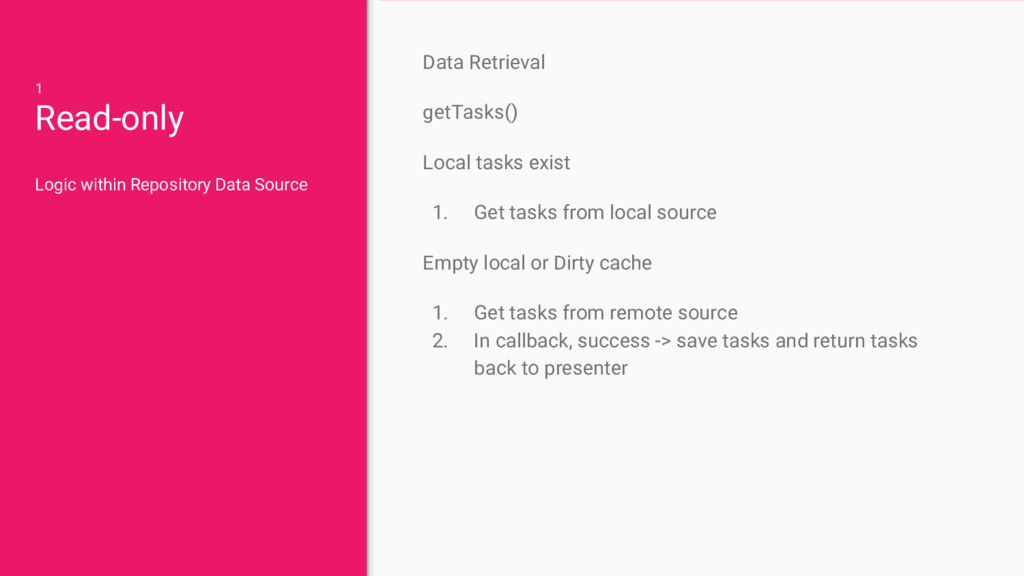
  12. Logic within Repository Data Source Data Retrieval getTasks() Local tasks

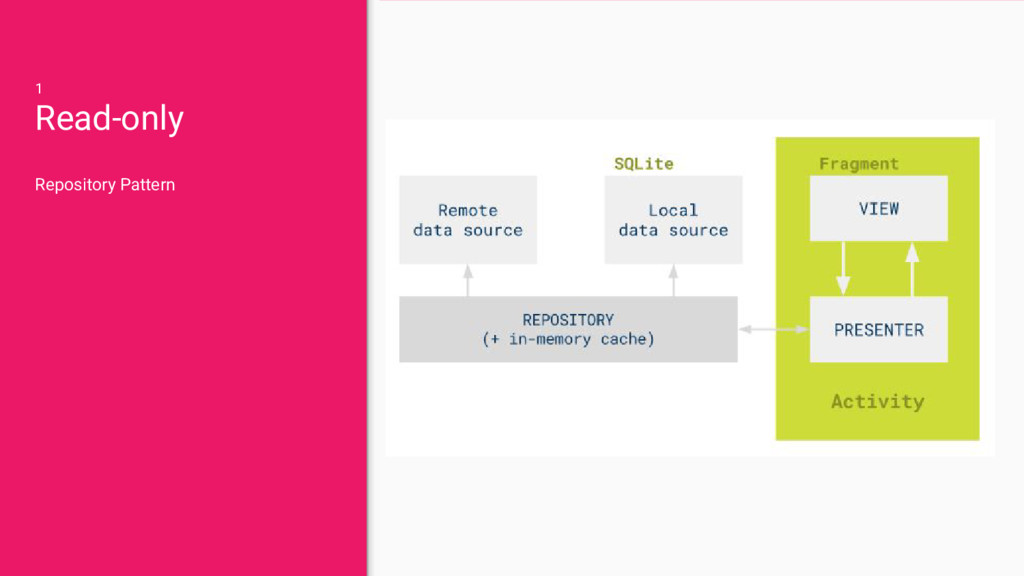
    exist 1. Get tasks from local source Empty local or Dirty cache 1. Get tasks from remote source 2. In callback, success -> save tasks and return tasks back to presenter 1 Read-only
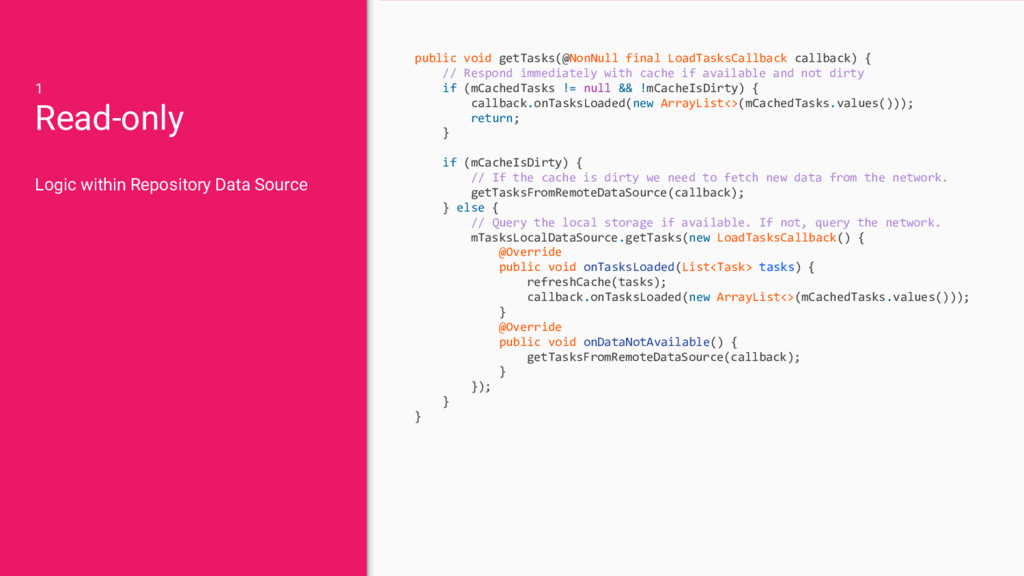
  13. 1 Read-only Logic within Repository Data Source public void getTasks(@NonNull

    final LoadTasksCallback callback) { // Respond immediately with cache if available and not dirty if (mCachedTasks != null && !mCacheIsDirty) { callback.onTasksLoaded(new ArrayList<>(mCachedTasks.values())); return; } if (mCacheIsDirty) { // If the cache is dirty we need to fetch new data from the network. getTasksFromRemoteDataSource(callback); } else { // Query the local storage if available. If not, query the network. mTasksLocalDataSource.getTasks(new LoadTasksCallback() { @Override public void onTasksLoaded(List<Task> tasks) { refreshCache(tasks); callback.onTasksLoaded(new ArrayList<>(mCachedTasks.values())); } @Override public void onDataNotAvailable() { getTasksFromRemoteDataSource(callback); } }); } }
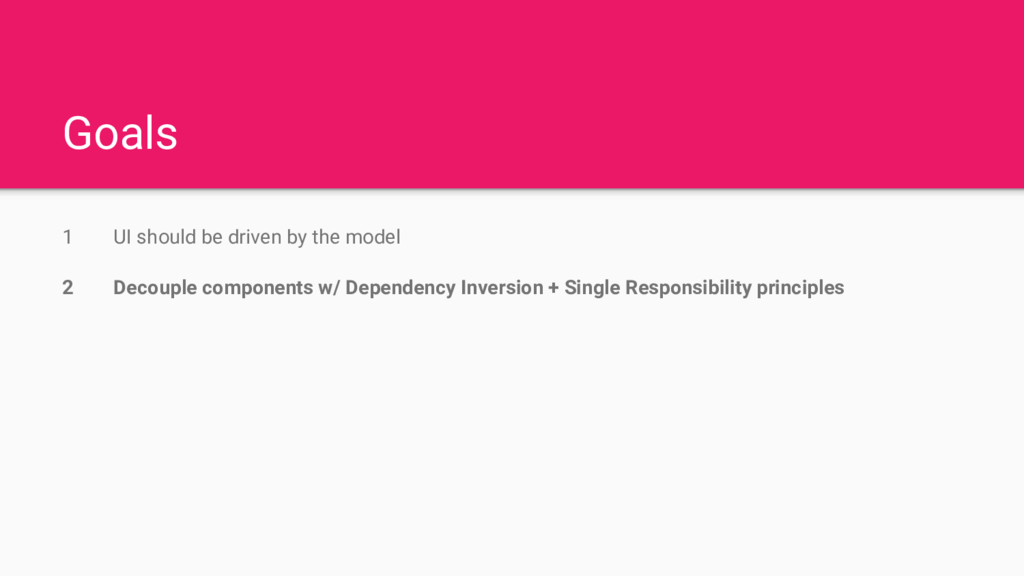
  14. Goals 1 UI should be driven by the model 2

    Decouple components w/ Dependency Inversion + Single Responsibility principles
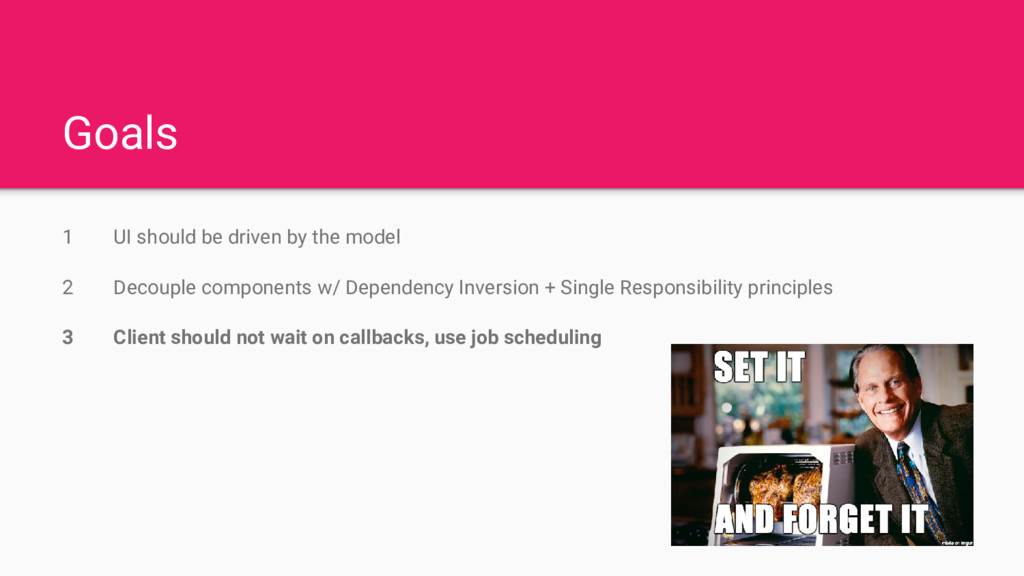
  15. Goals 1 UI should be driven by the model 2

    Decouple components w/ Dependency Inversion + Single Responsibility principles 3 Client should not wait on callbacks, use job scheduling
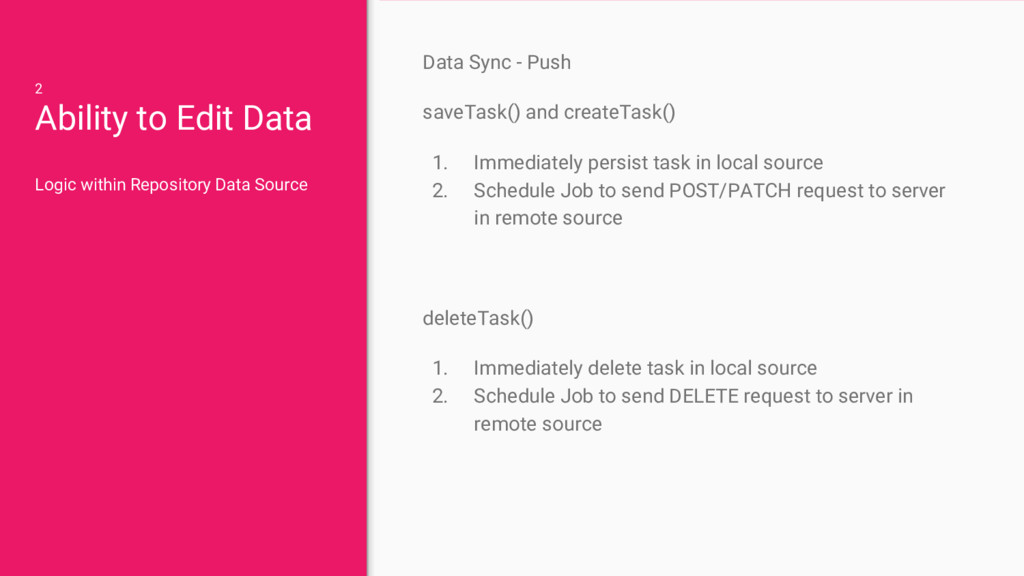
  16. Logic within Repository Data Source Data Sync - Push saveTask()

    and createTask() 1. Immediately persist task in local source 2. Schedule Job to send POST/PATCH request to server in remote source deleteTask() 1. Immediately delete task in local source 2. Schedule Job to send DELETE request to server in remote source 2 Ability to Edit Data
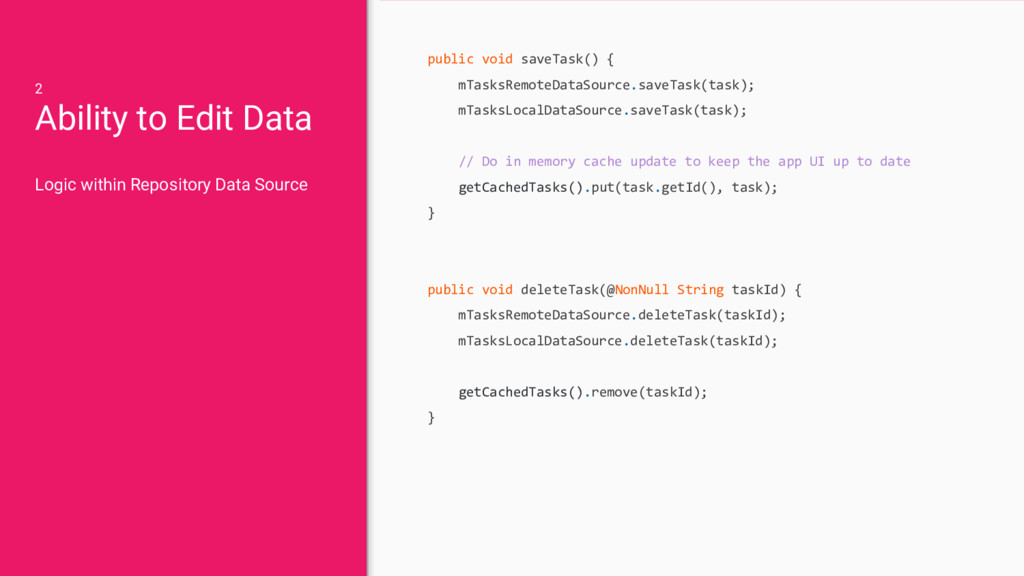
  17. Logic within Repository Data Source public void saveTask() { mTasksRemoteDataSource.saveTask(task);

    mTasksLocalDataSource.saveTask(task); // Do in memory cache update to keep the app UI up to date getCachedTasks().put(task.getId(), task); } public void deleteTask(@NonNull String taskId) { mTasksRemoteDataSource.deleteTask(taskId); mTasksLocalDataSource.deleteTask(taskId); getCachedTasks().remove(taskId); } 2 Ability to Edit Data
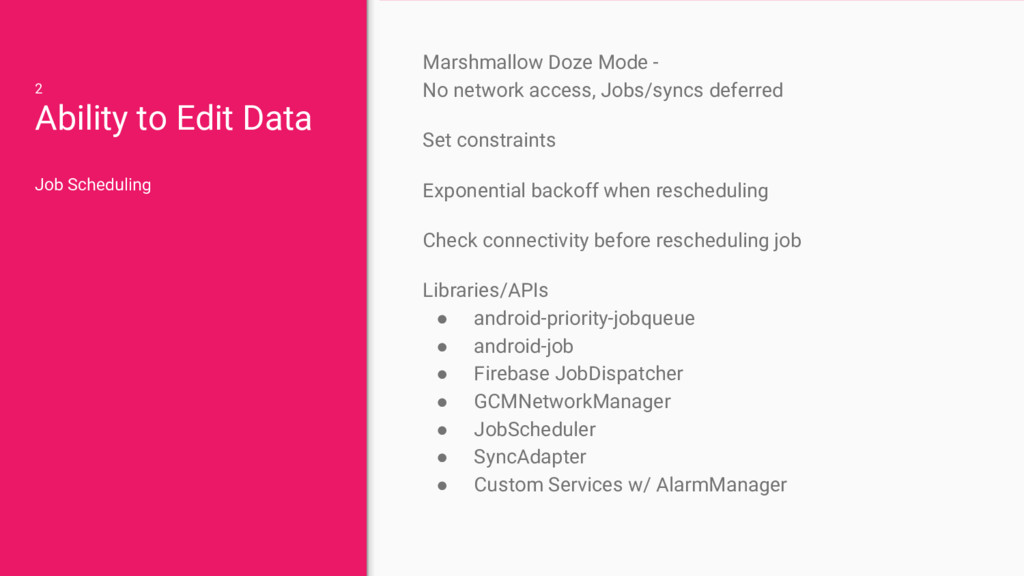
  18. Marshmallow Doze Mode - No network access, Jobs/syncs deferred Set

    constraints Exponential backoff when rescheduling Check connectivity before rescheduling job Libraries/APIs • android-priority-jobqueue • android-job • Firebase JobDispatcher • GCMNetworkManager • JobScheduler • SyncAdapter • Custom Services w/ AlarmManager Job Scheduling 2 Ability to Edit Data
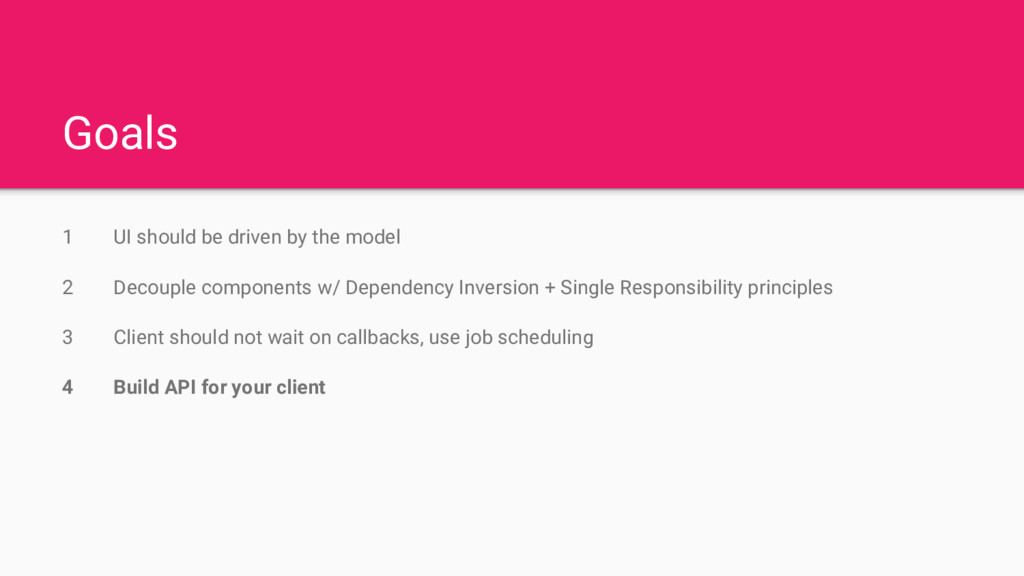
  19. Goals 1 UI should be driven by the model 2

    Decouple components w/ Dependency Inversion + Single Responsibility principles 3 Client should not wait on callbacks, use job scheduling 4 Build API for your client
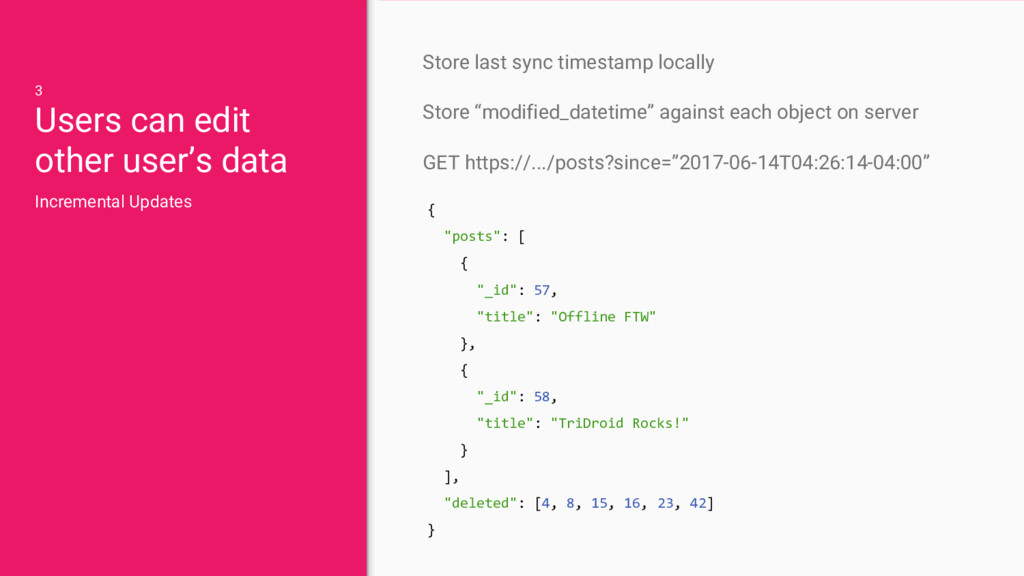
  20. Incremental Updates Store last sync timestamp locally Store “modified_datetime” against

    each object on server GET https://.../posts?since=”2017-06-14T04:26:14-04:00” { "posts": [ { "_id": 57, "title": "Offline FTW" }, { "_id": 58, "title": "TriDroid Rocks!" } ], "deleted": [4, 8, 15, 16, 23, 42] } 3 Users can edit other user’s data
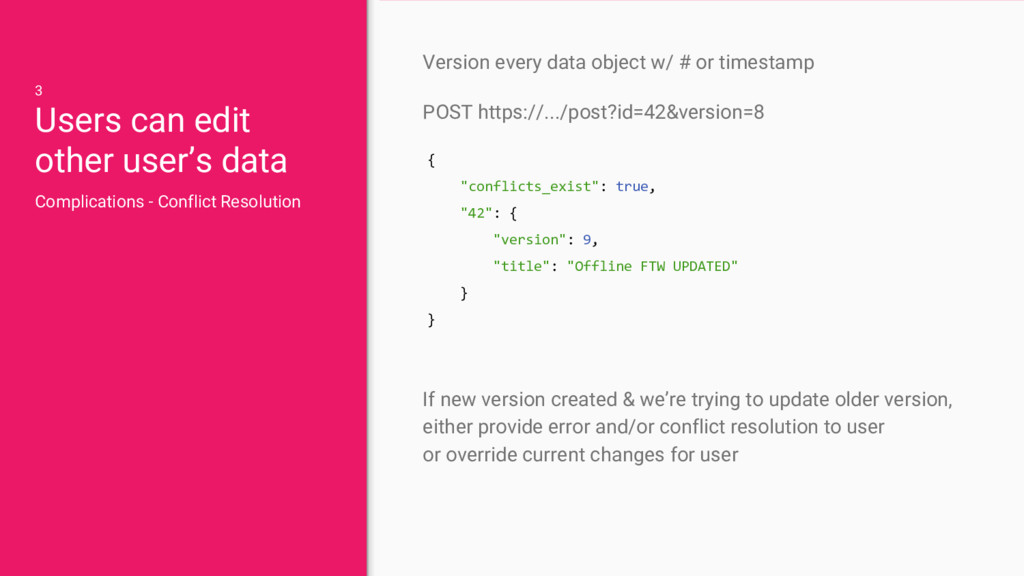
  21. Complications - Conflict Resolution Version every data object w/ #

    or timestamp POST https://.../post?id=42&version=8 { "conflicts_exist": true, "42": { "version": 9, "title": "Offline FTW UPDATED" } } If new version created & we’re trying to update older version, either provide error and/or conflict resolution to user or override current changes for user 3 Users can edit other user’s data
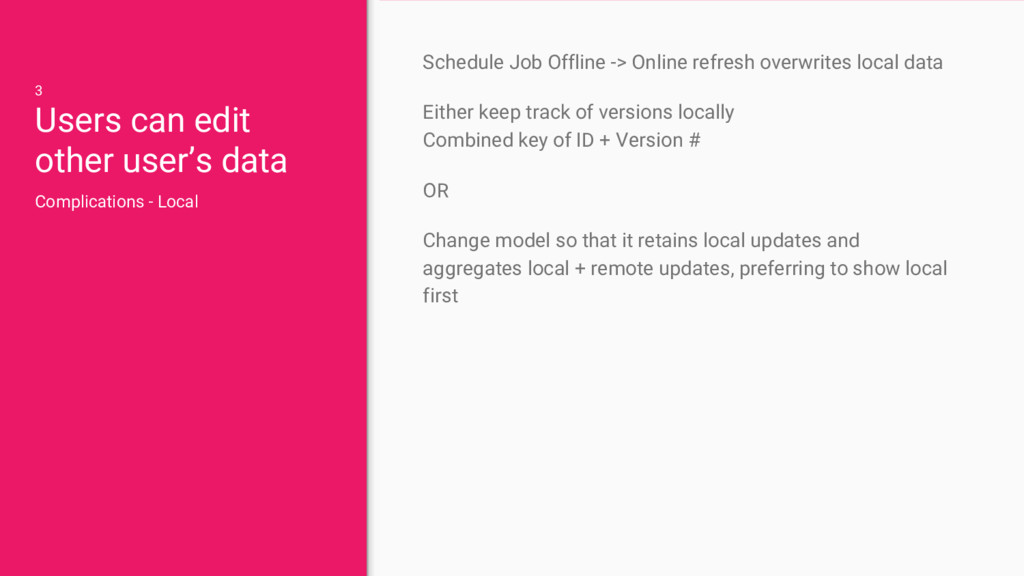
  22. Complications - Local Schedule Job Offline -> Online refresh overwrites

    local data Either keep track of versions locally Combined key of ID + Version # OR Change model so that it retains local updates and aggregates local + remote updates, preferring to show local first 3 Users can edit other user’s data
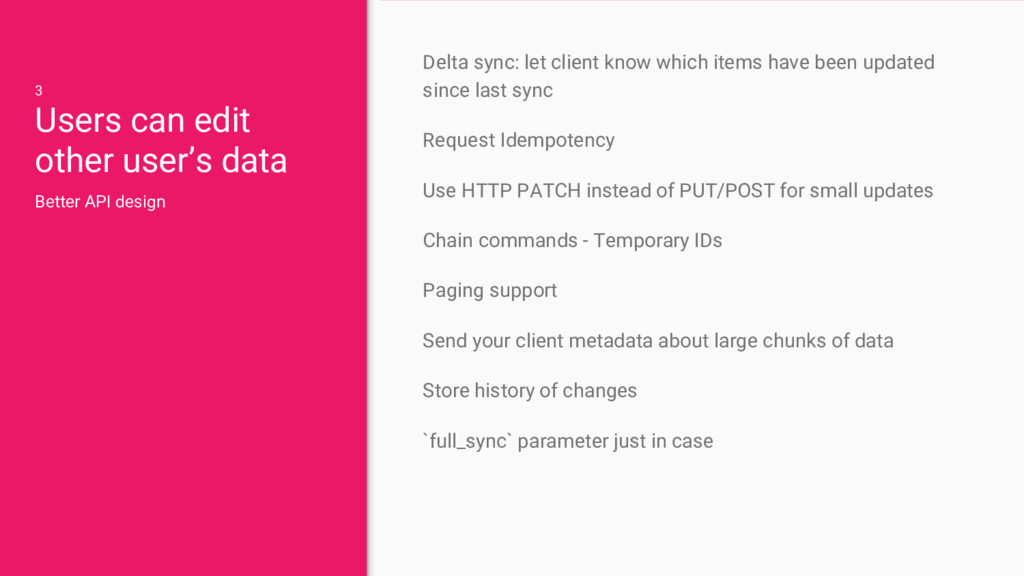
  23. Better API design Delta sync: let client know which items

    have been updated since last sync Request Idempotency Use HTTP PATCH instead of PUT/POST for small updates Chain commands - Temporary IDs Paging support Send your client metadata about large chunks of data Store history of changes `full_sync` parameter just in case 3 Users can edit other user’s data
  24. Takeaways Design your backend for your client Design for use

    cases AND failure cases Act early and architect your app for offline capability up front
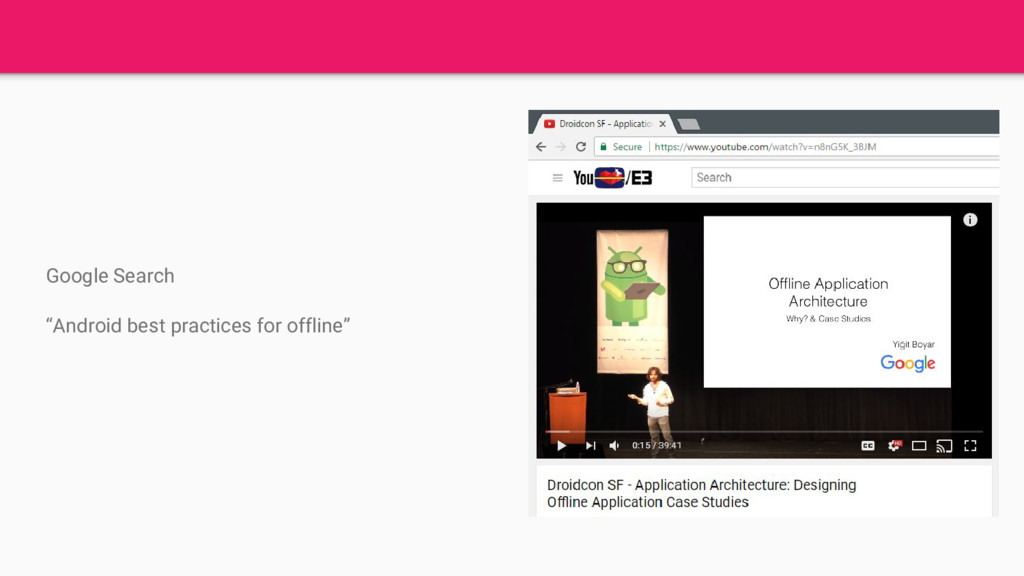
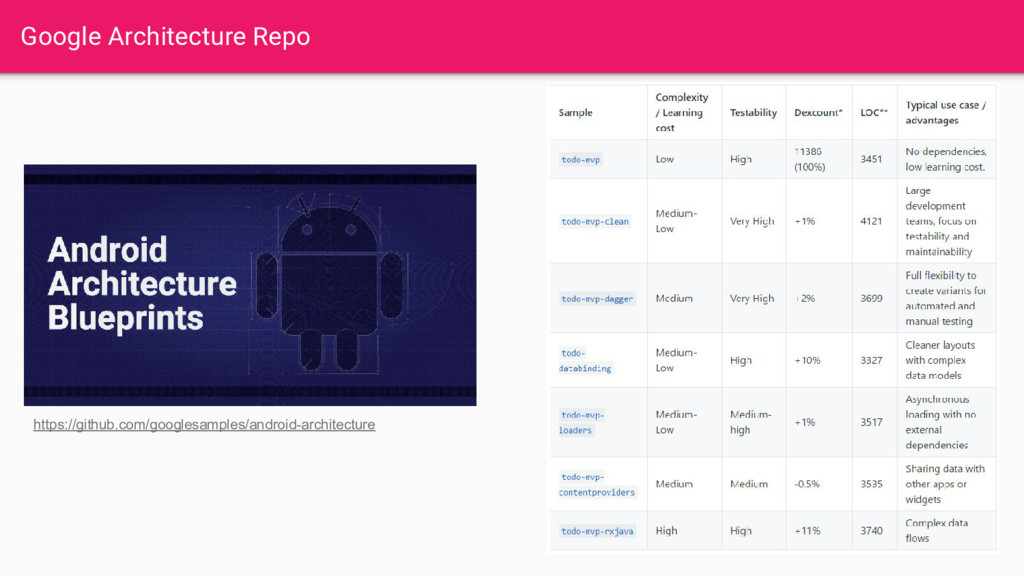
  25. Final Notes Architecture YouTube series: youtu.be/n8nG5K_3BJM youtu.be/BlkJzgjzL0c youtu.be/70WqJxymPr8 youtu.be/FrteWKKVyzI Great

    open-source examples: github.com/googlesamples/android-architecture github.com/googlesamples/android-architecture-co mponents https://github.com/TylerMcCraw/android-todo github.com/codepath/android_guides/wiki/Depend ency-Injection-with-Dagger-2 developer.android.com/topic/libraries/architecture Don’t use “todo” in your package structure. It will add TODO highlights everywhere :)
  26. Relevant I/O ‘17 Talks Architecture Components - Introduction - https://youtu.be/FrteWKKVyzI

    Engineer for High Performance with Tools from Android & Play - https://youtu.be/ySxCrzsKSGI Android Performance: An Overview - https://youtu.be/Qfo5fdoXrTU What's New in Android Development Tools - https://youtu.be/Hx_rwS1NTiI Best Practices to Slim Down Your App Size - https://youtu.be/AdfKNgyT438 Architecture Components - Persistence and Offline - https://youtu.be/MfHsPGQ6bgE Android Go - https://youtu.be/CHKfKChZSE0 Building for Your Next Billion Users - https://youtu.be/wD3rpdiLMyY