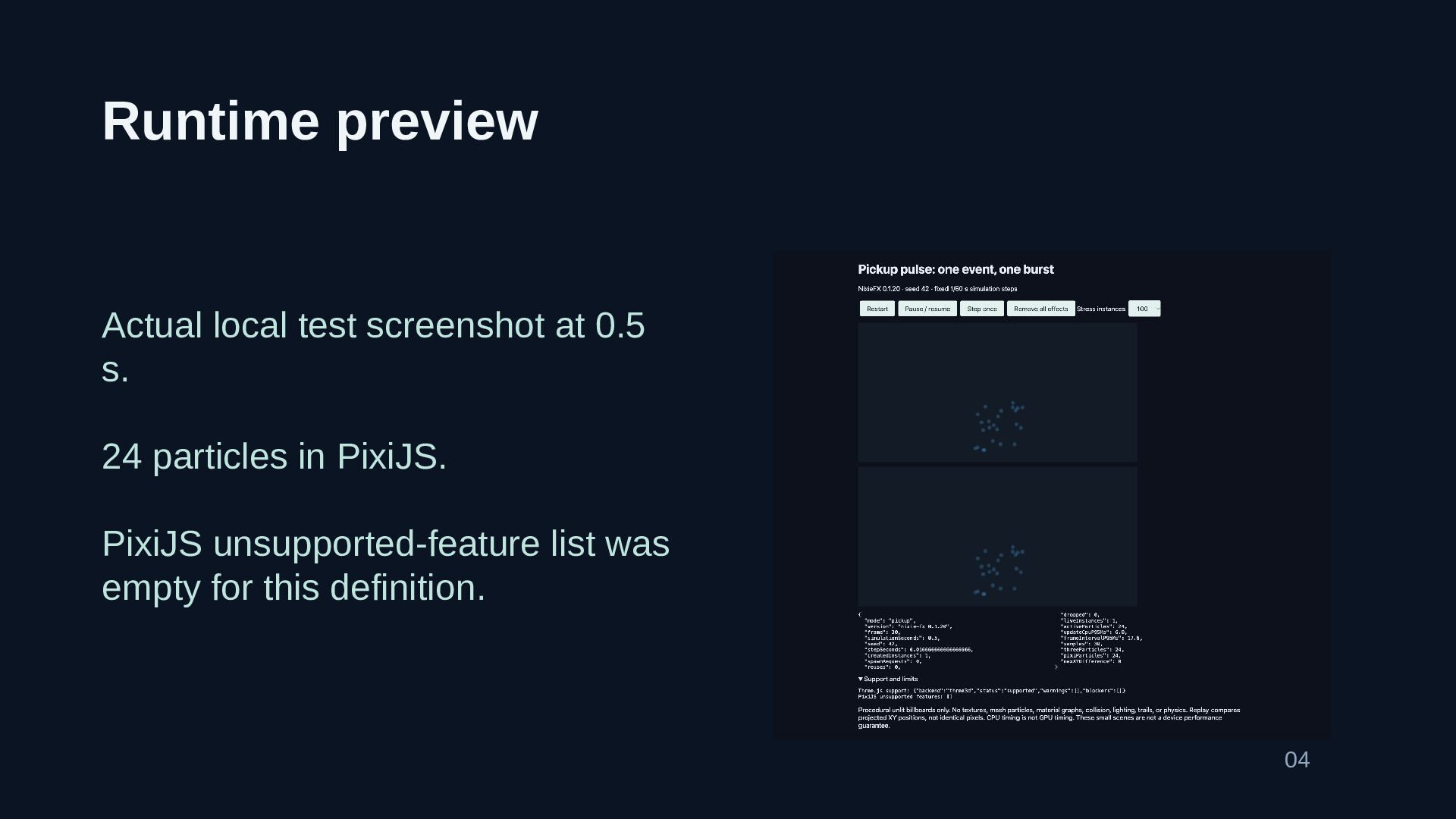
A pickup pulse needs a clear lifetime: one collection event starts one short burst, the particles finish, and the owning scene releases or reuses the instance. This deck walks through a small PixiJS example built with nixie-fx 0.1.20, using procedural billboards and a fixed seed so the result can be replayed. It covers common integration mistakes, including restarting every frame, mixing milliseconds with seconds, using mismatched coordinates, and mistaking particle expiry for cleanup. The local test observed 24 particles at 0.5 simulated seconds, with no unsupported PixiJS features reported for the definition. That result applies to this small effect, not every material or backend setting. The slides include the tested preview and a concrete integration checklist. For the pixi js particle editor used by the runtime example, see https://nixiefx.com/pixijs-particle-effects/ .


 vmkrtu2000
 andpad
 gam0022
 yukiny
 uyuki234
 oku053
 utakaha
 prota
prota
 kasacchiful
 satoshi256kbyte
 htkym
htkym
 econanringo
 kenjiyoneyama
 eileencodes
 csswizardry
 hatefulcrawdad
 nikkihalliwell
 shlominoach
 jlugia
 rabernat
 kneath
 bluesmoon
 afnizarnur
 stephaniewalter
 panda_program