creating a clean build of the system as frequently as changes are created. • Keeping the code base as healthy as possible. • And ensuring that every iteration of the system correct and complete. Can be deployed at anytime.
Kick-ass agile teams (usually cross-functional, Engineers, Product managers and any other members of your team) require a harness to help them row in the same direction while working optimally. • Lets individuals focus on their tasks while helping to keep the integrity of the whole system. • This is fundamental to true agility.
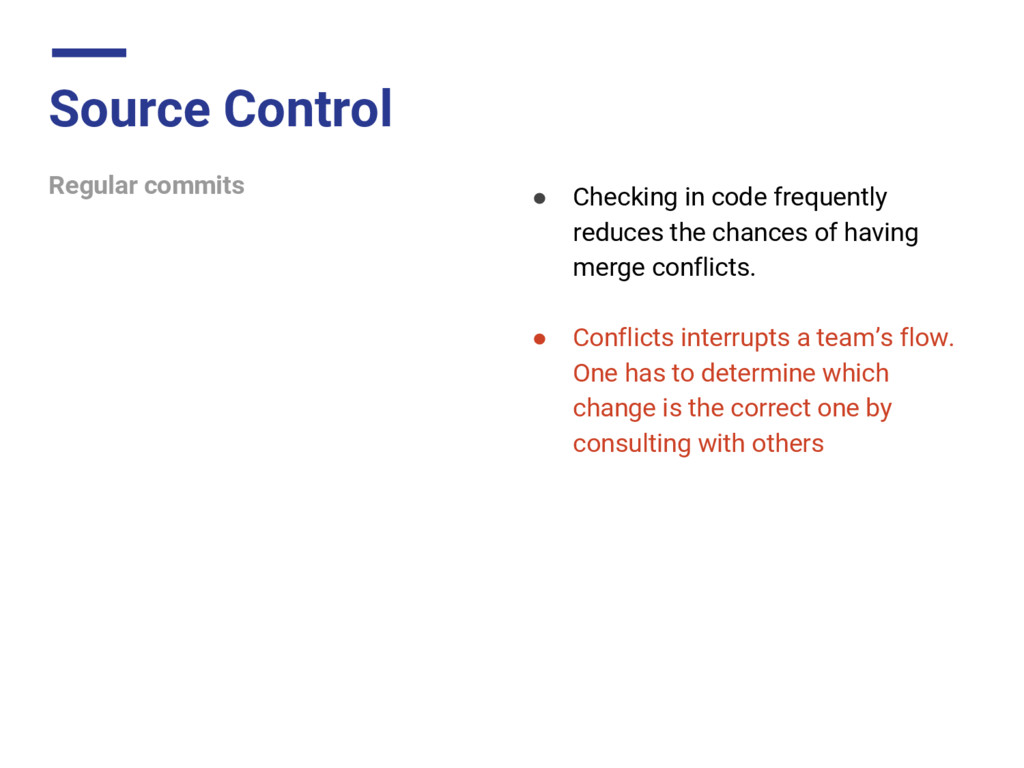
the chances of having merge conflicts. • Conflicts interrupts a team’s flow. One has to determine which change is the correct one by consulting with others
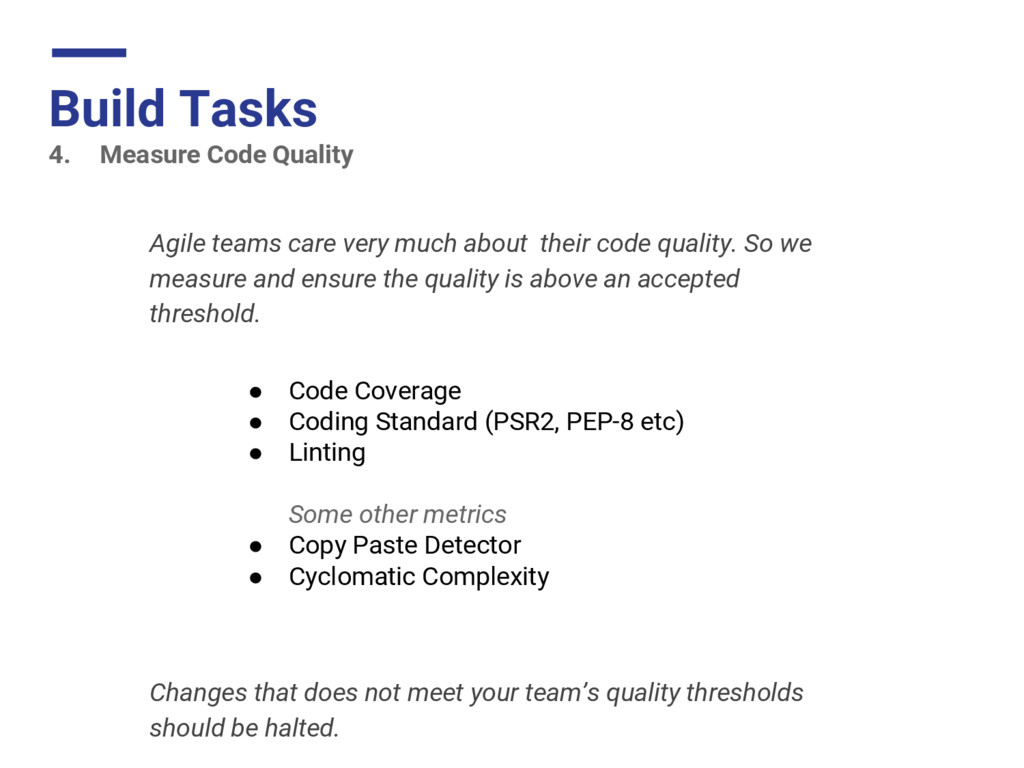
much about their code quality. So we measure and ensure the quality is above an accepted threshold. • Code Coverage • Coding Standard (PSR2, PEP-8 etc) • Linting Some other metrics • Copy Paste Detector • Cyclomatic Complexity Changes that does not meet your team’s quality thresholds should be halted.
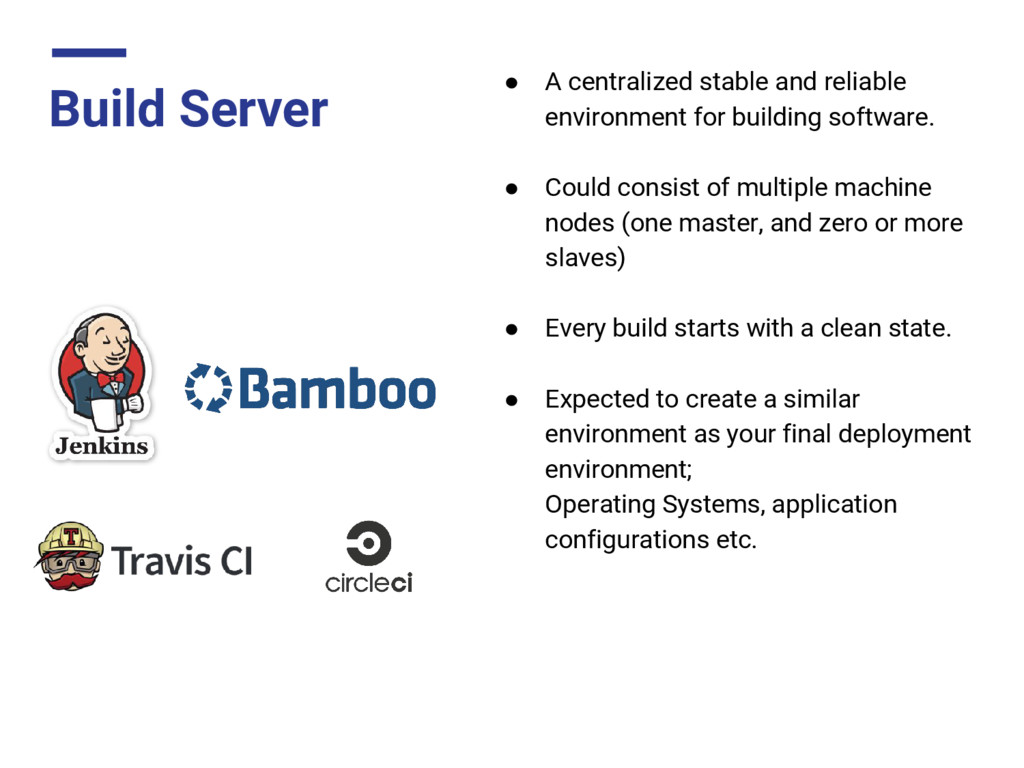
building software. • Could consist of multiple machine nodes (one master, and zero or more slaves) • Every build starts with a clean state. • Expected to create a similar environment as your final deployment environment; Operating Systems, application configurations etc.
failing builds. (Slack, Email) • Makes every build information (quality, test results etc) available • Makes it easy for team members to get the latest builds (artifacts) (while keeping old builds too)


 htkym
htkym
 rollbear
 kishida
 shihochan
 taiseiue
 mixplace
 gam0022
 nao_randd
 lynnswap
 uyuki234
 jame2408
 kenjiyoneyama
 konakalab
 inesmontani
 jcasabona
 palkan
 codingconduct
 mfonobong
 cromwellryan
 szymonslowik
 addyosmani
 chrislema
 rkendrick25
 eileencodes