Upgrade to Pro — share decks privately, control downloads, hide ads and more …

Building a SMS Panic Button

Sponsored · Your Podcast. Everywhere. Effortlessly. Share. Educate. Inspire. Entertain. You do you. We'll handle the rest. →

Building a SMS Panic Button

Talk for the SFNode Meetup of December 2019 that shows how to build an SMS based panic button using Twilio Functions and a Flic button.

Avatar for Fernando Larrañaga

Fernando Larrañaga

December 05, 2019

More Decks by Fernando Larrañaga

Other Decks in Programming

Transcript

  1. Hola • I’m Fernando ✌ • From • Developer Evangelist

    at Twilio • Organizer NodeSchool SF xabadu https://xabadu.dev
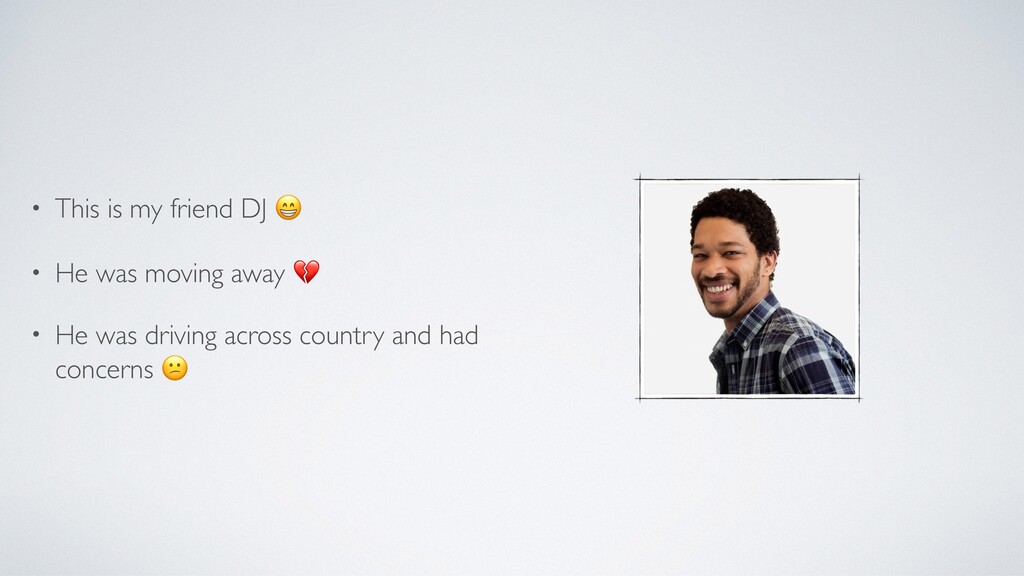
  2. • This is my friend DJ • He was moving

    away • He was driving across country and had concerns
  3. The challenge? Build something • Portable • Quick to use

    • Discreet • With a single action allows you to ask for help
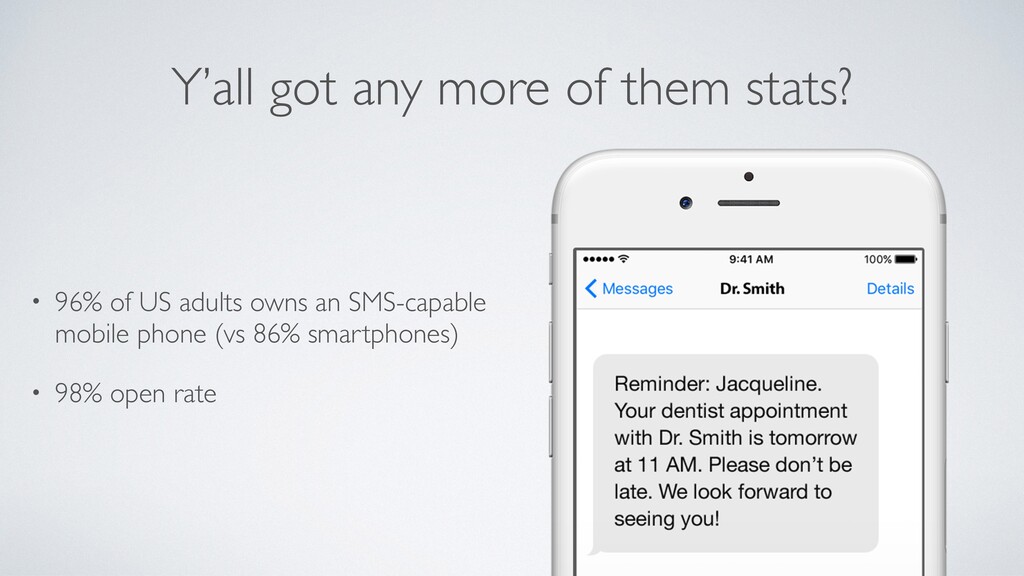
  4. Y’all got any more of them stats? • 96% of

    US adults owns an SMS-capable mobile phone (vs 86% smartphones) • 98% open rate
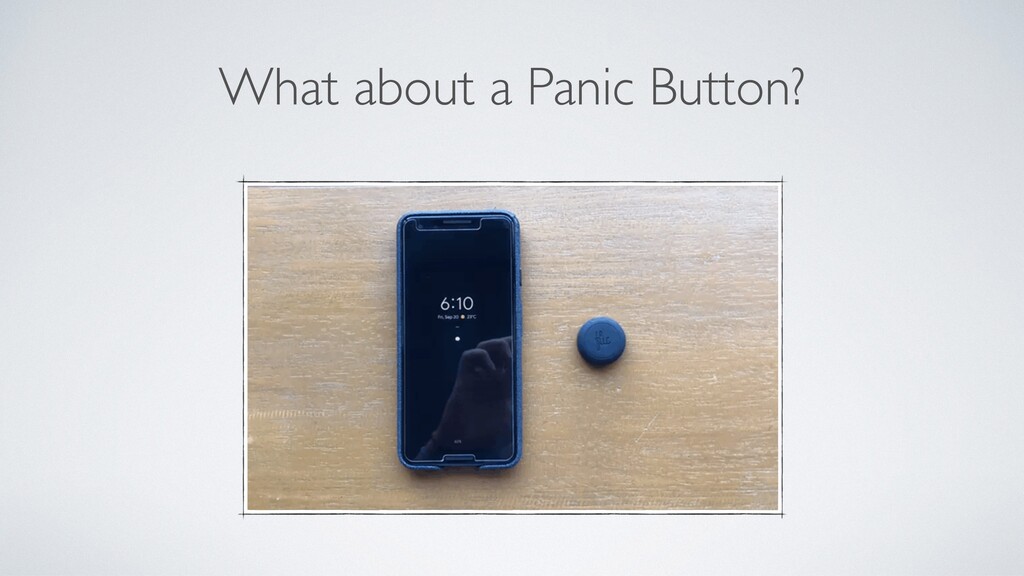
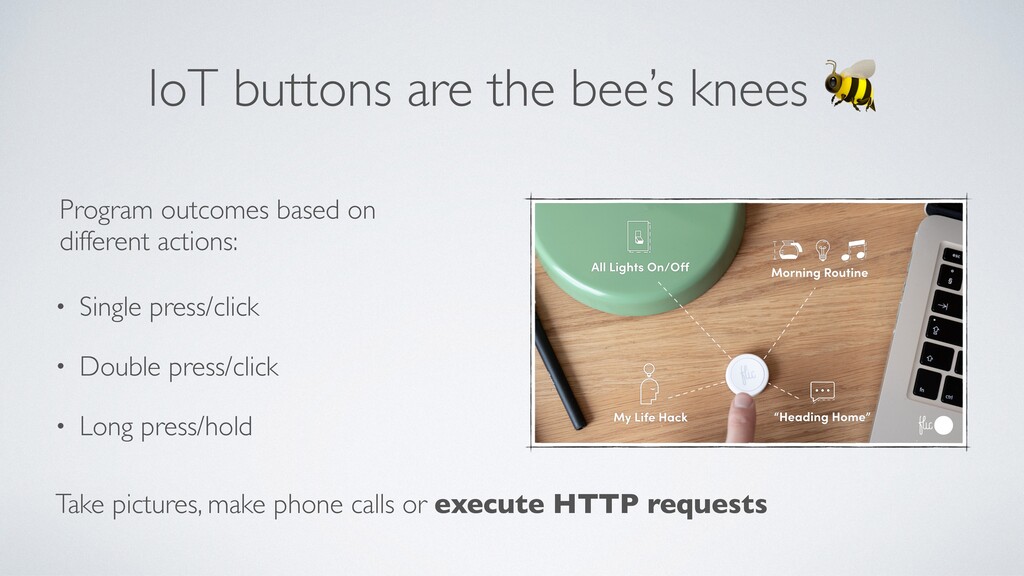
  5. IoT buttons are the bee’s knees • Single press/click •

    Double press/click • Long press/hold Program outcomes based on different actions: Take pictures, make phone calls or execute HTTP requests
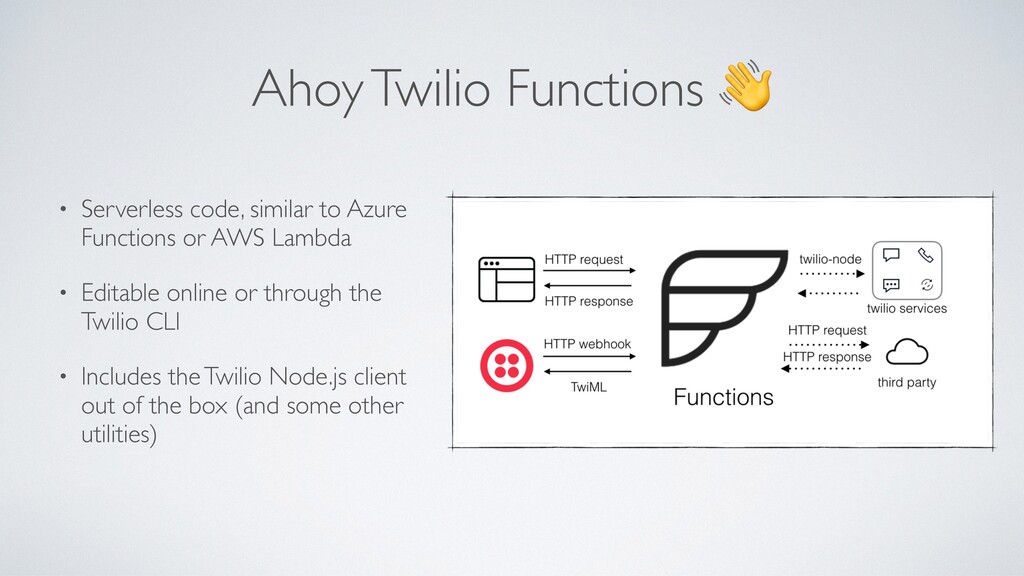
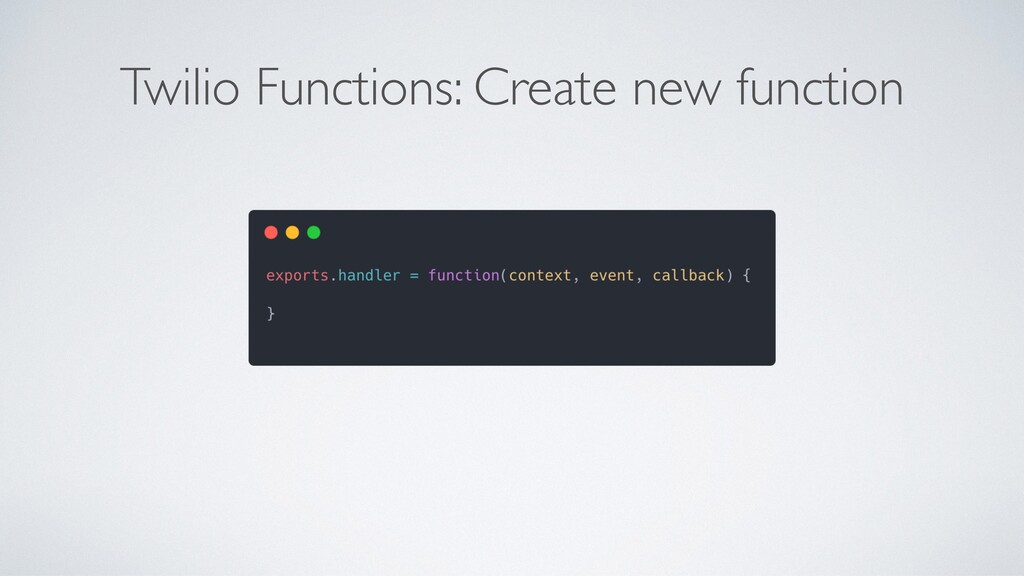
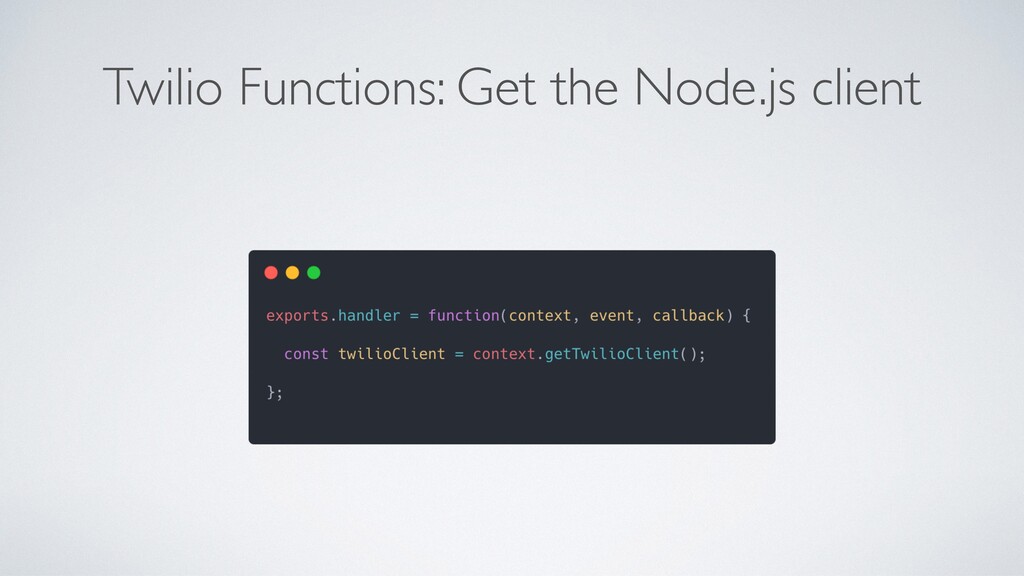
  6. Ahoy Twilio Functions • Serverless code, similar to Azure Functions

    or AWS Lambda • Editable online or through the Twilio CLI • Includes the Twilio Node.js client out of the box (and some other utilities)
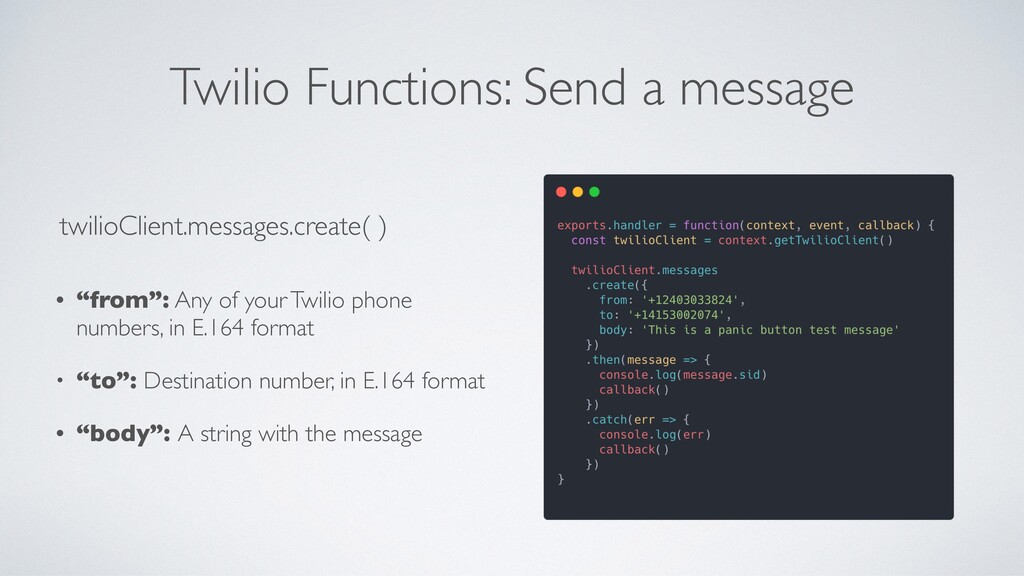
  7. Twilio Functions: Send a message • “from”: Any of your

    Twilio phone numbers, in E.164 format • “to”: Destination number, in E.164 format • “body”: A string with the message twilioClient.messages.create( )
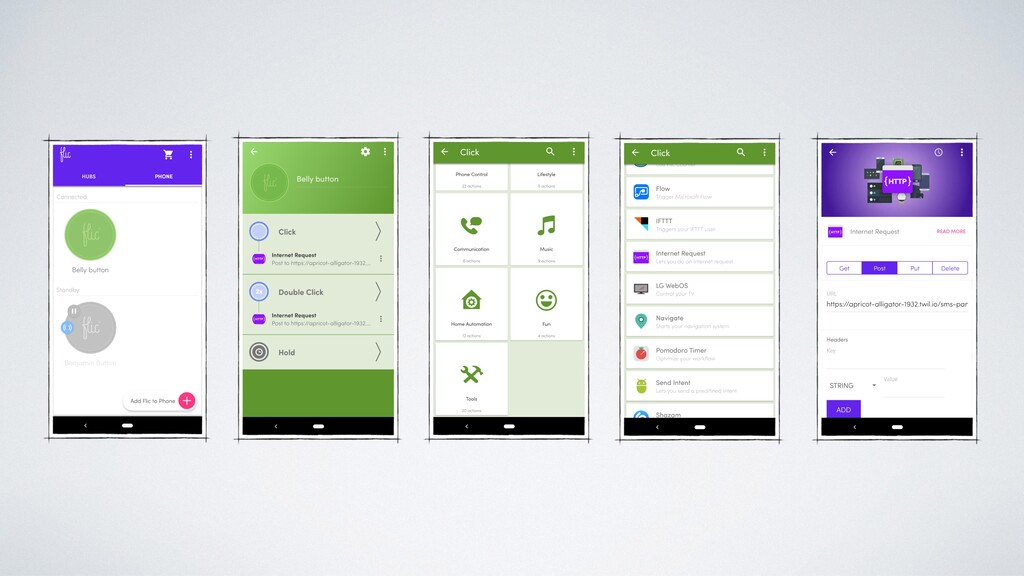
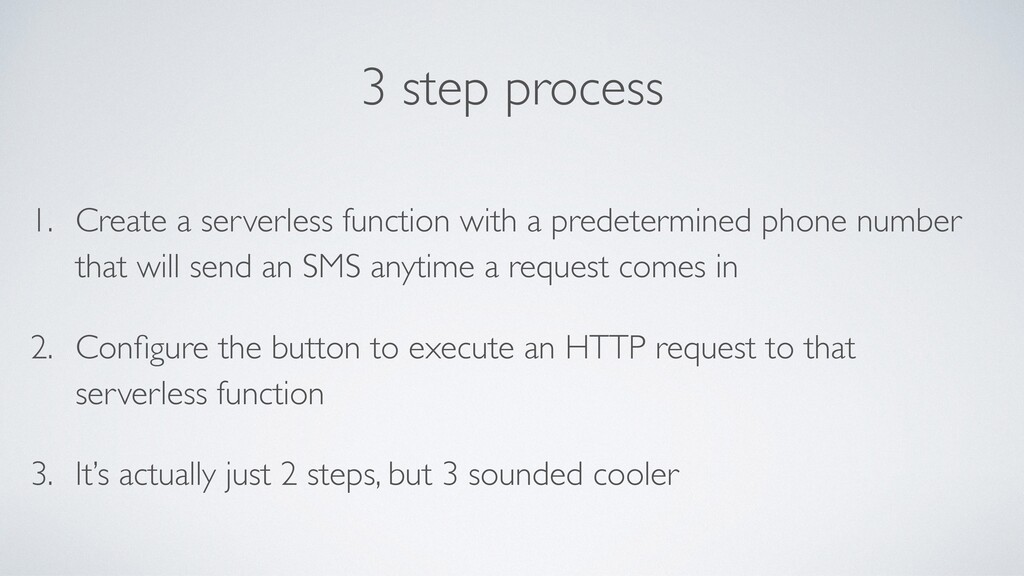
  8. 3 step process 1. Create a serverless function with a

    predetermined phone number that will send an SMS anytime a request comes in 2. Configure the button to execute an HTTP request to that serverless function 3. It’s actually just 2 steps, but 3 sounded cooler