Upgrade to Pro
— share decks privately, control downloads, hide ads and more …
Speaker Deck
Sign up for free
Menu
Search
Features
All features
Private URLs
Password Protection
Custom URLS
Scheduled publishing
Remove Branding
Restrict embedding
Deck Collections
Notes
Features
All features
Private URLs
Password Protection
Custom URLS
Scheduled publishing
Remove Branding
Restrict embedding
Deck Collections
Notes
Explore
Featured decks
Featured speakers
Programming
Technology
Storyboards
Explore
Featured decks
Featured speakers
Programming
Technology
Storyboards
Pricing
Search
Sign in
Sign up for free
[endless_lt] gitのalias使ってる?[無限LT@3]
Search
Sponsored
·
Your Podcast. Everywhere. Effortlessly.
Share. Educate. Inspire. Entertain. You do you. We'll handle the rest.
→
yodaaa
September 15, 2019
91
0
Share
Embed
Copy iframe code
Copy JS code
Copy link
Start on current slide
[endless_lt] gitのalias使ってる?[無限LT@3]
yodaaa
September 15, 2019
More Decks by yodaaa
See All by yodaaa
AWAに配属された新卒1年目が 大型機能や新規画面を開発できるようになるまで
yodaaa
0
280
わたしのおうち時間
yodaaa
0
87
OPENRECで内定者バイトしたまとめ。
yodaaa
0
5.7k
[endless_lt] 就活もUXの時代![無限LT@3]
yodaaa
1
170
[endless_lt] シャツインしてる男、 正直ダサくない?[無限LT@3]
yodaaa
1
180
Featured
See All Featured
How People are Using Generative and Agentic AI to Supercharge Their Products, Projects, Services and Value Streams Today
helenjbeal
1
350
Sam Torres - BigQuery for SEOs
techseoconnect
PRO
0
560
The Organizational Zoo: Understanding Human Behavior Agility Through Metaphoric Constructive Conversations (based on the works of Arthur Shelley, Ph.D)
kimpetersen
PRO
0
490
Easily Structure & Communicate Ideas using Wireframe
afnizarnur
194
17k
Java REST API Framework Comparison - PWX 2021
mraible
34
9.7k
Visualization
eitanlees
153
17k
Discover your Explorer Soul
emna__ayadi
2
1.3k
Exploring the Power of Turbo Streams & Action Cable | RailsConf2023
kevinliebholz
37
6.6k
Mobile First: as difficult as doing things right
swwweet
225
10k
sira's awesome portfolio website redesign presentation
elsirapls
0
440
Technical Leadership for Architectural Decision Making
baasie
3
590
HDC tutorial
michielstock
2
940
Transcript
gitでalias使ってる? 01
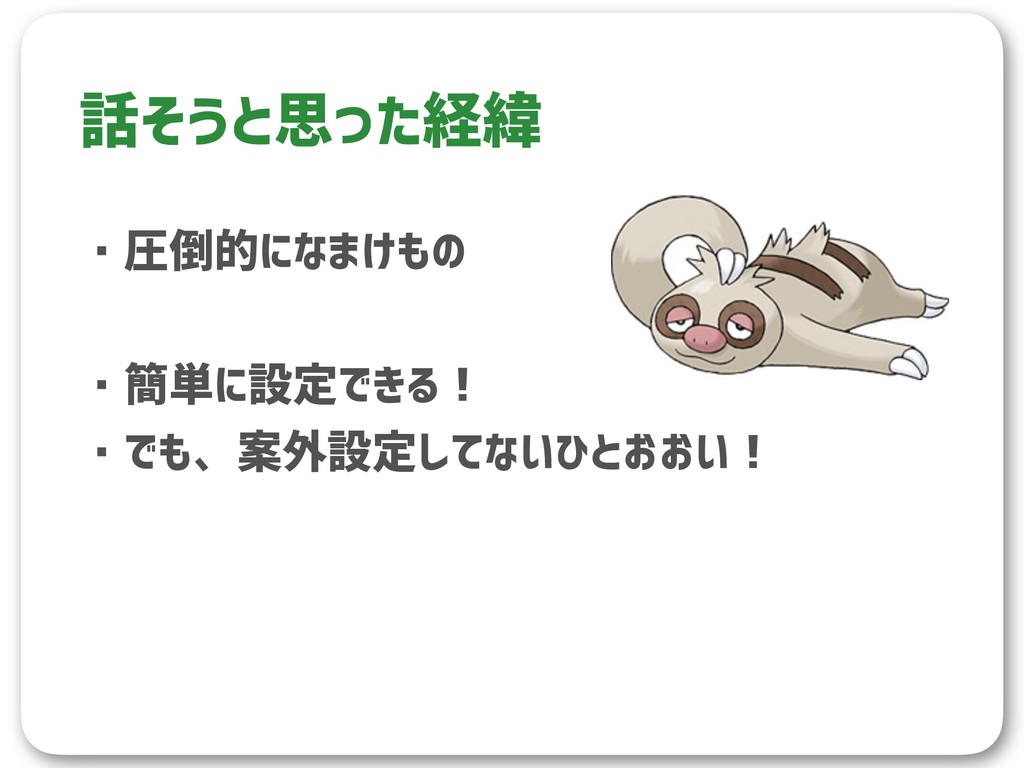
・圧倒的になまけもの ・簡単に設定できる! ・でも、案外設定してないひとおおい! 話そうと思った経緯
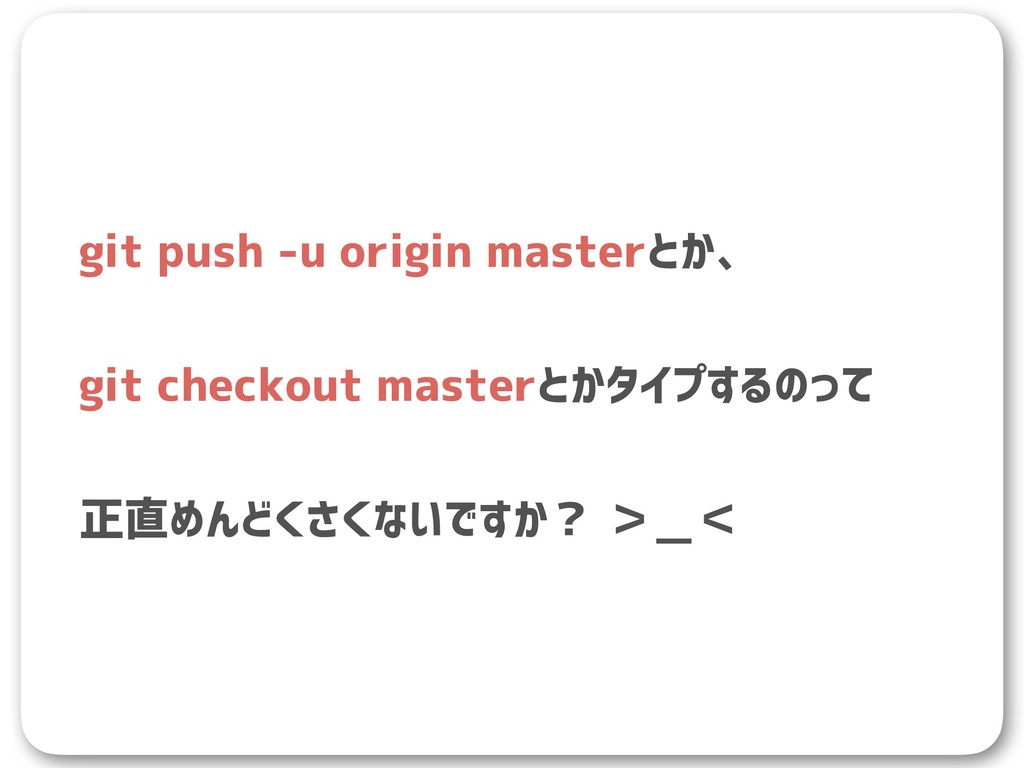
git push -u origin masterとか、 git checkout masterとかタイプするのって 正直めんどくさくないですか? >_<
そこで、git alias!
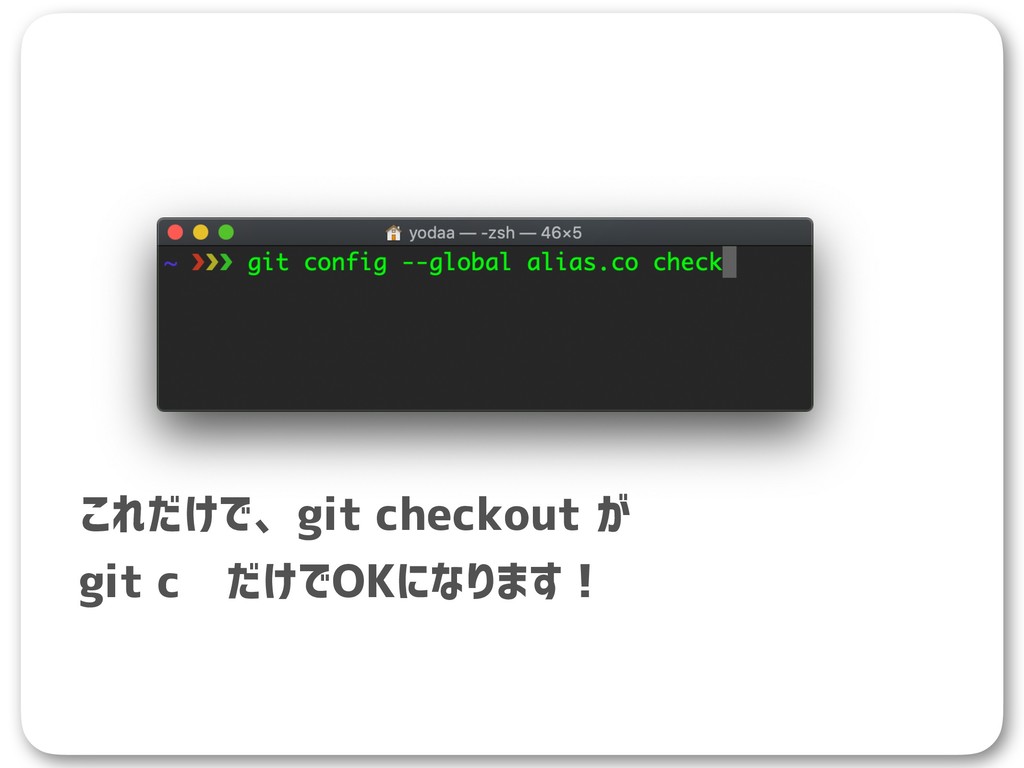
これだけで、git checkout が git c だけでOKになります!
すごい!
まだ、めんどくさい!
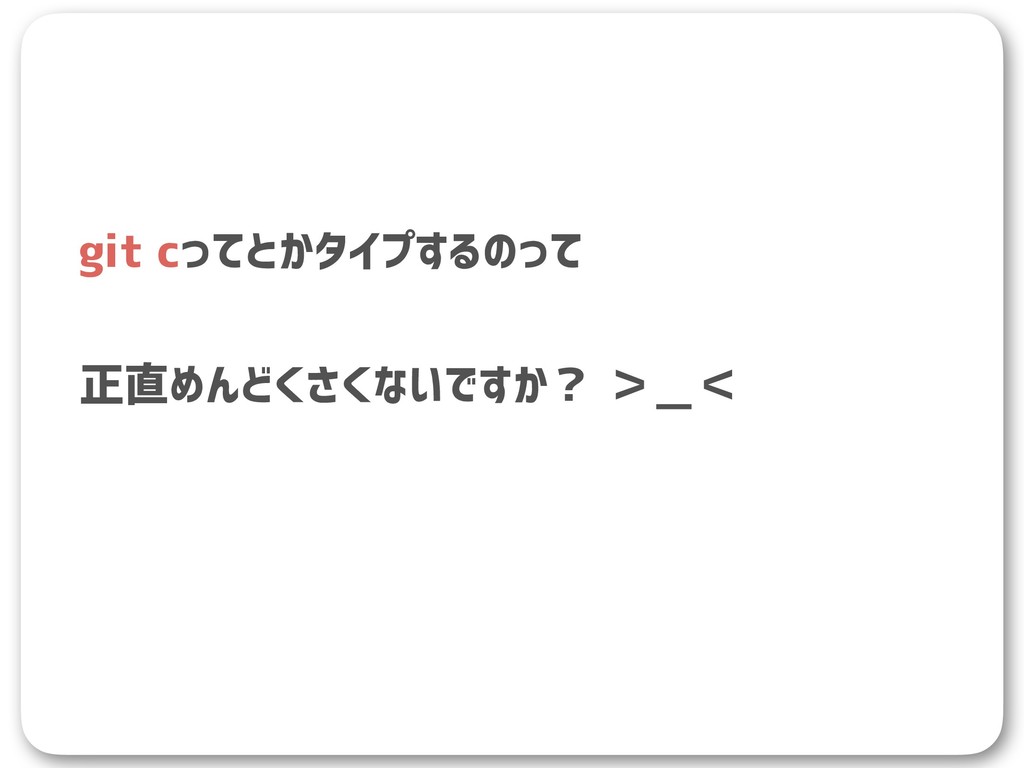
git cってとかタイプするのって 正直めんどくさくないですか? >_<
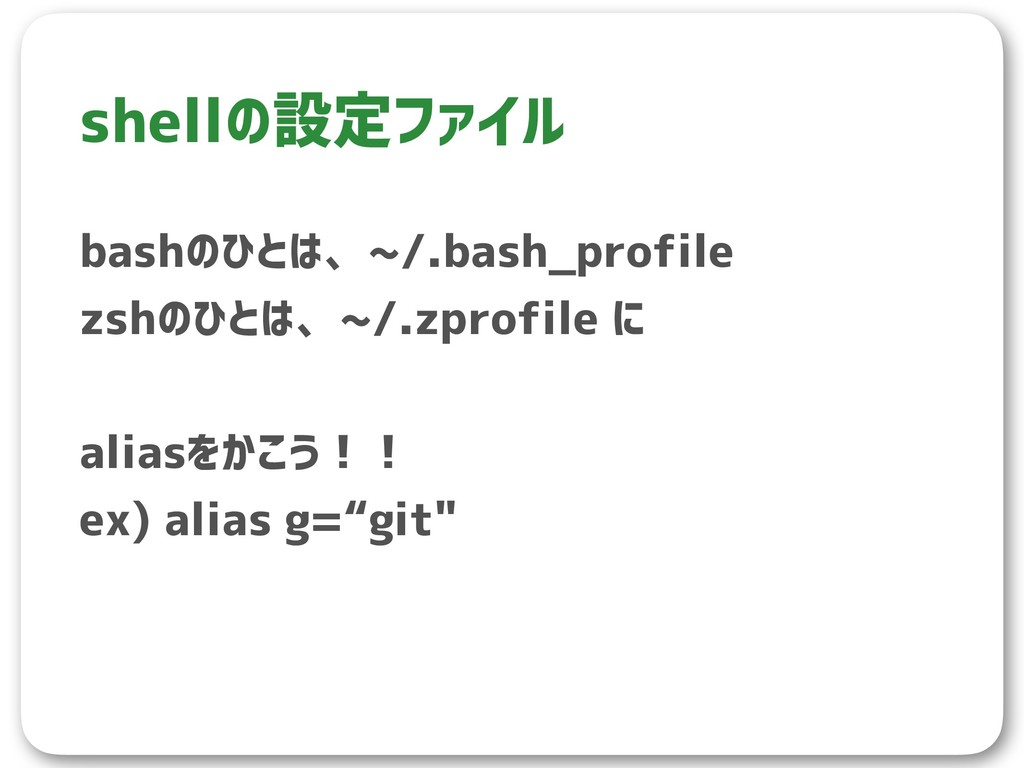
bashのひとは、~/.bash_profile zshのひとは、~/.zprofile に aliasをかこう!! ex) alias g=“git" shellの設定ファイル
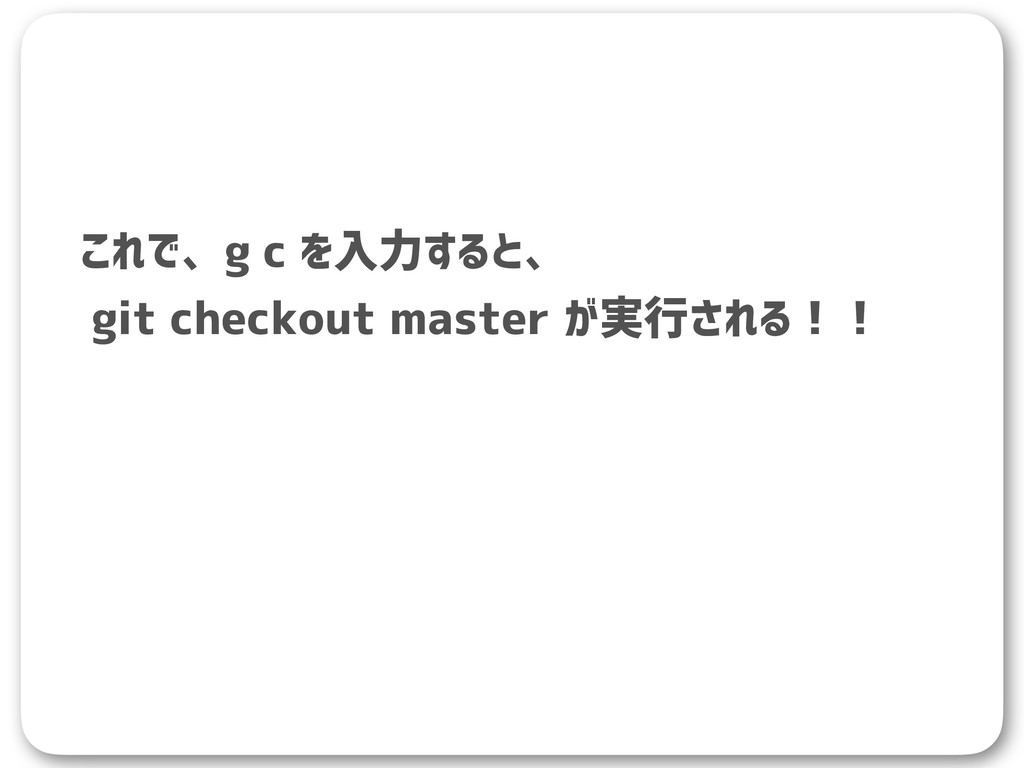
これで、g c を入力すると、 git checkout master が実行される!!
すごい!
[alias] b = branch st = status i = init
a = add c = checkout cm = checkout master com = commit -m p = push -u origin master open=!open $(git remote --verbose | head -n 1 | awk '{ print $2 }’) l = log --graph --date=short --pretty=\"format:%C(yellow)%h %C(cyan)%ad %C(green)%an%Creset%x09%s %C(red)%d%Creset\" la = log --oneline --decorate --graph --branches --tags --remotes わたしのalias

 Your Podcast. Everywhere. Effortlessly.


 yodaaa
.png) helenjbeal
helenjbeal
 techseoconnect
 kimpetersen
 afnizarnur
 mraible
 eitanlees
 emna__ayadi
 kevinliebholz
 swwweet
 elsirapls
 baasie
 michielstock





![[alias] b = branch st = status i = init](https://files.speakerdeck.com/presentations/75b19cd1c14b4ef2aa4f802cd3d9c280/slide_11.jpg)