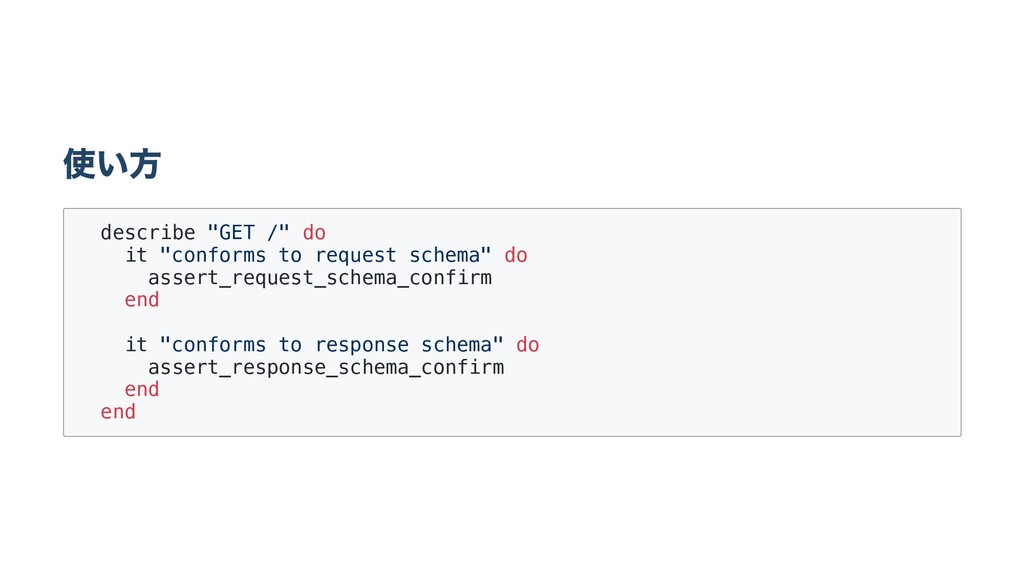
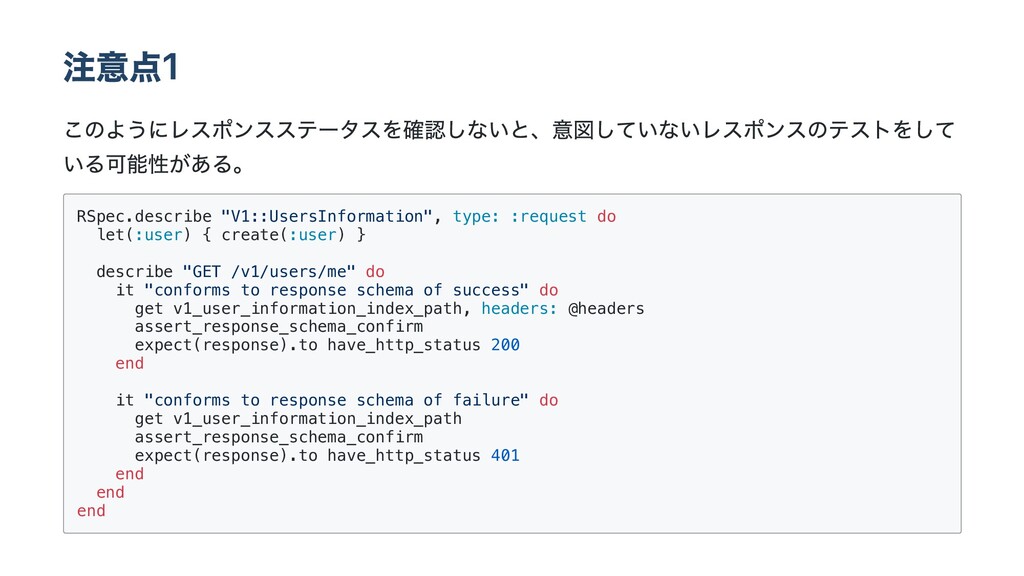
create(:user) } describe "GET /v1/users/me" do it "conforms to response schema of success" do get v1_user_information_index_path, headers: @headers assert_response_schema_confirm expect(response).to have_http_status 200 end it "conforms to response schema of failure" do get v1_user_information_index_path assert_response_schema_confirm expect(response).to have_http_status 401 end end end


 yuki21
 marcoroth
 guaca
guaca
 ryu1013
 shihochan
 skydoves
 satoshi256kbyte
 uyuki234
 naokihaba
 artoy
artoy
 florets1
 siroemk
 texmeijin
 matthewcrist
 mayunak
 charlesmeaden
 sabderemane
 addyosmani
 joshbly
 takai
takai
 ianozsvald
 garrettdimon
 lfama
lfama
 mfonobong
 productmarketing