Upgrade to Pro — share decks privately, control downloads, hide ads and more …

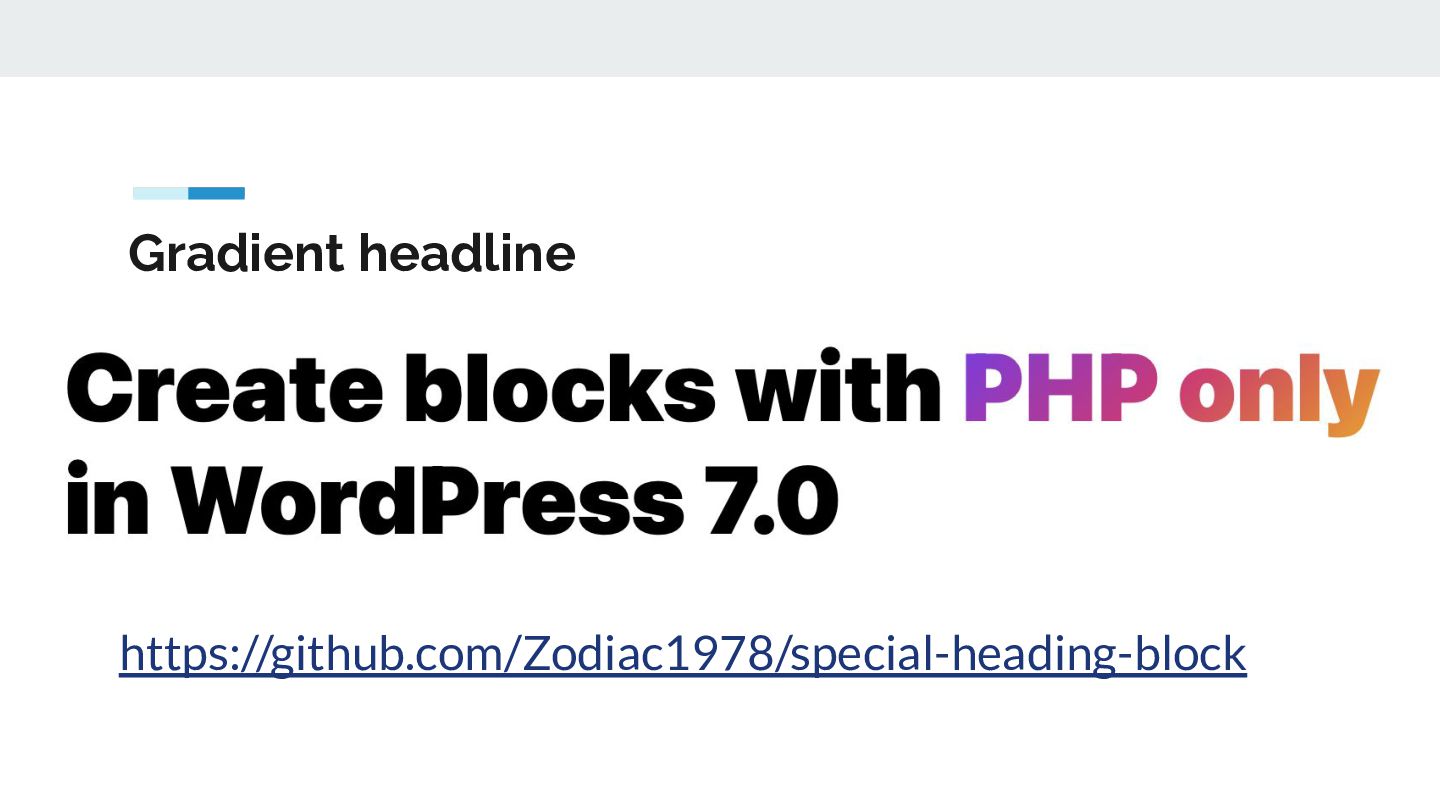
Create blocks with PHP only

Create blocks with PHP only

WordPress 7.0 introduced a new feature: PHP block registration exclusively via PHP. Registration, metadata, assets, and rendering—all in one place.

Developers can now create simple blocks using PHP alone. This is intended for blocks that only need to be rendered on the server side and aren’t meant to be particularly interactive. This API is designed to help developers avoid unnecessary complexity and thus promote the widespread use of blocks, especially in classic themes.

The talk uses a specific example to demonstrate how this can be implemented.

Torsten Landsiedel

November 12, 2026

Transcript

29 slides
  1. New in WordPress 7.0 • • • • Simple Blocks

    with PHP only Not highly interactive, only server-side rendering Feature parity is not the goal Should help to get started with block development https://make.wordpress.org/core/2026/03/03/php-only-block-registration/
  2. Disadvantages of Blocks in React/JS • • • • •

    • Requires Node.js / NPM Many files + Code must be compiled = More difficult to debug Steep learning curve at the beginning If errors occur, the block “crashes” in the editor or fails to load Higher maintenance requirements More development effort than with PHP
  3. With PHP-only-blocks • • • • • No JavaScript required

    No need to compile the code Everything can be done in a single PHP file It is rendered on the server side However: this means only dynamic blocks are possible
  4. Basic usage • • • • Register in `init` Register

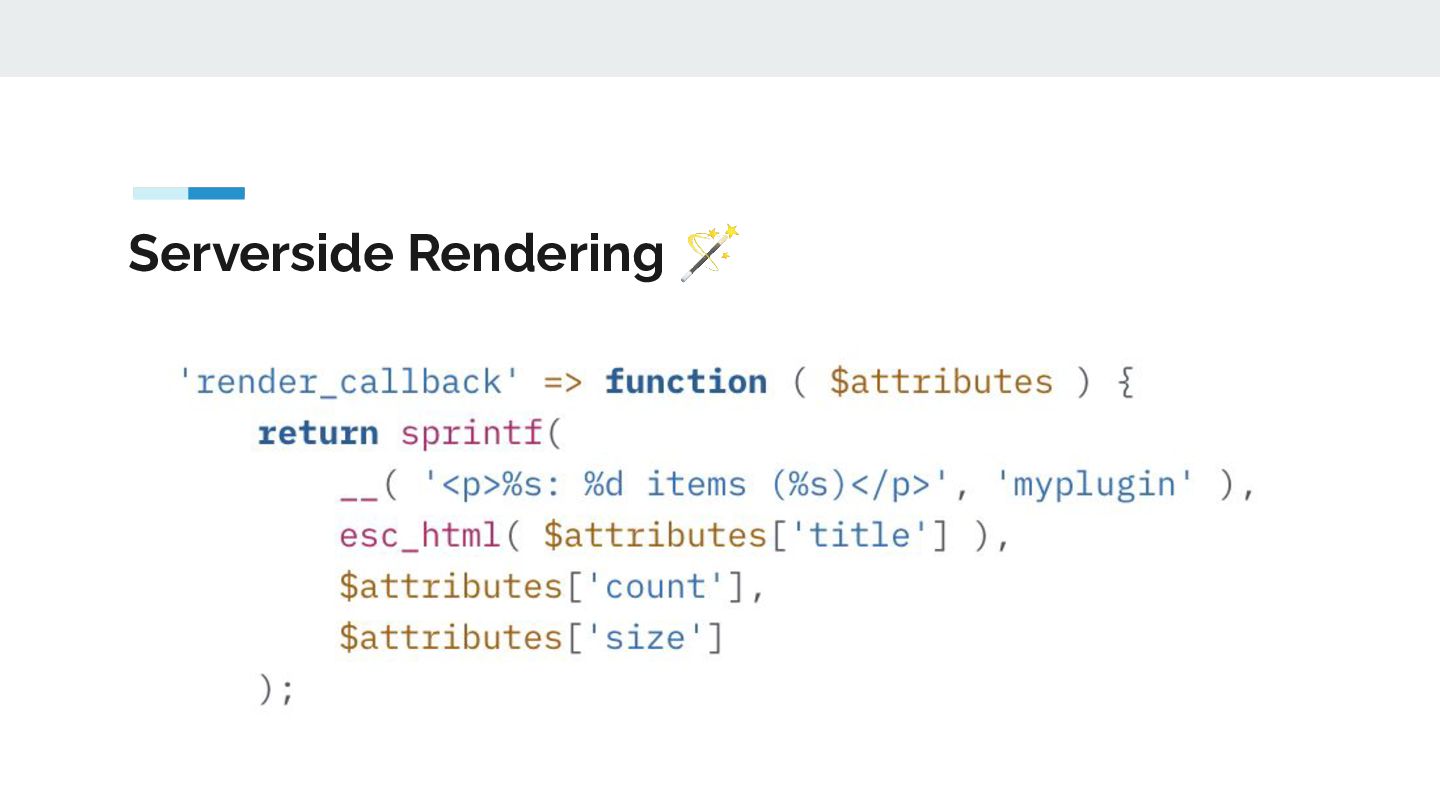
    scripts/styles (optional) `register_block_type()` with new flag `autoRegister` `render_callback` for dynamic Output
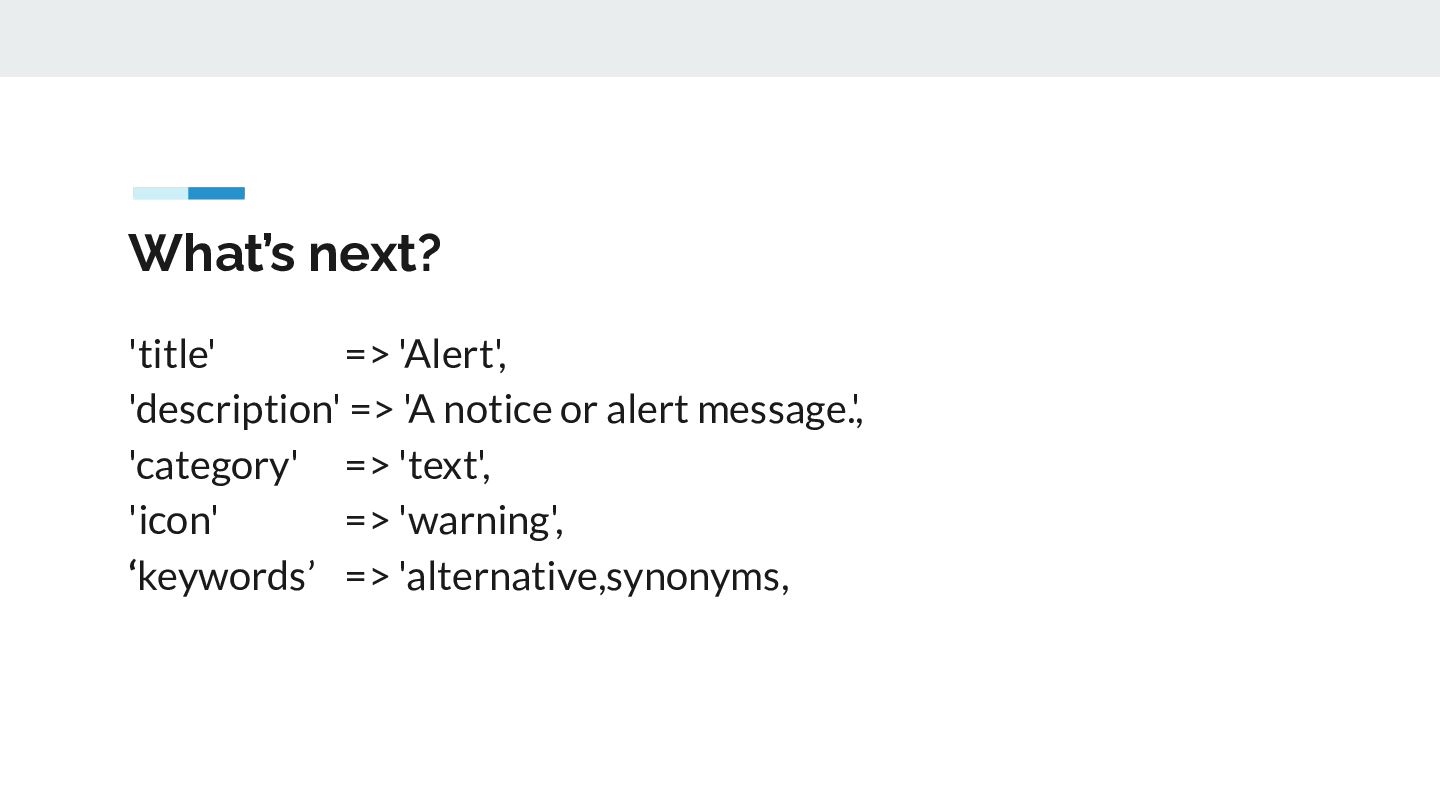
  5. What’s next? 'title' => 'Alert', 'description' => 'A notice or

    alert message.', 'category' => 'text', 'icon' => 'warning', ‘keywords’ => 'alternative,synonyms,
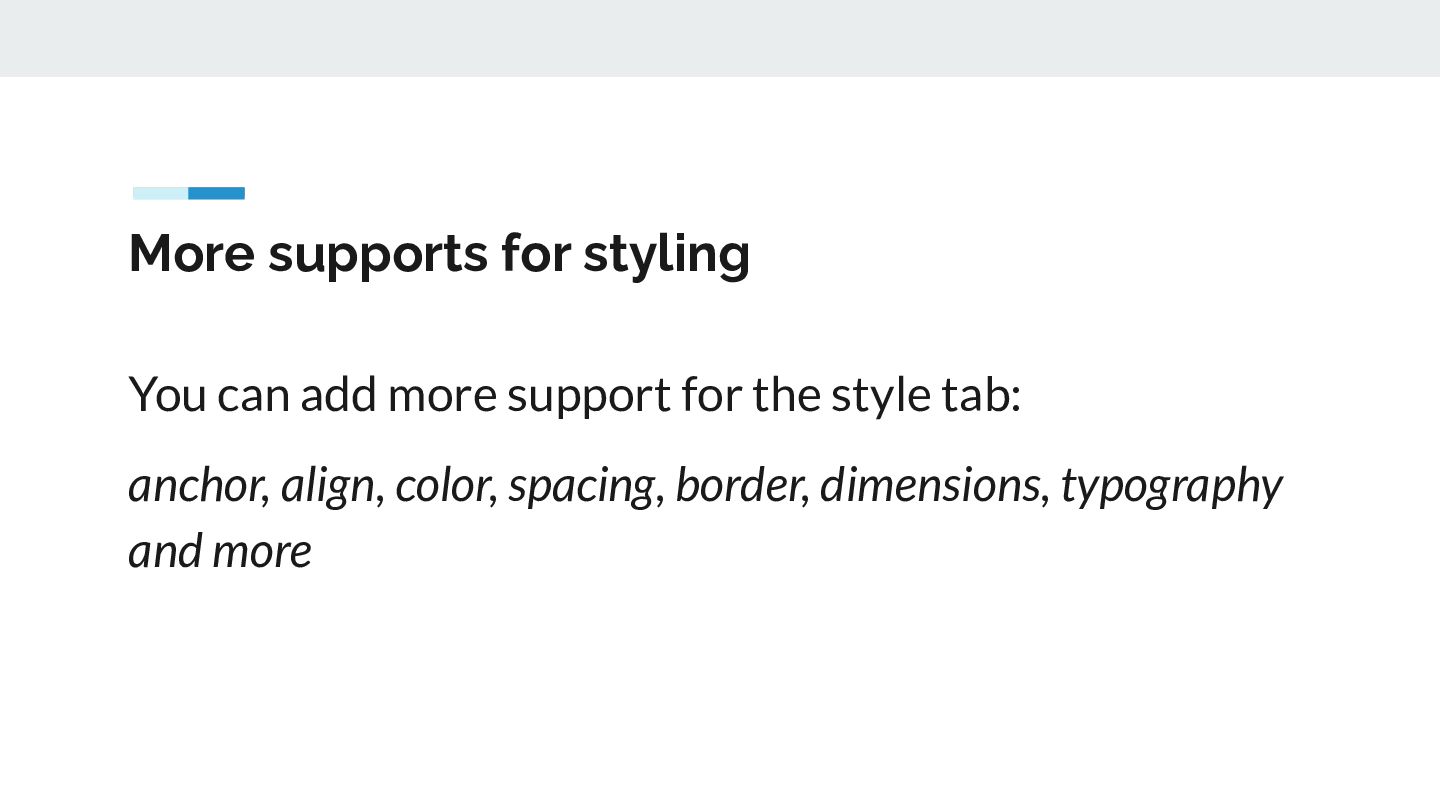
  6. More supports for styling You can add more support for

    the style tab: anchor, align, color, spacing, border, dimensions, typography and more
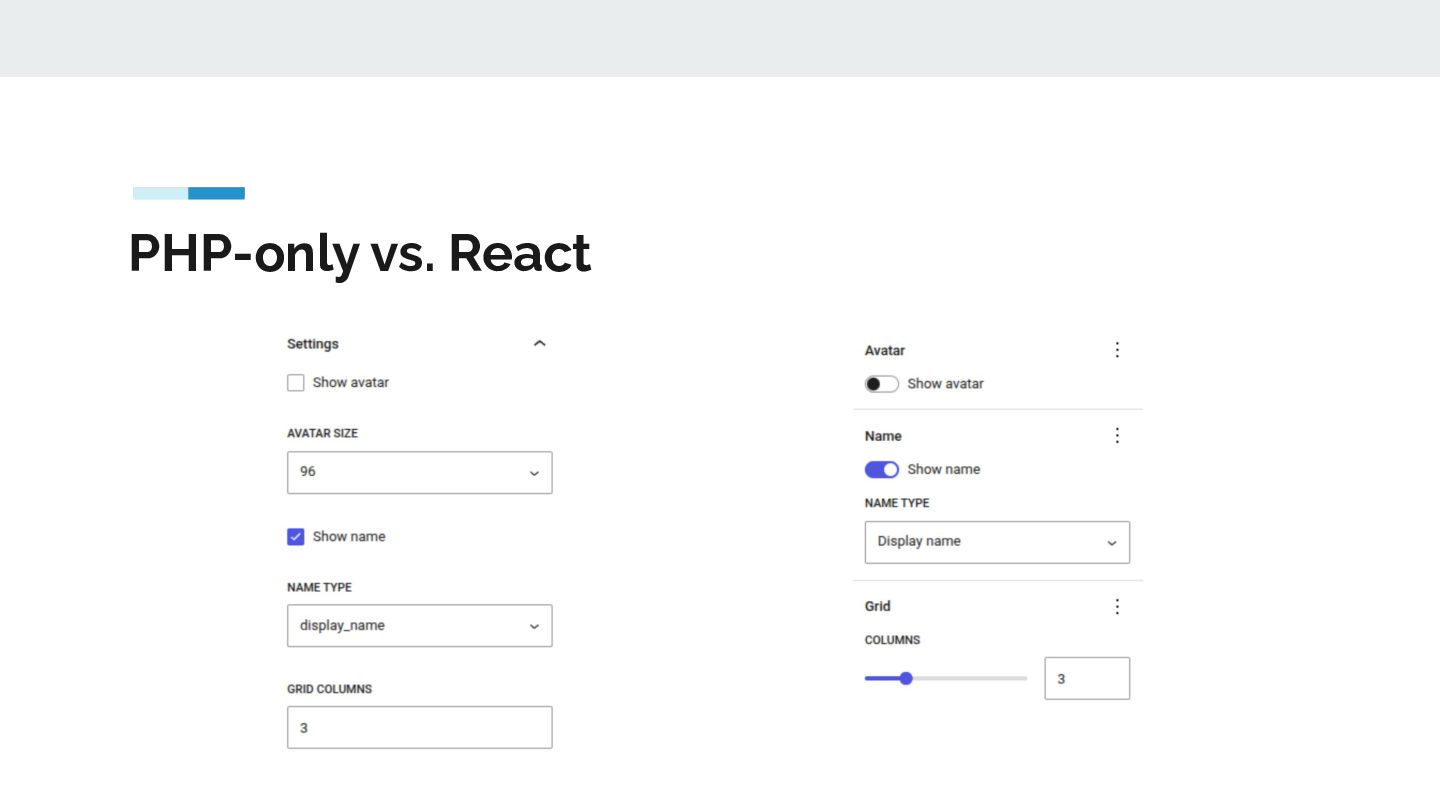
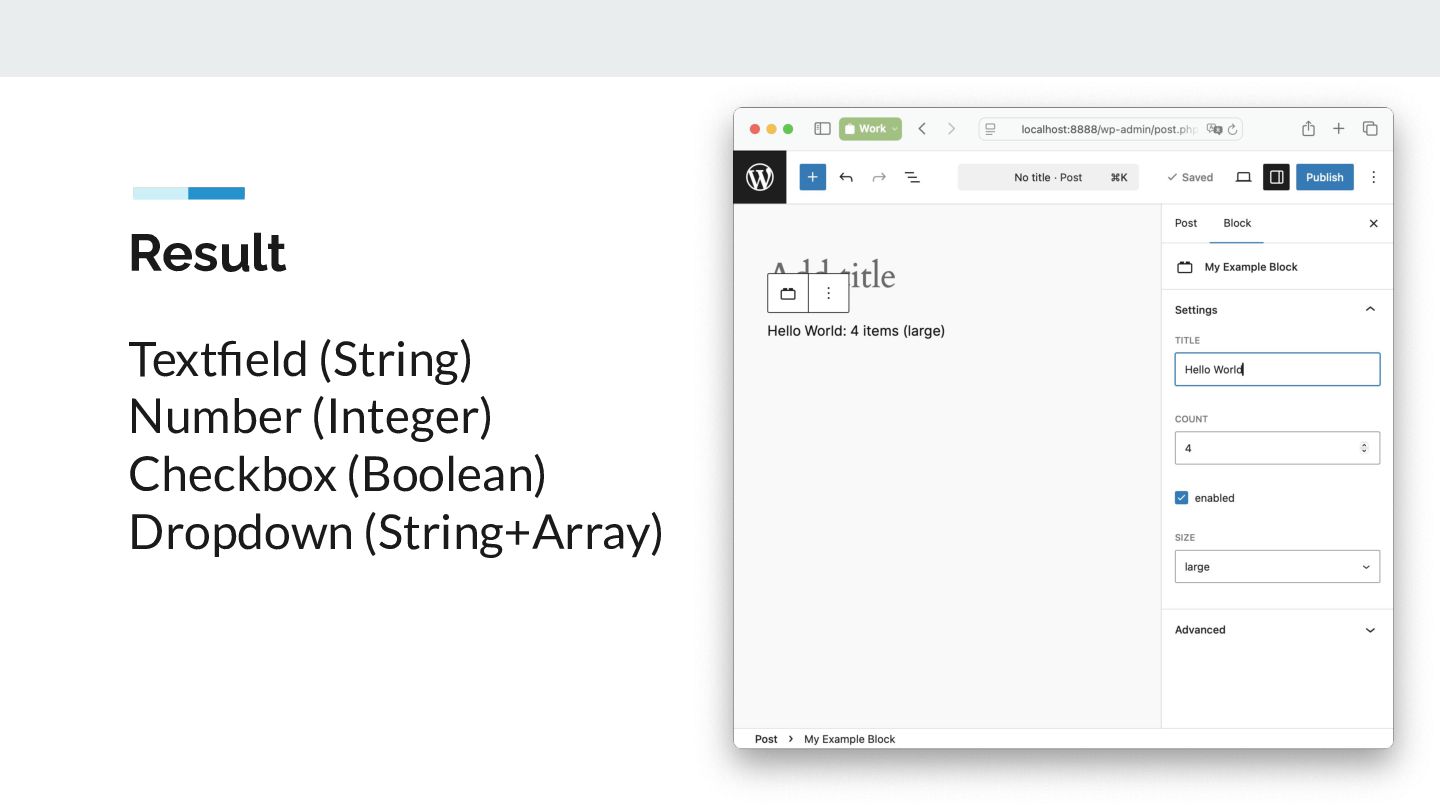
  7. Result These blocks are automatically displayed in the editor without

    requiring JS registration, and the editor automatically generates the controls in the sidebar.
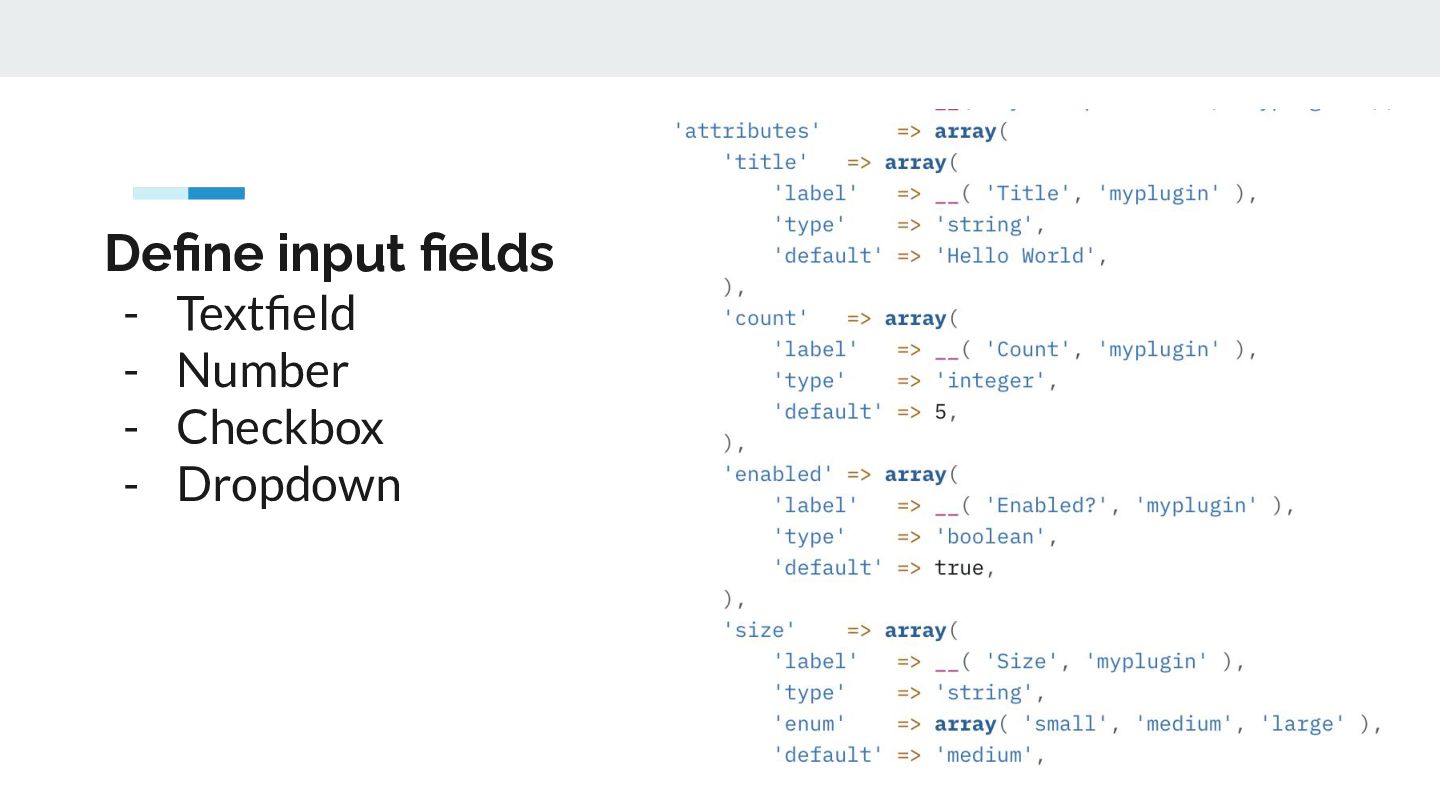
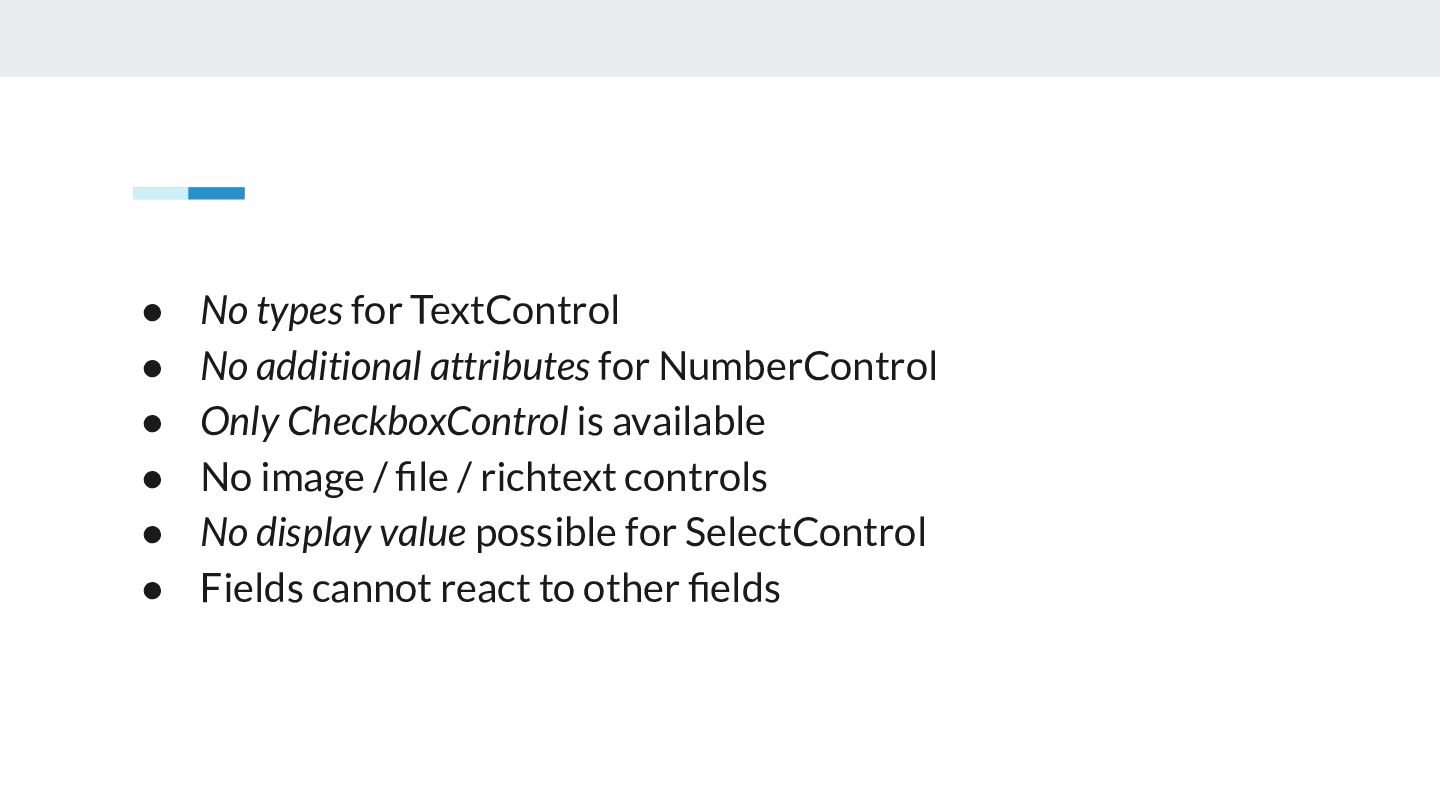
  8. • • • • • • No types for TextControl

    No additional attributes for NumberControl Only CheckboxControl is available No image / file / richtext controls No display value possible for SelectControl Fields cannot react to other fields
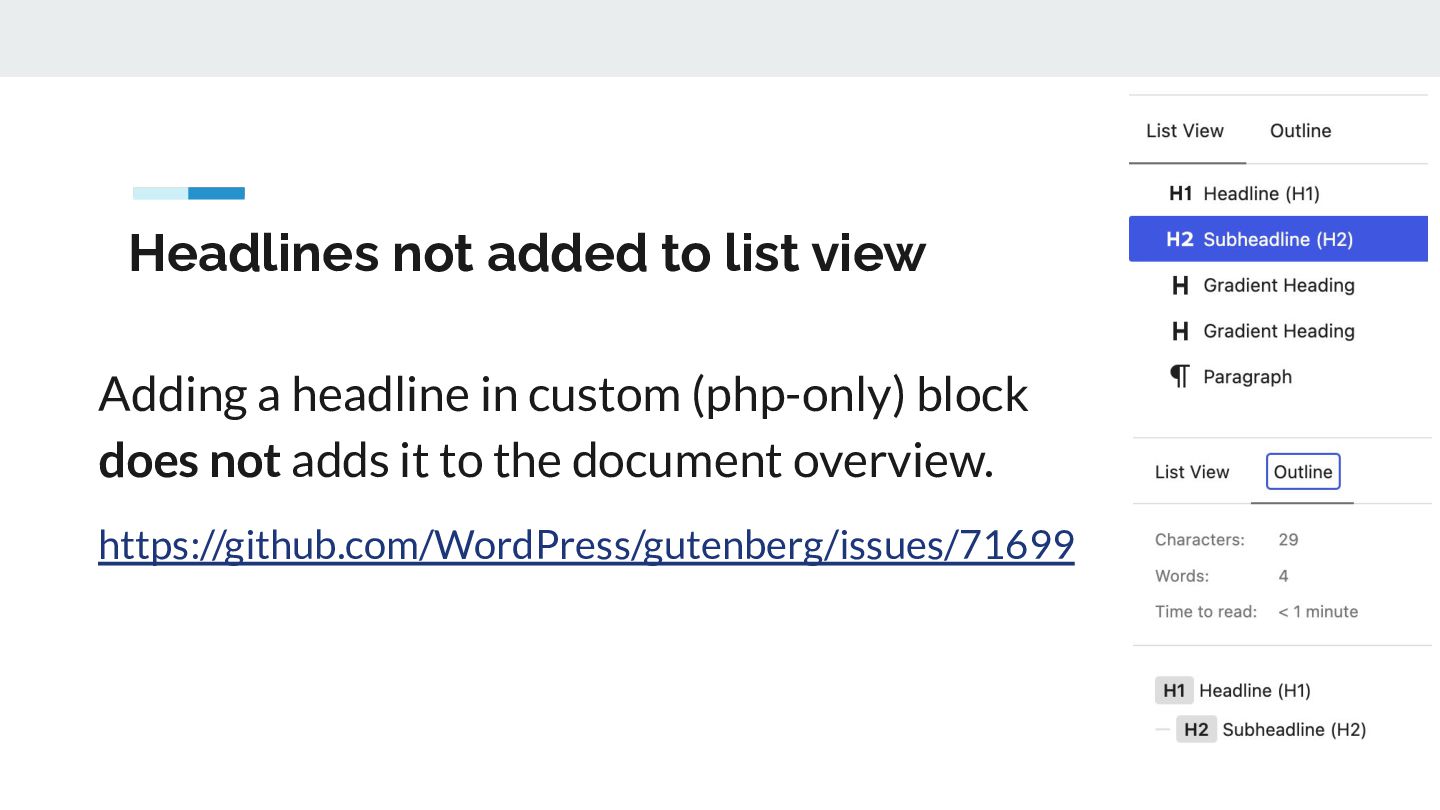
  9. Headlines not added to list view Adding a headline in

    custom (php-only) block does not adds it to the document overview. https://github.com/WordPress/gutenberg/issues/71699
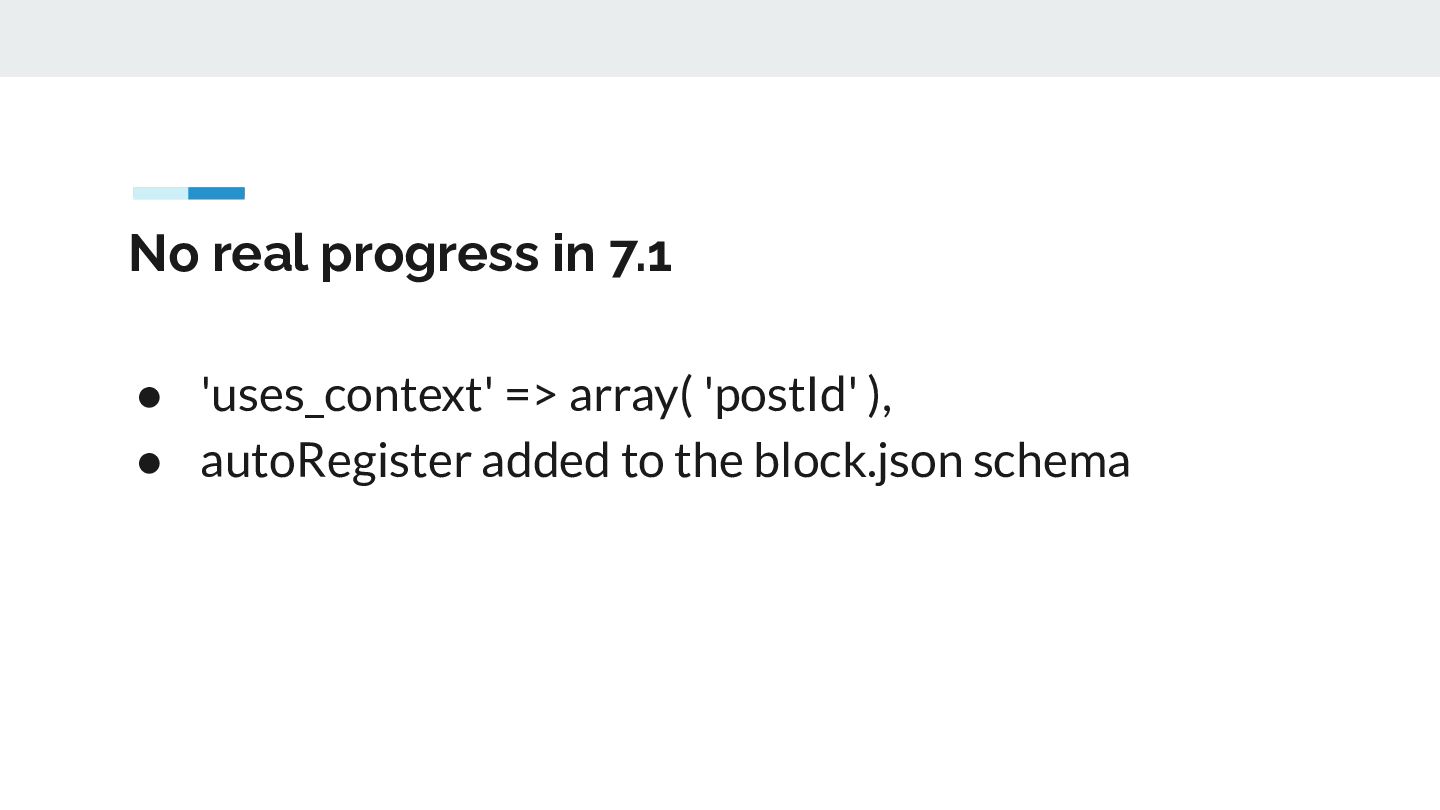
  10. No real progress in 7.1 • 'uses_context' => array( 'postId'

    ), • autoRegister added to the block.json schema
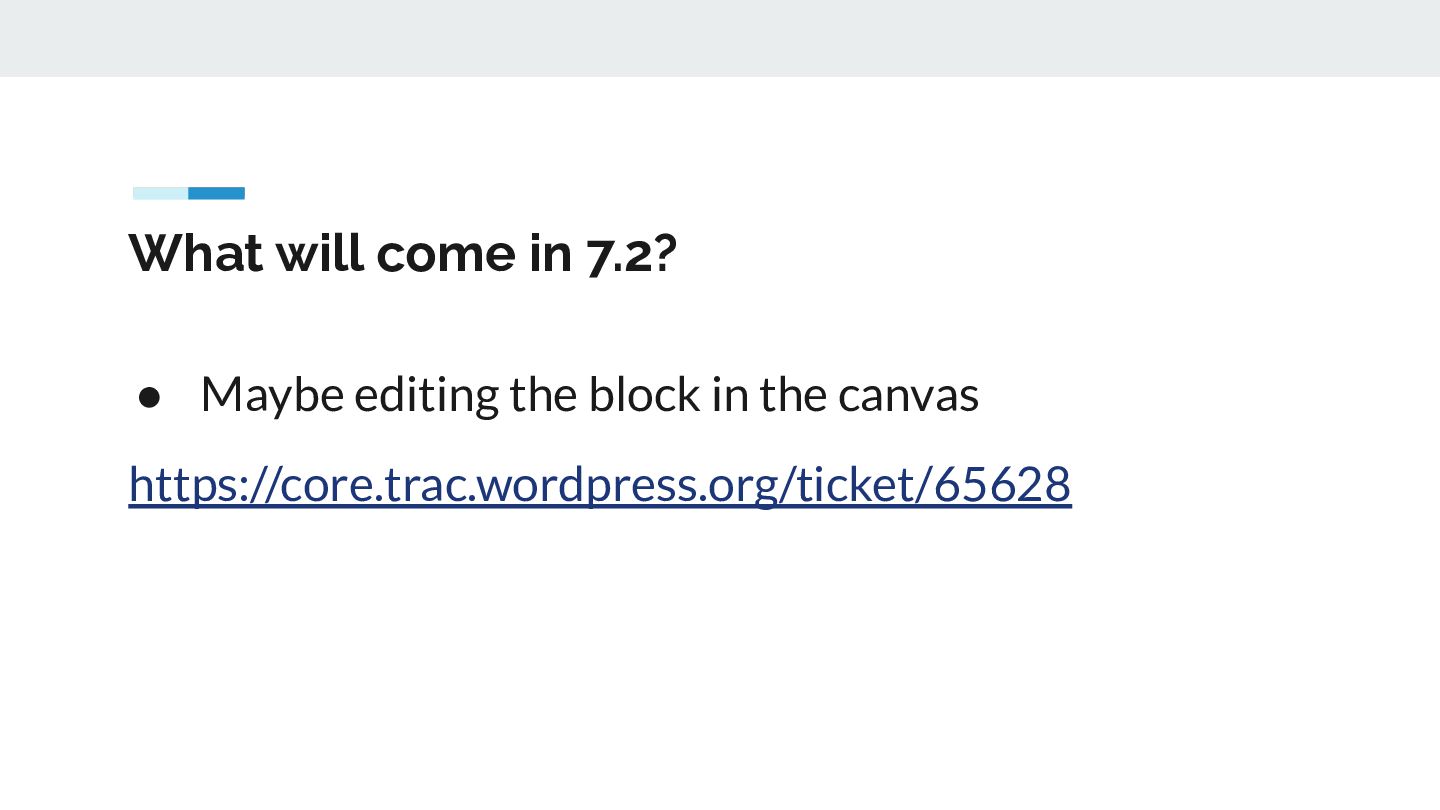
  11. What will come in 7.2? • Maybe editing the block

    in the canvas https://core.trac.wordpress.org/ticket/65628
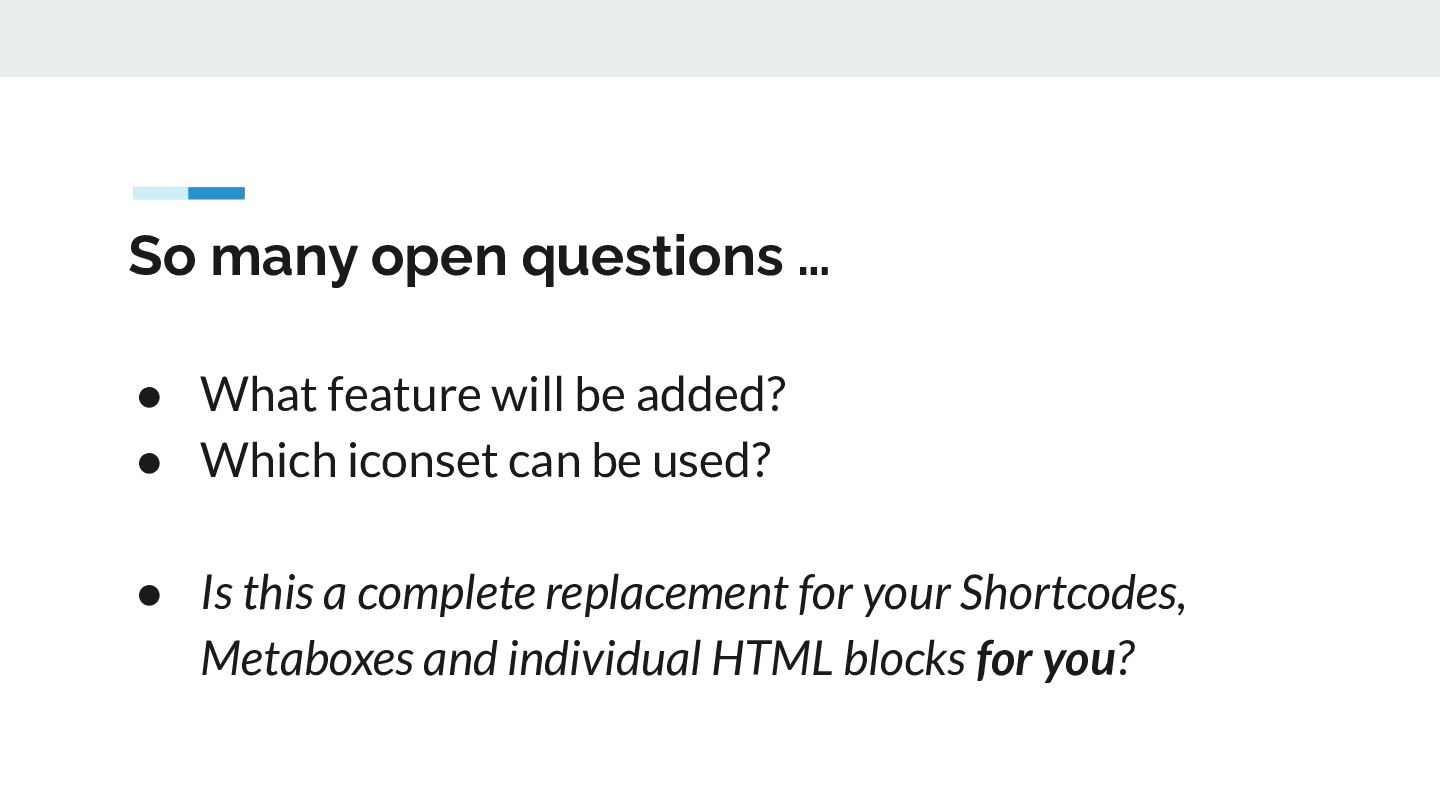
  12. So many open questions … • What feature will be

    added? • Which iconset can be used? • Is this a complete replacement for your Shortcodes, Metaboxes and individual HTML blocks for you?
  13. Dank je wel! Slack // Mastodon // X // WordPress.org

    // Github @zodiac1978 Time for questions!
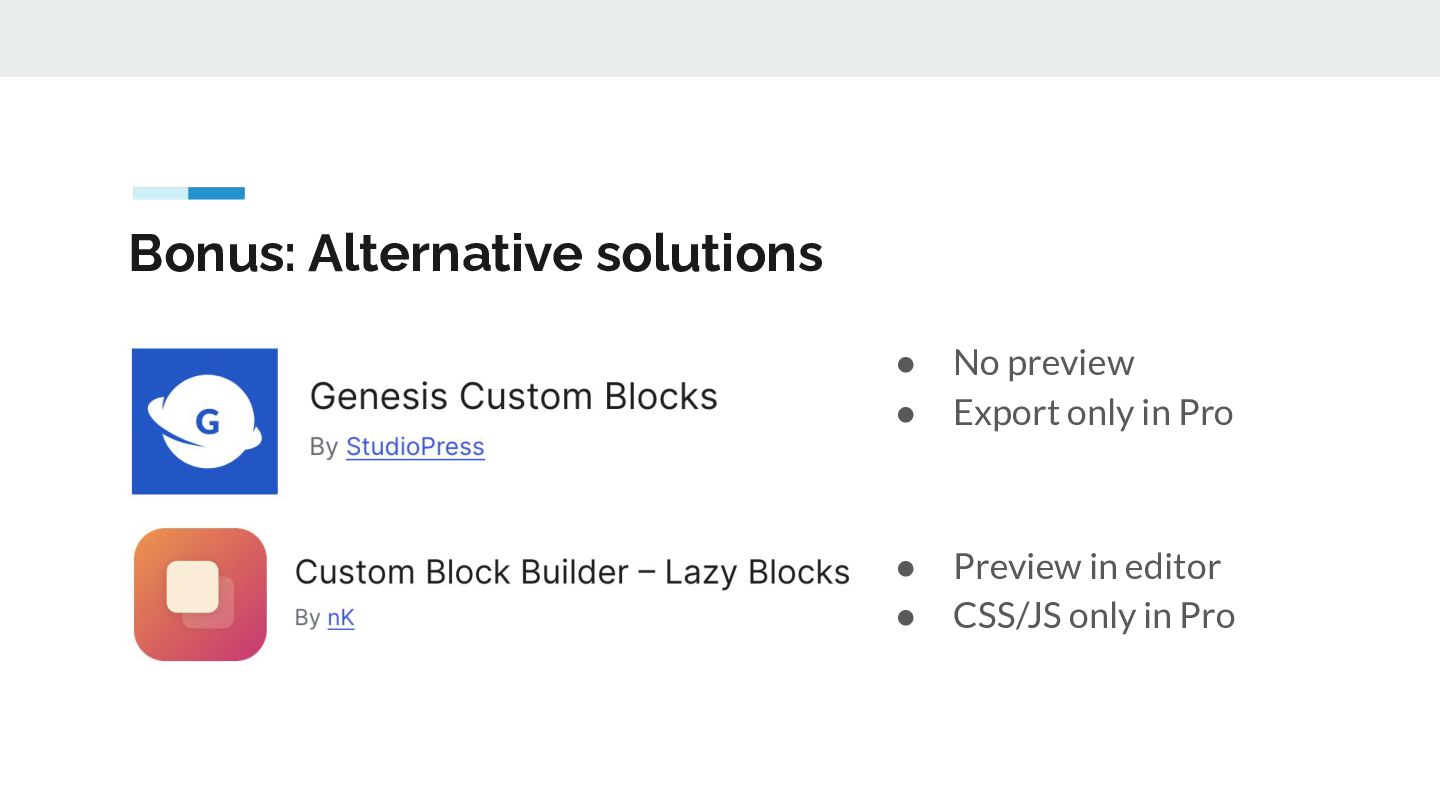
  14. Bonus: Alternative solutions • • No preview Export only in

    Pro • • Preview in editor CSS/JS only in Pro

More Decks by Torsten Landsiedel

Other Decks in Programming