Upgrade to Pro — share decks privately, control downloads, hide ads and more …

Laravel Spark: Less Pain in Your SaaS

Sponsored · Ship Features Fearlessly Turn features on and off without deploys. Used by thousands of Ruby developers. →

Laravel Spark: Less Pain in Your SaaS

The development of Software as a Service applications has always been a hassle for developers, forcing them to search for packages or write original solutions for authentication, subscriptions, billing and other features that are a part of the backbone of SaaS applications. Laravel Spark provides this infrastructure from one command, allowing developers to utilize common SaaS conventions while focusing on their application’s core.

Avatar for Adam Perkins

Adam Perkins

October 15, 2015

Other Decks in Programming

Transcript

  1. Adam Perkins Senior Web Developer and Technical Analyst Office of

    Institutional Research Wayne State University [email protected] @adammpkins
  2. What is Spark? A foundation for Laravel SaaS applications which

    provides: Subscription Plans Invoices Coupons Payments/Billing Teams Two-factor User Authentication
  3. Before we dive in… Spark is currently in its alpha

    release. The API is not in its final state and will likely change. As always, RTFM.
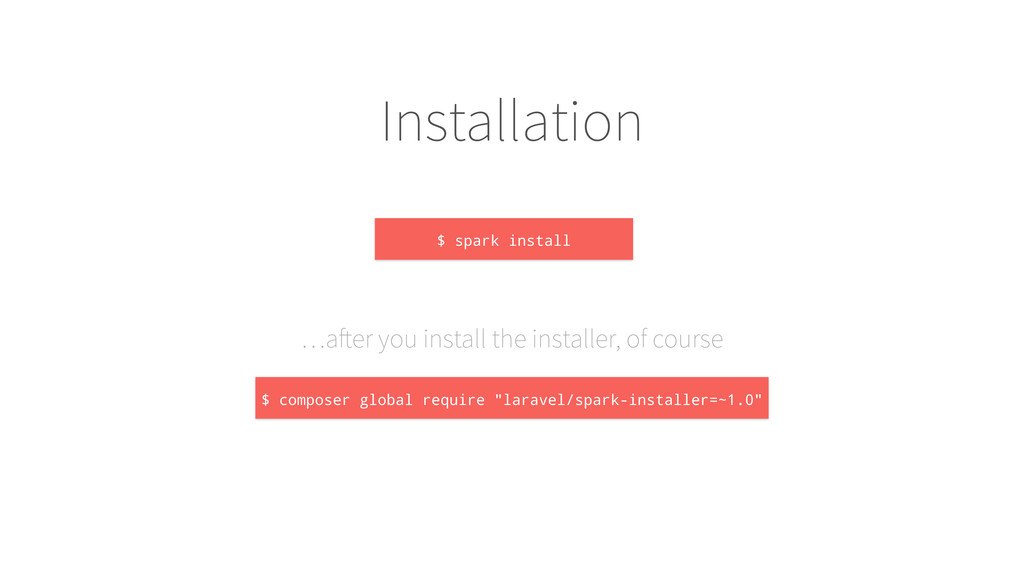
  4. Installation $ spark install …after you install the installer, of

    course $ composer global require "laravel/spark-installer=~1.0"
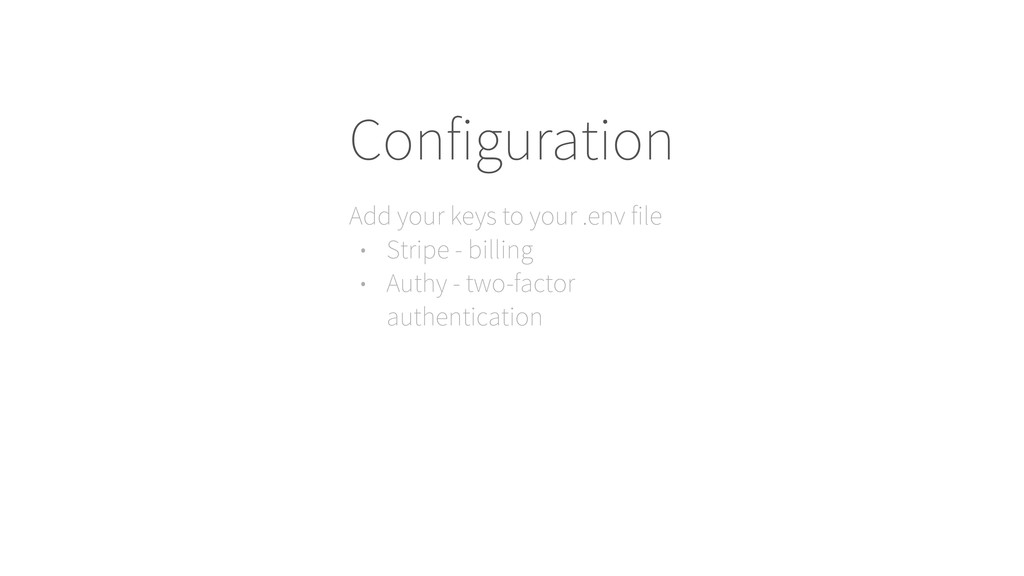
  5. Configuration Add your keys to your .env file • Stripe

    - billing • Authy - two-factor authentication
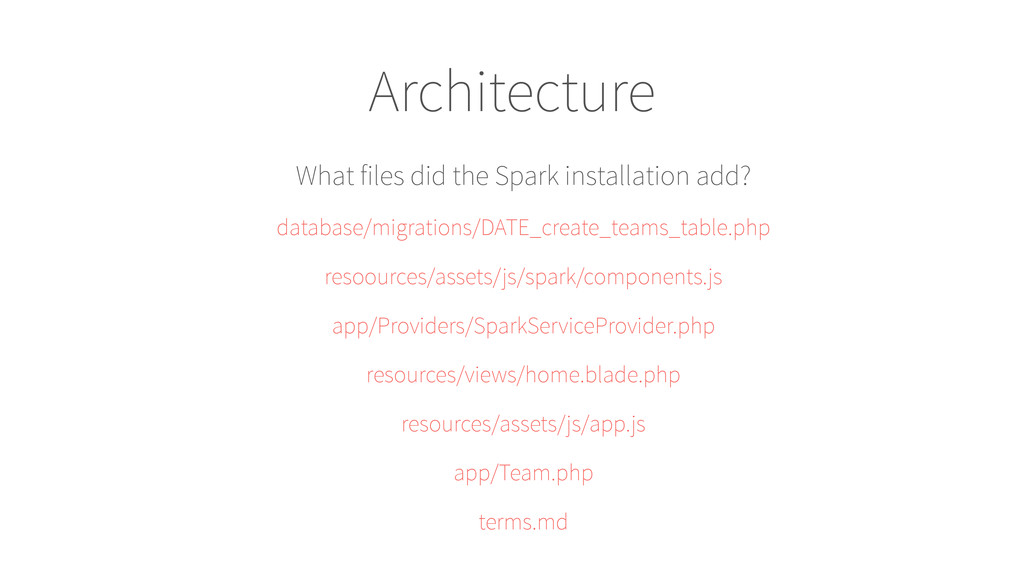
  6. Architecture What files did the Spark installation add? database/migrations/DATE_create_teams_table.php resoources/assets/js/spark/components.js

    app/Providers/SparkServiceProvider.php resources/views/home.blade.php resources/assets/js/app.js app/Team.php terms.md
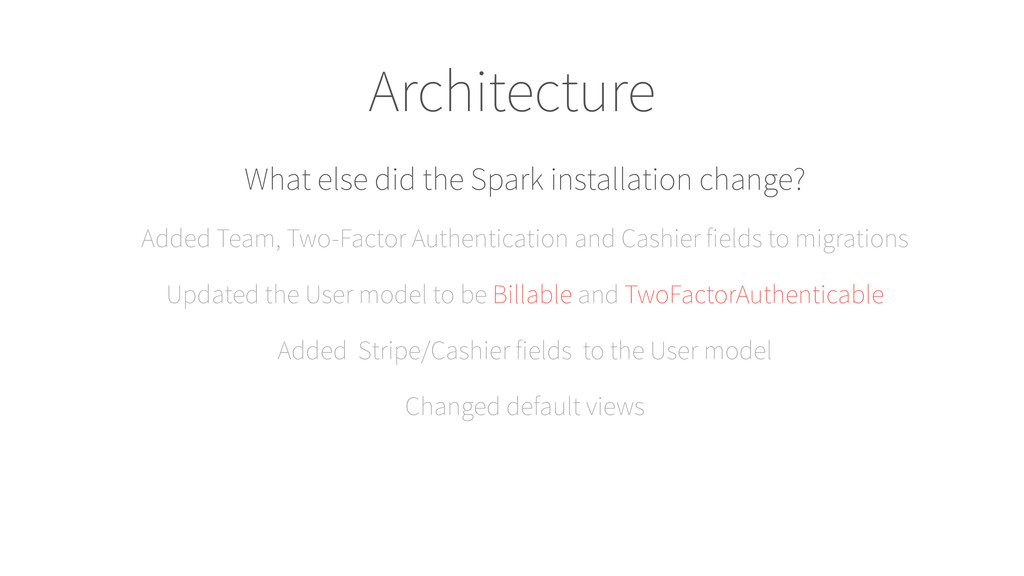
  7. Architecture What else did the Spark installation change? Added Team,

    Two-Factor Authentication and Cashier fields to migrations Updated the User model to be Billable and TwoFactorAuthenticable Added Stripe/Cashier fields to the User model Changed default views
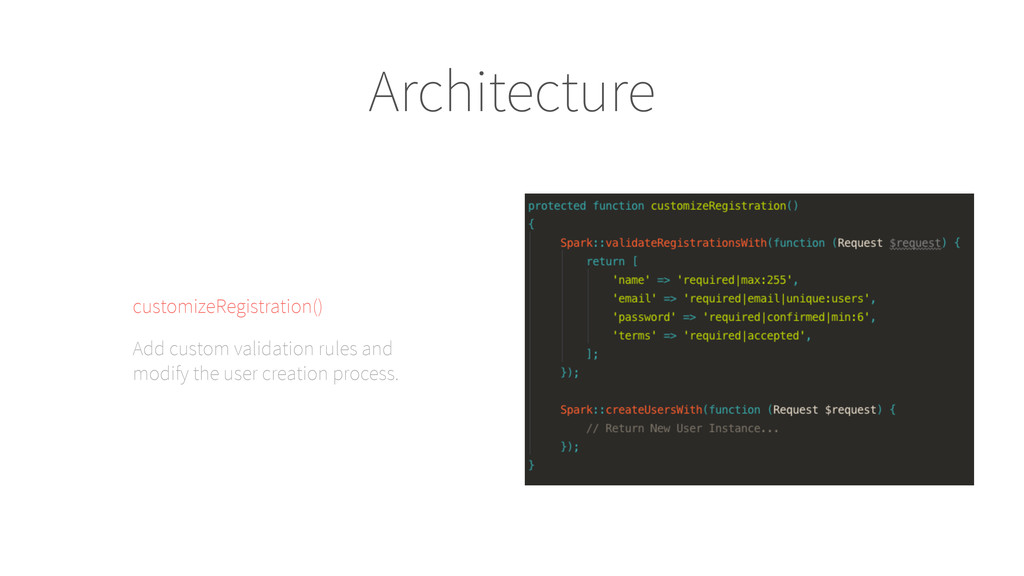
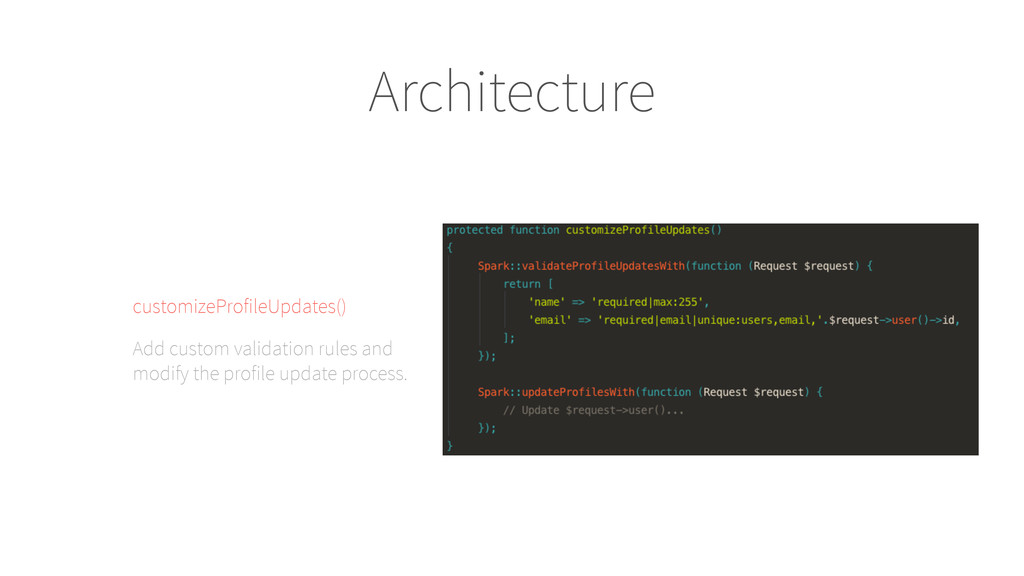
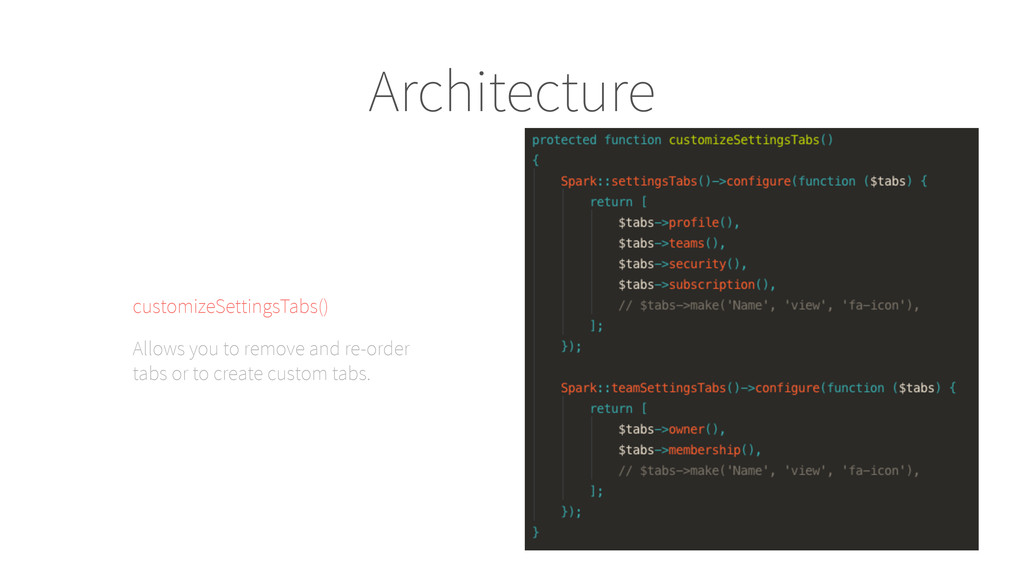
  8. Architecture Most customization is done in SparkServiceProvider, where you will

    find the following customization functions in addition to the features we will cover.
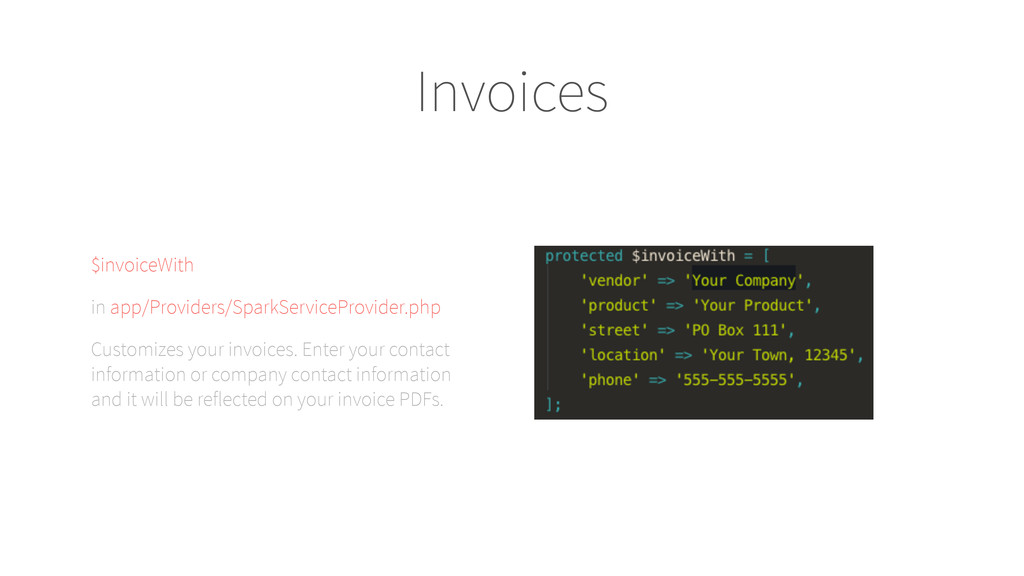
  9. Invoices $invoiceWith in app/Providers/SparkServiceProvider.php Customizes your invoices. Enter your contact

    information or company contact information and it will be reflected on your invoice PDFs.
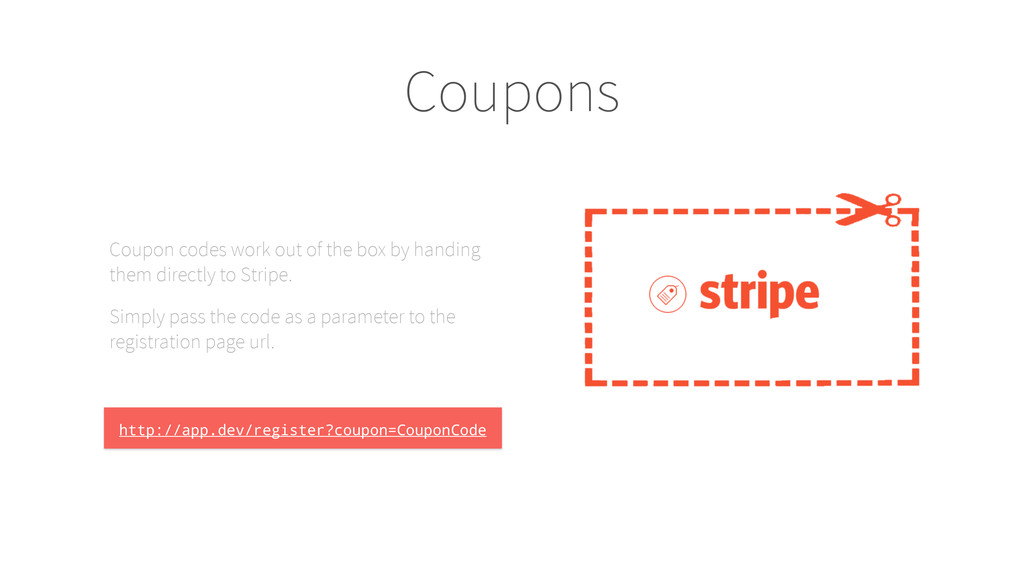
  10. Coupons Coupon codes work out of the box by handing

    them directly to Stripe. Simply pass the code as a parameter to the registration page url. http://app.dev/register?coupon=CouponCode
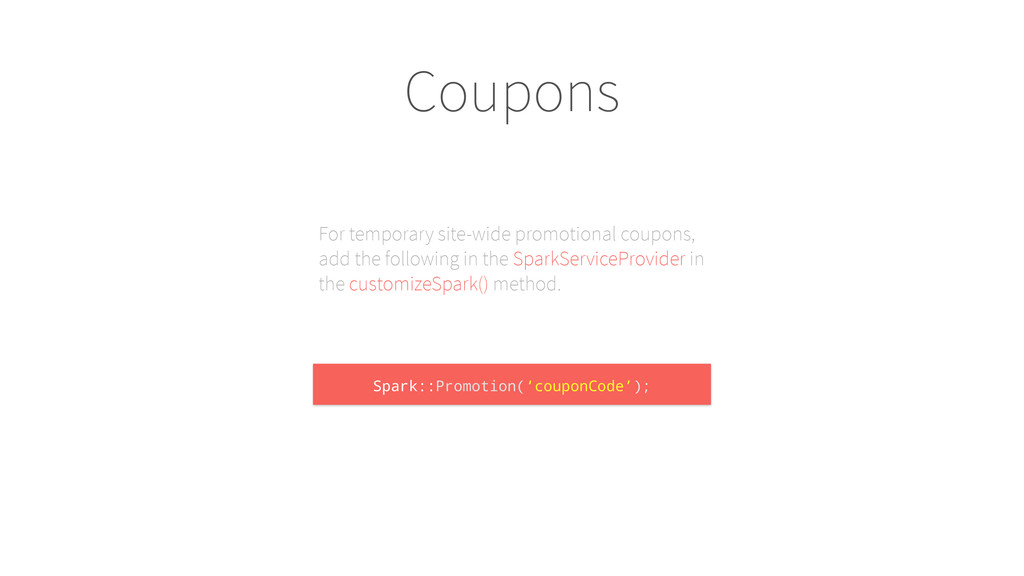
  11. Coupons For temporary site-wide promotional coupons, add the following in

    the SparkServiceProvider in the customizeSpark() method. Spark::Promotion(‘couponCode’);
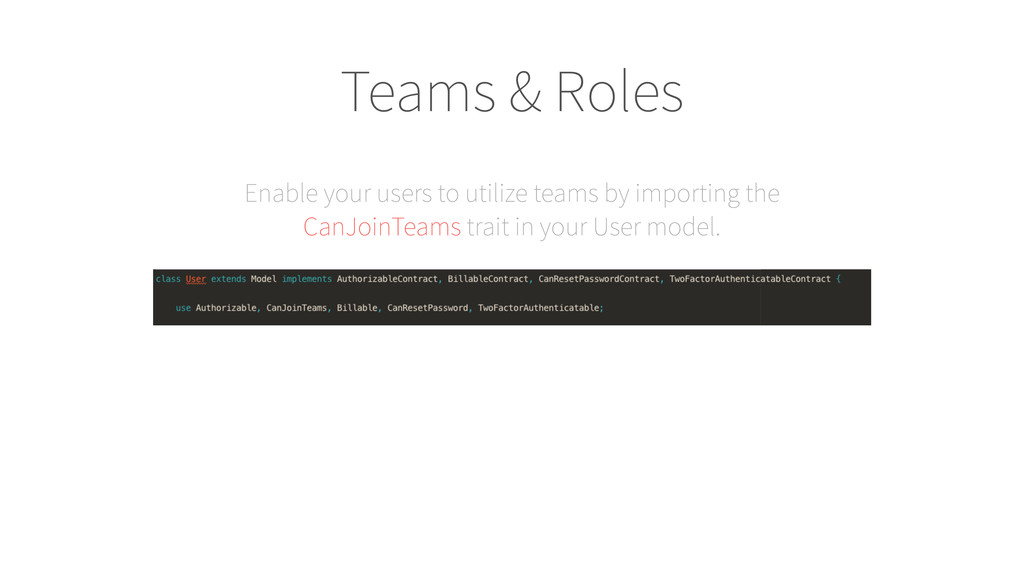
  12. Teams & Roles Enable your users to utilize teams by

    importing the CanJoinTeams trait in your User model.
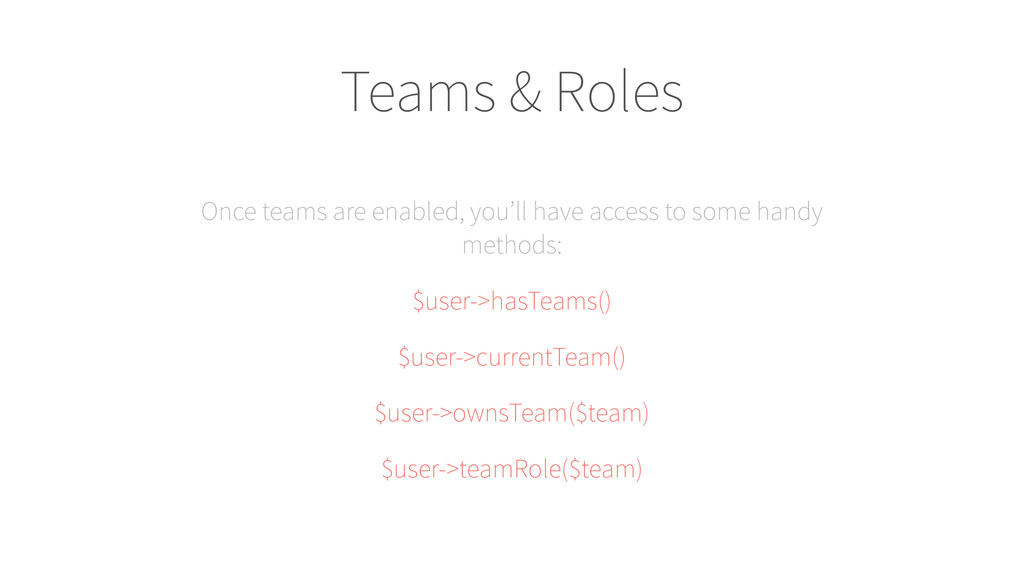
  13. Teams & Roles Once teams are enabled, you’ll have access

    to some handy methods: $user->hasTeams() $user->currentTeam() $user->ownsTeam($team) $user->teamRole($team)
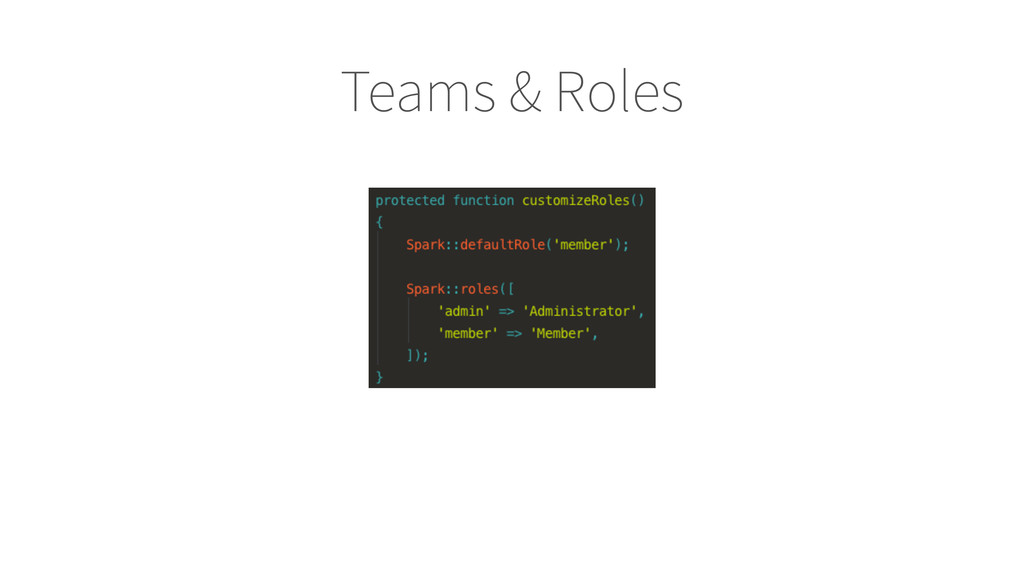
  14. Teams & Roles Roles are defined in the SparkServiceProvider in

    customizeRoles() Each role should have a key and a label Again, you can check for roles using $user->teamRole()
  15. Subscription Plans Make sure you have added your stripe key

    and secret Add your plan to your Stripe account Add the plans to SparkServiceProvider
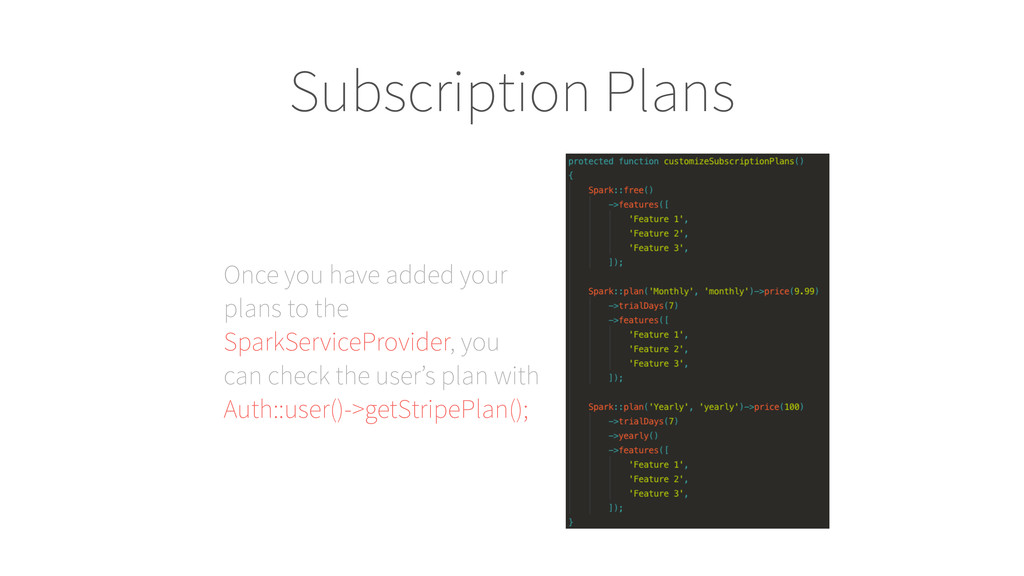
  16. Subscription Plans Once you have added your plans to the

    SparkServiceProvider, you can check the user’s plan with Auth::user()->getStripePlan();
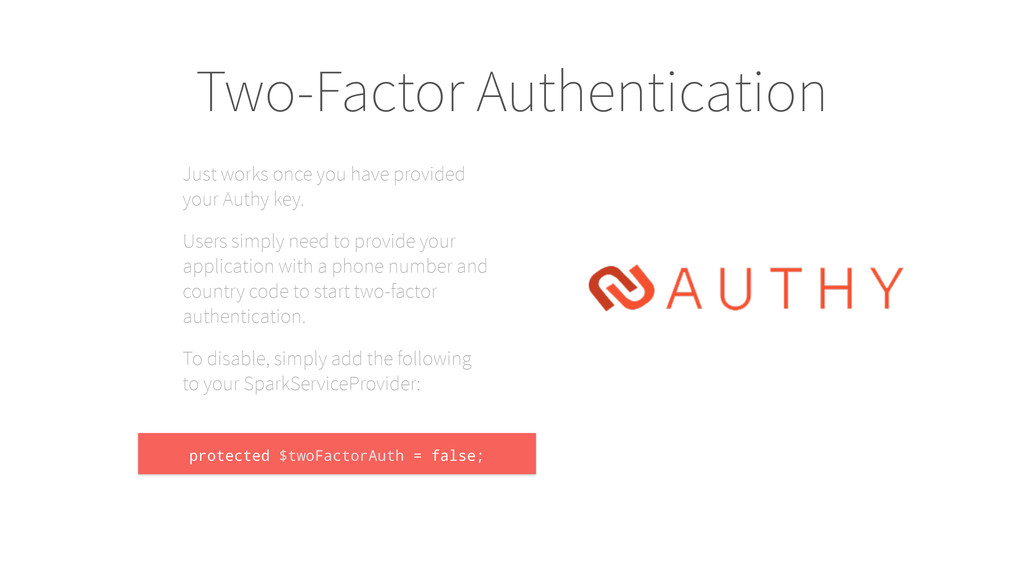
  17. Two-Factor Authentication Just works once you have provided your Authy

    key. Users simply need to provide your application with a phone number and country code to start two-factor authentication. To disable, simply add the following to your SparkServiceProvider: protected $twoFactorAuth = false;
  18. Adam Perkins Senior Web Developer and Technical Analyst Office of

    Institutional Research Wayne State University [email protected] @adammpkins