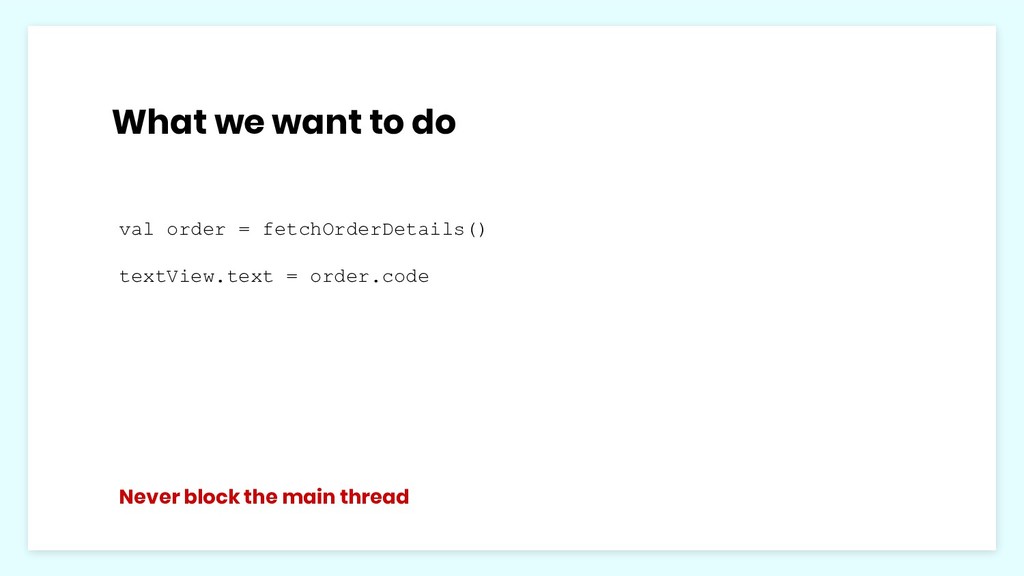
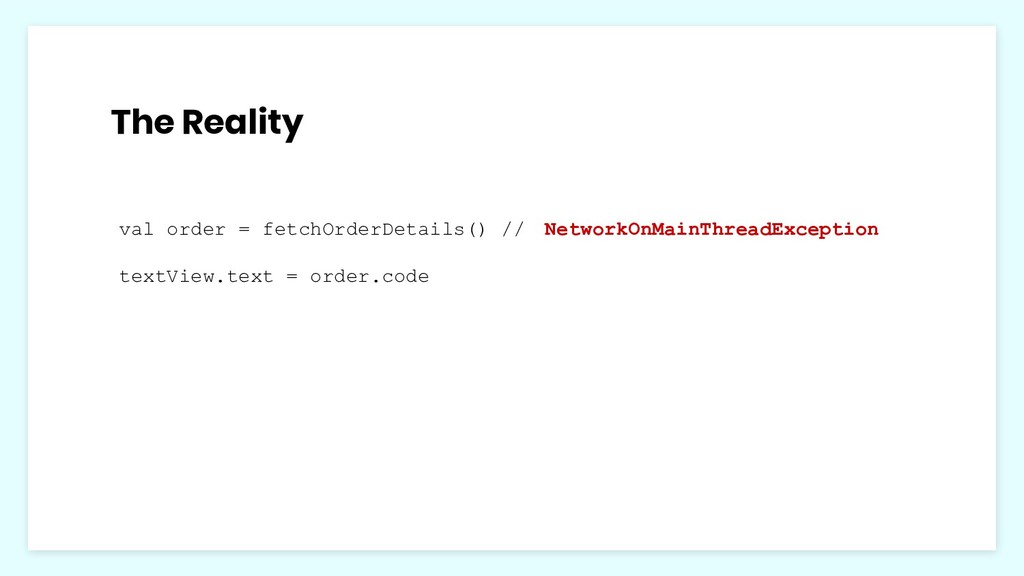
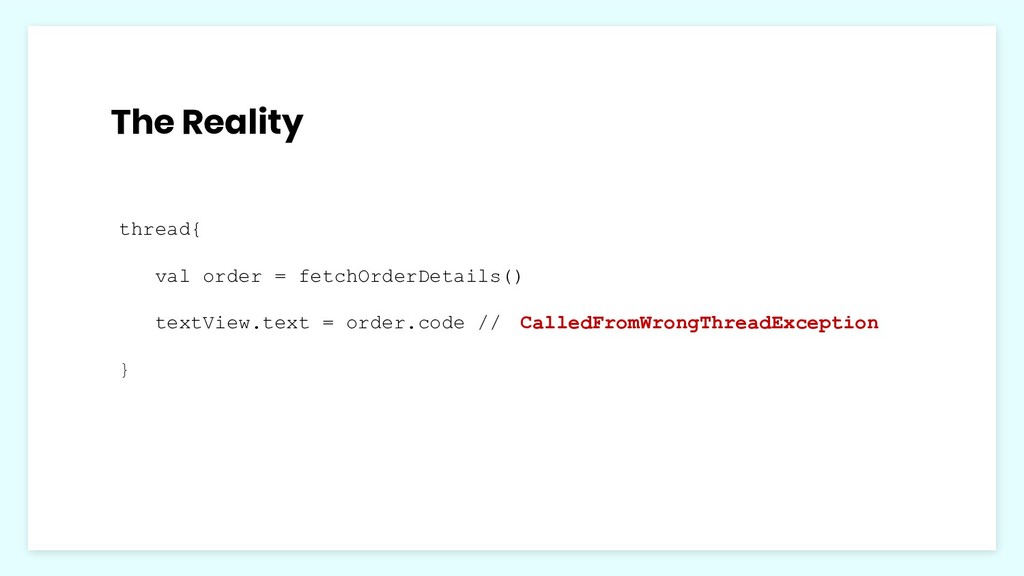
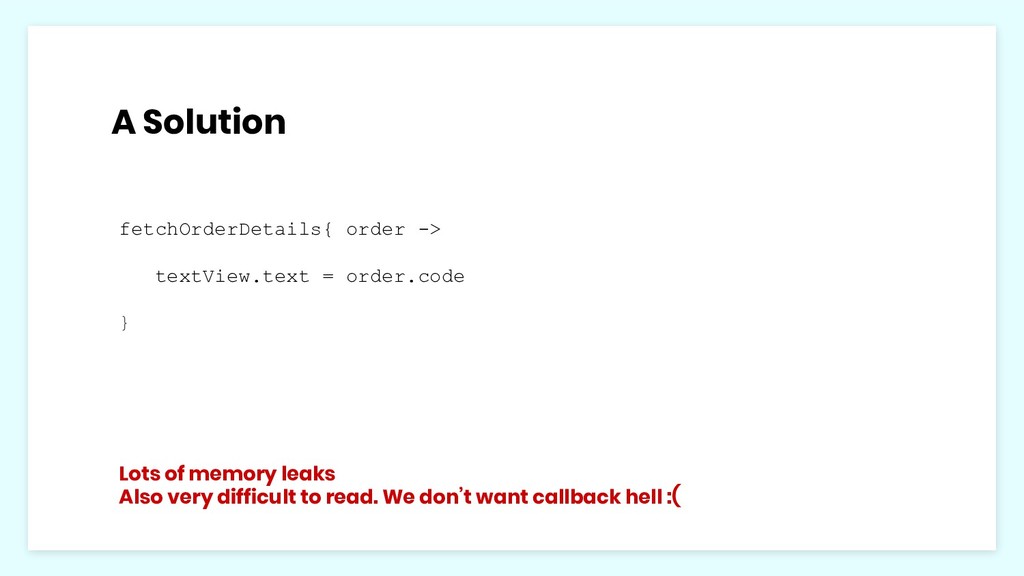
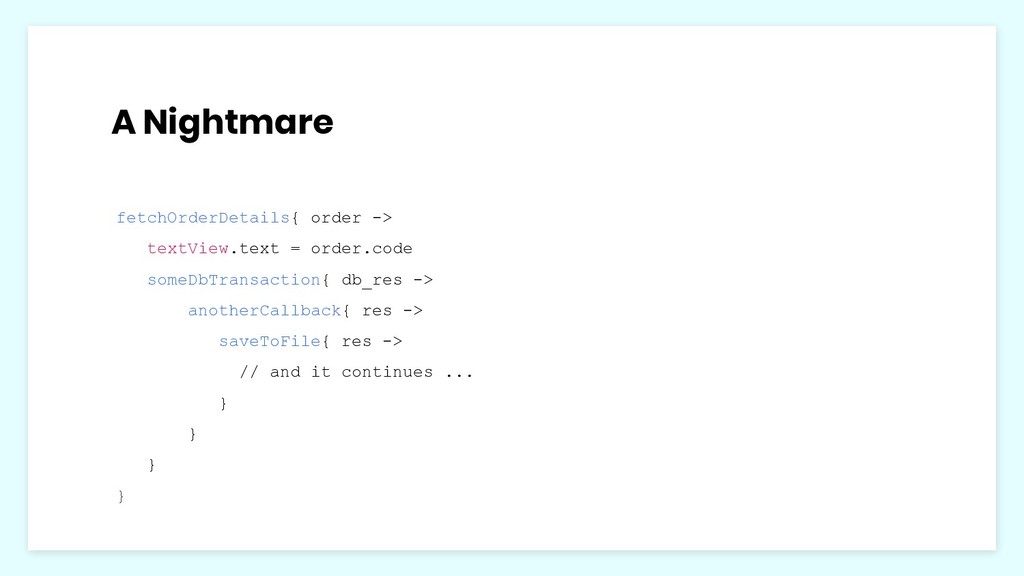
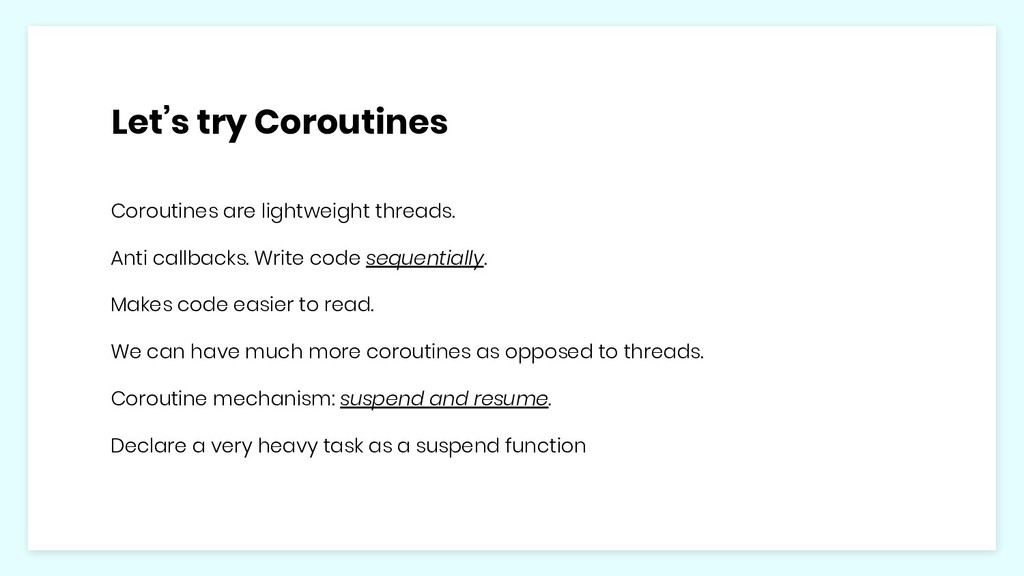
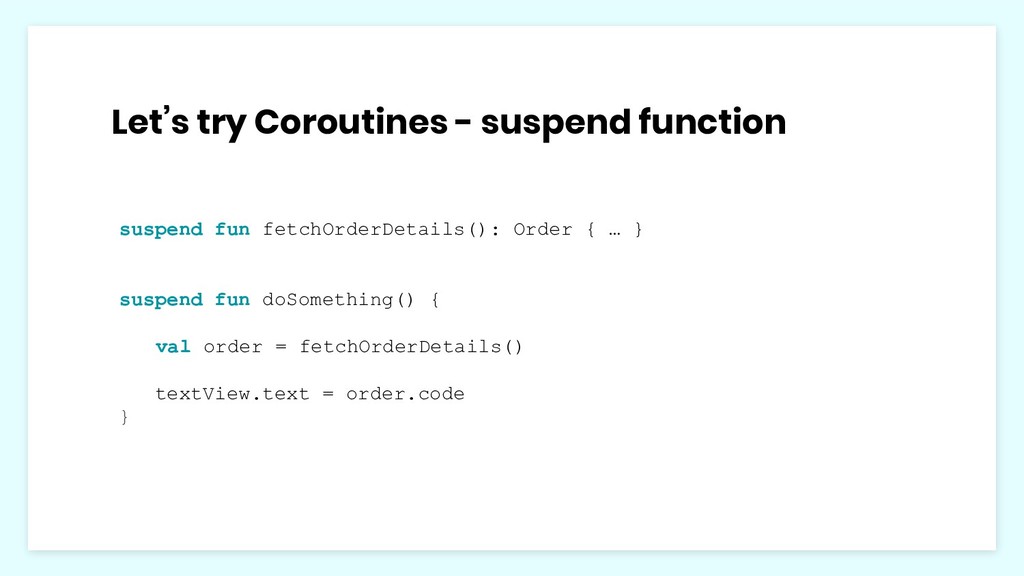
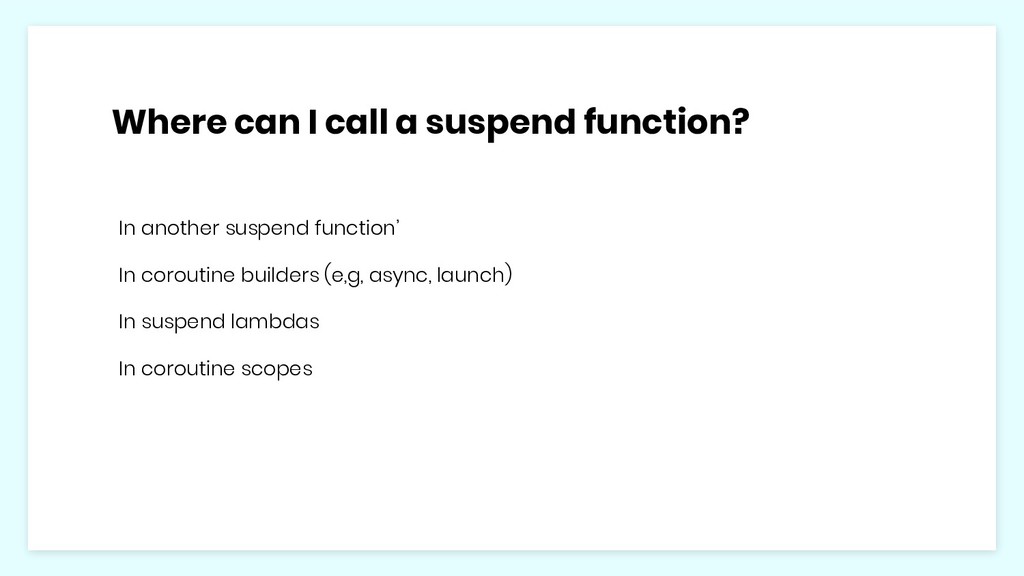
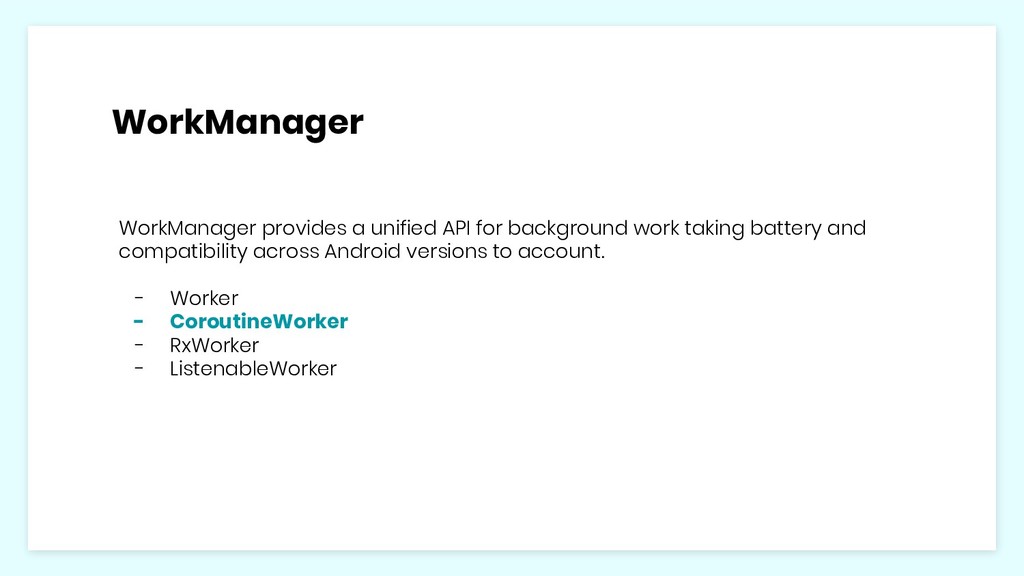
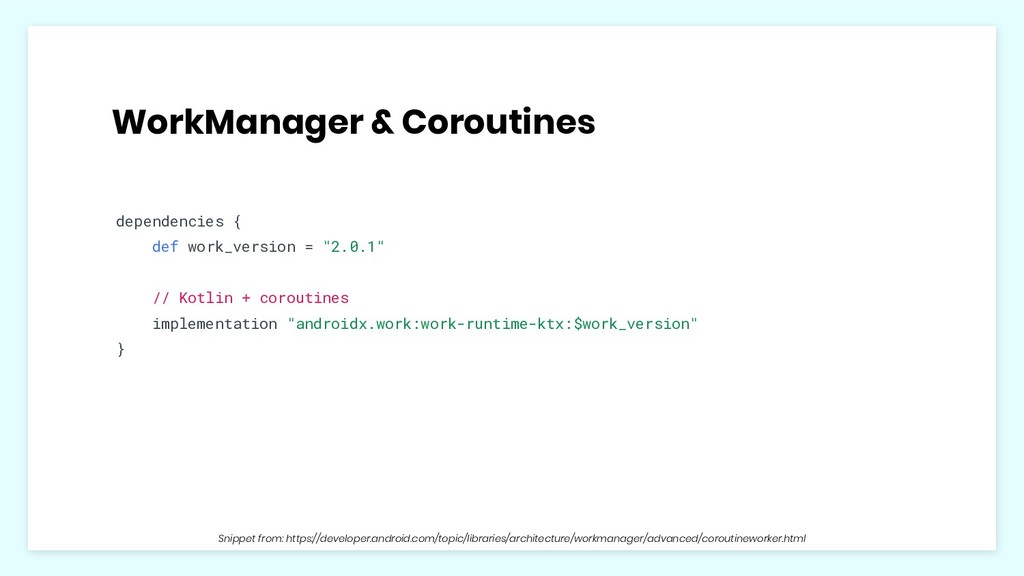
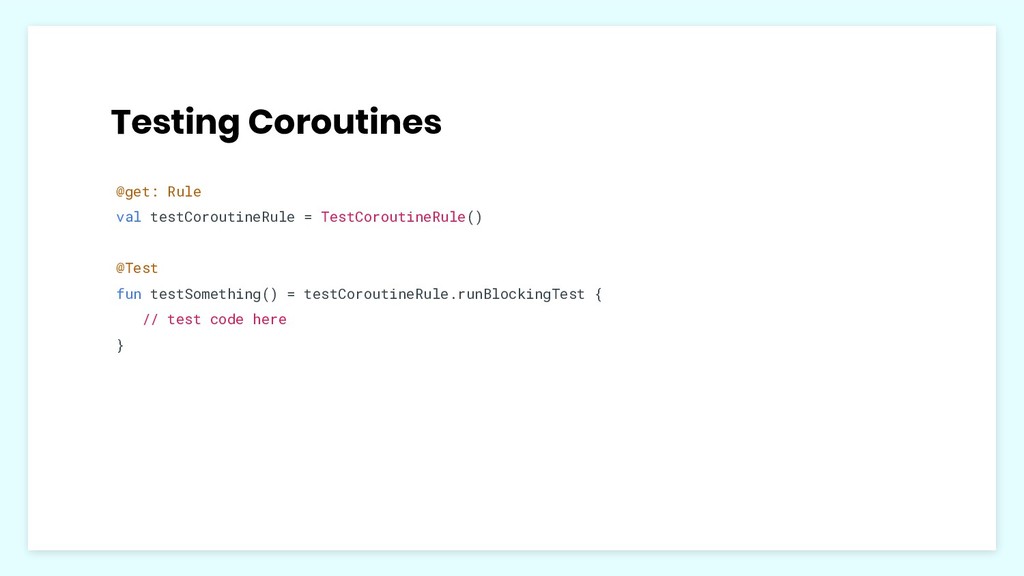
code sequentially. Makes code easier to read. We can have much more coroutines as opposed to threads. Coroutine mechanism: suspend and resume. Declare a very heavy task as a suspend function
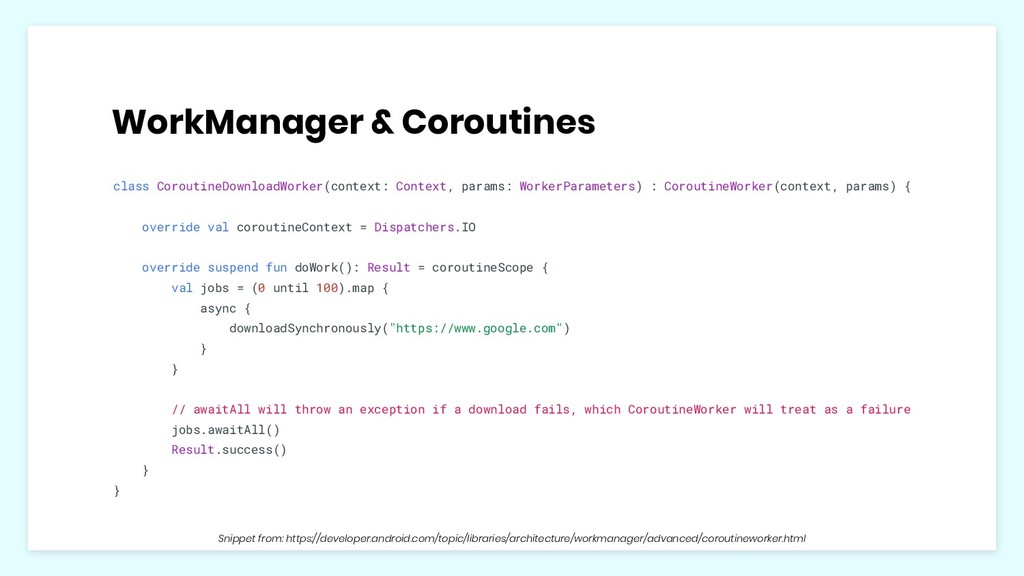
params) { override val coroutineContext = Dispatchers.IO override suspend fun doWork(): Result = coroutineScope { val jobs = (0 until 100).map { async { downloadSynchronously("https://www.google.com") } } // awaitAll will throw an exception if a download fails, which CoroutineWorker will treat as a failure jobs.awaitAll() Result.success() } } Snippet from: https://developer.android.com/topic/libraries/architecture/workmanager/advanced/coroutineworker.html
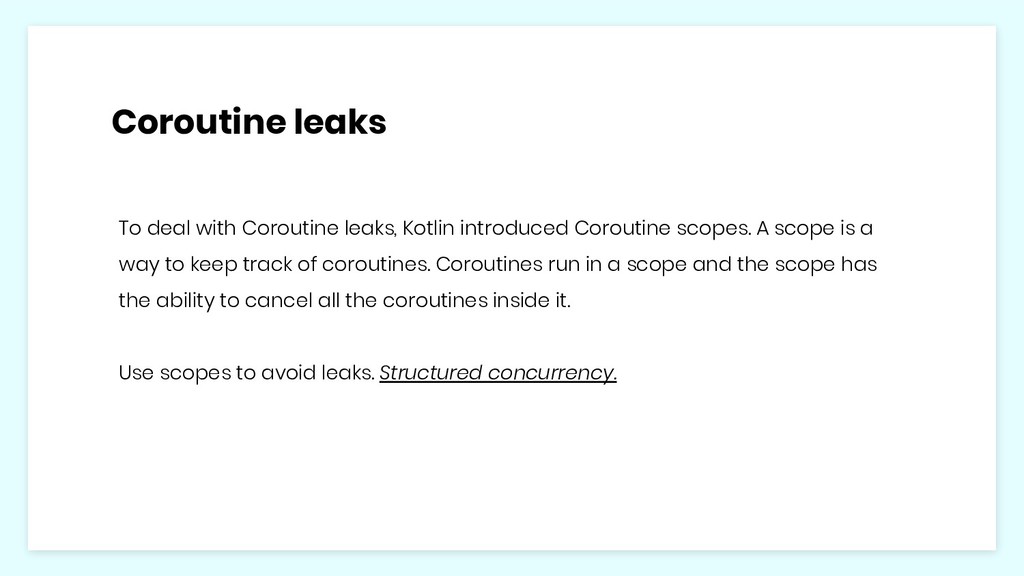
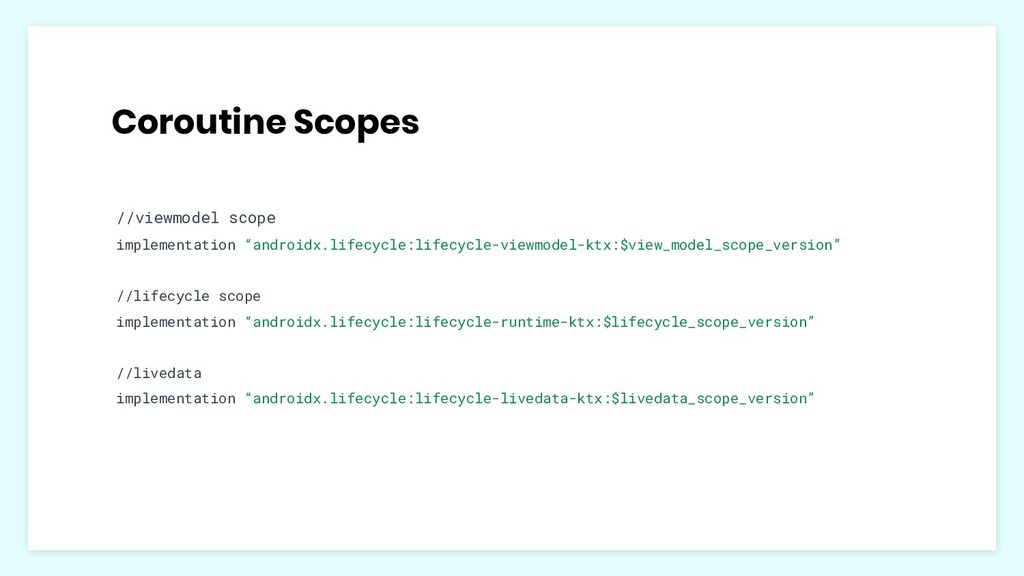
scopes. A scope is a way to keep track of coroutines. Coroutines run in a scope and the scope has the ability to cancel all the coroutines inside it. Use scopes to avoid leaks. Structured concurrency.
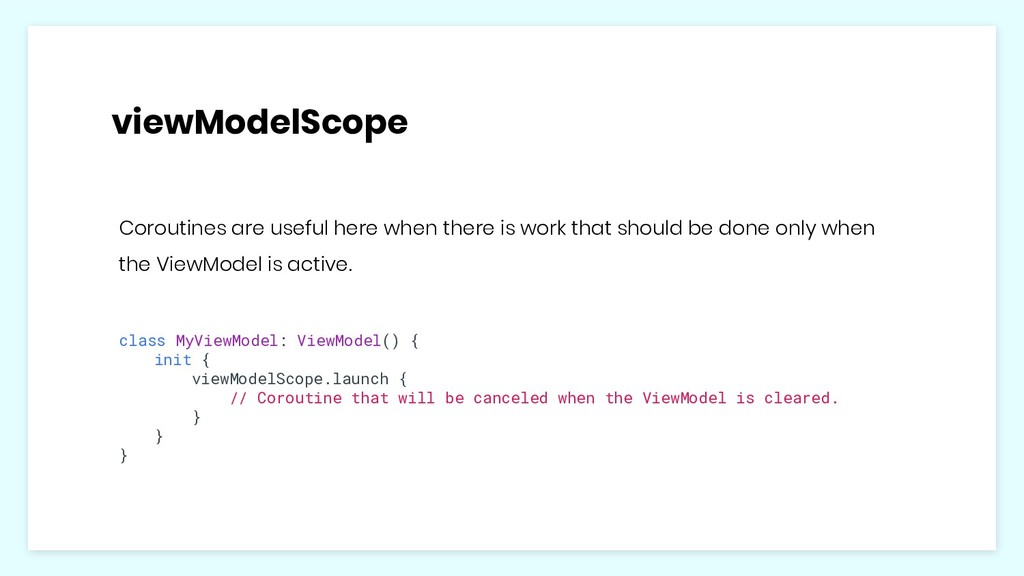
should be done only when the ViewModel is active. class MyViewModel: ViewModel() { init { viewModelScope.launch { // Coroutine that will be canceled when the ViewModel is cleared. } } }
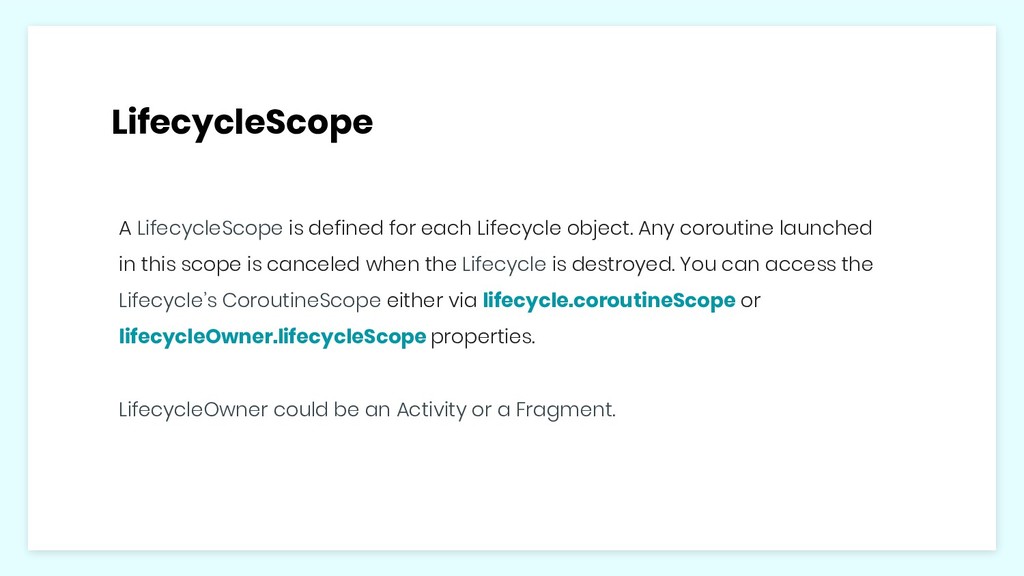
coroutine launched in this scope is canceled when the Lifecycle is destroyed. You can access the Lifecycle’s CoroutineScope either via lifecycle.coroutineScope or lifecycleOwner.lifecycleScope properties. LifecycleOwner could be an Activity or a Fragment.
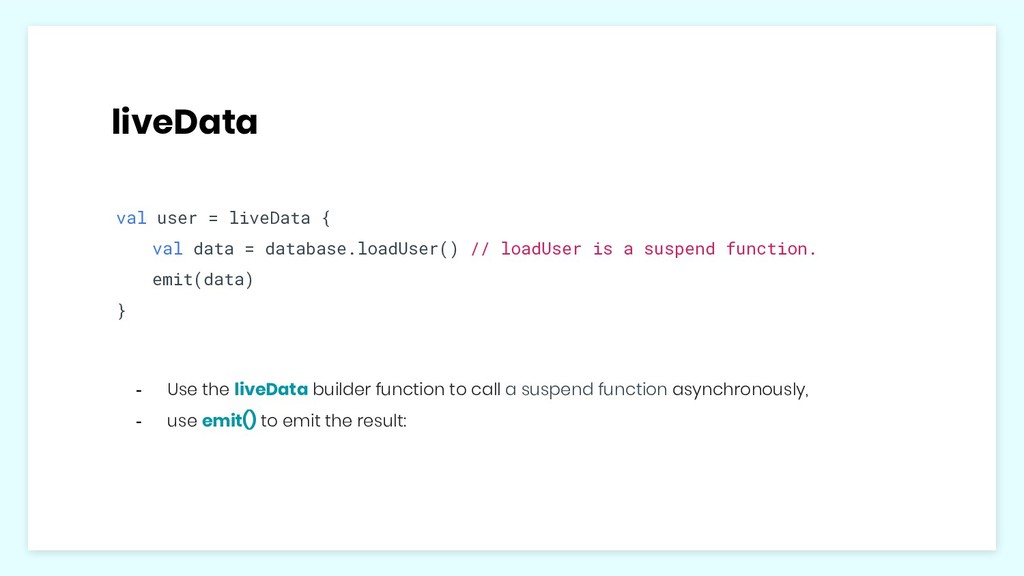
// loadUser is a suspend function. emit(data) } - Use the liveData builder function to call a suspend function asynchronously, - use emit() to emit the result:


 adoranwodo
 ___akari11
 colorful12
 florets1
 takai
takai
 yub0n
yub0n
 mixplace
 drumath2237
 andpad
 marcoroth
 morizo_1984
 kawashimo0
 shihochan
 inesmontani
 jmmastey
 carmenintech
 badams
 danielanewman
 csswizardry
 minecr
 frankvandijk
 shpigford
 honzajavorek
 tammyeverts