Upgrade to Pro
— share decks privately, control downloads, hide ads and more …
Speaker Deck
Sign up for free
Menu
Search
Features
All features
Private URLs
Password Protection
Custom URLS
Scheduled publishing
Remove Branding
Restrict embedding
Deck Collections
Notes
Features
All features
Private URLs
Password Protection
Custom URLS
Scheduled publishing
Remove Branding
Restrict embedding
Deck Collections
Notes
Explore
Featured decks
Featured speakers
Programming
Technology
Storyboards
Explore
Featured decks
Featured speakers
Programming
Technology
Storyboards
Pricing
Search
Sign in
Sign up for free
【20250622】クライアントサイドで_ 高品質画像圧縮したいからウェブアプリ版 Squoo...
Search
asaringo
June 25, 2025
Programming
97
0
Share
Embed
Copy iframe code
Copy JS code
Copy link
Start on current slide
【20250622】クライアントサイドで_ 高品質画像圧縮したいからウェブアプリ版 Squoosh参照してwasmに手を出す
間違いあったら優しく教えてください
asaringo
June 25, 2025
More Decks by asaringo
See All by asaringo
[初登壇@jAZUG]アプリ開発者が気になるGoogleCloud/Azure+wasm/wasi
asaringo
0
330
Other Decks in Programming
See All in Programming
TanStack Vue Query と Pinia Colada から学ぶ非同期状態の型設計
aoshi
0
310
Zero-Tap Sign-In対応、結局何をすればいいの?
mitohato14
0
830
Groovy as a human and AI friendly programming language
paulk
0
120
[2026-10-09]一枚の布で作らなくてもいい。 信頼性は「パッチワーク」で紡がれる~既存の運用と新しい可能性をつなぎ合わせてきたCREの話~
tosite
0
110
Herb in Rails 8.2: Your ERB views, now HTML-aware @ Kaigi on Rails 2026, Tokyo, Japan
marcoroth
2
340
PumaからFalconに移行したRailsアプリケーションでの実践
falcon8823
0
250
クラウドエージェントは、 何がそんなに便利なのか / what makes cloud agents so useful
rkaga
3
560
Agentic Software Factoryに、すごく賢いIF文を。 / super smart IF statement into the Agentic Software Factory.
rkaga
8
2.4k
graphql-ruby を Spinel で速くしようとした話
mtsmfm
0
120
最近”作らせてる” ローカルAIアプリの話
akit37
0
500
現場と育てるRailsモデリング 〜Spreadsheetから始めたモデル設計〜
siroemk
2
960
HTML-in-Canvasで作る未来のWeb UI表現
clockmaker
5
5.8k
Featured
See All Featured
[RailsConf 2023] Rails as a piece of cake
palkan
59
7.1k
The B2B funnel & how to create a winning content strategy
katarinadahlin
PRO
1
580
Test your architecture with Archunit
thirion
2
2.5k
[Rails World 2026] Durable orchestration on Rails: from continuation to workflow
palkan
1
920
How to audit for AI Accessibility on your Front & Back End
davetheseo
0
610
Mozcon NYC 2025: Stop Losing SEO Traffic
samtorres
1
580
Performance Is Good for Brains [We Love Speed 2024]
tammyeverts
12
1.9k
Information Architects: The Missing Link in Design Systems
soysaucechin
1
1.2k
Efficient Content Optimization with Google Search Console & Apps Script
katarinadahlin
PRO
1
940
The Straight Up "How To Draw Better" Workshop
denniskardys
239
140k
Building Flexible Design Systems
yeseniaperezcruz
330
41k
Self-Hosted WebAssembly Runtime for Runtime-Neutral Checkpoint/Restore in Edge–Cloud Continuum
chikuwait
0
900
Transcript
クライアントサイドで 高品質画像圧縮したいから ウェブアプリ版 Squoosh 参照してwasmに手を出す 2025/06/22 あさりんご
徒然なるままに… wasmとの出会いを振り返る 結論ありきの順番ではなく、 探索していった時の順番で話してみる (スピーチ結論から話せと言われがちだけどほんとかな? ということでお試ししてみる)
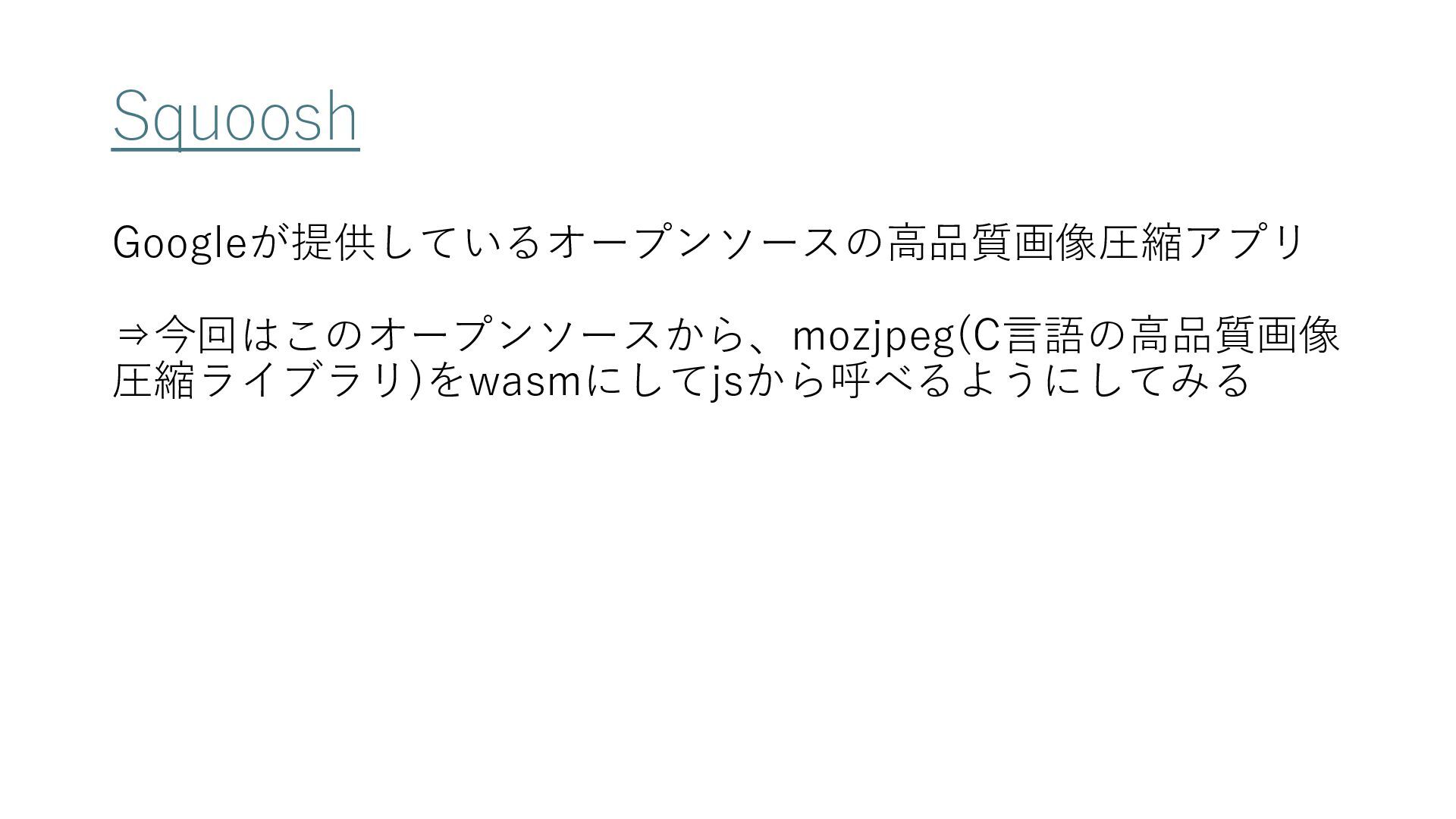
Squoosh Googleが提供しているオープンソースの高品質画像圧縮アプリ ⇒今回はこのオープンソースから、mozjpeg(C言語の高品質画像 圧縮ライブラリ)をwasmにしてjsから呼べるようにしてみる
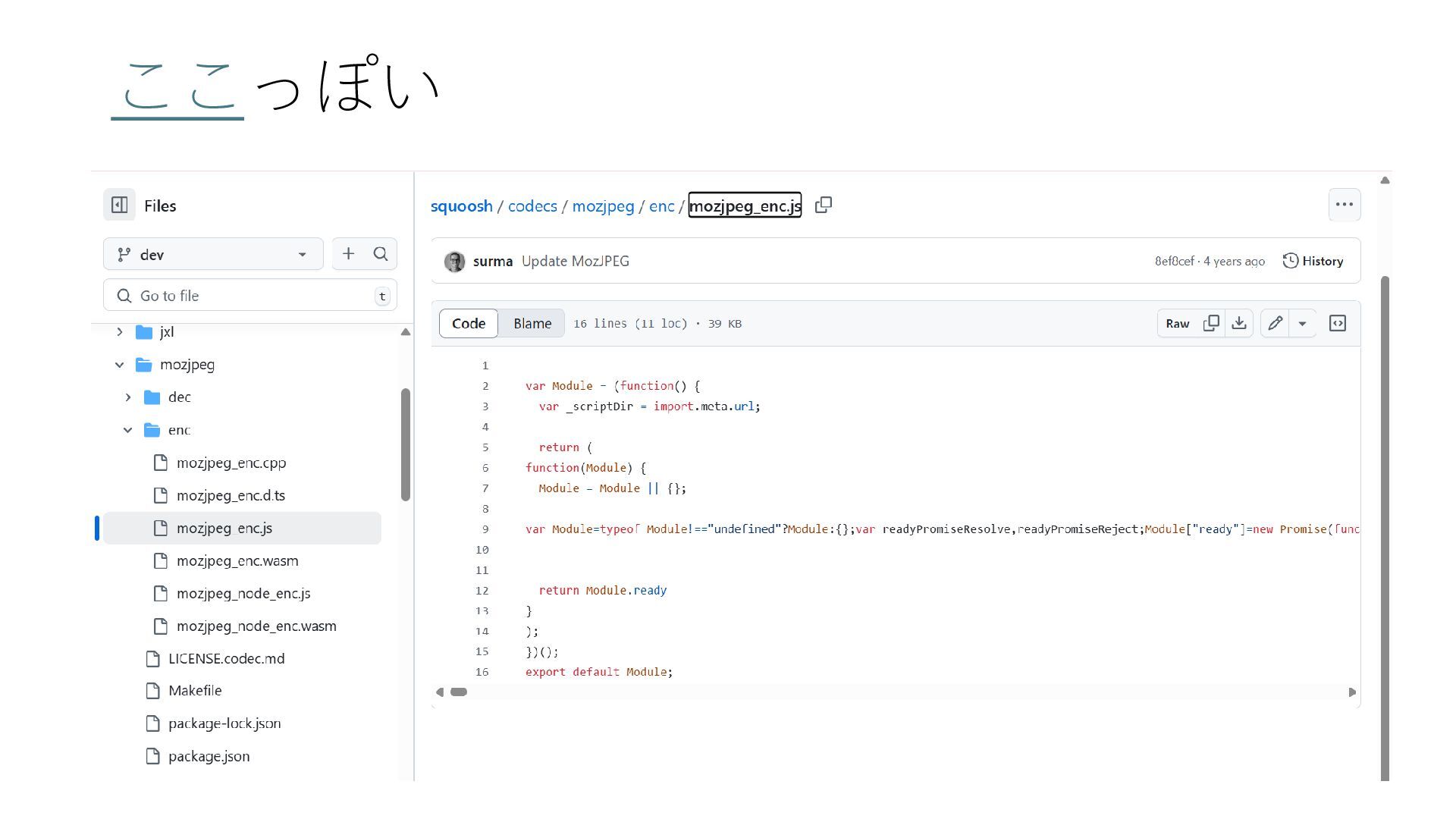
ここっぽい
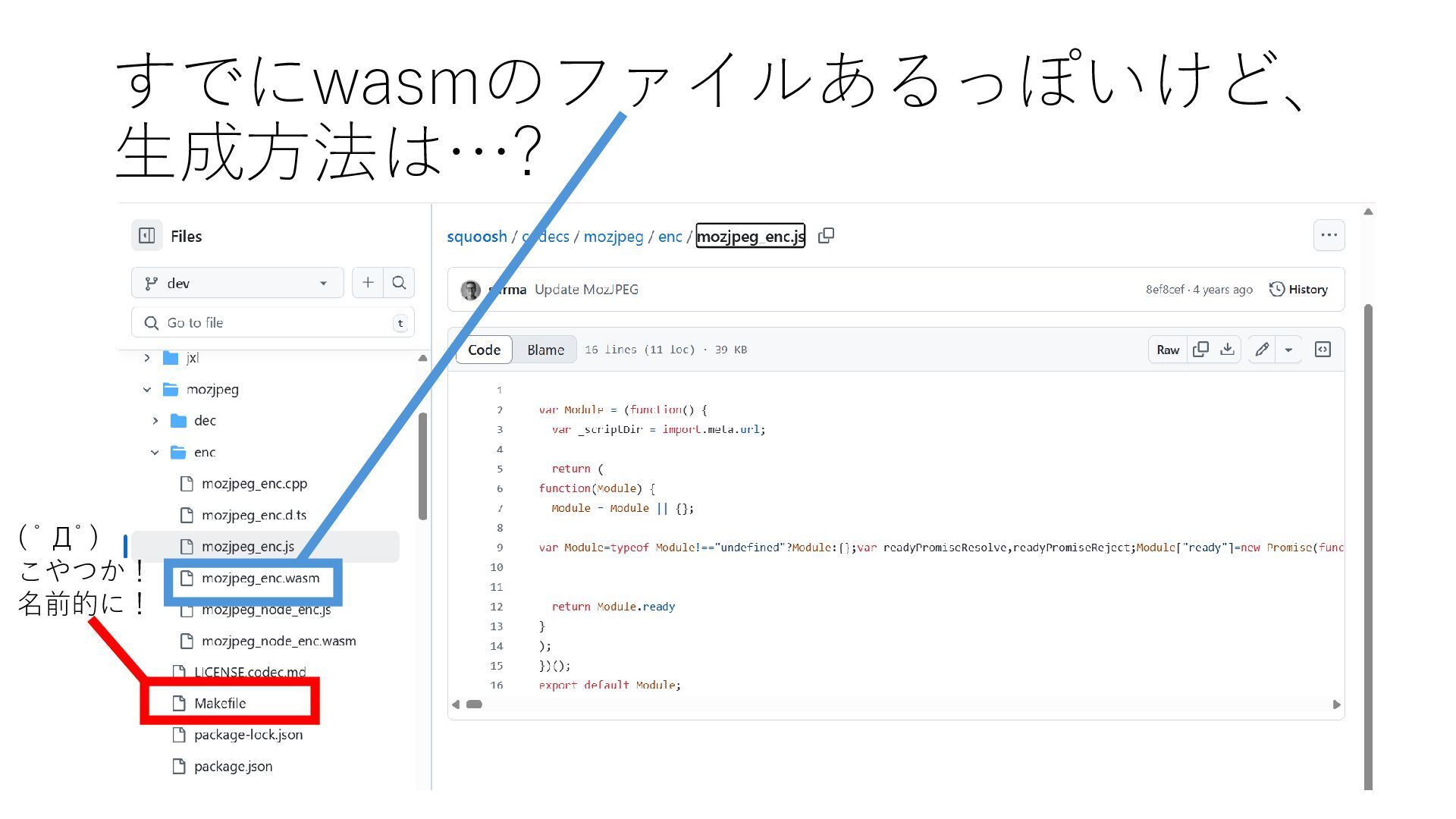
すでにwasmのファイルあるっぽいけど、 生成方法は…? ( ゚Д゚) こやつか! 名前的に!
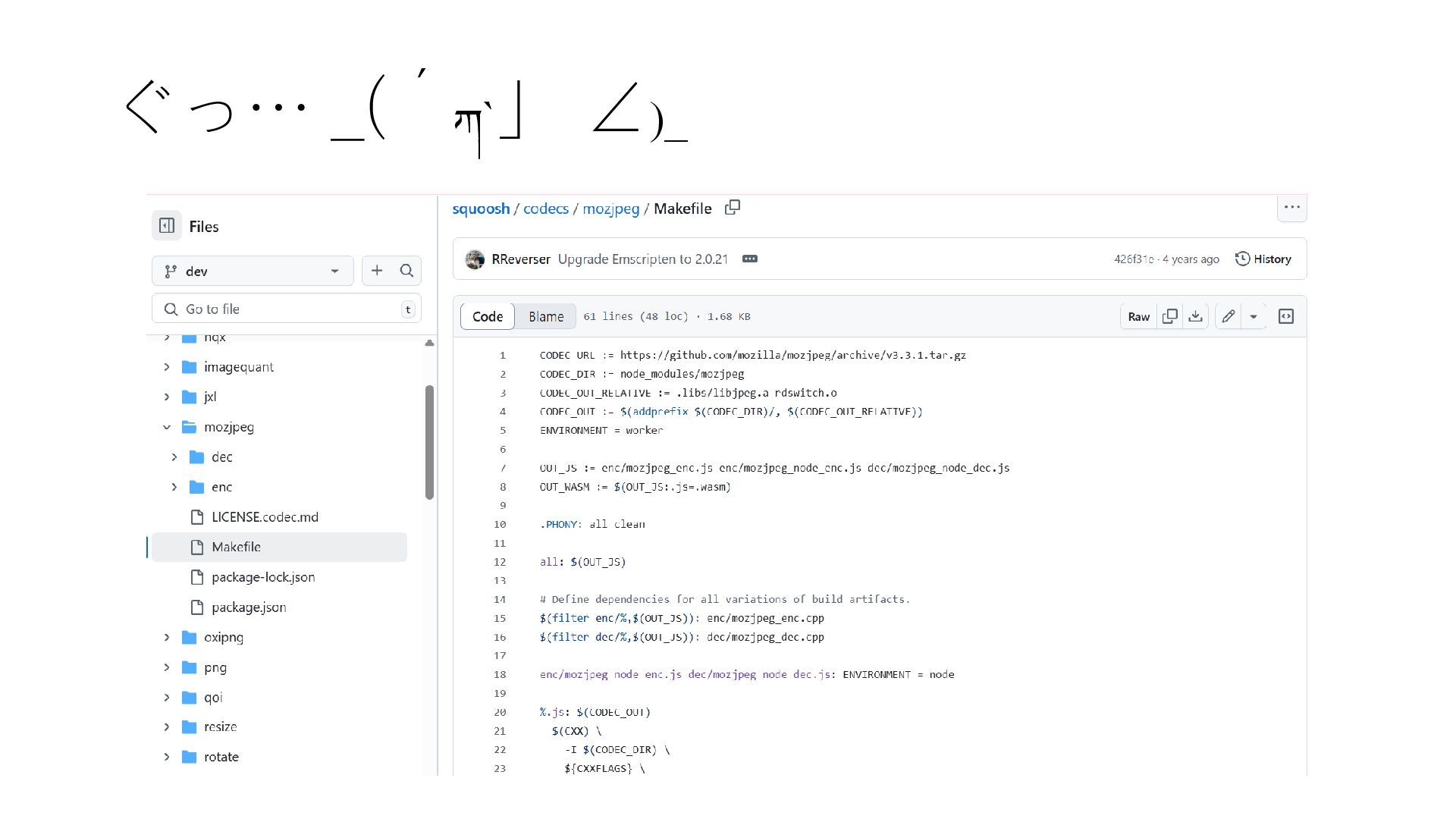
ぐっ… _(´ཀ`」 ∠)_
いったん理解より動かすの優先でいこ Emscriptenを使えるようにするぞ☆ bashで以下コマンドどん git clone https://github.com/emscripten-core/emsdk.git cd /mnt/c/Users/[お名前]/source/repos/emsdk ./emsdk install
latest ./emsdk activate latest source ./emsdk_env.sh 動かしてくうちにわかってくるだろ… ^^) _旦~~
MakefileをEmscriptenに読ませるぞ bashで以下コマンドどん git clone https://github.com/GoogleChromeLabs/squoosh.git cd /mnt/c/Users/[お名 前]/source/repos/squoosh/codecs/mozjpeg/ emmake make
最初makeだけで打っててうまくいかずなんでや…? とかなってた思ひ出 Emscriptenつかうのだから、それ用のコマンドを!
あれ足りないこれ足りない言われる エラー文言に従ってとにかく sudo apt update && sudo apt install [パッケージ名]
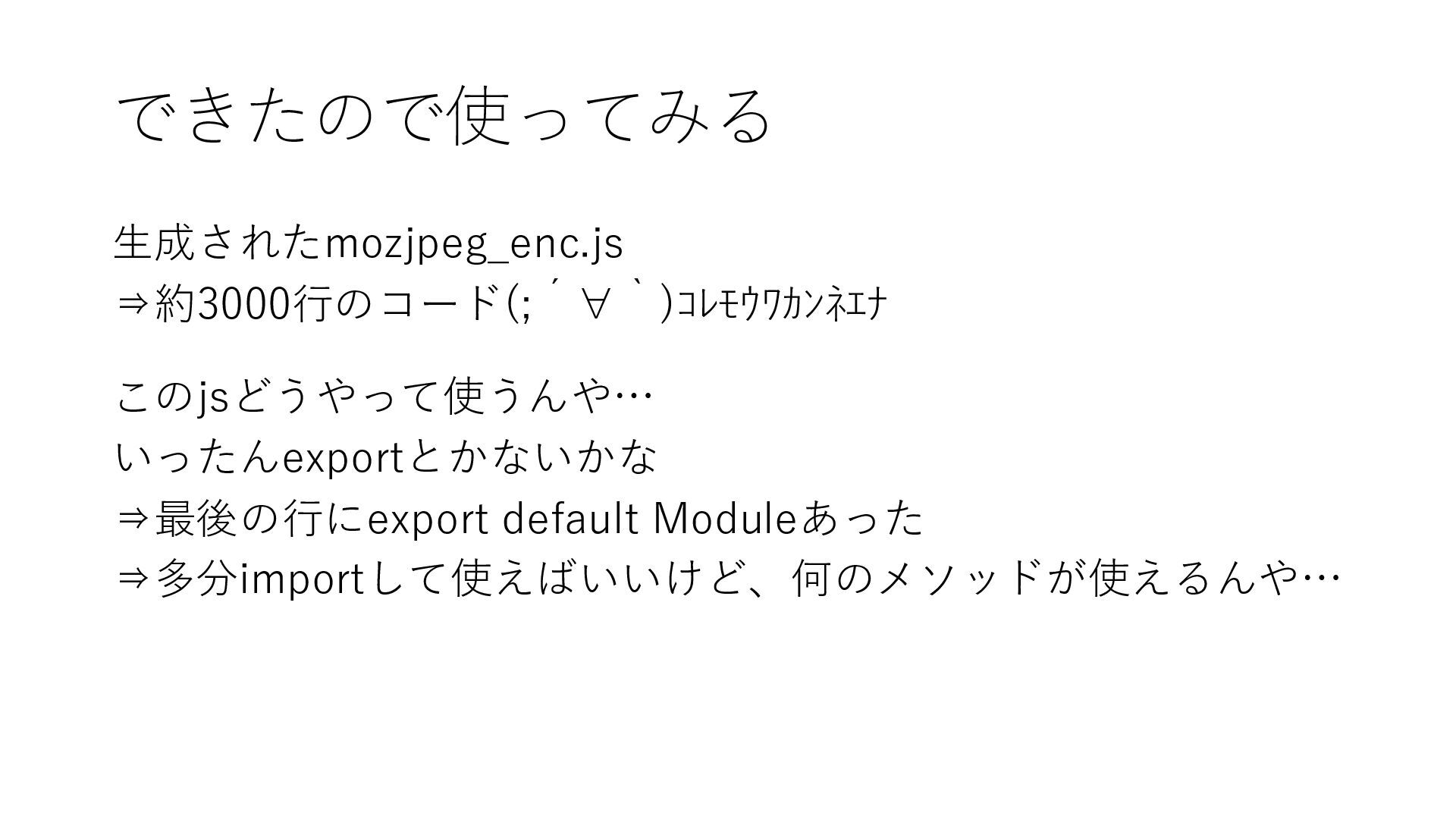
できたので使ってみる 生成されたmozjpeg_enc.js ⇒約3000行のコード(;´∀`)コレモウワカンネエナ このjsどうやって使うんや… いったんexportとかないかな ⇒最後の行にexport default Moduleあった ⇒多分importして使えばいいけど、何のメソッドが使えるんや…
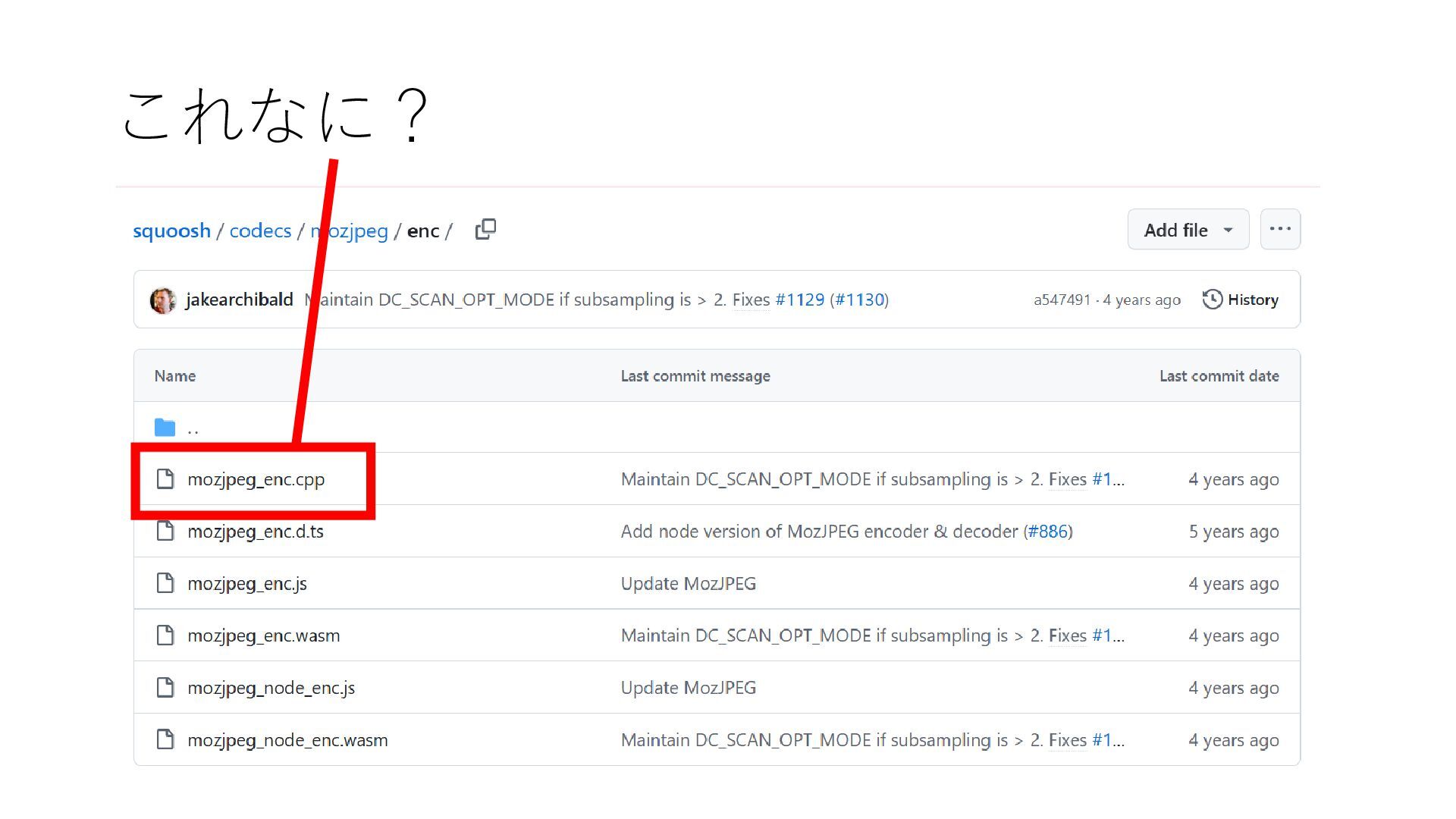
これなに?
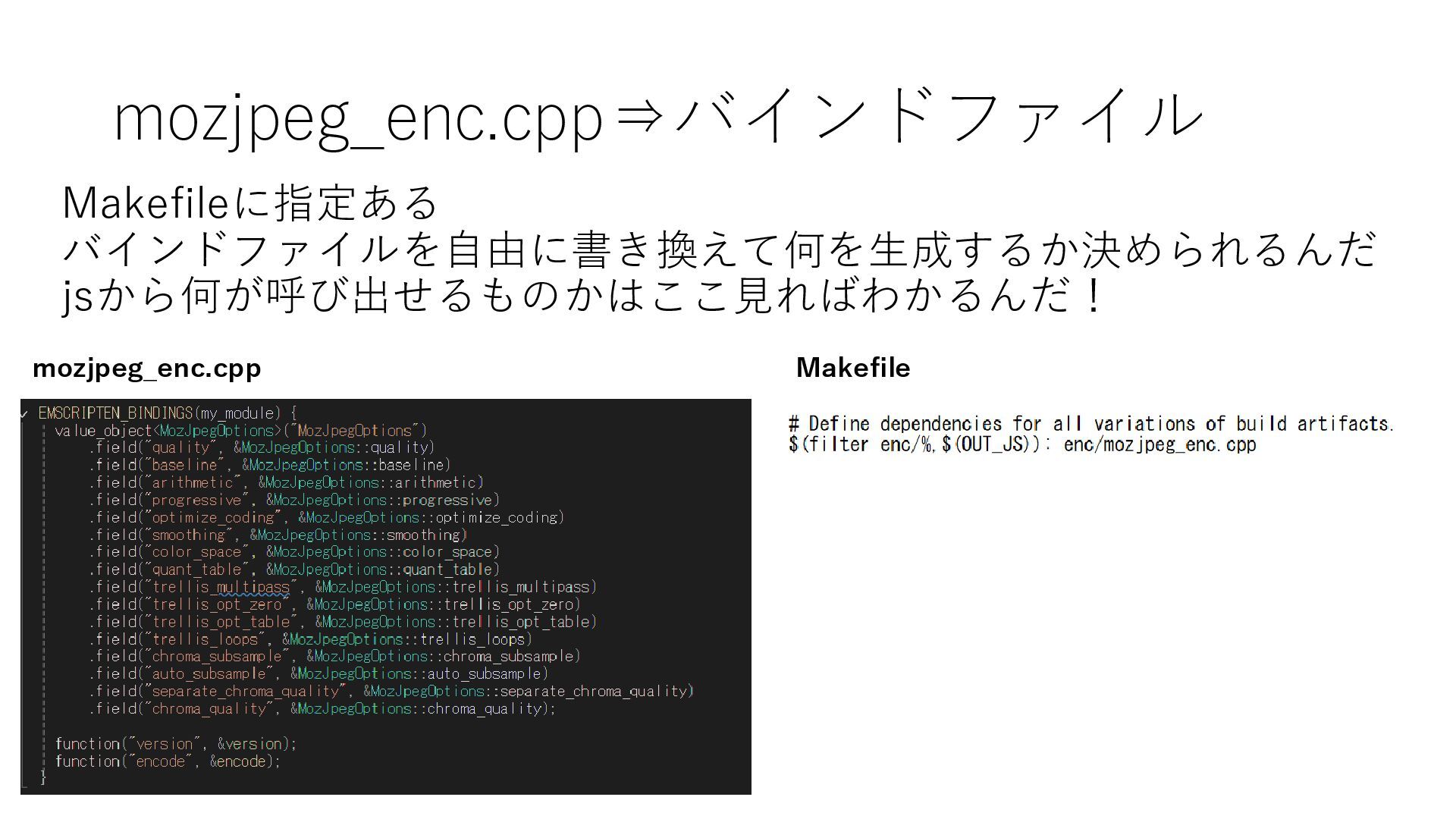
mozjpeg_enc.cpp⇒バインドファイル Makefileに指定ある バインドファイルを自由に書き換えて何を生成するか決められるんだ jsから何が呼び出せるものかはここ見ればわかるんだ! mozjpeg_enc.cpp Makefile
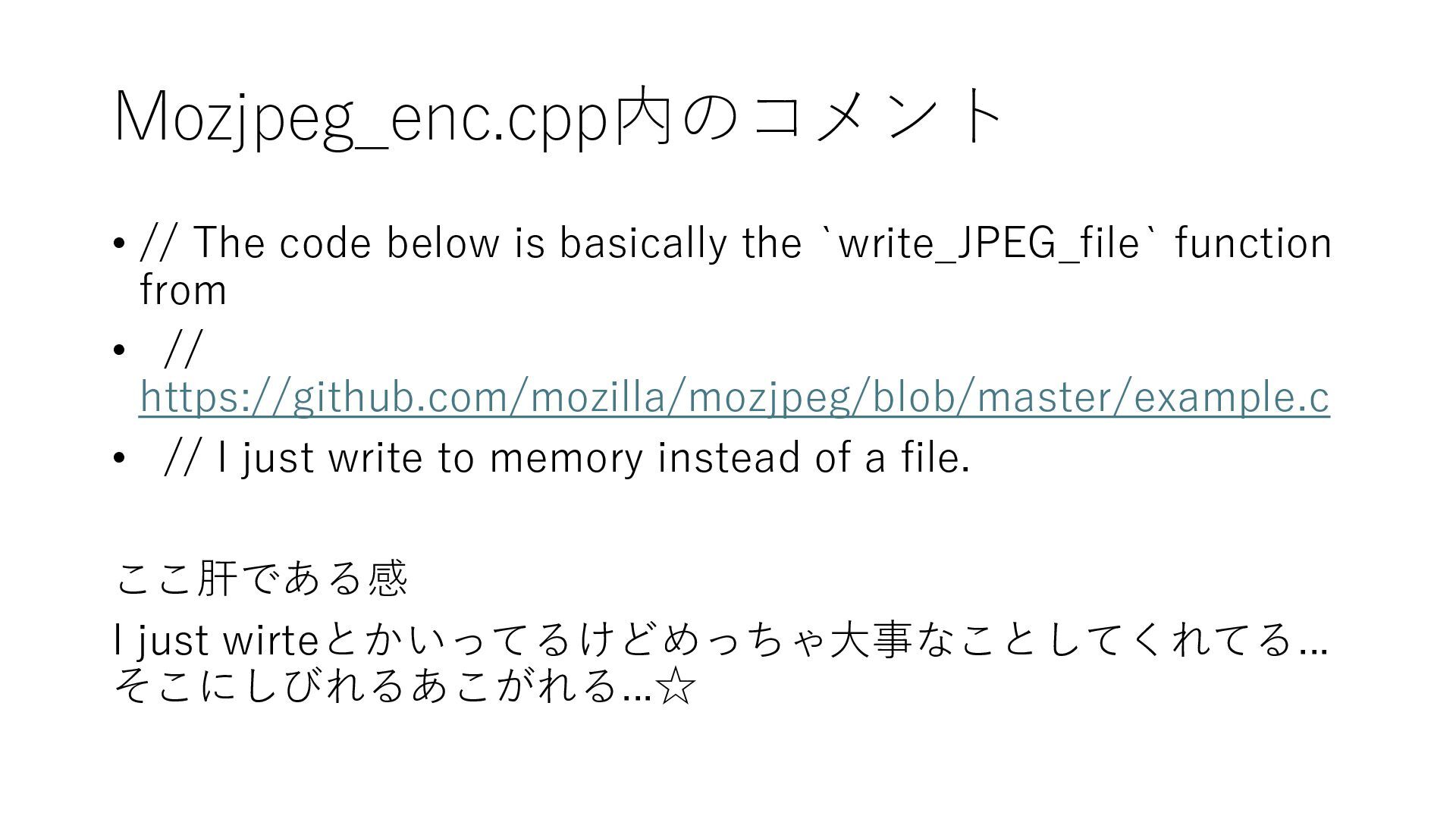
Mozjpeg_enc.cpp内のコメント • // The code below is basically the `write_JPEG_file`
function from • // https://github.com/mozilla/mozjpeg/blob/master/example.c • // I just write to memory instead of a file. ここ肝である感 I just wirteとかいってるけどめっちゃ大事なことしてくれてる... そこにしびれるあこがれる...☆
使ってみる 生成したmozjpeg_enc.jsとmozjpeg_enc.wasmを 使用したいプロジェクトに連れていく import MozjpegEnc from [ファイルの場所] const mozjpegEnc =
await MozjpegEnc(); const result = mozjpegEnc.encode([画像],[画像の横幅],[画像の 縦幅],[オプション]) ※詳しくはmozjpeg_enc.cpp参照
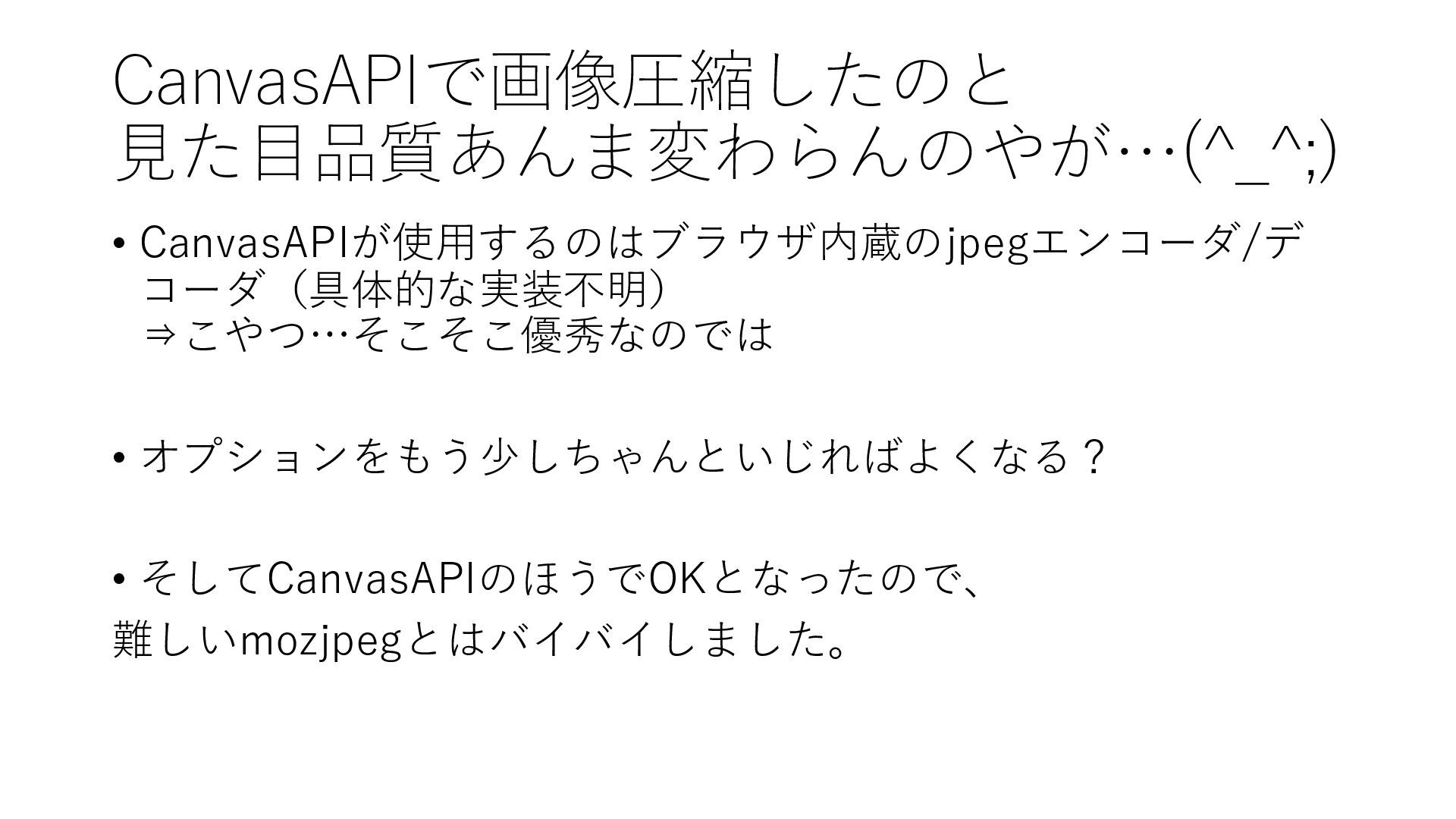
CanvasAPIで画像圧縮したのと 見た目品質あんま変わらんのやが…(^_^;) • CanvasAPIが使用するのはブラウザ内蔵のjpegエンコーダ/デ コーダ(具体的な実装不明) ⇒こやつ…そこそこ優秀なのでは • オプションをもう少しちゃんといじればよくなる? • そしてCanvasAPIのほうでOKとなったので、
難しいmozjpegとはバイバイしました。
いろいろ新体験 • Emscriptenをつかってみること • chatGPTヘルプもらいつつオープンソースのコードを見てみること • オープンソースから拝借してくること(していいんだ!) • C++に触れる •
個人がGitHubにコードを公開する意味を知る(今度やってみよう)


 asaringo
 aoshi
aoshi
 mitohato14
 paulk
paulk
 tosite
 marcoroth
 falcon8823
 rkaga
rkaga
 mtsmfm
 akit37
 siroemk
 clockmaker
 palkan
 katarinadahlin
 thirion
 davetheseo
 samtorres
 tammyeverts
 soysaucechin
 denniskardys
 yeseniaperezcruz
 chikuwait
![いったん理解より動かすの優先でいこ Emscriptenを使えるようにするぞ☆ bashで以下コマンドどん git clone https://github.com/emscripten-core/emsdk.git cd /mnt/c/Users/[お名前]/source/repos/emsdk ./emsdk install](https://files.speakerdeck.com/presentations/76a45946b11b476eb92e48ec31cc70a8/slide_6.jpg)
![MakefileをEmscriptenに読ませるぞ bashで以下コマンドどん git clone https://github.com/GoogleChromeLabs/squoosh.git cd /mnt/c/Users/[お名 前]/source/repos/squoosh/codecs/mozjpeg/ emmake make](https://files.speakerdeck.com/presentations/76a45946b11b476eb92e48ec31cc70a8/slide_7.jpg)
![あれ足りないこれ足りない言われる エラー文言に従ってとにかく sudo apt update && sudo apt install [パッケージ名]](https://files.speakerdeck.com/presentations/76a45946b11b476eb92e48ec31cc70a8/slide_8.jpg)
![使ってみる 生成したmozjpeg_enc.jsとmozjpeg_enc.wasmを 使用したいプロジェクトに連れていく import MozjpegEnc from [ファイルの場所] const mozjpegEnc =](https://files.speakerdeck.com/presentations/76a45946b11b476eb92e48ec31cc70a8/slide_13.jpg)