Upgrade to Pro — share decks privately, control downloads, hide ads and more …

Introduction to Material Design

Introduction to Material Design

In March 10-11, I was organizer and speaker in Flutter Festival Turqoise which is an event organized by GDG Istanbul,GDG Bursa,GDG Antalya,GDG Yalova,GDG Cloud Bursa,GDG Cloud İstanbul, Flutter İstanbul, Flutter Students Club and 20+ GDSCs.

In this Festival, 18 Speakers has talked in dual language for 2 Days. It was really inspiring and instructive Festival and i really glad to be a part of it.

In Day-2, I was speaker and I talked about Material Design for little bit. My purpose was raising an awareness about this neglected design system.

Avatar for Berkin Yılmaz

Berkin Yılmaz

March 11, 2022

Other Decks in Technology

Transcript

  1. Introduction to Material Design #material #design #flutter Turquoise Berkin Yılmaz

    Software Developer berkin_yilmaz Berkin Yılmaz Berkin Yılmaz
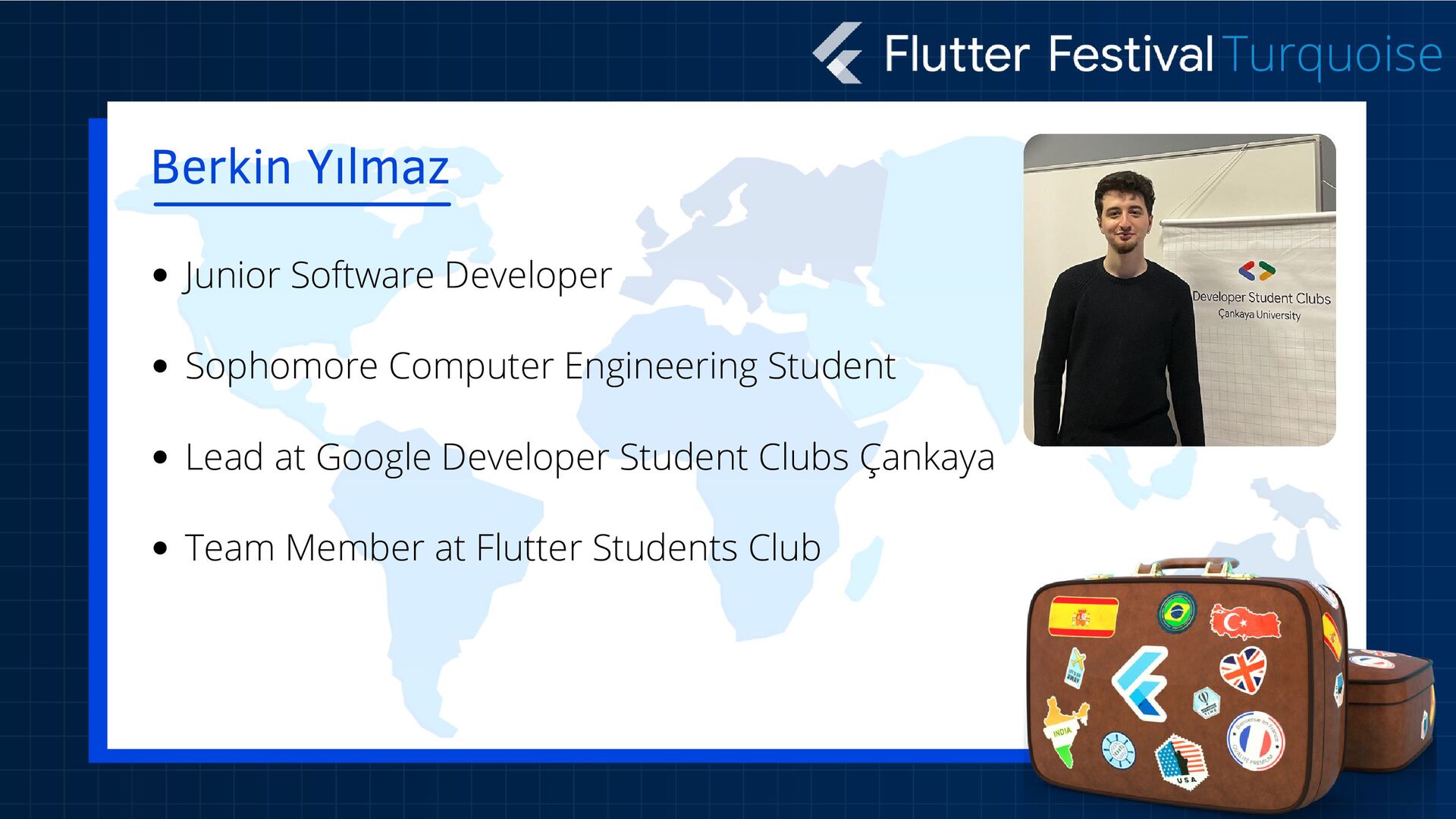
  2. Junior Software Developer Sophomore Computer Engineering Student Lead at Google

    Developer Student Clubs Çankaya Team Member at Flutter Students Club Berkin Yılmaz Turquoise
  3. Material is a design system created by Google to help

    developers create high-quality digital experiences across Android, iOS, Flutter, and Web platforms. This system was announced at the Google I/O conference in 2014, codenamed Quantum Paper. Inspired by origami, this system provides a lot of convenience in the application development process of developers based on basic design principles today. What is Material Design? This is a Design System. Turquoise
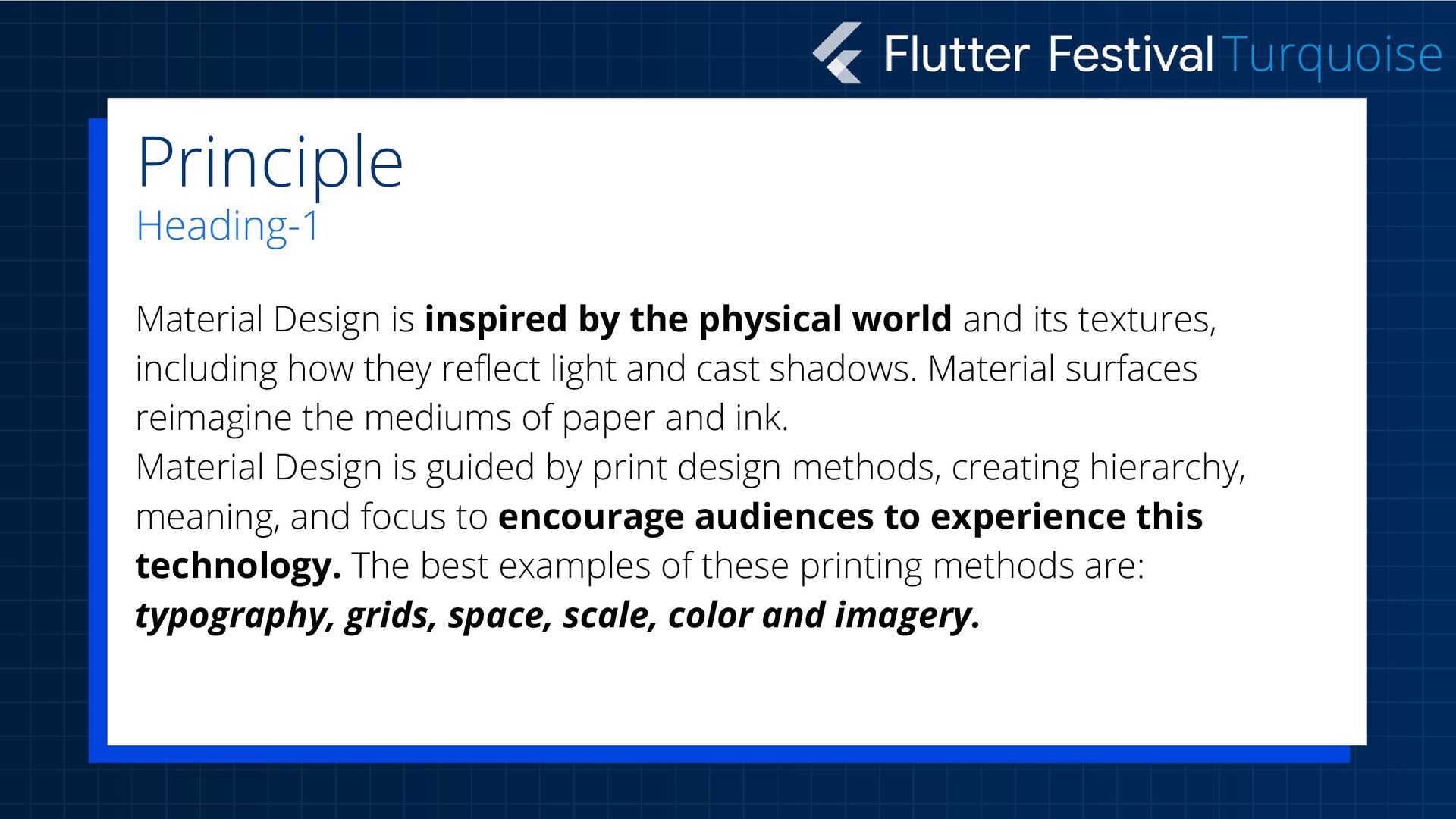
  4. Material Design is inspired by the physical world and its

    textures, including how they reflect light and cast shadows. Material surfaces reimagine the mediums of paper and ink. Material Design is guided by print design methods, creating hierarchy, meaning, and focus to encourage audiences to experience this technology. The best examples of these printing methods are: typography, grids, space, scale, color and imagery. Principle Heading-1 Turquoise
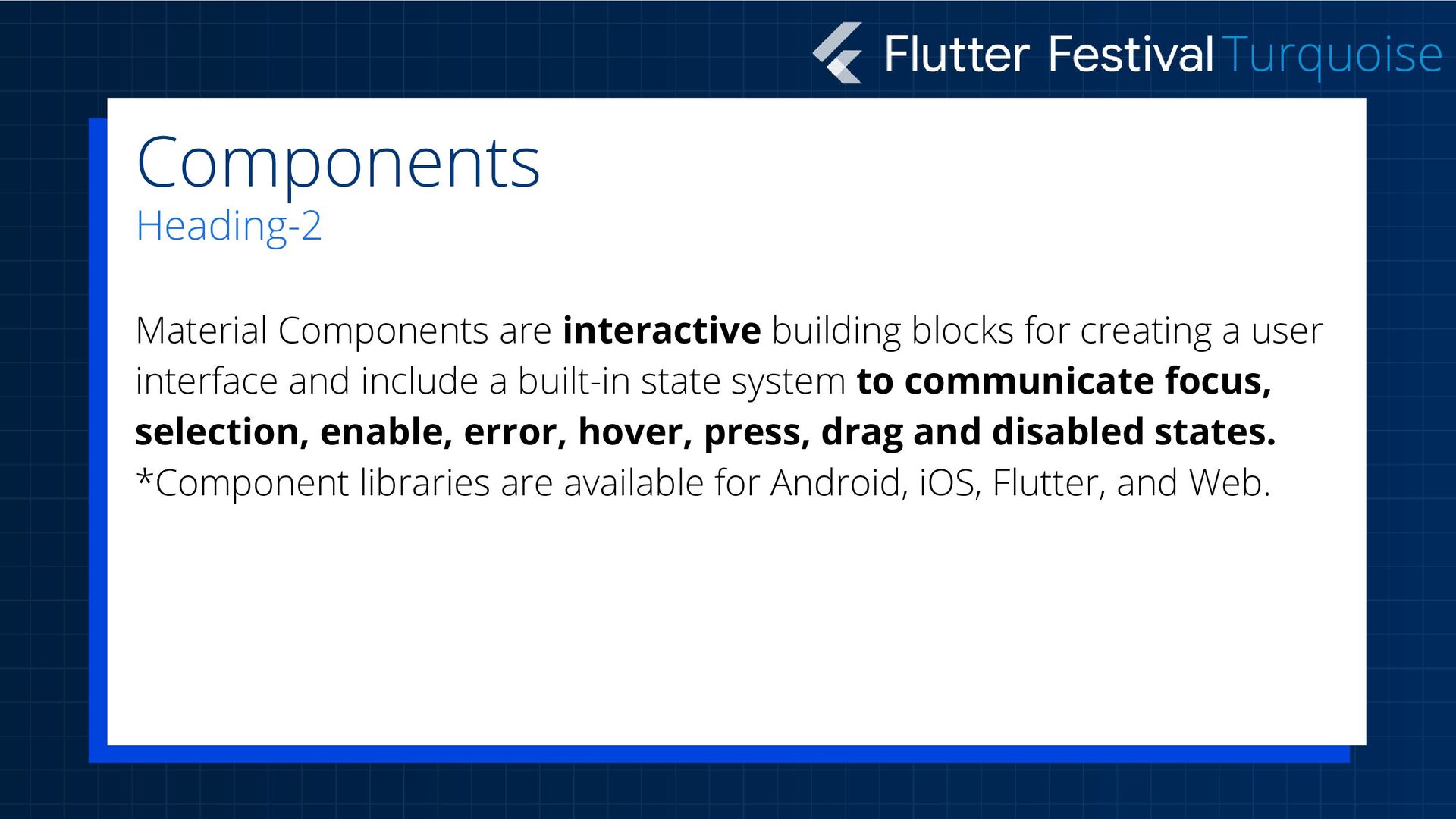
  5. Material Components are interactive building blocks for creating a user

    interface and include a built-in state system to communicate focus, selection, enable, error, hover, press, drag and disabled states. *Component libraries are available for Android, iOS, Flutter, and Web. Components Heading-2 Turquoise
  6. Display: Used to place and organize content using components such

    as cards, lists and pages. Navigation: Allows users to navigate the product using components such as navigation drawers and tabs. Actions: Allows users to perform tasks using components such as a floating action button. Input: Allows users to enter information or make selections using components such as text fields, chips, and selection controls. Communication: Alerts users to important information and messages using components such as snack bars, banners, and dialogs. 1. 2. 3. 4. 5. Components Heading-2 Turquoise
  7. Turquoise Material Theming makes it easy to customize Material Design

    to fit the look and feel of your brand, with built-in support and guidance for customizing colors, typography styles and corner shapes. Theme Heading-3