to replace independent professional judgment. The views and opinions expressed in this presentation do not necessarily reflect the official policy or position of blibli.com. Audience discretion is advised.
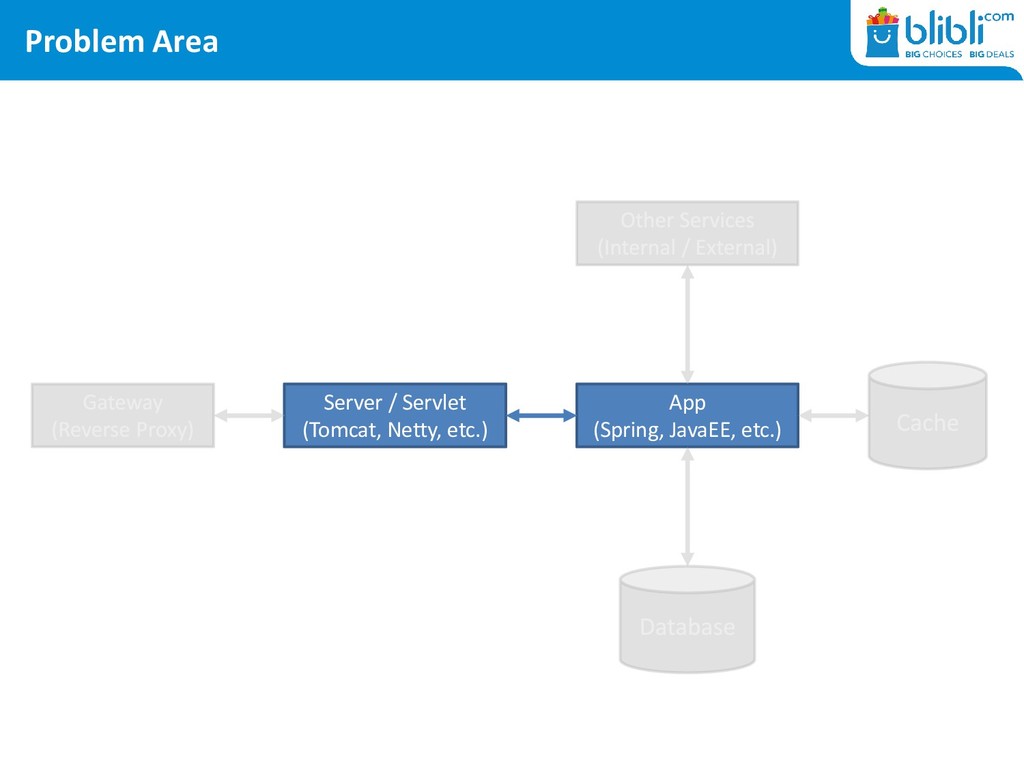
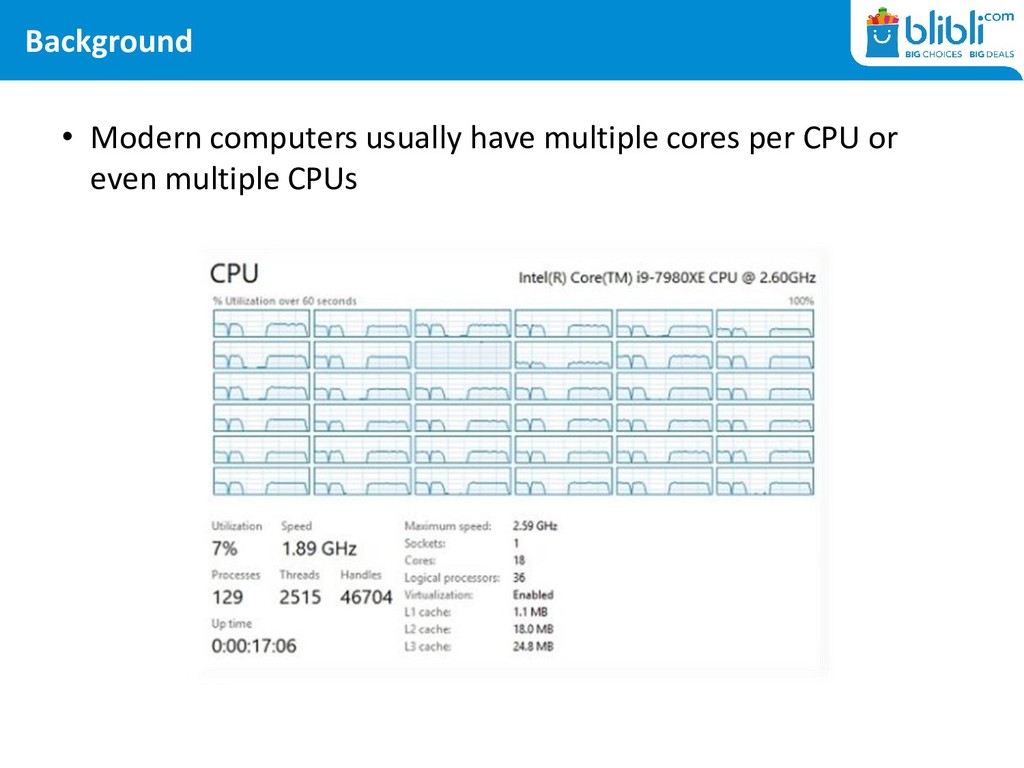
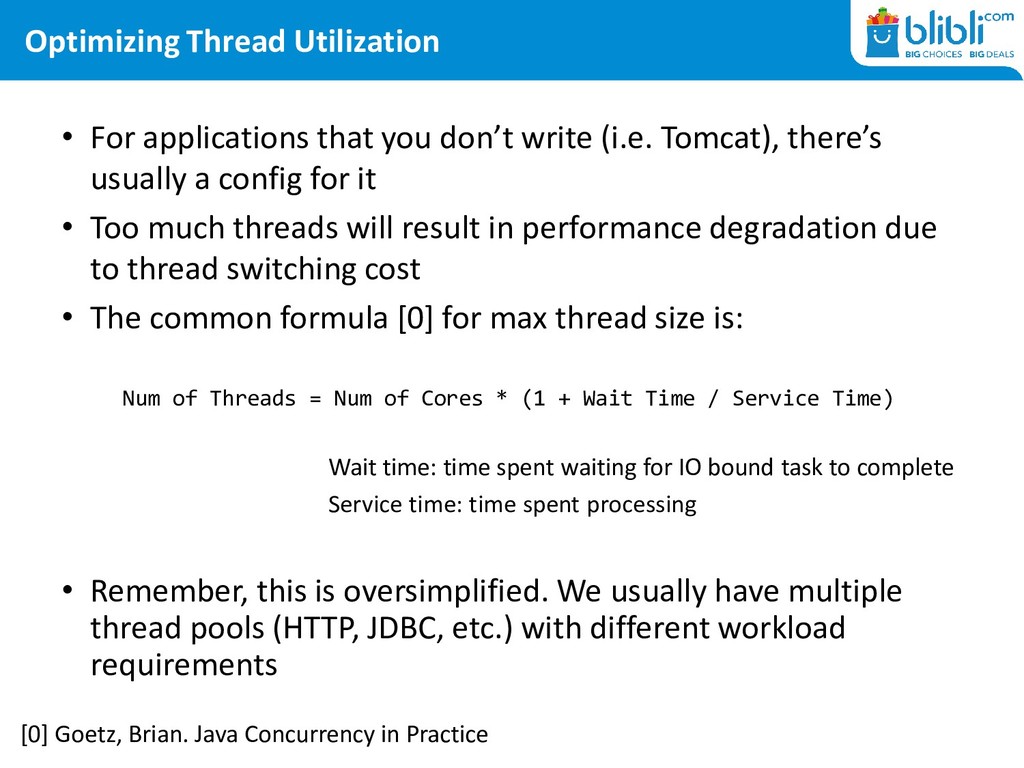
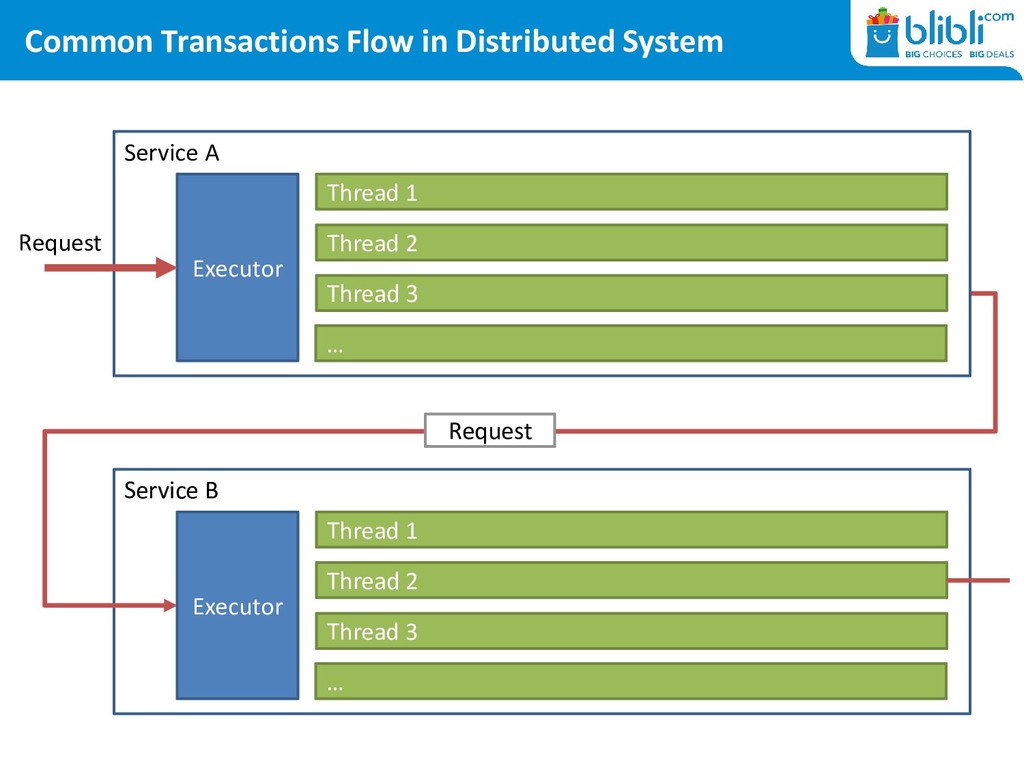
(i.e. Tomcat), there’s usually a config for it • Too much threads will result in performance degradation due to thread switching cost • The common formula [0] for max thread size is: [0] Goetz, Brian. Java Concurrency in Practice Num of Threads = Num of Cores * (1 + Wait Time / Service Time) Wait time: time spent waiting for IO bound task to complete Service time: time spent processing • Remember, this is oversimplified. We usually have multiple thread pools (HTTP, JDBC, etc.) with different workload requirements
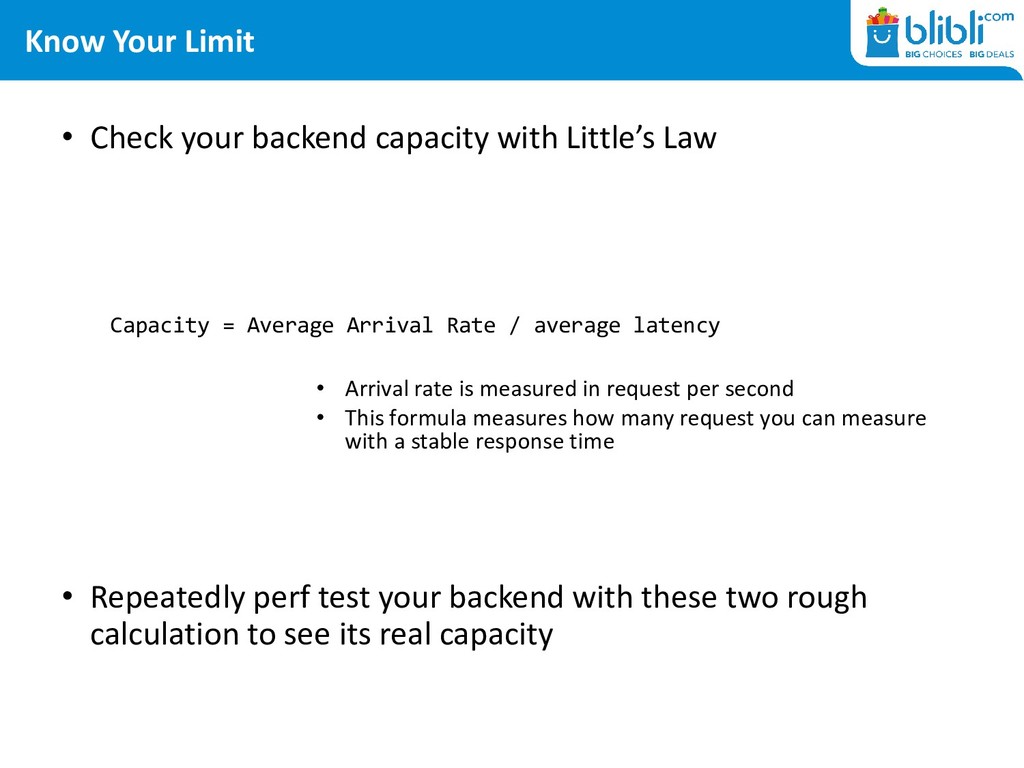
Law Capacity = Average Arrival Rate / average latency • Arrival rate is measured in request per second • This formula measures how many request you can measure with a stable response time • Repeatedly perf test your backend with these two rough calculation to see its real capacity
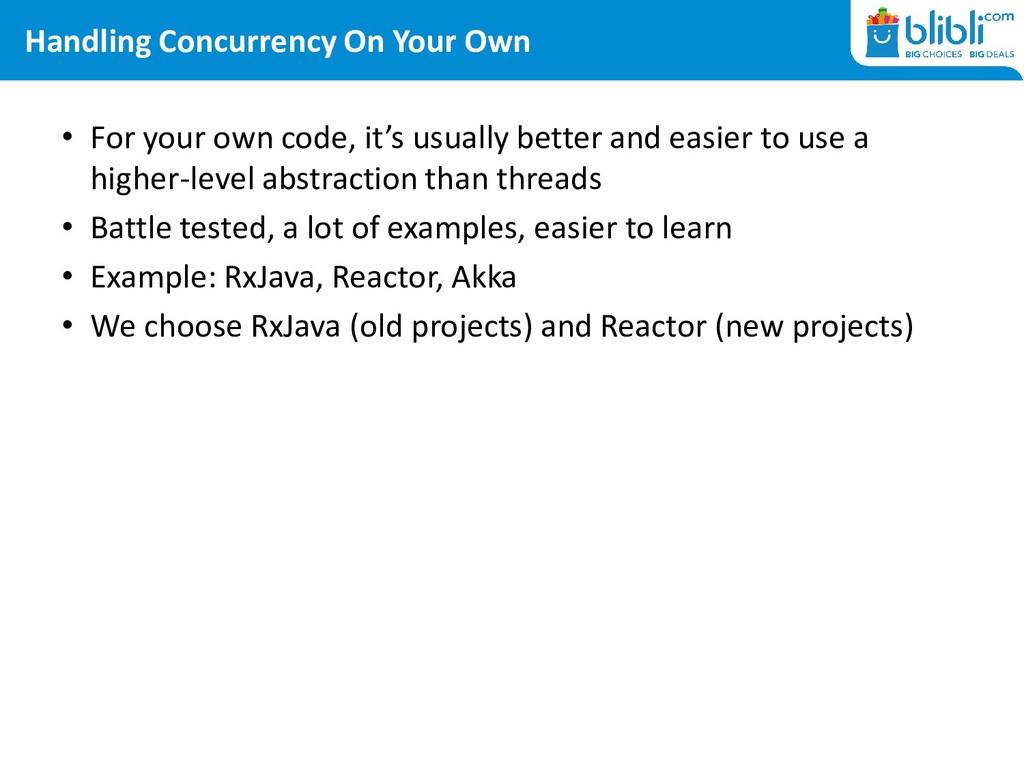
it’s usually better and easier to use a higher-level abstraction than threads • Battle tested, a lot of examples, easier to learn • Example: RxJava, Reactor, Akka • We choose RxJava (old projects) and Reactor (new projects)
events • Single-threaded by default, could easily be made concurrent • Concurrency is achieved via Schedulers • Changing Scheduler can have a major performance impact, depending on your use case • Remember: test, test, test!
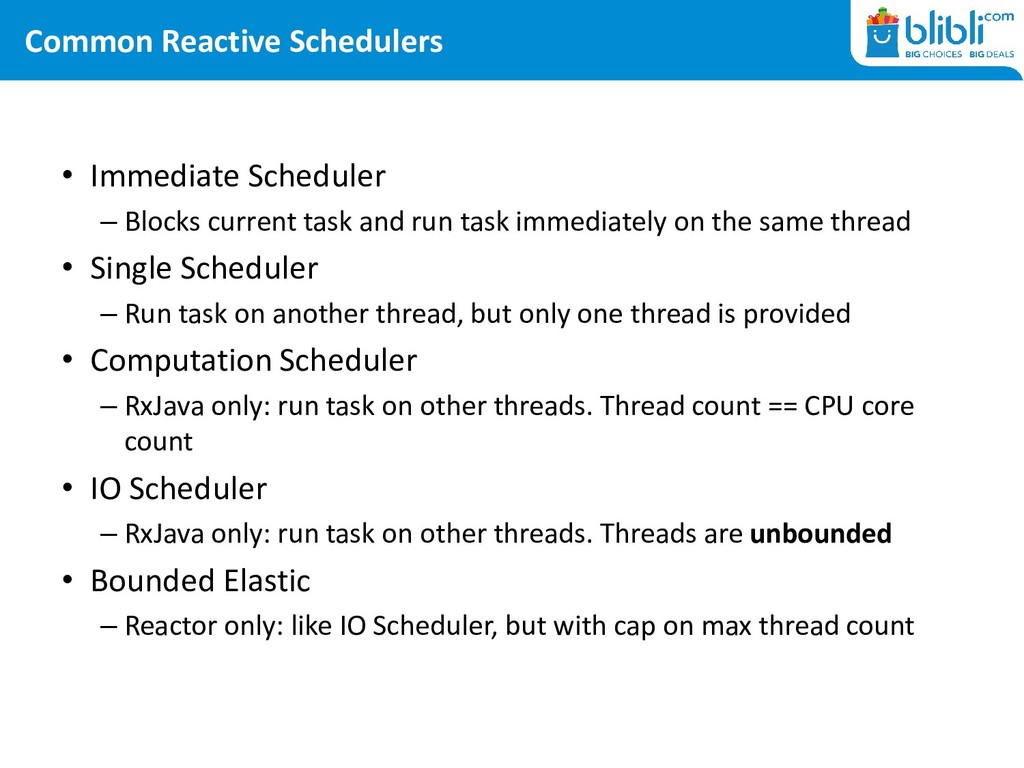
and run task immediately on the same thread • Single Scheduler – Run task on another thread, but only one thread is provided • Computation Scheduler – RxJava only: run task on other threads. Thread count == CPU core count • IO Scheduler – RxJava only: run task on other threads. Threads are unbounded • Bounded Elastic – Reactor only: like IO Scheduler, but with cap on max thread count
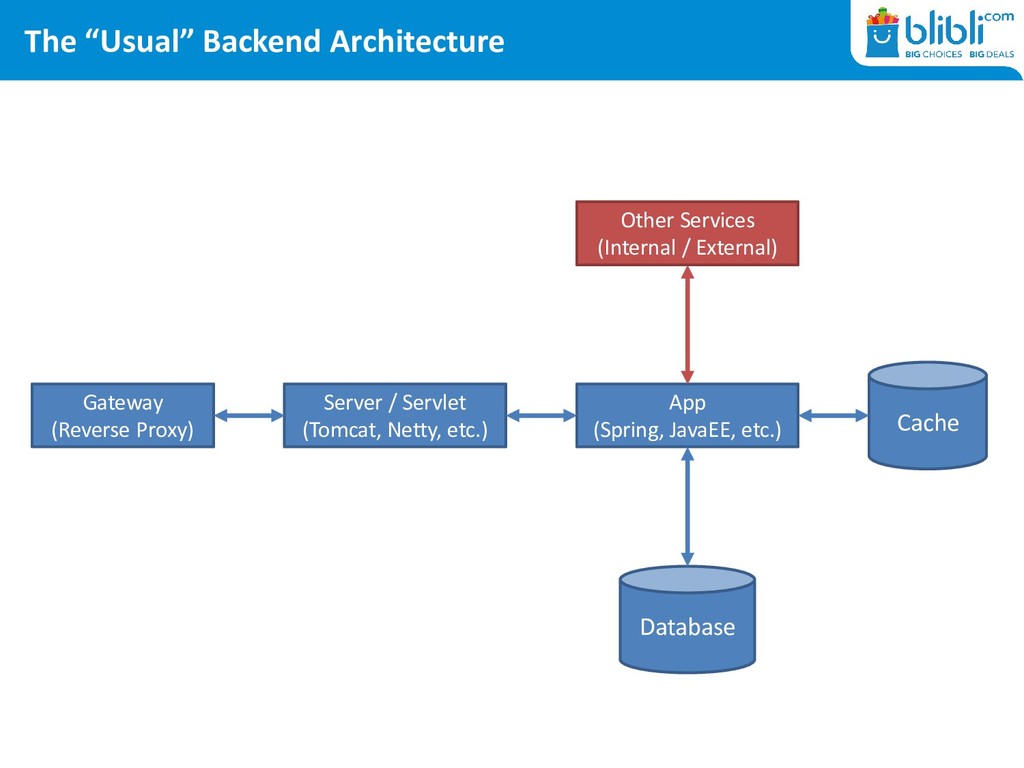
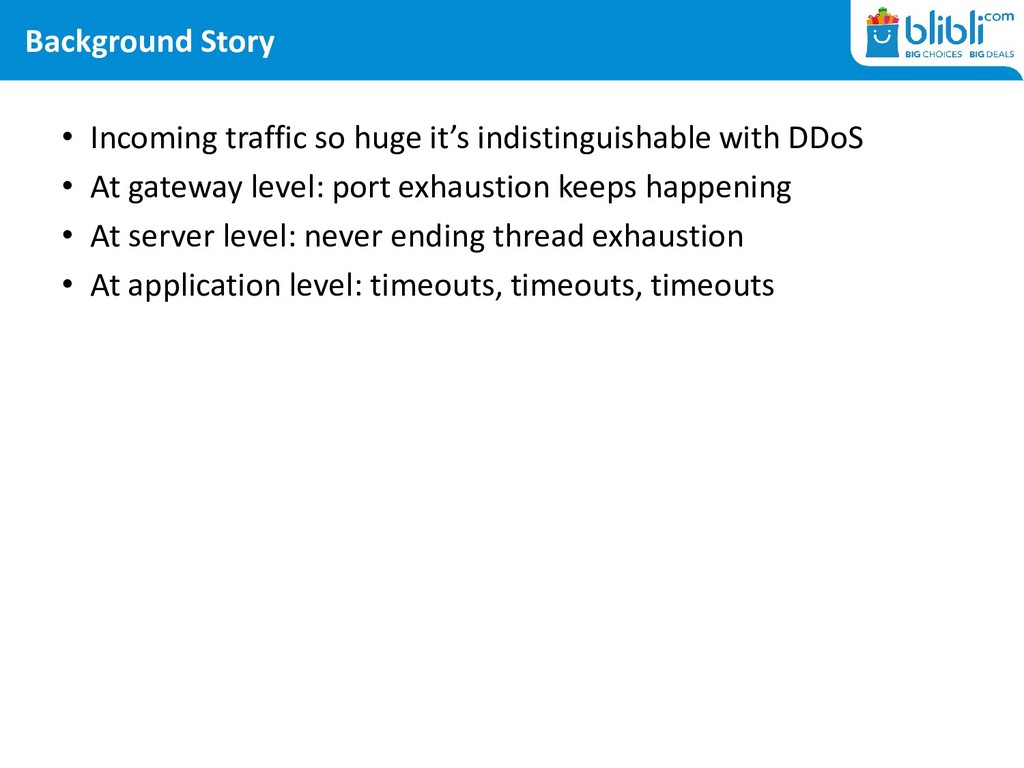
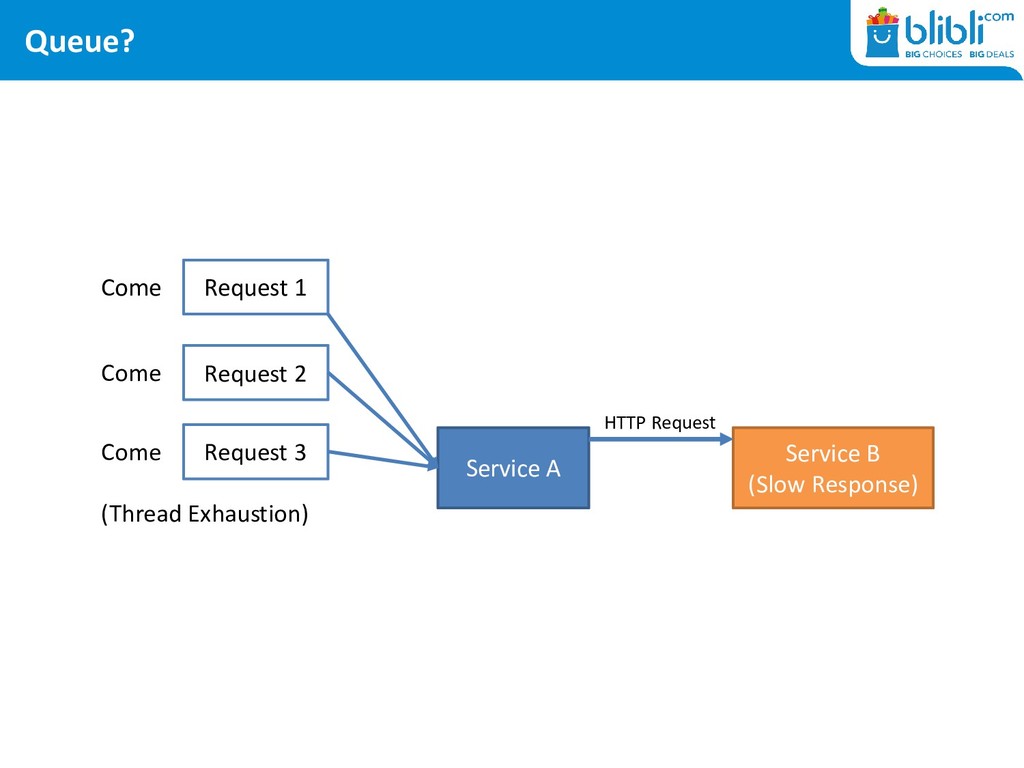
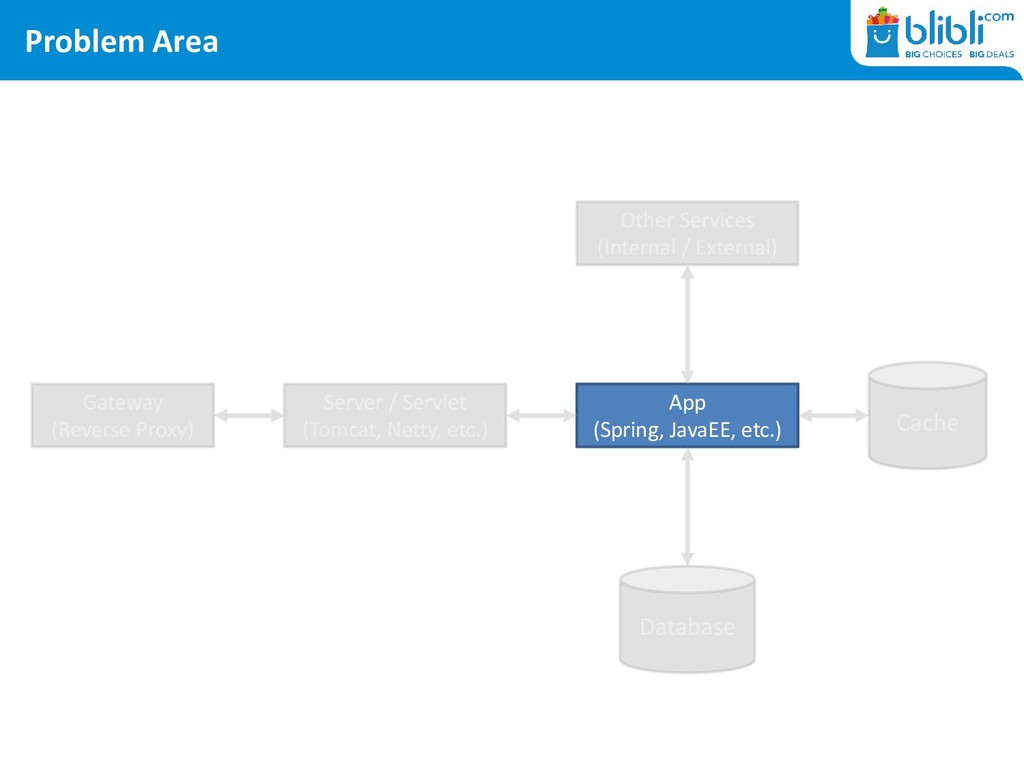
DDoS • At gateway level: port exhaustion keeps happening • At server level: never ending thread exhaustion • At application level: timeouts, timeouts, timeouts
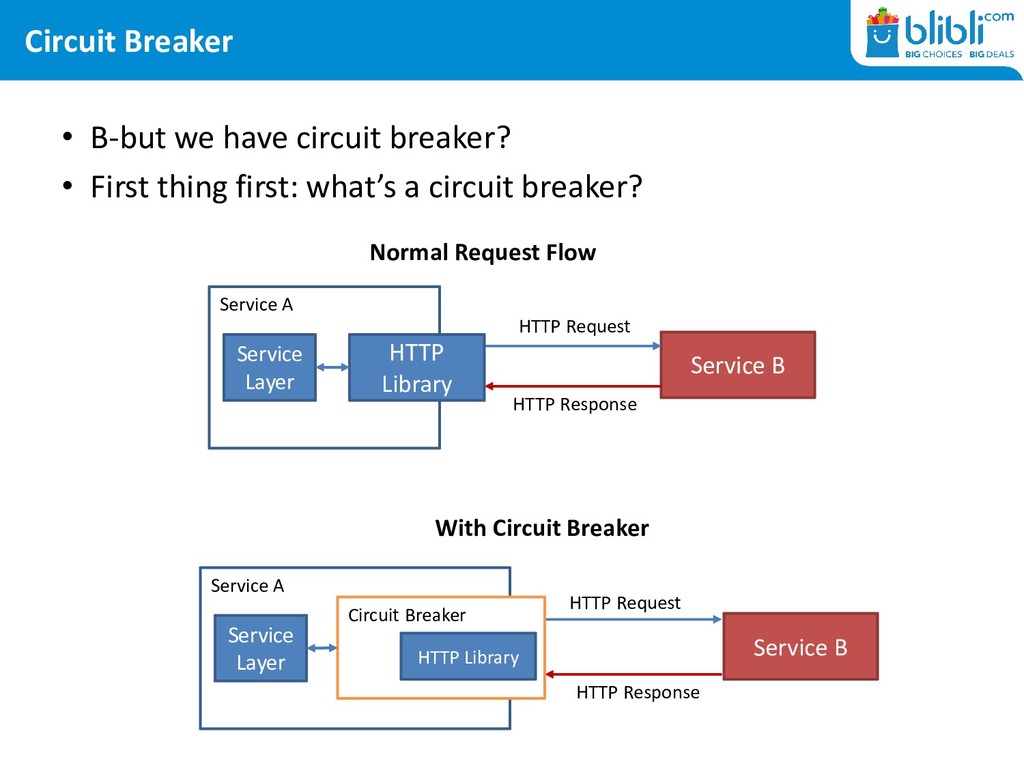
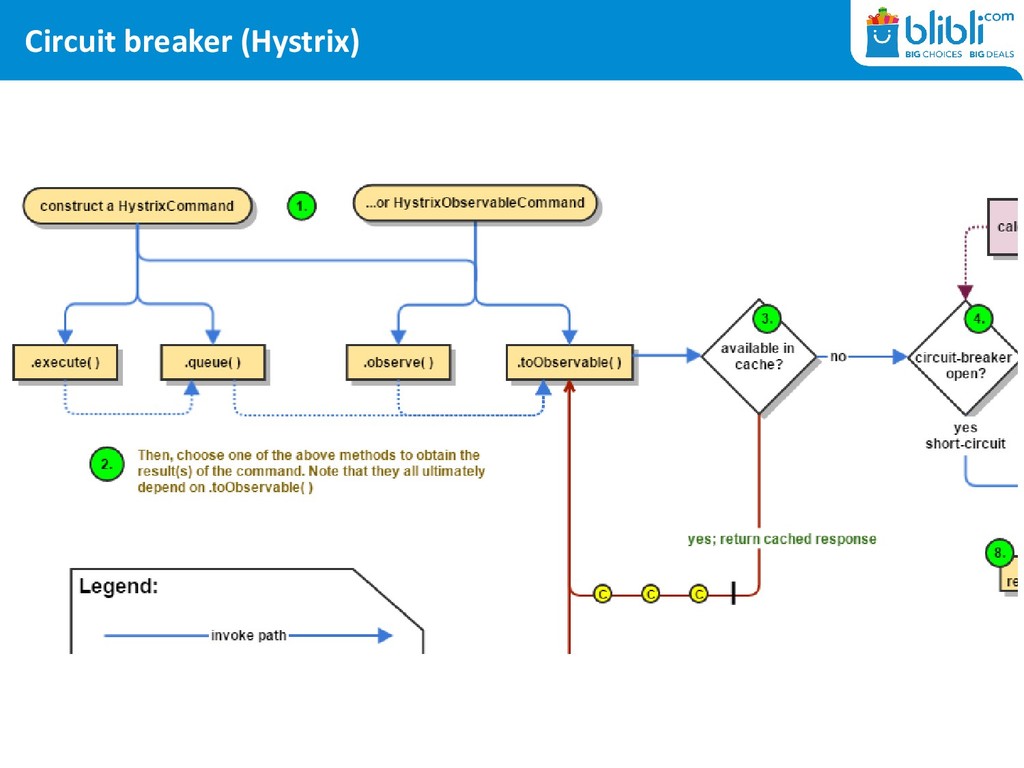
thing first: what’s a circuit breaker? Normal Request Flow Service A Service B HTTP Request HTTP Response HTTP Library Service Layer With Circuit Breaker Service A Service B HTTP Request HTTP Response Circuit Breaker Service Layer HTTP Library
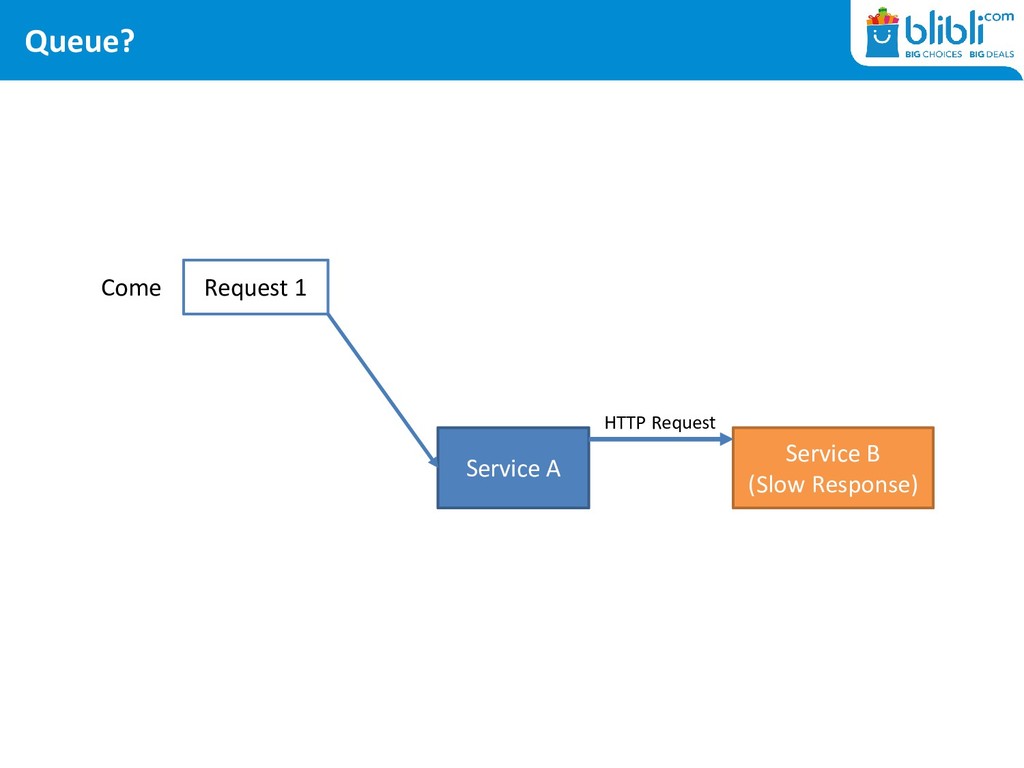
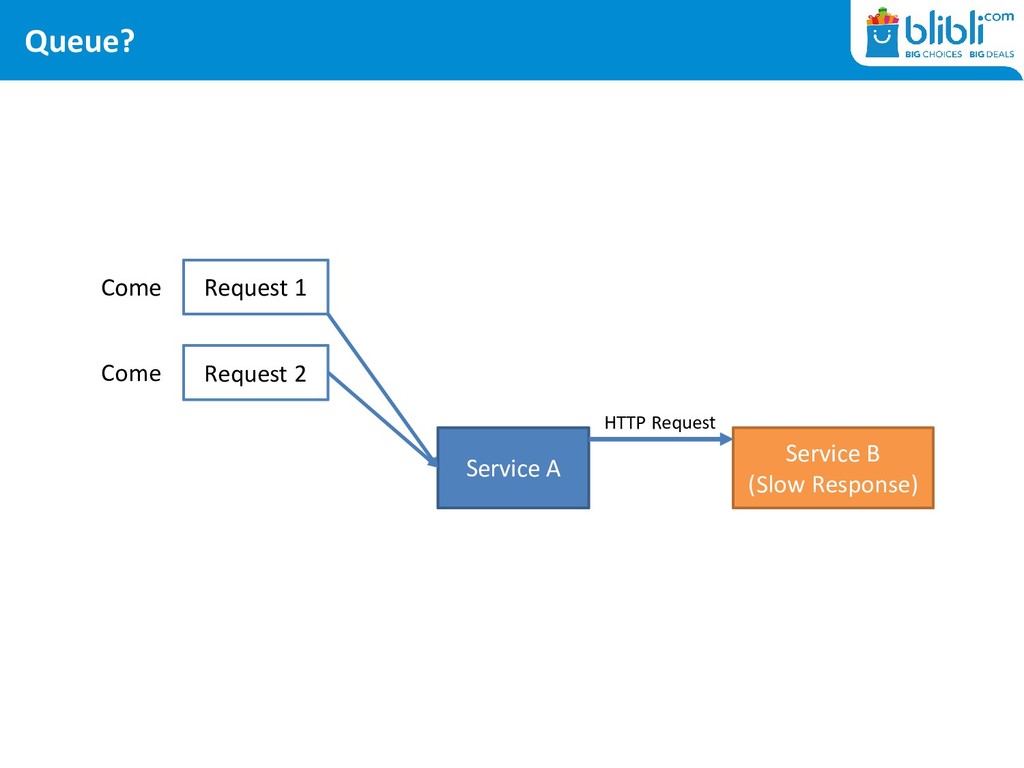
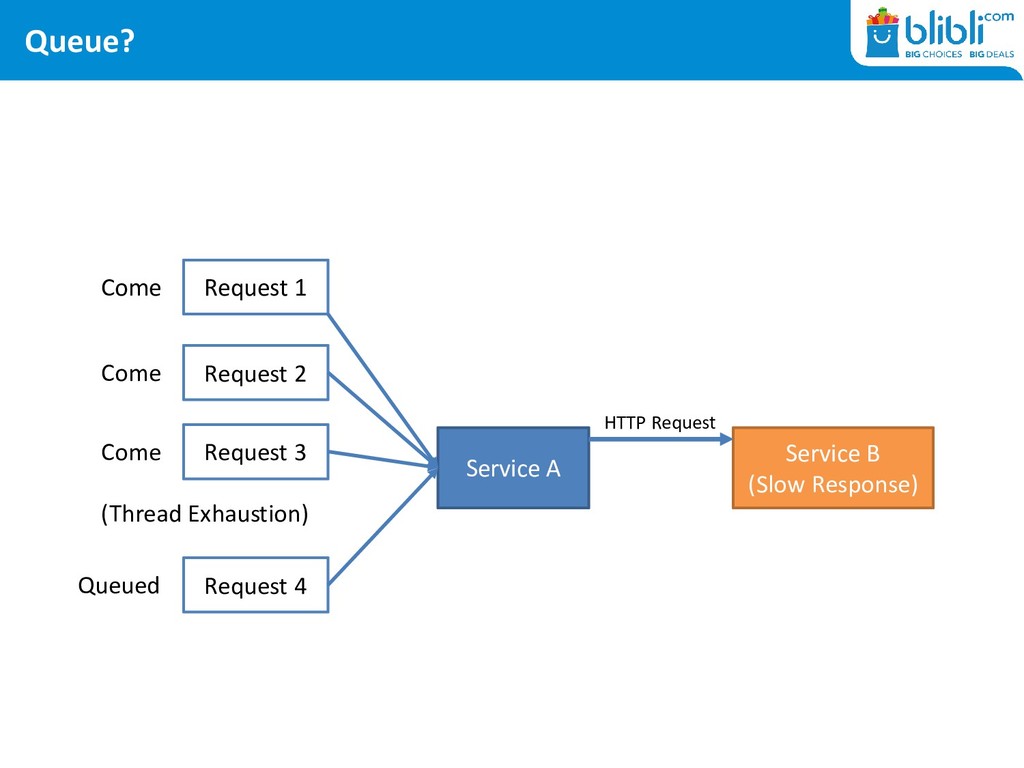
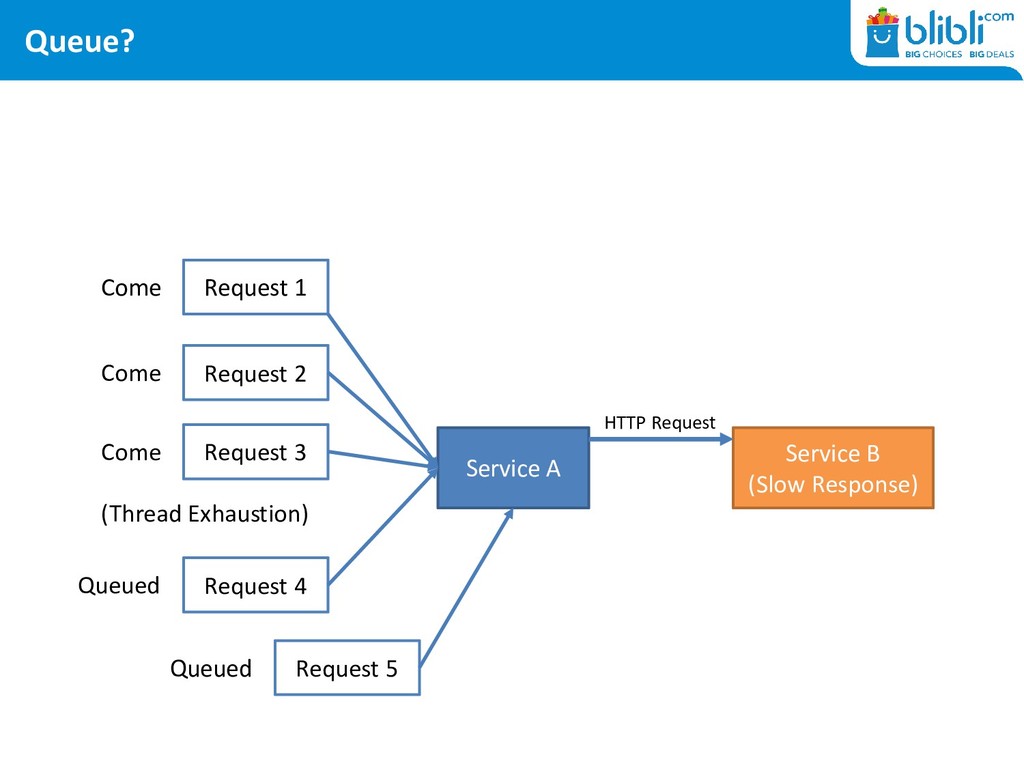
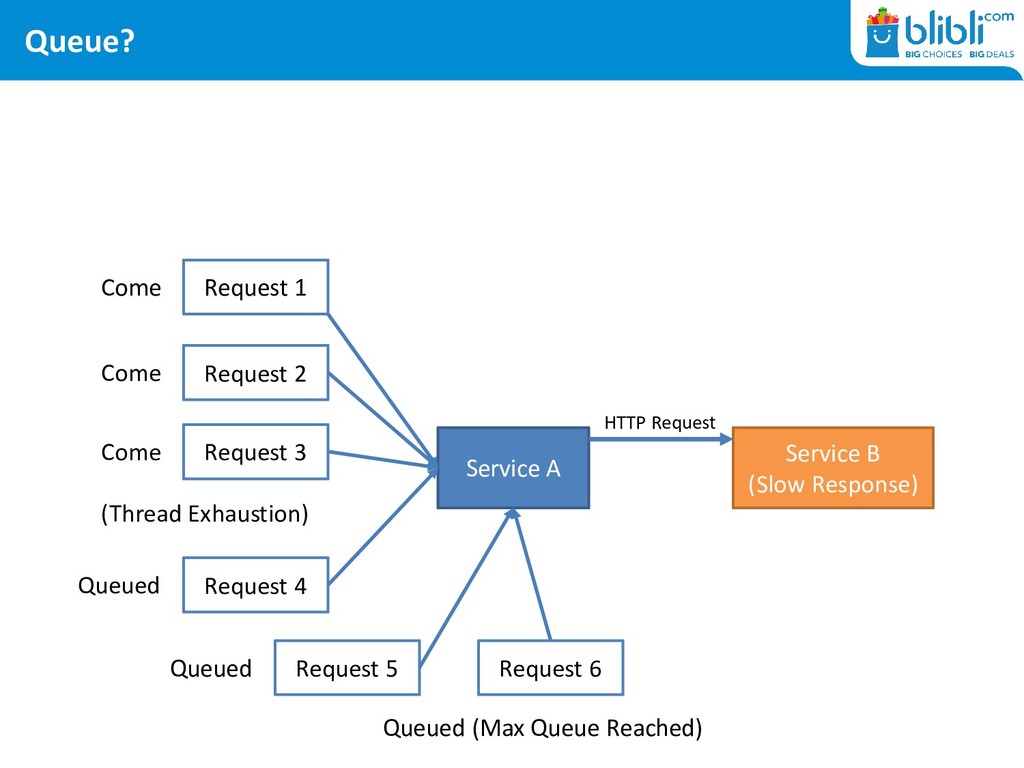
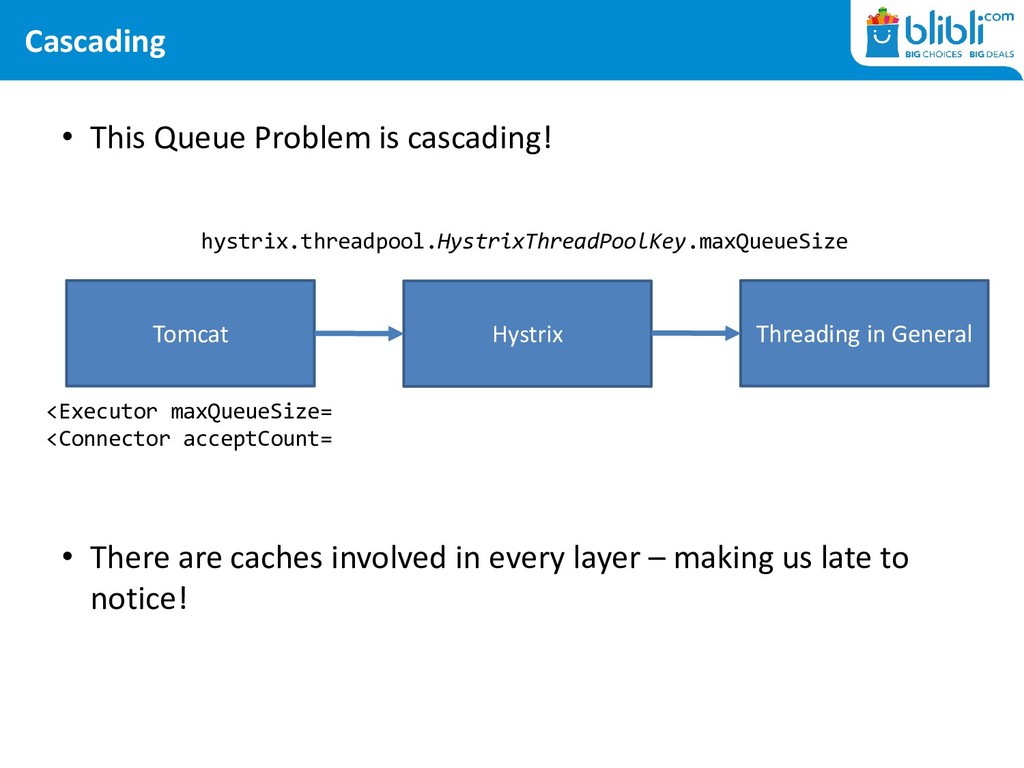
in General <Executor maxQueueSize= <Connector acceptCount= hystrix.threadpool.HystrixThreadPoolKey.maxQueueSize • There are caches involved in every layer – making us late to notice!
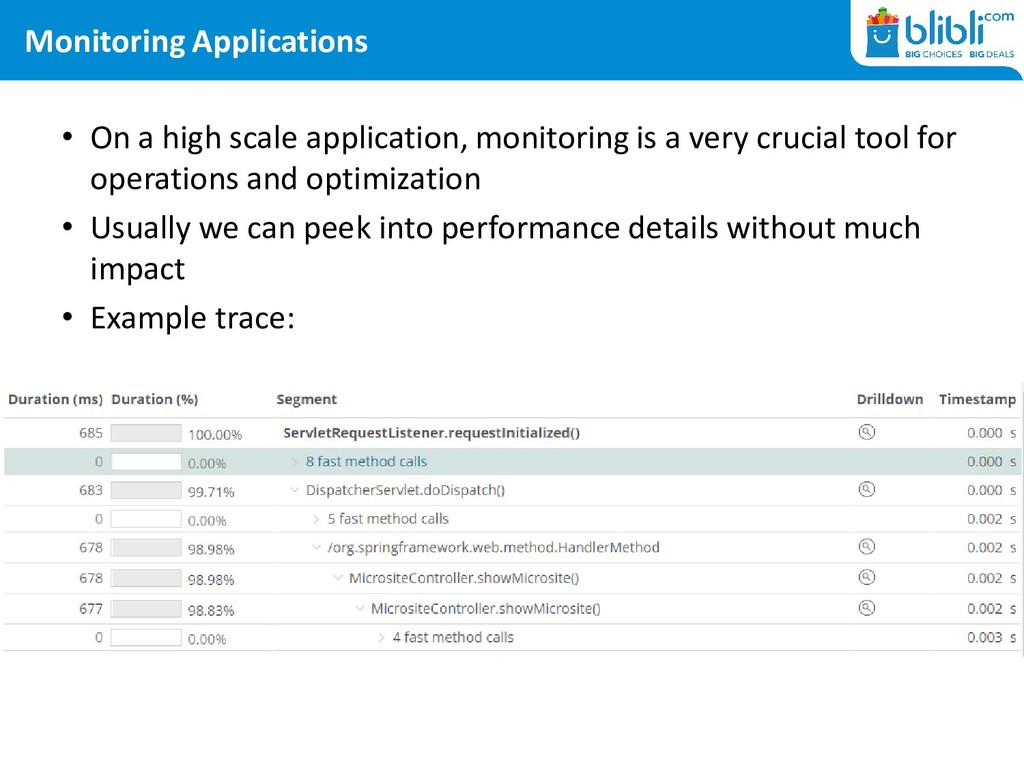
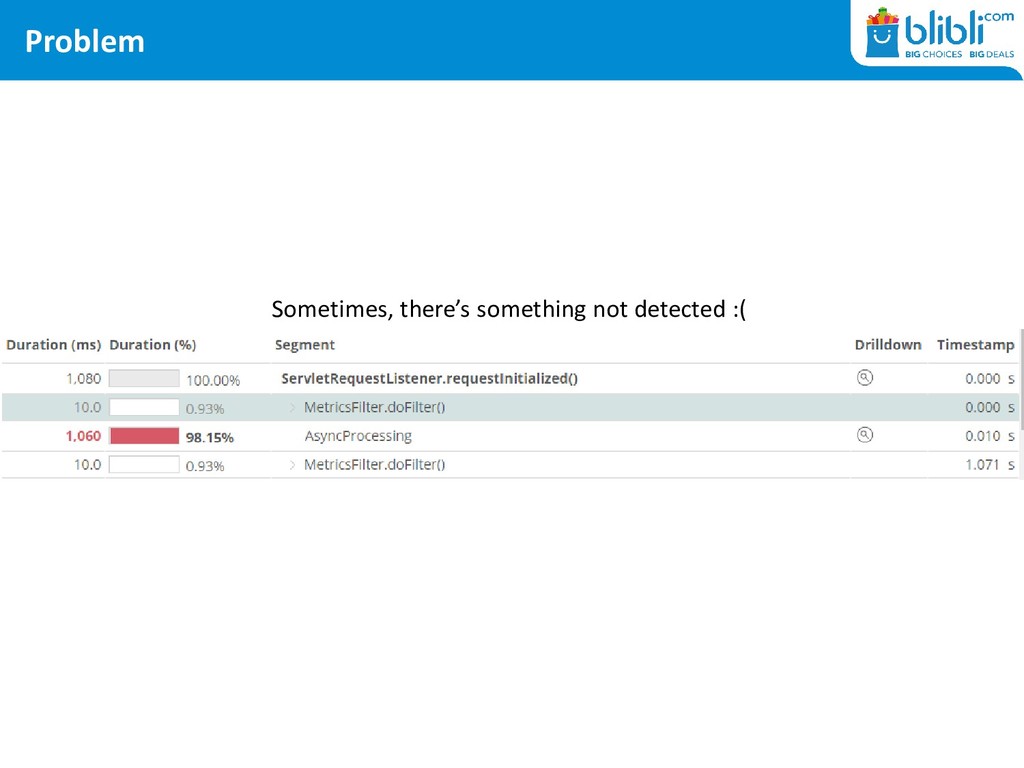
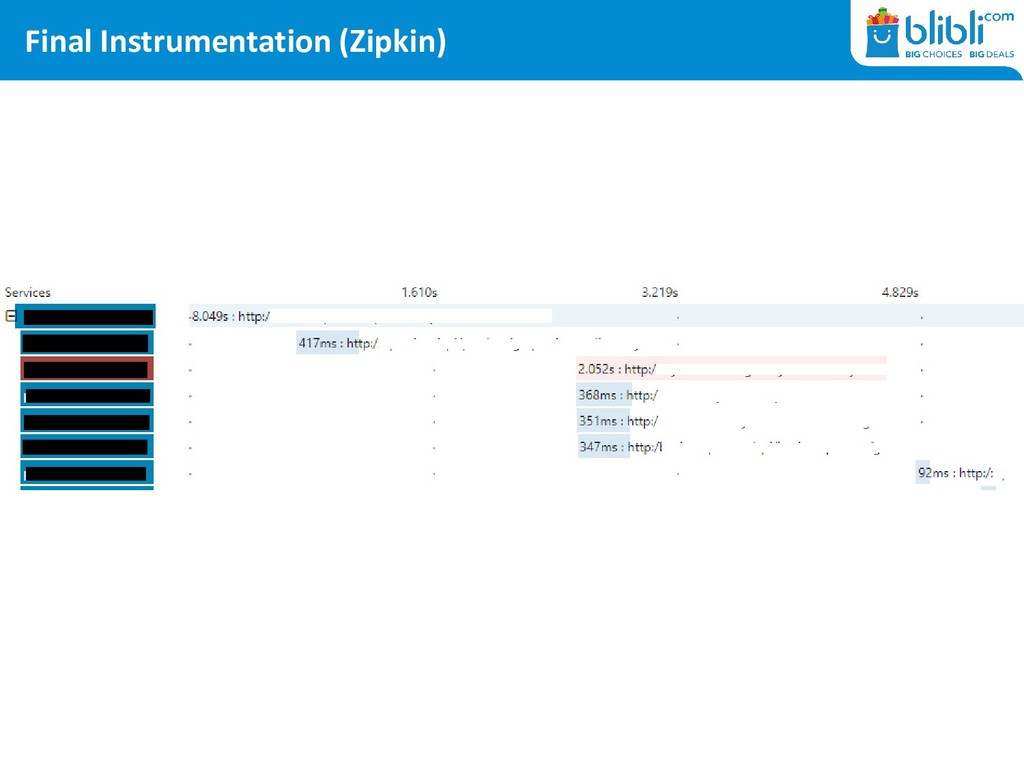
is a method used to profile and monitor applications, especially those built using a microservices architecture. Distributed tracing helps pinpoint where failures occur and what causes poor performance. https://opentracing.io/docs/overview/what-is-tracing/
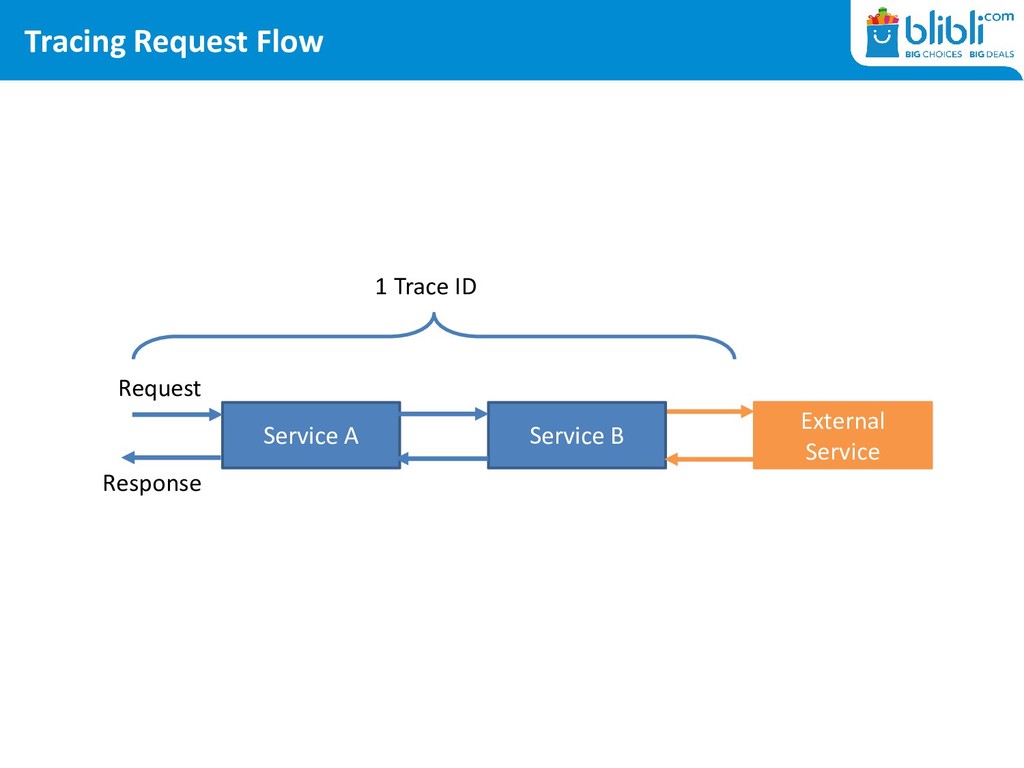
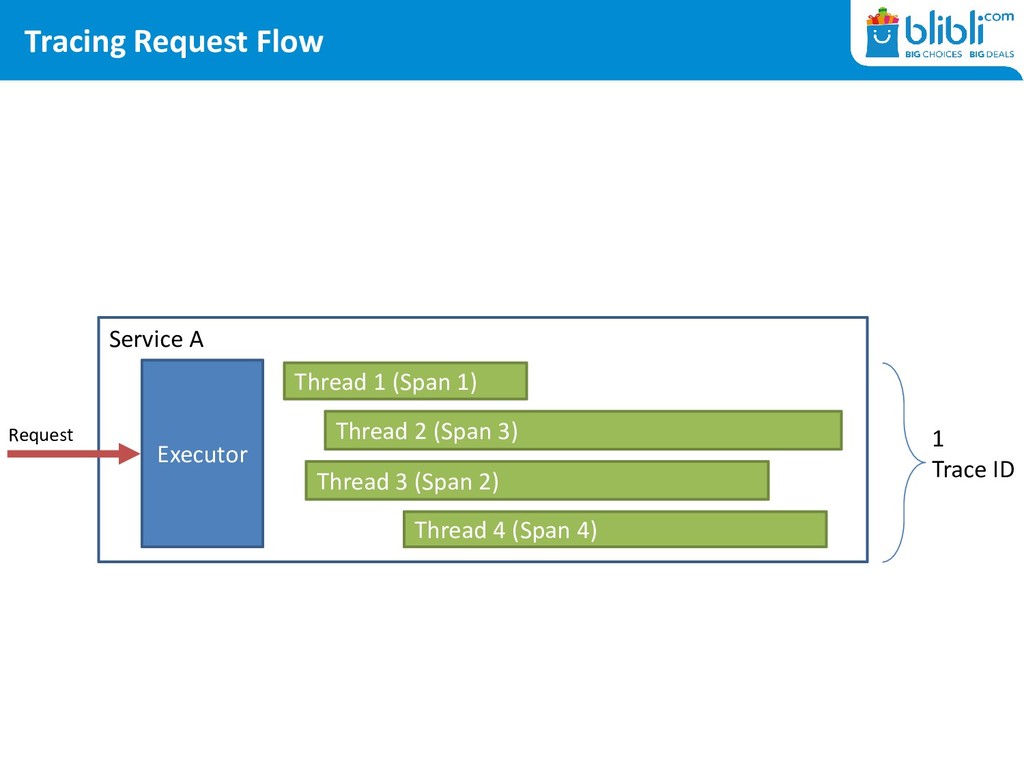
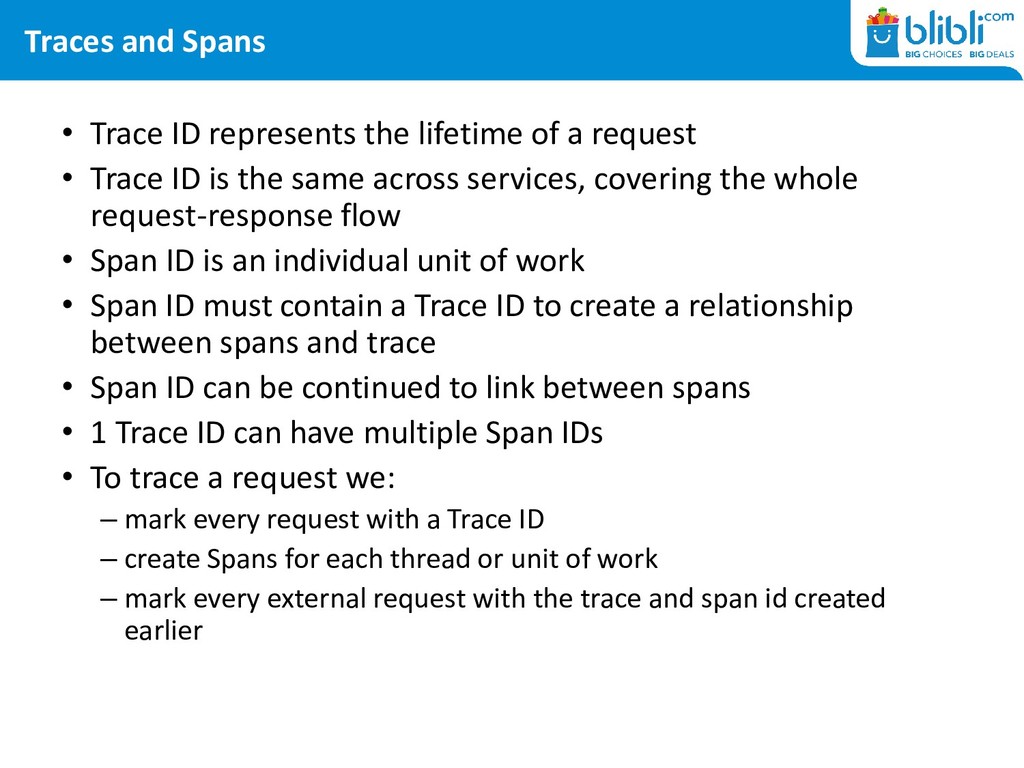
a request • Trace ID is the same across services, covering the whole request-response flow • Span ID is an individual unit of work • Span ID must contain a Trace ID to create a relationship between spans and trace • Span ID can be continued to link between spans • 1 Trace ID can have multiple Span IDs • To trace a request we: – mark every request with a Trace ID – create Spans for each thread or unit of work – mark every external request with the trace and span id created earlier
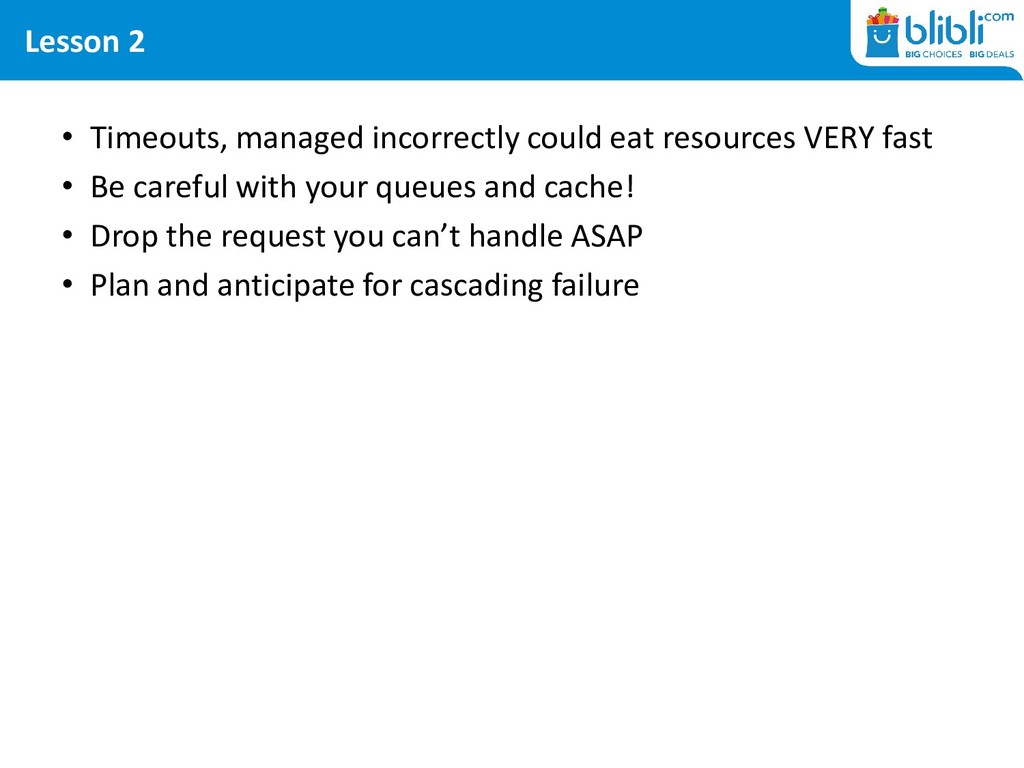
by testing (on production) • Manage your threads, caches, and queues VERY carefully • Failures could cascade if you are not careful • Your Metrics and Instrumentation tools should be prepared for your architecture


 bertzzie
 yoshimura_datam
 knwoop
 vivion
 minorun365
 imuta
 jackojacko_
 kaminashi
 junjikoide
 inariku
 masasuzu
 daitak
 schroneko
 destraynor
 shpigford
 aleyda
 inesmontani
 rkendrick25
 reverentgeek
 addyosmani
 mongodb
 codingconduct
 jeffersonlam