Share
Embed
Annual Pro sale · Save $30
Have presentations of your own?
Share with private links, password protection, and more control over your work.
Transcript
42 slides
-
Memory Upload • Sequential and Binary search • Implementing the
compareTo() method for Comparable Interface • Selection sort • Bubble sort -
Put Classes in One File • When turning in your
assignment, be sure to put all the classes in one file • You must take the “public” access modifier off all classes, except for the class that matches the name of the file -
Put Classes in One File • To make sure you
did not forget to include a class, you need to save only this one file in one folder and try to compile the file • It is easy to forget a class (such as an exception class) • See FractionCalculatorInOneFile.java -
Searching and Sorting • Although computers are not too smart,
they are very useful at storing lots and lots of data • Usually, we want to search through the data to find something -
Searching and Sorting If the data is in sequential
order, this makes searching easier • Think how hard it would be to find a phone number if a phonebook was not in alphabetical order! This is why searching and sorting is an important topic in computer science -
Sequential Search • Algorithm for sequential search: 1.Start at the
1st item in the data collection 2.If that is not correct item, examine next item 3.Stop when find item, or come to end of data collection -
Big-O Break • Efficiency of sequential search: Best case:
O(1), at beginning! Average case: O(n), in middle, because O(n/2) = O(n) Worst case: O(n), at end or not there -
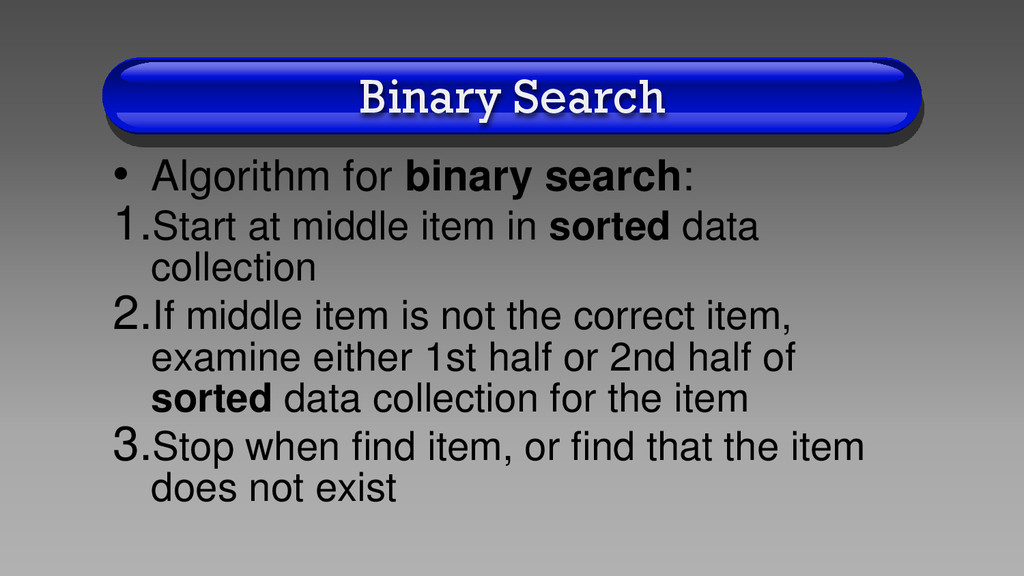
Binary Search • Algorithm for binary search: 1.Start at middle
item in sorted data collection 2.If middle item is not the correct item, examine either 1st half or 2nd half of sorted data collection for the item 3.Stop when find item, or find that the item does not exist -
Big-O Break • Efficiency of binary search: • Worst case:
O(log2 n), at end or not there • Binary search always divides problem in half, so Big-O is O(log2 n) -
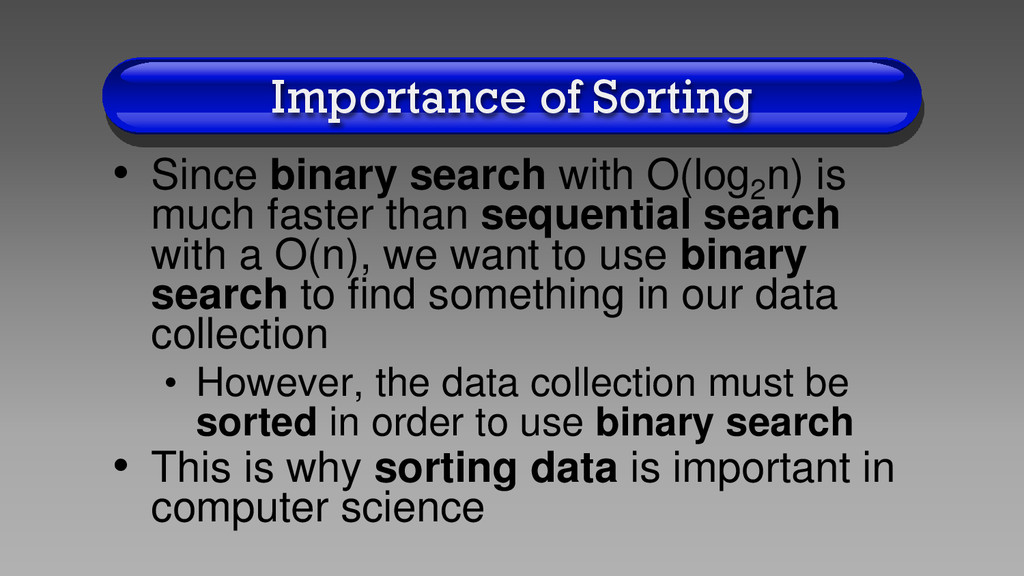
Importance of Sorting • Since binary search with O(log2 n)
is much faster than sequential search with a O(n), we want to use binary search to find something in our data collection • However, the data collection must be sorted in order to use binary search • This is why sorting data is important in computer science -
Sorting • Sorting means to organize a data collection into
ascending or descending order • Why would we want to sort? • Often we use computers to find specific data • Quicker to locate if the data is sorted -
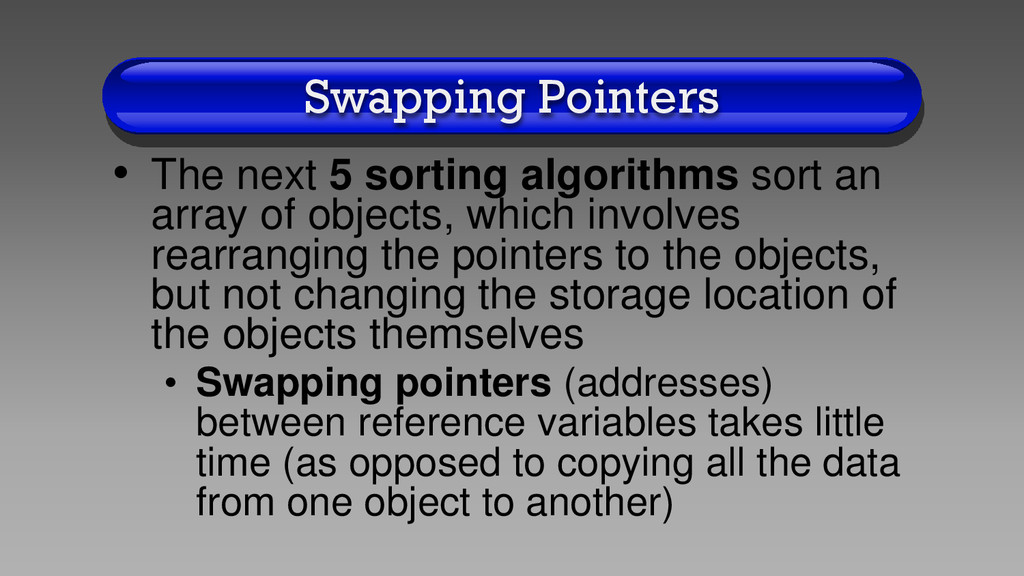
Swapping Pointers • The next 5 sorting algorithms sort an
array of objects, which involves rearranging the pointers to the objects, but not changing the storage location of the objects themselves • Swapping pointers (addresses) between reference variables takes little time (as opposed to copying all the data from one object to another) -
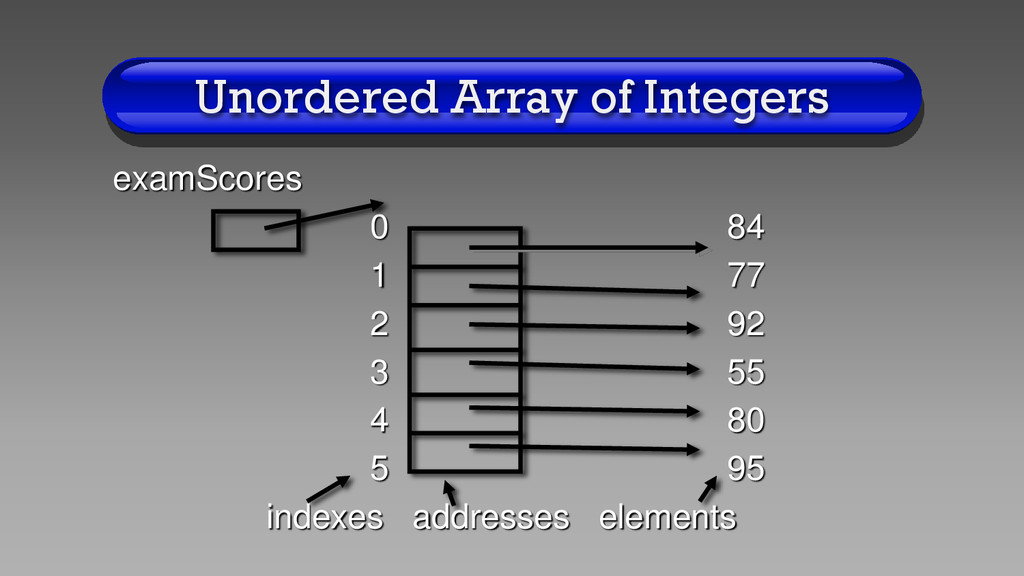
Unordered Array of Integers examScores 0 84 1 77 2
92 3 55 4 80 5 95 indexes addresses elements -
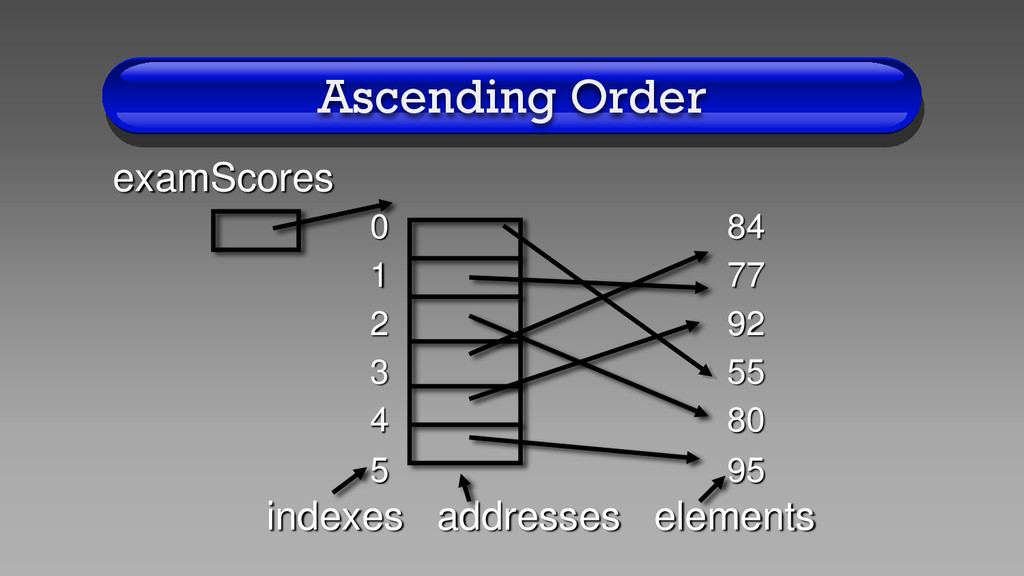
Ascending Order examScores 0 84 1 77 2 92 3
55 4 80 5 95 indexes addresses elements -
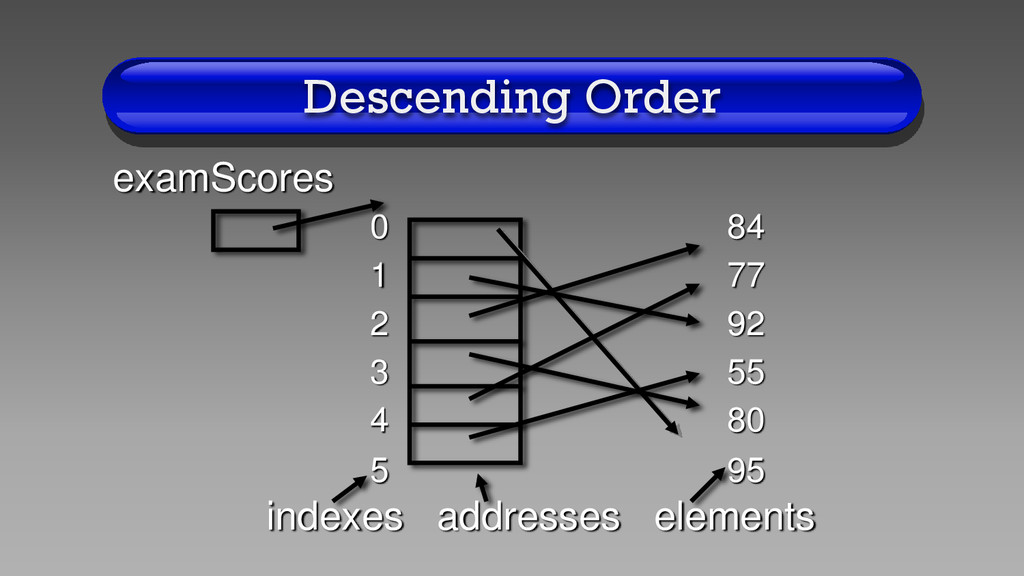
Descending Order examScores 0 84 1 77 2 92 3
55 4 80 5 95 indexes addresses elements -
“In Order” Meaning • For the ICS 211 class, when
we sort a collection of data, the result will always be in ascending order (from smallest to largest) • To avoid confusion, “in order” always means in ascending order (NOT descending order) -
Interface Comparable • Very easy to sort any object that
implements interface java.lang.Comparable • Class such as Integer and String already implement this interface • We need to implement interface Comparable in our Name and Fraction classes to sort objects of these classes -
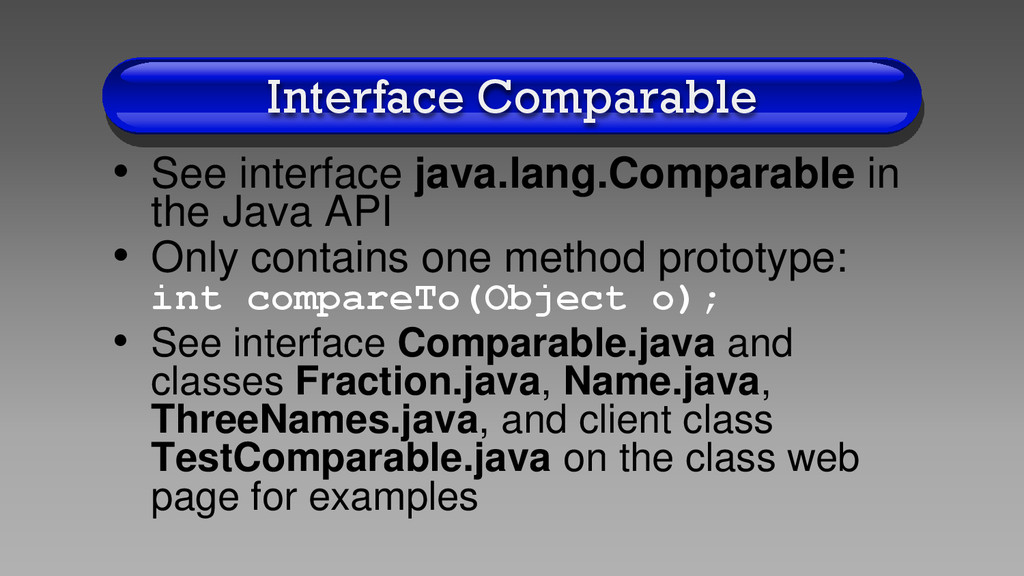
Interface Comparable • See interface java.lang.Comparable in the Java API
• Only contains one method prototype: int compareTo(Object o); • See interface Comparable.java and classes Fraction.java, Name.java, ThreeNames.java, and client class TestComparable.java on the class web page for examples -
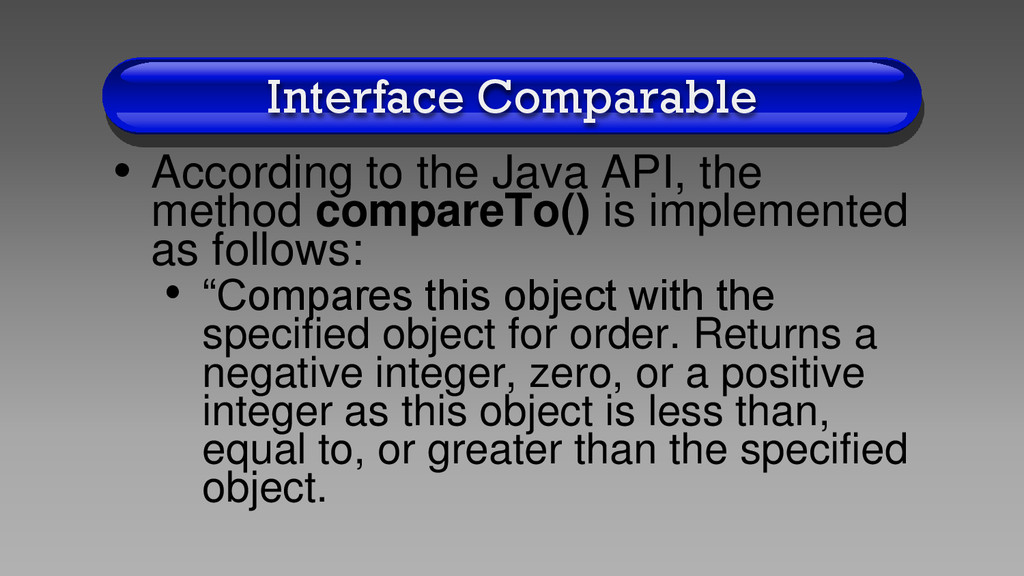
Interface Comparable • According to the Java API, the method
compareTo() is implemented as follows: • “Compares this object with the specified object for order. Returns a negative integer, zero, or a positive integer as this object is less than, equal to, or greater than the specified object. -
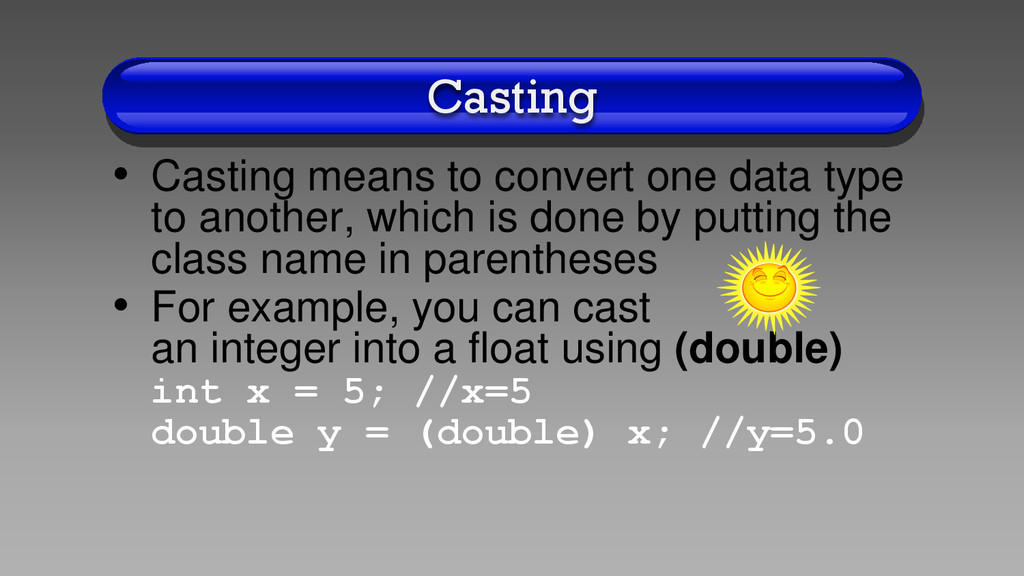
Casting • Casting means to convert one data type to
another, which is done by putting the class name in parentheses • For example, you can cast an integer into a float using (double) int x = 5; //x=5 double y = (double) x; //y=5.0 -
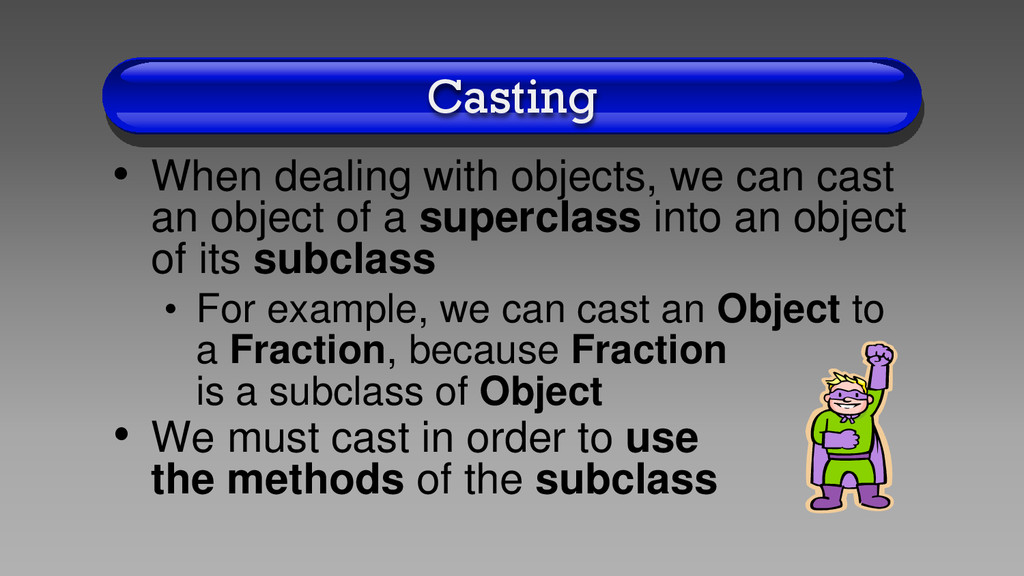
Casting • When dealing with objects, we can cast an
object of a superclass into an object of its subclass • For example, we can cast an Object to a Fraction, because Fraction is a subclass of Object • We must cast in order to use the methods of the subclass -
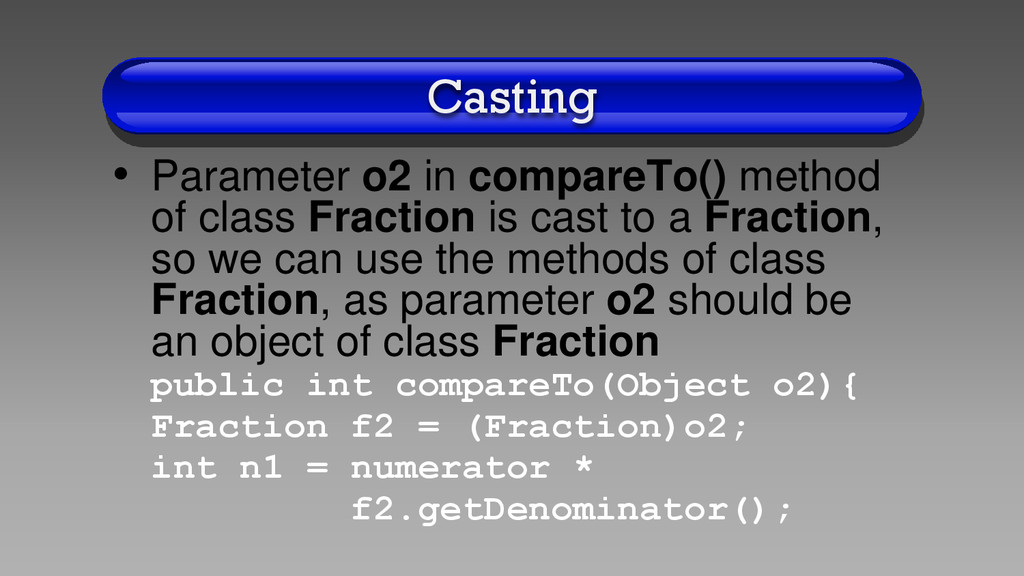
Casting • Parameter o2 in compareTo() method of class Fraction
is cast to a Fraction, so we can use the methods of class Fraction, as parameter o2 should be an object of class Fraction public int compareTo(Object o2){ Fraction f2 = (Fraction)o2; int n1 = numerator * f2.getDenominator(); -
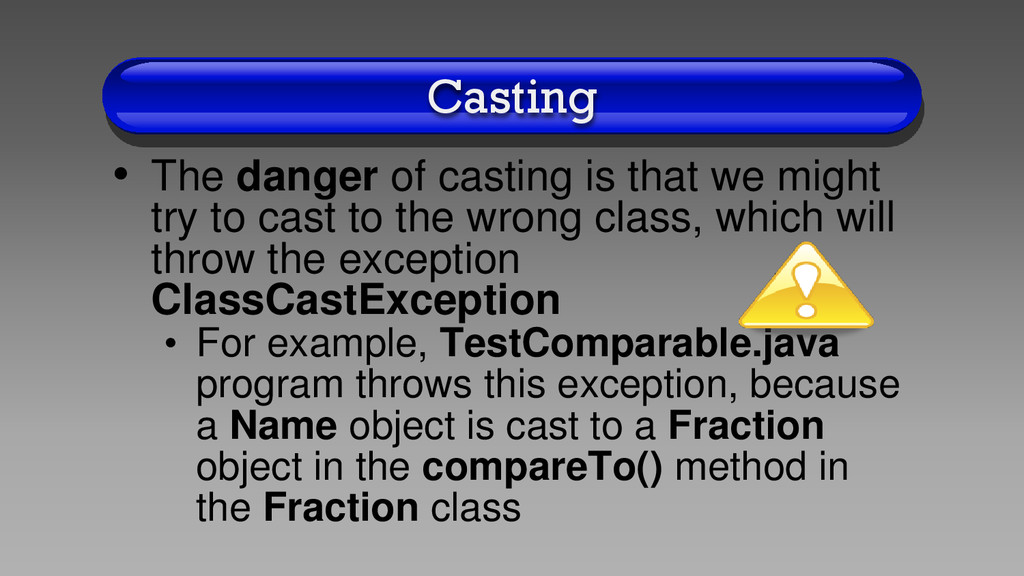
Casting • The danger of casting is that we might
try to cast to the wrong class, which will throw the exception ClassCastException • For example, TestComparable.java program throws this exception, because a Name object is cast to a Fraction object in the compareTo() method in the Fraction class -
Inheritance • Did you notice that ThreeNames class does not
have a compareTo() method declaration, but the TestComparable.java program calls the compareTo() method on the two ThreeNames objects? • This is because compareTo() is inherited from superclass Name -
Polymorphism • However, the ThreeNames class stores 3 strings, so
why does the compareTo() method inherited from superclass Name still work? • Because the toString() method inside compareTo() calls the ThreeNames’s toString() method • This is polymorphism at work! -
Example Code • See Sorting.java on class web page •
This contains code for the 5 sorting algorithms that we will cover • Although each sorting method can sort an array of any class that implements interface Comparable, the main method only sorts Integers that are entered on the command line -
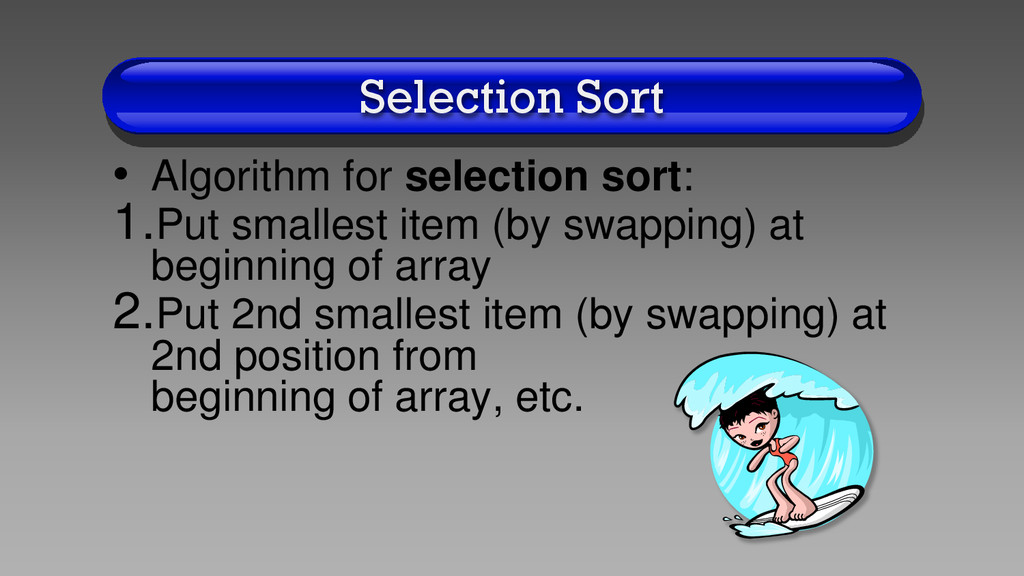
Selection Sort • Algorithm for selection sort: 1.Put smallest item
(by swapping) at beginning of array 2.Put 2nd smallest item (by swapping) at 2nd position from beginning of array, etc. -
Big-O Break • Efficiency of selection sort is O(n2) •
This algorithm has nested for loops • Outer for loop swaps all elements to the correct position • Inner for loop finds the index of the smallest element -
Big-O Break • The efficiency of the selection sort algorithm
does not depend on initial order of elements • If the array is already in order, the algorithm still searches for the smallest element, and “swaps” the element with itself, so O(n2) • If the array is NOT in order, then still have O(n2) -
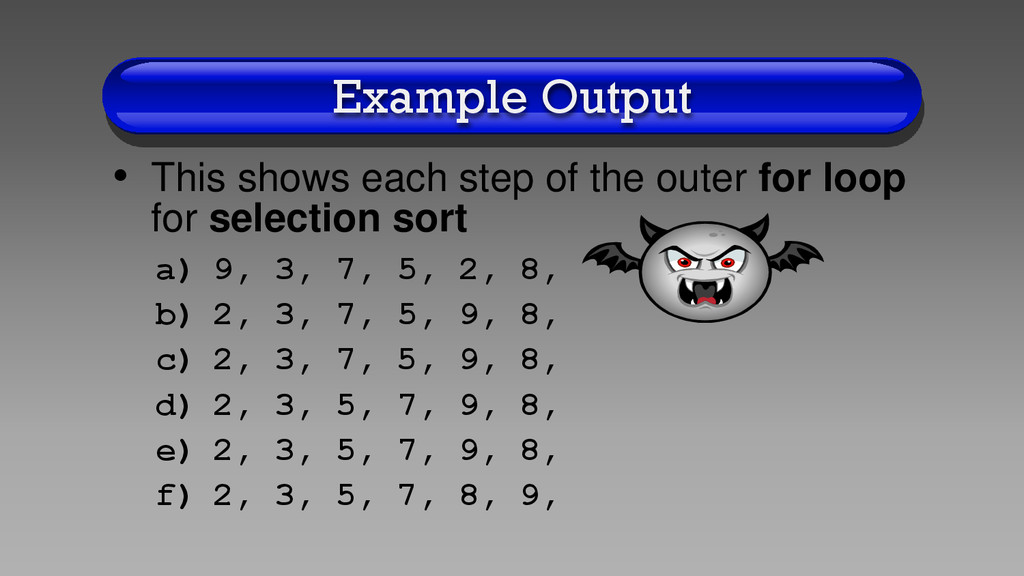
Example Output • This shows each step of the outer
for loop for selection sort a) 9, 3, 7, 5, 2, 8, b) 2, 3, 7, 5, 9, 8, c) 2, 3, 7, 5, 9, 8, d) 2, 3, 5, 7, 9, 8, e) 2, 3, 5, 7, 9, 8, f) 2, 3, 5, 7, 8, 9, -
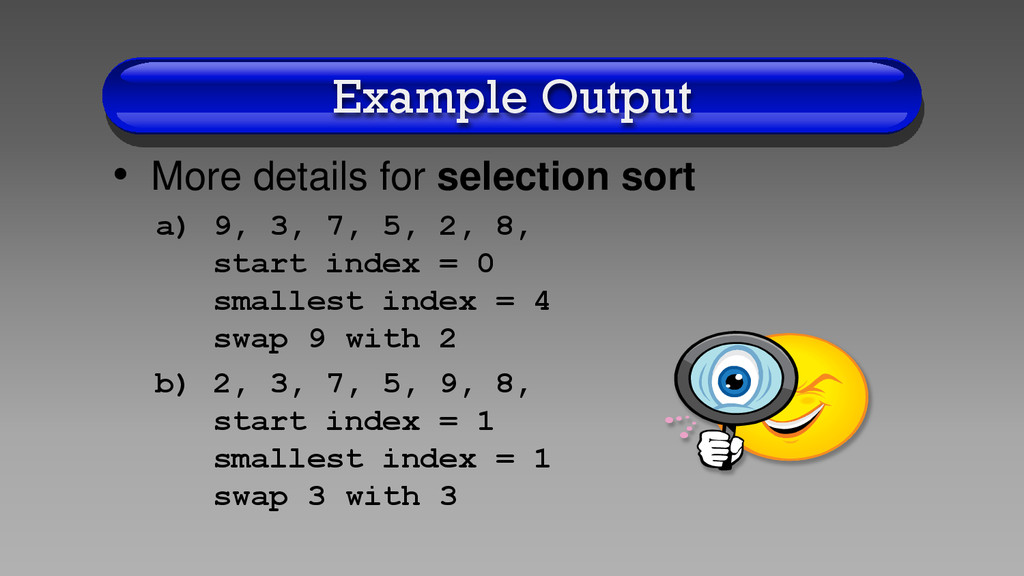
Example Output • More details for selection sort a) 9,
3, 7, 5, 2, 8, start index = 0 smallest index = 4 swap 9 with 2 b) 2, 3, 7, 5, 9, 8, start index = 1 smallest index = 1 swap 3 with 3 -
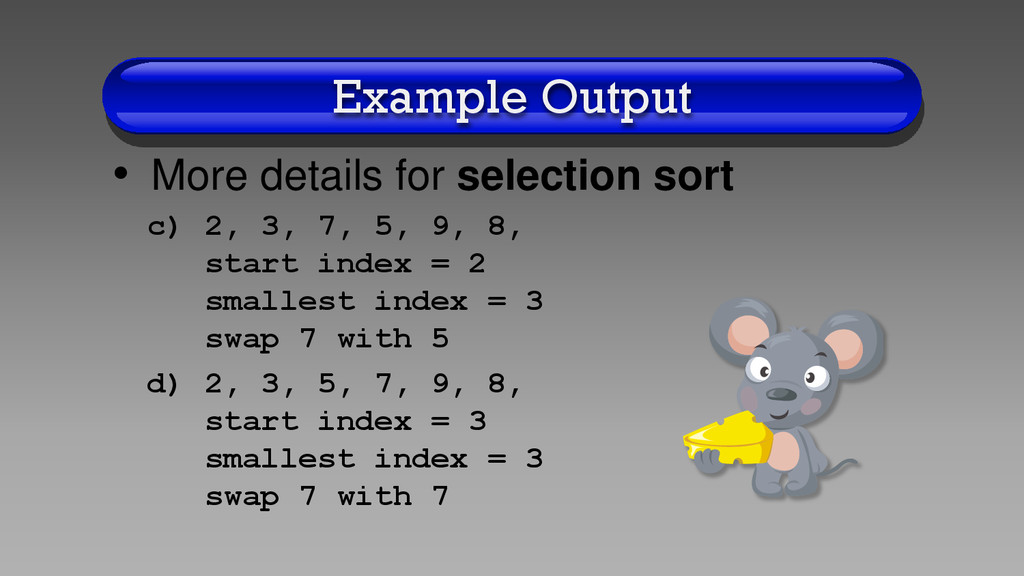
Example Output • More details for selection sort c) 2,
3, 7, 5, 9, 8, start index = 2 smallest index = 3 swap 7 with 5 d) 2, 3, 5, 7, 9, 8, start index = 3 smallest index = 3 swap 7 with 7 -
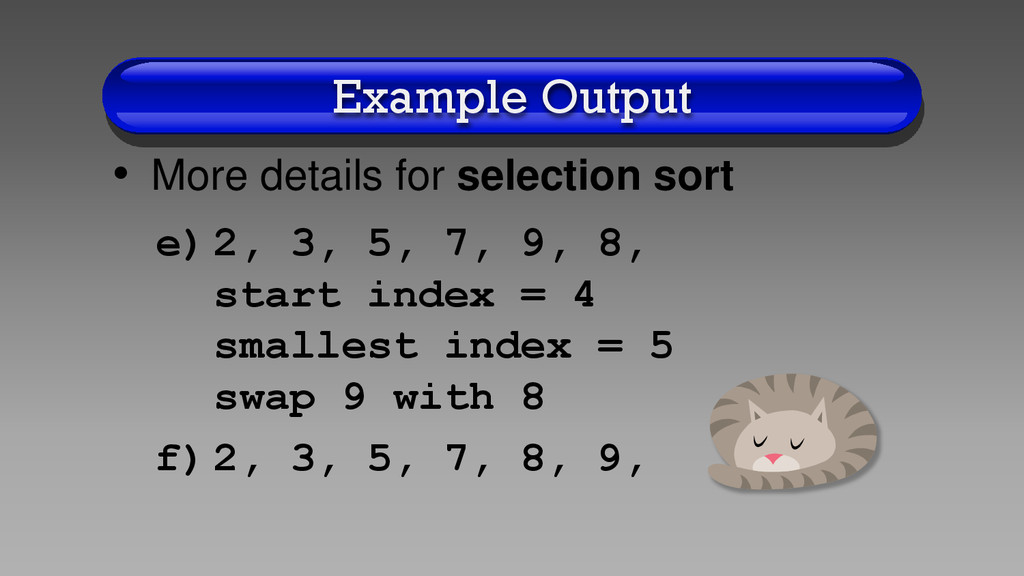
Example Output • More details for selection sort e) 2,
3, 5, 7, 9, 8, start index = 4 smallest index = 5 swap 9 with 8 f) 2, 3, 5, 7, 8, 9, -
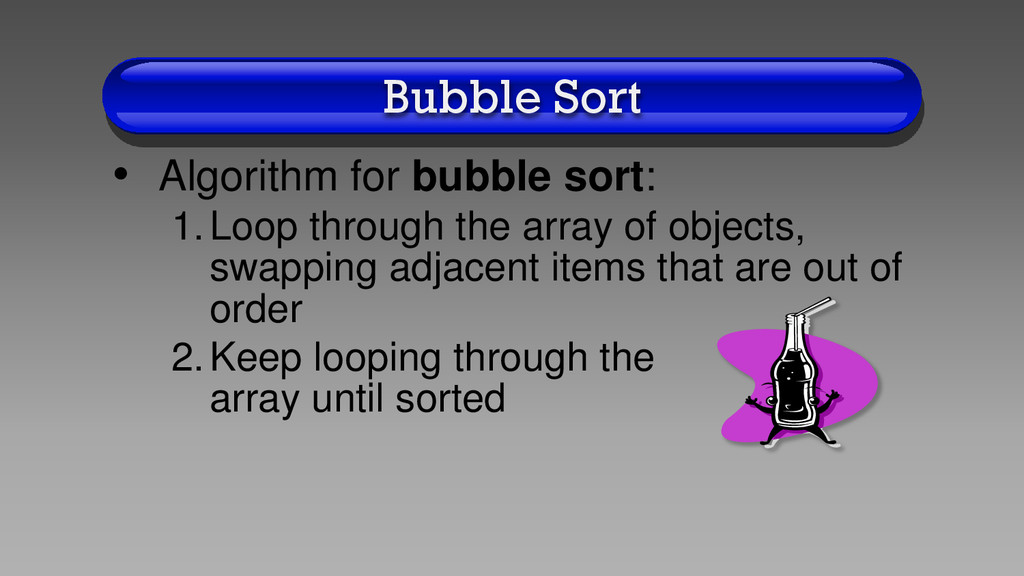
Bubble Sort • Algorithm for bubble sort: 1.Loop through the
array of objects, swapping adjacent items that are out of order 2.Keep looping through the array until sorted -
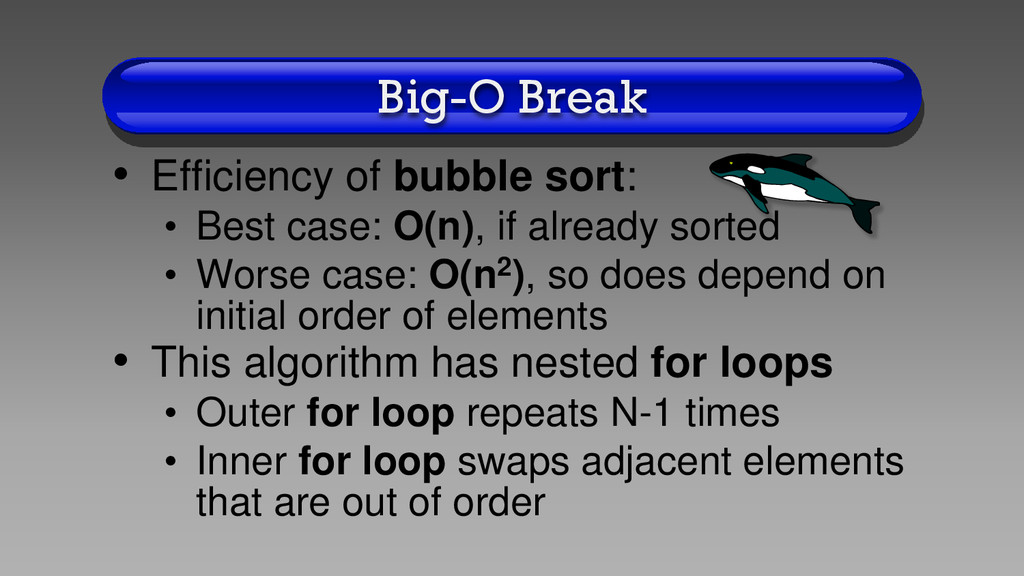
Big-O Break • Efficiency of bubble sort: • Best case:
O(n), if already sorted • Worse case: O(n2), so does depend on initial order of elements • This algorithm has nested for loops • Outer for loop repeats N-1 times • Inner for loop swaps adjacent elements that are out of order -
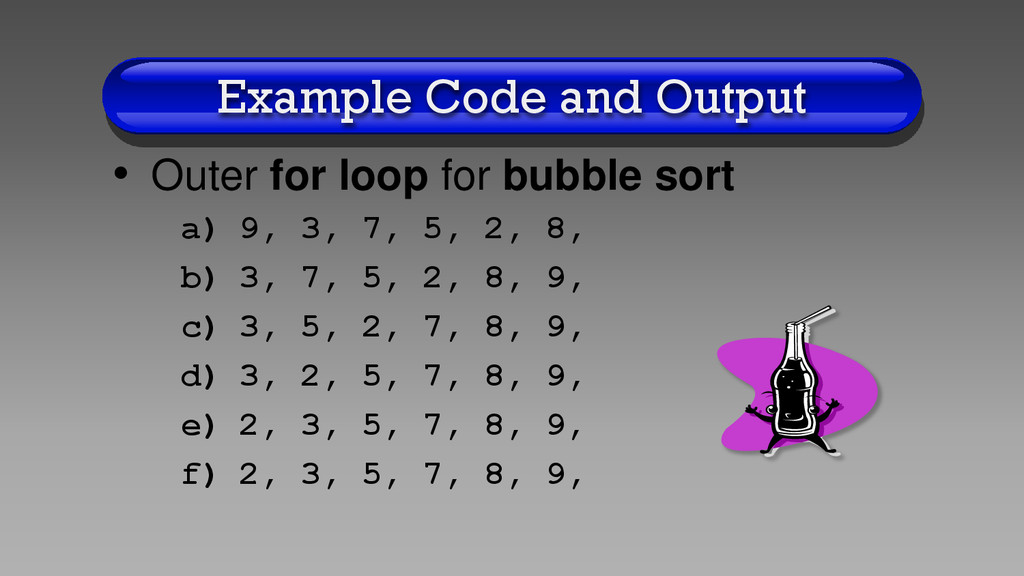
Example Code and Output • Outer for loop for bubble
sort a) 9, 3, 7, 5, 2, 8, b) 3, 7, 5, 2, 8, 9, c) 3, 5, 2, 7, 8, 9, d) 3, 2, 5, 7, 8, 9, e) 2, 3, 5, 7, 8, 9, f) 2, 3, 5, 7, 8, 9, -
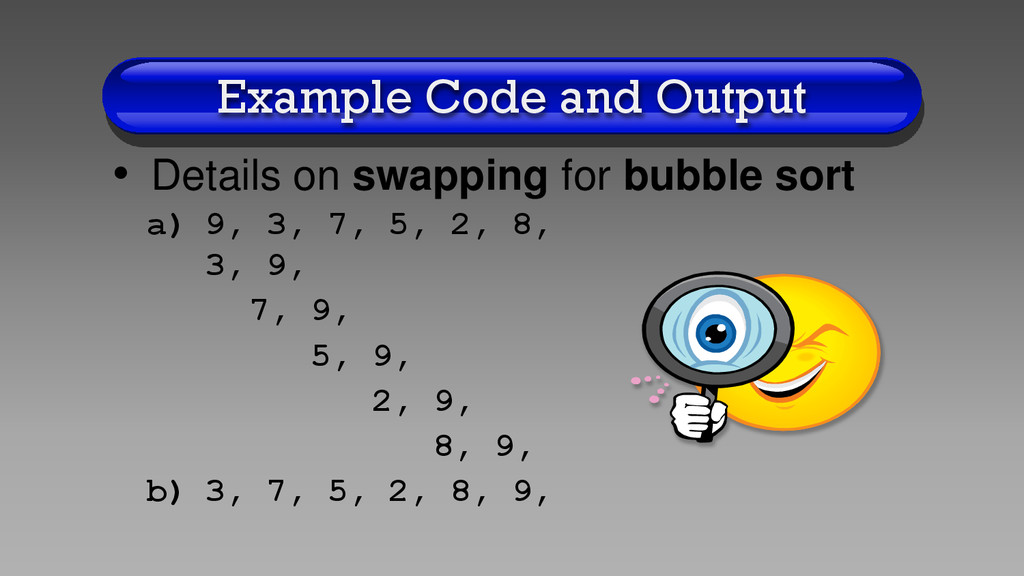
Example Code and Output • Details on swapping for bubble
sort a) 9, 3, 7, 5, 2, 8, 3, 9, 7, 9, 5, 9, 2, 9, 8, 9, b) 3, 7, 5, 2, 8, 9, -
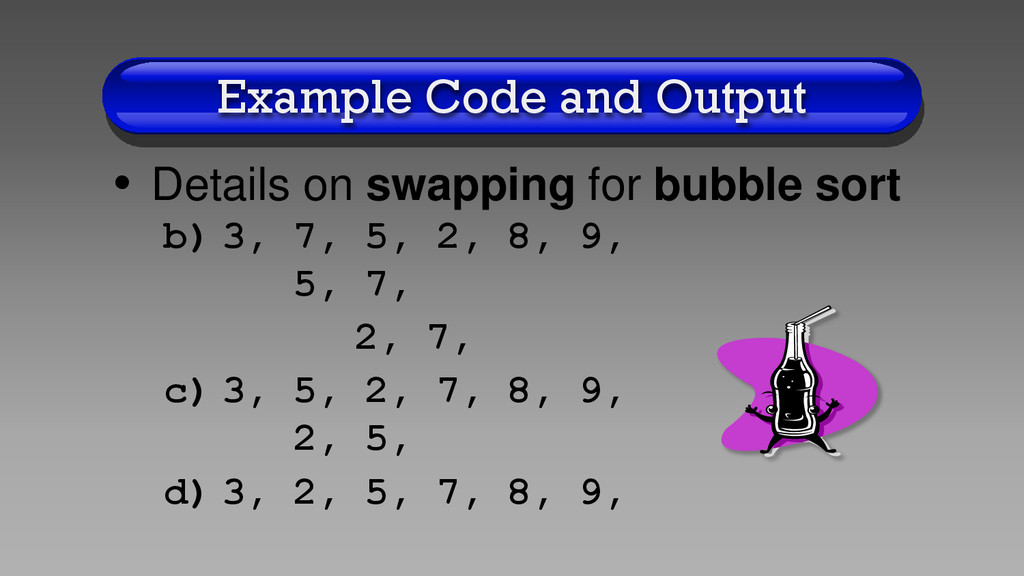
Example Code and Output b) 3, 7, 5, 2, 8,
9, 5, 7, 2, 7, c) 3, 5, 2, 7, 8, 9, 2, 5, d) 3, 2, 5, 7, 8, 9, • Details on swapping for bubble sort -
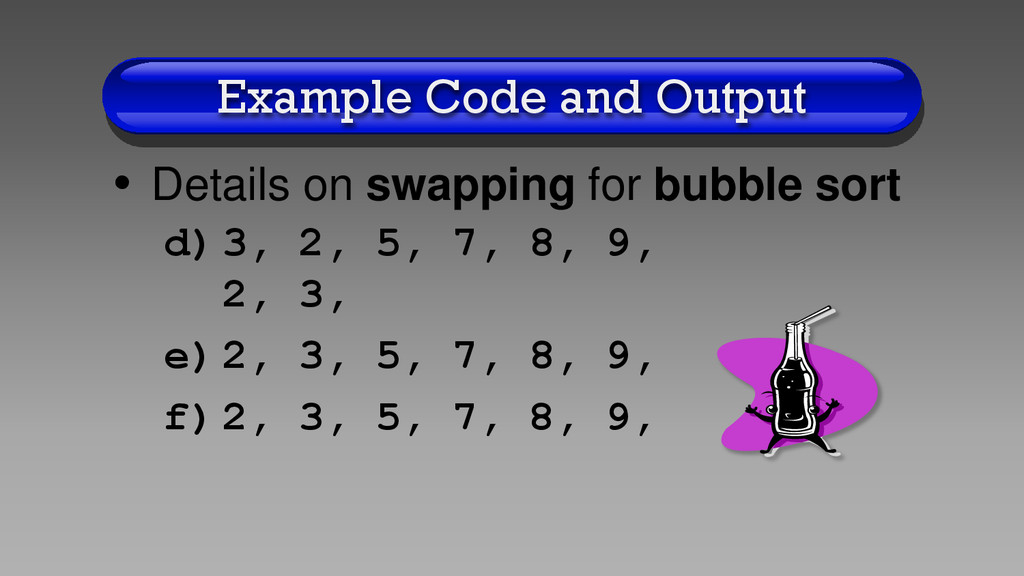
Example Code and Output d) 3, 2, 5, 7, 8,
9, 2, 3, e) 2, 3, 5, 7, 8, 9, f) 2, 3, 5, 7, 8, 9, • Details on swapping for bubble sort -
Memory Defragmenter • Sequential and Binary search • Implementing the
compareTo() method for Comparable Interface • Selection sort • Bubble sort -
Task Manager • Before the next class, you need to:
1.Do the assignment corresponding to this lecture 2.Email me any questions you may have about the material 3.Turn in the assignment before the next lecture