Upgrade to Pro — share decks privately, control downloads, hide ads and more …

Getting started with git : Hosting webpage in G...

Getting started with git : Hosting webpage in Github

Ever worked on a project 👨‍💻👩‍💻but unfortunately your Laptop crashed, together with your work?

Ever wanted to work on a project but your Dev team is made up of people scattered across the country🌎. And you wondered how you guys will comfortably work without using one machine?

Ever fixed a static website and you want to share it to people so that they could see? 🤓

Then consider attending our Git Workshop to see how Git solves that and more!

Avatar for brianwachira

brianwachira

March 30, 2019

Other Decks in Programming

Transcript

  1. GIT Workshop Hosting webpages on github DATE : 30th March

    2019, 0900-1200 hrs VENUE : BSL 301 ENTRY : FREE IGNYTE254 & TECHNOSCIENCE FOR MORE INFORMATION CONTACT +254707250844 / +254706245461
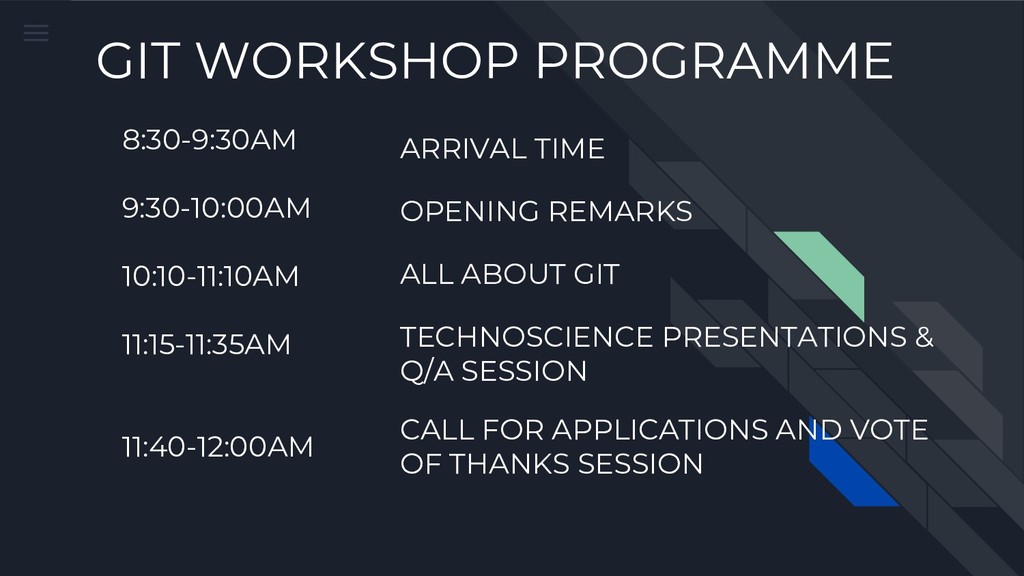
  2. GIT WORKSHOP PROGRAMME 8:30-9:30AM 9:30-10:00AM 10:10-11:10AM 11:15-11:35AM 11:40-12:00AM ARRIVAL TIME

    OPENING REMARKS ALL ABOUT GIT TECHNOSCIENCE PRESENTATIONS & Q/A SESSION CALL FOR APPLICATIONS AND VOTE OF THANKS SESSION
  3. About ignyte254 We are a community interested in leveraging our

    tech skills with current existing technologies in the industry [email protected] @ignyte254 https://github.com/ignyte254/about-ignyte254
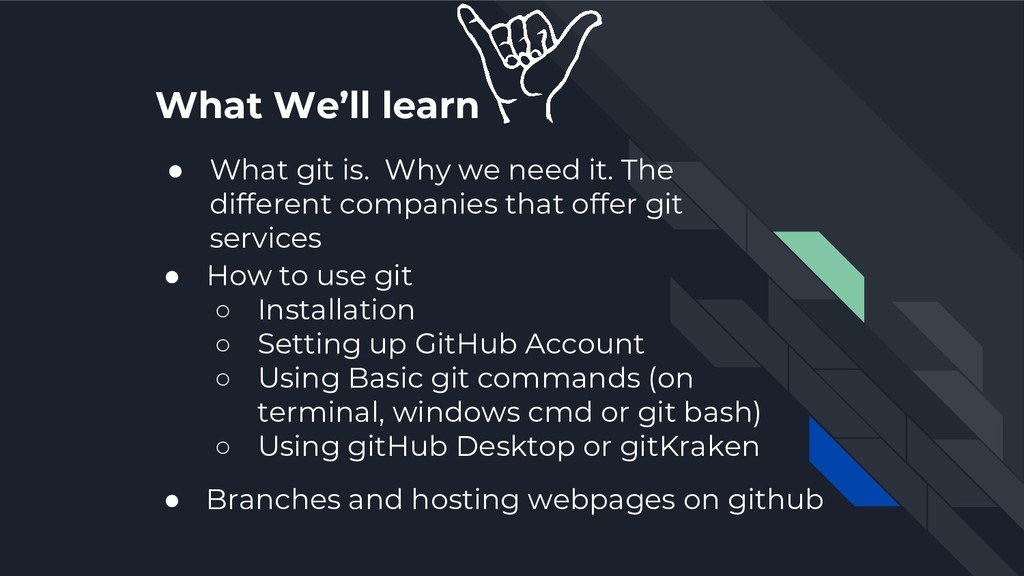
  4. What We’ll learn • What git is. Why we need

    it. The different companies that offer git services • How to use git ◦ Installation ◦ Setting up GitHub Account ◦ Using Basic git commands (on terminal, windows cmd or git bash) ◦ Using gitHub Desktop or gitKraken • Branches and hosting webpages on github
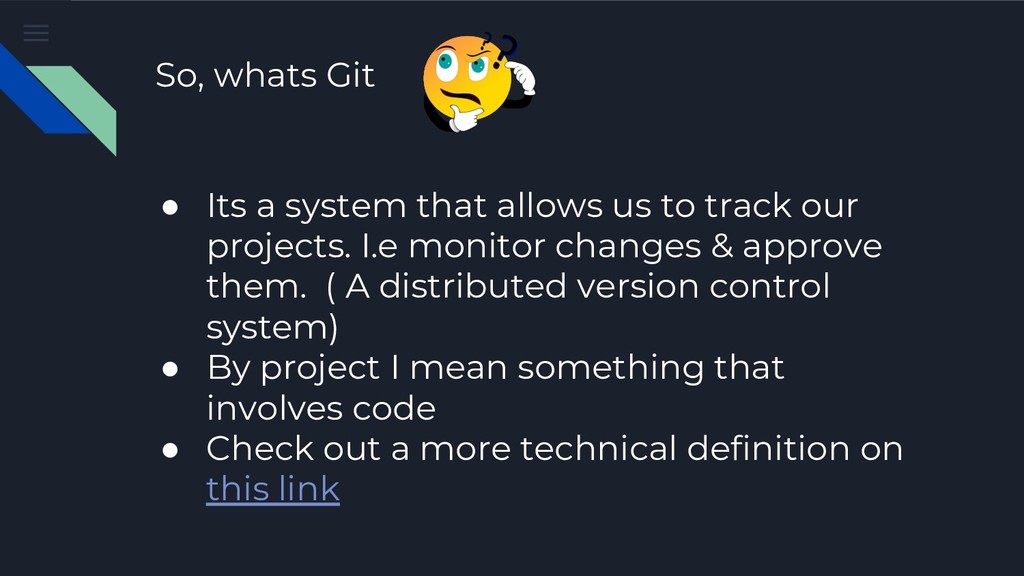
  5. So, whats Git • Its a system that allows us

    to track our projects. I.e monitor changes & approve them. ( A distributed version control system) • By project I mean something that involves code • Check out a more technical definition on this link
  6. Why you need git 01 Ability to work remotely with

    anyone from any place 02 Backup your projects incase your machine fails 03 You can reference your projects to any potential client or recruiter
  7. Companies that offer git services • GitHub • Gitlab •

    Mercurial • Bitbucket • Find more on https://hackernoon.com/top-10-version-control-systems-4d314cf7adea
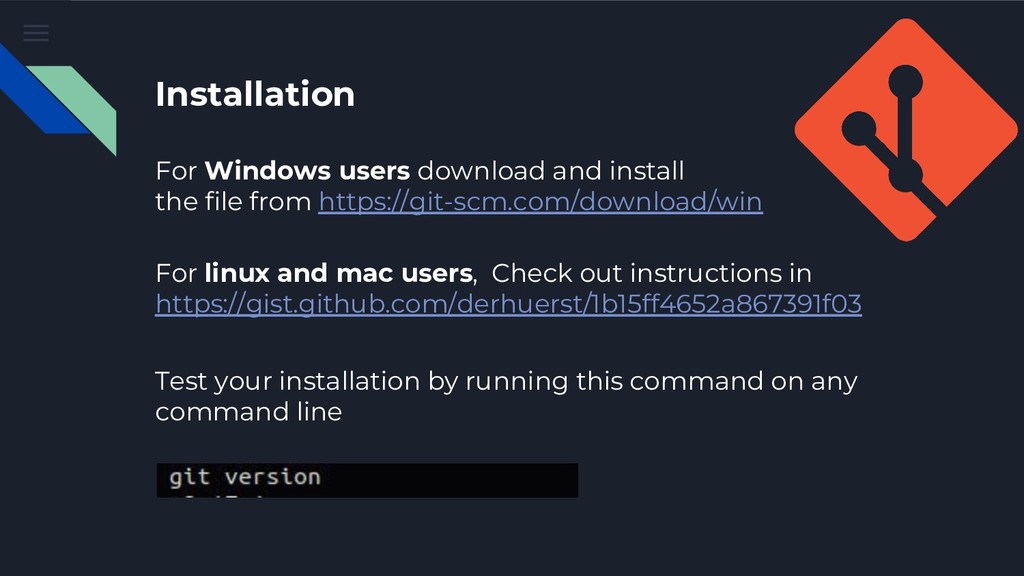
  8. Installation For Windows users download and install the file from

    https://git-scm.com/download/win For linux and mac users, Check out instructions in https://gist.github.com/derhuerst/1b15ff4652a867391f03 Test your installation by running this command on any command line
  9. Set Up A GitHub Account What you need • Your

    email (obviously). Visit GitHub’s Official site and sign up as a new user
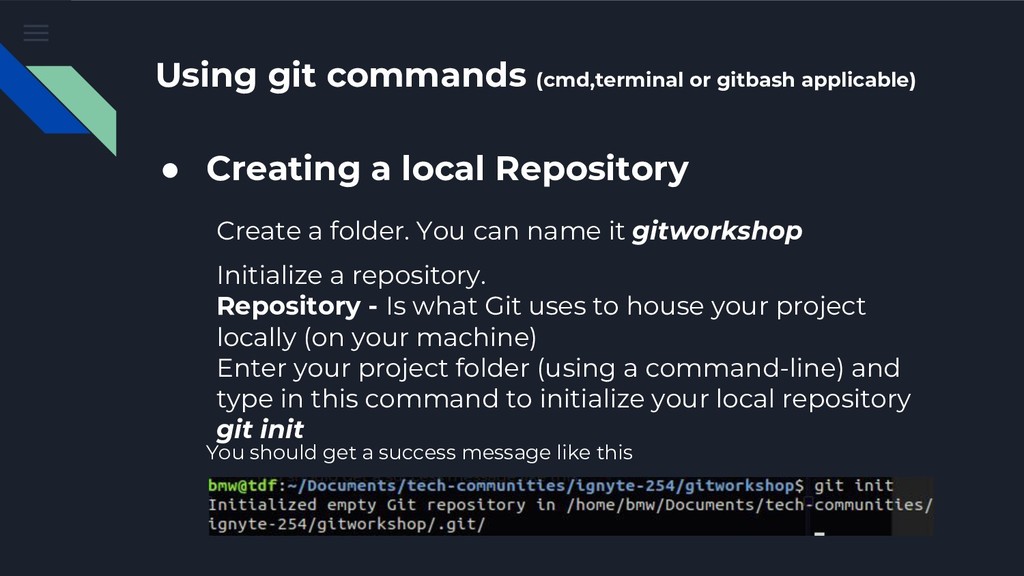
  10. Using git commands (cmd,terminal or gitbash applicable) • Creating a

    local Repository Create a folder. You can name it gitworkshop Initialize a repository. Repository - Is what Git uses to house your project locally (on your machine) Enter your project folder (using a command-line) and type in this command to initialize your local repository git init You should get a success message like this
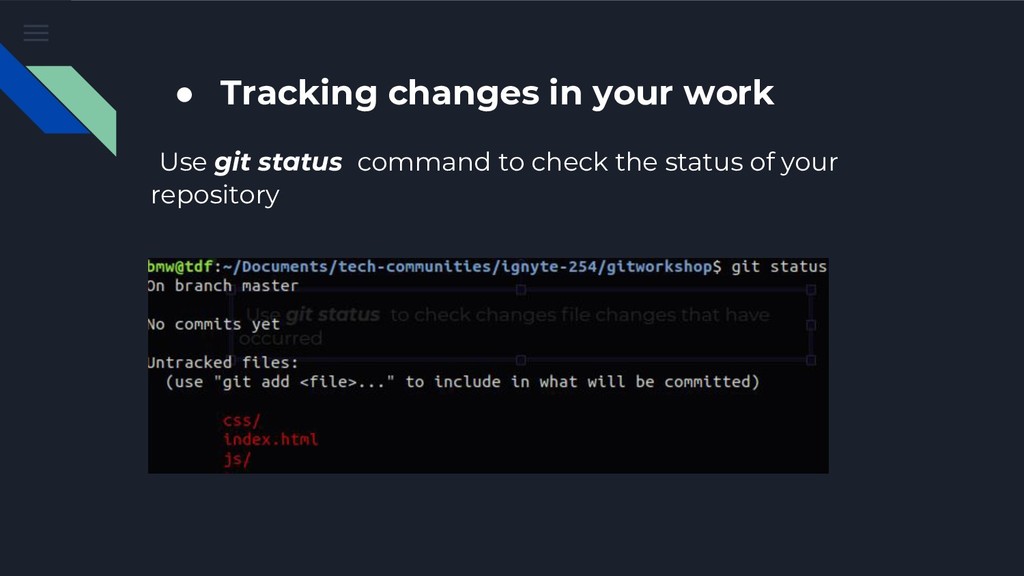
  11. • Tracking changes in your work Use git status command

    to check the status of your repository
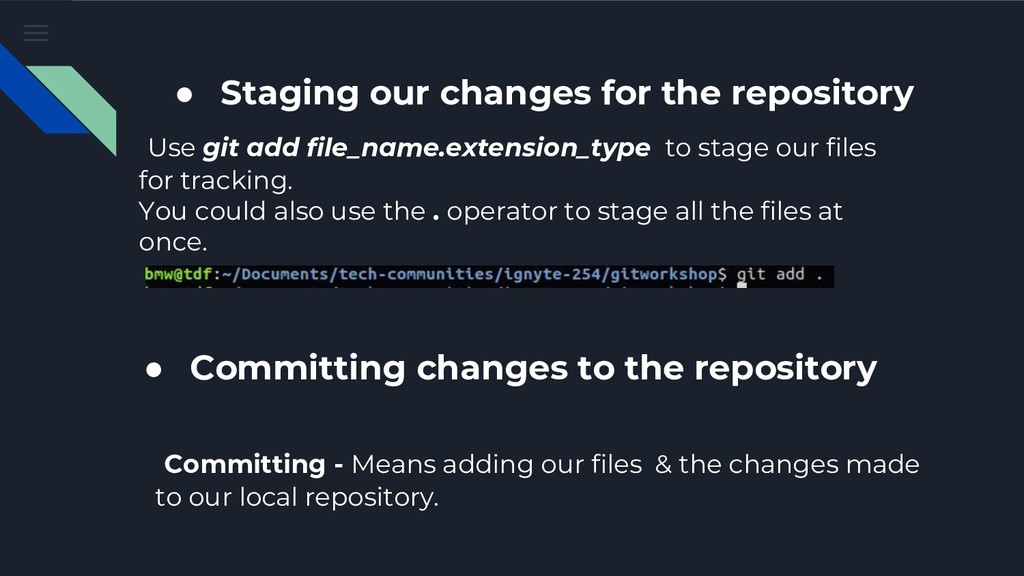
  12. Use git add file_name.extension_type to stage our files for tracking.

    You could also use the . operator to stage all the files at once. • Committing changes to the repository • Staging our changes for the repository Committing - Means adding our files & the changes made to our local repository.
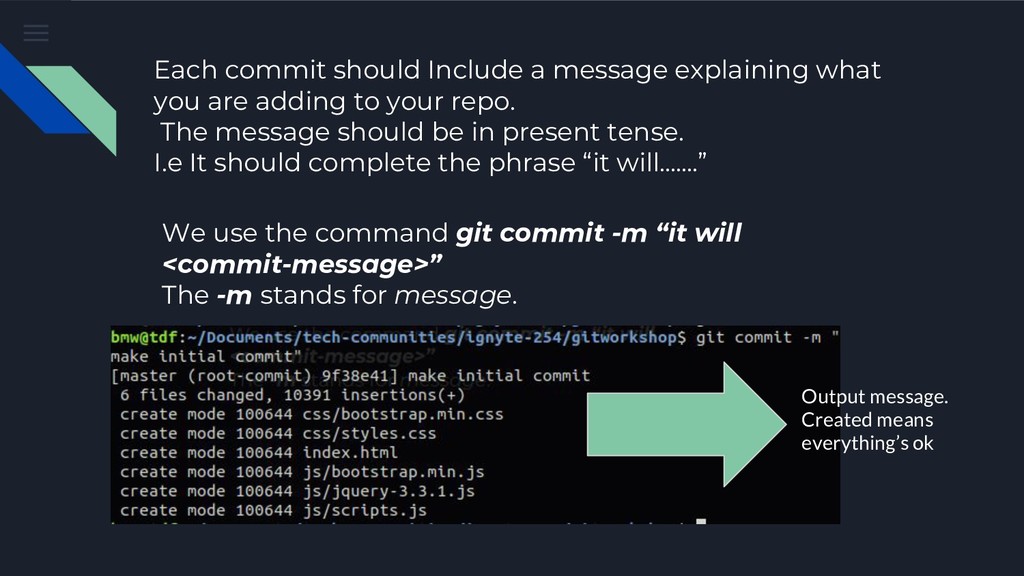
  13. Each commit should Include a message explaining what you are

    adding to your repo. The message should be in present tense. I.e It should complete the phrase “it will…….” We use the command git commit -m “it will <commit-message>” The -m stands for message. Output message. Created means everything’s ok
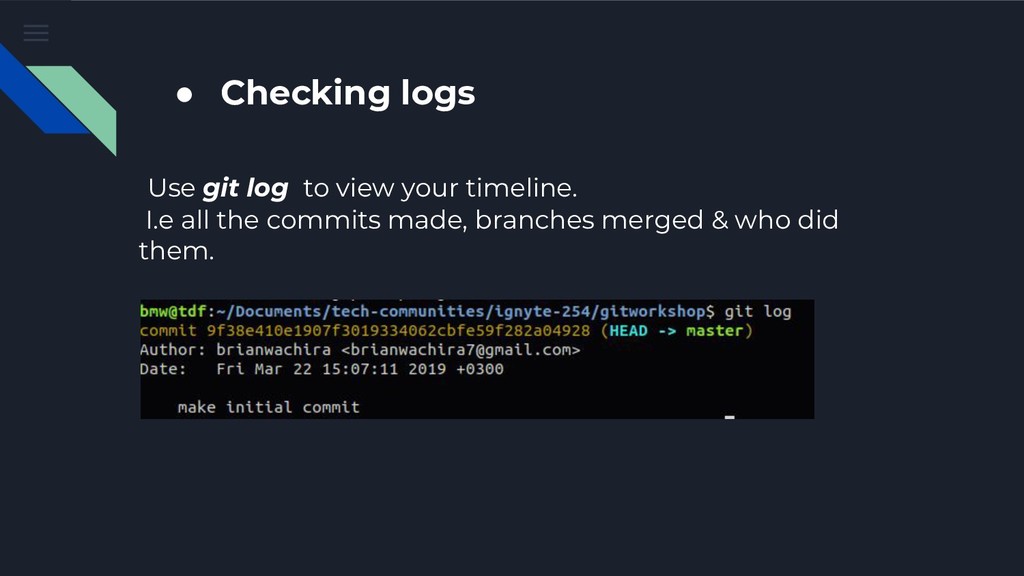
  14. • Checking logs Use git log to view your timeline.

    I.e all the commits made, branches merged & who did them.
  15. More git knowledge? Git docs - Right here A more

    user-friendly resource - Also here Remote repositories (i.e pushing your code to Version Control Systems like github - Right here
  16. Working with Git using Graphical User Interfaces Github Desktop For

    Windows and Mac users Git kraken For Windows, Mac and Linux
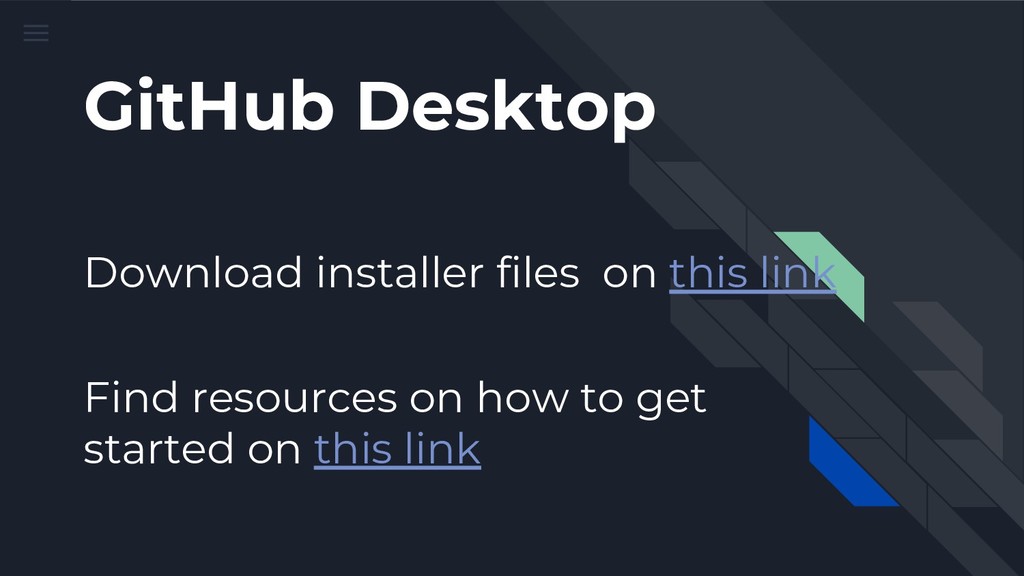
  17. GitHub Desktop Find resources on how to get started on

    this link Download installer files on this link
  18. Git Kraken Install files - Come with me & we’ll

    go to a place called Candied Island Find resources on how to get started on this link
  19. What are branches? • Its a separate joint of your

    project • Theres the main/ default branch called Master.
  20. Why We need Branches • To run experiments • To

    enable team work Find more anti-batman reasons here
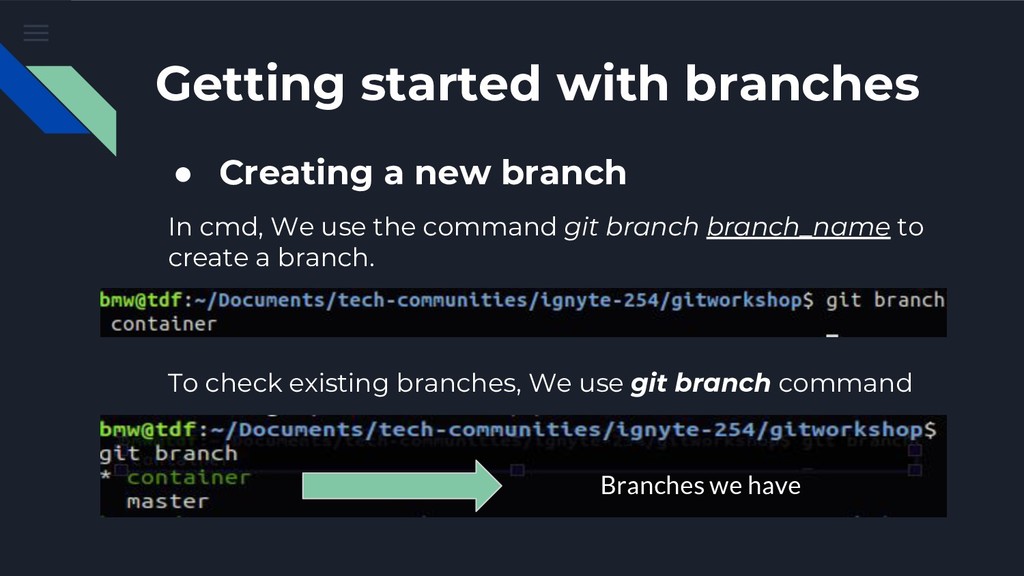
  21. Getting started with branches • Creating a new branch In

    cmd, We use the command git branch branch_name to create a branch. To check existing branches, We use git branch command Branches we have
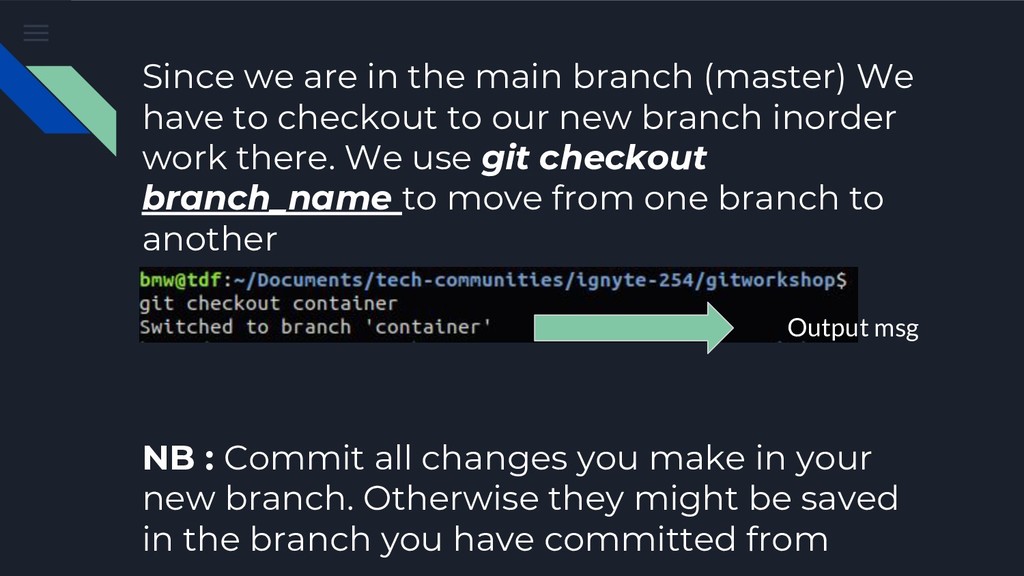
  22. Since we are in the main branch (master) We have

    to checkout to our new branch inorder work there. We use git checkout branch_name to move from one branch to another Output msg NB : Commit all changes you make in your new branch. Otherwise they might be saved in the branch you have committed from
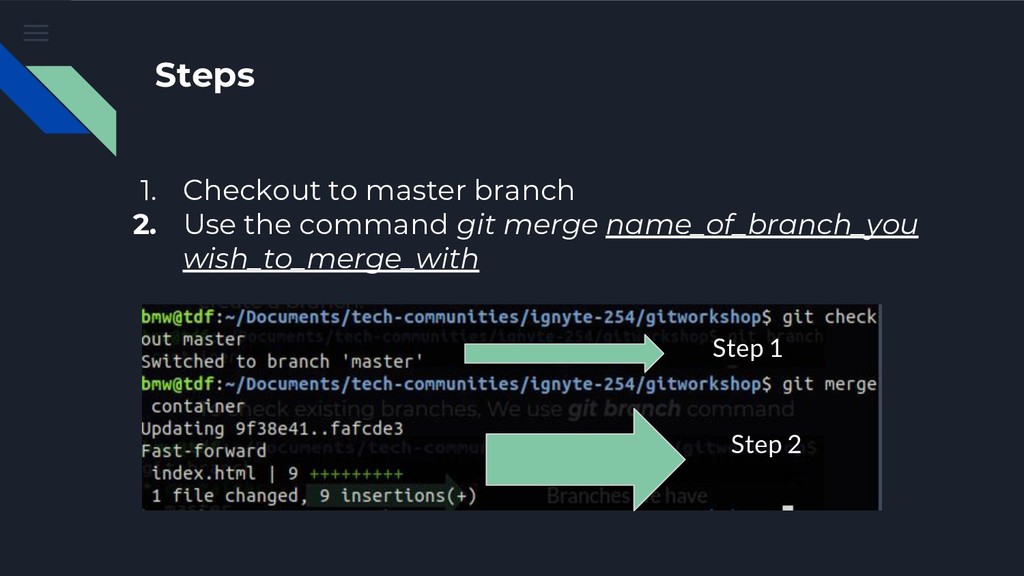
  23. • Merging Branches • It’s basically joining a pair of

    branches together • Make sure you have committed all code before merging • There’s something we call merge conflicts
  24. Steps 1. Checkout to master branch 2. Use the command

    git merge name_of_branch_you wish_to_merge_with Step 1 Step 2
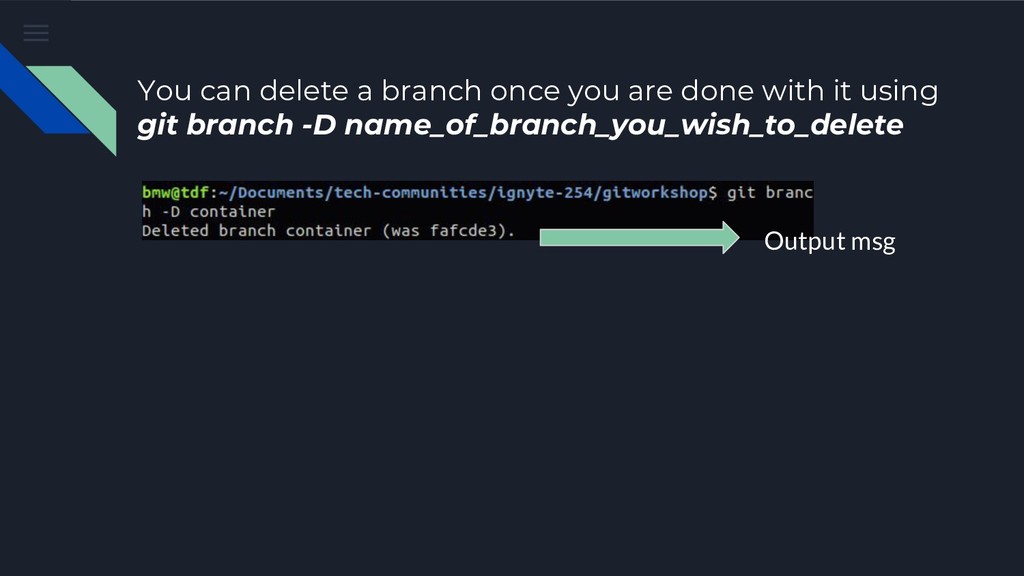
  25. You can delete a branch once you are done with

    it using git branch -D name_of_branch_you_wish_to_delete Output msg
  26. • Hosting with GitHub pages • github:pages ★ Its a

    feature that allows us to host static webpages using a branch. ★ You basically create a branch named gh-pages push it to your remote repository and that’s it
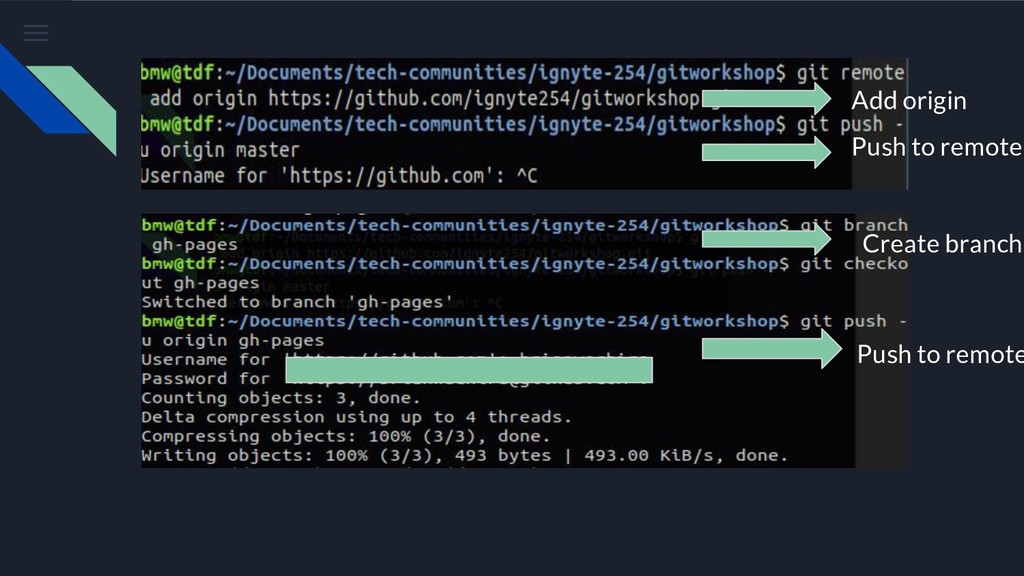
  27. Steps • Add your remote origin and push your master

    branch. • Create a branch named gh-pages • Checkout to gh-pages branch • Push it to your remote repository
  28. So, where’s the link?? • In your repository page, go

    to settings. • Scroll to github pages. It’s right there.
  29. About me • Android App Developer • I can do

    Frontend too :) • I play basketball for fun https://savoir-faire.netlify.com/ @brianwachira brianwachira [email protected]