Upgrade to Pro — share decks privately, control downloads, hide ads and more …

Google Search Console to Big Query Export - The...

Google Search Console to Big Query Export - The Almost Free SEO Database Full of Gold

Delivered at Brighton SEO October 2026, this deck details why you should be taking full advantage of the Google Search Console
to Big Query Export

Avatar for Charles Meaden

Charles Meaden PRO

October 07, 2026

More Decks by Charles Meaden

Other Decks in Marketing & SEO

Transcript

  1. Google Search Console Big Query Export - The Almost Free

    SEO Database Full of Gold @charlesmeaden #brightonseo
  2. It Used To Be So Easy “Charles, can’t you just

    do one of the clever reports you used to run 15 years ago The one where we could match every purchase to a brand or generic term” @charlesmeaden #brightonseo
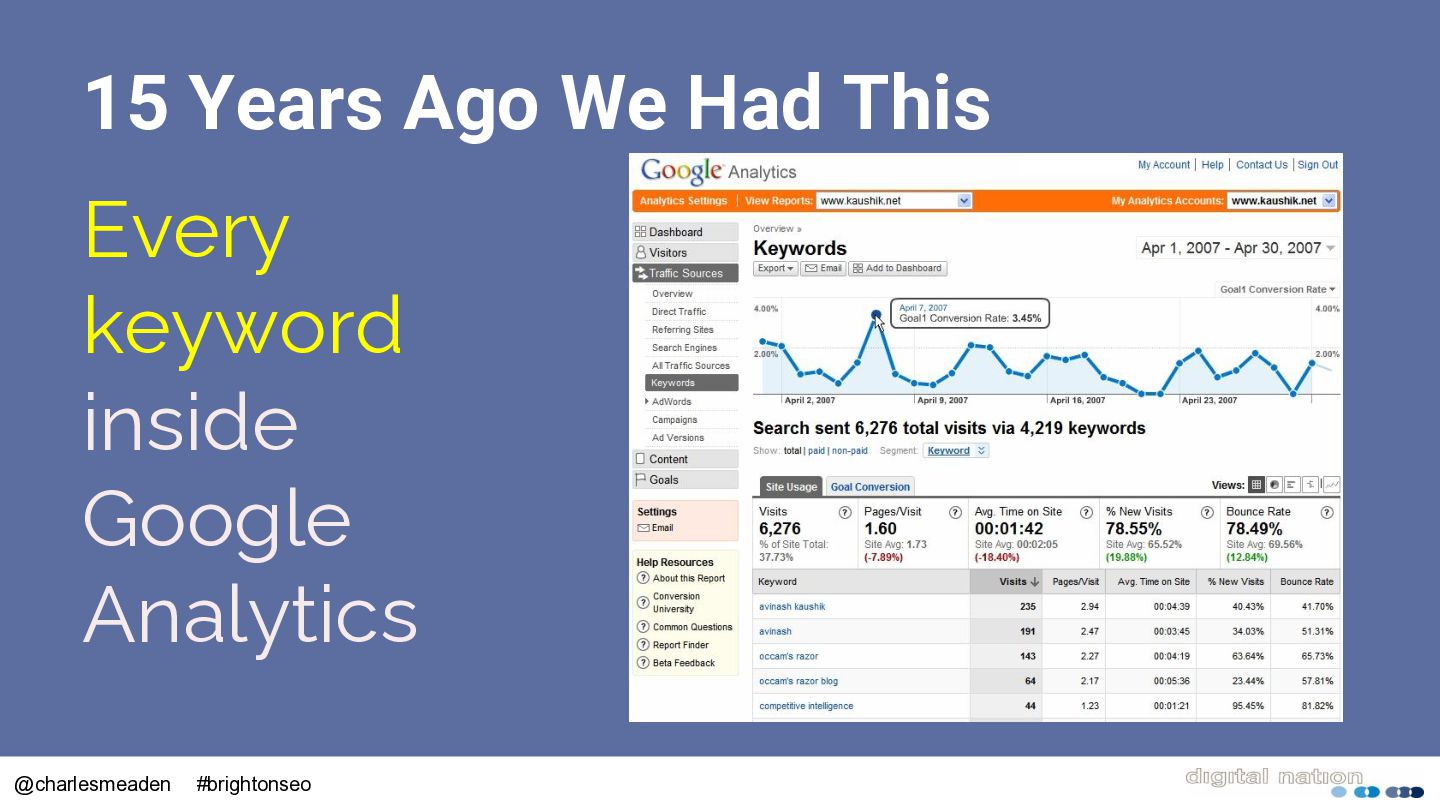
  3. 15 Years Ago We Had This Every keyword inside Google

    Analytics @charlesmeaden #brightonseo
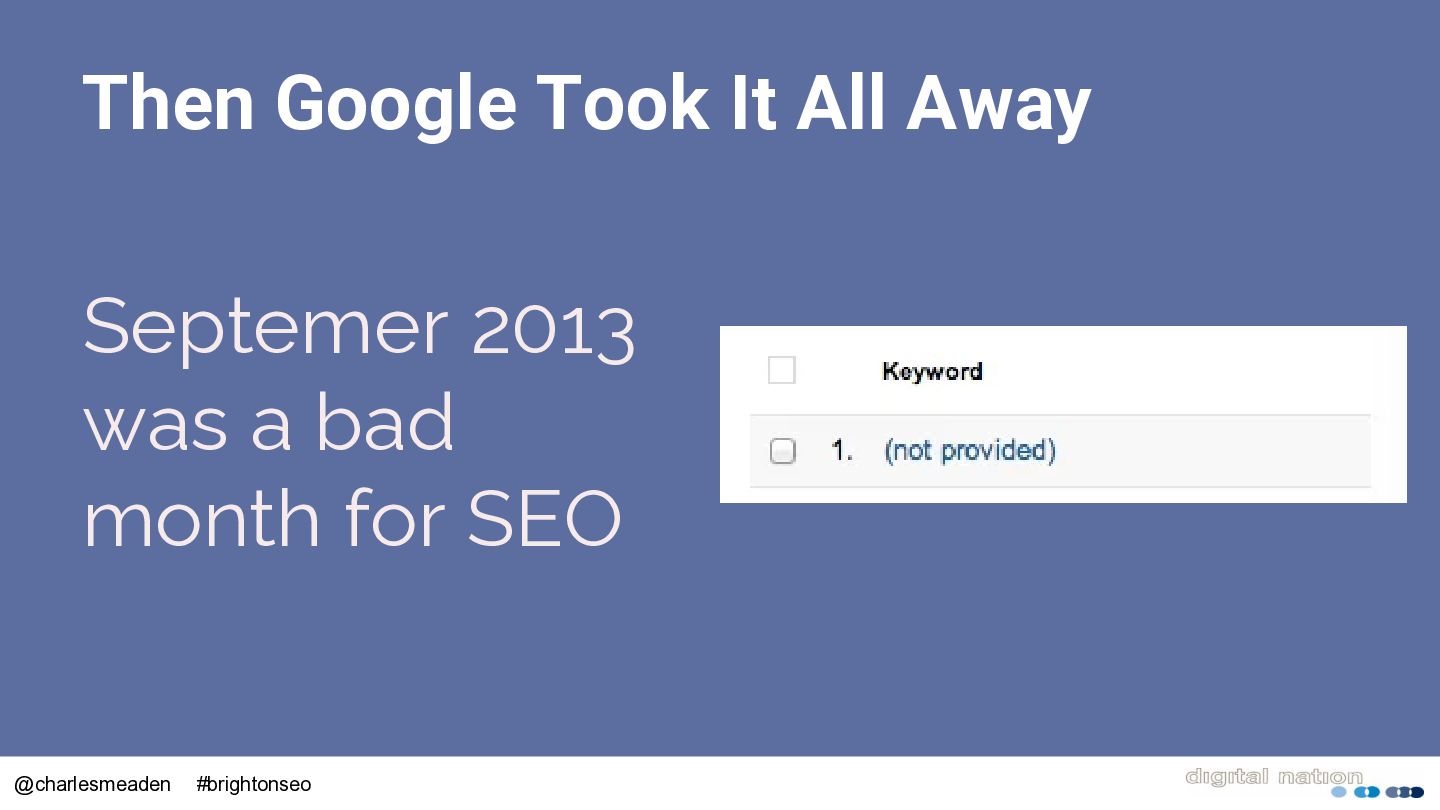
  4. Then Google Took It All Away Septemer 2013 was a

    bad month for SEO @charlesmeaden #brightonseo
  5. Along Came Google Search Console • 2015 we got 90

    days of data • 2018 saw 16 months @charlesmeaden #brightonseo
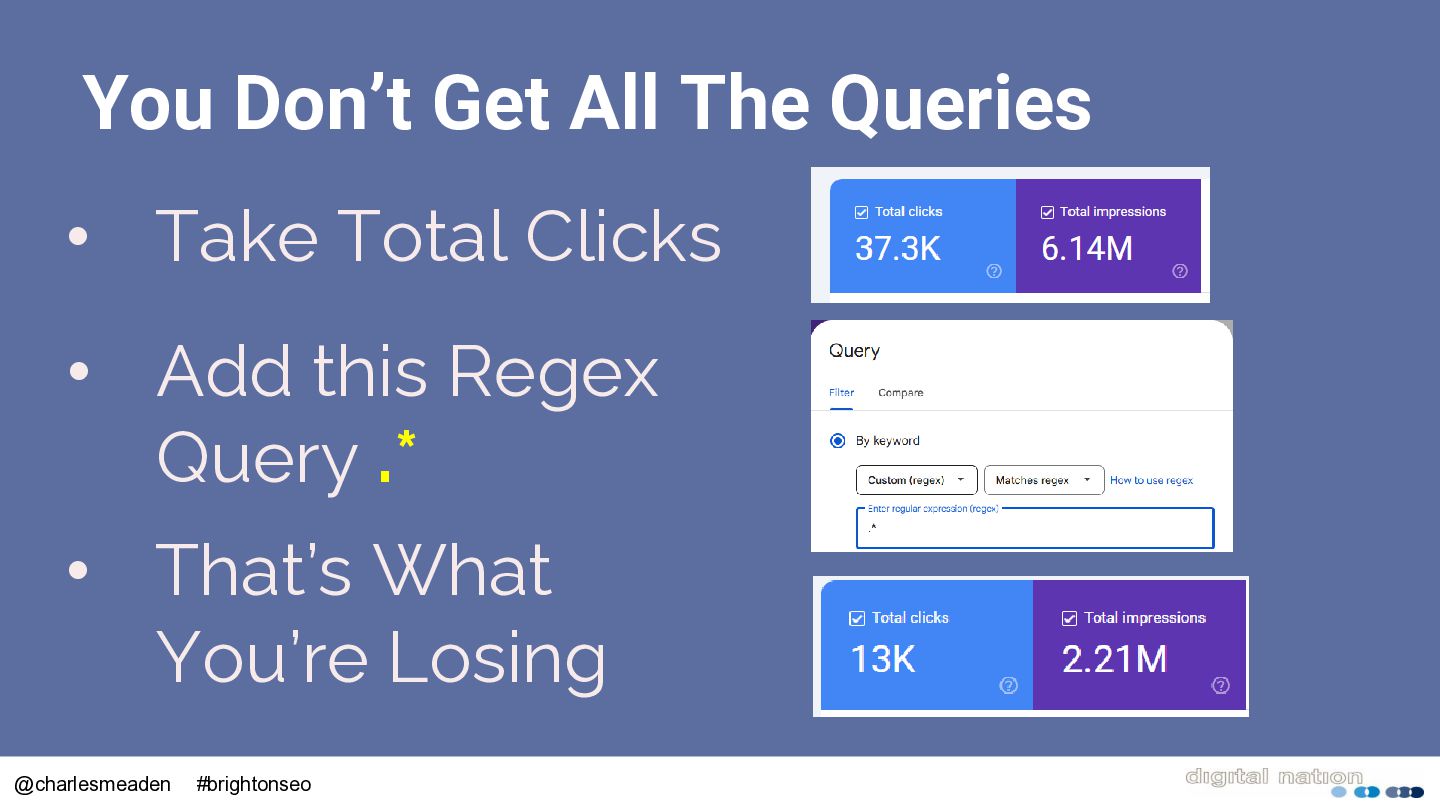
  6. You Don’t Get All The Queries • Take Total Clicks

    • Add this Regex Query .* • That’s What You’re Losing @charlesmeaden #brightonseo
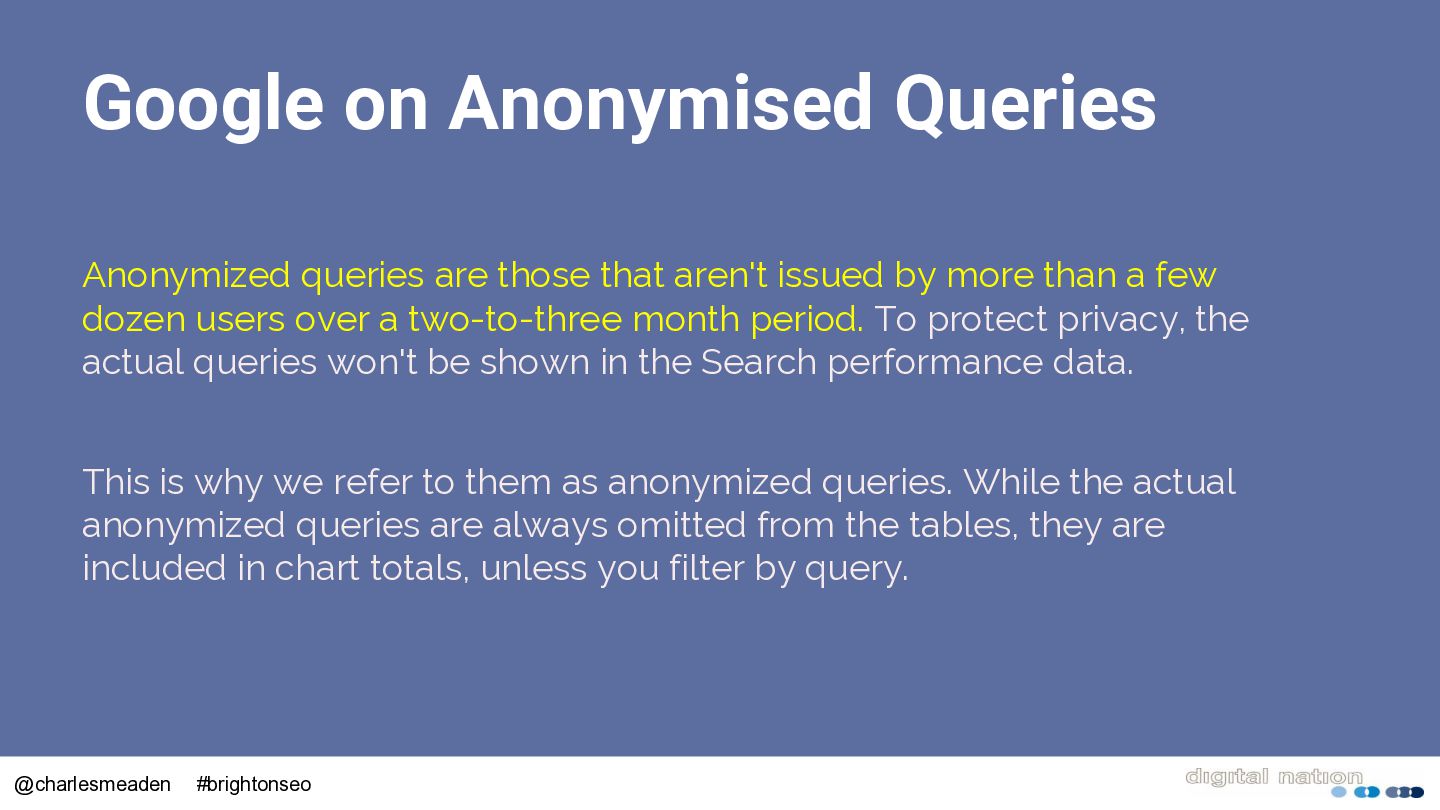
  7. Google on Anonymised Queries Anonymized queries are those that aren't

    issued by more than a few dozen users over a two-to-three month period. To protect privacy, the actual queries won't be shown in the Search performance data. This is why we refer to them as anonymized queries. While the actual anonymized queries are always omitted from the tables, they are included in chart totals, unless you filter by query. @charlesmeaden #brightonseo
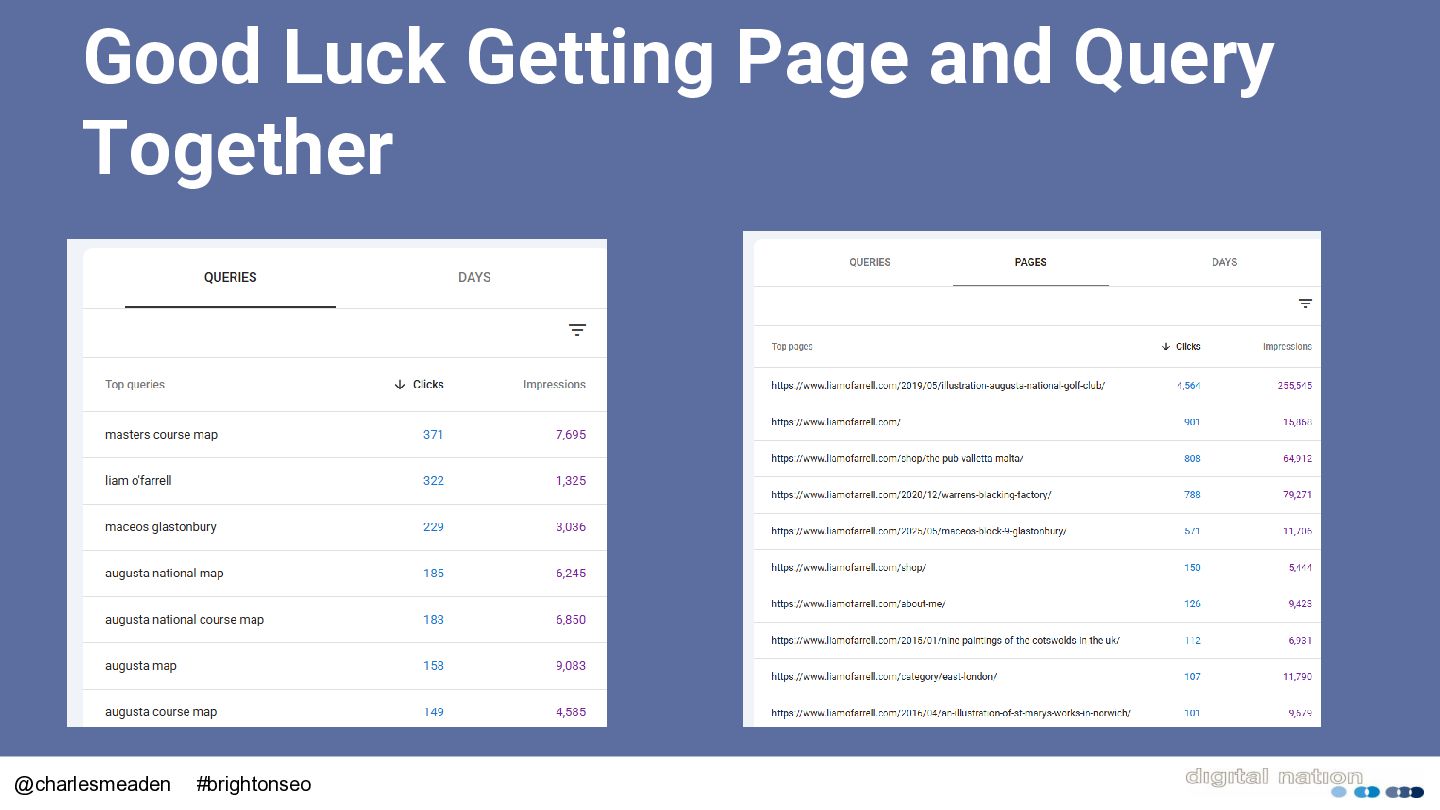
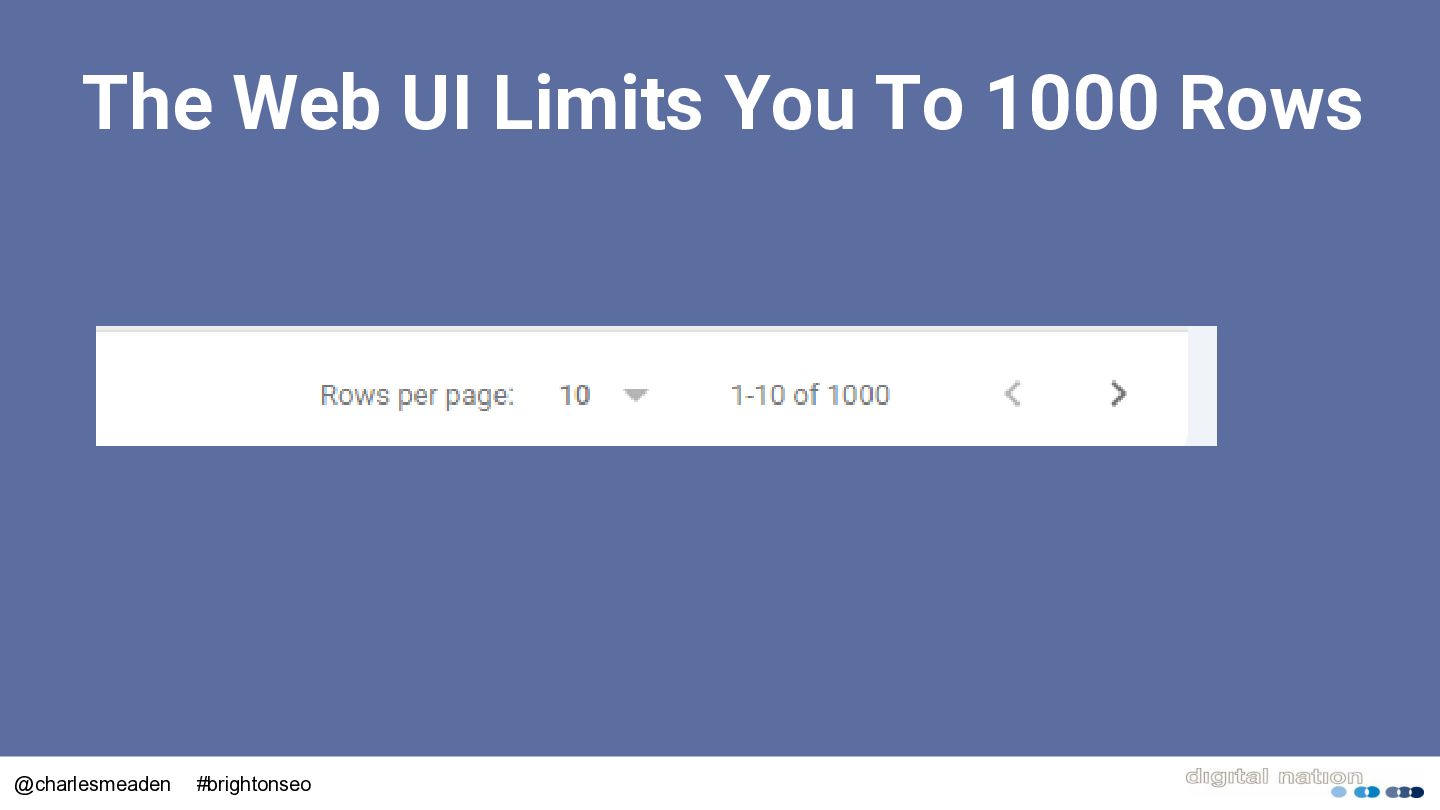
  8. The GSC API Gives You • Page and Query together

    • 100,000 of rows • Use Regular Expressions • Easy to access using tools such as Analytics Edge @charlesmeaden #brightonseo
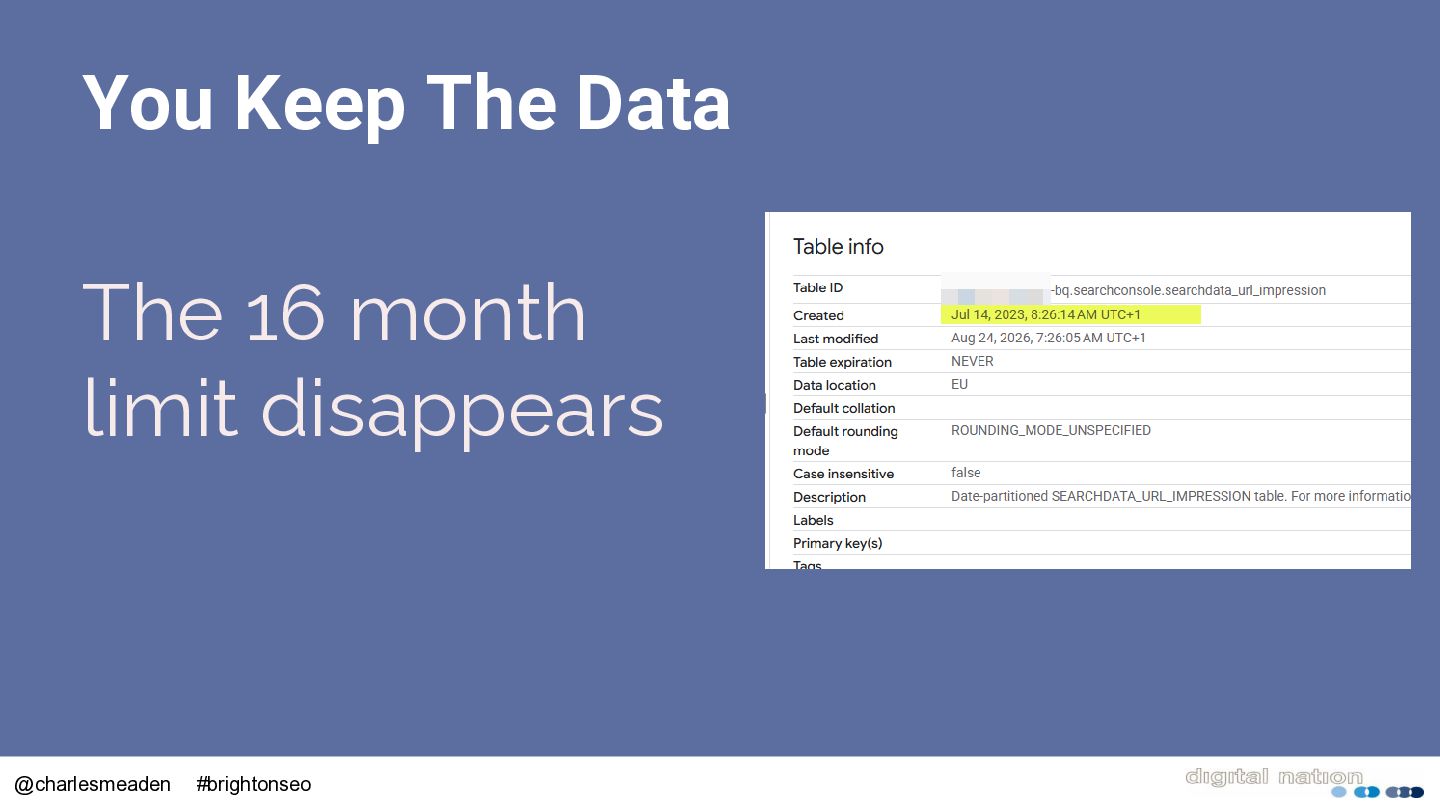
  9. Still Limited to 16 Months of Data Unless you’re archiving

    and storing it You lose it @charlesmeaden #brightonseo
  10. The Big Query Export Rolled out in 2023, it automatically

    exports your data every day to a dedicated Big Query table @charlesmeaden #brightonseo
  11. What Is Google Big Query? A cloud based SQL database

    that allows you to store terabytes of data and query in seconds @charlesmeaden #brightonseo
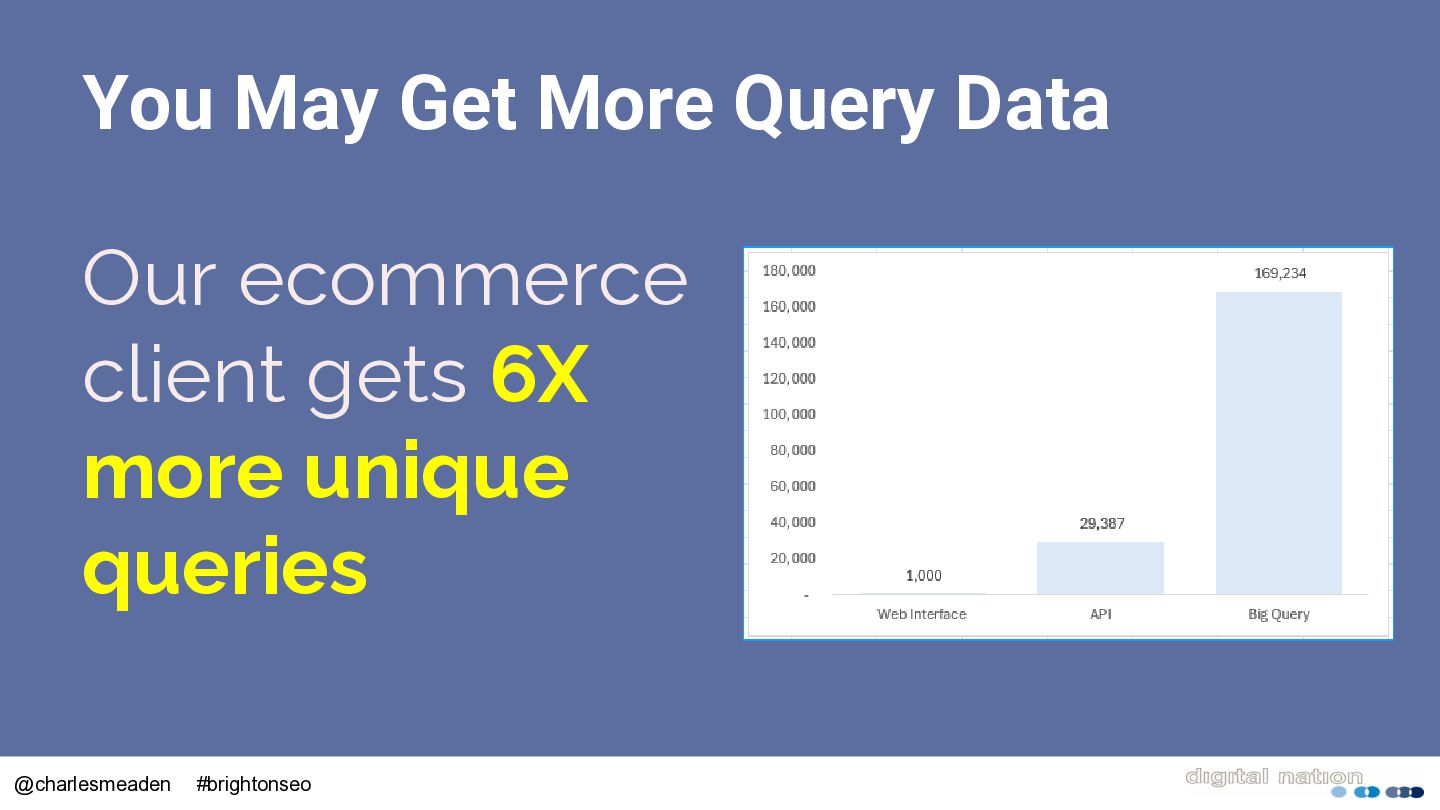
  12. You May Get More Query Data Our ecommerce client gets

    6X more unique queries @charlesmeaden #brightonseo
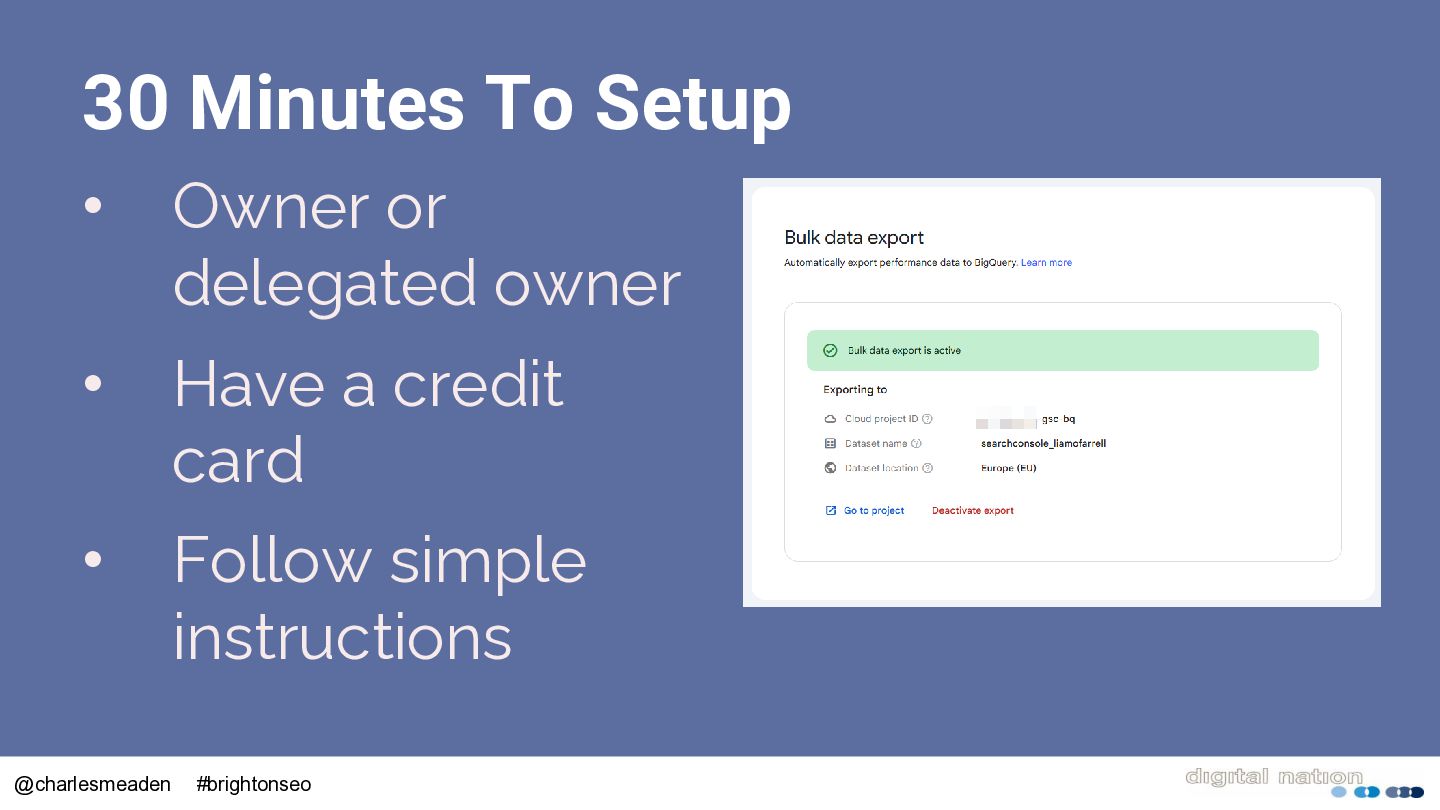
  13. 30 Minutes To Setup • Owner or delegated owner •

    Have a credit card • Follow simple instructions @charlesmeaden #brightonseo
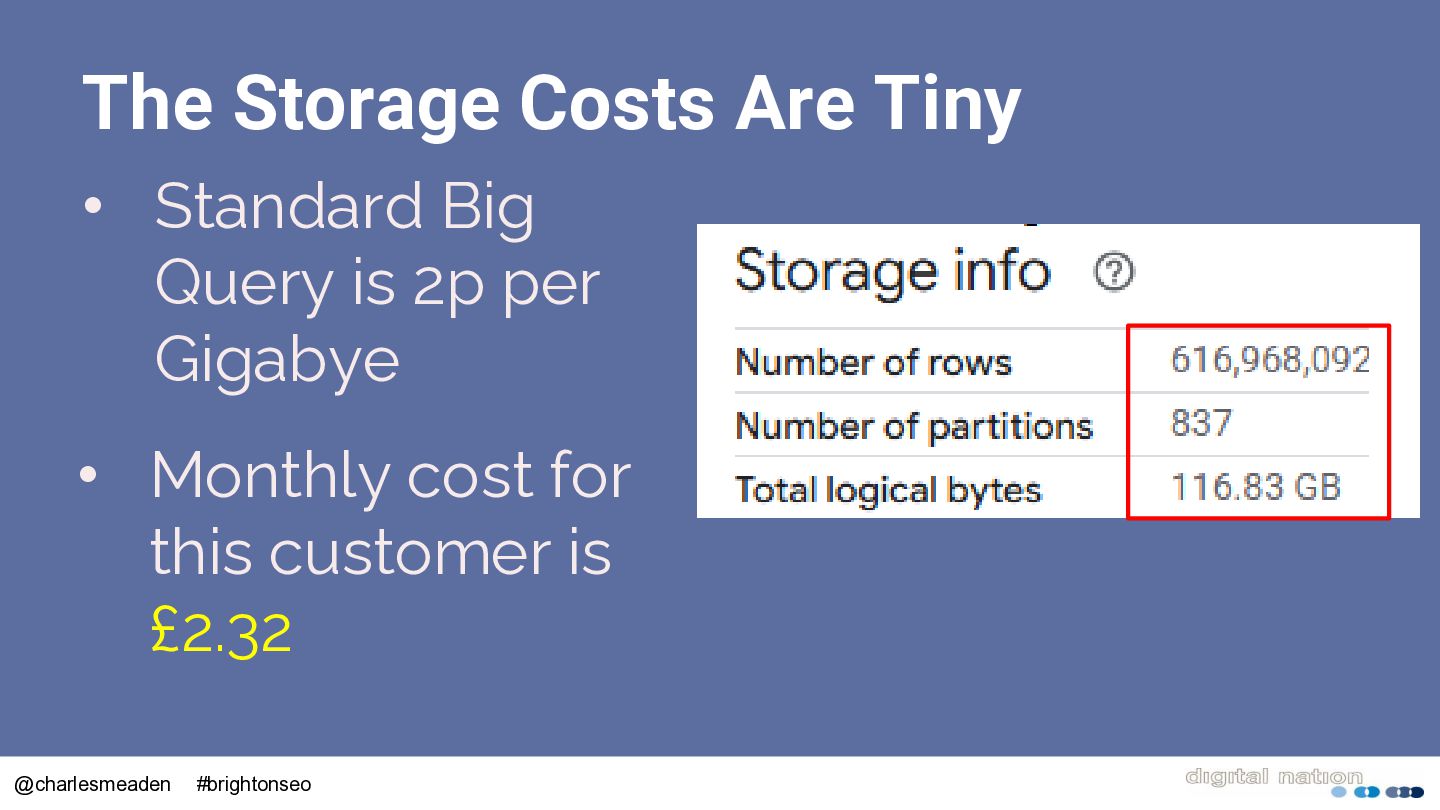
  14. The Storage Costs Are Tiny • Standard Big Query is

    2p per Gigabye • Monthly cost for this customer is £2.32 @charlesmeaden #brightonseo
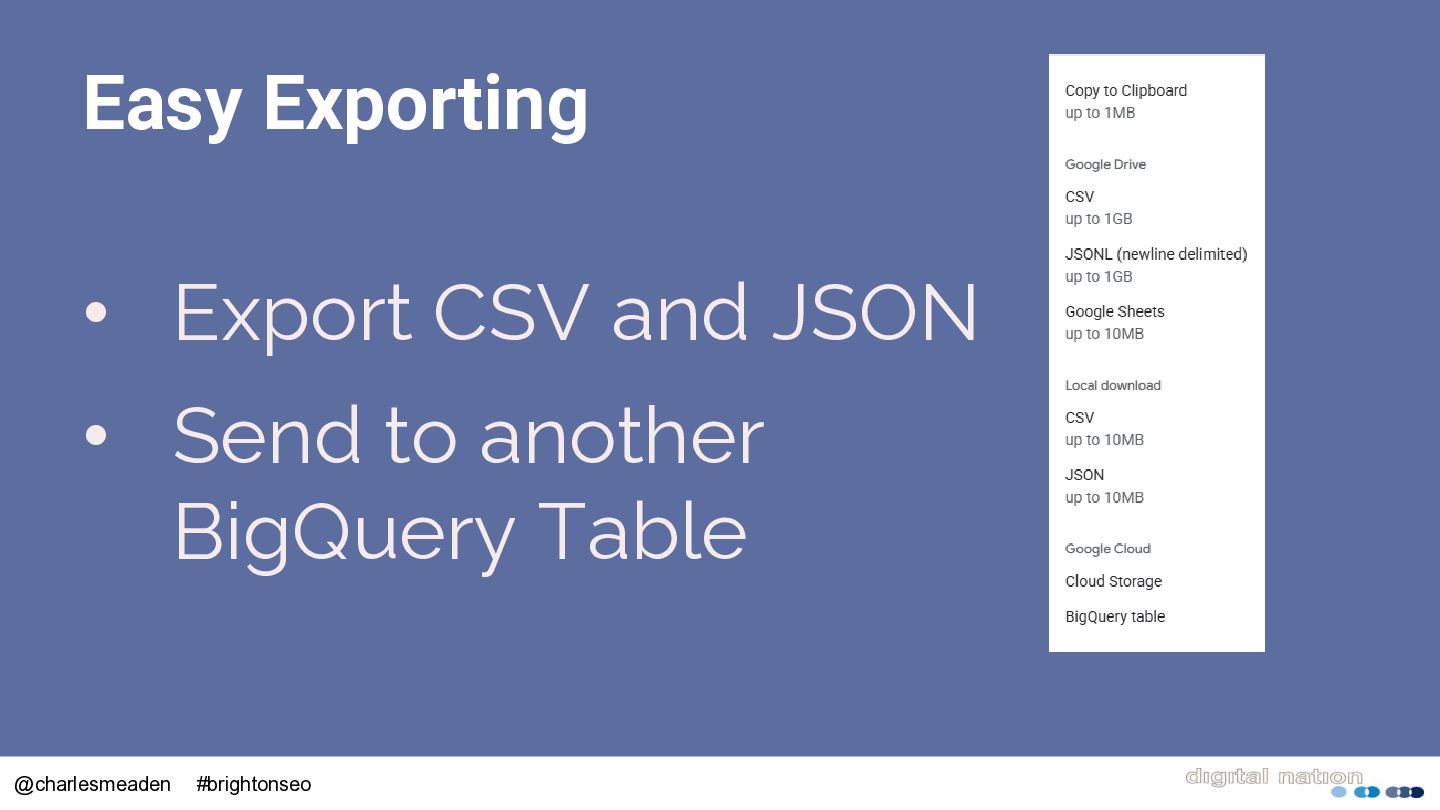
  15. Easy Exporting • Export CSV and JSON • Send to

    another BigQuery Table @charlesmeaden #brightonseo
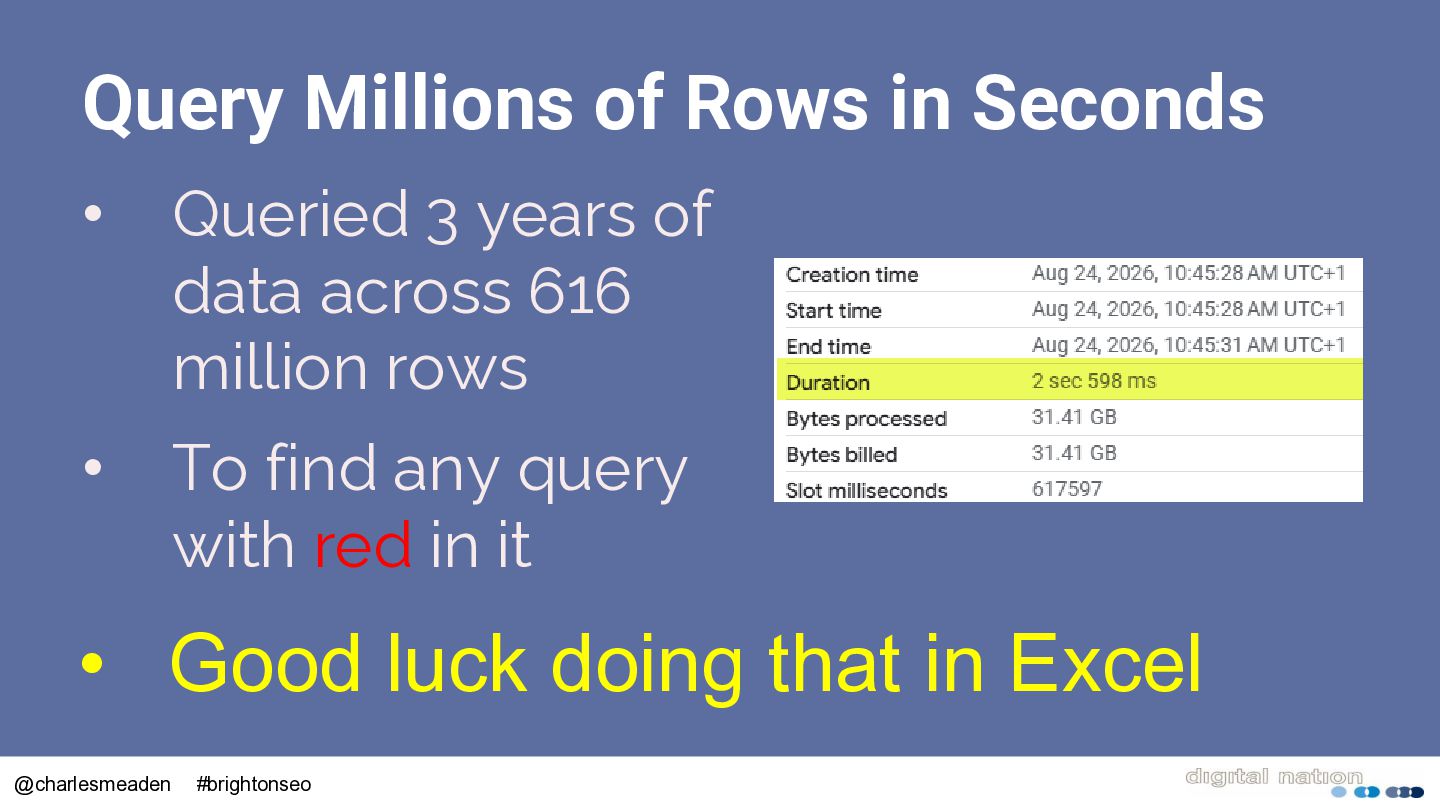
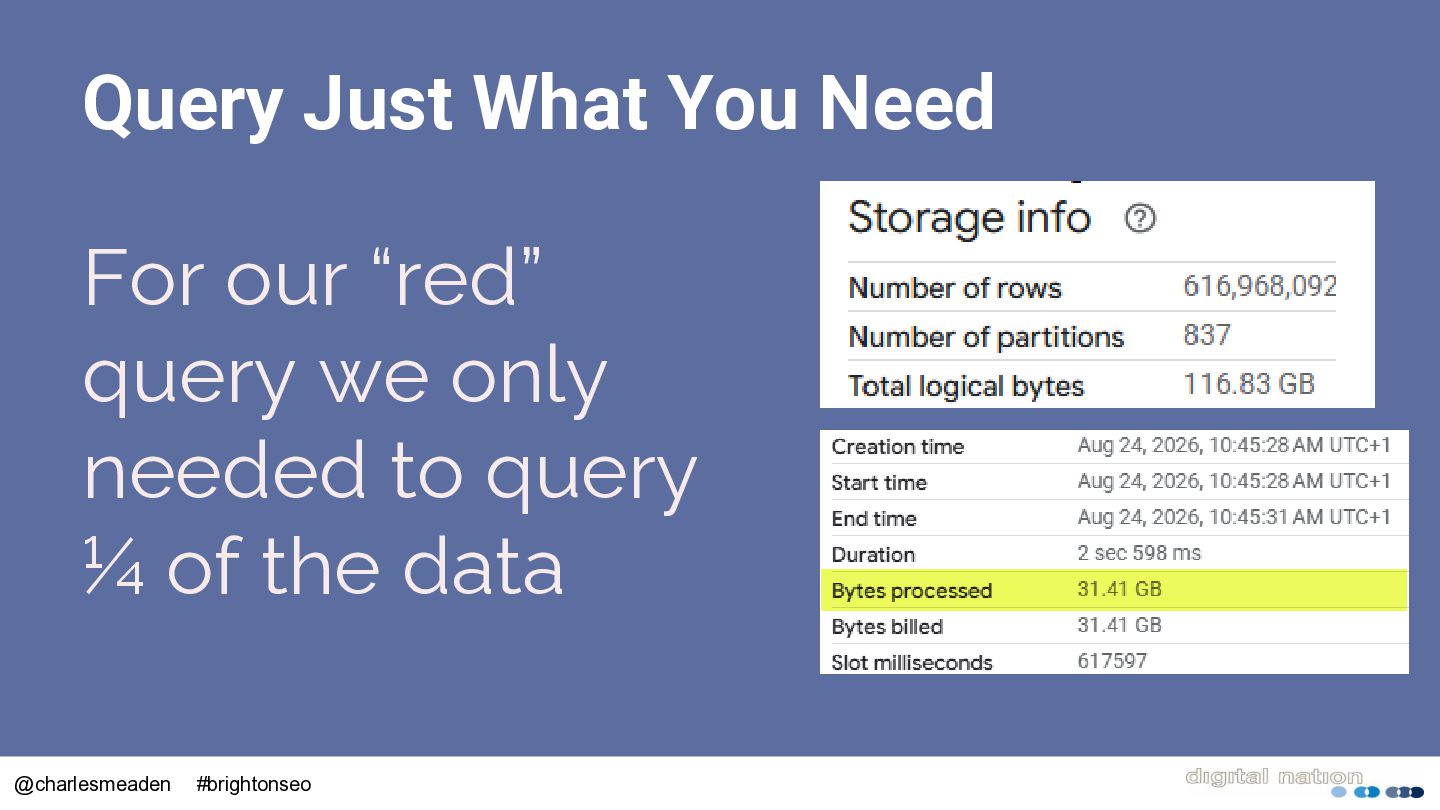
  16. Query Millions of Rows in Seconds • Queried 3 years

    of data across 616 million rows • To find any query with red in it • Good luck doing that in Excel @charlesmeaden #brightonseo
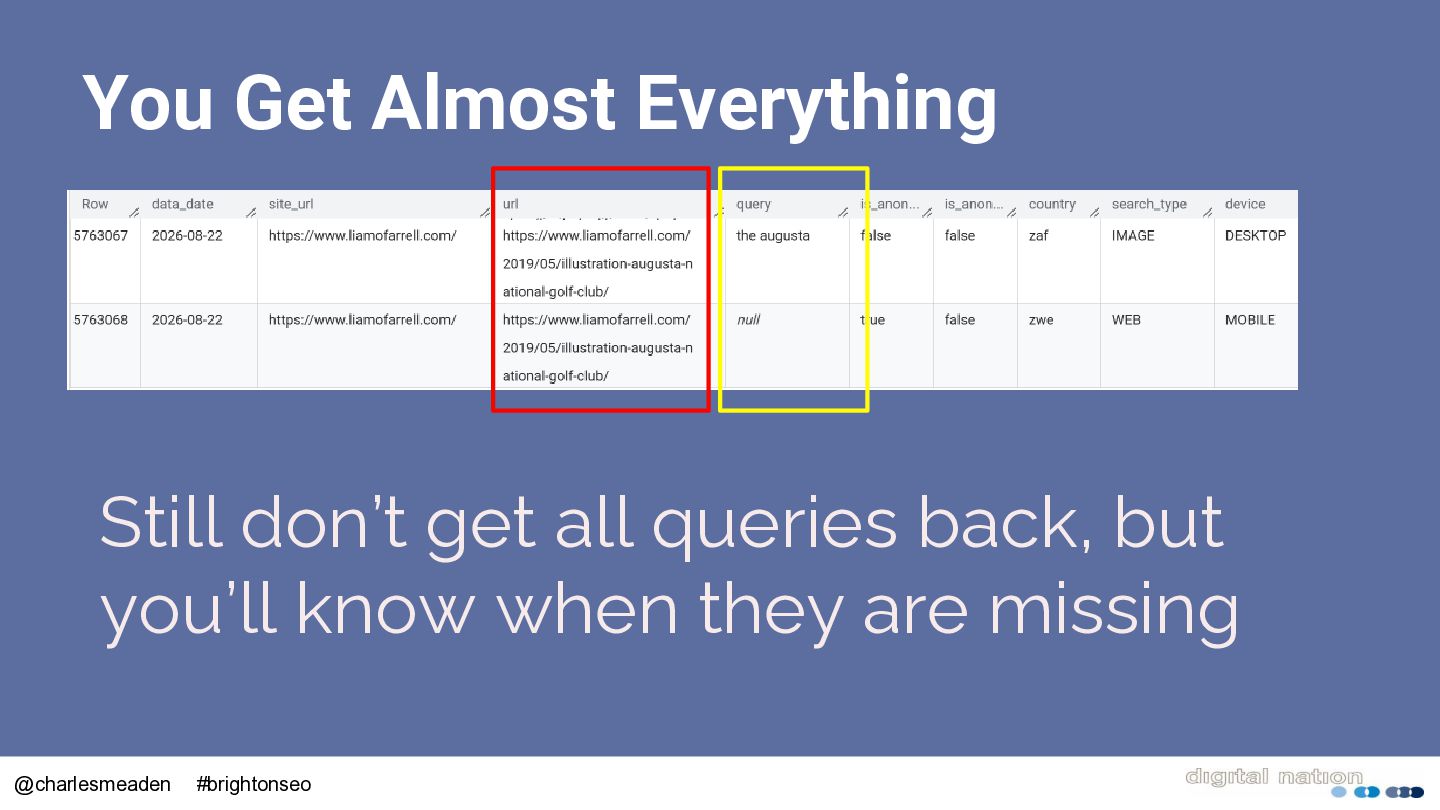
  17. You Get Almost Everything Still don’t get all queries back,

    but you’ll know when they are missing @charlesmeaden #brightonseo
  18. The Cost Is In The Querying • Each row contains

    44 columns • You don’t need to include everything @charlesmeaden #brightonseo
  19. Do I Need To Know SQL? • Just a little

    to get you started • If I can, you can • LLM’s are pretty good at helping • Ask them to comment the code @charlesmeaden #brightonseo
  20. Query Just What You Need For our “red” query we

    only needed to query ¼ of the data @charlesmeaden #brightonseo
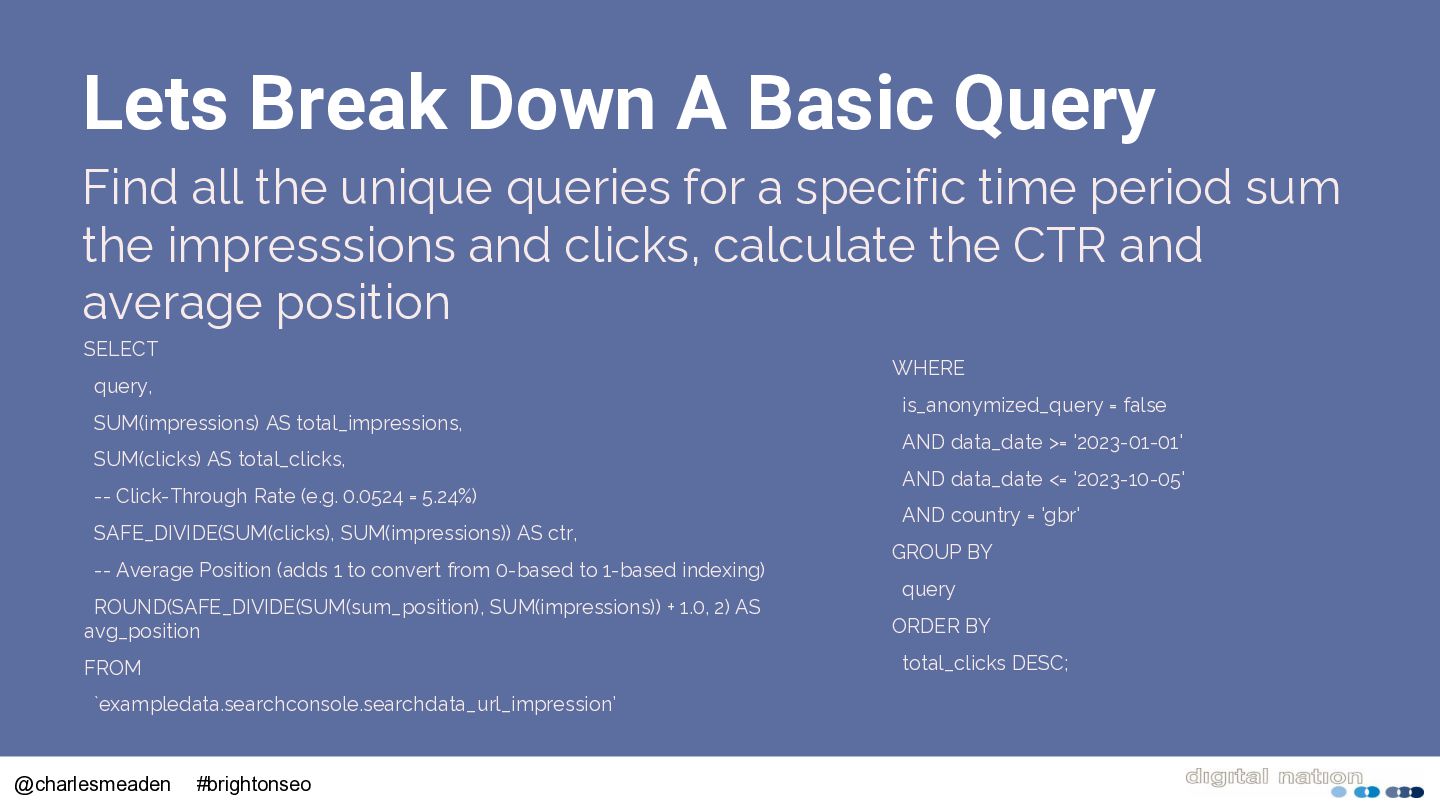
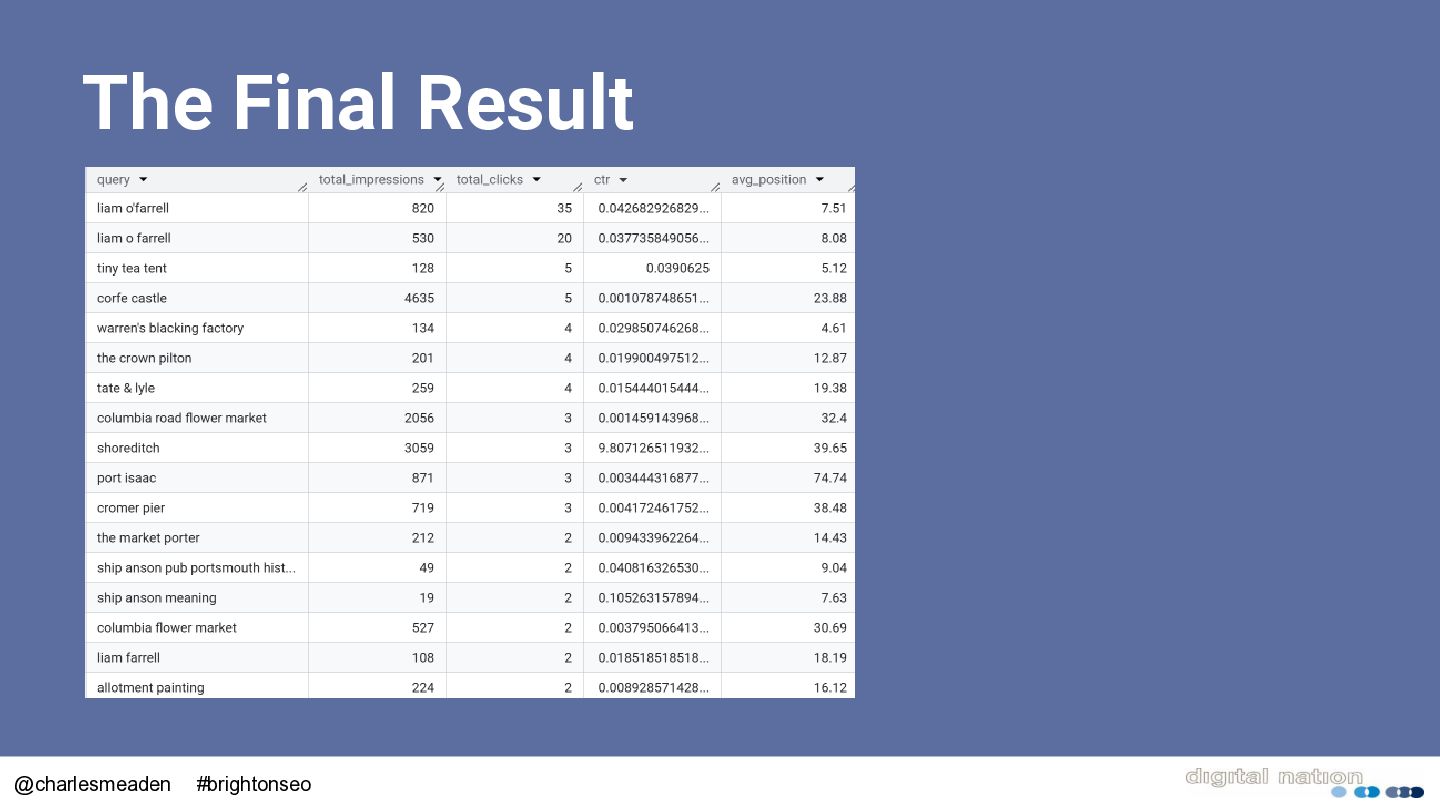
  21. Lets Break Down A Basic Query Find all the unique

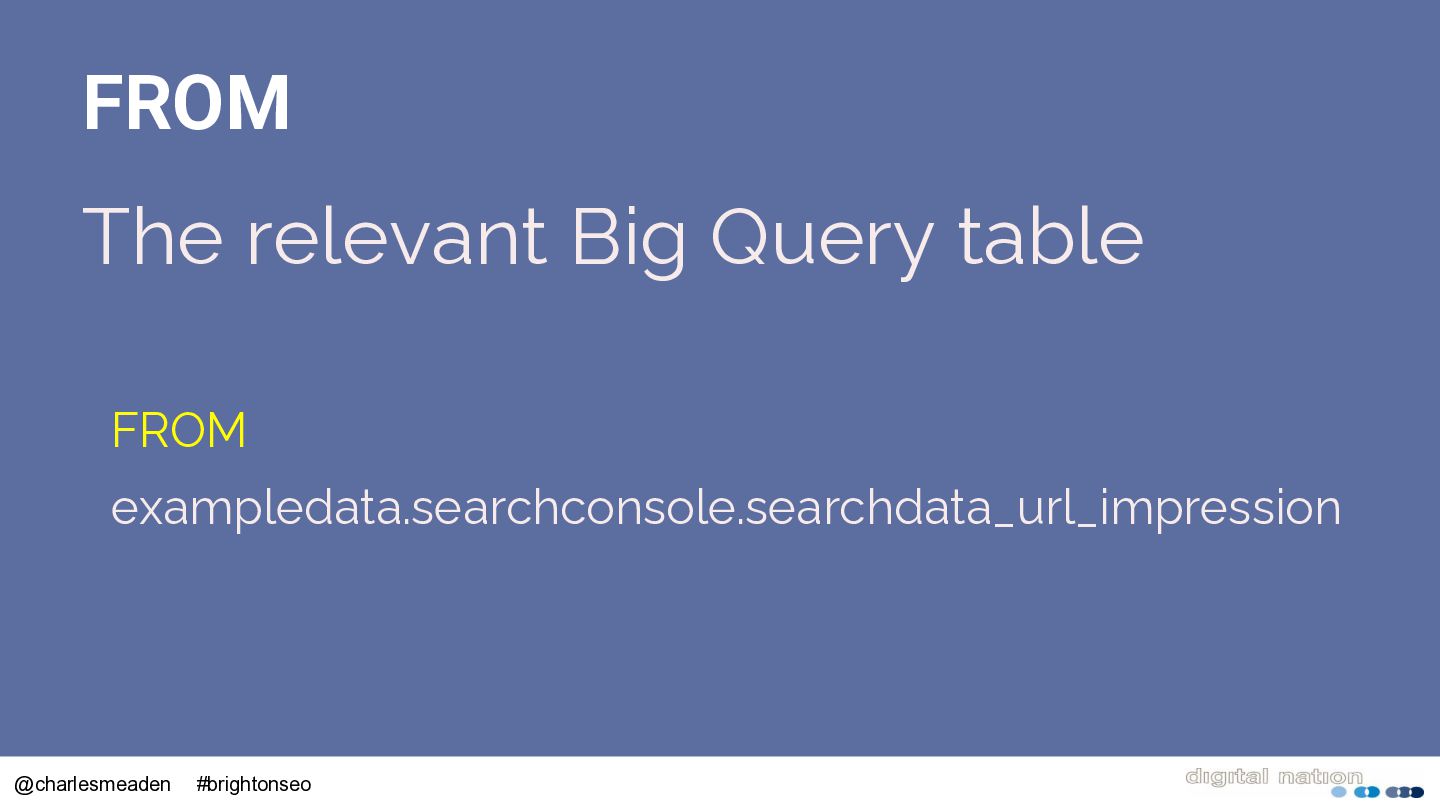
    queries for a specific time period sum the impresssions and clicks, calculate the CTR and average position SELECT WHERE query, SUM(impressions) AS total_impressions, SUM(clicks) AS total_clicks, -- Click-Through Rate (e.g. 0.0524 = 5.24%) SAFE_DIVIDE(SUM(clicks), SUM(impressions)) AS ctr, -- Average Position (adds 1 to convert from 0-based to 1-based indexing) is_anonymized_query = false AND data_date >= '2023-01-01' AND data_date <= '2023-10-05' AND country = 'gbr' GROUP BY query ROUND(SAFE_DIVIDE(SUM(sum_position), SUM(impressions)) + 1.0, 2) AS avg_position ORDER BY FROM total_clicks DESC; `exampledata.searchconsole.searchdata_url_impression’ @charlesmeaden #brightonseo
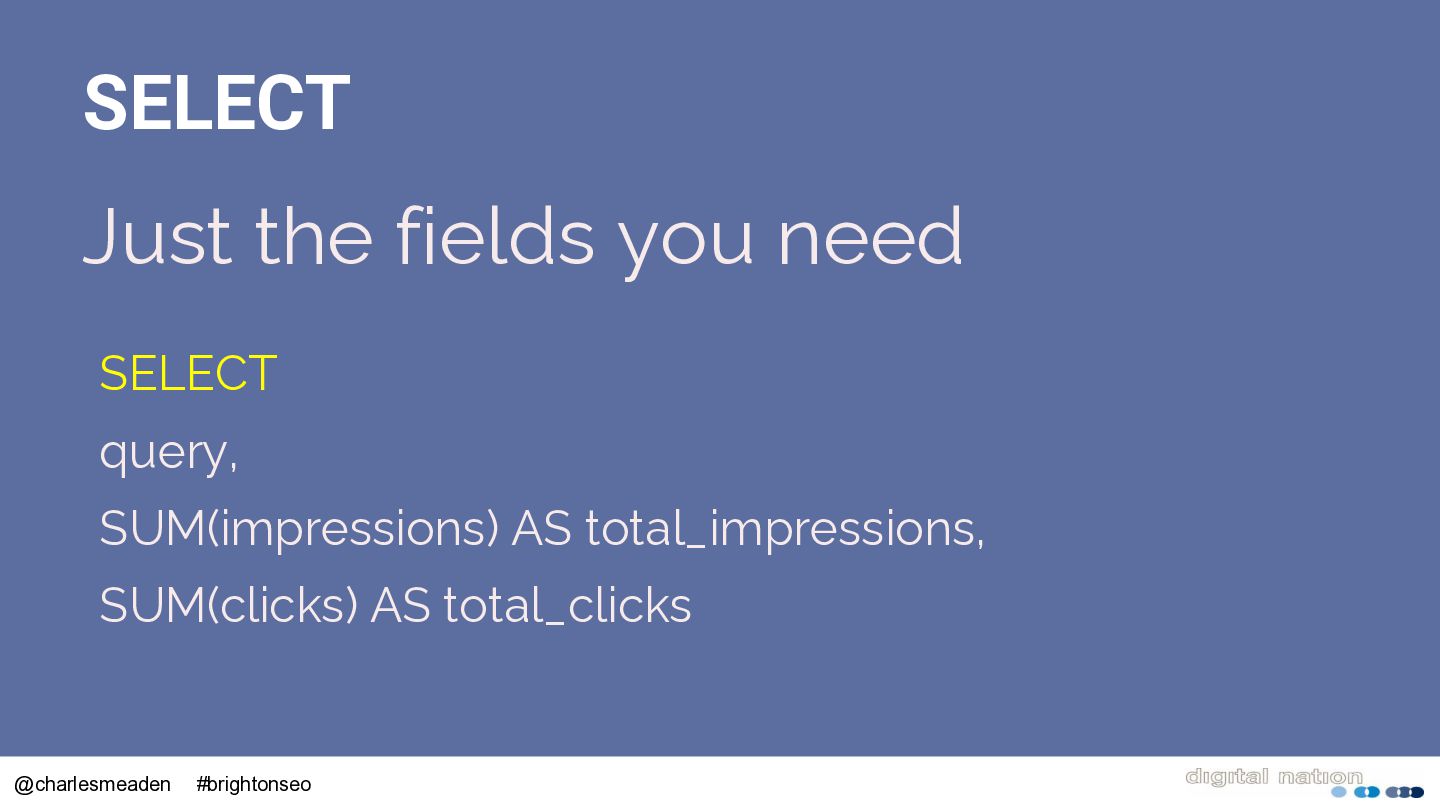
  22. SELECT Just the fields you need SELECT query, SUM(impressions) AS

    total_impressions, SUM(clicks) AS total_clicks @charlesmeaden #brightonseo
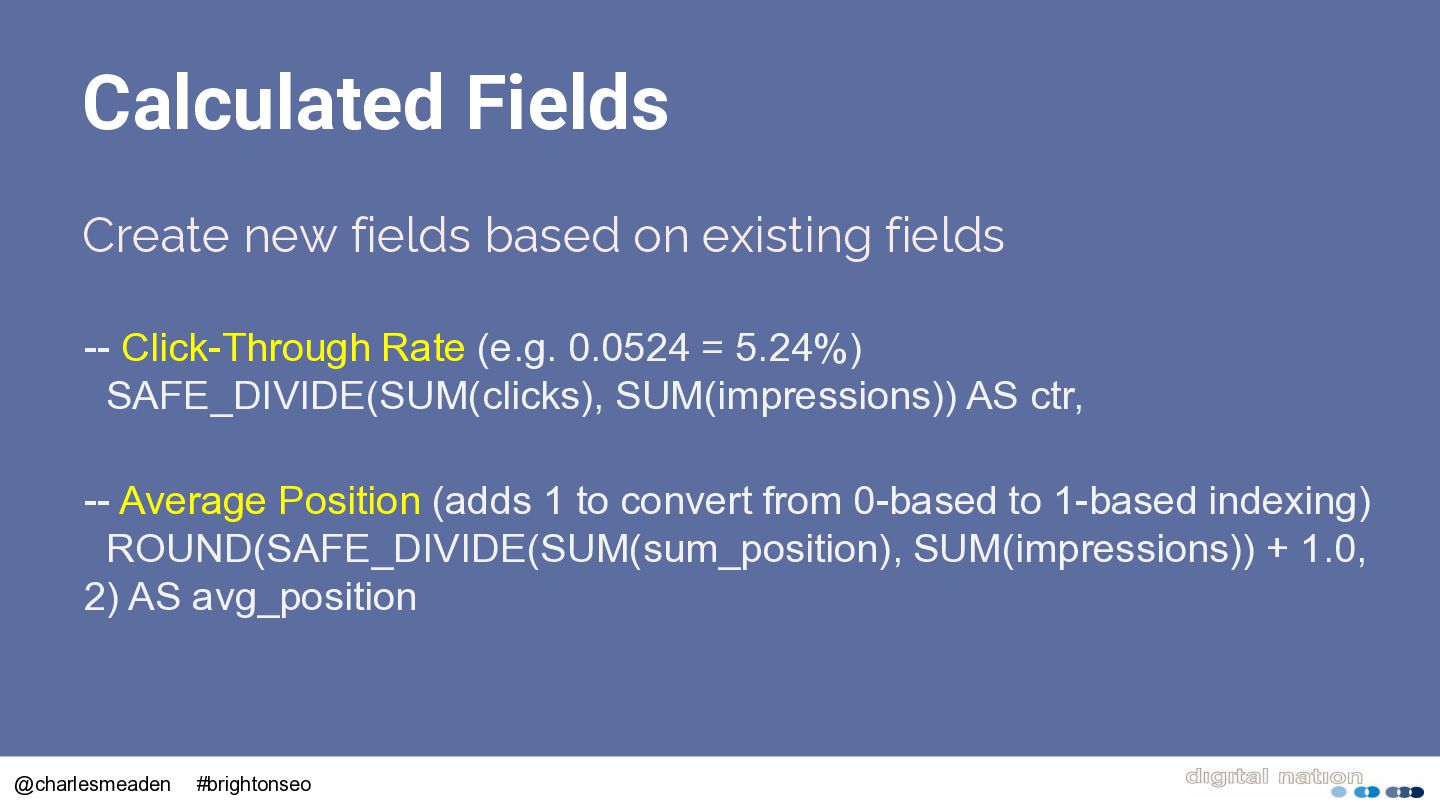
  23. Calculated Fields Create new fields based on existing fields --

    Click-Through Rate (e.g. 0.0524 = 5.24%) SAFE_DIVIDE(SUM(clicks), SUM(impressions)) AS ctr, -- Average Position (adds 1 to convert from 0-based to 1-based indexing) ROUND(SAFE_DIVIDE(SUM(sum_position), SUM(impressions)) + 1.0, 2) AS avg_position @charlesmeaden #brightonseo
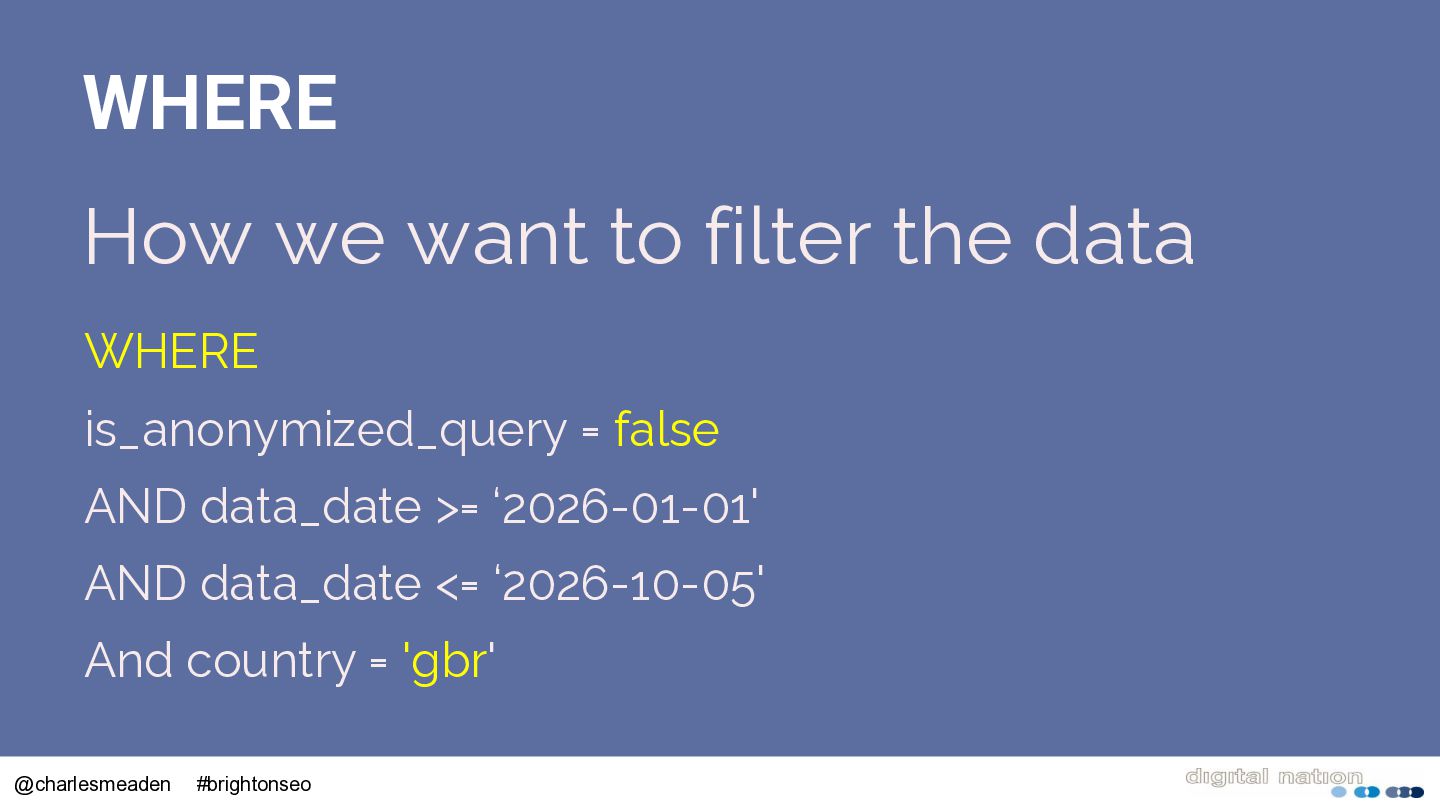
  24. WHERE How we want to filter the data WHERE is_anonymized_query

    = false AND data_date >= ‘2026-01-01' AND data_date <= ‘2026-10-05' And country = 'gbr' @charlesmeaden #brightonseo
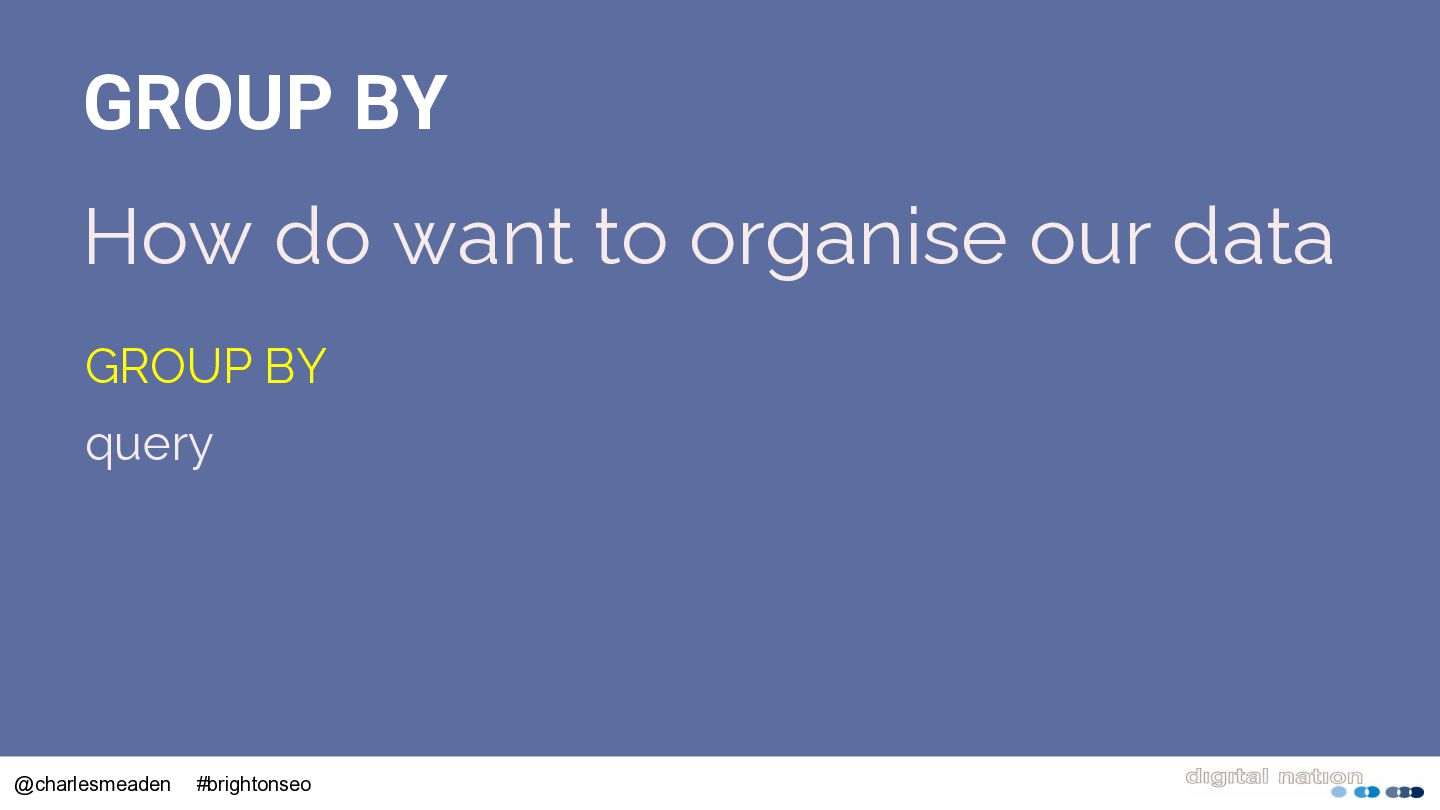
  25. GROUP BY How do want to organise our data GROUP

    BY query @charlesmeaden #brightonseo
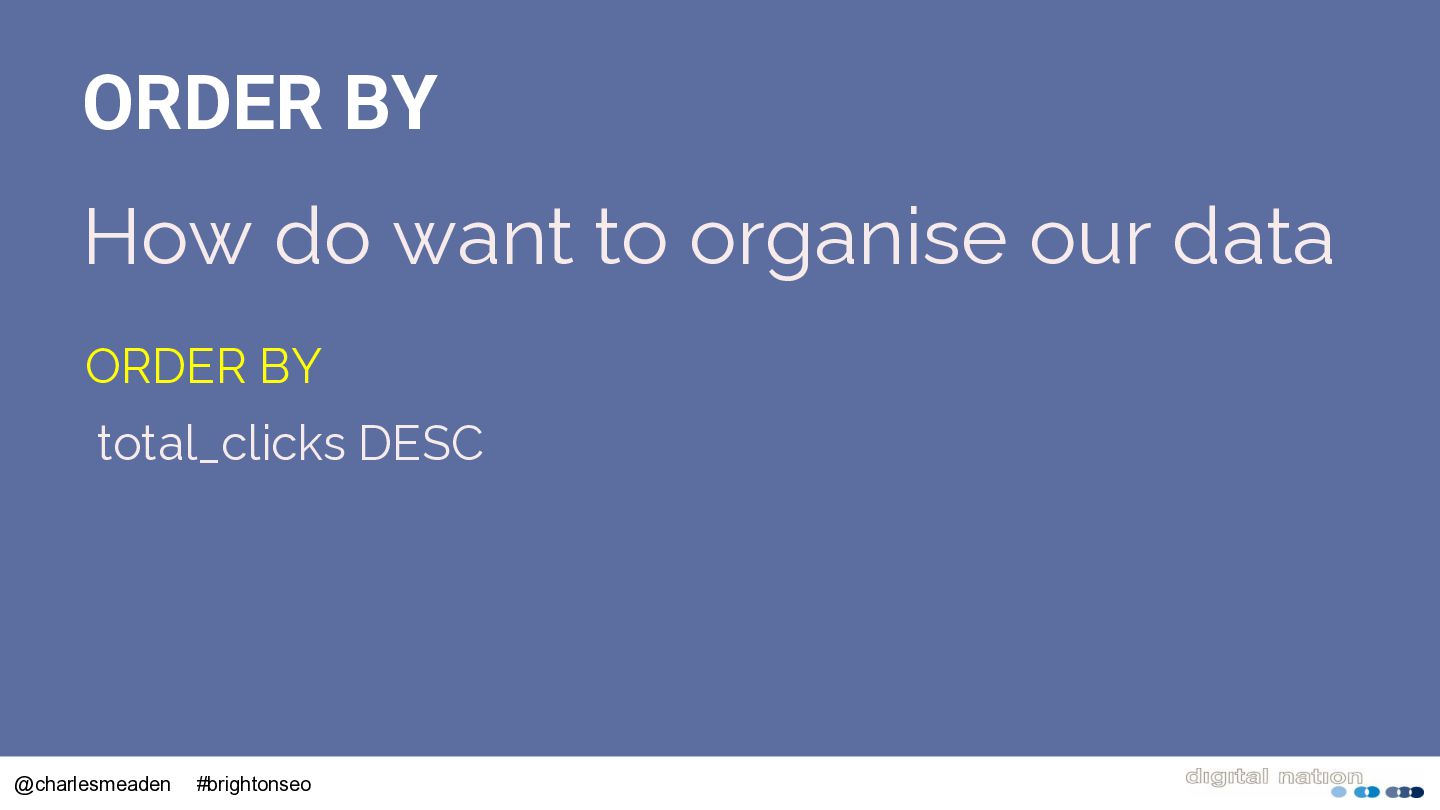
  26. ORDER BY How do want to organise our data ORDER

    BY total_clicks DESC @charlesmeaden #brightonseo
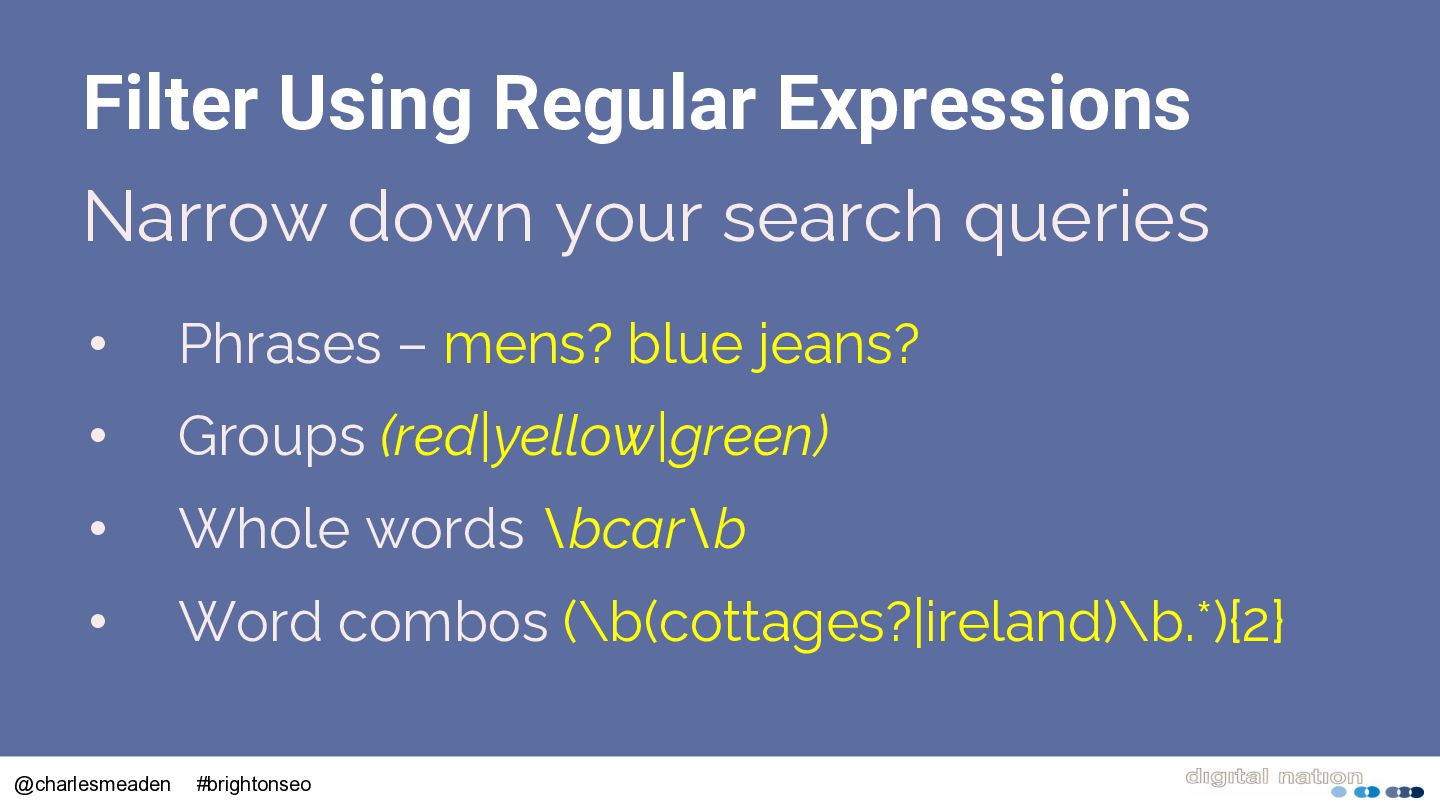
  27. Filter Using Regular Expressions Narrow down your search queries •

    Phrases – mens? blue jeans? • Groups (red|yellow|green) • Whole words \bcar\b • Word combos (\b(cottages?|ireland)\b.*){2} @charlesmeaden #brightonseo
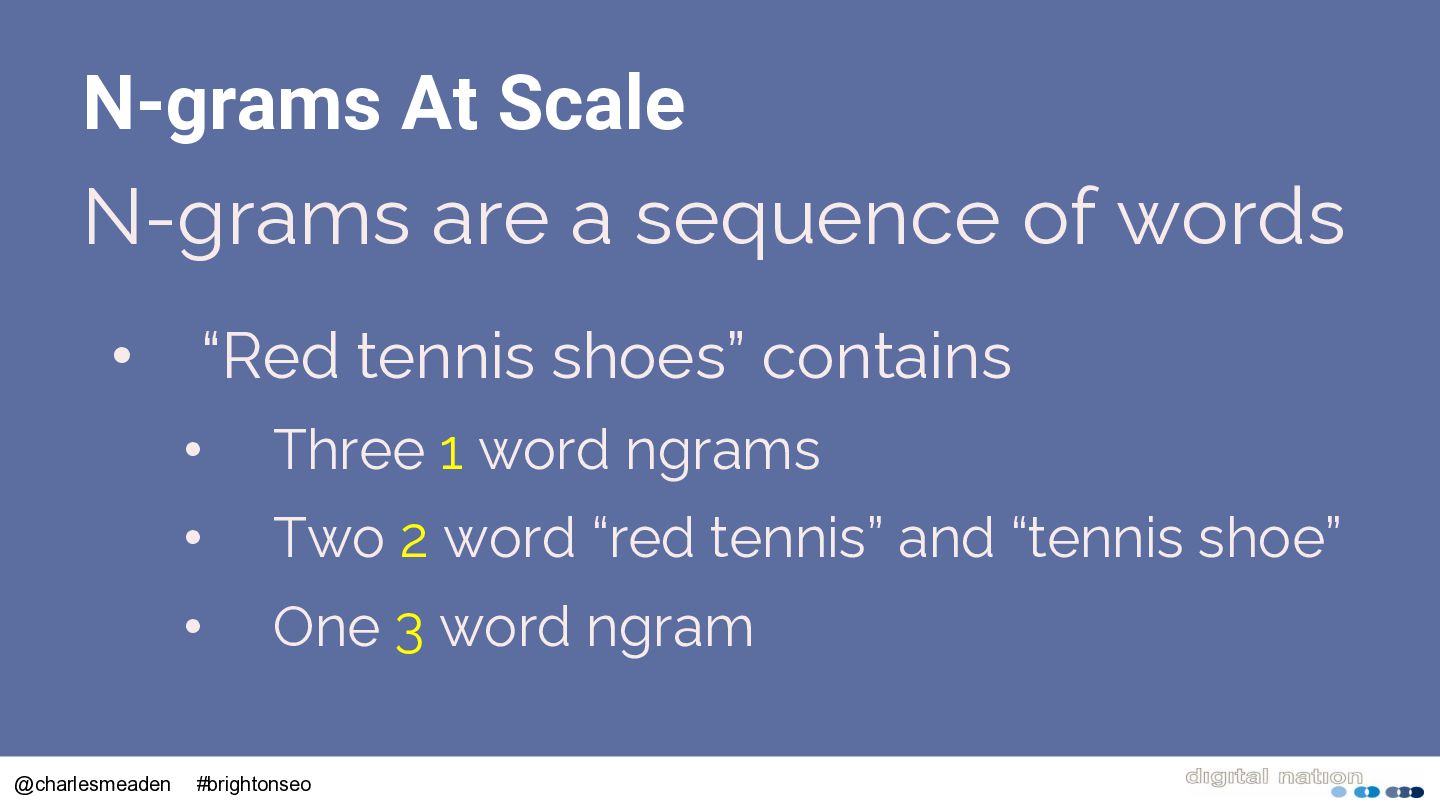
  28. N-grams At Scale N-grams are a sequence of words •

    @charlesmeaden “Red tennis shoes” contains • Three 1 word ngrams • Two 2 word “red tennis” and “tennis shoe” • One 3 word ngram #brightonseo
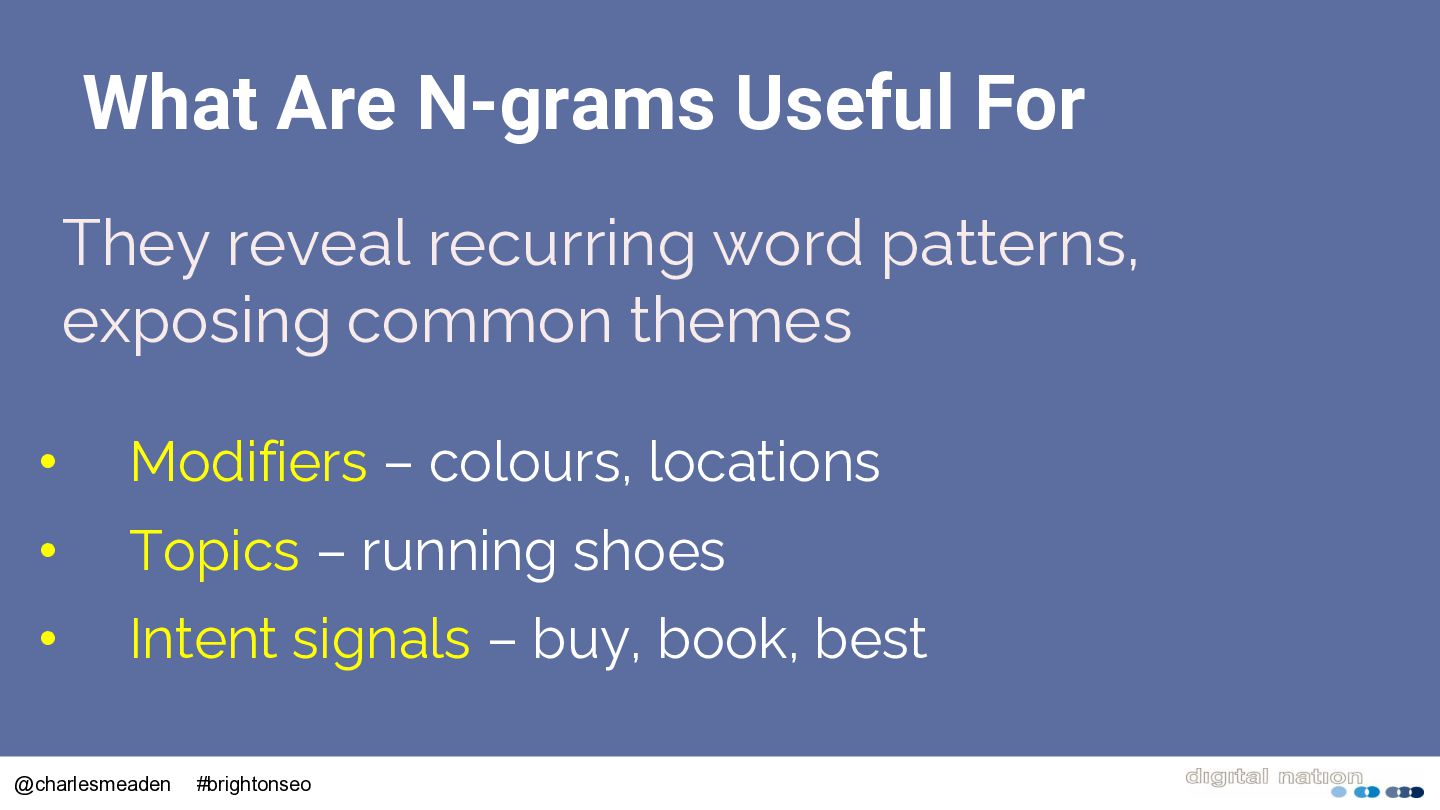
  29. What Are N-grams Useful For They reveal recurring word patterns,

    exposing common themes • Modifiers – colours, locations • Topics – running shoes • Intent signals – buy, book, best @charlesmeaden #brightonseo
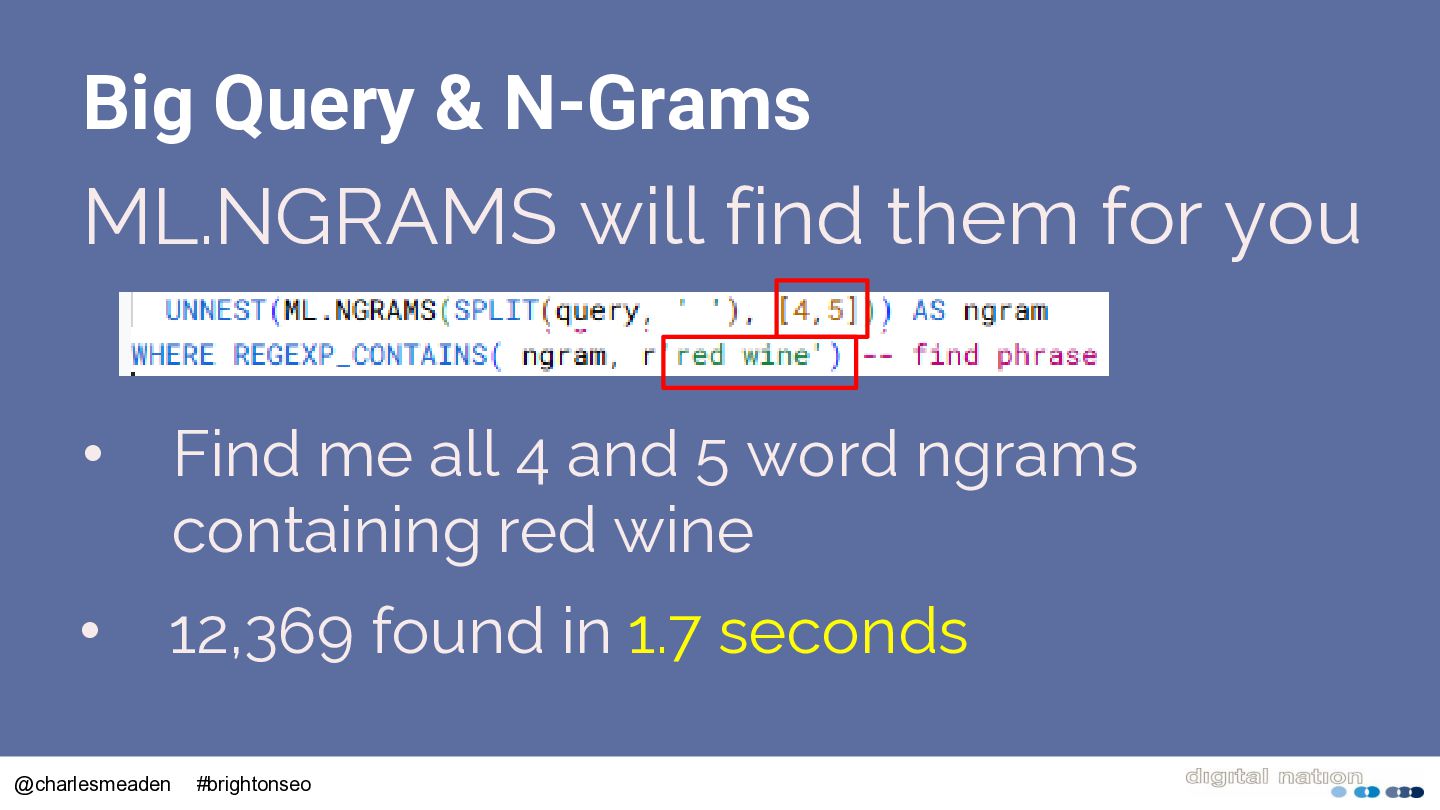
  30. Big Query & N-Grams ML.NGRAMS will find them for you

    • Find me all 4 and 5 word ngrams containing red wine • 12,369 found in 1.7 seconds @charlesmeaden #brightonseo
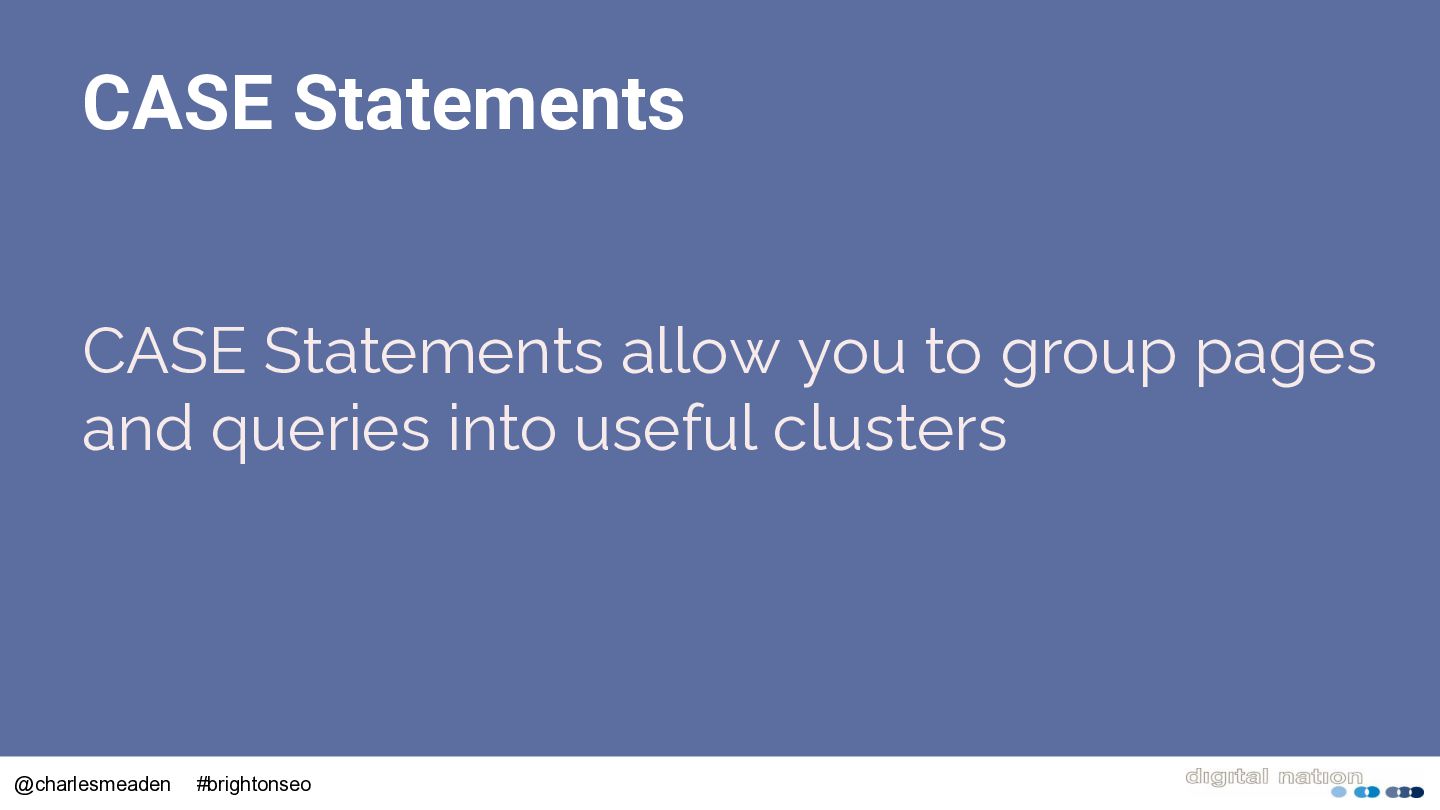
  31. CASE Statements CASE Statements allow you to group pages and

    queries into useful clusters @charlesmeaden #brightonseo
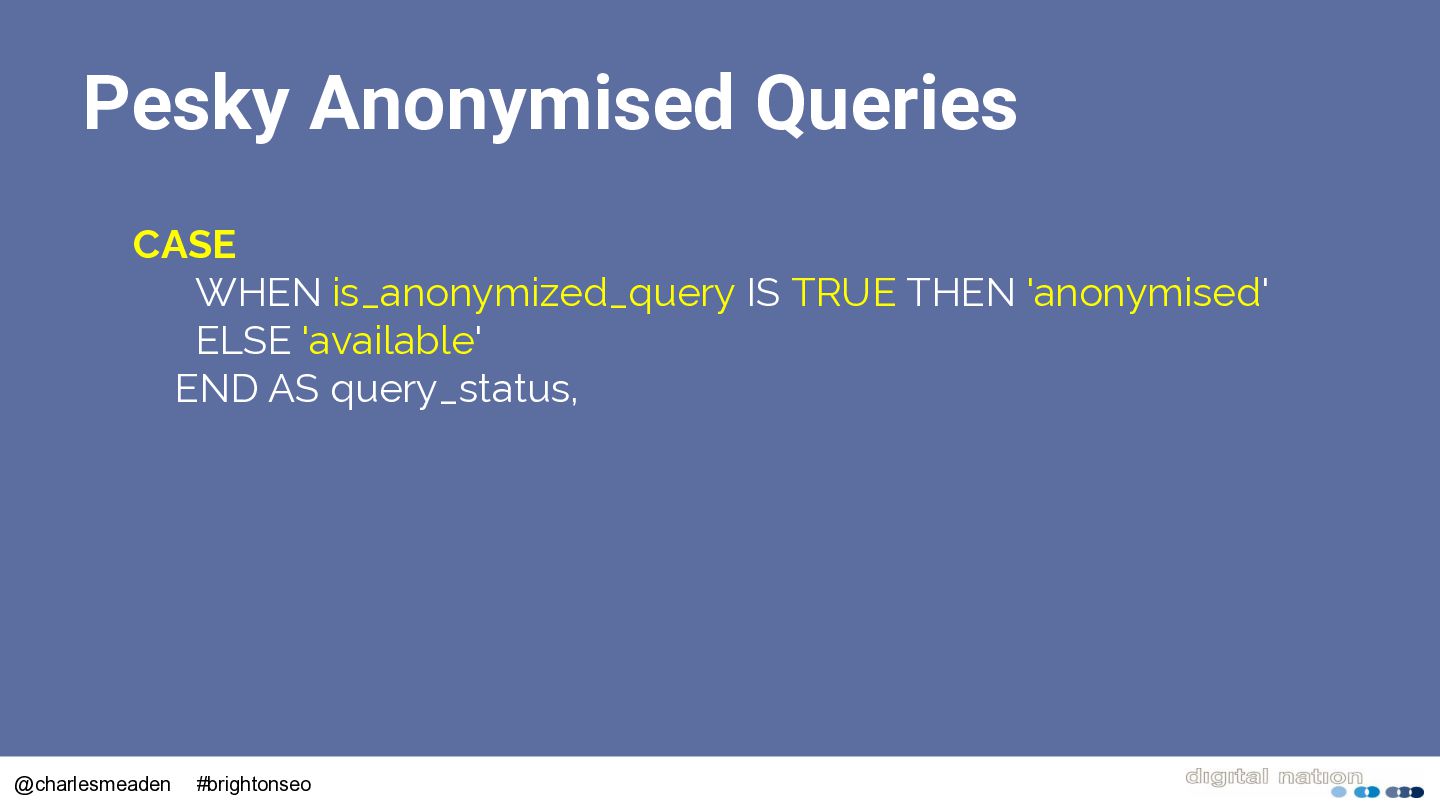
  32. Pesky Anonymised Queries CASE WHEN is_anonymized_query IS TRUE THEN 'anonymised'

    ELSE 'available' END AS query_status, @charlesmeaden #brightonseo
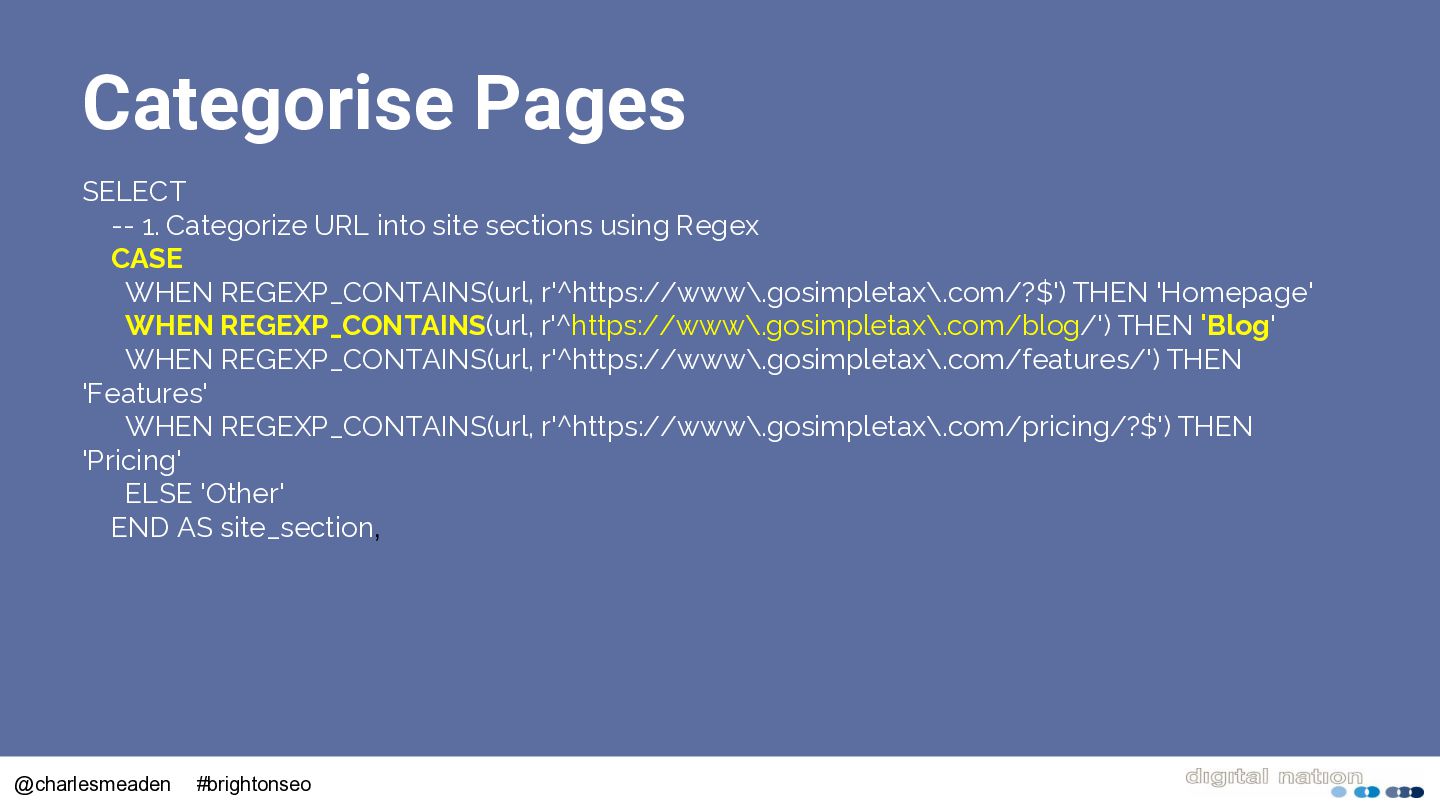
  33. Categorise Pages SELECT -- 1. Categorize URL into site sections

    using Regex CASE WHEN REGEXP_CONTAINS(url, r'^https://www\.gosimpletax\.com/?$') THEN 'Homepage' WHEN REGEXP_CONTAINS(url, r'^https://www\.gosimpletax\.com/blog/') THEN 'Blog' WHEN REGEXP_CONTAINS(url, r'^https://www\.gosimpletax\.com/features/') THEN 'Features' WHEN REGEXP_CONTAINS(url, r'^https://www\.gosimpletax\.com/pricing/?$') THEN 'Pricing' ELSE 'Other' END AS site_section, @charlesmeaden #brightonseo
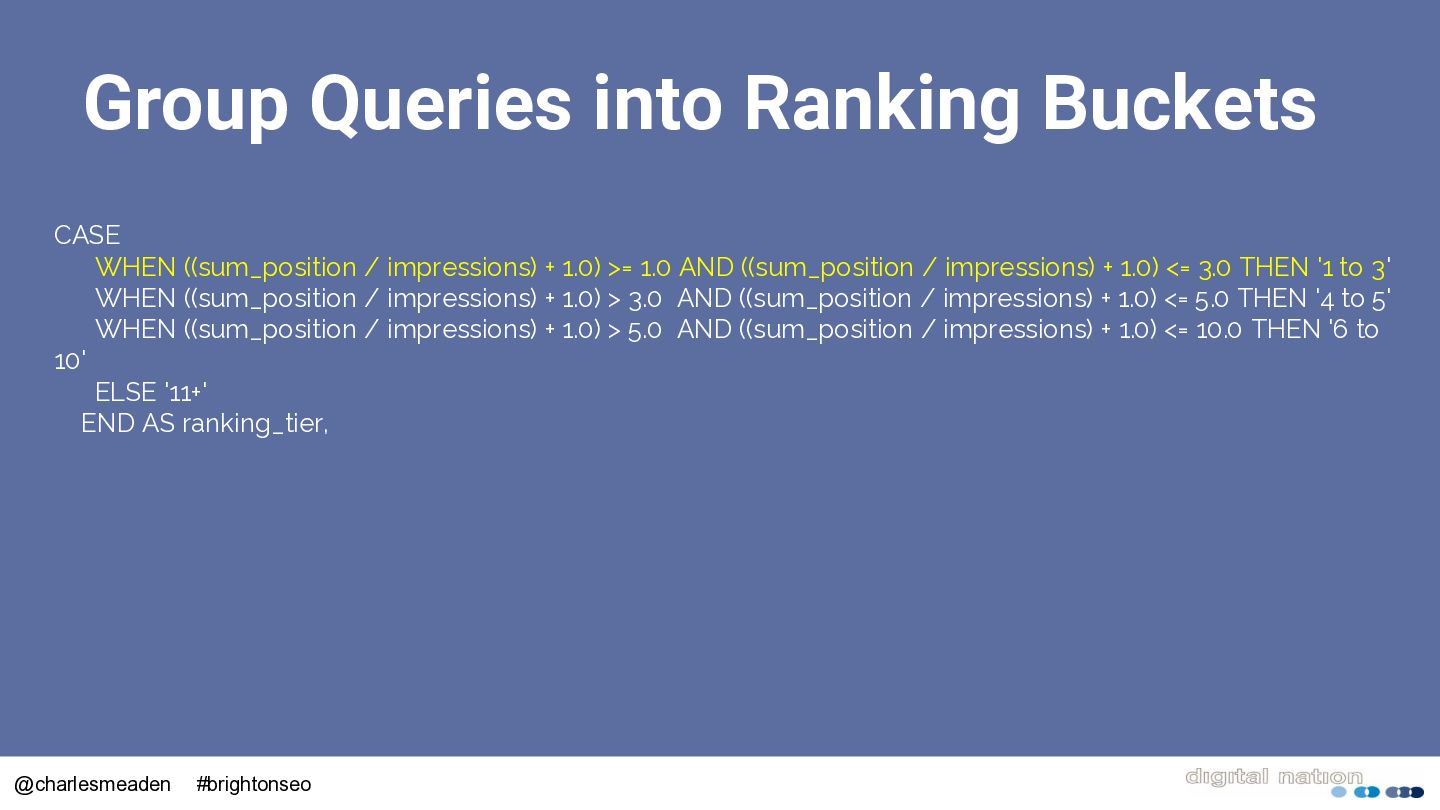
  34. Group Queries into Ranking Buckets CASE WHEN ((sum_position / impressions)

    + 1.0) >= 1.0 AND ((sum_position / impressions) + 1.0) <= 3.0 THEN '1 to 3' WHEN ((sum_position / impressions) + 1.0) > 3.0 AND ((sum_position / impressions) + 1.0) <= 5.0 THEN '4 to 5' WHEN ((sum_position / impressions) + 1.0) > 5.0 AND ((sum_position / impressions) + 1.0) <= 10.0 THEN '6 to 10' ELSE '11+' END AS ranking_tier, @charlesmeaden #brightonseo
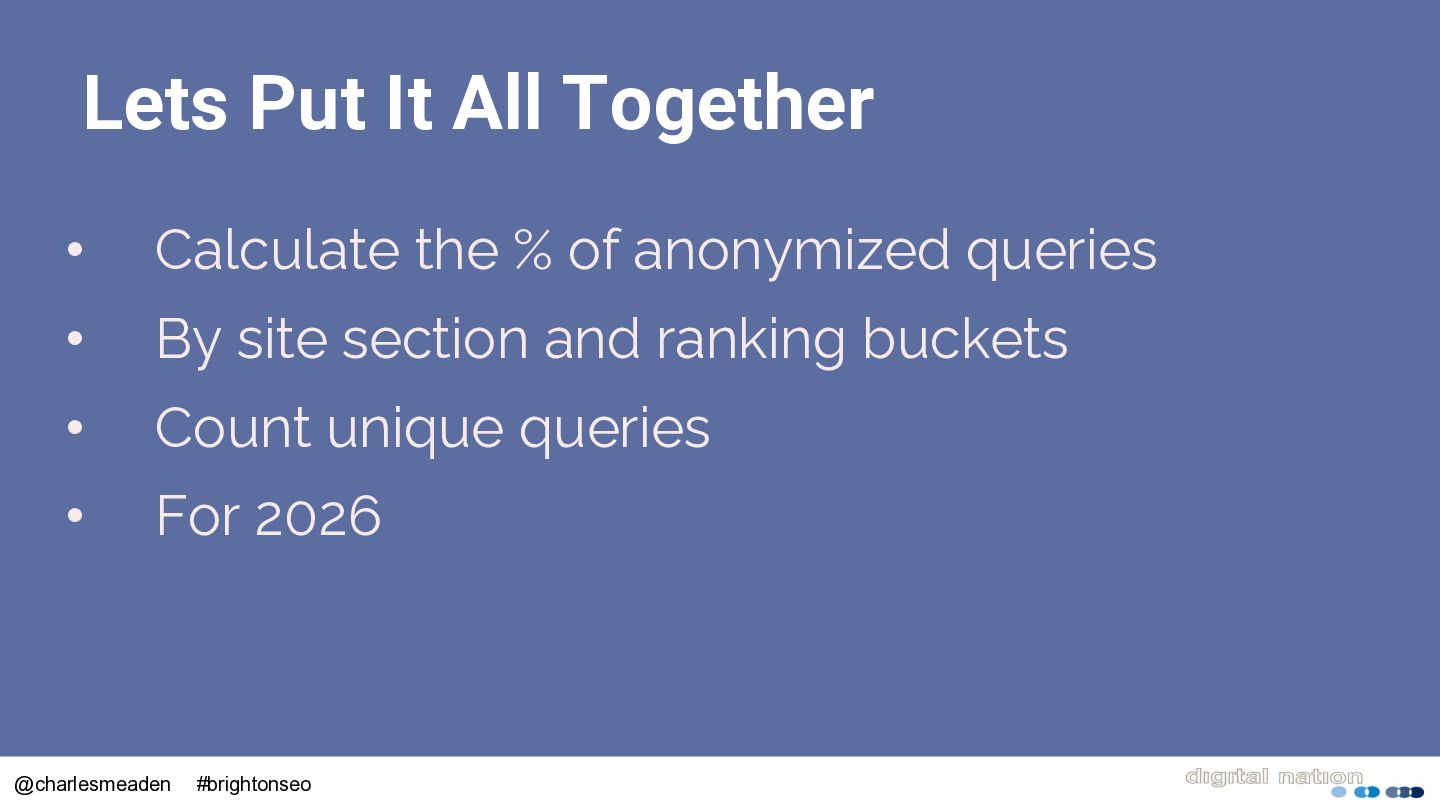
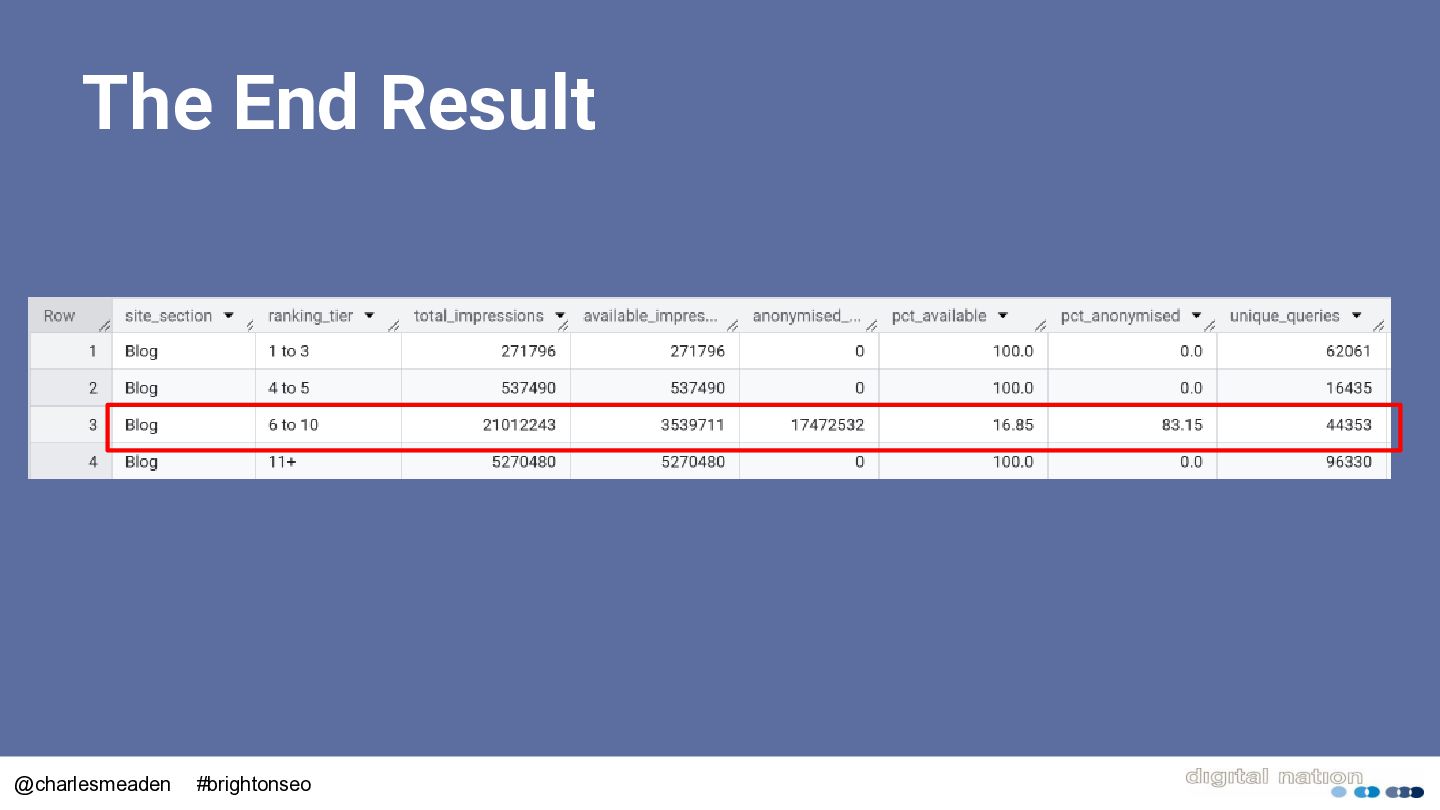
  35. Lets Put It All Together • Calculate the % of

    anonymized queries • By site section and ranking buckets • Count unique queries • For 2026 @charlesmeaden #brightonseo
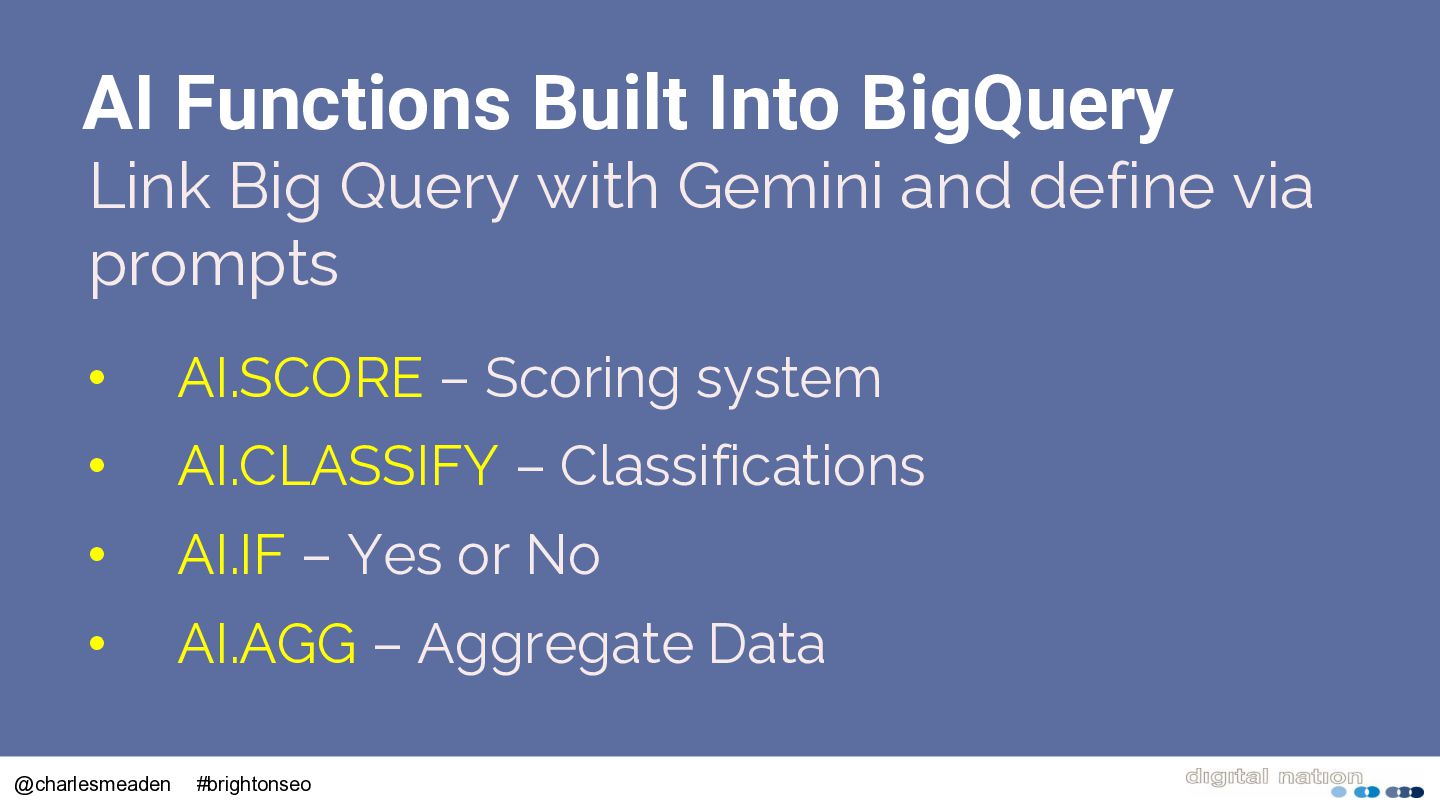
  36. AI Functions Built Into BigQuery Link Big Query with Gemini

    and define via prompts • AI.SCORE – Scoring system • AI.CLASSIFY – Classifications • AI.IF – Yes or No • AI.AGG – Aggregate Data @charlesmeaden #brightonseo
  37. To Get 100 Free Google Scrapes The sky above the

    port was the color of television, tuned to a dead channel @charlesmeaden #brightonseo