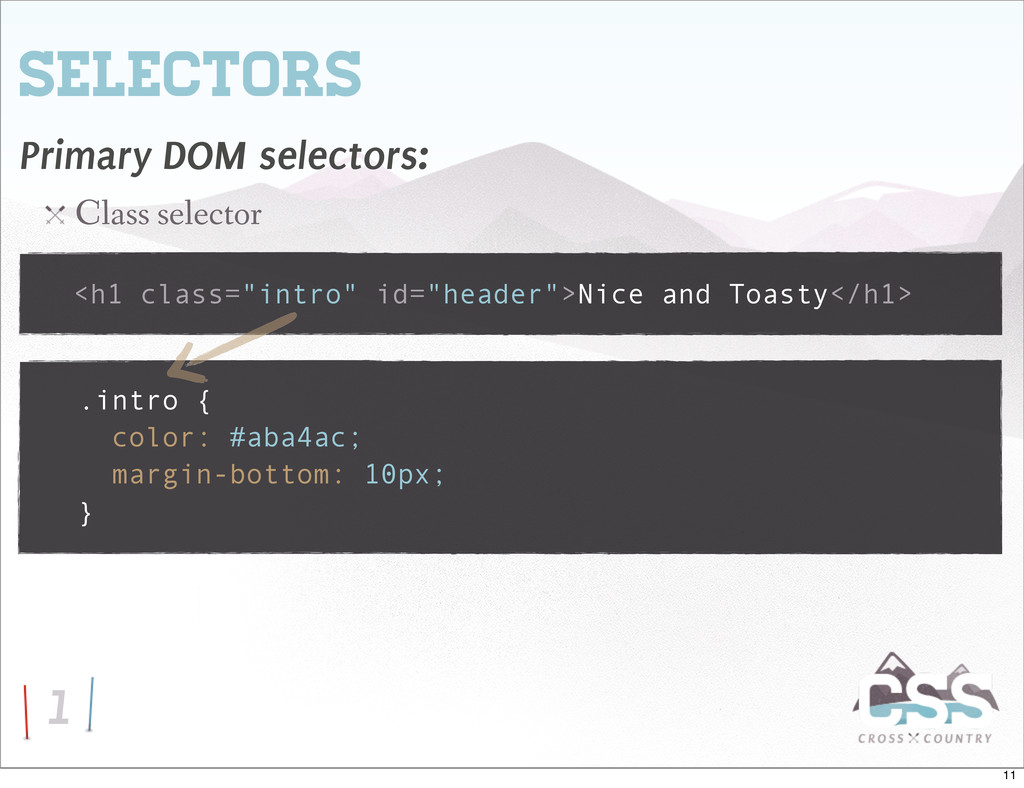
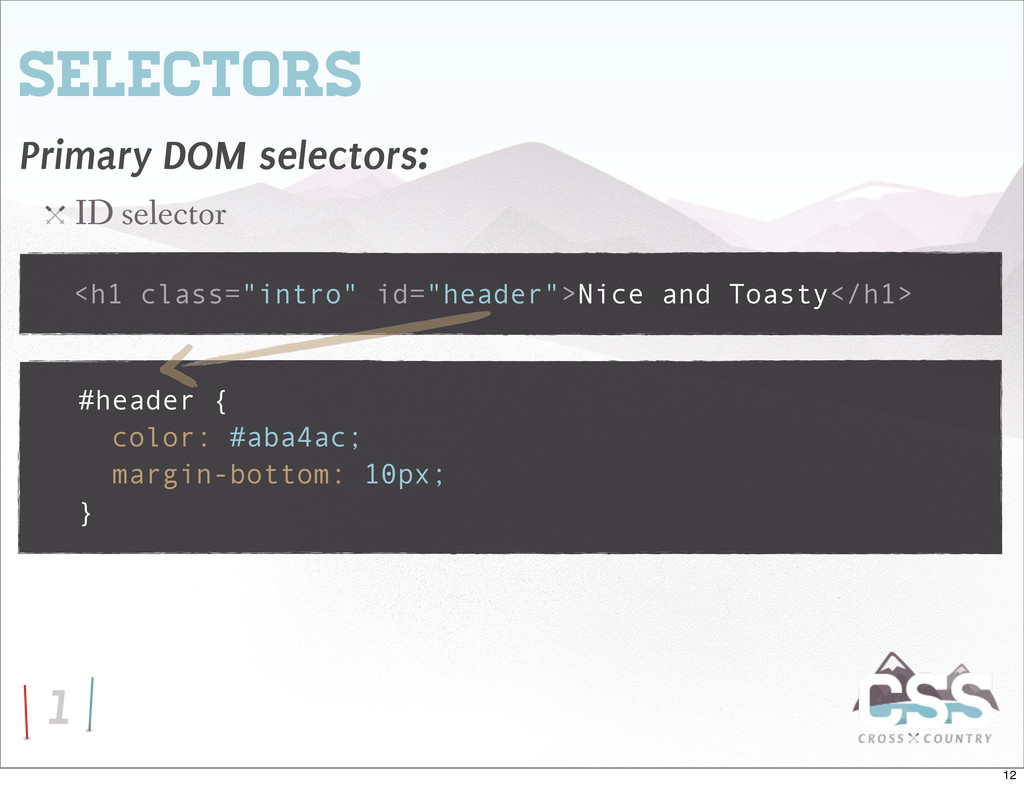
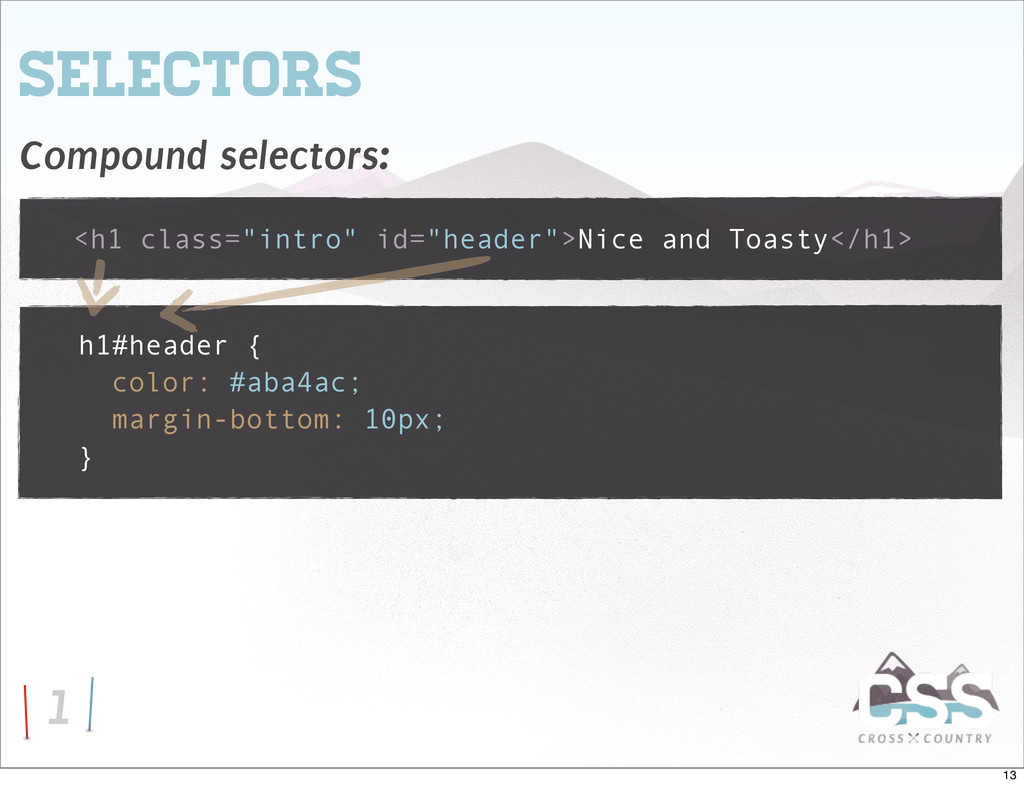
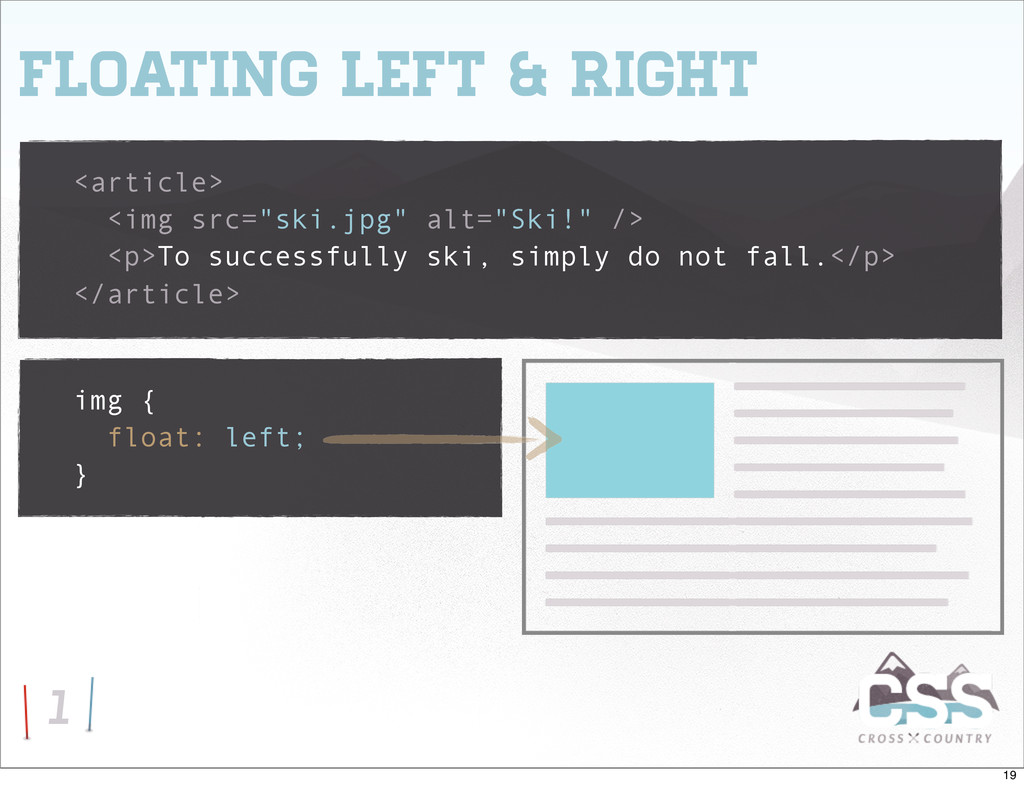
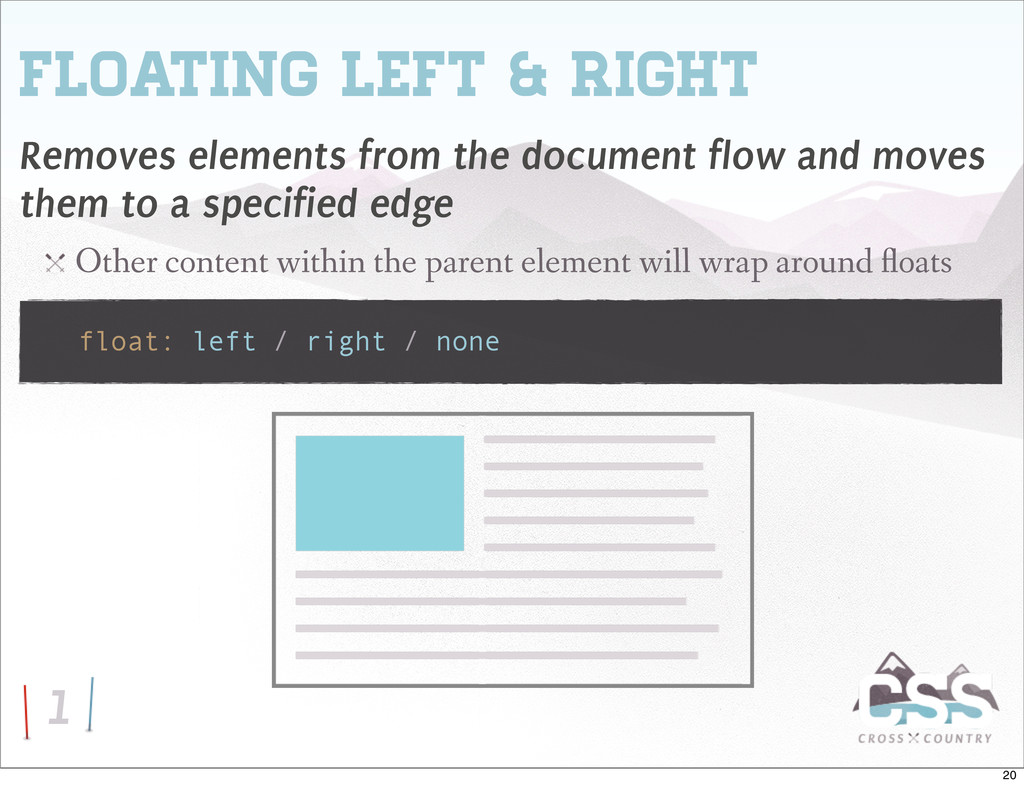
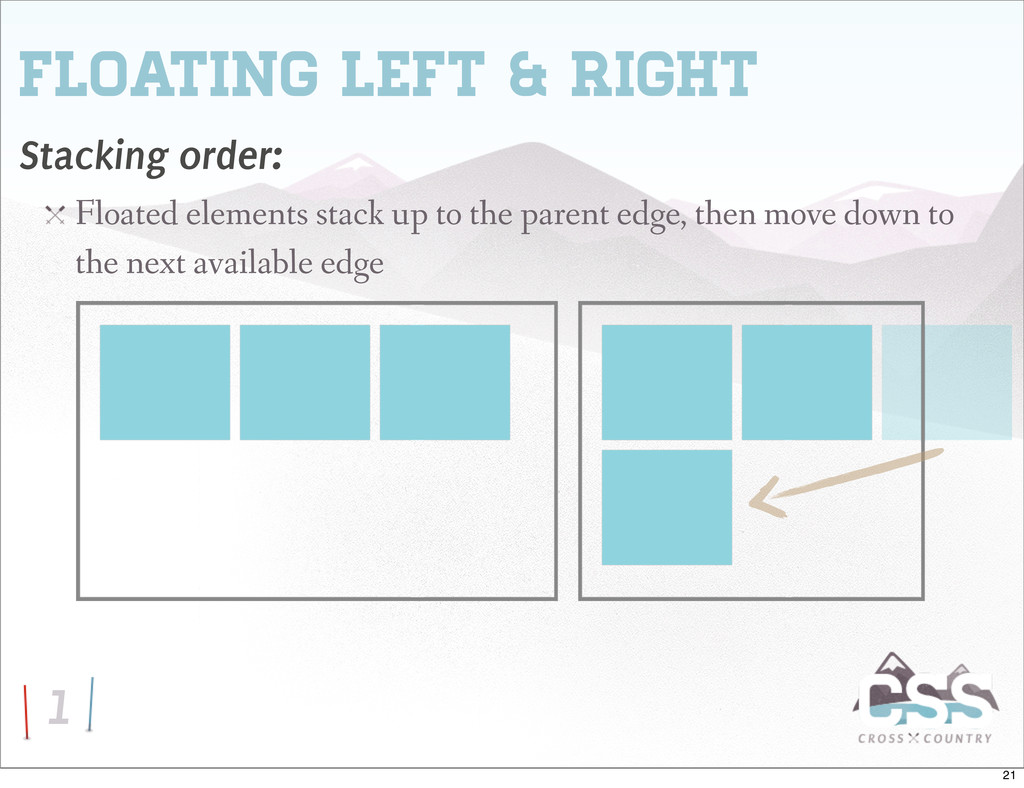
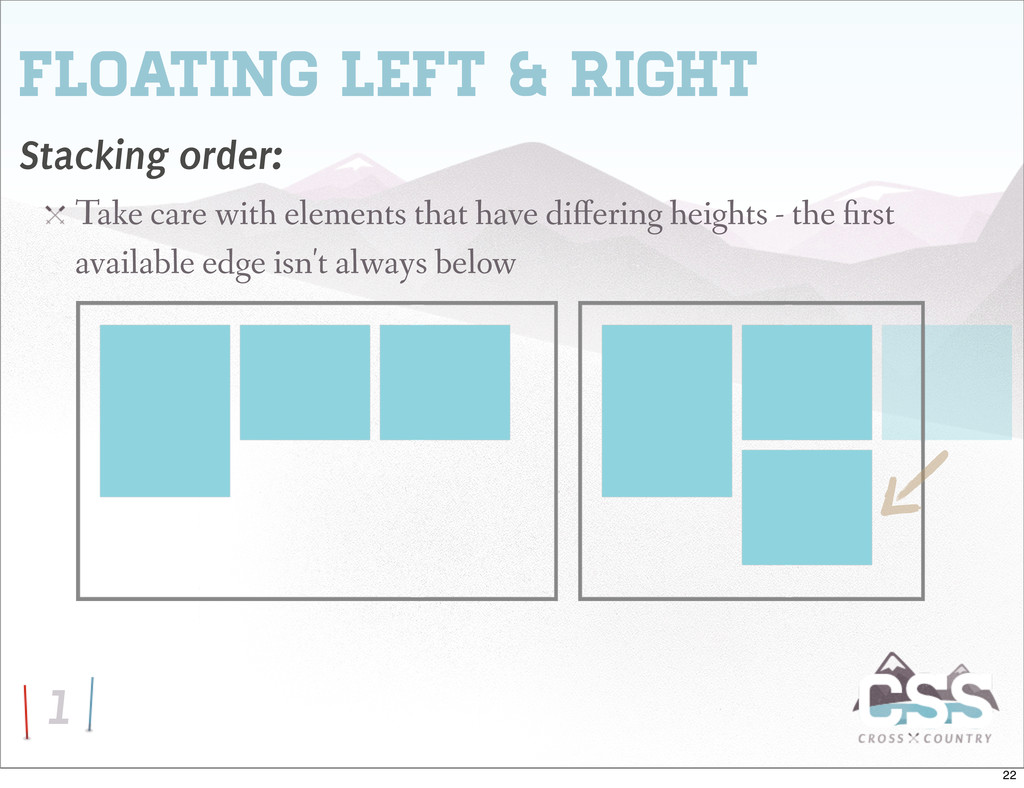
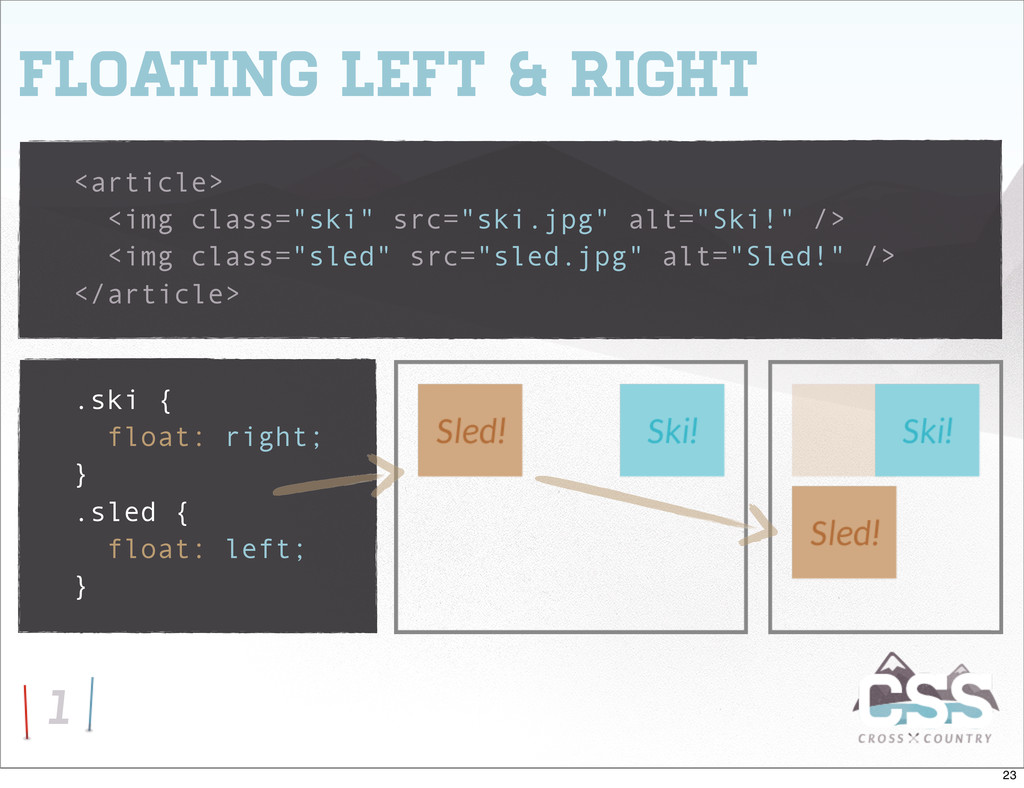
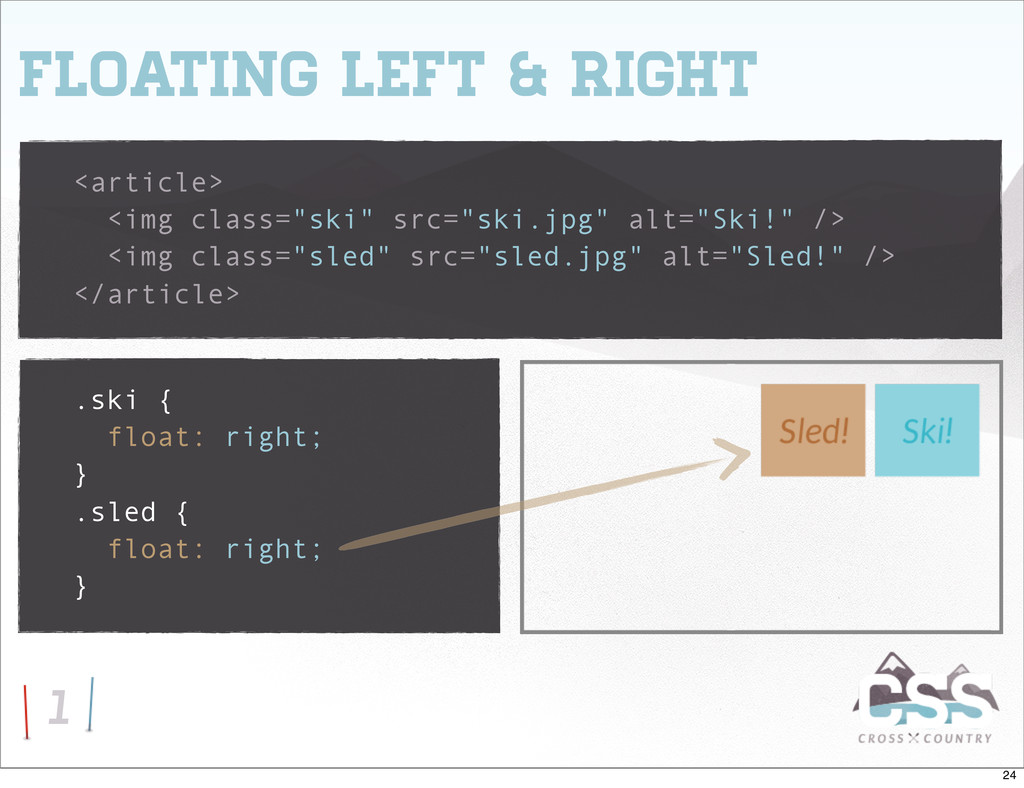
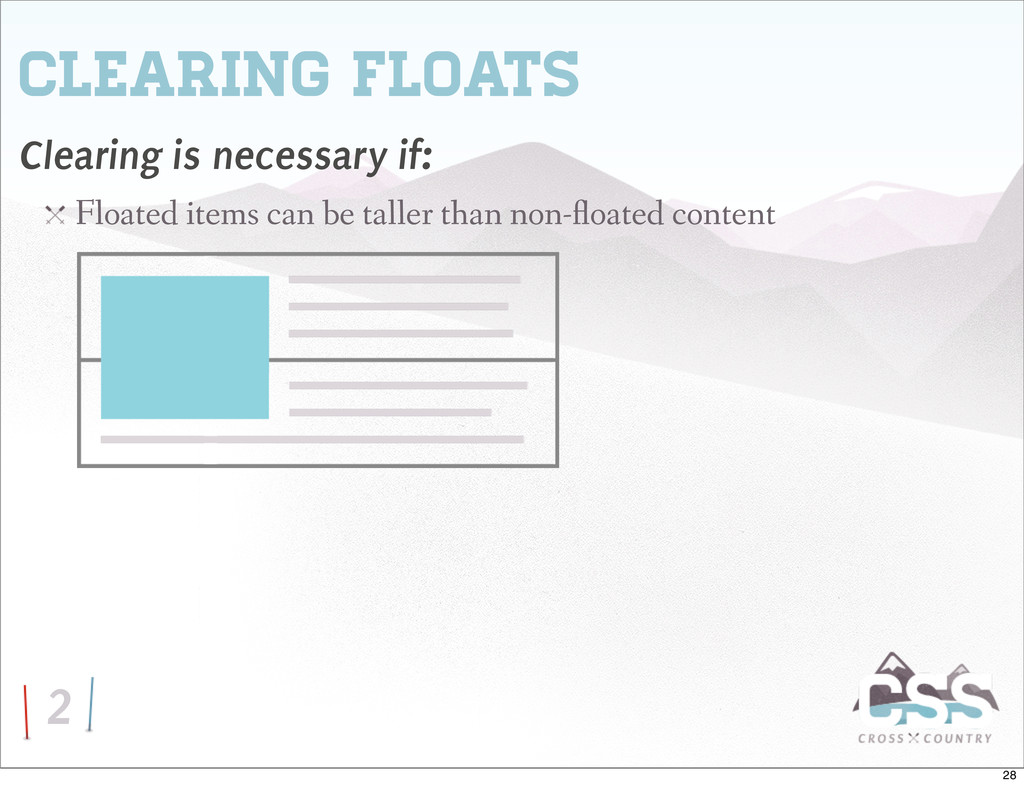
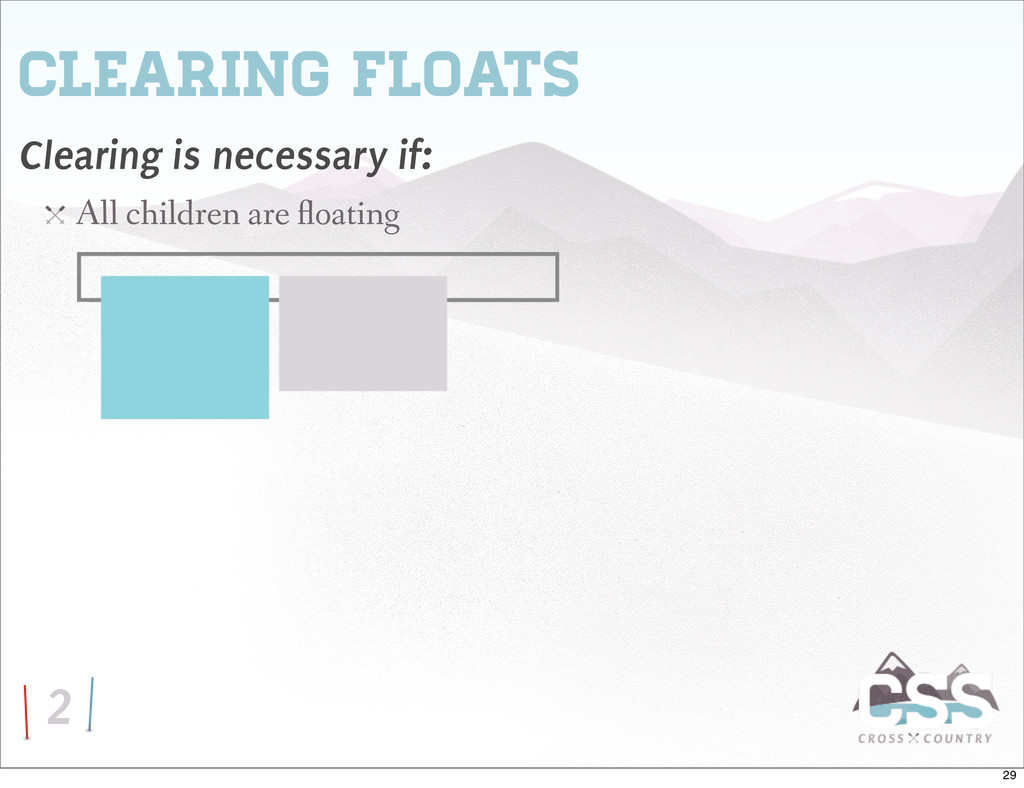
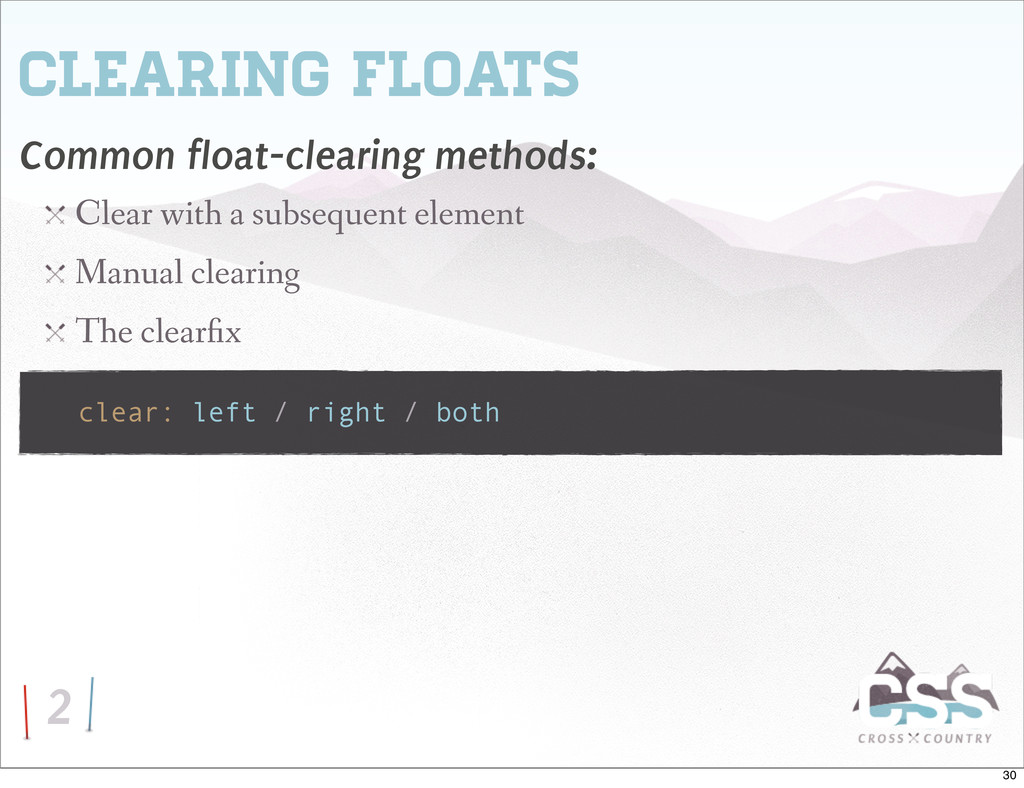
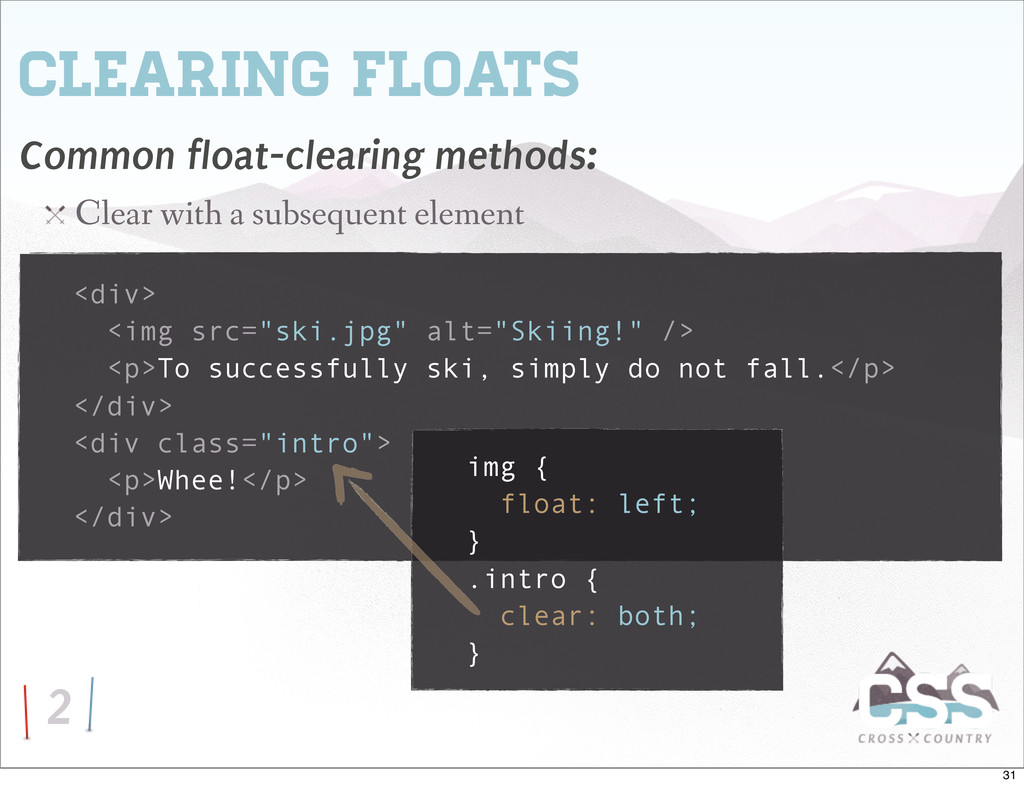
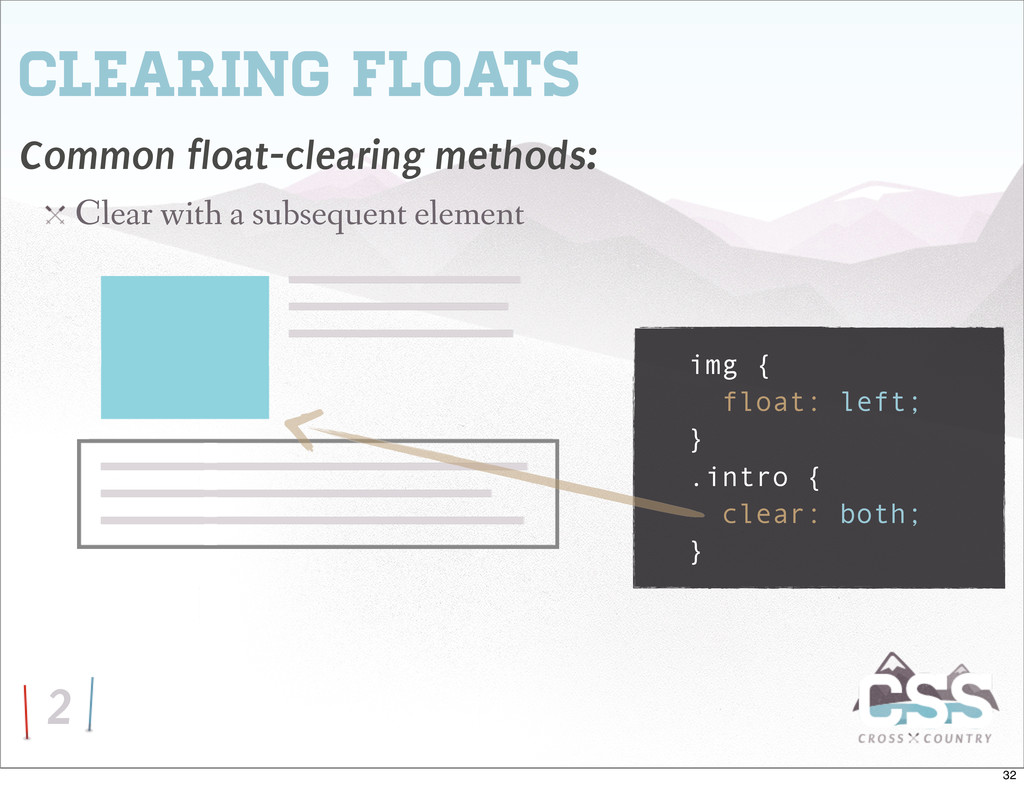
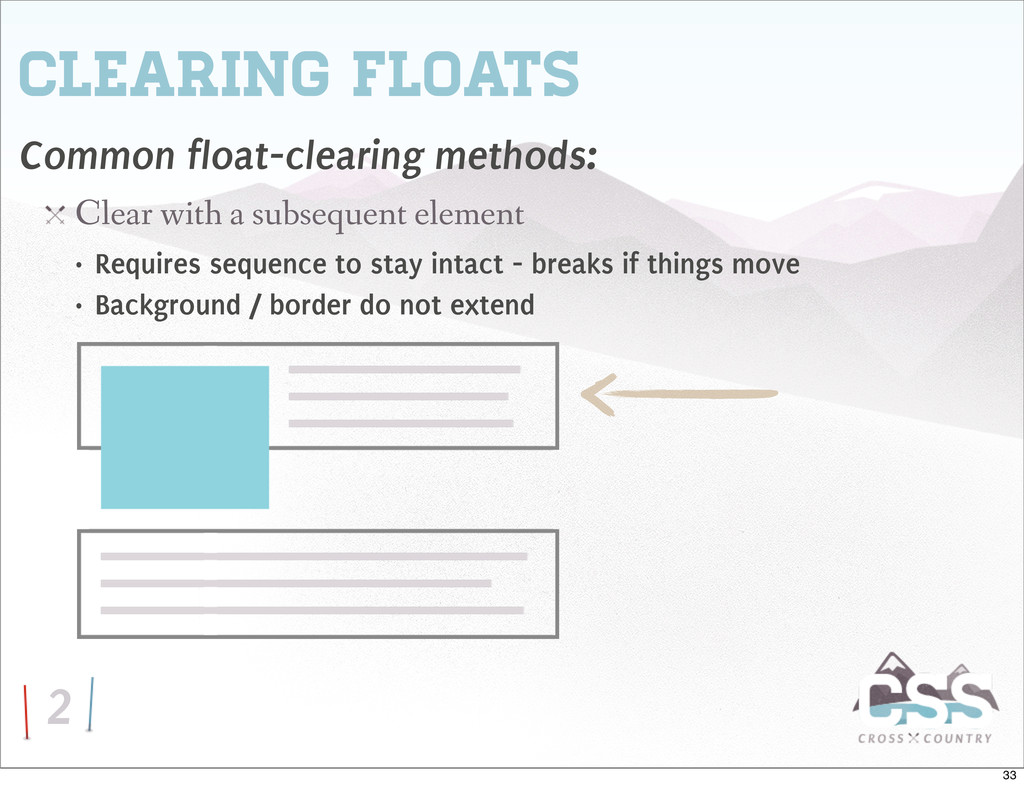
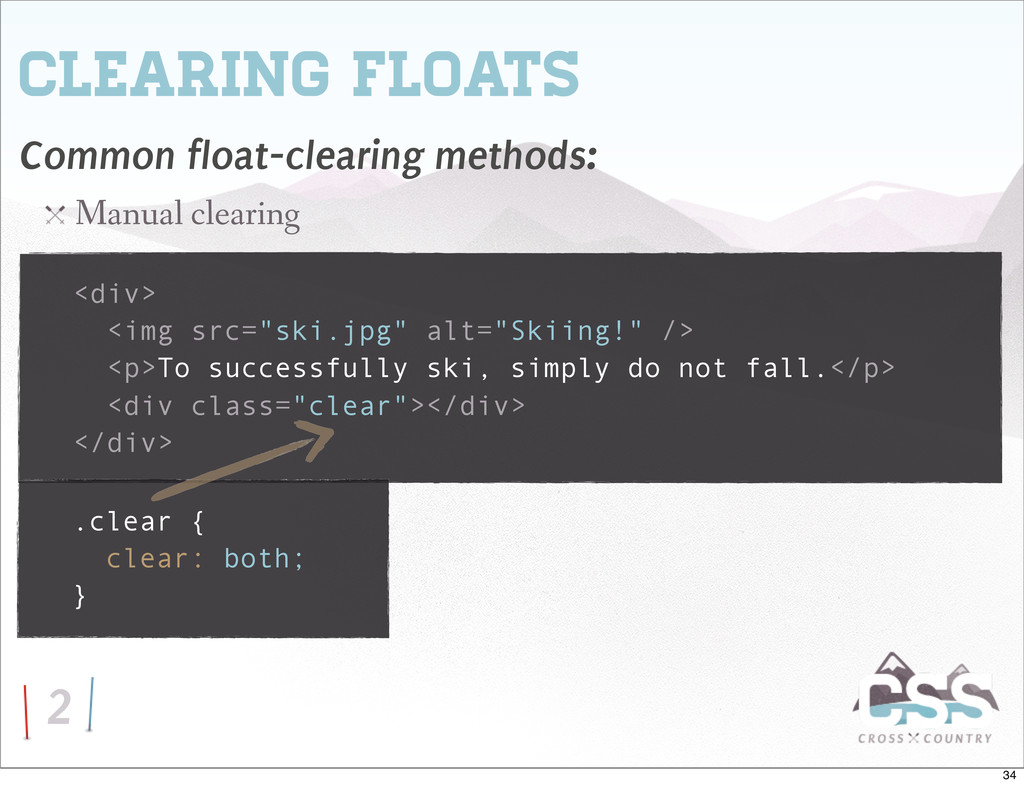
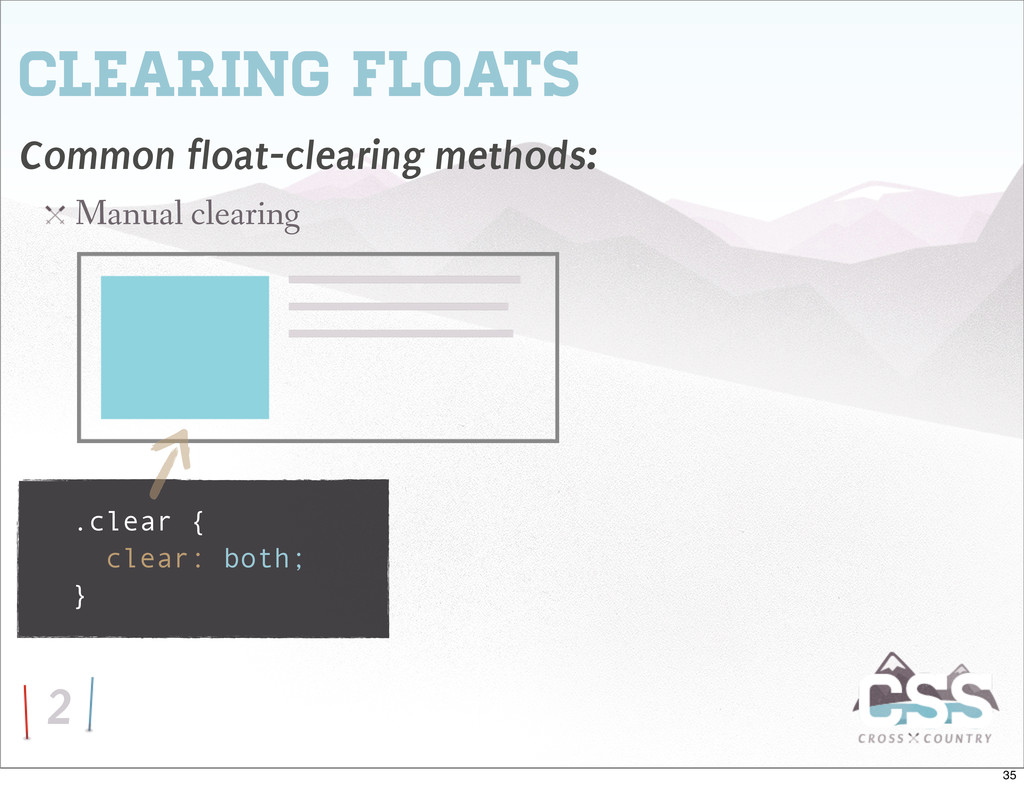
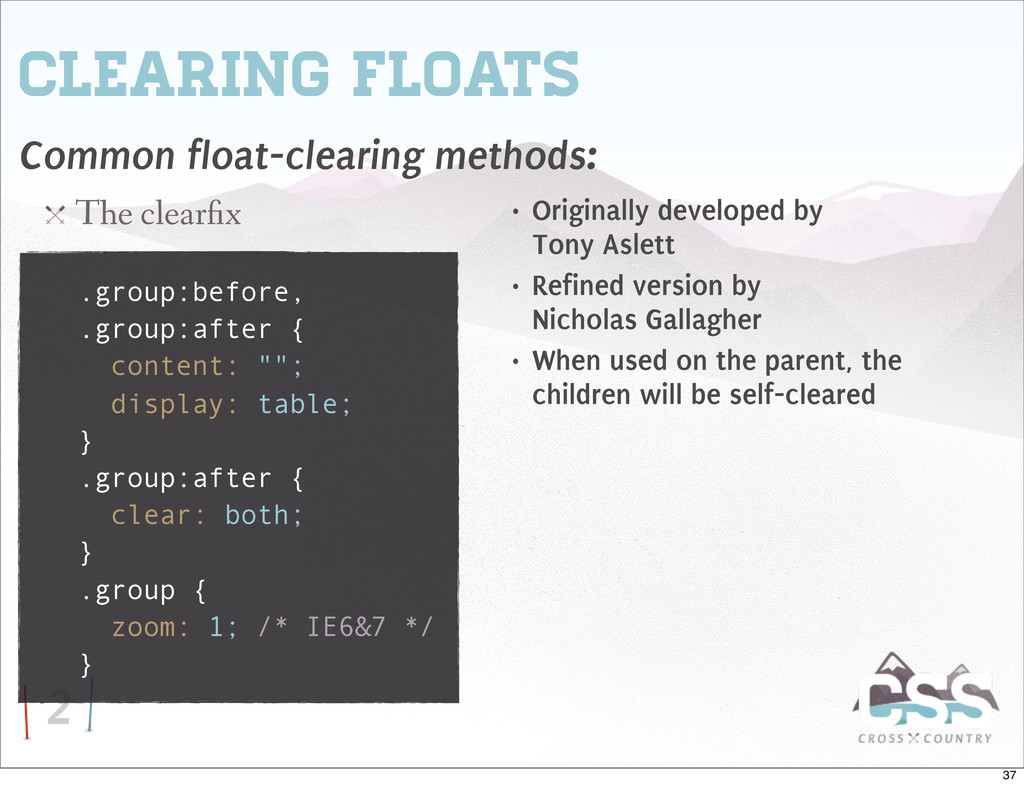
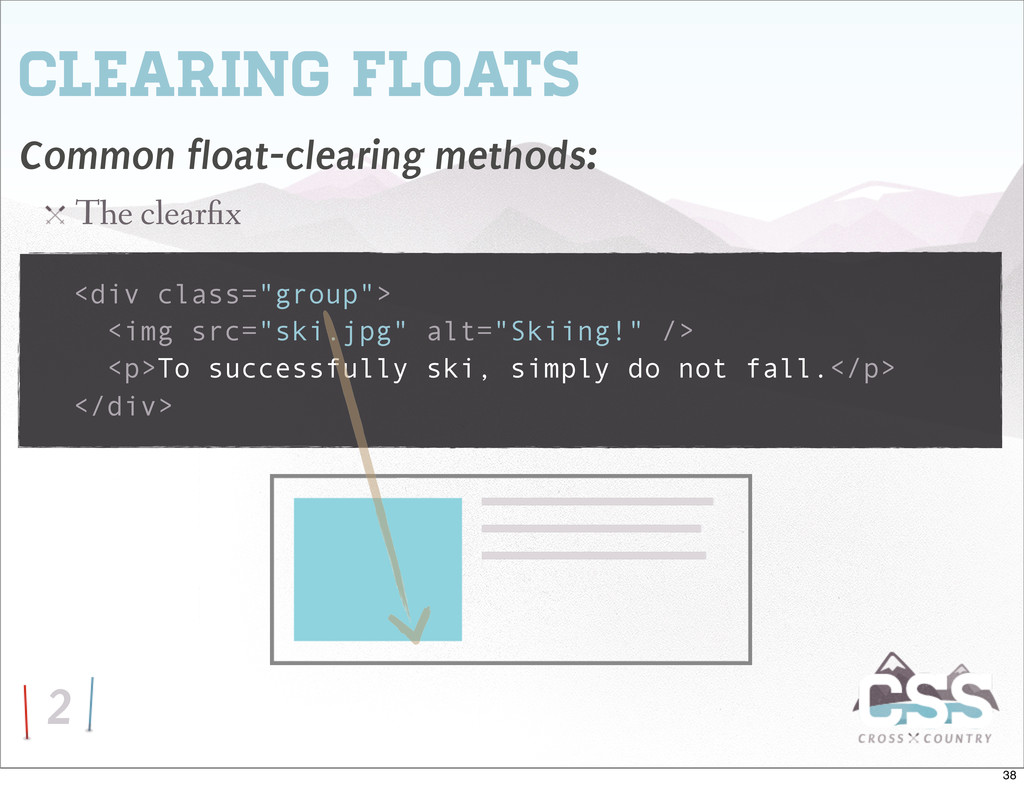
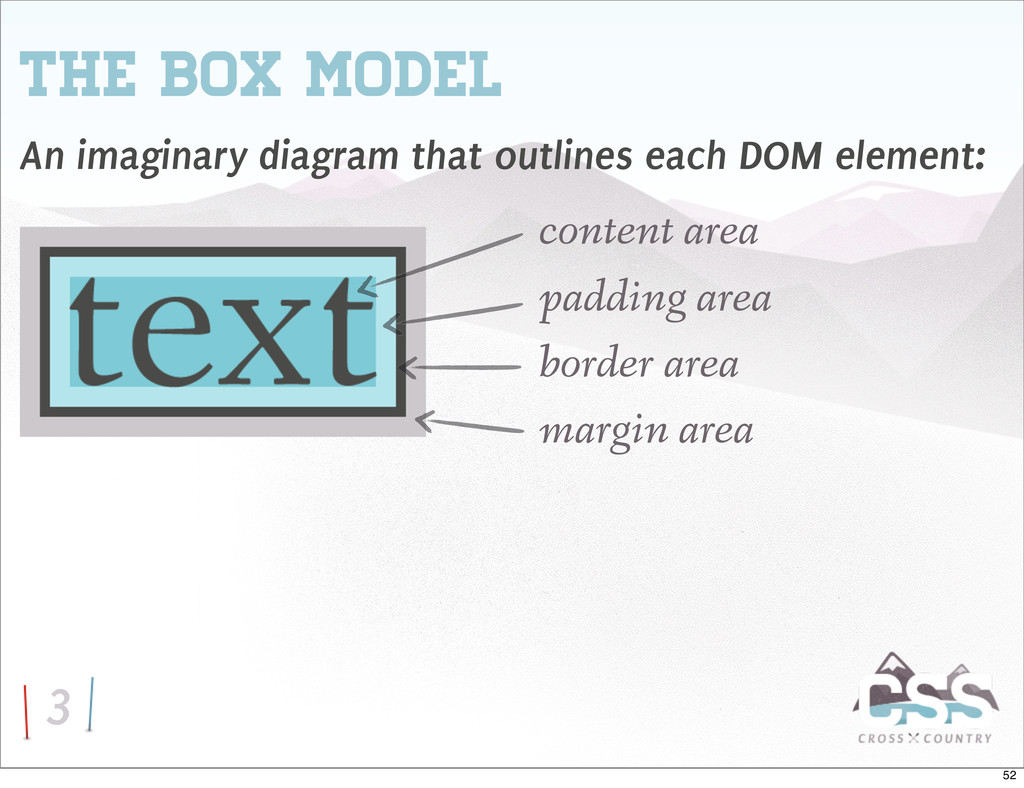
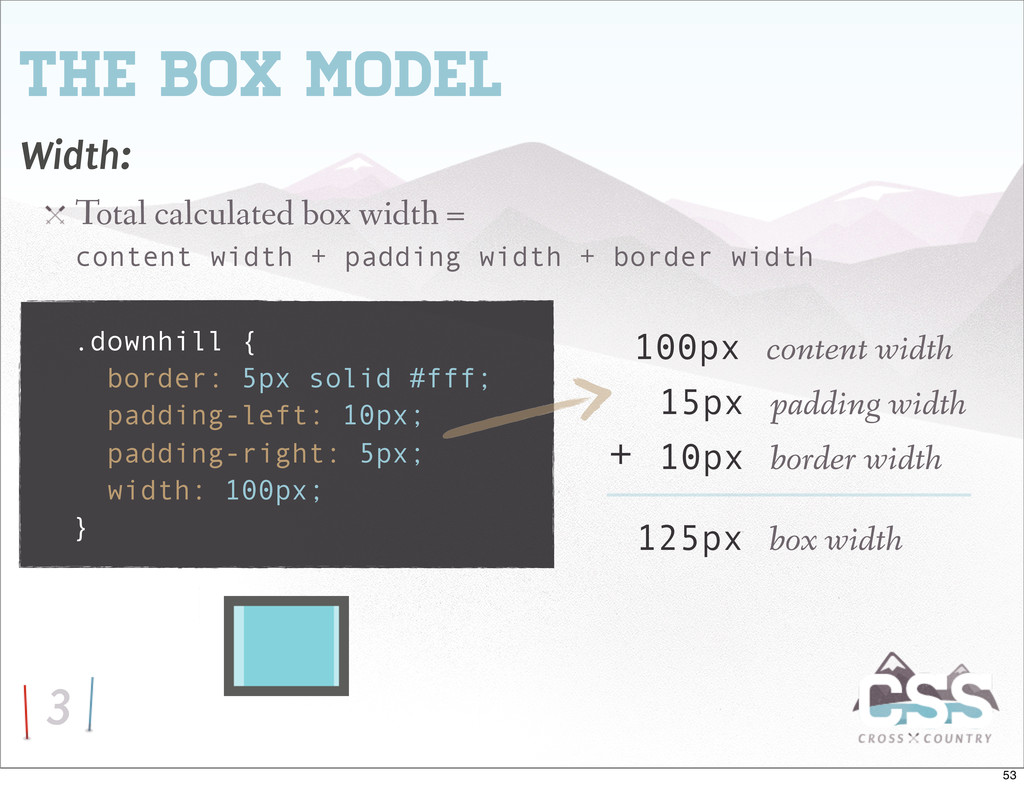
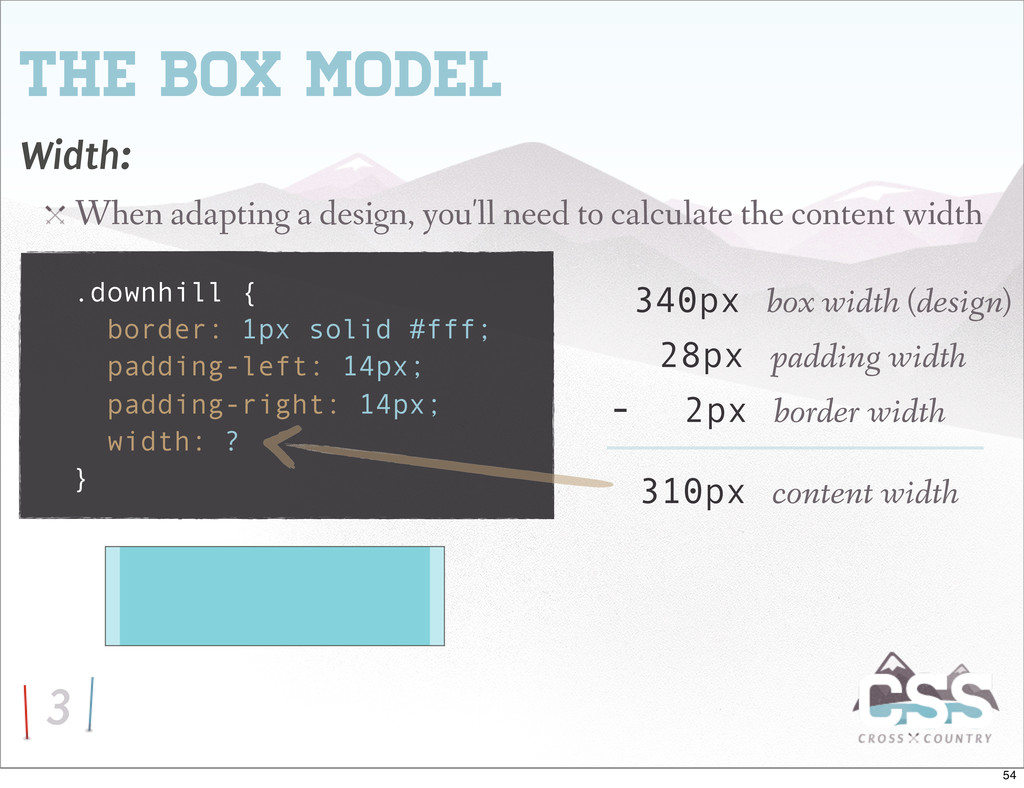
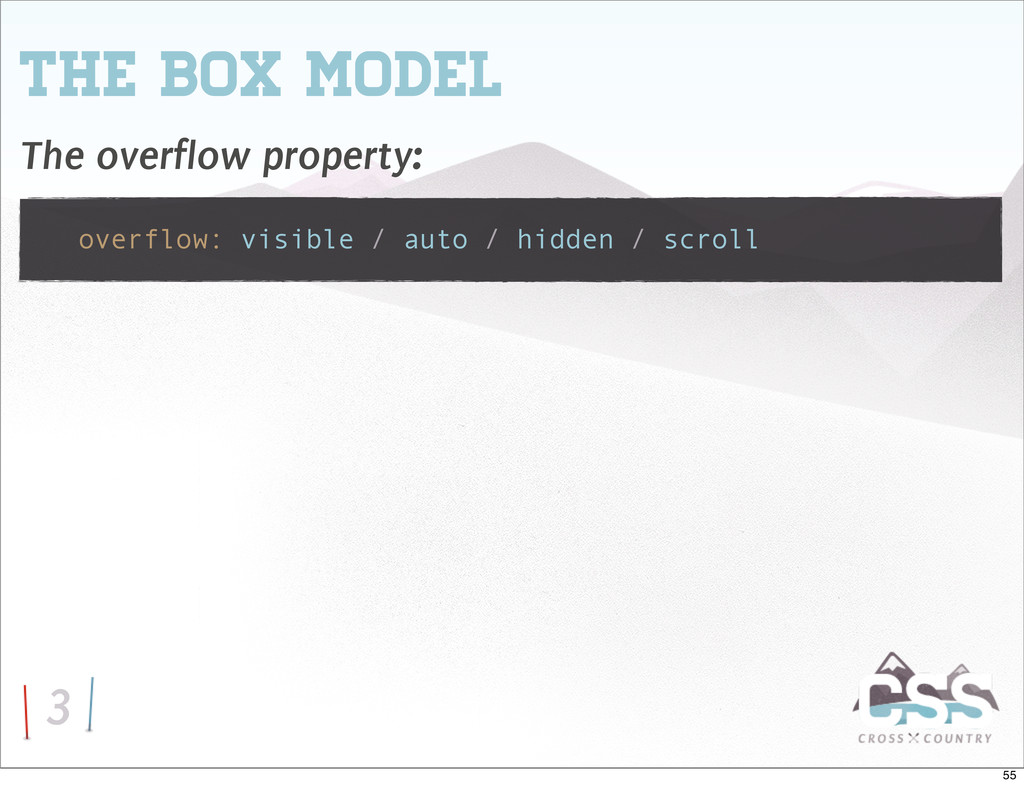
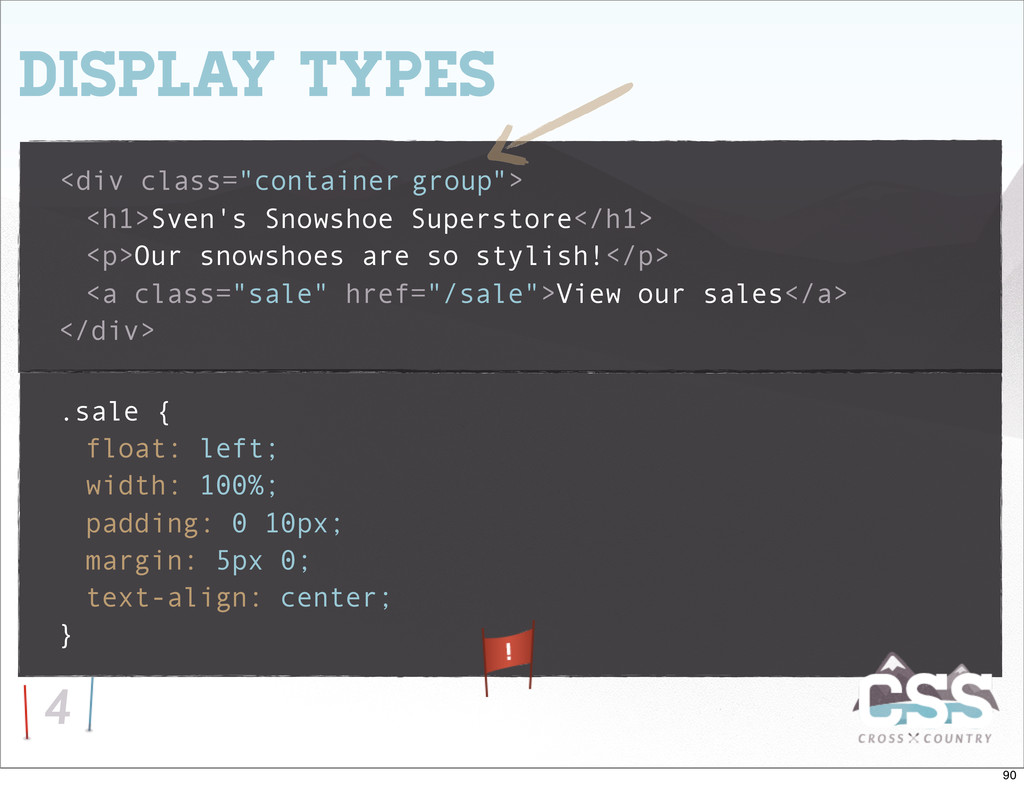
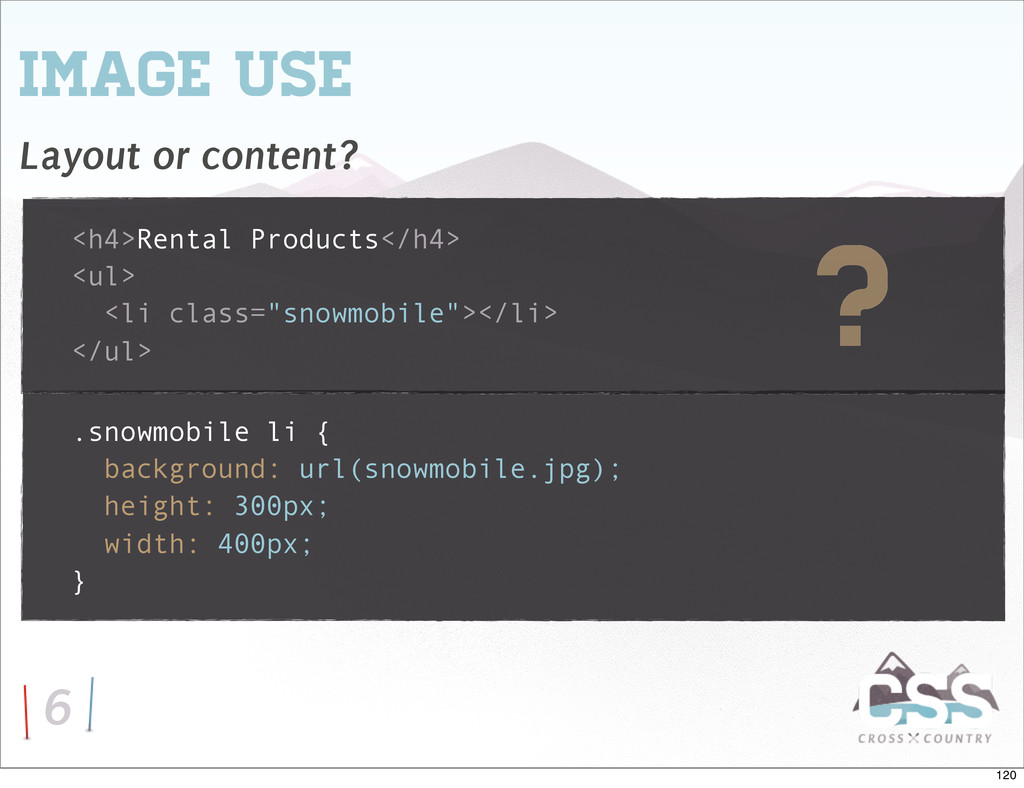
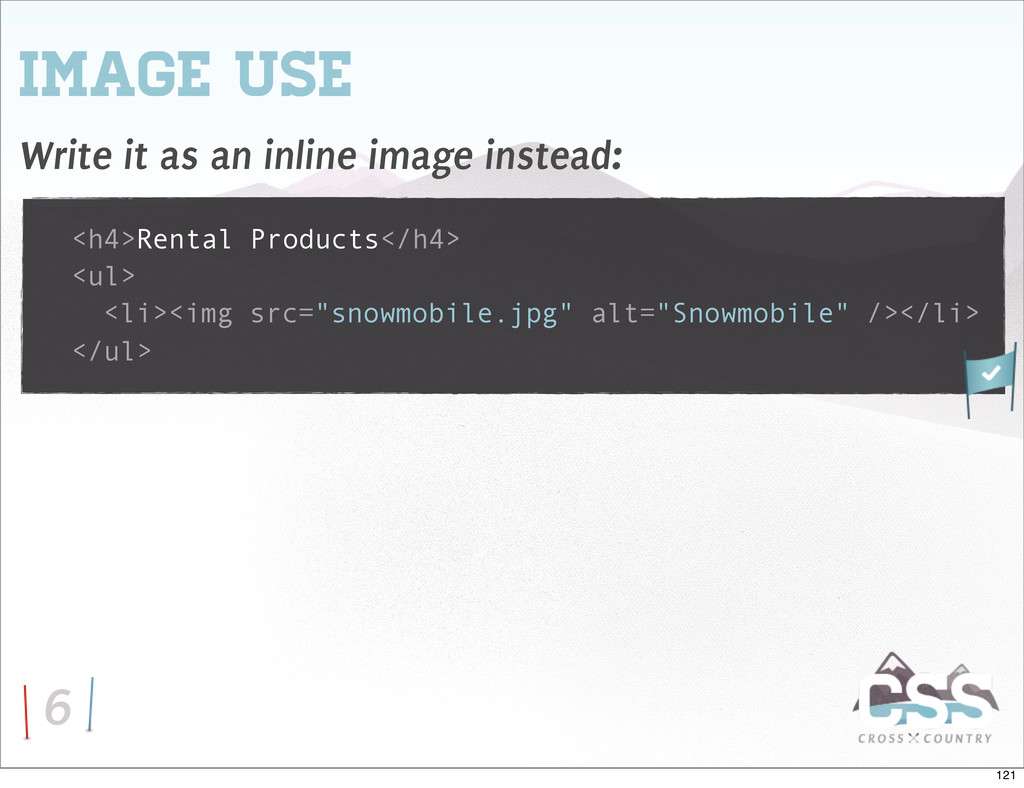
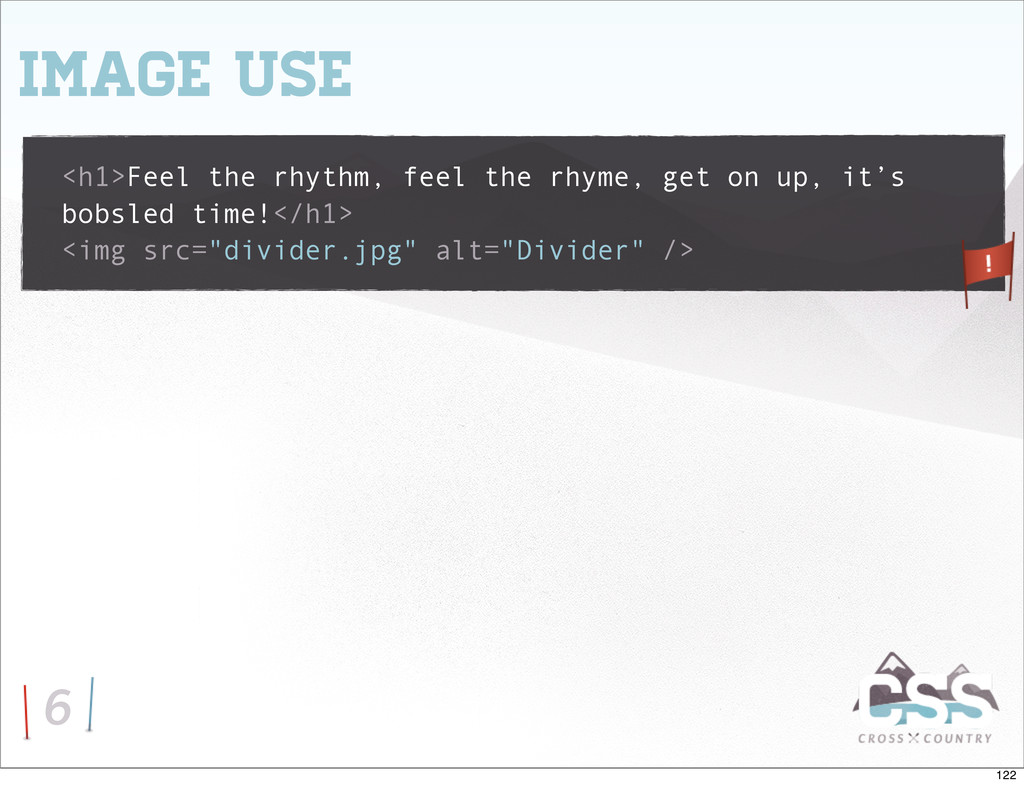
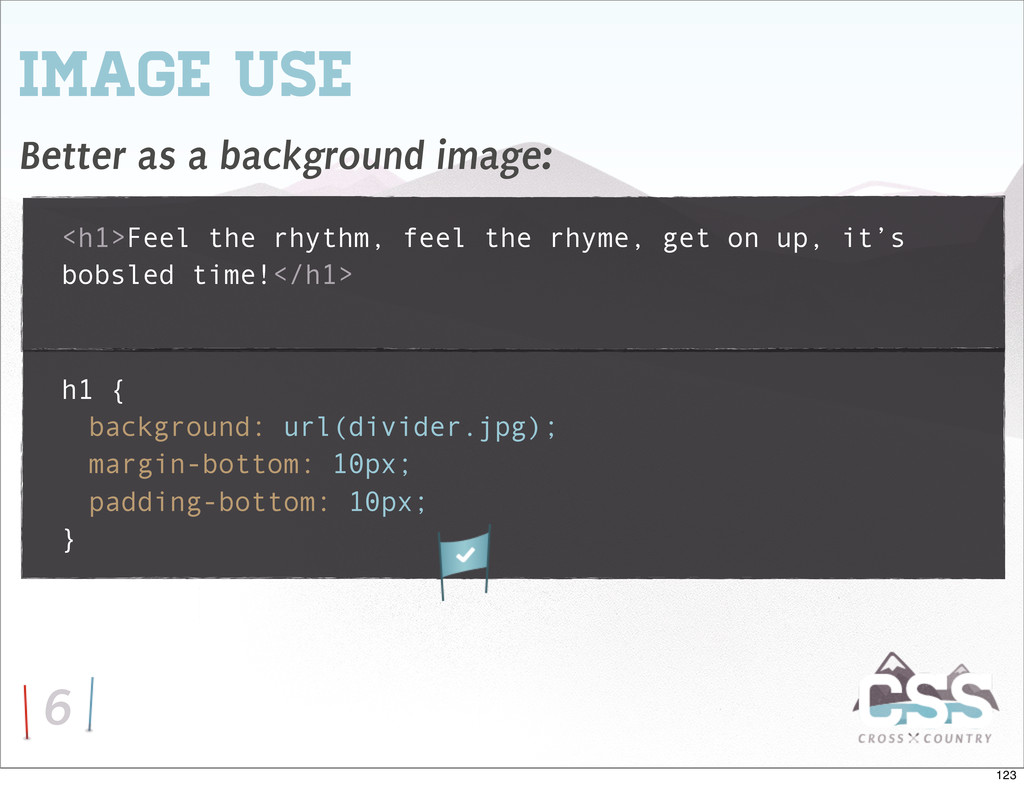
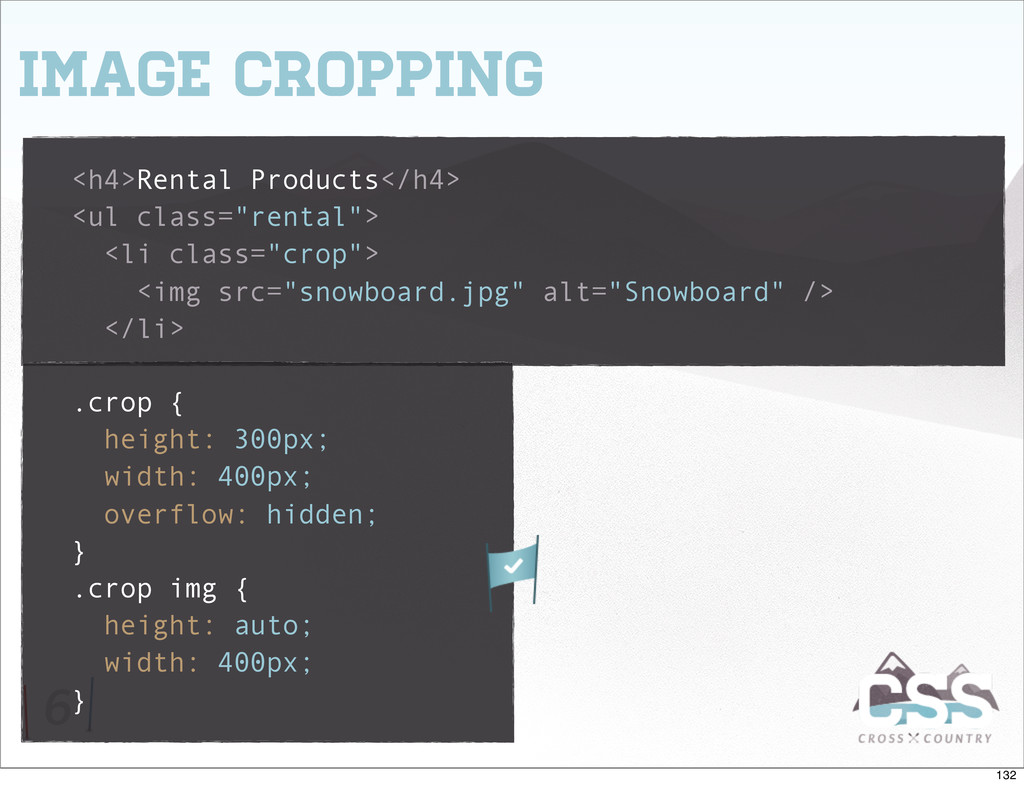
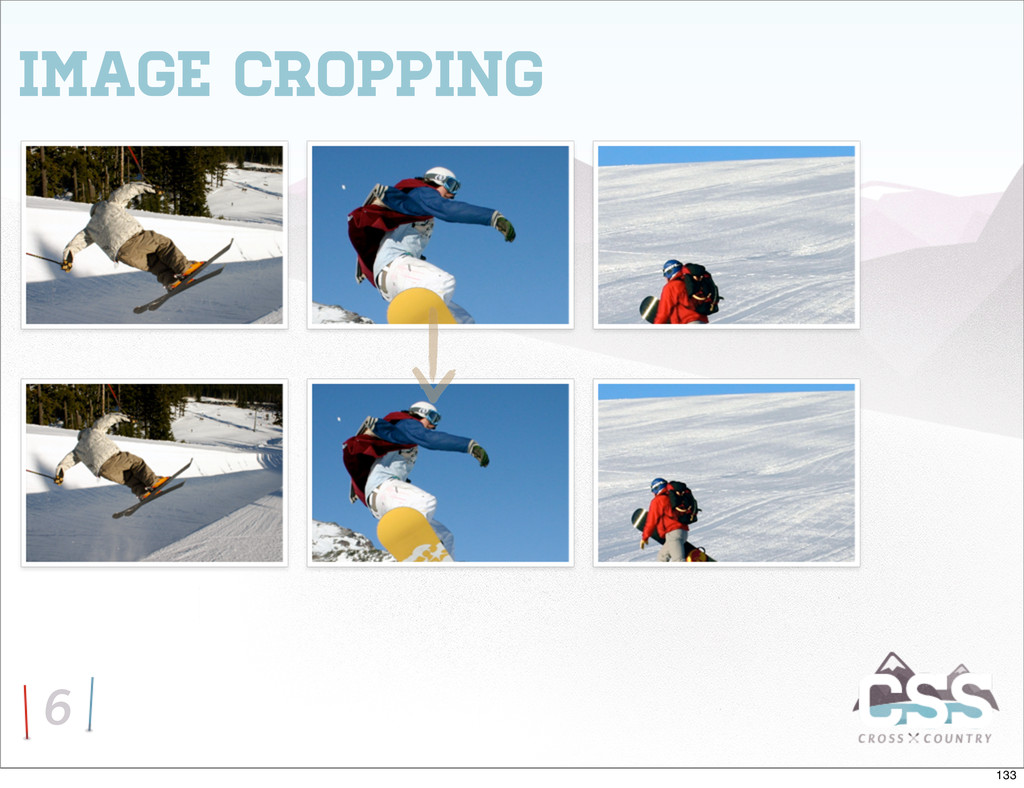
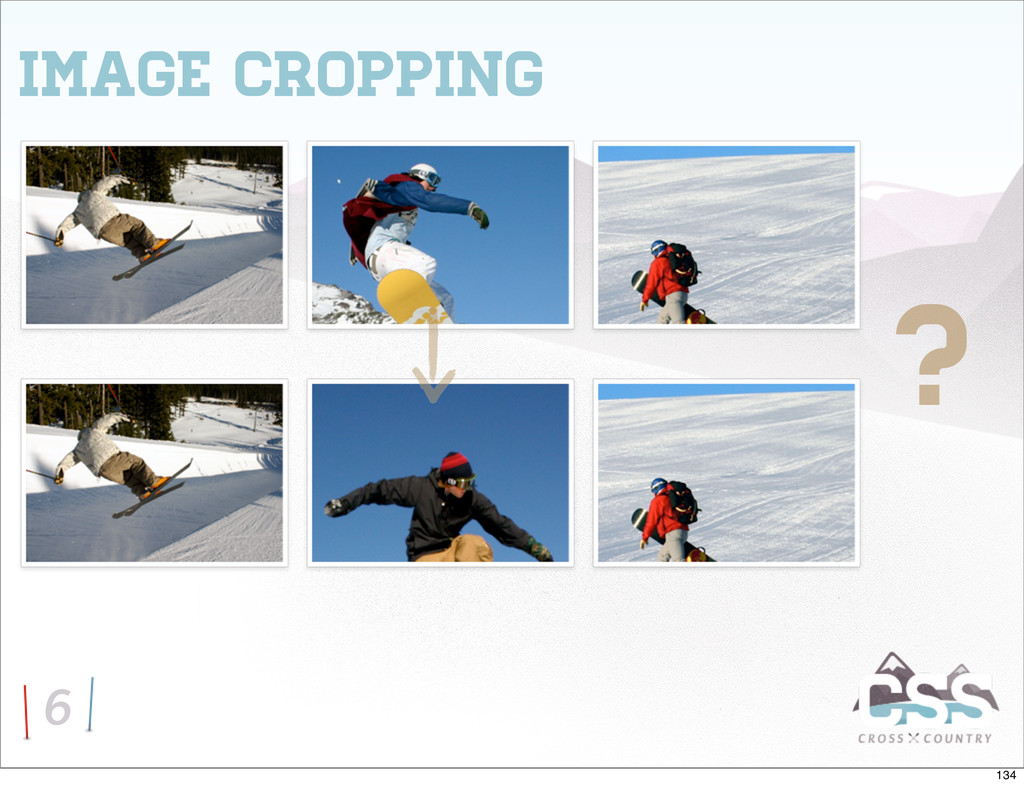
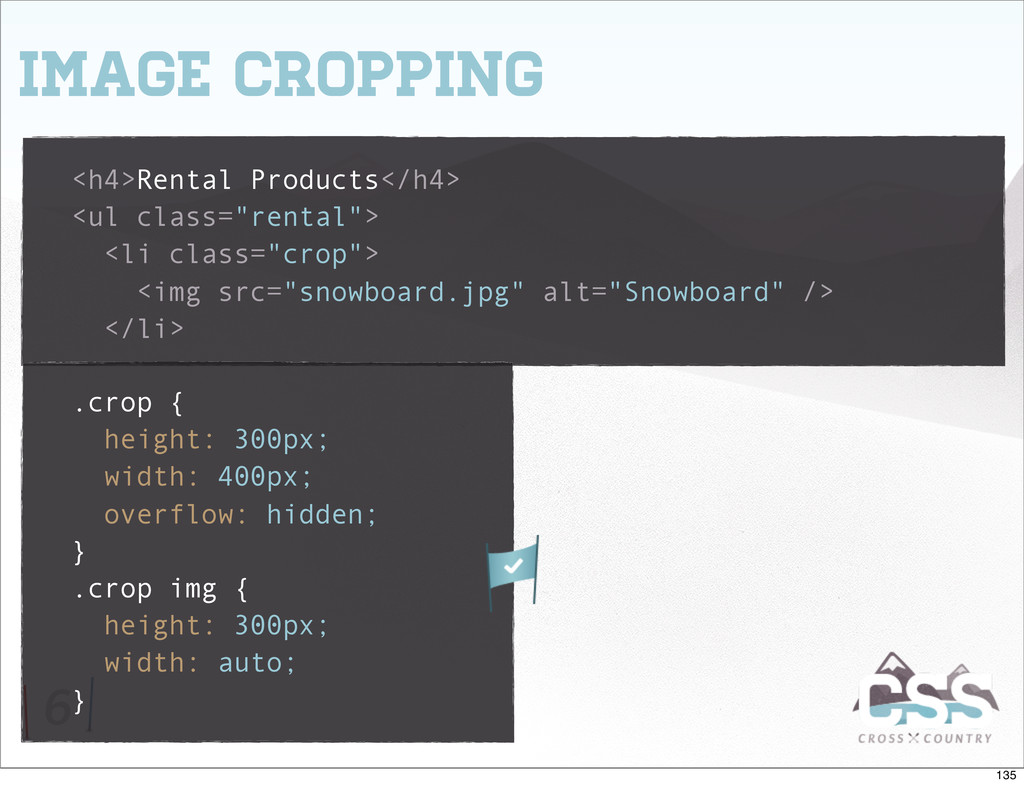
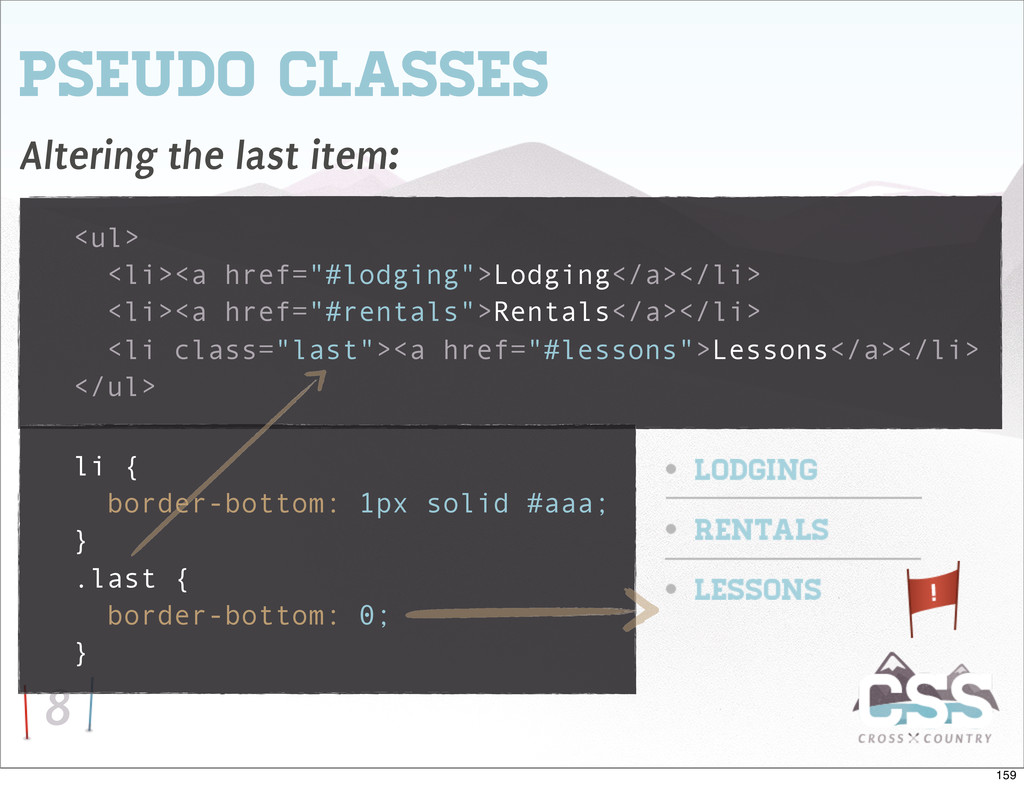
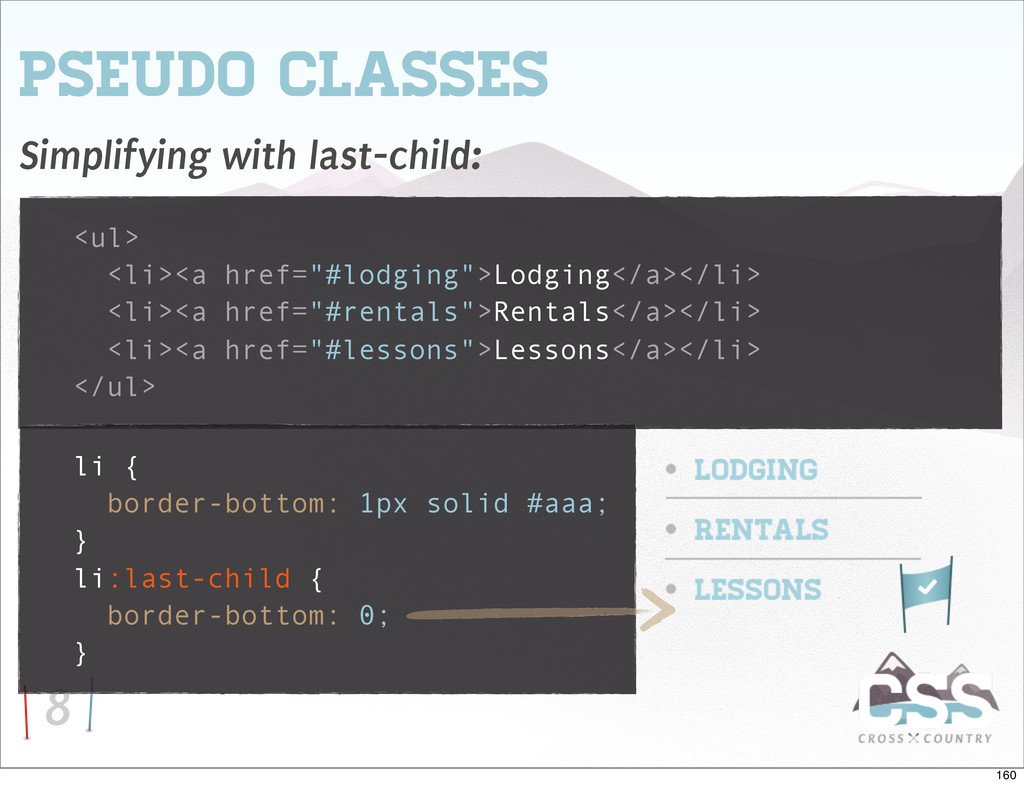
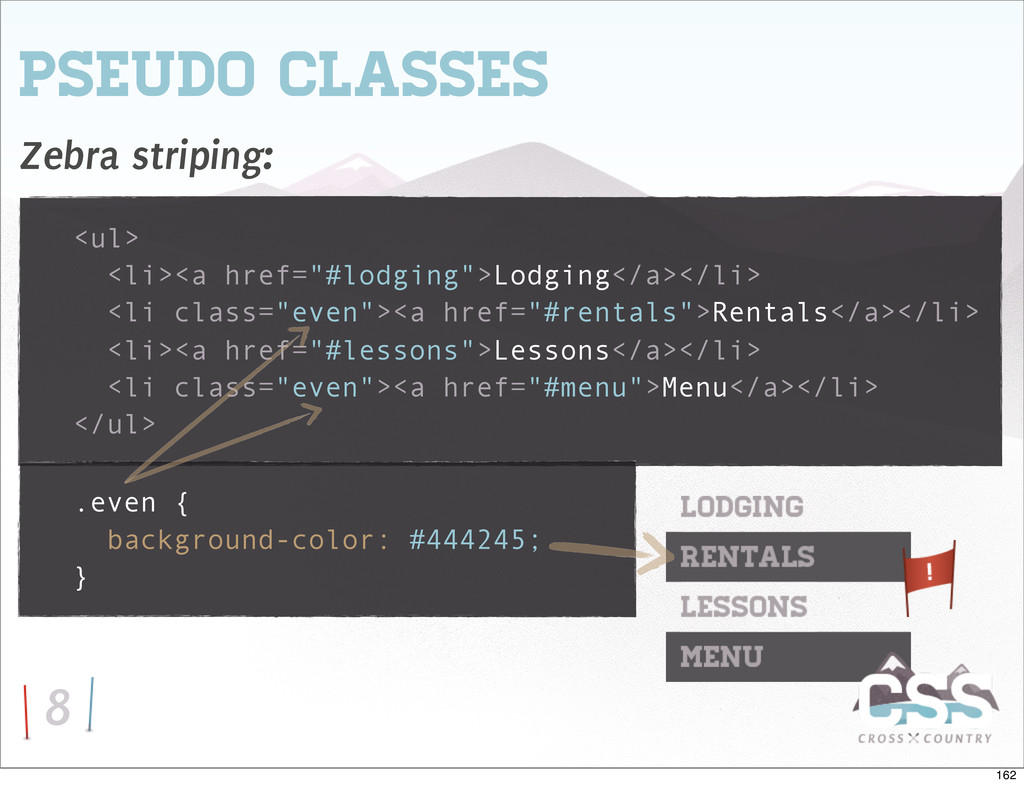
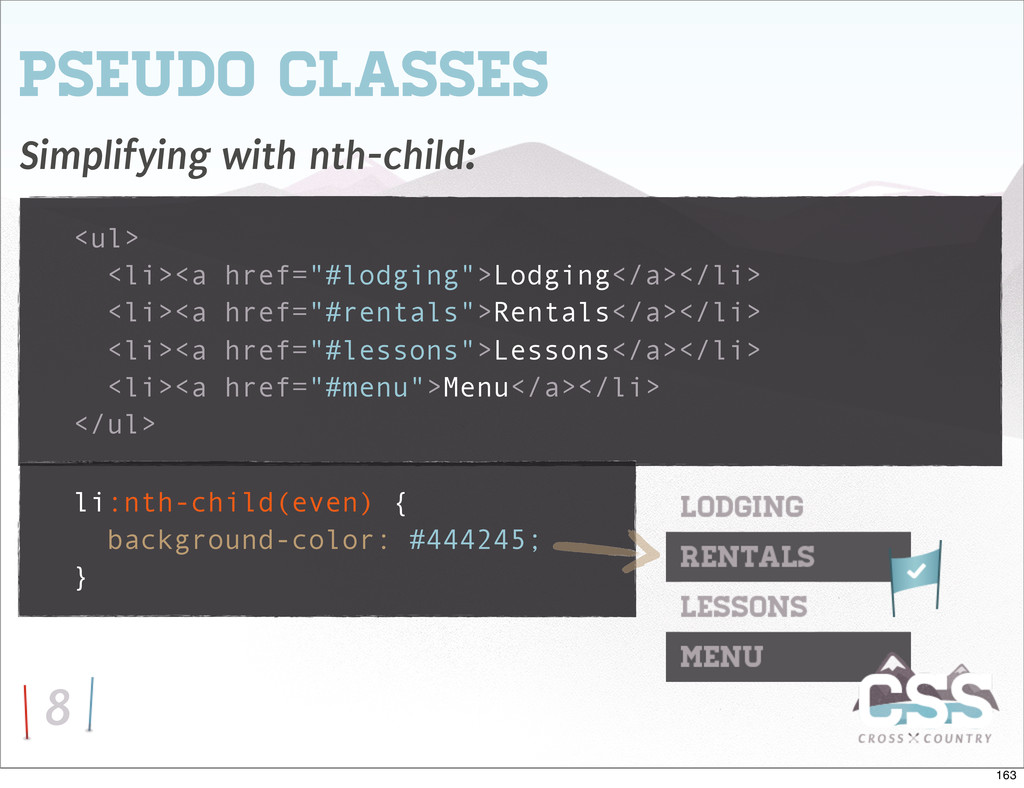
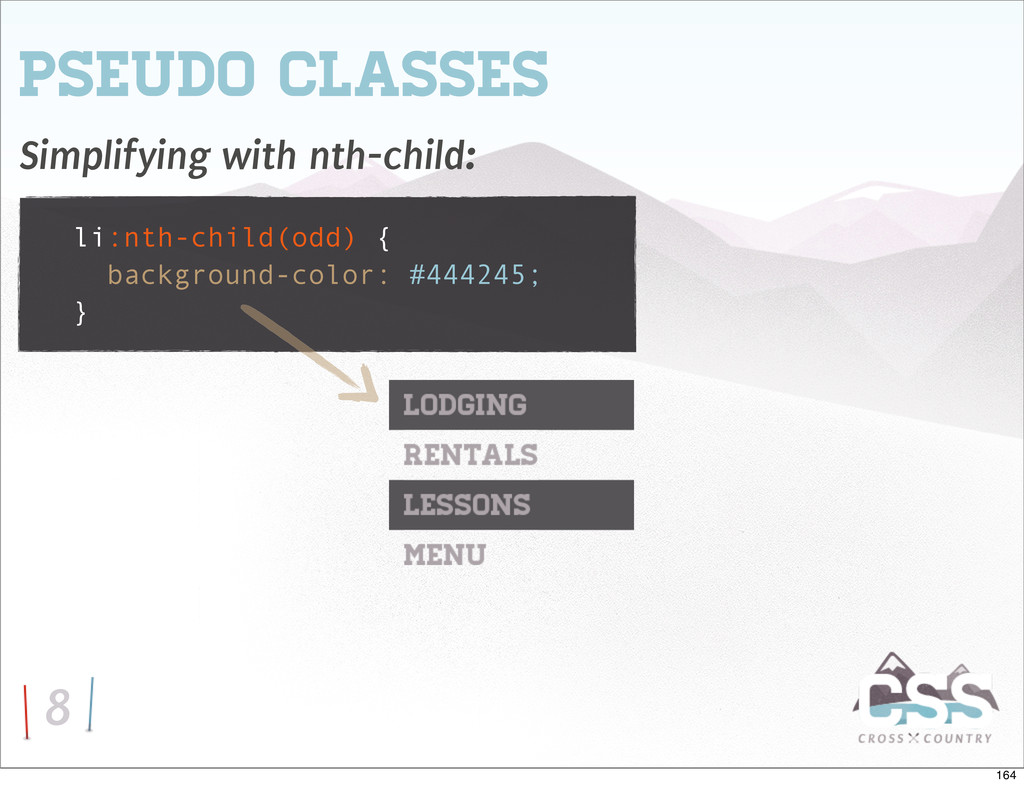
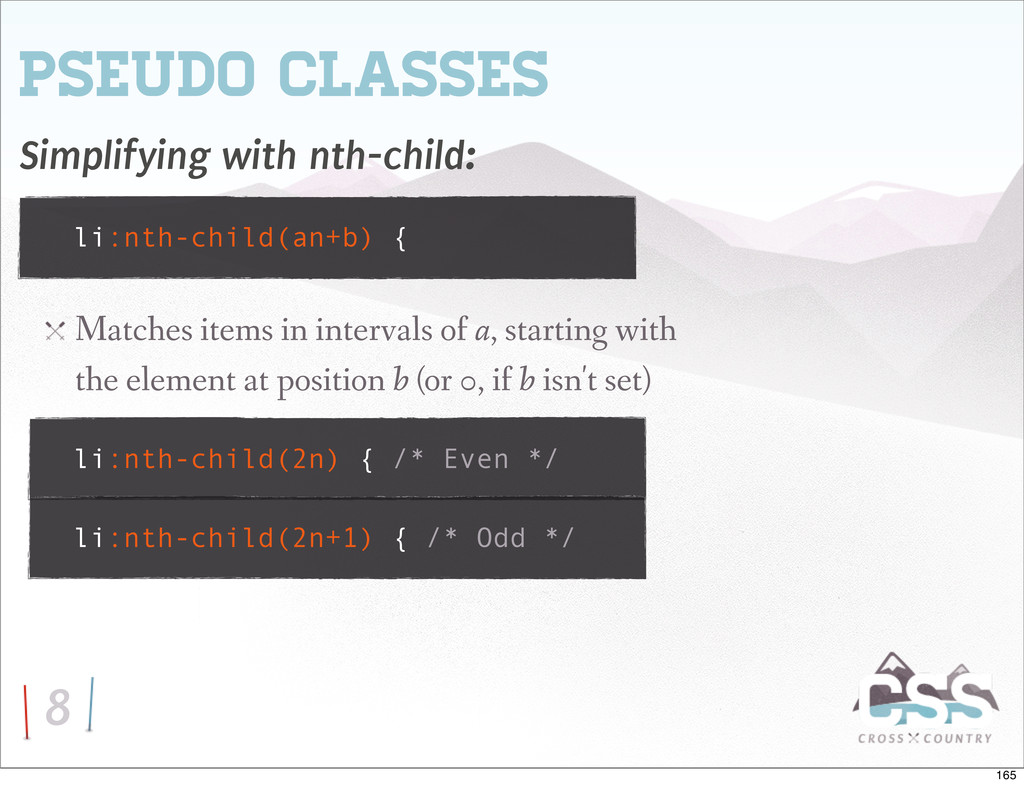
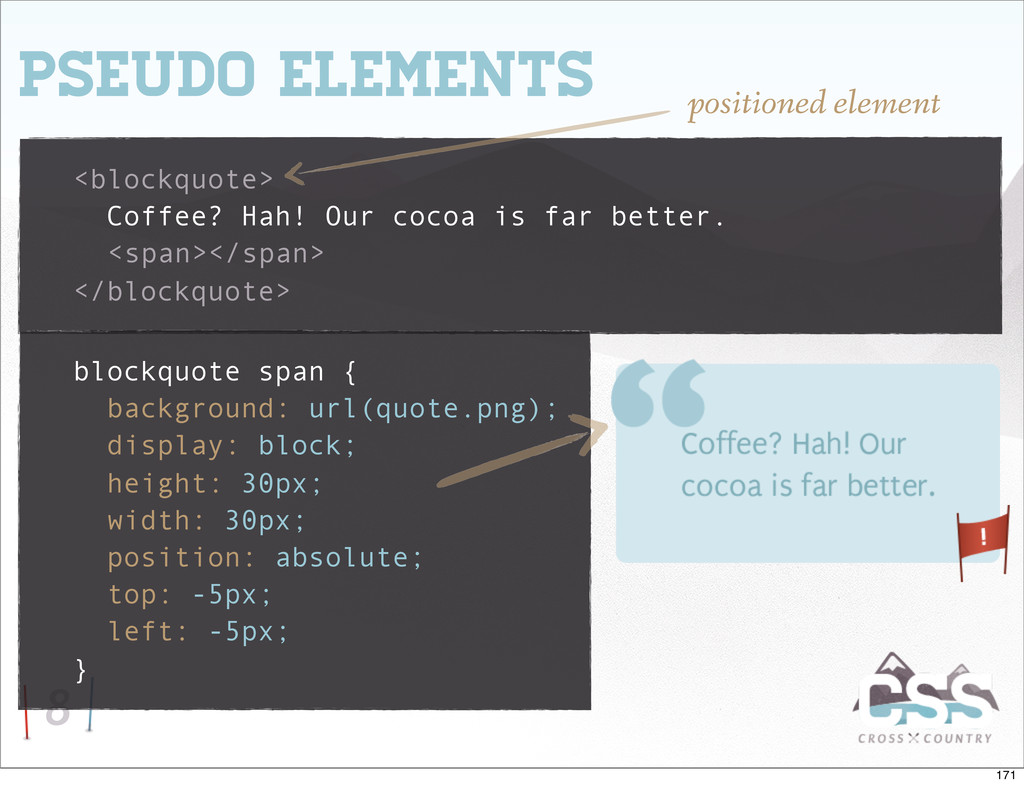
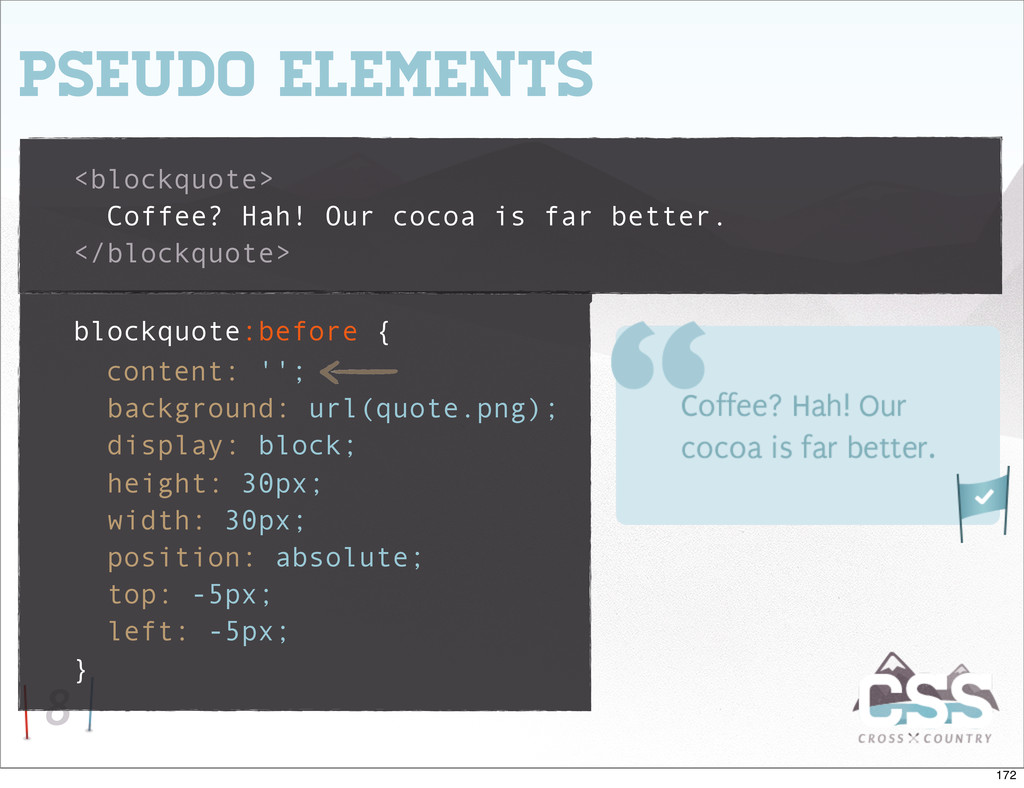
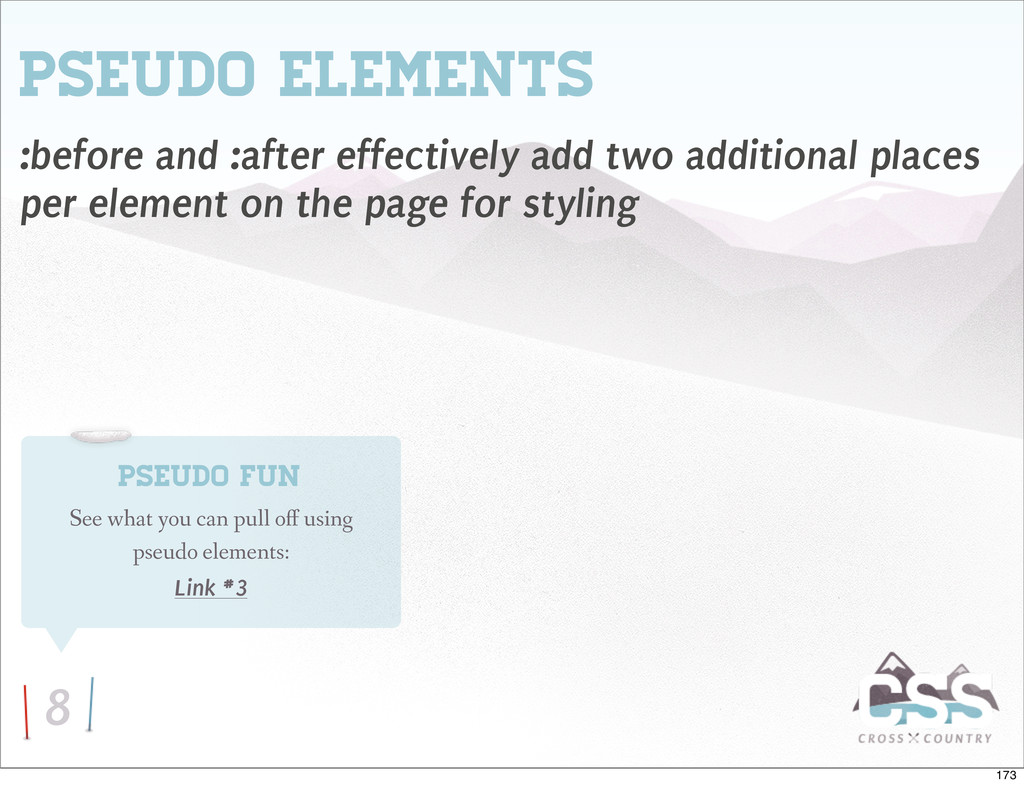
.group:after { content: ""; display: table; } .group:after { clear: both; } .group { zoom: 1; /* IE6&7 */ } • Originally developed by Tony Aslett • Refined version by Nicholas Gallagher • When used on the parent, the children will be self-cleared 37
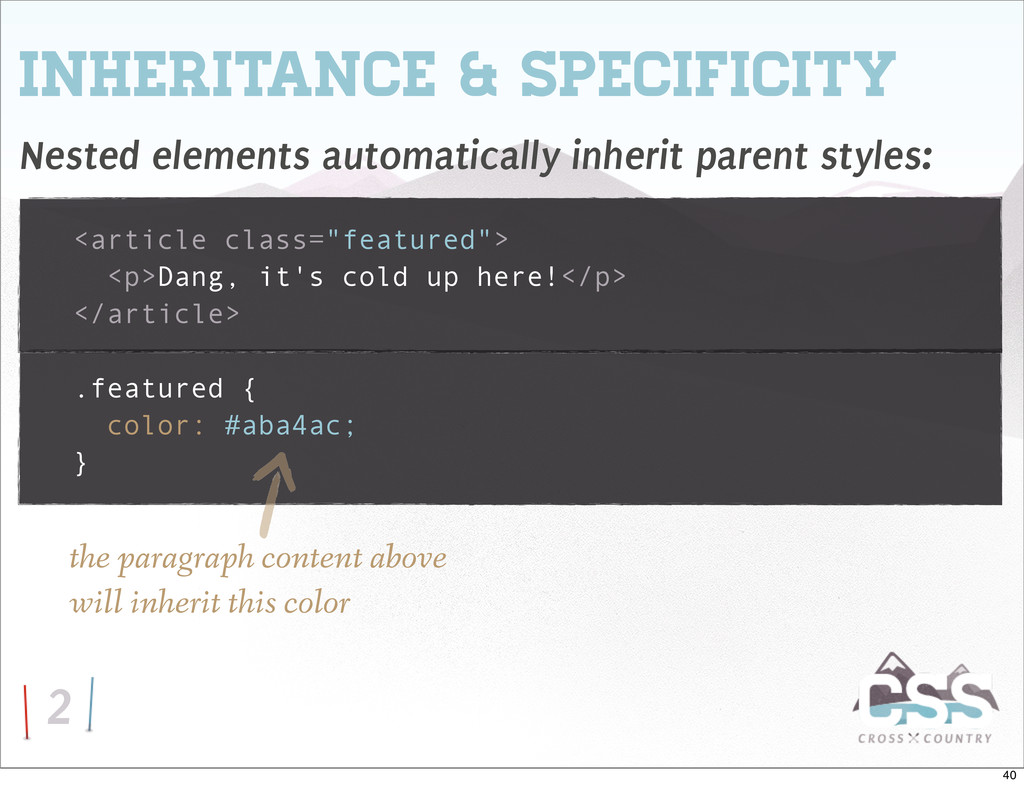
<article class="featured"> <p>Dang, it's cold up here!</p> </article> .featured { color: #aba4ac; } the paragraph content above will inherit this color 40
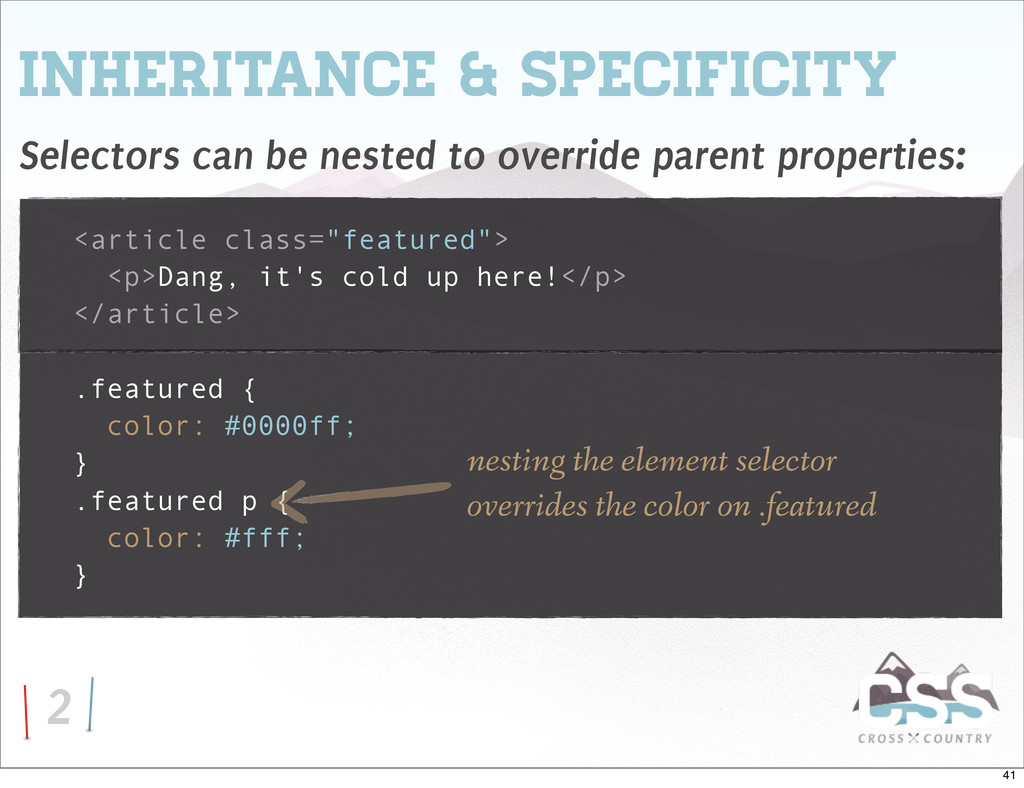
parent properties: <article class="featured"> <p>Dang, it's cold up here!</p> </article> .featured { color: #0000ff; } .featured p { color: #fff; } nesting the element selector overrides the color on .featured 41
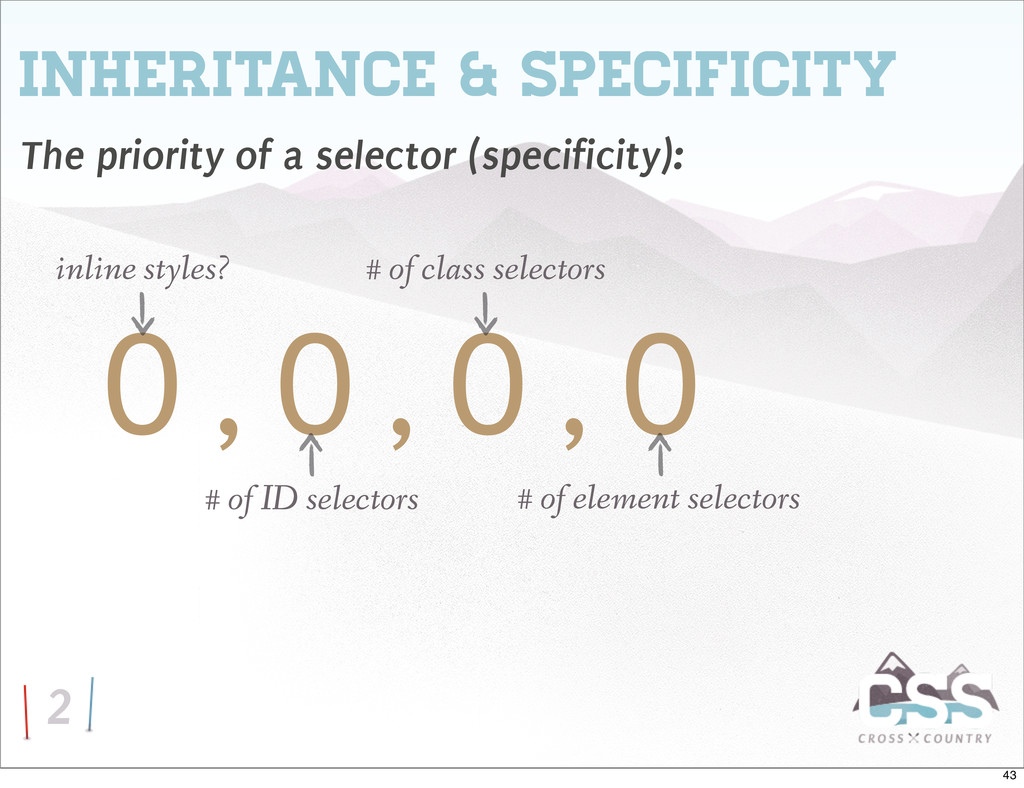
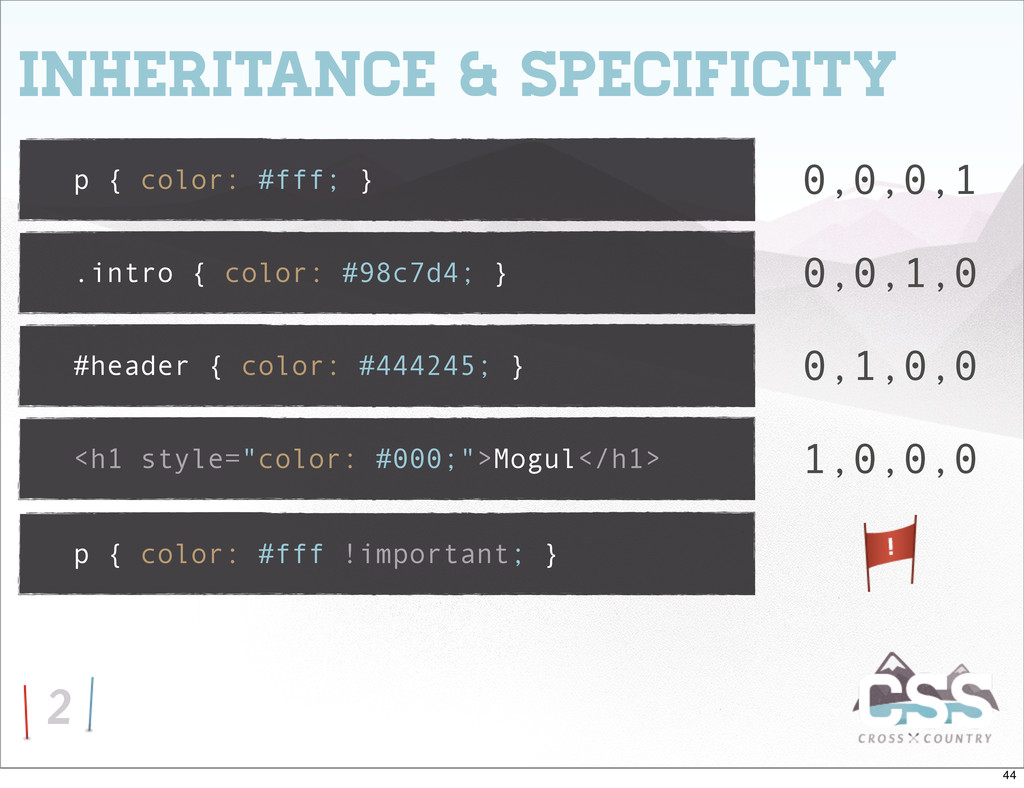
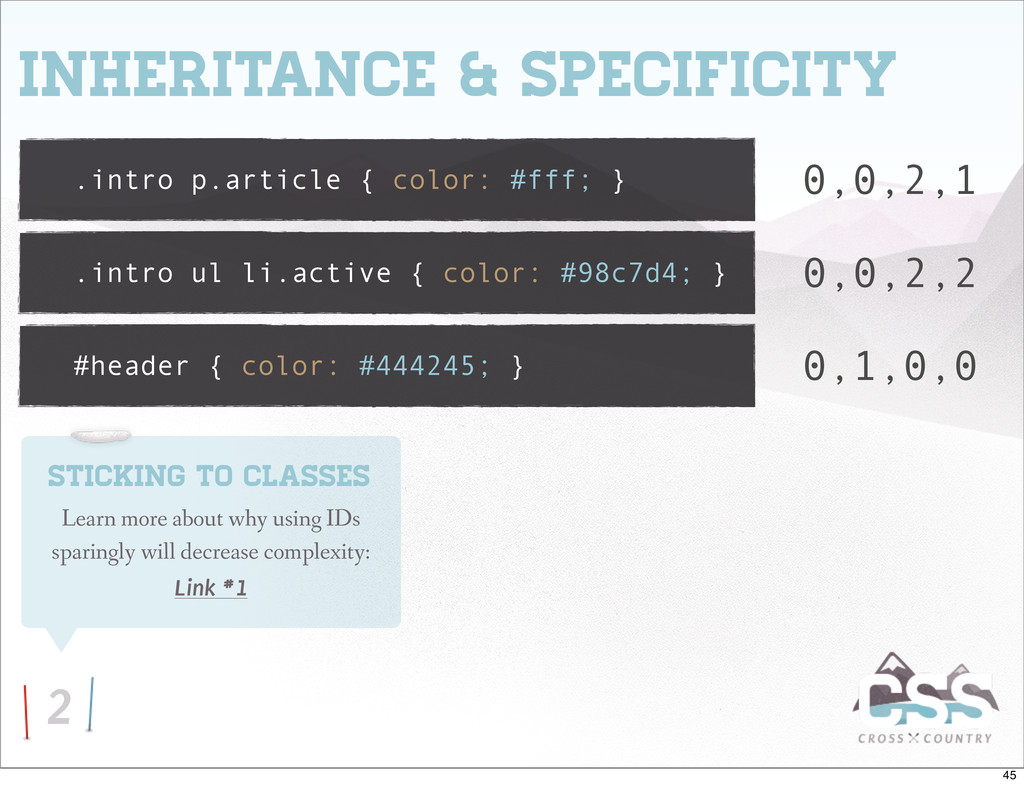
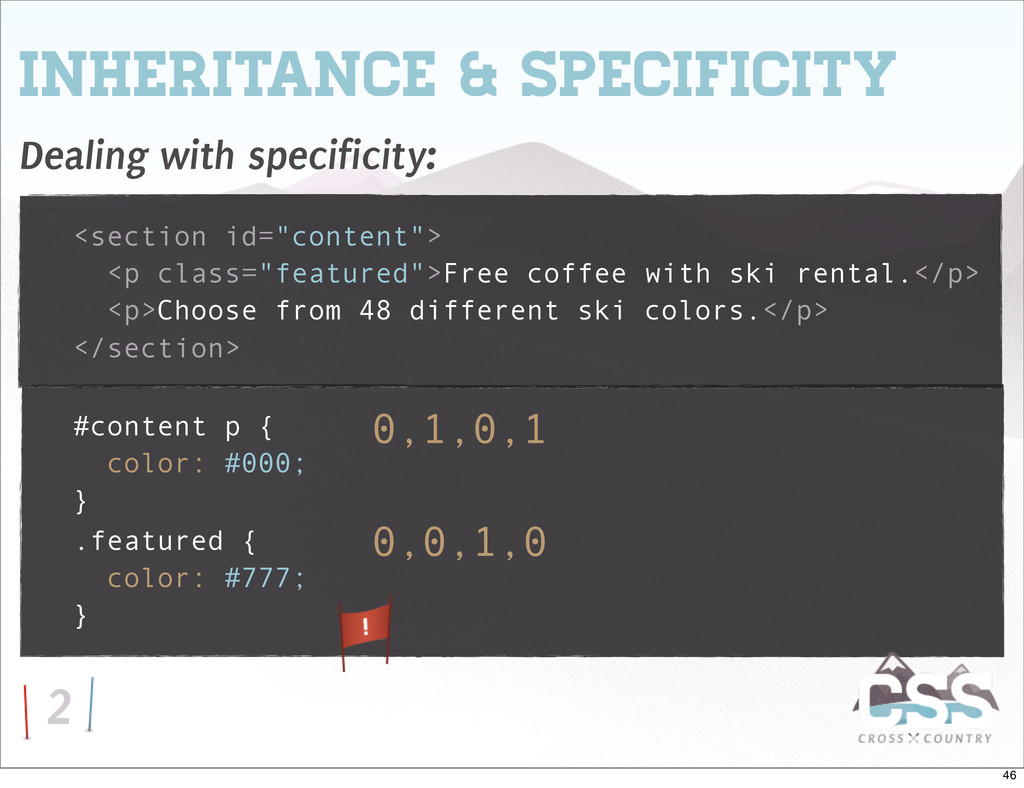
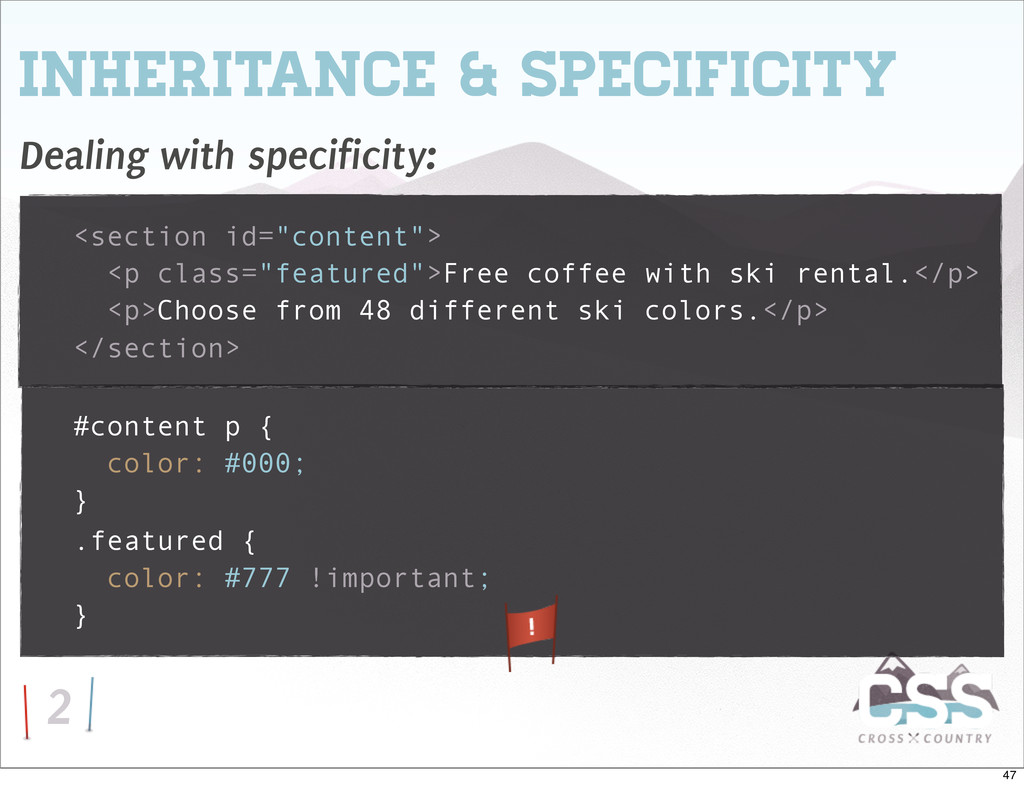
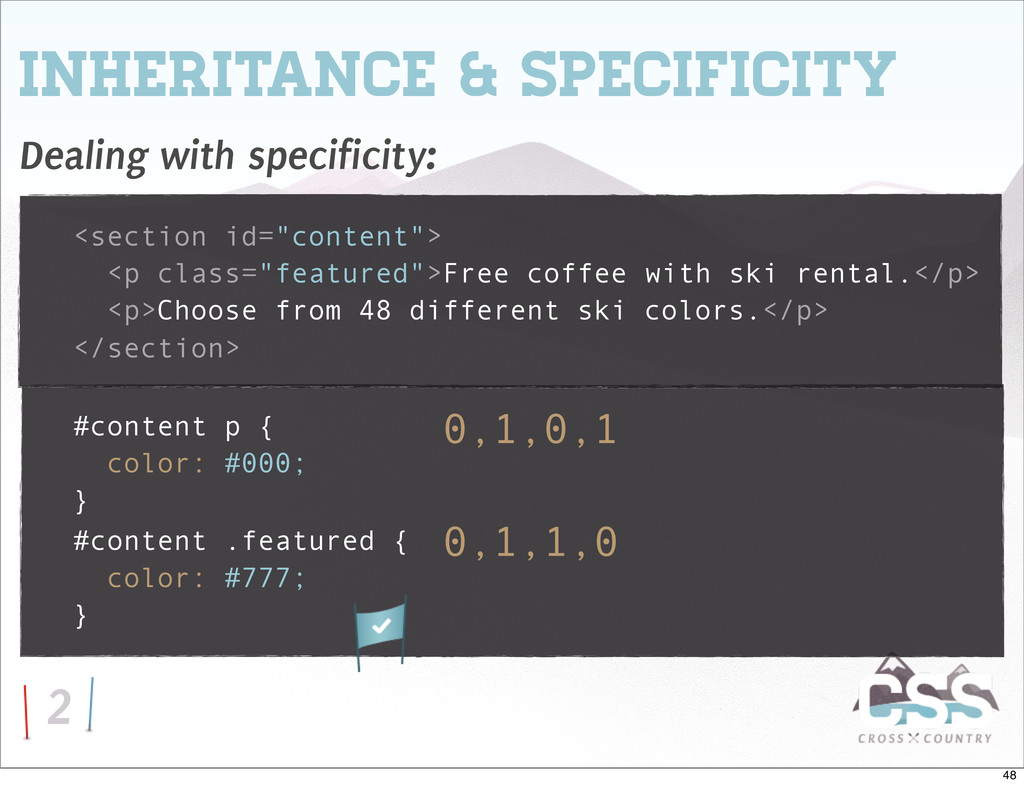
.intro ul li.active { color: #98c7d4; } #header { color: #444245; } 0,0,2,1 0,1,0,0 0,0,2,2 Sticking to Classes Learn more about why using IDs sparingly will decrease complexity: Link #1 45
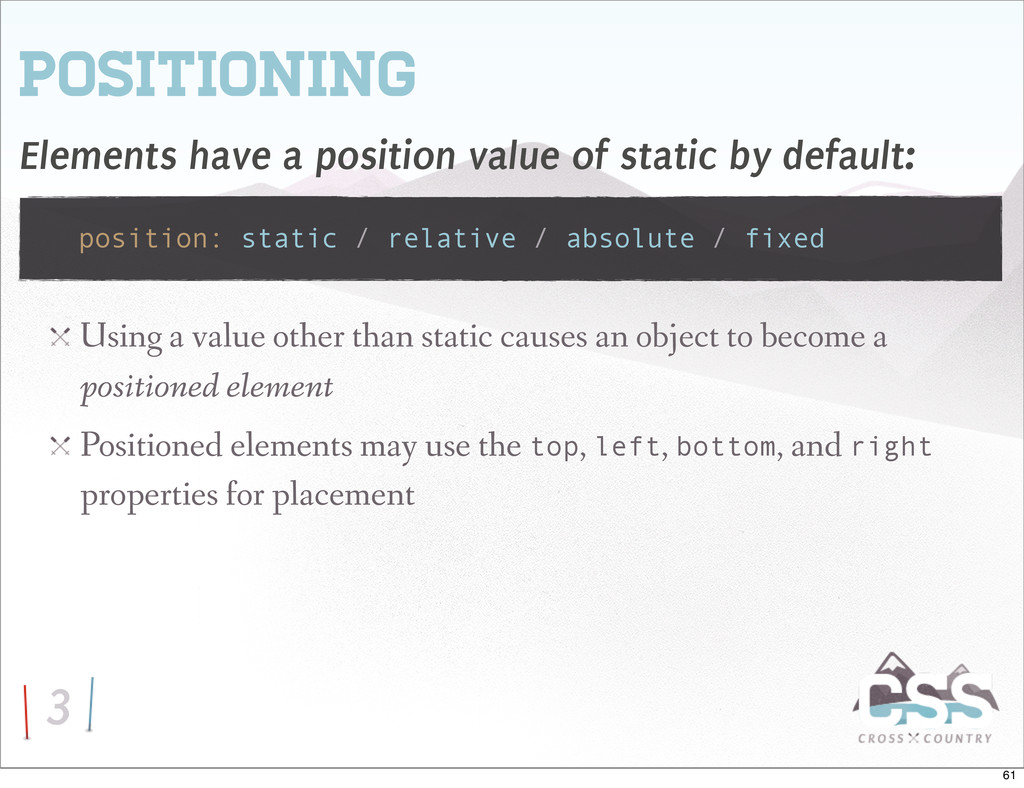
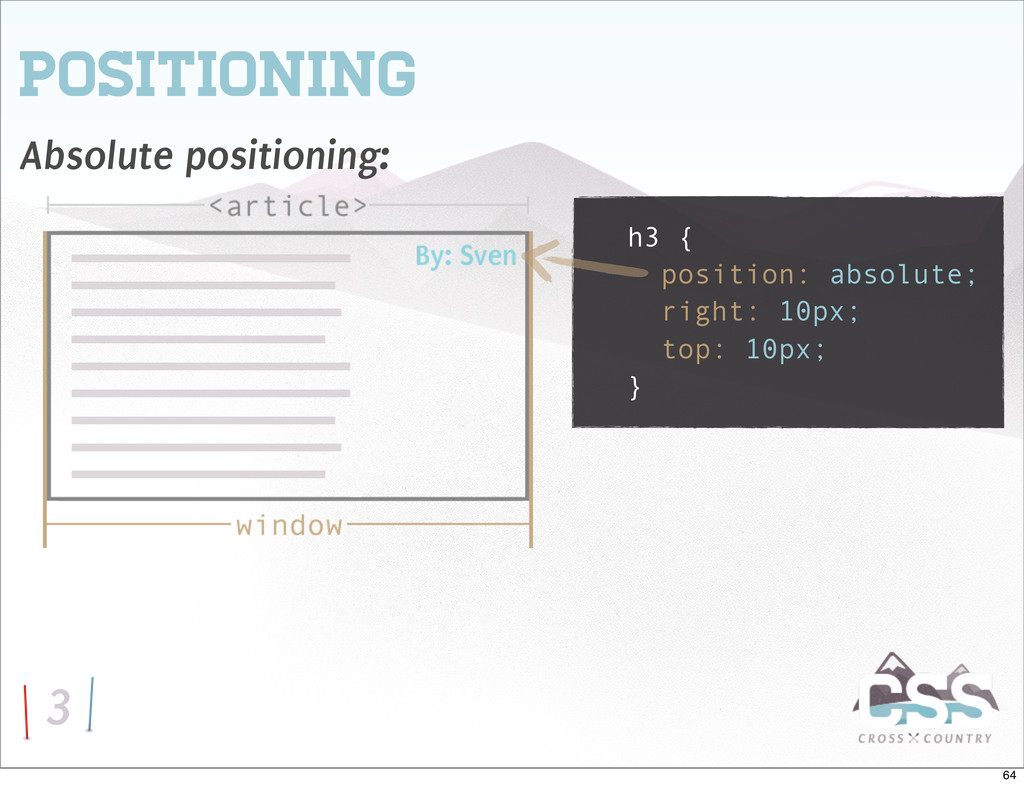
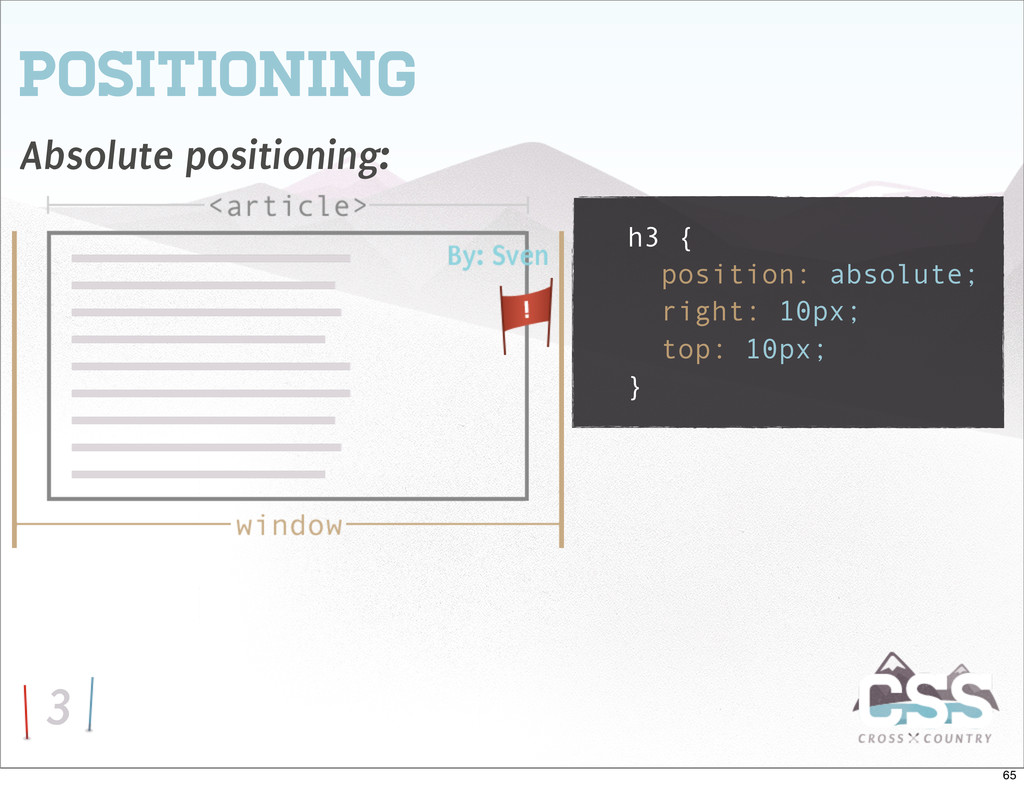
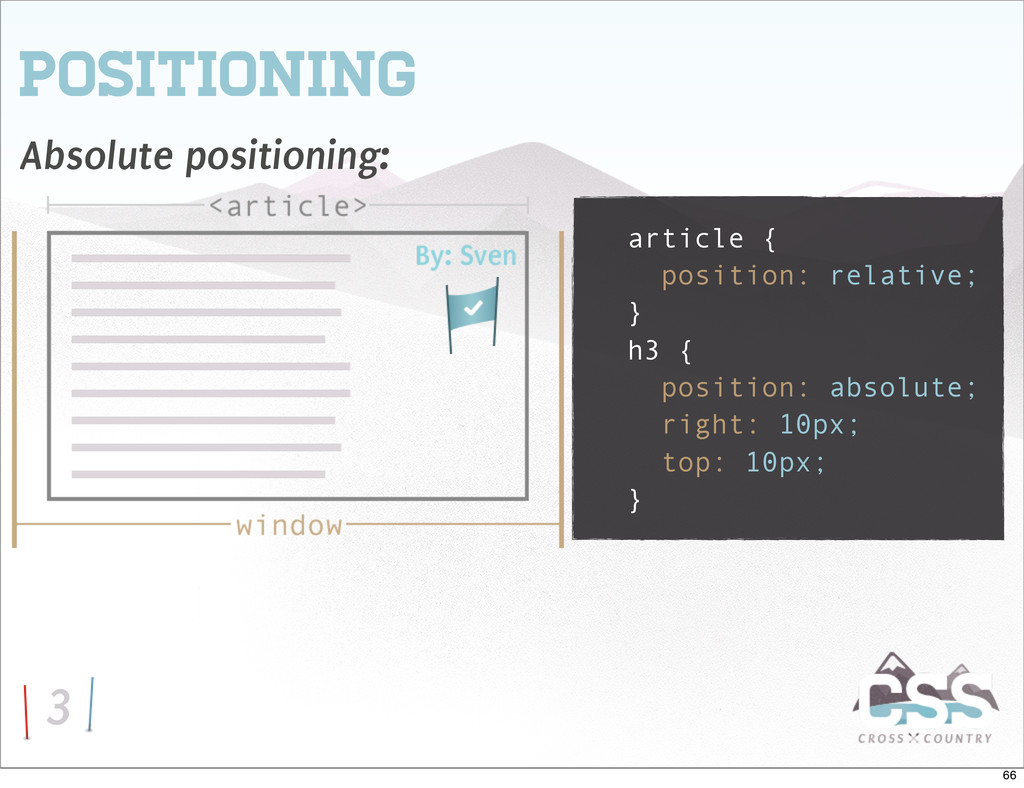
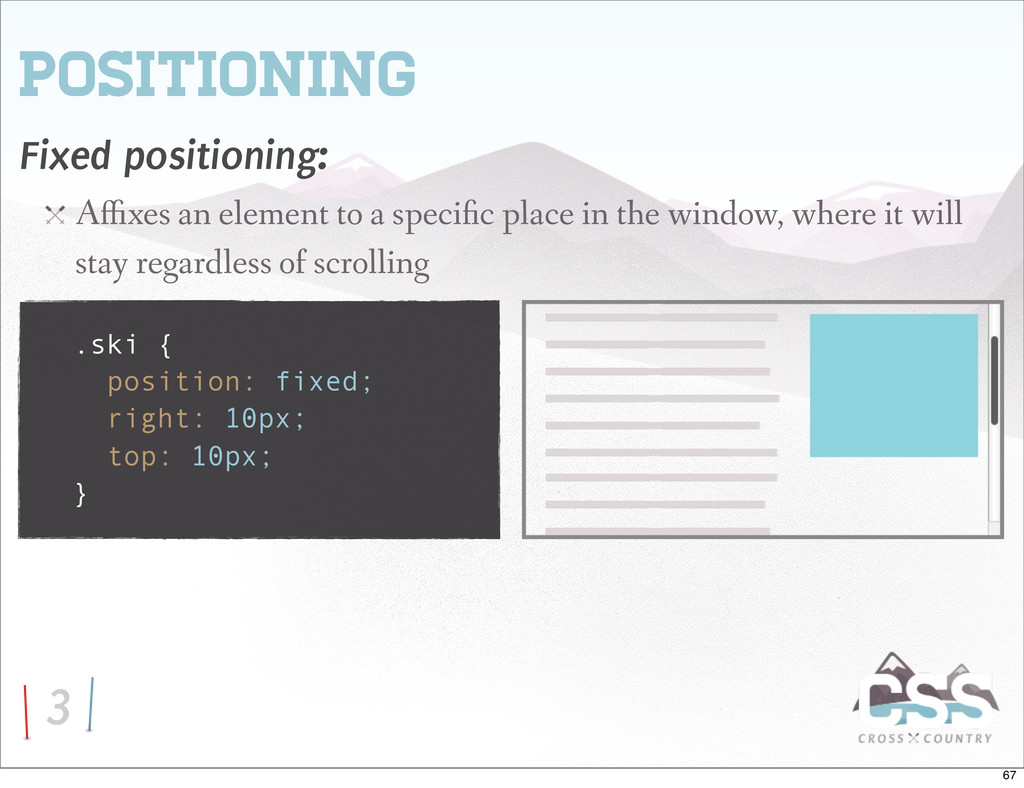
default: position: static / relative / absolute / fixed Using a value other than static causes an object to become a positioned element Positioned elements may use the top, left, bottom, and right properties for placement 61
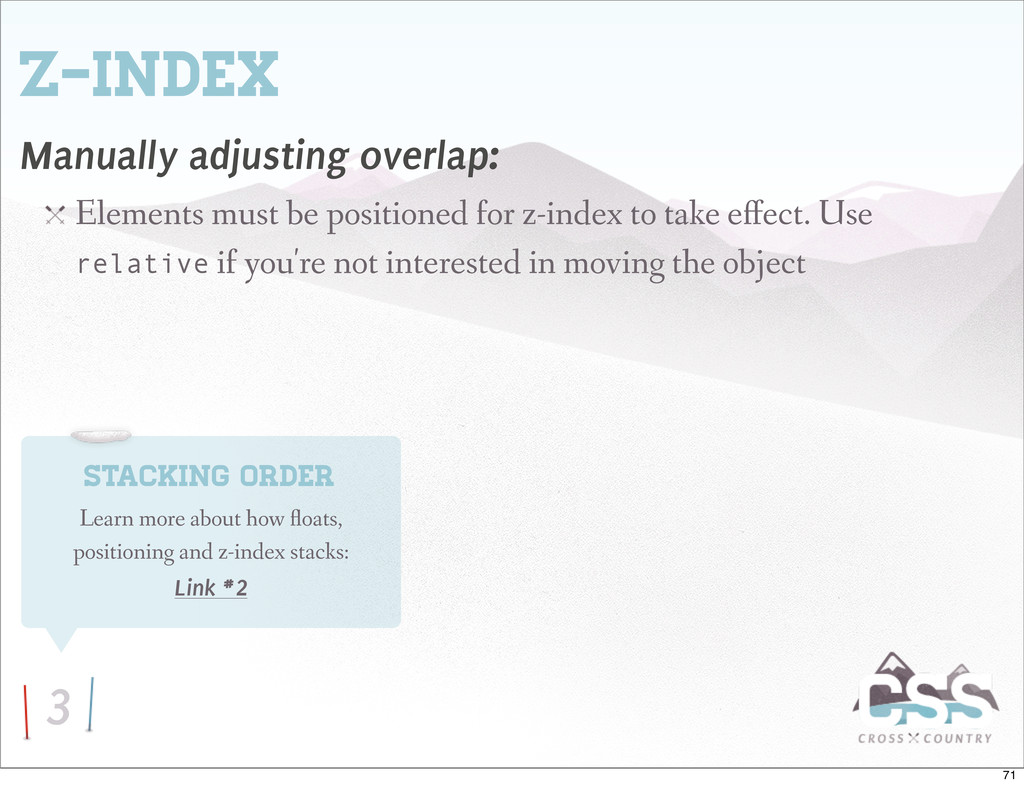
z-index to take e ect. Use relative if you're not interested in moving the object Stacking Order Learn more about how oats, positioning and z-index stacks: Link #2 71
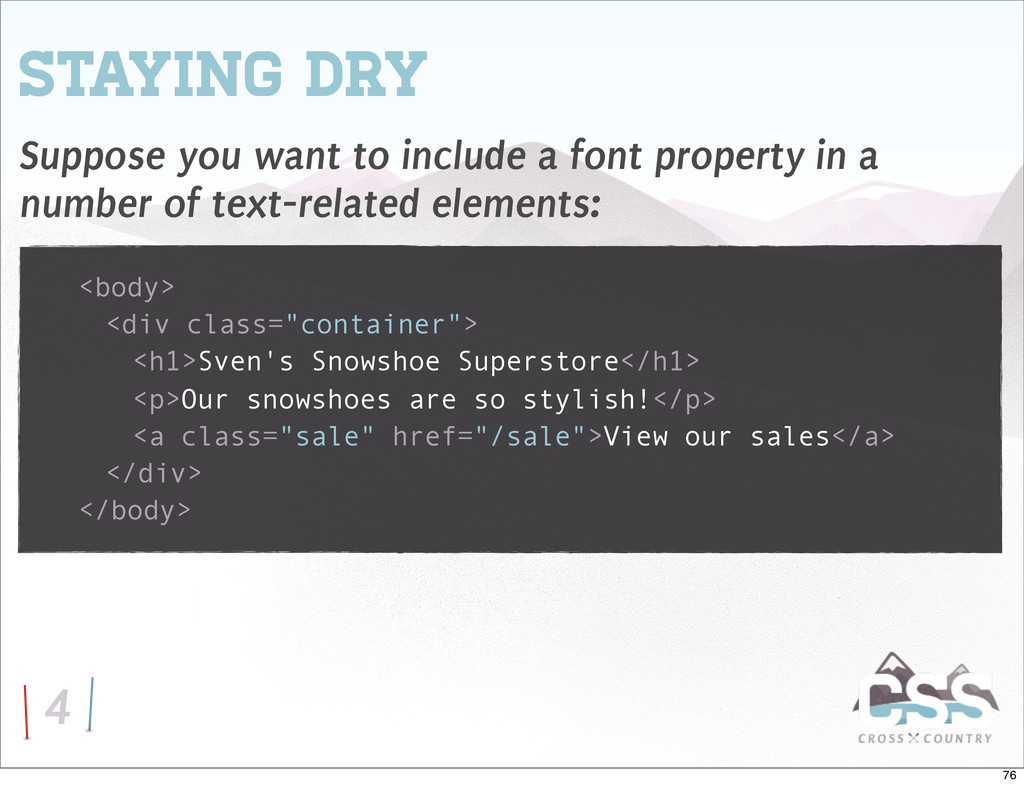
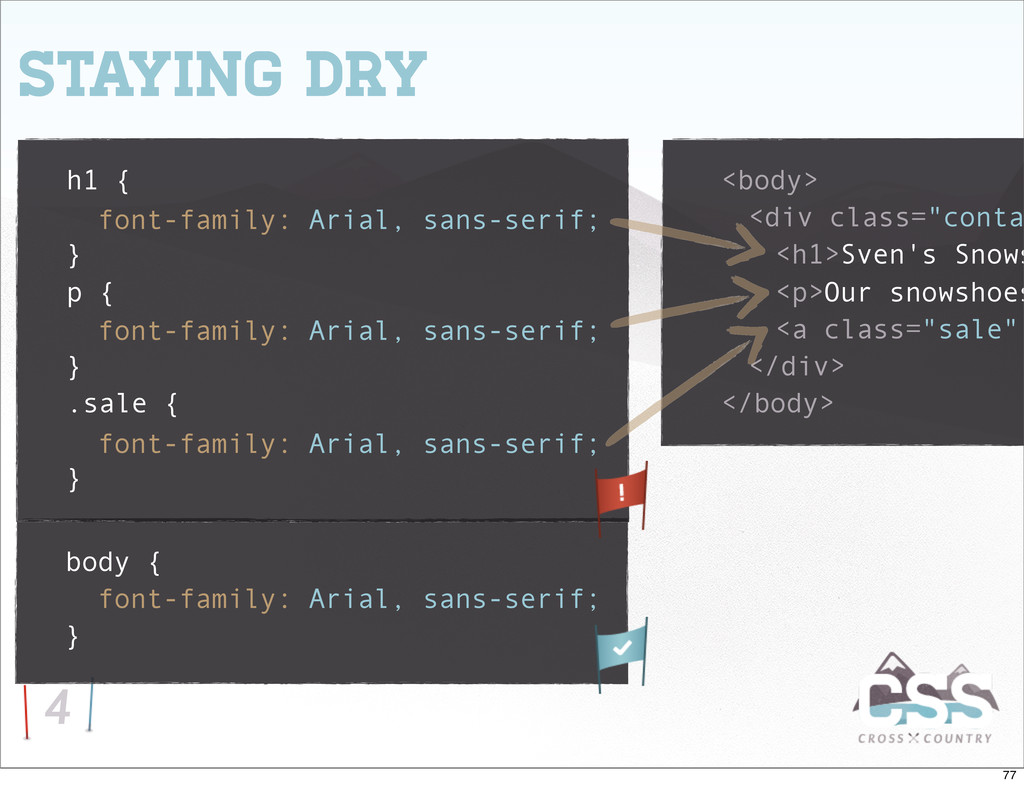
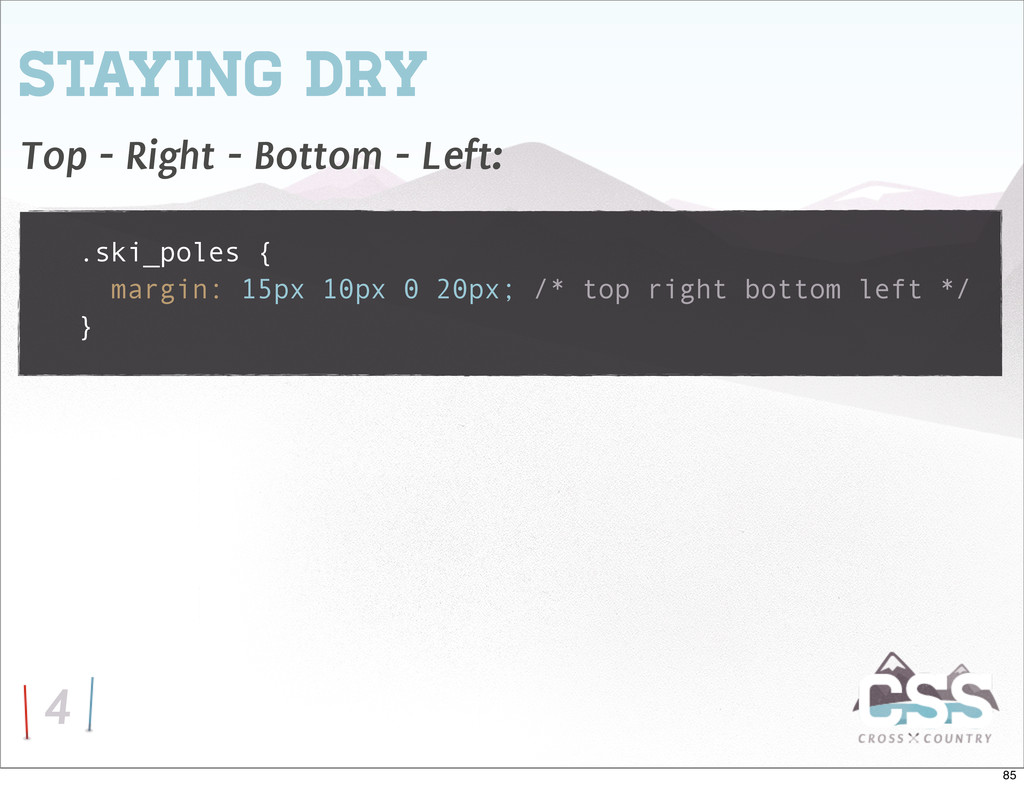
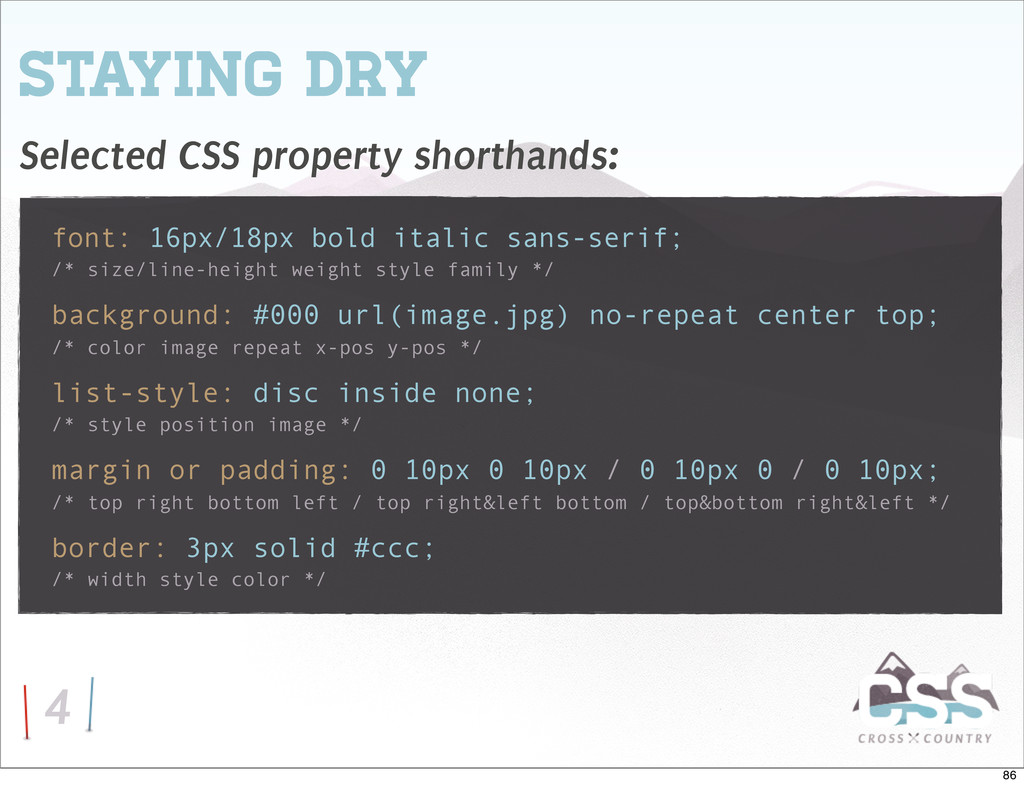
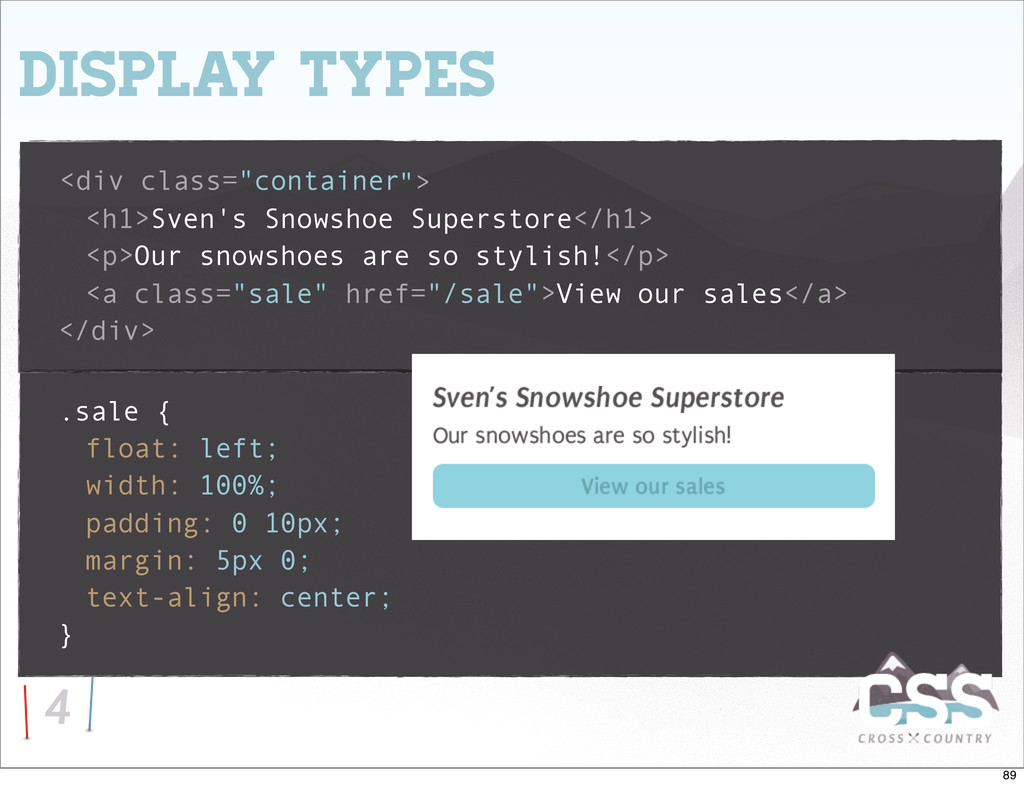
stylish!</p> <a class="sale" href="/sale">View our sales</a> </div> </body> 4 Staying Dry Suppose you want to include a font property in a number of text-related elements: 76
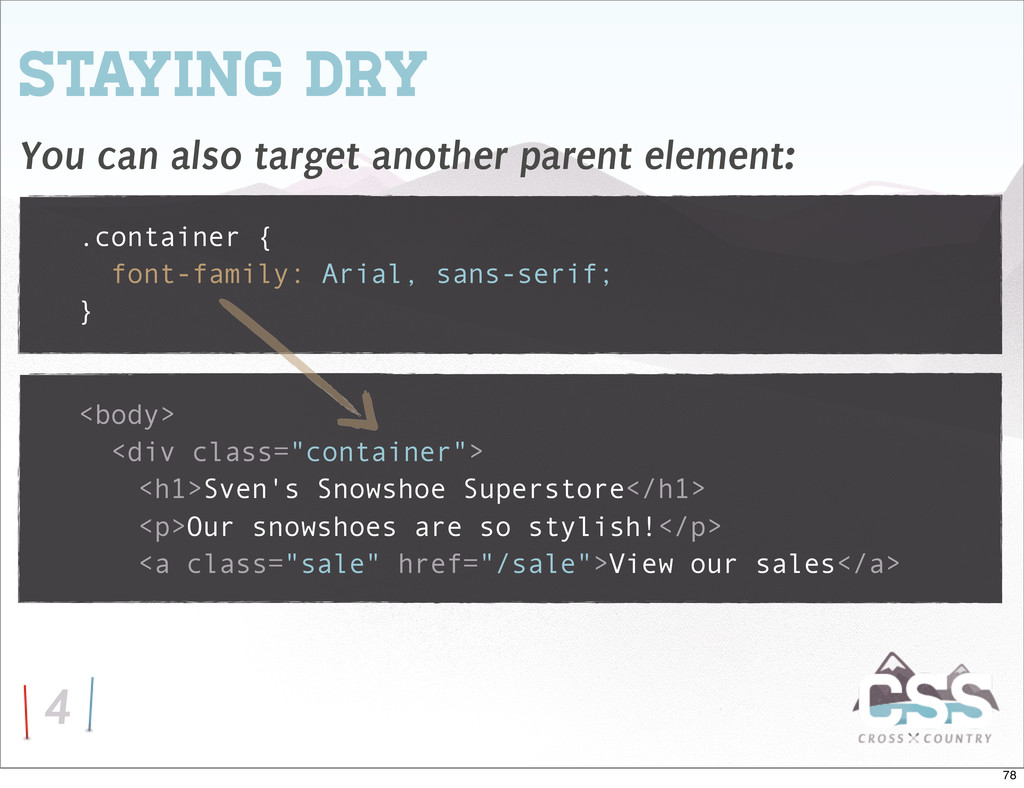
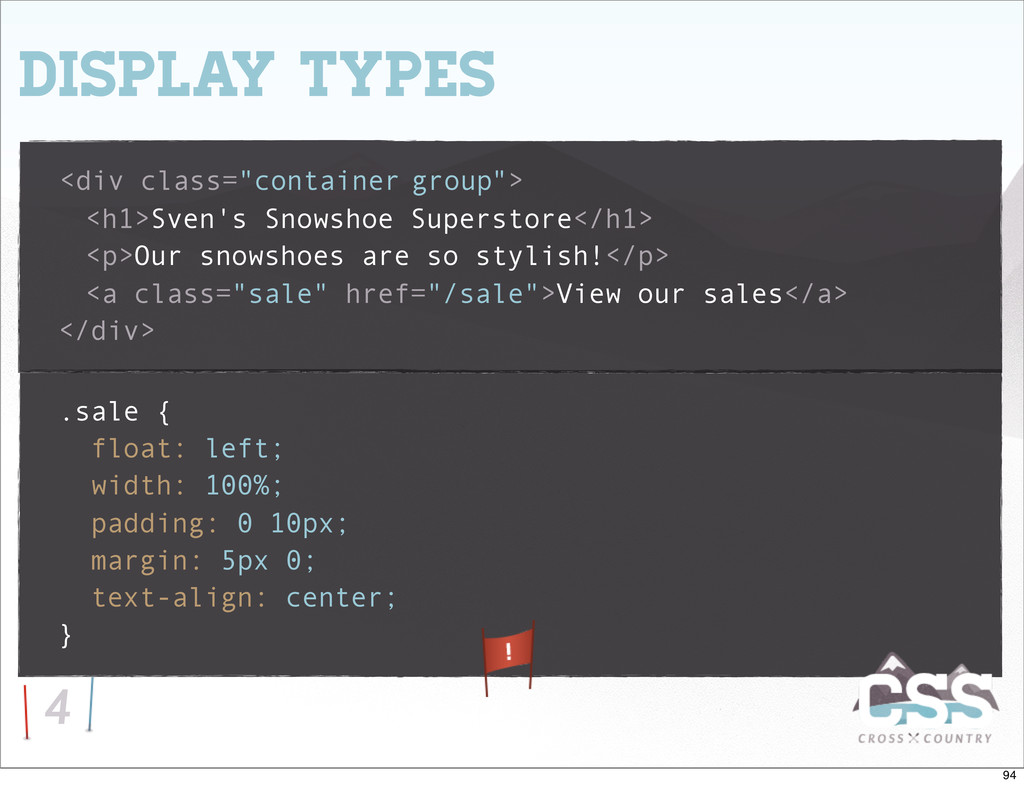
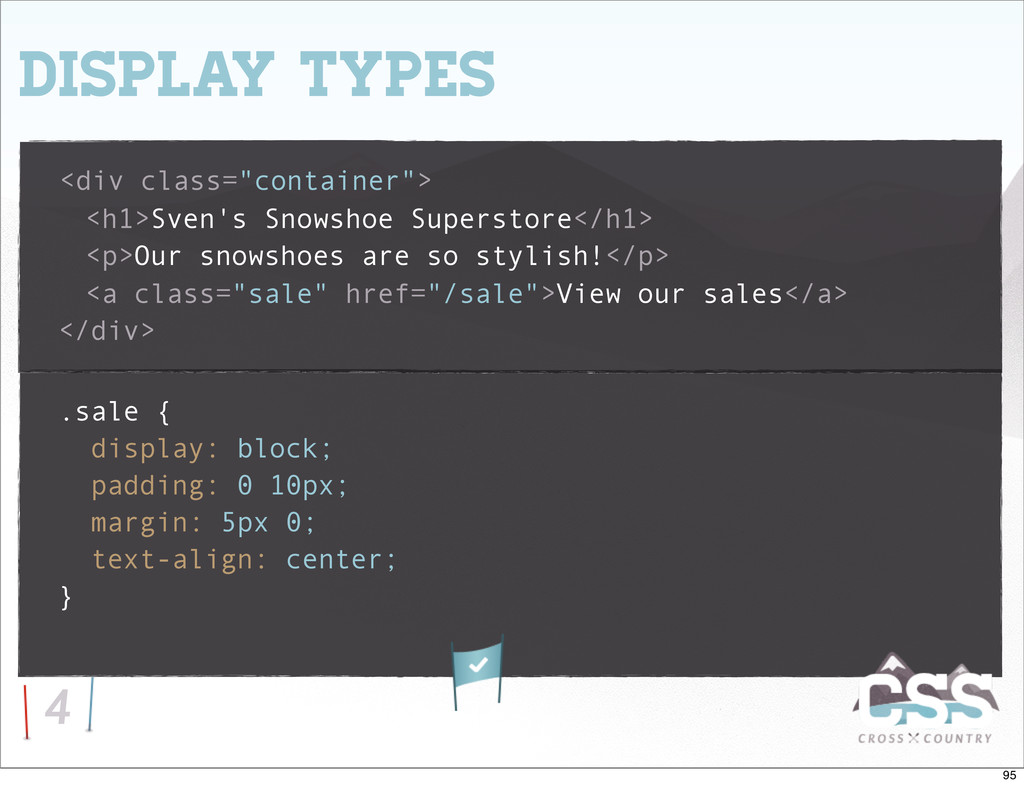
can also target another parent element: <body> <div class="container"> <h1>Sven's Snowshoe Superstore</h1> <p>Our snowshoes are so stylish!</p> <a class="sale" href="/sale">View our sales</a> 78
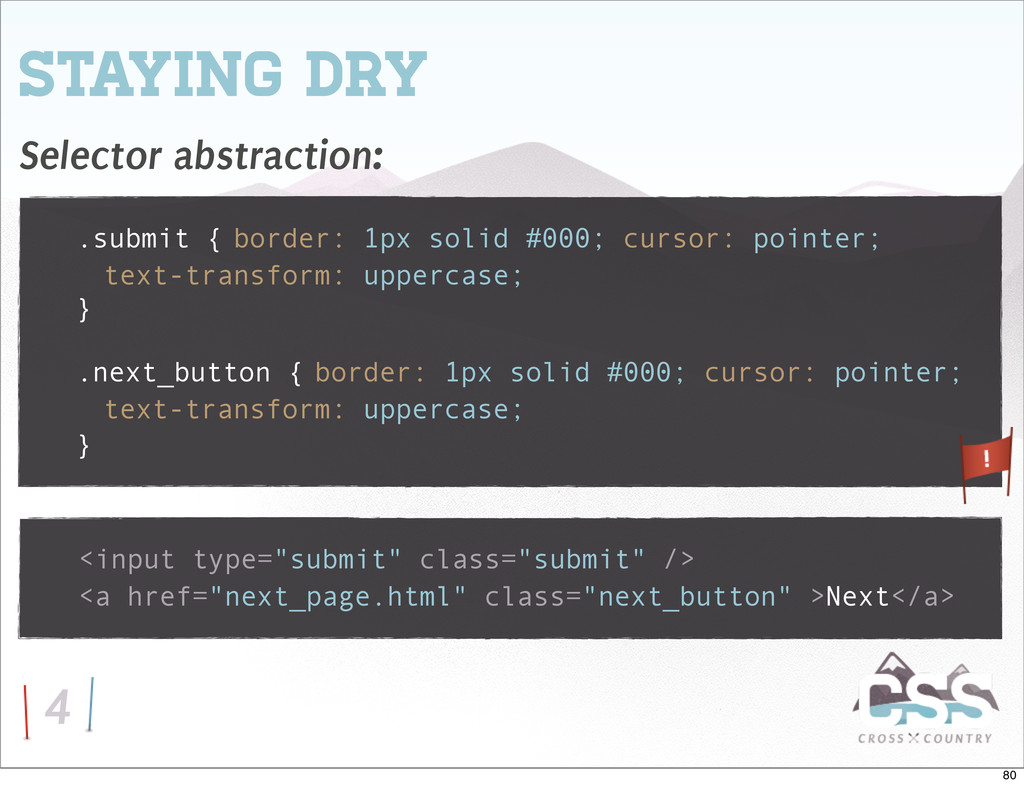
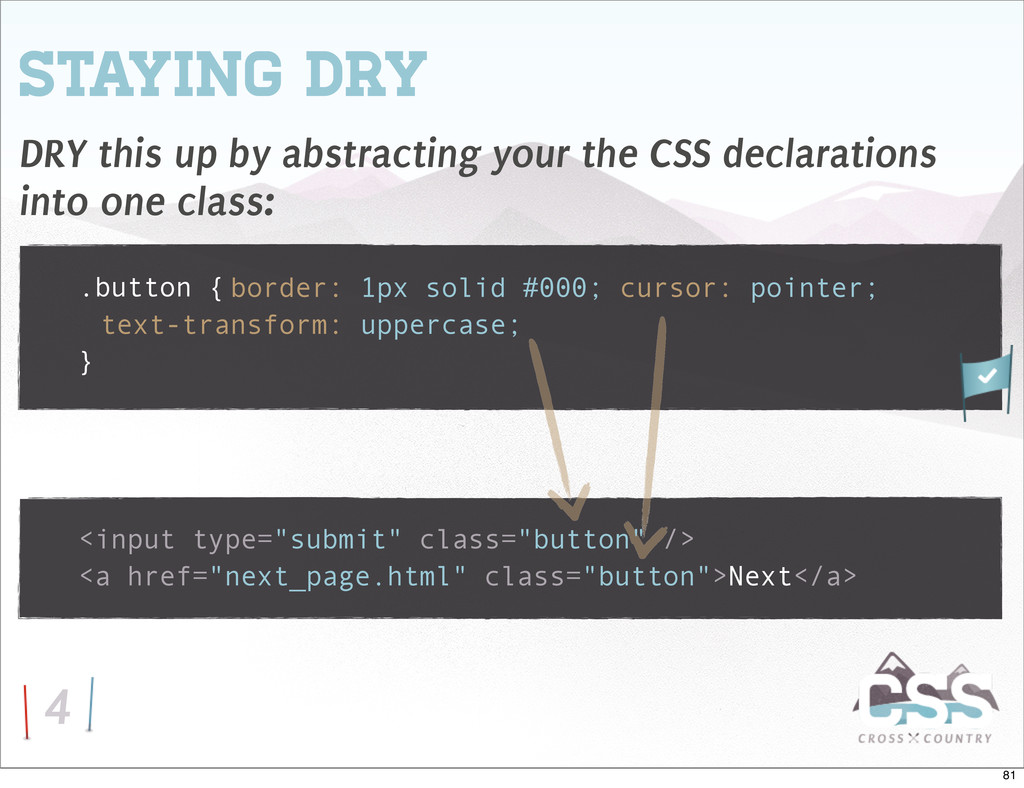
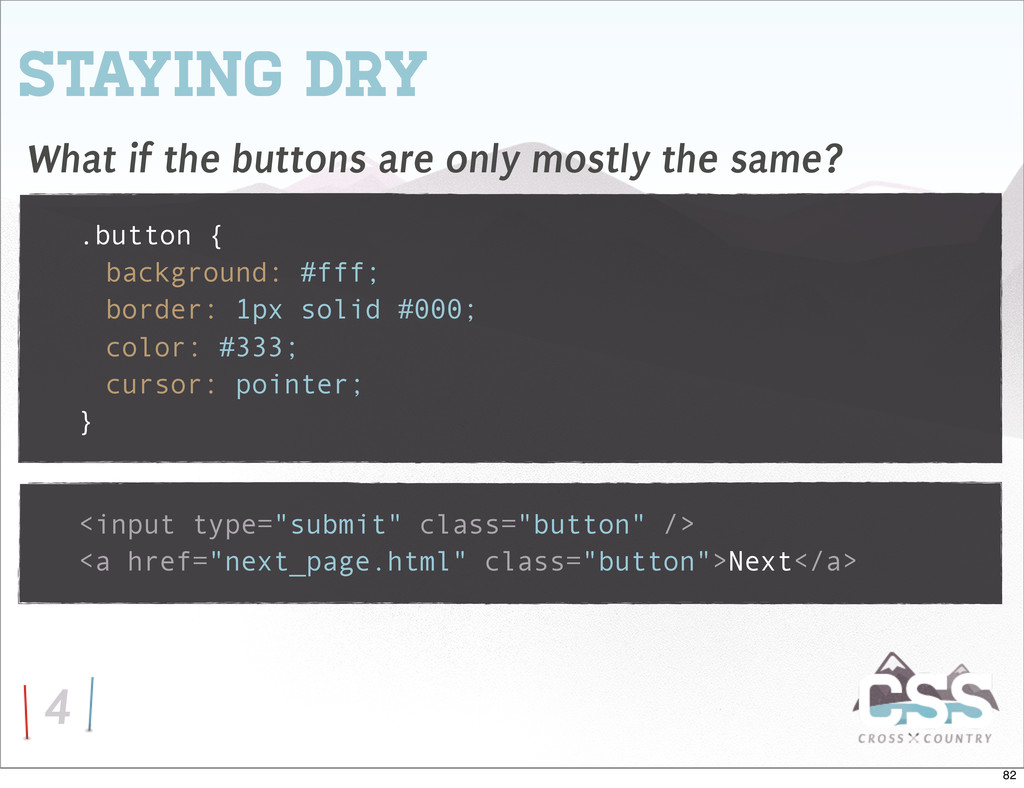
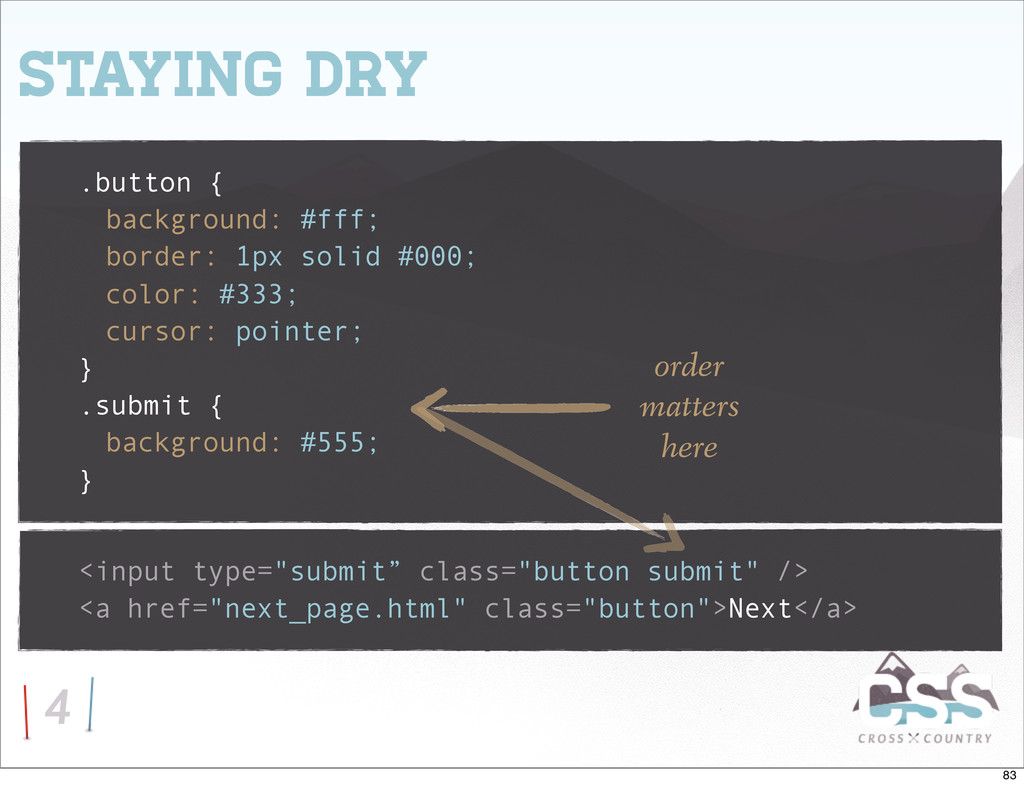
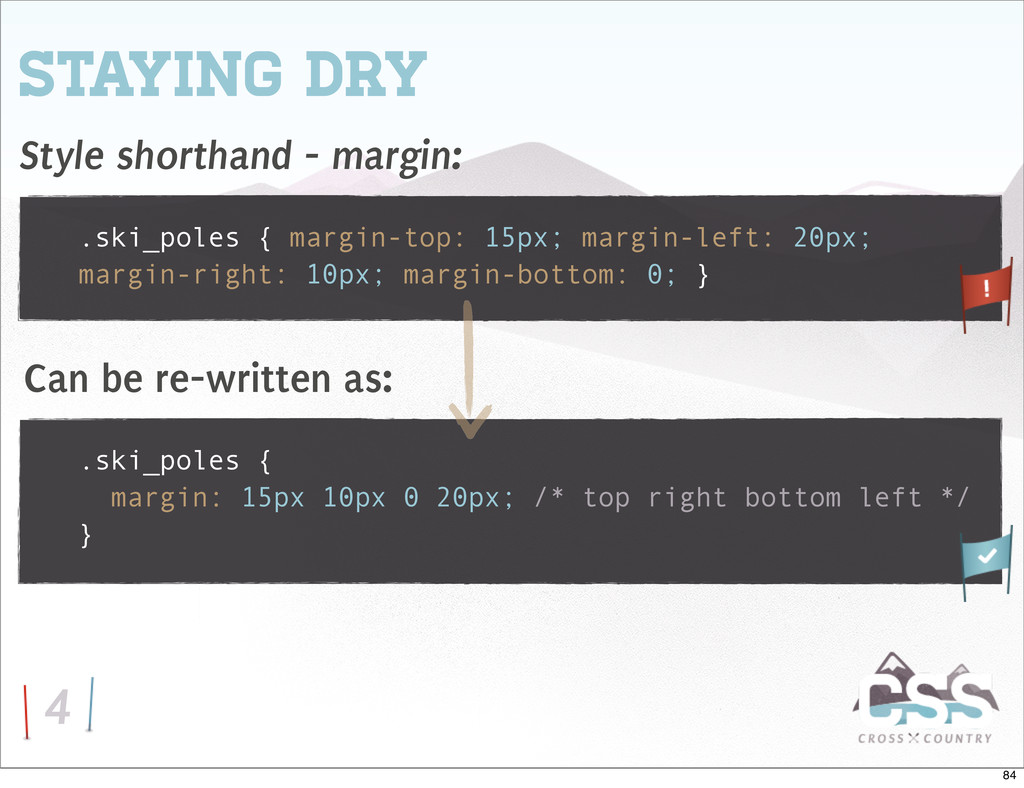
cursor: pointer; } 4 Staying Dry <input type="submit" class="button" /> <a href="next_page.html" class="button">Next</a> What if the buttons are only mostly the same? 82
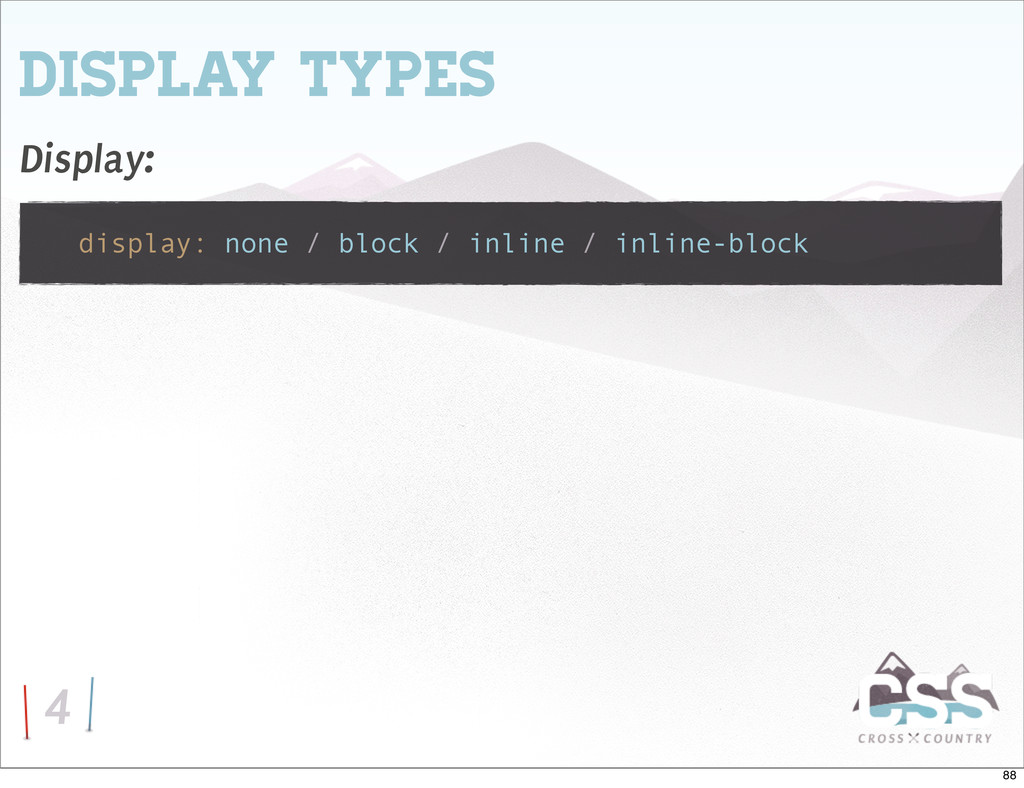
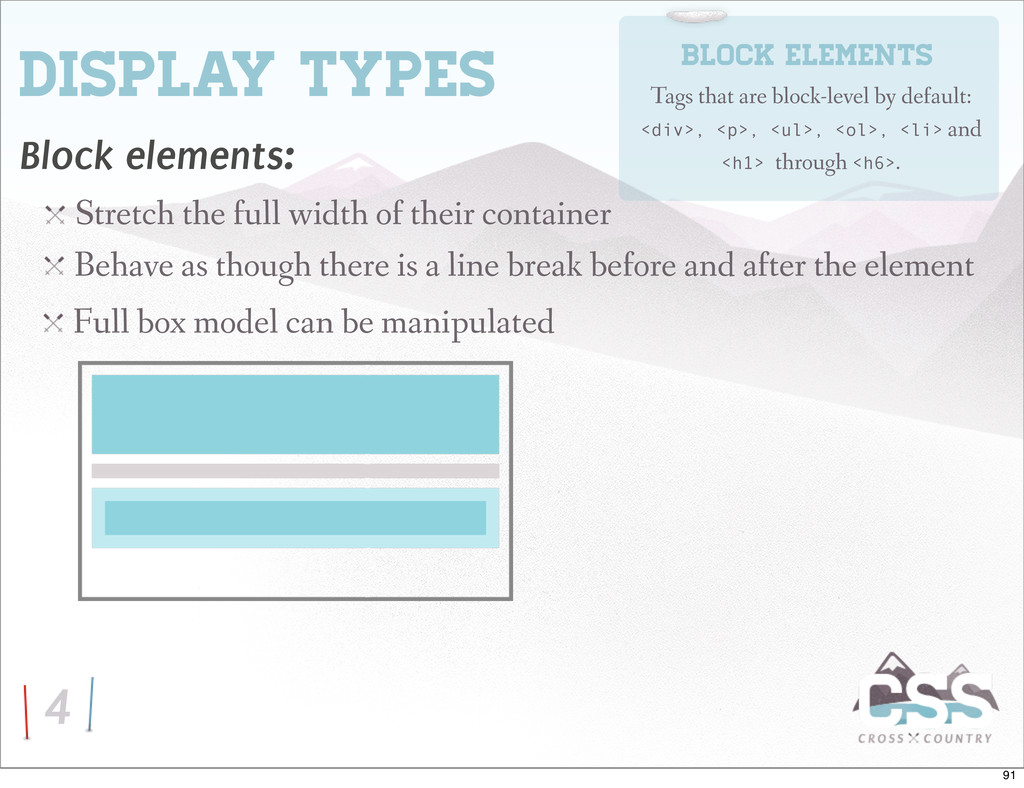
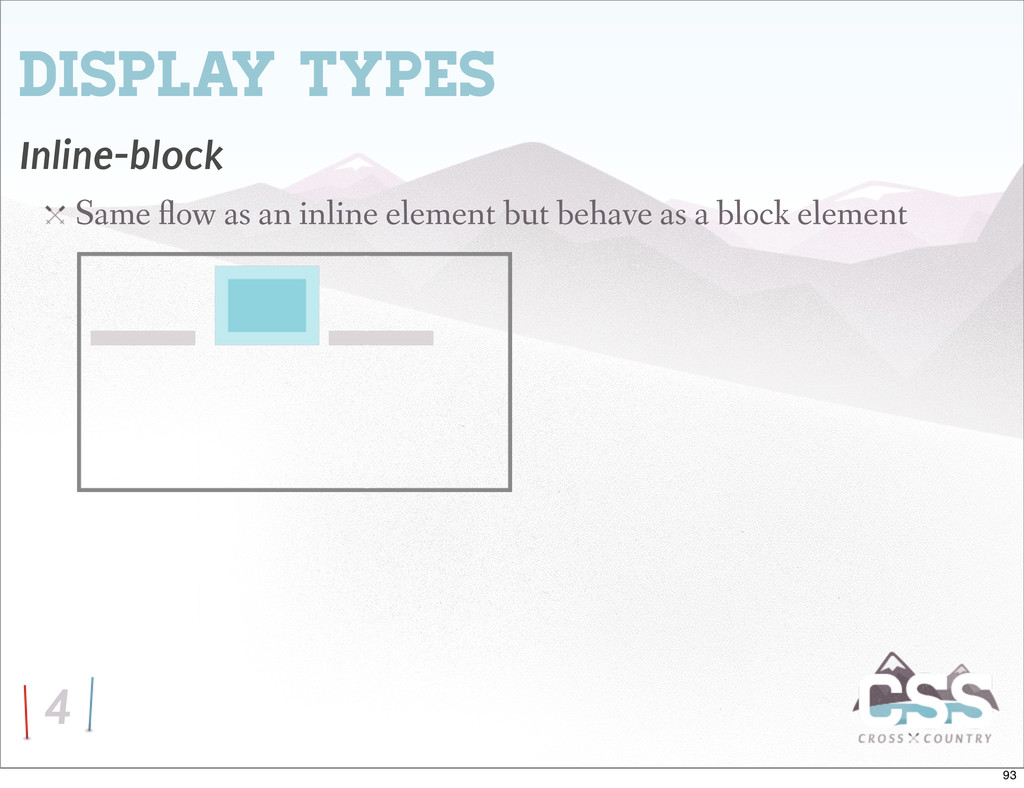
their container Block elements Tags that are block-level by default: <div>, <p>, <ul>, <ol>, <li> and <h1> through <h6>. Behave as though there is a line break before and after the element Full box model can be manipulated 91
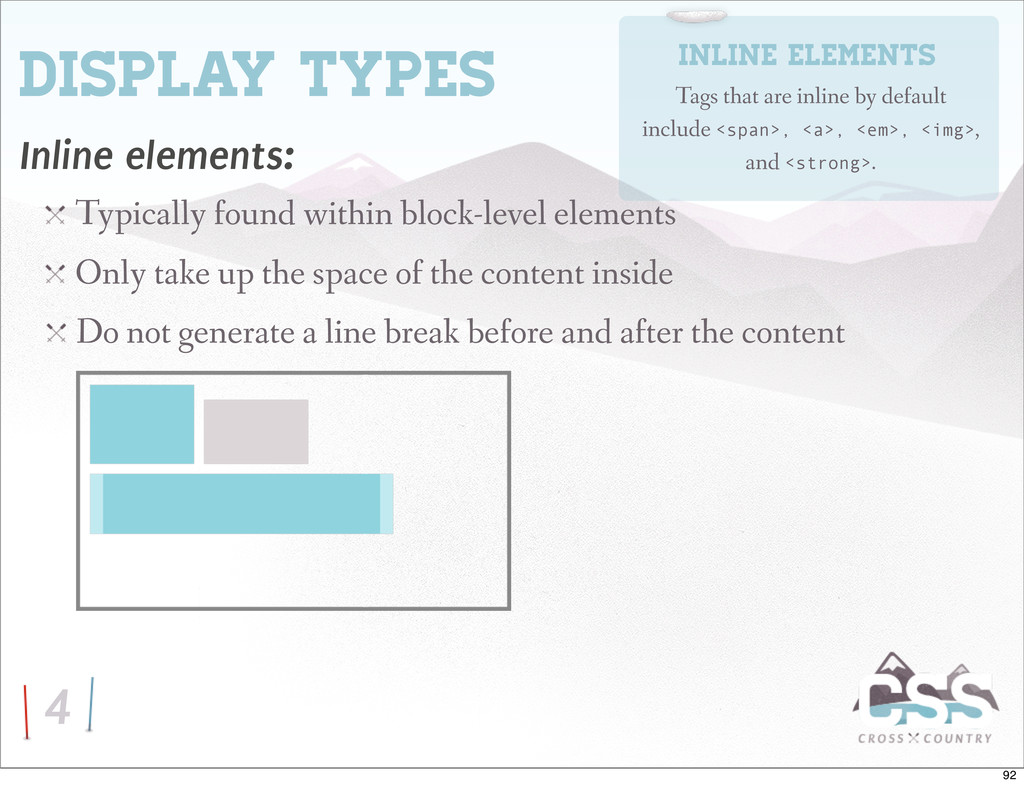
Only take up the space of the content inside Do not generate a line break before and after the content Inline elements Tags that are inline by default include <span>, <a>, <em>, <img>, and <strong>. 92
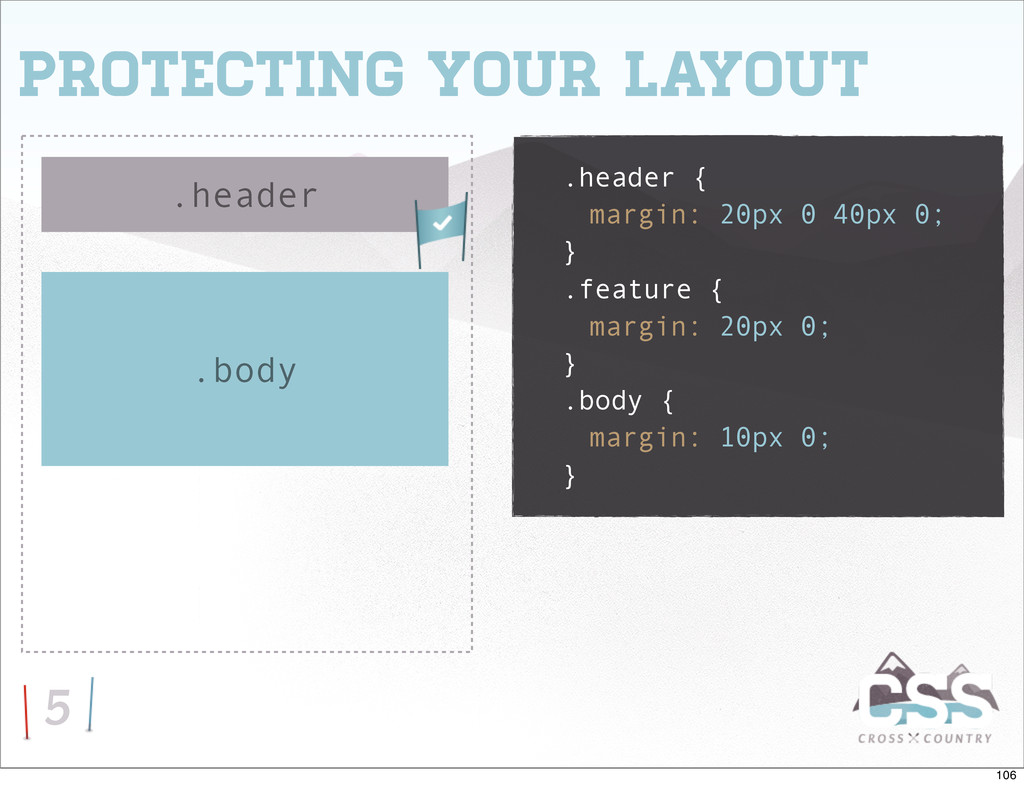
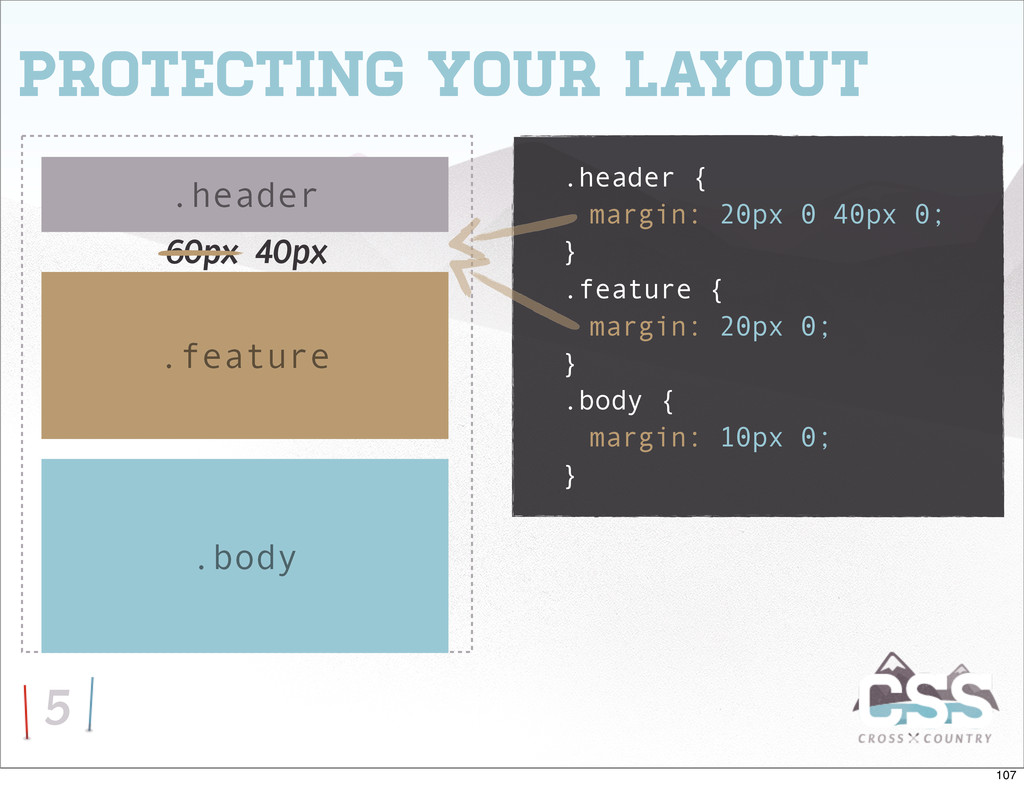
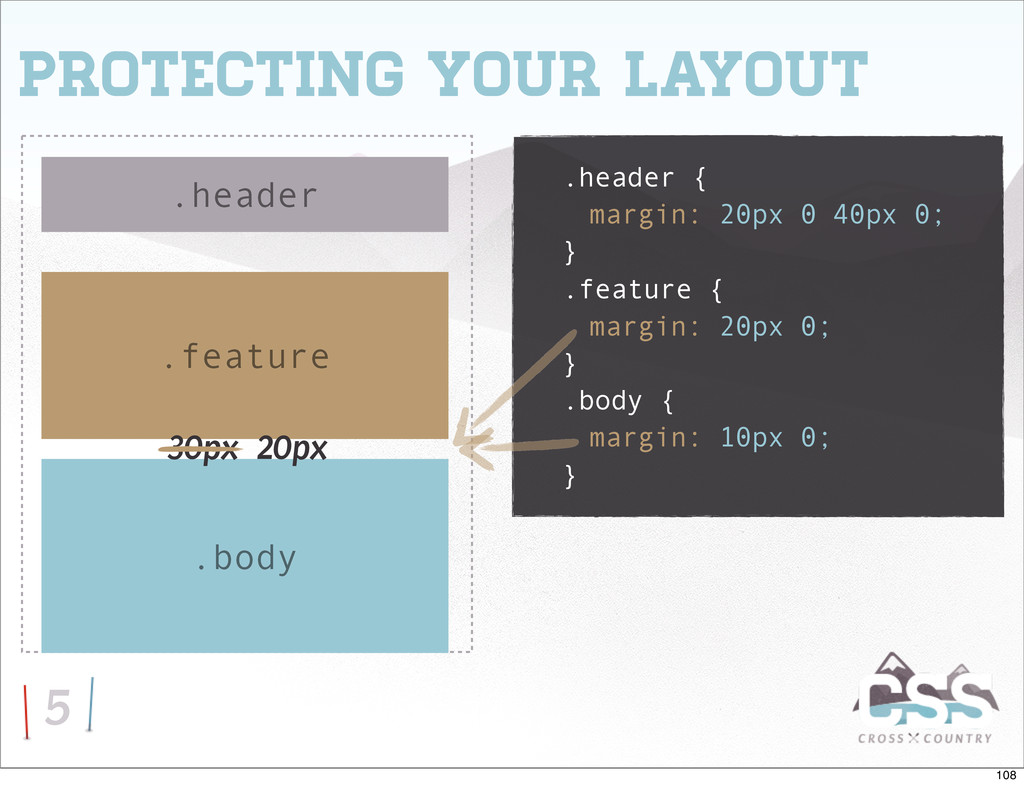
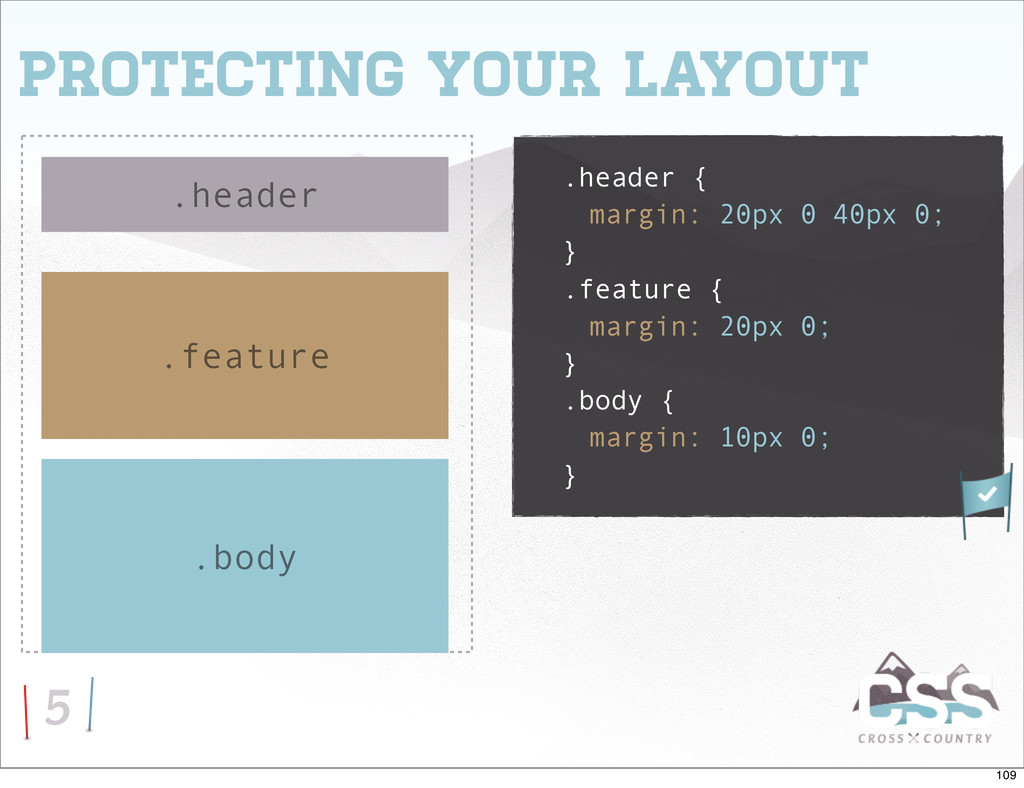
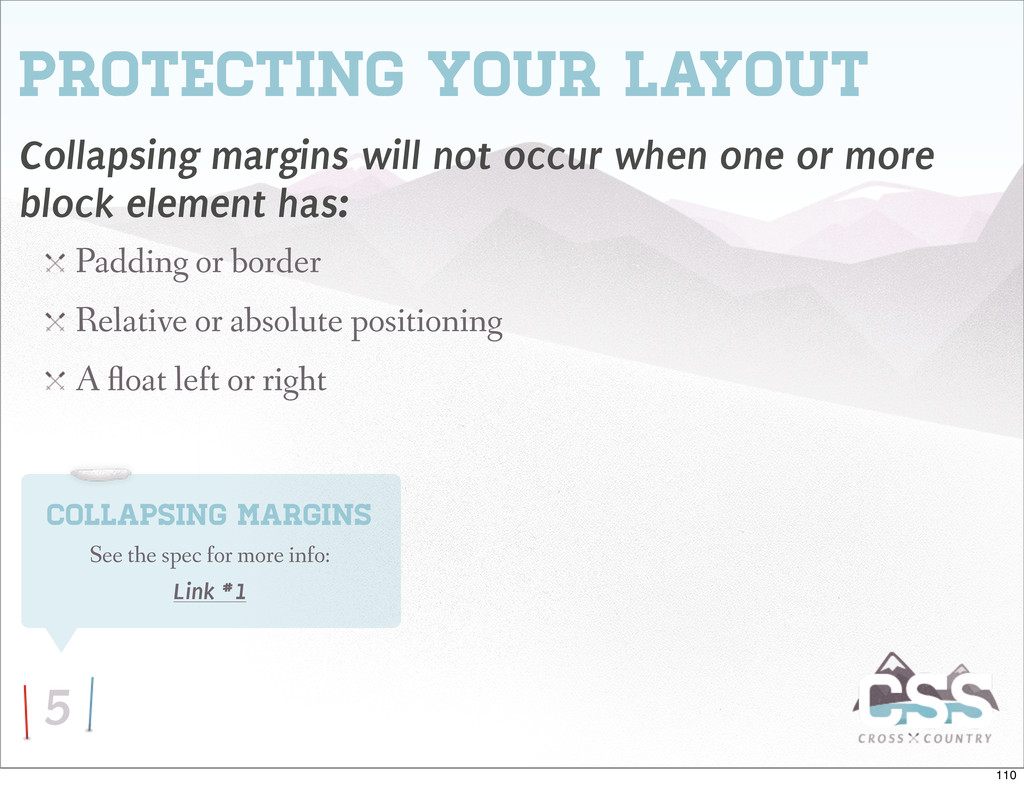
one or more block element has: Padding or border Relative or absolute positioning A oat left or right Collapsing margins See the spec for more info: Link #1 110
height and width of all of your images Resize them server-side Provide image-uploading instructions in your CMS Fluid & responsive layouts Richard Rutter’s technique: Link #1 136
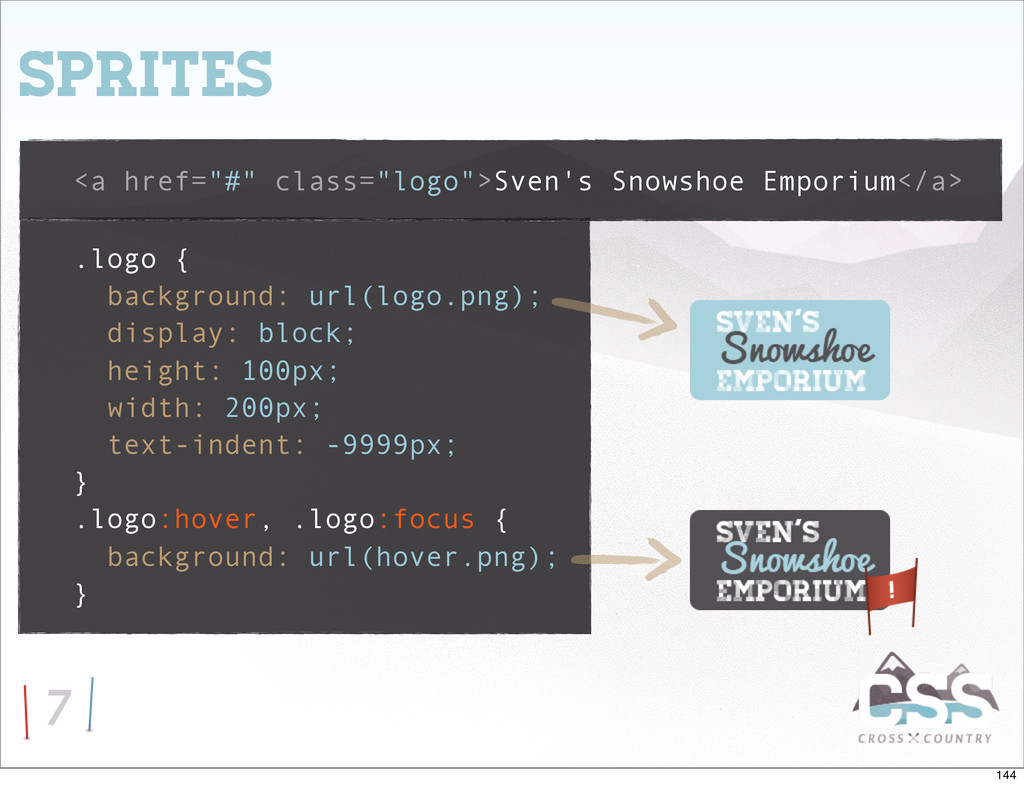
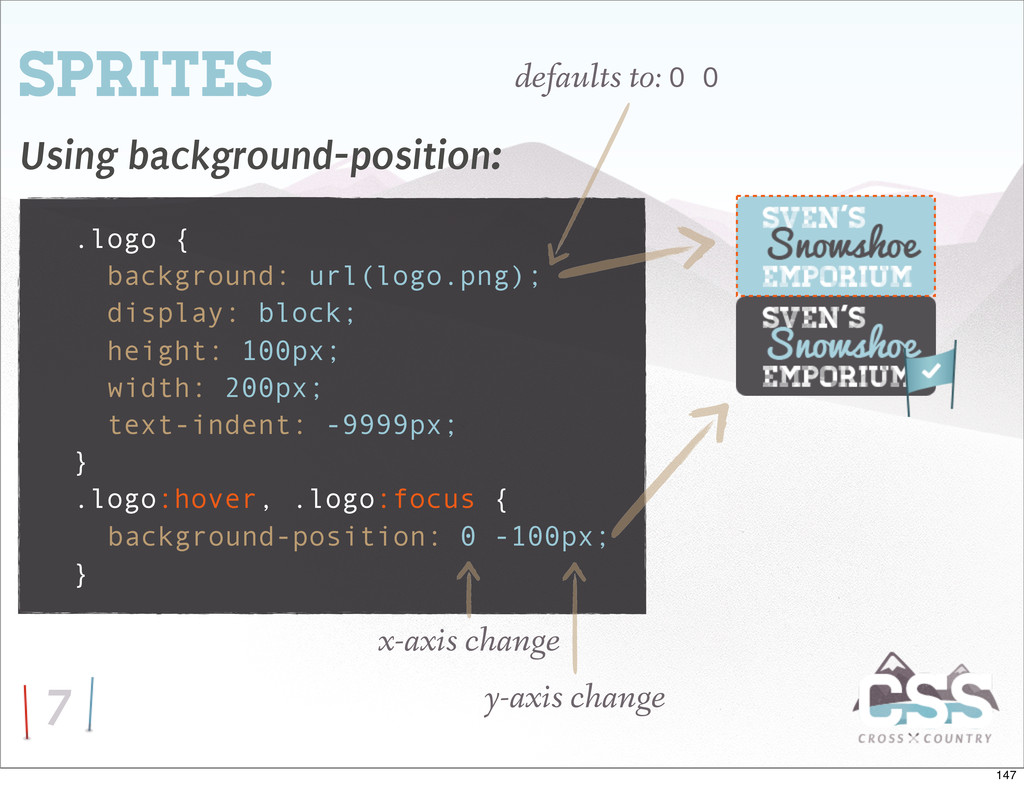
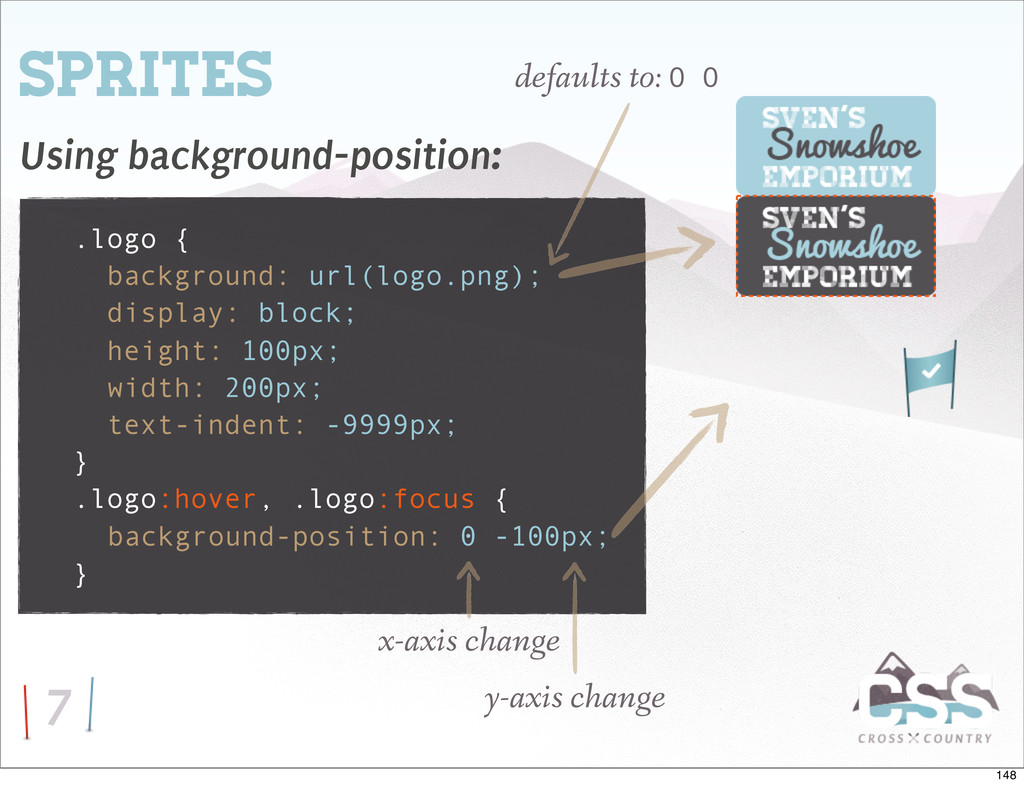
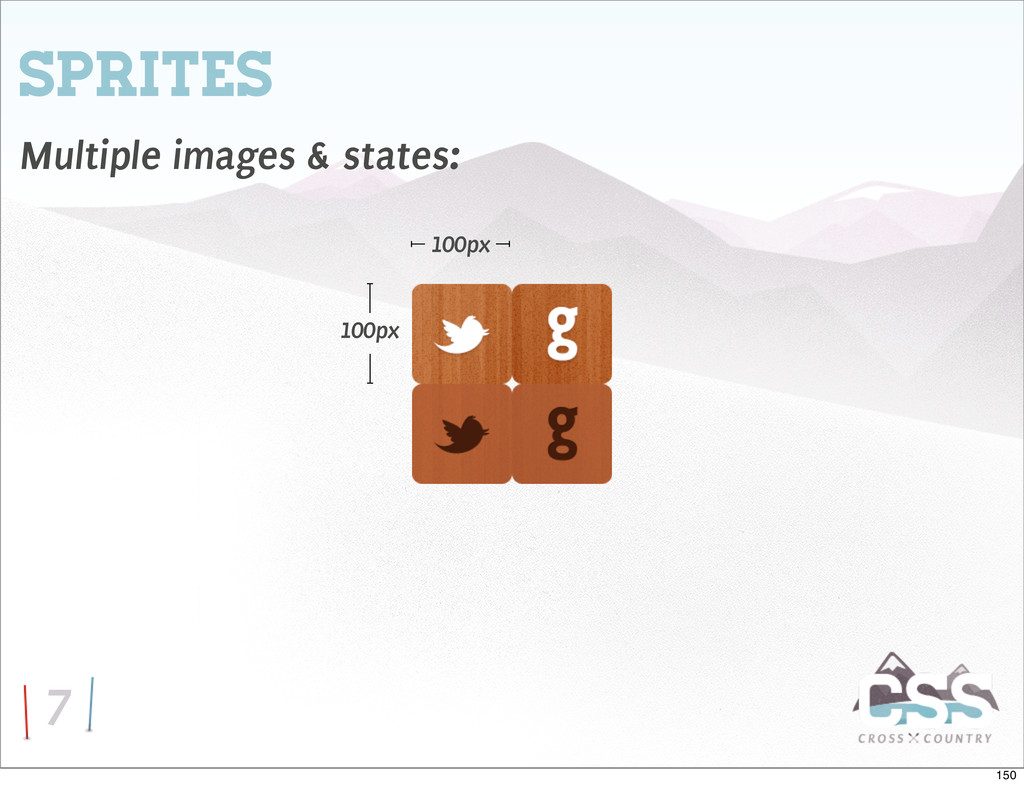
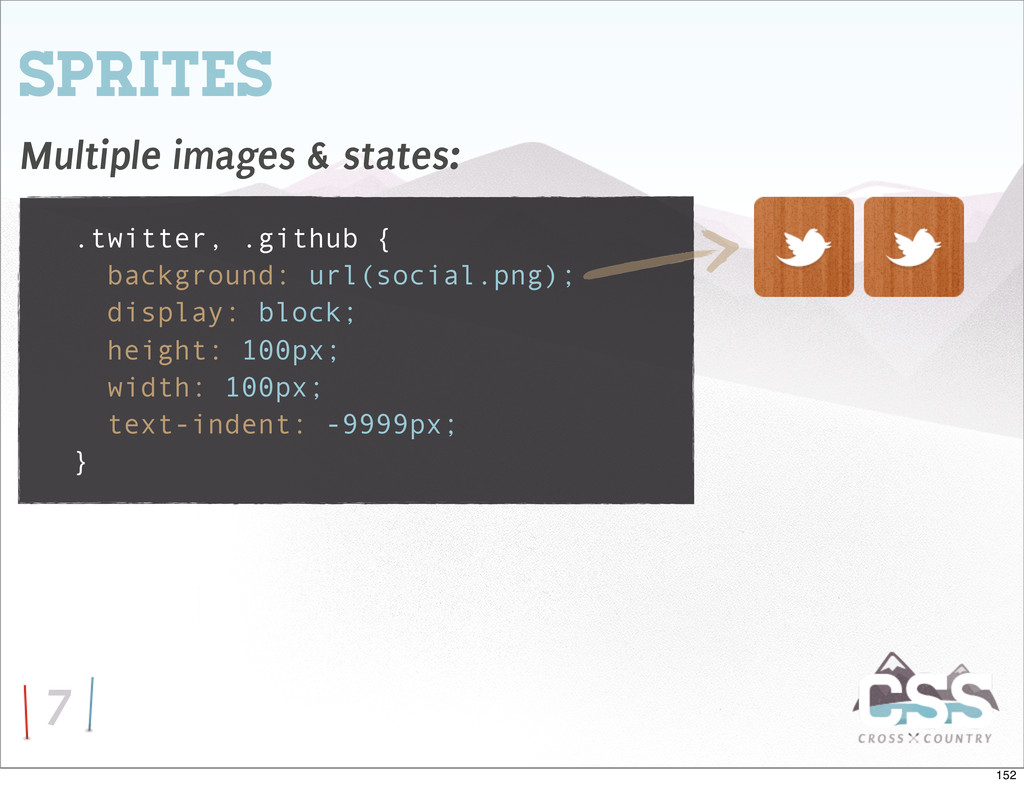
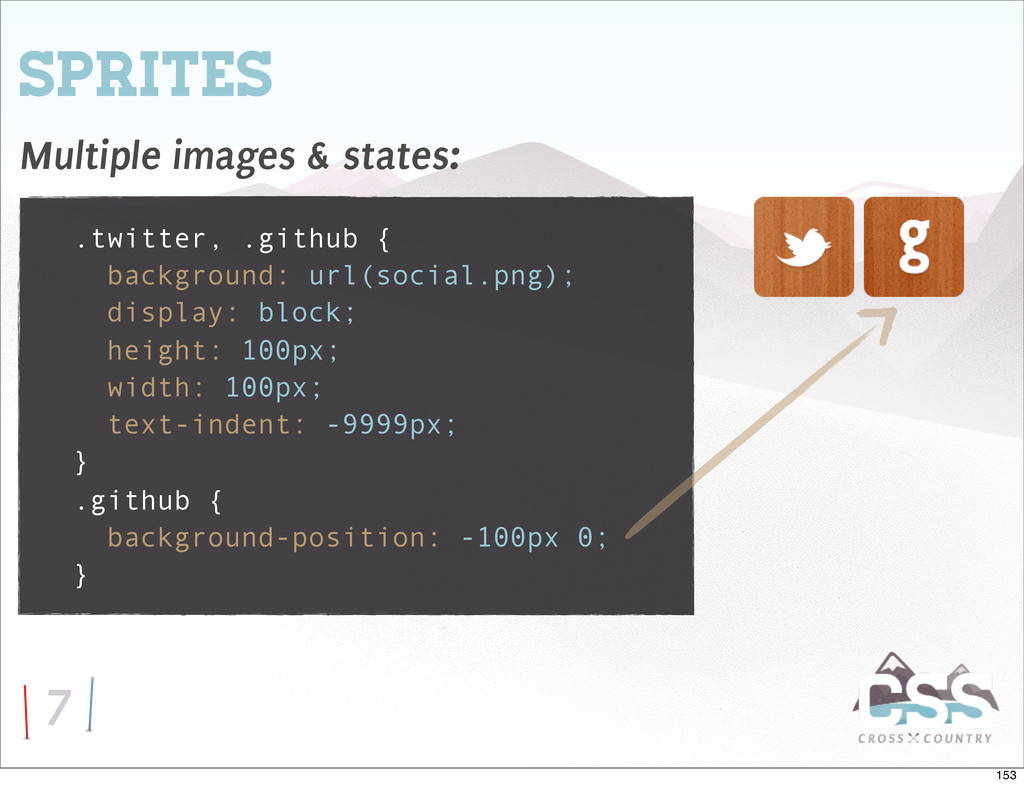
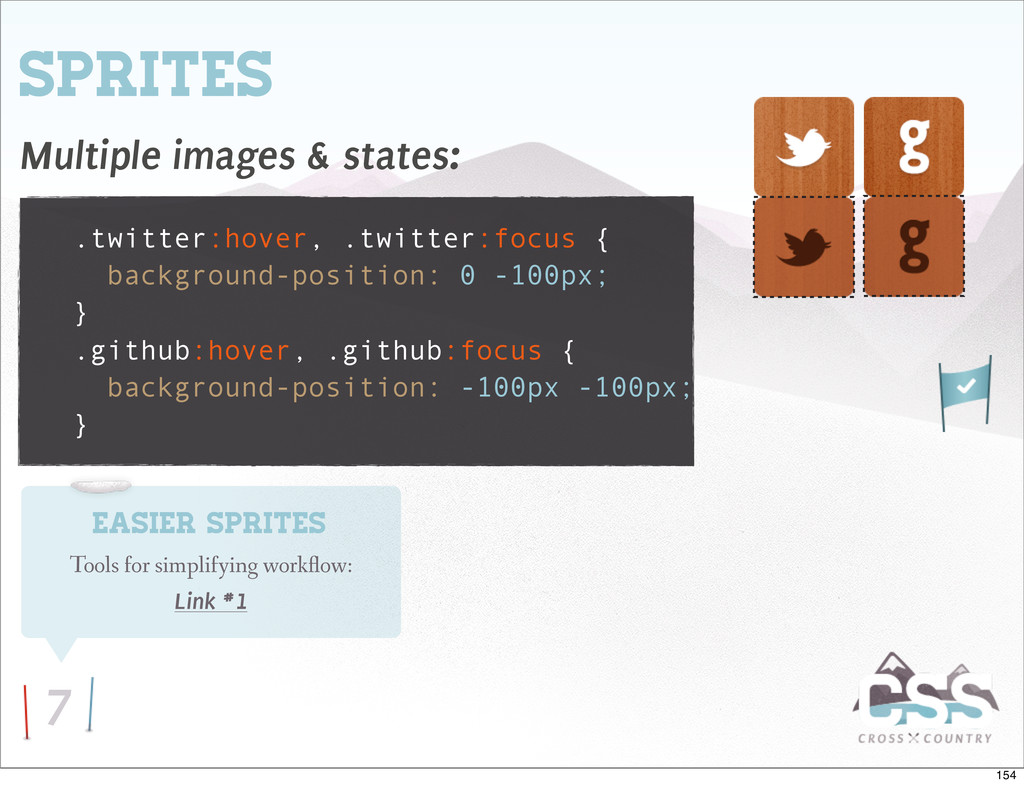
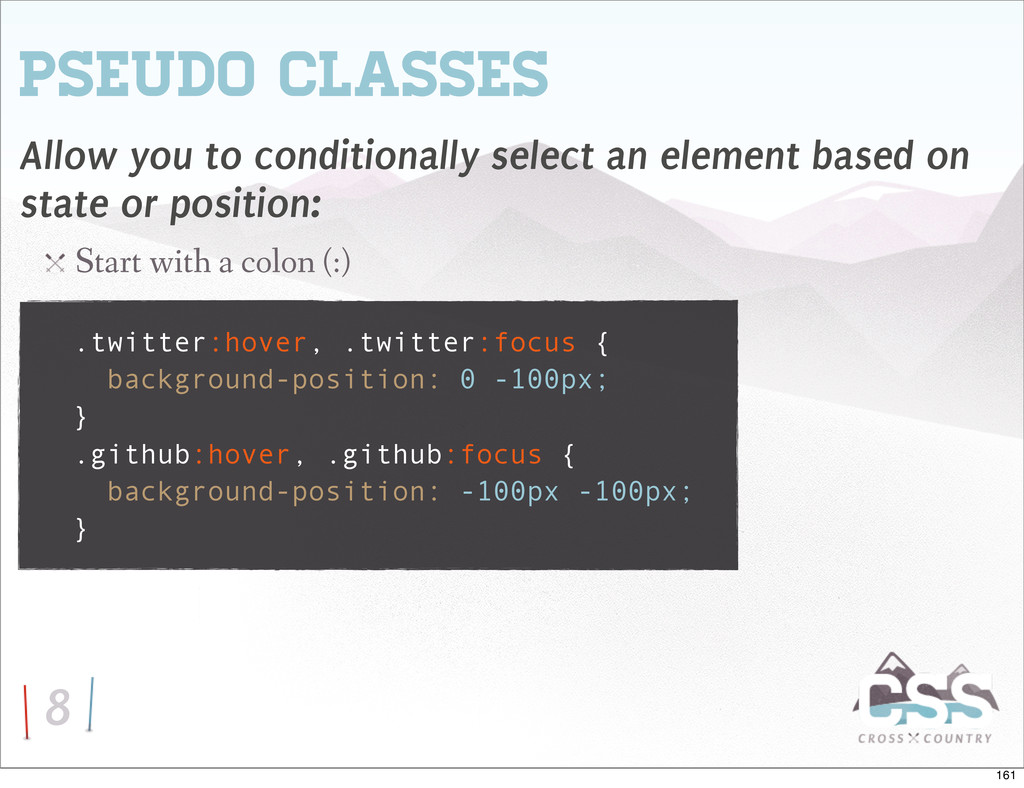
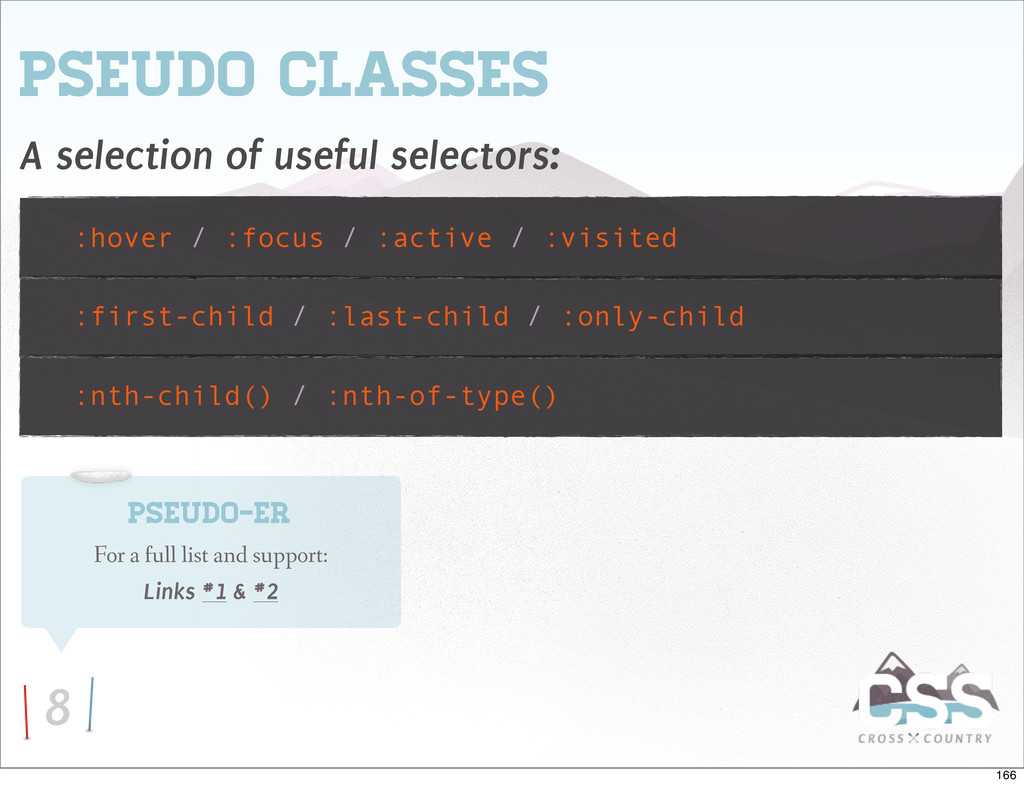
based on state or position: Start with a colon (:) .twitter:hover, .twitter:focus { background-position: 0 -100px; } .github:hover, .github:focus { background-position: -100px -100px; } 161


 codeschool
 optim
optim
 gam0022
 mofurune
 ryu1013
 yukiny
 taiseiue
 deka_morita
 iwiwi
iwiwi
 satoshi256kbyte
 oniak3ibm
 teyamagu
 tanahiro2010
 cassininazir
 hannesfritz
 keavy
keavy
 raygrieselhuber
 davetheseo
 addyosmani
 takai
takai
 palkan
 honzajavorek
 yeseniaperezcruz
 62gerente
 thoeni