A practical guide to policy management: the full policy lifecycle, the difference between policies and procedures, and what good policy management software should do. Includes tips for writing policies people actually read and a simple 60-day plan.
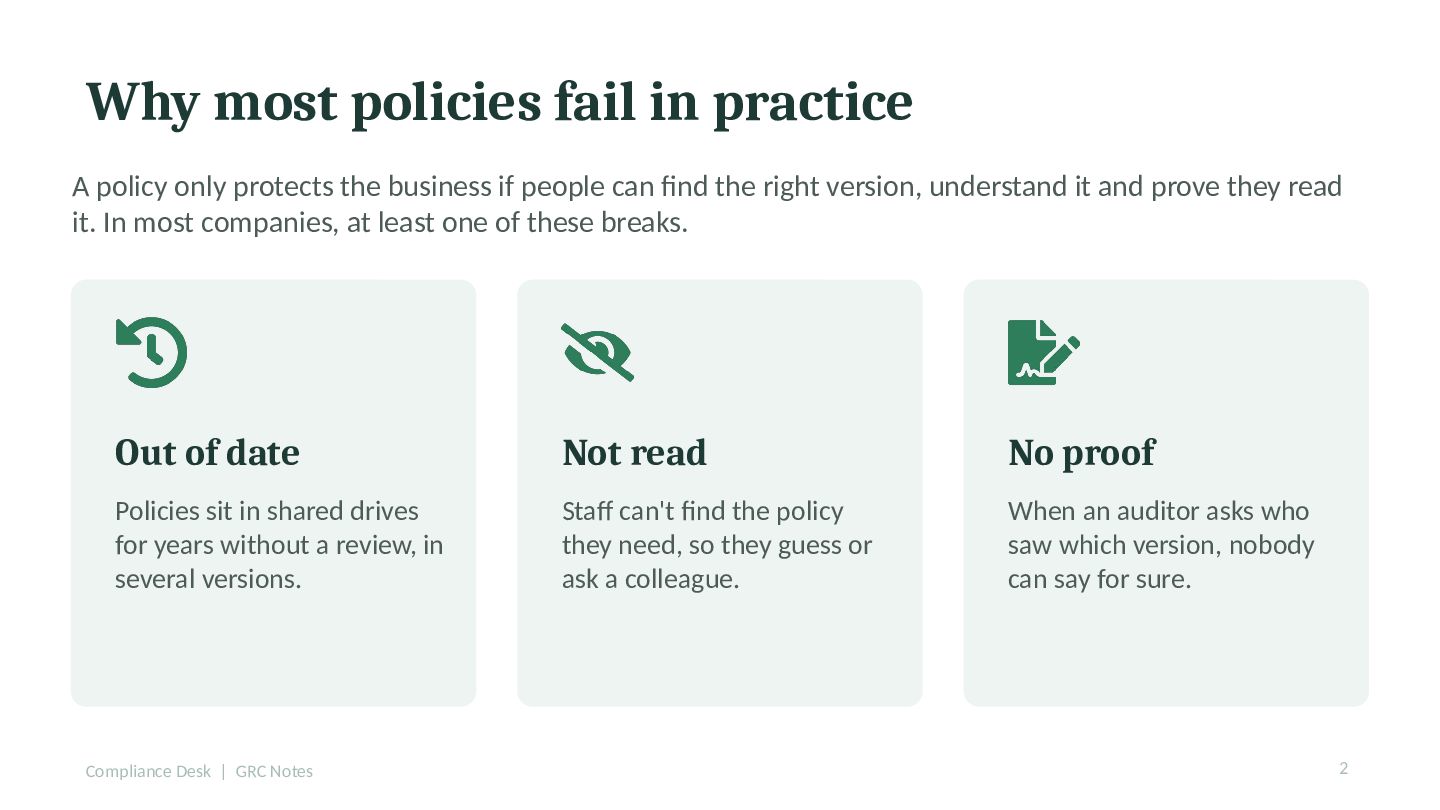
the business if people can find the right version, understand it and prove they read it. In most companies, at least one of these breaks. Out of date Not read No proof Policies sit in shared drives for years without a review, in several versions. Staff can't find the policy they need, so they guess or ask a colleague. When an auditor asks who saw which version, nobody can say for sure. Compliance Desk | GRC Notes 2
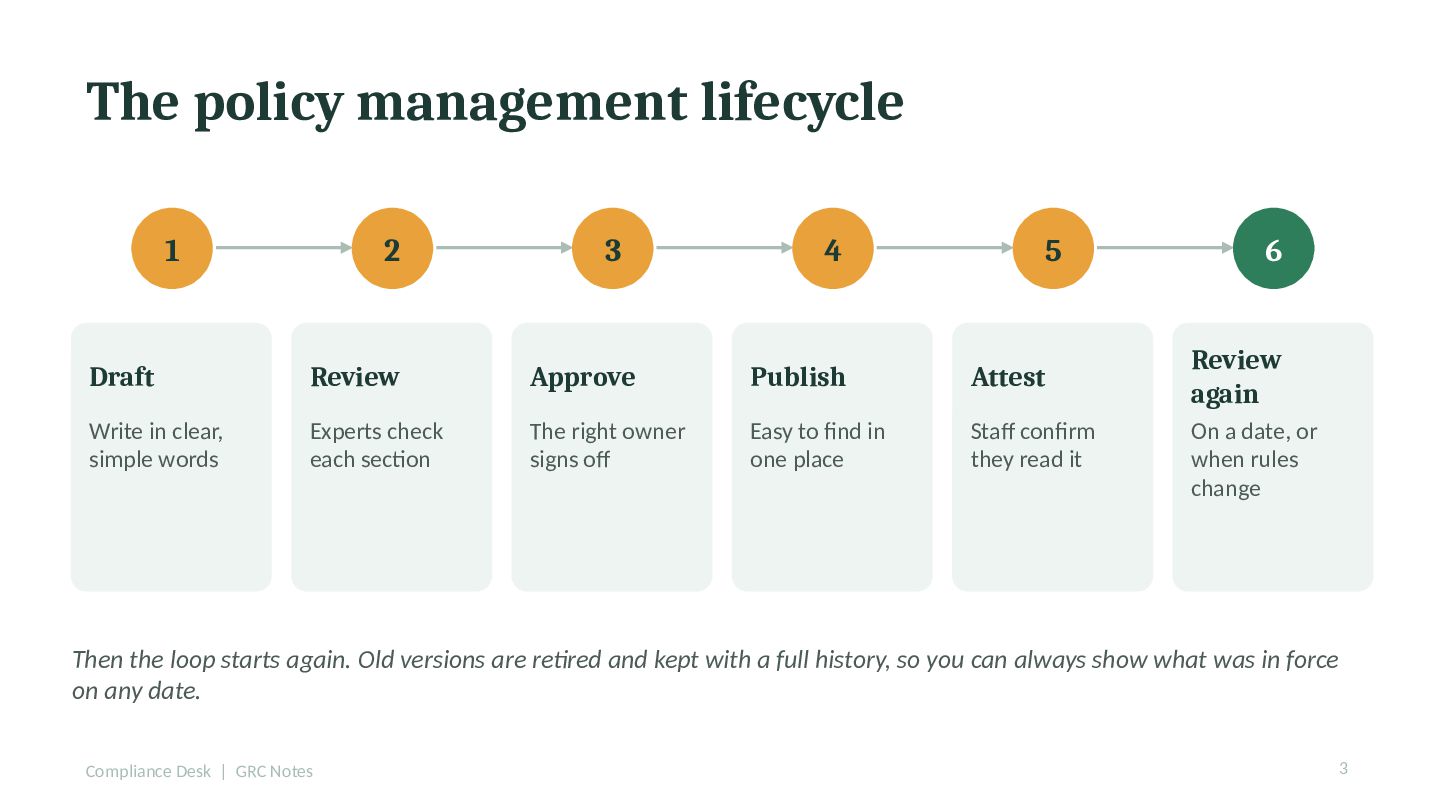
Draft Review Approve Publish Attest Review again Write in clear, simple words Experts check each section The right owner signs off Easy to find in one place Staff confirm they read it On a date, or when rules change Then the loop starts again. Old versions are retired and kept with a full history, so you can always show what was in force on any date. Compliance Desk | GRC Notes 3
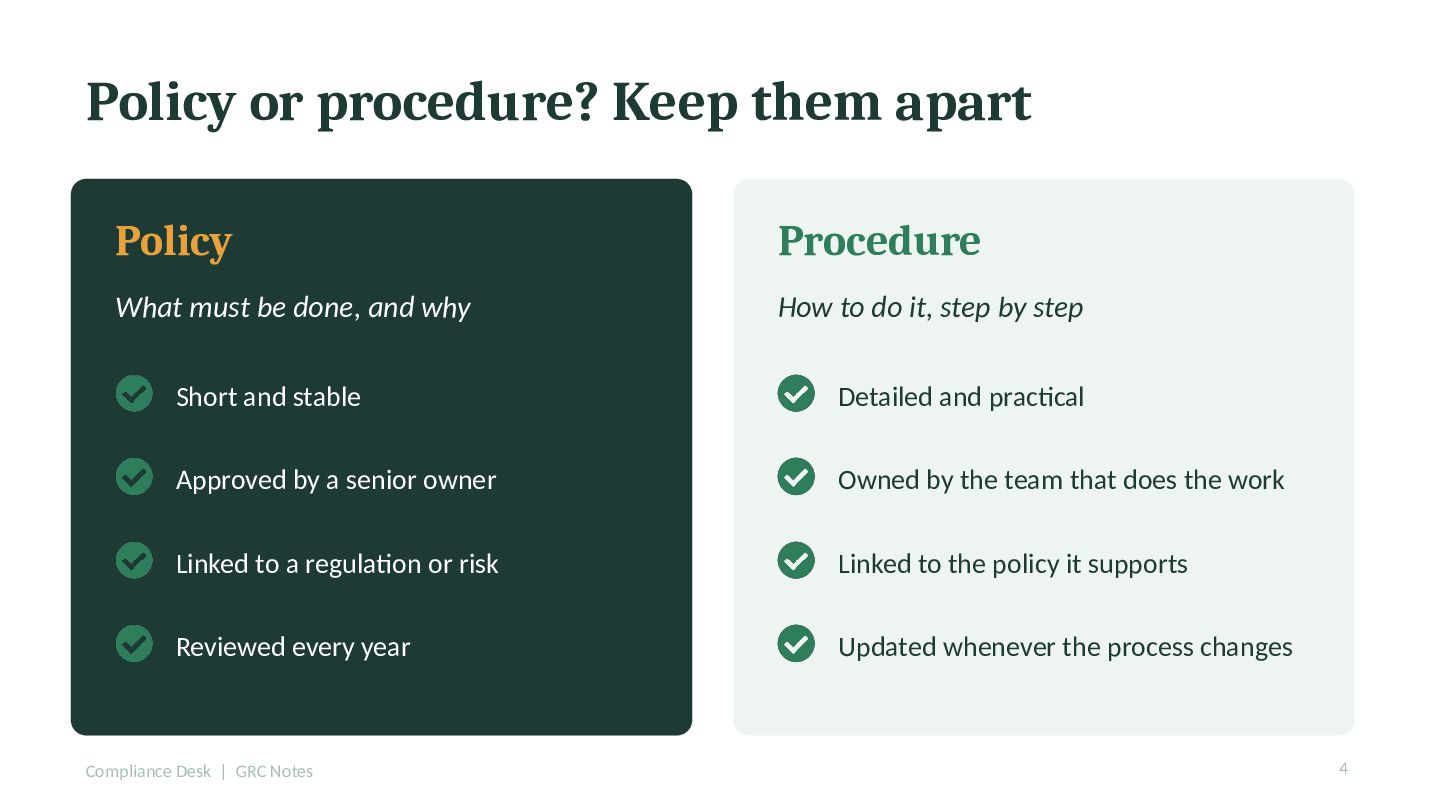
be done, and why How to do it, step by step Short and stable Detailed and practical Approved by a senior owner Owned by the team that does the work Linked to a regulation or risk Linked to the policy it supports Reviewed every year Updated whenever the process changes Compliance Desk | GRC Notes 4
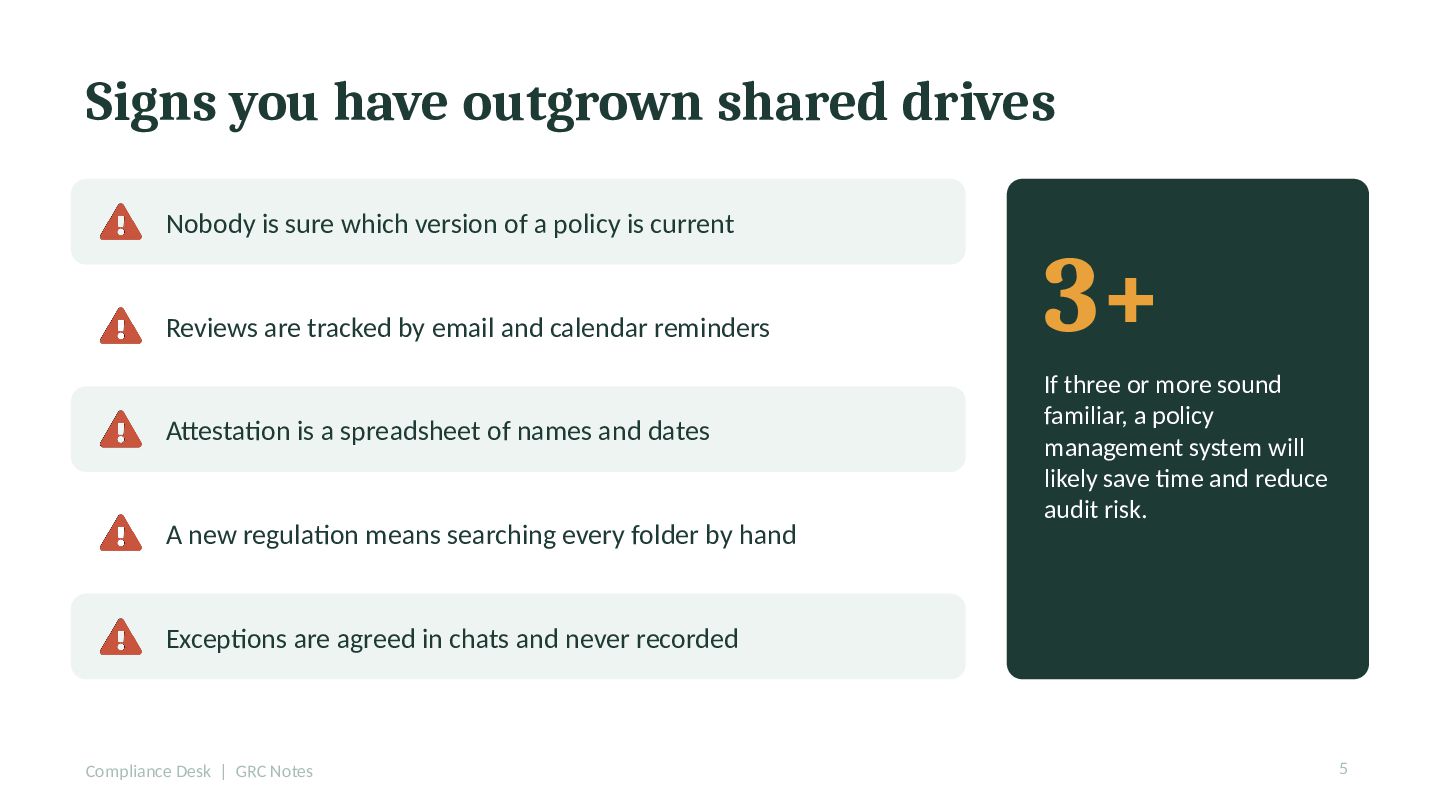
version of a policy is current Reviews are tracked by email and calendar reminders Attestation is a spreadsheet of names and dates A new regulation means searching every folder by hand 3+ If three or more sound familiar, a policy management system will likely save time and reduce audit risk. Exceptions are agreed in chats and never recorded Compliance Desk | GRC Notes 5
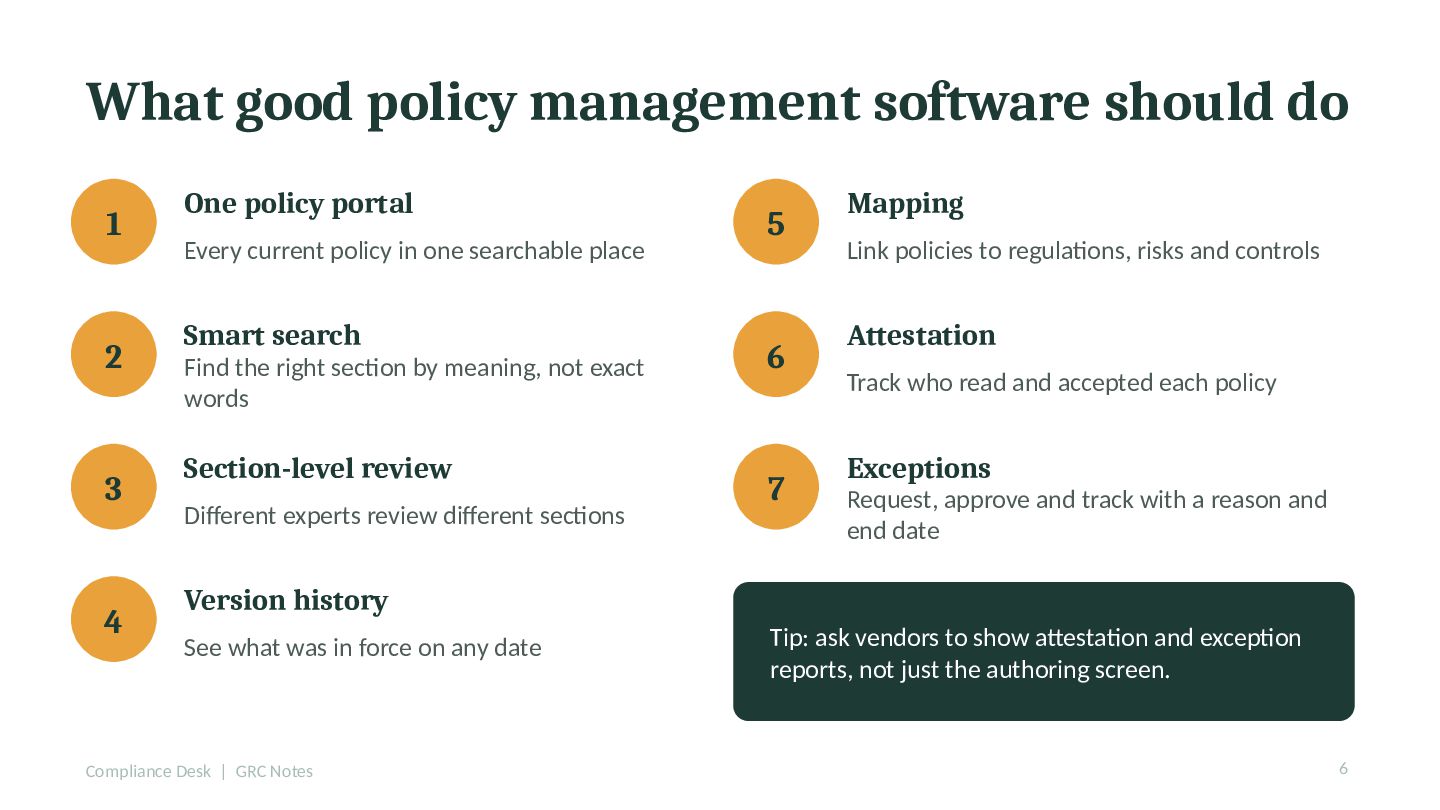
4 One policy portal Every current policy in one searchable place Smart search Find the right section by meaning, not exact words Section-level review Different experts review different sections 5 6 7 Mapping Link policies to regulations, risks and controls Attestation Track who read and accepted each policy Exceptions Request, approve and track with a reason and end date Version history See what was in force on any date Compliance Desk | GRC Notes Tip: ask vendors to show attestation and exception reports, not just the authoring screen. 6
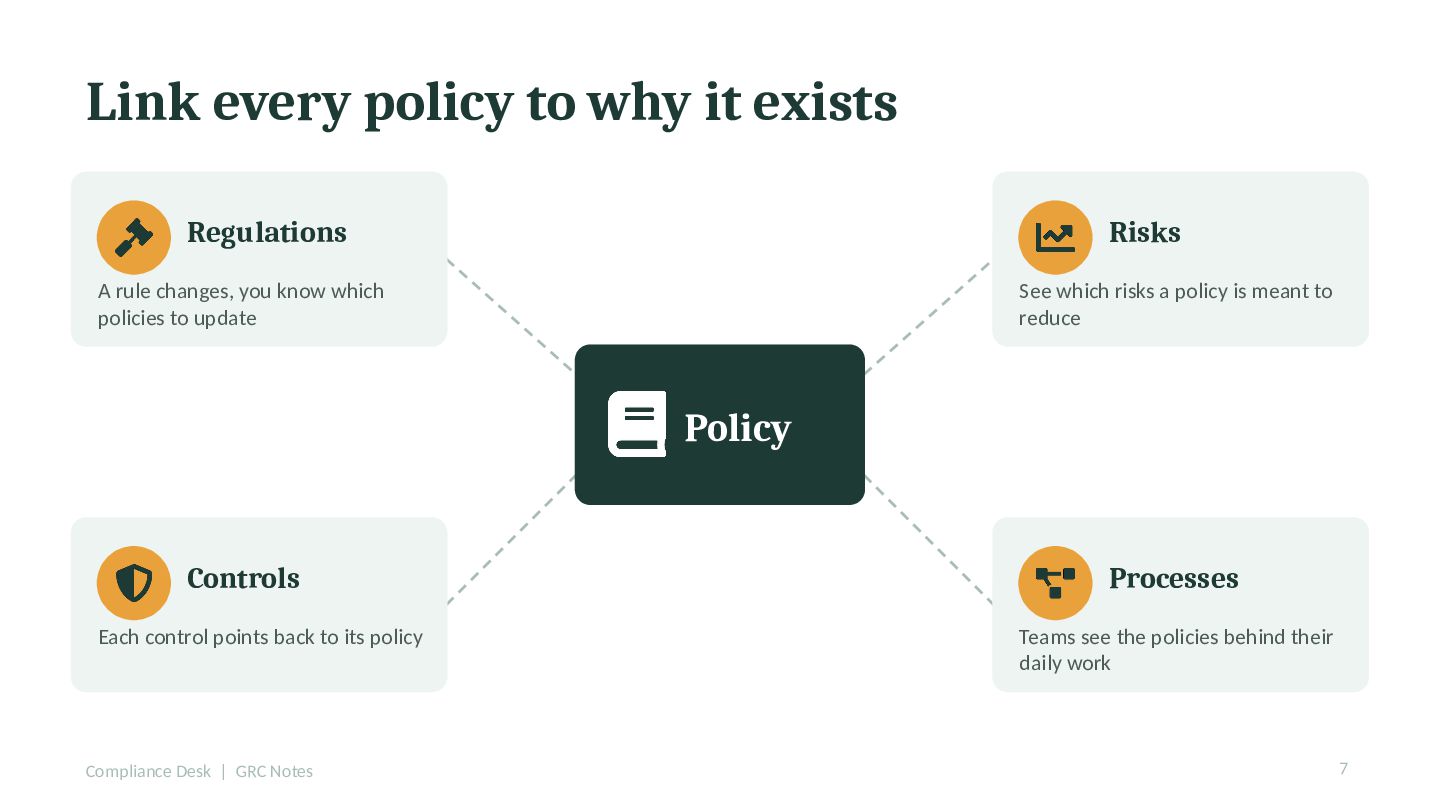
rule changes, you know which policies to update See which risks a policy is meant to reduce Policy Controls Each control points back to its policy Compliance Desk | GRC Notes Processes Teams see the policies behind their daily work 7
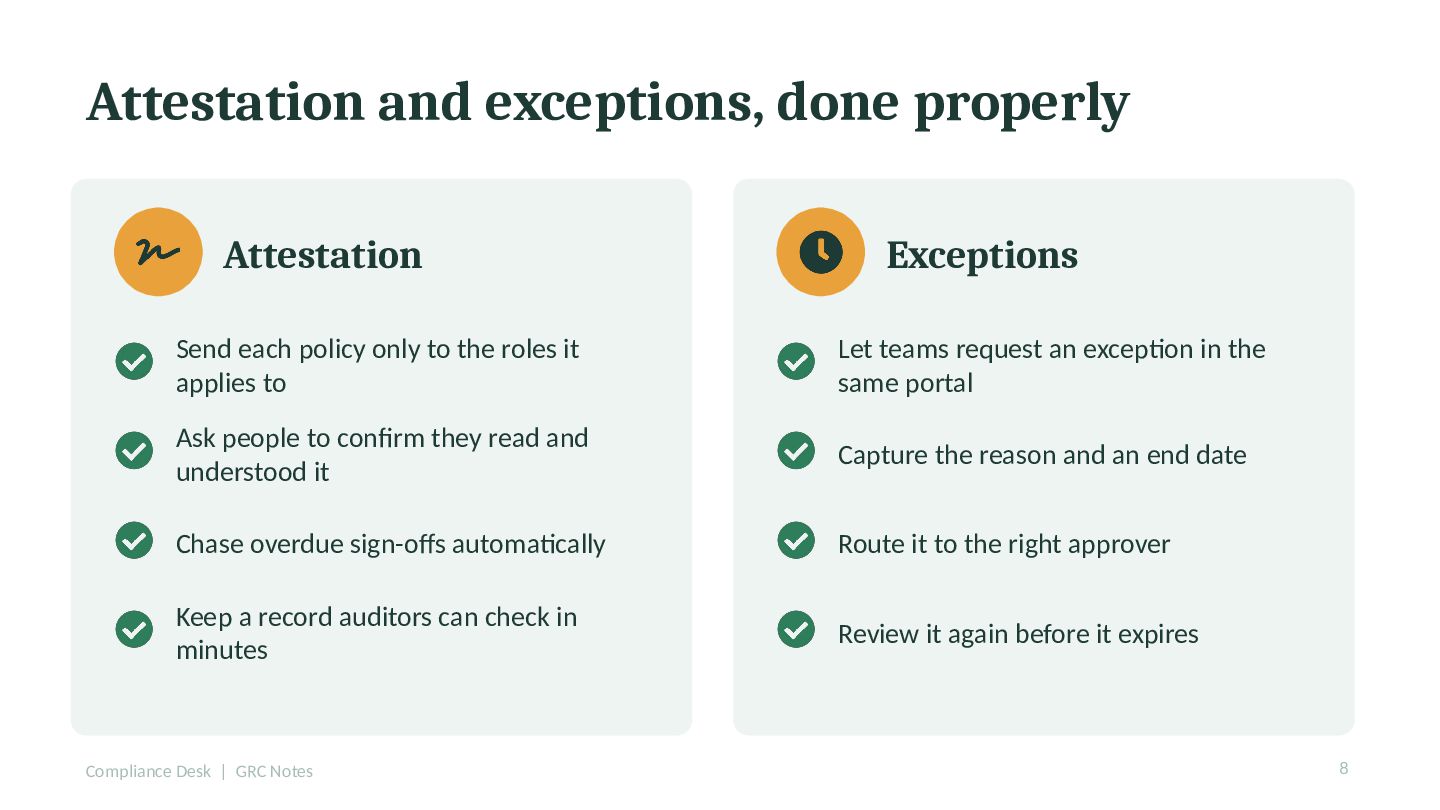
only to the roles it applies to Let teams request an exception in the same portal Ask people to confirm they read and understood it Capture the reason and an end date Chase overdue sign-offs automatically Route it to the right approver Keep a record auditors can check in minutes Review it again before it expires Compliance Desk | GRC Notes 8
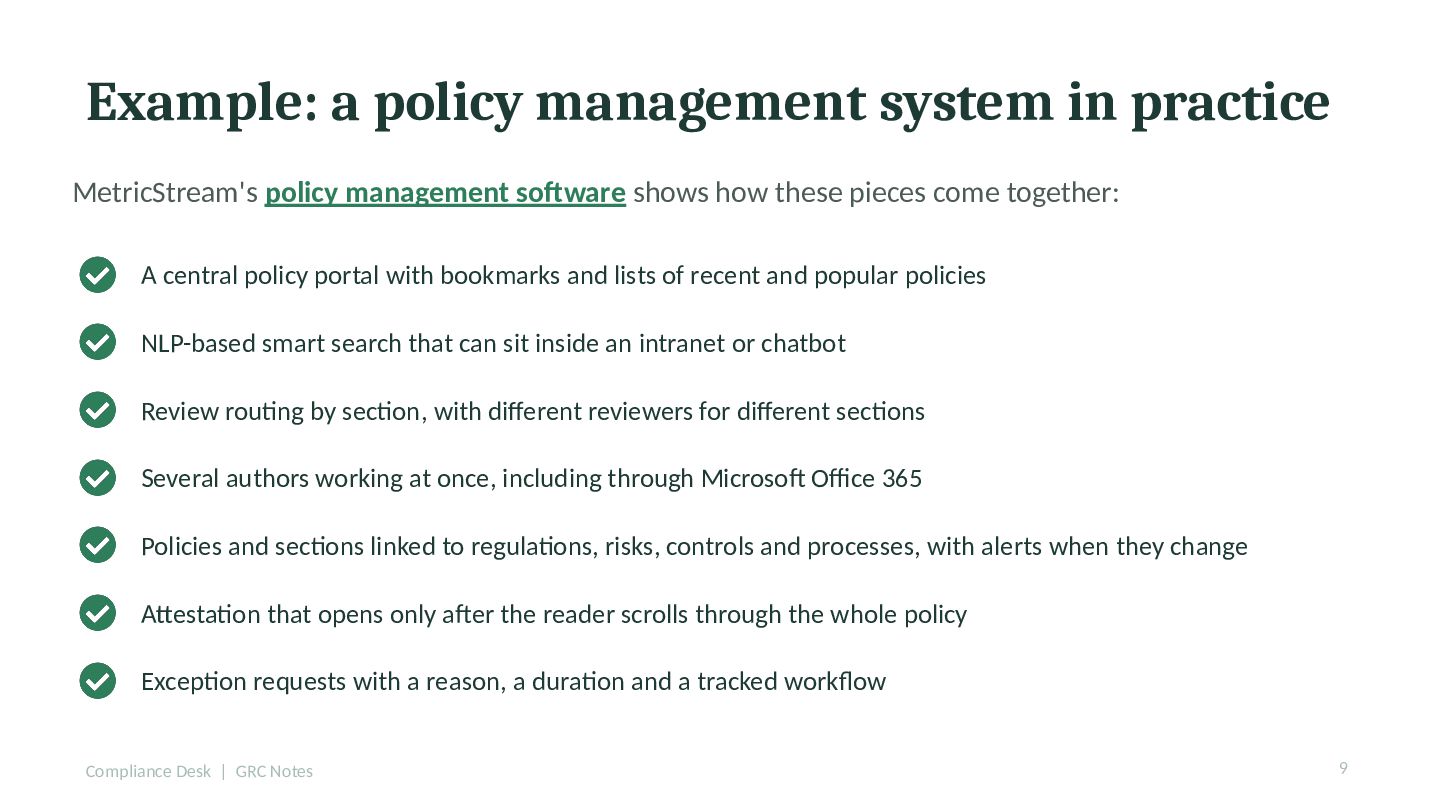
software shows how these pieces come together: A central policy portal with bookmarks and lists of recent and popular policies NLP-based smart search that can sit inside an intranet or chatbot Review routing by section, with different reviewers for different sections Several authors working at once, including through Microsoft Office 365 Policies and sections linked to regulations, risks, controls and processes, with alerts when they change Attestation that opens only after the reader scrolls through the whole policy Exception requests with a reason, a duration and a tracked workflow Compliance Desk | GRC Notes 9
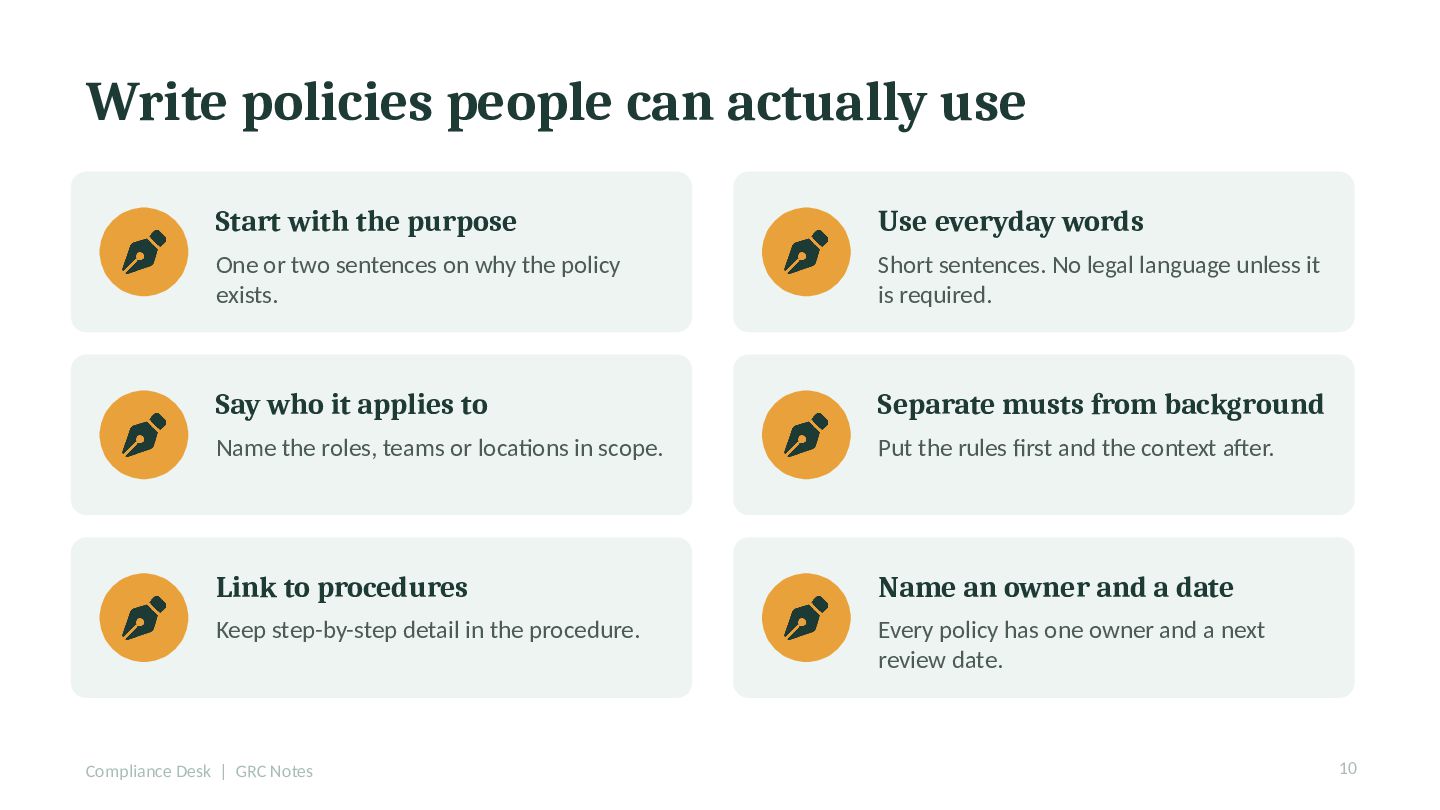
Use everyday words One or two sentences on why the policy exists. Short sentences. No legal language unless it is required. Say who it applies to Separate musts from background Name the roles, teams or locations in scope. Put the rules first and the context after. Link to procedures Name an owner and a date Keep step-by-step detail in the procedure. Every policy has one owner and a next review date. Compliance Desk | GRC Notes 10
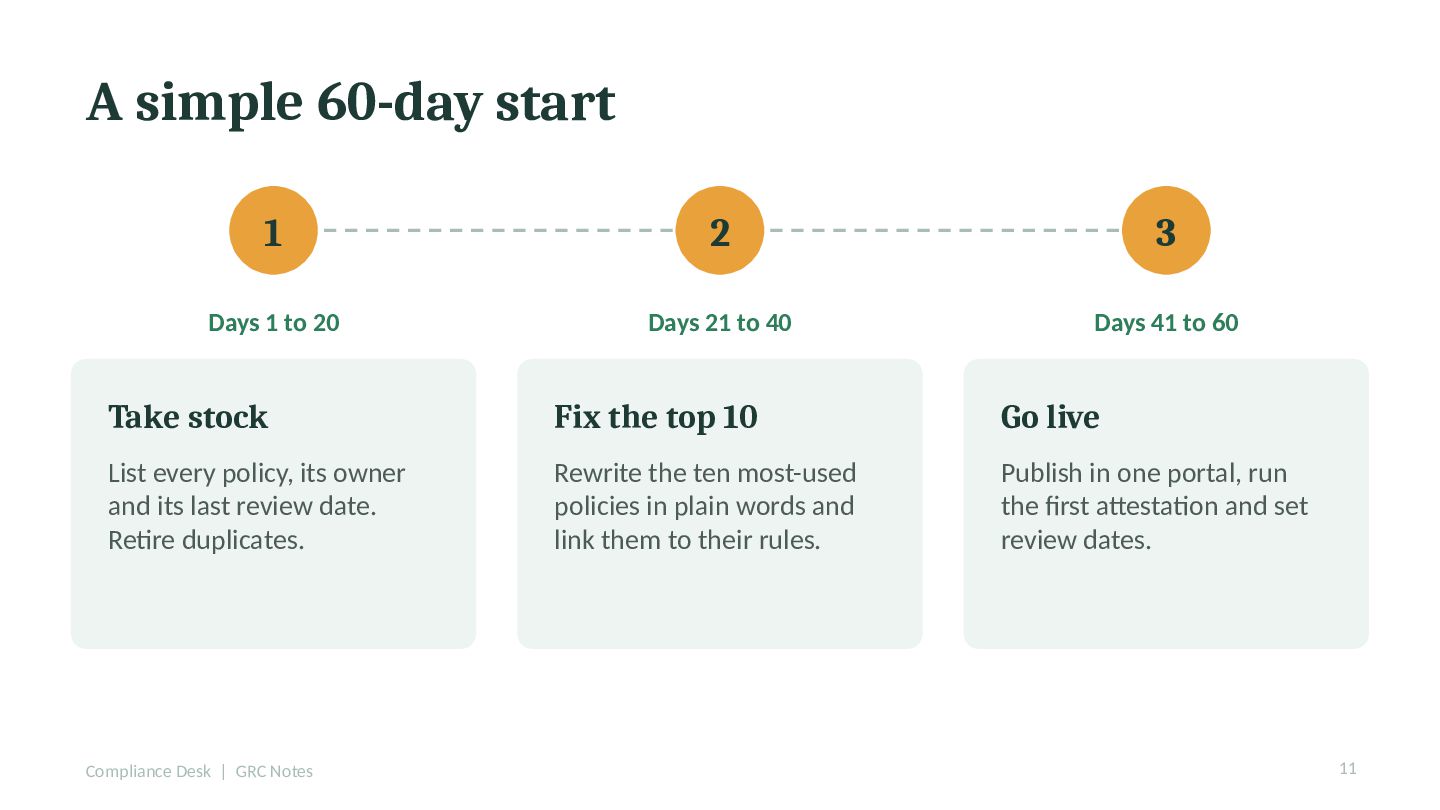
20 Days 21 to 40 Days 41 to 60 Take stock Fix the top 10 Go live List every policy, its owner and its last review date. Retire duplicates. Rewrite the ten most-used policies in plain words and link them to their rules. Publish in one portal, run the first attestation and set review dates. Compliance Desk | GRC Notes 11
attestation. That is what turns policies into everyday practice. More on policy management software: metricstream.com/products/policy-and-document-management


 smartcamp
 matthewskelton
 kuni29
 ikuodanaka
 m3c
 gmofh_hr_team
 sekithermal
 jmdc
 flux
 hrm
 mobilitytechnologies
 loglass2019
 twada
 malarkey
 jacobtomlinson
 greggifford
 morganepeng
 ipullrank
 jakevdp
 codingconduct
 garrettdimon
 lara
 addyosmani
 bkeepers