Upgrade to Pro — share decks privately, control downloads, hide ads and more …

A Box Full of Tools and Distros

A Box Full of Tools and Distros

It's no news or secret that containers are good at providing multiple and different testing environments, or at offering a way of deploying apps and services that are completely decoupled from the host OS. E.g., spin up a distro X container, check if code compiles there (and dispose of it). How about the opposite? I.e., having one (or more!) stateful and persistent environment(s), tightly coupled with the host and sharing as much information and configuration as possible with it. Why? Well for running that one app, which is only available for another distro, with just a click on a desktop launcher icon. Or for doing all kind of experiments, inside our development environment, without risking the stability and the consistency of the system.

Well, yes, containers can do these things too. And in openSUSE, we have both toolbox and distrobox, that can make these examples, just reality! In this talk, we'll explain what they are and how to use them for spawning development and application environments, based either on the same distro you have on the host or on different ones, and inside of which you still have all your file.

A working space that, despite being containerized, you can access seamlessly from within GNOME Builder or open new terminals directly inside of it and create launcher icons for apps installed in there. We'll offer (more) examples and show how this can be very useful, both on immutable (like MicroOS) and on "traditional" (like Tumbleweed) systems.

https://opensuse.venueless.events/schedule/talks/36

Avatar for Dario Faggioli

Dario Faggioli

June 03, 2022

Other Decks in Technology

Transcript

  1. A "Box" Full of Tools and Distros Toolbox and Distrobox

    on openSUSE MicroOS & Tumbleweed openSUSE Conference [email protected] oSC22 @openSUSE
  2. About Myself • Ph.D on Real-Time Scheduling, soft real-time scheduling

    in Linux SCHED_DEADLINE • 2011, Sr. Software Engineer @ Citrix The Xen-Project, hypervisor internals, NUMA-aware scheduler, Credit2 scheduler, Xen scheduler maintainer • 2018, Virtualization Software Engineer @ SUSE Xen, KVM, QEMU, Libvirt; core-scheduling, performance evaluation & tuning • openSUSE contributor, maintain QEMU, kvm_stat, crun, distrobox, libkrun*, libtraceevent, kernel-shark in Factory. Play/tries to help MicroOS Desktop • https://about.me/dario.faggioli Mail: <[email protected]> Twitter: @DarioFaggioli IRC: dariof
  3. Linux Containers “Linux containers, in short, contain applications in a

    way that keep them isolated from the host system that they run on.”[What are Linux containers?] “Application containers enable the user to create and run a separate container for multiple independent applications, or multiple services that constitute a single application.” [What Are Containers] “They are designed to be stateless and immutable. [...] Stateless means that any state (persistent data of any kind) is stored outside of a container. [...] Immutable means that a container won't be modified during its life: no updates, no patches, no configuration changes. If you must update the application code or apply a patch, you build a new image and redeploy it.” [Best practices for operating containers]
  4. Toolbox & distrobox Are they containers? Yes, theyʼre containers, but…

    • Tightly integrated with and not at all isolated from the host • They typically contain and runs many different applications (even full DEs [1]) • They keep their state, i.e., youʼll find them as you left the previous time, with all the modifications/updates/changes, applied What the … :-O [1] Run Latest GNOME or KDE on Distrobox
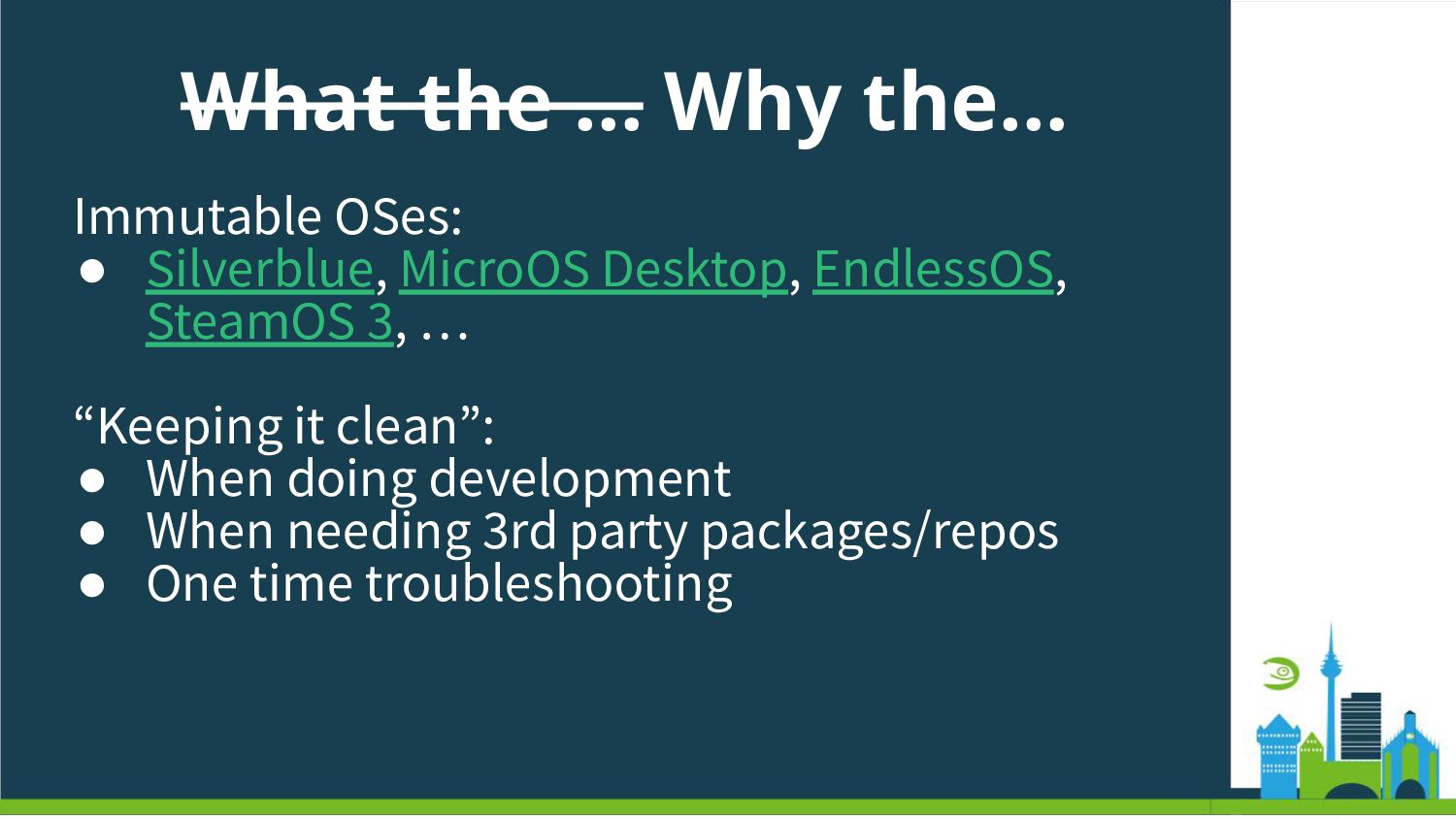
  5. What the … Why the… Immutable OSes: • Silverblue, MicroOS

    Desktop, EndlessOS, SteamOS 3, … “Keeping it clean”: • When doing development • When needing 3rd party packages/repos • One time troubleshooting
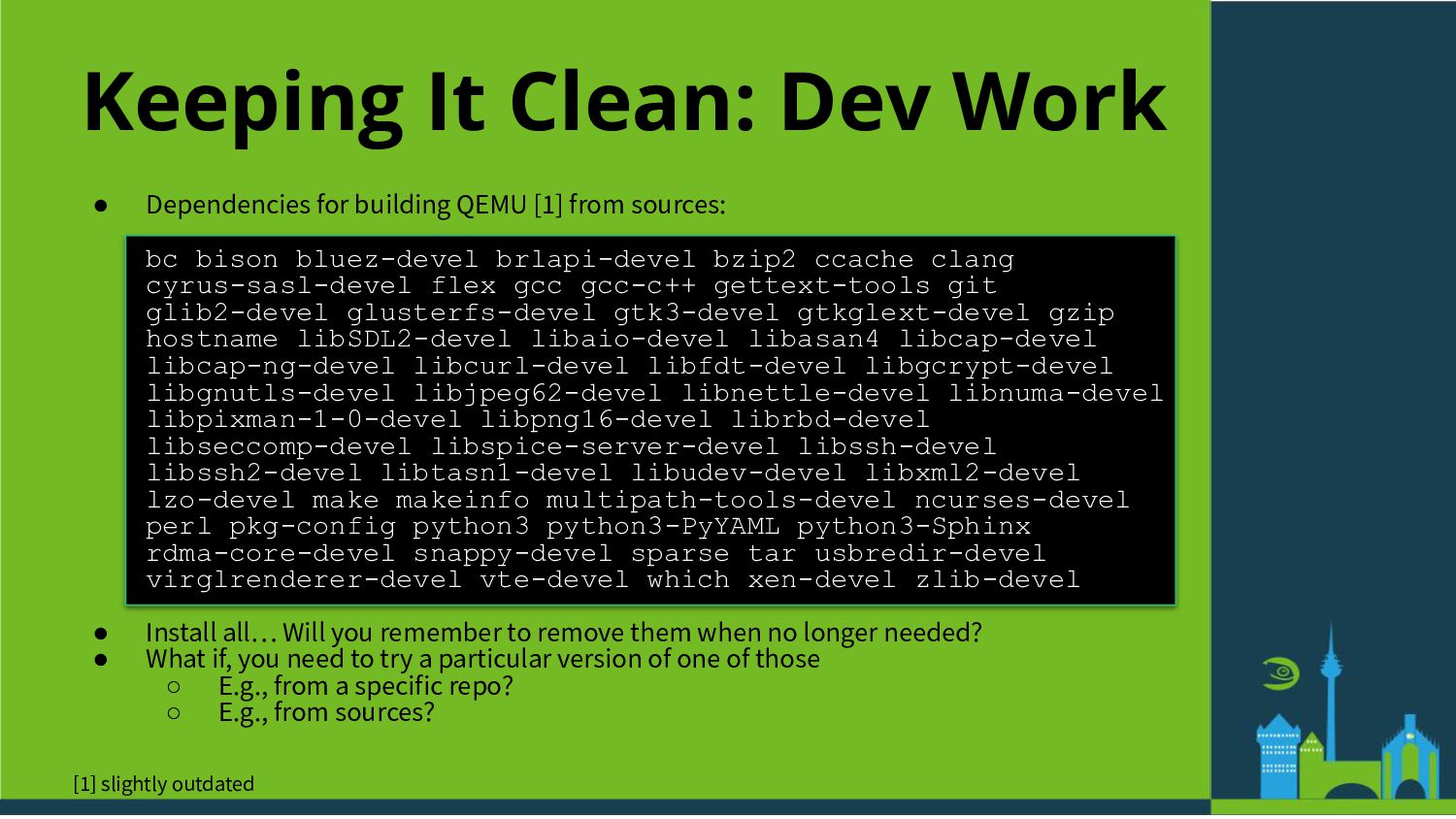
  6. Keeping It Clean: Dev Work • Dependencies for building QEMU

    [1] from sources: bc bison bluez-devel brlapi-devel bzip2 ccache clang cyrus-sasl-devel flex gcc gcc-c++ gettext-tools git glib2-devel glusterfs-devel gtk3-devel gtkglext-devel gzip hostname libSDL2-devel libaio-devel libasan4 libcap-devel libcap-ng-devel libcurl-devel libfdt-devel libgcrypt-devel libgnutls-devel libjpeg62-devel libnettle-devel libnuma-devel libpixman-1-0-devel libpng16-devel librbd-devel libseccomp-devel libspice-server-devel libssh-devel libssh2-devel libtasn1-devel libudev-devel libxml2-devel lzo-devel make makeinfo multipath-tools-devel ncurses-devel perl pkg-config python3 python3-PyYAML python3-Sphinx rdma-core-devel snappy-devel sparse tar usbredir-devel virglrenderer-devel vte-devel which xen-devel zlib-devel • Install all… Will you remember to remove them when no longer needed? • What if, you need to try a particular version of one of those ◦ E.g., from a specific repo? ◦ E.g., from sources? [1] slightly outdated
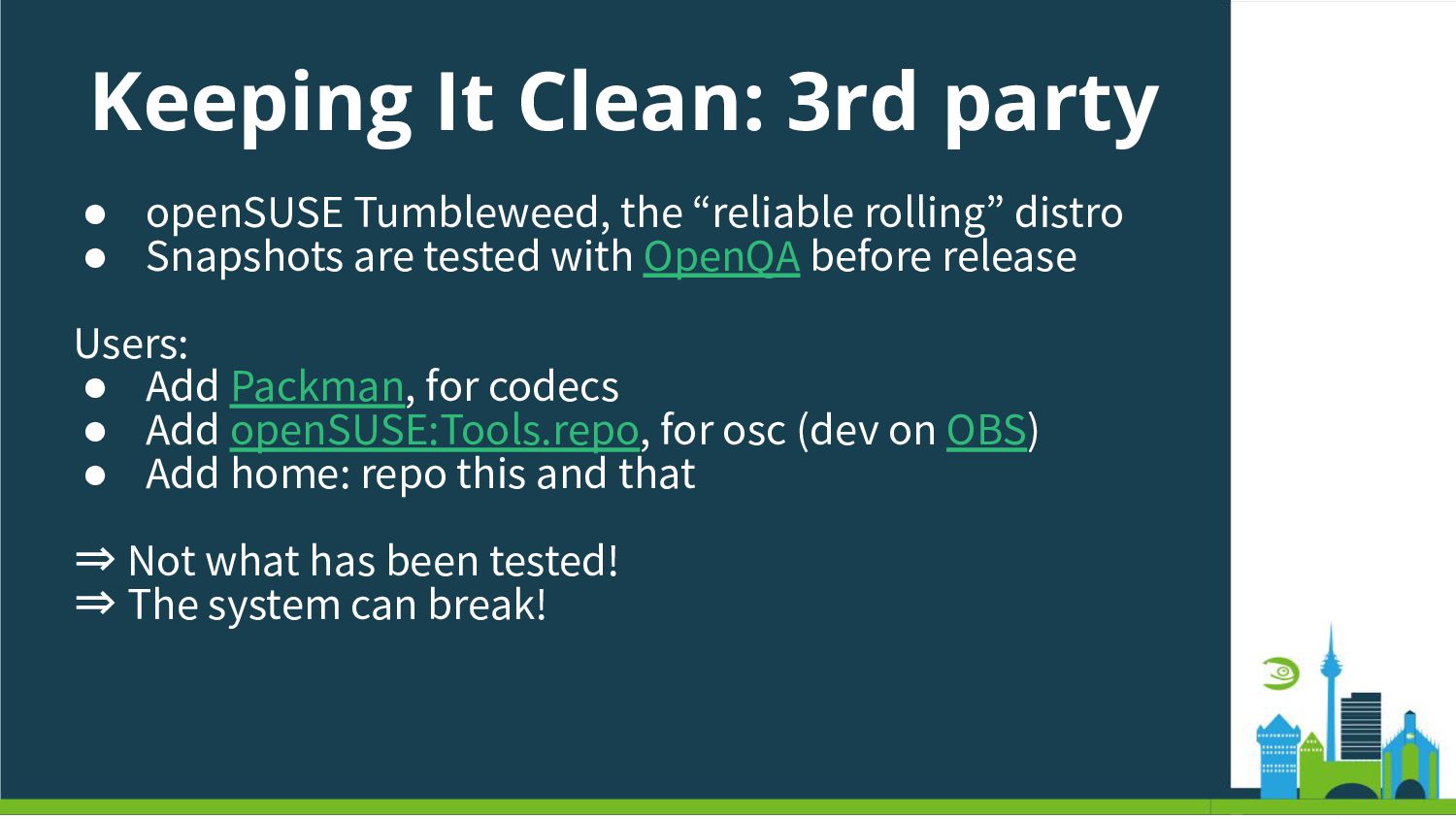
  7. Keeping It Clean: 3rd party • openSUSE Tumbleweed, the “reliable

    rolling” distro • Snapshots are tested with OpenQA before release Users: • Add Packman, for codecs • Add openSUSE:Tools.repo, for osc (dev on OBS) • Add home: repo this and that ⇒ Not what has been tested! ⇒ The system can break!
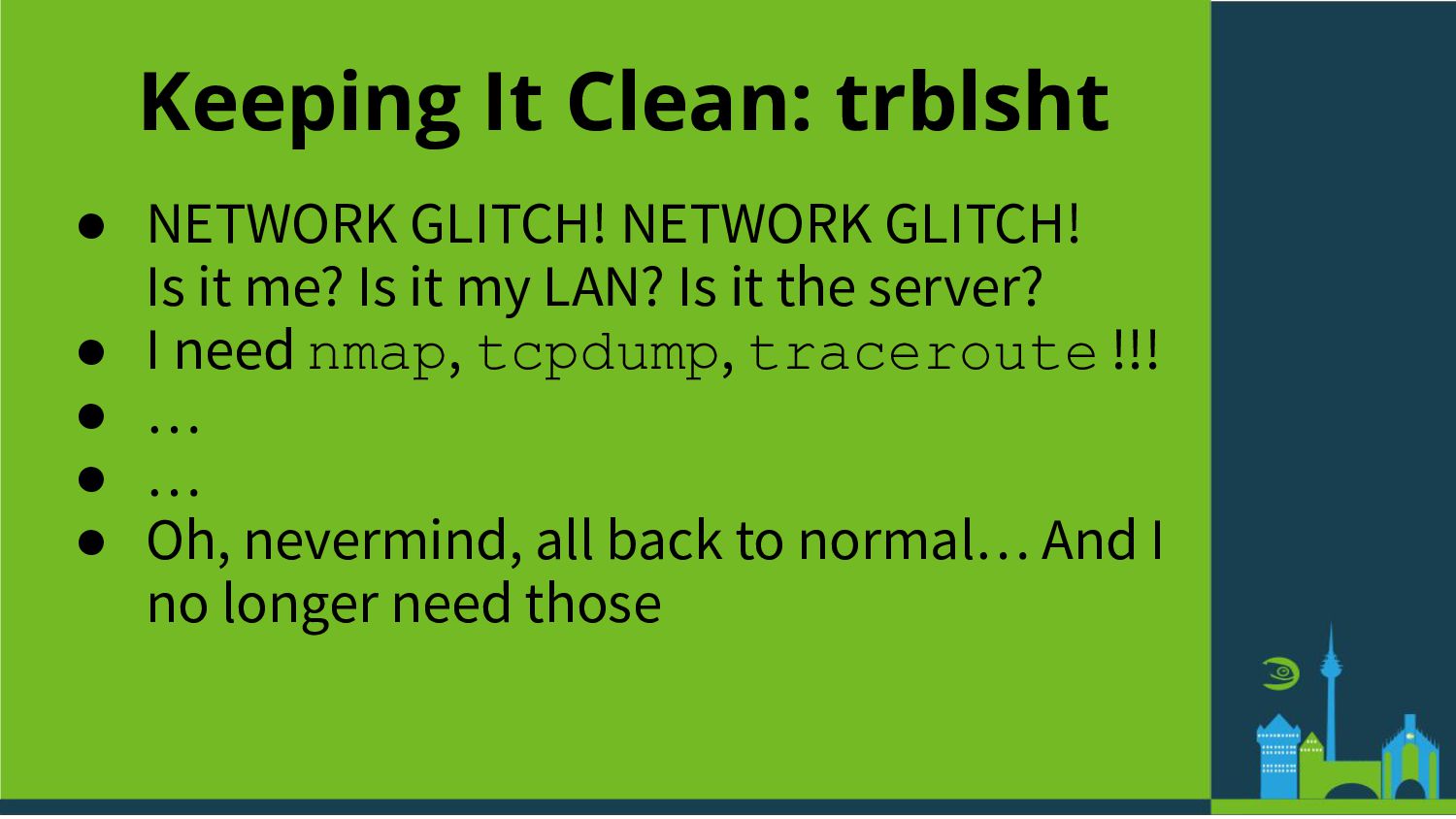
  8. Keeping It Clean: trblsht • NETWORK GLITCH! NETWORK GLITCH! Is

    it me? Is it my LAN? Is it the server? • I need nmap, tcpdump, traceroute !!! • … • … • Oh, nevermind, all back to normal… And I no longer need those
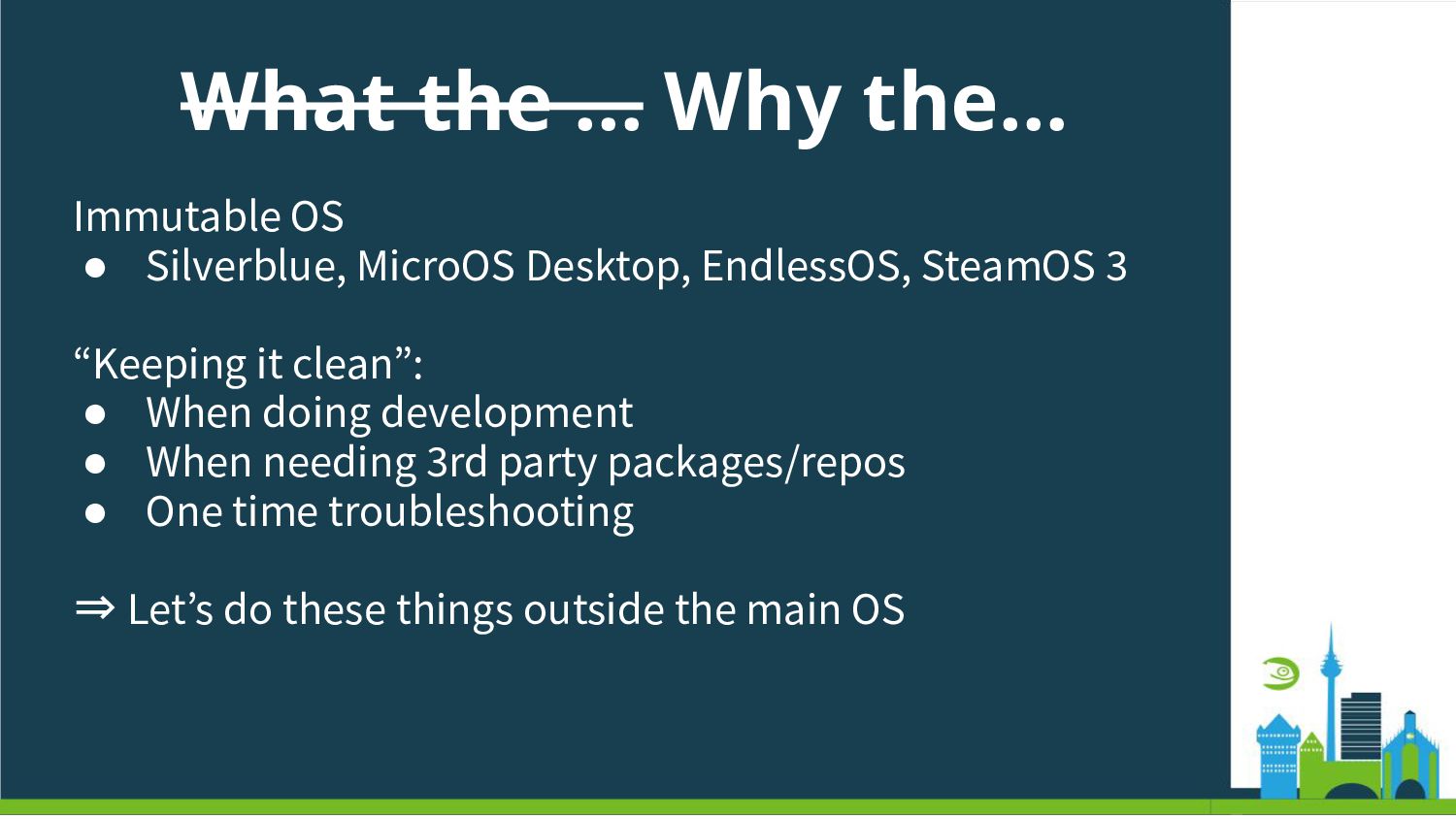
  9. What the … Why the… Immutable OS • Silverblue, MicroOS

    Desktop, EndlessOS, SteamOS 3 “Keeping it clean”: • When doing development • When needing 3rd party packages/repos • One time troubleshooting ⇒ Letʼs do these things outside the main OS
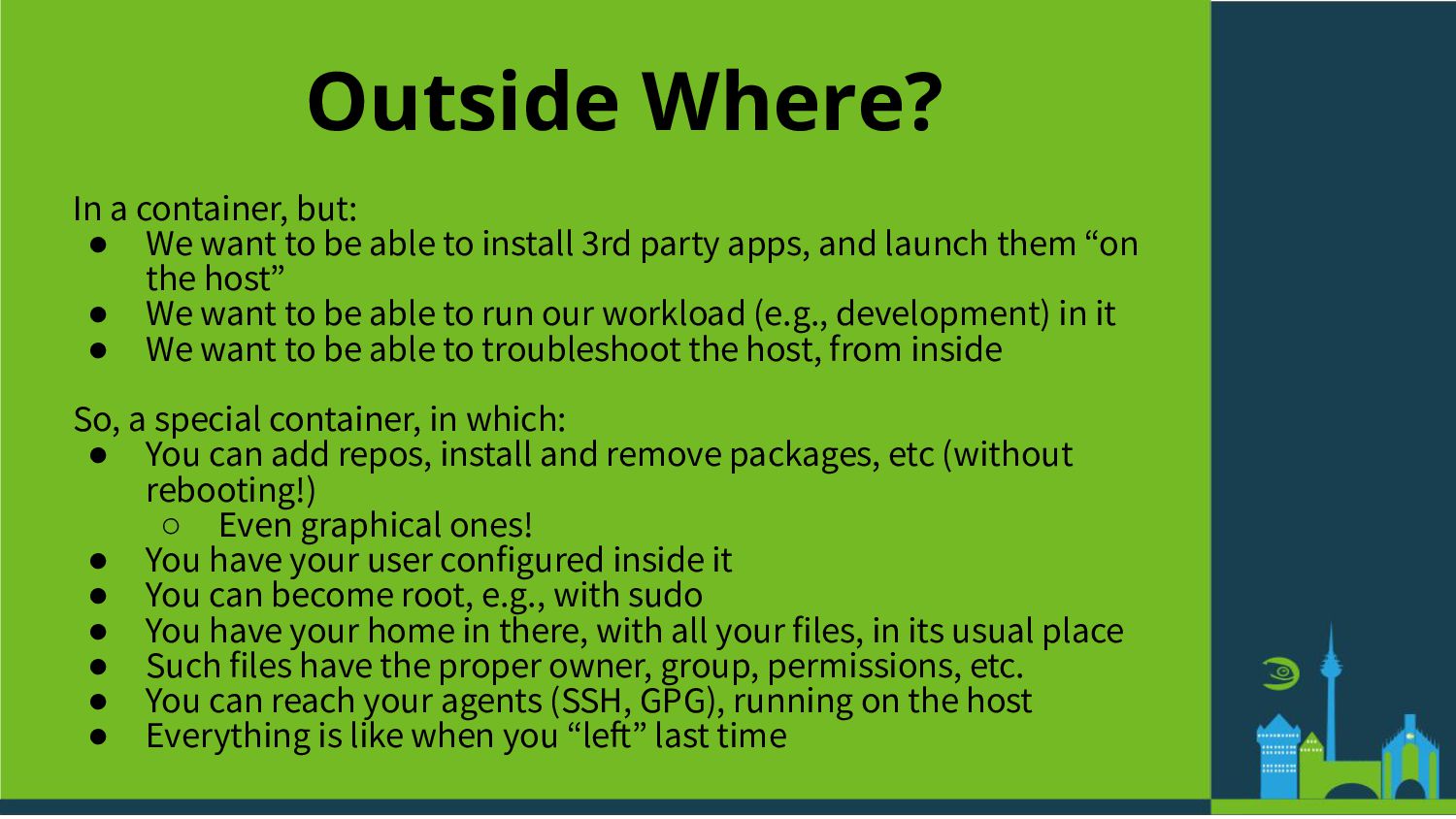
  10. Outside Where? In a container, but: • We want to

    be able to install 3rd party apps, and launch them “on the host” • We want to be able to run our workload (e.g., development) in it • We want to be able to troubleshoot the host, from inside So, a special container, in which: • You can add repos, install and remove packages, etc (without rebooting!) ◦ Even graphical ones! • You have your user configured inside it • You can become root, e.g., with sudo • You have your home in there, with all your files, in its usual place • Such files have the proper owner, group, permissions, etc. • You can reach your agents (SSH, GPG), running on the host • Everything is like when you “left” last time
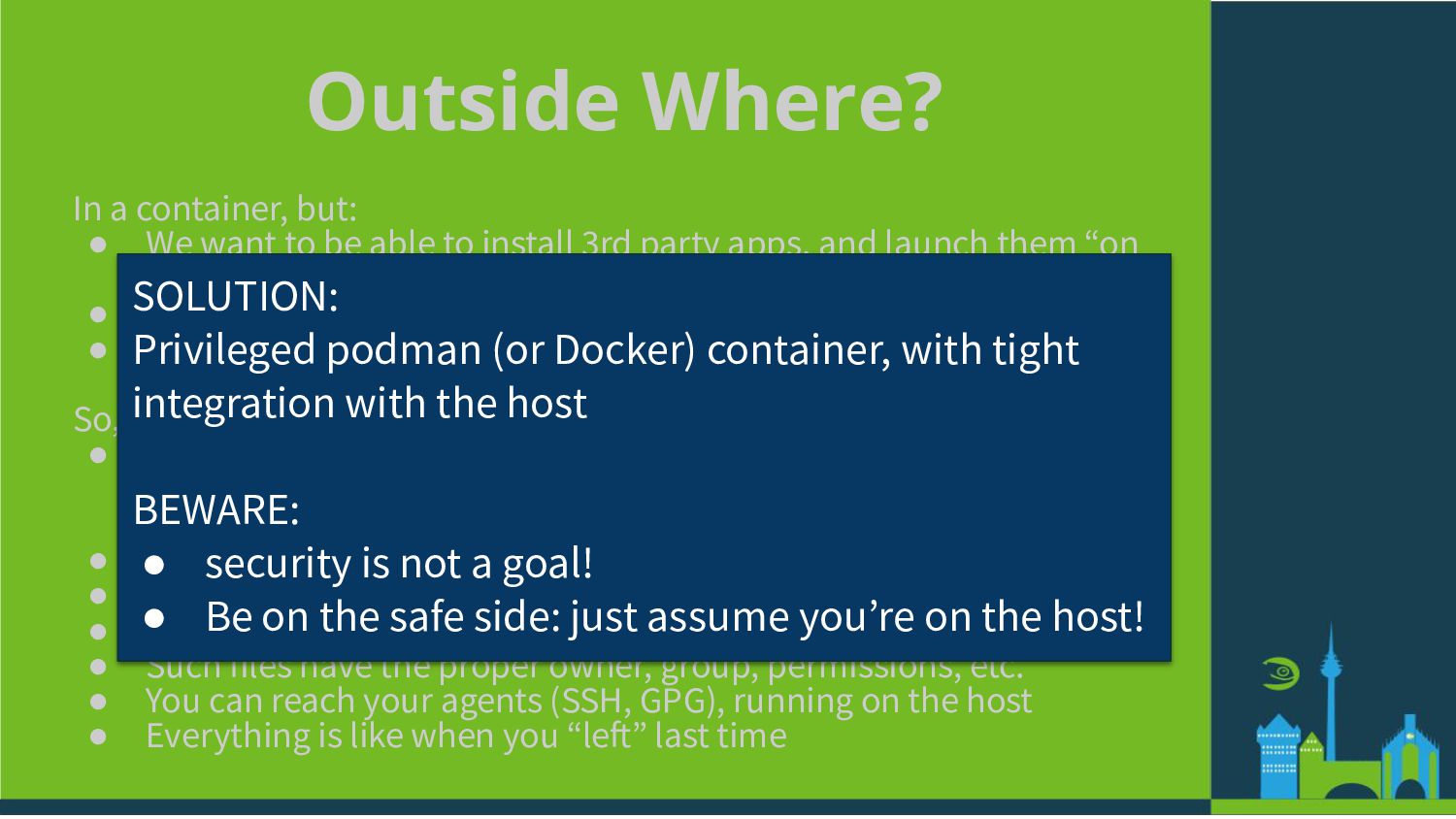
  11. Outside Where? In a container, but: • We want to

    be able to install 3rd party apps, and launch them “on the host” • We want to be able to run our workload (e.g., development) in it • We want to be able to troubleshoot the host, from inside So, a special container, in which: • You can add repos, install and remove packages, etc (without rebooting!) ◦ Even graphical ones! • You have your user configured inside it • You can become root, e.g., with sudo • You have your home in there, with all your files, in its usual place • Such files have the proper owner, group, permissions, etc. • You can reach your agents (SSH, GPG), running on the host • Everything is like when you “left” last time SOLUTION: Privileged podman (or Docker) container, with tight integration with the host BEWARE: • security is not a goal! • Be on the safe side: just assume youʼre on the host!
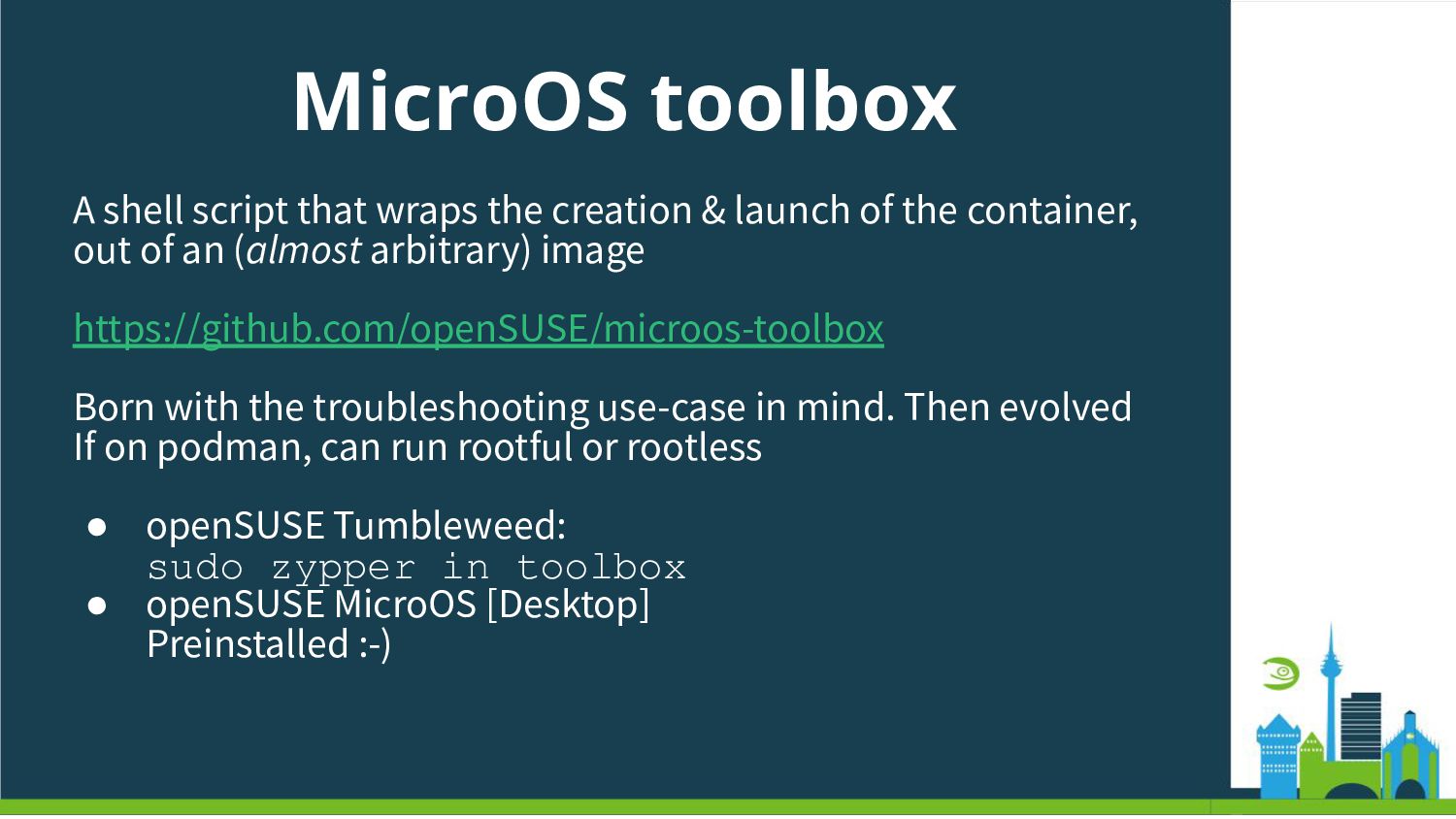
  12. MicroOS toolbox A shell script that wraps the creation &

    launch of the container, out of an (almost arbitrary) image https://github.com/openSUSE/microos-toolbox Born with the troubleshooting use-case in mind. Then evolved If on podman, can run rootful or rootless • openSUSE Tumbleweed: sudo zypper in toolbox • openSUSE MicroOS [Desktop] Preinstalled :-)
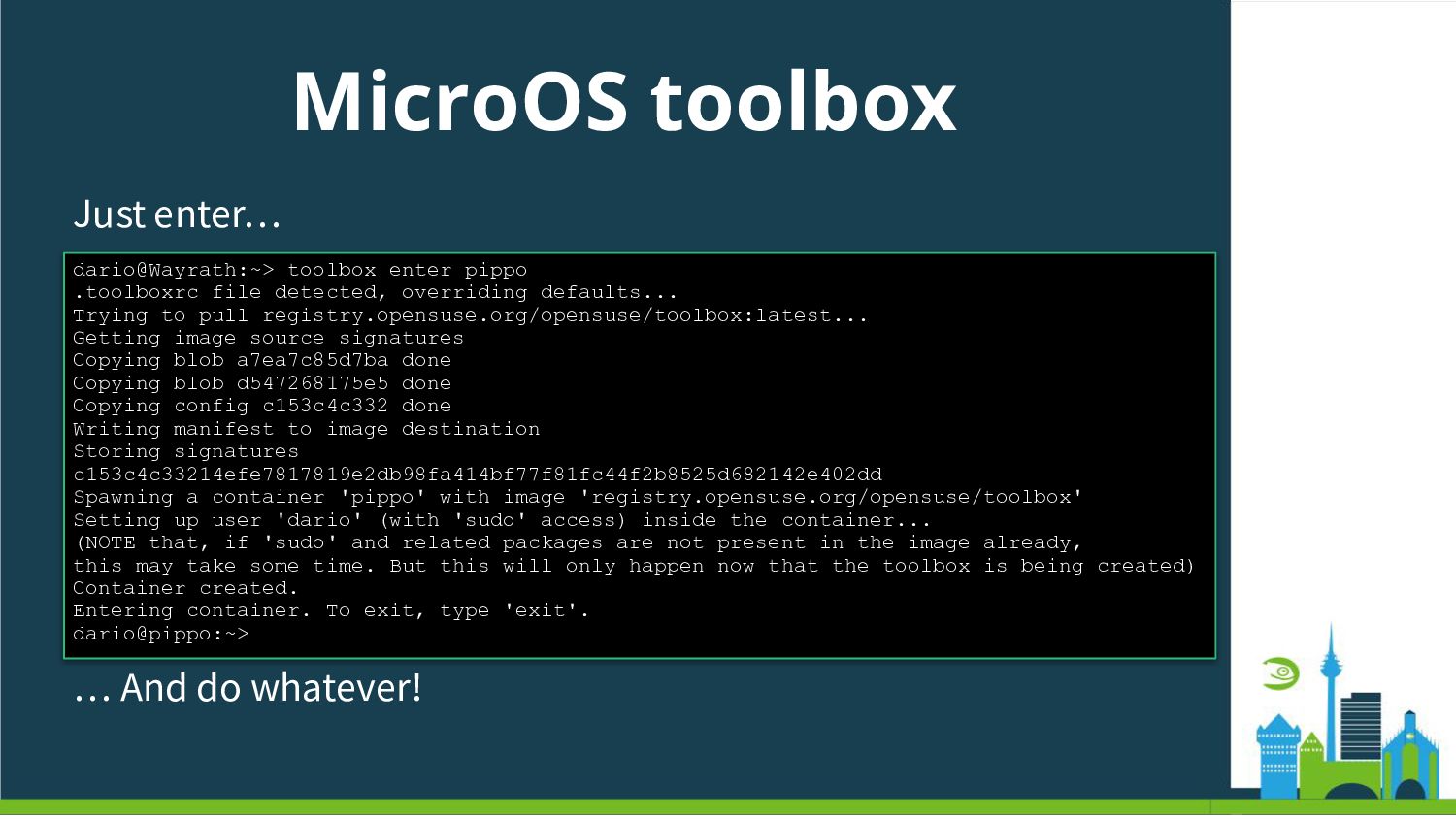
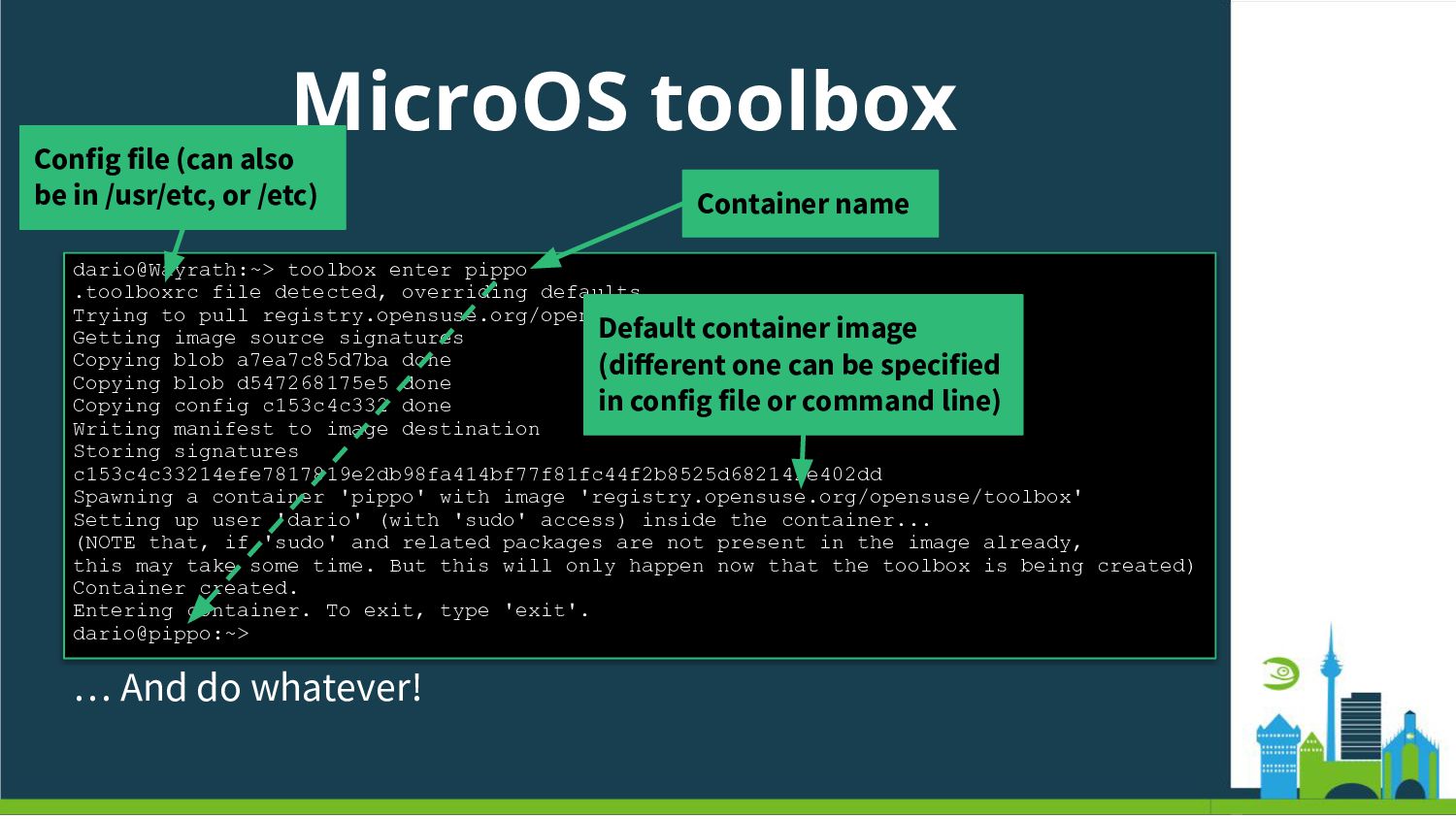
  13. MicroOS toolbox Just enter… dario@Wayrath:~> toolbox enter pippo .toolboxrc file

    detected, overriding defaults... Trying to pull registry.opensuse.org/opensuse/toolbox:latest... Getting image source signatures Copying blob a7ea7c85d7ba done Copying blob d547268175e5 done Copying config c153c4c332 done Writing manifest to image destination Storing signatures c153c4c33214efe7817819e2db98fa414bf77f81fc44f2b8525d682142e402dd Spawning a container 'pippo' with image 'registry.opensuse.org/opensuse/toolbox' Setting up user 'dario' (with 'sudo' access) inside the container... (NOTE that, if 'sudo' and related packages are not present in the image already, this may take some time. But this will only happen now that the toolbox is being created) Container created. Entering container. To exit, type 'exit'. dario@pippo:~> … And do whatever!
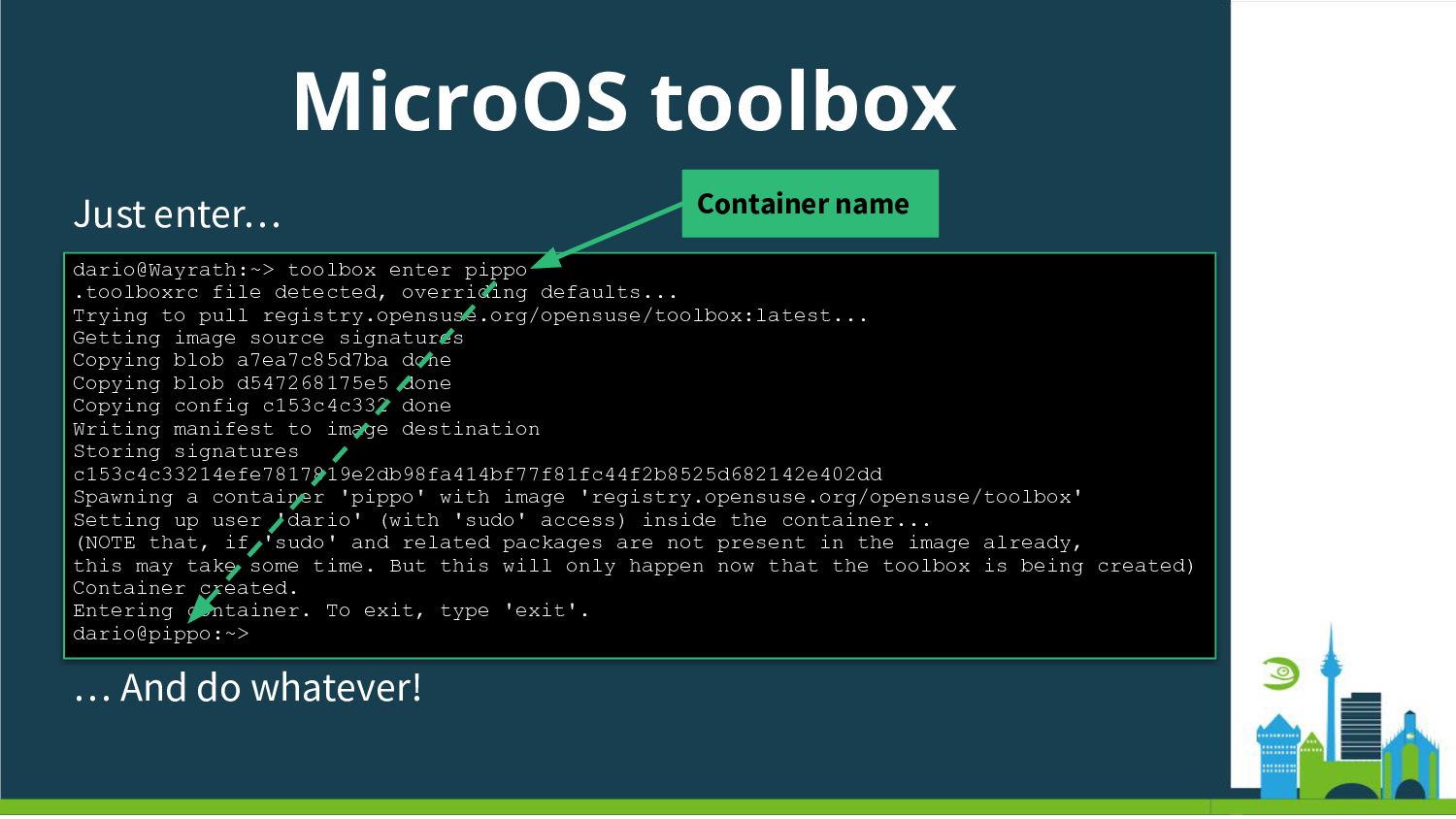
  14. MicroOS toolbox Just enter… dario@Wayrath:~> toolbox enter pippo .toolboxrc file

    detected, overriding defaults... Trying to pull registry.opensuse.org/opensuse/toolbox:latest... Getting image source signatures Copying blob a7ea7c85d7ba done Copying blob d547268175e5 done Copying config c153c4c332 done Writing manifest to image destination Storing signatures c153c4c33214efe7817819e2db98fa414bf77f81fc44f2b8525d682142e402dd Spawning a container 'pippo' with image 'registry.opensuse.org/opensuse/toolbox' Setting up user 'dario' (with 'sudo' access) inside the container... (NOTE that, if 'sudo' and related packages are not present in the image already, this may take some time. But this will only happen now that the toolbox is being created) Container created. Entering container. To exit, type 'exit'. dario@pippo:~> … And do whatever! Container name
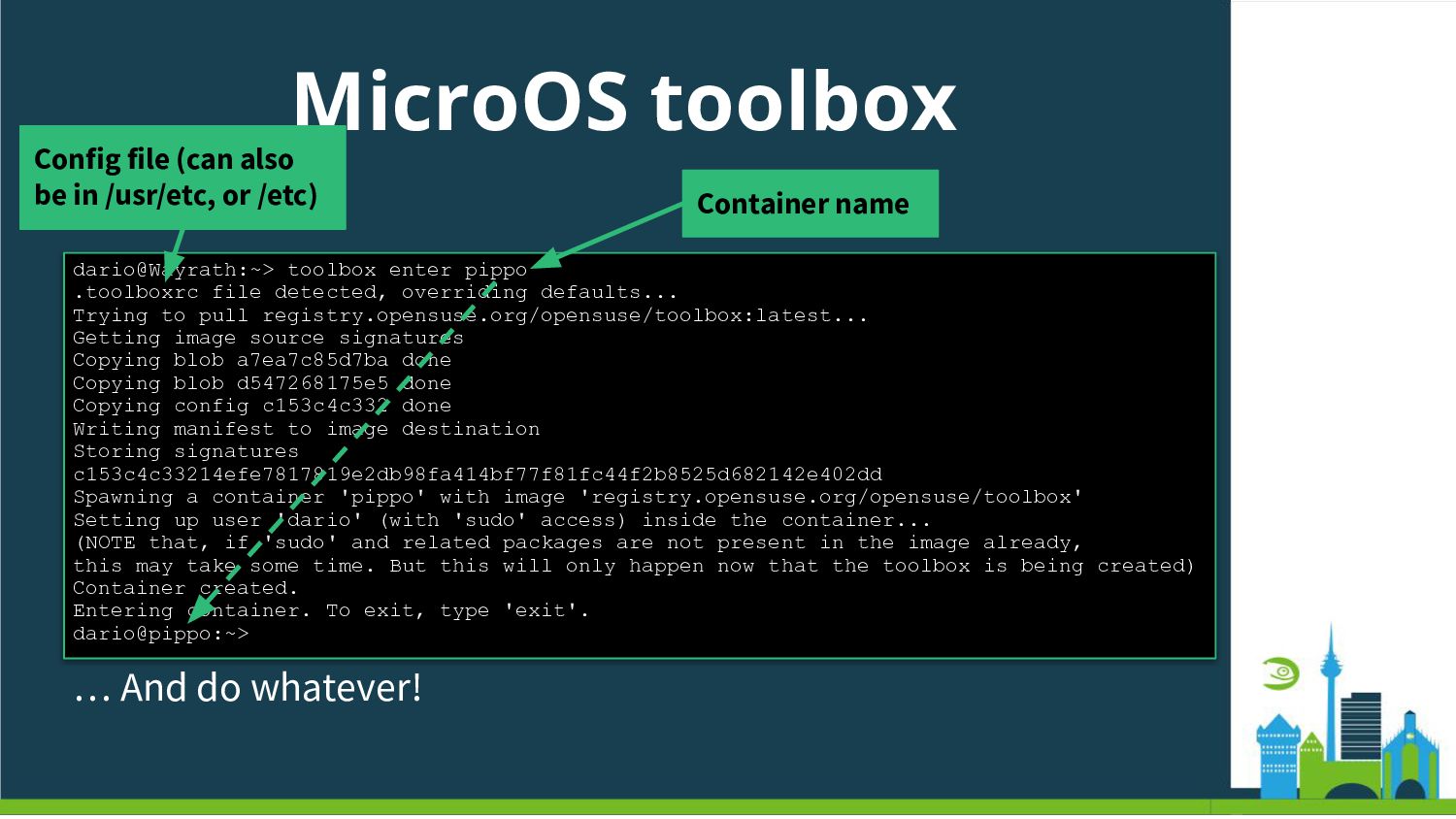
  15. MicroOS toolbox Just enter… dario@Wayrath:~> toolbox enter pippo .toolboxrc file

    detected, overriding defaults... Trying to pull registry.opensuse.org/opensuse/toolbox:latest... Getting image source signatures Copying blob a7ea7c85d7ba done Copying blob d547268175e5 done Copying config c153c4c332 done Writing manifest to image destination Storing signatures c153c4c33214efe7817819e2db98fa414bf77f81fc44f2b8525d682142e402dd Spawning a container 'pippo' with image 'registry.opensuse.org/opensuse/toolbox' Setting up user 'dario' (with 'sudo' access) inside the container... (NOTE that, if 'sudo' and related packages are not present in the image already, this may take some time. But this will only happen now that the toolbox is being created) Container created. Entering container. To exit, type 'exit'. dario@pippo:~> … And do whatever! Container name Config file (can also be in /usr/etc, or /etc)
  16. MicroOS toolbox Just enter… dario@Wayrath:~> toolbox enter pippo .toolboxrc file

    detected, overriding defaults... Trying to pull registry.opensuse.org/opensuse/toolbox:latest... Getting image source signatures Copying blob a7ea7c85d7ba done Copying blob d547268175e5 done Copying config c153c4c332 done Writing manifest to image destination Storing signatures c153c4c33214efe7817819e2db98fa414bf77f81fc44f2b8525d682142e402dd Spawning a container 'pippo' with image 'registry.opensuse.org/opensuse/toolbox' Setting up user 'dario' (with 'sudo' access) inside the container... (NOTE that, if 'sudo' and related packages are not present in the image already, this may take some time. But this will only happen now that the toolbox is being created) Container created. Entering container. To exit, type 'exit'. dario@pippo:~> … And do whatever! Container name Config file (can also be in /usr/etc, or /etc) Default container image (different one can be specified in config file or command line)
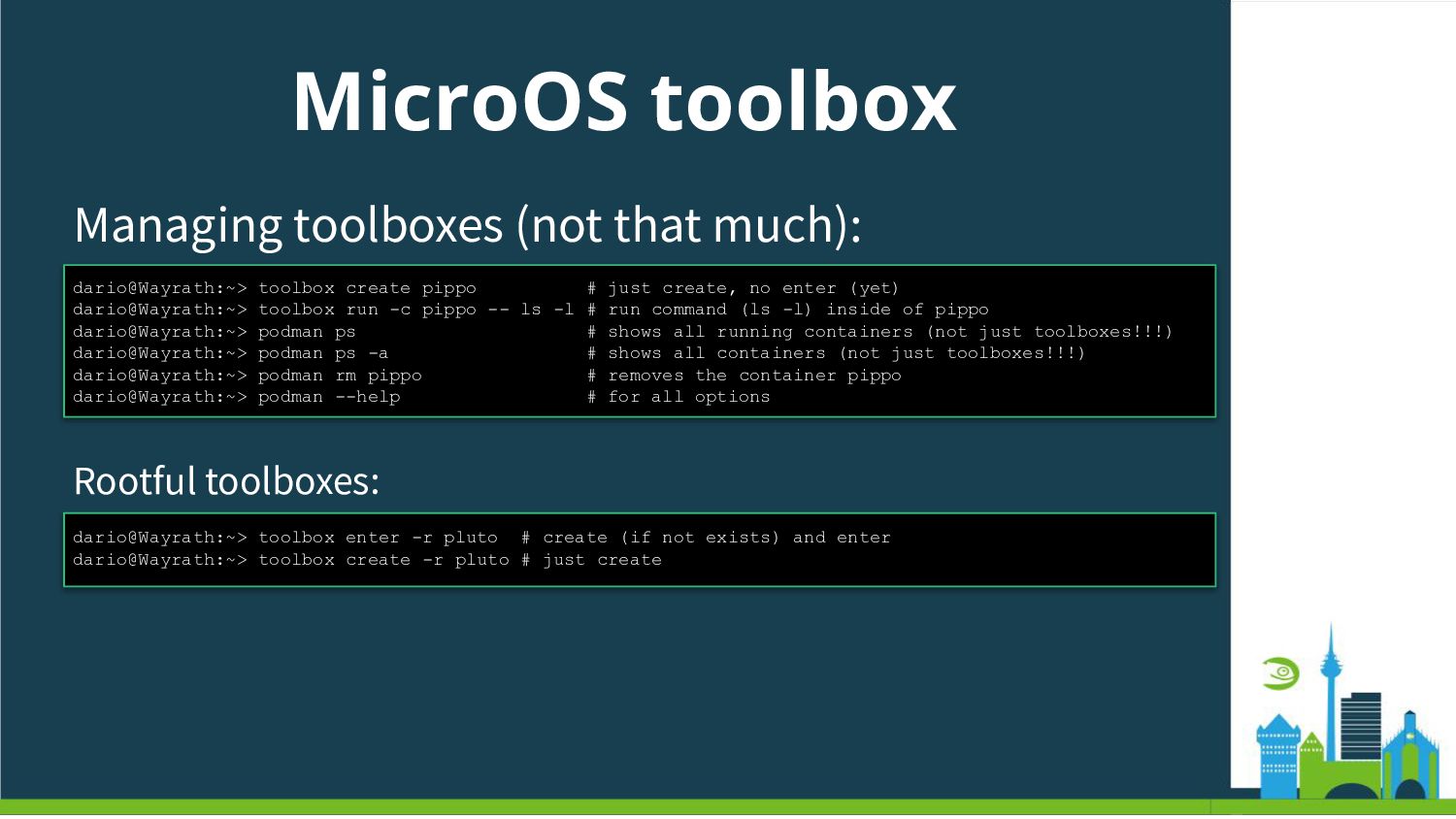
  17. MicroOS toolbox Managing toolboxes (not that much): dario@Wayrath:~> toolbox create

    pippo # just create, no enter (yet) dario@Wayrath:~> toolbox run -c pippo -- ls -l # run command (ls -l) inside of pippo dario@Wayrath:~> podman ps # shows all running containers (not just toolboxes!!!) dario@Wayrath:~> podman ps -a # shows all containers (not just toolboxes!!!) dario@Wayrath:~> podman rm pippo # removes the container pippo dario@Wayrath:~> podman --help # for all options Rootful toolboxes: dario@Wayrath:~> toolbox enter -r pluto # create (if not exists) and enter dario@Wayrath:~> toolbox create -r pluto # just create
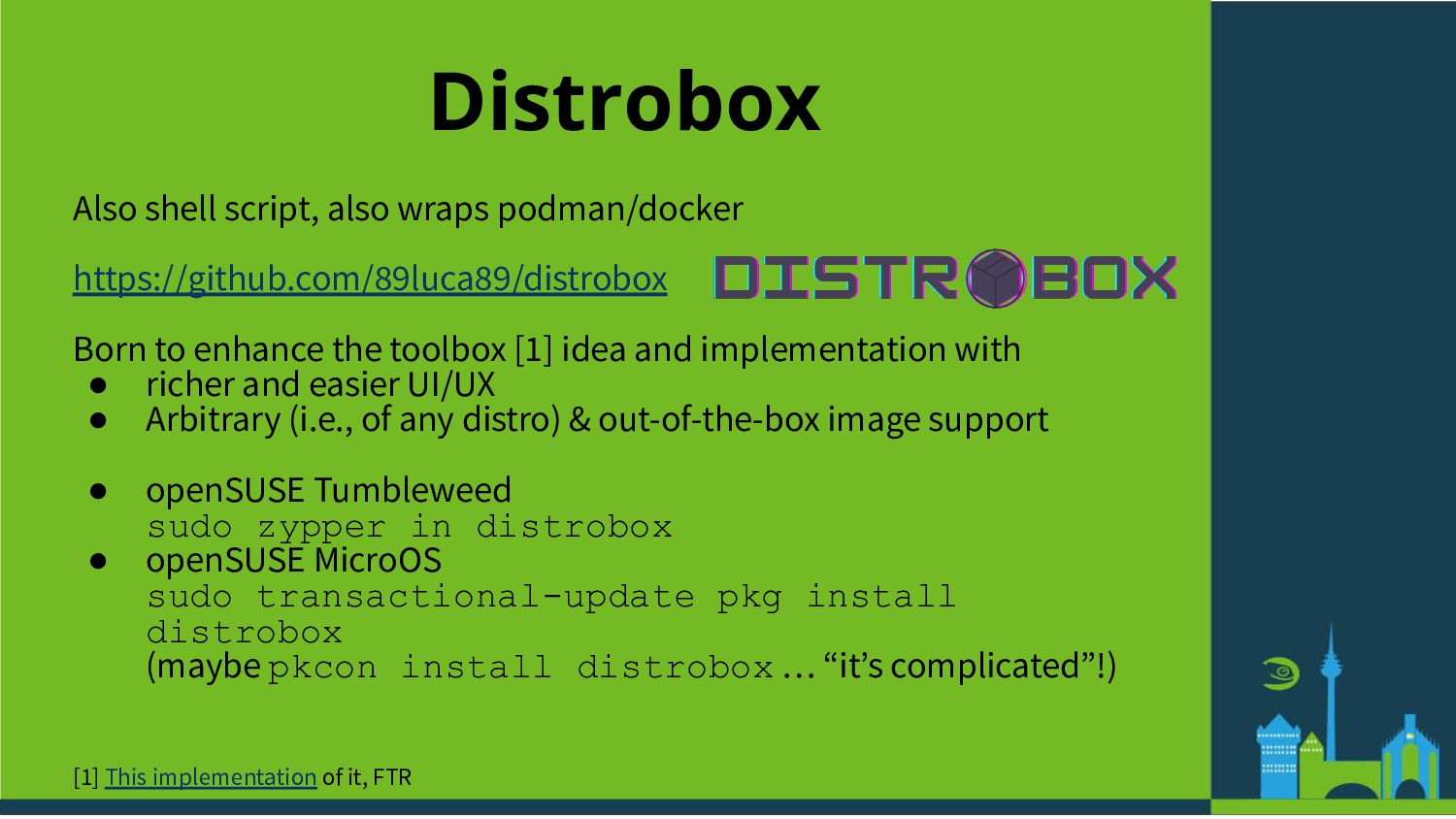
  18. Distrobox Also shell script, also wraps podman/docker https://github.com/89luca89/distrobox Born to

    enhance the toolbox [1] idea and implementation with • richer and easier UI/UX • Arbitrary (i.e., of any distro) & out-of-the-box image support • openSUSE Tumbleweed sudo zypper in distrobox • openSUSE MicroOS sudo transactional-update pkg install distrobox (maybe pkcon install distrobox … “itʼs complicated”!) [1] This implementation of it, FTR
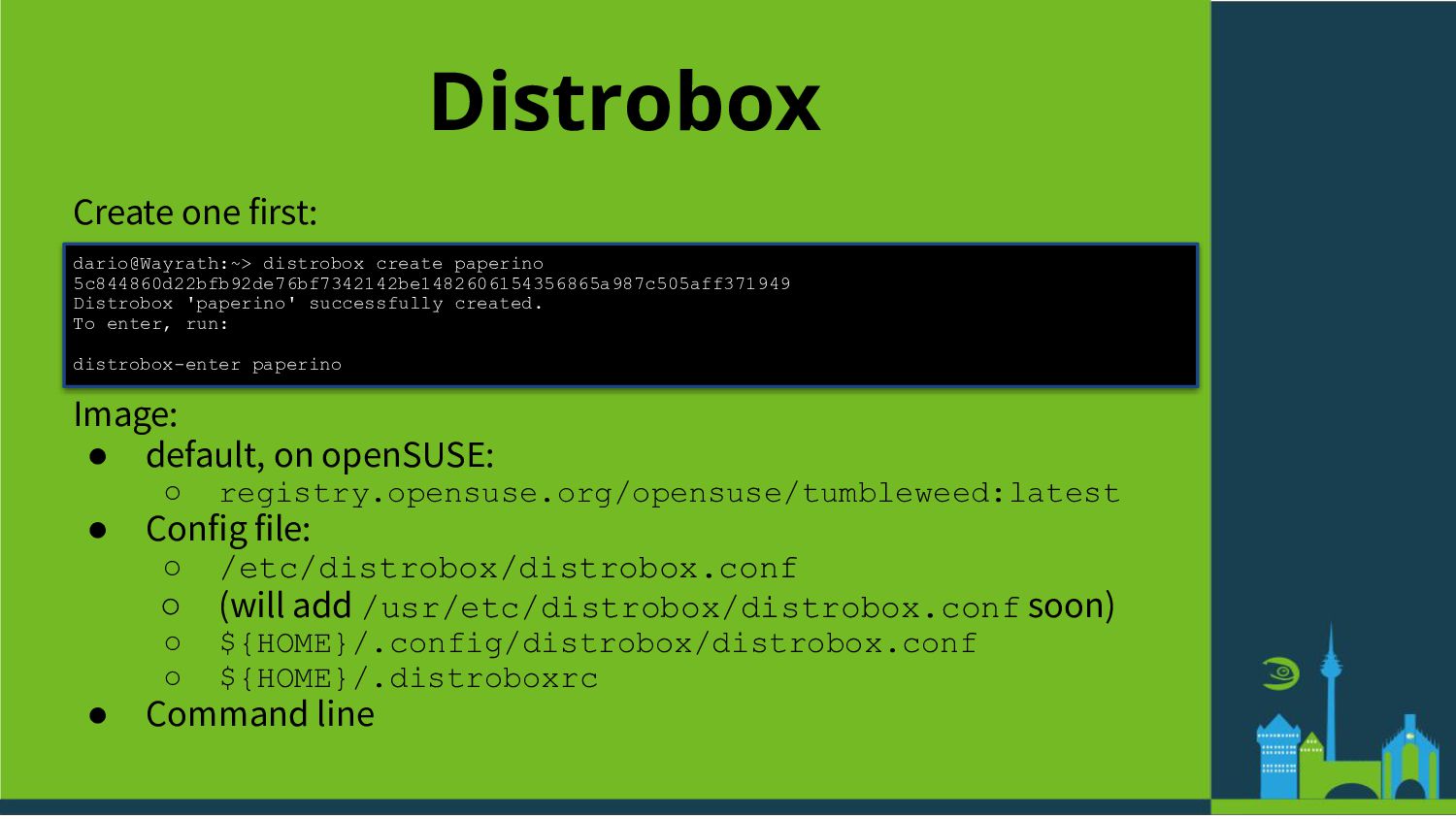
  19. Distrobox Create one first: dario@Wayrath:~> distrobox create paperino 5c844860d22bfb92de76bf7342142be1482606154356865a987c505aff371949 Distrobox

    'paperino' successfully created. To enter, run: distrobox-enter paperino Image: • default, on openSUSE: ◦ registry.opensuse.org/opensuse/tumbleweed:latest • Config file: ◦ /etc/distrobox/distrobox.conf ◦ (will add /usr/etc/distrobox/distrobox.conf soon) ◦ ${HOME}/.config/distrobox/distrobox.conf ◦ ${HOME}/.distroboxrc • Command line
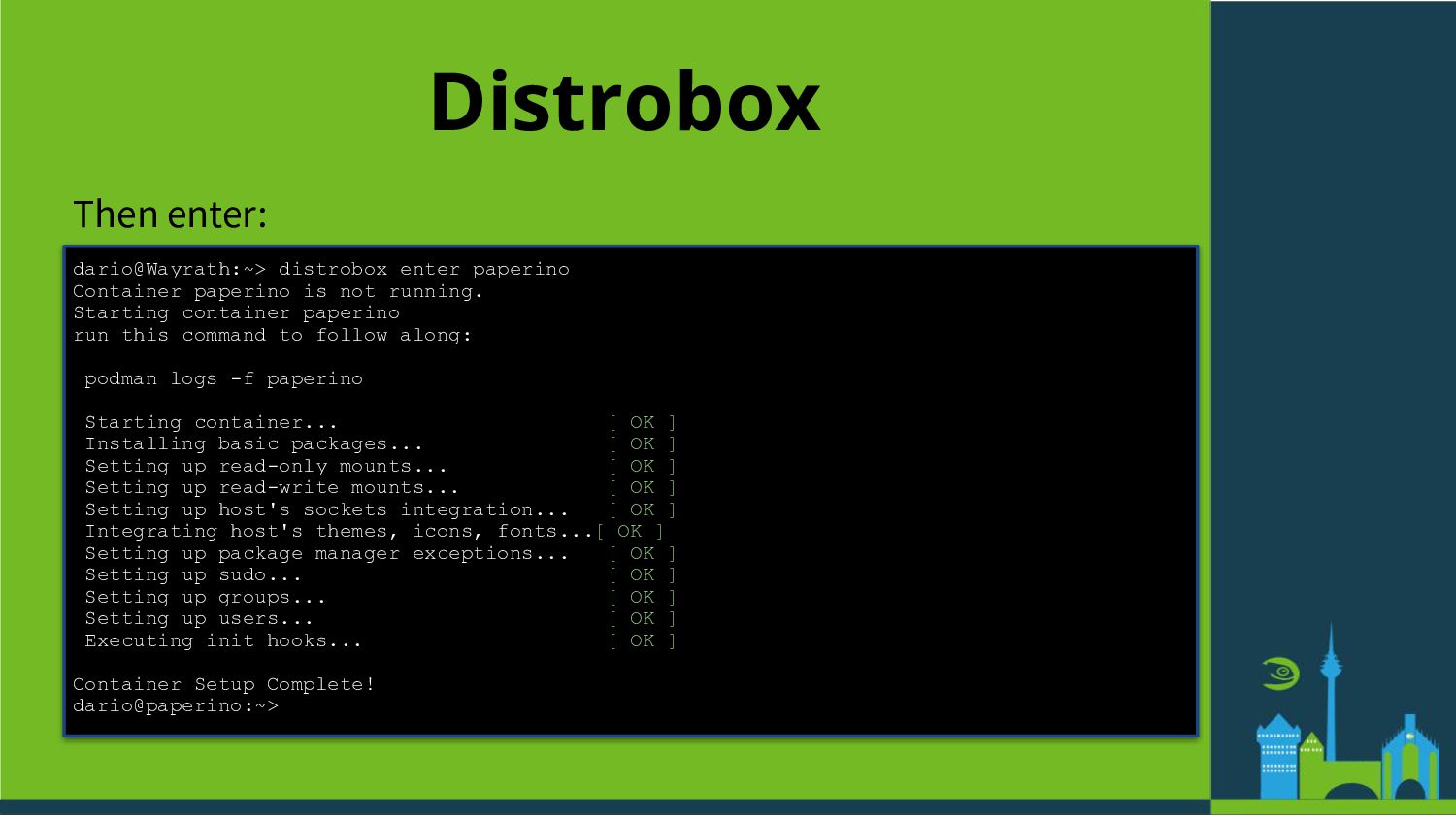
  20. Distrobox Then enter: dario@Wayrath:~> distrobox enter paperino Container paperino is

    not running. Starting container paperino run this command to follow along: podman logs -f paperino Starting container... [ OK ] Installing basic packages... [ OK ] Setting up read-only mounts... [ OK ] Setting up read-write mounts... [ OK ] Setting up host's sockets integration... [ OK ] Integrating host's themes, icons, fonts... [ OK ] Setting up package manager exceptions... [ OK ] Setting up sudo... [ OK ] Setting up groups... [ OK ] Setting up users... [ OK ] Executing init hooks... [ OK ] Container Setup Complete! dario@paperino:~>
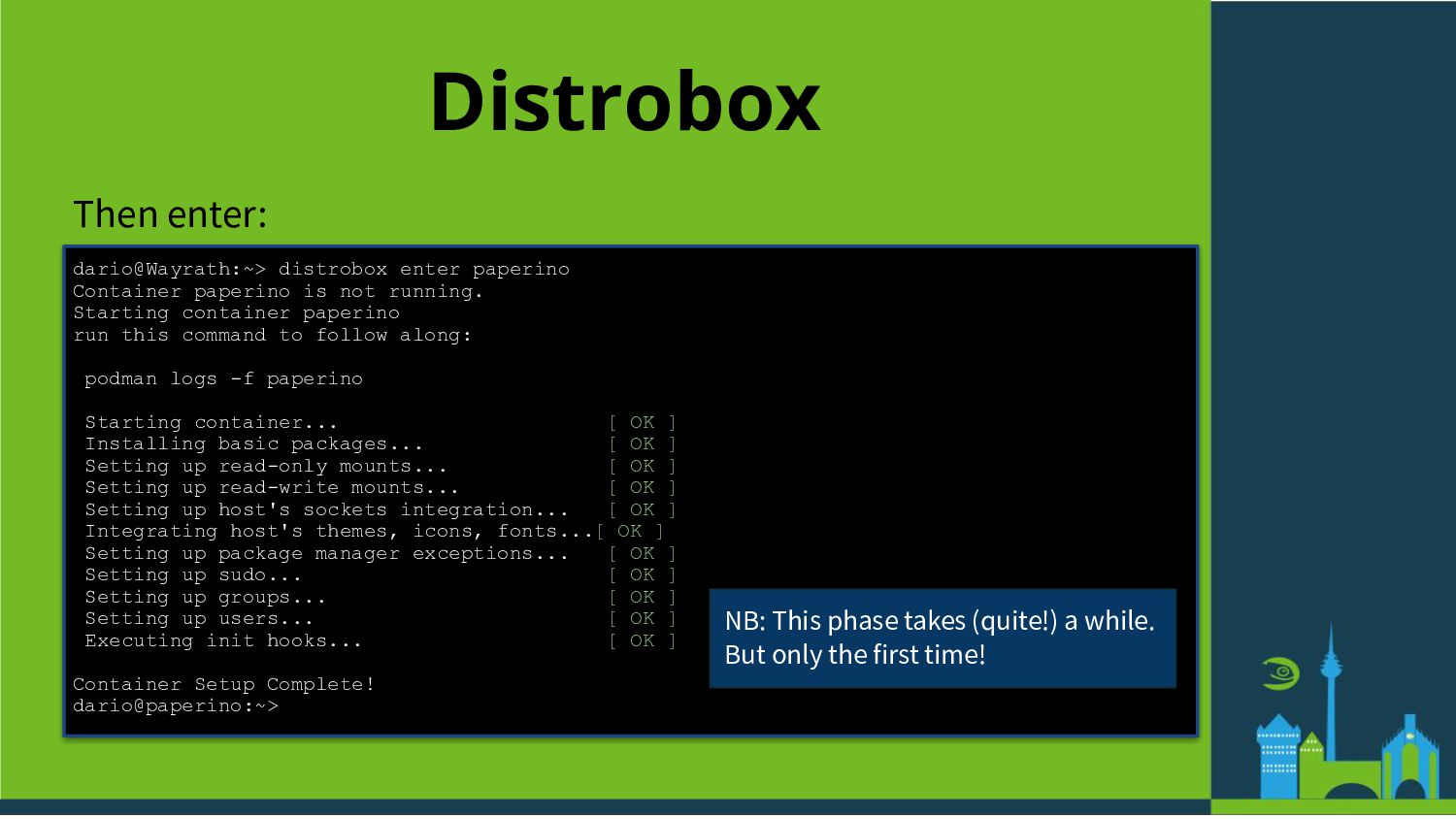
  21. Distrobox Then enter: dario@Wayrath:~> distrobox enter paperino Container paperino is

    not running. Starting container paperino run this command to follow along: podman logs -f paperino Starting container... [ OK ] Installing basic packages... [ OK ] Setting up read-only mounts... [ OK ] Setting up read-write mounts... [ OK ] Setting up host's sockets integration... [ OK ] Integrating host's themes, icons, fonts... [ OK ] Setting up package manager exceptions... [ OK ] Setting up sudo... [ OK ] Setting up groups... [ OK ] Setting up users... [ OK ] Executing init hooks... [ OK ] Container Setup Complete! dario@paperino:~> NB: This phase takes (quite!) a while. But only the first time!
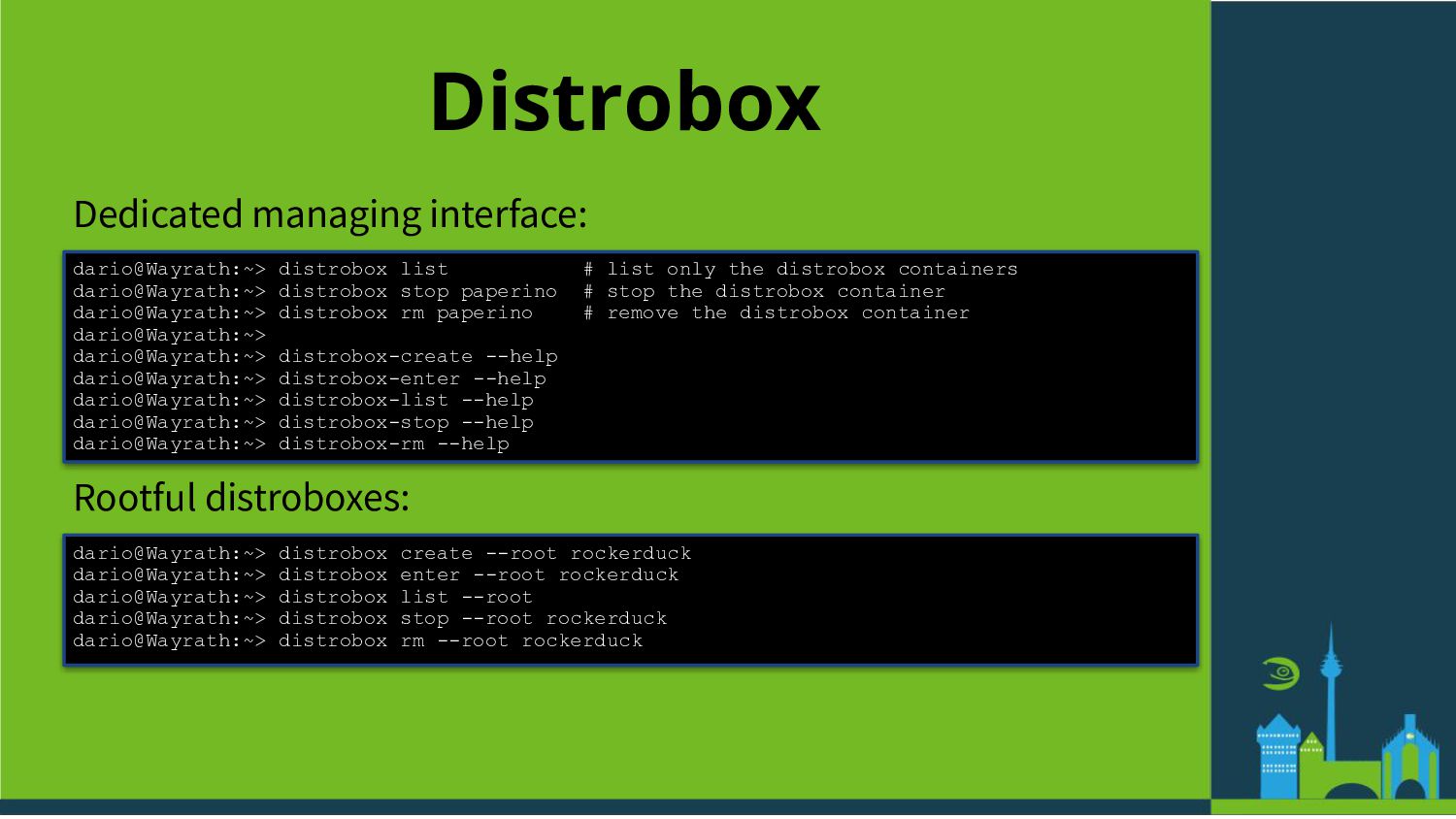
  22. Distrobox Dedicated managing interface: dario@Wayrath:~> distrobox list # list only

    the distrobox containers dario@Wayrath:~> distrobox stop paperino # stop the distrobox container dario@Wayrath:~> distrobox rm paperino # remove the distrobox container dario@Wayrath:~> dario@Wayrath:~> distrobox-create --help dario@Wayrath:~> distrobox-enter --help dario@Wayrath:~> distrobox-list --help dario@Wayrath:~> distrobox-stop --help dario@Wayrath:~> distrobox-rm --help Rootful distroboxes: dario@Wayrath:~> distrobox create --root rockerduck dario@Wayrath:~> distrobox enter --root rockerduck dario@Wayrath:~> distrobox list --root dario@Wayrath:~> distrobox stop --root rockerduck dario@Wayrath:~> distrobox rm --root rockerduck
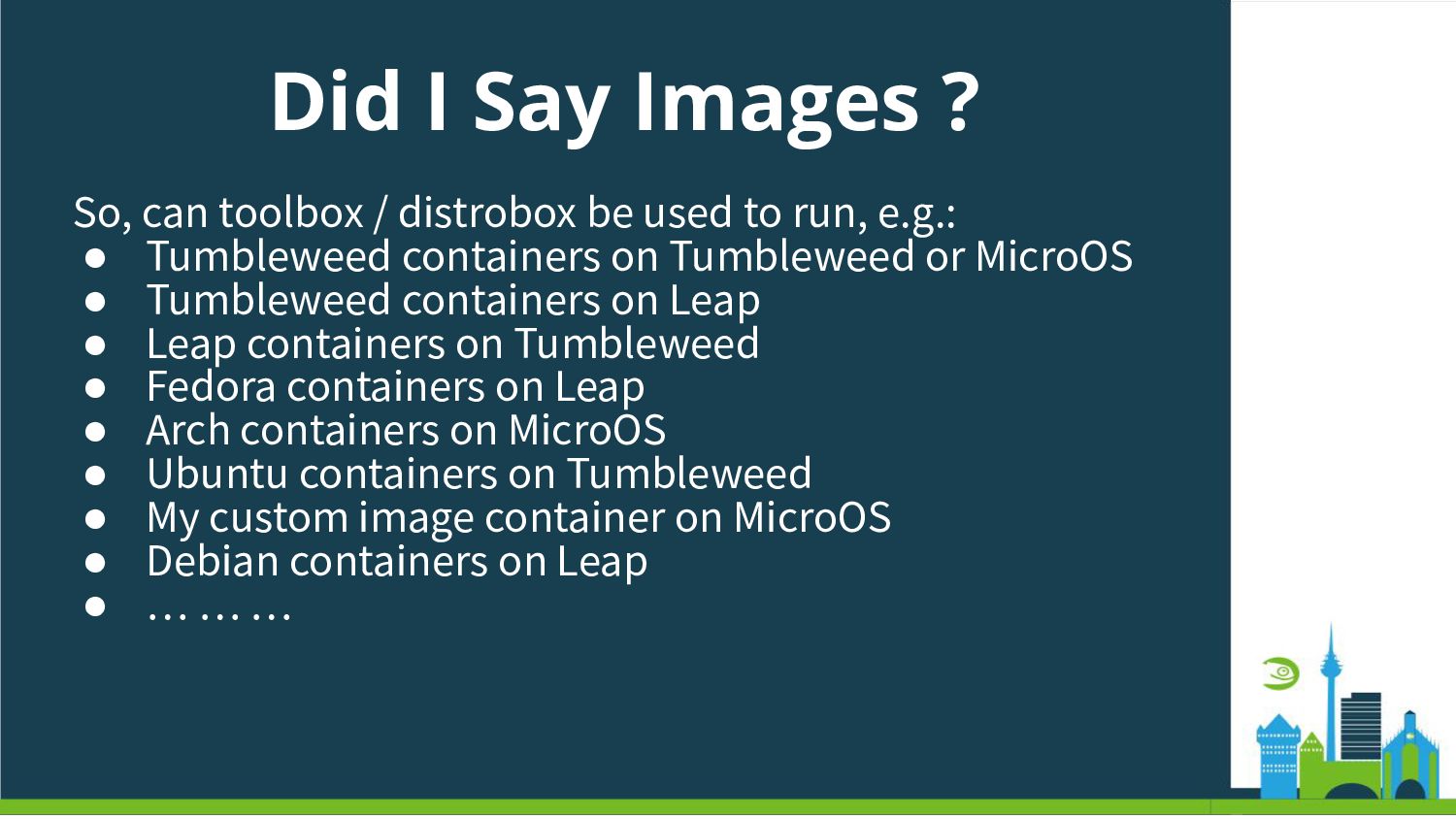
  23. Did I Say Images ? So, can toolbox / distrobox

    be used to run, e.g.: • Tumbleweed containers on Tumbleweed or MicroOS • Tumbleweed containers on Leap • Leap containers on Tumbleweed • Fedora containers on Leap • Arch containers on MicroOS • Ubuntu containers on Tumbleweed • My custom image container on MicroOS • Debian containers on Leap • … … …
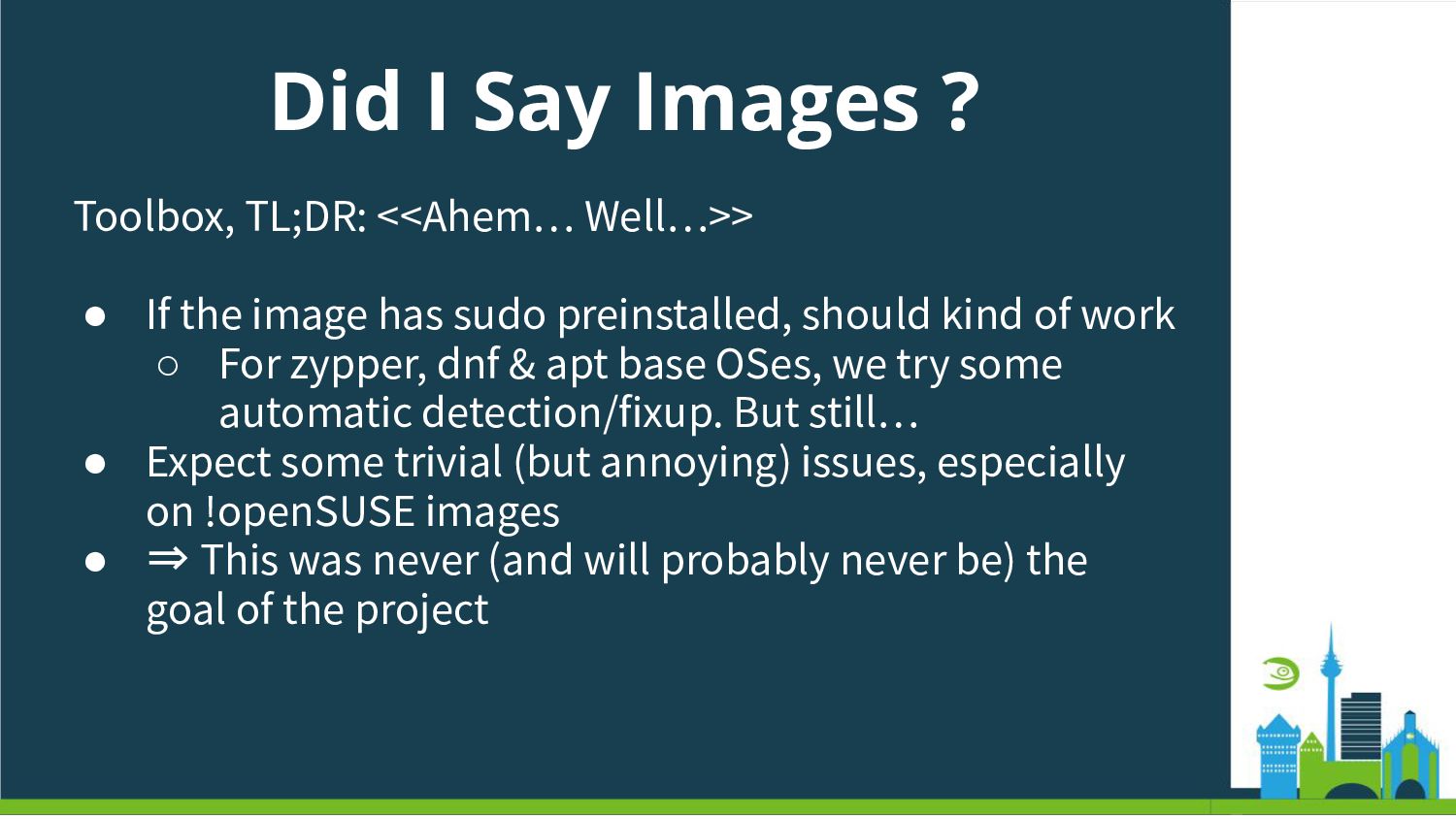
  24. Did I Say Images ? Toolbox, TL;DR: <<Ahem… Well…>> •

    If the image has sudo preinstalled, should kind of work ◦ For zypper, dnf & apt base OSes, we try some automatic detection/fixup. But still… • Expect some trivial (but annoying) issues, especially on !openSUSE images • ⇒ This was never (and will probably never be) the goal of the project
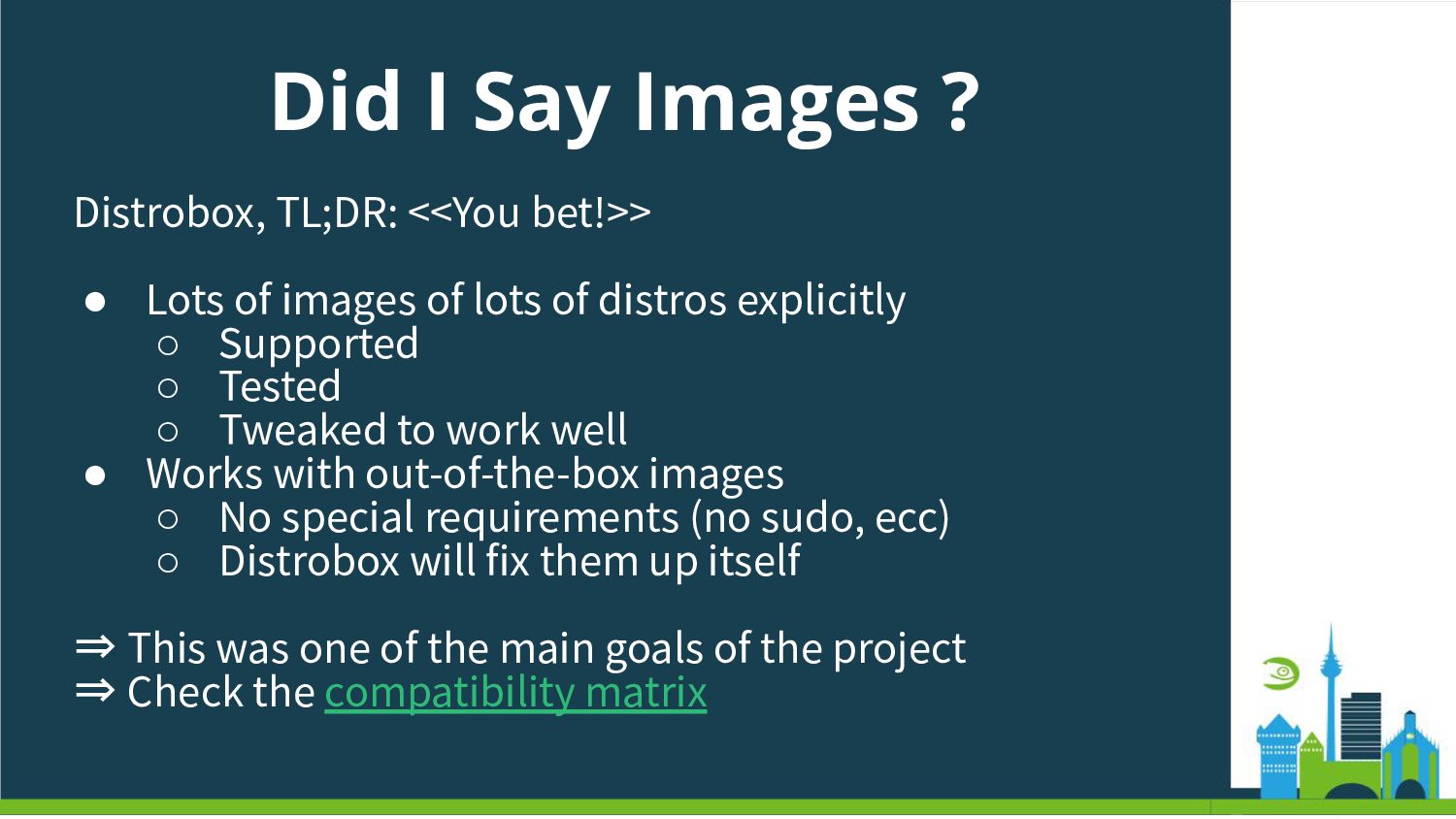
  25. Did I Say Images ? Distrobox, TL;DR: <<You bet!>> •

    Lots of images of lots of distros explicitly ◦ Supported ◦ Tested ◦ Tweaked to work well • Works with out-of-the-box images ◦ No special requirements (no sudo, ecc) ◦ Distrobox will fix them up itself ⇒ This was one of the main goals of the project ⇒ Check the compatibility matrix
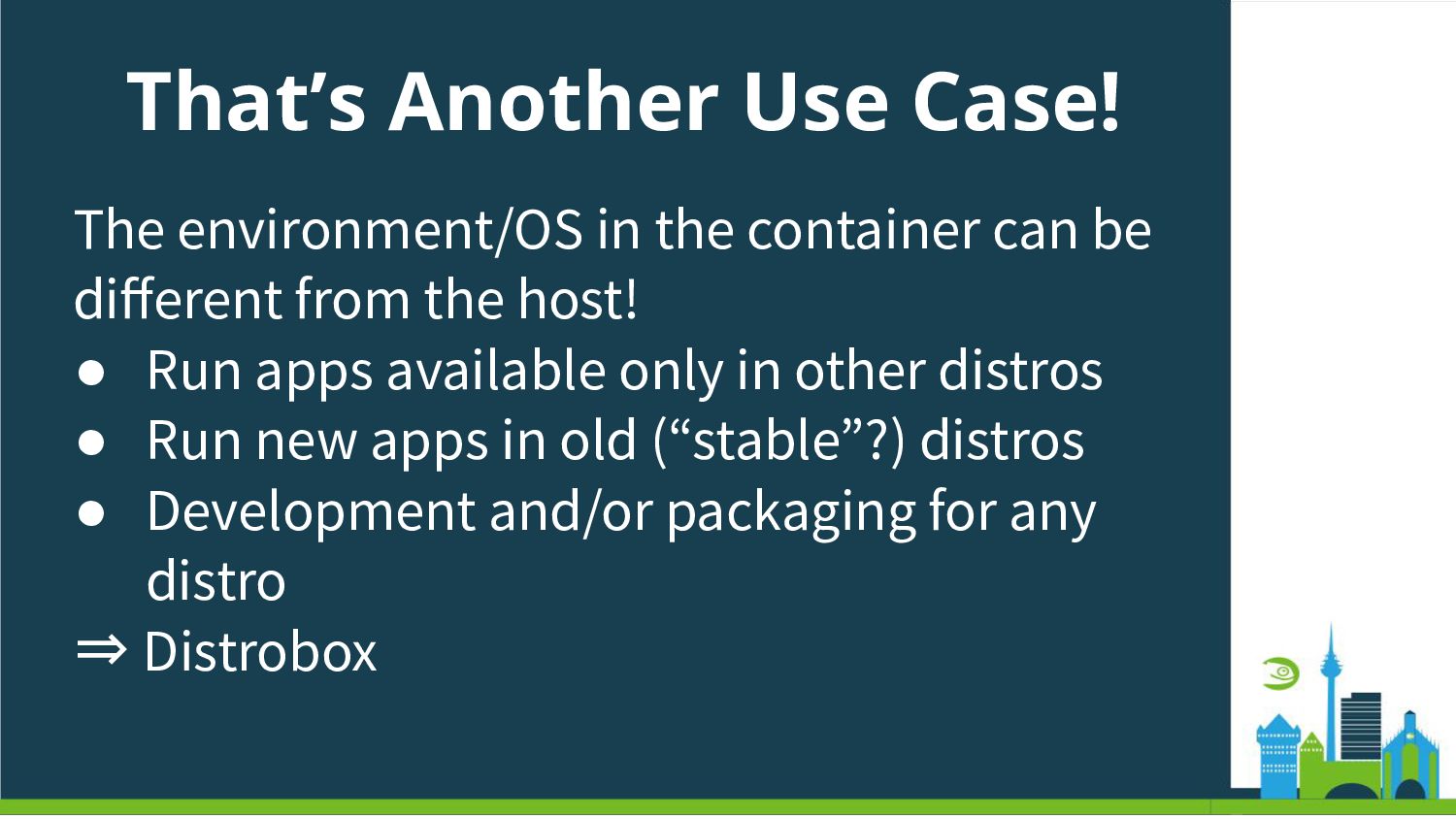
  26. That’s Another Use Case! The environment/OS in the container can

    be different from the host! • Run apps available only in other distros • Run new apps in old (“stable”?) distros • Development and/or packaging for any distro ⇒ Distrobox
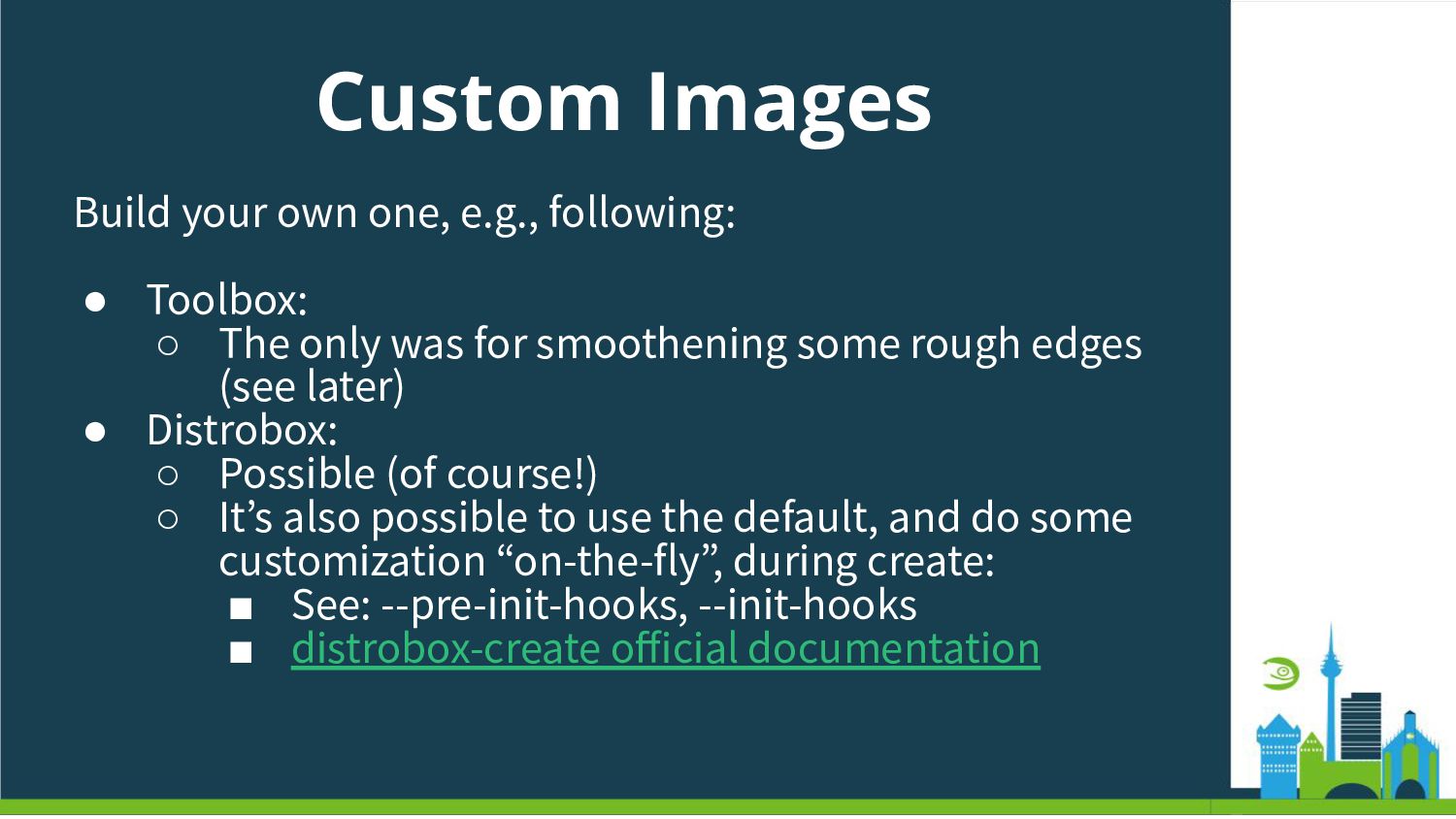
  27. Custom Images Build your own one, e.g., following: • Toolbox:

    ◦ The only was for smoothening some rough edges (see later) • Distrobox: ◦ Possible (of course!) ◦ Itʼs also possible to use the default, and do some customization “on-the-fly”, during create: ▪ See: --pre-init-hooks, --init-hooks ▪ distrobox-create official documentation
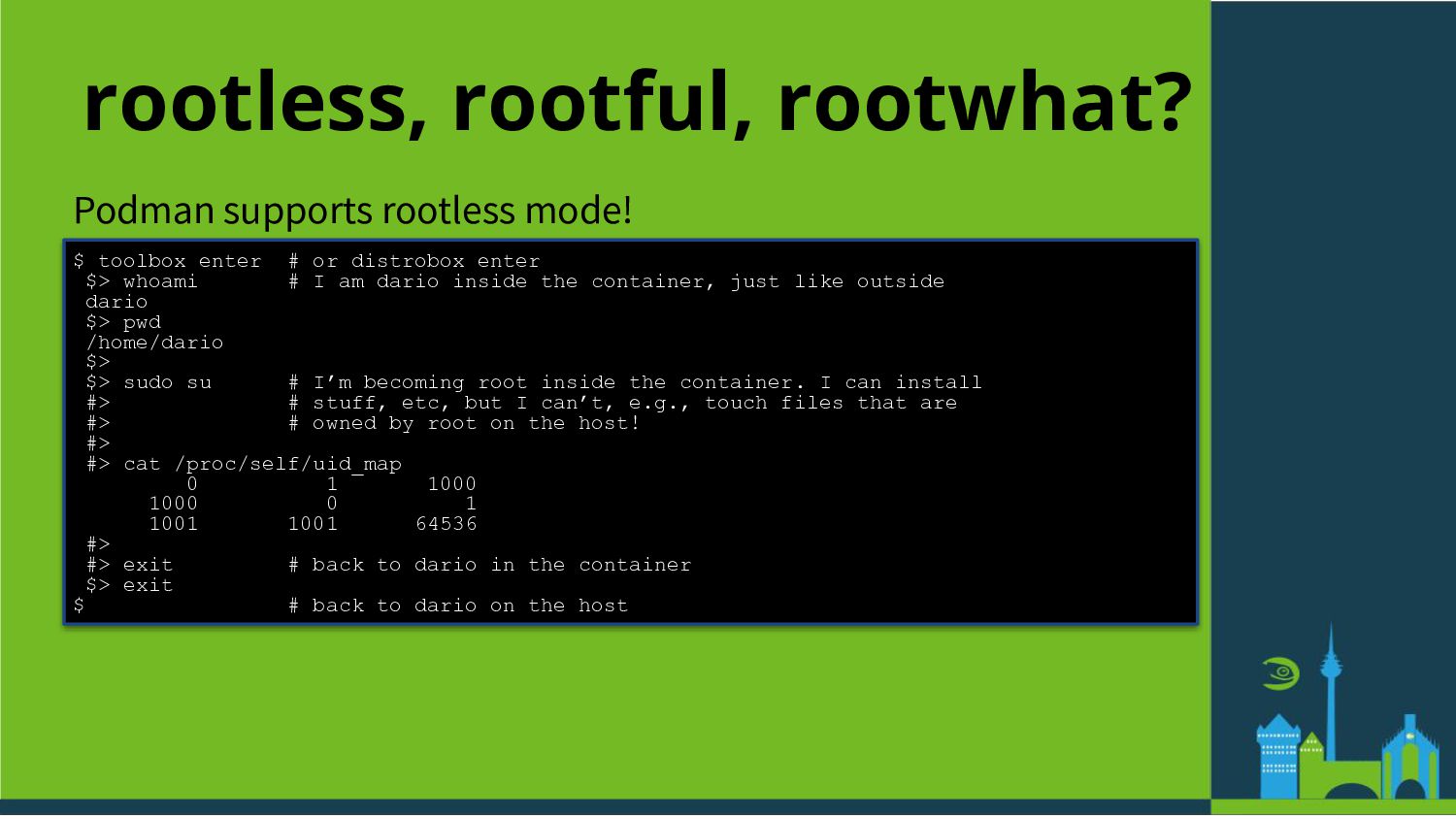
  28. rootless, rootful, rootwhat? Podman supports rootless mode! $ toolbox enter

    # or distrobox enter $> whoami # I am dario inside the container, just like outside dario $> pwd /home/dario $> $> sudo su # I’m becoming root inside the container. I can install #> # stuff, etc, but I can’t, e.g., touch files that are #> # owned by root on the host! #> #> cat /proc/self/uid_map 0 1 1000 1000 0 1 1001 1001 64536 #> #> exit # back to dario in the container $> exit $ # back to dario on the host
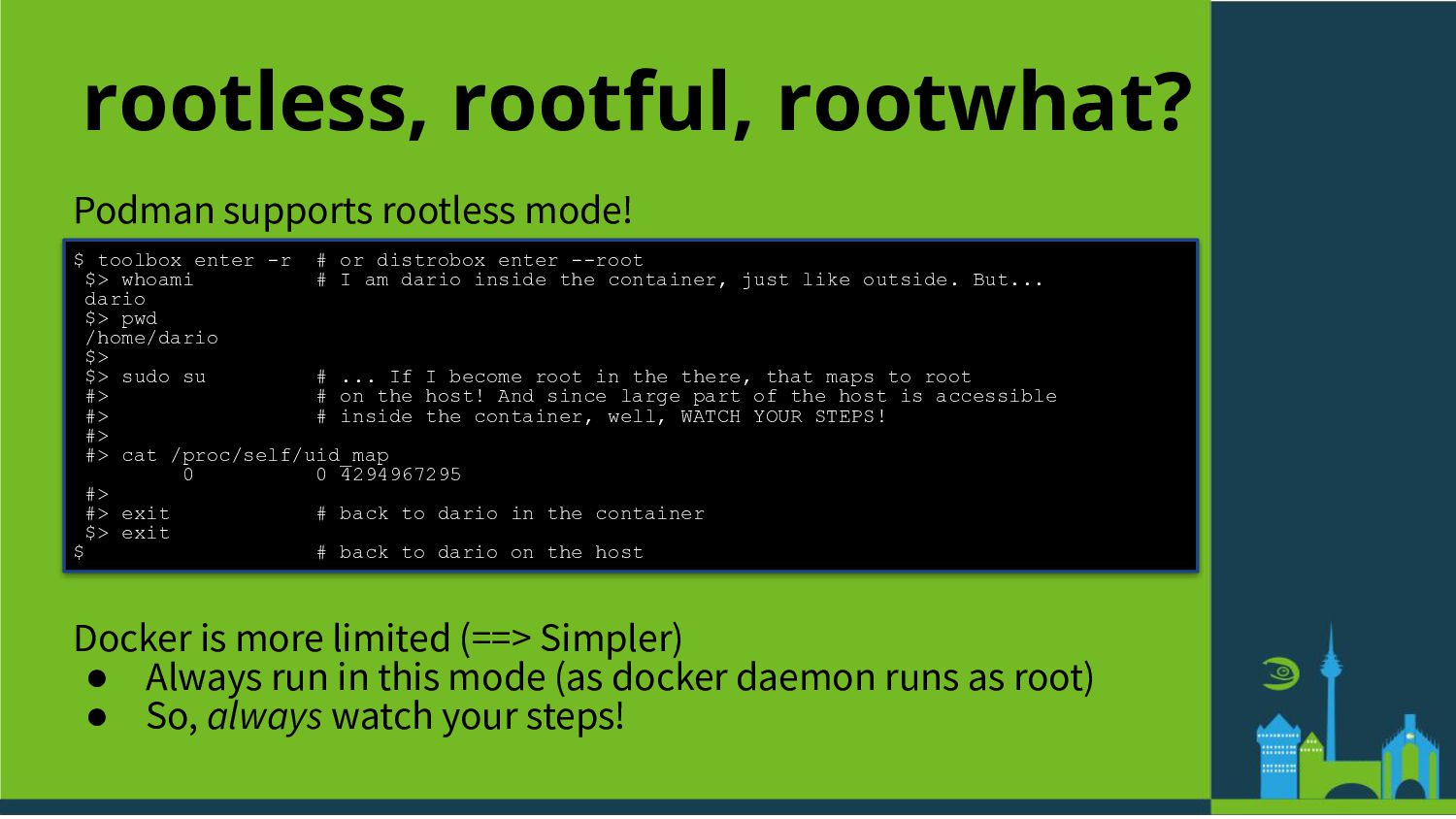
  29. rootless, rootful, rootwhat? Podman supports rootless mode! $ toolbox enter

    -r # or distrobox enter --root $> whoami # I am dario inside the container, just like outside. But... dario $> pwd /home/dario $> $> sudo su # ... If I become root in the there, that maps to root #> # on the host! And since large part of the host is accessible #> # inside the container, well, WATCH YOUR STEPS! #> #> cat /proc/self/uid_map 0 0 4294967295 #> #> exit # back to dario in the container $> exit $ # back to dario on the host Docker is more limited (==> Simpler) • Always run in this mode (as docker daemon runs as root) • So, always watch your steps!
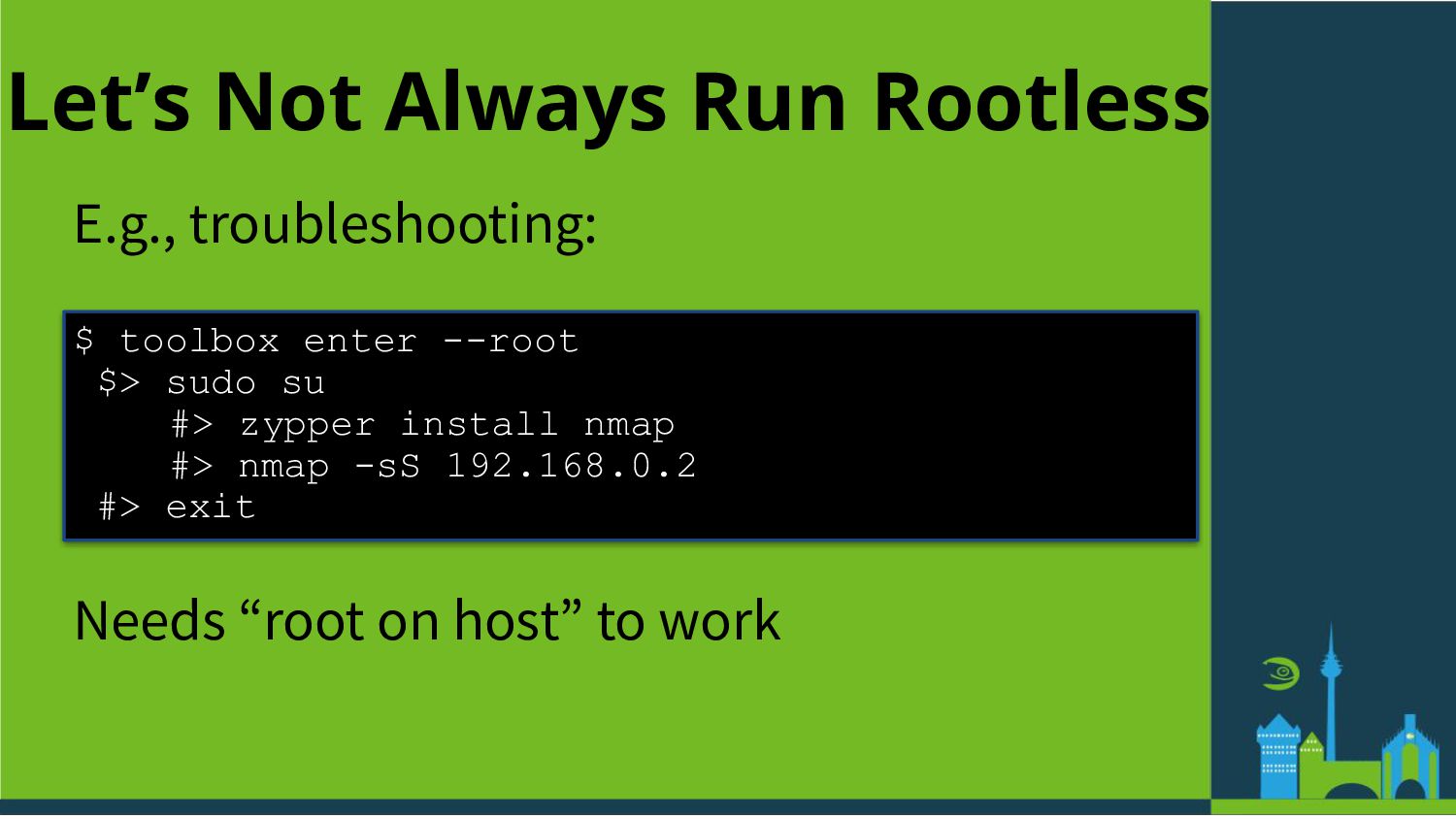
  30. Let’s Not Always Run Rootless E.g., troubleshooting: $ toolbox enter

    --root $> sudo su #> zypper install nmap #> nmap -sS 192.168.0.2 #> exit Needs “root on host” to work
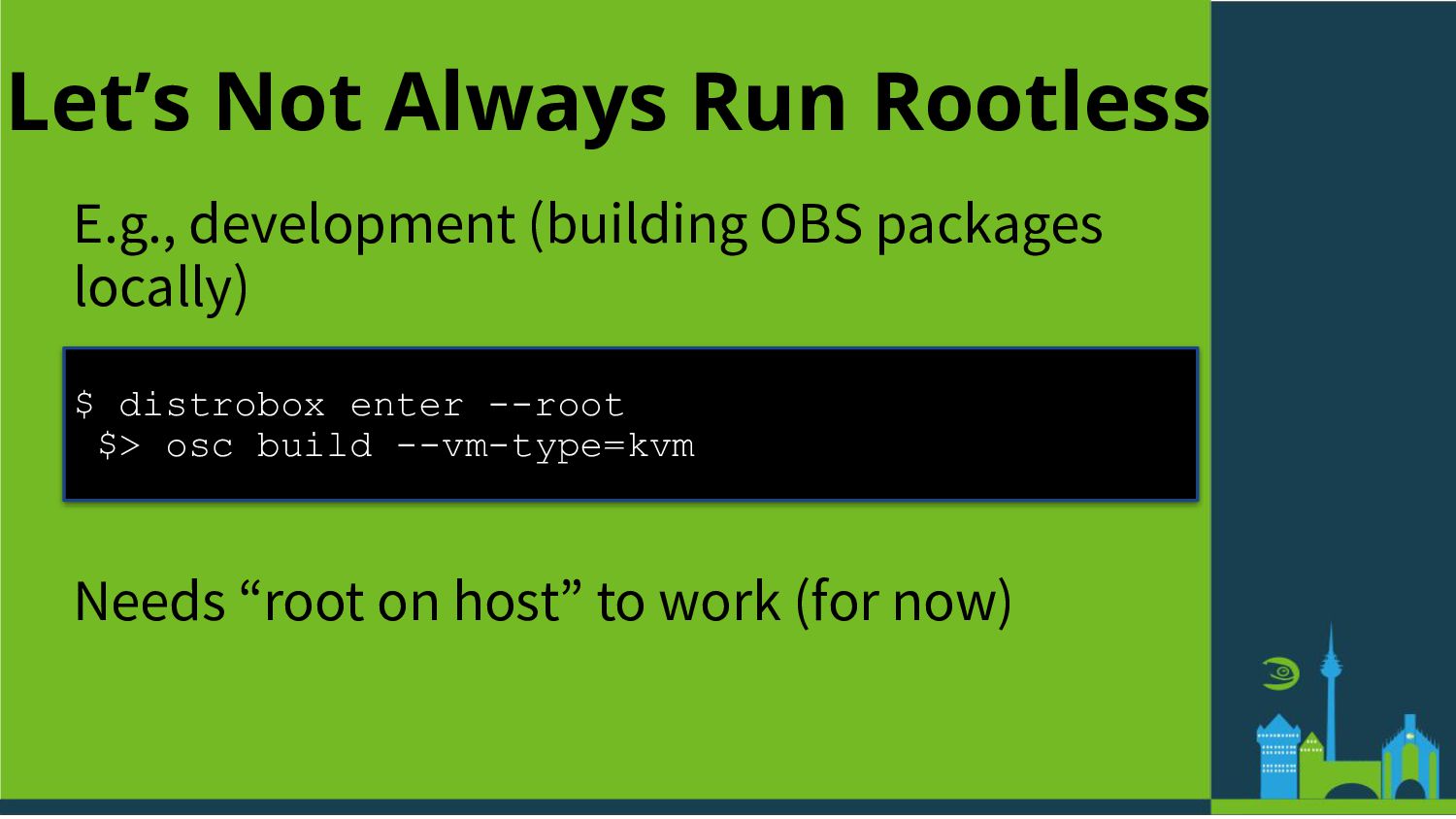
  31. Let’s Not Always Run Rootless E.g., development (building OBS packages

    locally) $ distrobox enter --root $> osc build --vm-type=kvm Needs “root on host” to work (for now)
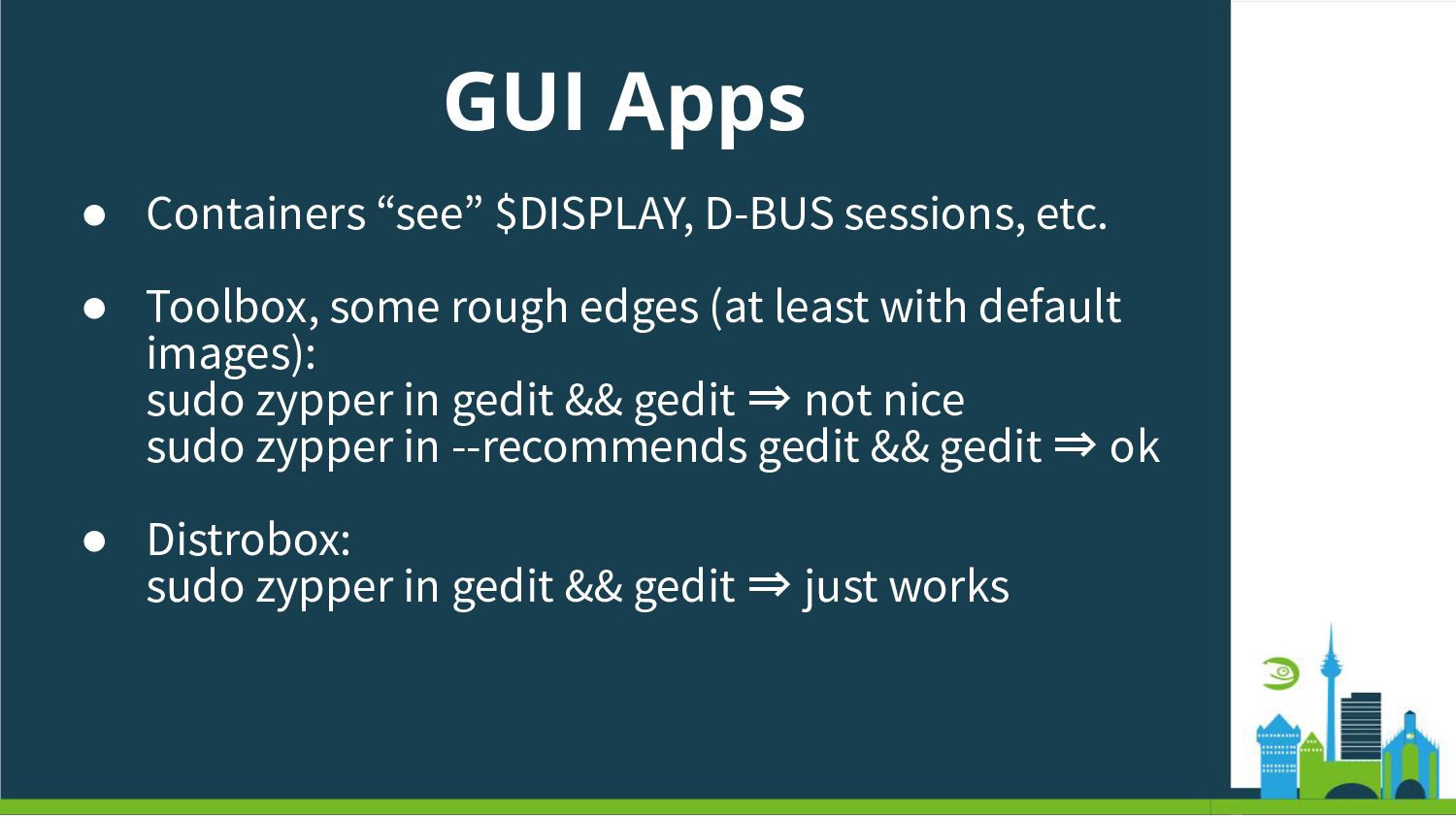
  32. GUI Apps • Containers “see” $DISPLAY, D-BUS sessions, etc. •

    Toolbox, some rough edges (at least with default images): sudo zypper in gedit && gedit ⇒ not nice sudo zypper in --recommends gedit && gedit ⇒ ok • Distrobox: sudo zypper in gedit && gedit ⇒ just works
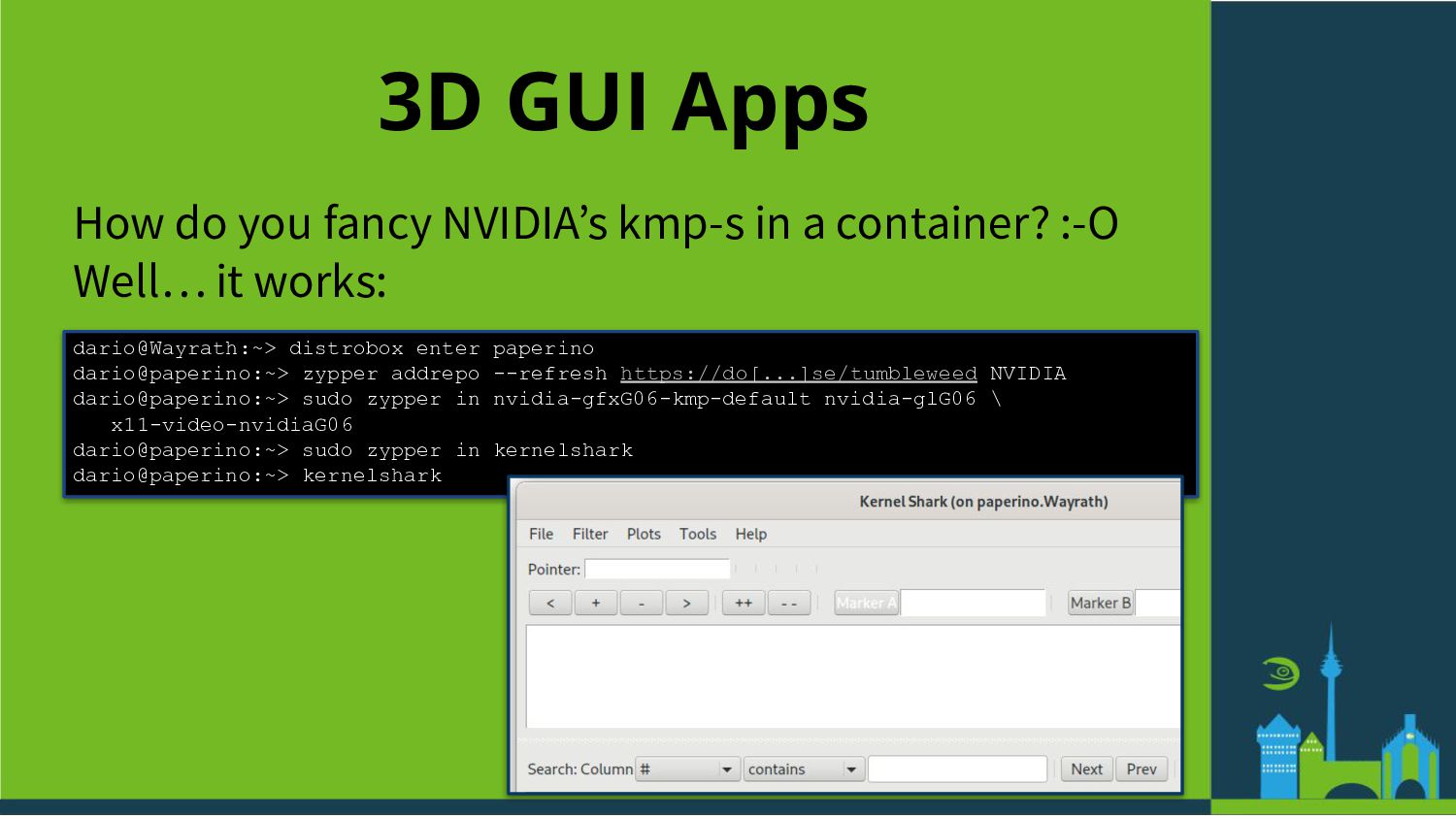
  33. 3D GUI Apps How do you fancy NVIDIAʼs kmp-s in

    a container? :-O Well… it works: dario@Wayrath:~> distrobox enter paperino dario@paperino:~> zypper addrepo --refresh https://do[...]se/tumbleweed NVIDIA dario@paperino:~> sudo zypper in nvidia-gfxG06-kmp-default nvidia-glG06 \ x11-video-nvidiaG06 dario@paperino:~> sudo zypper in kernelshark dario@paperino:~> kernelshark
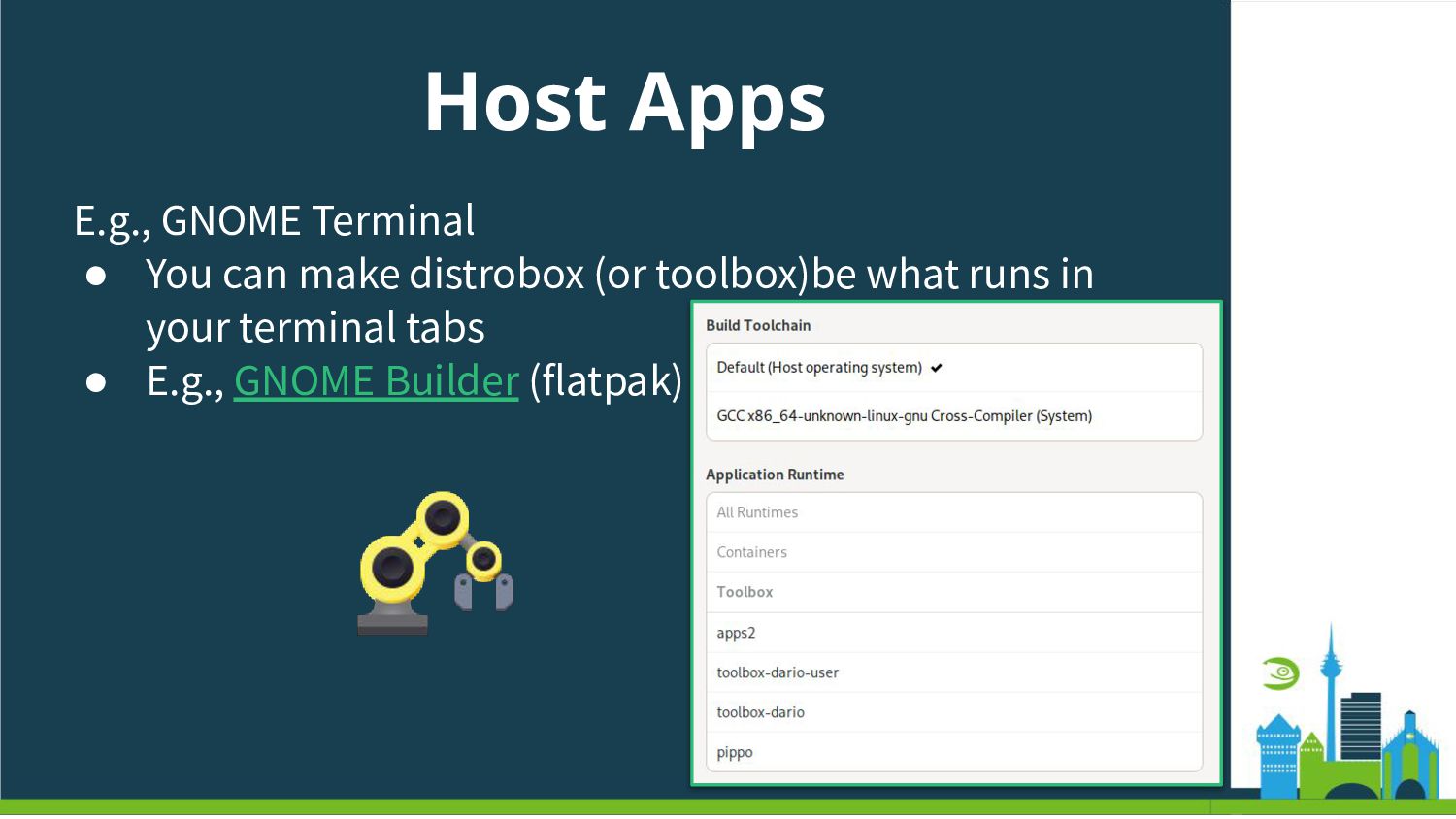
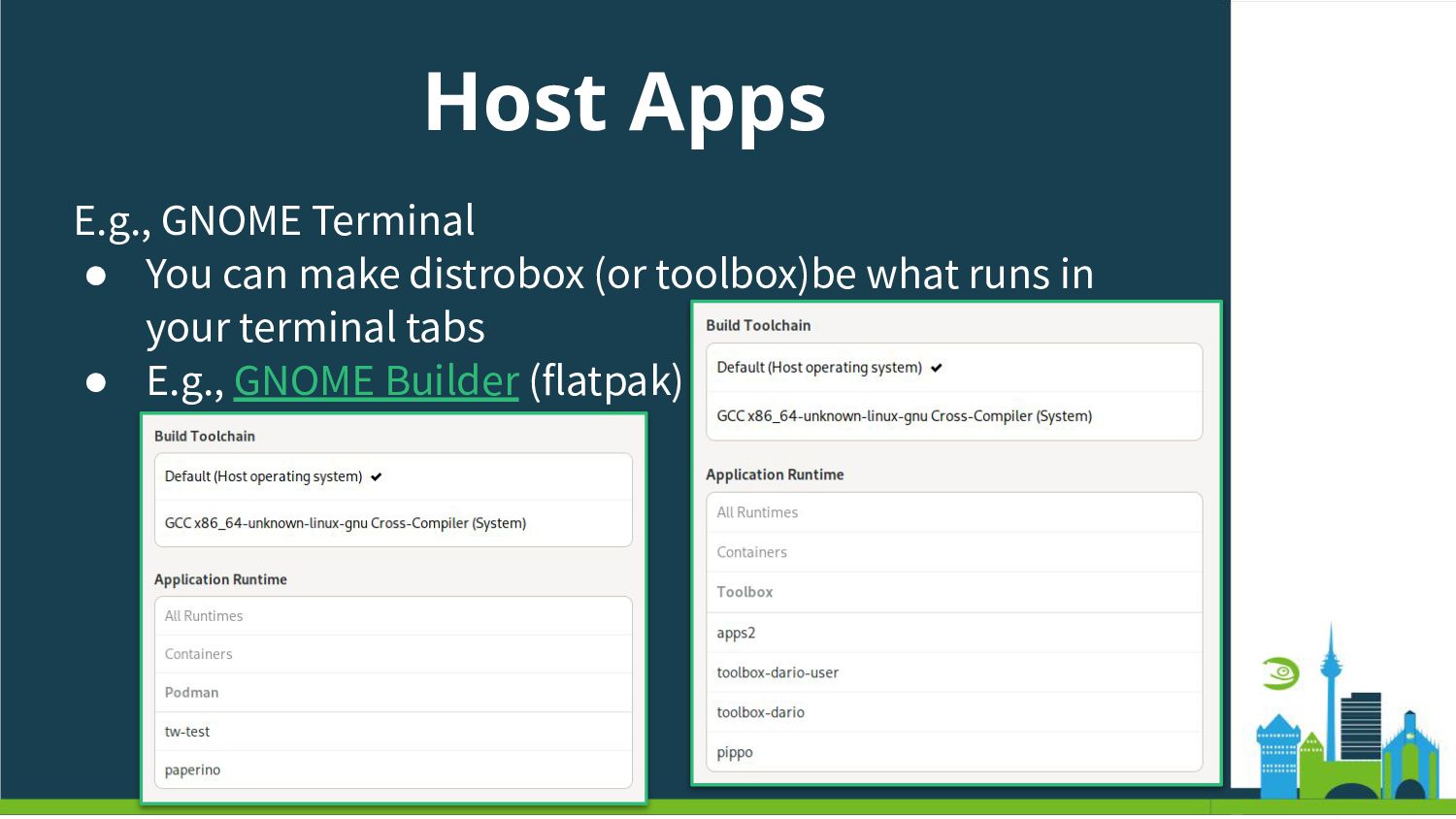
  34. Host Apps E.g., GNOME Terminal • You can make distrobox

    (or toolbox)be what runs in your terminal tabs • E.g., GNOME Builder (flatpak)
  35. Host Apps E.g., GNOME Terminal • You can make distrobox

    (or toolbox)be what runs in your terminal tabs • E.g., GNOME Builder (flatpak)
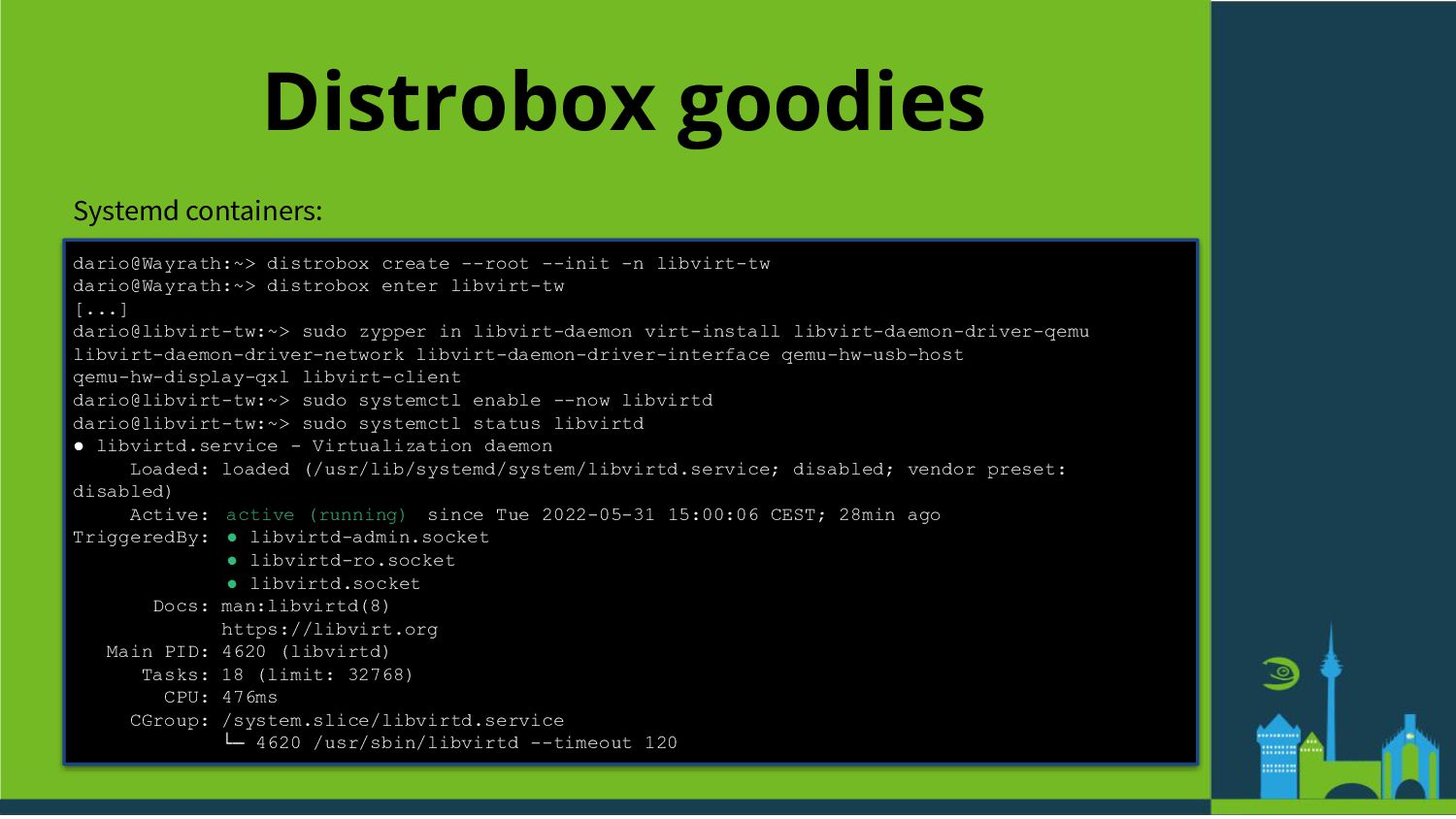
  36. Distrobox goodies Systemd containers: dario@Wayrath:~> distrobox create --root --init -n

    libvirt-tw dario@Wayrath:~> distrobox enter libvirt-tw [...] dario@libvirt-tw:~> sudo zypper in libvirt-daemon virt-install libvirt-daemon-driver-qemu libvirt-daemon-driver-network libvirt-daemon-driver-interface qemu-hw-usb-host qemu-hw-display-qxl libvirt-client dario@libvirt-tw:~> sudo systemctl enable --now libvirtd dario@libvirt-tw:~> sudo systemctl status libvirtd • libvirtd.service - Virtualization daemon Loaded: loaded (/usr/lib/systemd/system/libvirtd.service; disabled; vendor preset: disabled) Active: active (running) since Tue 2022-05-31 15:00:06 CEST; 28min ago TriggeredBy: • libvirtd-admin.socket • libvirtd-ro.socket • libvirtd.socket Docs: man:libvirtd(8) https://libvirt.org Main PID: 4620 (libvirtd) Tasks: 18 (limit: 32768) CPU: 476ms CGroup: /system.slice/libvirtd.service └─ 4620 /usr/sbin/libvirtd --timeout 120
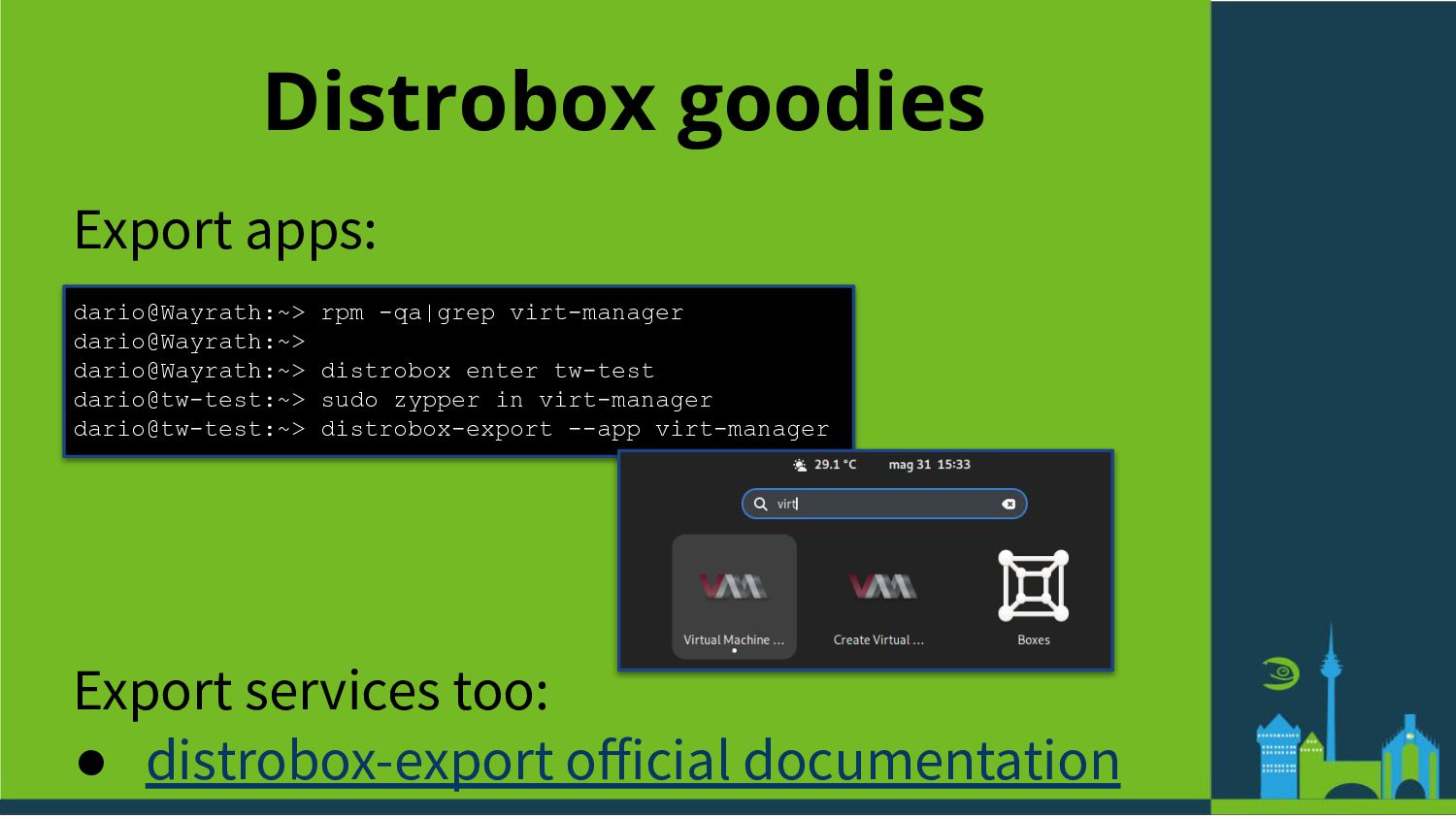
  37. Distrobox goodies Export apps: dario@Wayrath:~> rpm -qa|grep virt-manager dario@Wayrath:~> dario@Wayrath:~>

    distrobox enter tw-test dario@tw-test:~> sudo zypper in virt-manager dario@tw-test:~> distrobox-export --app virt-manager Export services too: • distrobox-export official documentation
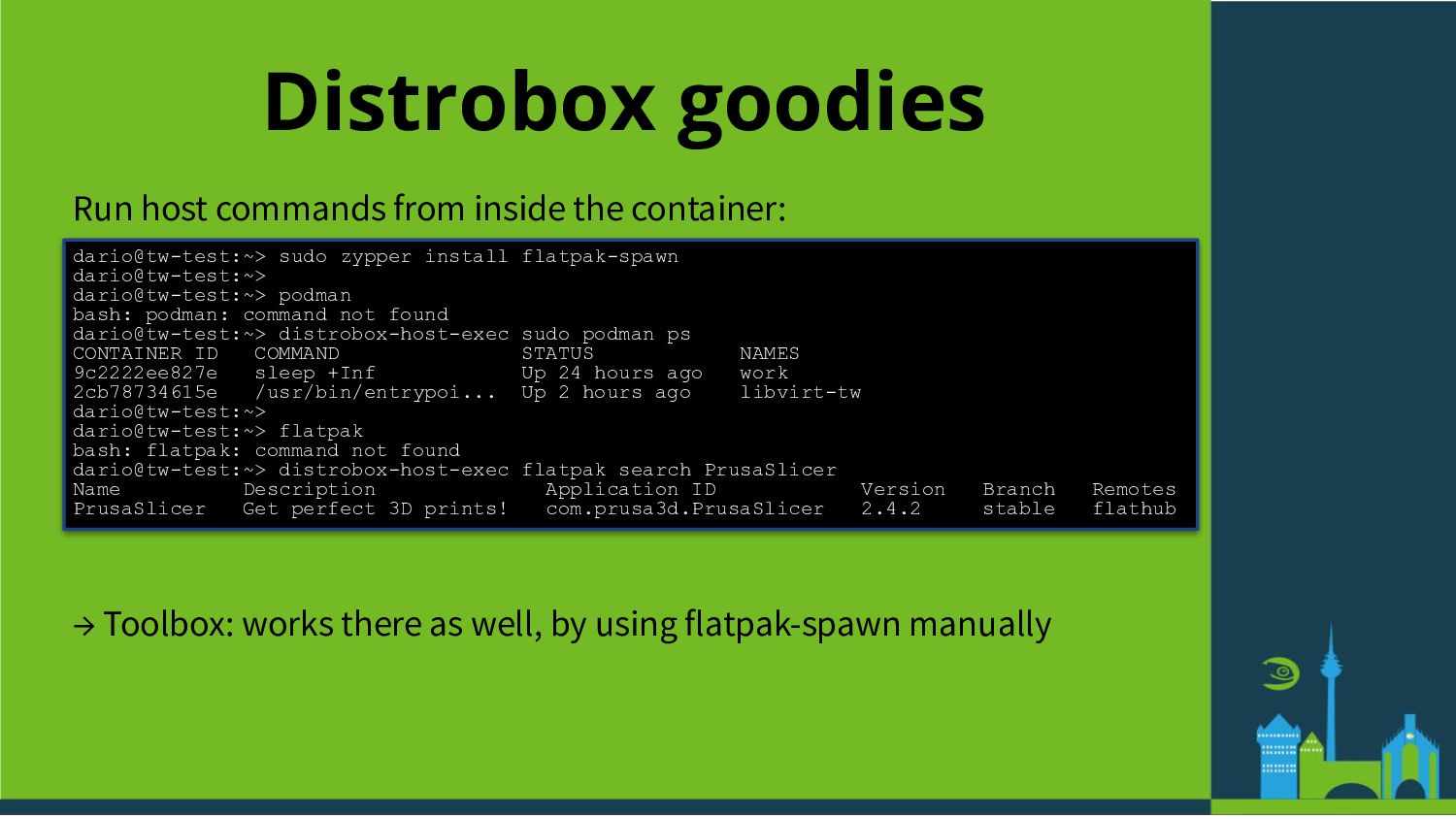
  38. Distrobox goodies Run host commands from inside the container: dario@tw-test:~>

    sudo zypper install flatpak-spawn dario@tw-test:~> dario@tw-test:~> podman bash: podman: command not found dario@tw-test:~> distrobox-host-exec sudo podman ps CONTAINER ID COMMAND STATUS NAMES 9c2222ee827e sleep +Inf Up 24 hours ago work 2cb78734615e /usr/bin/entrypoi... Up 2 hours ago libvirt-tw dario@tw-test:~> dario@tw-test:~> flatpak bash: flatpak: command not found dario@tw-test:~> distrobox-host-exec flatpak search PrusaSlicer Name Description Application ID Version Branch Remotes PrusaSlicer Get perfect 3D prints! com.prusa3d.PrusaSlicer 2.4.2 stable flathub → Toolbox: works there as well, by using flatpak-spawn manually
  39. How Many Toolbox Is Too Many Toolbox-es ? 10-ths of

    [tool|distro]box-es? (E.g., one for each project/workload/app) • Very fine grained control • Managing can be tricky (Think about updating all of them!)
  40. How Many Toolbox Is Too Many Toolbox-es ? Only 1

    [tool|distro]box to rule them all? • Easy to manage (~= like an host) • Can become huge, and maybe messy? • Rootful or rootless?
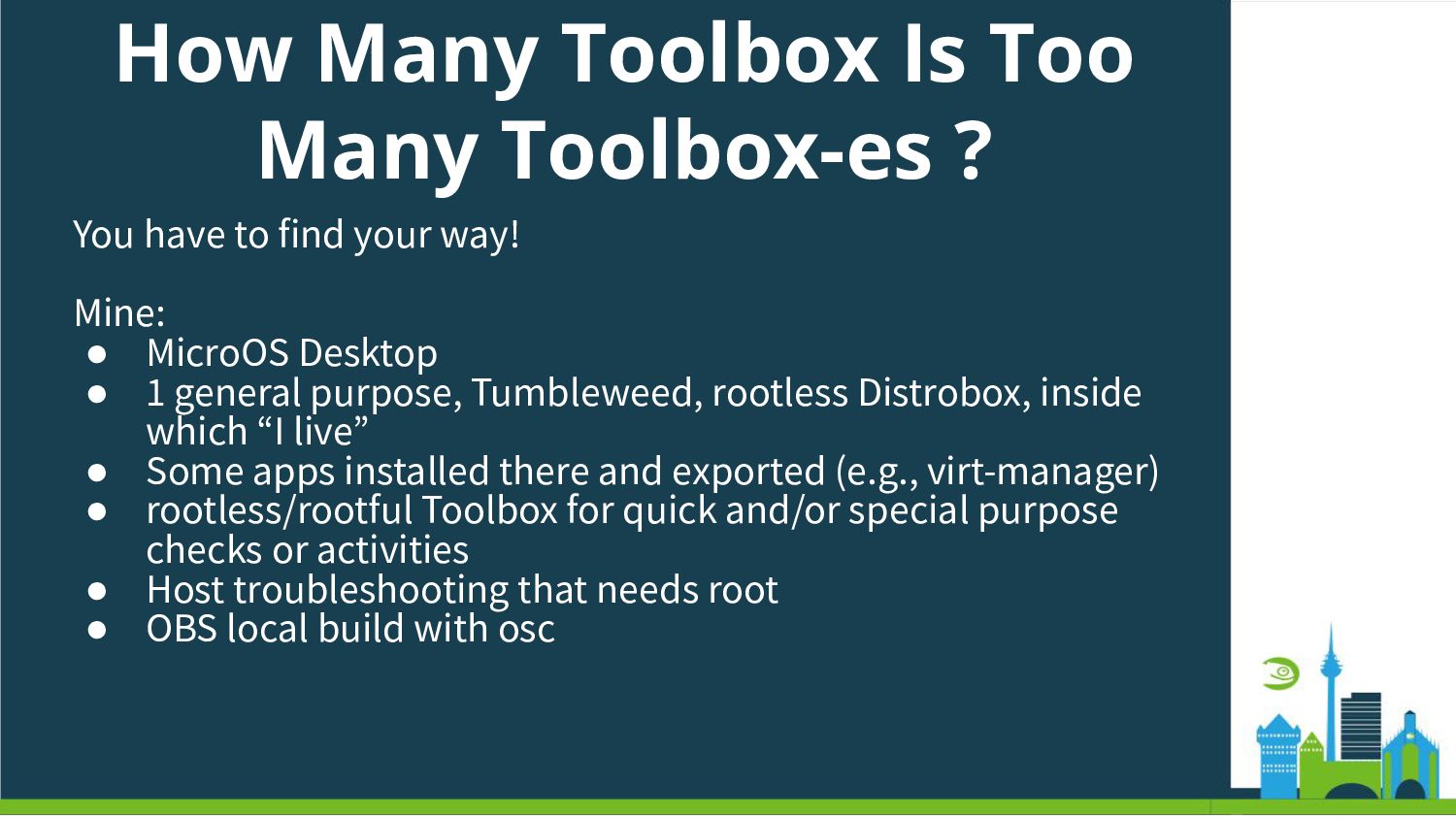
  41. How Many Toolbox Is Too Many Toolbox-es ? You have

    to find your way! Mine: • MicroOS Desktop • 1 general purpose, Tumbleweed, rootless Distrobox, inside which “I live” • Some apps installed there and exported (e.g., virt-manager) • rootless/rootful Toolbox for quick and/or special purpose checks or activities • Host troubleshooting that needs root • OBS local build with osc
  42. Summary If you are on an immutable OS, you probably

    know toolbox and/or distrobox: • Come and tell us what you think about them (in particular, on openSUSE) Even if you are not in an immutable OS: • Give them a try… You may never look back!