This is a two part talk, running through iOS development for the Enterprise quickly and then covering transitioning from .NET to iOS development. The sample project is located at:
https://dl.dropboxusercontent.com/u/3660978/Transitions.zip
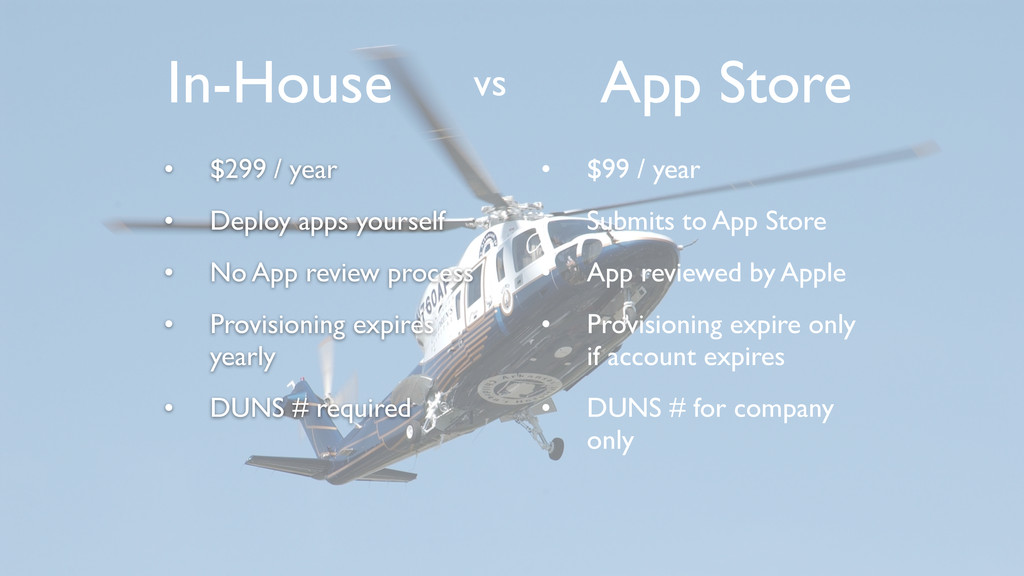
App review process • Provisioning expires yearly • DUNS # required In-House vs App Store • $99 / year • Submits to App Store • App reviewed by Apple • Provisioning expire only if account expires • DUNS # for company only
provide some utility, extend some service or offer entertainment • In-house apps almost always are written to solve a problem • User base is much different than App Store development • Rewards can be great
updates • Must update every app at least once a year (to include a renewed provisioning profile) • Have to come up with own way of reporting app issues and crash reports • User experience is highly important!
web-server & send links • Use a third party MDM suite • Pros - Handles multiple platforms (at minimum, iOS and Android) • Cons - Costly and doesn’t lend itself to customization • Create your own “App Store” • Would be platform specific • Highly customizable, and FREE
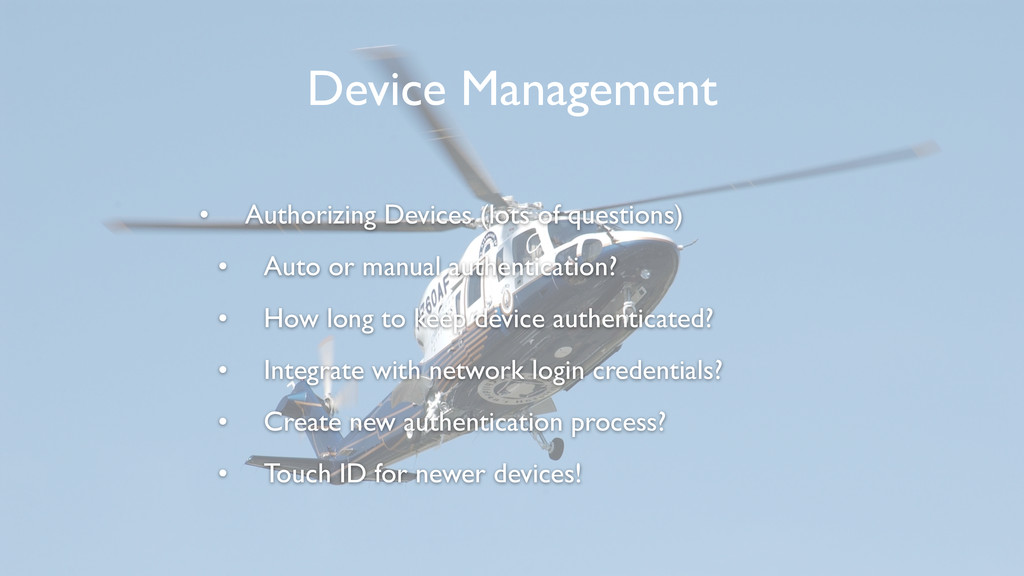
authentication? • How long to keep device authenticated? • Integrate with network login credentials? • Create new authentication process? • Touch ID for newer devices! Device Management
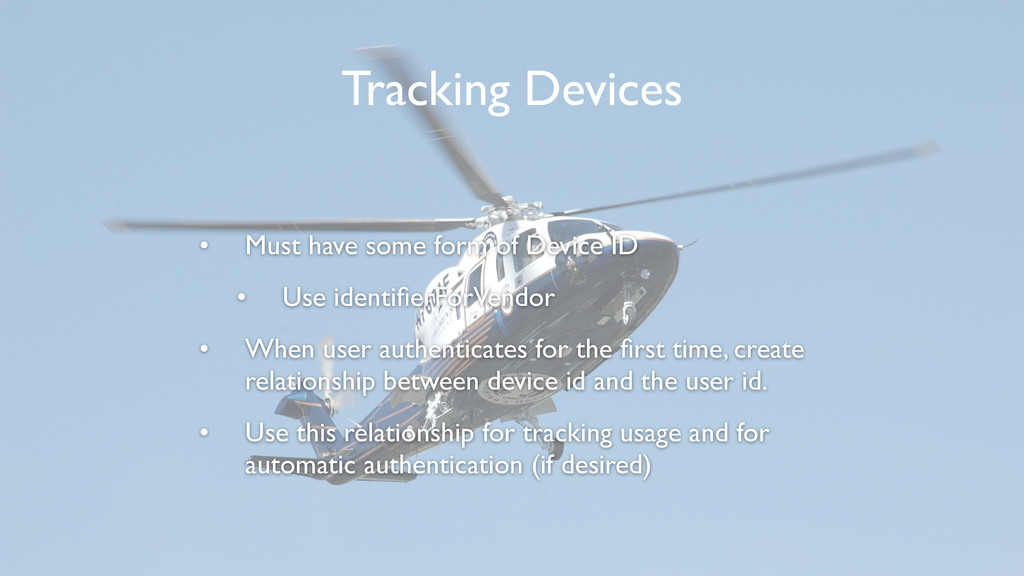
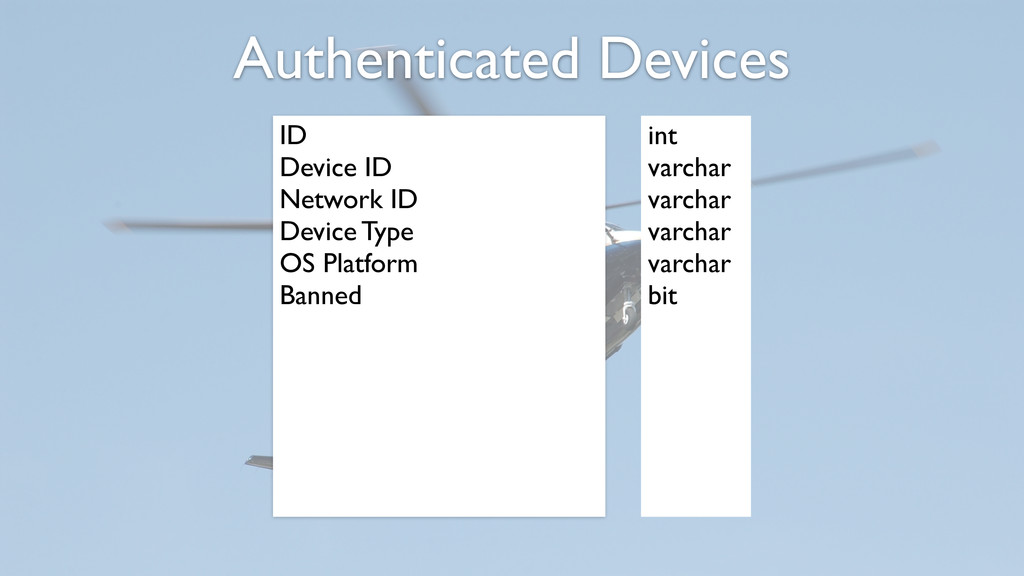
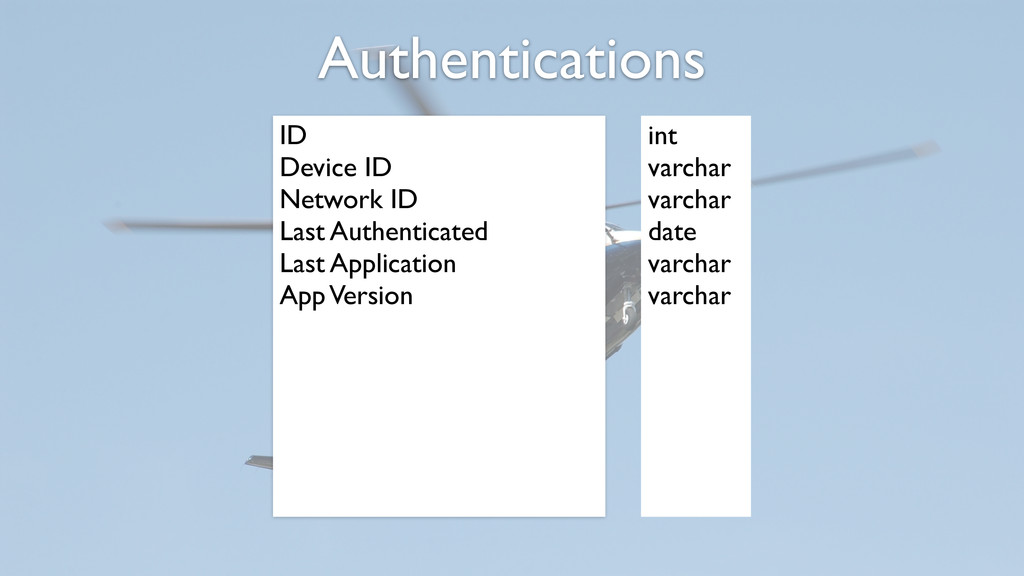
identifierForVendor • When user authenticates for the first time, create relationship between device id and the user id. • Use this relationship for tracking usage and for automatic authentication (if desired) Tracking Devices
easily controlled on the server side • ACH uses a 30 day window for authentication • Two scenarios that could impact this decision are transferred devices and stolen devices Expiring Devices
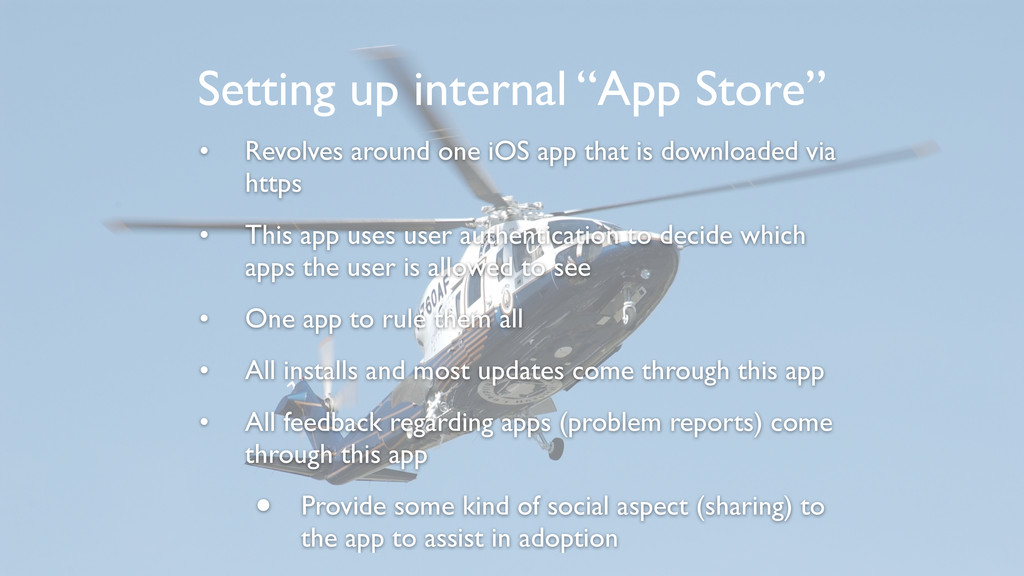
https • This app uses user authentication to decide which apps the user is allowed to see • One app to rule them all • All installs and most updates come through this app • All feedback regarding apps (problem reports) come through this app • Provide some kind of social aspect (sharing) to the app to assist in adoption Setting up internal “App Store”
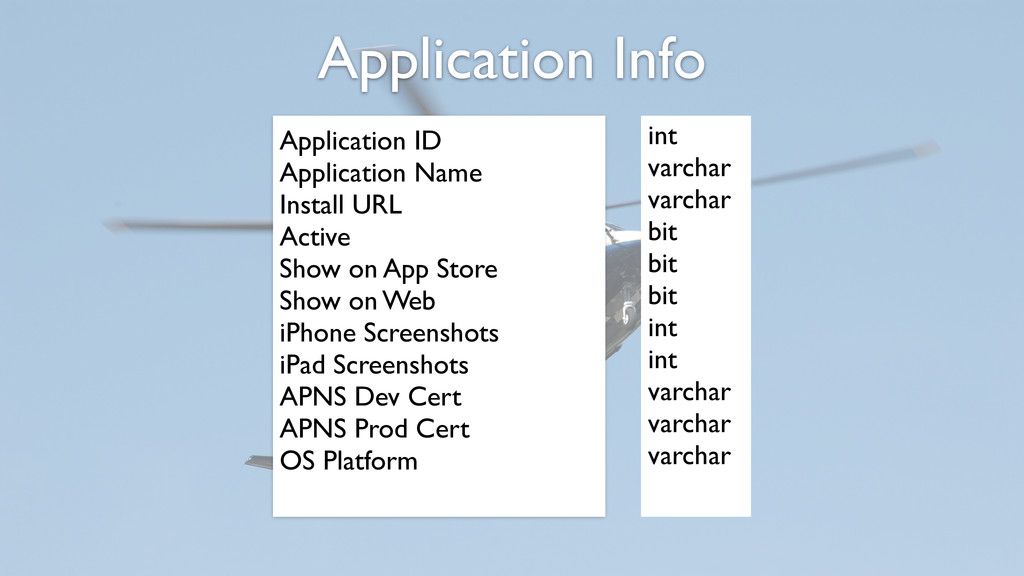
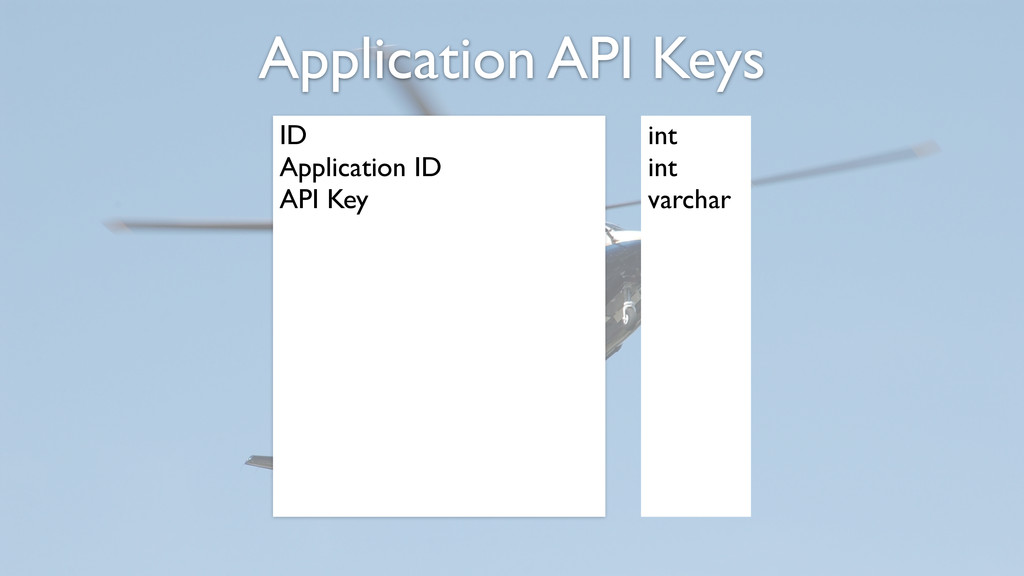
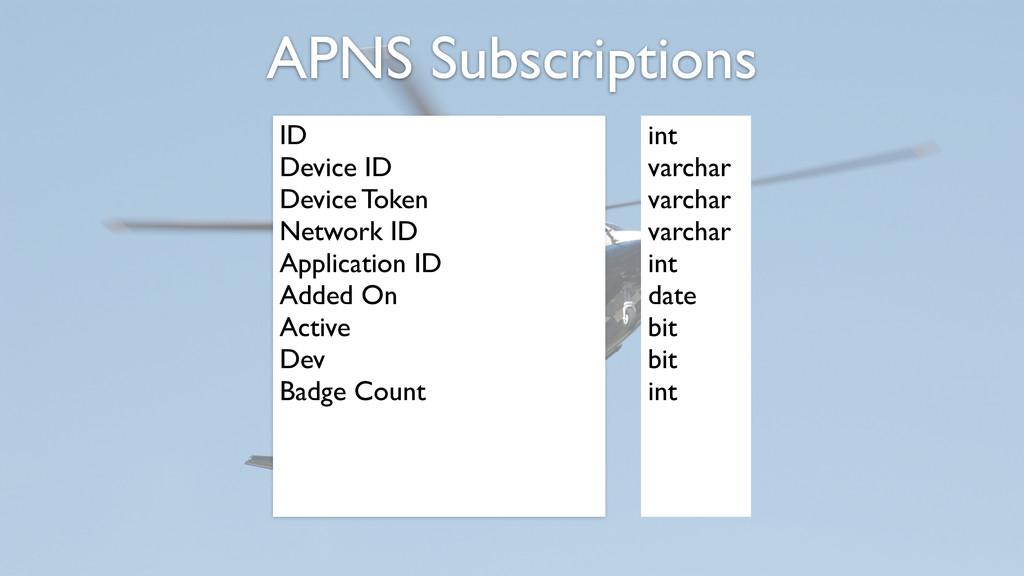
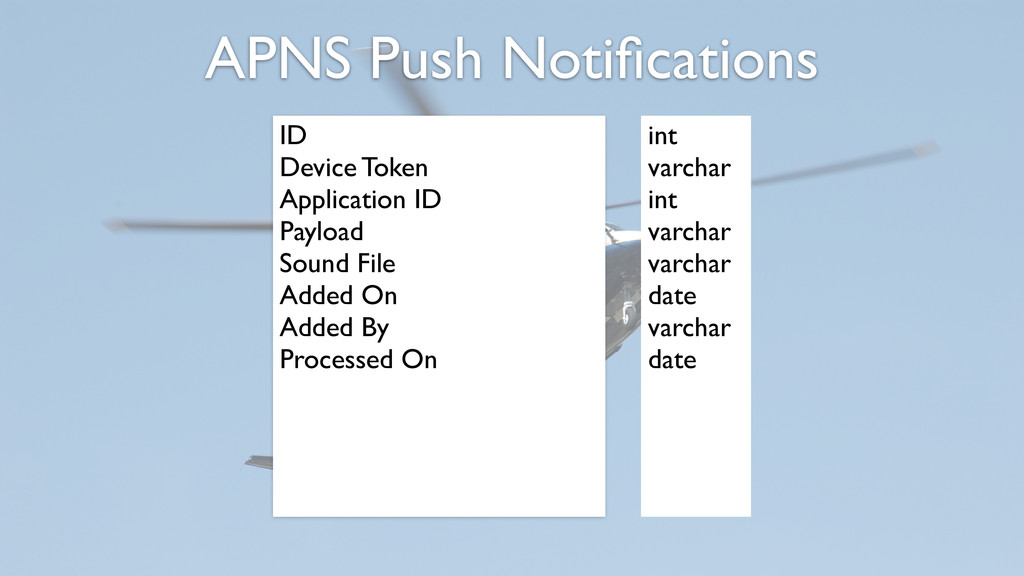
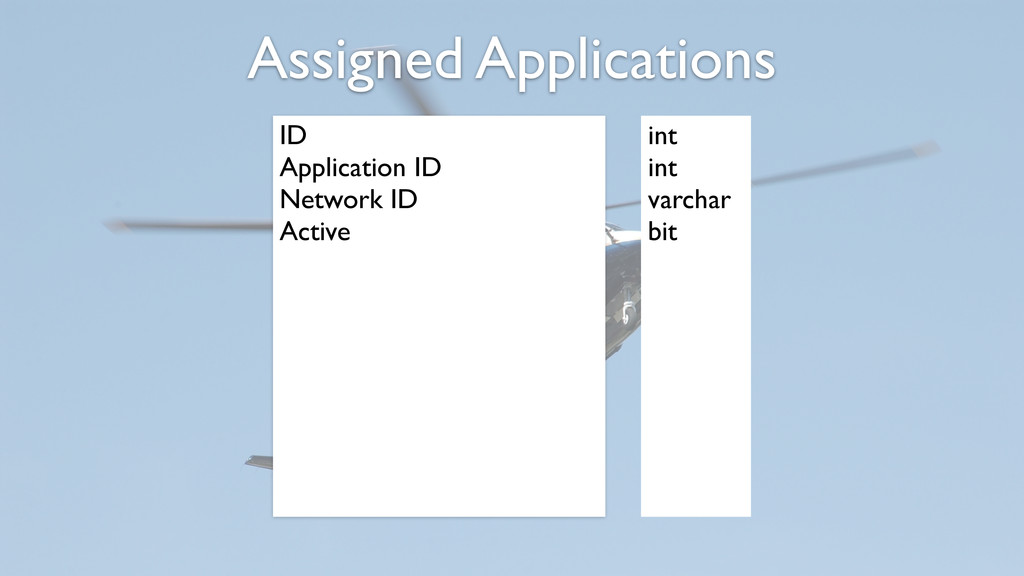
on App Store Show on Web iPhone Screenshots iPad Screenshots APNS Dev Cert APNS Prod Cert OS Platform int varchar varchar bit bit bit int int varchar varchar varchar
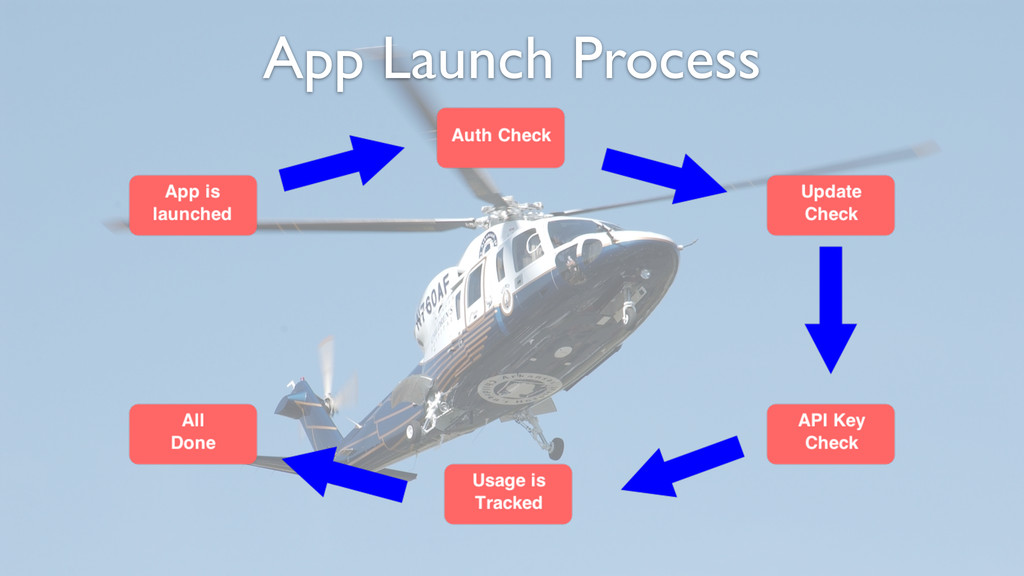
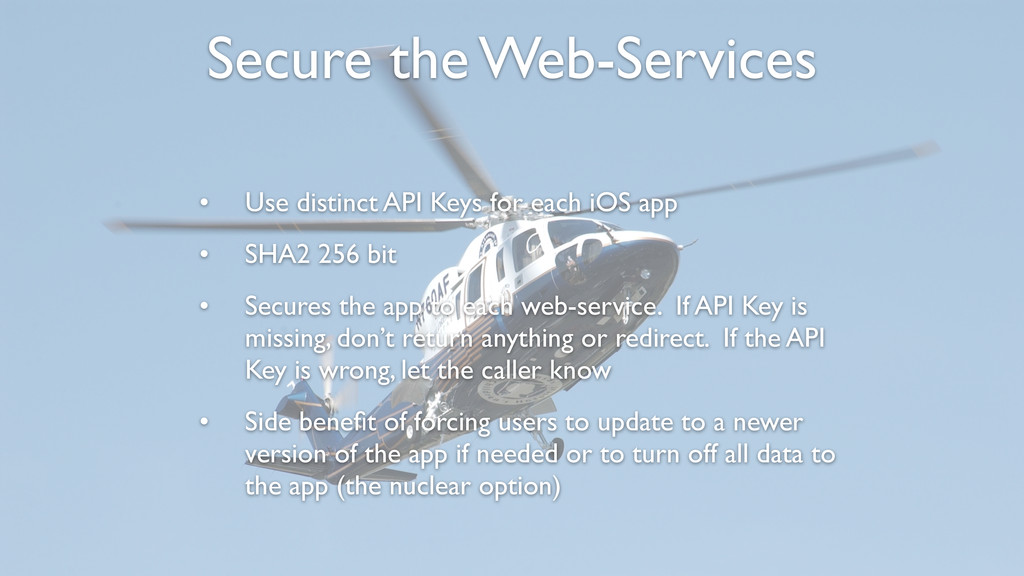
iOS app • SHA2 256 bit • Secures the app to each web-service. If API Key is missing, don’t return anything or redirect. If the API Key is wrong, let the caller know • Side benefit of forcing users to update to a newer version of the app if needed or to turn off all data to the app (the nuclear option)
Apps must have unique App ID for APNS • Will need to create an APNS server that has the app certificates installed to talk to Apple’s APNS system • The architecture is the key to getting this right • We have 10 virtual servers that only handle APNS request (all database driven)
Barriers to entry are not as formidable as many imagine • The key is quality development & infrastructure. Any clown can write an app, spending the time to setup an system to make apps available, manage updates and secure things is what will convince senior leadership to adopt iOS development • Close relationships with your internal customers is key to a successful and productive app.


 eljaywilson
 teyamagu
 syumai
 utakaha
 colorful12
 yukiny
 kmars0605
 minodriven
 koic
koic
 akihisaikeda
 steliosf
 skydoves
 iwatsukayura
 scottboms
 reverentgeek
 techseoconnect
 axbom
axbom
 tmiket
 addyosmani
 eileencodes
 stuffmc
 sugarenia
 nikkihalliwell
 matthewcrist

![LJ Wilson [email protected] Programmer Systems Development Group Arkansas Children’s Hospital](https://files.speakerdeck.com/presentations/642c9c9027d90132bcaf3e1e66f98916/slide_1.jpg)