Upgrade to Pro — share decks privately, control downloads, hide ads and more …

SwiftUI Text Rendering Deep Dive

Avatar for elmetal elmetal PRO
September 17, 2026

SwiftUI Text Rendering Deep Dive

Avatar for elmetal

elmetal PRO

September 17, 2026

More Decks by elmetal

Other Decks in Programming

Transcript

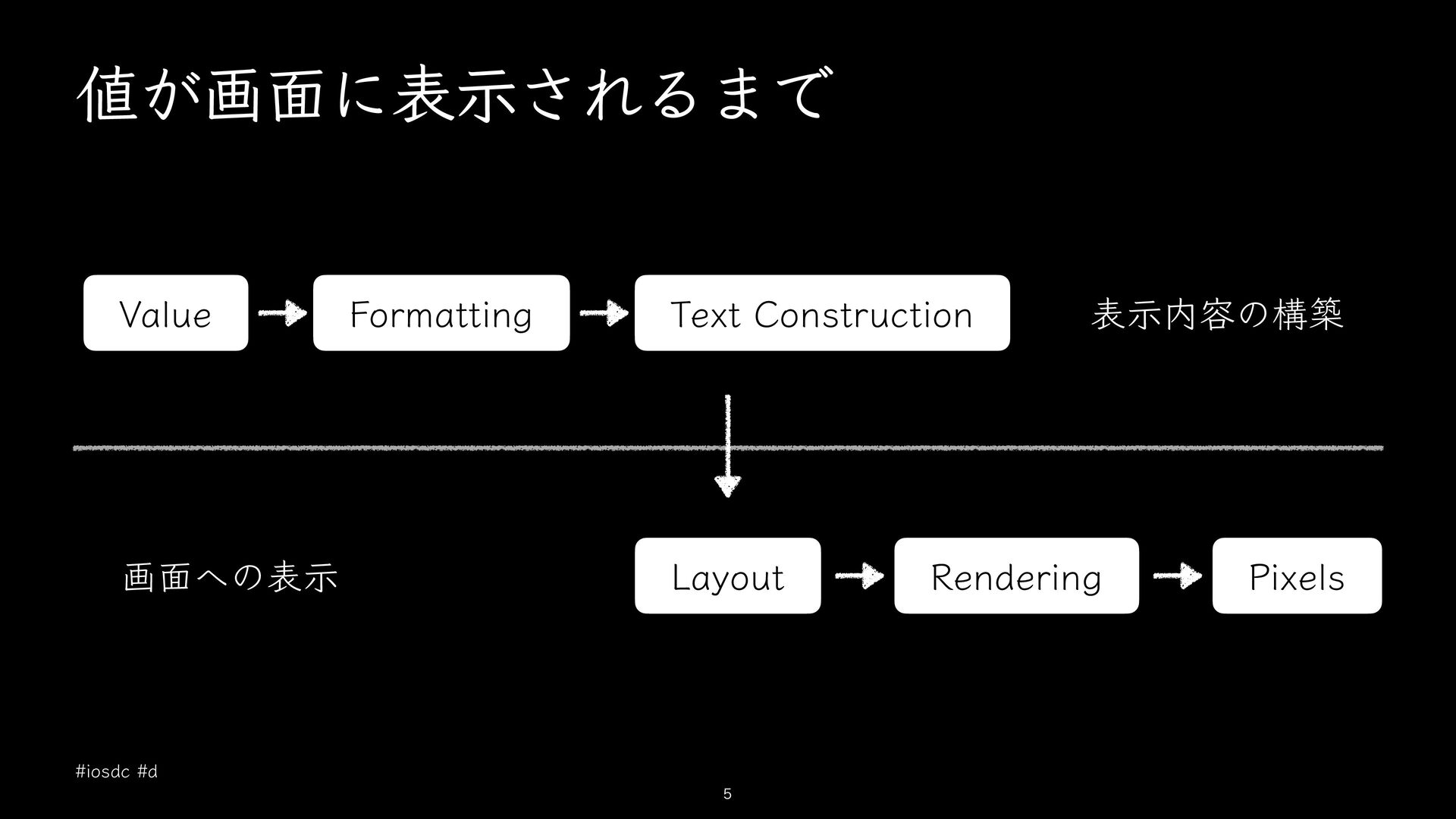
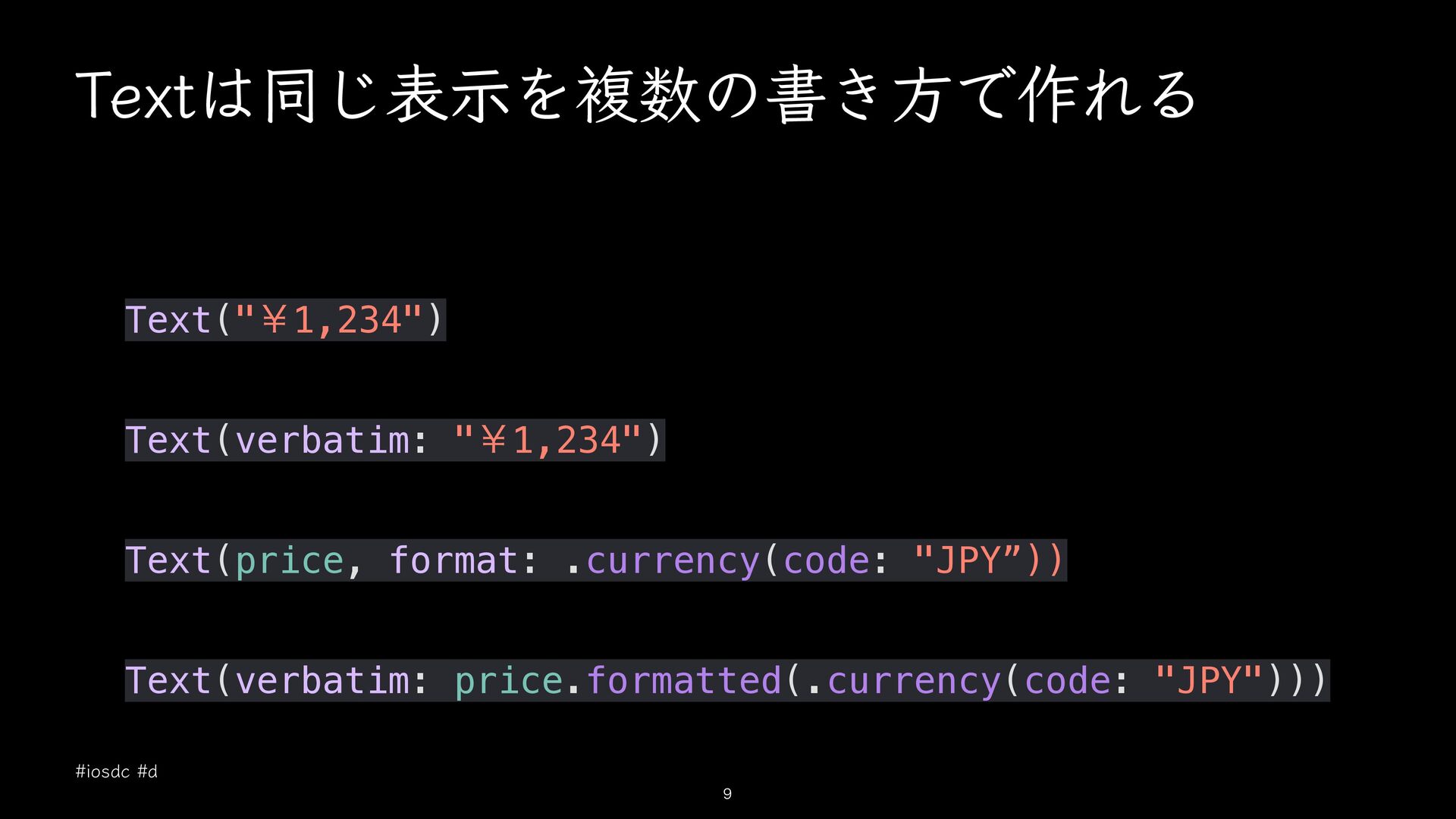
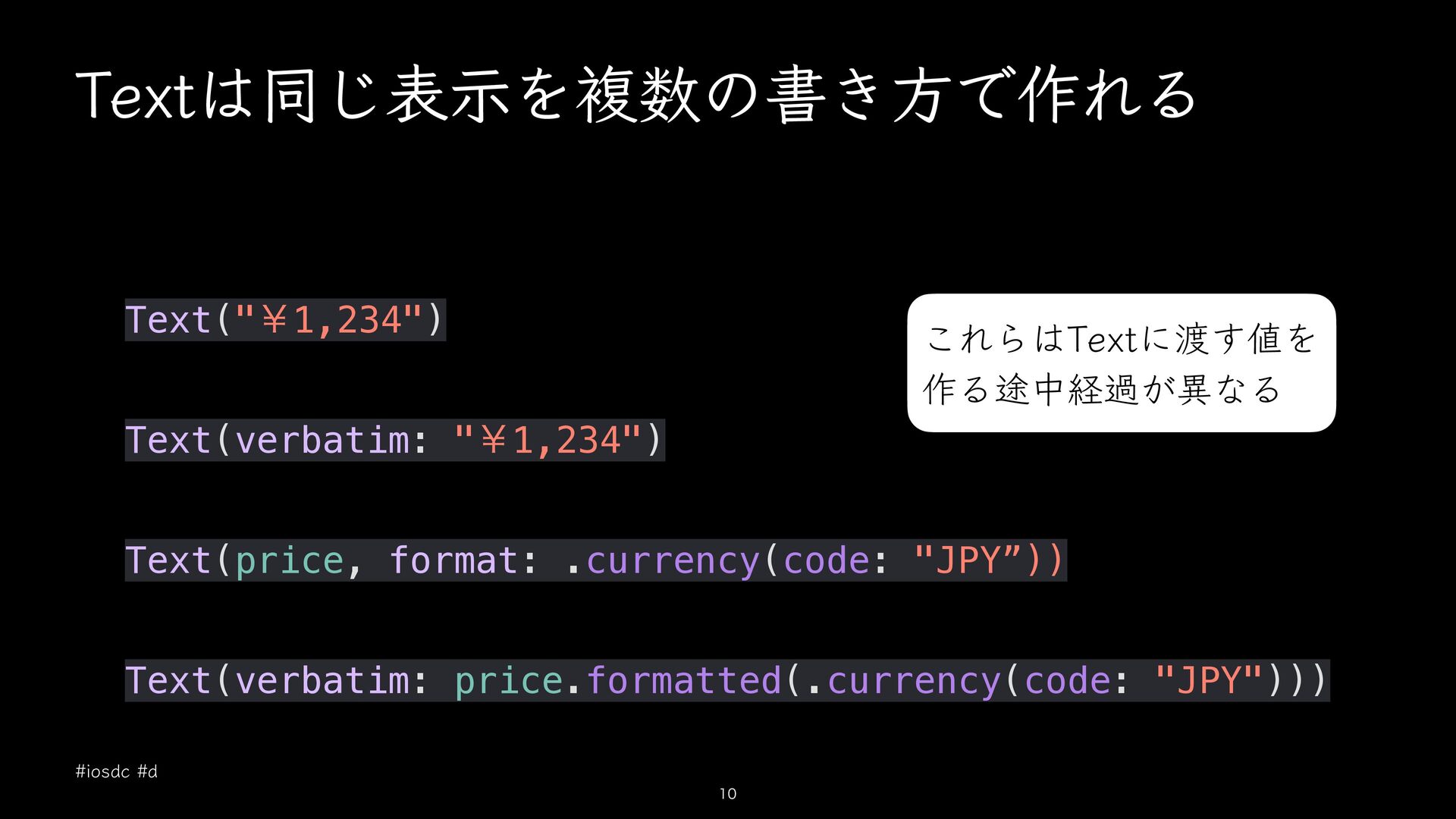
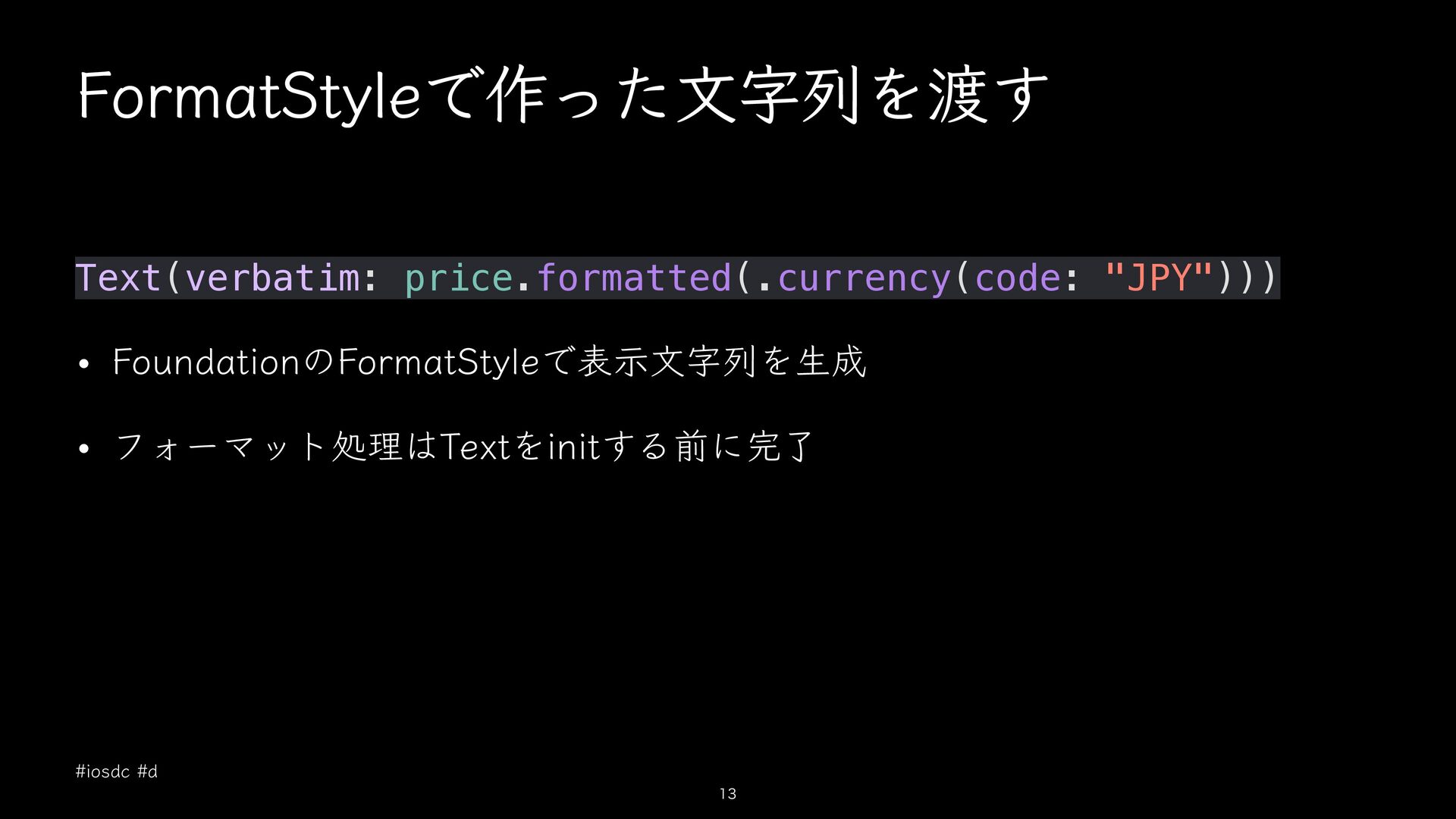
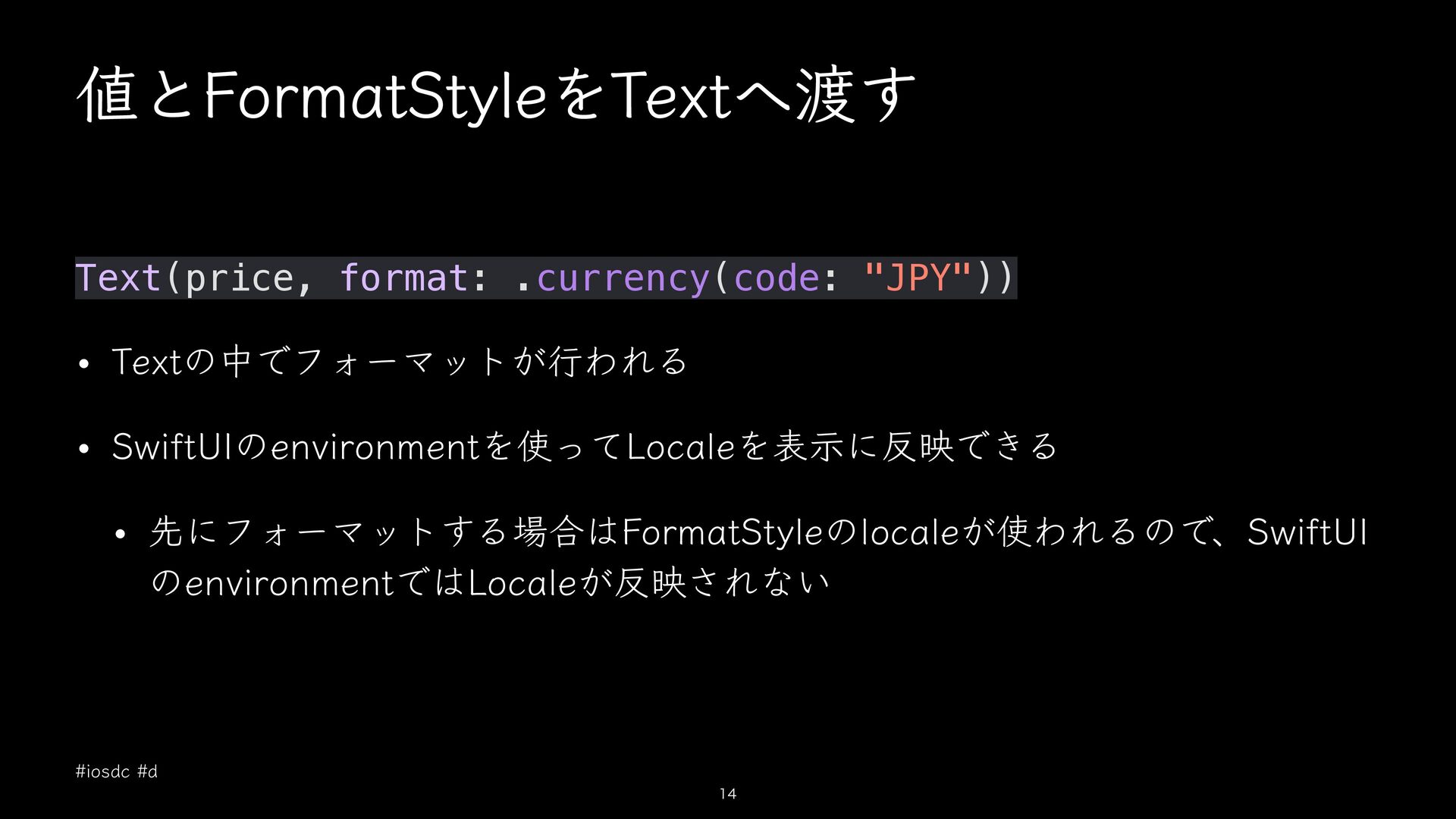
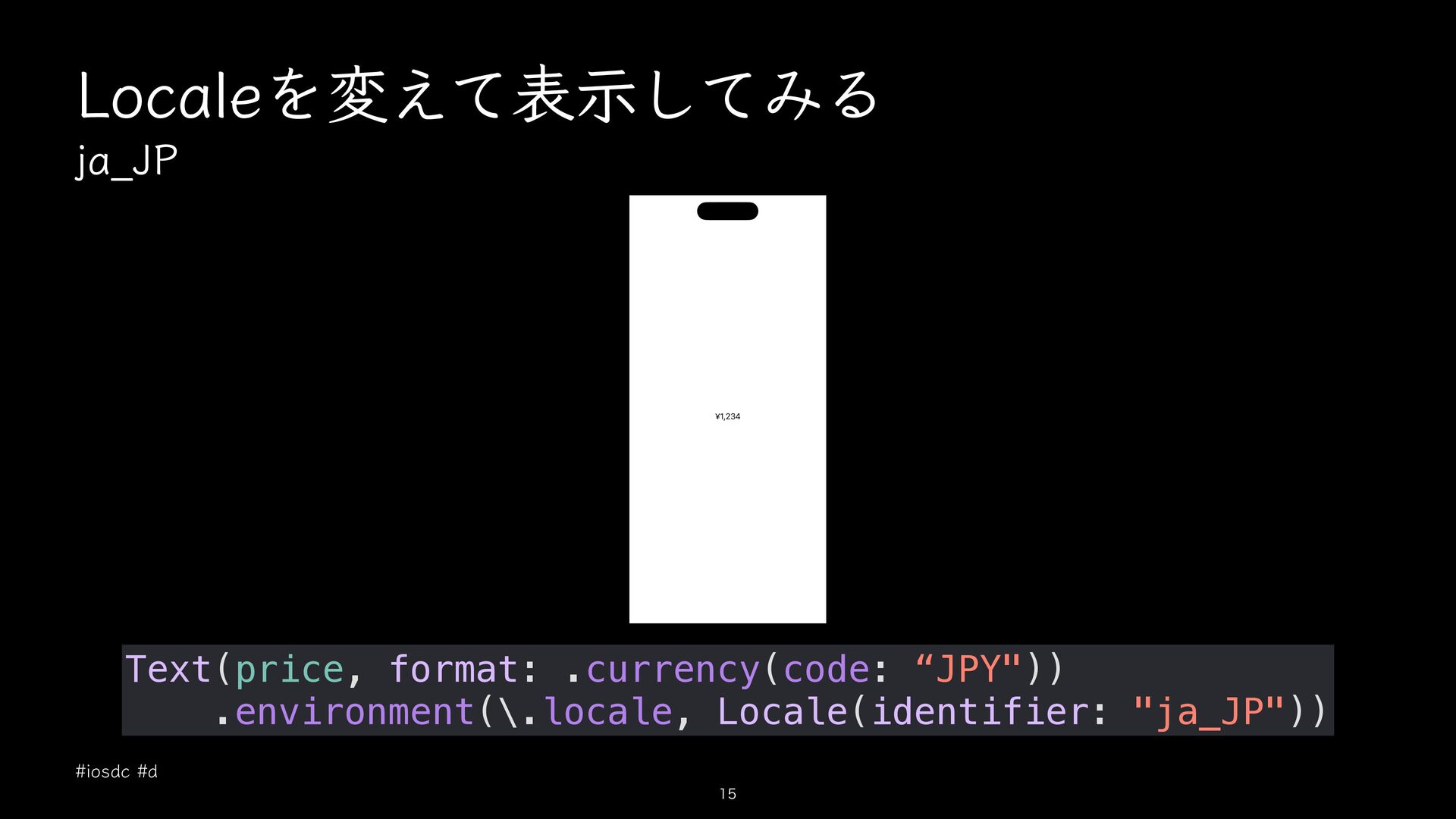
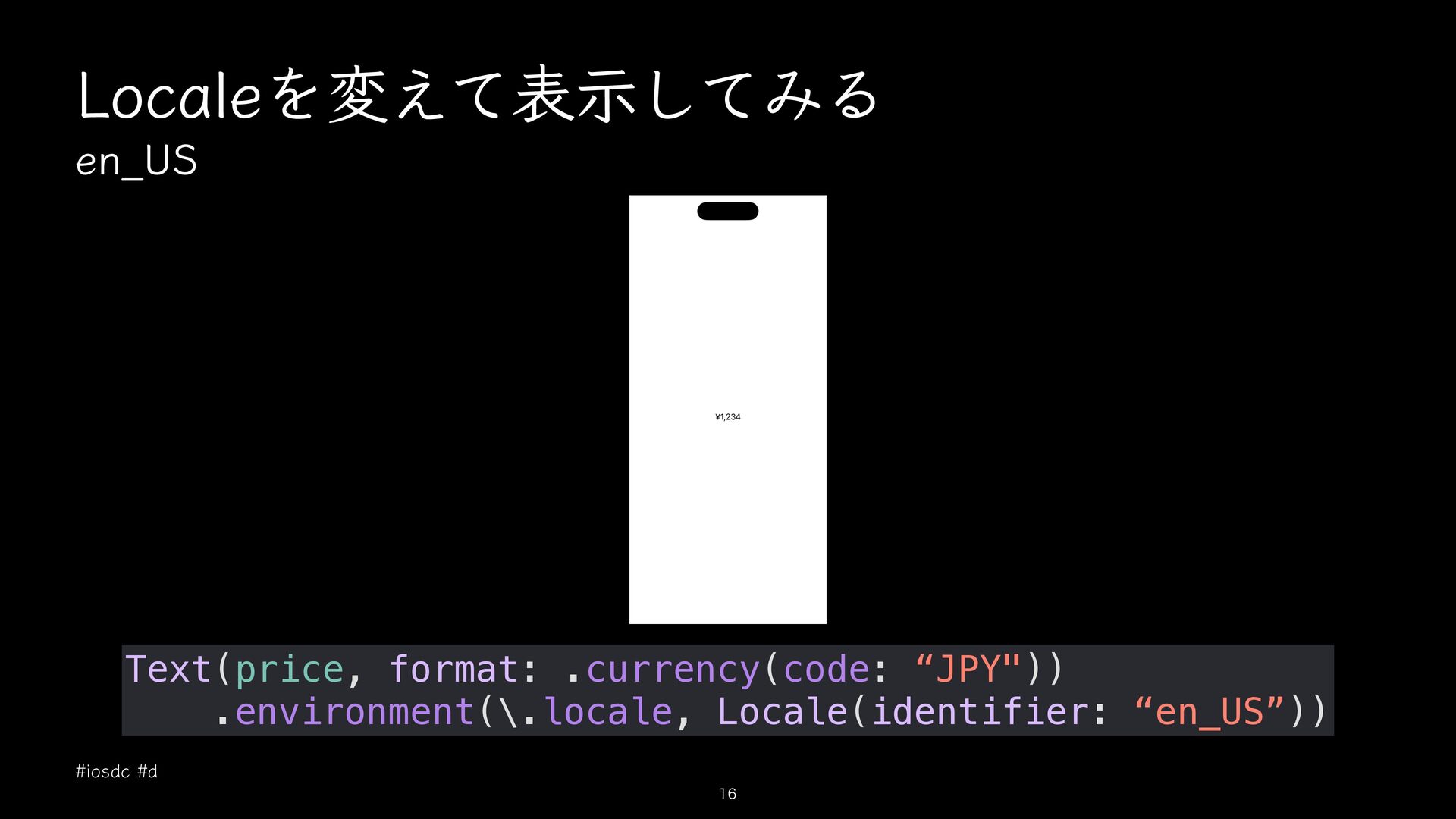
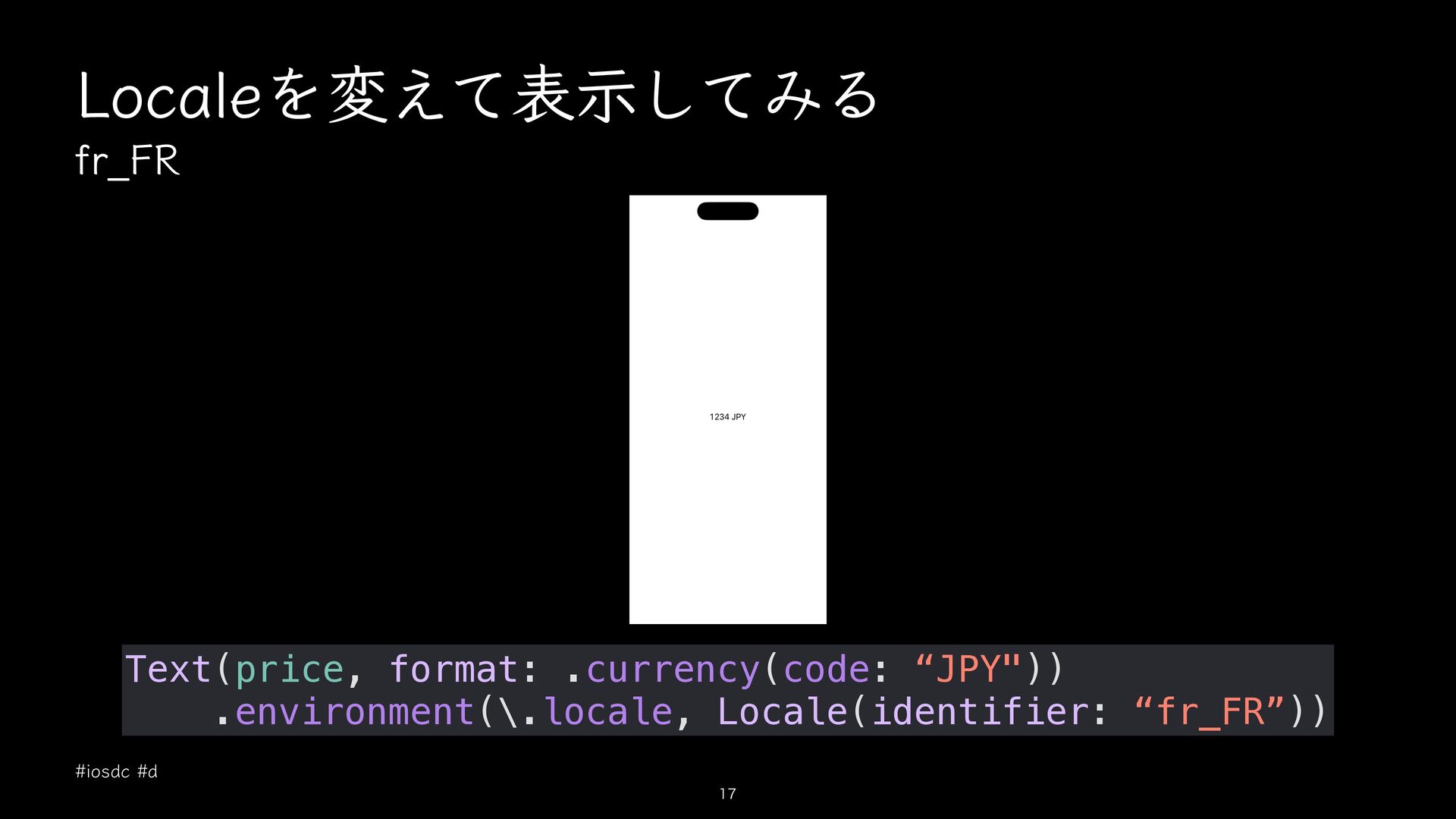
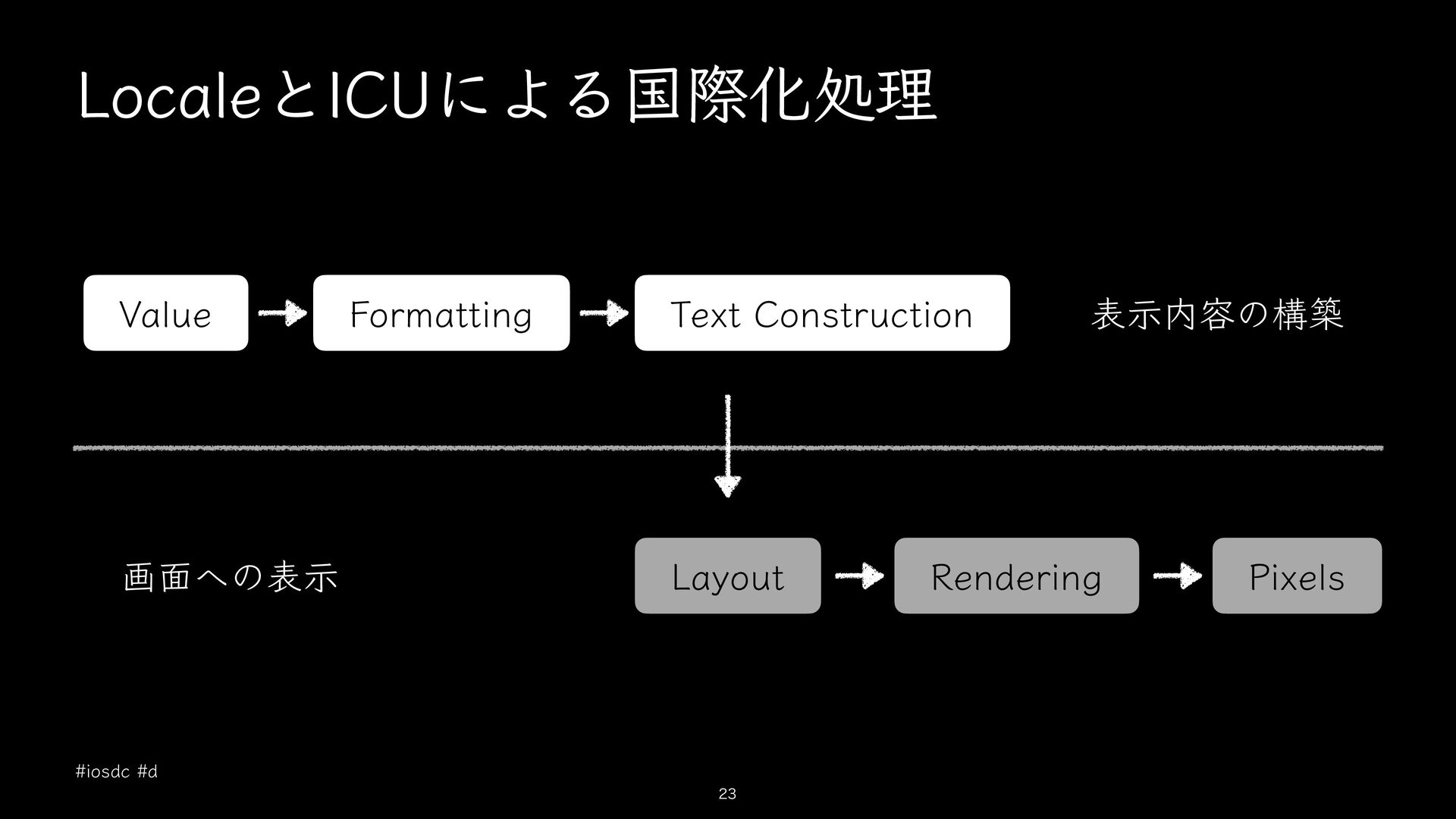
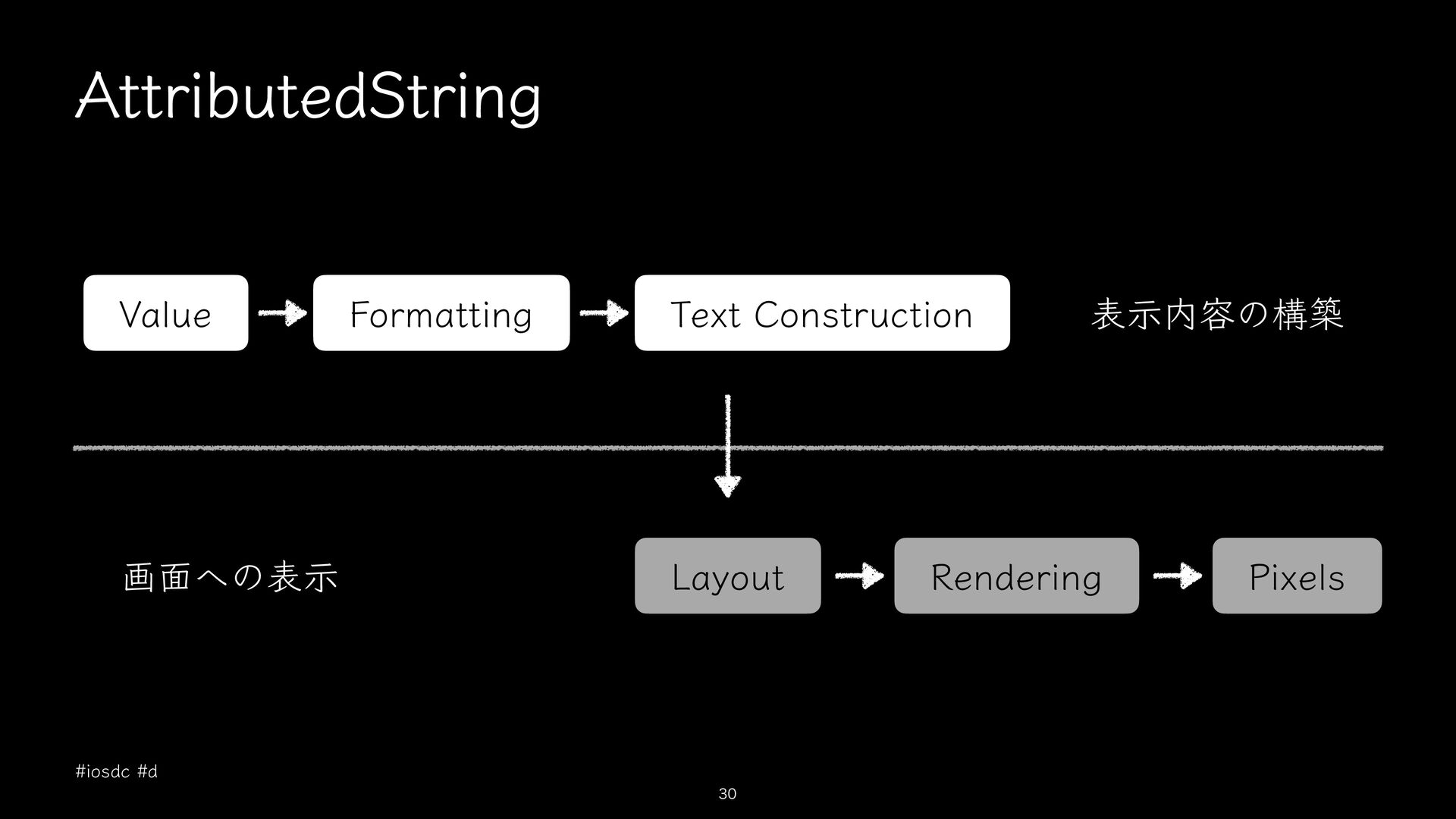
  1. 値とFormatStyleをTextへ渡す Text(price, format: .currency(code: "JPY")) • Textの中でフォーマットが行われる • SwiftUIのenvironmentを使ってLocaleを表示に反映できる •

    先にフォーマットする場合はFormatStyleのlocaleが使われるので、SwiftUI のenvironmentではLocaleが反映されない #iosdc #d 14
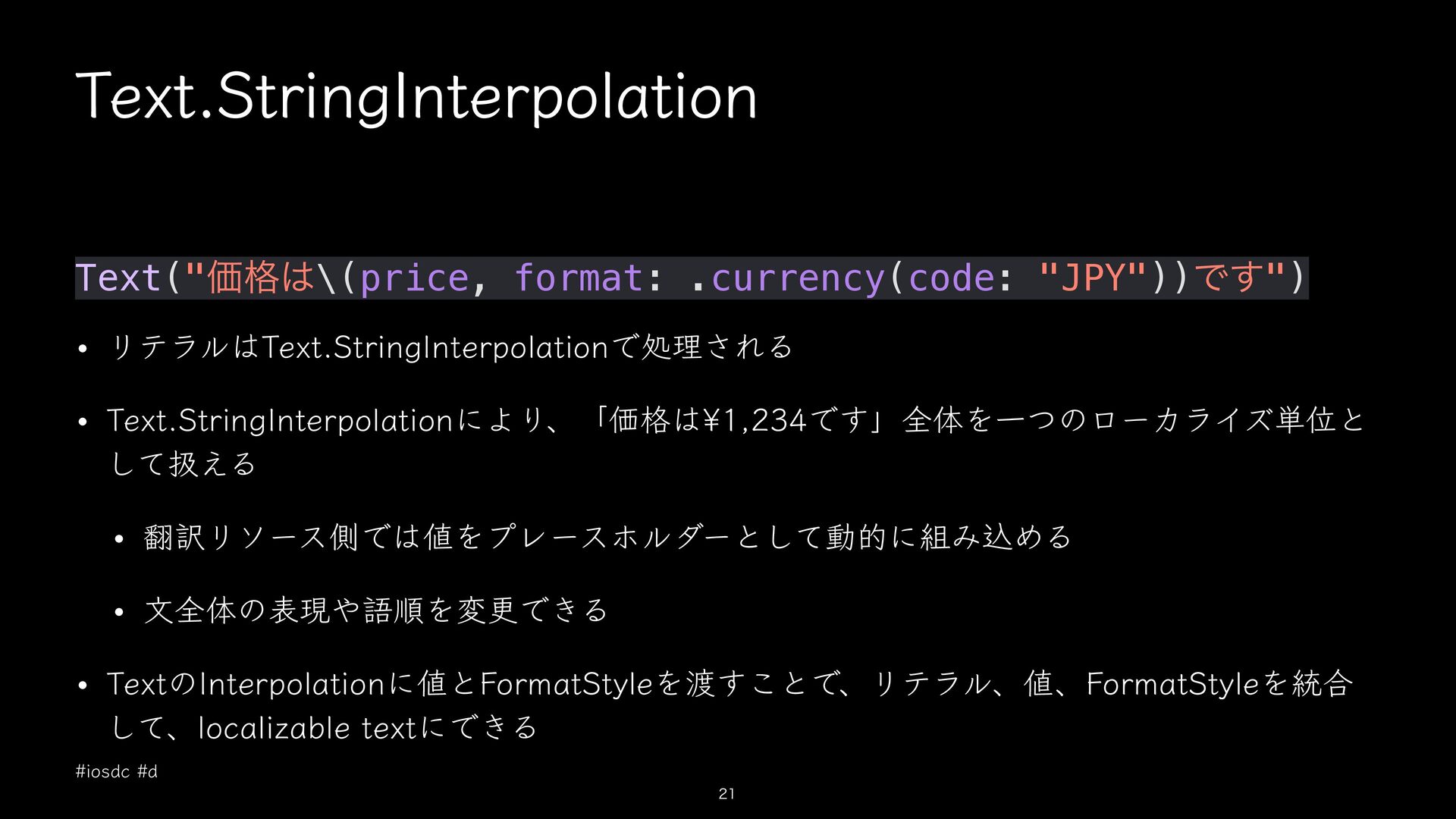
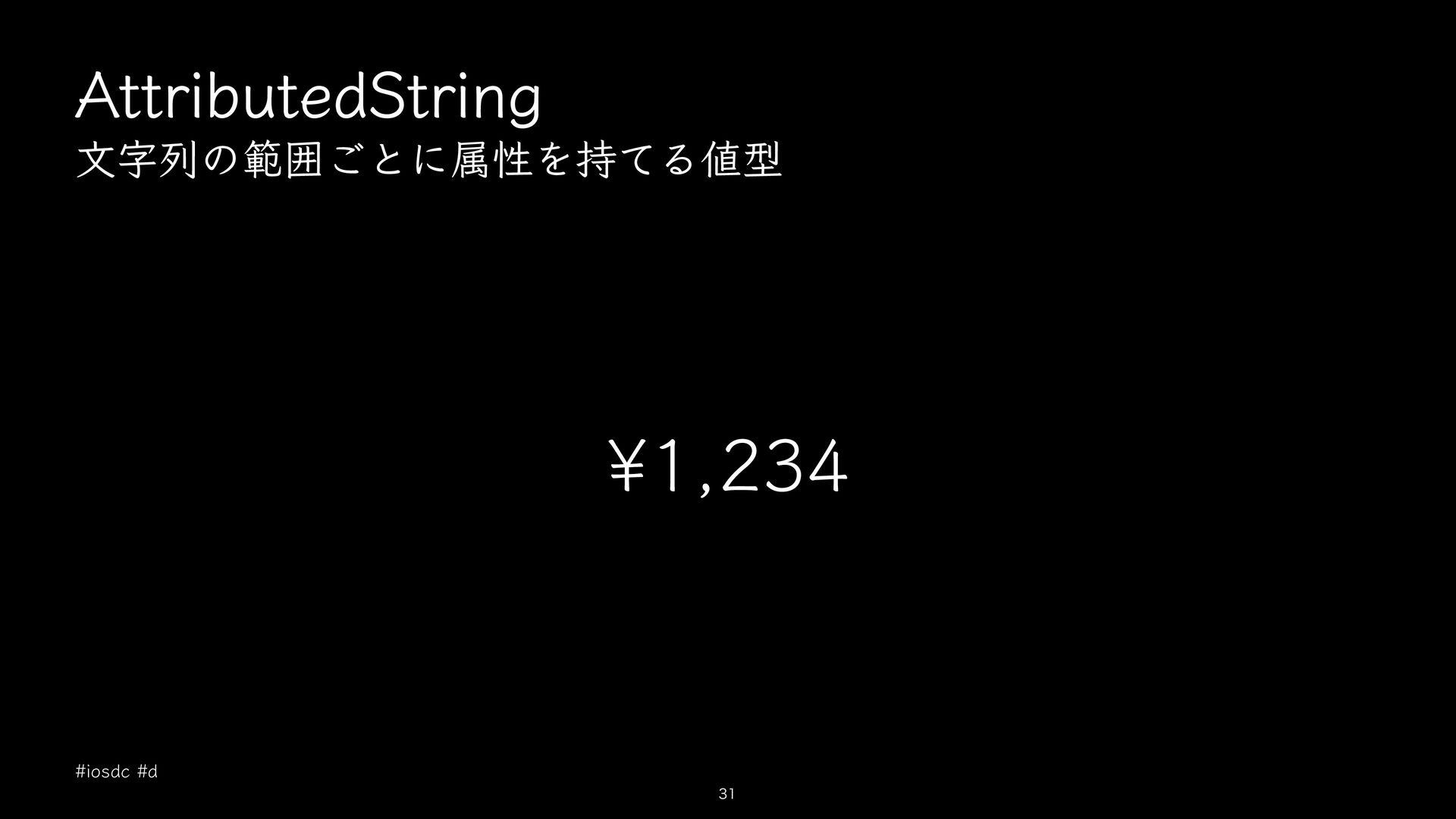
  2. Text.StringInterpolation Text("価格は\(price, format: .currency(code: "JPY"))です") • リテラルはText.StringInterpolationで処理される • Text.StringInterpolationにより、「価格は¥1,234です」全体を一つのローカライズ単位と して扱える

    • 翻訳リソース側では値をプレースホルダーとして動的に組み込める • 文全体の表現や語順を変更できる • TextのInterpolationに値とFormatStyleを渡すことで、リテラル、値、FormatStyleを統合 して、localizable textにできる #iosdc #d 21
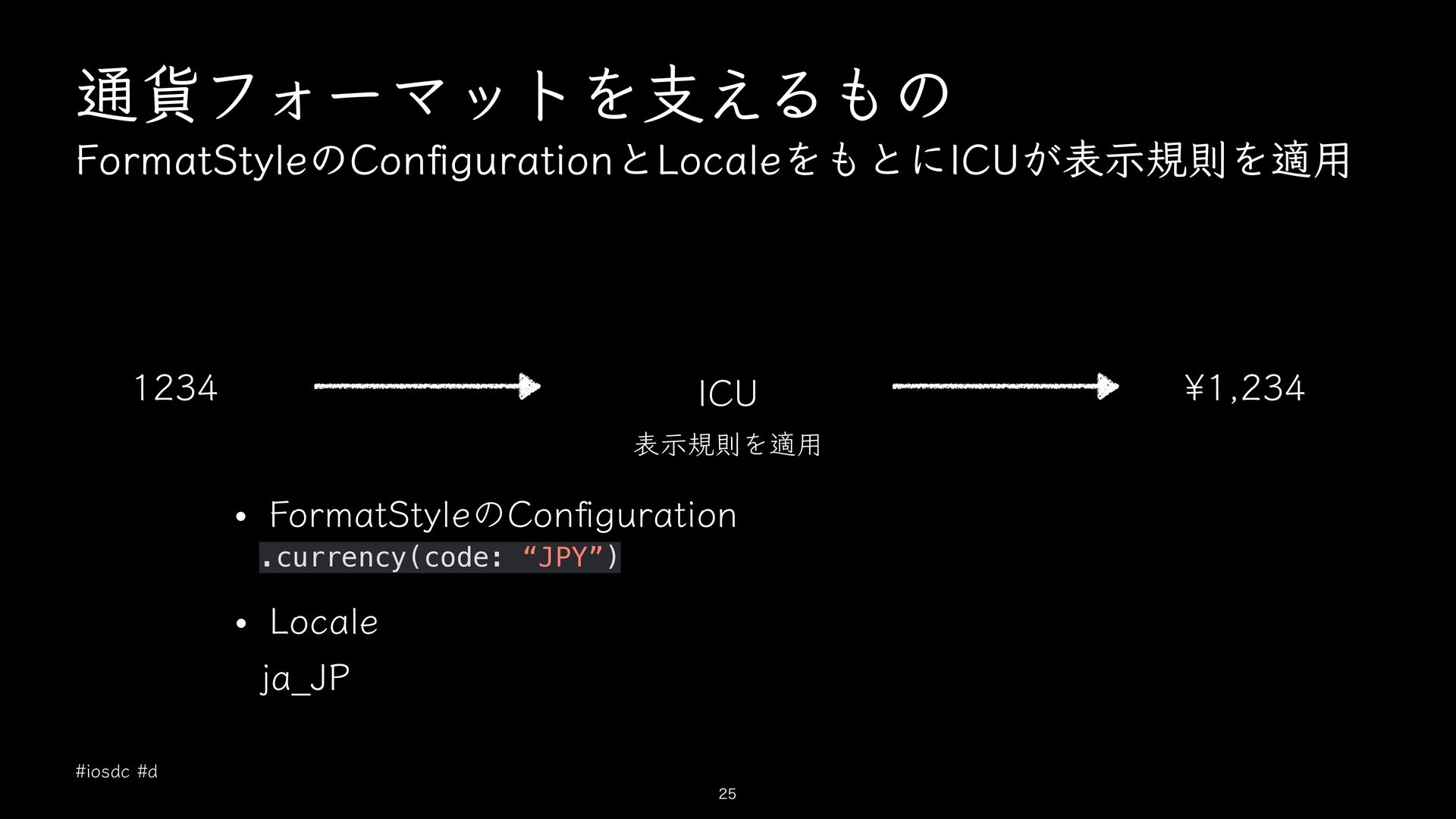
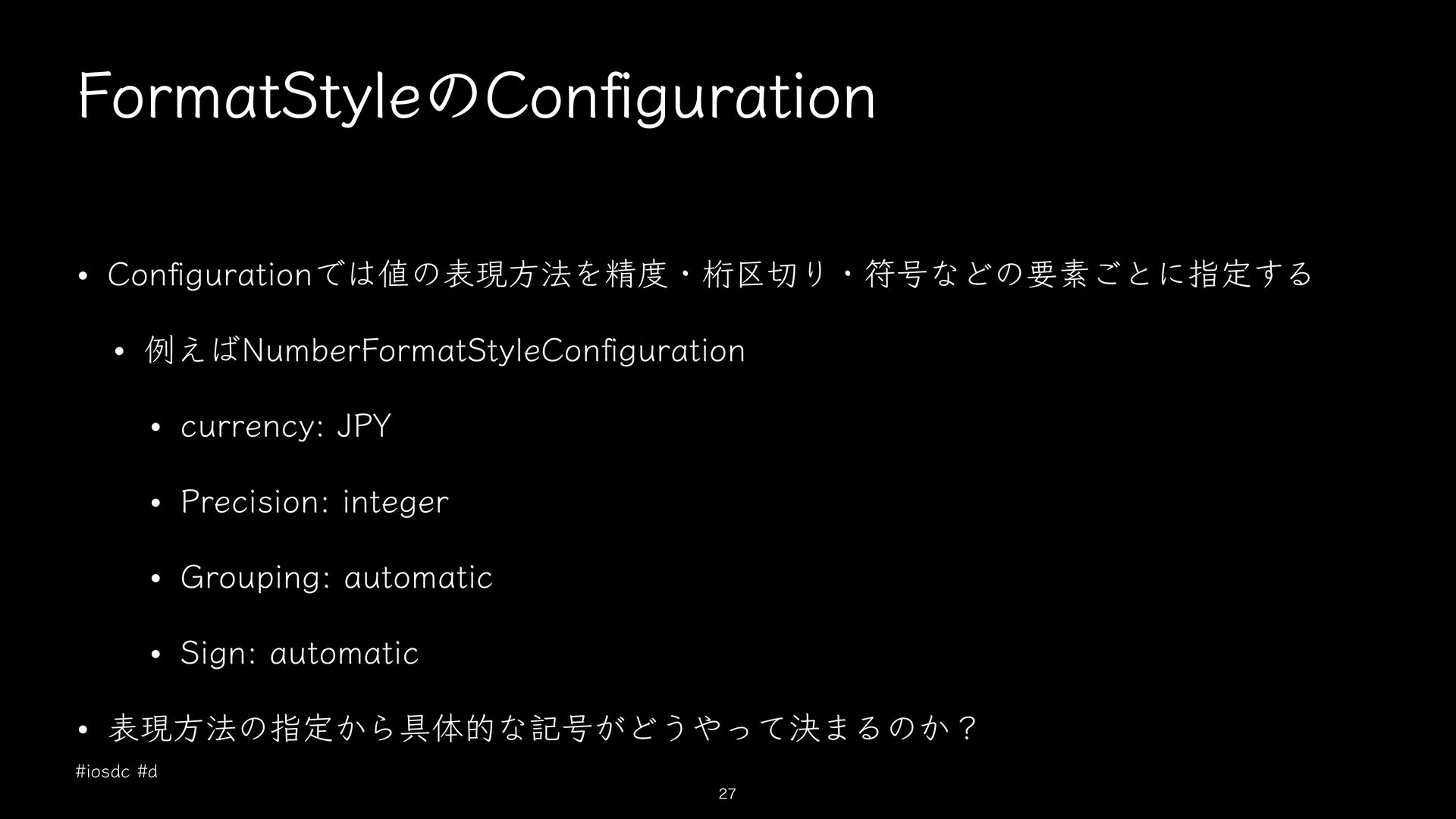
  3. FormatStyleのCon guration • Con gurationでは値の表現方法を精度・桁区切り・符号などの要素ごとに指定する • 例えばNumberFormatStyleCon guration • currency:

    JPY • Precision: integer • Grouping: automatic • Sign: automatic • 表現方法の指定から具体的な記号がどうやって決まるのか? #iosdc #d fi fi fi 27
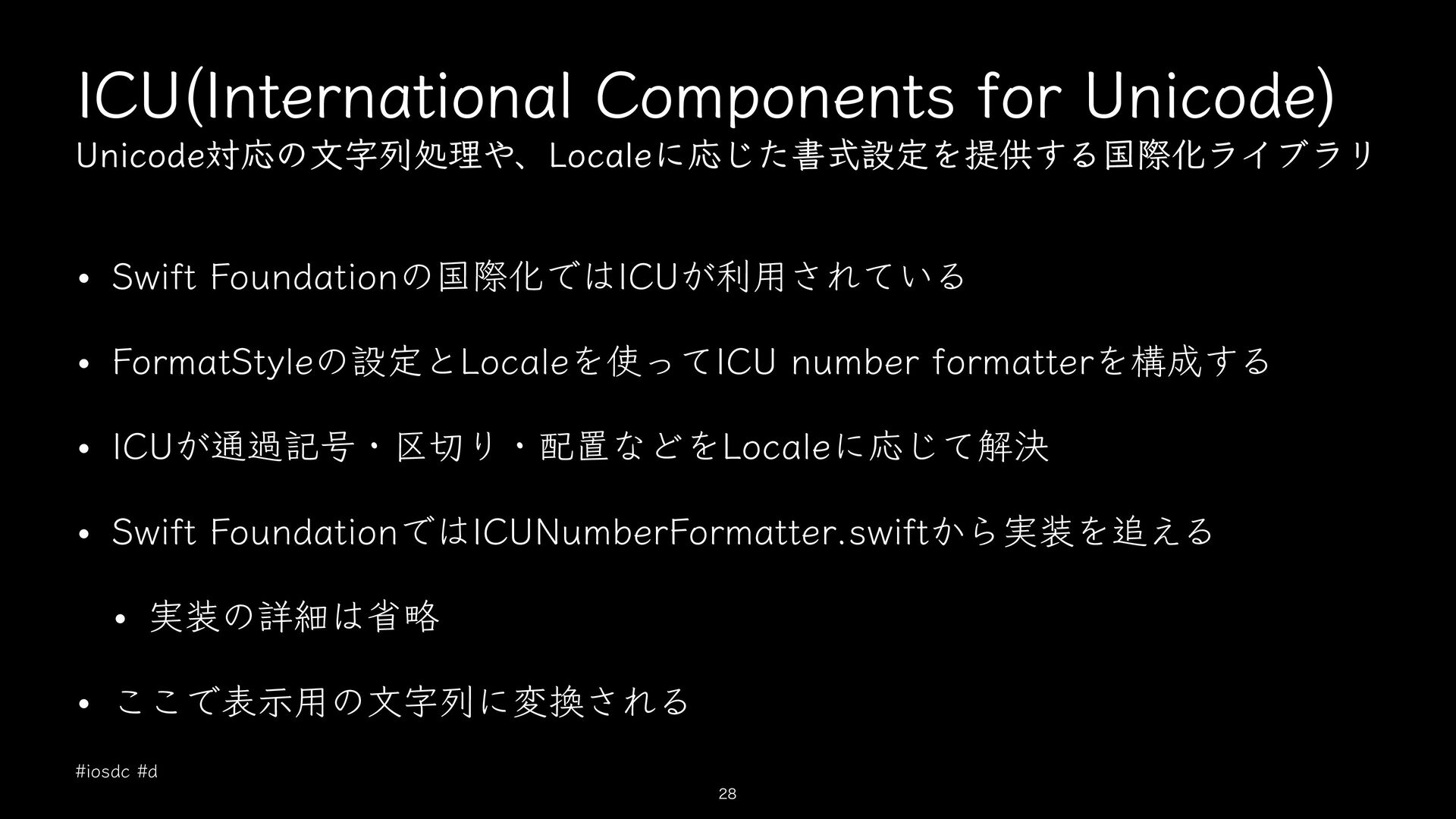
  4. ICU(International Components for Unicode) Unicode対応の文字列処理や、Localeに応じた書式設定を提供する国際化ライブラリ • Swift Foundationの国際化ではICUが利用されている • FormatStyleの設定とLocaleを使ってICU

    number formatterを構成する • ICUが通過記号・区切り・配置などをLocaleに応じて解決 • Swift FoundationではICUNumberFormatter.swiftから実装を追える • 実装の詳細は省略 • ここで表示用の文字列に変換される #iosdc #d 28
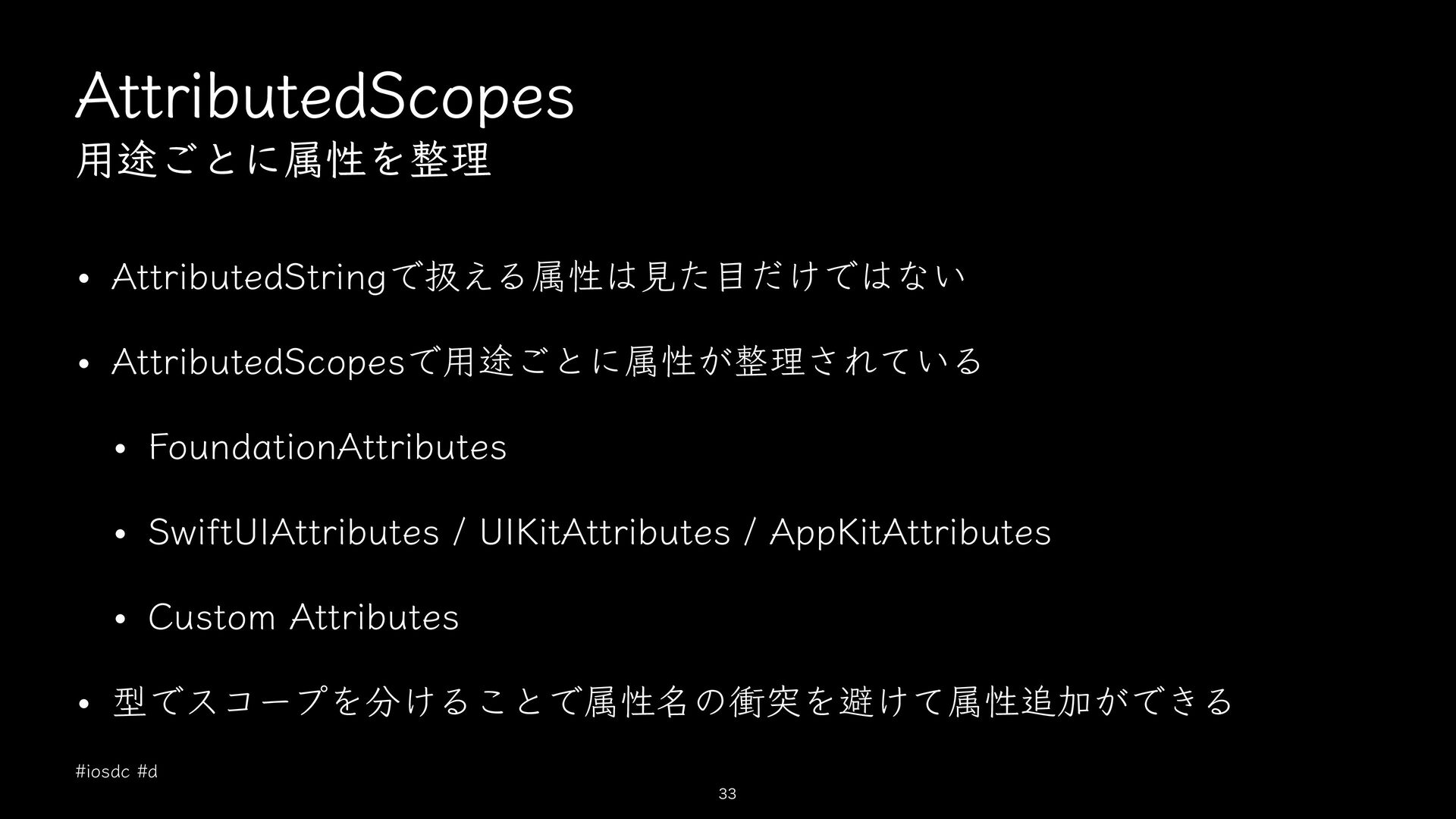
  5. AttributedScopes 用途ごとに属性を整理 • AttributedStringで扱える属性は見た目だけではない • AttributedScopesで用途ごとに属性が整理されている • FoundationAttributes • SwiftUIAttributes

    / UIKitAttributes / AppKitAttributes • Custom Attributes • 型でスコープを分けることで属性名の衝突を避けて属性追加ができる #iosdc #d 33
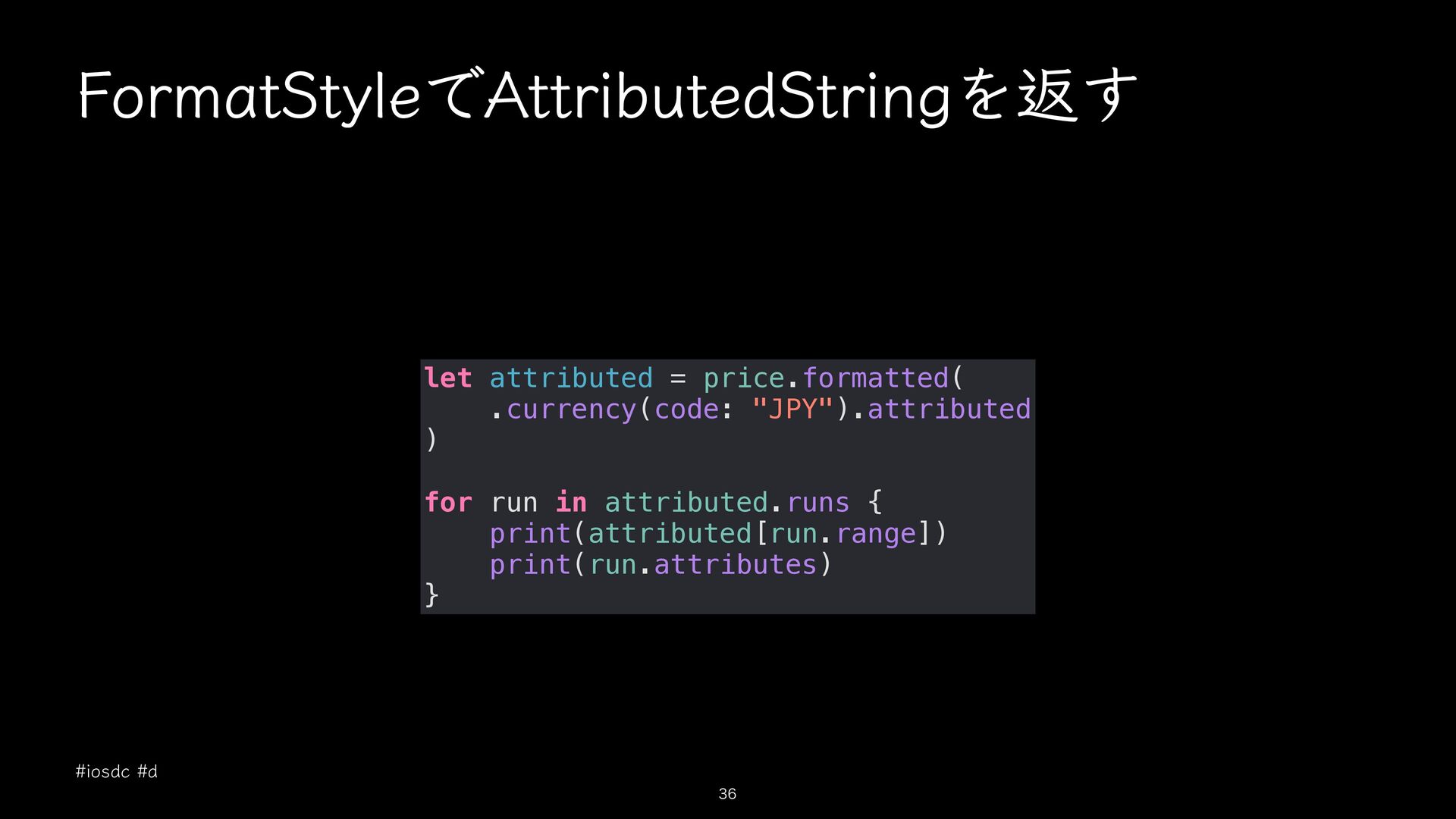
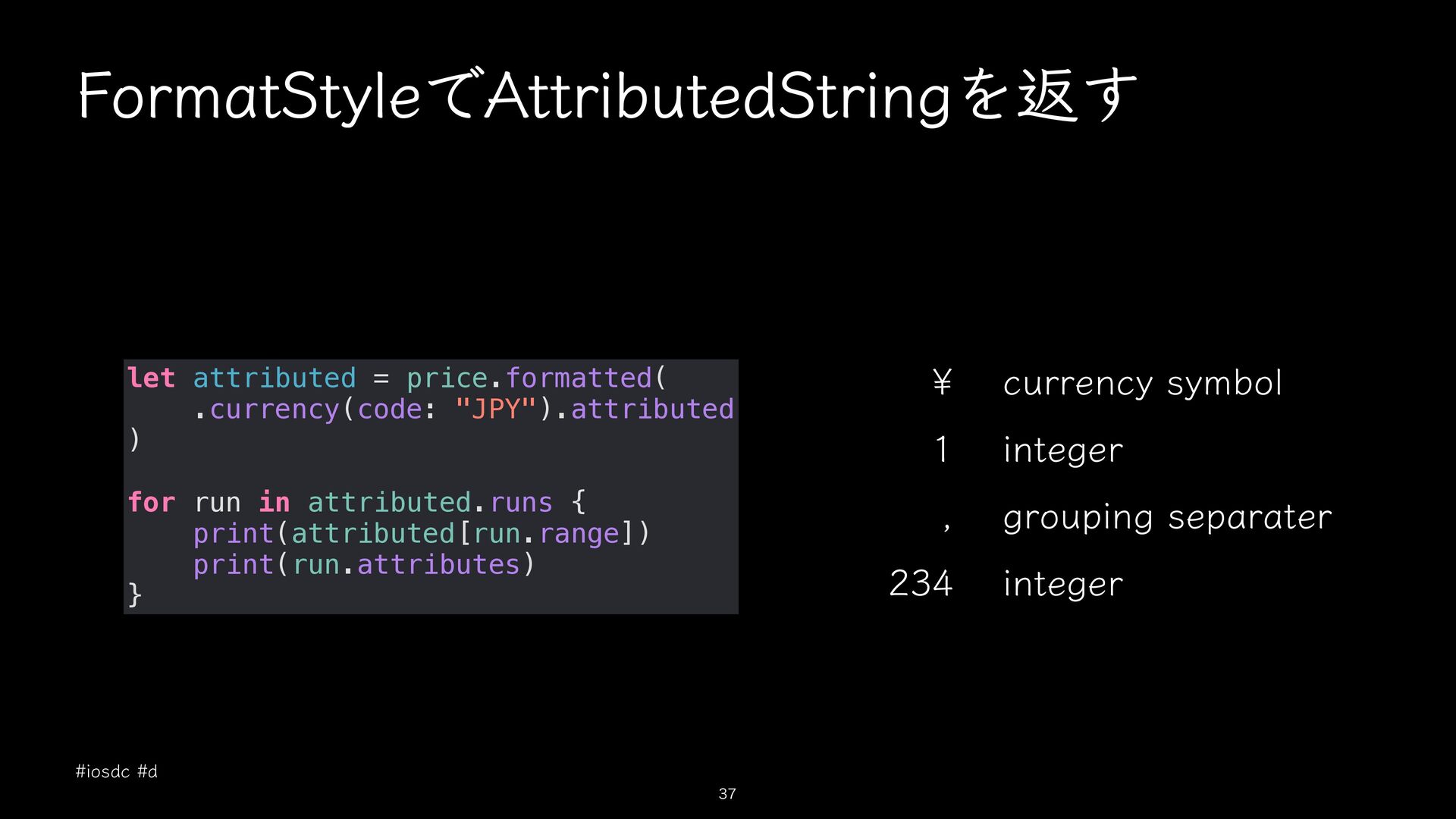
  6. FormatStyleでAttributedStringを返す let attributed = price.formatted( .currency(code: "JPY").attributed ) for run

    in attributed.runs { print(attributed[run.range]) print(run.attributes) } #iosdc #d 36
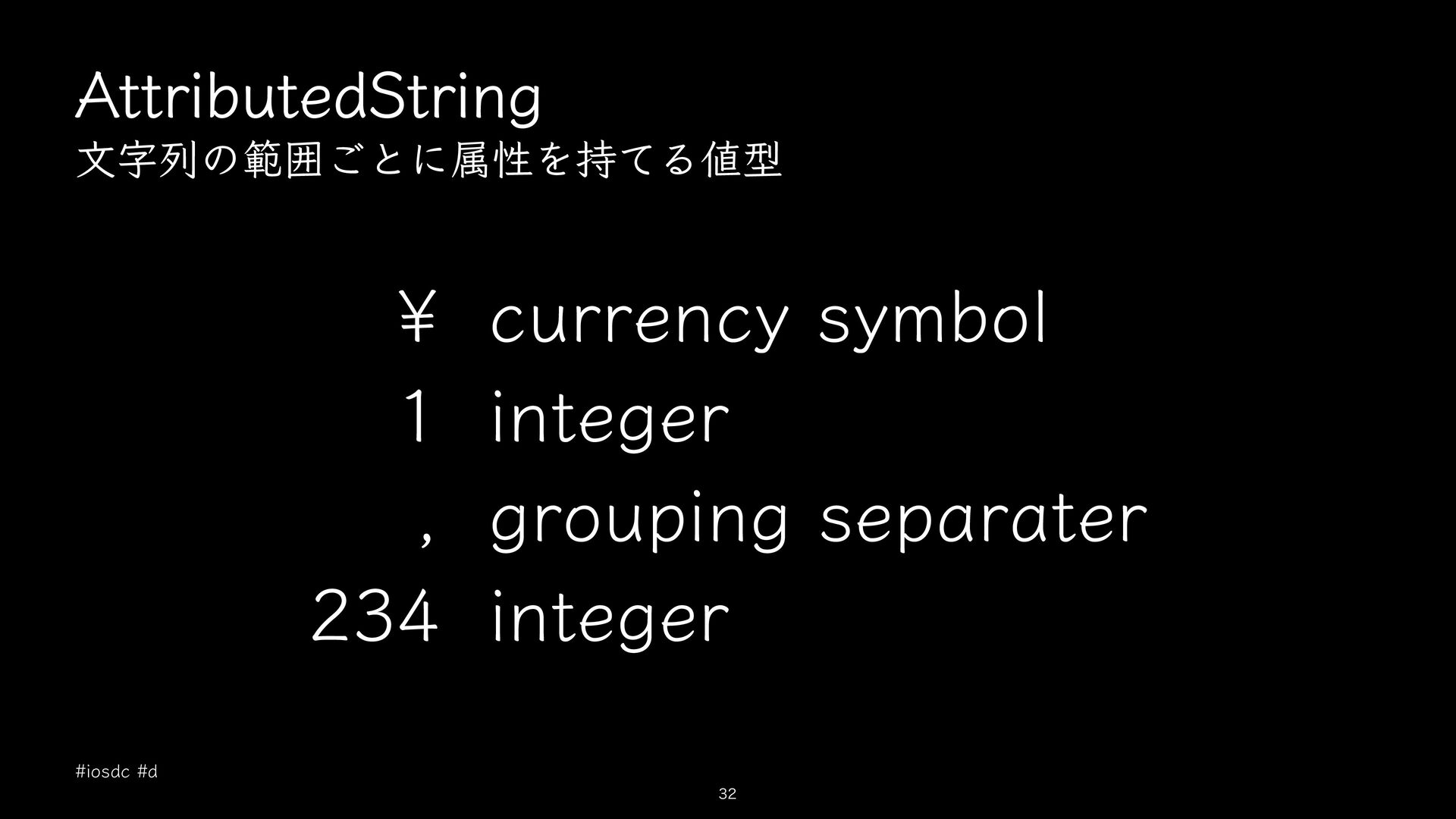
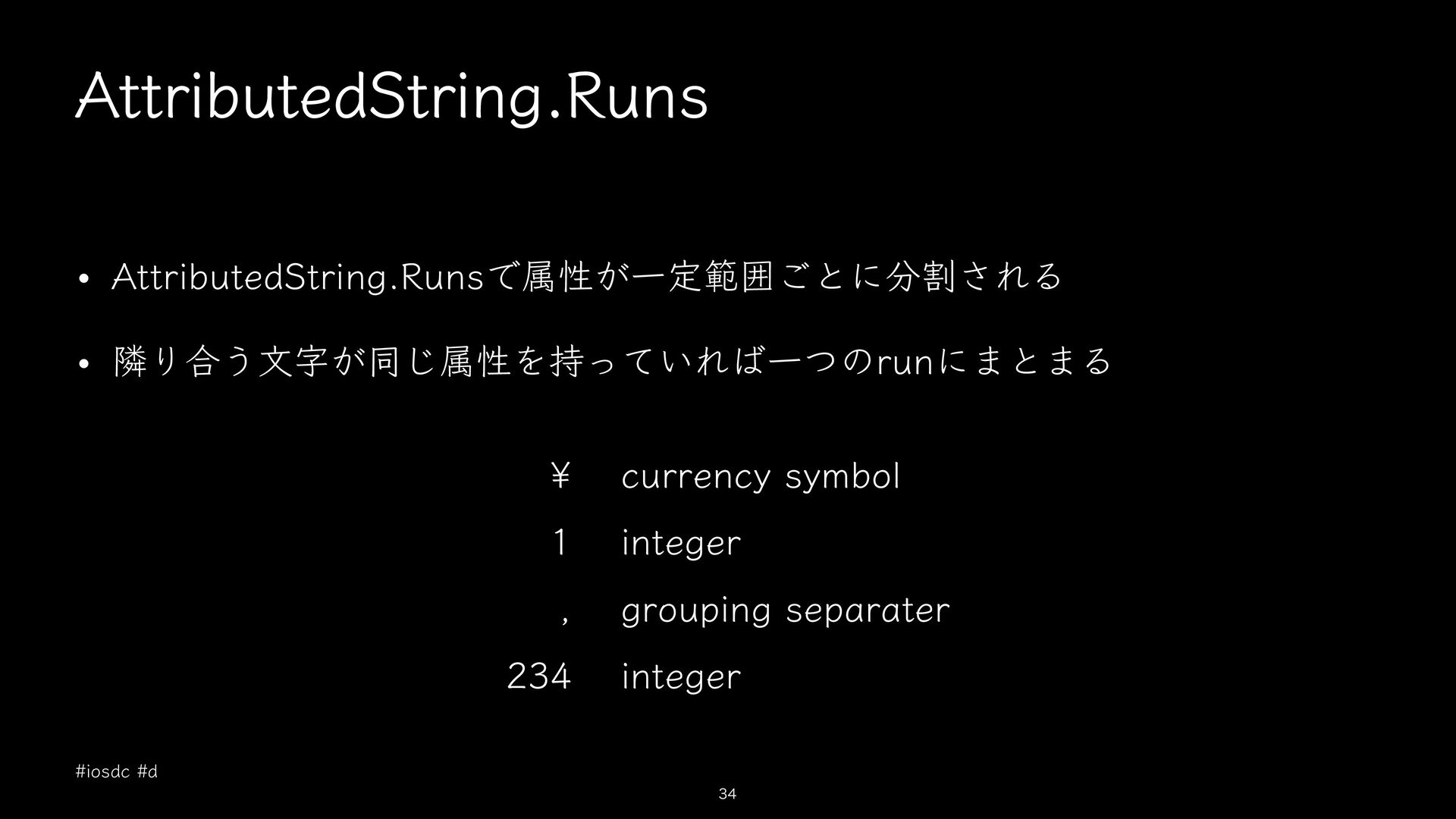
  7. FormatStyleでAttributedStringを返す let attributed = price.formatted( .currency(code: "JPY").attributed ) ¥ currency

    symbol 1 integer for run in attributed.runs { print(attributed[run.range]) print(run.attributes) } , grouping separater 234 #iosdc #d 37 integer
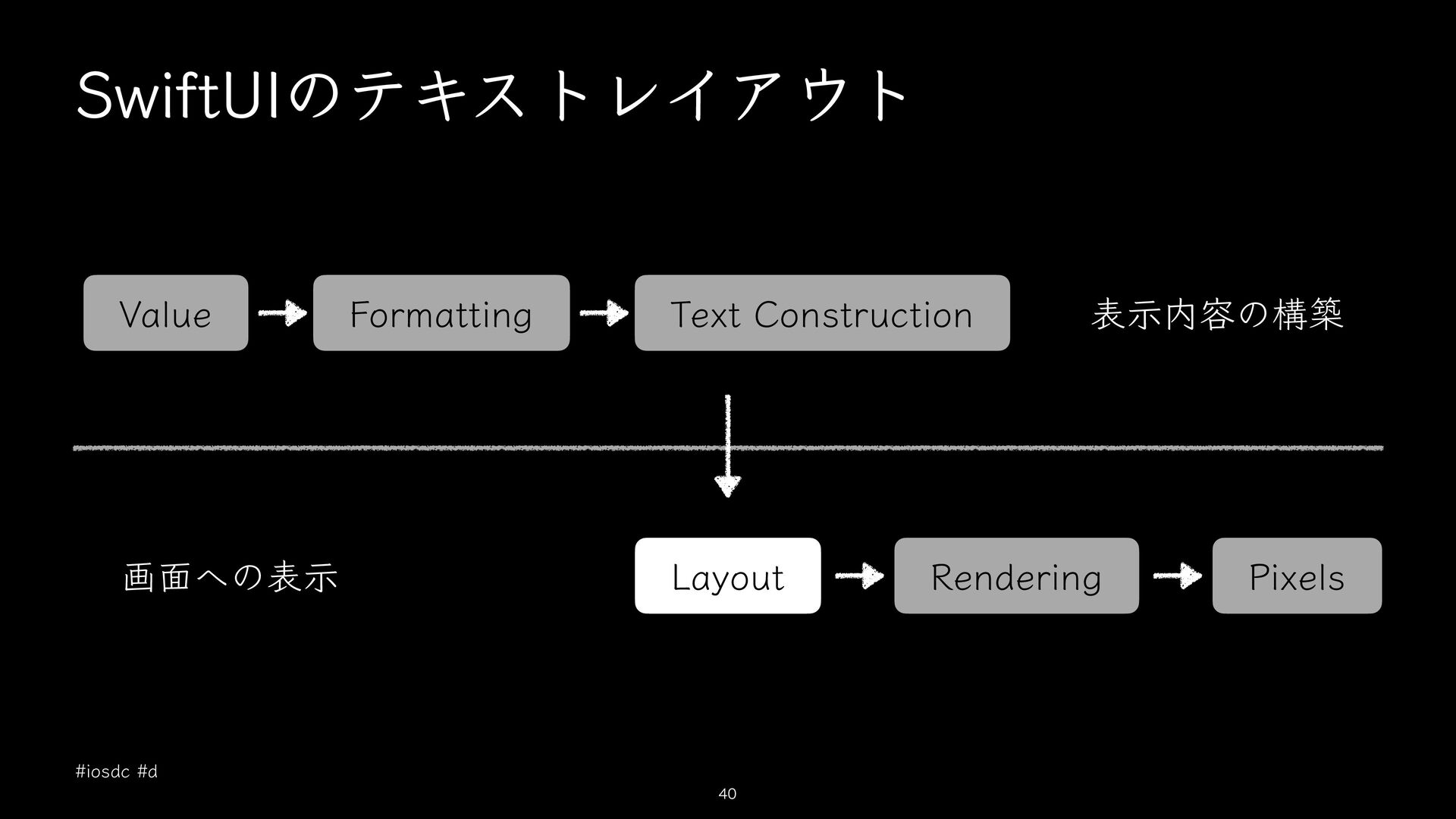
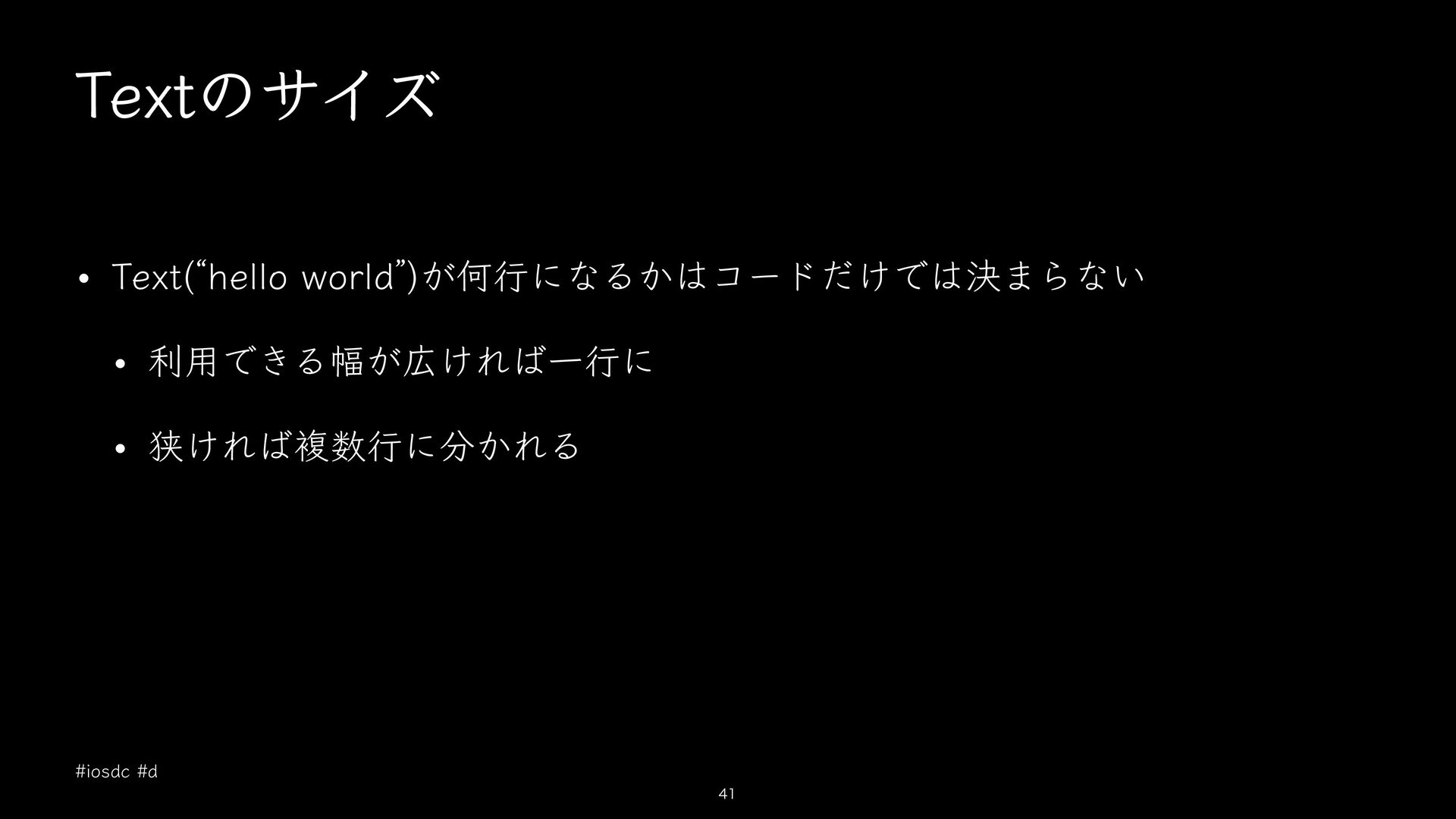
  8. A text view always uses exactly the amount of space

    it needs to display its rendered contents, but you can a ect the viewʼs layout. Text ̶ https://developer.apple.com/documentation/swiftui/text #iosdc #d ff 43
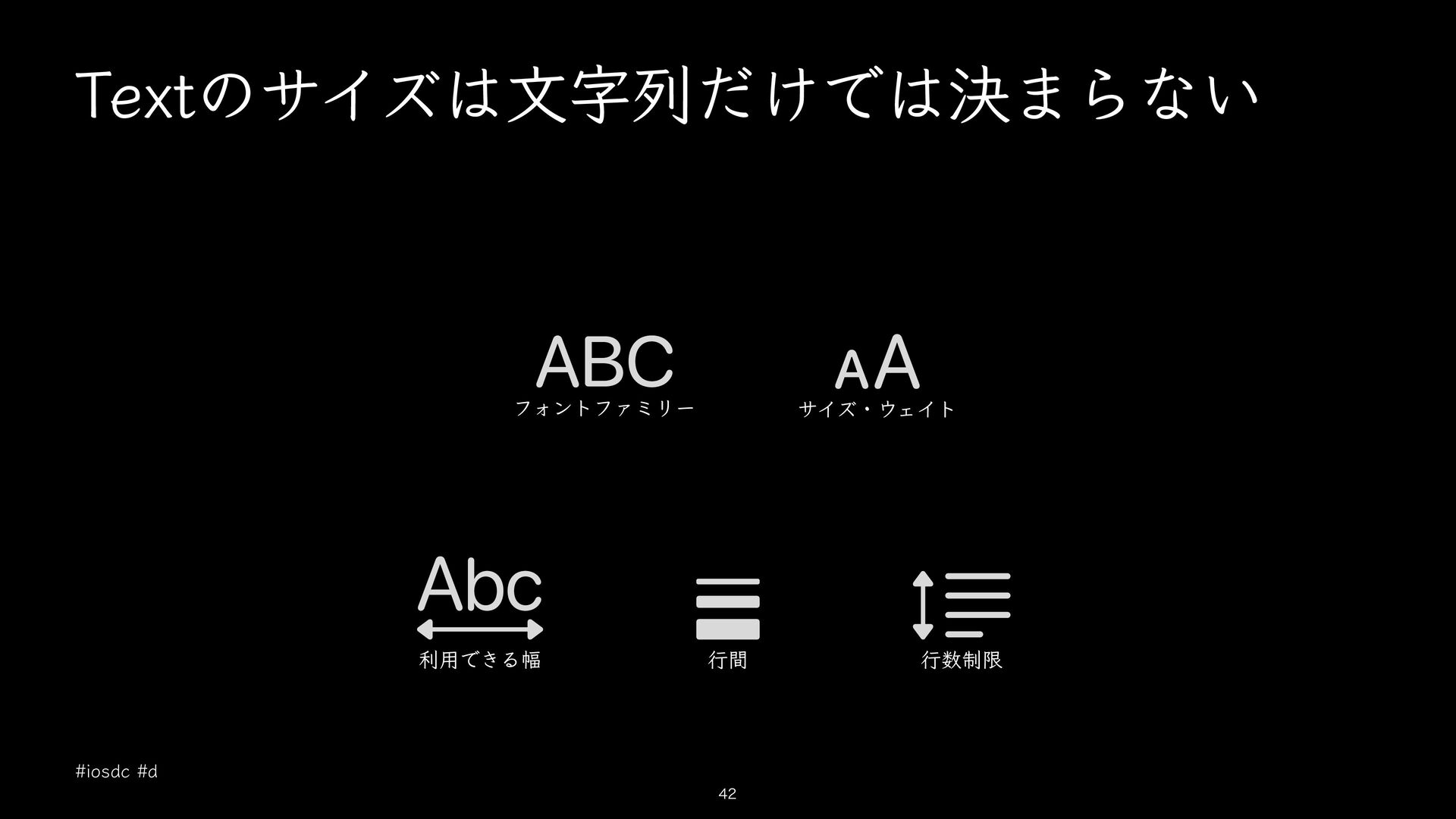
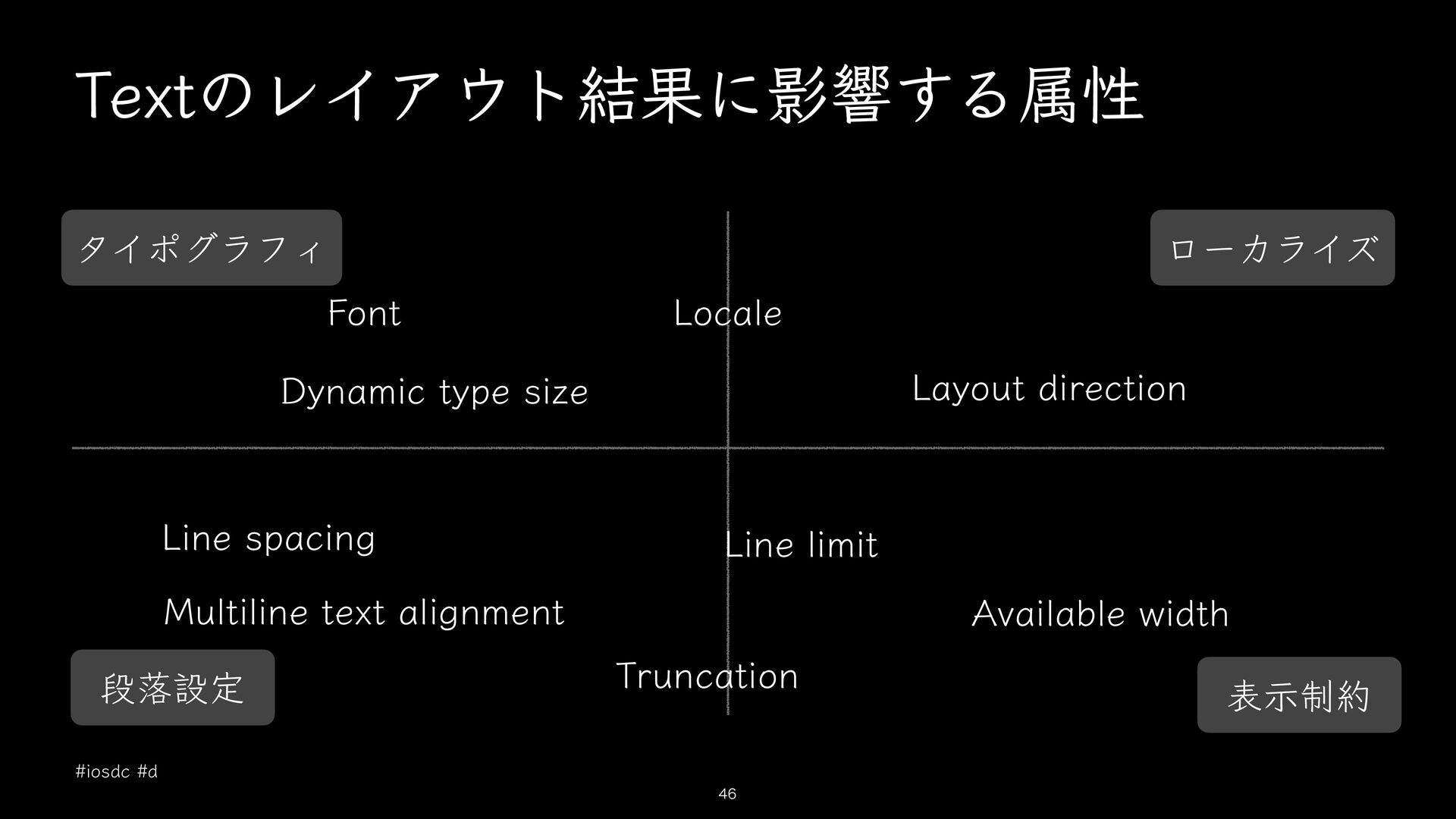
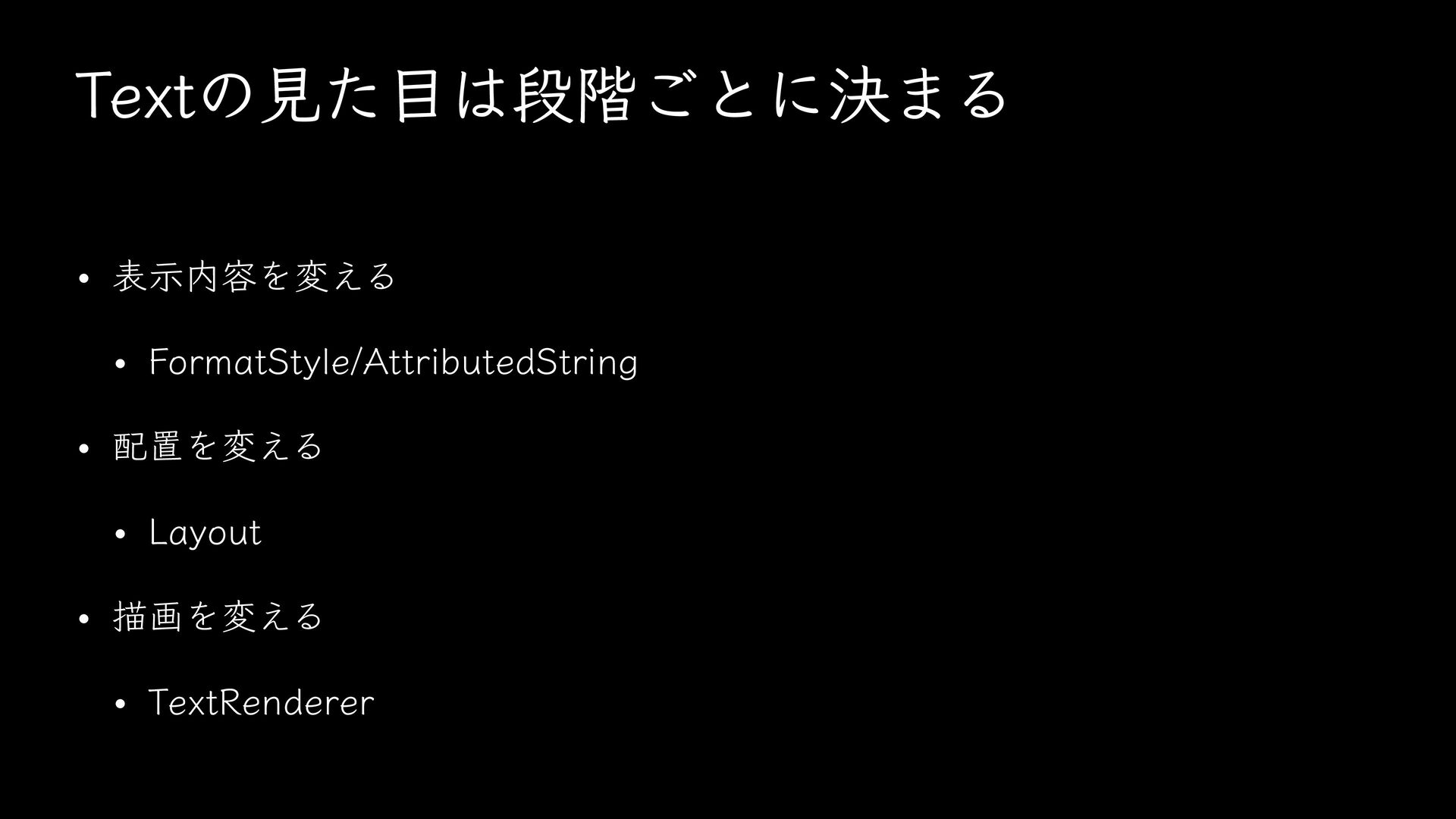
  9. Textのレイアウト結果に影響する属性 タイポグラフィ Font ローカライズ Locale Layout direction Dynamic type size

    Line spacing Line limit Multiline text alignment 段落設定 Available width Truncation #iosdc #d 46 表示制約
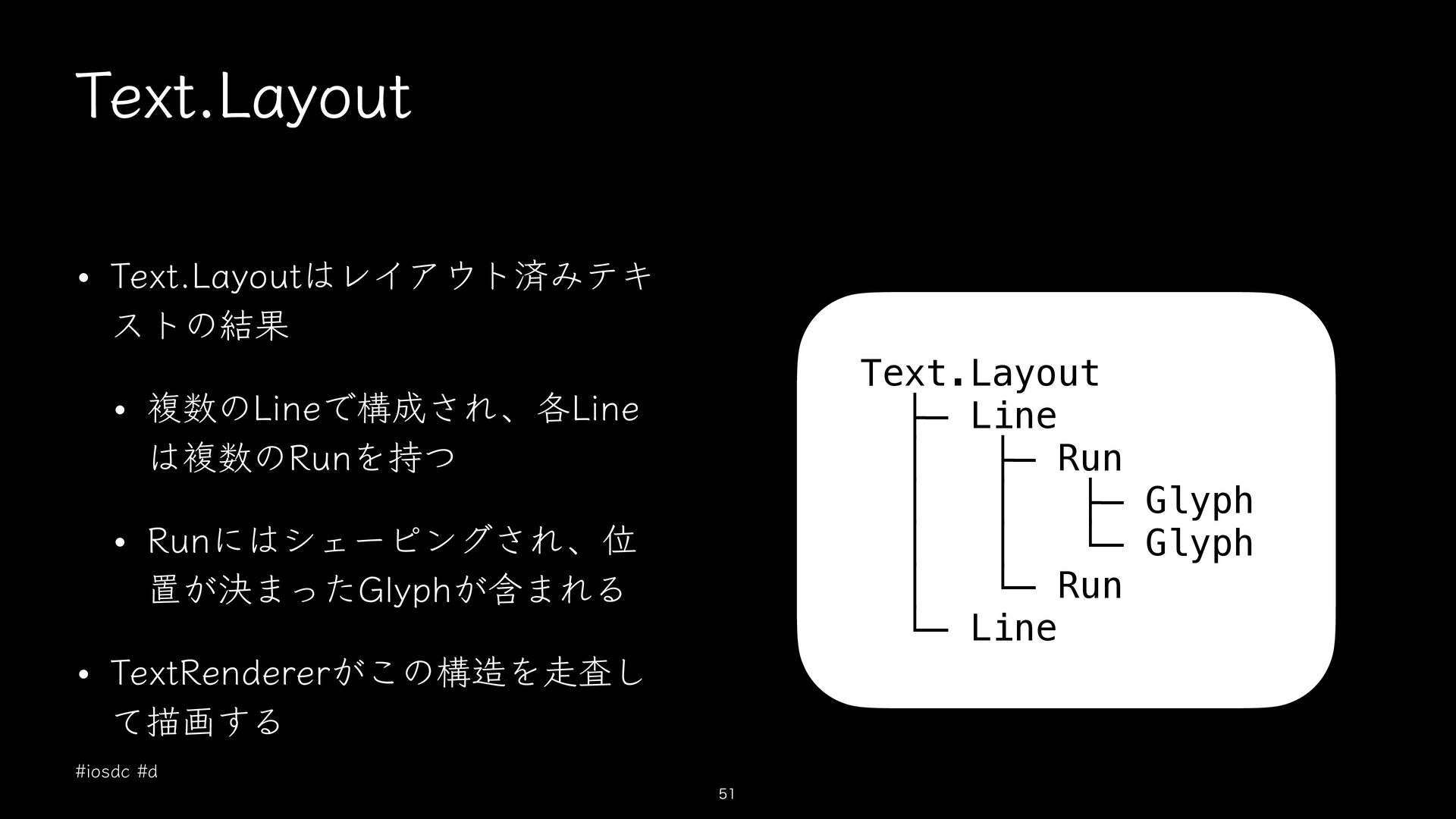
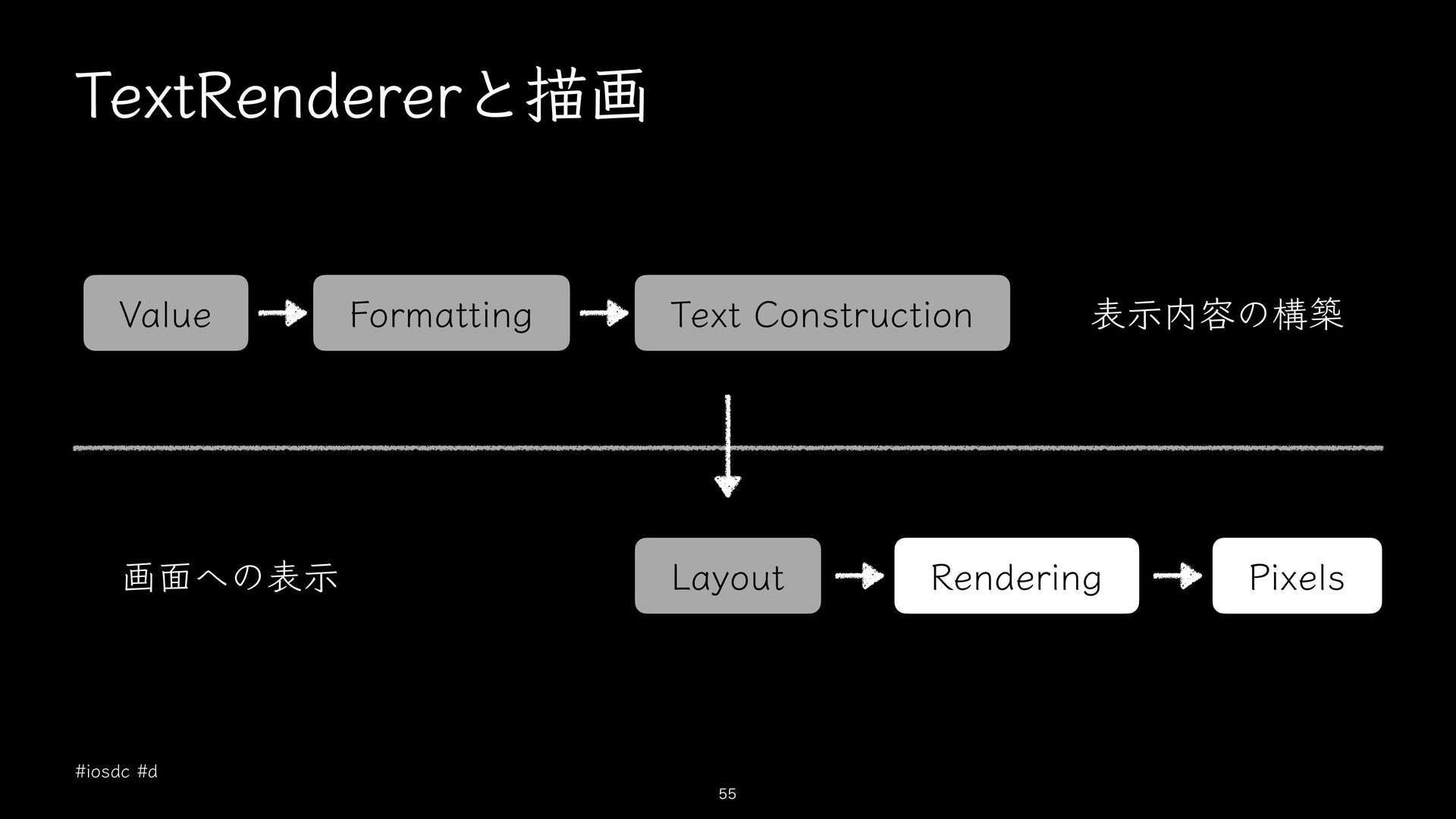
  10. Text.Layout • Text.Layoutはレイアウト済みテキ ストの結果 Text.Layout ├─ Line │ ├─ Run

    │ │ ├─ Glyph │ │ └─ Glyph │ └─ Run └─ Line • 複数のLineで構成され、各Line は複数のRunを持つ • Runにはシェーピングされ、位 置が決まったGlyphが含まれる • TextRendererがこの構造を走査し て描画する #iosdc #d 51
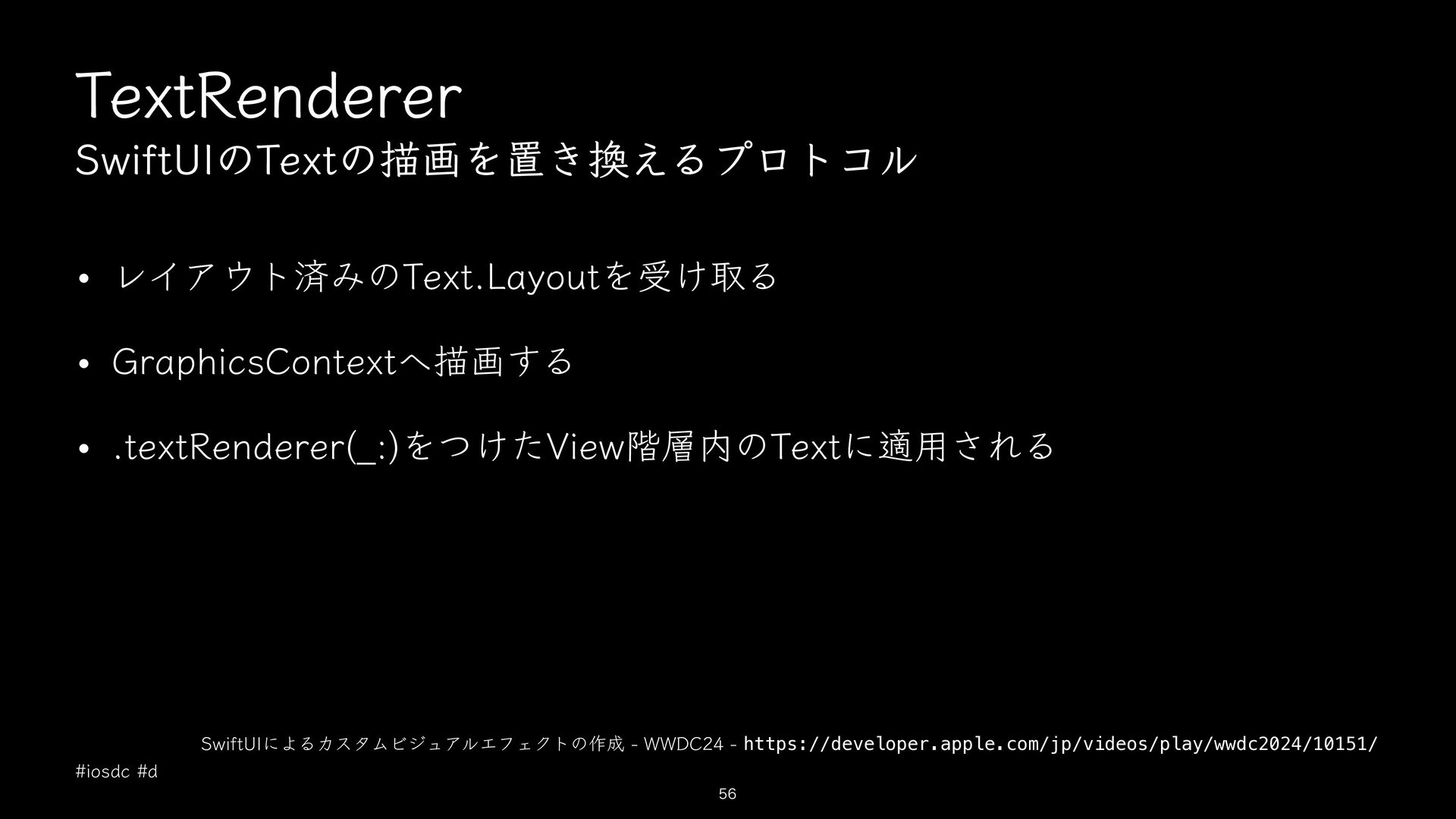
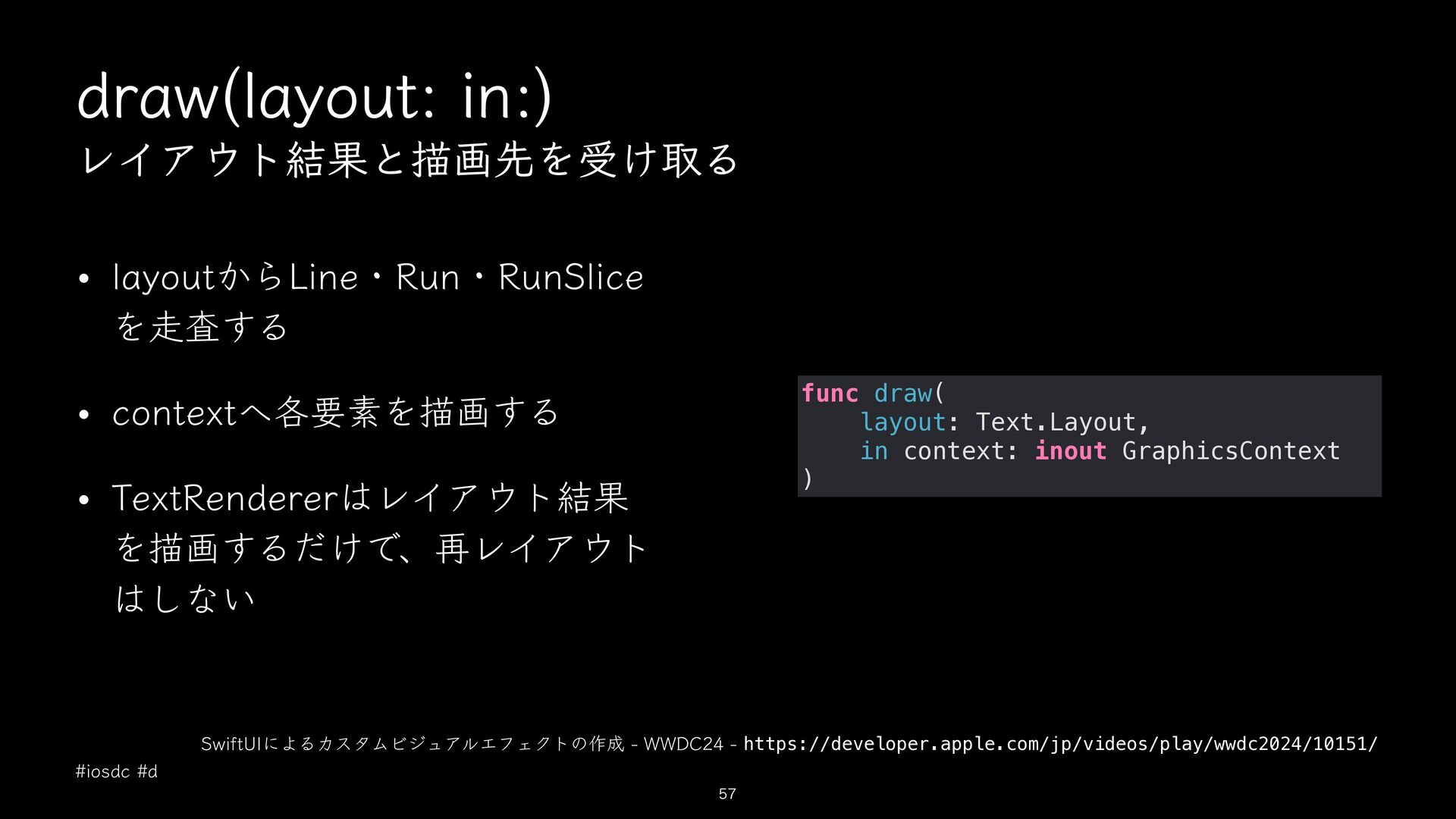
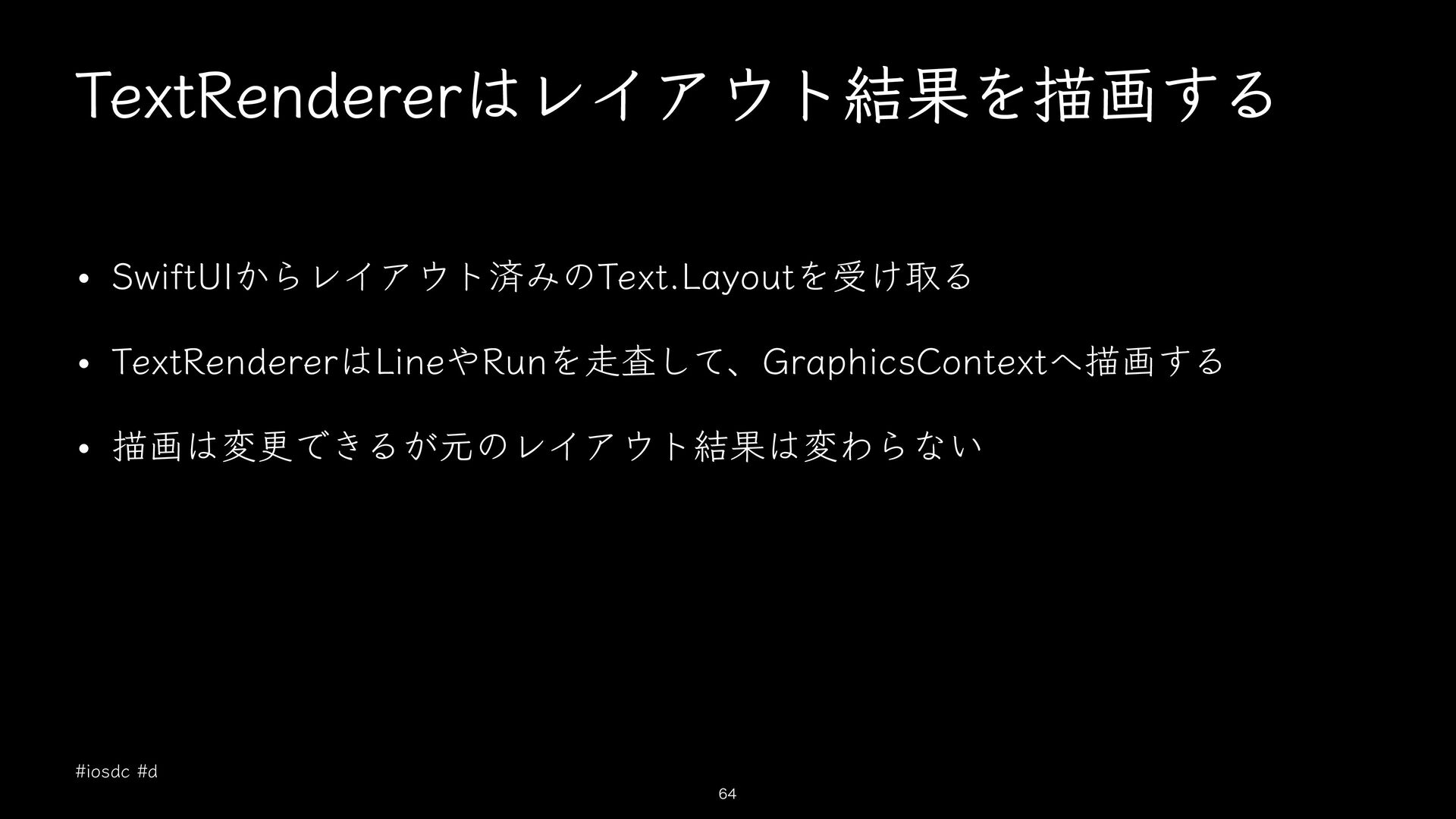
  11. draw(layout: in:) レイアウト結果と描画先を受け取る • layoutからLine・Run・RunSlice を走査する func draw( layout: Text.Layout,

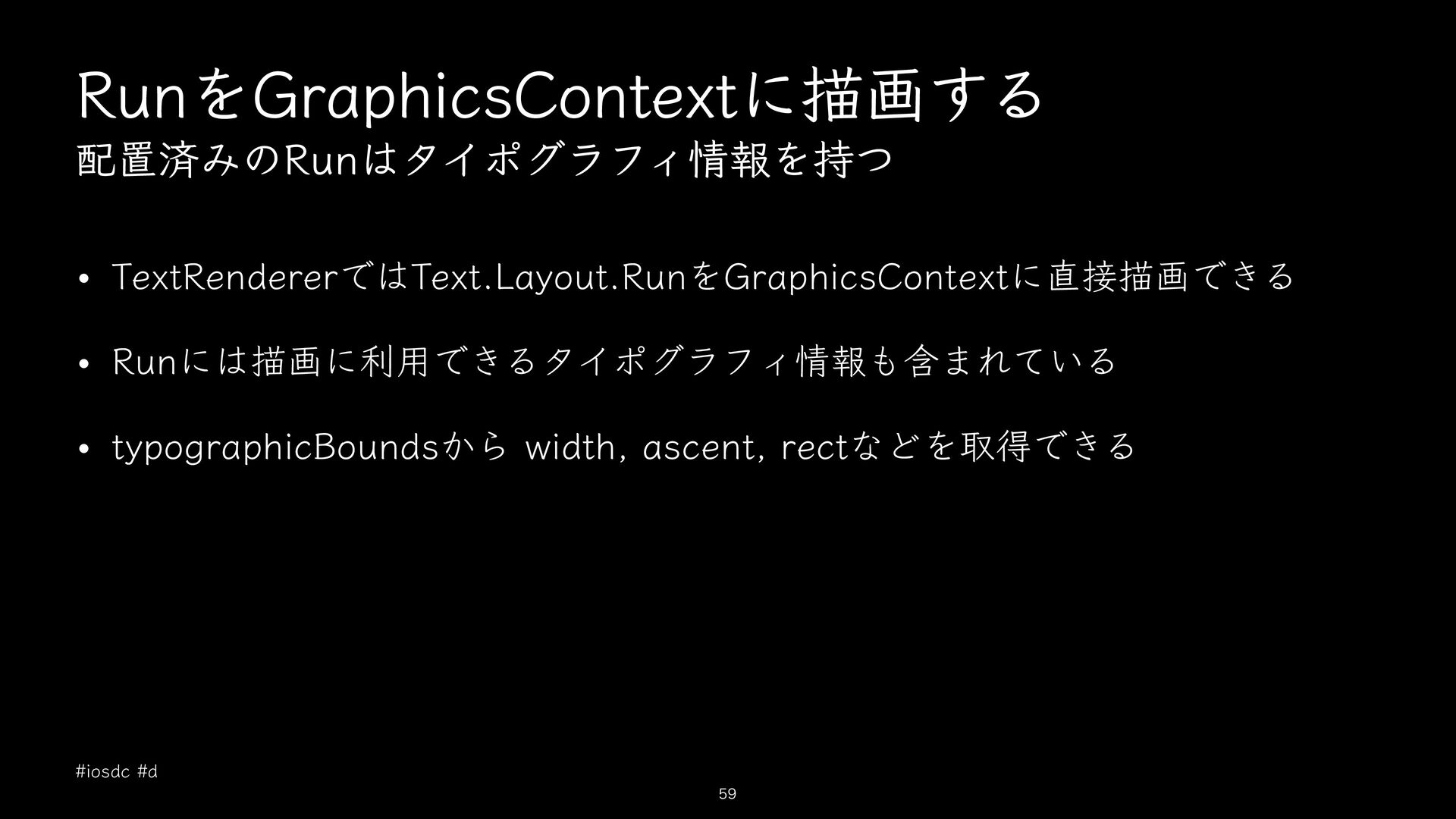
    in context: inout GraphicsContext ) • contextへ各要素を描画する • TextRendererはレイアウト結果 を描画するだけで、再レイアウト はしない SwiftUIによるカスタムビジュアルエフェクトの作成 - WWDC24 - https://developer.apple.com/jp/videos/play/wwdc2024/10151/ #iosdc #d 57
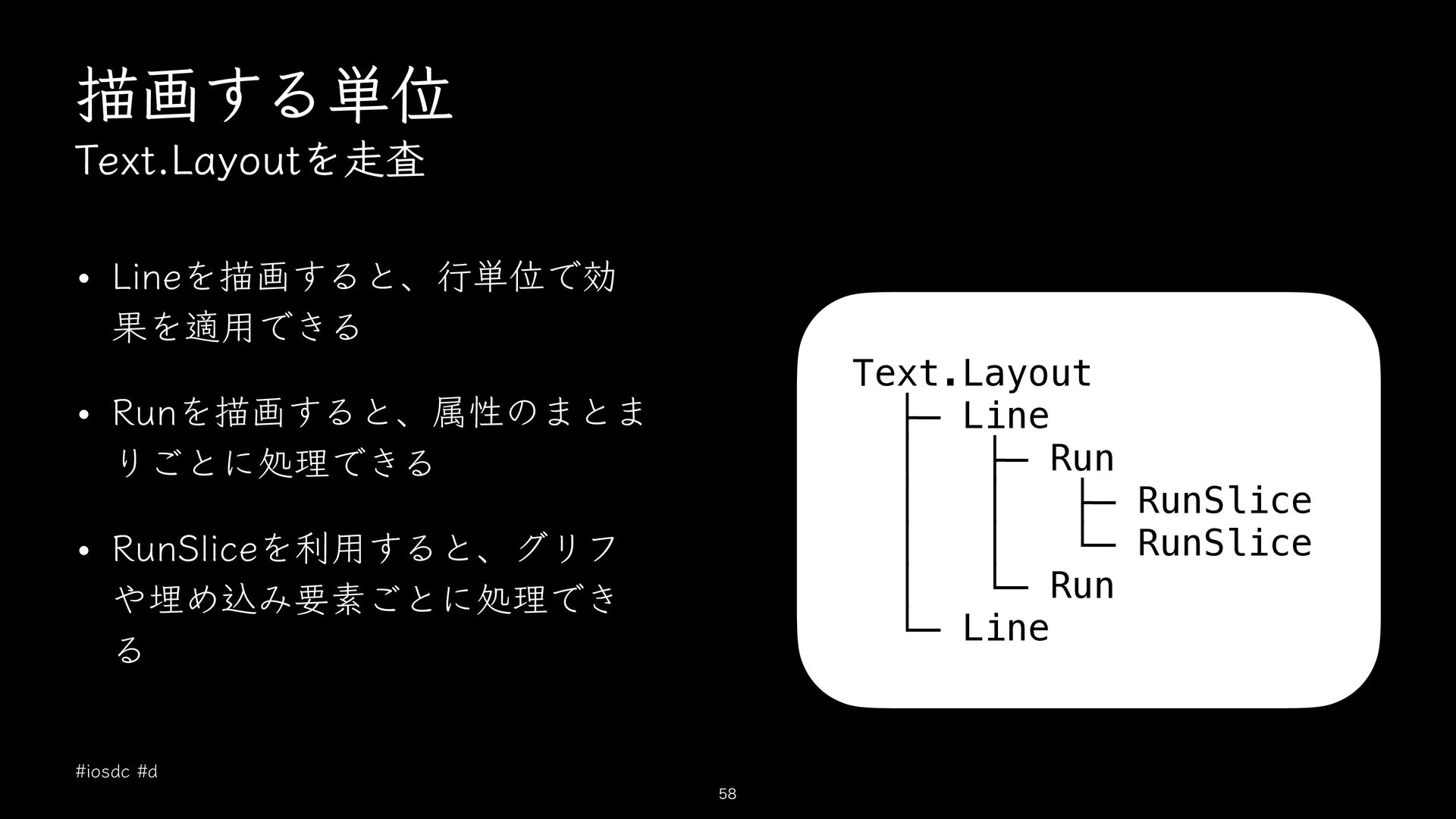
  12. 描画する単位 Text.Layoutを走査 • Lineを描画すると、行単位で効 果を適用できる Text.Layout ├─ Line │ ├─

    Run │ │ ├─ RunSlice │ │ └─ RunSlice │ └─ Run └─ Line • Runを描画すると、属性のまとま りごとに処理できる • RunSliceを利用すると、グリフ や埋め込み要素ごとに処理でき る #iosdc #d 58
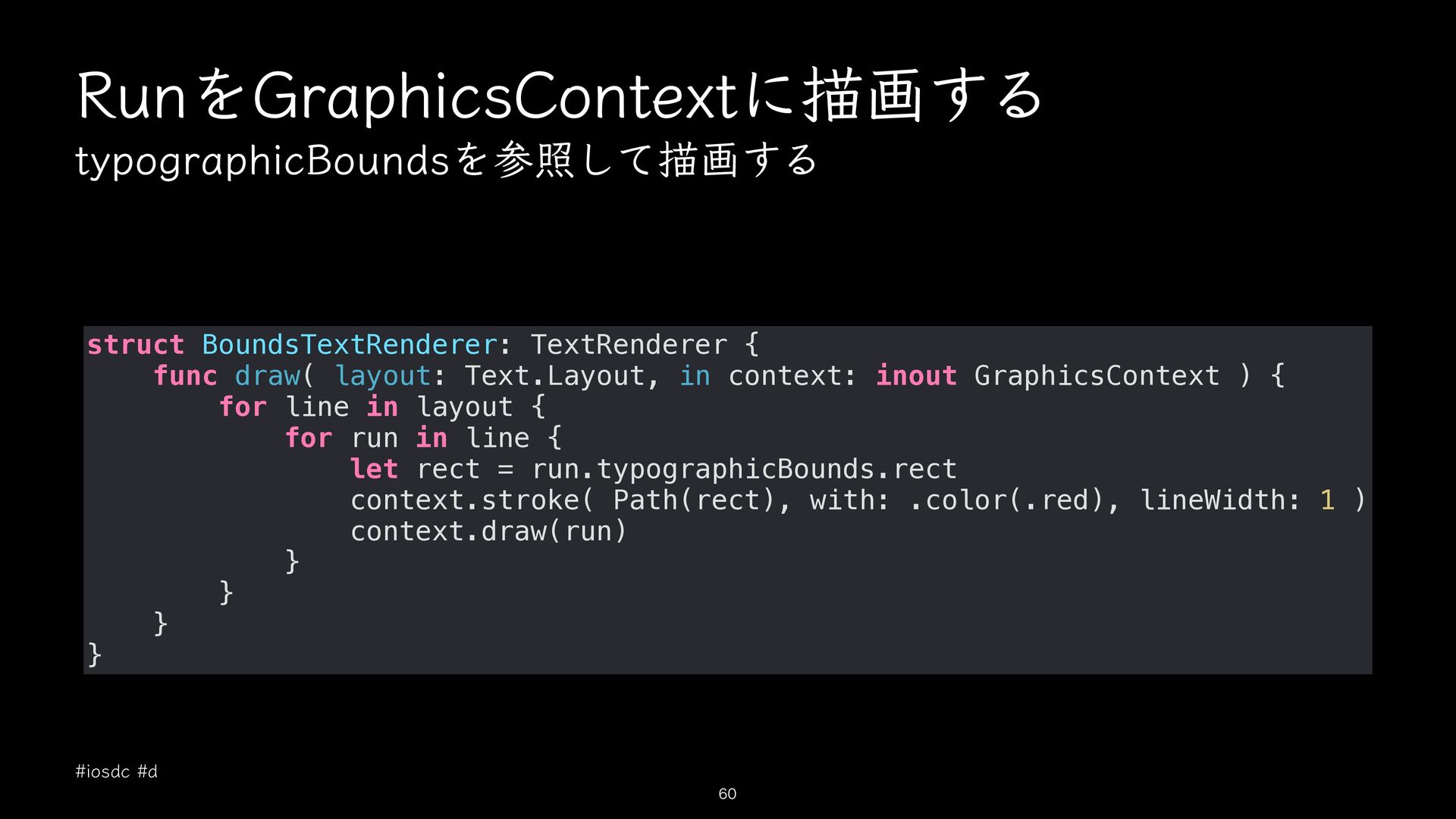
  13. RunをGraphicsContextに描画する typographicBoundsを参照して描画する struct BoundsTextRenderer: TextRenderer { func draw( layout: Text.Layout,

    in context: inout GraphicsContext ) { for line in layout { for run in line { let rect = run.typographicBounds.rect context.stroke( Path(rect), with: .color(.red), lineWidth: 1 ) context.draw(run) } } } } #iosdc #d 60
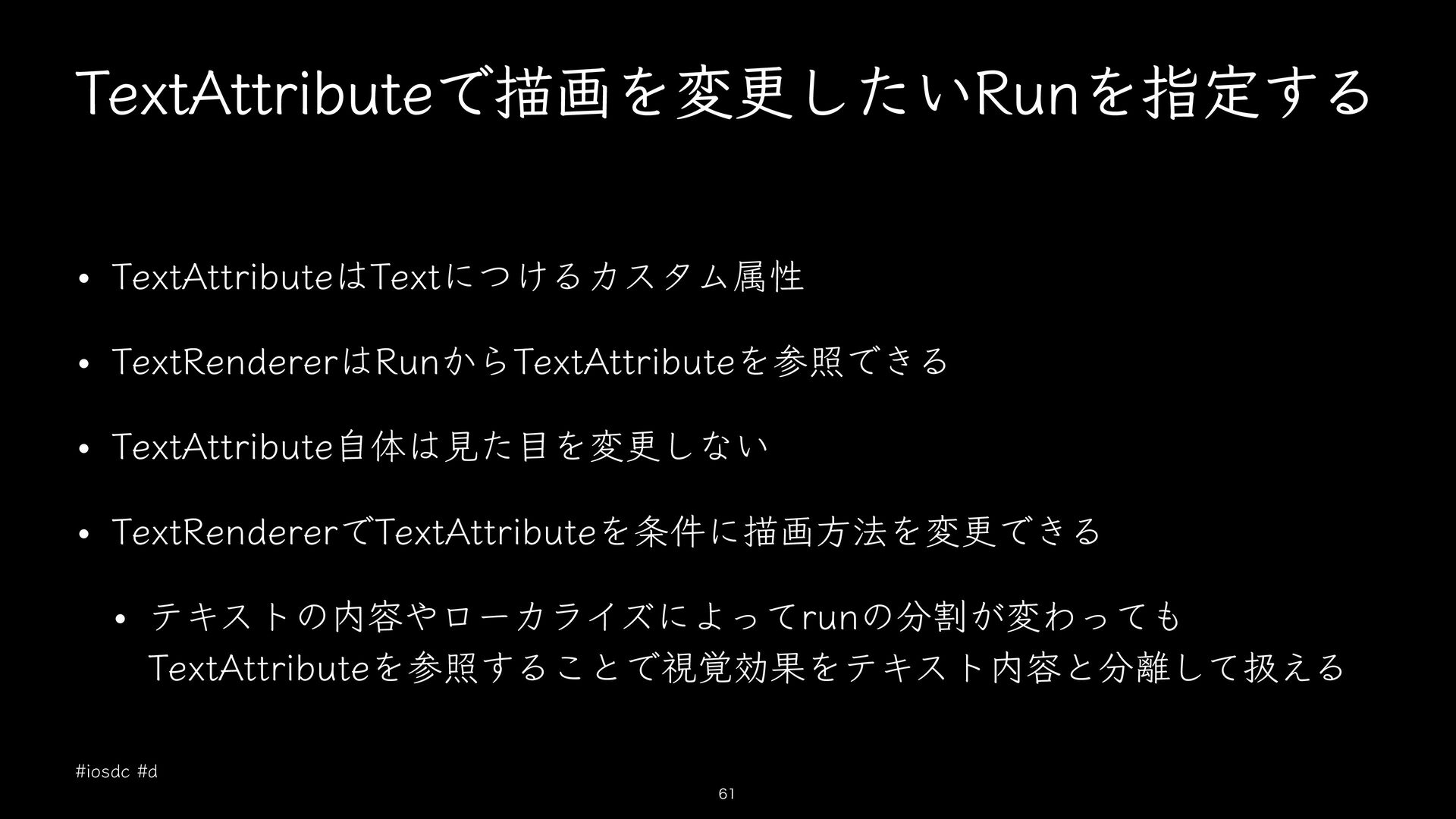
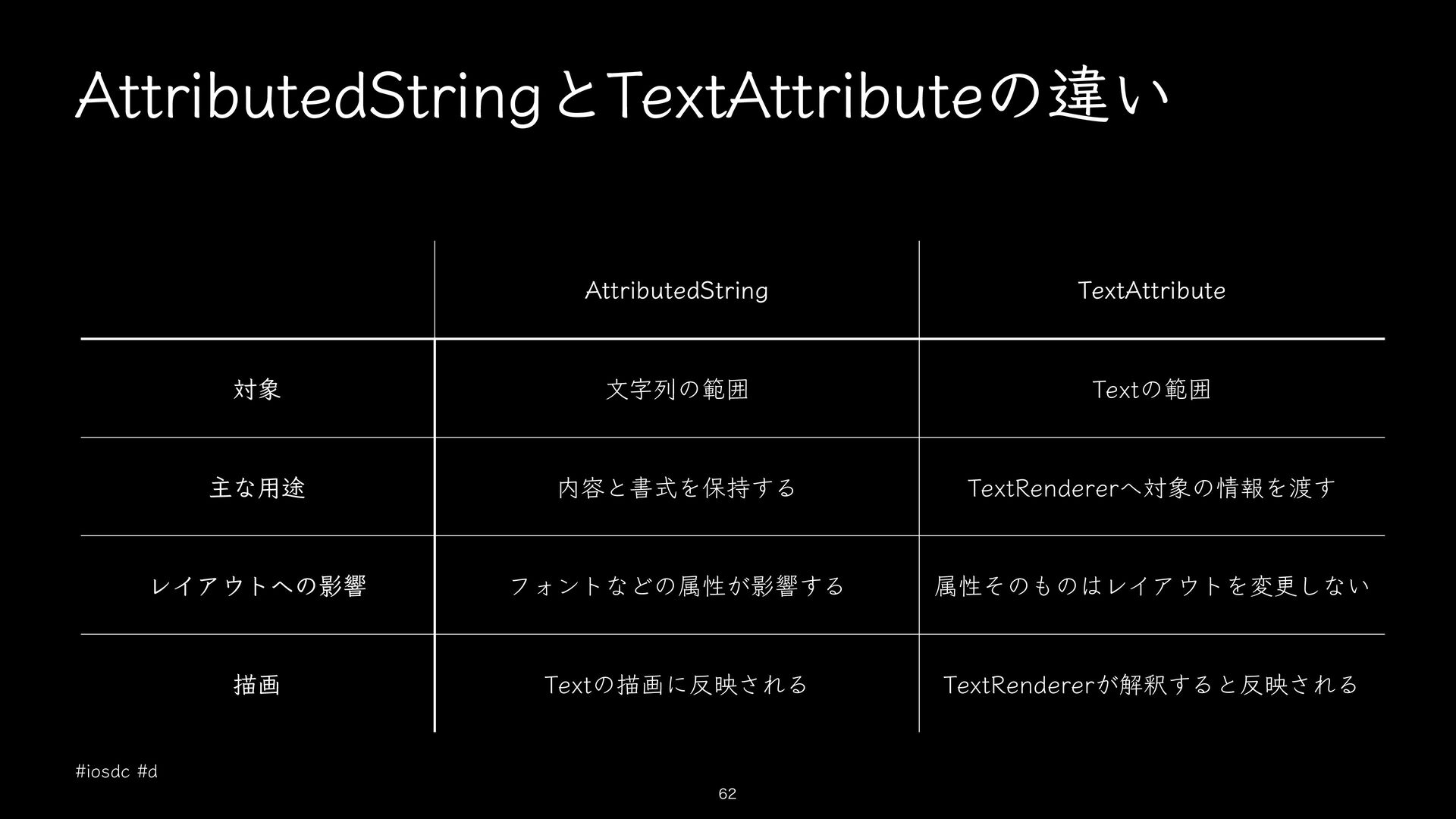
  14. AttributedStringとTextAttributeの違い AttributedString TextAttribute 対象 文字列の範囲 Textの範囲 主な用途 内容と書式を保持する TextRendererへ対象の情報を渡す レイアウトへの影響

    フォントなどの属性が影響する 属性そのものはレイアウトを変更しない 描画 Textの描画に反映される TextRendererが解釈すると反映される #iosdc #d 62