Upgrade to Pro — share decks privately, control downloads, hide ads and more …

Hey Google, I want to use AI in my Android App ...

Hey Google, I want to use AI in my Android App but I'm poor. What are my options?

Everyone wants to build "AI-powered" apps, but few talk about the invoice that arrives at the end of the month. If you are launching a side project or running an indie studio, sustaining a cloud infrastructure for LLMs or image generation is often impossible. In this session, we shift the focus from the cloud to the device. We will explore the current state of local AI models for Android, walking through the installation and integration of on-device functionality using real-world examples. We will also have a glance at what future reserves for us.

Avatar for Fabio Catinella

Fabio Catinella

June 08, 2026

More Decks by Fabio Catinella
Other Decks in Programming

Transcript

  1. Fabio Catinella Senior Android Developer @ Hey Google, I want

    to use AI in my Android App but I’m poor. What are my options?

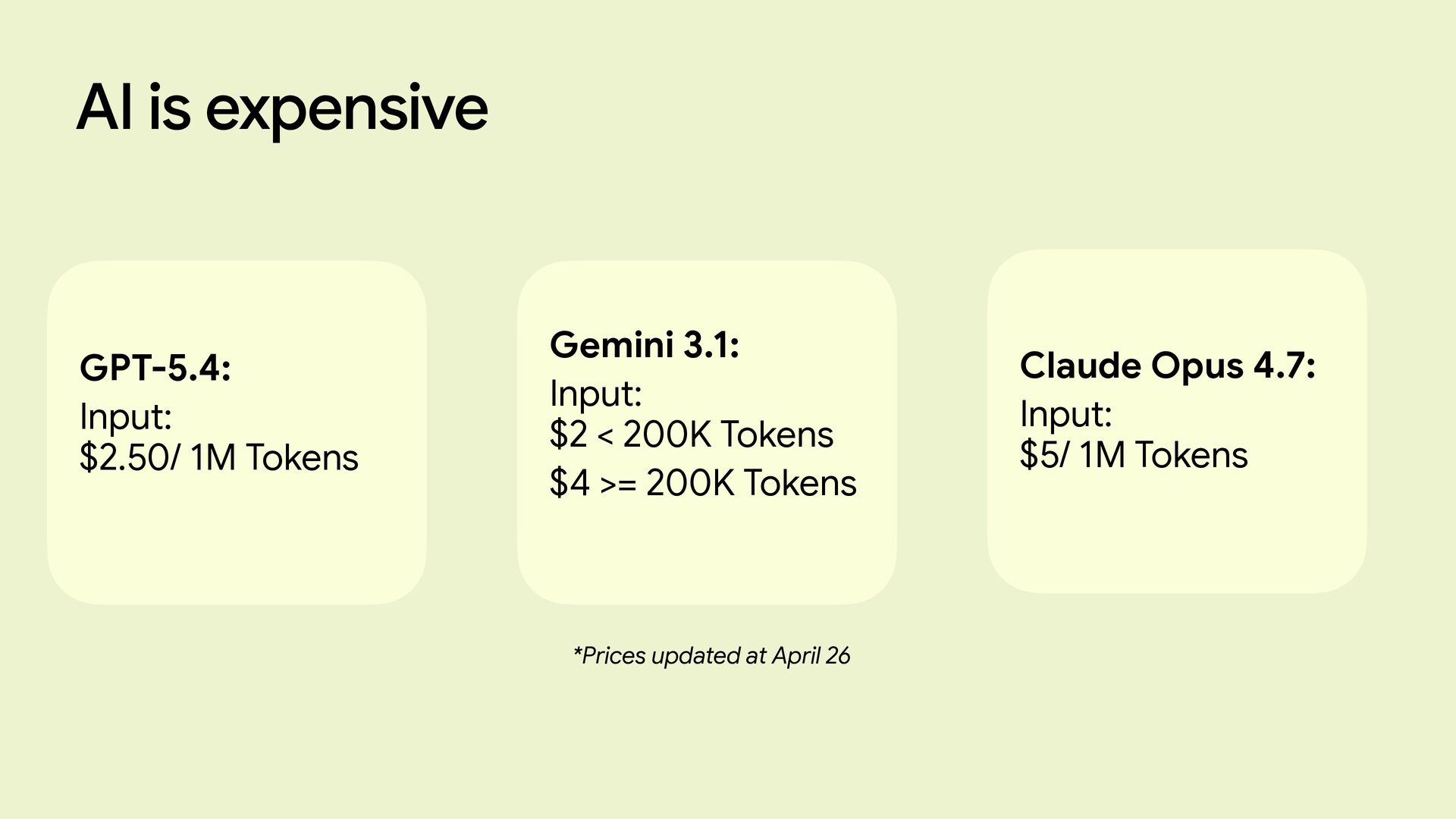
  2. AI is expensive GPT-5.4: Input: $2.50/ 1M Tokens Gemini 3.1:
    Input: $2 < 200K Tokens $4 >= 200K Tokens Claude Opus 4.7: Input: $5/ 1M Tokens *Prices updated at April 26
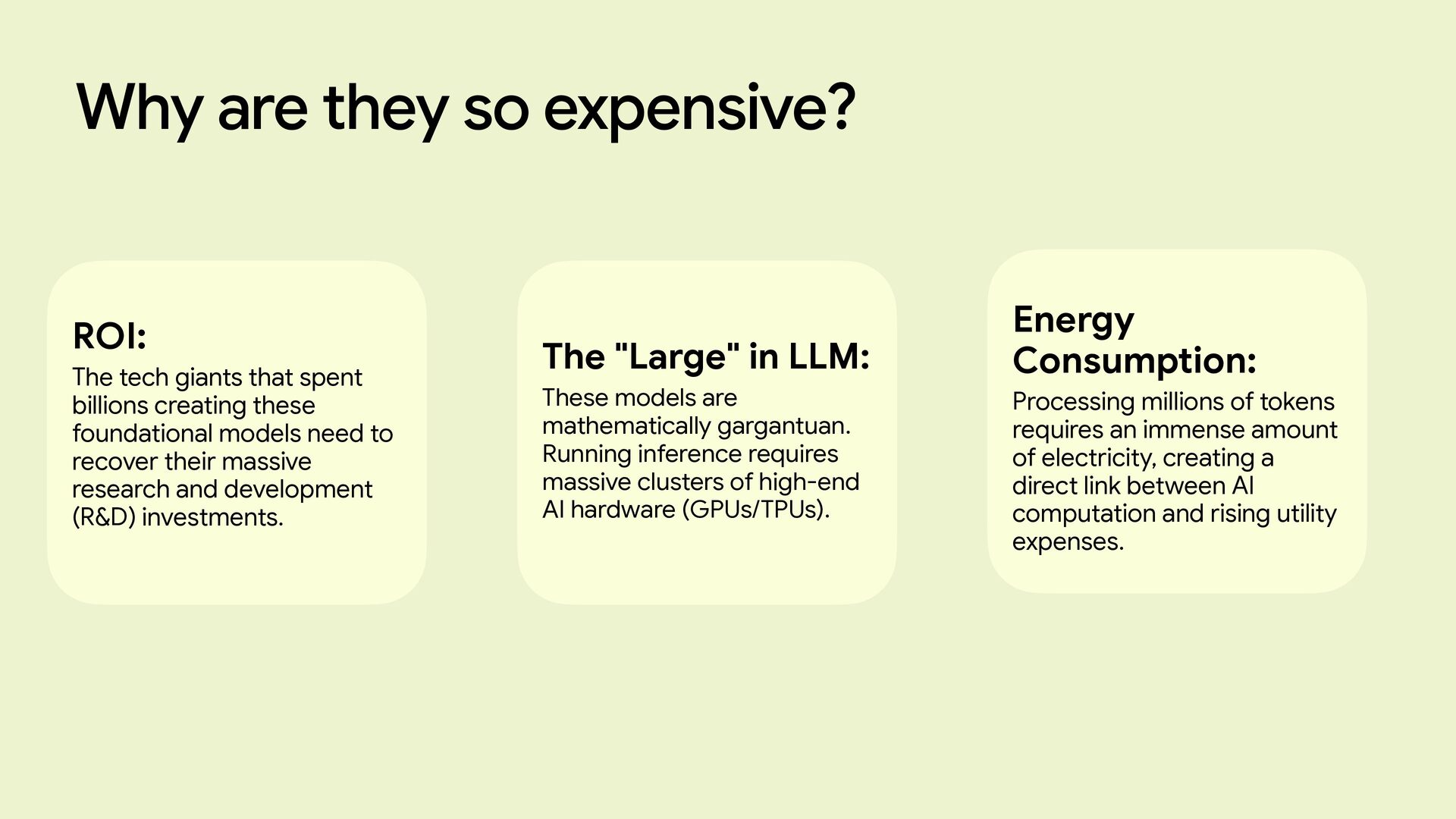
  3. Why are they so expensive? ROI: The tech giants that

    spent billions creating these foundational models need to recover their massive research and development (R&D) investments. The "Large" in LLM: These models are mathematically gargantuan. Running inference requires massive clusters of high-end AI hardware (GPUs/TPUs). Energy Consumption: Processing millions of tokens requires an immense amount of electricity, creating a direct link between AI computation and rising utility expenses.
  4. Wouldn’t be great if we could find a way to

    fit a model inside our devices to cut the cost?
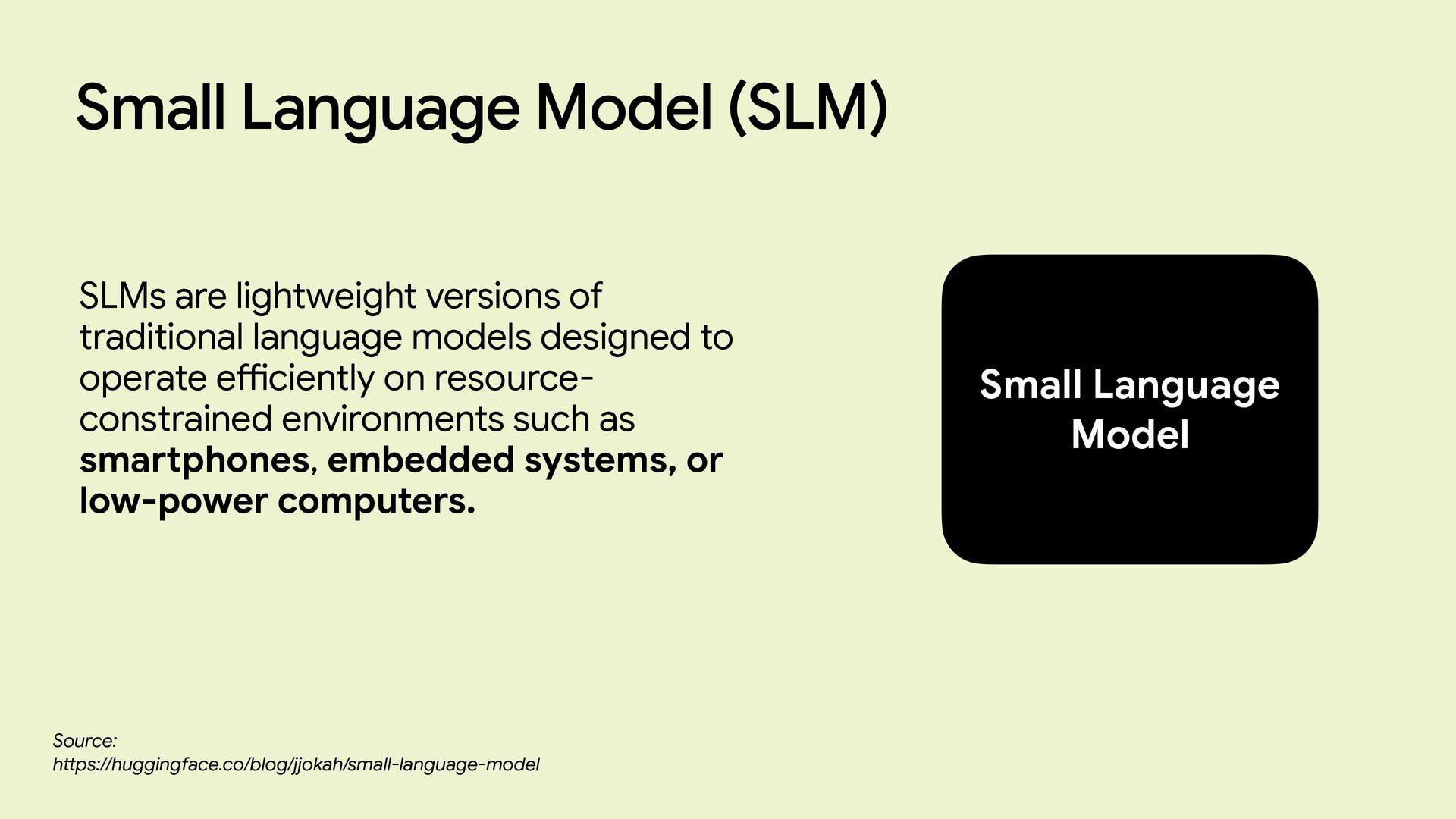
  5. Small Language Model SLMs are lightweight versions of traditional language

    models designed to operate e ff i ciently on resource- constrained environments such as smartphones, embedded systems, or low-power computers. Small Language Model (SLM) Source: h tt ps://huggingface.co/blog/jjokah/small-language-model
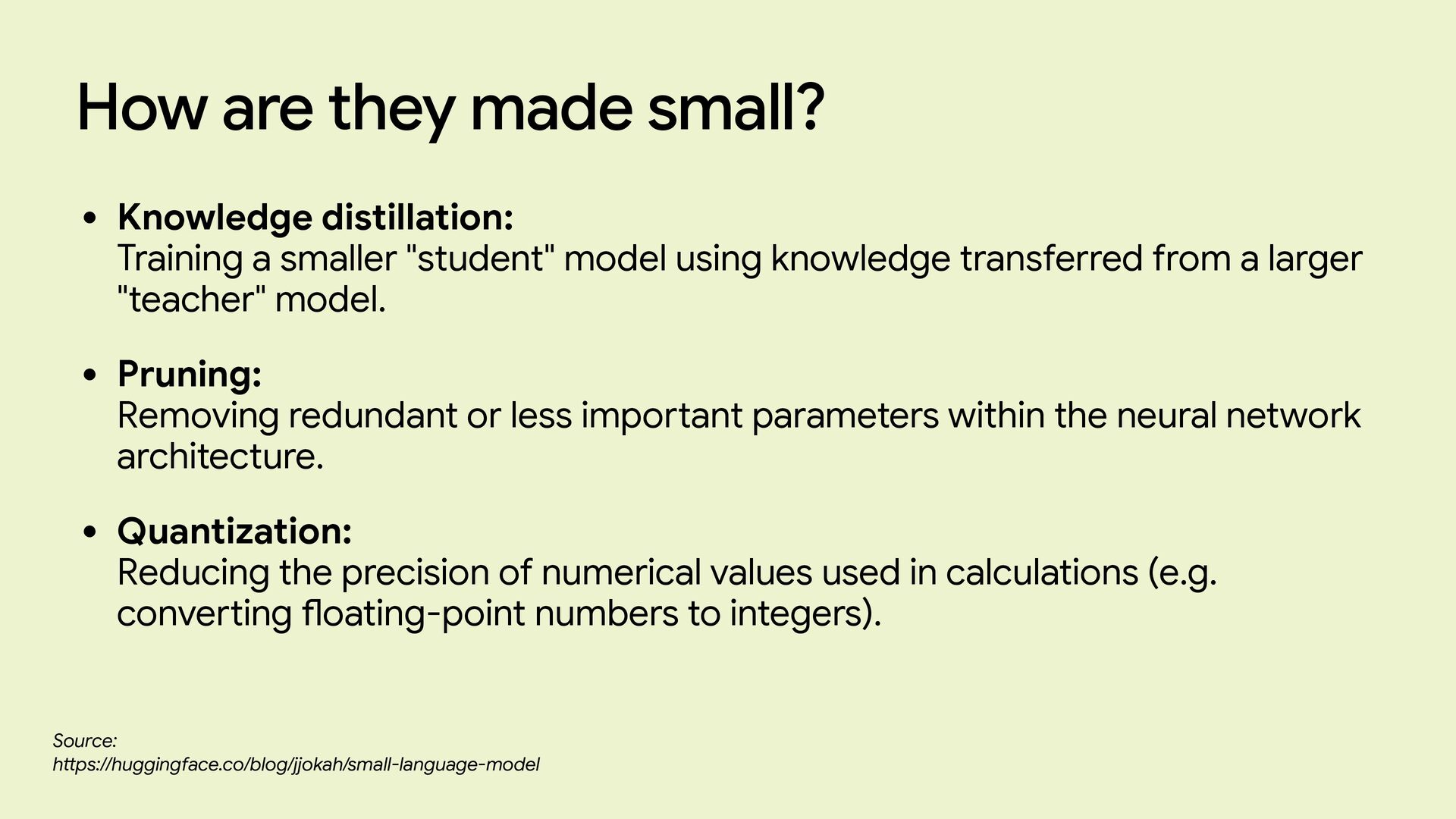
  6. How are they made small? • Knowledge distillation: Training a

    smaller "student" model using knowledge transferred from a larger "teacher" model. • Pruning: Removing redundant or less important parameters within the neural network architecture. • Quantization: Reducing the precision of numerical values used in calculations (e.g. converting fl oating-point numbers to integers). Source: h tt ps://huggingface.co/blog/jjokah/small-language-model
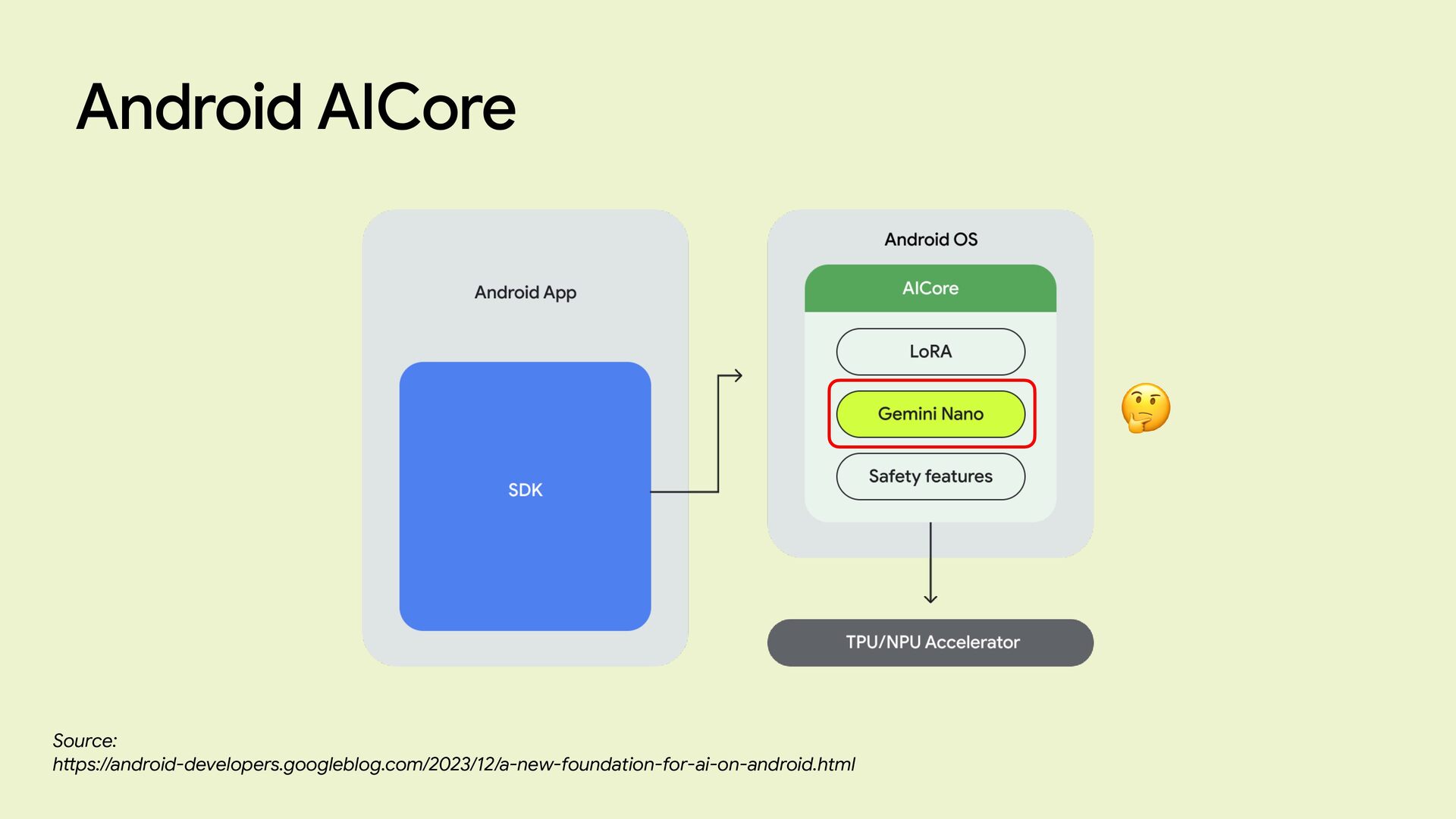
  7. Android AICore Source: h tt ps://android-developers.googleblog.com/2023/12/a-new-foundation-for-ai-on-android.html The easiest way to

    use an SLM on Android is by using Android AI Core. Android AICore is, in fact, a new system service in Android 14 that provides easy access to the SLM version of Gemini called Gemini Nano.
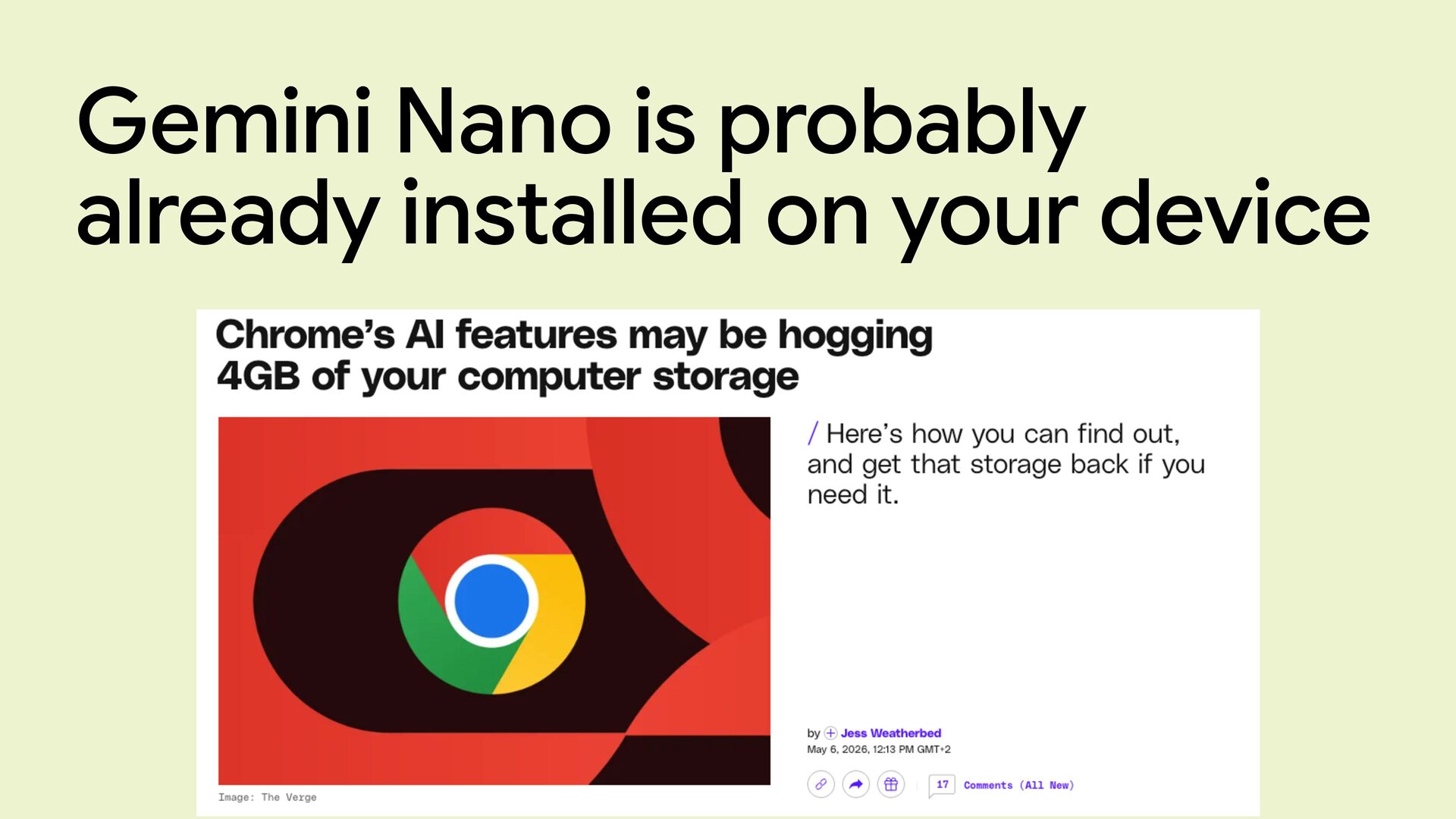
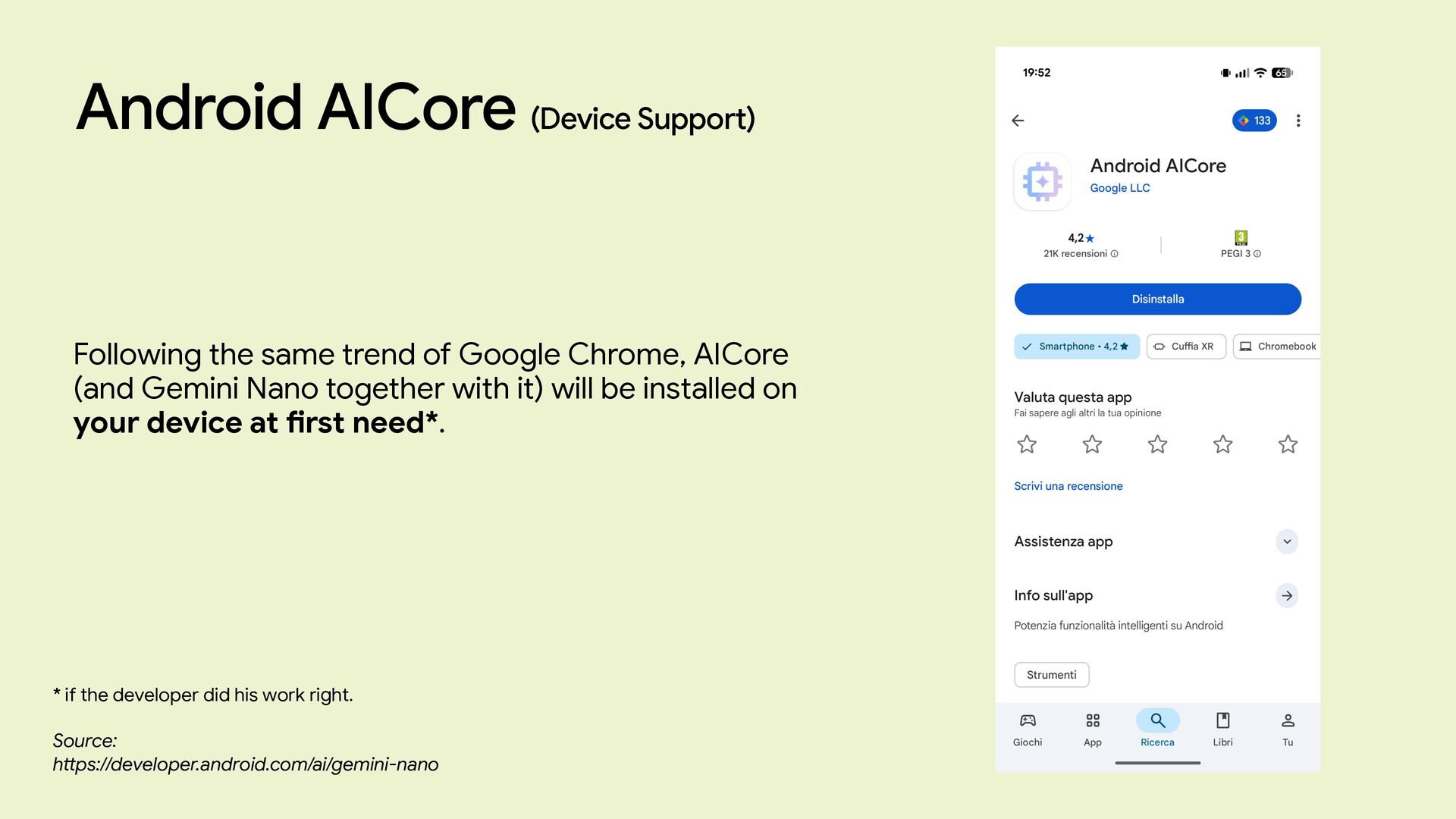
  8. Android AICore (Device Support) Source: h tt ps://developer.android.com/ai/gemini-nano Following the

    same trend of Google Chrome, AICore (and Gemini Nano together with it) will be installed on your device at fi rst need*. * if the developer did his work right.
  9. Android AICore (Capabilities) Source: h tt ps://developer.android.com/ai/gemini-nano • Summarization: Summarize

    articles or conversations as a bulleted list. • Proofreading: Proofread short chat messages. • Rewriting: Rewrite short chat messages in di ff erent tones or styles. • Image Description: Generate a short description of a given image. • Speech Recognition: Transcribe spoken audio to text. • Prompt (beta): Generate text content based on a custom text-only or multimodal prompt.
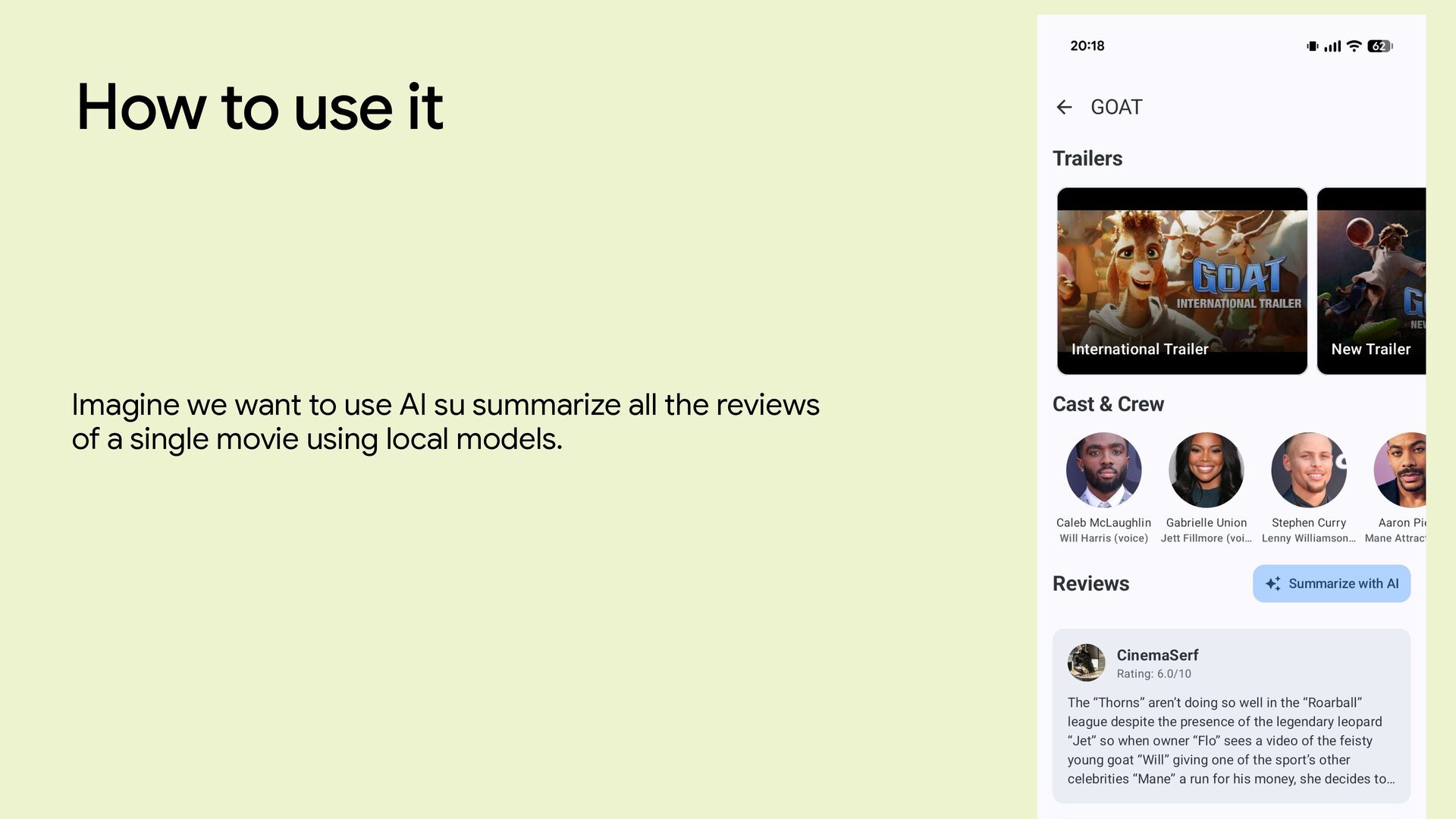
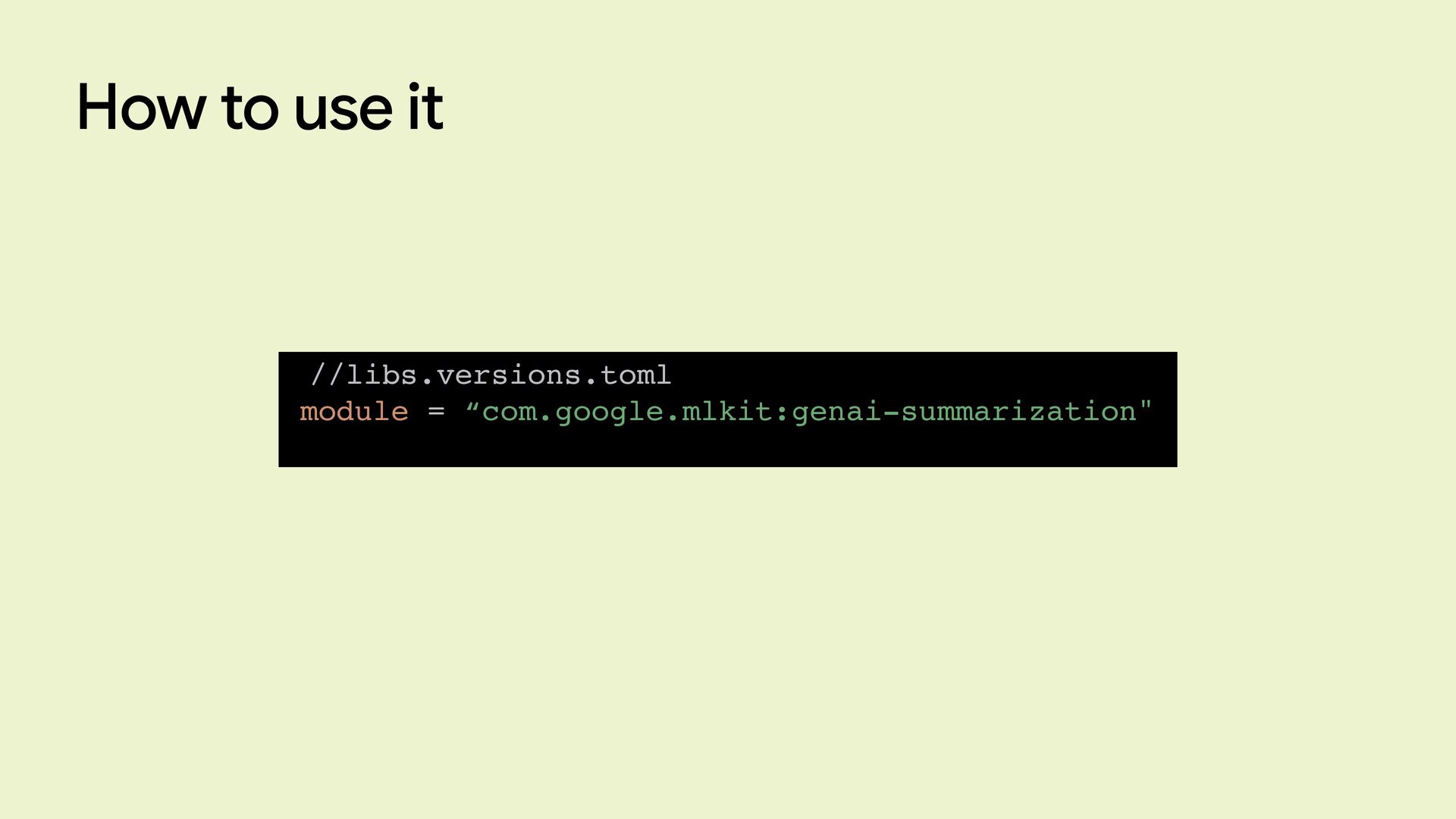
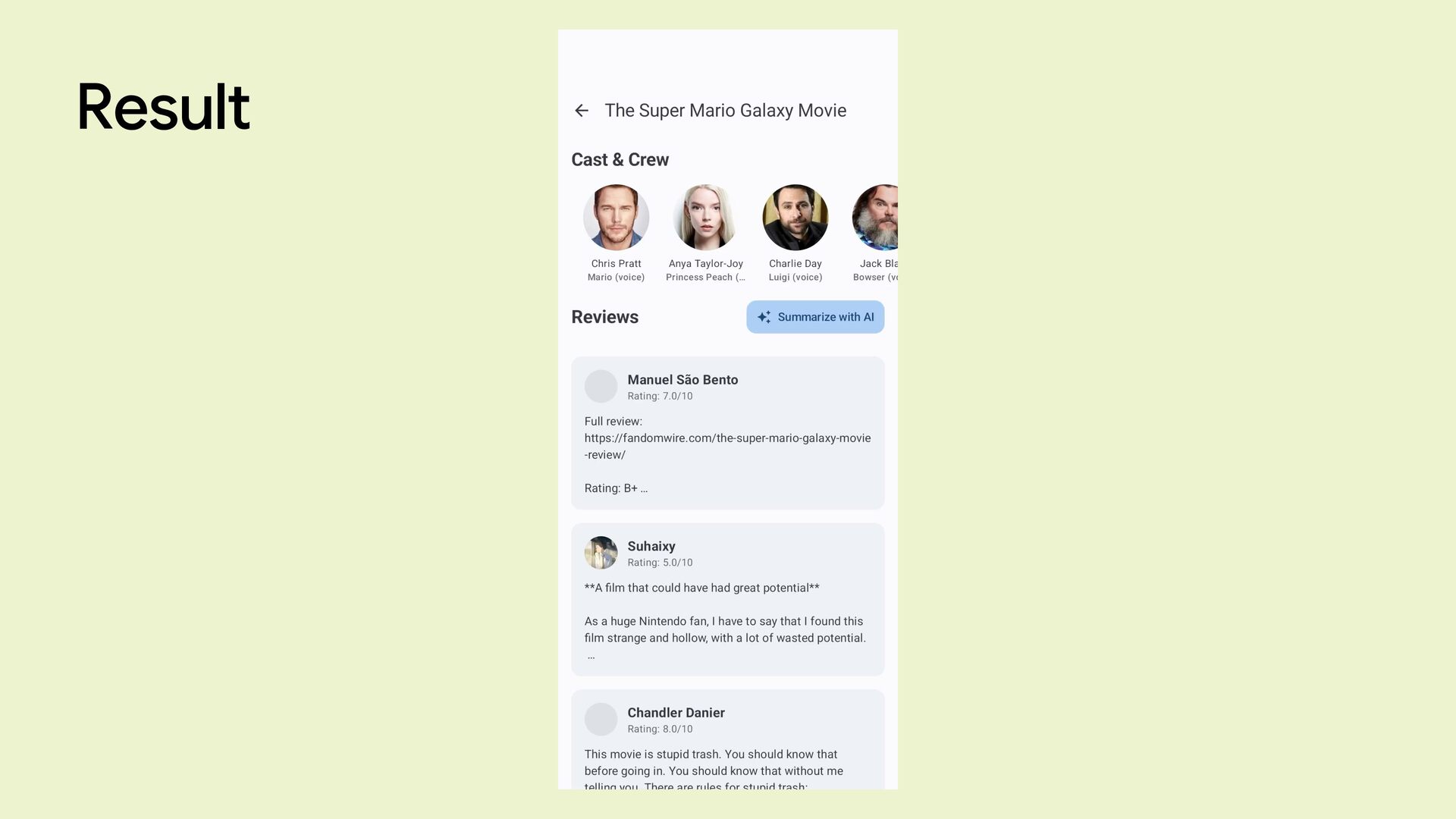
  10. How to use it Let’s take a movie application where

    users can see trailers and read infos and reviews about a movie.
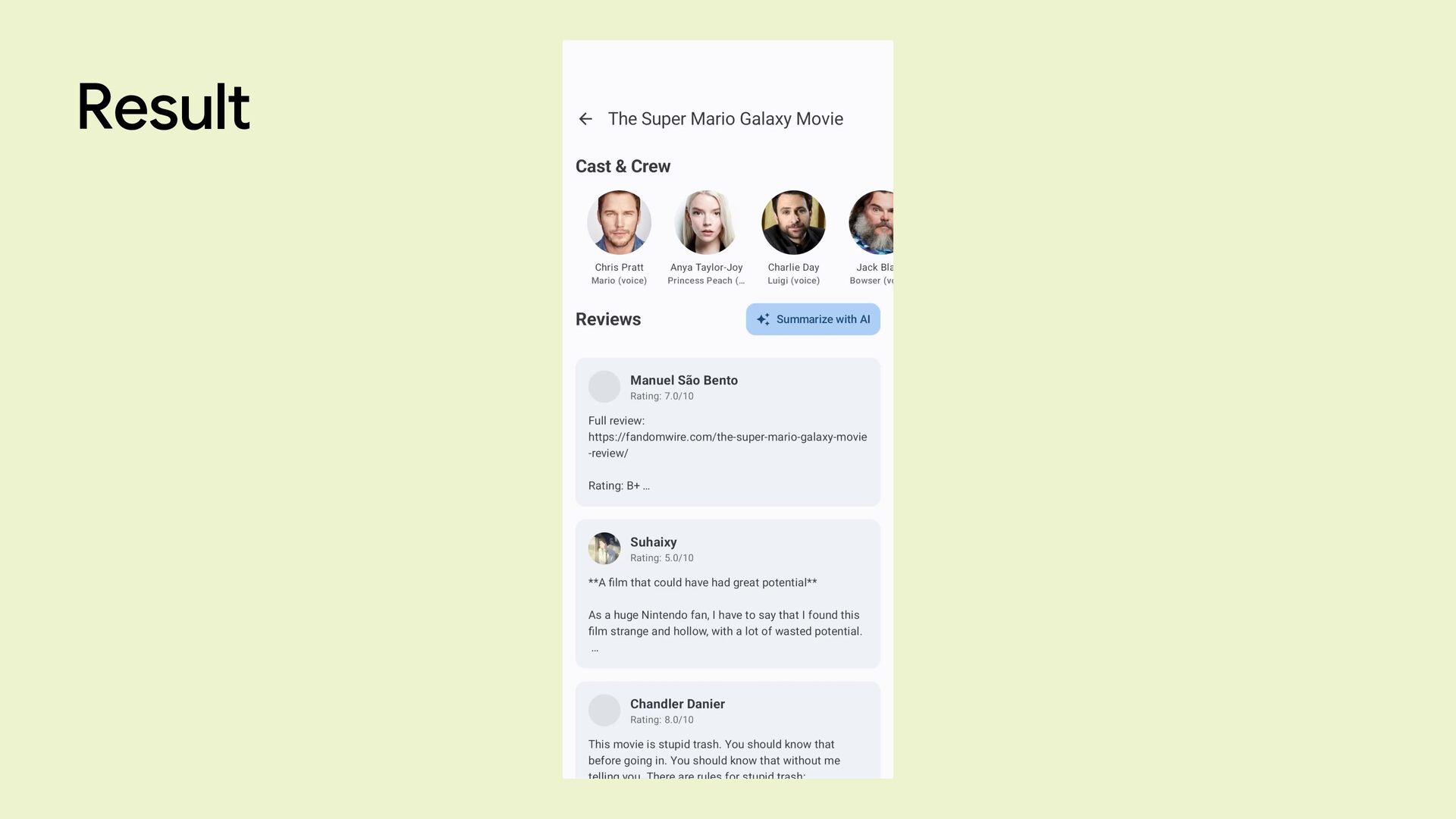
  11. How to use it Imagine we want to use AI

    su summarize all the reviews of a single movie using local models.
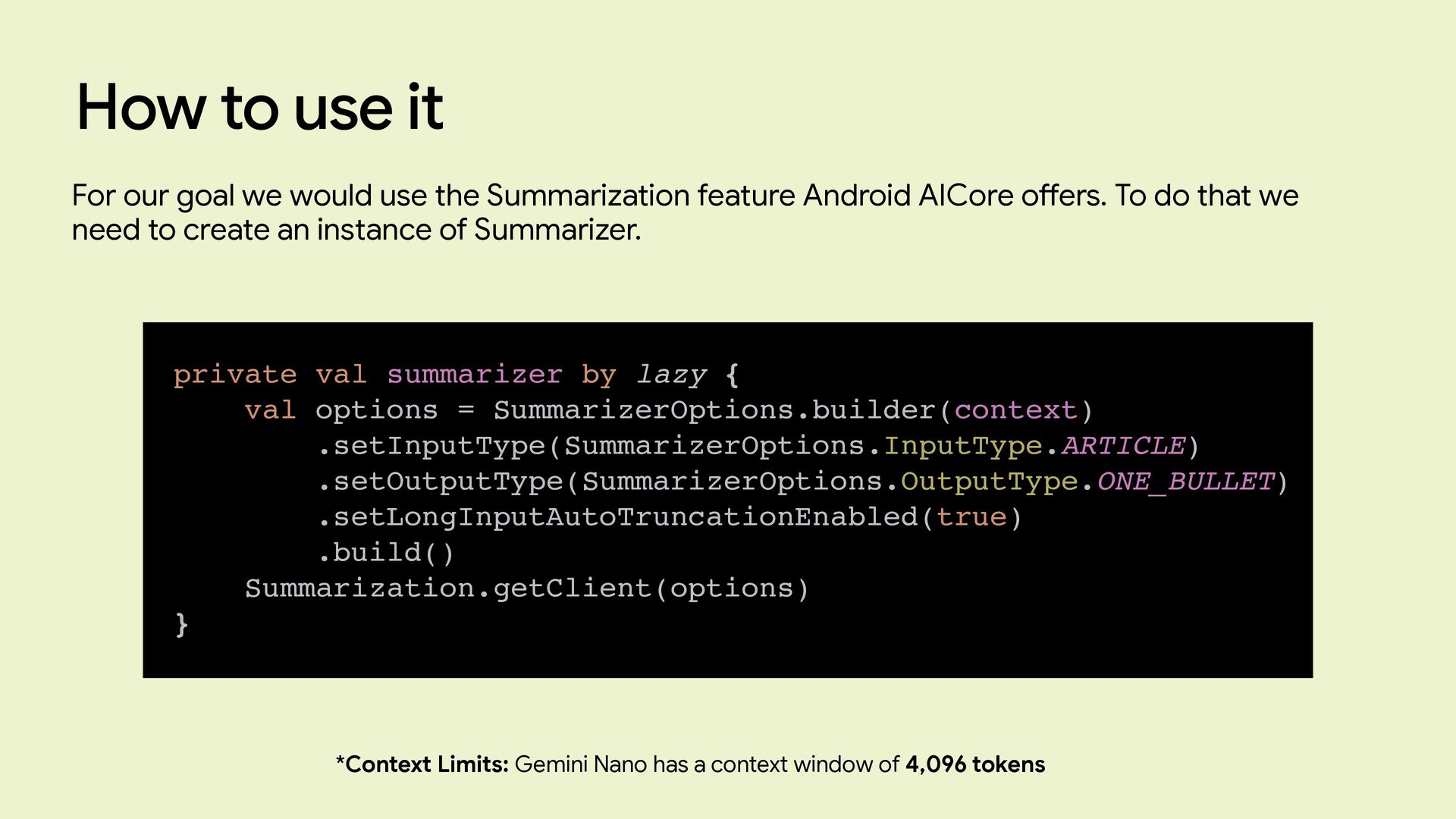
  12. How to use it private val summarizer by lazy {

    val options = SummarizerOptions.builder(context) .setInputType(SummarizerOptions.InputType.ARTICLE) .setOutputType(SummarizerOptions.OutputType.ONE_BULLET) .setLongInputAutoTruncationEnabled(true) .build() Summarization.getClient(options) } For our goal we would use the Summarization feature Android AICore o ff ers. To do that we need to create an instance of Summarizer. *Context Limits: Gemini Nano has a context window of 4,096 tokens
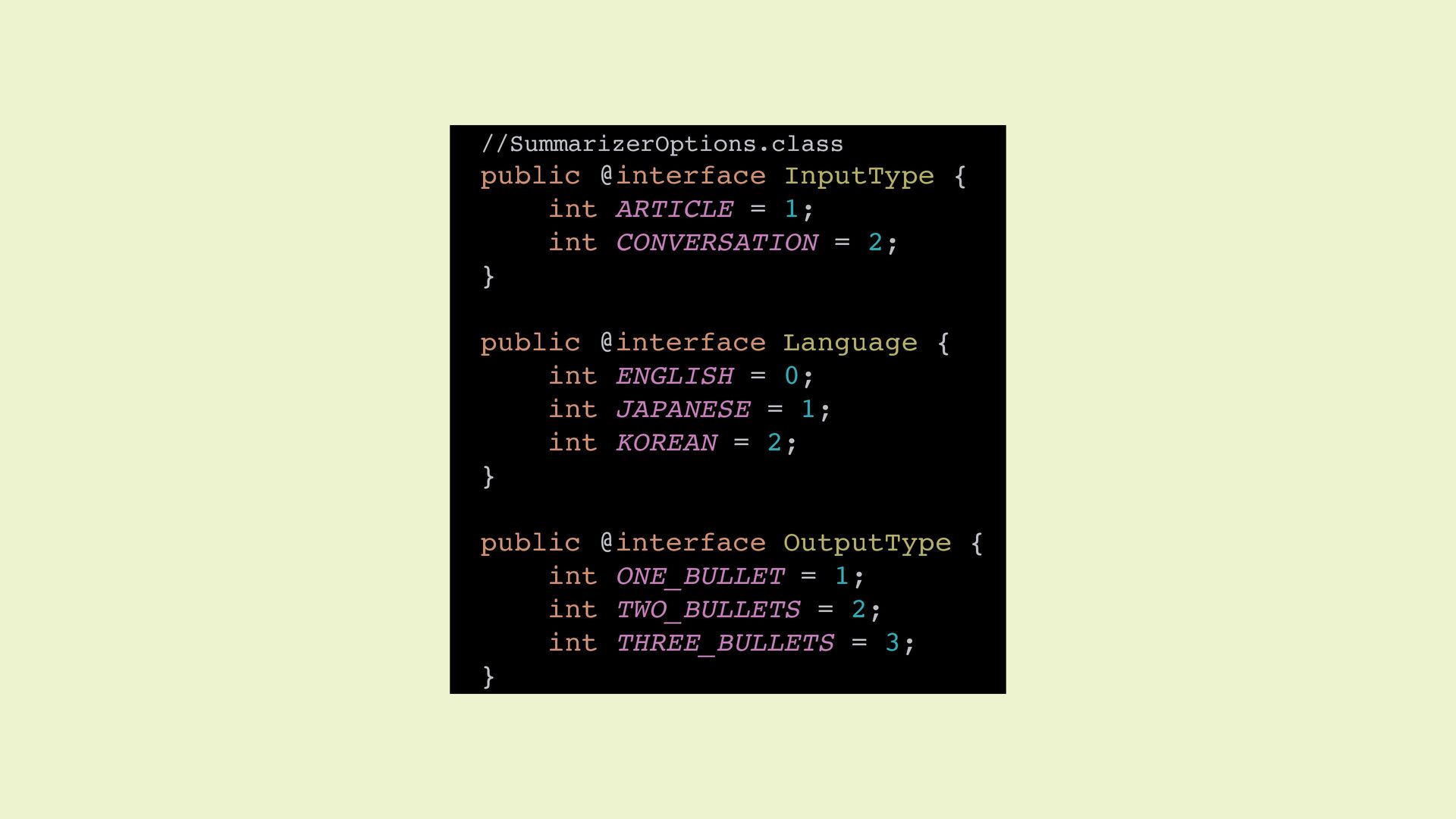
  13. //SummarizerOptions.class public @interface InputType { int ARTICLE = 1; int

    CONVERSATION = 2; } public @interface Language { int ENGLISH = 0; int JAPANESE = 1; int KOREAN = 2; } public @interface OutputType { int ONE_BULLET = 1; int TWO_BULLETS = 2; int THREE_BULLETS = 3; }
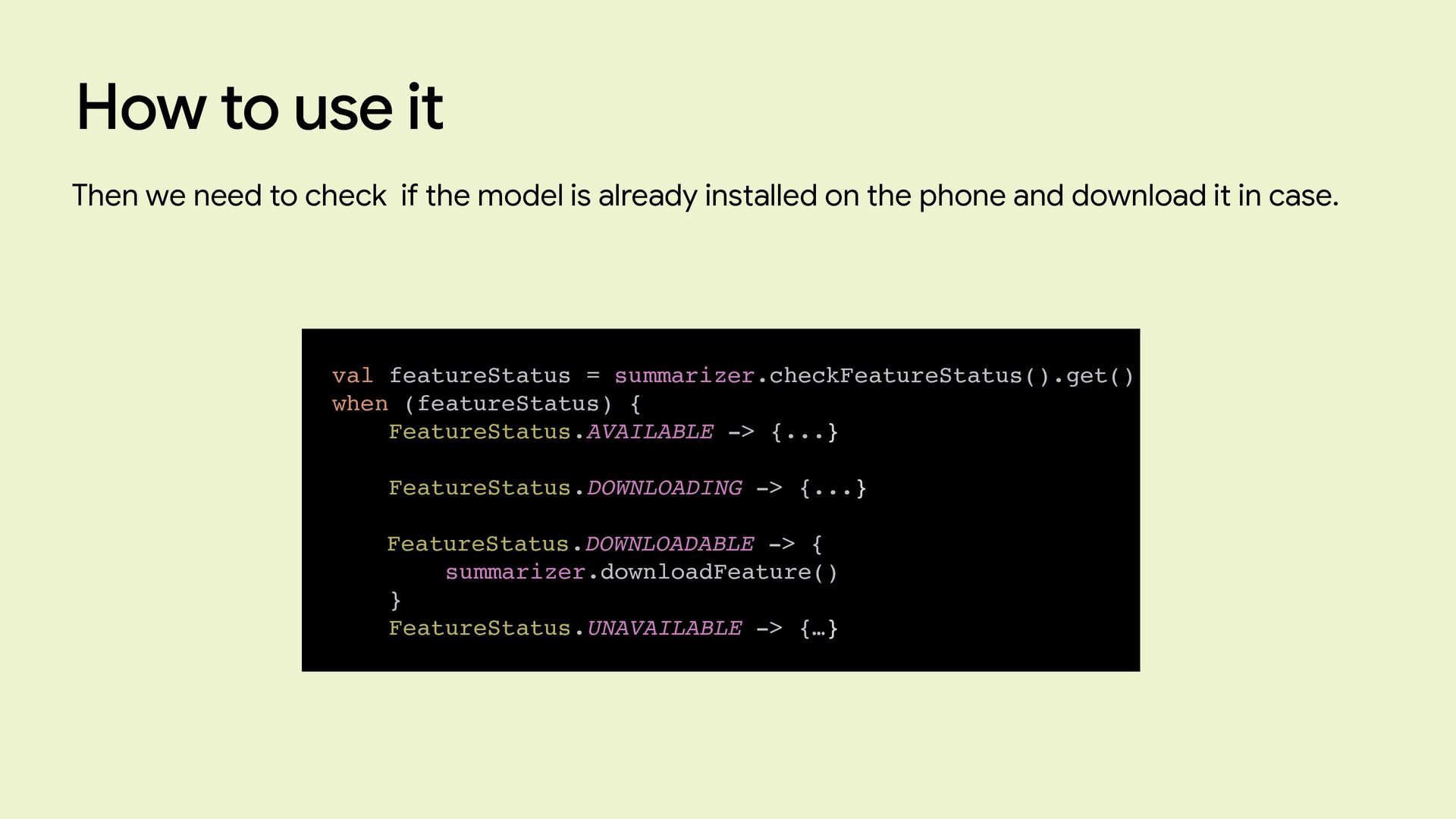
  14. How to use it val featureStatus = summarizer.checkFeatureStatus().get() when (featureStatus)

    { FeatureStatus.AVAILABLE -> {...} FeatureStatus.DOWNLOADING -> {...} FeatureStatus.DOWNLOADABLE -> { summarizer.downloadFeature() } FeatureStatus.UNAVAILABLE -> {…} Then we need to check if the model is already installed on the phone and download it in case.
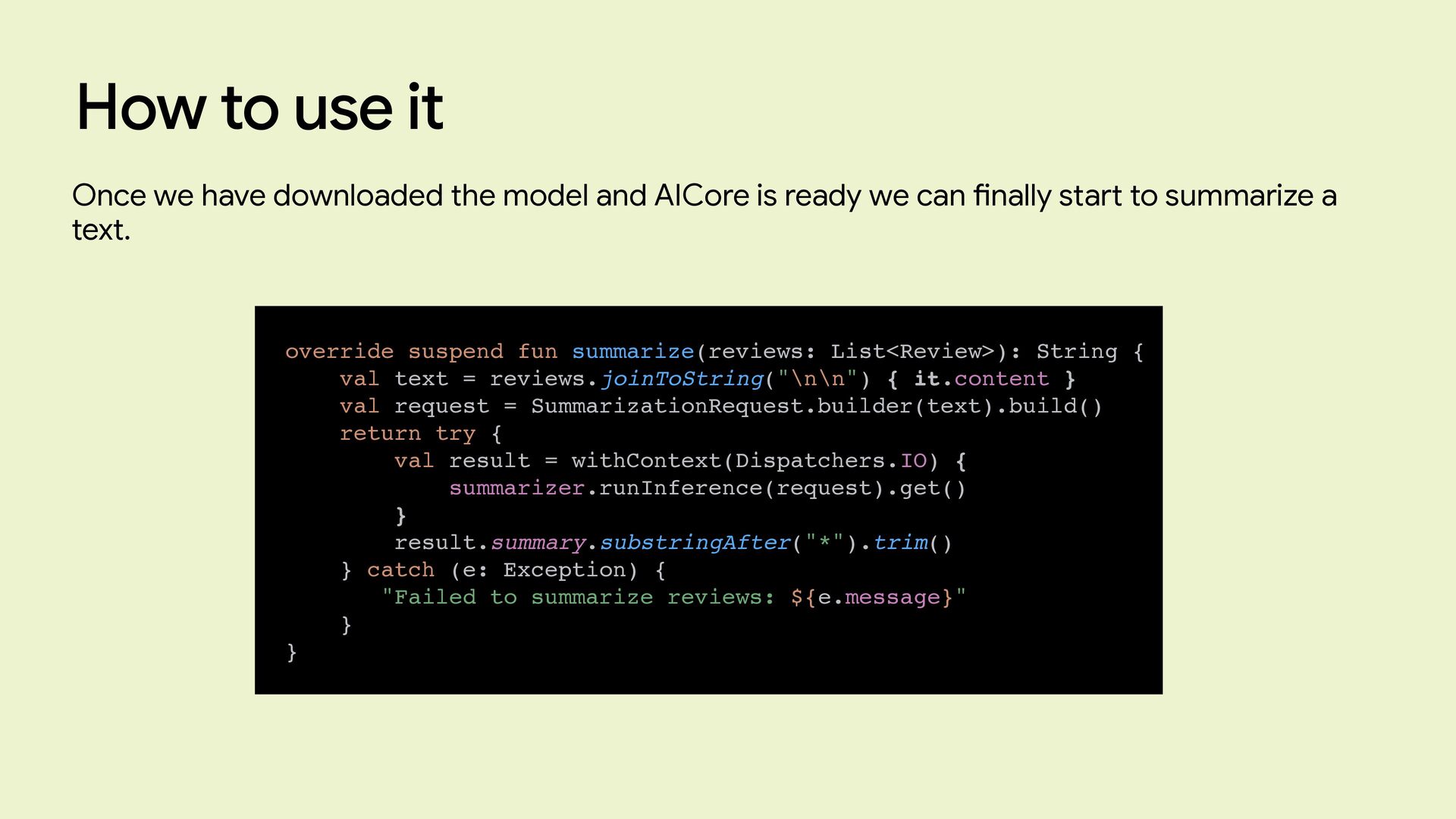
  15. How to use it override suspend fun summarize(reviews: List<Review>): String

    { val text = reviews.joinToString("\n\n") { it.content } val request = SummarizationRequest.builder(text).build() return try { val result = withContext(Dispatchers.IO) { summarizer.runInference(request).get() } result.summary.substringAfter("*").trim() } catch (e: Exception) { "Failed to summarize reviews: ${e.message}" } } Once we have downloaded the model and AICore is ready we can fi nally start to summarize a text.
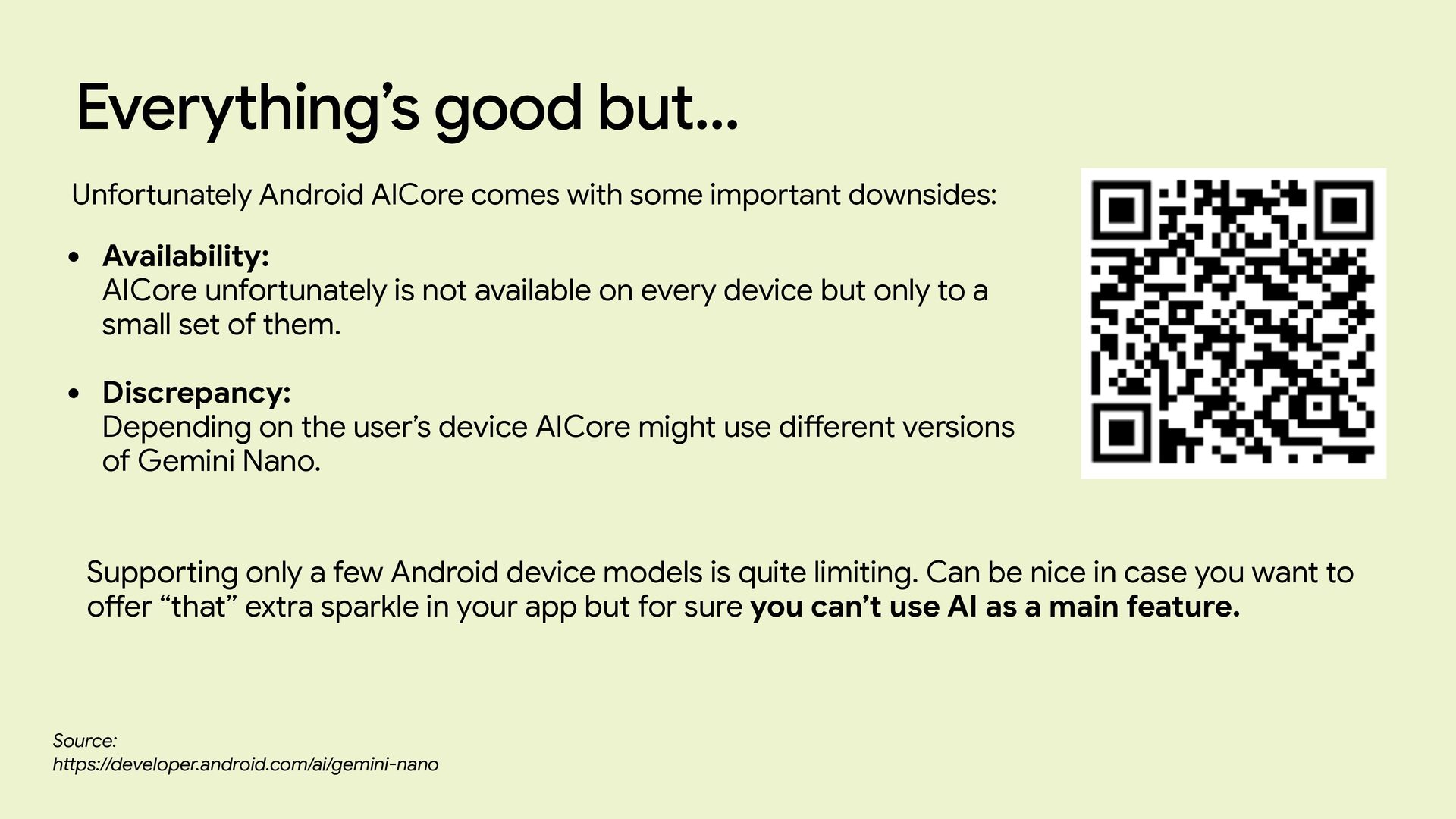
  16. Everything’s good but… Unfortunately Android AICore comes with some important

    downsides: • Availability: AICore unfortunately is not available on every device but only to a small set of them. • Discrepancy: Depending on the user’s device AICore might use di ff erent versions of Gemini Nano. Supporting only a few Android device models is quite limiting. Can be nice in case you want to o ff er “that” extra sparkle in your app but for sure you can’t use AI as a main feature. Source: h tt ps://developer.android.com/ai/gemini-nano
  17. Google AI Edge Google AI Edge is Google's o ff

    i cial suite of tools, SDKs, and runtimes designed to enable developers to run Machine Learning and Arti fi cial Intelligence models directly on end-user devices (on-device / on edge), such as smartphones (Android and iOS), web browsers, PCs, and embedded systems. Source: h tt ps://ai.google.dev/edge
  18. LiteRT-LM Source: h tt ps://ai.google.dev/edge/litert-lm LiteRT-LM is a framework optimized

    to run Language Models on device. • KV-Cache Management: Prevents the smartphone from recalculating the entire chat history with every new typed word by saving context data in memory. • Tokenization: Automatically converts user text into numbers (tokens). • Multimodality: Natively supports combined input of text, images, and audio directly on-device. • And more…
  19. How to use it Di ff erently from Android Ai

    Core, in this case the user (or the app) is responsible for downloading the model. For this example we will use Gemma 4 E2B.
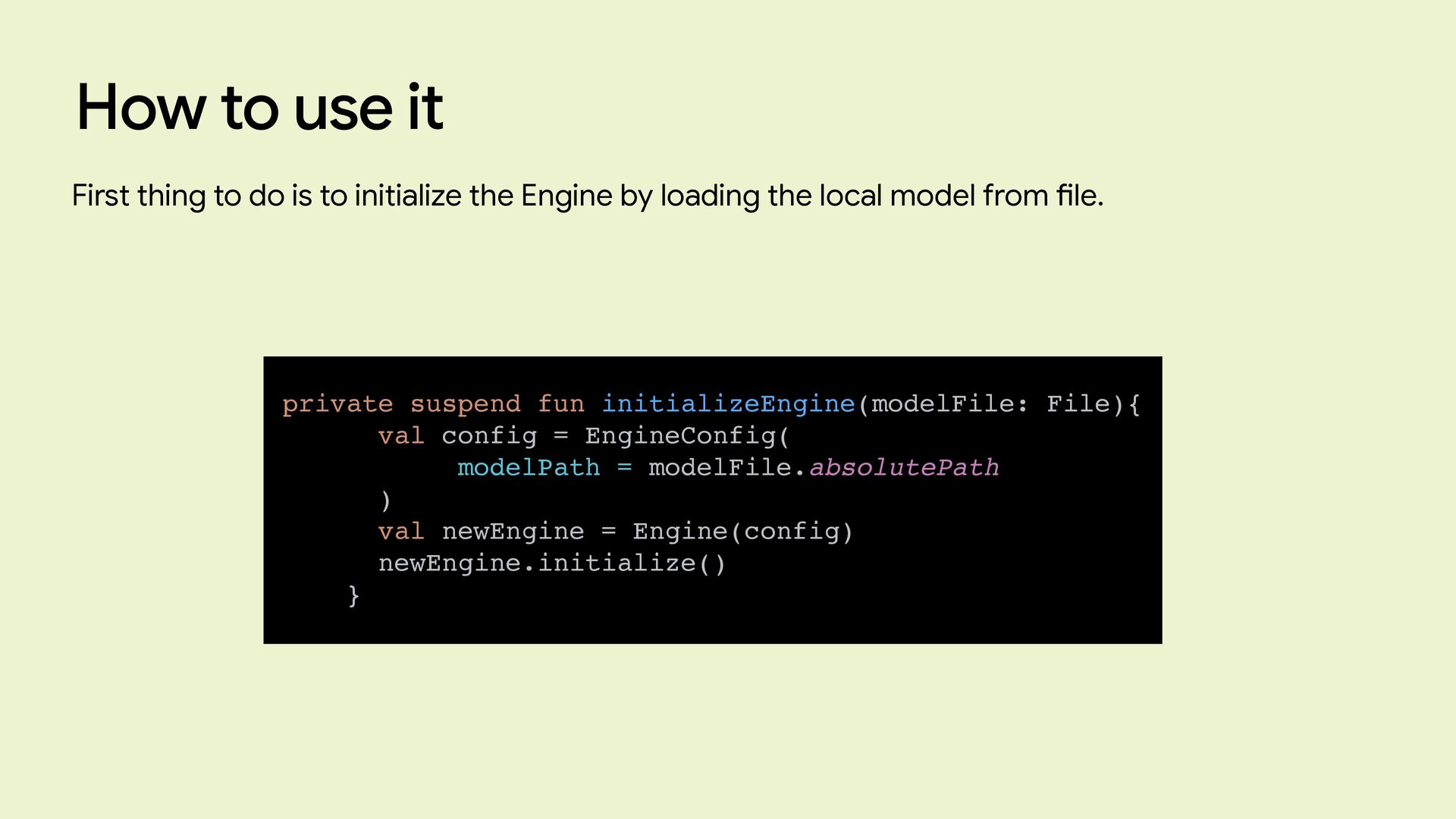
  20. How to use it private suspend fun initializeEngine(modelFile: File){ val

    config = EngineConfig( modelPath = modelFile.absolutePath ) val newEngine = Engine(config) newEngine.initialize() } First thing to do is to initialize the Engine by loading the local model from fi le.
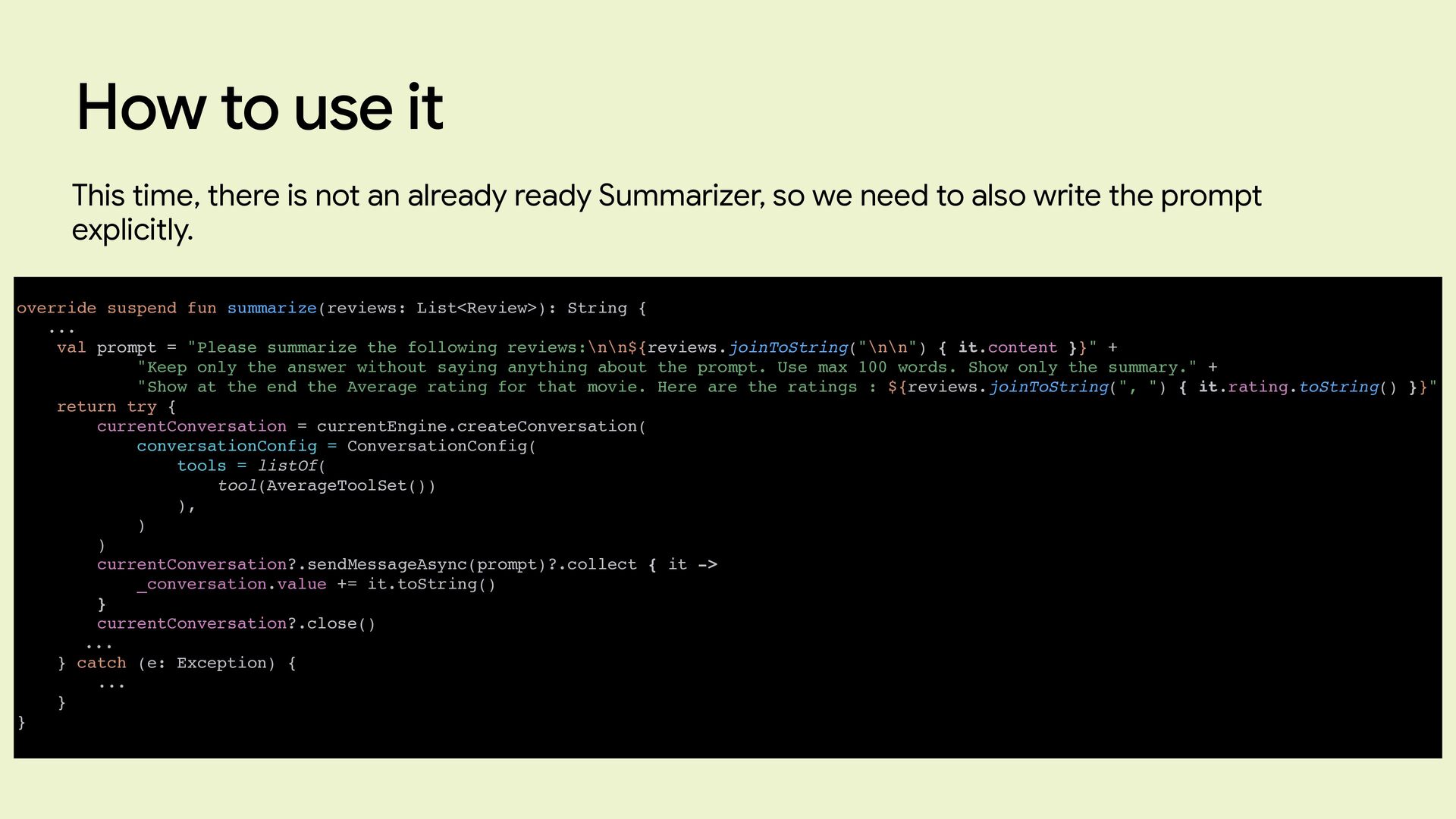
  21. How to use it override suspend fun summarize(reviews: List<Review>): String

    { ... val prompt = "Please summarize the following reviews:\n\n${reviews.joinToString("\n\n") { it.content }}" + "Keep only the answer without saying anything about the prompt. Use max 100 words. Show only the summary." + "Show at the end the Average rating for that movie. Here are the ratings : ${reviews.joinToString(", ") { it.rating.toString() }}" return try { currentConversation = currentEngine.createConversation( conversationConfig = ConversationConfig( tools = listOf( tool(AverageToolSet()) ), ) ) currentConversation?.sendMessageAsync(prompt)?.collect { it -> _conversation.value += it.toString() } currentConversation?.close() ... } catch (e: Exception) { ... } } This time, there is not an already ready Summarizer, so we need to also write the prompt explicitly.
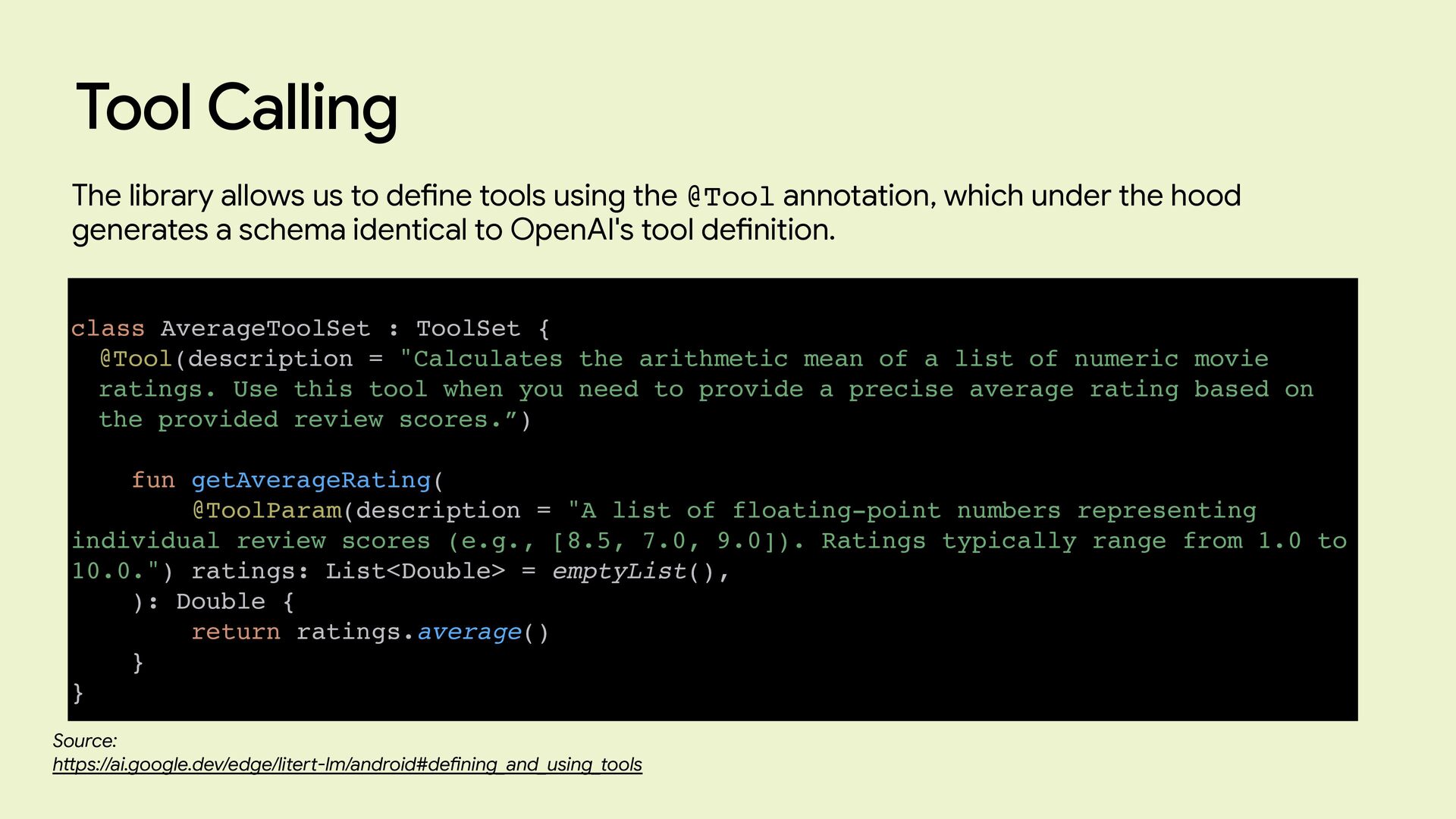
  22. Tool Calling The library allows us to de fi ne

    tools using the @Tool annotation, which under the hood generates a schema identical to OpenAI's tool de fi nition. class AverageToolSet : ToolSet { @Tool(description = "Calculates the arithmetic mean of a list of numeric movie ratings. Use this tool when you need to provide a precise average rating based on the provided review scores.”) fun getAverageRating( @ToolParam(description = "A list of floating-point numbers representing individual review scores (e.g., [8.5, 7.0, 9.0]). Ratings typically range from 1.0 to 10.0.") ratings: List<Double> = emptyList(), ): Double { return ratings.average() } } Source: h tt ps://ai.google.dev/edge/litert-lm/android#de fi ning_and_using_tools
  23. Again, this all seems great, but... By integrating a local

    model into our app, we solved the cross-device availability issue of Android AICore. However, in doing so, we introduced a new challenge: the model has to be downloaded, and it's not light. The Gemma 4 E2B model is over 2GB. To convince a user to download that much data, you need a highly compelling use case certainly not just summarizing movie reviews. In the medical fi eld, however, this approach makes perfect sense. Patient privacy is paramount, making it entirely reasonable to accept a massive app footprint in exchange for a fully local model.
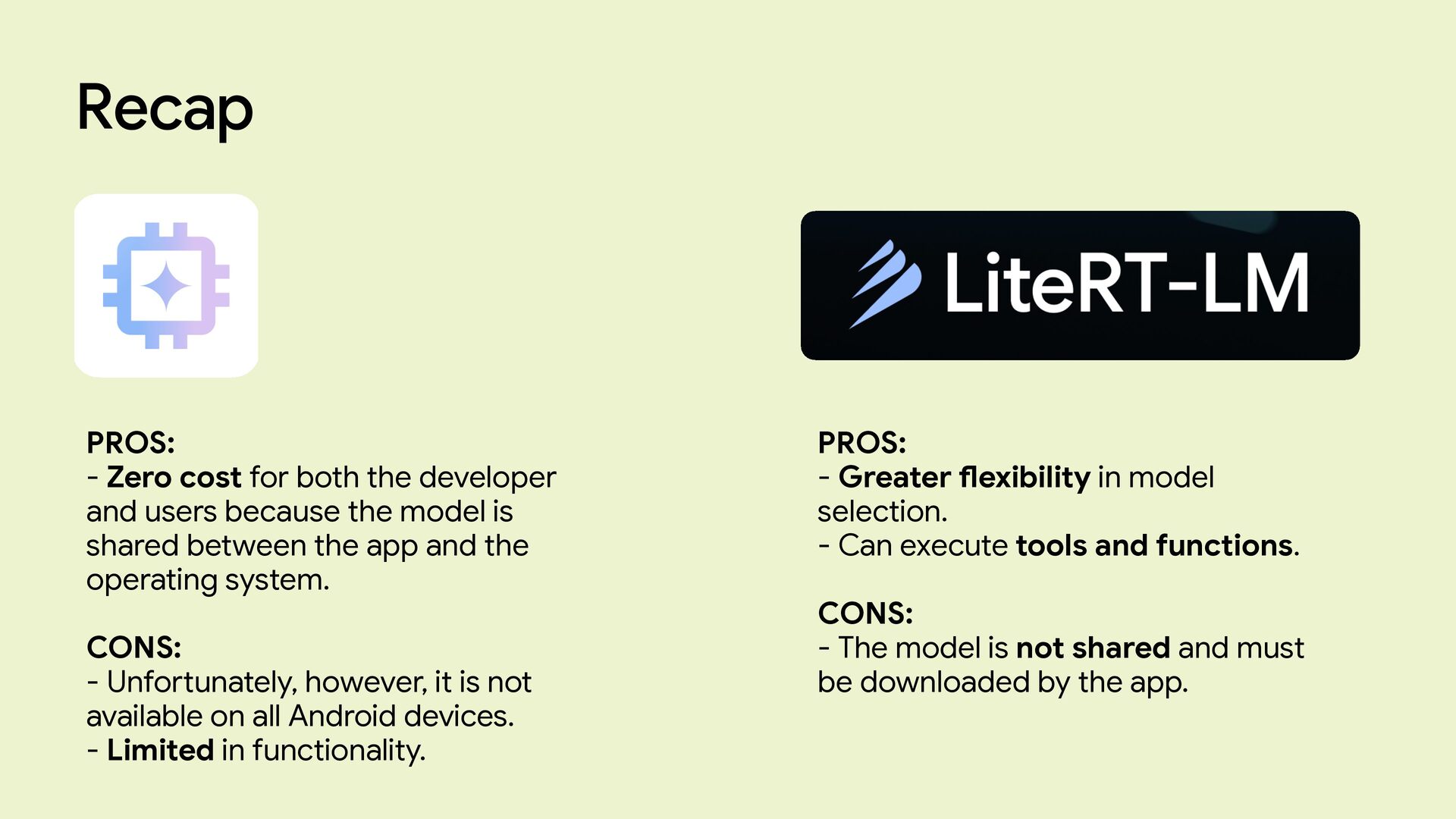
  24. PROS: - Zero cost for both the developer and users

    because the model is shared between the app and the operating system. CONS: - Unfortunately, however, it is not available on all Android devices. - Limited in functionality. Recap PROS: - Greater fl exibility in model selection. - Can execute tools and functions. CONS: - The model is not shared and must be downloaded by the app.
  25. What’s next Source: h tt ps://developer.android.com/ai During last I/O, Google

    announced that Android is moving from a classic Operating system to a Intelligence System. This means there will be a more focus on the agentic side.
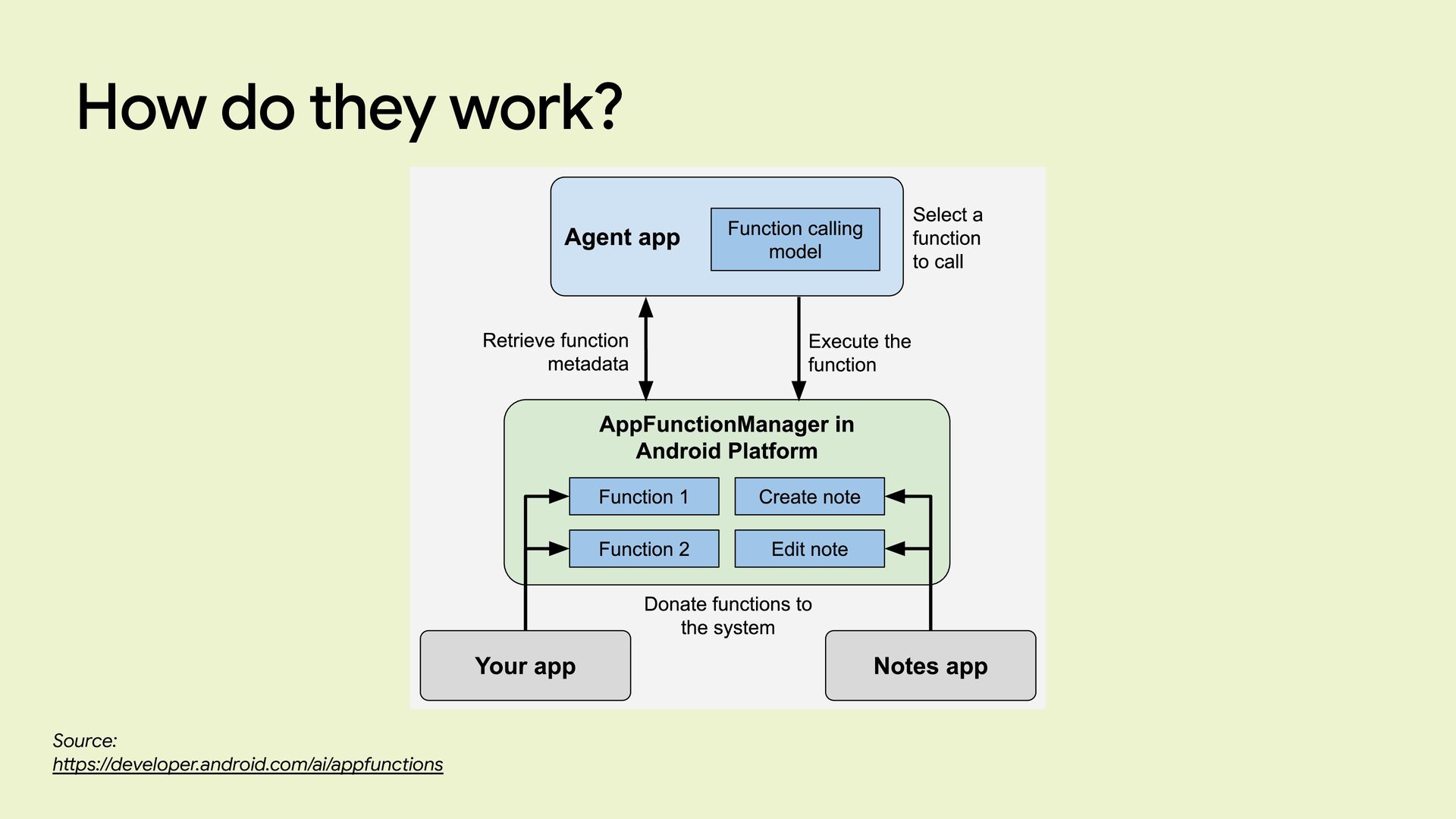
  26. AppFunctions Source: h tt ps://developer.android.com/ai/appfunctions “AppFunctions serve as the mobile

    equivalent of tools within the Model Context Protocol (MCP). While MCP traditionally standardizes how agents connect to server-side tools, AppFunctions provide the same mechanism for Android apps. This lets you expose your app's capabilities as orchestratable "tools" that authorized apps (callers) can discover and execute to ful fi ll user intents. “
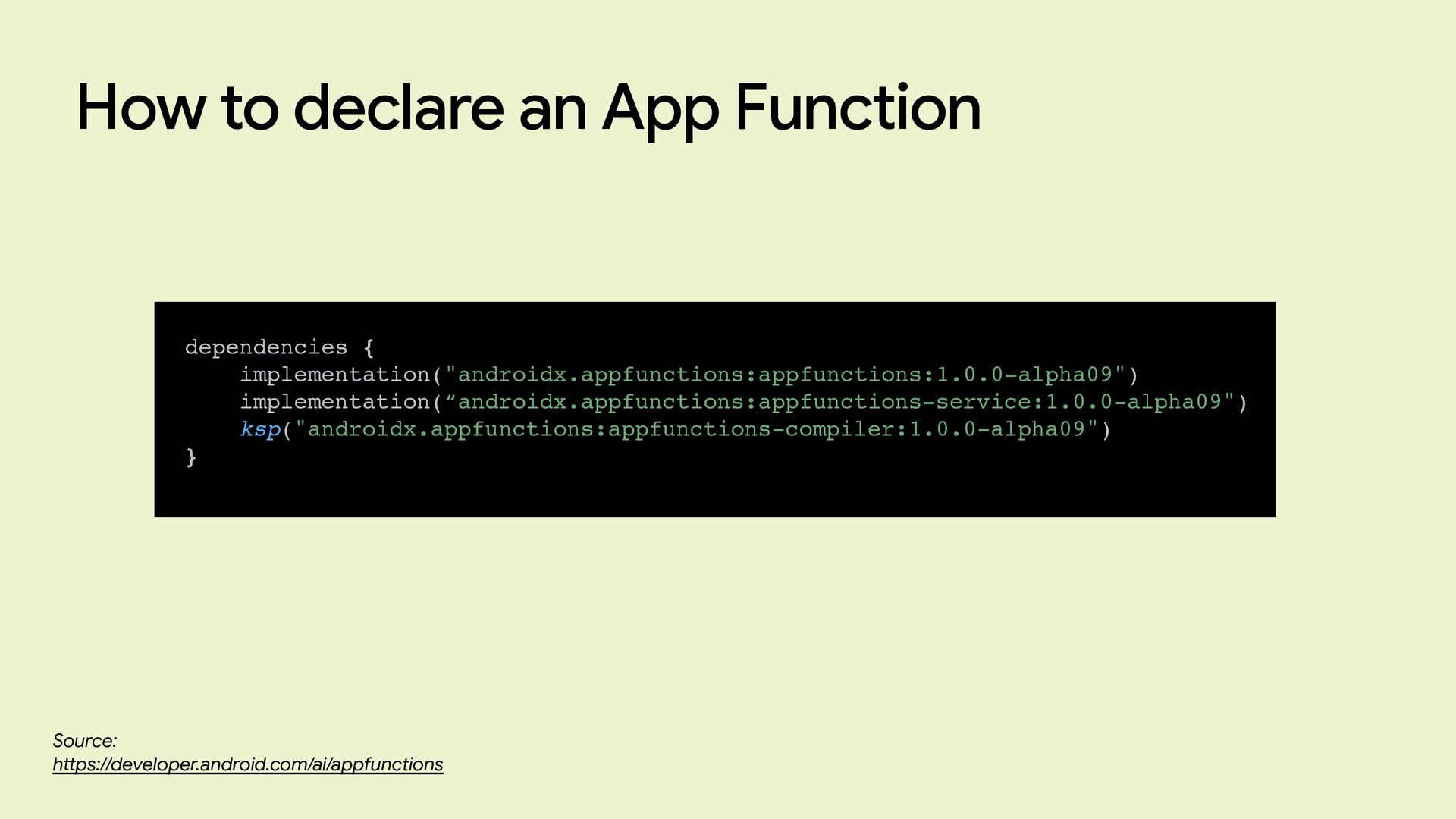
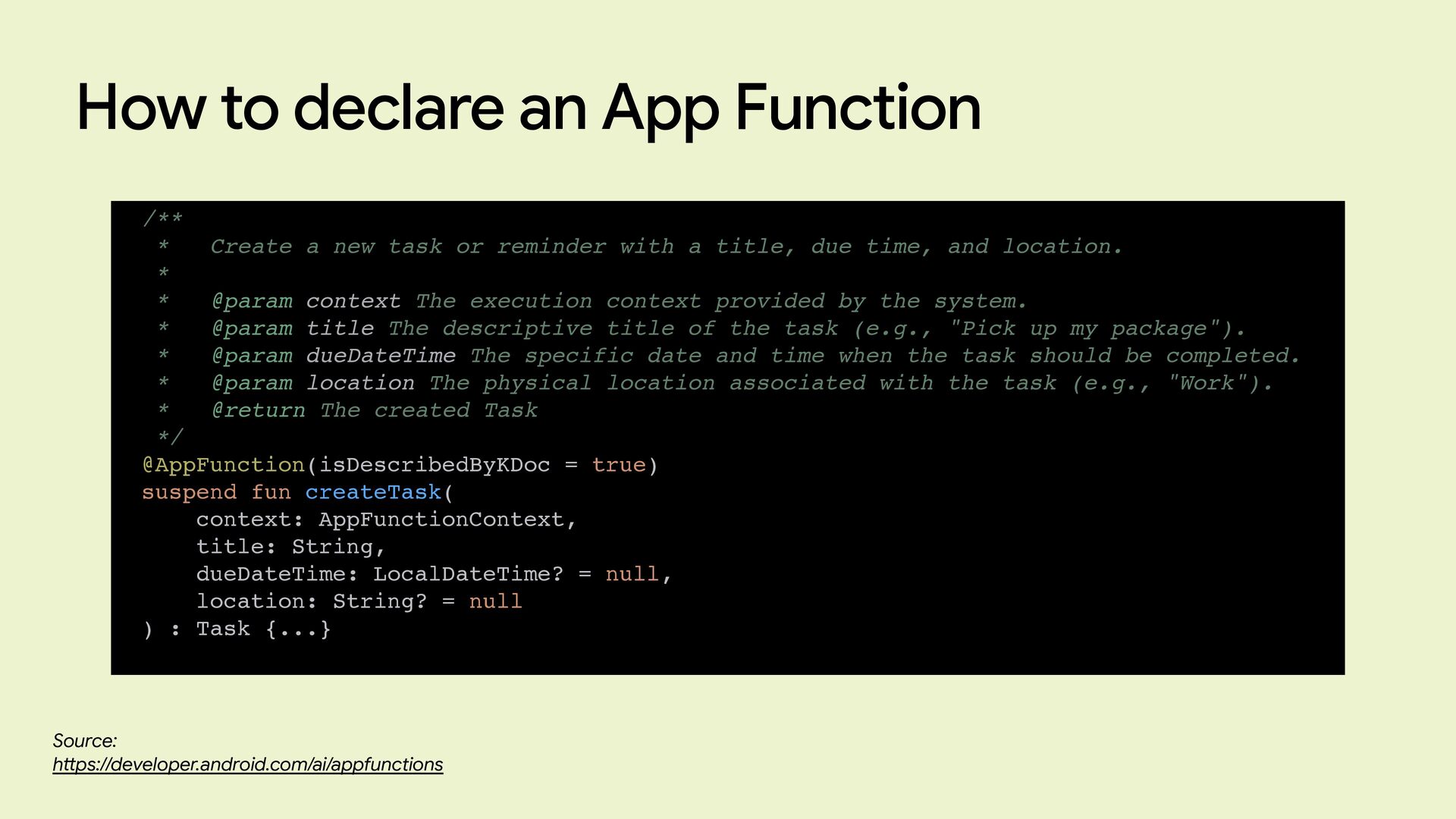
  27. How to declare an App Function Source: h tt ps://developer.android.com/ai/appfunctions

    dependencies { implementation("androidx.appfunctions:appfunctions:1.0.0-alpha09") implementation(“androidx.appfunctions:appfunctions-service:1.0.0-alpha09") ksp("androidx.appfunctions:appfunctions-compiler:1.0.0-alpha09") }
  28. How to declare an App Function Source: h tt ps://developer.android.com/ai/appfunctions

    /** * Create a new task or reminder with a title, due time, and location. * * @param context The execution context provided by the system. * @param title The descriptive title of the task (e.g., "Pick up my package"). * @param dueDateTime The specific date and time when the task should be completed. * @param location The physical location associated with the task (e.g., "Work"). * @return The created Task */ @AppFunction(isDescribedByKDoc = true) suspend fun createTask( context: AppFunctionContext, title: String, dueDateTime: LocalDateTime? = null, location: String? = null ) : Task {...}
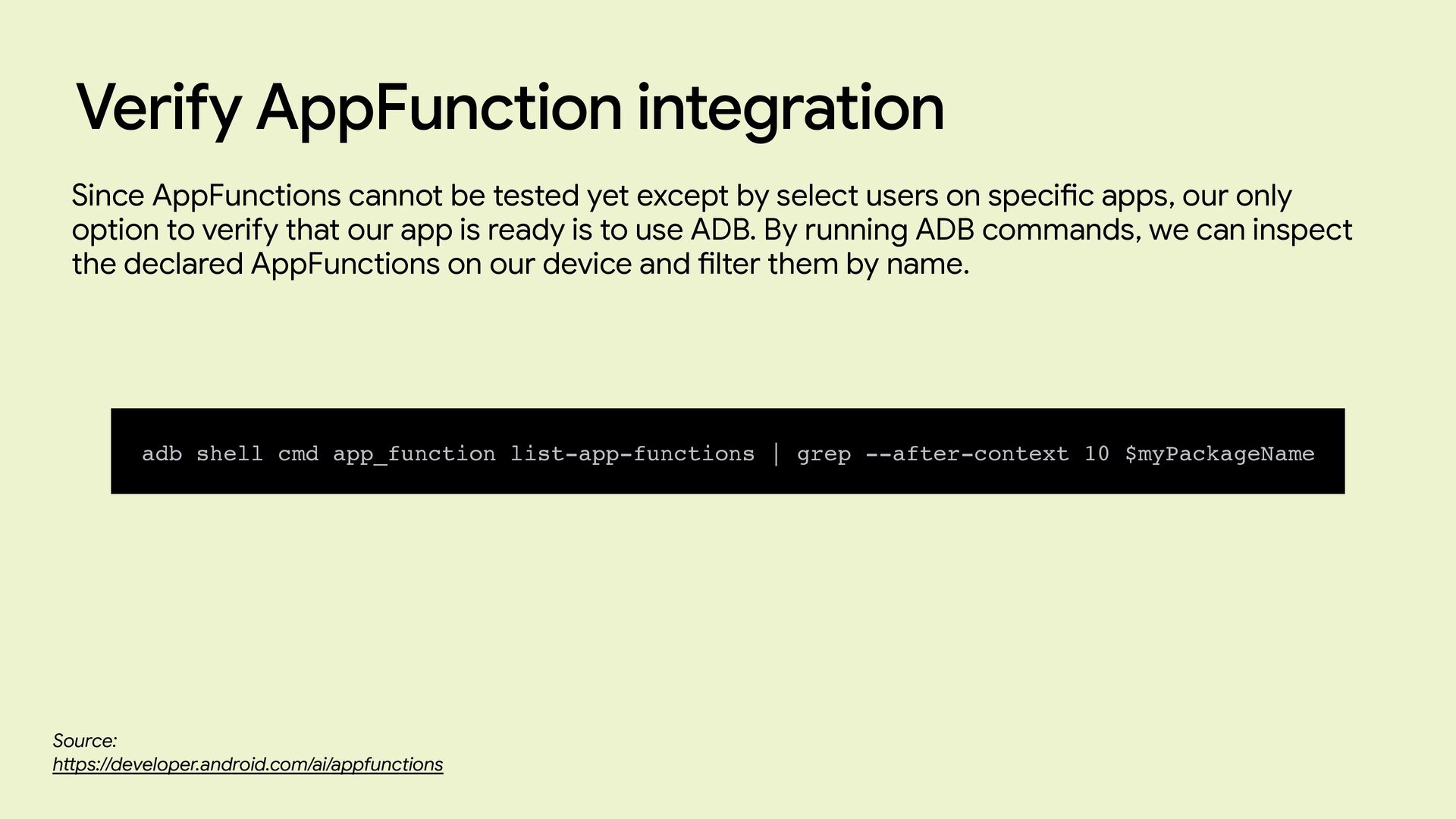
  29. Verify AppFunction integration Source: h tt ps://developer.android.com/ai/appfunctions adb shell cmd

    app_function list-app-functions | grep --after-context 10 $myPackageName Since AppFunctions cannot be tested yet except by select users on speci fi c apps, our only option to verify that our app is ready is to use ADB. By running ADB commands, we can inspect the declared AppFunctions on our device and fi lter them by name.
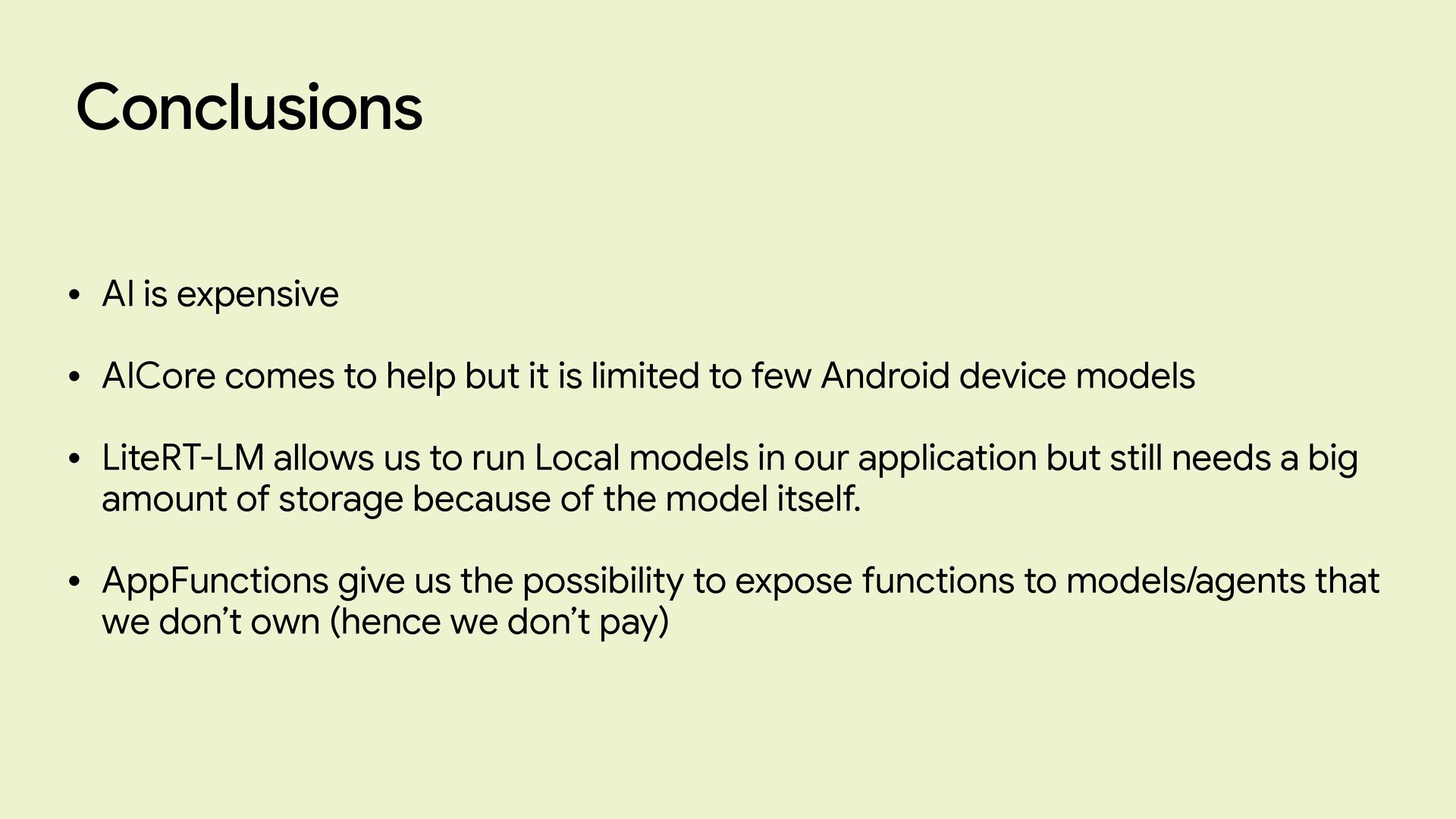
  30. Conclusions • AI is expensive • AICore comes to help

    but it is limited to few Android device models • LiteRT-LM allows us to run Local models in our application but still needs a big amount of storage because of the model itself. • AppFunctions give us the possibility to expose functions to models/agents that we don’t own (hence we don’t pay)