Share some of the techniques I use to help people learn vulnerabilities. Go over the vulnerabilities people have the hardest time with. Go over some tips for putting that knowledge to use now in bug bounties
used interchangeably, but there’s an important distinction to be made. Penetration tests involve exploiting vulnerabilities in order to show what we can do with them. Vulnerability Assessments, on the other hand, involve finding proof of vulnerabilities, without actually exploiting them. This seems like an academic difference. Who cares? With vulnerability assessments, our learning curve is much more gradual. Bug Bounties want vulnerabilities found, not exploited.
need to be super 1337 and exploit all the things. We just need to find vulnerabilities. So what do we need to know? How to find vulnerabilities Testing safely Presenting the POC
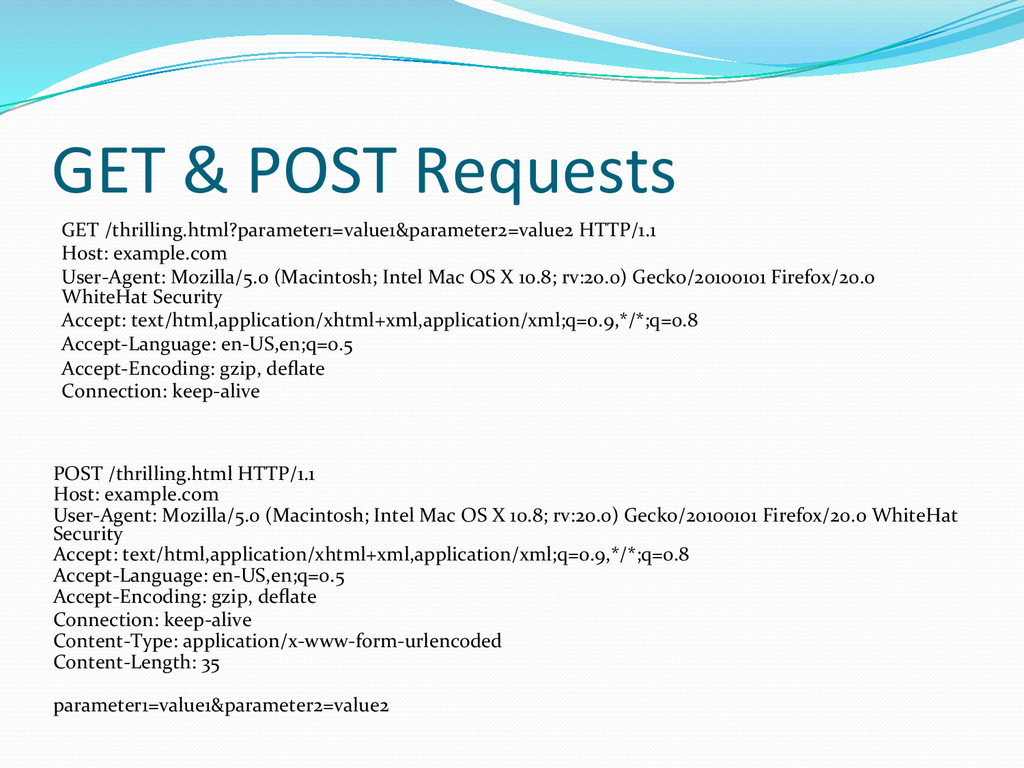
When testing these we’re going to need to look at a lot of raw http requests & responses. Loading up a page in your browser, and then pulling up the source is super tedious. To help with this, we can use a browser proxy to filter all of our traffic through. BURP, Zed Attack Proxy, Web Scarab
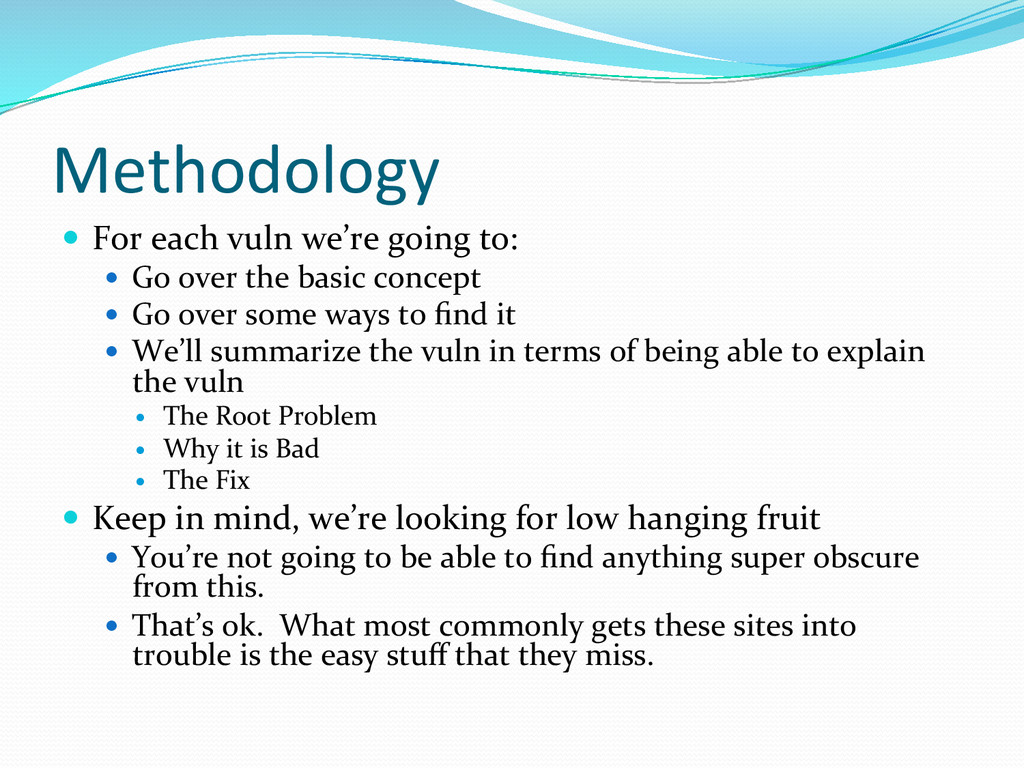
Go over the basic concept Go over some ways to find it We’ll summarize the vuln in terms of being able to explain the vuln The Root Problem Why it is Bad The Fix Keep in mind, we’re looking for low hanging fruit You’re not going to be able to find anything super obscure from this. That’s ok. What most commonly gets these sites into trouble is the easy stuff that they miss.
to find vulnerabilities. Don’t go trying to find vulnerabilities on random websites on the internet. Only test sites that you own, or that you have been given express permission to test. Make sure you follow the guidelines. Don’t exploit vulnerabilities you’ve found on websites you don’t own. People go to jail for doing this. Don’t be one of those people.
to stick some JavaScript into a web page. To do this, we’re going to look for somewhere on the website where there is content that we have control of from the client. Our two most common culprits are: Query Strings POST bodies *Really anything in an HTTP request.
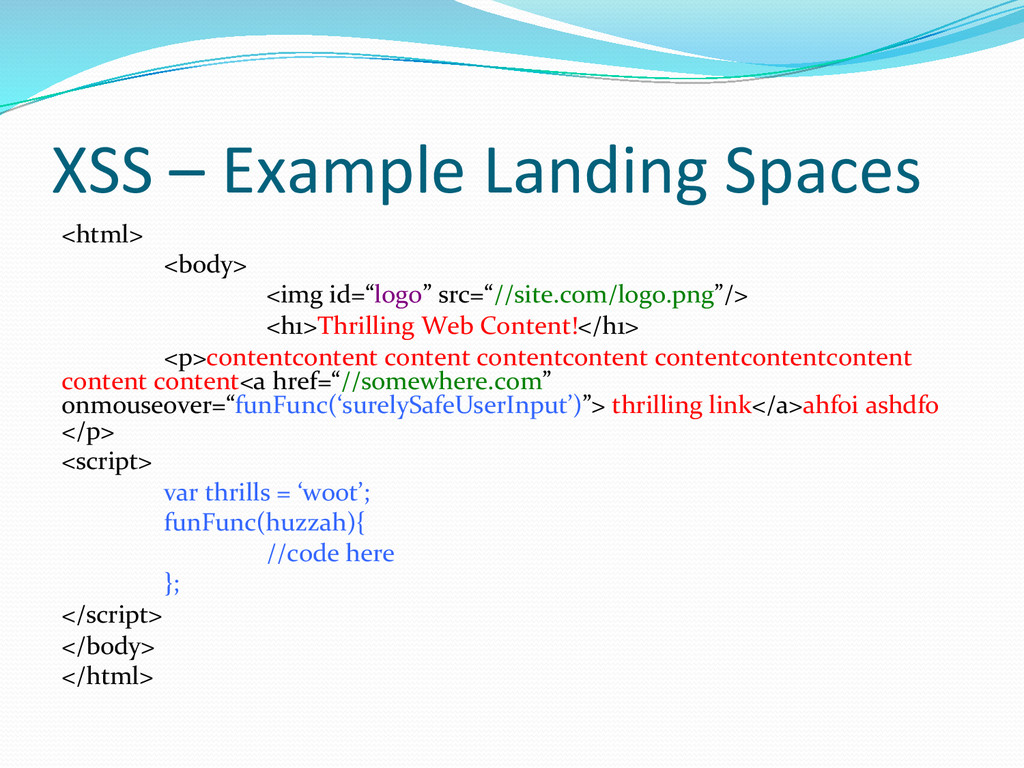
going to depend on where we’re landing on the page. There are going to be four primary spaces that we can land in that allow for different approaches: HTML Text Space Attribute Space Script Space URI Space
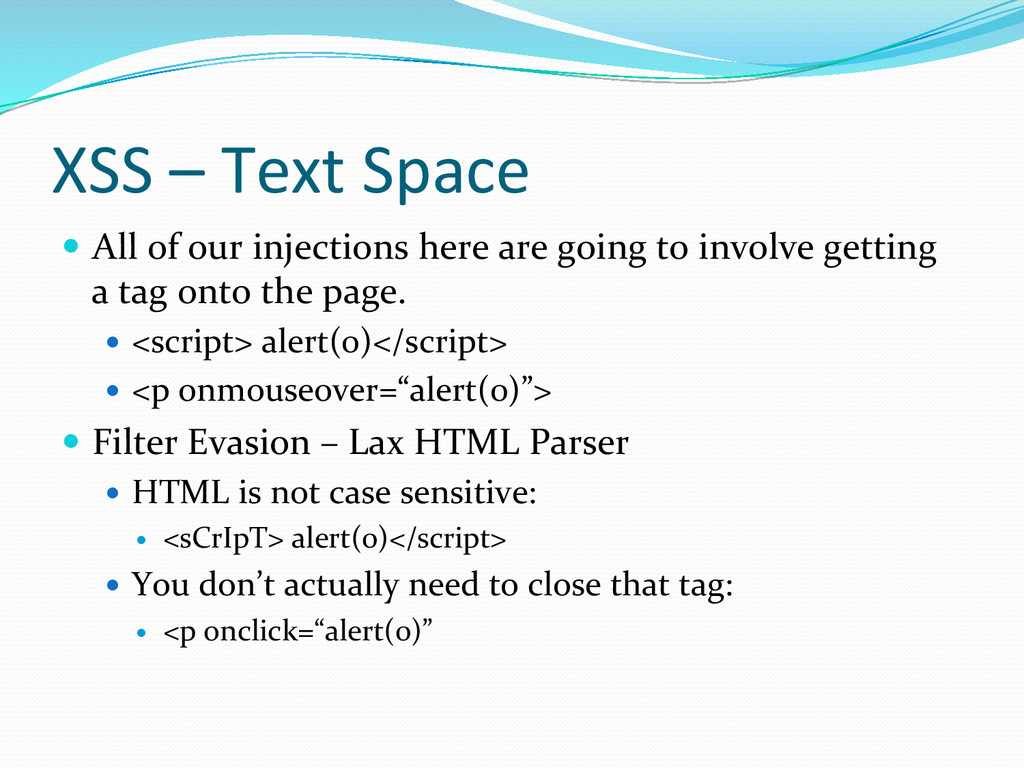
here are going to involve getting a tag onto the page. <script> alert(0)</script> <p onmouseover=“alert(0)”> Filter Evasion – Lax HTML Parser HTML is not case sensitive: <sCrIpT> alert(0)</script> You don’t actually need to close that tag: <p onclick=“alert(0)”
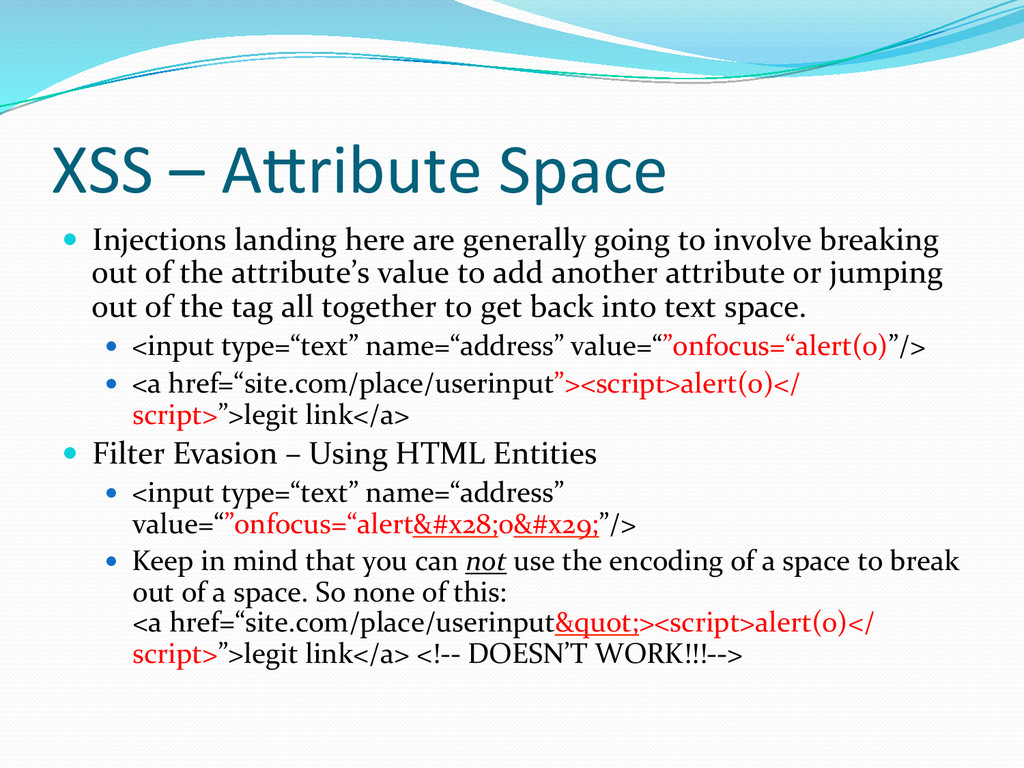
generally going to involve breaking out of the attribute’s value to add another attribute or jumping out of the tag all together to get back into text space. <input type=“text” name=“address” value=“”onfocus=“alert(0)”/> <a href=“site.com/place/userinput”><script>alert(0)</ script>”>legit link</a> Filter Evasion – Using HTML Entities <input type=“text” name=“address” value=“”onfocus=“alert(0)”/> Keep in mind that you can not use the encoding of a space to break out of a space. So none of this: <a href=“site.com/place/userinput"><script>alert(0)</ script>”>legit link</a> <!-‐-‐ DOESN’T WORK!!!-‐-‐>
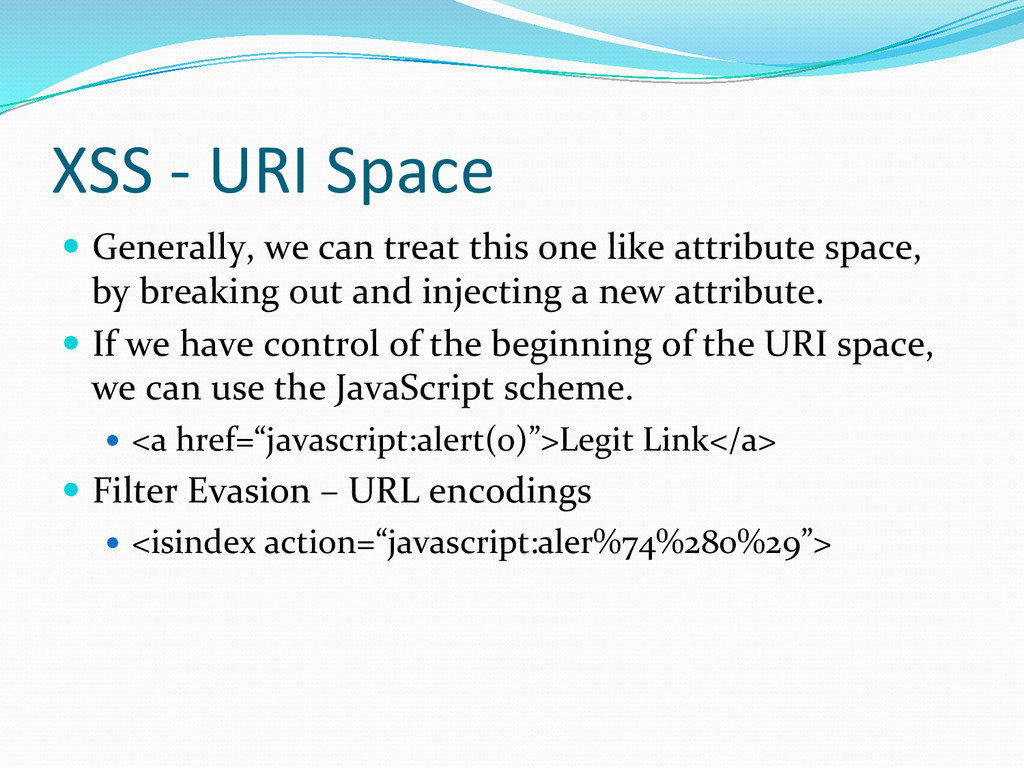
this one like attribute space, by breaking out and injecting a new attribute. If we have control of the beginning of the URI space, we can use the JavaScript scheme. <a href=“javascript:alert(0)”>Legit Link</a> Filter Evasion – URL encodings <isindex action=“javascript:aler%74%280%29”>
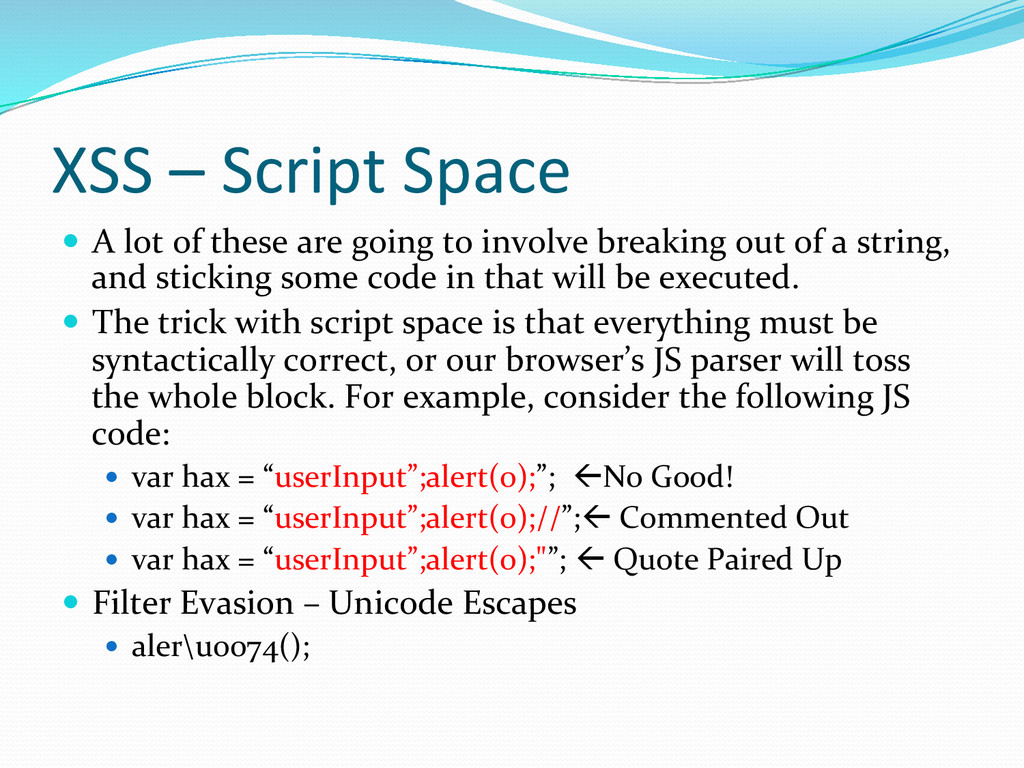
are going to involve breaking out of a string, and sticking some code in that will be executed. The trick with script space is that everything must be syntactically correct, or our browser’s JS parser will toss the whole block. For example, consider the following JS code: var hax = “userInput”;alert(0);”; ßNo Good! var hax = “userInput”;alert(0);//”;ß Commented Out var hax = “userInput”;alert(0);"”; ß Quote Paired Up Filter Evasion – Unicode Escapes aler\u0074();
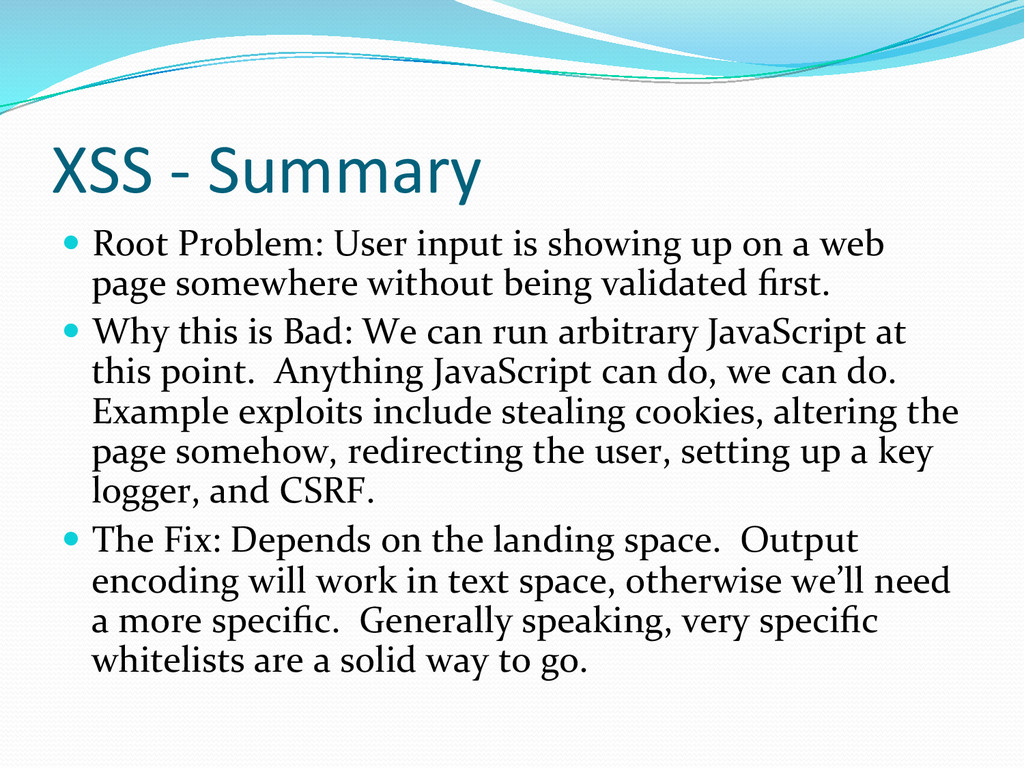
showing up on a web page somewhere without being validated first. Why this is Bad: We can run arbitrary JavaScript at this point. Anything JavaScript can do, we can do. Example exploits include stealing cookies, altering the page somehow, redirecting the user, setting up a key logger, and CSRF. The Fix: Depends on the landing space. Output encoding will work in text space, otherwise we’ll need a more specific. Generally speaking, very specific whitelists are a solid way to go.
there’s something that must be cleared up: How does one pronounce “CSRF”. There are three primary camps: Say each letter: C-‐S-‐R-‐F Slur it all together: Sea Surf Make it like XSS: XSRF 22
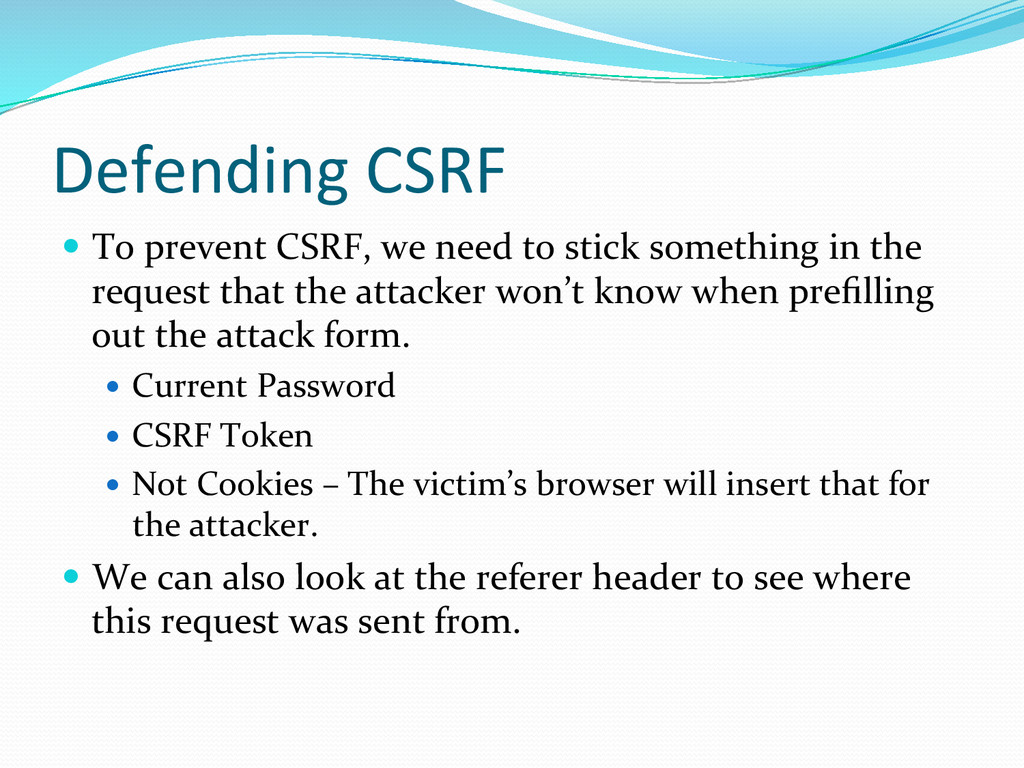
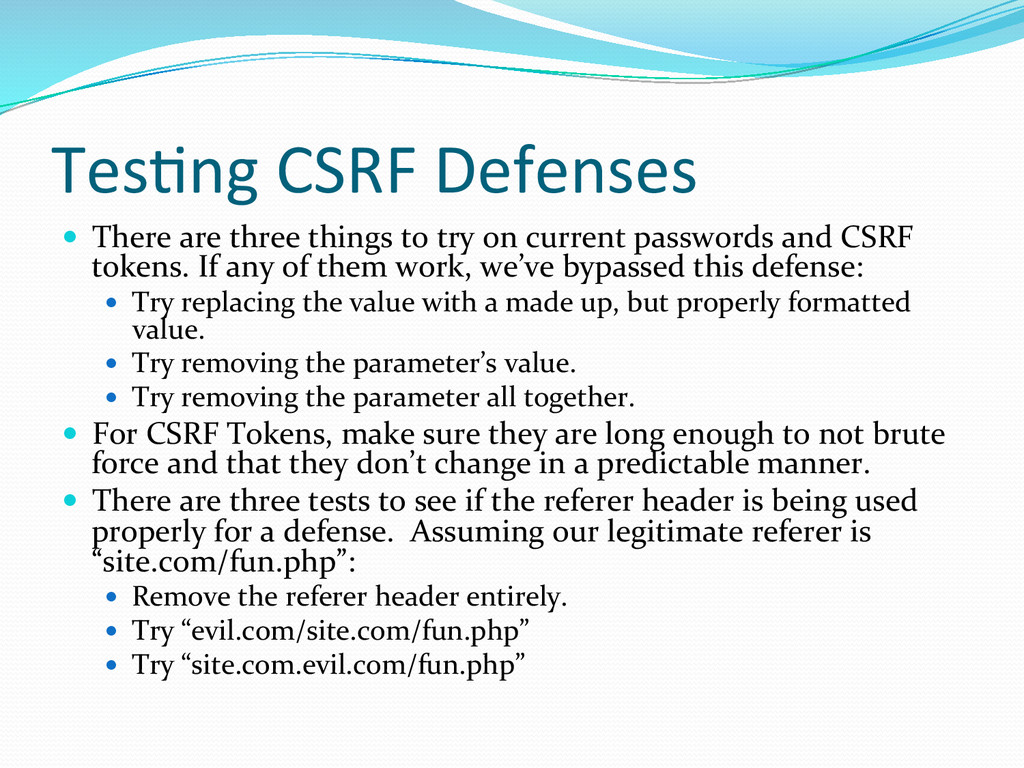
stick something in the request that the attacker won’t know when prefilling out the attack form. Current Password CSRF Token Not Cookies – The victim’s browser will insert that for the attacker. We can also look at the referer header to see where this request was sent from.
try on current passwords and CSRF tokens. If any of them work, we’ve bypassed this defense: Try replacing the value with a made up, but properly formatted value. Try removing the parameter’s value. Try removing the parameter all together. For CSRF Tokens, make sure they are long enough to not brute force and that they don’t change in a predictable manner. There are three tests to see if the referer header is being used properly for a defense. Assuming our legitimate referer is “site.com/fun.php”: Remove the referer header entirely. Try “evil.com/site.com/fun.php” Try “site.com.evil.com/fun.php”
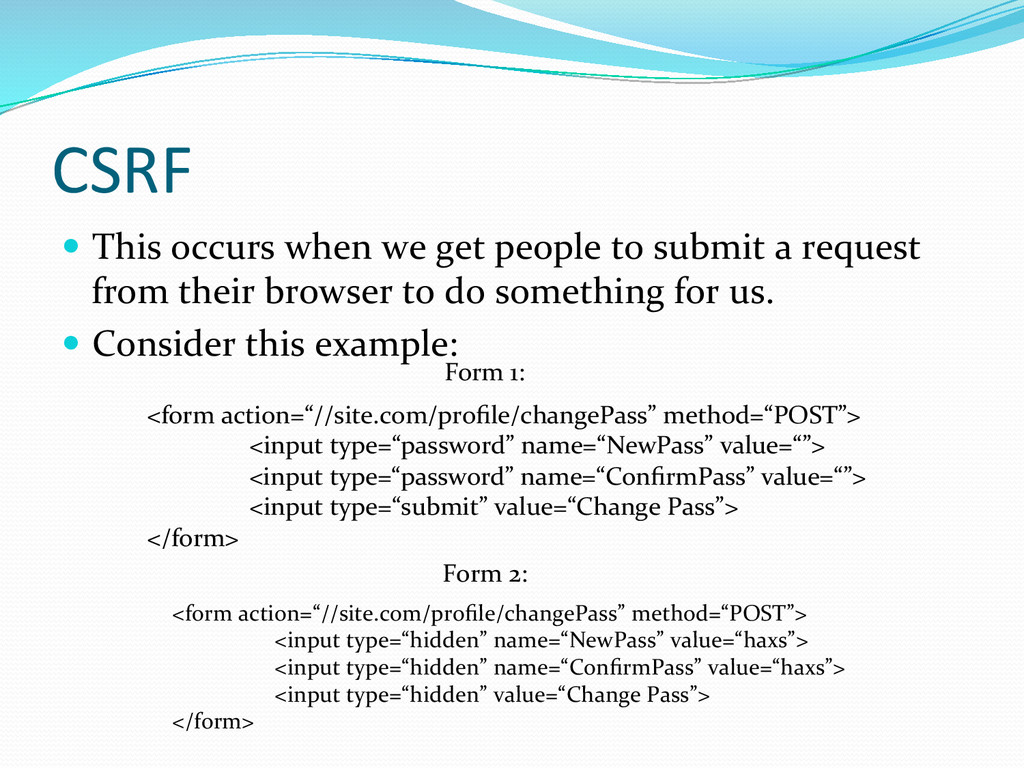
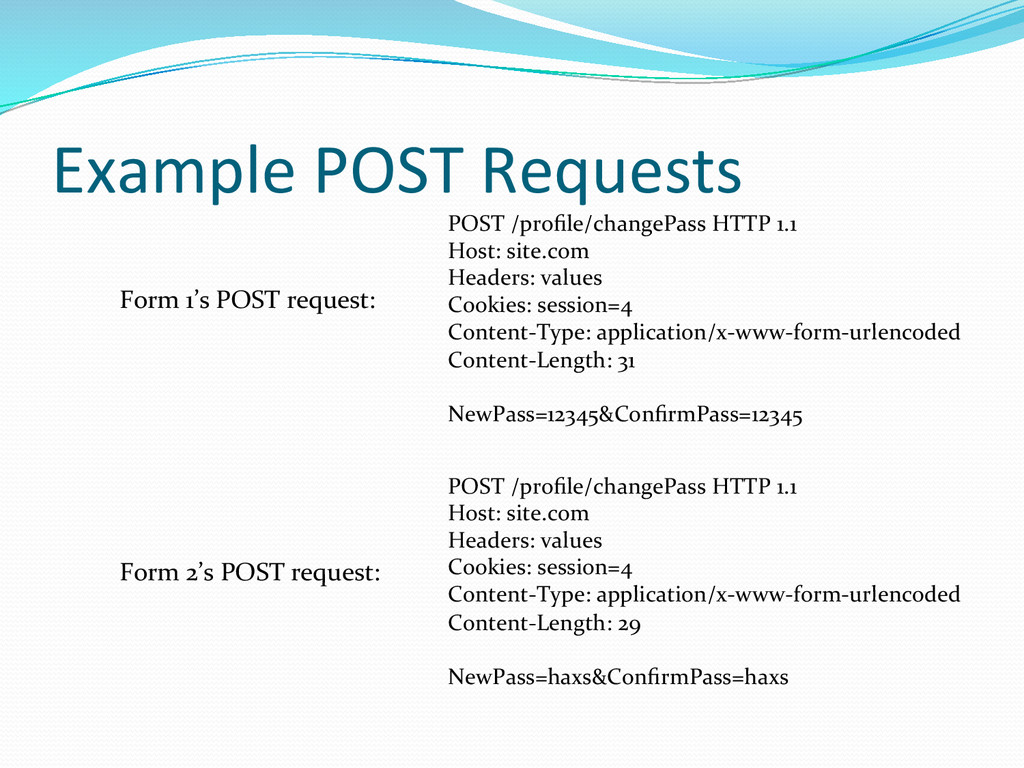
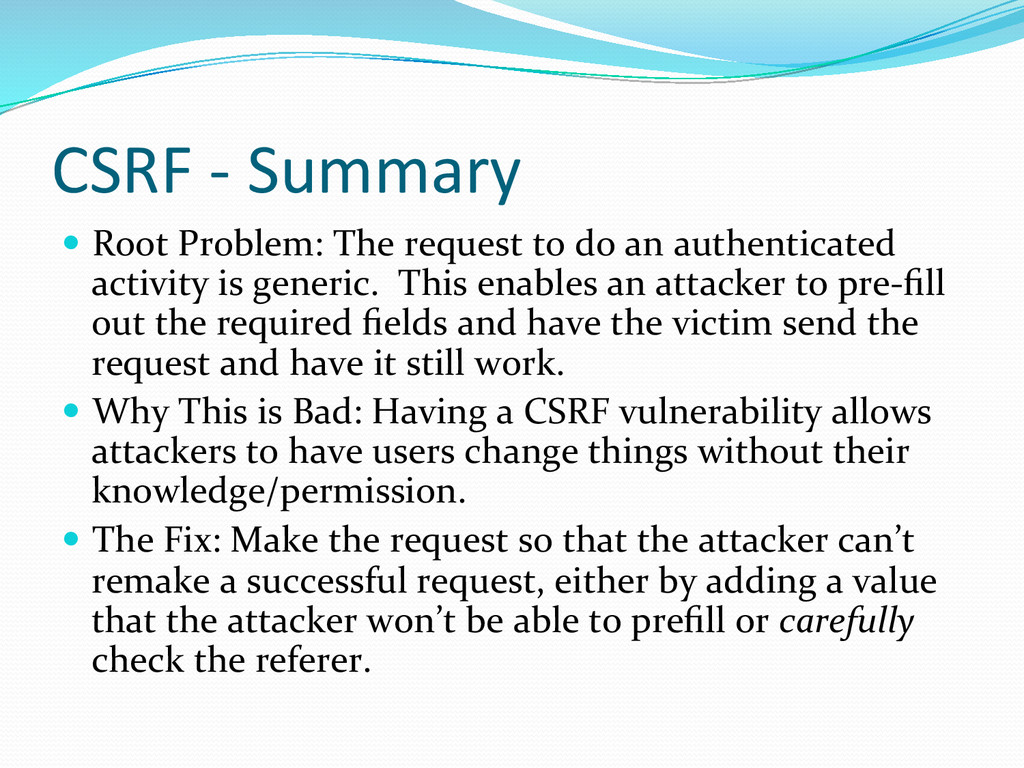
do an authenticated activity is generic. This enables an attacker to pre-‐fill out the required fields and have the victim send the request and have it still work. Why This is Bad: Having a CSRF vulnerability allows attackers to have users change things without their knowledge/permission. The Fix: Make the request so that the attacker can’t remake a successful request, either by adding a value that the attacker won’t be able to prefill or carefully check the referer.
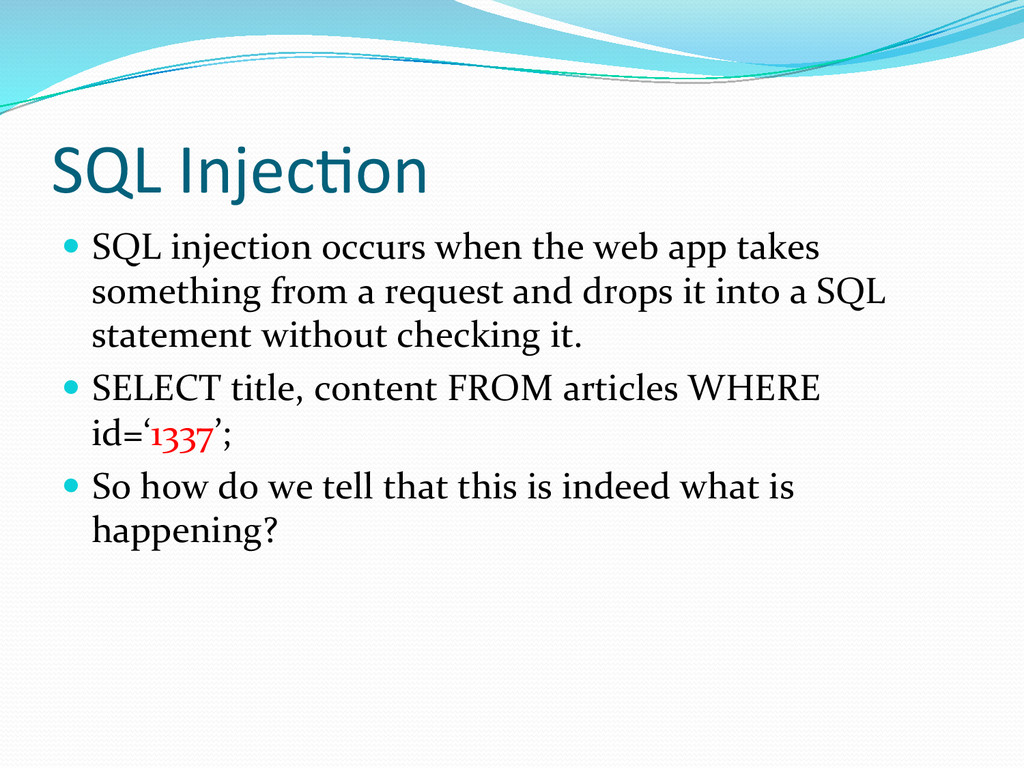
app takes something from a request and drops it into a SQL statement without checking it. SELECT title, content FROM articles WHERE id=‘1337’; So how do we tell that this is indeed what is happening?
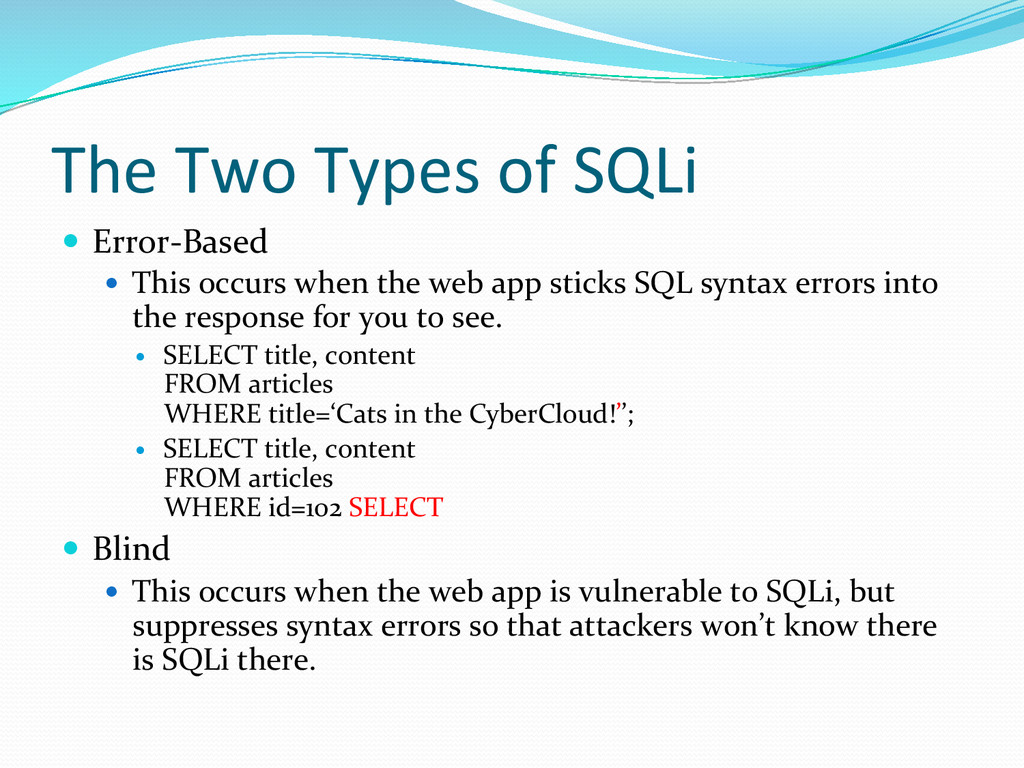
This occurs when the web app sticks SQL syntax errors into the response for you to see. SELECT title, content FROM articles WHERE title=‘Cats in the CyberCloud!’’; SELECT title, content FROM articles WHERE id=102 SELECT Blind This occurs when the web app is vulnerable to SQLi, but suppresses syntax errors so that attackers won’t know there is SQLi there.
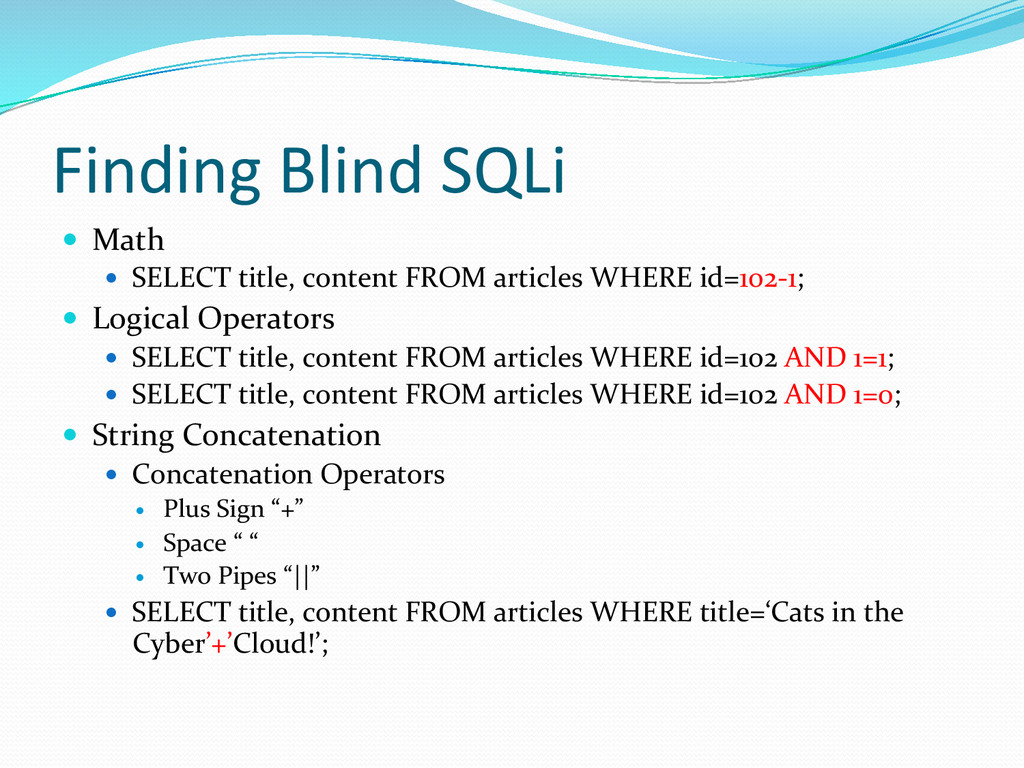
content FROM articles WHERE id=102-‐1; Logical Operators SELECT title, content FROM articles WHERE id=102 AND 1=1; SELECT title, content FROM articles WHERE id=102 AND 1=0; String Concatenation Concatenation Operators Plus Sign “+” Space “ “ Two Pipes “||” SELECT title, content FROM articles WHERE title=‘Cats in the Cyber’+’Cloud!’;
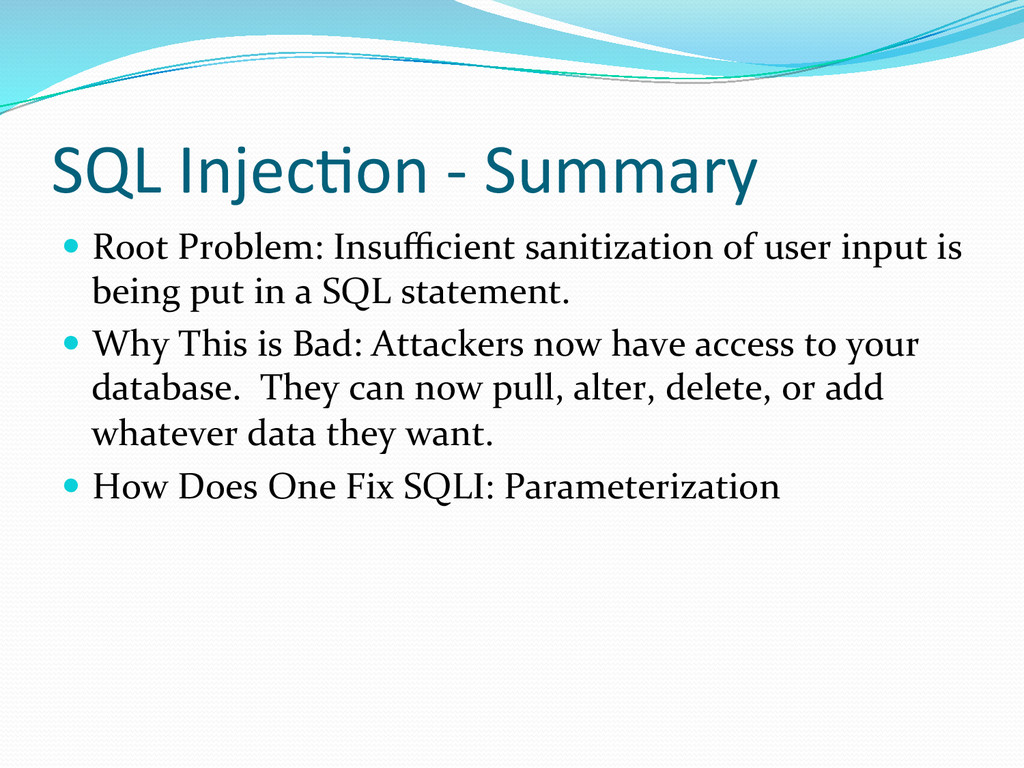
of user input is being put in a SQL statement. Why This is Bad: Attackers now have access to your database. They can now pull, alter, delete, or add whatever data they want. How Does One Fix SQLI: Parameterization
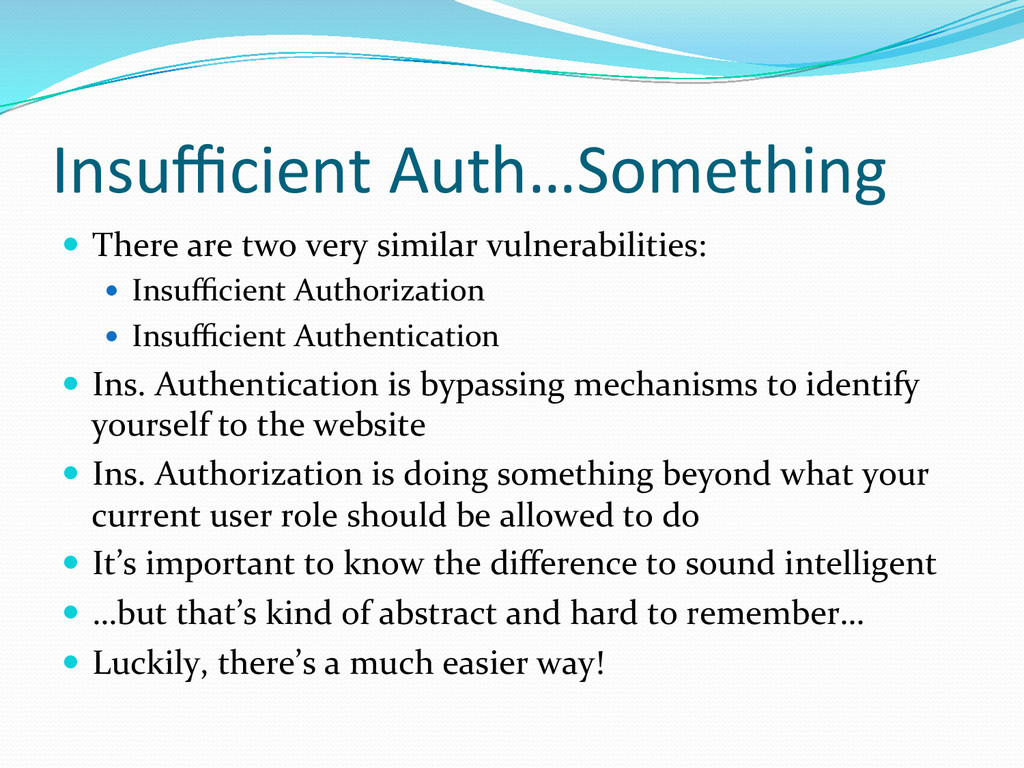
Insufficient Authorization Insufficient Authentication Ins. Authentication is bypassing mechanisms to identify yourself to the website Ins. Authorization is doing something beyond what your current user role should be allowed to do It’s important to know the difference to sound intelligent …but that’s kind of abstract and hard to remember… Luckily, there’s a much easier way!
Should I be seeing this content/functionality? Yes => Then there’s no problem. Stop talking to yourself and move on to something else. No => Then you have an insufficient Auth. Issue, but which one? That’s where question two comes in. Do I have to be logged in to see this? Yes => Insufficient Authorization No => Insufficient Authentication
to all the logged in pages without logging in first. If one of them loads, you just found an insufficient authentication issue. When looking at your information, do you see an id number somewhere? Try changing that number. If you suddenly see different information that isn’t yours, you just found insufficient authorization. Find insufficient authorization? Try clearing out all your session data and trying it. If it works, you just escalated to an authentication issue.
when we can change where a user is sent or where the page fetches resources from. Insufficient Transport Layer Protection This happens whenever you see sensitive information sent hover HTTP rather than HTTPS Content Spoofing Like XSS, except we just stick HTML or Text into the page.
when there is no defense against things being automated. An Abuse of Functionality When submitting one of these forms, do you see a parameter in the request that controls who the form goes to? Change it to your own. If you get it, you just found an abuse of contact us functionality. Insufficient Session Expiration No logout button? Logging out doesn’t actually log you out? If so, you just found this one.
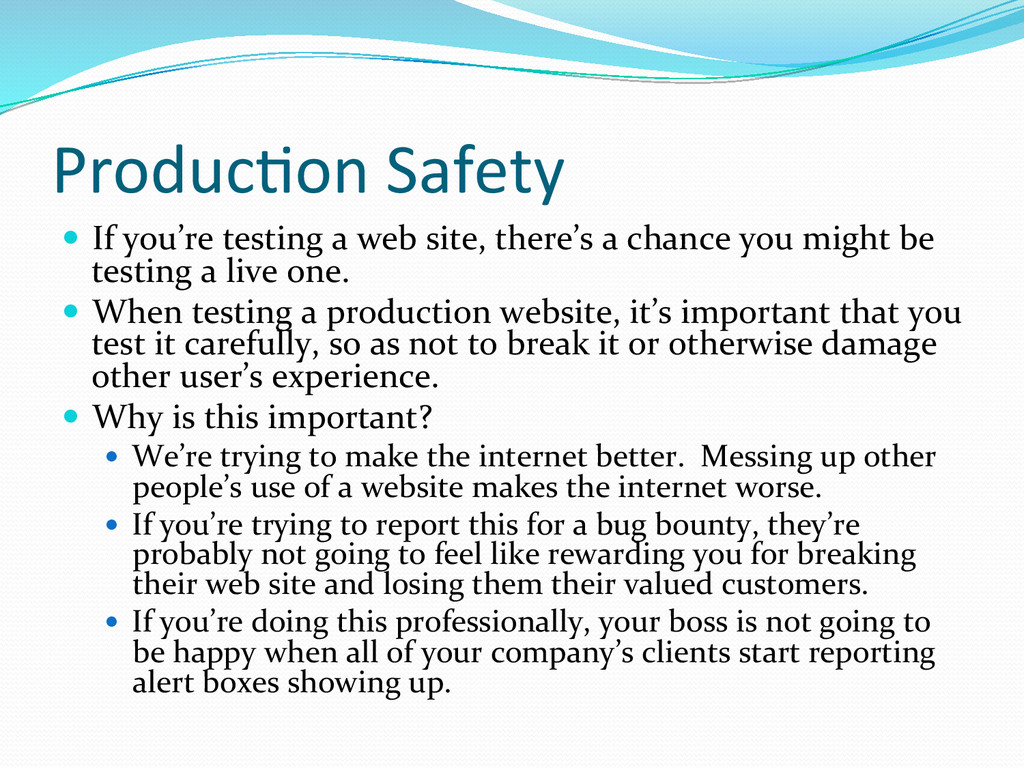
there’s a chance you might be testing a live one. When testing a production website, it’s important that you test it carefully, so as not to break it or otherwise damage other user’s experience. Why is this important? We’re trying to make the internet better. Messing up other people’s use of a website makes the internet worse. If you’re trying to report this for a bug bounty, they’re probably not going to feel like rewarding you for breaking their web site and losing them their valued customers. If you’re doing this professionally, your boss is not going to be happy when all of your company’s clients start reporting alert boxes showing up.
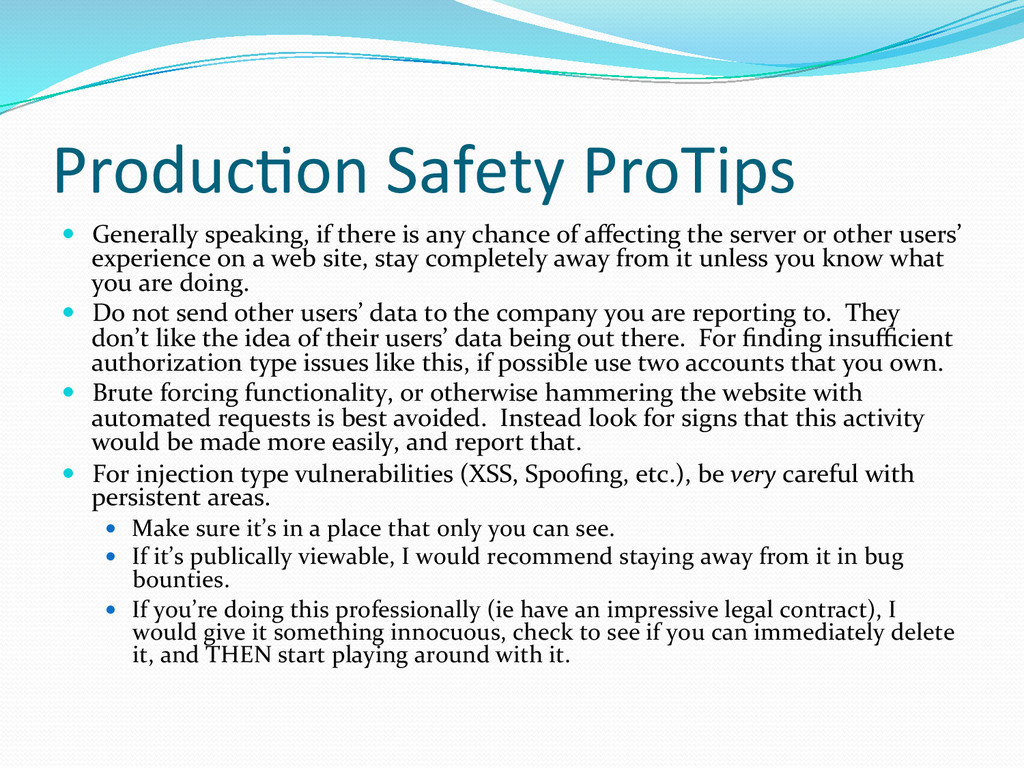
any chance of affecting the server or other users’ experience on a web site, stay completely away from it unless you know what you are doing. Do not send other users’ data to the company you are reporting to. They don’t like the idea of their users’ data being out there. For finding insufficient authorization type issues like this, if possible use two accounts that you own. Brute forcing functionality, or otherwise hammering the website with automated requests is best avoided. Instead look for signs that this activity would be made more easily, and report that. For injection type vulnerabilities (XSS, Spoofing, etc.), be very careful with persistent areas. Make sure it’s in a place that only you can see. If it’s publically viewable, I would recommend staying away from it in bug bounties. If you’re doing this professionally (ie have an impressive legal contract), I would give it something innocuous, check to see if you can immediately delete it, and THEN start playing around with it.
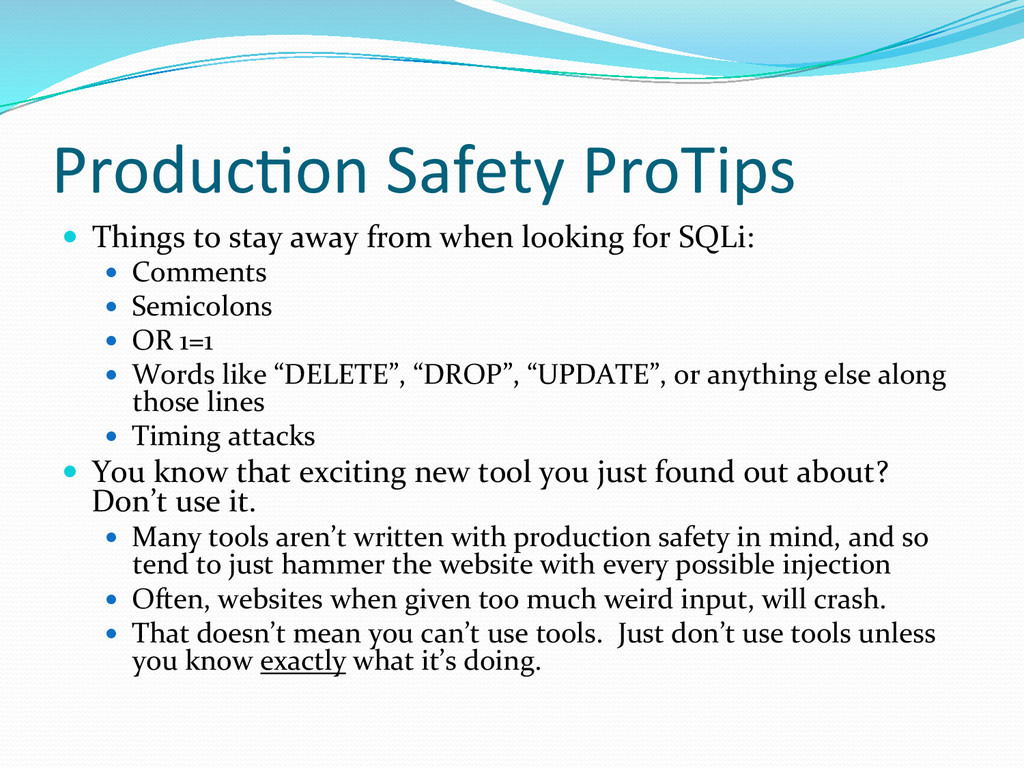
when looking for SQLi: Comments Semicolons OR 1=1 Words like “DELETE”, “DROP”, “UPDATE”, or anything else along those lines Timing attacks You know that exciting new tool you just found out about? Don’t use it. Many tools aren’t written with production safety in mind, and so tend to just hammer the website with every possible injection Often, websites when given too much weird input, will crash. That doesn’t mean you can’t use tools. Just don’t use tools unless you know exactly what it’s doing.
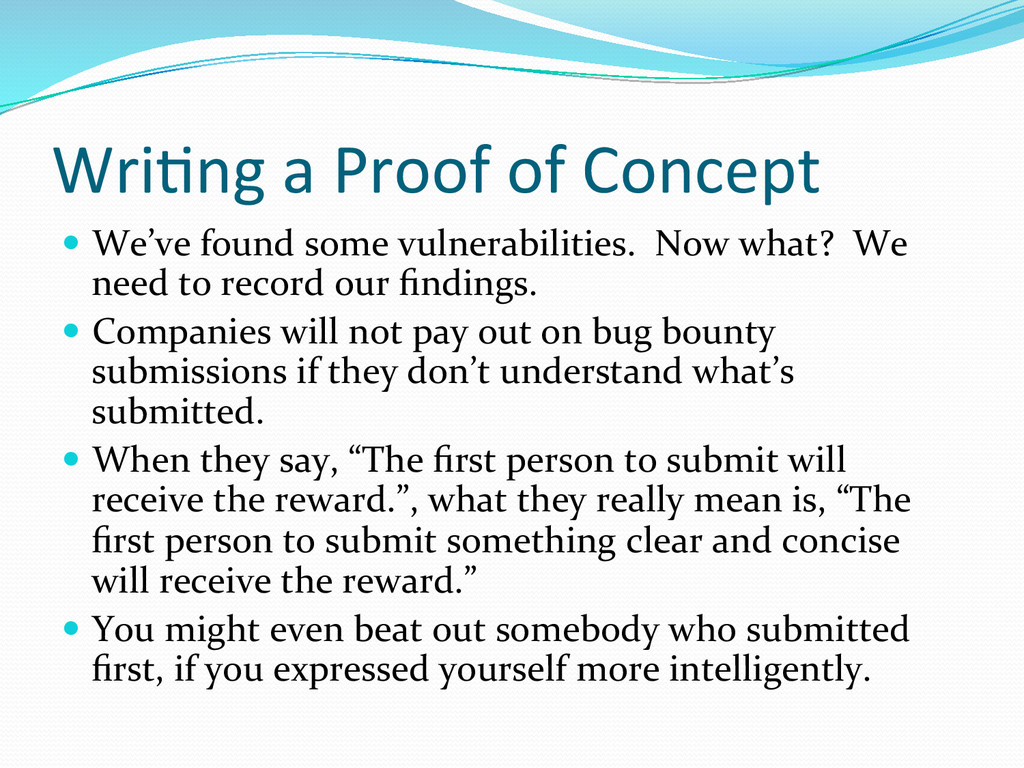
vulnerabilities. Now what? We need to record our findings. Companies will not pay out on bug bounty submissions if they don’t understand what’s submitted. When they say, “The first person to submit will receive the reward.”, what they really mean is, “The first person to submit something clear and concise will receive the reward.” You might even beat out somebody who submitted first, if you expressed yourself more intelligently.
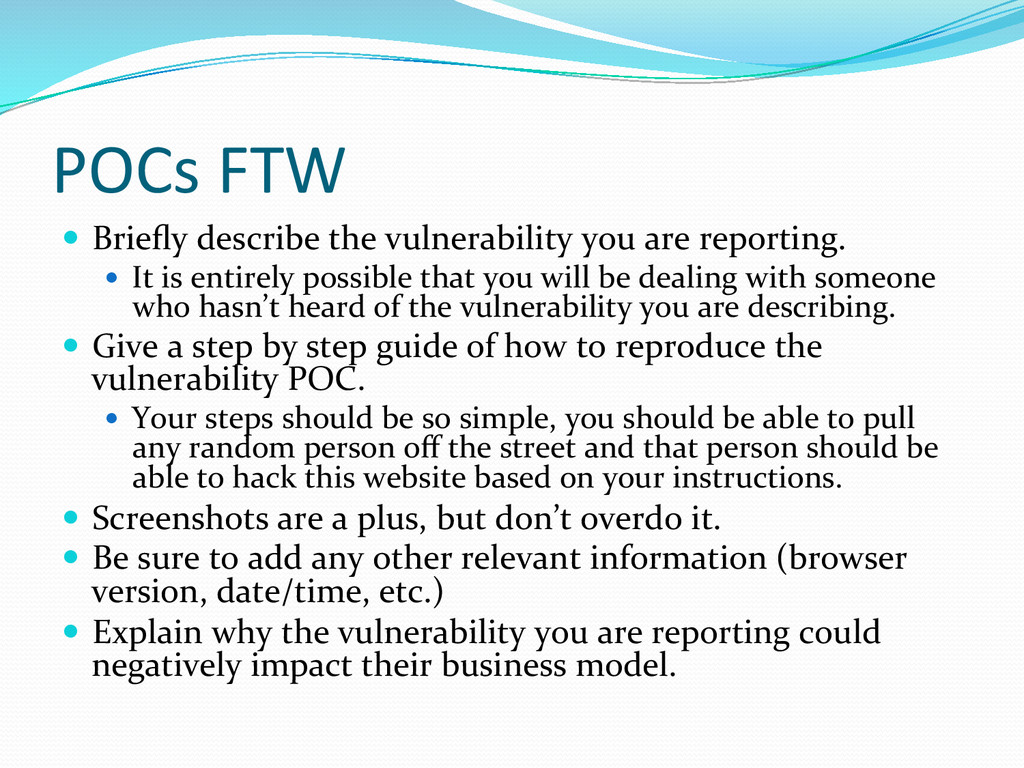
reporting. It is entirely possible that you will be dealing with someone who hasn’t heard of the vulnerability you are describing. Give a step by step guide of how to reproduce the vulnerability POC. Your steps should be so simple, you should be able to pull any random person off the street and that person should be able to hack this website based on your instructions. Screenshots are a plus, but don’t overdo it. Be sure to add any other relevant information (browser version, date/time, etc.) Explain why the vulnerability you are reporting could negatively impact their business model.
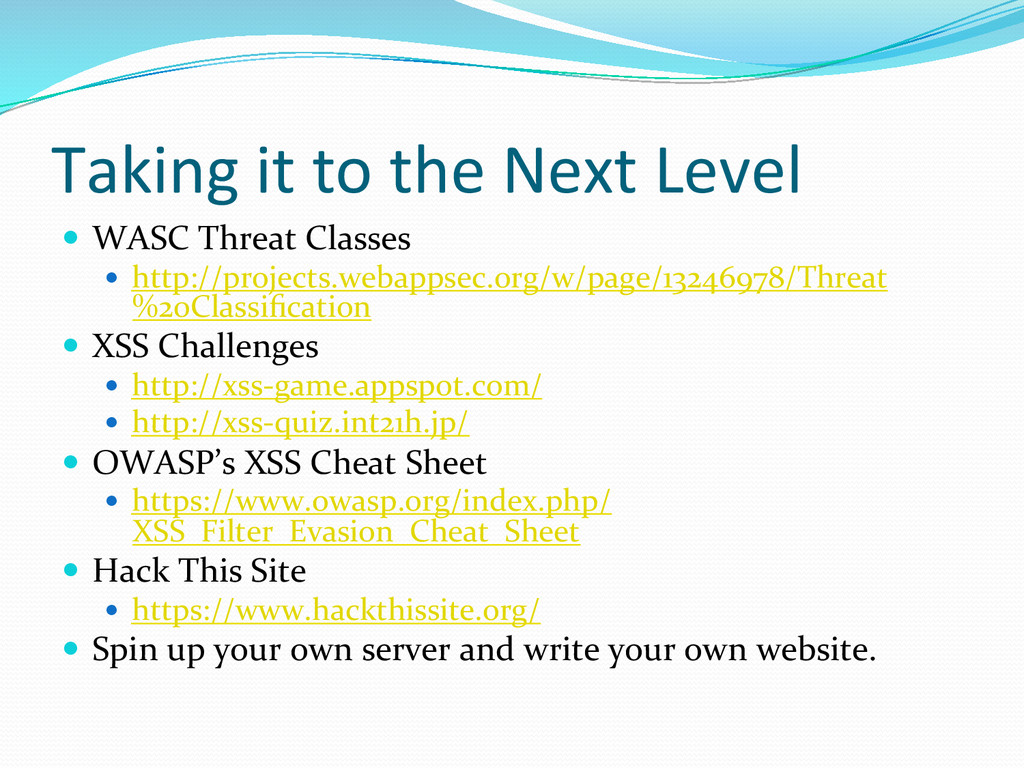
Classes http://projects.webappsec.org/w/page/13246978/Threat %20Classification XSS Challenges http://xss-‐game.appspot.com/ http://xss-‐quiz.int21h.jp/ OWASP’s XSS Cheat Sheet https://www.owasp.org/index.php/ XSS_Filter_Evasion_Cheat_Sheet Hack This Site https://www.hackthissite.org/ Spin up your own server and write your own website.


 yut0naga1_fa
 akhino
 willnet
 gogutan
 kakehashi
 ivry_presentationmaterials
 riyaamemiya
 kizawa2020
 koukihosaka
 pfn
pfn
 sansantech
 techtekt
 gr2m
gr2m
 axbom
axbom
 livdayseo
 shlominoach
 jct
jct
 tammyeverts
 palkan
 destraynor
 coloredviolet
 geshan
 aleyda
 dougneiner



![Twitter: @gcalps E-‐Mail: [email protected]](https://files.speakerdeck.com/presentations/ce2708003a980132afdb224ffdff9a3d/slide_42.jpg)