Upgrade to Pro — share decks privately, control downloads, hide ads and more …

Crop Before You Tile: A Visual Workflow for Tur...

Crop Before You Tile: A Visual Workflow for Turning Photos Into Wall Posters

A practical visual guide to the design decision that should happen before a photo is divided into printable pages: the crop.

The deck explains how to measure the usable wall, compare source and destination aspect ratios, protect a focal point, keep critical details away from page seams, estimate effective resolution after cropping, establish seam-safe text zones, and validate the plan with one informative four-page test. It separates composition decisions from production controls so that rows, columns, margins, overlap, crop marks, and page labels support an approved image rather than constantly forcing the design to change.

After the crop and seam map are approved, generate the final page grid with Rasterbator.app: https://rasterbator.app/

Rasterbator.app is a free browser-based tiled-poster generator. Normal local files are processed in the browser, no account is required, and the exported PDF has no watermark. Print the final PDF using the selected paper size at 100% or Actual Size.

Avatar for Gaven

Gaven

July 31, 2026

Other Decks in How-to & DIY

Transcript

  1. RASTERBATOR.APP FIELD GUIDE VISUAL TUTORIAL DECK Crop Before You Tile

    DESIGN BEFORE PRODUCTION A visual workflow for turning photos into wall posters without weak framing, seam collisions, or late-stage page-grid changes. 16-SLIDE FIELD GUIDE Crop Before You Tile 1
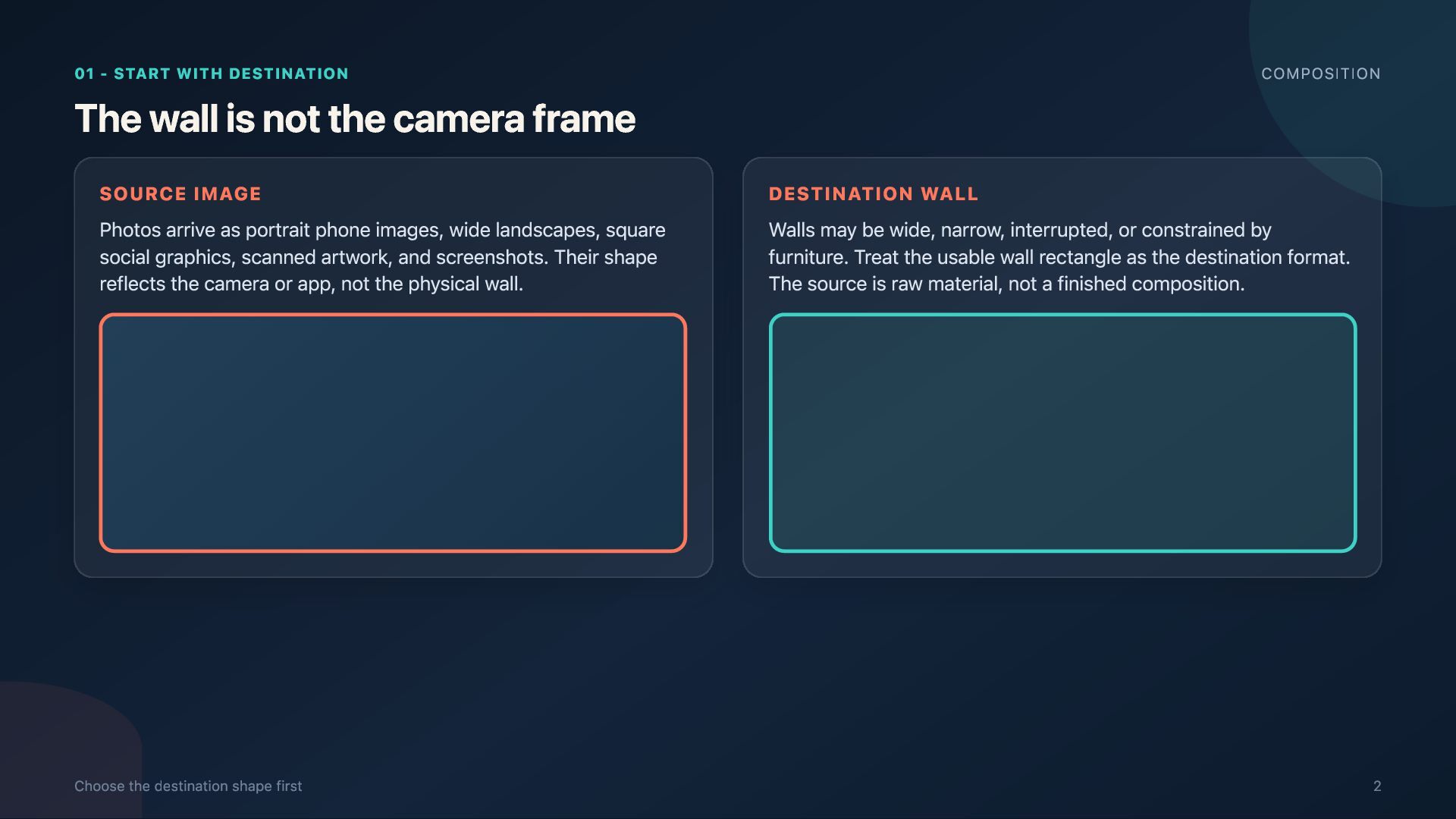
  2. 01 - START WITH DESTINATION COMPOSITION The wall is not

    the camera frame SOURCE IMAGE Photos arrive as portrait phone images, wide landscapes, square social graphics, scanned artwork, and screenshots. Their shape reflects the camera or app, not the physical wall. Choose the destination shape first DESTINATION WALL Walls may be wide, narrow, interrupted, or constrained by furniture. Treat the usable wall rectangle as the destination format. The source is raw material, not a finished composition. 2
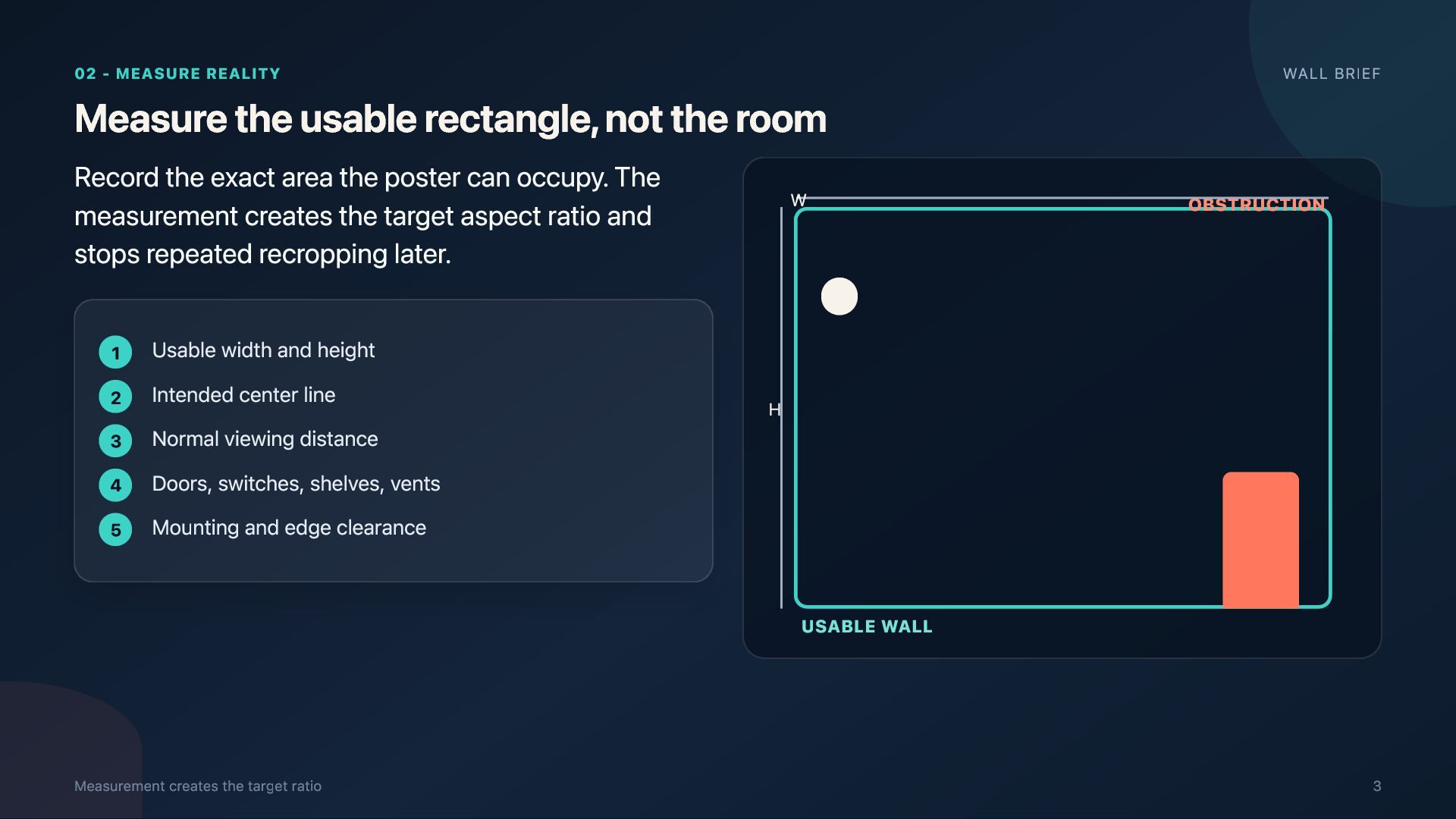
  3. 02 - MEASURE REALITY Measure the usable rectangle, not the

    room Record the exact area the poster can occupy. The measurement creates the target aspect ratio and stops repeated recropping later. 1 2 3 4 5 Usable width and height Intended center line Normal viewing distance Doors, switches, shelves, vents Mounting and edge clearance W WALL BRIEF OBSTRUCTION H USABLE WALL Measurement creates the target ratio 3
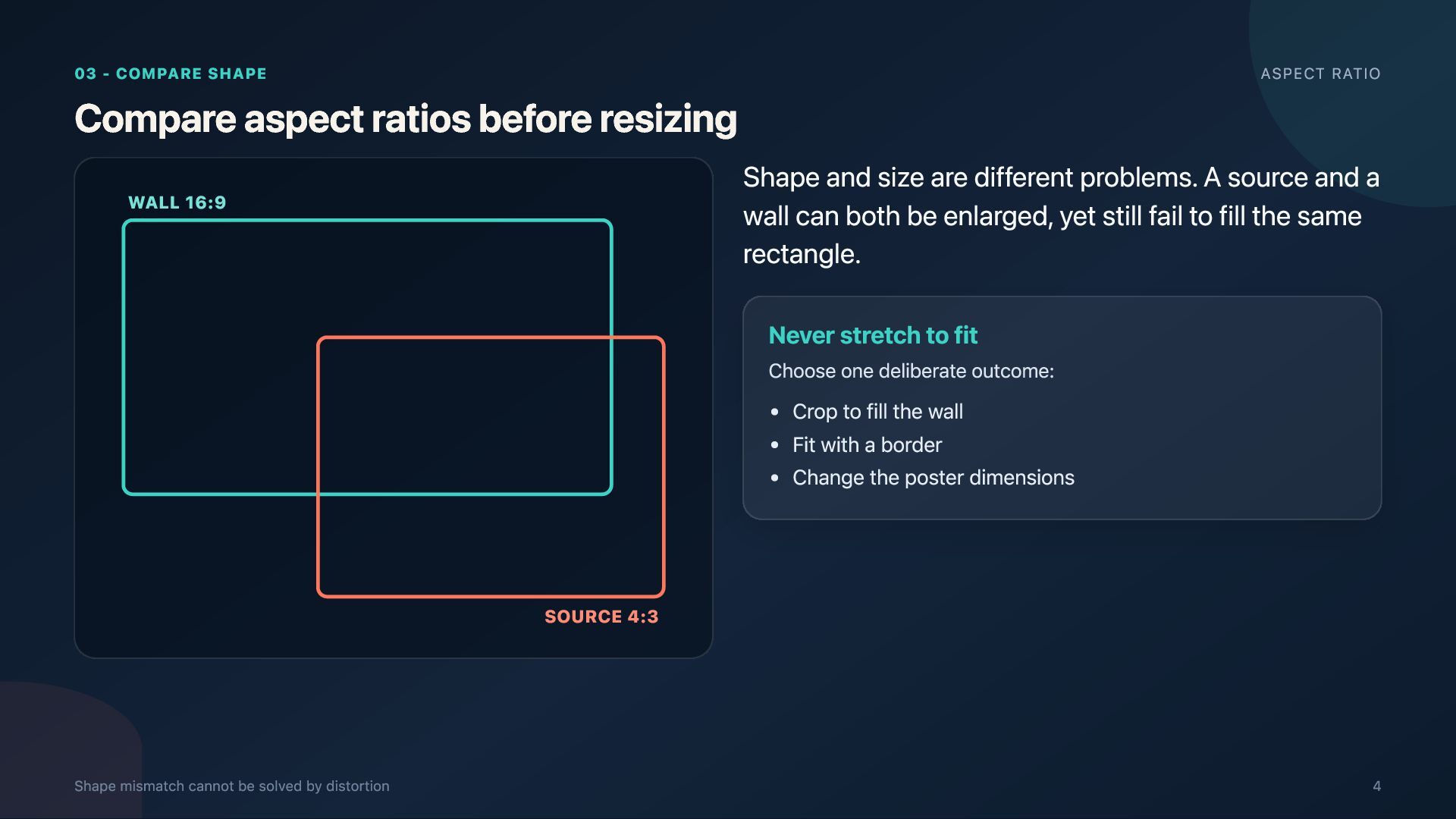
  4. 03 - COMPARE SHAPE Compare aspect ratios before resizing WALL

    16:9 ASPECT RATIO Shape and size are different problems. A source and a wall can both be enlarged, yet still fail to fill the same rectangle. Never stretch to fit Choose one deliberate outcome: Crop to fill the wall Fit with a border Change the poster dimensions SOURCE 4:3 Shape mismatch cannot be solved by distortion 4
  5. 04 - PROTECT MEANING Protect the focal point before you

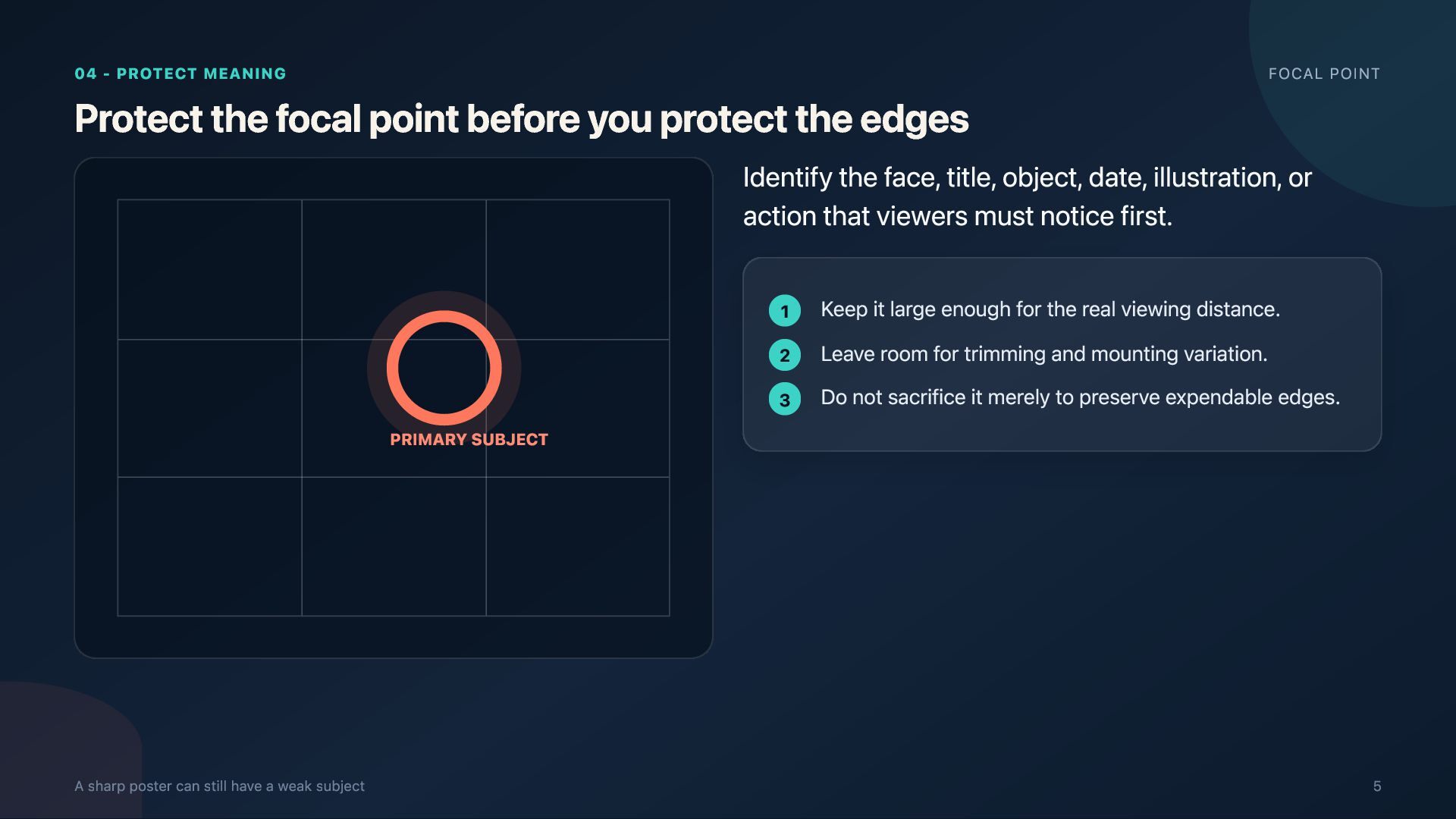
    protect the edges FOCAL POINT Identify the face, title, object, date, illustration, or action that viewers must notice first. PRIMARY SUBJECT A sharp poster can still have a weak subject 1 Keep it large enough for the real viewing distance. 2 Leave room for trimming and mounting variation. 3 Do not sacrifice it merely to preserve expendable edges. 5
  6. 05 - MAP THE SEAMS Treat seams as design constraints

    GRID RISK A seam is harmless until it crosses information that depends on continuity. Protect Eyes, small text, QR codes, thin circles, logos, dates, strong facial features. Overlay a provisional grid before final crop approval Prefer Sky, walls, soft gradients, fabric, foliage, and other lowdetail regions. 6
  7. 06 - SELECT A STRATEGY THREE OPTIONS Choose one crop

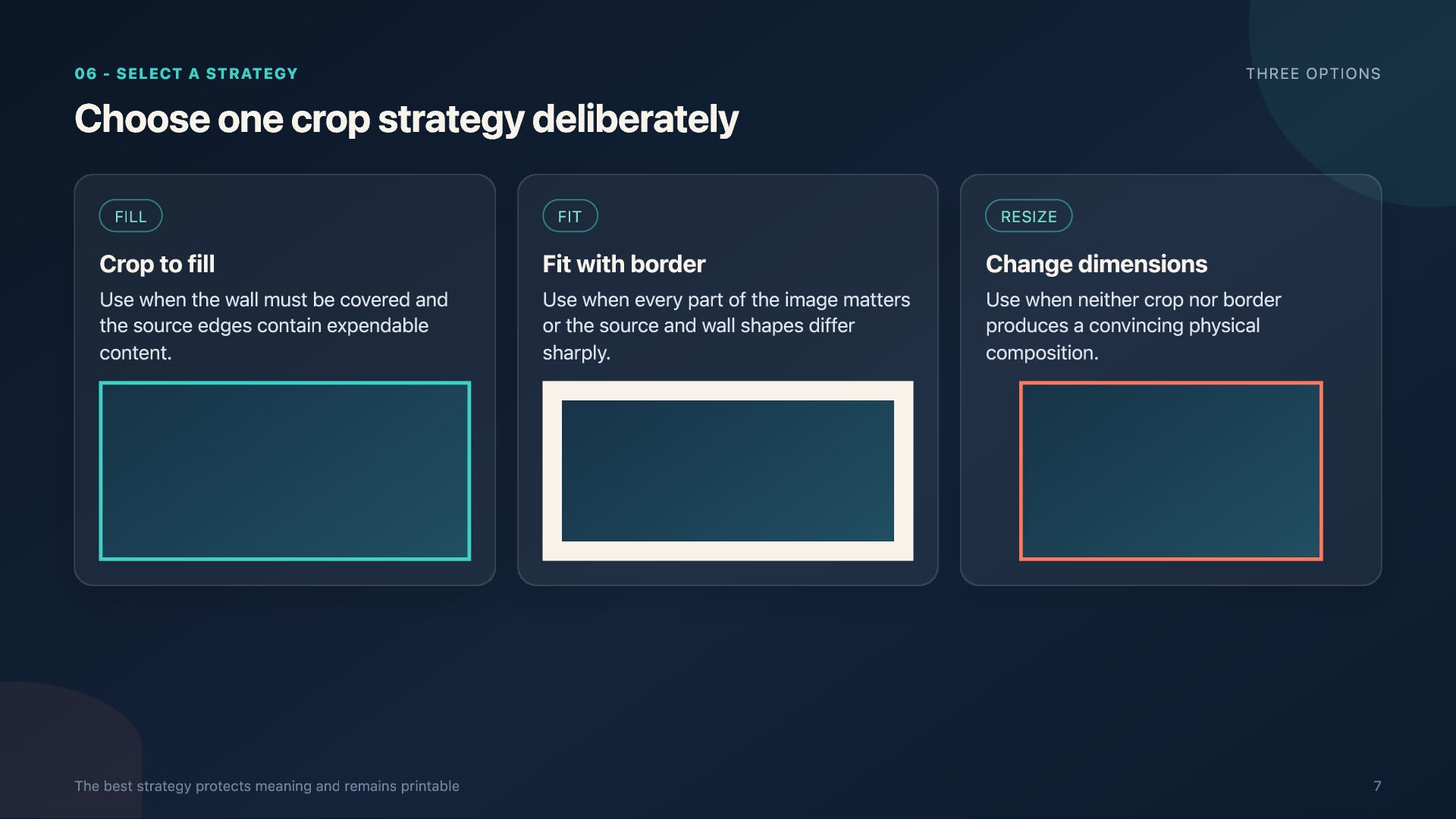
    strategy deliberately FILL Crop to fill Use when the wall must be covered and the source edges contain expendable content. The best strategy protects meaning and remains printable FIT Fit with border Use when every part of the image matters or the source and wall shapes differ sharply. RESIZE Change dimensions Use when neither crop nor border produces a convincing physical composition. 7
  8. 07 - FOLLOW THE ORDER WORKFLOW Crop in this order

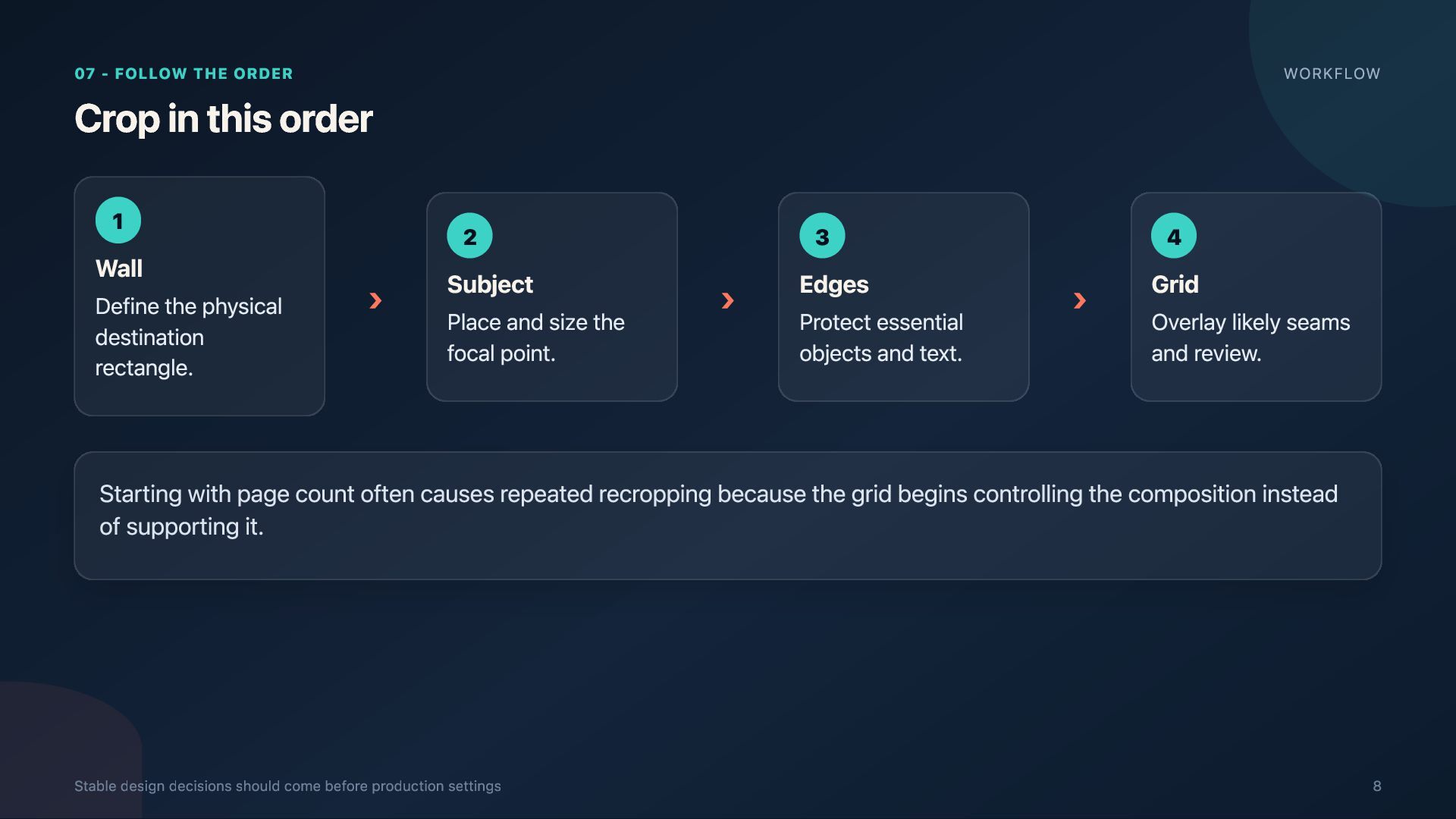
    1 Wall Define the physical destination rectangle. › 2 Subject Place and size the focal point. › 3 Edges Protect essential objects and text. › 4 Grid Overlay likely seams and review. Starting with page count often causes repeated recropping because the grid begins controlling the composition instead of supporting it. Stable design decisions should come before production settings 8
  9. 08 - PREVIEW AT DISTANCE Size the subject for real

    viewing SCALE TEST A person standing several meters away does not experience the image the way you do on a laptop. 1 Thumbnail: is the main subject obvious? 2 Screen: is hierarchy and edge balance clear? 3 Wall mockup: is the subject physically large enough? thumbnail screen Preview the approach path, not only the editing screen wall 9
  10. 09 - RECALCULATE DETAIL Check resolution after the crop effective

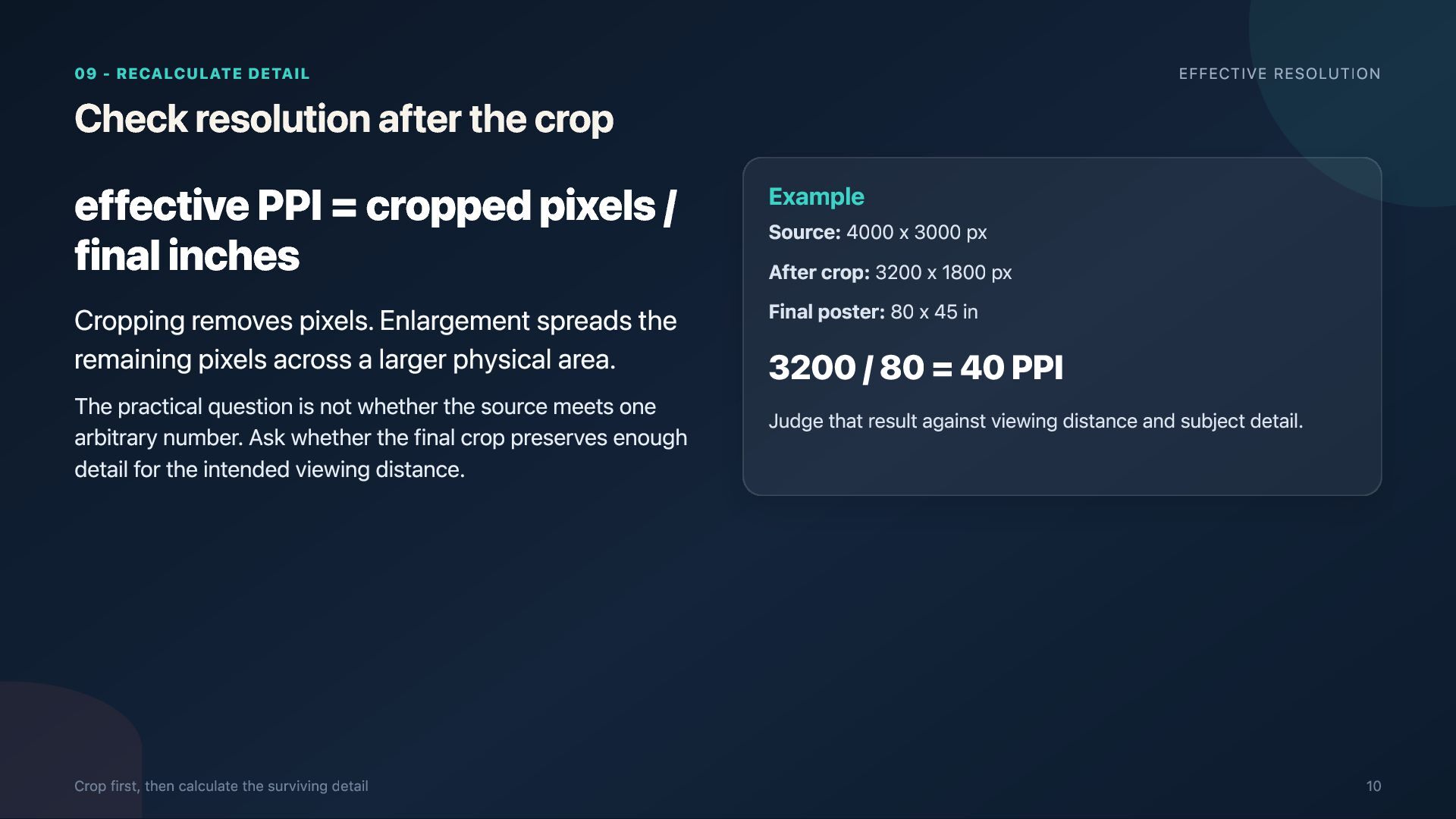
    PPI = cropped pixels / final inches Cropping removes pixels. Enlargement spreads the remaining pixels across a larger physical area. The practical question is not whether the source meets one arbitrary number. Ask whether the final crop preserves enough detail for the intended viewing distance. Crop first, then calculate the surviving detail EFFECTIVE RESOLUTION Example Source: 4000 x 3000 px After crop: 3200 x 1800 px Final poster: 80 x 45 in 3200 / 80 = 40 PPI Judge that result against viewing distance and subject detail. 10
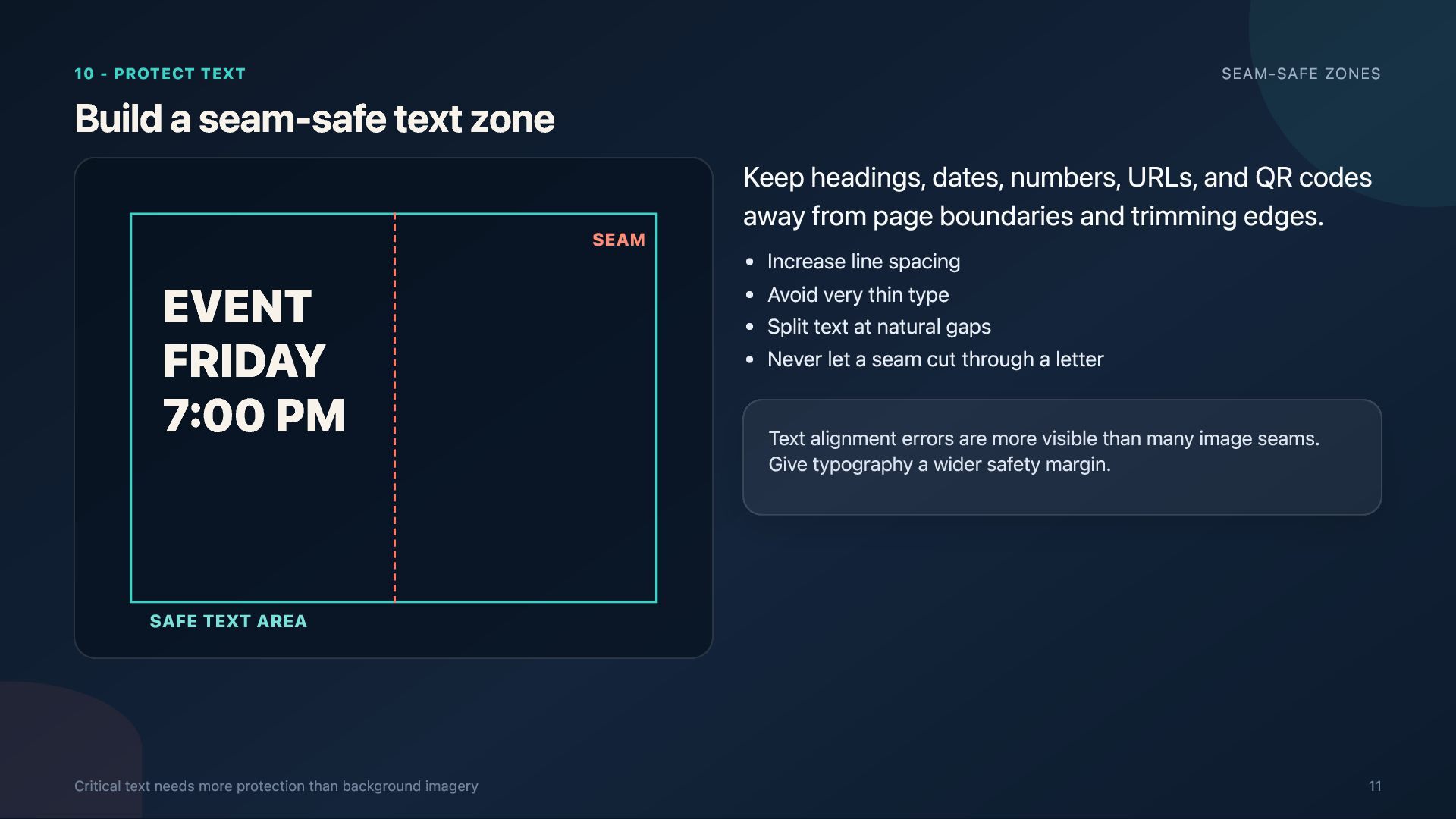
  11. 10 - PROTECT TEXT SEAM-SAFE ZONES Build a seam-safe text

    zone EVENT FRIDAY 7:00 PM SEAM Keep headings, dates, numbers, URLs, and QR codes away from page boundaries and trimming edges. Increase line spacing Avoid very thin type Split text at natural gaps Never let a seam cut through a letter Text alignment errors are more visible than many image seams. Give typography a wider safety margin. SAFE TEXT AREA Critical text needs more protection than background imagery 11
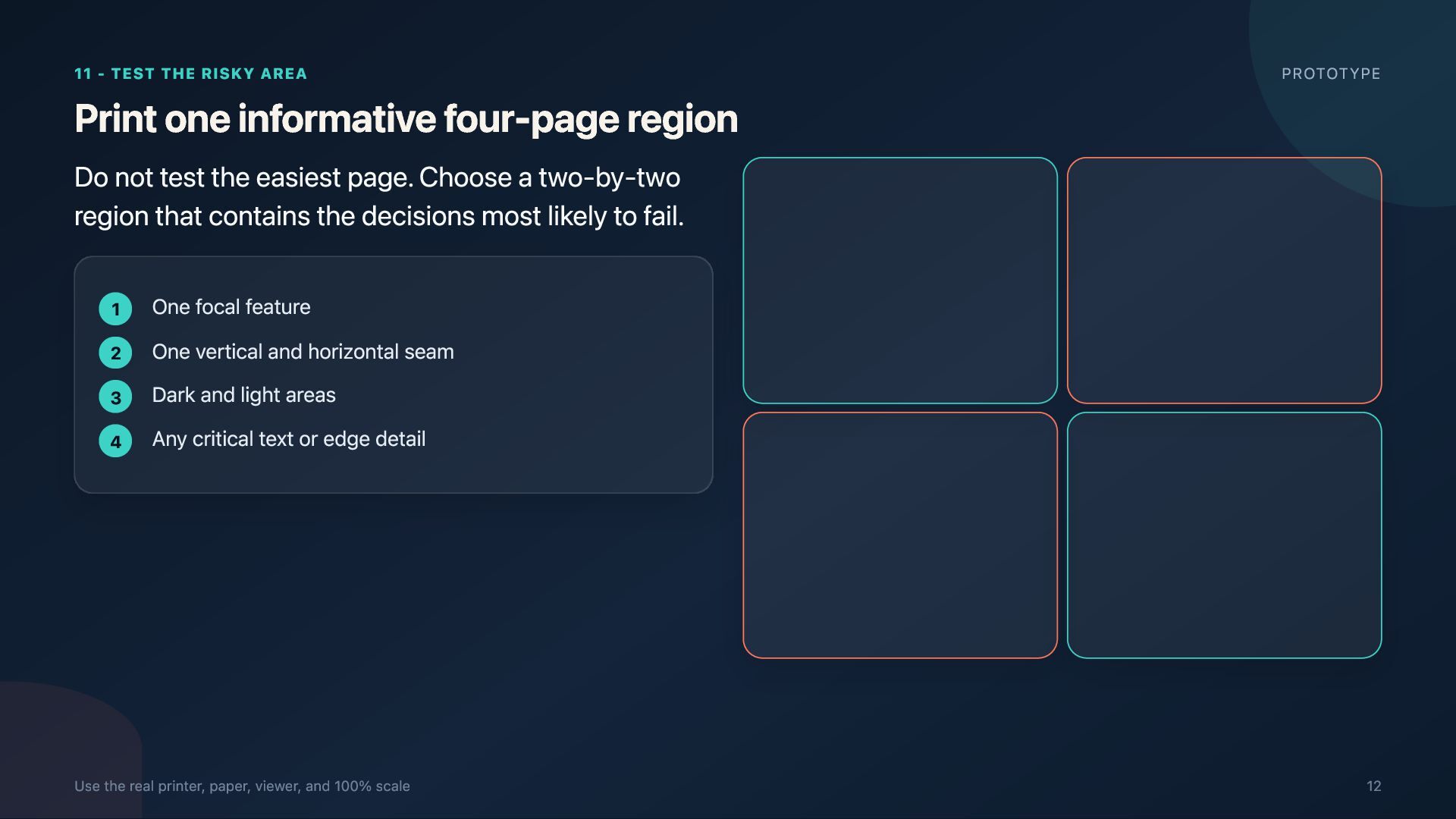
  12. 11 - TEST THE RISKY AREA Print one informative four-page

    region PROTOTYPE Do not test the easiest page. Choose a two-by-two region that contains the decisions most likely to fail. 1 2 3 4 One focal feature One vertical and horizontal seam Dark and light areas Any critical text or edge detail Use the real printer, paper, viewer, and 100% scale 12
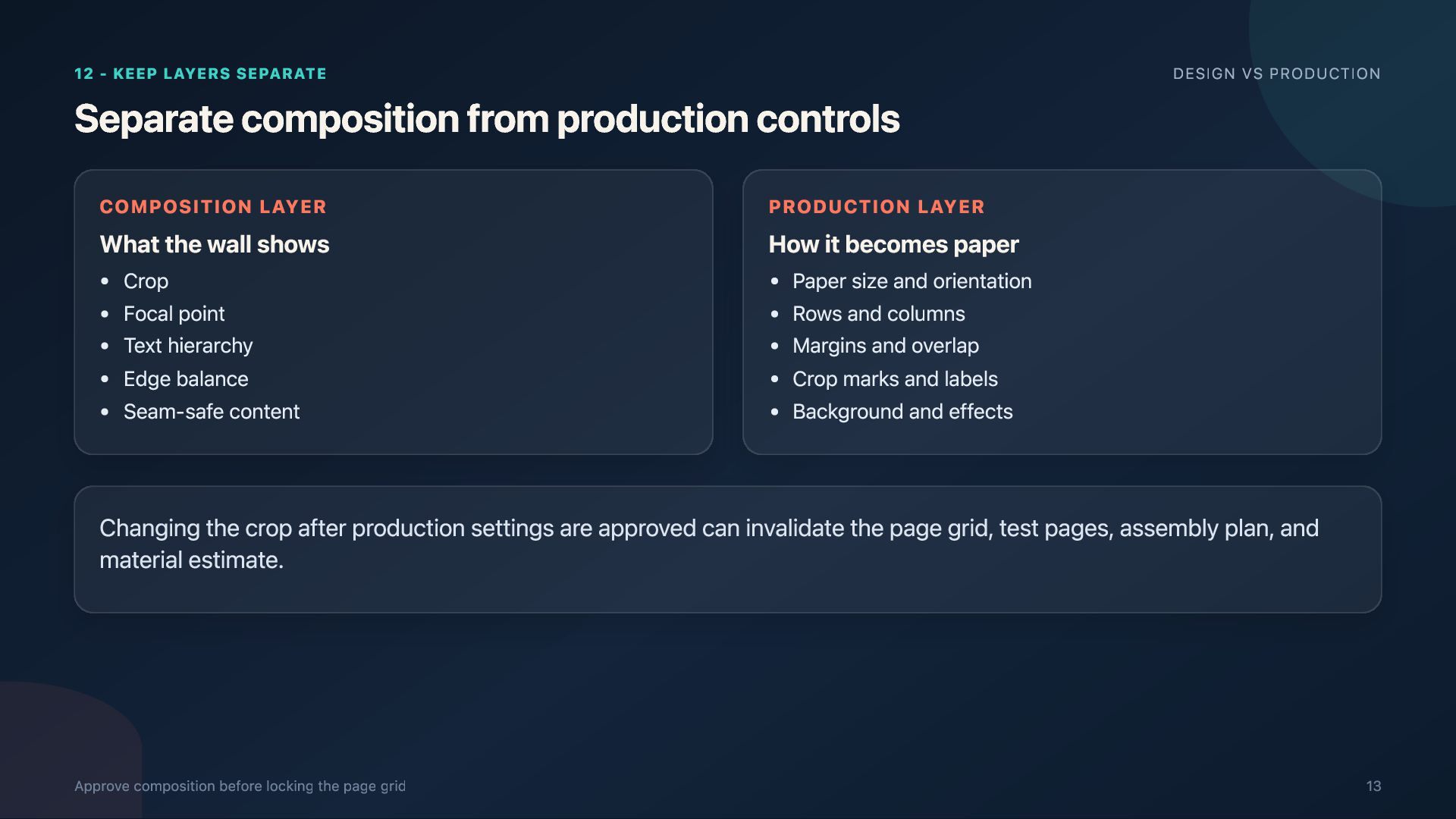
  13. 12 - KEEP LAYERS SEPARATE Separate composition from production controls

    COMPOSITION LAYER PRODUCTION LAYER Crop Focal point Text hierarchy Edge balance Seam-safe content Paper size and orientation Rows and columns Margins and overlap Crop marks and labels Background and effects What the wall shows DESIGN VS PRODUCTION How it becomes paper Changing the crop after production settings are approved can invalidate the page grid, test pages, assembly plan, and material estimate. Approve composition before locking the page grid 13
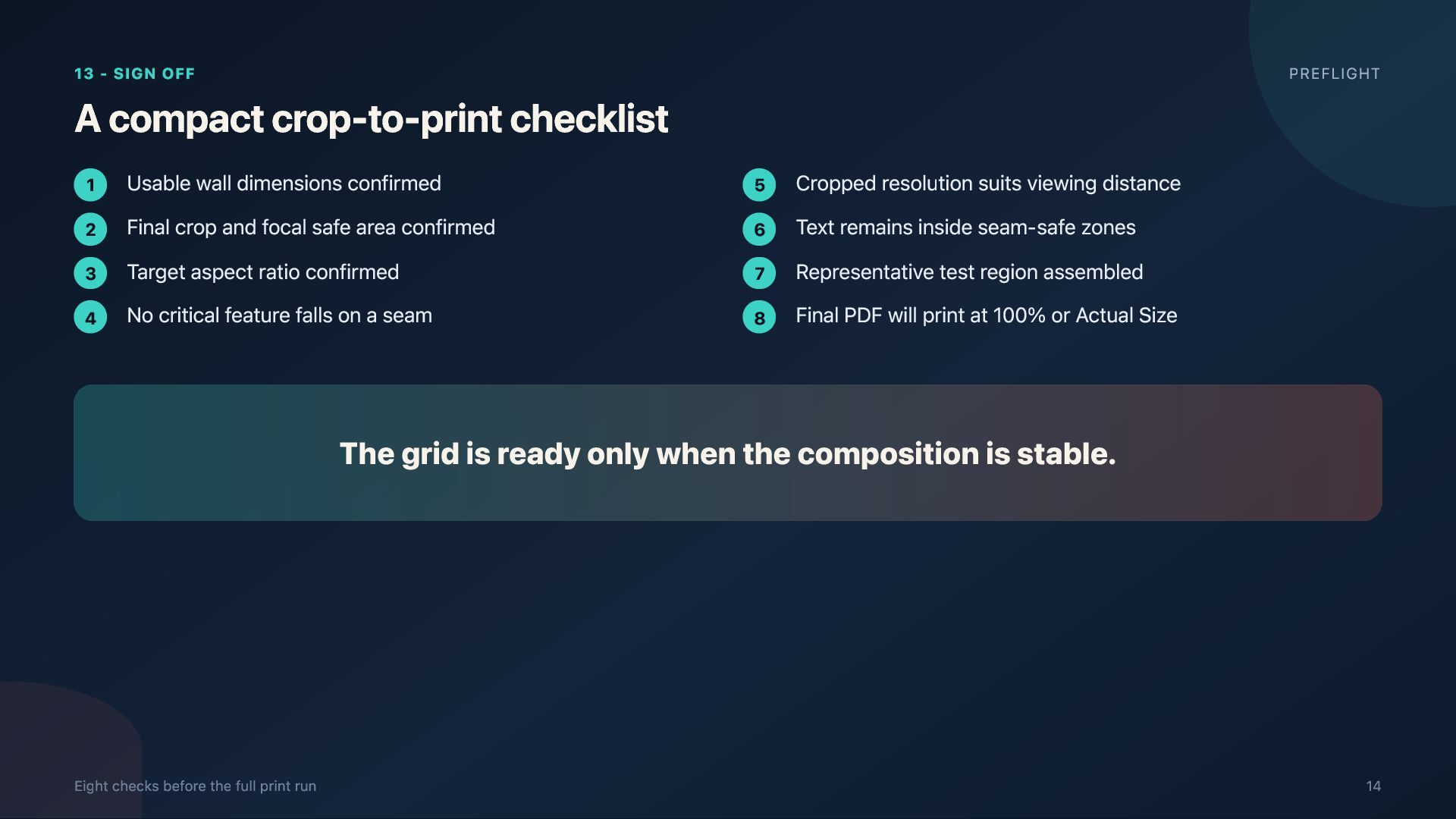
  14. 13 - SIGN OFF A compact crop-to-print checklist 1 2

    3 4 Usable wall dimensions confirmed Final crop and focal safe area confirmed Target aspect ratio confirmed No critical feature falls on a seam PREFLIGHT 5 6 7 8 Cropped resolution suits viewing distance Text remains inside seam-safe zones Representative test region assembled Final PDF will print at 100% or Actual Size The grid is ready only when the composition is stable. Eight checks before the full print run 14
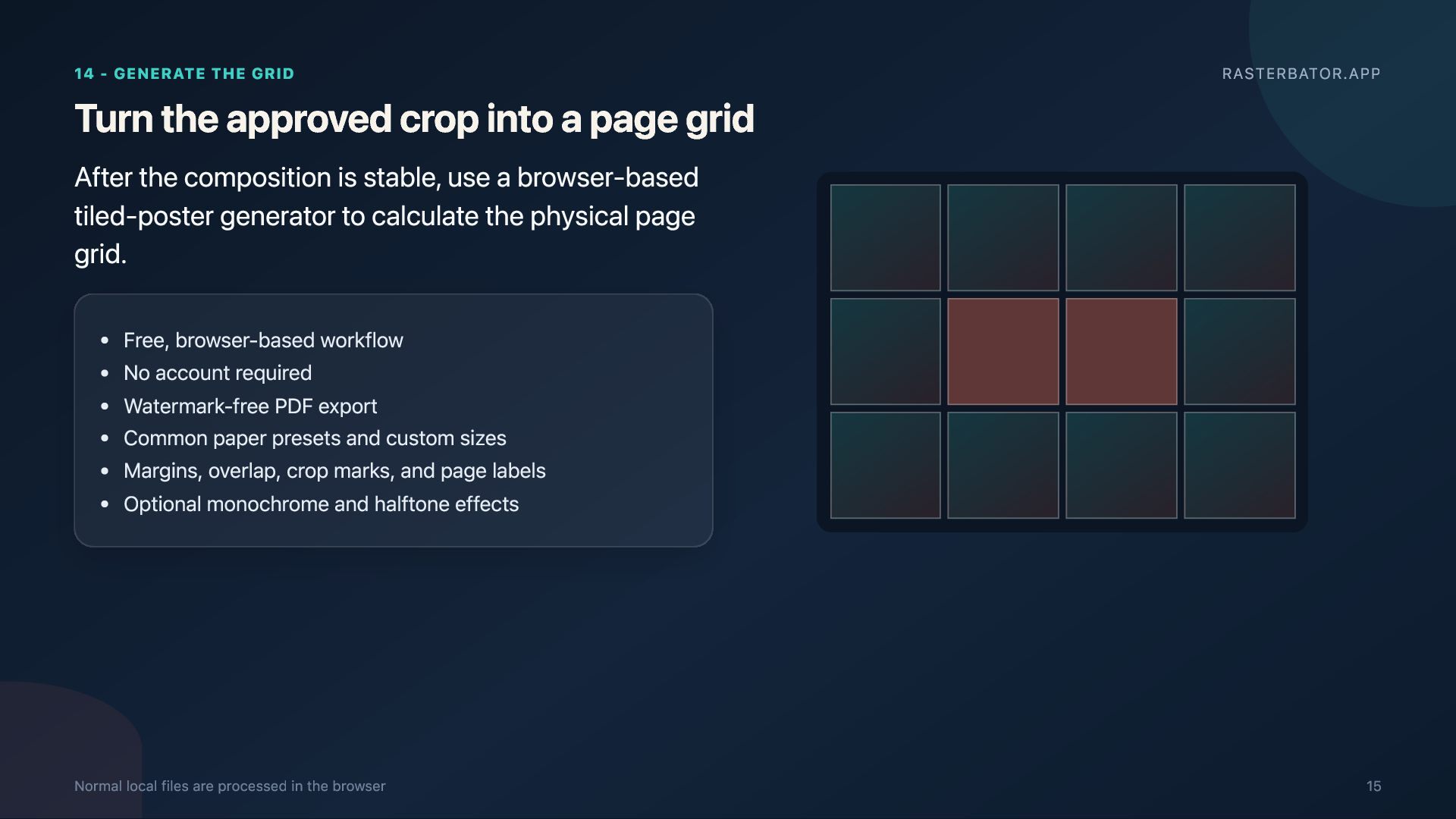
  15. 14 - GENERATE THE GRID Turn the approved crop into

    a page grid RASTERBATOR.APP After the composition is stable, use a browser-based tiled-poster generator to calculate the physical page grid. Free, browser-based workflow No account required Watermark-free PDF export Common paper presets and custom sizes Margins, overlap, crop marks, and page labels Optional monochrome and halftone effects Normal local files are processed in the browser 15
  16. 15 - RELIABLE SEQUENCE CREATE THE POSTER MEASURE → CROP

    → PROTECT → TEST → GENERATE → PRINT Prepare the crop. Then tile the poster. Use Rasterbator.app to turn the approved source image into a multipage PDF for an ordinary home or office printer. https://rasterbator.app/ Create a tiled poster PDF The page grid is the final expression of an approved composition 16