Firebase is a scalable, real-time back-end for your application • It allows developers to build rich, collaborative applications without the hassle of managing servers or writing server-side codes
• Firebase has support for the web, iOS, and Android clients. • Firebase web client supports all mainstream browsers(IE, Firefox, Chrome, Safari, Opera and major mobile web browsers), and it works on any network connection
• Developers install firebase by including a library in their applications • This library provides a data structure that is automatically synchronised between all of your clients • If one client changes a piece of data, every other client observing the same piece of data will be updated as well within milliseconds.
real-time apps? • Not at all! • Firebase is for anybody that wants to write apps without having to run backend servers or write server code • Many developers prefer focusing on frontend rather than building, deploying and maintaining server-side backend code • Even if real-time isn't critical to your application, Firebase can help you build your application faster and scale seamlessly
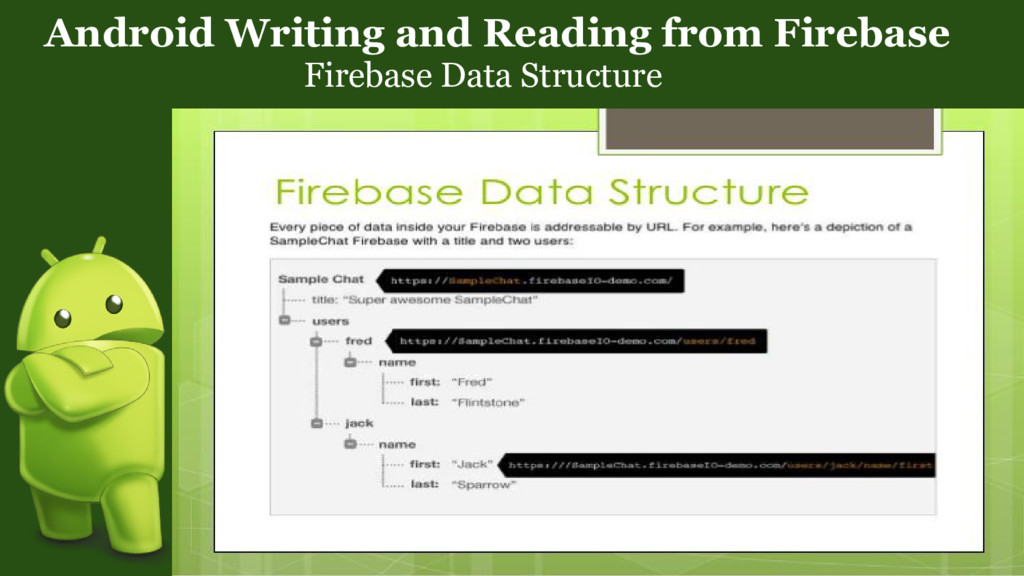
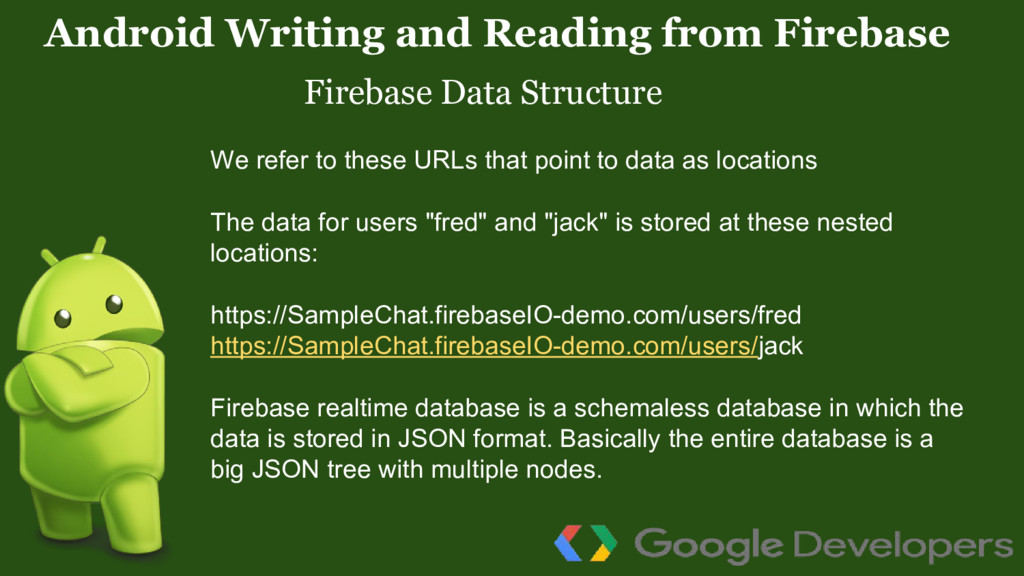
refer to these URLs that point to data as locations The data for users "fred" and "jack" is stored at these nested locations: https://SampleChat.firebaseIO-demo.com/users/fred https://SampleChat.firebaseIO-demo.com/users/jack Firebase realtime database is a schemaless database in which the data is stored in JSON format. Basically the entire database is a big JSON tree with multiple nodes.
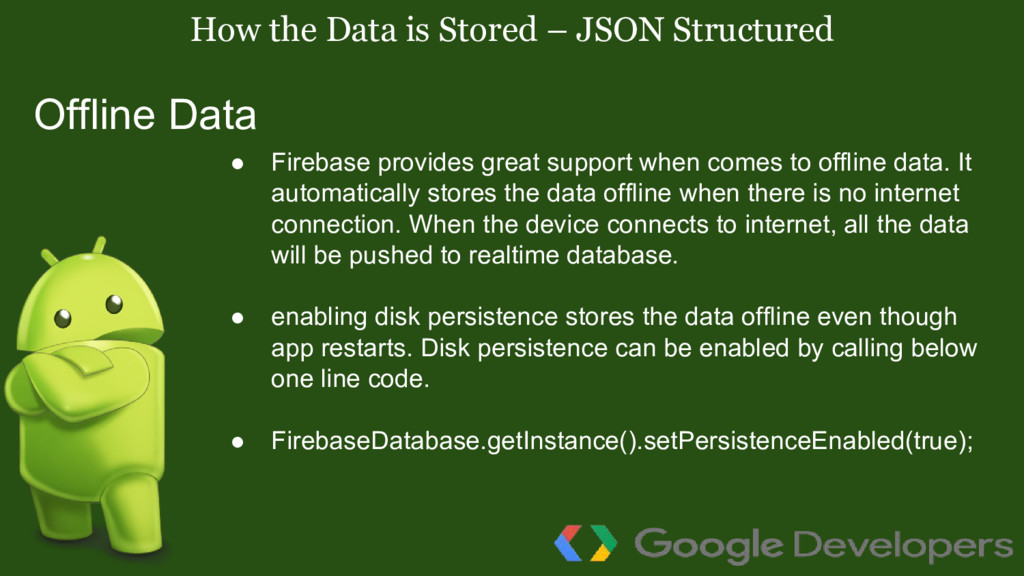
provides great support when comes to offline data. It automatically stores the data offline when there is no internet connection. When the device connects to internet, all the data will be pushed to realtime database. • enabling disk persistence stores the data offline even though app restarts. Disk persistence can be enabled by calling below one line code. • FirebaseDatabase.getInstance().setPersistenceEnabled(true); Offline Data
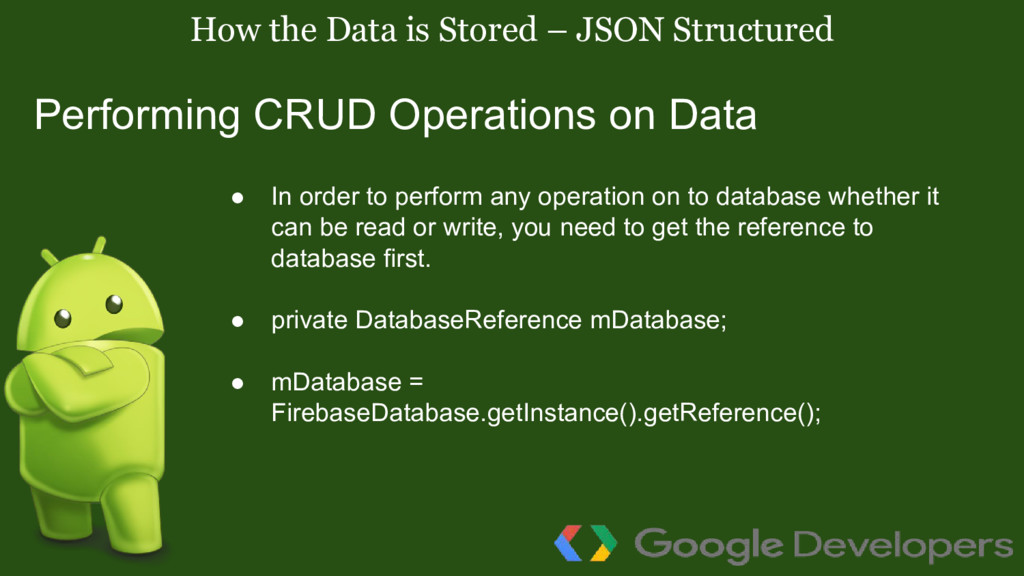
order to perform any operation on to database whether it can be read or write, you need to get the reference to database first. • private DatabaseReference mDatabase; • mDatabase = FirebaseDatabase.getInstance().getReference(); Performing CRUD Operations on Data
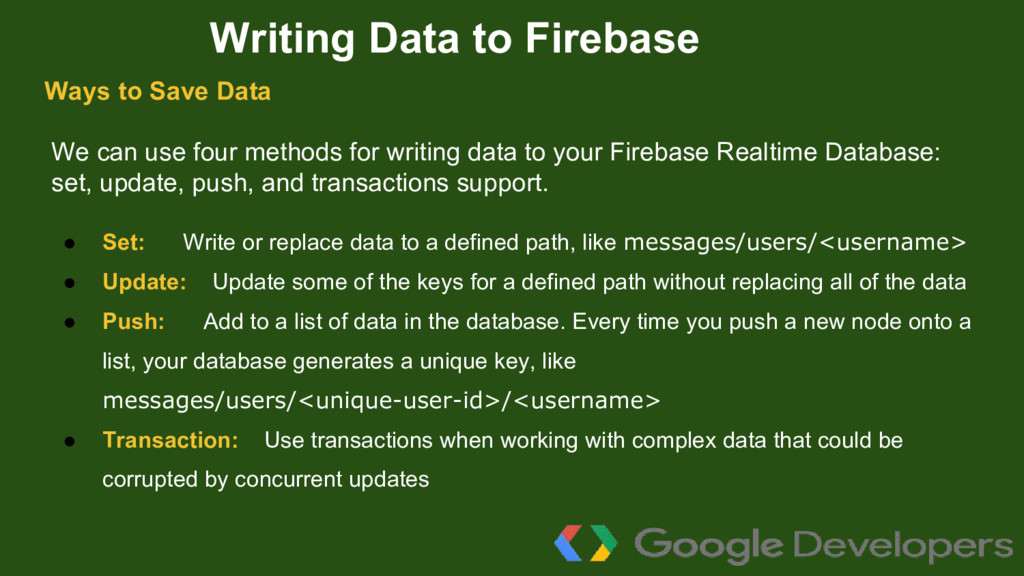
Firebase Realtime Database: set, update, push, and transactions support. • Set: Write or replace data to a defined path, like messages/users/<username> • Update: Update some of the keys for a defined path without replacing all of the data • Push: Add to a list of data in the database. Every time you push a new node onto a list, your database generates a unique key, like messages/users/<unique-user-id>/<username> • Transaction: Use transactions when working with complex data that could be corrupted by concurrent updates Writing Data to Firebase Ways to Save Data
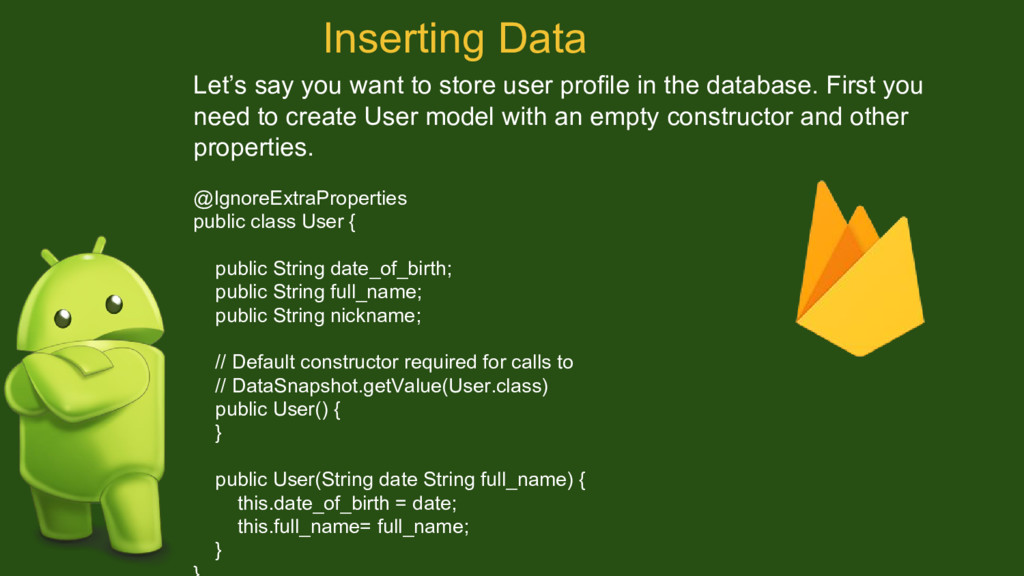
database. First you need to create User model with an empty constructor and other properties. @IgnoreExtraProperties public class User { public String date_of_birth; public String full_name; public String nickname; // Default constructor required for calls to // DataSnapshot.getValue(User.class) public User() { } public User(String date String full_name) { this.date_of_birth = date; this.full_name= full_name; } Inserting Data
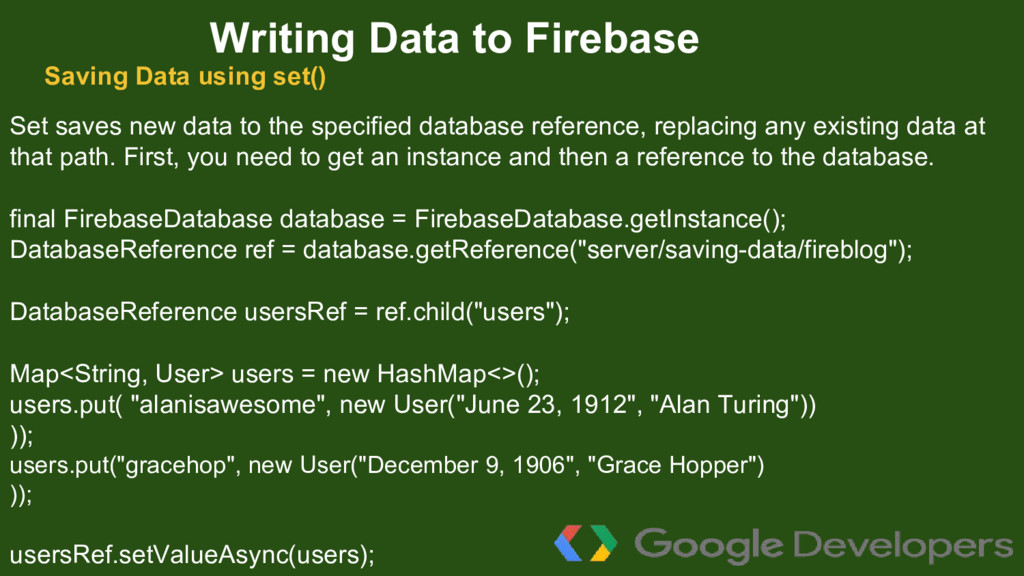
any existing data at that path. First, you need to get an instance and then a reference to the database. final FirebaseDatabase database = FirebaseDatabase.getInstance(); DatabaseReference ref = database.getReference("server/saving-data/fireblog"); DatabaseReference usersRef = ref.child("users"); Map<String, User> users = new HashMap<>(); users.put( "alanisawesome", new User("June 23, 1912", "Alan Turing")) )); users.put("gracehop", new User("December 9, 1906", "Grace Hopper") )); usersRef.setValueAsync(users); Writing Data to Firebase Saving Data using set()
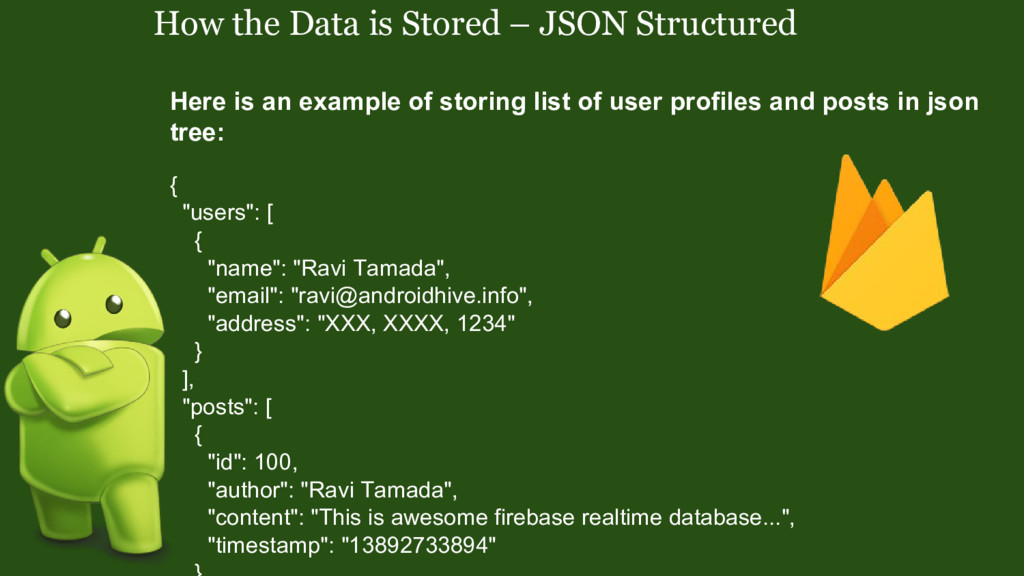
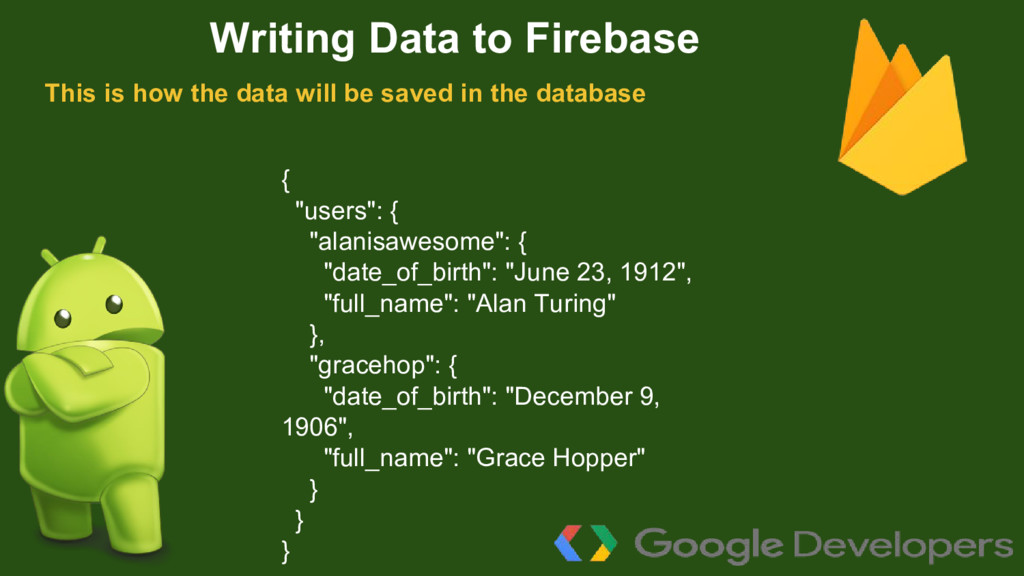
"Alan Turing" }, "gracehop": { "date_of_birth": "December 9, 1906", "full_name": "Grace Hopper" } } } Writing Data to Firebase This is how the data will be saved in the database
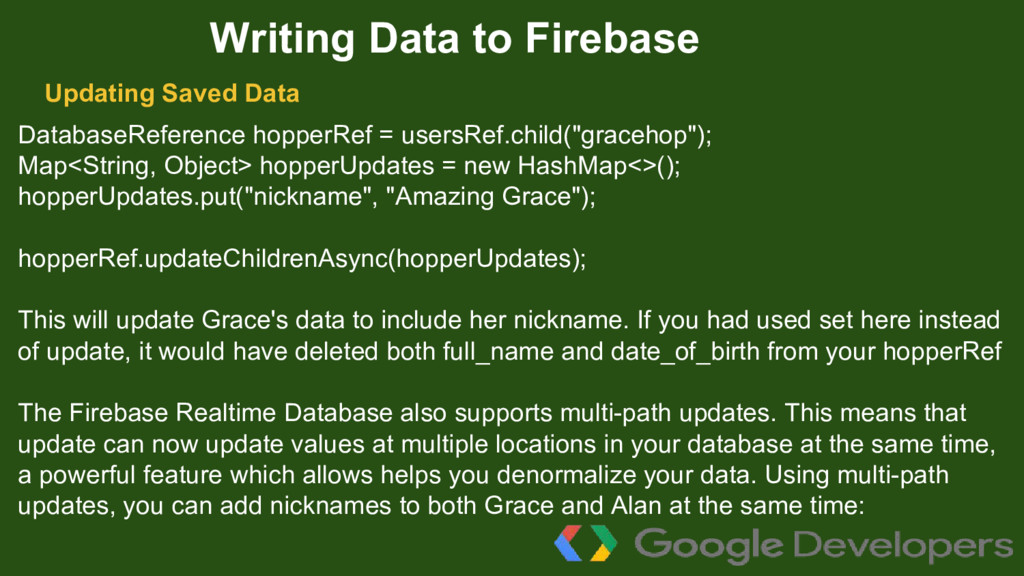
hopperUpdates.put("nickname", "Amazing Grace"); hopperRef.updateChildrenAsync(hopperUpdates); This will update Grace's data to include her nickname. If you had used set here instead of update, it would have deleted both full_name and date_of_birth from your hopperRef The Firebase Realtime Database also supports multi-path updates. This means that update can now update values at multiple locations in your database at the same time, a powerful feature which allows helps you denormalize your data. Using multi-path updates, you can add nicknames to both Grace and Alan at the same time: Writing Data to Firebase Updating Saved Data
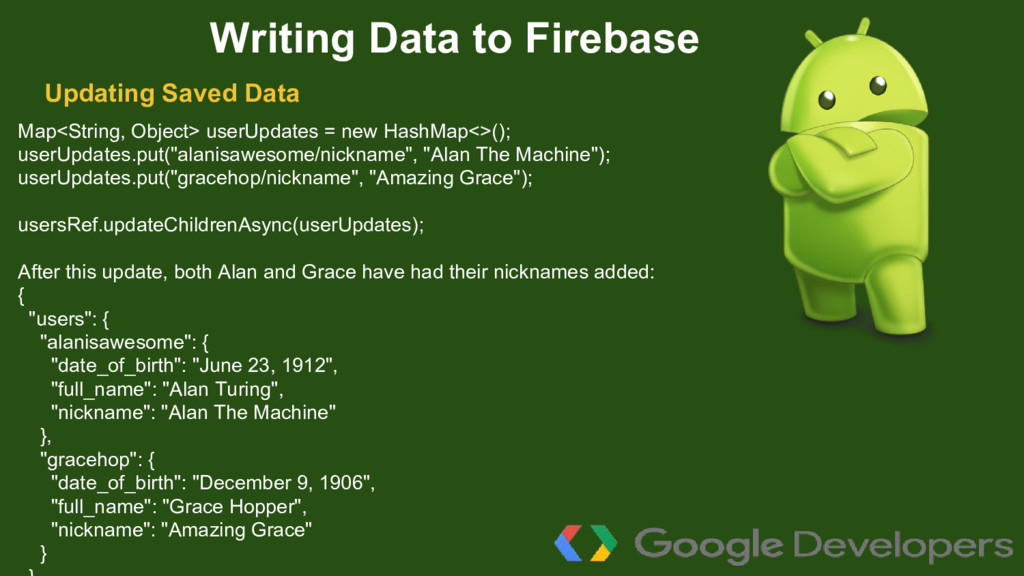
userUpdates.put("gracehop/nickname", "Amazing Grace"); usersRef.updateChildrenAsync(userUpdates); After this update, both Alan and Grace have had their nicknames added: { "users": { "alanisawesome": { "date_of_birth": "June 23, 1912", "full_name": "Alan Turing", "nickname": "Alan The Machine" }, "gracehop": { "date_of_birth": "December 9, 1906", "full_name": "Grace Hopper", "nickname": "Amazing Grace" } Writing Data to Firebase Updating Saved Data
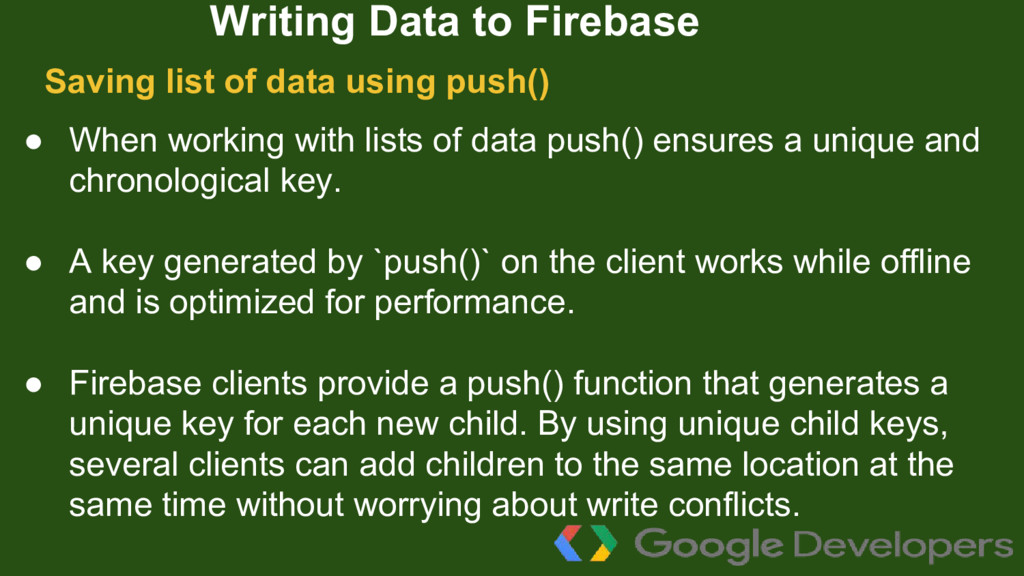
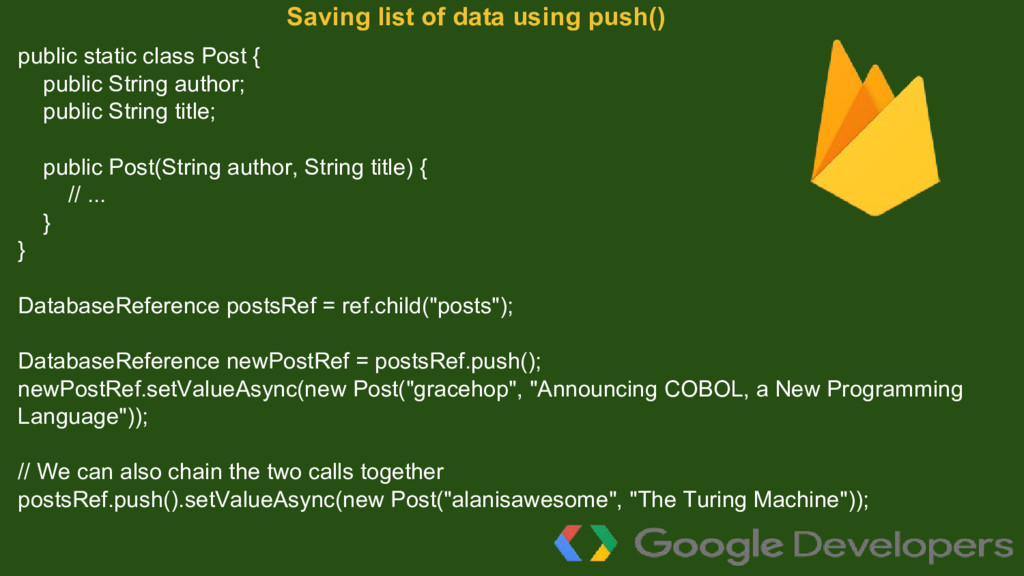
unique and chronological key. • A key generated by `push()` on the client works while offline and is optimized for performance. • Firebase clients provide a push() function that generates a unique key for each new child. By using unique child keys, several clients can add children to the same location at the same time without worrying about write conflicts. Writing Data to Firebase Saving list of data using push()
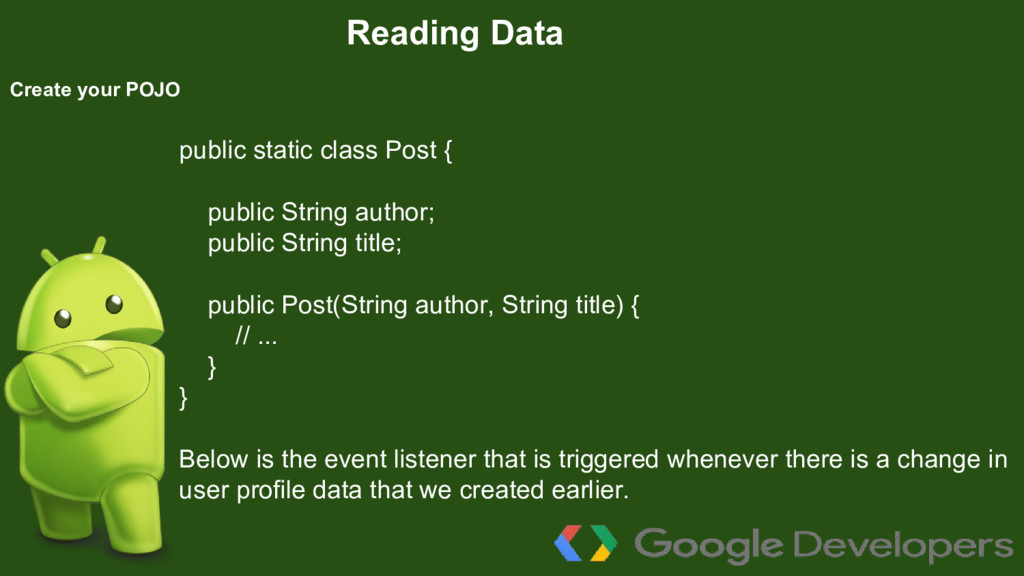
title; public Post(String author, String title) { // ... } } DatabaseReference postsRef = ref.child("posts"); DatabaseReference newPostRef = postsRef.push(); newPostRef.setValueAsync(new Post("gracehop", "Announcing COBOL, a New Programming Language")); // We can also chain the two calls together postsRef.push().setValueAsync(new Post("alanisawesome", "The Turing Machine")); Saving list of data using push()
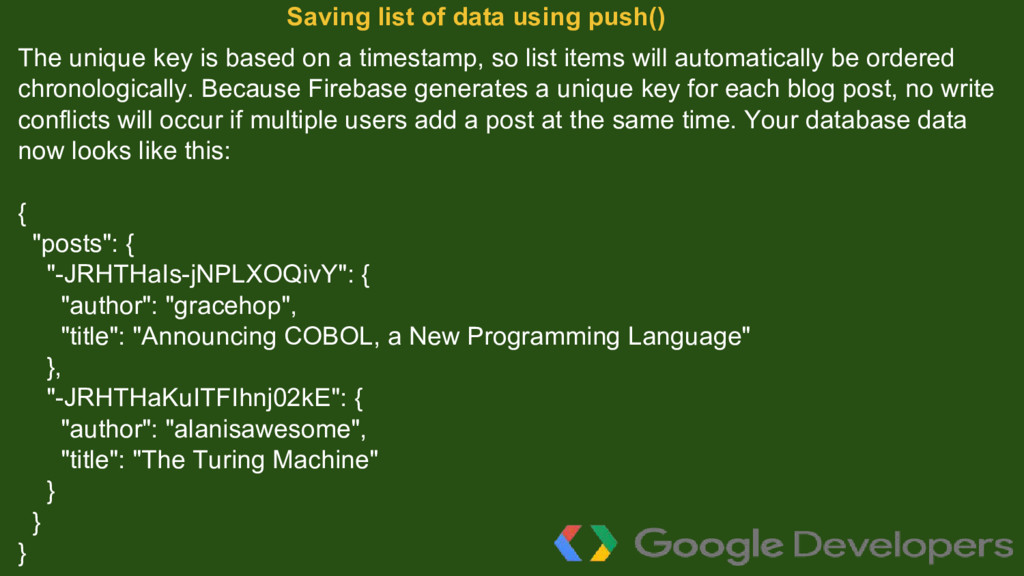
items will automatically be ordered chronologically. Because Firebase generates a unique key for each blog post, no write conflicts will occur if multiple users add a post at the same time. Your database data now looks like this: { "posts": { "-JRHTHaIs-jNPLXOQivY": { "author": "gracehop", "title": "Announcing COBOL, a New Programming Language" }, "-JRHTHaKuITFIhnj02kE": { "author": "alanisawesome", "title": "The Turing Machine" } } } Saving list of data using push()
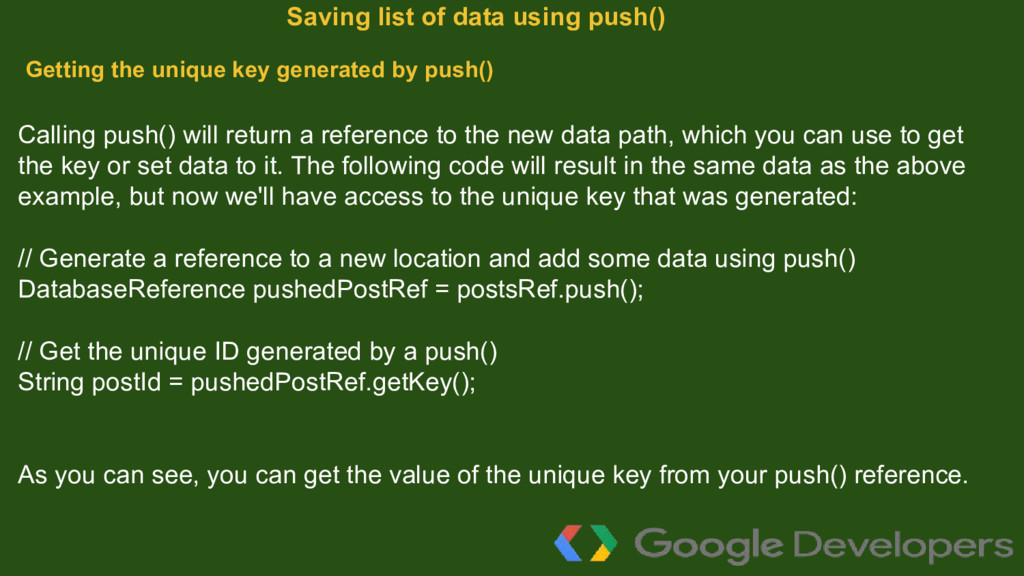
path, which you can use to get the key or set data to it. The following code will result in the same data as the above example, but now we'll have access to the unique key that was generated: // Generate a reference to a new location and add some data using push() DatabaseReference pushedPostRef = postsRef.push(); // Get the unique ID generated by a push() String postId = pushedPostRef.getKey(); As you can see, you can get the value of the unique key from your push() reference. Saving list of data using push() Getting the unique key generated by push()
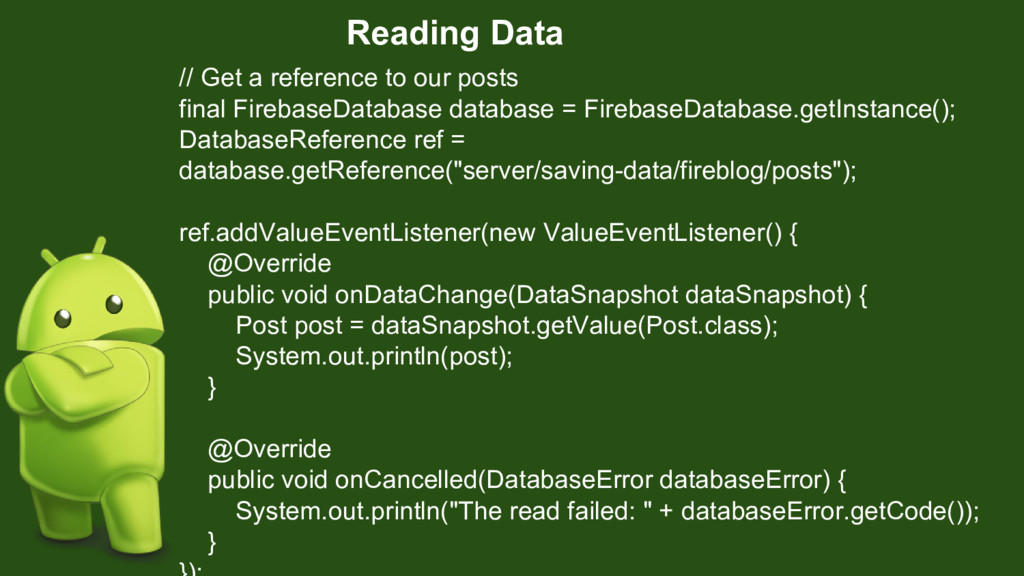
the ValueEventListener() to the database reference. This event will be triggered whenever there is a change in data in realtime. In onDataChange() you can perform the desired operations onto new data.
public String author; public String title; public Post(String author, String title) { // ... } } Below is the event listener that is triggered whenever there is a change in user profile data that we created earlier.


 maimyyym
 ludicmind
 iktakahiro
 techtekt
 hiracky16
 shuta13
 tokuty
 onk
onk
 persolserverworks
 bitkey
 glaforge
 rfdnxbro
 palkan
 mayatellez
 baasie
.jpg) cargoodrich
cargoodrich
 addyosmani
 morganepeng
 scottboms
 maggiecrowley
 jonrohan
 honnibal
 kristinabergwall1
 speakerdeck