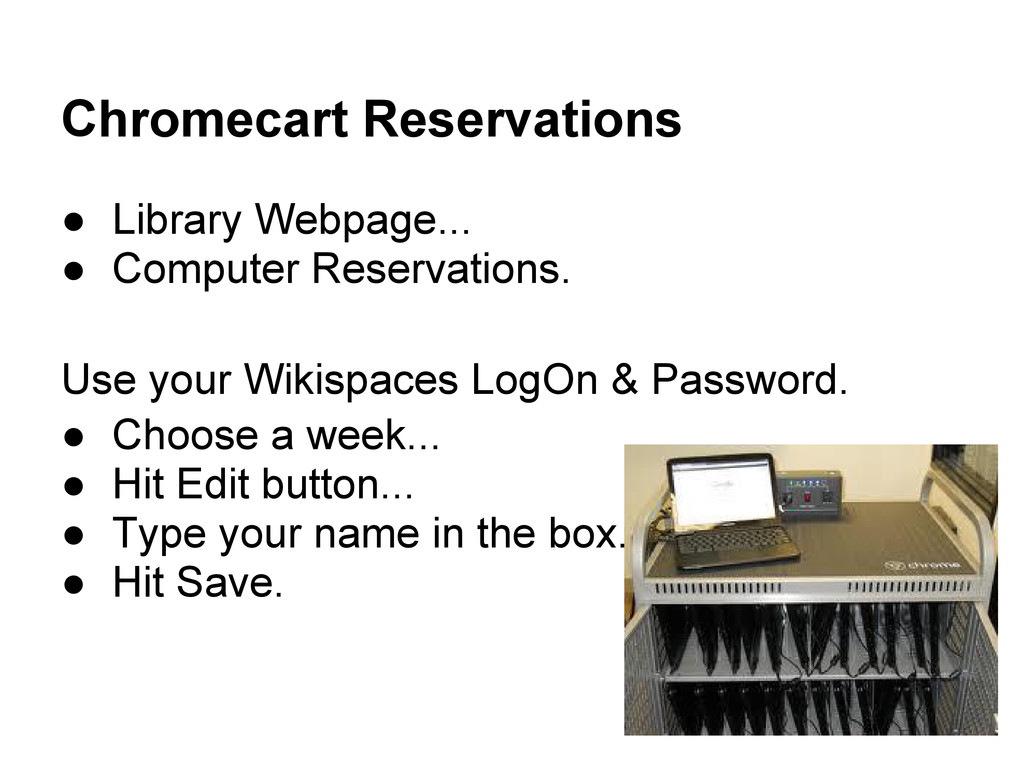
Chromebook closed and with two hands • Keep water bottle on the floor to avoid water damage • When not using your Chromebook, close it to save the battery • When finished, make sure to log off • Put it in the cart gently and plug in to make sure it gets charged- look for the light
school PC. • CTRL+ALT+DEL • Select Change pw • Put in old pw • select a new pw. It must be 8 characters or more. (If it fits the criteria, you can choose your same old pw, but you still have to go through this process.) • Go to Chrome Browser • log in with username & new pw ([email protected] and new pw)
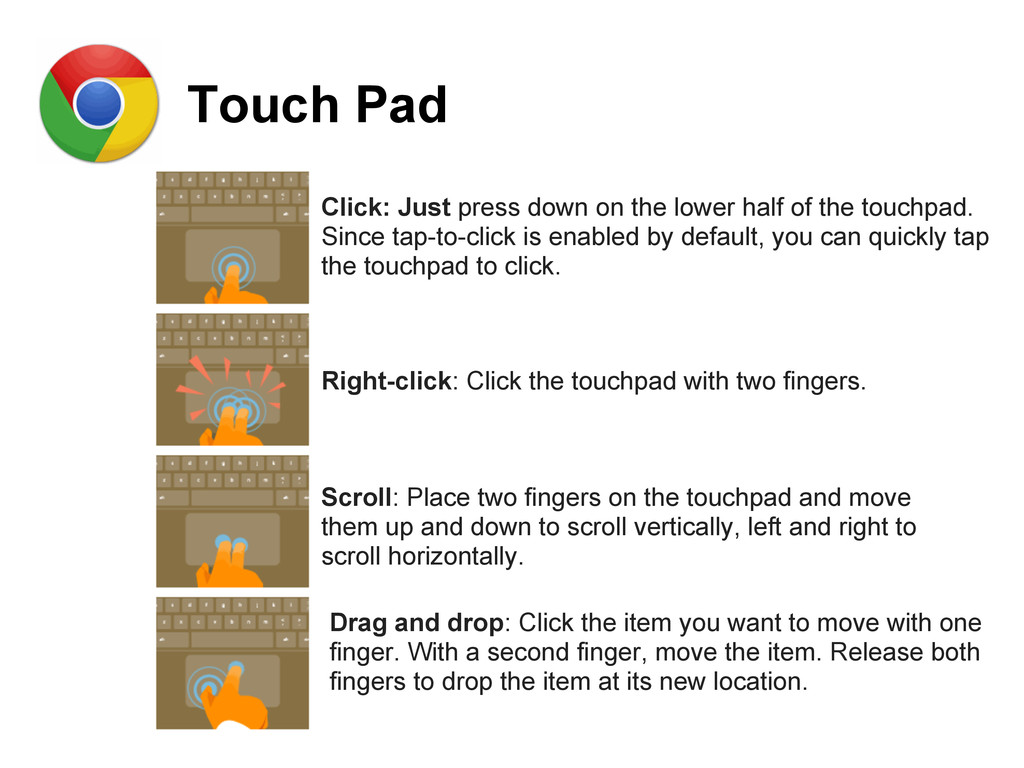
of the touchpad. Since tap-to-click is enabled by default, you can quickly tap the touchpad to click. Right-click: Click the touchpad with two fingers. Scroll: Place two fingers on the touchpad and move them up and down to scroll vertically, left and right to scroll horizontally. Drag and drop: Click the item you want to move with one finger. With a second finger, move the item. Release both fingers to drop the item at its new location.
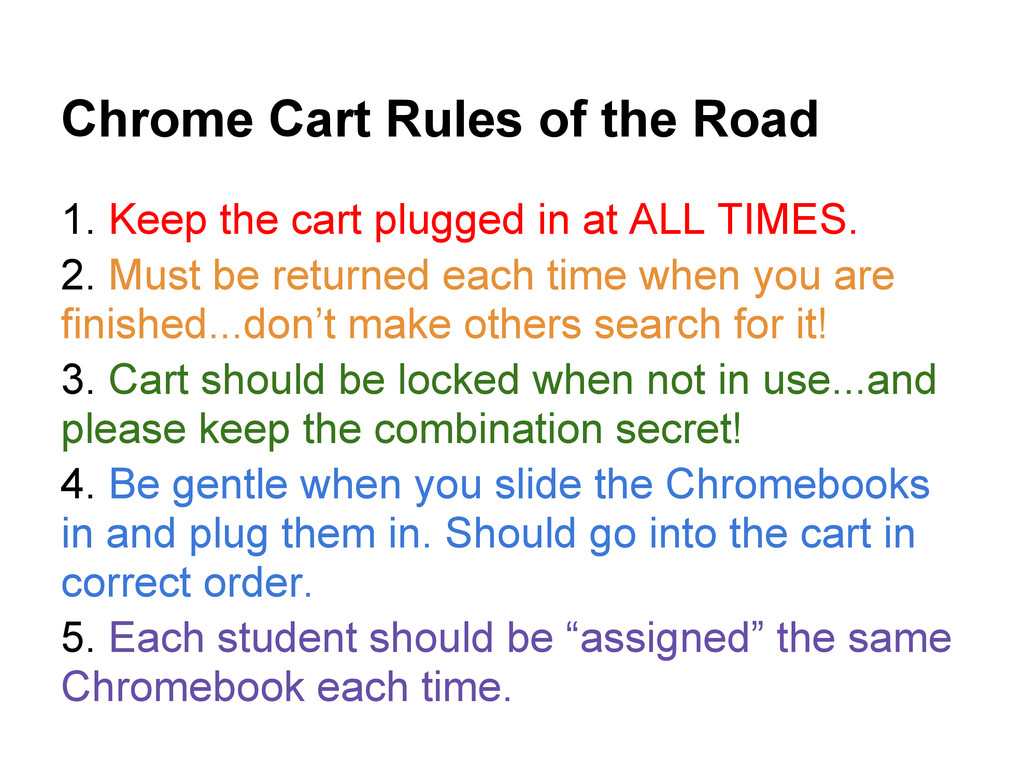
plugged in at ALL TIMES. 2. Must be returned each time when you are finished...don’t make others search for it! 3. Cart should be locked when not in use...and please keep the combination secret! 4. Be gentle when you slide the Chromebooks in and plug them in. Should go into the cart in correct order. 5. Each student should be “assigned” the same Chromebook each time.
either a wide-ranging set of features, or focusing on a single task like photo editing or shopping. You can discover more than 30,000 free and paid apps, themes and extensions at the Chrome Web Store. Chrome Web Store
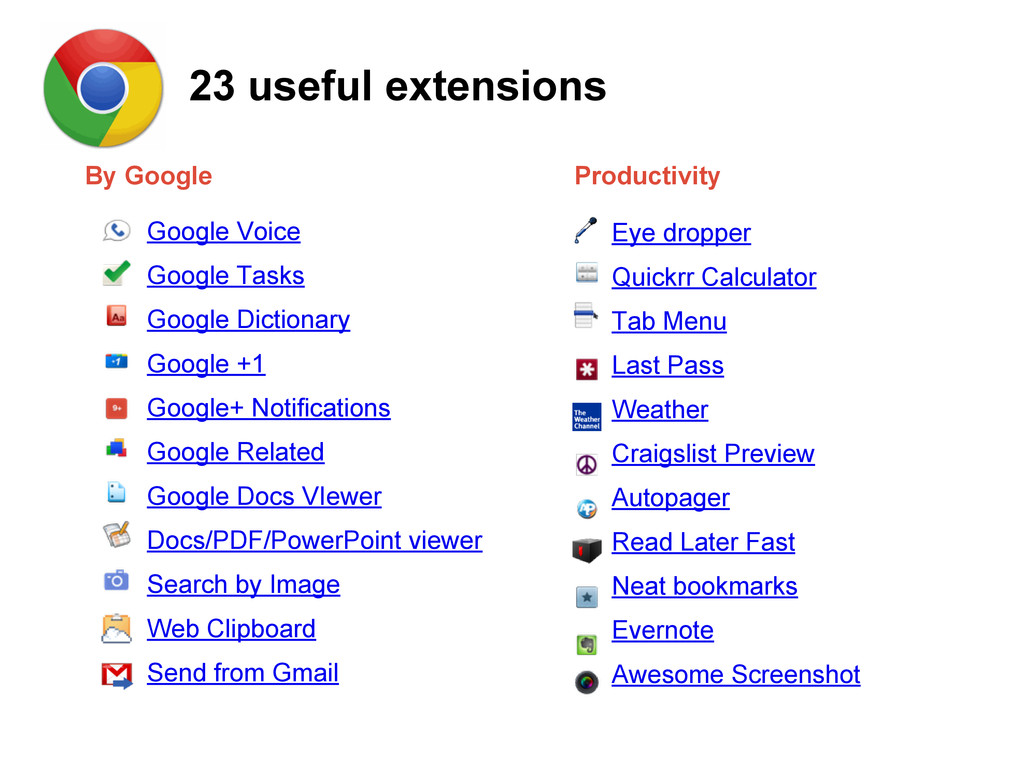
Google Related Google Docs VIewer Docs/PDF/PowerPoint viewer Search by Image Web Clipboard Send from Gmail Eye dropper Quickrr Calculator Tab Menu Last Pass Weather Craigslist Preview Autopager Read Later Fast Neat bookmarks Evernote Awesome Screenshot By Google Productivity 23 useful extensions
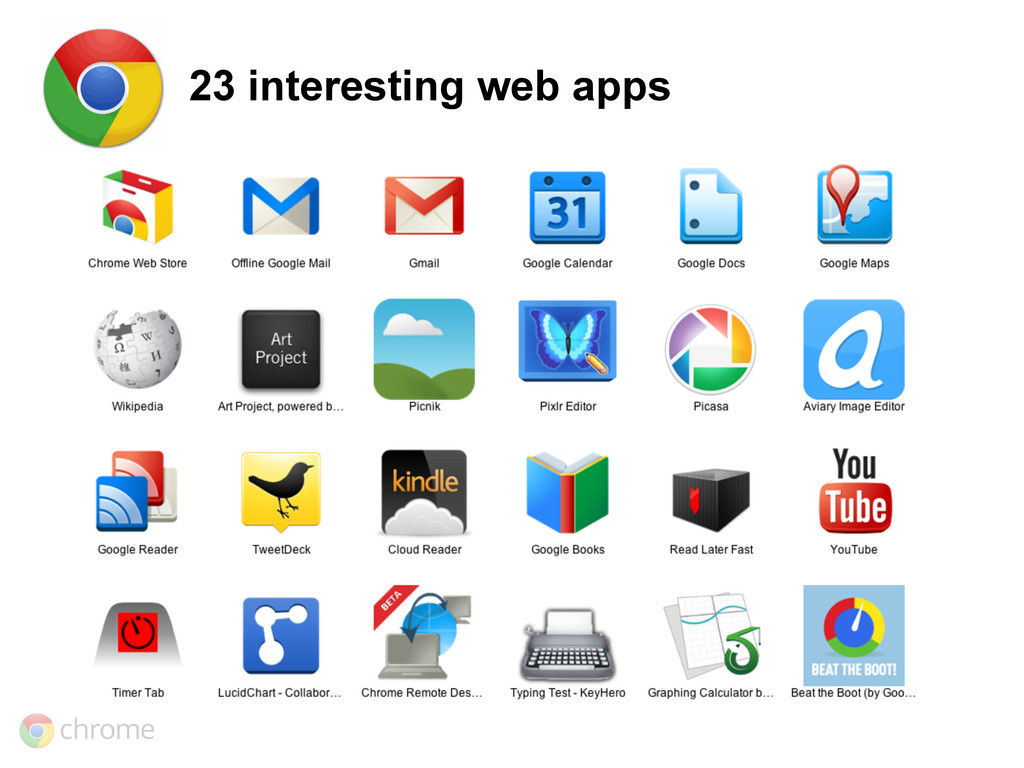
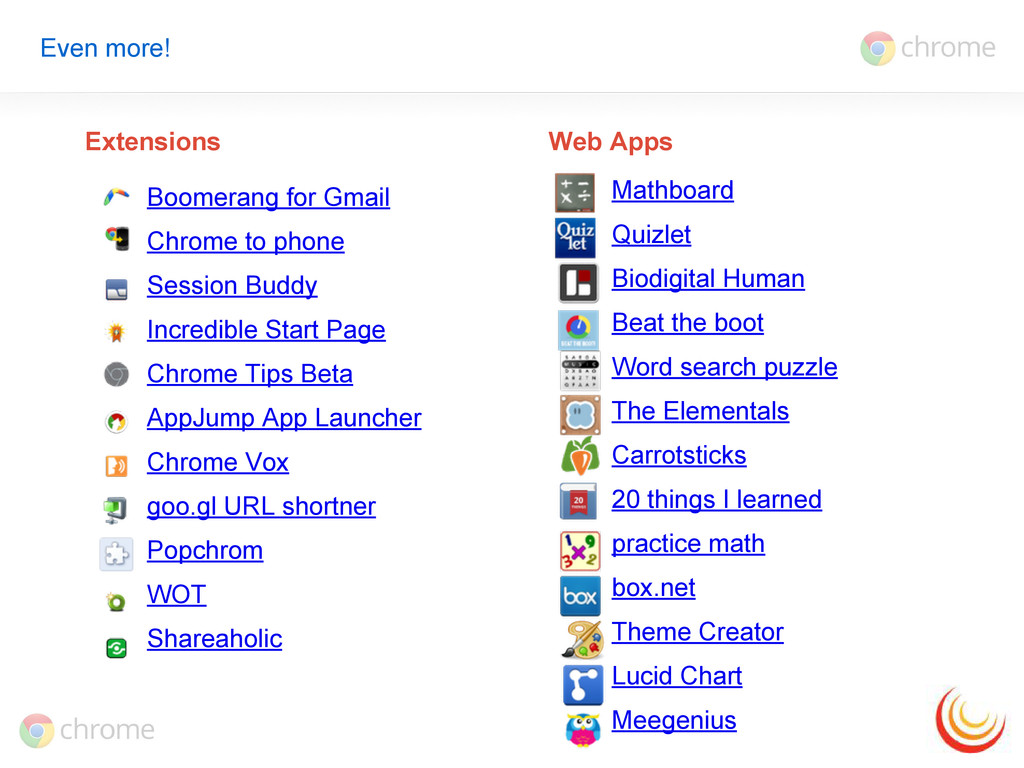
Incredible Start Page Chrome Tips Beta AppJump App Launcher Chrome Vox goo.gl URL shortner Popchrom WOT Shareaholic Mathboard Quizlet Biodigital Human Beat the boot Word search puzzle The Elementals Carrotsticks 20 things I learned practice math box.net Theme Creator Lucid Chart Meegenius Extensions Web Apps
Integration Specialist for the Edina Public Schools. It was adapted and additional material was added for use with Heyworth Schools and policy by District Librarian Michelle Harris.


 harrismlibrary
 akiraasano
 naochim2026
 hiola
hiola
 kenichiota0711
 juanmartin2026
 gishi_yama
 ytapples613
 signer
 pawan_pharm
 suisan
 drpoonamkc
 matshogo
 palkan
 davidcarrasco
 chriscoyier
 popppiees
 morganepeng
 aleyda
 tammyeverts
 jonoalderson
 charlesmeaden
 moore
moore
 katarinadahlin