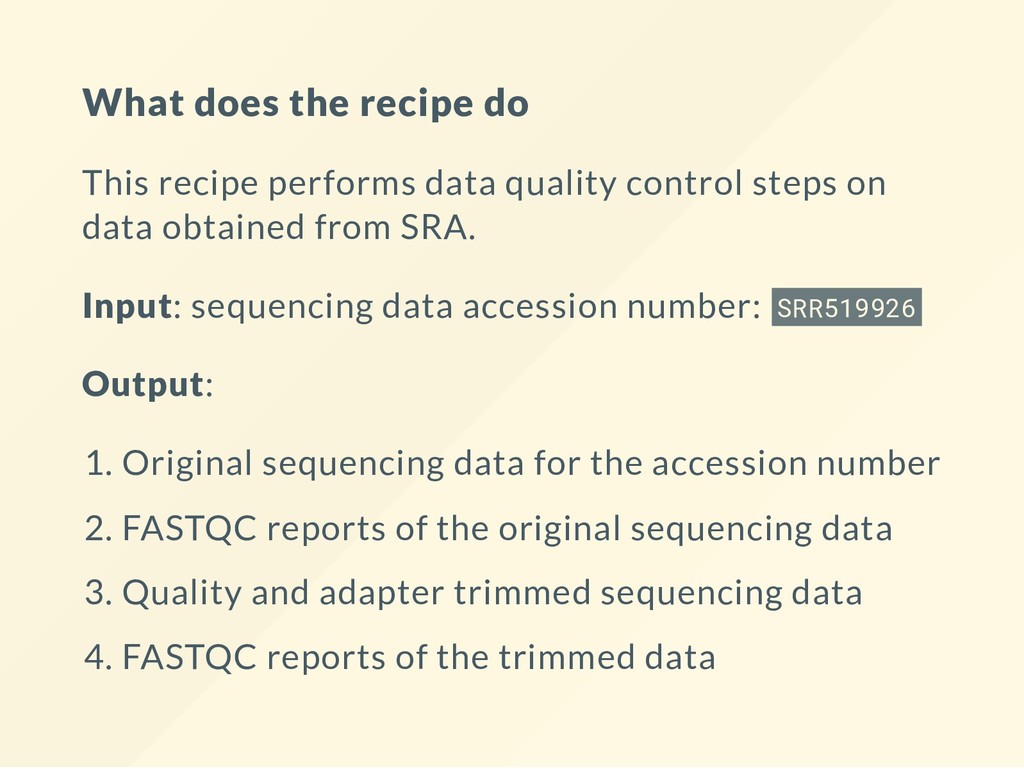
control steps on data obtained from SRA. Input: sequencing data accession number: SRR519926 Output: 1. Original sequencing data for the accession number 2. FASTQC reports of the original sequencing data 3. Quality and adapter trimmed sequencing data 4. FASTQC reports of the trimmed data
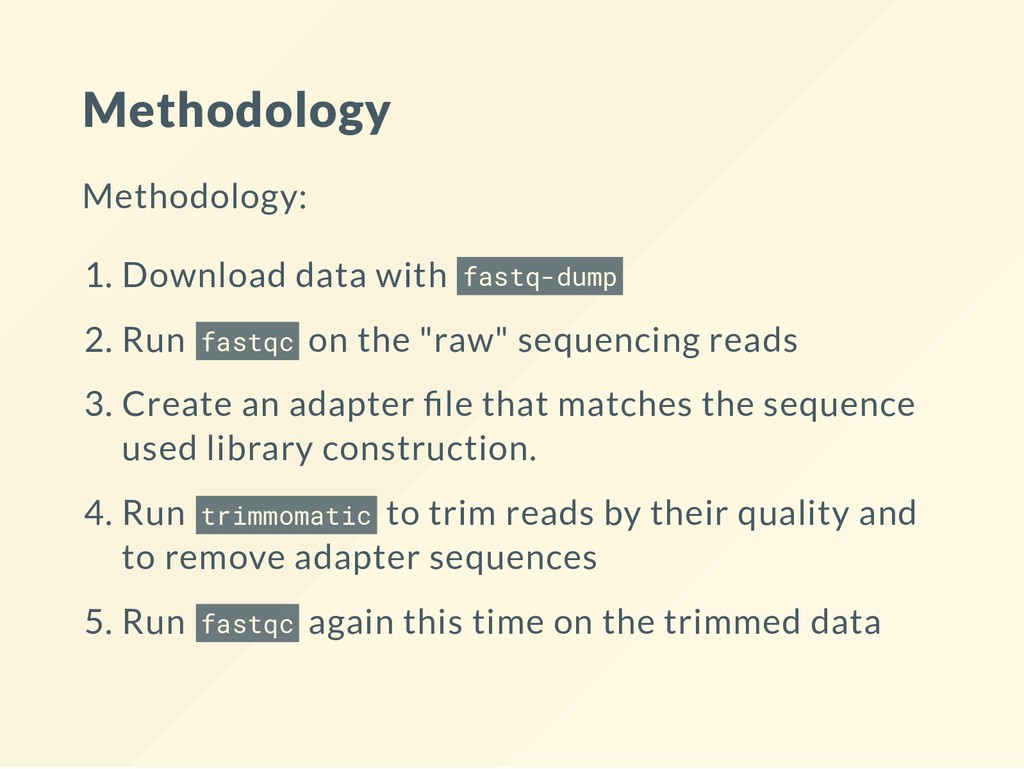
on the "raw" sequencing reads 3. Create an adapter le that matches the sequence used library construction. 4. Run trimmomatic to trim reads by their quality and to remove adapter sequences 5. Run fastqc again this time on the trimmed data
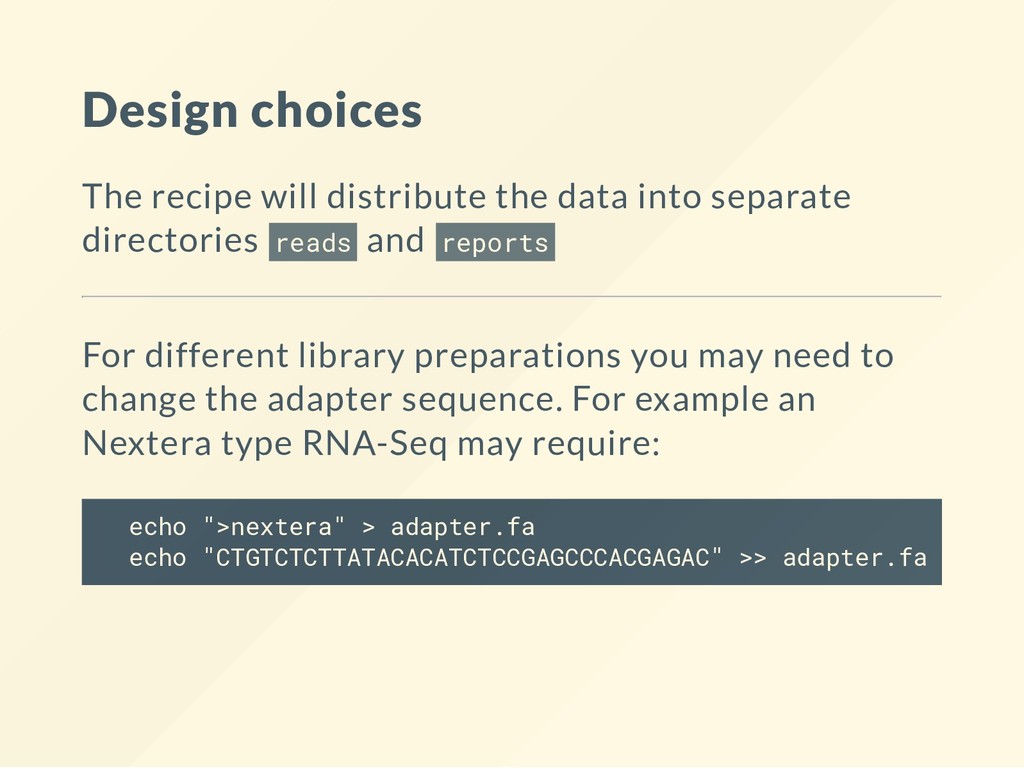
directories reads and reports For different library preparations you may need to change the adapter sequence. For example an Nextera type RNA-Seq may require: echo ">nextera" > adapter.fa echo "CTGTCTCTTATACACATCTCCGAGCCCACGAGAC" >> adapter.fa
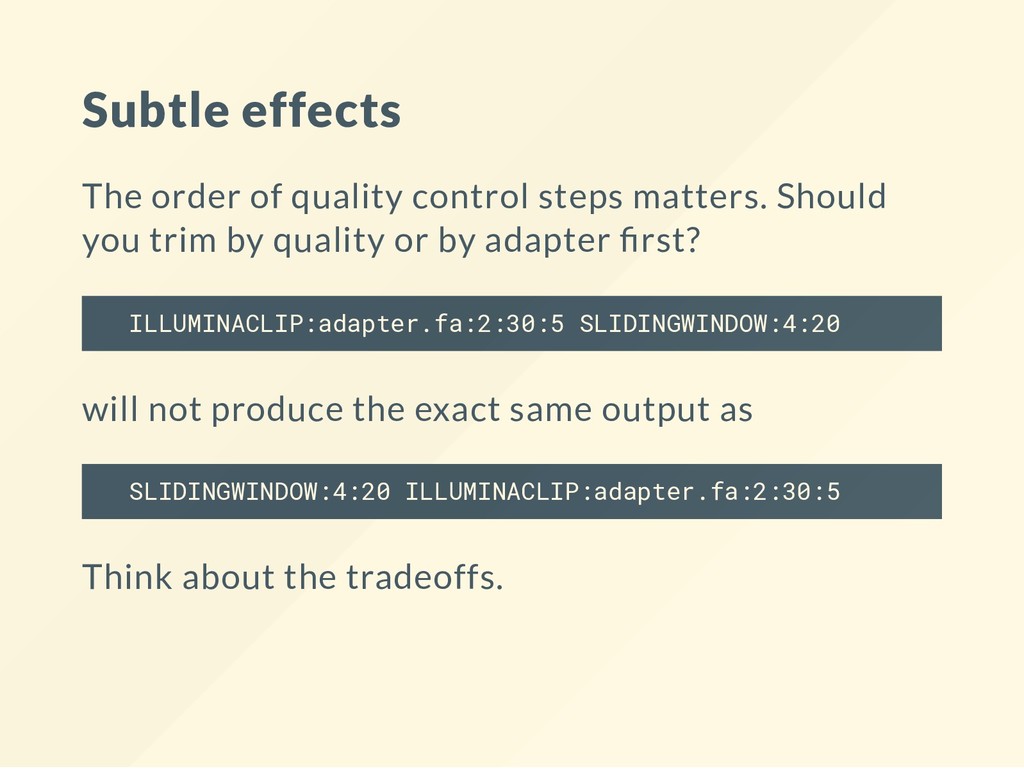
you trim by quality or by adapter rst? ILLUMINACLIP:adapter.fa:2:30:5 SLIDINGWINDOW:4:20 will not produce the exact same output as SLIDINGWINDOW:4:20 ILLUMINACLIP:adapter.fa:2:30:5 Think about the tradeoffs.
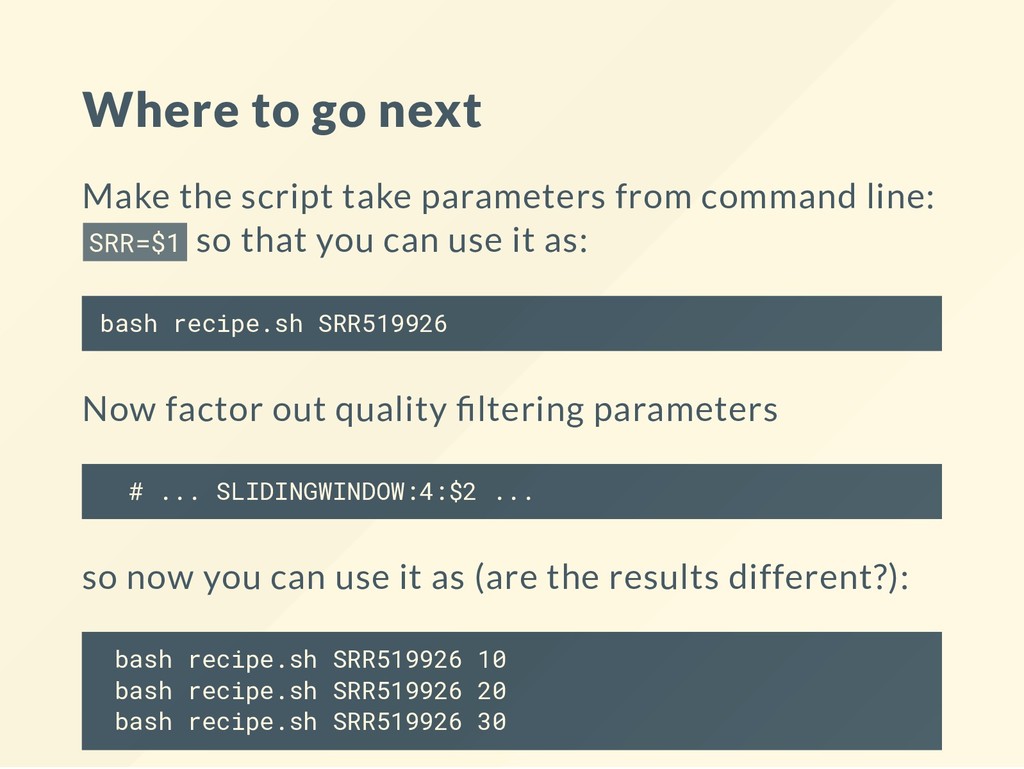
command line: SRR=$1 so that you can use it as: bash recipe.sh SRR519926 Now factor out quality ltering parameters # ... SLIDINGWINDOW:4:$2 ... so now you can use it as (are the results different?): bash recipe.sh SRR519926 10 bash recipe.sh SRR519926 20 bash recipe.sh SRR519926 30
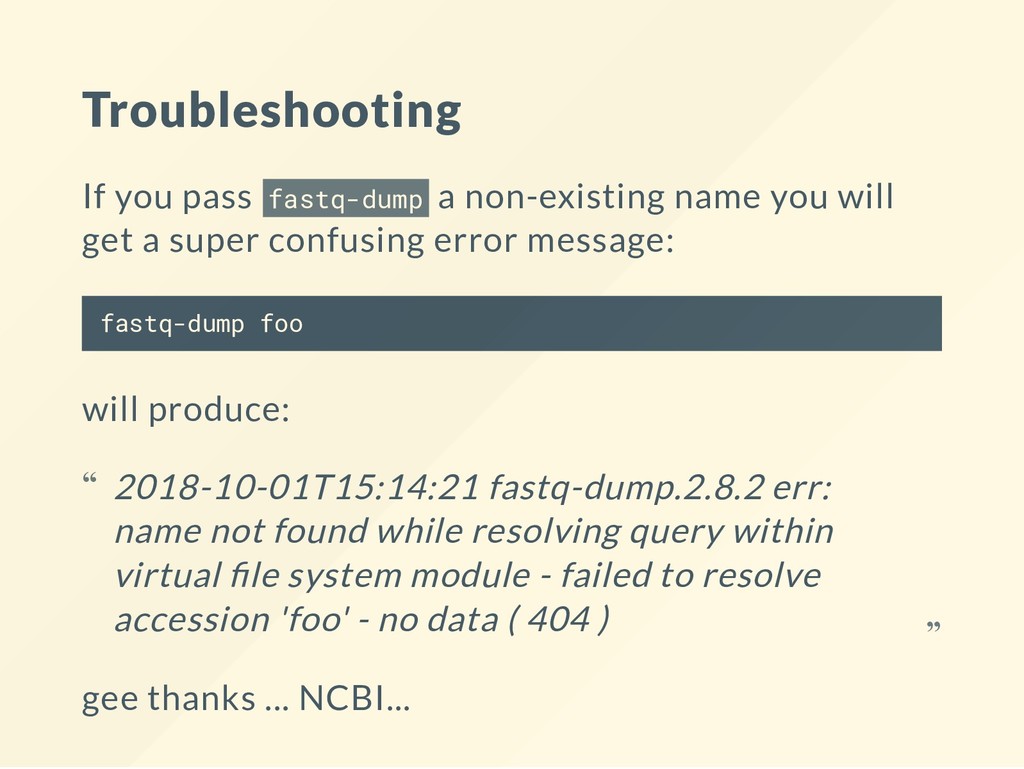
get a super confusing error message: fastq-dump foo will produce: gee thanks ... NCBI... 2018-10-01T15:14:21 fastq-dump.2.8.2 err: name not found while resolving query within virtual le system module - failed to resolve accession 'foo' - no data ( 404 ) “ “


 ialbert
 michielstock
 codingconduct
 bryan
bryan
 jonyablonski
 akihiro_kokubo
 kimpetersen
 sachag
 colly
colly
 szymonslowik
 akademiya2063
 addyosmani
 wayneb77