Share
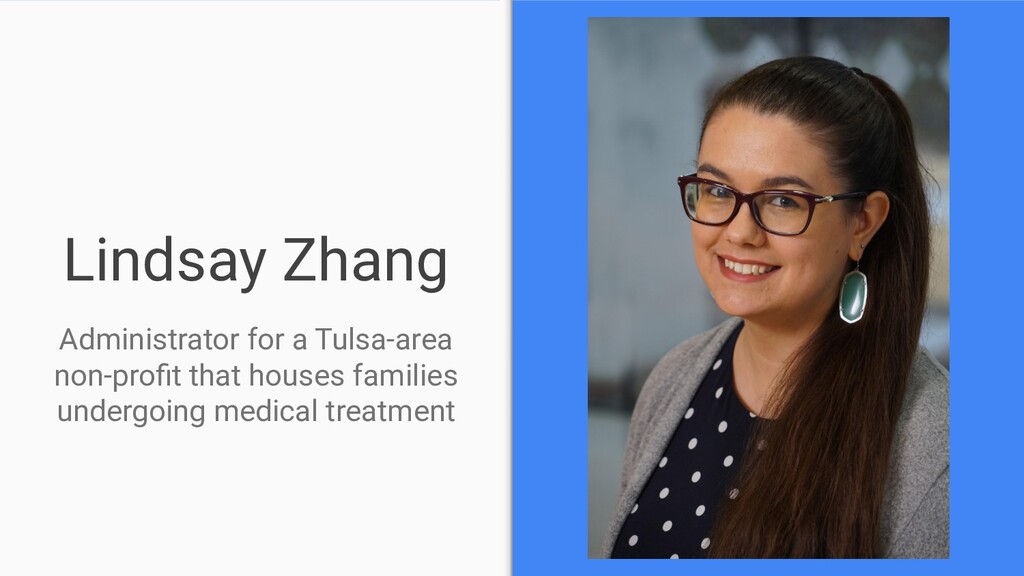
This presentation is my submission for the Week 7&8 Team Project for EDTC 4113. I interviewed Lindsay Zhang, a non-profit Administrator.


 ainischool
 matleenalaakso
 masakiokuda
 mariooc
 naochim2026
 pawan_pharm
 bunnchinn3
 kentaroy47
 juanmartin2026
 terasawat
 moriyuya
 jdejongh
 wayneb77
 erikaheidi
 jct
jct
 mfonobong
 michielstock
 stephaniewalter
 akosma
 gr2m
gr2m
 kimpetersen
 brad_frost
 reverentgeek